

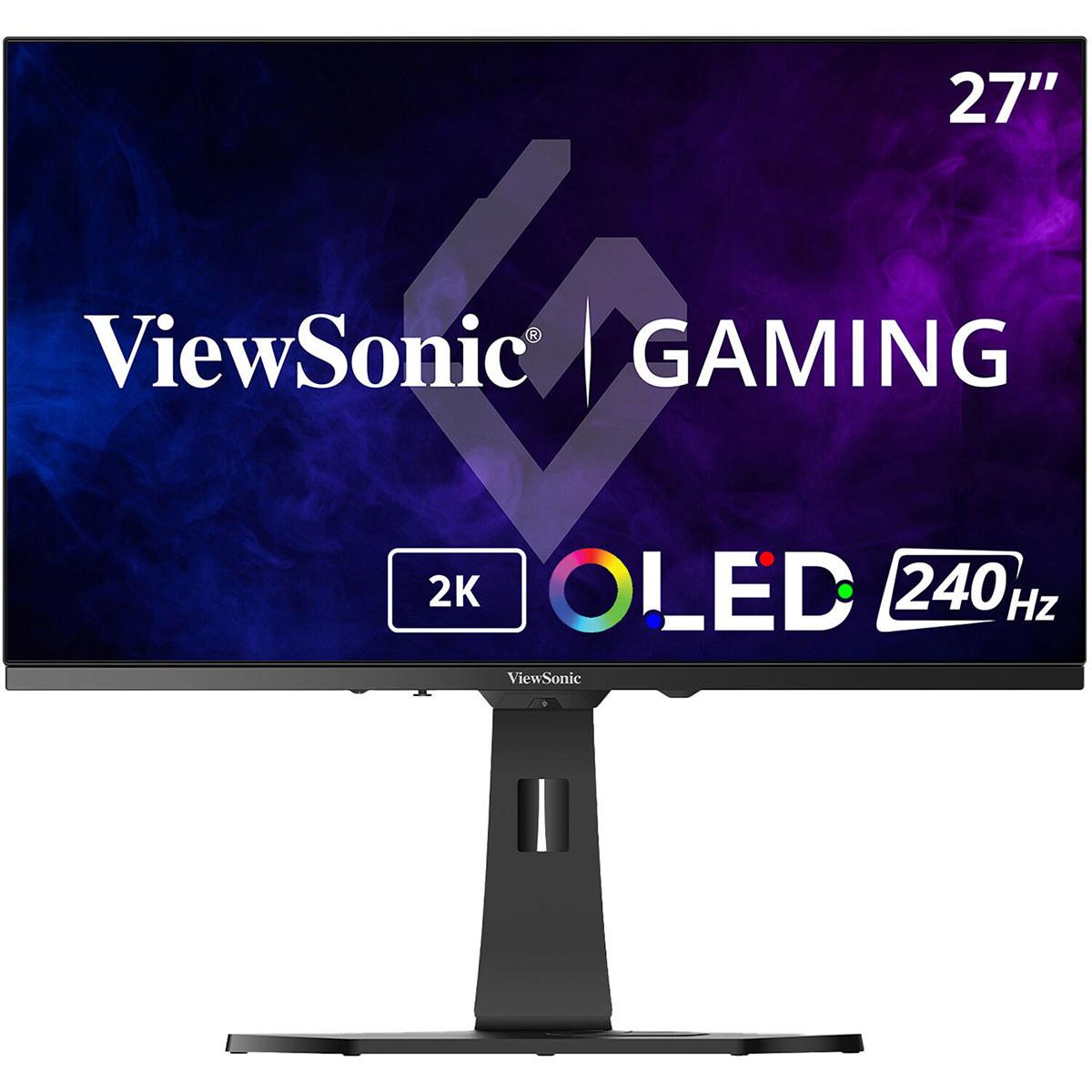
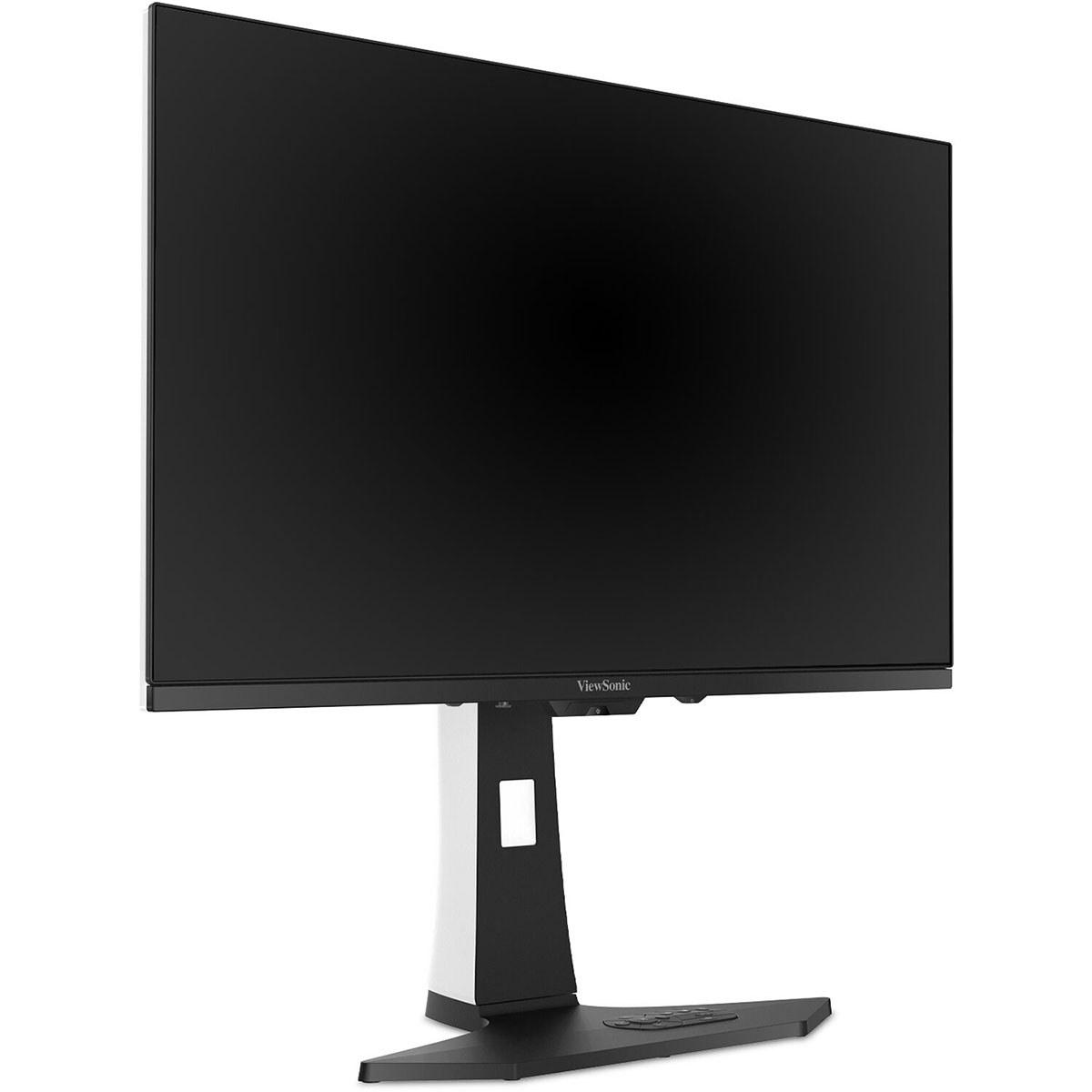
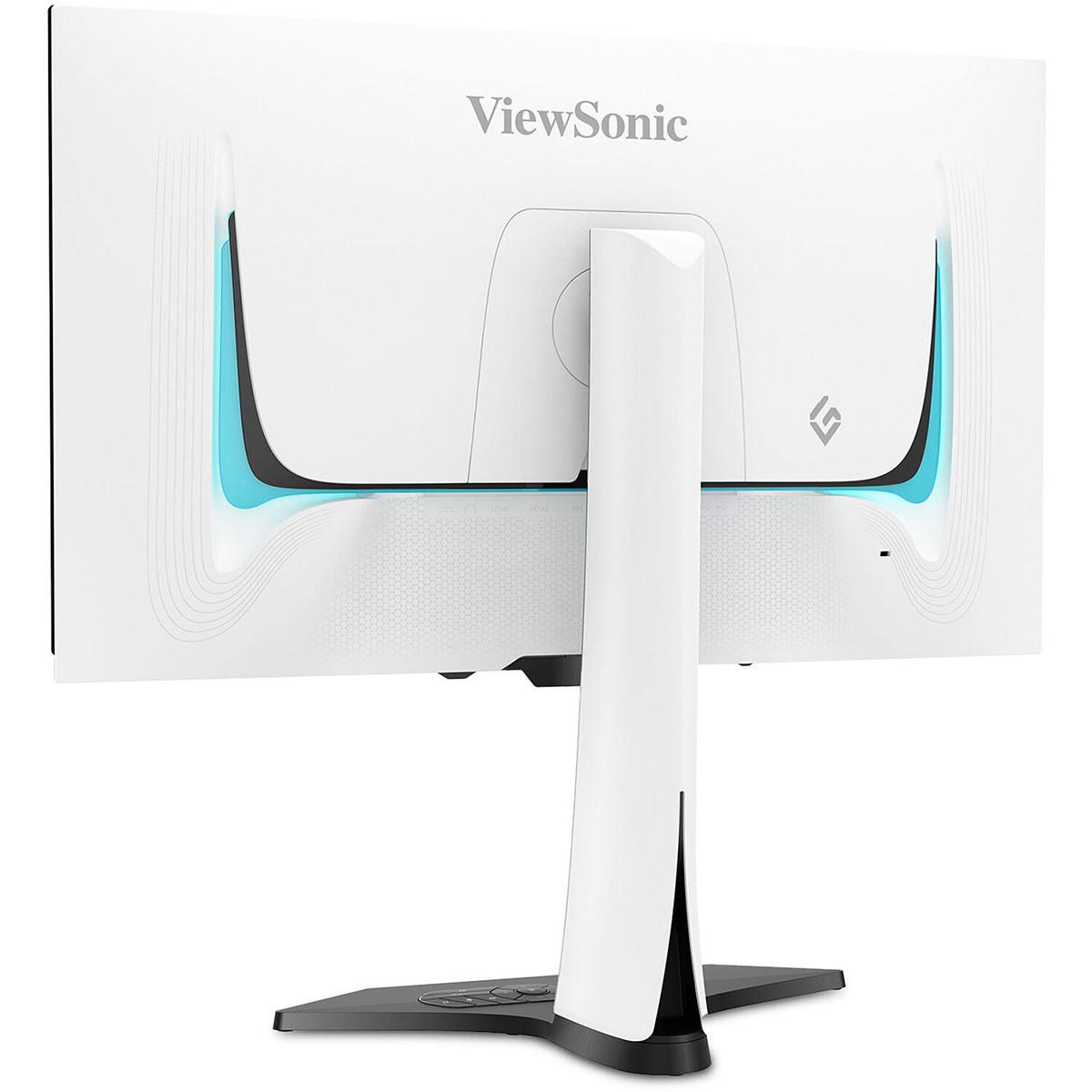
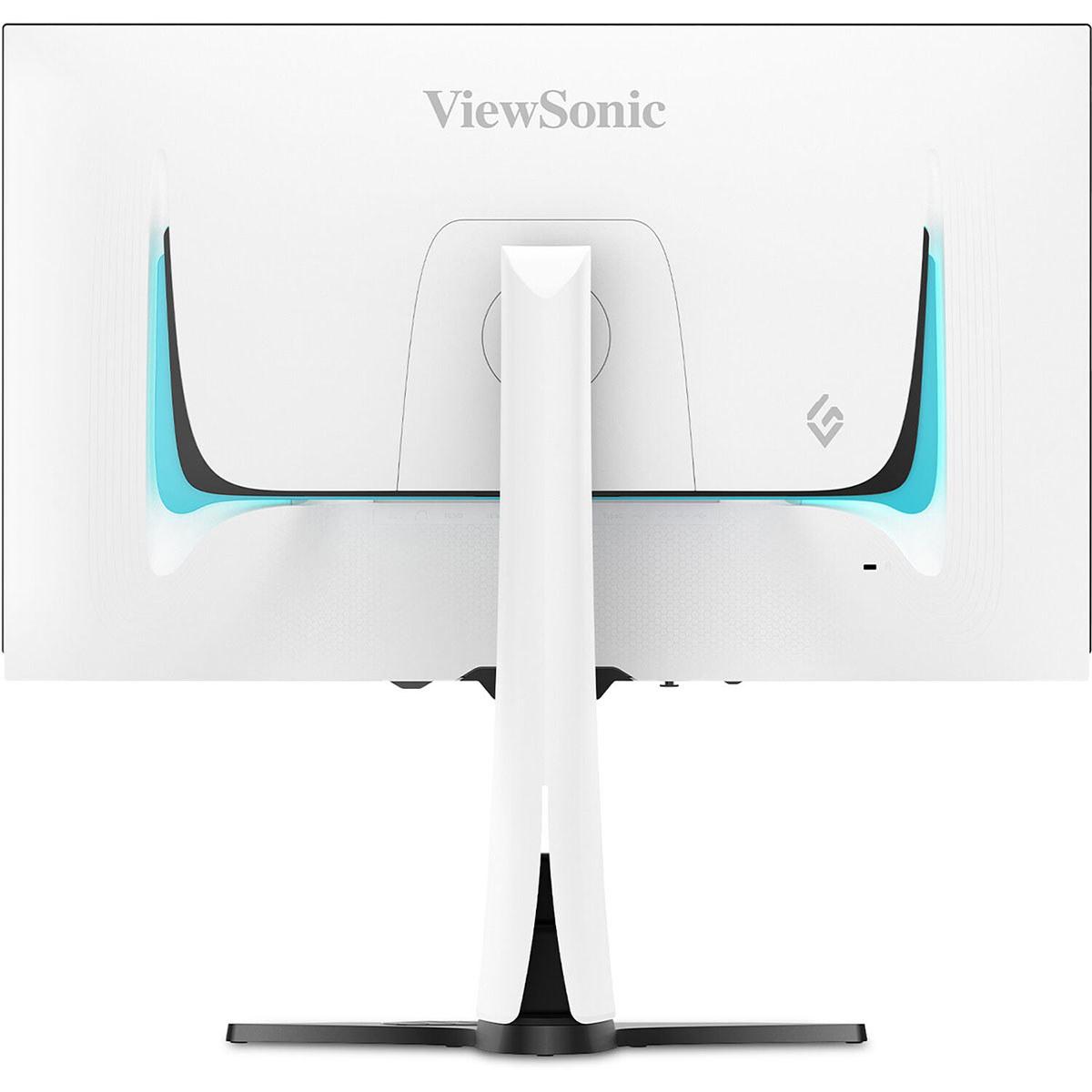











When it comes to choosing a high-end gaming monitor in 2024, the decision between traditional OLED and QD-OLED technology has become one of the most important considerations for serious gamers. The ViewSonic XG272-2K-OLED and GIGABYTE MO27Q2 represent two compelling approaches to 27-inch QHD OLED gaming, each with distinct advantages that cater to different user priorities and budgets.
OLED (Organic Light-Emitting Diode) technology has revolutionized gaming displays by eliminating the backlight found in traditional LCD monitors. Instead of using a backlight that shines through liquid crystal layers, each OLED pixel generates its own light. This fundamental difference enables true blacks - when a pixel needs to display black, it simply turns off completely, creating infinite contrast ratios that make images pop with unprecedented depth.
The magic of OLED becomes apparent the moment you see deep space scenes in games like Outer Wilds or the shadowy corridors of horror games. Where LCD monitors show grayish blacks due to backlight bleed, OLED displays render these areas as perfectly black, making bright elements appear to float in true darkness.
However, not all OLED panels are created equal. Traditional OLED panels use white OLED subpixels with color filters, while QD-OLED (Quantum Dot OLED) combines blue OLED emitters with quantum dots to create red and green colors. This difference affects brightness, color saturation, and even how text appears on screen - details that become crucial when choosing between monitors like the ViewSonic XG272-2K-OLED and GIGABYTE MO27Q2.
The most significant difference between these monitors lies in their fundamental panel technologies. The ViewSonic XG272-2K-OLED employs traditional OLED technology, while the GIGABYTE MO27Q2 uses Samsung's QD-OLED panel - a distinction that influences almost every aspect of their performance.
QD-OLED technology, first introduced commercially in 2022, represents Samsung's answer to traditional OLED limitations. By using blue OLED emitters combined with quantum dots (tiny semiconductor particles that convert blue light to red and green), QD-OLED panels can achieve wider color gamuts and potentially higher brightness levels than traditional OLED displays.
In practice, this means the GIGABYTE MO27Q2 produces more saturated, vivid colors that really make games pop. When playing vibrant titles like Spider-Man Remastered or Cyberpunk 2077, the QD-OLED's enhanced color volume creates an almost holographic depth to neon signs and colorful lighting effects. The quantum dot layer also eliminates the need for color filters, potentially improving light transmission efficiency.
However, the ViewSonic XG272-2K-OLED counters with significantly higher sustained brightness at 450 nits compared to the GIGABYTE's 250 nits. This brightness advantage becomes crucial in practical use - the ViewSonic remains clearly visible in rooms with ambient lighting, while the GIGABYTE performs best in darker environments. For gamers who play in living rooms or spaces with windows, this brightness difference can be the deciding factor.
The ViewSonic also features an anti-glare matte coating that reduces reflections, though this comes at the cost of slightly reduced color vibrancy compared to the GIGABYTE's glossy finish. It's a classic trade-off: the ViewSonic prioritizes usability across different lighting conditions, while the GIGABYTE maximizes visual impact in optimal viewing environments.
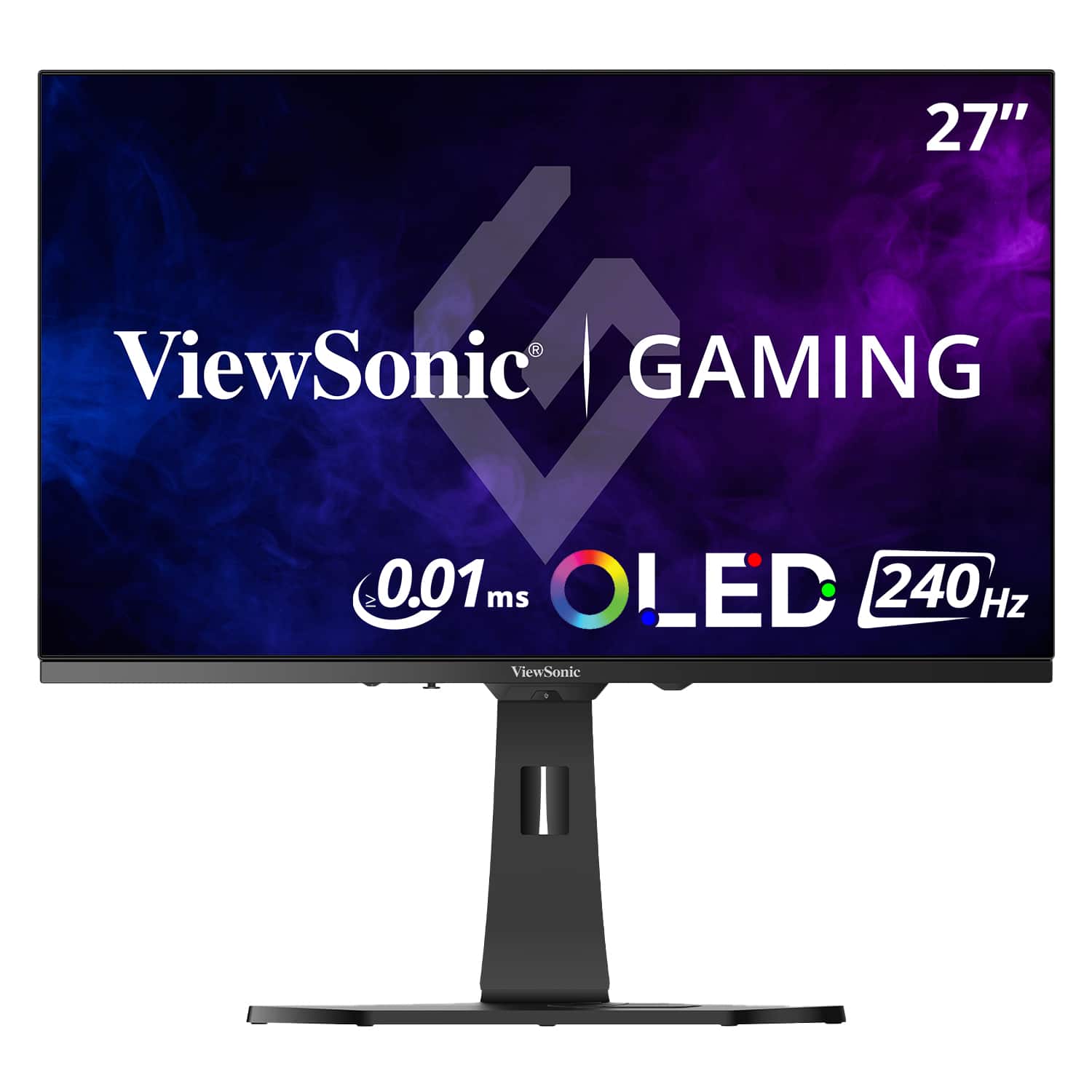
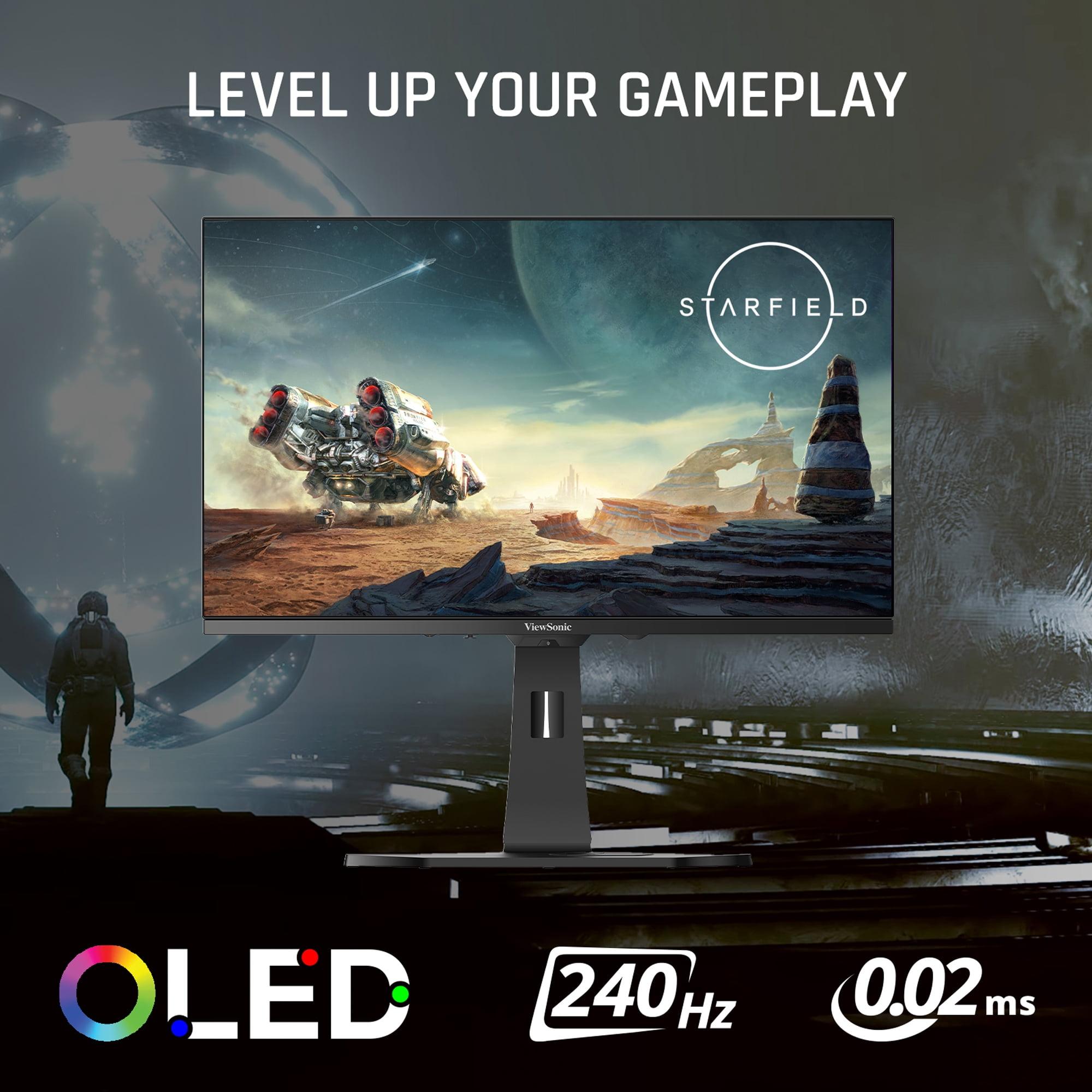
When evaluating gaming monitors, response time - the speed at which pixels can change from one color to another - stands as perhaps the most critical specification. The ViewSonic XG272-2K-OLED achieves an exceptional 0.01ms pixel response time (0.02ms gray-to-gray), while the GIGABYTE MO27Q2 delivers 0.03ms gray-to-gray response.
These numbers might seem academic, but they translate to real gaming advantages. In fast-paced competitive games like Valorant or Counter-Strike 2, every millisecond of input lag reduction can mean the difference between landing a shot and missing it. The ViewSonic's faster response time provides a slight edge that competitive gamers will appreciate, especially when combined with its Black Frame Insertion (BFI) technology.
BFI works by briefly turning off the display between frames, reducing motion blur perception. This feature, rare among OLED monitors, gives the ViewSonic XG272-2K-OLED superior motion clarity for tracking fast-moving targets. During extended gaming sessions with racing games like Forza Horizon 5, the difference becomes noticeable - text and detail remain sharper during high-speed sequences on the ViewSonic.
Both monitors support 240Hz refresh rates, which means they can display up to 240 frames per second when paired with capable graphics hardware. This high refresh rate creates incredibly smooth motion, particularly beneficial for first-person shooters where camera movement needs to feel instantaneous and natural.
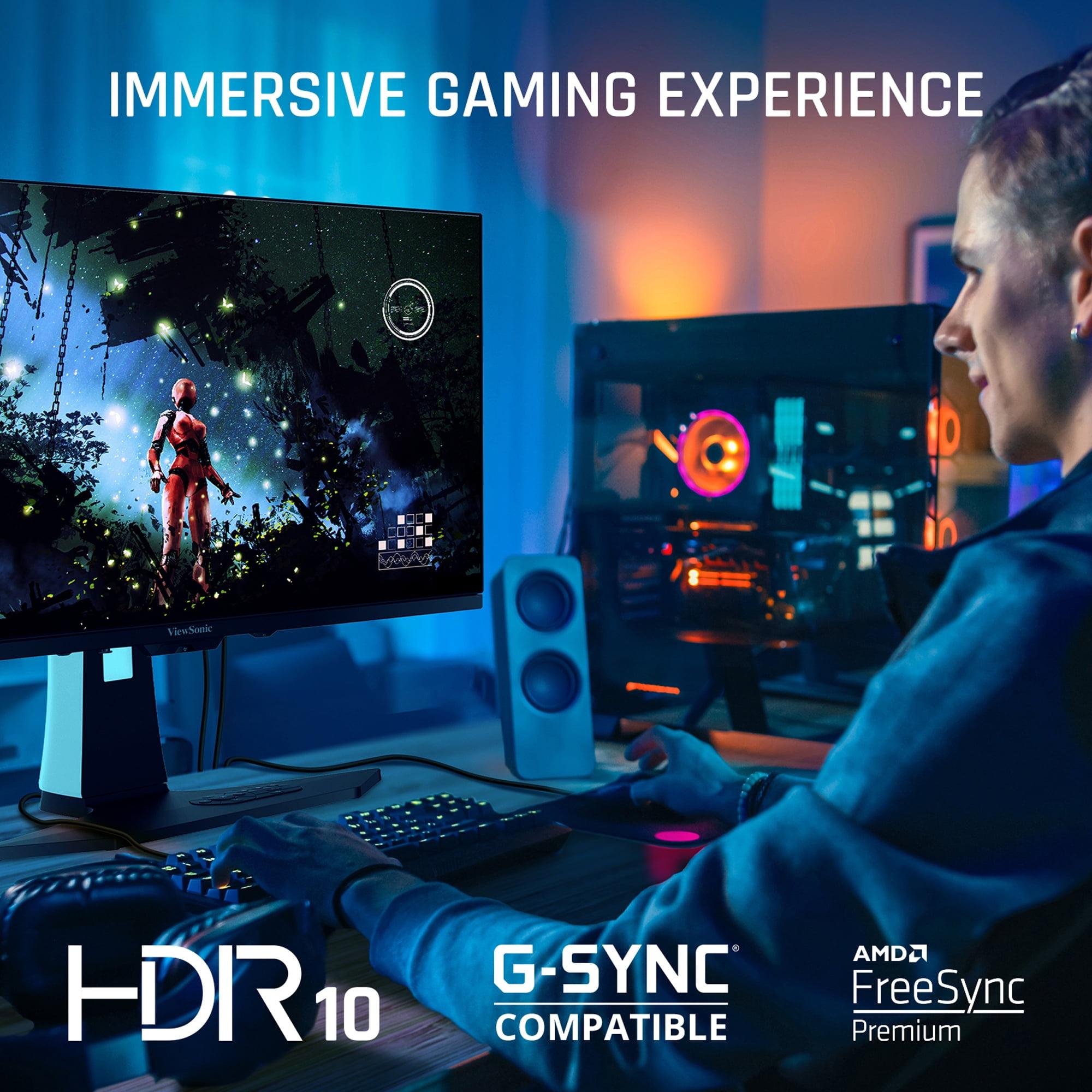
Adaptive sync technologies - AMD FreeSync and NVIDIA G-Sync compatibility - eliminate screen tearing by synchronizing the monitor's refresh rate with the graphics card's output. The ViewSonic XG272-2K-OLED supports FreeSync Premium, while the GIGABYTE MO27Q2 offers FreeSync Premium Pro, which adds HDR gaming benefits. Both work seamlessly with modern NVIDIA and AMD graphics cards, ensuring smooth gameplay regardless of your GPU choice.
High Dynamic Range (HDR) represents one of the most significant advances in display technology over the past decade. HDR expands the range between the darkest blacks and brightest whites a display can produce, creating more realistic and immersive visuals that better match what our eyes see in the real world.
OLED technology excels at HDR because it can achieve perfect blacks while still producing bright highlights. However, the implementation differs significantly between these monitors. The GIGABYTE MO27Q2 carries VESA DisplayHDR True Black 400 certification and claims peak brightness of 1000 nits, though real-world testing suggests it rarely sustains such high brightness levels across the entire screen.
The ViewSonic XG272-2K-OLED, despite lower peak brightness specifications, delivers more consistent HDR performance thanks to its higher sustained brightness. In games like The Witcher 3 or Red Dead Redemption 2, this translates to better visibility in bright outdoor scenes and more impactful HDR highlights that don't dim unexpectedly.
Color gamut coverage also differs meaningfully between these displays. The GIGABYTE covers 99% of the DCI-P3 color space - the standard used by film studios - while the ViewSonic achieves 97% DCI-P3 but an impressive 137% sRGB coverage. For gaming, both provide excellent color reproduction, though the QD-OLED's wider natural color gamut can make some content appear oversaturated if not properly color-managed.
Modern gaming setups often involve multiple devices - gaming PCs, consoles, streaming devices, and laptops. Both monitors recognize this reality with comprehensive connectivity options, though they take different approaches.
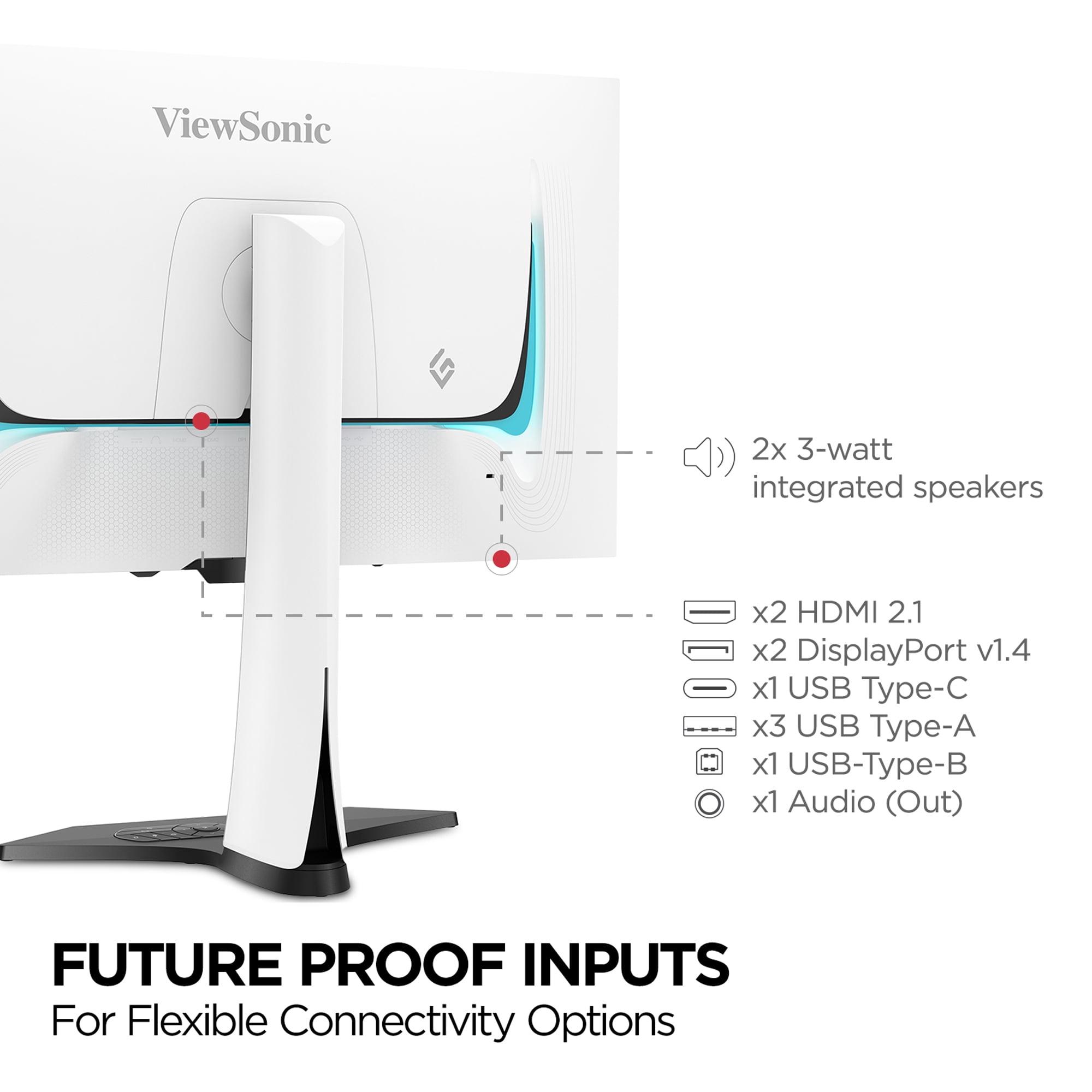
The ViewSonic XG272-2K-OLED emphasizes traditional gaming connectivity with two DisplayPort 1.4 connections and two HDMI 2.1 ports, plus USB-C with 15W power delivery. The dual DisplayPort connections particularly benefit users with multiple gaming systems or those who want to connect both a desktop and laptop simultaneously. The USB-C port, while not powerful enough to charge laptops, works well for smartphones and tablets while providing video input.
The GIGABYTE MO27Q2 counters with its integrated KVM (Keyboard, Video, Mouse) switch, allowing users to control two connected devices with a single keyboard and mouse setup. This feature proves invaluable for users who frequently switch between a gaming PC and work laptop. The KVM functionality, combined with the monitor's USB-C connection, creates an elegant solution for hybrid gaming and productivity setups.
One unique feature of the GIGABYTE is its "Tactical Switch" - a dedicated button that instantly switches between the full 27-inch display and a centered 24-inch area. This caters to esports players who prefer smaller display areas for competitive gaming, allowing them to enjoy the full monitor for single-player games while switching to the more focused 24-inch mode for competitive matches.
Both monitors include burn-in protection technologies essential for OLED longevity. The ViewSonic XG272-2K-OLED implements pixel orbit (subtle pixel shifting), static screen detection, and automatic dimming features. The GIGABYTE MO27Q2 includes AI-based OLED care with customizable protection levels. These systems work transparently in the background, extending panel lifespan without interfering with normal use.
While primarily gaming monitors, both displays excel in home theater applications, though with different strengths. The GIGABYTE MO27Q2's QD-OLED panel and glossy finish create incredibly vibrant, cinema-like visuals perfect for movie watching in darkened rooms. The enhanced color volume makes animated content particularly spectacular - watching Spider-Man: Into the Spider-Verse or modern Disney films showcases the technology's strengths beautifully.
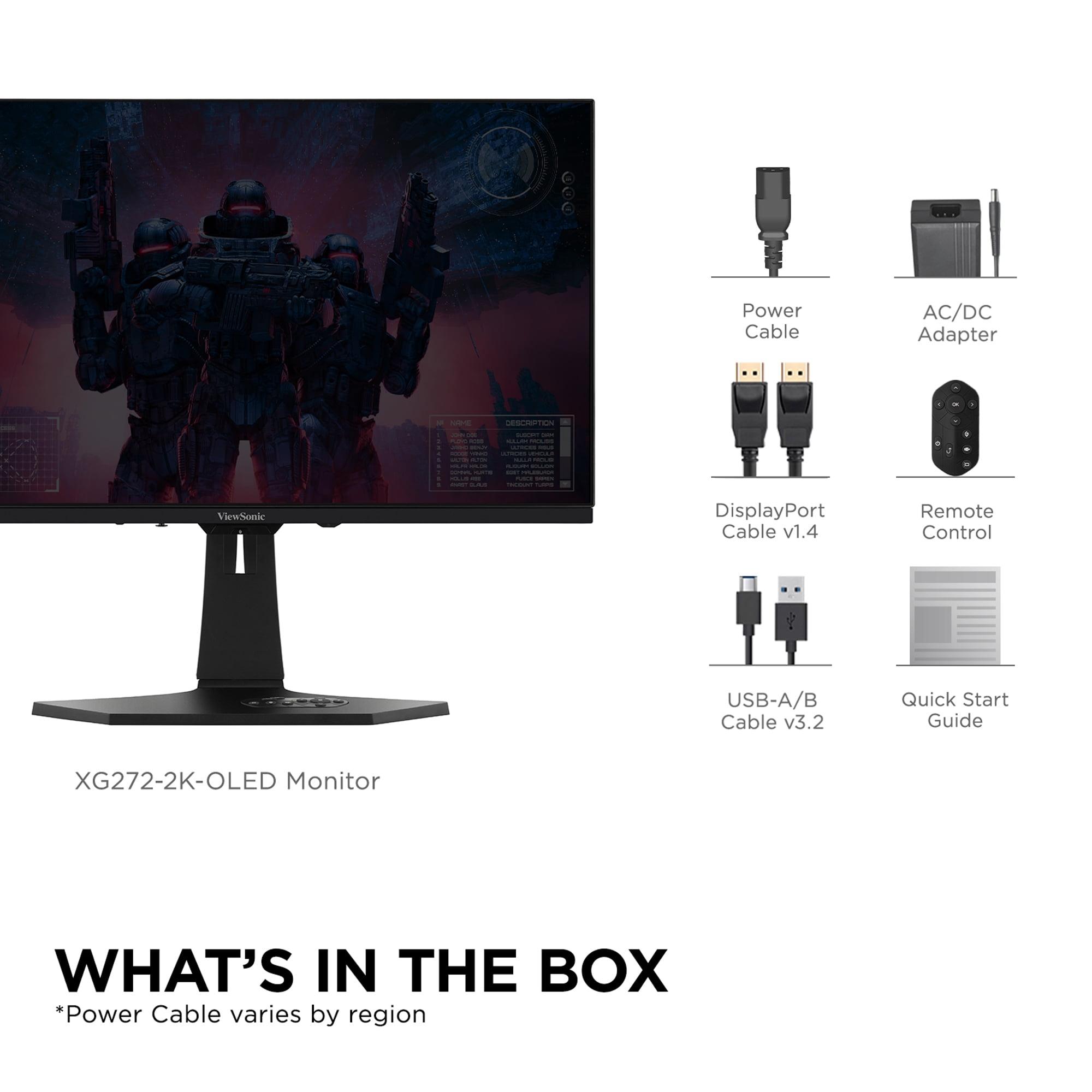
The ViewSonic XG272-2K-OLED's higher brightness and anti-glare coating make it more versatile for varied lighting conditions. Its superior HDR brightness handling means better performance with HDR movies and TV shows, especially content with bright outdoor scenes. The included remote control also makes it more convenient for home theater use, eliminating the need to reach for on-screen display buttons during movie watching.
Both monitors support the full range of gaming console features, including 120Hz gaming modes for PlayStation 5 and Xbox Series X. However, their 1440p resolution means they'll upscale 4K console content, which can introduce slight softness compared to native 4K displays.
At the time of writing, these monitors occupy different price tiers, with the GIGABYTE MO27Q2 positioned significantly lower than the ViewSonic XG272-2K-OLED. This price difference - approximately 35-40% - represents one of the most important factors in the buying decision.
The GIGABYTE delivers exceptional value by offering cutting-edge QD-OLED technology at a more accessible price point. For gamers stepping up from traditional LCD monitors, it provides a transformative visual experience that justifies the investment. The included features like hardware color calibration and KVM switching add practical value that extends beyond gaming.
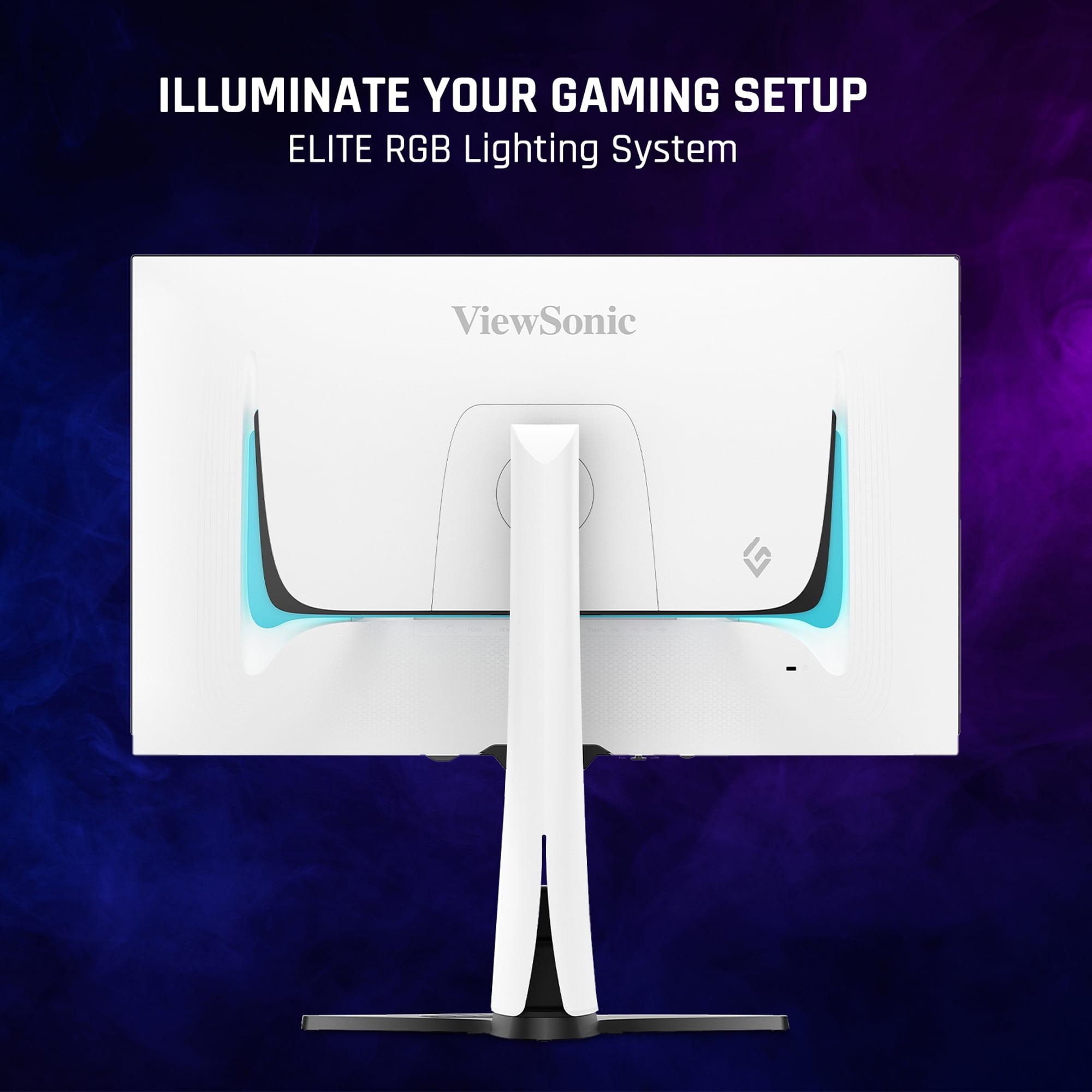
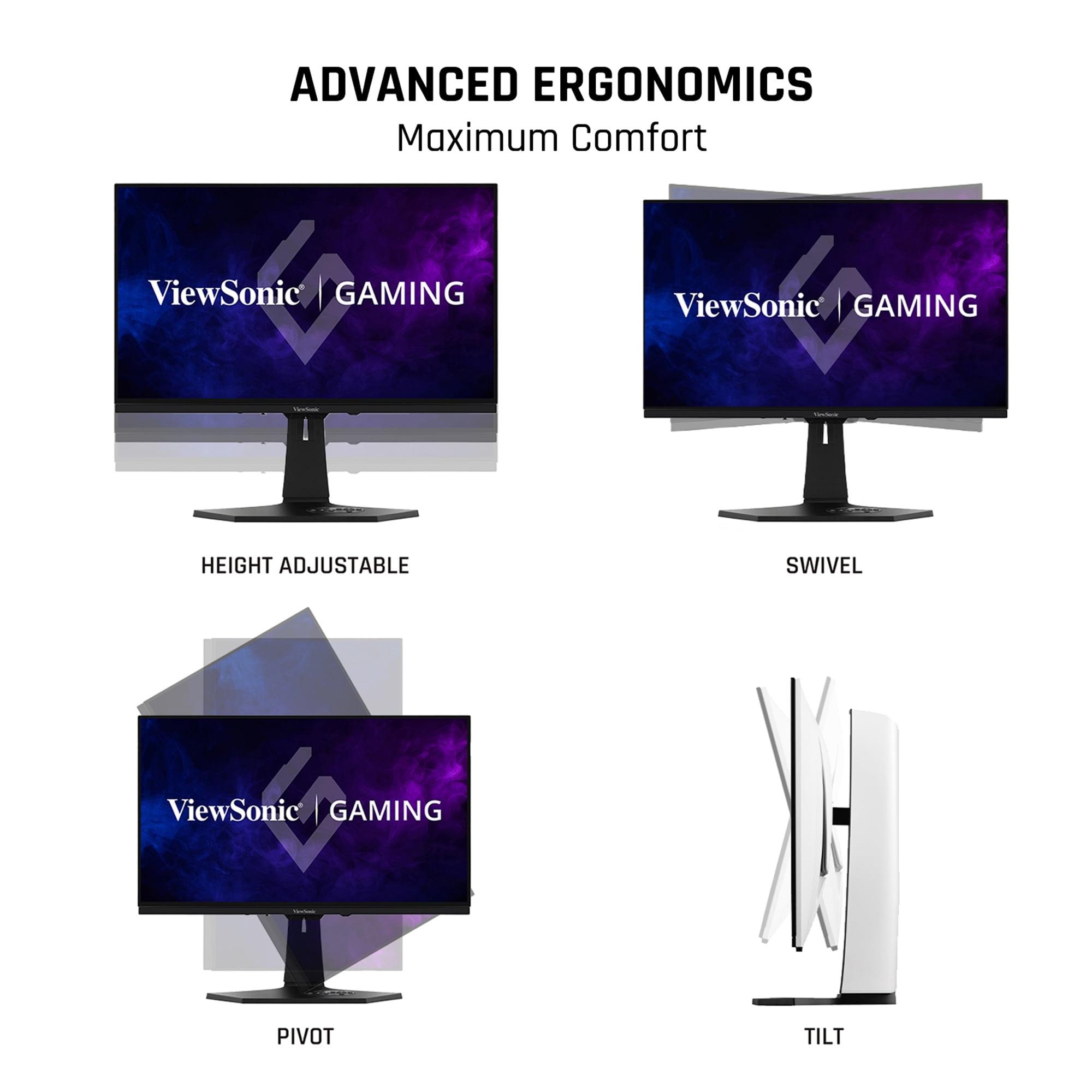
The ViewSonic commands its premium through superior brightness performance, faster response times, and more comprehensive feature implementation. The build quality feels more premium, with better ergonomics, RGB lighting, and attention to detail that appeals to enthusiasts willing to pay for the best possible experience.
The GIGABYTE MO27Q2 makes the most sense for gamers who primarily play in controlled lighting environments and want to experience QD-OLED technology without breaking the bank. Content creators will appreciate the hardware color calibration support, while users with hybrid gaming/productivity setups benefit from the KVM functionality. If you game mostly at night or in a dedicated dark room, the GIGABYTE's incredible color saturation and perfect blacks create an almost surreal visual experience.
The ViewSonic XG272-2K-OLED justifies its higher price for users who demand maximum gaming performance and versatility. Competitive gamers benefit from the faster response times and BFI technology, while the higher brightness makes it usable across varied lighting conditions. The comprehensive connectivity and premium build quality appeal to enthusiasts who view their monitor as a long-term investment.
For home theater use, the choice depends on your viewing environment. The GIGABYTE excels in dedicated dark rooms, while the ViewSonic works better in living rooms or spaces with ambient lighting.
Both monitors represent excellent choices in the high-end OLED gaming category, with the decision ultimately coming down to budget, use case priorities, and environmental factors. The GIGABYTE MO27Q2 offers remarkable value and cutting-edge QD-OLED technology, while the ViewSonic XG272-2K-OLED provides superior all-around performance at a premium price.
Consider the GIGABYTE if you want the latest display technology at the best price, primarily game in dark environments, and value features like KVM switching. Choose the ViewSonic if you prioritize maximum gaming performance, need higher brightness for varied lighting conditions, and want the most comprehensive feature set available.
Either way, you'll be getting a glimpse into the future of gaming displays - and once you experience OLED's perfect blacks and instantaneous response times, returning to traditional LCD technology becomes nearly impossible.
| ViewSonic XG272-2K-OLED | GIGABYTE MO27Q2 |
|---|---|
| Panel Technology - Affects brightness, colors, and text clarity | |
| Traditional OLED with anti-glare coating | QD-OLED with glossy finish |
| Response Time - Critical for competitive gaming performance | |
| 0.01ms pixel (0.02ms GTG) - industry leading | 0.03ms GTG - excellent but slightly slower |
| Brightness - Determines usability in different lighting conditions | |
| 450 nits sustained (works in bright rooms) | 250 nits sustained (best in dark environments) |
| HDR Performance - Impact on gaming visuals and movie watching | |
| HDR10, better sustained brightness for consistent performance | VESA DisplayHDR True Black 400, 1000 nit peaks |
| Connectivity - Flexibility for multiple devices and setups | |
| 2x DisplayPort 1.4, 2x HDMI 2.1, USB-C with 15W power | 1x DisplayPort 1.4, 2x HDMI 2.1, USB-C with KVM switch |
| Gaming Features - Enhancements beyond basic OLED performance | |
| Black Frame Insertion, FreeSync Premium, RGB lighting | Tactical Switch (24" mode), FreeSync Premium Pro, AI OLED Care |
| Color Coverage - Important for content creation and visual accuracy | |
| 97% DCI-P3, 137% sRGB with accurate colors | 99% DCI-P3 with more saturated QD-OLED colors |
| Build Quality - Durability and premium feel considerations | |
| Premium white chassis, comprehensive ergonomics, remote control | Standard design, lighter weight, solid construction |
| Burn-in Protection - Essential for OLED longevity | |
| Pixel orbit, static detection, comprehensive prevention suite | AI-based OLED Care with customizable protection levels |
| Audio - Built-in speaker quality for all-in-one setups | |
| 2 x 3W speakers (basic audio) | 2 x 5W speakers (more powerful output) |
| Value Positioning - Performance per dollar consideration | |
| Premium pricing for maximum performance and features | Excellent value for QD-OLED technology entry point |
The ViewSonic XG272-2K-OLED has a slight edge for competitive gaming with its faster 0.01ms response time compared to the GIGABYTE MO27Q2's 0.03ms. The ViewSonic also includes Black Frame Insertion technology for enhanced motion clarity, making it ideal for fast-paced esports titles where every millisecond matters.
The ViewSonic XG272-2K-OLED uses traditional OLED technology, while the GIGABYTE MO27Q2 features QD-OLED (Quantum Dot OLED). QD-OLED produces more vibrant, saturated colors but typically operates at lower brightness levels. Traditional OLED offers better brightness consistency and often includes anti-glare coatings for varied lighting conditions.
The ViewSonic XG272-2K-OLED is significantly brighter at 450 nits compared to the GIGABYTE MO27Q2 at 250 nits. This makes the ViewSonic much better for gaming in bright rooms or during daytime, while the GIGABYTE performs best in darker environments.
Yes, both the ViewSonic XG272-2K-OLED and GIGABYTE MO27Q2 support 120Hz gaming modes for current-gen consoles through their HDMI 2.1 ports. Both monitors will upscale 4K console content to their native 1440p resolution, providing excellent gaming performance with next-gen consoles.
The GIGABYTE MO27Q2 typically offers better value, providing cutting-edge QD-OLED technology at a more accessible price point. However, the ViewSonic XG272-2K-OLED justifies its higher cost with superior brightness, faster response times, and more comprehensive features for users who prioritize maximum performance.
Both monitors excel for home entertainment, but in different ways. The GIGABYTE MO27Q2's QD-OLED technology produces incredibly vibrant colors perfect for animated content and movies in dark rooms. The ViewSonic XG272-2K-OLED's higher brightness makes it better for varied lighting conditions and includes a remote control for easier media consumption.
The ViewSonic XG272-2K-OLED offers more DisplayPort connections (2 vs 1) and comprehensive USB hub functionality. The GIGABYTE MO27Q2 counters with an integrated KVM switch that allows controlling multiple devices with one keyboard and mouse, plus the unique Tactical Switch feature for esports gaming.
Both the ViewSonic XG272-2K-OLED and GIGABYTE MO27Q2 include comprehensive burn-in protection features and 3-year warranties covering burn-in damage. Modern OLED gaming monitors have significantly improved burn-in resistance, and with proper usage habits, burn-in is rarely an issue for most users.
The GIGABYTE MO27Q2 includes hardware color calibration support, making it more suitable for professional content creation. However, the ViewSonic XG272-2K-OLED offers more accurate default color reproduction and better brightness for working in various lighting conditions.
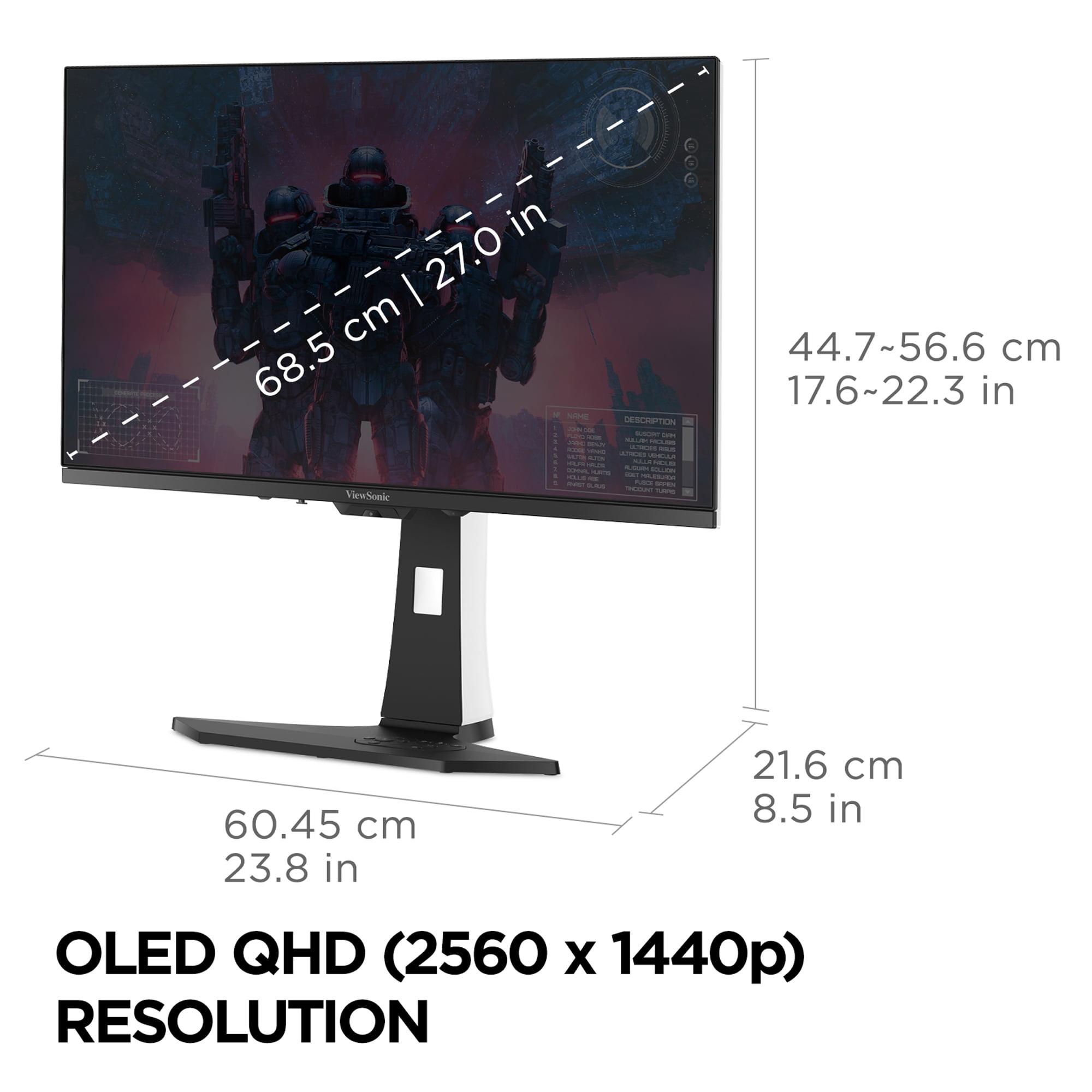
While both the ViewSonic XG272-2K-OLED and GIGABYTE MO27Q2 offer excellent gaming performance that surpasses most TVs, their 27-inch size limits their suitability as TV replacements. They're perfect for desktop gaming setups but may be too small for couch gaming at typical TV viewing distances.
The GIGABYTE MO27Q2 carries VESA DisplayHDR True Black 400 certification and higher peak brightness specifications, while the ViewSonic XG272-2K-OLED provides more consistent HDR performance with better sustained brightness. Both deliver excellent HDR gaming, but the ViewSonic offers more reliable performance across different content types.
Choose the ViewSonic XG272-2K-OLED if you need maximum gaming performance, play in bright rooms, want comprehensive connectivity, or prefer premium build quality. Select the GIGABYTE MO27Q2 if you want QD-OLED technology at better value, primarily game in dark environments, need KVM functionality, or want hardware color calibration for content creation.
We've done our best to create useful and informative comparisons to help you decide what product to buy. Our research uses advanced automated methods to create this comparison and perfection is not possible - please contact us for corrections or questions. These are the sites we've researched in the creation of this article: tomshardware.com - viewsonic.com - cgmagonline.com - bhphotovideo.com - forums.blurbusters.com - pangoly.com - youtube.com - rtings.com - youtube.com - bhphotovideo.com - viewsonic.com - assetserver.net - viewsonic.com - viewsonic.com - colamco.com - viewsonic.com - store.connectcause.com - displayspecifications.com - bhphotovideo.com - manuals.viewsonic.com - viewsonic.com - pangoly.com - visioncomputers.com - bestbuy.com - gigabyte.com - youtube.com - newegg.com - mezha.media - tech-critter.com - gigabyte.com - forum.pcmonitors.info - techspot.com - aorus.com - saltynewsnetwork.com - infiniarc.com - gigabyte.com - bestbuy.com - youtube.com - gigabyte.com - gigabyte.com - displayspecifications.com - aorus.com - gigabyte.com - gigabyte.com

Privacy Policy
Terms and Conditions - Affiliate Policy
Home Security
© Copyright 2008-2026.
11816 Inwood Rd #1211, Dallas, TX 75244