














Gaming monitors have evolved dramatically in recent years, and nowhere is this more apparent than in the premium 27-inch QHD OLED segment. These displays represent the sweet spot where competitive gaming performance meets stunning visual quality – something that was nearly impossible to achieve just a few years ago.
When you're considering monitors in this category, you're essentially choosing between two philosophies: cutting-edge technology with maximum features, or proven performance with streamlined reliability. The GIGABYTE MO27Q2 and LG UltraGear 27" OLED perfectly embody these approaches, each offering compelling reasons to claim a spot on your desk.
The 27-inch QHD OLED gaming monitor category exists because gamers refused to choose between beautiful visuals and competitive performance. Traditional LCD monitors could deliver high refresh rates but suffered from poor contrast and blacks that looked more like dark gray. Meanwhile, OLED TVs offered perfect blacks and infinite contrast but came with input lag that made competitive gaming frustrating.
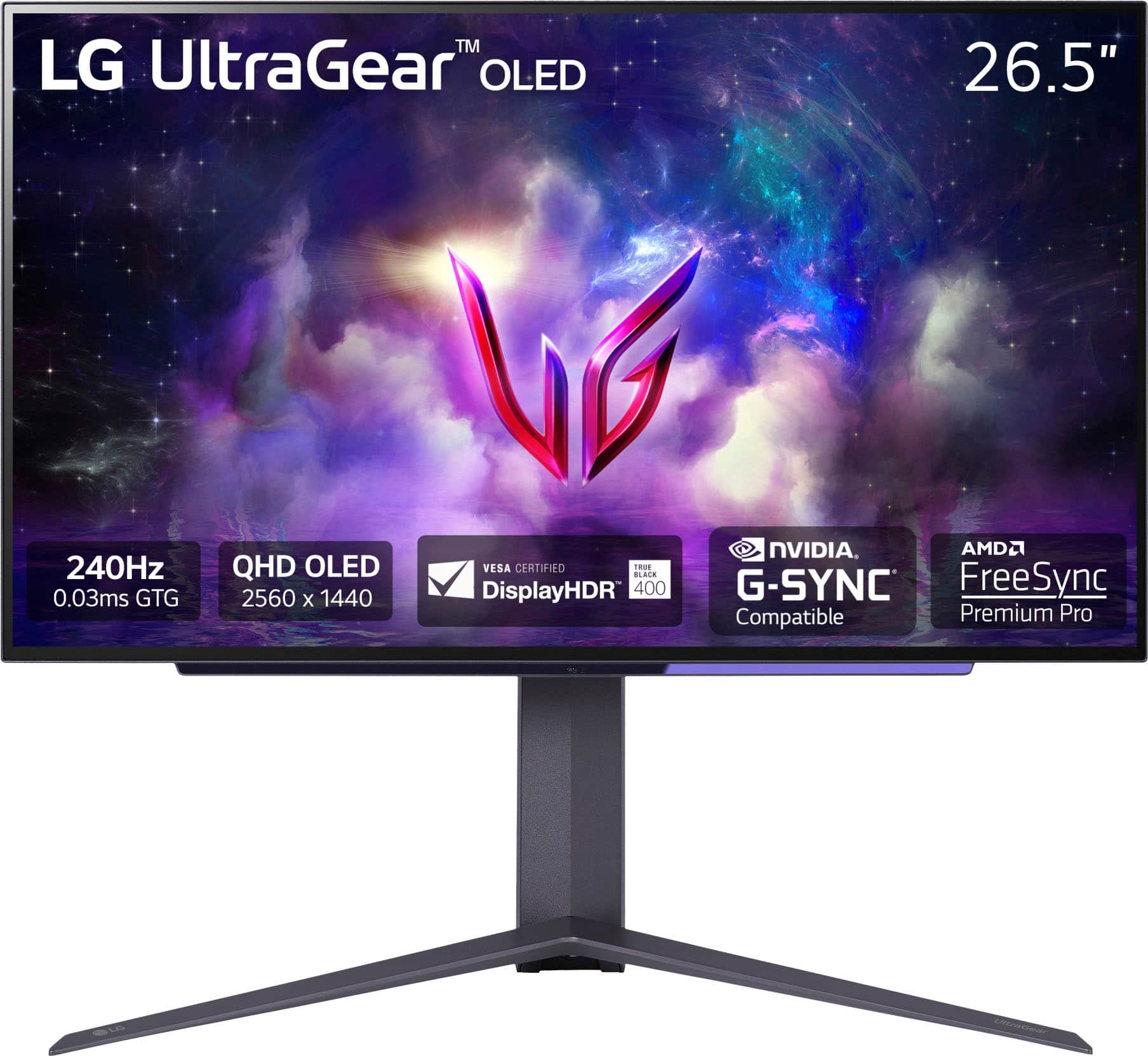
These monitors solve that compromise by combining OLED's self-emissive pixel technology – where each pixel produces its own light and can turn completely off for true blacks – with refresh rates that satisfy even the most demanding esports professionals. When shopping in this segment, you're looking at displays that can switch individual pixels in 0.03 milliseconds while refreshing the entire screen 240 times per second.
The key considerations boil down to panel technology (QD-OLED versus traditional OLED), real-world brightness performance, connectivity options for modern multi-device setups, and how well each manufacturer handles the inherent challenges of OLED technology, particularly the risk of burn-in from static images.
The GIGABYTE MO27Q2, released in 2024, positions itself as the feature-rich enthusiast choice. It uses Samsung's latest QD-OLED technology – a hybrid approach that combines quantum dots with OLED pixels to enhance color reproduction and brightness. GIGABYTE has loaded this monitor with connectivity options and unique gaming features, clearly targeting users who want the most advanced technology available.
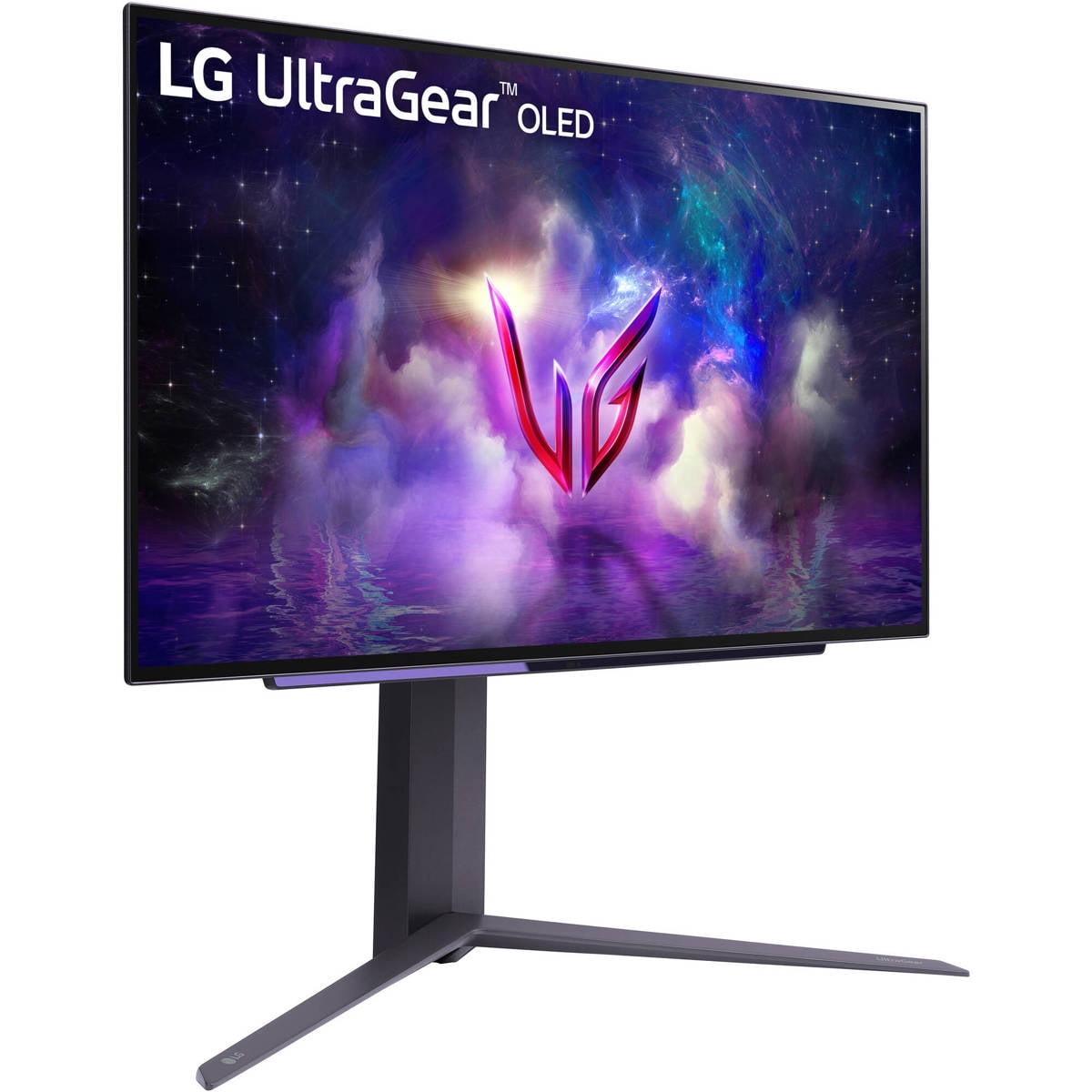
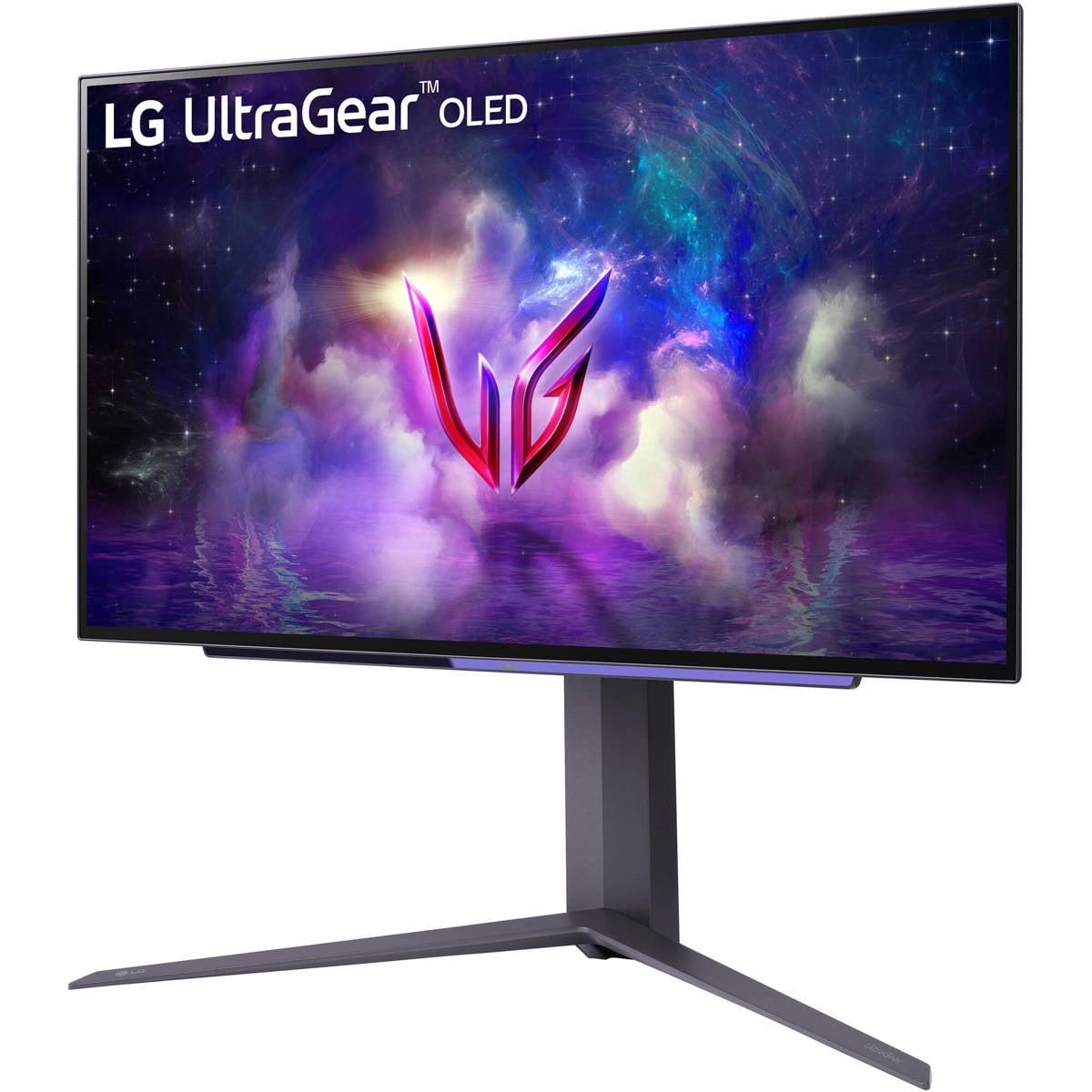
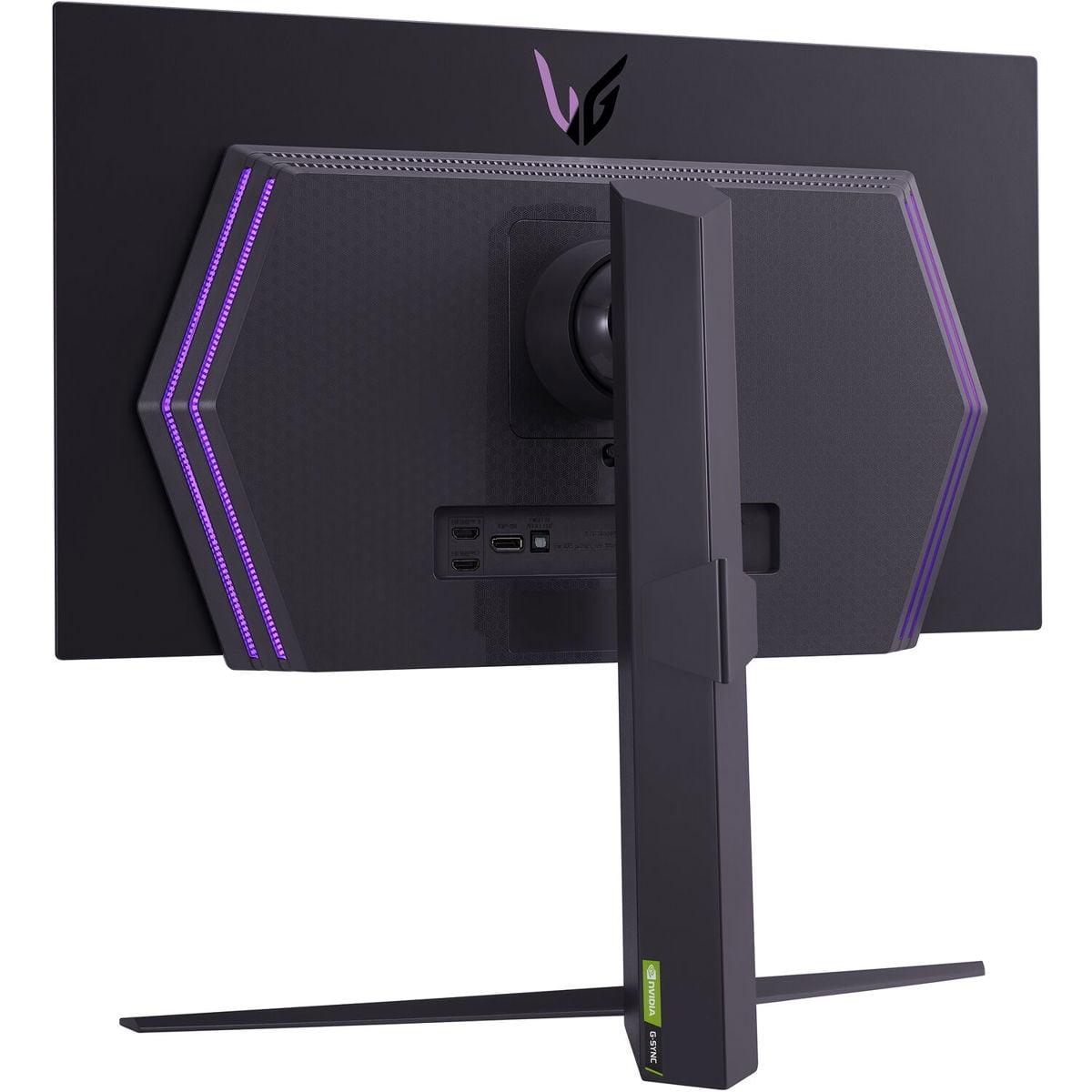
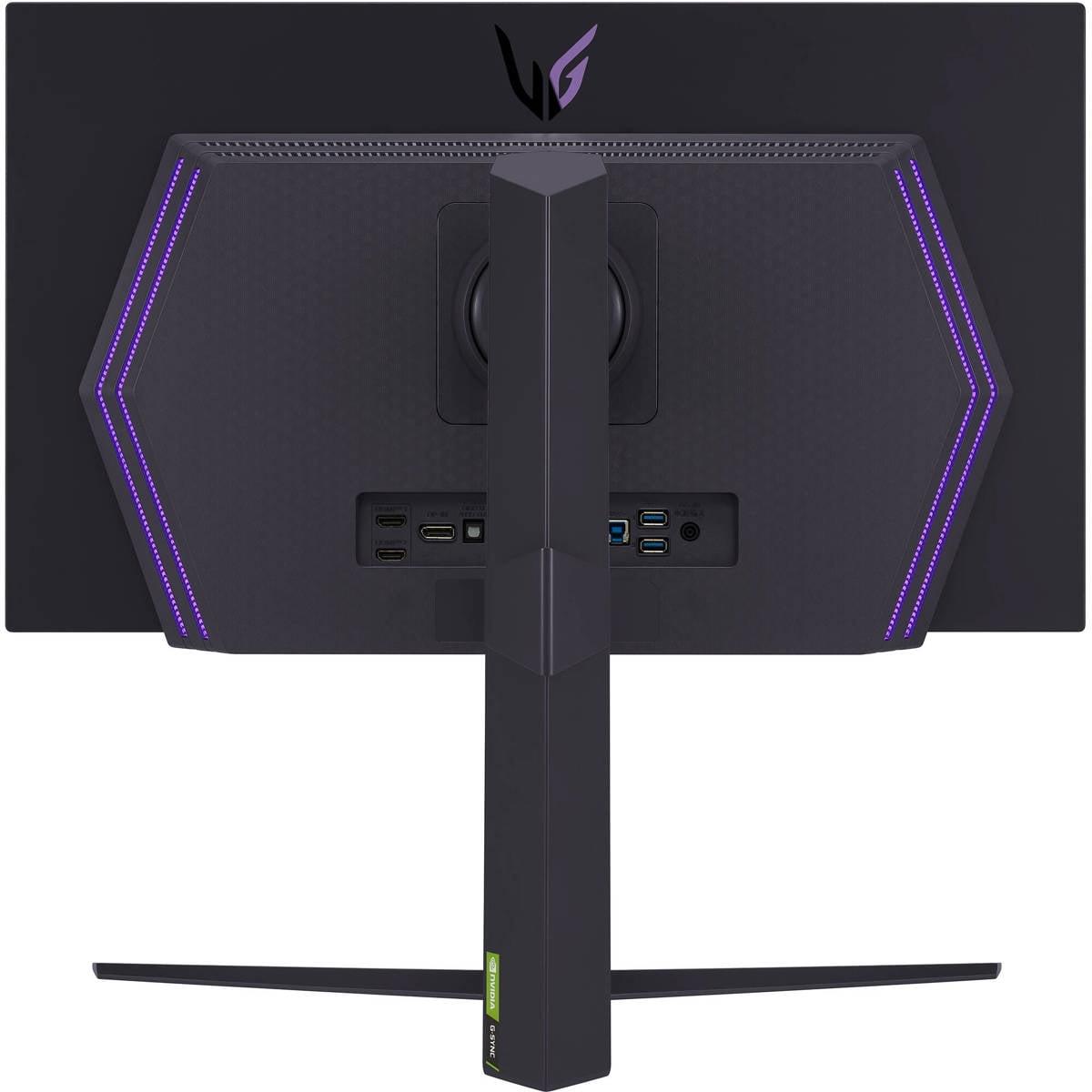
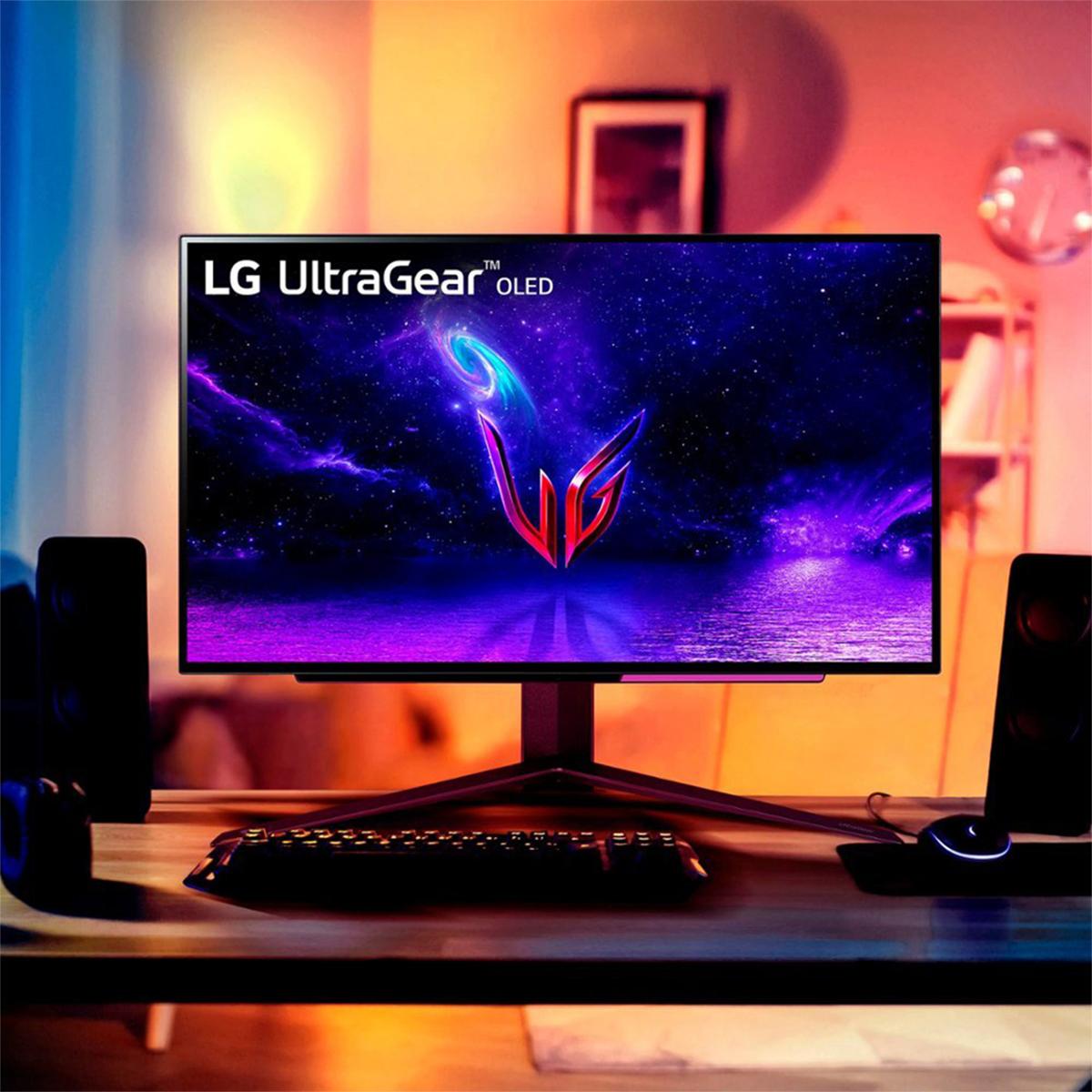
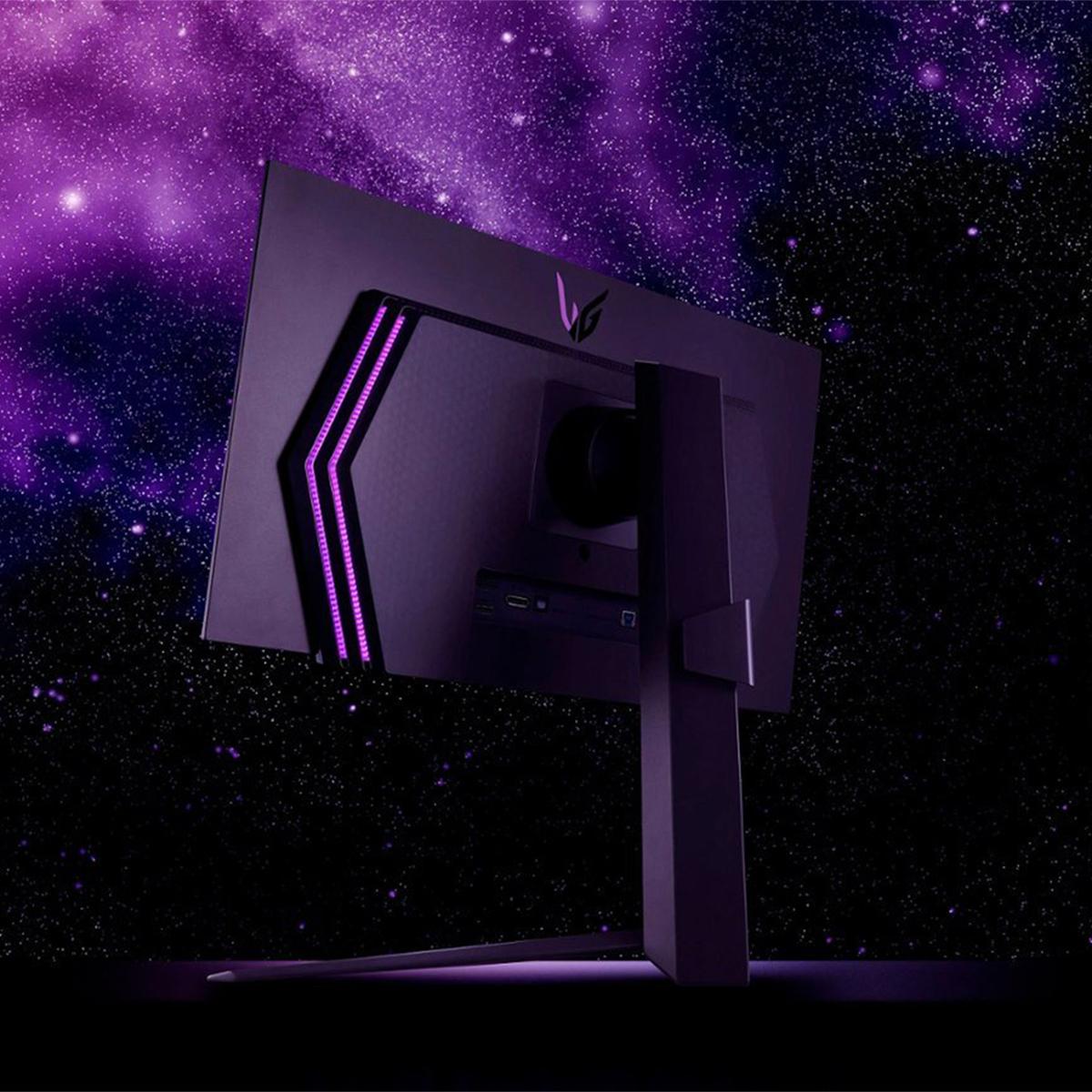
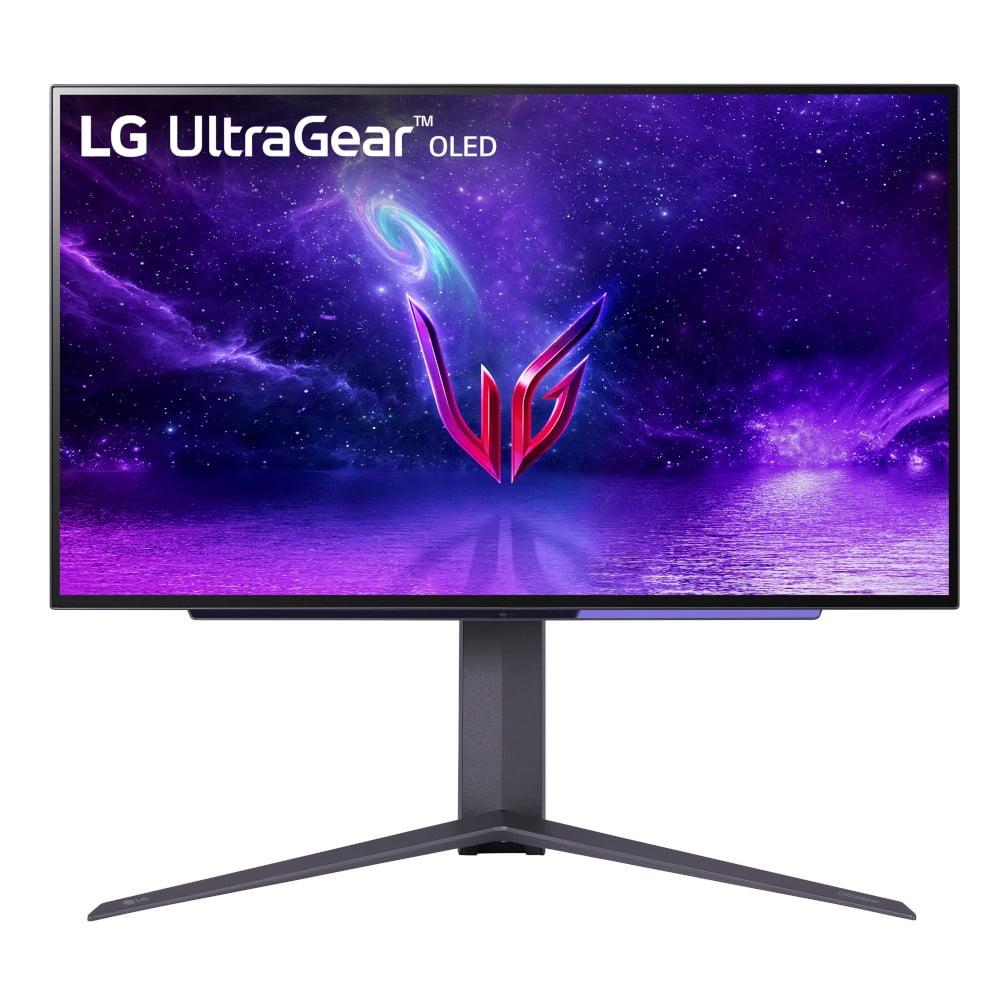
The LG UltraGear OLED, also from 2024, takes a more refined approach. LG leverages their extensive experience in OLED manufacturing to deliver a streamlined gaming experience focused on core performance. Rather than packing in every possible feature, they've concentrated on delivering reliable OLED gaming performance with proven technology.
Both approaches have merit, and understanding these philosophical differences helps explain the practical performance variations you'll experience.
The most significant technical difference between these monitors lies in their panel technology, and it's more important than the specifications might initially suggest.
The GIGABYTE MO27Q2 uses Samsung's QD-OLED technology, which represents a fascinating engineering approach to enhancing traditional OLED. Instead of using separate red, green, and blue OLED materials, Samsung uses blue OLED pixels as a backlight, then places quantum dots on top to convert some of that blue light into red and green. This quantum dot layer acts like a color filter that can produce more saturated, accurate colors while boosting overall brightness.
In practical terms, this means the GIGABYTE monitor can achieve 99% coverage of the DCI-P3 color space – the standard used in digital cinema – compared to the LG's 98.5% coverage. While that 0.5% difference sounds minimal, it translates to noticeably more vibrant colors, particularly in games with rich environmental details or HDR content.
More importantly, the QD-OLED panel in the GIGABYTE MO27Q2 reaches 250 nits of typical brightness compared to the LG UltraGear's 200-220 nits. In the OLED world, every additional nit of brightness matters significantly. That extra brightness makes the GIGABYTE monitor more versatile in different lighting conditions – you can game comfortably in a room with ambient lighting, while the LG monitor performs best in darker environments.
The LG UltraGear OLED compensates for its lower brightness with a matte anti-glare coating that effectively reduces reflections. This coating helps manage bright rooms by minimizing distracting reflections, though it does slightly reduce the perceived depth of blacks compared to the GIGABYTE's glossy finish.
Both displays achieve the same infinite contrast ratio that makes OLED technology so compelling – when a pixel is off, it produces absolutely no light, creating true blacks that LCD monitors simply cannot match. However, the GIGABYTE's brighter whites create a more dramatic contrast experience overall.
When it comes to pure gaming performance metrics, both monitors are essentially equals in the areas that matter most for competitive play. Both deliver identical 0.03ms gray-to-gray response times and 240Hz refresh rates, which means pixel transitions happen almost instantaneously, and motion blur is virtually eliminated.
To put this in perspective, most gaming monitors from just a few years ago struggled to achieve 1ms response times, and 144Hz was considered premium. These monitors represent roughly a 30x improvement in response time and nearly double the refresh rate of those earlier displays.
Both the GIGABYTE MO27Q2 and LG UltraGear OLED support variable refresh rate technologies – AMD FreeSync and NVIDIA G-SYNC compatibility – which synchronize the monitor's refresh rate with your graphics card's frame output. This eliminates screen tearing (where parts of different frames appear simultaneously) and reduces stuttering when frame rates fluctuate.
The GIGABYTE monitor has a slight advantage with FreeSync Premium Pro certification, which includes additional HDR tone mapping requirements. This means HDR games will maintain better color accuracy and brightness consistency when frame rates vary, though this benefit is primarily noticeable in HDR content.
Both monitors excel in competitive gaming scenarios. Whether you're tracking enemies in fast-paced shooters or executing precise movements in racing games, the combination of OLED's instant pixel response and 240Hz refresh creates an experience where the display never becomes the limiting factor in your performance.
This is where the philosophical differences between these monitors become most apparent in daily use.
The GIGABYTE MO27Q2 offers comprehensive modern connectivity with two HDMI 2.1 ports, DisplayPort 1.4, and USB Type-C with DisplayPort Alt Mode. The USB-C connection supports up to 18W power delivery – enough to keep a smartphone charged or power small devices, though not sufficient for laptop charging. More importantly, the GIGABYTE monitor includes a built-in KVM (Keyboard, Video, Mouse) switch, allowing you to control multiple devices with a single keyboard and mouse setup.
This connectivity suite makes the GIGABYTE monitor exceptional for users who regularly switch between a gaming desktop, work laptop, and console. You can have your gaming PC connected via DisplayPort, laptop via USB-C, and PlayStation 5 via HDMI, then seamlessly switch between all three using the same peripherals.
The LG UltraGear OLED takes a more basic approach with two HDMI 2.1 ports, DisplayPort 1.4, and a standard USB hub. While perfectly adequate for most gaming setups, it lacks the USB-C connectivity and KVM functionality that make modern multi-device workflows more manageable.
The GIGABYTE monitor also includes built-in 5W stereo speakers – not audiophile quality, but convenient for quick gaming sessions without headphones or when you need system audio for productivity tasks. The LG monitor requires external speakers or headphones for all audio.
Both monitors include gaming-specific enhancements, but they approach these features differently.
The GIGABYTE MO27Q2 introduces the Tactical Switch – a dedicated physical button that instantly switches between full 27-inch QHD mode and a centered 24-inch Full HD window. This feature caters to esports players who prefer smaller displays for competitive gaming (many pros still use 24-inch monitors) while maintaining the flexibility of a larger display for other tasks. It's genuinely useful for competitive players who want to minimize eye movement while maintaining peripheral vision.
The GIGABYTE monitor also includes comprehensive gaming overlays: customizable crosshairs, timers, FPS counters, and black equalizer settings that can brighten dark areas without affecting overall image quality. These features integrate directly into the monitor's firmware, working regardless of what device is connected.
The LG UltraGear OLED includes similar gaming enhancements but focuses on LG's refined implementations: Dynamic Action Sync for reduced input lag, Black Stabilizer for shadow detail enhancement, and customizable crosshair overlays. LG's approach prioritizes reliability and ease of use over feature quantity.
Both monitors include sophisticated OLED care features designed to minimize burn-in risk. These systems automatically shift pixels slightly, detect static content, and adjust brightness to prevent permanent image retention. However, the GIGABYTE monitor offers more granular control over these protection systems, allowing advanced users to customize the balance between protection and image quality.
While both monitors excel in dark environments, their brightness differences significantly impact real-world usability.
The GIGABYTE MO27Q2's 250-nit typical brightness makes it comfortable to use in moderately lit rooms. You can game during the day with curtains open or in a room with typical artificial lighting without the display appearing dim or washed out. The glossy coating enhances perceived contrast and color saturation, making games look more vibrant and engaging.
The LG UltraGear OLED's 200-220 nit brightness requires more careful environmental consideration. It performs beautifully in dedicated dark gaming rooms but can appear dim in brighter conditions. The matte coating helps manage reflections but reduces the "pop" that makes OLED technology so visually striking.
For HDR content, the differences become more pronounced. The GIGABYTE monitor can sustain higher brightness levels in HDR mode, making bright game elements like explosions, muzzle flashes, and outdoor scenes more impactful. The LG monitor still delivers excellent HDR contrast due to its perfect blacks, but bright highlights don't achieve the same visual impact.
Both monitors can serve double duty as small home theater displays, though with different strengths.
The GIGABYTE MO27Q2's higher brightness and more vibrant colors make it better suited for movie watching in varied lighting conditions. Its HDMI 2.1 connectivity ensures full compatibility with modern streaming devices and game consoles, while the built-in speakers provide convenient audio for casual viewing.
The LG UltraGear OLED's matte coating reduces reflections during movie viewing, which can be beneficial if you can't control room lighting completely. However, you'll need external speakers for proper audio, and the lower brightness may make some HDR content appear less dramatic than intended.
Both displays handle 24fps movie content well, though neither is optimized for the 3:2 pulldown processing that high-end TVs provide. For serious movie watching, a dedicated TV or projector remains the better choice, but both monitors handle occasional entertainment duties admirably.
OLED technology's main concern remains burn-in – permanent image retention from static elements displayed for extended periods. Both manufacturers address this differently.
The GIGABYTE MO27Q2 includes a comprehensive 3-year premium warranty that specifically covers burn-in damage. This warranty coverage, combined with AI-based OLED care features, provides significant peace of mind for users concerned about long-term display health.
The LG UltraGear OLED typically includes a 2-year warranty, with burn-in coverage varying by region. LG's extensive experience in OLED manufacturing translates to well-developed burn-in prevention algorithms, though the shorter warranty period may concern some users.
Both monitors include automatic pixel-shifting, static content detection, and brightness limiting to minimize burn-in risk. With reasonable usage patterns – varying content, using dark wallpapers, and avoiding static elements for hours – both displays should provide years of reliable service.
At the time of writing, both monitors command premium prices reflecting their advanced technology, though the LG UltraGear OLED typically positions itself as the more value-focused option despite both representing significant investments.
Choose the GIGABYTE MO27Q2 if you want the brightest, most feature-rich OLED gaming experience available. Its QD-OLED technology, comprehensive connectivity, and unique gaming features like the Tactical Switch make it ideal for enthusiasts who appreciate cutting-edge technology and multi-device flexibility. The superior brightness makes it more versatile across different environments, while the extensive warranty provides additional security for your investment.
The LG UltraGear OLED appeals to gamers who prioritize proven reliability and core performance over maximum features. If you primarily game in darker environments, don't need advanced connectivity options, and prefer a more straightforward approach to OLED gaming, LG's refined implementation delivers excellent results with established reliability.
Both monitors represent the current pinnacle of gaming display technology, transforming how games look and feel compared to traditional LCD displays. Your choice ultimately depends on whether you value cutting-edge features and maximum versatility, or prefer proven performance with a focus on gaming excellence. Either way, you'll experience gaming visuals that would have seemed impossible just a few years ago.
| GIGABYTE MO27Q2 | LG UltraGear 27" OLED |
|---|---|
| Panel Technology - Affects color vibrancy and brightness performance | |
| Samsung QD-OLED with quantum dot enhancement | Traditional OLED panel |
| Typical Brightness - Critical for gaming in various lighting conditions | |
| 250 nits (better for lit rooms) | 200-220 nits (best in darker environments) |
| Color Gamut Coverage - Impacts color accuracy and vibrancy | |
| 99% DCI-P3 (cinema-grade colors) | 98.5% DCI-P3 (excellent but slightly less saturated) |
| Screen Coating - Affects reflections and perceived contrast | |
| Glossy anti-glare (deeper blacks, more vibrant colors) | Matte anti-glare (better reflection control) |
| Refresh Rate & Response Time - Essential for competitive gaming | |
| 240Hz / 0.03ms GTG (identical performance) | 240Hz / 0.03ms GTG (identical performance) |
| Connectivity Options - Important for multi-device setups | |
| 2× HDMI 2.1, DP 1.4, USB-C with KVM switch | 2× HDMI 2.1, DP 1.4, basic USB hub |
| Built-in Audio - Convenience for casual gaming | |
| 2× 5W stereo speakers included | No built-in speakers (external required) |
| Unique Gaming Features - Added value for competitive players | |
| Tactical Switch (instant 27" to 24" mode switching) | Standard gaming overlays and enhancements |
| OLED Care & Warranty - Protection against burn-in concerns | |
| 3-year premium warranty including burn-in coverage | 2-year limited warranty (burn-in coverage varies) |
| Adaptive Sync Support - Eliminates screen tearing | |
| AMD FreeSync Premium Pro + G-SYNC Compatible | AMD FreeSync Premium + G-SYNC Compatible |
| Ergonomic Adjustments - Comfort for extended gaming sessions | |
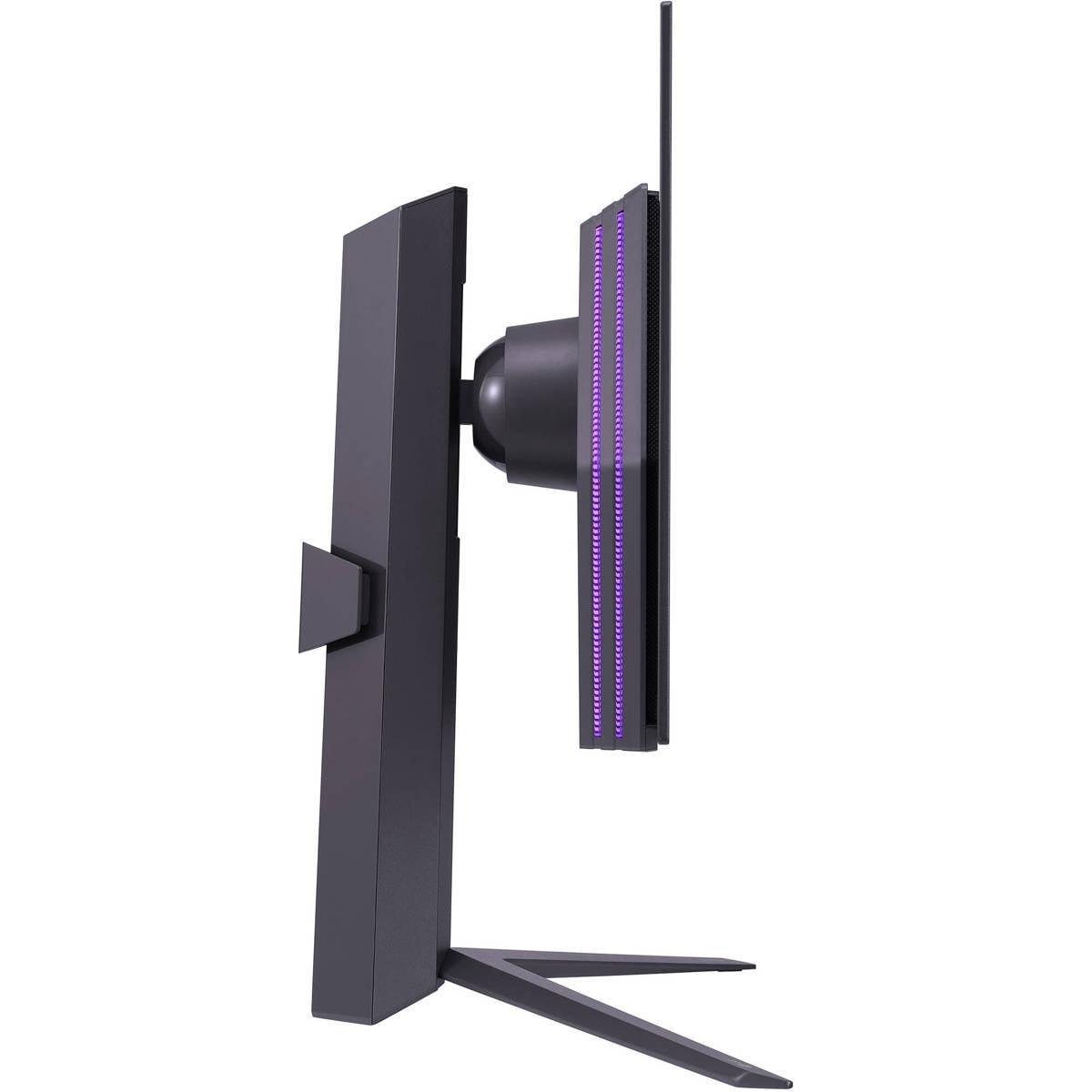
| Full adjustment (height, tilt, swivel, pivot) | Height, tilt, swivel adjustment |
The GIGABYTE MO27Q2 offers superior picture quality due to its QD-OLED technology, delivering brighter images (250 nits vs 200-220 nits) and more vibrant colors with 99% DCI-P3 coverage. The LG UltraGear OLED still provides excellent OLED contrast and colors but with slightly less brightness and saturation. For gaming in various lighting conditions, the GIGABYTE MO27Q2 performs better.
Yes, both the GIGABYTE MO27Q2 and LG UltraGear OLED deliver identical gaming performance with 240Hz refresh rates and 0.03ms response times. Both support AMD FreeSync and NVIDIA G-SYNC compatibility, making them equally suitable for competitive esports and fast-paced gaming.
The GIGABYTE MO27Q2 handles bright rooms better due to its higher 250-nit brightness output from QD-OLED technology. The LG UltraGear OLED compensates with a matte anti-glare coating that reduces reflections, but performs best in darker gaming environments.
The GIGABYTE MO27Q2 offers more comprehensive connectivity with USB-C, built-in KVM switch, and 5W speakers, making it ideal for multi-device setups. The LG UltraGear OLED provides standard gaming connectivity with HDMI 2.1 and DisplayPort but lacks USB-C and built-in audio.
Yes, both the GIGABYTE MO27Q2 and LG UltraGear OLED feature HDMI 2.1 ports that fully support next-generation consoles at their maximum capabilities, including 120Hz gaming and VRR (Variable Refresh Rate) features.
The GIGABYTE MO27Q2 provides superior burn-in protection with a 3-year premium warranty that specifically covers burn-in damage, plus AI-based OLED care features. The LG UltraGear OLED includes OLED care features but typically offers a shorter 2-year warranty with varying burn-in coverage.
Both monitors work well for entertainment, but the GIGABYTE MO27Q2 is better suited for movie watching due to its brighter display and built-in speakers. The LG UltraGear OLED delivers excellent contrast for movies but requires external speakers and performs best in darker viewing environments.
At current market positioning, the LG UltraGear OLED typically offers better value for gamers focused primarily on core OLED gaming performance. The GIGABYTE MO27Q2 provides premium features and QD-OLED technology that justify its higher positioning for users wanting maximum capabilities.
Both monitors can handle productivity tasks, but the GIGABYTE MO27Q2 is more versatile with USB-C connectivity, KVM switch functionality, and better brightness for office environments. The LG UltraGear OLED works for productivity but is optimized primarily for gaming use.
The GIGABYTE MO27Q2 features a unique Tactical Switch that instantly switches between 27-inch and 24-inch gaming modes, plus comprehensive connectivity and KVM functionality. The LG UltraGear OLED focuses on refined gaming features with reliable OLED performance and streamlined operation.
The GIGABYTE MO27Q2 appears more future-proof with its newer QD-OLED technology, USB-C connectivity, longer warranty coverage, and comprehensive feature set. The LG UltraGear OLED offers proven reliability but with more traditional OLED technology and fewer advanced connectivity options.
The GIGABYTE MO27Q2 provides superior HDR performance with higher peak brightness (1000 nits), better color volume from QD-OLED technology, and FreeSync Premium Pro certification for improved HDR tone mapping. The LG UltraGear OLED delivers good HDR contrast but with lower peak brightness and less vibrant HDR colors.
We've done our best to create useful and informative comparisons to help you decide what product to buy. Our research uses advanced automated methods to create this comparison and perfection is not possible - please contact us for corrections or questions. These are the sites we've researched in the creation of this article: gigabyte.com - youtube.com - newegg.com - mezha.media - tech-critter.com - gigabyte.com - forum.pcmonitors.info - techspot.com - aorus.com - saltynewsnetwork.com - infiniarc.com - gigabyte.com - bestbuy.com - youtube.com - gigabyte.com - gigabyte.com - displayspecifications.com - aorus.com - gigabyte.com - gigabyte.com - bestbuy.com - bestbuy.com - youtube.com - rtings.com - youtube.com - youtube.com - lg.com - bhphotovideo.com - bestbuy.com - forum.beyond3d.com - youtube.com - lg.com - lg.com - lg.com - techpowerup.com - newegg.com - bestbuy.com - pcmonitors.info - lg.com - lg.com

Privacy Policy
Terms and Conditions - Affiliate Policy
Home Security
© Copyright 2008-2026.
11816 Inwood Rd #1211, Dallas, TX 75244