












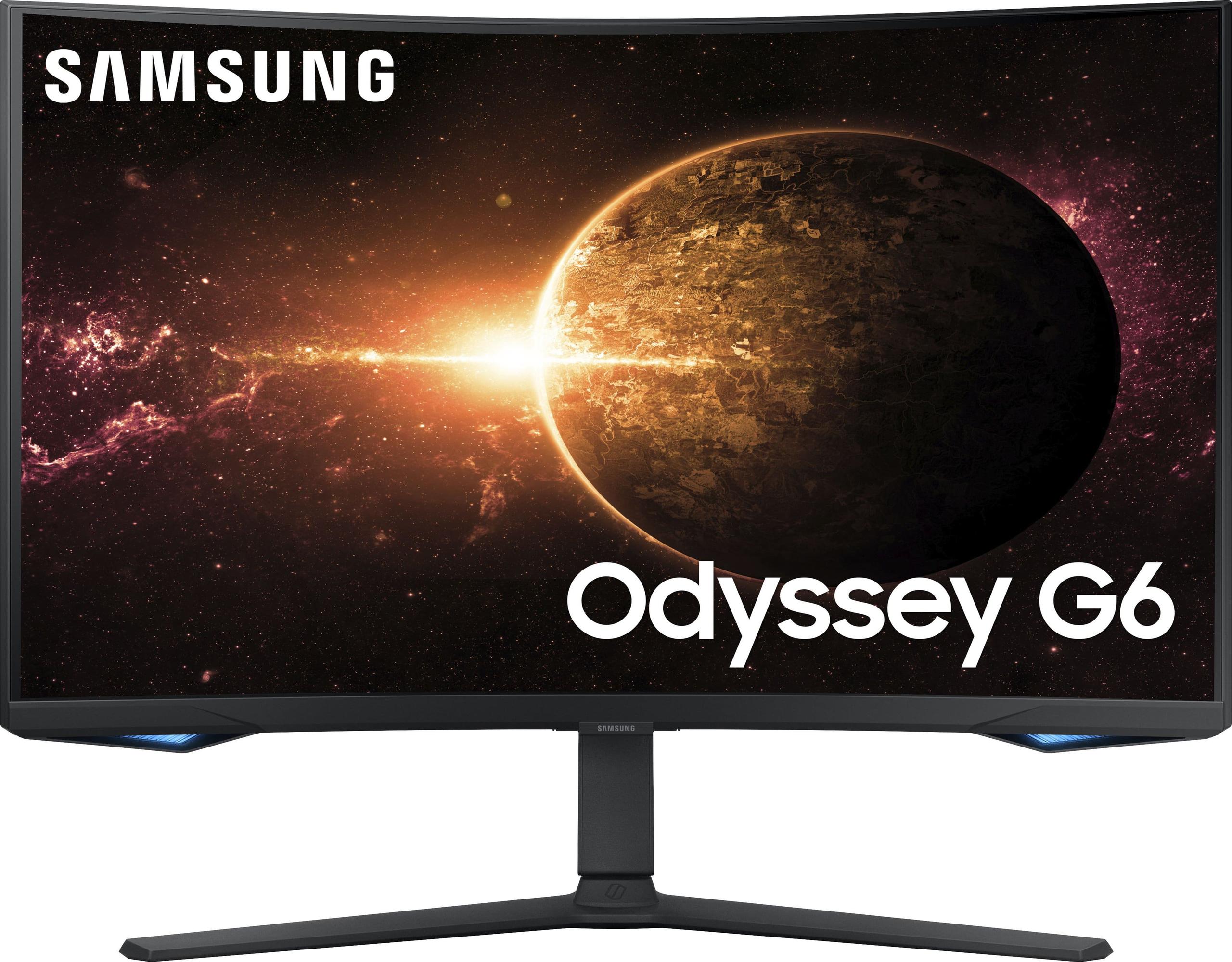
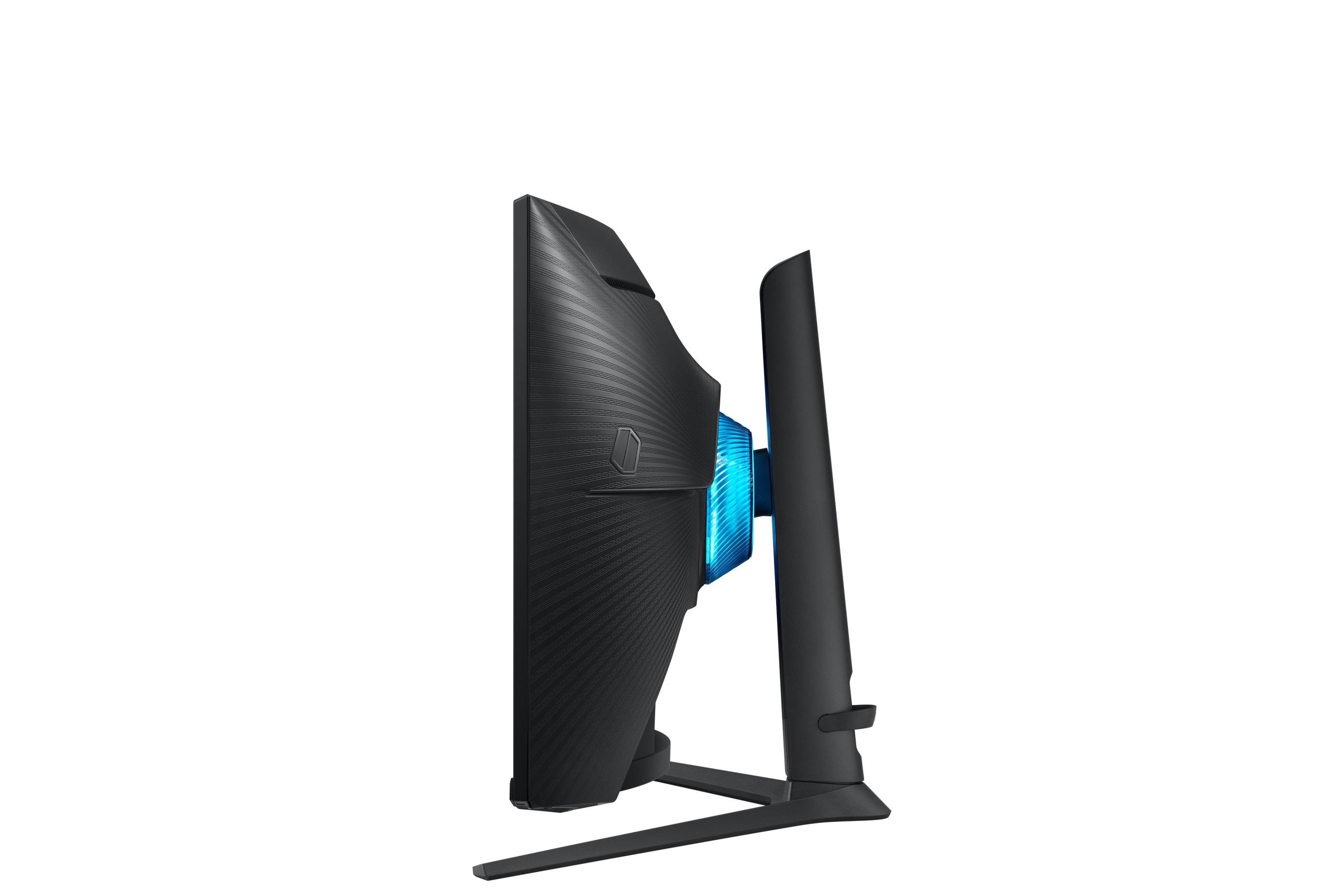
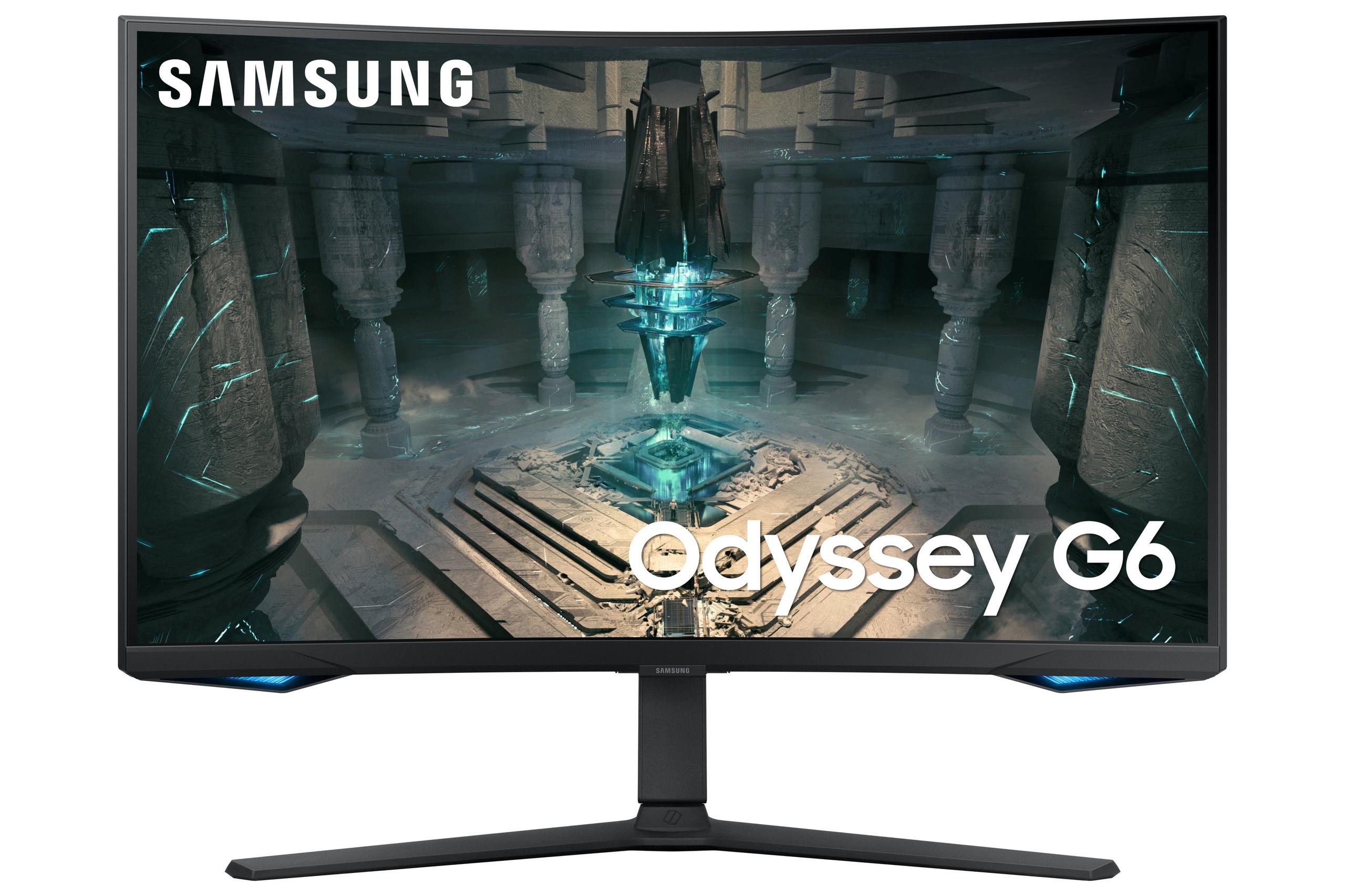
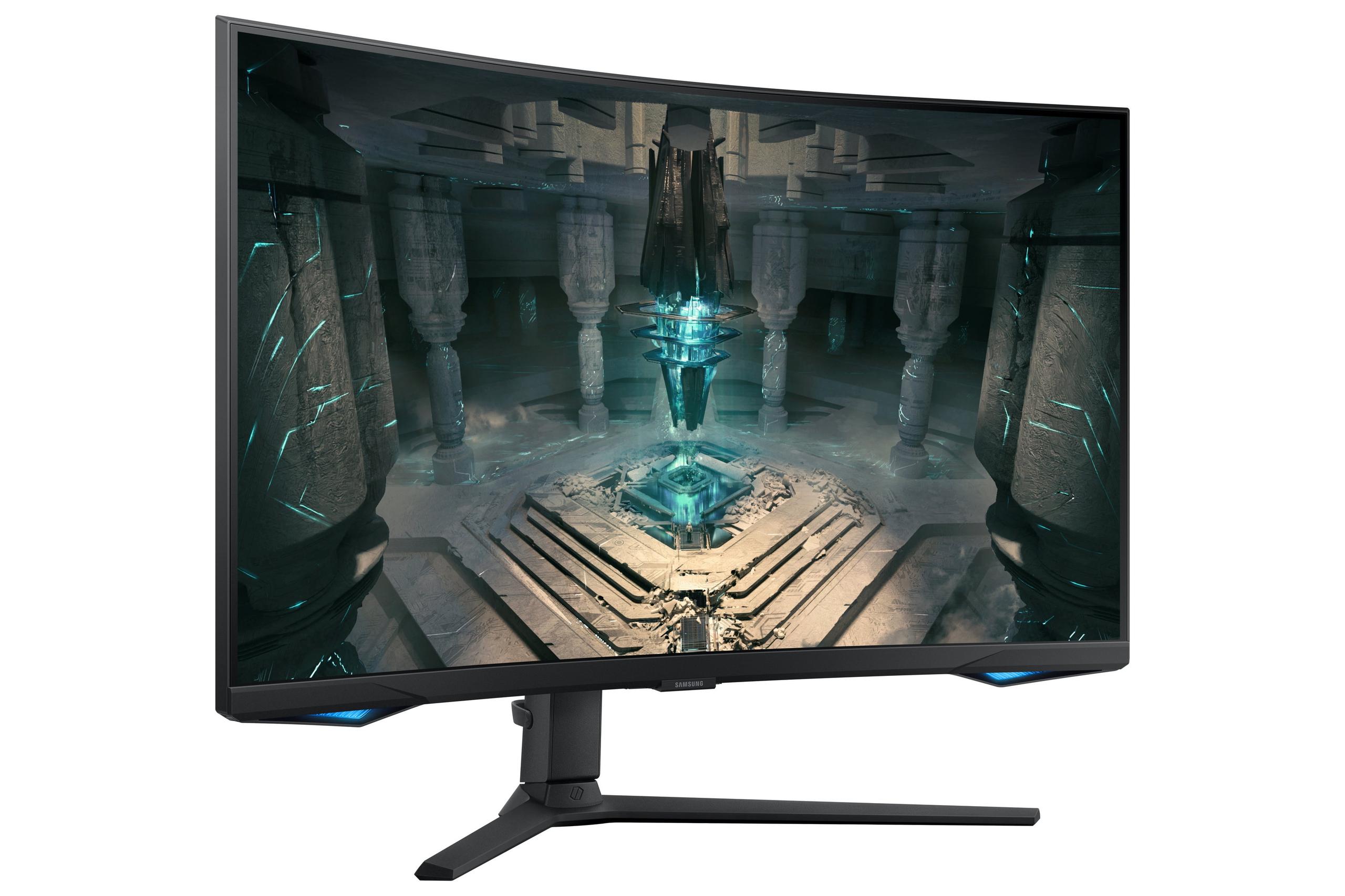
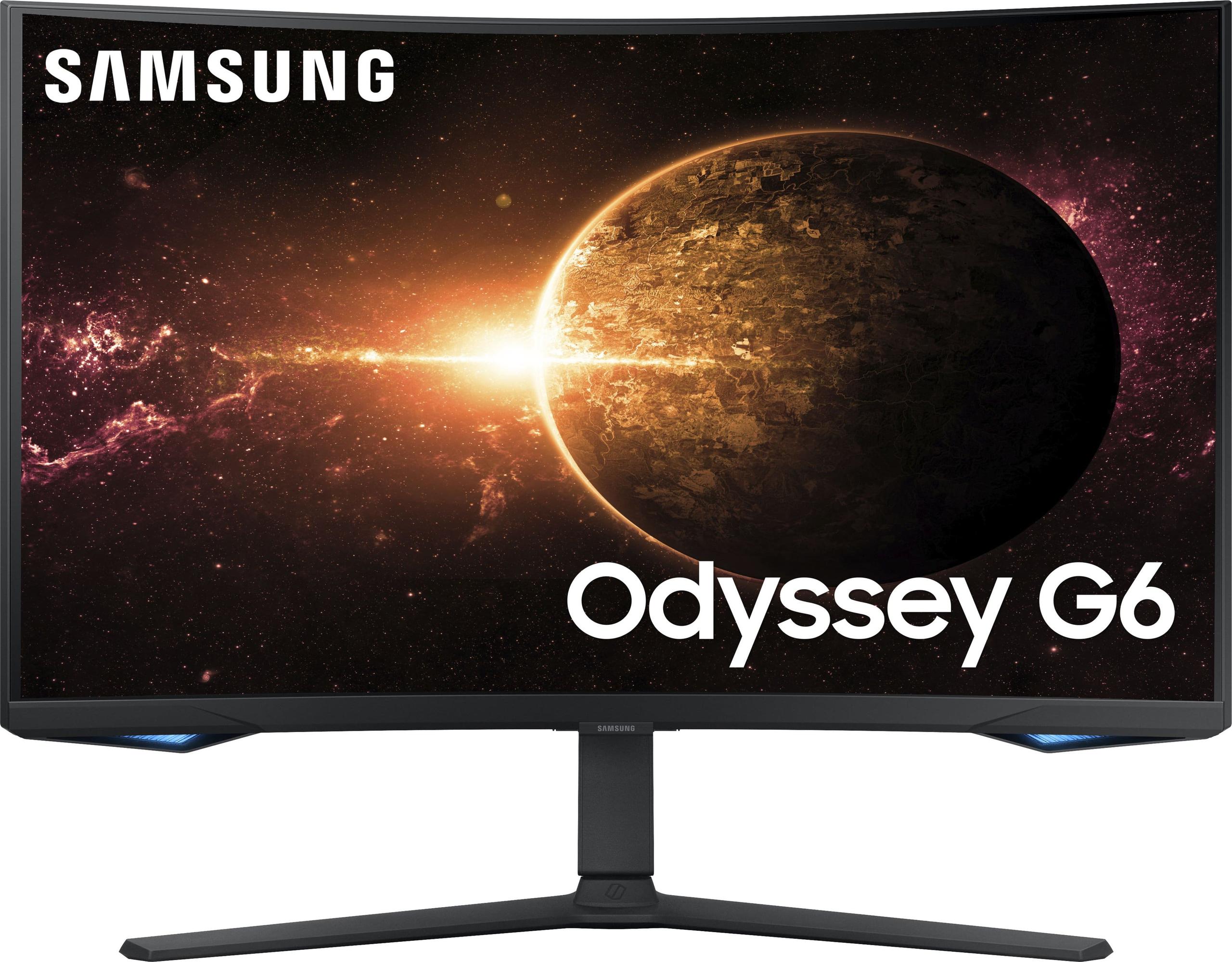
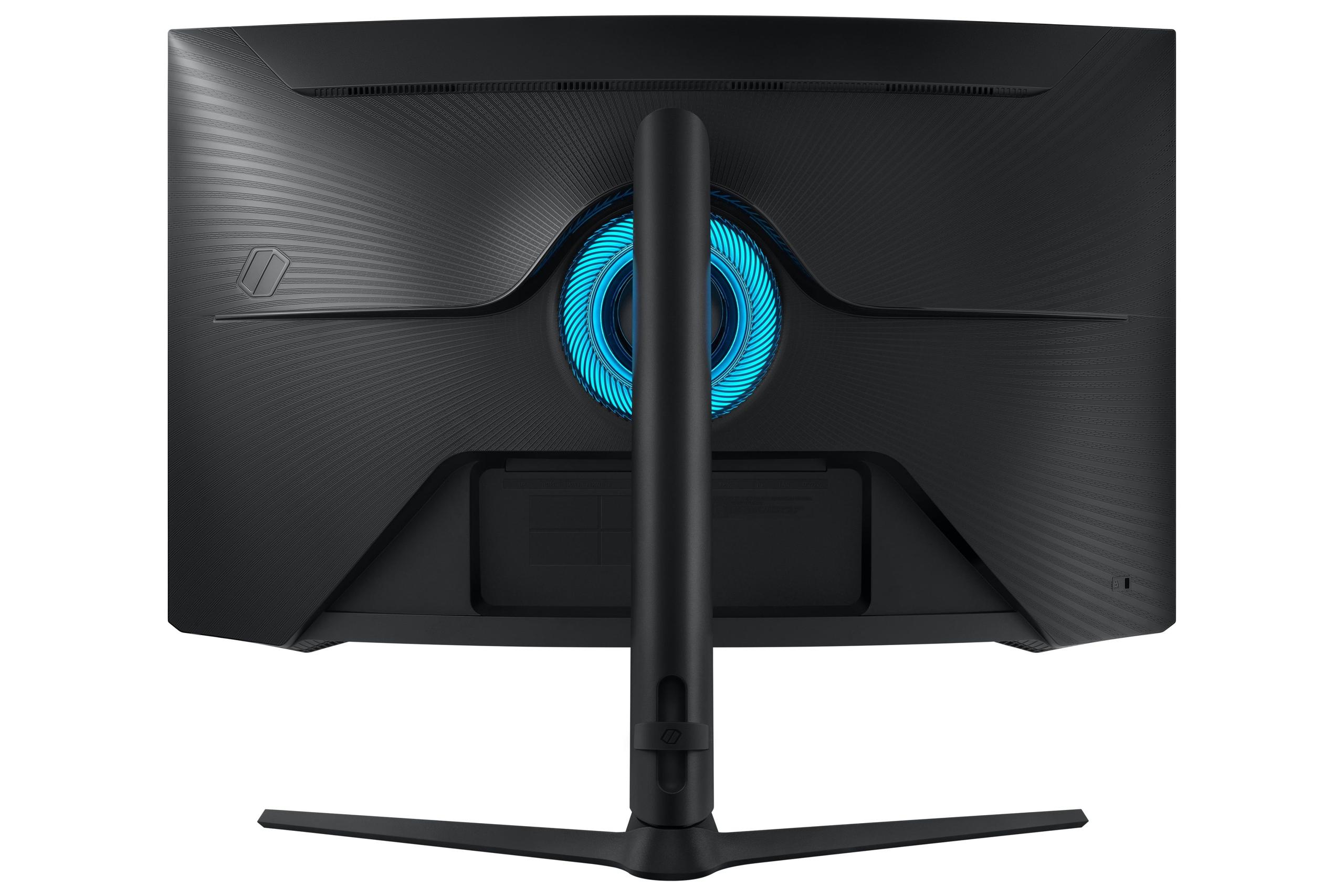
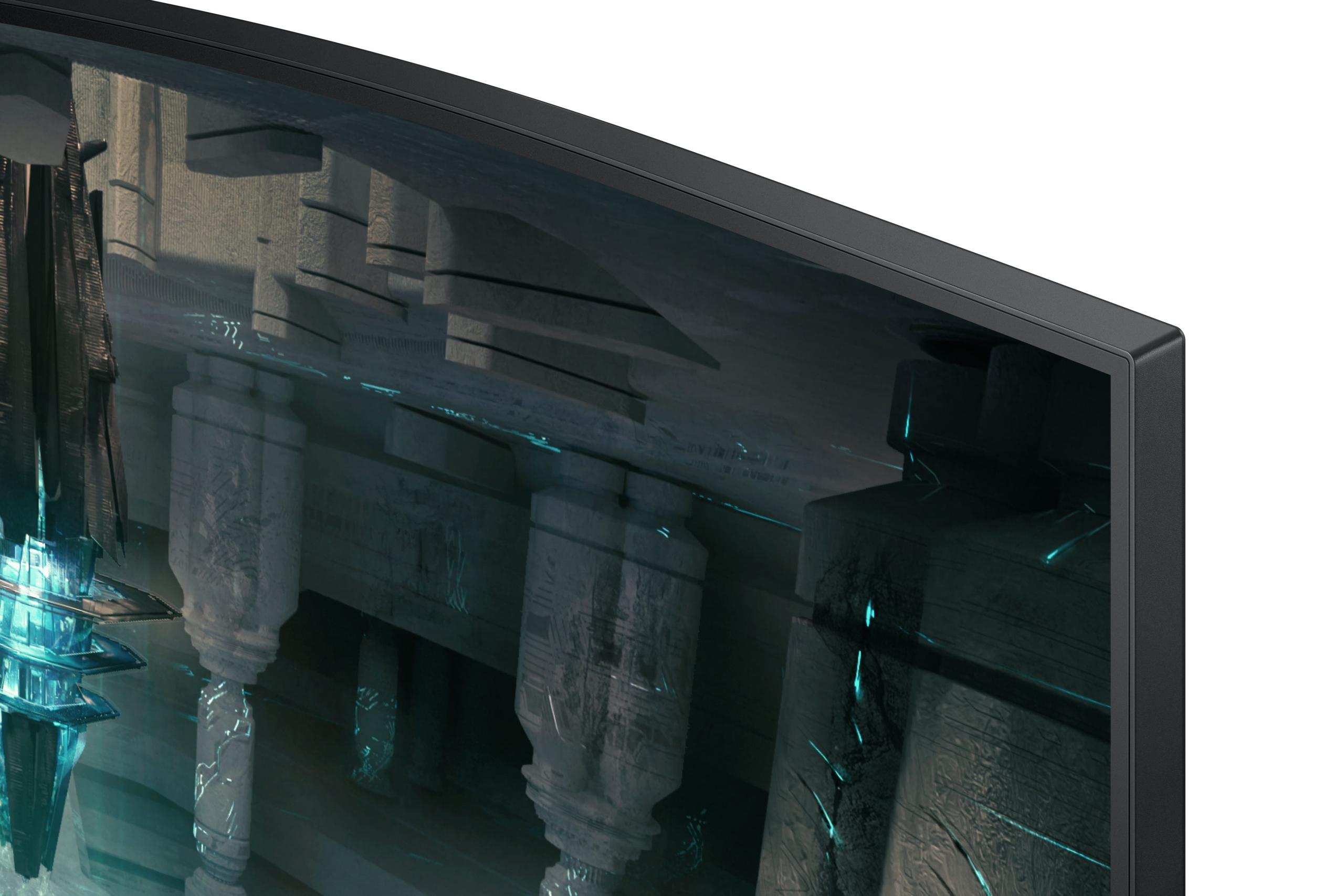
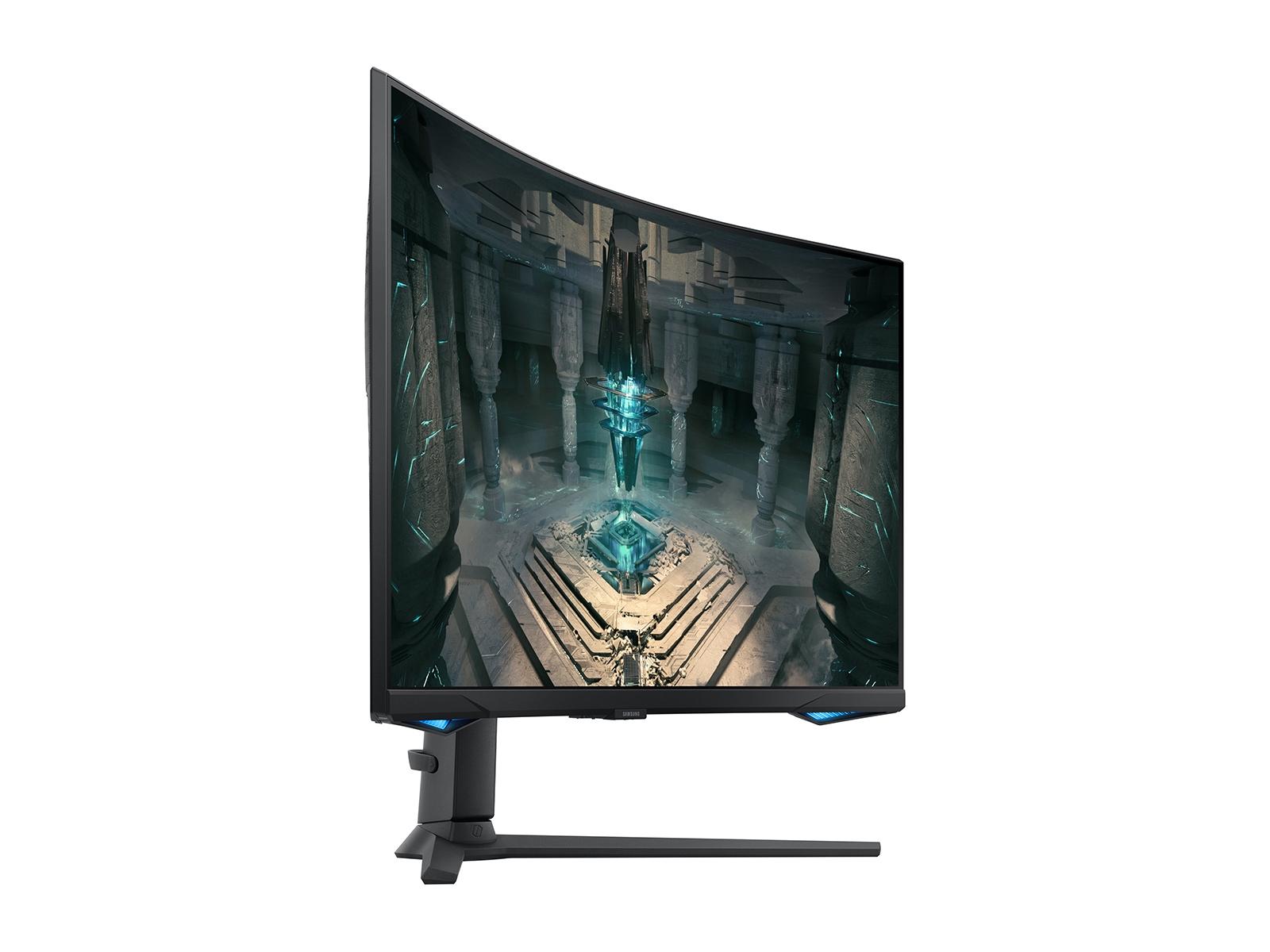
Gaming monitors have evolved dramatically over the past few years, and 27-inch QHD displays running at 240Hz now represent the sweet spot for serious gamers. At the time of writing, two monitors perfectly illustrate the different approaches manufacturers are taking: the premium GIGABYTE MO27Q2 with its cutting-edge QD-OLED technology, and the value-focused Samsung Odyssey G65B with its immersive curved design and smart features.
These monitors tackle the same core mission—delivering smooth, responsive gaming at 1440p resolution—but they use completely different technologies and philosophies. Understanding these differences is crucial for making the right choice for your gaming setup and budget.
The 27-inch QHD (2560 x 1440 resolution) segment has become incredibly competitive because it hits that perfect balance. You get significantly more detail than 1080p displays, but your graphics card doesn't have to work as hard as it would pushing 4K pixels. The 240Hz refresh rate means the screen updates 240 times per second, creating buttery-smooth motion that gives competitive gamers a real advantage.
When shopping for gaming monitors, you'll encounter several key considerations. Panel technology determines how the display creates images and affects everything from color quality to response times. Gaming performance metrics like input lag and response time can mean the difference between landing that crucial headshot or missing it entirely. Display quality factors like HDR (High Dynamic Range, which expands the range of colors and brightness) and color accuracy determine how good your games actually look.
The GIGABYTE MO27Q2, released in 2024, represents the latest wave of QD-OLED monitors that have revolutionized display quality. Meanwhile, the Samsung Odyssey G65B from 2022 showcases Samsung's continued refinement of VA panel technology with integrated smart features that weren't common in gaming monitors just a few years ago.
The most fundamental difference between these monitors lies in how they create images. The GIGABYTE MO27Q2 uses QD-OLED technology—a mouthful that stands for Quantum Dot Organic Light Emitting Diode. This cutting-edge tech combines the best aspects of OLED (where each pixel produces its own light) with quantum dots (microscopic crystals that enhance color reproduction). The result? Each pixel can turn completely off for true blacks, or shine brightly for vivid colors, creating what's essentially an infinite contrast ratio.
I've spent considerable time with OLED displays, and the difference in dark scenes is immediately apparent. When you're creeping through a shadowy corridor in a horror game or trying to spot enemies in the darkness of a competitive shooter, those perfect blacks reveal details that would be washed out on traditional displays.
The Samsung Odyssey G65B, on the other hand, uses a VA (Vertical Alignment) panel. VA technology places liquid crystals vertically between two glass plates, and when voltage is applied, they tilt to control light passage. While VA panels can't match OLED's per-pixel control, they offer excellent contrast ratios—around 2,500:1 for the G65B—which is significantly better than the flat, washed-out look of cheaper IPS panels.
The Samsung's 1000R curvature is another key differentiator. That "1000R" means if you extended the curve into a full circle, it would have a 1000mm radius—roughly matching the natural curve of human vision. This creates a more immersive experience, especially in racing games or sprawling open-world adventures where peripheral vision matters.
Response time is where these monitors show their biggest performance gap. The GIGABYTE MO27Q2 achieves a blazing-fast 0.03ms response time, while the Samsung G65B manages 1ms GTG (Gray-to-Gray). To put this in perspective, 0.03ms is thirty times faster—though both are well beyond what human perception can detect directly.
What you will notice is motion clarity. OLED technology eliminates the sample-and-hold blur that affects LCD panels. When you whip your mouse around to check your six in an FPS game, the GIGABYTE monitor maintains sharp, clear imagery without the slight trailing or ghosting that can occur with traditional panels.
Both monitors support adaptive sync technology—AMD FreeSync—which synchronizes the monitor's refresh rate with your graphics card's frame output. This eliminates screen tearing (where the image appears split horizontally) and reduces stuttering when frame rates fluctuate. The Samsung G65B includes FreeSync Premium Pro, which adds low frame rate compensation and ensures the monitor works well even when your GPU can't maintain high frame rates consistently.
Input lag—the delay between when you click and when the action appears on screen—is excellent on both monitors. Modern gaming displays have largely solved this problem, but it's worth noting that the MO27Q2's OLED technology has an inherent advantage here since there's no backlight processing delay.
This is where the technology differences become most apparent to the average user. The GIGABYTE MO27Q2 delivers contrast that's simply impossible with traditional LCD technology. When I'm playing games with dramatic lighting—think Cyberpunk 2077's neon-soaked streets or the shadowy depths of Metro Exodus—the perfect blacks make bright elements pop with an almost three-dimensional quality.
The QD-OLED panel covers 99% of the DCI-P3 color space (a professional color standard that encompasses more vivid colors than standard displays) and supports 10-bit color depth. That means it can display over a billion different colors, creating smooth gradients without the banding that can occur on cheaper 8-bit panels.
However, the Samsung G65B has a significant advantage in brightness. Its 350 nits of sustained brightness outshines the GIGABYTE's 250 nits in typical viewing conditions. If you're gaming in a bright room with windows nearby, the Samsung will be much more comfortable to view. The GIGABYTE can hit 1000 nits in small areas for HDR highlights, but its overall brightness can feel dim in well-lit environments.
For HDR performance, both monitors take different approaches. The MO27Q2 is DisplayHDR True Black 400 certified, which focuses on the contrast capabilities that OLED excels at. Dark scenes in HDR games reveal incredible shadow detail without washing out bright elements. The Samsung G65B carries DisplayHDR 600 certification, emphasizing its higher peak brightness capabilities for vivid highlights.
The curved versus flat debate often comes down to personal preference and use case. The Samsung G65B's 1000R curve creates an enveloping experience that can enhance immersion, particularly in racing simulators or flight games where peripheral vision adds to the realism. I find curved monitors particularly effective for single-player adventures where you want to lose yourself in the game world.
However, flat panels like the GIGABYTE MO27Q2 offer advantages for competitive gaming and productivity. There's no geometric distortion at the edges, which some users find distracting, and if you ever plan to add a second monitor, flat panels align much more naturally.
Both monitors offer comprehensive ergonomic adjustments—height, tilt, swivel, and pivot—which is crucial for comfort during long gaming sessions. The Samsung provides portrait mode capability, which can be useful for browsing social media or reading between gaming sessions, though most users won't rotate a 27-inch display regularly.
Build quality differs notably between these models. The GIGABYTE MO27Q2 features premium materials with a metal stand that feels substantial and stable. Samsung's build quality is solid but more utilitarian, focusing on functionality over premium materials.
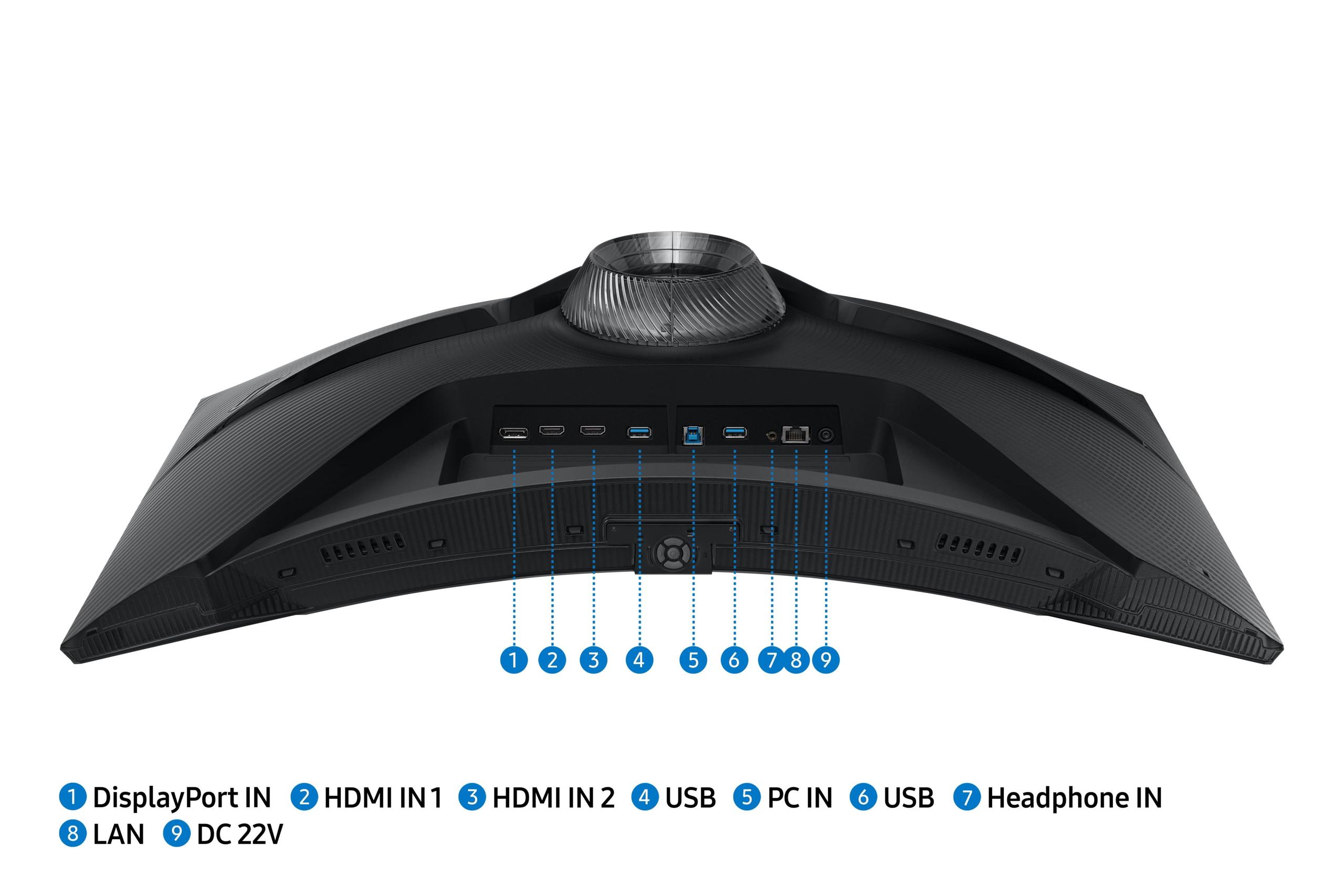
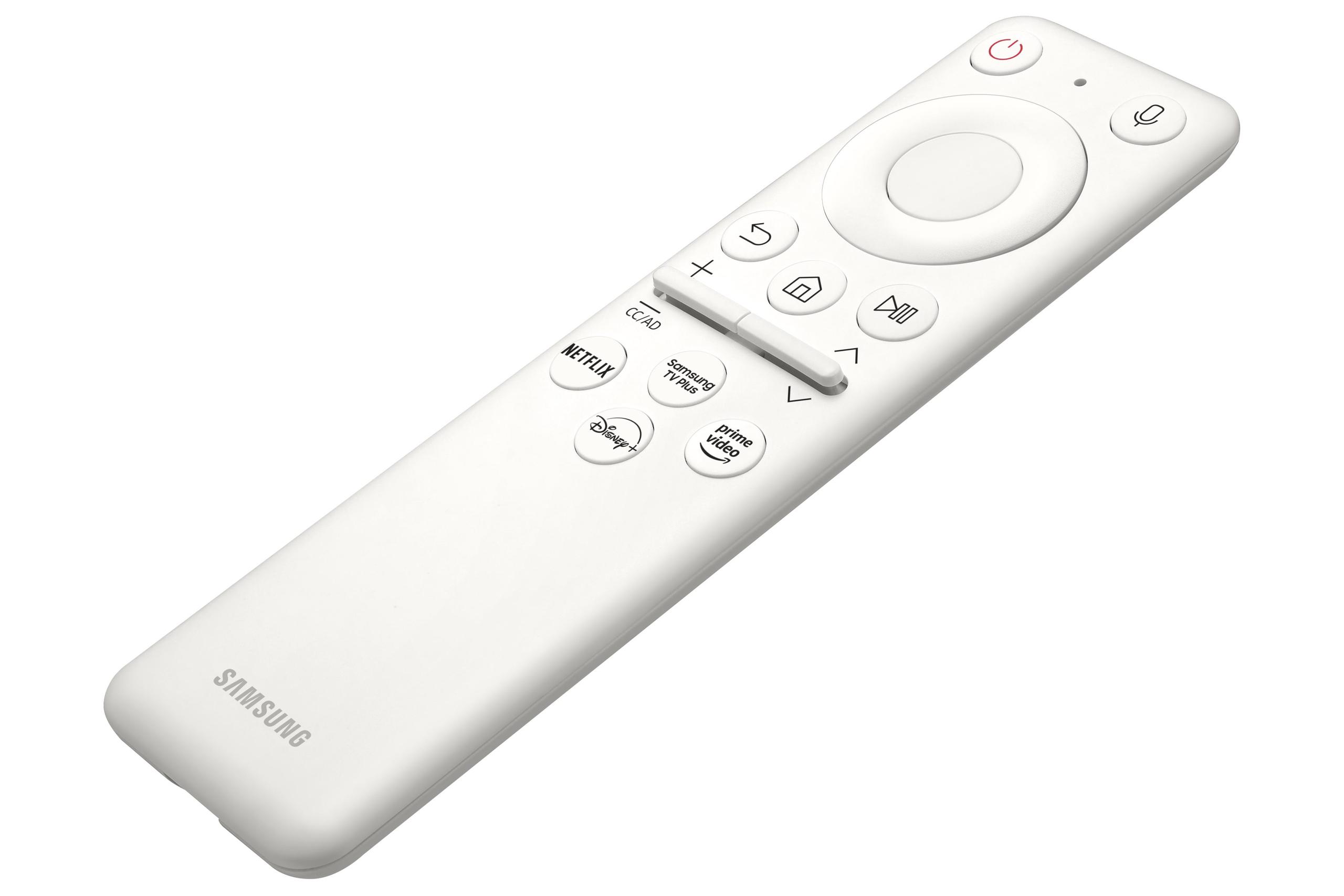
Here's where the Samsung Odyssey G65B really differentiates itself. Built-in Tizen OS transforms this monitor into essentially a smart TV. You can stream Netflix, access Samsung's Gaming Hub for cloud gaming, or even control smart home devices through Samsung's SmartThings integration. WiFi and Bluetooth connectivity mean you can use it completely wirelessly if needed.
This smart functionality has become increasingly valuable as gaming setups become entertainment centers. Instead of switching between your console, PC, and streaming device, the Samsung can handle multiple roles. Voice control through Bixby or Alexa adds convenience for adjusting settings or launching content without reaching for a remote.
The GIGABYTE MO27Q2 takes a more traditional approach but excels in connectivity for productivity users. Its USB-C port supports KVM (Keyboard, Video, Mouse) switching, allowing you to control multiple devices with one set of peripherals. If you use both a gaming PC and a work laptop, this feature eliminates the cable swapping that usually comes with shared peripherals.
For home theater use, both monitors have merit but serve different needs. The Samsung G65B is the clear winner for a bedroom or smaller space where you want a single device handling gaming, streaming, and general entertainment. Its curved design and smart features make it feel more TV-like, while the built-in speakers are surprisingly adequate for casual viewing.
The GIGABYTE MO27Q2 works better in a dedicated home theater setup where display quality is paramount. Its superior contrast and color reproduction make it exceptional for movies, though you'll want external speakers and a separate streaming device.
OLED technology brings concerns about burn-in—permanent image retention from static elements displayed too long. The GIGABYTE MO27Q2 includes AI-based OLED care features like pixel shifting and refresh cycles to minimize this risk, plus a three-year warranty that specifically covers burn-in. However, users need to be mindful of leaving static images on screen for extended periods.
The Samsung G65B has no burn-in risk with its VA technology. You can leave it on Windows desktop, use it for work with static interface elements, or pause games indefinitely without worry. This makes it more versatile for mixed-use scenarios where it's not purely a gaming display.
Power consumption favors the Samsung as well. OLED displays use more power, especially when displaying bright content, while VA panels maintain consistent, moderate power draw regardless of content.
At the time of writing, these monitors represent different value propositions entirely. The GIGABYTE MO27Q2 commands a significant premium—roughly 50% more than the Samsung G65B—for its advanced OLED technology. This pricing reflects the current state of QD-OLED manufacturing, where yields are still improving and demand exceeds supply.
The Samsung Odyssey G65B offers exceptional value in the mainstream gaming segment. You get 240Hz QHD gaming performance, smart TV features, and solid build quality at a price point that doesn't require choosing between your monitor and graphics card budget.
For competitive gamers, content creators, or enthusiasts who prioritize absolute image quality, the GIGABYTE's premium may be justified. The technology advantages are real and noticeable in daily use. However, for most gamers, the Samsung delivers 95% of the performance at a much more accessible price point.
Choose the GIGABYTE MO27Q2 if you're an enthusiast who values cutting-edge technology and superior image quality. It's ideal for users who primarily game in darker environments, want the absolute best motion clarity for competitive gaming, and don't mind paying extra for premium features. The KVM functionality also makes it excellent for users juggling work and gaming on multiple devices.
The Samsung Odyssey G65B is the better choice for most users. Its combination of excellent gaming performance, immersive curved design, smart features, and competitive pricing creates a compelling package. It's particularly good for users who want one device to handle multiple entertainment needs, game in brighter rooms, or prefer the wraparound experience of a curved display.
Both monitors excel at their core mission of delivering smooth, responsive 240Hz gaming at QHD resolution. The choice ultimately comes down to whether you value the premium experience and cutting-edge technology of OLED, or prefer the practical benefits and smart features of the Samsung's more traditional approach. Either way, you're getting a display that will enhance your gaming experience significantly over older, slower monitors.
The gaming monitor market continues evolving rapidly, with new panel technologies and features appearing regularly. But these two monitors represent the current state of the art in their respective approaches—premium OLED performance versus well-rounded mainstream excellence.
| GIGABYTE MO27Q2 27" QD-OLED QHD 240Hz Gaming Monitor | Samsung Odyssey G65B 27" QHD 240Hz Curved Gaming Monitor |
|---|---|
| Panel Technology - Determines contrast, color quality, and long-term durability | |
| QD-OLED with infinite contrast and per-pixel lighting control | VA panel with 2,500:1 contrast and 1000R curvature |
| Response Time - Critical for competitive gaming and motion clarity | |
| 0.03ms (virtually eliminates ghosting and blur) | 1ms GTG (excellent for gaming, slight trailing possible) |
| Display Form Factor - Affects immersion and multi-monitor compatibility | |
| Flat panel (better for competitive gaming and productivity) | 1000R curved (more immersive for single-player games) |
| Brightness - Important for room lighting compatibility | |
| 250 nits typical, 1000 nits peak HDR (dim in bright rooms) | 350 nits sustained (better for well-lit environments) |
| HDR Support - Enhanced contrast and color range for compatible content | |
| DisplayHDR True Black 400 (superior dark scene detail) | DisplayHDR 600 (brighter highlights, good overall HDR) |
| Color Coverage - Affects color accuracy and vibrancy | |
| 99% DCI-P3 with 10-bit depth (professional-grade colors) | 95% DCI-P3 (excellent for gaming and entertainment) |
| Smart Features - Built-in functionality beyond basic display | |
| Traditional monitor (no smart TV features) | Full Tizen OS with streaming apps and Gaming Hub |
| Connectivity - Port selection and device compatibility | |
| USB-C with KVM switch, 2x HDMI 2.1, DisplayPort | 2x HDMI 2.1, DisplayPort, WiFi, Bluetooth, Ethernet |
| Burn-in Risk - Long-term display reliability concern | |
| Potential OLED burn-in (3-year warranty with burn-in coverage) | No burn-in risk with VA technology |
| Target Audience - Best suited for different user types | |
| Enthusiasts and competitive gamers prioritizing image quality | Mainstream gamers wanting versatility and smart features |
| Value Proposition - Performance and features relative to cost | |
| Premium pricing for cutting-edge OLED technology | Excellent value with strong feature set at mainstream pricing |
The GIGABYTE MO27Q2 is superior for competitive gaming due to its 0.03ms response time compared to the Samsung Odyssey G65B's 1ms response time. The OLED technology in the MO27Q2 eliminates motion blur and ghosting, giving you clearer visuals during fast-paced action. The flat panel design also provides consistent viewing angles without the geometric distortion that curved displays can introduce.
The primary difference is panel technology: the GIGABYTE MO27Q2 uses premium QD-OLED technology with infinite contrast and per-pixel lighting control, while the Samsung G65B uses a VA panel with good contrast and a 1000R curve for immersion. The Samsung monitor also includes smart TV features with built-in streaming apps, which the GIGABYTE lacks.
The GIGABYTE MO27Q2 delivers superior picture quality with true blacks, infinite contrast, and 99% DCI-P3 color coverage. However, the Samsung Odyssey G65B is brighter at 350 nits, making it better for well-lit rooms. For dark room viewing and HDR content, the MO27Q2 provides a more premium visual experience.
This depends on your gaming style. The Samsung G65B's 1000R curve enhances immersion for single-player games, racing simulators, and open-world adventures. The GIGABYTE MO27Q2's flat design is better for competitive gaming, productivity work, and multi-monitor setups. Curved displays can cause distortion at the edges that some users find distracting.
The Samsung Odyssey G65B offers better value for most users, providing excellent 240Hz gaming performance, smart TV features, and solid build quality at a more accessible price point. The GIGABYTE MO27Q2 commands a premium for its advanced OLED technology but may not justify the extra cost unless you prioritize absolute image quality.
Both monitors excel for console gaming with their 240Hz refresh rates and HDMI 2.1 connectivity. The Samsung G65B has an advantage with its built-in streaming apps and smart features, making it more versatile for entertainment. The GIGABYTE MO27Q2 provides superior HDR performance for console games that support it.
The Samsung Odyssey G65B performs better in bright rooms with its 350 nits of sustained brightness compared to the MO27Q2's 250 nits typical brightness. The GIGABYTE monitor can feel dim in well-lit environments, making the Samsung more suitable for rooms with windows or overhead lighting.
The GIGABYTE MO27Q2 has potential burn-in risk due to its OLED technology, though it includes AI-based protection features and a 3-year warranty covering burn-in. The Samsung G65B has no burn-in risk with its VA panel technology, making it more suitable for mixed-use scenarios with static interface elements or extended desktop use.
The GIGABYTE MO27Q2 offers superior connectivity for productivity users with USB-C, KVM switch functionality, and multiple USB ports. The Samsung G65B provides good gaming connectivity plus wireless features like WiFi and Bluetooth, along with smart TV capabilities that don't require additional devices.
For home theater applications, the Samsung Odyssey G65B is more versatile with built-in streaming apps, making it suitable for bedroom or smaller space entertainment setups. The GIGABYTE MO27Q2 offers superior image quality for movie watching but requires external streaming devices and benefits from a dedicated dark room setup.
The GIGABYTE MO27Q2 is superior for content creation with its 99% DCI-P3 color coverage, 10-bit color depth, and included factory calibration report. The KVM switch also makes it easier to work with multiple devices. The Samsung G65B provides good color accuracy but isn't specifically designed for professional content creation workflows.
Both the GIGABYTE MO27Q2 and Samsung Odyssey G65B offer excellent gaming features including 240Hz refresh rates and adaptive sync technology. The Samsung includes additional gaming-focused smart features through its Gaming Hub, while the GIGABYTE focuses on pure performance with faster response times and superior motion clarity for competitive advantages.
We've done our best to create useful and informative comparisons to help you decide what product to buy. Our research uses advanced automated methods to create this comparison and perfection is not possible - please contact us for corrections or questions. These are the sites we've researched in the creation of this article: gigabyte.com - youtube.com - newegg.com - mezha.media - tech-critter.com - gigabyte.com - forum.pcmonitors.info - techspot.com - aorus.com - saltynewsnetwork.com - infiniarc.com - gigabyte.com - bestbuy.com - youtube.com - gigabyte.com - gigabyte.com - displayspecifications.com - aorus.com - gigabyte.com - gigabyte.com - bestbuy.com - versus.com - uk.shi.com - youtube.com - youtube.com - displayspecifications.com - rtings.com - versus.com - samsung.com - rtings.com - businessdirect.bt.com - productchart.com - samsung.com - displayspecifications.com - gradeatechnology.co.uk - samsung.com - bestbuy.com - samsung.com - samsung.com

Privacy Policy
Terms and Conditions - Affiliate Policy
Home Security
© Copyright 2008-2026.
11816 Inwood Rd #1211, Dallas, TX 75244