

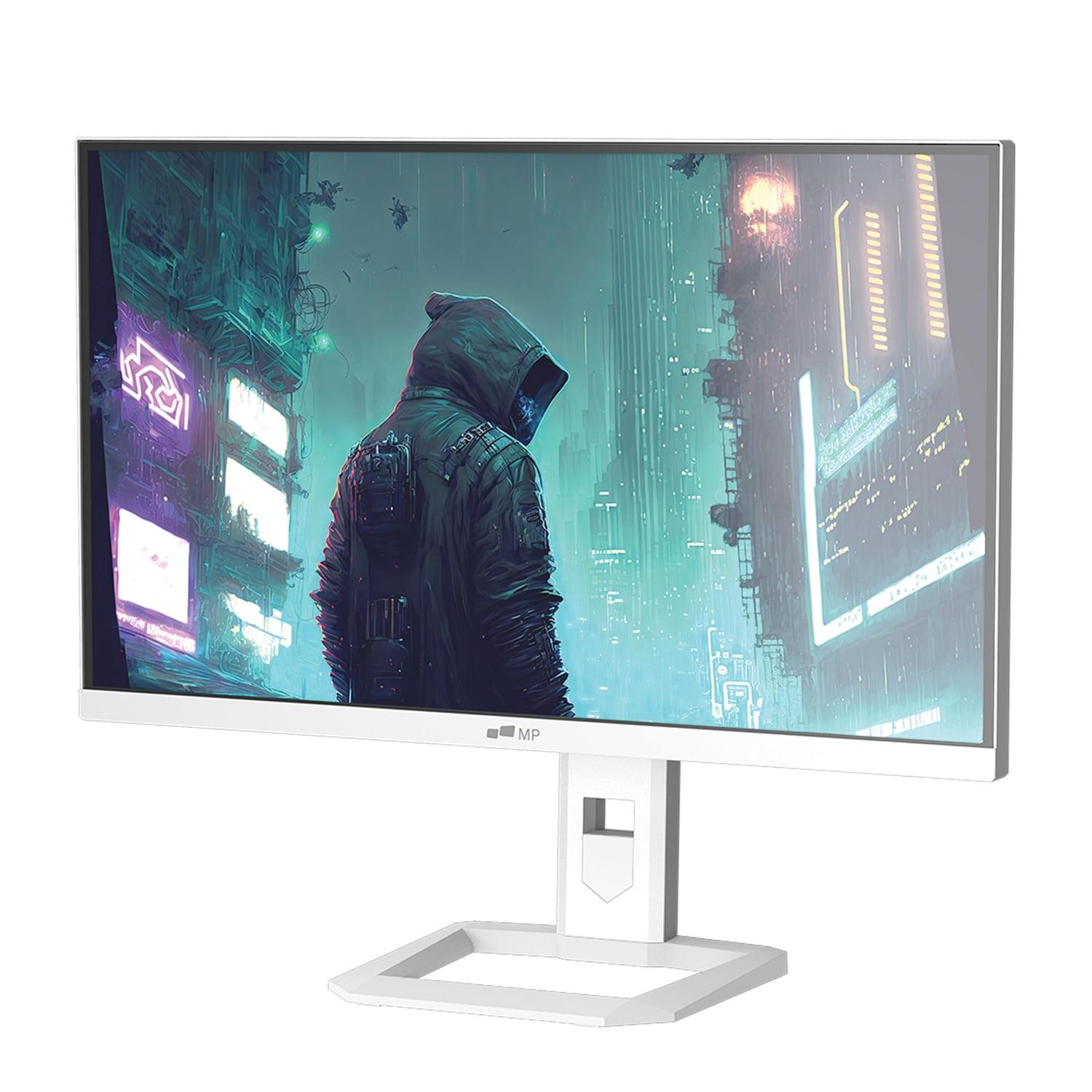
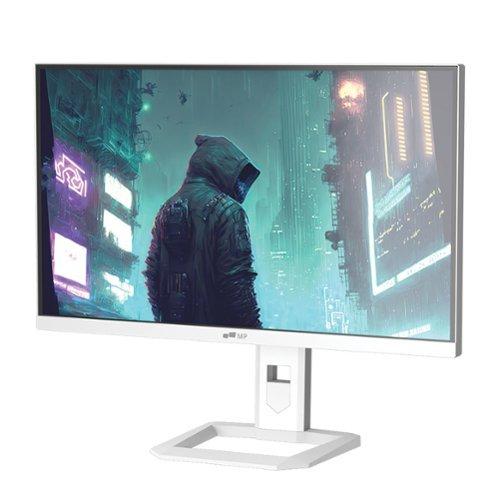
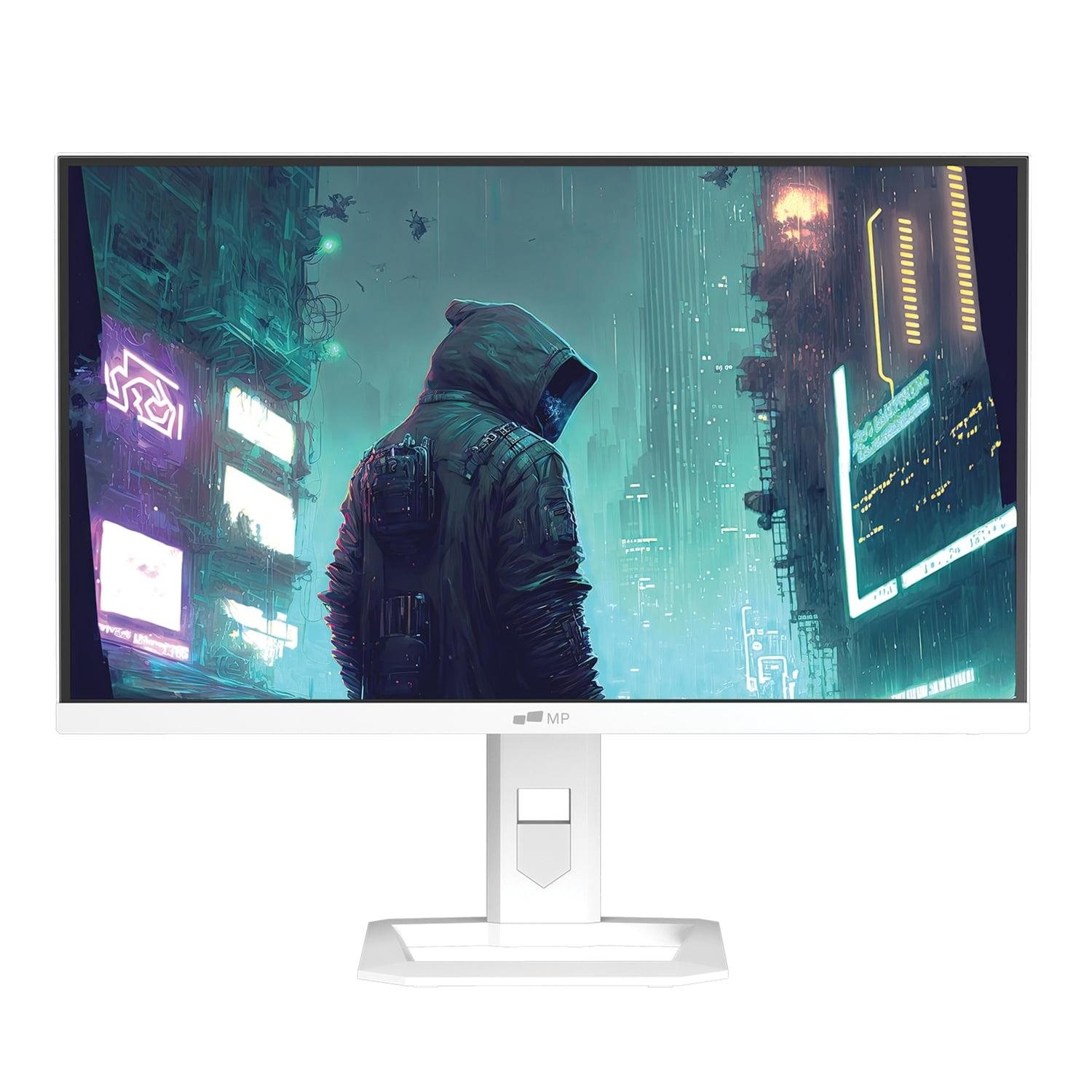











When you're shopping for a premium 27-inch gaming monitor, you'll likely encounter two cutting-edge display technologies that represent the current pinnacle of gaming visuals. The Mobile Pixels 27" WQHD Mini-LED Gaming Monitor and the GIGABYTE MO27Q2 27" QD-OLED QHD 240Hz Gaming Monitor showcase entirely different approaches to achieving stunning image quality and blazing-fast performance.
Both monitors arrived on the scene in 2025, representing the latest evolution in gaming display technology. At the time of writing, the Mobile Pixels monitor positions itself as the more affordable premium option, while the GIGABYTE MO27Q2 commands a higher price point for its advanced OLED technology. Understanding which approach suits your gaming setup and budget requires diving deep into what makes each technology tick.
The 27-inch QHD gaming monitor segment has become incredibly competitive, with manufacturers pushing the boundaries of what's possible in display technology. When evaluating monitors in this category, several key factors determine whether you'll have an exceptional gaming experience or find yourself wanting more.
Resolution and screen size work together to create pixel density—how sharp text and images appear. Both monitors feature 2560 x 1440 resolution (QHD or "2K"), which hits the sweet spot for 27-inch displays. This resolution provides significantly more detail than 1080p without requiring the massive graphics card power that 4K demands. You'll notice crisper text, more detailed game environments, and better overall clarity compared to lower-resolution displays.
Display technology forms the foundation of everything else. Traditional LCD monitors use a backlight that shines through liquid crystal panels, but newer technologies like Mini-LED and QD-OLED take radically different approaches to creating the images you see. These differences affect everything from how dark your blacks appear to how vibrant colors look and even how quickly the display can respond to your inputs.
Gaming-specific features separate dedicated gaming monitors from general-purpose displays. High refresh rates (how many times per second the image updates), low input lag (delay between your mouse click and screen response), and adaptive sync technologies (which eliminate screen tearing) can mean the difference between winning and losing in competitive games.
The Mobile Pixels Mini-LED monitor represents an evolution of traditional LCD technology. Instead of using a few dozen LED lights to backlight the entire screen, Mini-LED employs thousands of tiny LEDs arranged in zones behind the LCD panel. This creates something called "local dimming"—different areas of the screen can be made brighter or darker independently.
Think of it like having thousands of tiny flashlights behind your screen instead of just a few big ones. When you're watching a movie scene with a bright explosion against a dark sky, the Mini-LED system can make the explosion area blazingly bright while keeping the surrounding sky areas much darker. This dramatically improves contrast—the difference between the brightest whites and darkest blacks your monitor can display.
The Mobile Pixels monitor achieves impressive peak brightness of 1000 nits, which means HDR (High Dynamic Range) content really pops with brilliant highlights. For context, most standard monitors manage only 250-400 nits, so this represents a significant leap in how bright and punchy your games and movies can look.
However, Mini-LED isn't perfect. Sometimes you'll notice "blooming"—a subtle halo effect around bright objects on dark backgrounds. This happens because each dimming zone covers multiple pixels, so the system can't achieve perfect precision. It's usually only noticeable in very specific scenarios, like white text on pure black backgrounds.
The GIGABYTE MO27Q2 takes a completely different approach with QD-OLED (Quantum Dot Organic Light-Emitting Diode) technology. Instead of using a backlight, each individual pixel creates its own light. Imagine if every single pixel on your screen was its own tiny, controllable light bulb—that's essentially how OLED works.
This per-pixel control creates absolutely perfect blacks because pixels can turn completely off. When you see a starfield in space, the black areas are truly black, not the dark gray you get with backlit displays. The contrast ratio of 1,500,000:1 means the brightest whites are 1.5 million times brighter than the darkest blacks—a level of contrast that's simply impossible with any backlit technology.
The "QD" part stands for Quantum Dot, which is Samsung's enhancement to traditional OLED. Quantum dots are microscopic particles that convert blue OLED light into incredibly pure red and green colors. This allows the GIGABYTE monitor to cover 99% of the DCI-P3 color space, which is the standard used in movie theaters. Colors appear more saturated and lifelike than you'll see on most other display types.
But QD-OLED has its own trade-offs. The typical brightness is much lower than Mini-LED—around 250 nits for normal content. While it can hit higher peaks for small bright areas, it can't sustain high brightness across the entire screen like Mini-LED can. This makes QD-OLED less ideal for very bright rooms with lots of ambient light.
There's also the burn-in concern. If you leave static images on screen for extended periods (like a Windows taskbar), those elements can permanently "burn in" to the display. Modern OLED monitors include protection features, and the GIGABYTE MO27Q2 comes with AI-based OLED care and a 3-year burn-in warranty, but it's still something to consider.
Gaming performance comes down to how quickly your monitor can display new images and how fast it can change from one color to another. The Mobile Pixels monitor offers a 180Hz refresh rate, meaning it can display 180 unique images every second. For comparison, most standard monitors are limited to 60Hz, so this represents a three-fold improvement in smoothness.
The GIGABYTE MO27Q2 pushes this even further with 240Hz. While the difference between 180Hz and 240Hz isn't as dramatic as going from 60Hz to 144Hz, competitive gamers often notice the extra smoothness, especially in fast-paced first-person shooters where tracking moving targets is crucial.
Response time measures how quickly pixels can change from one color to another, typically measured in milliseconds. The Mobile Pixels monitor achieves 1ms response time, which is excellent and eliminates virtually all motion blur. The GIGABYTE monitor takes this to an extreme with 0.03ms response time—essentially instantaneous pixel transitions that create incredibly crisp motion.
In practical terms, if you're playing competitive games like Counter-Strike, Valorant, or Rocket League, the GIGABYTE MO27Q2 provides a measurable advantage. The combination of 240Hz refresh rate and 0.03ms response time means you'll see enemy movements sooner and more clearly than opponents using slower displays.
Both monitors support adaptive sync technology, but with different levels of compatibility. Screen tearing occurs when your graphics card sends a new frame before your monitor finishes displaying the previous one, creating a visible "tear" across the image.
The Mobile Pixels monitor supports AMD FreeSync Premium, which works with AMD graphics cards to synchronize frame delivery with the monitor's refresh rate. This eliminates tearing and provides smooth gameplay as long as your frame rate stays within the monitor's range.
The GIGABYTE MO27Q2 supports both AMD FreeSync Premium Pro and is certified as NVIDIA G-SYNC Compatible. This broader compatibility means it works seamlessly with both AMD and NVIDIA graphics cards, providing tear-free gaming regardless of your GPU choice. The "Premium Pro" designation also means it meets stricter requirements for low latency and wide refresh rate ranges.
HDR technology expands the range between the darkest and brightest parts of an image, creating more lifelike visuals. However, not all HDR implementations are equal, and these two monitors take very different approaches.
The Mobile Pixels monitor earns HDR1000 certification, meaning it can sustain 1000 nits of brightness across significant portions of the screen. When you're exploring bright outdoor environments in games like Cyberpunk 2077 or watching HDR movies, bright elements like sunlight, explosions, or neon signs appear genuinely brilliant and eye-catching.
The GIGABYTE MO27Q2 carries DisplayHDR True Black 400 certification. While the peak brightness is lower, the "True Black" designation is actually more significant. It means the monitor can display absolute black alongside bright highlights, creating contrast that appears more dramatic to your eyes. In dark game scenes or horror movies, the perfect blacks make shadowy areas truly disappear while bright elements pop with incredible intensity.
For gaming, both approaches have merit. The Mobile Pixels monitor excels in bright, colorful games and well-lit rooms. The GIGABYTE monitor shines in atmospheric games with strong contrast, like horror titles or space simulations where the inky blackness of space makes bright stars and explosions more impactful.
Color performance affects how realistic and vibrant your games and media appear. The Mobile Pixels monitor covers 94% of the DCI-P3 color space, which is quite good and provides more vivid colors than standard sRGB displays.
The GIGABYTE MO27Q2 pushes color performance further with 99% DCI-P3 coverage and 10-bit color depth. The 10-bit specification means it can display over 1 billion distinct colors instead of the 16.7 million colors of 8-bit displays. This results in smoother gradients and more nuanced color reproduction, particularly beneficial for content creation or games with rich, detailed environments.
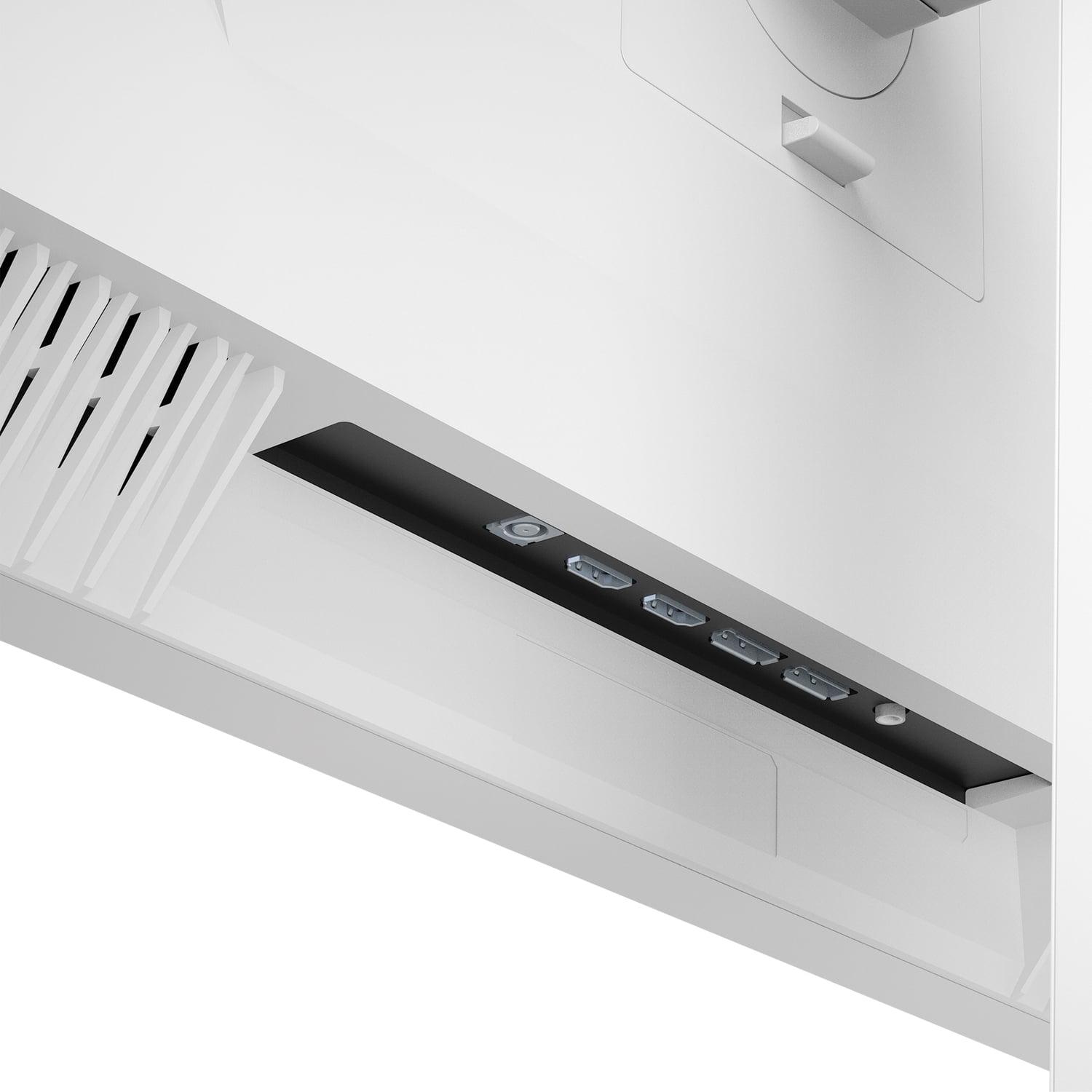
The Mobile Pixels monitor provides solid connectivity with dual HDMI 2.1 ports and dual DisplayPort 1.4 connections. HDMI 2.1 is particularly important for next-generation consoles, supporting full resolution and high refresh rates from PlayStation 5 and Xbox Series X systems.
The GIGABYTE MO27Q2 matches this with dual HDMI 2.1 and DisplayPort 1.4, but adds USB-C connectivity with Power Delivery and an integrated KVM switch. The KVM functionality lets you control two devices (like a gaming PC and laptop) with a single keyboard and mouse, switching between them instantly. The USB-C port can charge devices up to 18 watts—perfect for smartphones but insufficient for most laptops.
The Mobile Pixels monitor focuses on automatic adjustments with ambient light sensing that adapts brightness to your room's lighting conditions. This reduces eye strain during long gaming sessions and ensures optimal visibility in changing light conditions.
The GIGABYTE MO27Q2 includes a particularly interesting feature called Tactical Switch—a dedicated button that instantly changes the display from full 27-inch mode to a centered 24-inch mode. Many competitive esports players prefer 24-inch displays because they can see the entire screen without moving their eyes. This feature lets you get the best of both worlds: 27 inches for immersive gaming and 24 inches for competitive play.
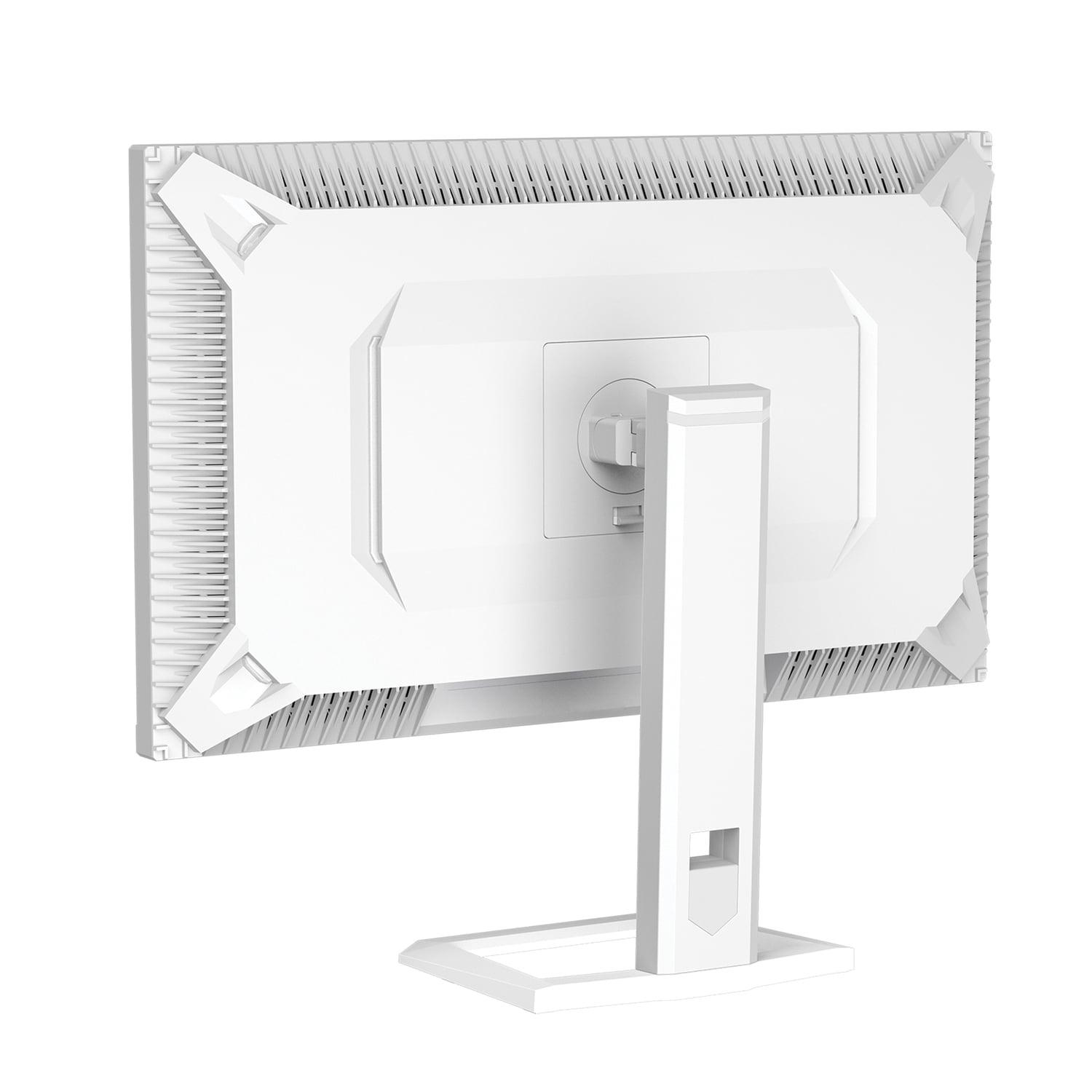
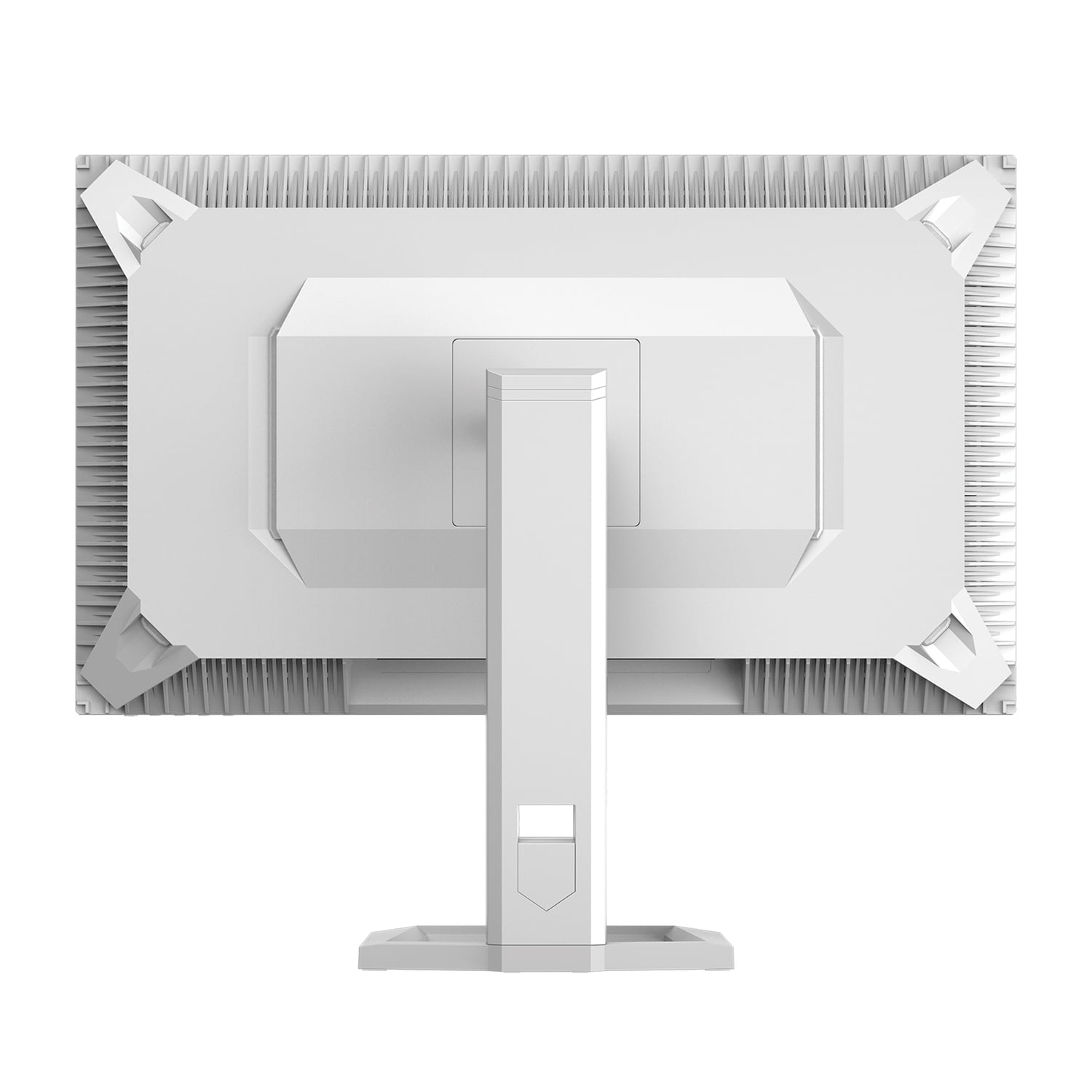
Physical comfort matters during long gaming sessions. The Mobile Pixels monitor provides basic tilt and swivel adjustments with VESA mount compatibility, but the stand lacks height adjustment. This might require you to adjust your chair height or add books under the monitor to achieve proper eye level.
The GIGABYTE MO27Q2 offers full ergonomic adjustability including 130mm of height adjustment, tilt, swivel, and 90-degree pivot rotation. The premium metal stand feels solid and stable, and the monitor can rotate into portrait orientation for productivity tasks or social media browsing.
Both monitors excel beyond gaming, but serve different home theater needs. The Mobile Pixels monitor works better in bright living rooms where ambient light would wash out darker displays. Its higher peak brightness ensures HDR content remains impactful even with windows open or lights on.
The GIGABYTE MO27Q2 creates a more cinematic experience in controlled lighting. The perfect blacks and infinite contrast ratio make it exceptional for movie nights in darkened rooms. However, you'll want to control ambient light to avoid reflections on the glossy screen surface.
For streaming content, both monitors support the color spaces used by Netflix, Disney+, and other services, though the GIGABYTE monitor's broader color gamut provides slightly more accurate reproduction of movie theater-intended colors.
The Mobile Pixels monitor comes with a standard 1-year warranty, which is typical for LCD displays. Mini-LED technology is relatively mature and doesn't face the same longevity concerns as newer technologies.
The GIGABYTE MO27Q2 includes a comprehensive 3-year warranty that specifically covers OLED burn-in—a significant confidence indicator from the manufacturer. The AI-based OLED care features actively work to prevent burn-in through pixel shifting and other protection mechanisms.
For competitive gaming, response time and refresh rate are paramount. The GIGABYTE MO27Q2's 240Hz and 0.03ms specifications provide measurable advantages in fast-paced games where reaction time matters.
For immersive single-player gaming, contrast ratio and color accuracy create more engaging experiences. The GIGABYTE monitor's perfect blacks and wider color gamut enhance atmospheric games, while the Mobile Pixels monitor's higher brightness better serves bright, colorful titles.
For mixed use including productivity, brightness and eye comfort become important. The Mobile Pixels monitor's automatic brightness adjustment and higher sustained brightness reduce eye strain in various lighting conditions.
Choose the Mobile Pixels Mini-LED monitor if:
You're building a gaming setup in a bright room or near windows. The higher brightness ensures excellent visibility regardless of ambient light. Budget-conscious gamers who want premium display technology without the higher cost of OLED will find excellent value here. If you're concerned about burn-in risks or prefer the reliability of proven LCD technology, Mini-LED offers advanced features without OLED's potential drawbacks.
The 180Hz refresh rate satisfies most gaming needs, including competitive play, while the Mini-LED backlighting provides excellent HDR performance for both gaming and streaming content.
Choose the GIGABYTE MO27Q2 if:
You're a serious competitive gamer who needs every possible advantage. The 240Hz refresh rate and 0.03ms response time provide measurably superior performance in fast-paced games. Content creators and enthusiasts who prioritize color accuracy will appreciate the 99% DCI-P3 coverage and 10-bit color depth.
The KVM functionality makes it ideal for users who work with multiple devices, while the perfect blacks create an unmatched cinematic experience for movie watching in controlled lighting.
At the time of writing, the choice often comes down to balancing performance priorities against budget considerations. The Mobile Pixels monitor delivers impressive performance and advanced display technology at a more accessible price point, making it an excellent choice for most gamers seeking premium features without premium pricing.
The GIGABYTE MO27Q2 represents the current pinnacle of gaming display technology, offering uncompromising performance for users willing to invest in cutting-edge features. The 3-year burn-in warranty demonstrates manufacturer confidence and provides peace of mind for this premium investment.
Both monitors represent significant upgrades over traditional gaming displays, but your choice should align with your gaming preferences, room setup, and performance priorities. Consider where you'll use the monitor, what types of games you play most, and whether the additional features of the premium option justify the higher investment for your specific needs.
| Mobile Pixels 27" WQHD Mini-LED Gaming Monitor | GIGABYTE MO27Q2 27" QD-OLED QHD 240Hz Gaming Monitor |
|---|---|
| Display Technology - Determines image quality and long-term reliability | |
| Mini-LED backlit LCD with local dimming zones | QD-OLED with per-pixel lighting |
| Refresh Rate - Critical for competitive gaming smoothness | |
| 180Hz (excellent for most gaming) | 240Hz (advantage for esports professionals) |
| Response Time - Affects motion blur in fast-paced games | |
| 1ms GTG (virtually eliminates blur) | 0.03ms GTG (instantaneous pixel transitions) |
| Peak Brightness - Important for HDR and bright room visibility | |
| 1000 nits sustained (excellent for daylight gaming) | 1000 nits peak, 250 nits typical (better for dark rooms) |
| Contrast Ratio - Determines how deep blacks appear | |
| 1,000,000:1 dynamic contrast | 1,500,000:1 true contrast (perfect blacks) |
| Color Gamut Coverage - Affects color vibrancy and accuracy | |
| 94% DCI-P3 (very good color reproduction) | 99% DCI-P3 with 10-bit depth (cinema-grade colors) |
| HDR Certification - Indicates HDR performance quality | |
| HDR1000 (bright highlights in all content) | DisplayHDR True Black 400 (perfect blacks with highlights) |
| Adaptive Sync Support - Eliminates screen tearing | |
| AMD FreeSync Premium only | AMD FreeSync Premium Pro + NVIDIA G-SYNC Compatible |
| Connectivity Options - Determines device compatibility | |
| 2x HDMI 2.1, 2x DisplayPort 1.4 | 2x HDMI 2.1, 1x DisplayPort 1.4, USB-C with PD, KVM switch |
| Ergonomic Adjustability - Affects long-term comfort | |
| Basic tilt/swivel, VESA compatible | Full adjustability: height, tilt, swivel, pivot |
| Unique Gaming Features - Special functionality for competitive play | |
| Ambient light sensing, automatic brightness adjustment | Tactical Switch (27" to 24" mode), AI OLED Care |
| Burn-in Risk - Long-term display durability concern | |
| No burn-in risk (LCD technology) | Potential OLED burn-in (3-year warranty coverage included) |
| Built-in Audio - Convenience for desktop setups | |
| No speakers (requires external audio) | 2x 5W speakers built-in |
| Warranty Coverage - Protection for your investment | |
| 1-year limited warranty | 3-year warranty including burn-in protection |
The GIGABYTE MO27Q2 is superior for competitive gaming with its 240Hz refresh rate and 0.03ms response time, compared to the Mobile Pixels Mini-LED monitor's 180Hz and 1ms response time. The GIGABYTE monitor also supports both AMD and NVIDIA adaptive sync, while the Mobile Pixels monitor only works with AMD FreeSync.
Mini-LED uses thousands of tiny LEDs behind an LCD panel for improved contrast and brightness, while QD-OLED has each pixel create its own light. The Mobile Pixels Mini-LED monitor achieves higher sustained brightness (1000 nits) making it better for bright rooms, while the GIGABYTE QD-OLED monitor delivers perfect blacks and superior contrast for darker environments.
The GIGABYTE MO27Q2 offers superior color accuracy with 99% DCI-P3 coverage and 10-bit color depth, compared to the Mobile Pixels monitor's 94% DCI-P3 coverage. This makes the GIGABYTE monitor better suited for content creation and media consumption where color precision matters.
Yes, both monitors feature HDMI 2.1 ports that support PlayStation 5 and Xbox Series X at full resolution and high refresh rates. The Mobile Pixels monitor offers two HDMI 2.1 ports, while the GIGABYTE MO27Q2 also includes additional connectivity like USB-C and KVM switching for multiple devices.
The Mobile Pixels Mini-LED monitor performs better in bright rooms due to its higher sustained brightness of 1000 nits and ambient light sensing technology. The GIGABYTE QD-OLED monitor has lower typical brightness (250 nits) and a glossy screen that may show more reflections in bright environments.
Both monitors support HDR but with different approaches. The Mobile Pixels monitor has HDR1000 certification for bright, punchy highlights, while the GIGABYTE MO27Q2 features DisplayHDR True Black 400 for superior contrast with perfect blacks alongside bright elements.
The GIGABYTE MO27Q2 provides superior build quality with a premium metal stand, full ergonomic adjustability, and built-in speakers. The Mobile Pixels monitor has basic adjustments and no speakers, though it includes useful features like automatic brightness adjustment based on ambient lighting.
Burn-in is not a concern with the Mobile Pixels Mini-LED monitor since it uses LCD technology. The GIGABYTE QD-OLED monitor has potential burn-in risk due to its OLED technology, but includes AI-based protection features and a 3-year warranty that covers burn-in damage.
The Mobile Pixels Mini-LED monitor typically offers better value with premium Mini-LED technology at a more accessible price point. The GIGABYTE MO27Q2 commands a premium for its cutting-edge QD-OLED technology and advanced gaming features, making it worth the extra cost for serious enthusiasts.
Both monitors work well for productivity with their 27-inch QHD resolution. The GIGABYTE MO27Q2 offers advantages with its KVM switch for managing multiple devices, full ergonomic adjustability, and portrait mode rotation. The Mobile Pixels monitor provides good text clarity but has limited stand adjustments.
The GIGABYTE MO27Q2 offers more versatile connectivity with HDMI 2.1, DisplayPort, USB-C with power delivery, and an integrated KVM switch. The Mobile Pixels monitor provides solid connectivity with dual HDMI 2.1 and dual DisplayPort connections, though it lacks the advanced switching capabilities of the GIGABYTE monitor.
The Mobile Pixels Mini-LED monitor includes a standard 1-year limited warranty typical for LCD displays. The GIGABYTE MO27Q2 provides superior protection with a comprehensive 3-year warranty that specifically covers OLED burn-in, demonstrating the manufacturer's confidence in their QD-OLED technology.
We've done our best to create useful and informative comparisons to help you decide what product to buy. Our research uses advanced automated methods to create this comparison and perfection is not possible - please contact us for corrections or questions. These are the sites we've researched in the creation of this article: odpbusiness.com - wellbots.com - bestbuy.com - bhphotovideo.com - youtube.com - networkhardwares.com - mobilepixels.us - bestbuy.com - business.walmart.com - newegg.com - beachaudio.com - petra.com - centralcomputer.com - mobilepixels.us - compsource.com - walmart.com - newegg.com - gigabyte.com - youtube.com - newegg.com - mezha.media - tech-critter.com - gigabyte.com - forum.pcmonitors.info - techspot.com - aorus.com - saltynewsnetwork.com - infiniarc.com - gigabyte.com - bestbuy.com - youtube.com - gigabyte.com - gigabyte.com - displayspecifications.com - aorus.com - gigabyte.com - gigabyte.com

Privacy Policy
Terms and Conditions - Affiliate Policy
Home Security
© Copyright 2008-2026.
11816 Inwood Rd #1211, Dallas, TX 75244