












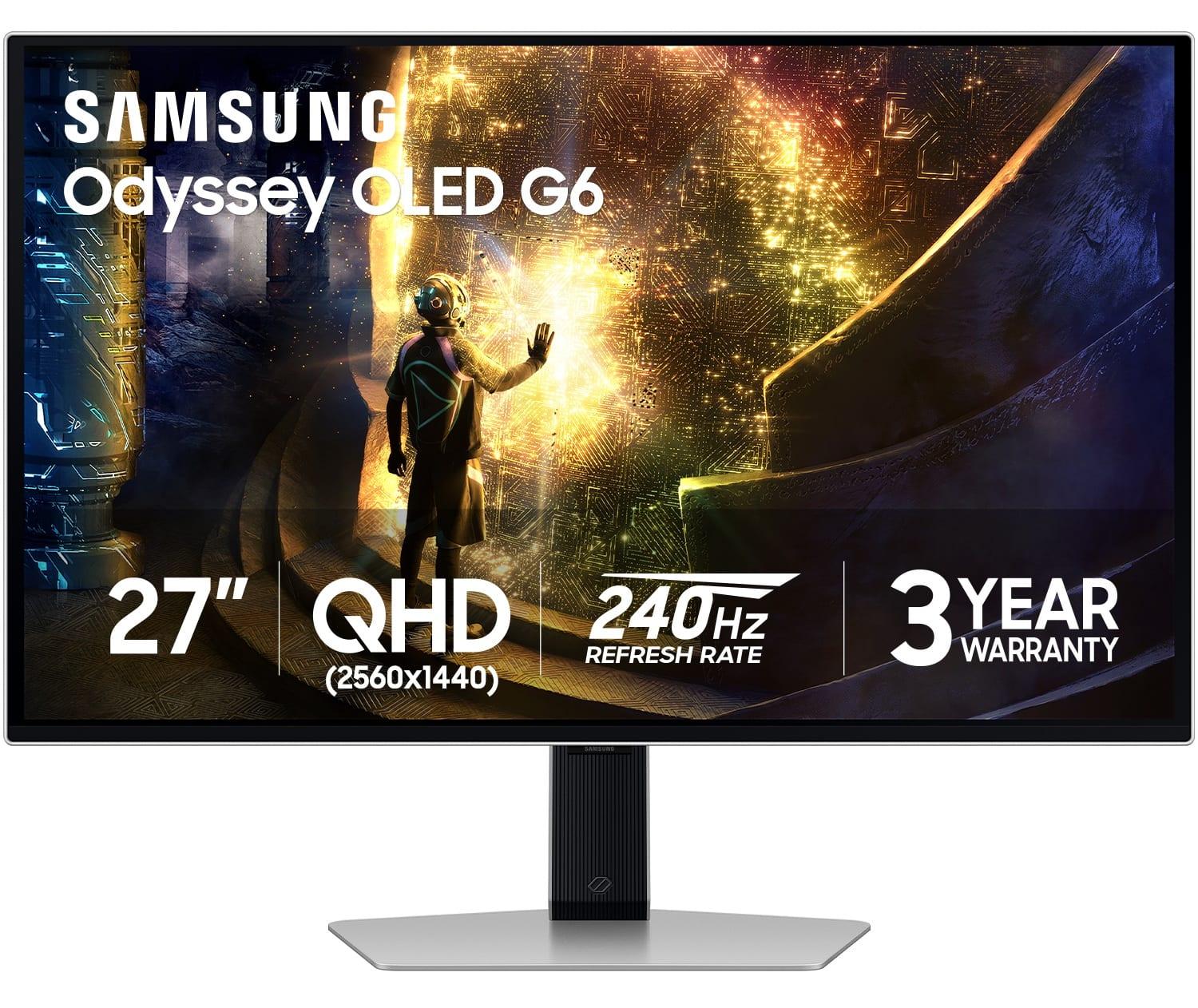
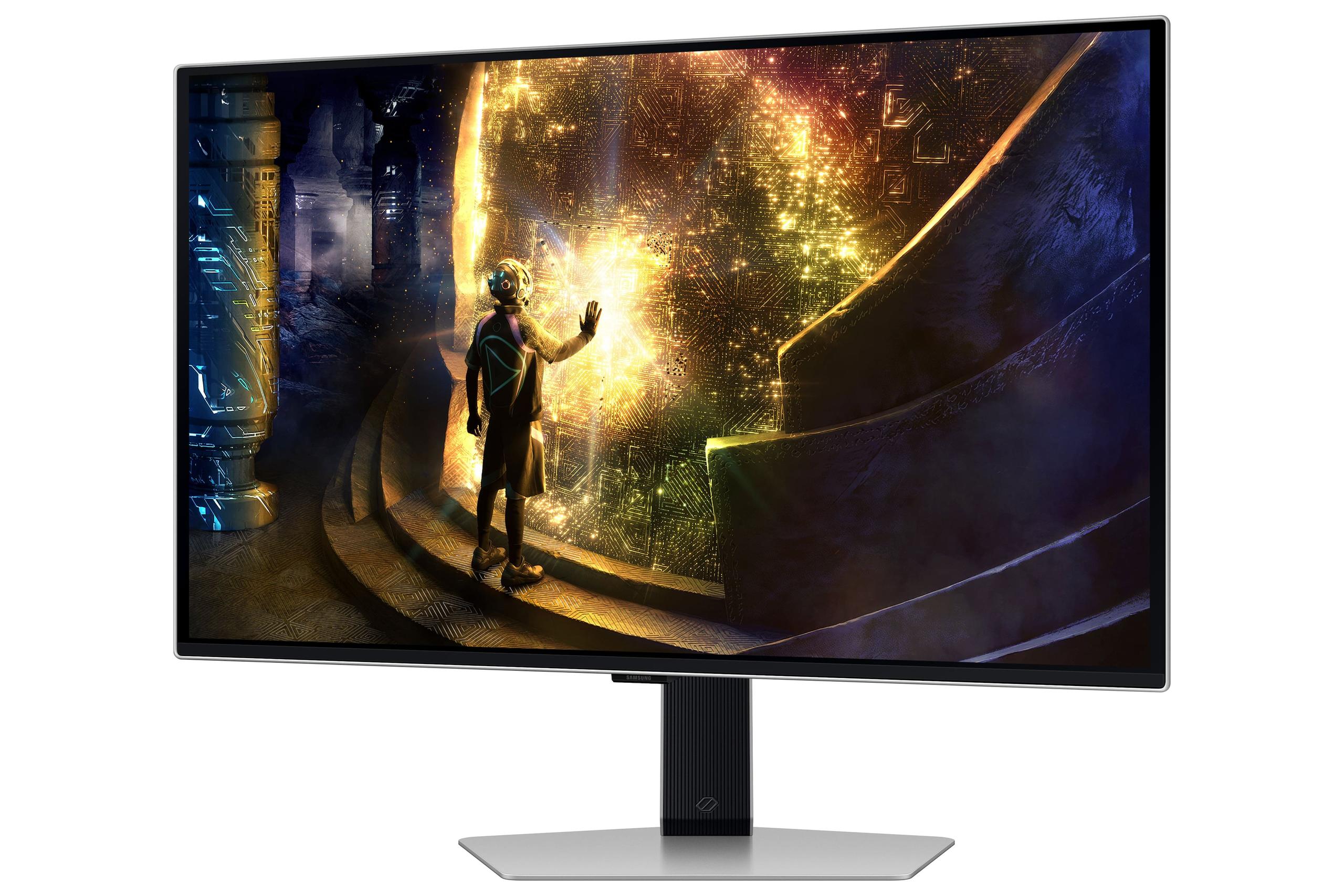

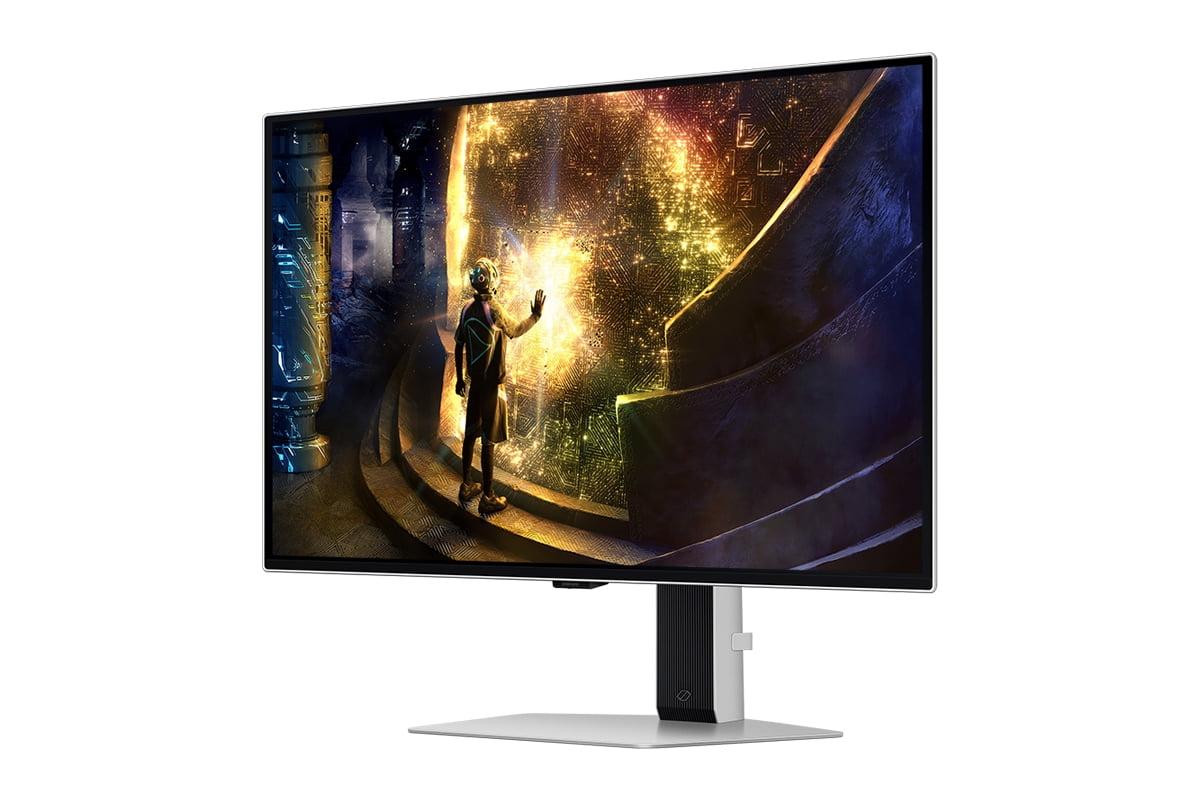
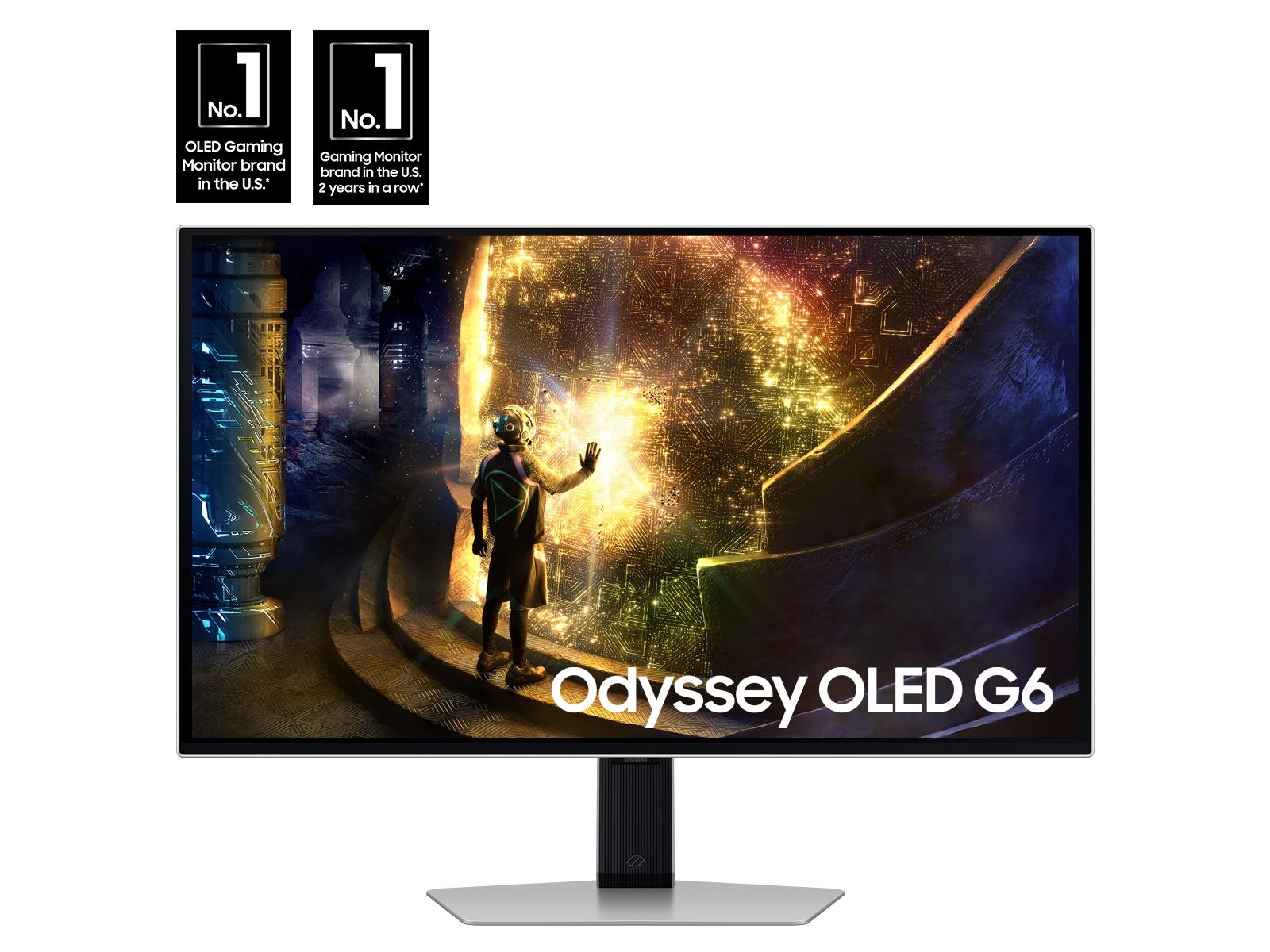
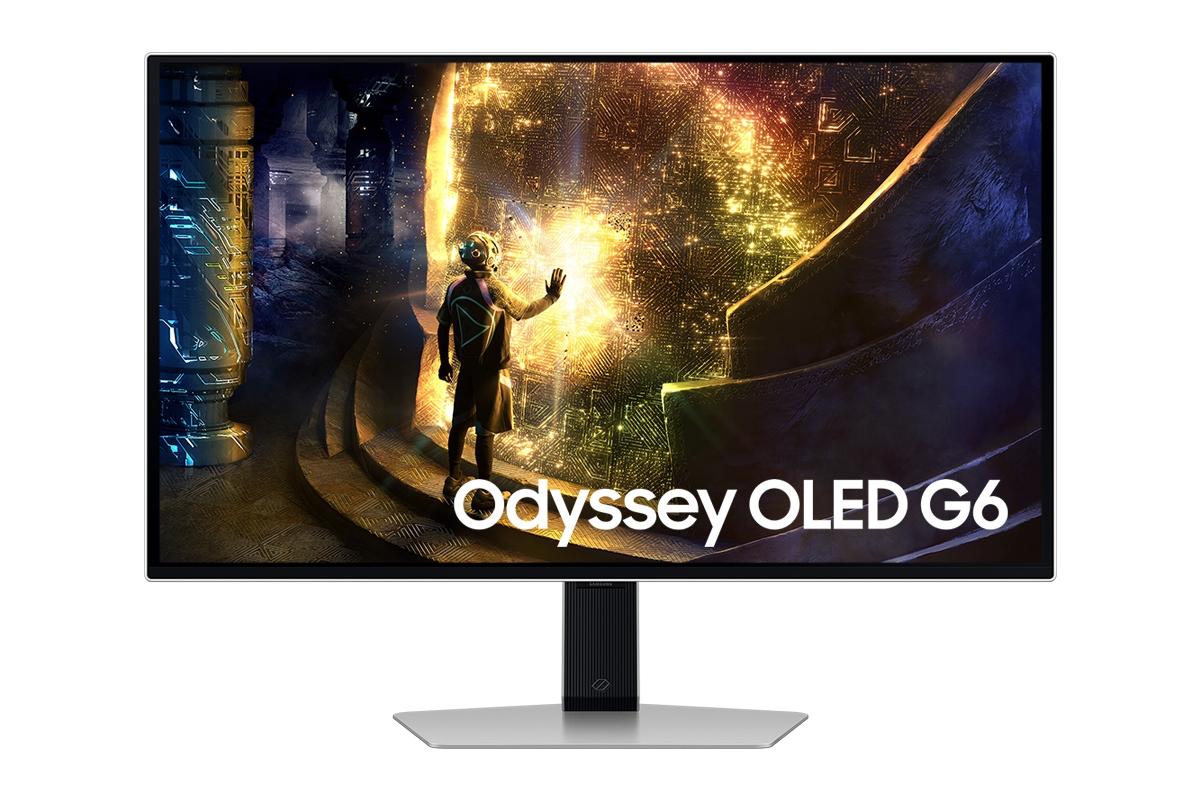
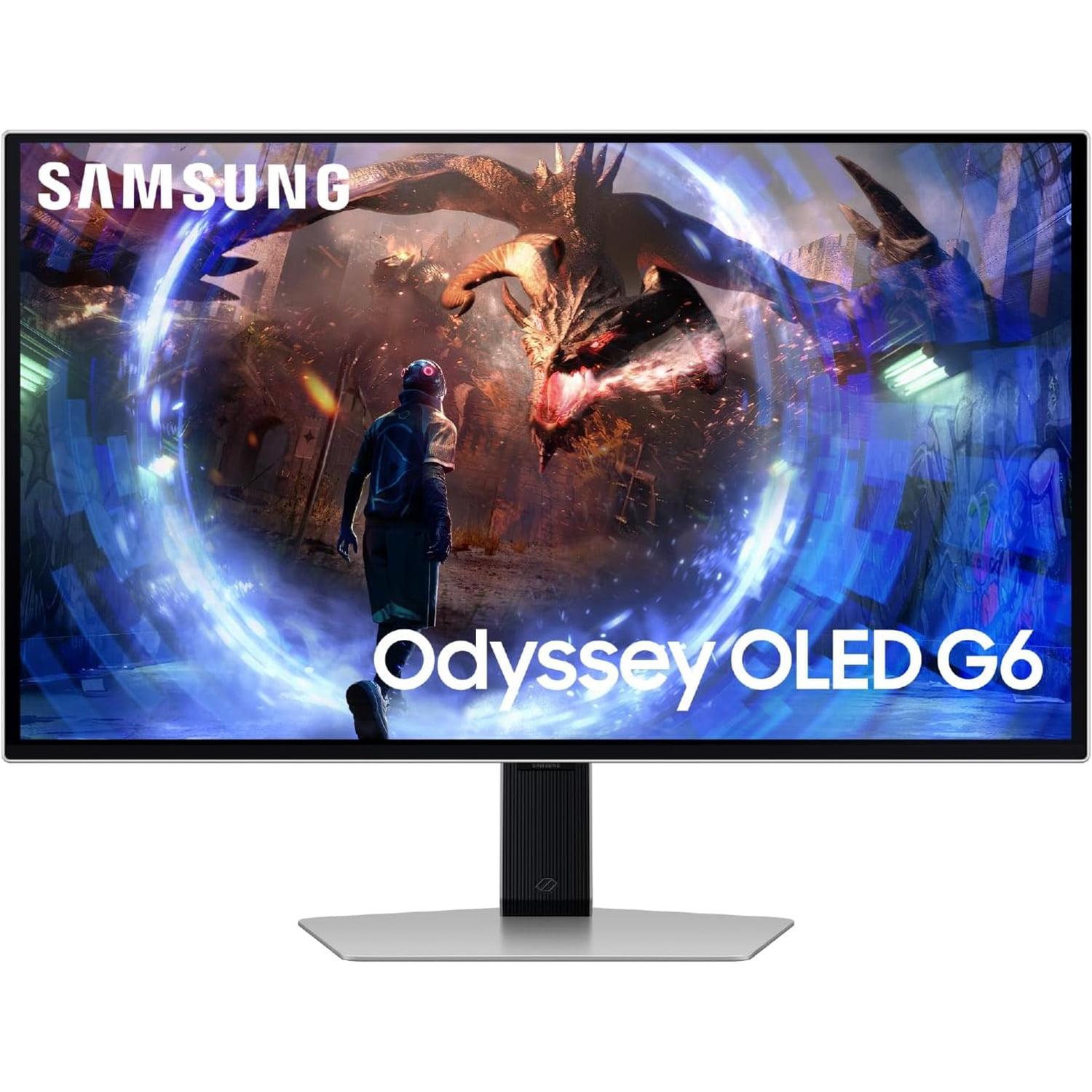
The world of gaming monitors has been absolutely revolutionized by OLED technology over the past few years. Both the GIGABYTE MO27Q2 and Samsung Odyssey G6 represent the cutting edge of what's possible in 27-inch gaming displays, but they take notably different approaches to achieving excellence. Having spent considerable time with both OLED and traditional gaming monitors, I can tell you that once you experience true blacks and instantaneous response times, it's nearly impossible to go back to LCD technology.
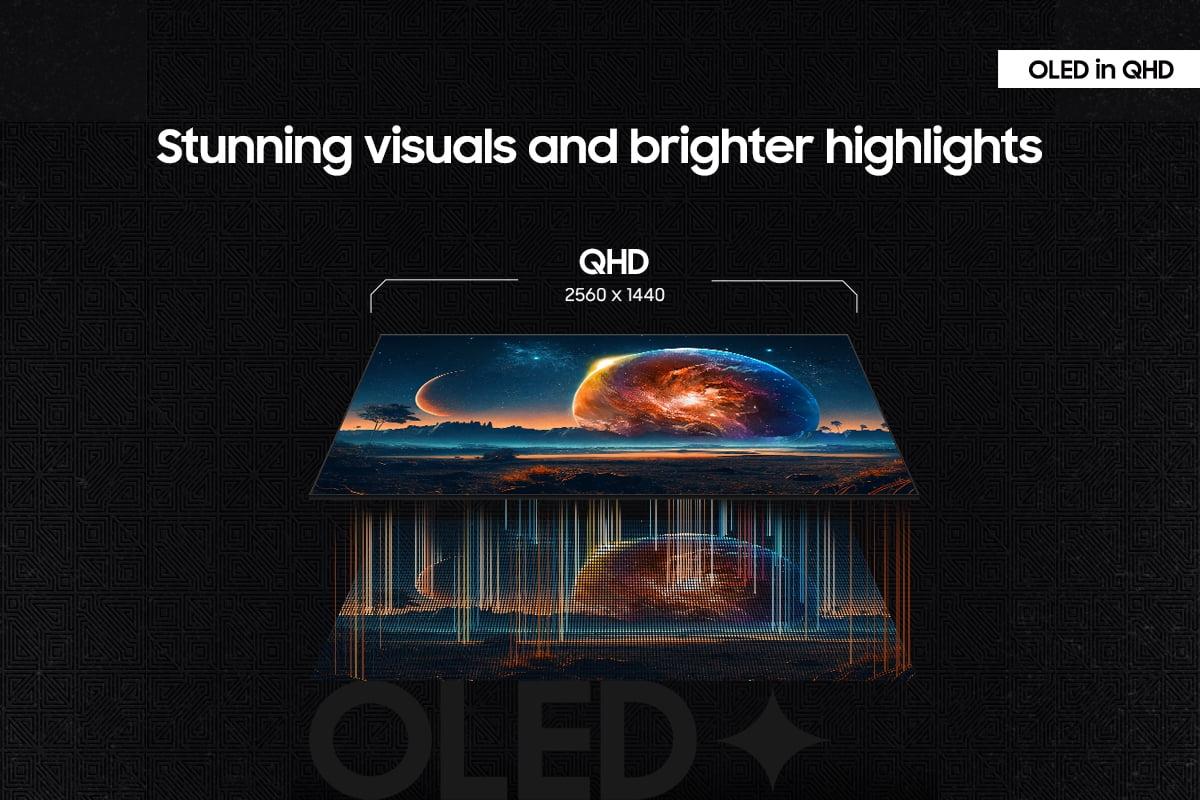
These monitors belong to the premium 27-inch QHD OLED category, which has emerged as the sweet spot for serious gamers. At this size and resolution, you get crisp detail without requiring a graphics card capable of pushing 4K at high frame rates, while OLED technology delivers the kind of visual quality that was previously reserved for high-end televisions.
When shopping for a premium gaming monitor in 2025, there are several key considerations that matter more than flashy marketing terms. Refresh rate – how many times per second the screen updates its image – directly impacts how smooth motion appears. Response time measures how quickly individual pixels can change color, affecting motion blur. Panel technology determines everything from color accuracy to how the display handles bright and dark scenes.
OLED (Organic Light-Emitting Diode) panels work fundamentally differently from traditional LCD monitors. Instead of using a backlight that shines through liquid crystal layers, each pixel in an OLED display produces its own light. This means when a pixel needs to display black, it simply turns off completely, creating true blacks that LCD panels can never achieve. The result is infinite contrast – the difference between the brightest whites and darkest blacks – which makes games look dramatically more realistic.
Both the GIGABYTE MO27Q2 and Samsung Odyssey G6 launched in 2025, representing the latest generation of OLED gaming monitors. Since the first consumer OLED monitors appeared around 2022-2023, we've seen rapid improvements in brightness, burn-in resistance (a condition where static images can permanently affect the display), and gaming-specific features.
The most obvious difference between these monitors is their refresh rates: 240Hz for the GIGABYTE MO27Q2 versus 360Hz for the Samsung Odyssey G6. But refresh rate is just one piece of a much larger puzzle.
The GIGABYTE MO27Q2 uses QD-OLED (Quantum Dot OLED) technology, which combines traditional OLED with quantum dots – tiny particles that can produce very specific colors when hit with light. This hybrid approach results in more accurate colors and better brightness than standard OLED panels. The Samsung Odyssey G6, meanwhile, uses traditional OLED technology but compensates with that higher refresh rate.
In terms of features, the GIGABYTE MO27Q2 takes a more versatile approach with built-in speakers, USB-C connectivity with KVM switching (allowing you to control multiple devices with one keyboard and mouse), and what Gigabyte calls a "Tactical Switch" that lets you quickly change between full 27-inch mode and a smaller 24-inch gaming area.
Here's where things get interesting, and where I need to be completely honest about what these numbers actually mean for your gaming experience. The Samsung Odyssey G6 wins the specification war with its 360Hz refresh rate, but whether this translates to a better gaming experience depends entirely on what games you play and what hardware you're running.
To benefit from 360Hz, your graphics card needs to consistently deliver over 300 frames per second. In competitive esports titles like Counter-Strike 2 or Valorant, high-end graphics cards can achieve this, and the difference between 240Hz and 360Hz becomes noticeable in the form of slightly smoother tracking when following fast-moving targets. However, in more demanding games like Cyberpunk 2077 or the latest AAA single-player titles, even powerful graphics cards struggle to maintain 240 fps at QHD resolution, making the extra refresh rate capacity of the Samsung Odyssey G6 largely theoretical.
The GIGABYTE MO27Q2's 240Hz is still exceptionally fast. Having gamed on everything from 60Hz to 240Hz displays, I can tell you that 240Hz provides the vast majority of the smoothness benefits you'll get from high refresh rates. The jump from 60Hz to 144Hz is dramatic, 144Hz to 240Hz is noticeable, and 240Hz to 360Hz is subtle and only meaningful in very specific competitive scenarios.
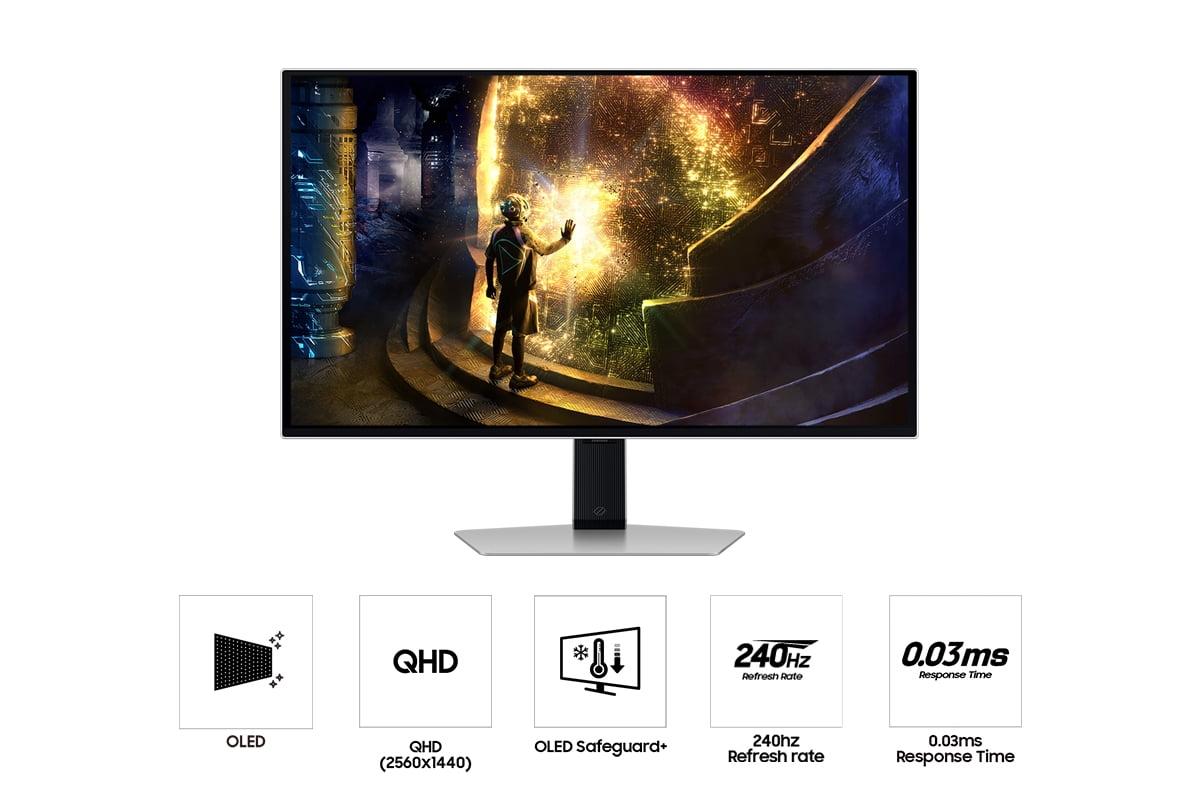
Both monitors achieve an identical 0.03ms response time, which is essentially instantaneous. To put this in perspective, typical gaming LCD monitors range from 1ms to 5ms, while older displays could be 10ms or higher. At 0.03ms, these OLED panels eliminate virtually all motion blur and ghosting (where fast-moving objects leave trails behind them). In practice, both monitors feel equally responsive, and you won't notice any difference in motion clarity between them.
Both the GIGABYTE MO27Q2 and Samsung Odyssey G6 support adaptive sync technologies, which synchronize the monitor's refresh rate with your graphics card's frame output to eliminate screen tearing (when parts of different frames are displayed simultaneously). The Samsung Odyssey G6 includes VRR Control, which helps reduce flicker that can sometimes occur when frame rates fluctuate wildly – a nice touch that shows Samsung's attention to the gaming experience details.
This is where the GIGABYTE MO27Q2 pulls ahead in a meaningful way. The QD-OLED technology doesn't just sound fancy – it delivers genuinely superior image quality that's immediately noticeable when you put the monitors side by side.
The quantum dot layer in the GIGABYTE MO27Q2 allows it to display 1.07 billion colors compared to the Samsung Odyssey G6's 1 billion colors. More importantly, it achieves 99% coverage of the DCI-P3 color space, which is the standard used for digital cinema and increasingly for games. This translates to more vibrant greens, deeper reds, and more nuanced color gradations that make games look more lifelike.
Having calibrated numerous monitors over the years, I can tell you that color accuracy isn't just about pretty screenshots – it affects gameplay too. Better color distinction can help you spot enemies hiding in shadows or identify important visual cues that game developers use to guide players.
Both monitors support HDR (High Dynamic Range), which expands the range between the brightest and darkest parts of an image. The GIGABYTE MO27Q2 carries VESA DisplayHDR True Black 400 certification and can hit peak brightness levels of 1000 nits in small areas of the screen. The Samsung Odyssey G6 supports HDR10 and HDR10+ Gaming, but tends to be more conservative with brightness management to prevent panel wear.
In games that support HDR properly – titles like Horizon Zero Dawn, Cyberpunk 2077, or Microsoft Flight Simulator – the difference is striking. Sunlight streaming through windows, explosions, and fire effects all have a realistic intensity that standard dynamic range simply can't match.
If you do any work on your gaming monitor – web browsing, document editing, or content creation – the GIGABYTE MO27Q2's QD-OLED technology provides noticeably sharper text with less color fringing. Traditional OLED panels can sometimes display colored edges around text characters, but QD-OLED's subpixel structure minimizes this issue.
Both monitors feature premium metal construction and comprehensive ergonomic adjustments. You can adjust height, tilt, swivel, and even rotate them into portrait mode. The stands are solid and stable – important when you're making quick movements during intense gaming sessions.
The GIGABYTE MO27Q2 includes built-in 5-watt speakers, which might seem like a small detail but proves surprisingly convenient. While they won't replace a good gaming headset or dedicated speakers, they're perfectly adequate for casual gaming, watching videos, or when you just want to give your ears a break from headphones.
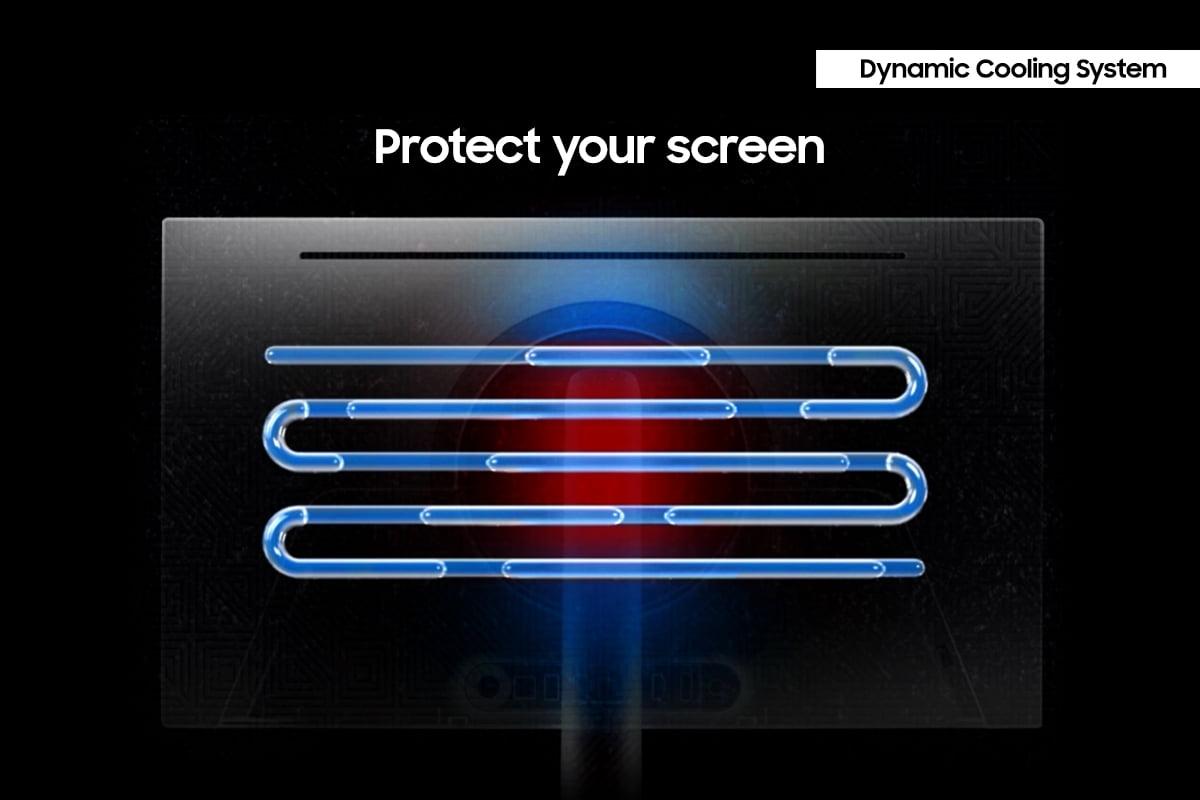
Both monitors have addressed the traditional OLED concern about burn-in with sophisticated protection systems. The GIGABYTE MO27Q2 uses AI-based OLED Care that runs intelligent algorithms in the background, while the Samsung Odyssey G6 employs OLED Safeguard+ with a dynamic cooling system and thermal modulation. Both approaches are effective, and both companies back their monitors with three-year warranties that cover burn-in under normal use.
This is another area where the GIGABYTE MO27Q2 shows its more versatile nature. The USB-C port with KVM functionality means you can easily switch between a gaming PC and a laptop while keeping the same keyboard and mouse connected. The 18-watt power delivery through USB-C won't charge a laptop, but it's perfect for keeping phones or tablets topped up.
The KVM feature has proven genuinely useful in my experience. Being able to switch between a high-performance gaming setup and a work laptop with a single button press makes the monitor feel more like an investment in your entire computing setup rather than just a gaming accessory.
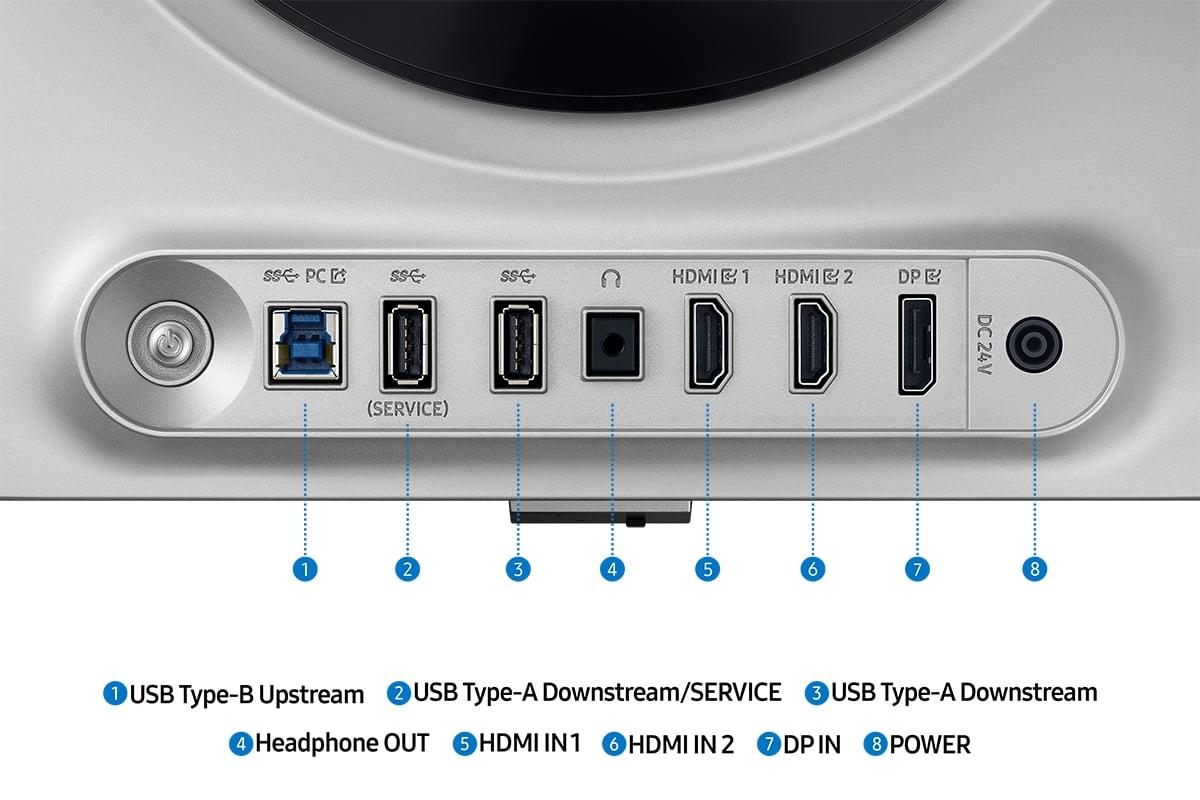
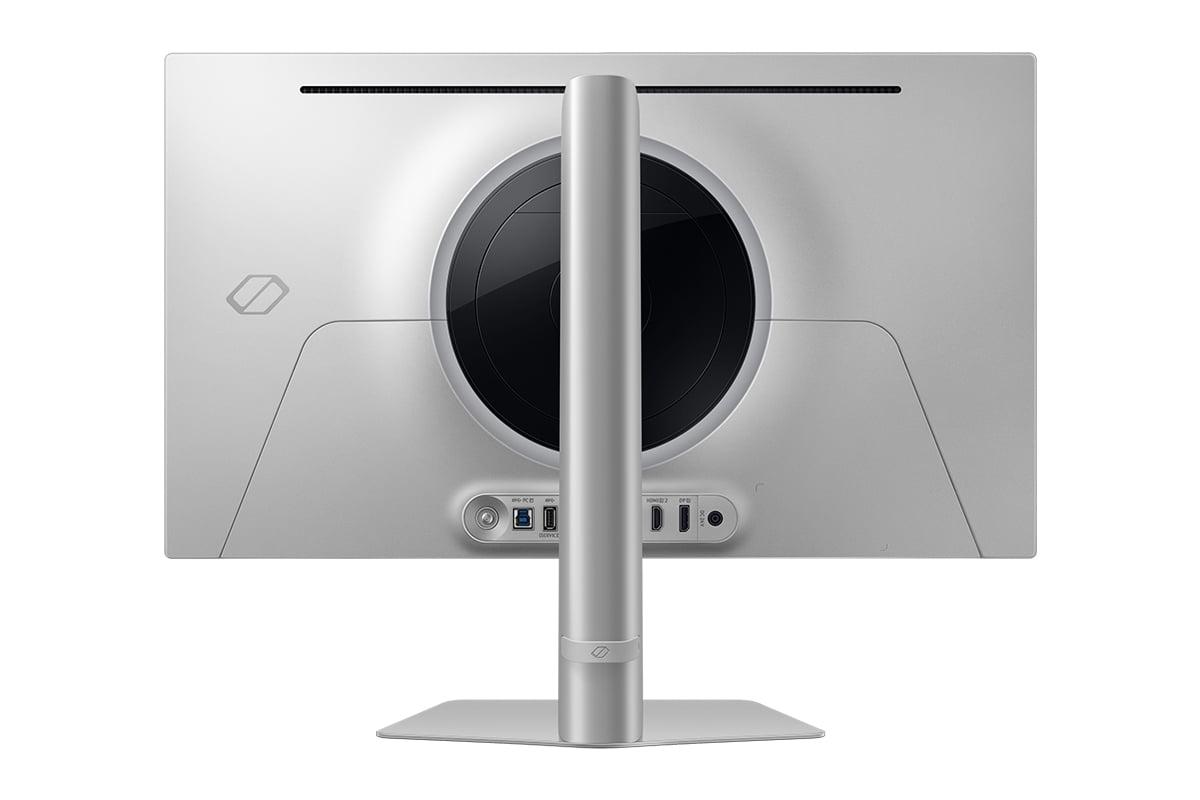
The Samsung Odyssey G6 keeps things simpler with DisplayPort 1.4 and dual HDMI 2.1 inputs, plus a basic USB hub. This approach works perfectly if you're primarily focused on gaming and don't need the extra productivity features.
Here's something that doesn't appear in most monitor comparisons but matters for long-term ownership: power consumption. The GIGABYTE MO27Q2 draws about 41 watts during typical use, while the Samsung Odyssey G6 consumes around 140 watts. Over a year of heavy gaming, this difference could add up to noticeable electricity costs, and the lower power consumption also means less heat in your gaming space.
Both monitors work excellently as large-screen gaming displays for console gaming. The HDMI 2.1 inputs on both models support the full resolution and refresh rate capabilities of PlayStation 5 and Xbox Series X. However, for home theater use, you'll want to consider the viewing distance and ambient lighting in your room.
OLED's perfect blacks make both monitors exceptional for movie watching in darker rooms, but the Samsung Odyssey G6's matte coating (which Samsung calls "OLED Glare Free") performs better in brighter rooms with more ambient light. The GIGABYTE MO27Q2's glossy coating provides deeper blacks but can be more prone to reflections.
At the time of writing, there's a meaningful price difference between these monitors, with the Samsung Odyssey G6 positioned as the more affordable option despite its higher refresh rate. This makes it an excellent entry point into premium OLED gaming if your primary focus is competitive gaming and you're willing to sacrifice some of the premium features and superior panel technology of the GIGABYTE MO27Q2.
The GIGABYTE MO27Q2 commands a premium for its QD-OLED technology, additional features, and superior energy efficiency. Whether this premium is worthwhile depends on how much you value color accuracy, the convenience features, and long-term operating costs.
Choose the Samsung Odyssey G6 if you're primarily focused on competitive gaming, consistently achieve high frame rates in esports titles, and want to access 360Hz technology without paying the premium for QD-OLED. It's also the better choice if you prefer a simpler, gaming-focused feature set and want to save money on your monitor purchase.
The GIGABYTE MO27Q2 makes more sense if you want the best possible image quality, plan to use your monitor for both gaming and productivity, value the convenience features like built-in speakers and KVM switching, or prioritize long-term energy efficiency. It's also the better choice for single-player gaming enthusiasts who want the most immersive visual experience possible.
Both monitors represent excellent choices within their respective approaches to premium OLED gaming. The Samsung Odyssey G6 maximizes performance per dollar for competitive gamers, while the GIGABYTE MO27Q2 provides a more premium, versatile experience that justifies its higher cost through superior technology and additional features. Your choice should align with your primary gaming habits, budget, and how you plan to use your monitor beyond just gaming.
| GIGABYTE MO27Q2 | Samsung Odyssey G6 |
|---|---|
| Panel Technology - Affects color accuracy, brightness, and text clarity | |
| QD-OLED (Quantum Dot OLED) - Superior colors and text | Traditional OLED - Excellent blacks, good colors |
| Refresh Rate - Higher numbers benefit competitive gaming above 300fps | |
| 240Hz (excellent for most gaming scenarios) | 360Hz (advantage only in high-fps esports titles) |
| Response Time - Lower is better for motion clarity | |
| 0.03ms GTG (virtually eliminates motion blur) | 0.03ms GTG (virtually eliminates motion blur) |
| Color Volume - More colors mean more realistic visuals | |
| 1.07 billion colors with 99% DCI-P3 coverage | 1 billion colors with good color accuracy |
| HDR Support - Enhanced contrast for compatible games | |
| VESA DisplayHDR True Black 400, 1000 nits peak | HDR10/HDR10+ Gaming support |
| Built-in Audio - Convenience for casual gaming | |
| 2x 5W speakers included | No speakers (external audio required) |
| Connectivity - More ports mean better versatility | |
| USB-C with KVM, DisplayPort 1.4, 2x HDMI 2.1 | DisplayPort 1.4, 2x HDMI 2.1, basic USB hub |
| Power Consumption - Affects electricity costs over time | |
| 41W (energy efficient) | 140W (significantly higher usage) |
| Gaming Features - Specialized tools for competitive play | |
| Tactical Switch, AI-based OLED Care | VRR Control, OLED Safeguard+ cooling system |
| Screen Finish - Affects viewing in bright rooms | |
| Glossy with anti-glare (deeper blacks, some reflections) | Matte OLED Glare Free (better for bright rooms) |
| Burn-in Protection - Critical for OLED longevity | |
| AI-based care with 3-year burn-in warranty | Dynamic cooling system with 3-year burn-in warranty |
| Ergonomics - Adjustability for comfort | |
| Full adjustment (height, tilt, swivel, pivot) | Full adjustment (height, tilt, swivel, pivot) |
The GIGABYTE MO27Q2 delivers superior picture quality thanks to its QD-OLED technology, which produces more accurate colors and covers 99% of the DCI-P3 color space. While both monitors offer excellent OLED contrast with perfect blacks, the GIGABYTE MO27Q2 displays 1.07 billion colors compared to the Samsung Odyssey G6's 1 billion colors, resulting in more vibrant and lifelike visuals in games.
The Samsung Odyssey G6's 360Hz refresh rate only provides a meaningful advantage if you consistently achieve over 300 frames per second in competitive esports titles. For most gaming scenarios, including single-player games and even many competitive titles, the GIGABYTE MO27Q2's 240Hz delivers excellent smoothness. The difference between 240Hz and 360Hz is subtle and primarily benefits professional esports players.
For pure competitive gaming, the Samsung Odyssey G6 has the edge with its 360Hz refresh rate and VRR Control feature that reduces flicker during variable frame rates. However, the GIGABYTE MO27Q2 offers a unique Tactical Switch that lets you quickly change between 27-inch and 24-inch display modes, which many competitive gamers prefer for better focus on the action.
Yes, both the GIGABYTE MO27Q2 and Samsung Odyssey G6 feature HDMI 2.1 inputs that fully support PlayStation 5 and Xbox Series X gaming at their maximum refresh rates and resolutions. Both monitors also support adaptive sync technologies for tear-free console gaming.
The GIGABYTE MO27Q2 offers superior connectivity with USB-C that includes KVM switching, allowing you to control multiple devices with one keyboard and mouse. It also provides 18W power delivery through USB-C. The Samsung Odyssey G6 has a more basic setup with standard DisplayPort and HDMI connections plus a simple USB hub.
No, both the GIGABYTE MO27Q2 and Samsung Odyssey G6 achieve identical 0.03ms response times, which virtually eliminates motion blur and ghosting. This ultra-fast response time is one of the key advantages of OLED technology over traditional LCD gaming monitors.
The Samsung Odyssey G6 performs better in bright rooms thanks to its matte OLED Glare Free coating that significantly reduces reflections. The GIGABYTE MO27Q2 has a glossy finish that provides deeper blacks but can be more prone to reflections from windows or overhead lighting.
Both monitors include advanced burn-in protection systems. The GIGABYTE MO27Q2 uses AI-based OLED Care that runs automatically, while the Samsung Odyssey G6 features OLED Safeguard+ with dynamic cooling and thermal management. Both companies provide 3-year warranties that cover burn-in under normal usage conditions.
The GIGABYTE MO27Q2 is significantly more energy efficient, consuming only 41W compared to the Samsung Odyssey G6's 140W power draw. This difference can result in noticeable electricity cost savings over time, especially during long gaming sessions.
Only the GIGABYTE MO27Q2 includes built-in speakers (2x 5W), making it convenient for casual gaming or when you want to give your ears a break from headphones. The Samsung Odyssey G6 requires external speakers or headphones for audio output.
Yes, both support HDR gaming, but the GIGABYTE MO27Q2 has superior HDR performance with VESA DisplayHDR True Black 400 certification and peak brightness of 1000 nits. The Samsung Odyssey G6 supports HDR10 and HDR10+ Gaming but tends to be more conservative with brightness management to protect the panel.
The Samsung Odyssey G6 typically offers better value for competitive gamers focused purely on high refresh rate gaming, as it provides 360Hz at a lower cost. The GIGABYTE MO27Q2 commands a premium for its QD-OLED technology, built-in speakers, and additional connectivity features, making it better value for users who want the best overall image quality and versatility.
We've done our best to create useful and informative comparisons to help you decide what product to buy. Our research uses advanced automated methods to create this comparison and perfection is not possible - please contact us for corrections or questions. These are the sites we've researched in the creation of this article: gigabyte.com - youtube.com - newegg.com - mezha.media - tech-critter.com - gigabyte.com - forum.pcmonitors.info - techspot.com - aorus.com - saltynewsnetwork.com - infiniarc.com - gigabyte.com - bestbuy.com - youtube.com - gigabyte.com - gigabyte.com - displayspecifications.com - aorus.com - gigabyte.com - gigabyte.com - bestbuy.com - gamesradar.com - gamesradar.com - versus.com - lowyat.net - youtube.com - player2.net.au - versus.com - rtings.com - youtube.com - samsung.com - files.bbystatic.com - bestbuy.com - samsung.com - samsung.com - bestbuy.com - de.shi.com - bhphotovideo.com - pangoly.com - youtube.com

Privacy Policy
Terms and Conditions - Affiliate Policy
Home Security
© Copyright 2008-2026.
11816 Inwood Rd #1211, Dallas, TX 75244