












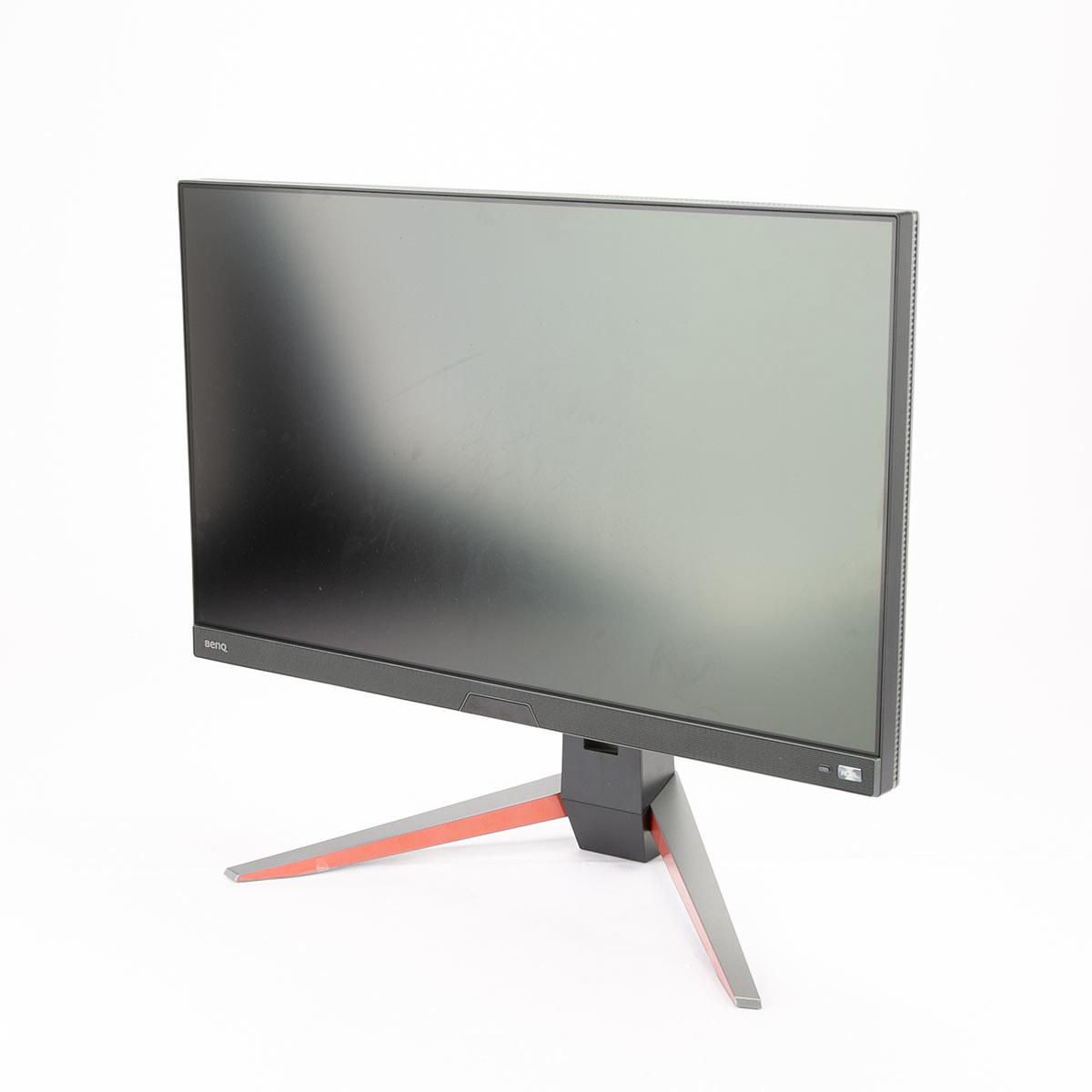
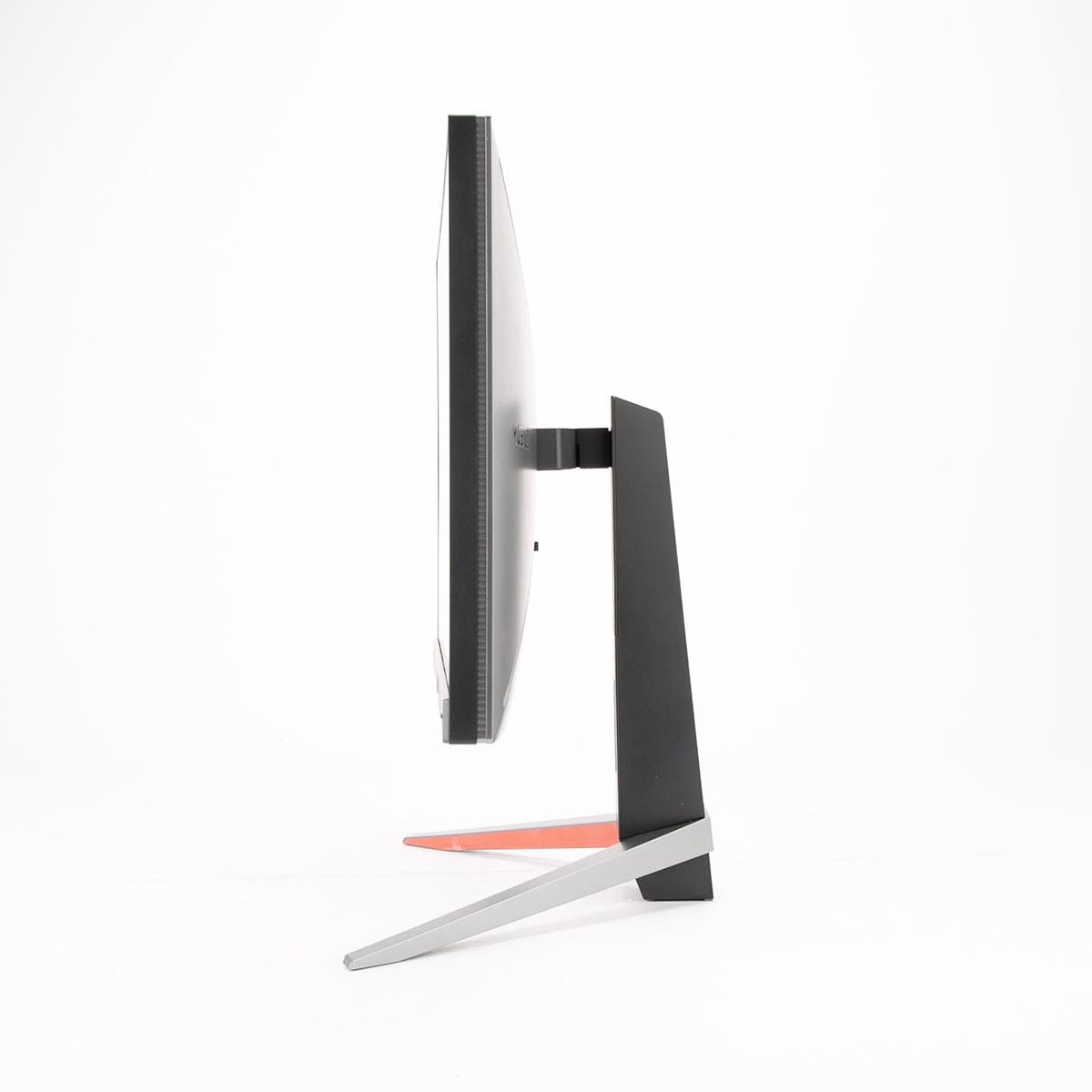
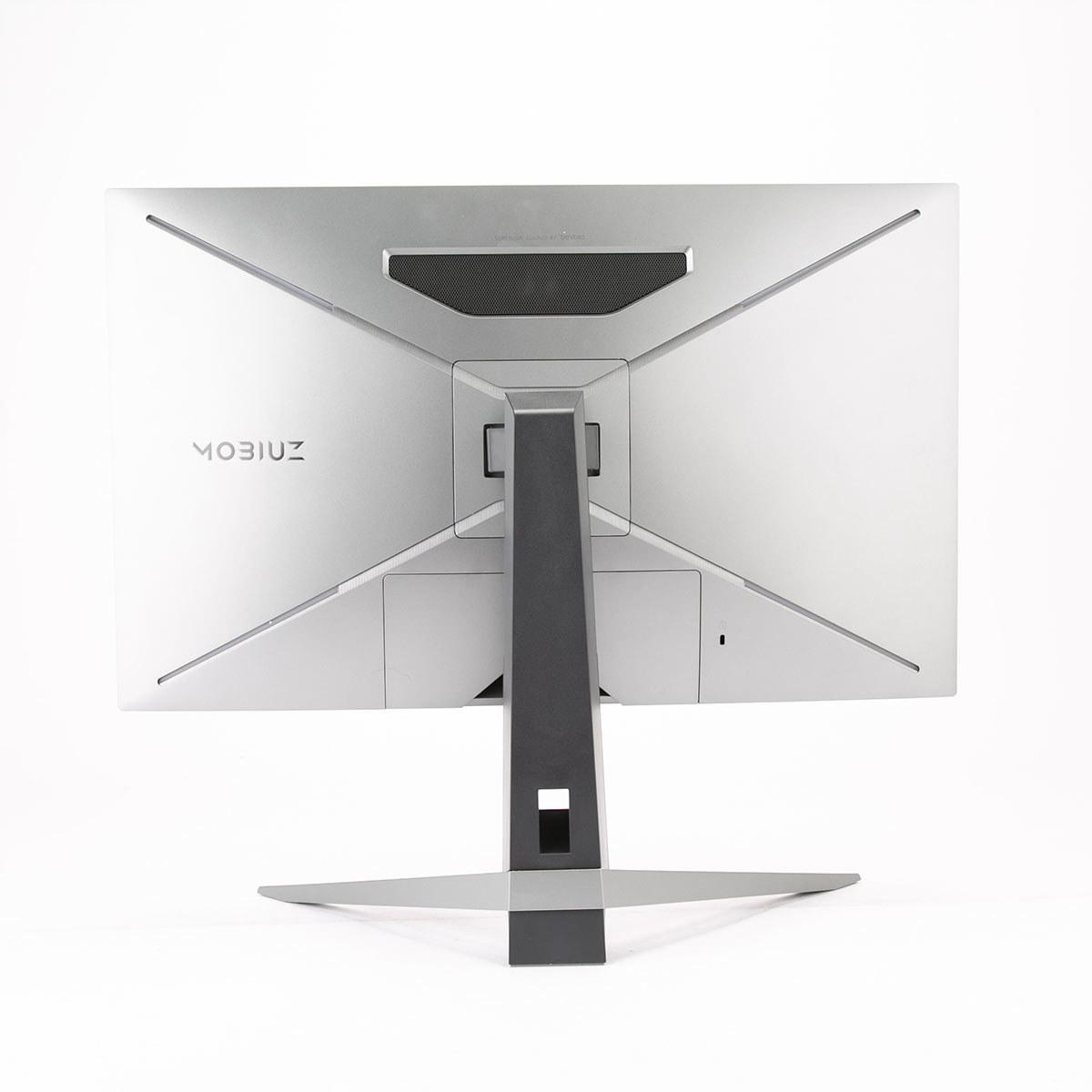
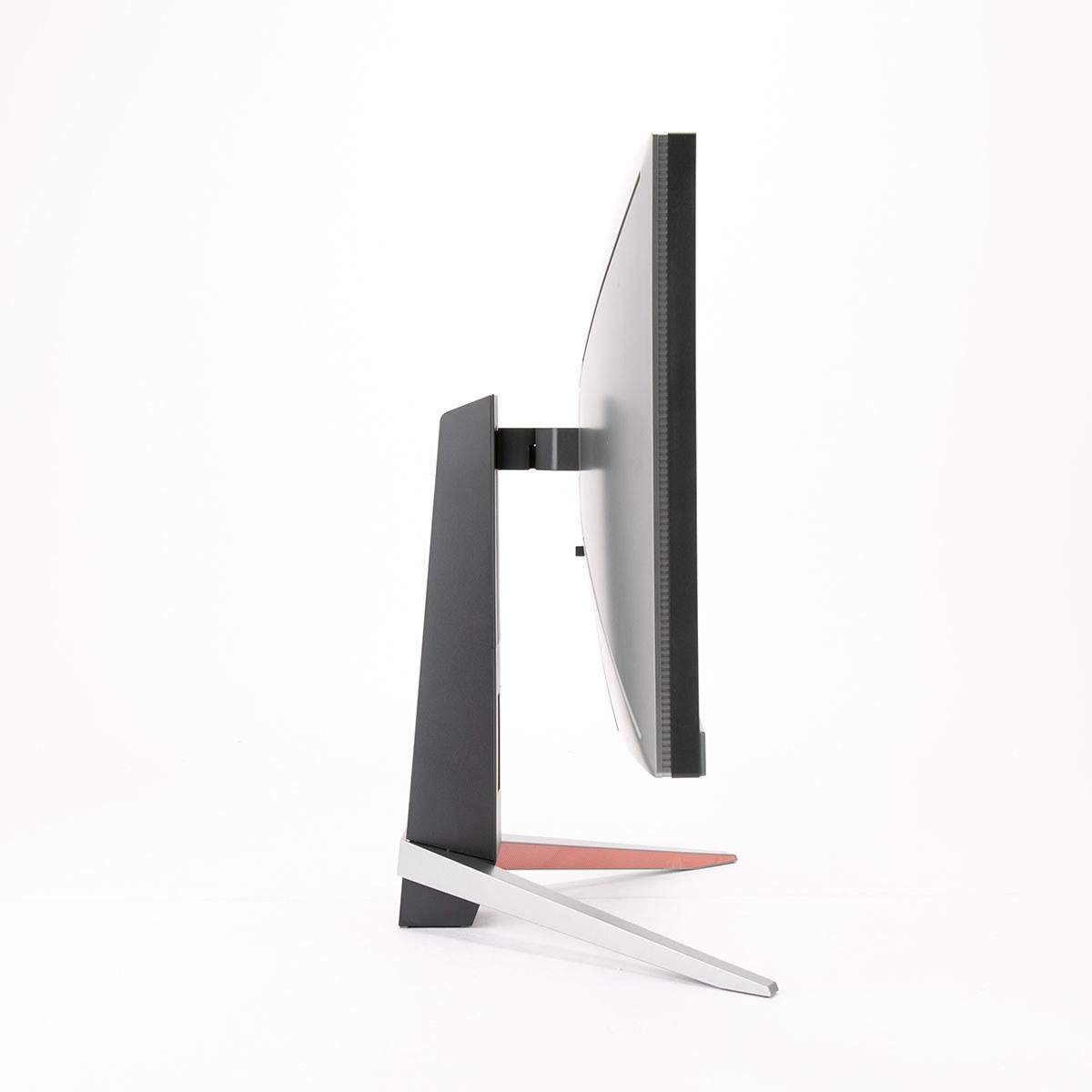
When you're shopping for a premium 27-inch gaming monitor, you'll quickly discover that not all displays are created equal. Two monitors can share the same screen size and refresh rate yet deliver completely different experiences. This is exactly the case with the GIGABYTE MO27Q2 and BenQ MOBIUZ EX270QM—both excellent 1440p 240Hz gaming monitors that take fundamentally different approaches to achieving high performance.
The gaming monitor landscape has evolved dramatically over the past few years. Where once we were limited to choosing between TN panels (fast but ugly) and IPS panels (pretty but slow), today's market offers cutting-edge technologies like QD-OLED that promise the best of both worlds. Understanding these technologies and their trade-offs is crucial for making the right choice for your setup and budget.
Before diving into these specific monitors, let's establish what makes a great gaming display. The key considerations include panel technology, refresh rate (how many times per second the screen updates), response time (how quickly pixels can change color), input lag (delay between your actions and screen response), and visual quality metrics like contrast ratio and color accuracy.
The GIGABYTE MO27Q2, released in 2024, represents the latest generation of QD-OLED technology. QD-OLED combines quantum dots (tiny crystals that produce pure colors) with OLED's self-emitting pixels. Each pixel generates its own light and can turn completely off, creating perfect blacks and infinite contrast ratios. This technology has only become viable for computer monitors in recent years, making the MO27Q2 part of the first wave of consumer QD-OLED gaming displays.
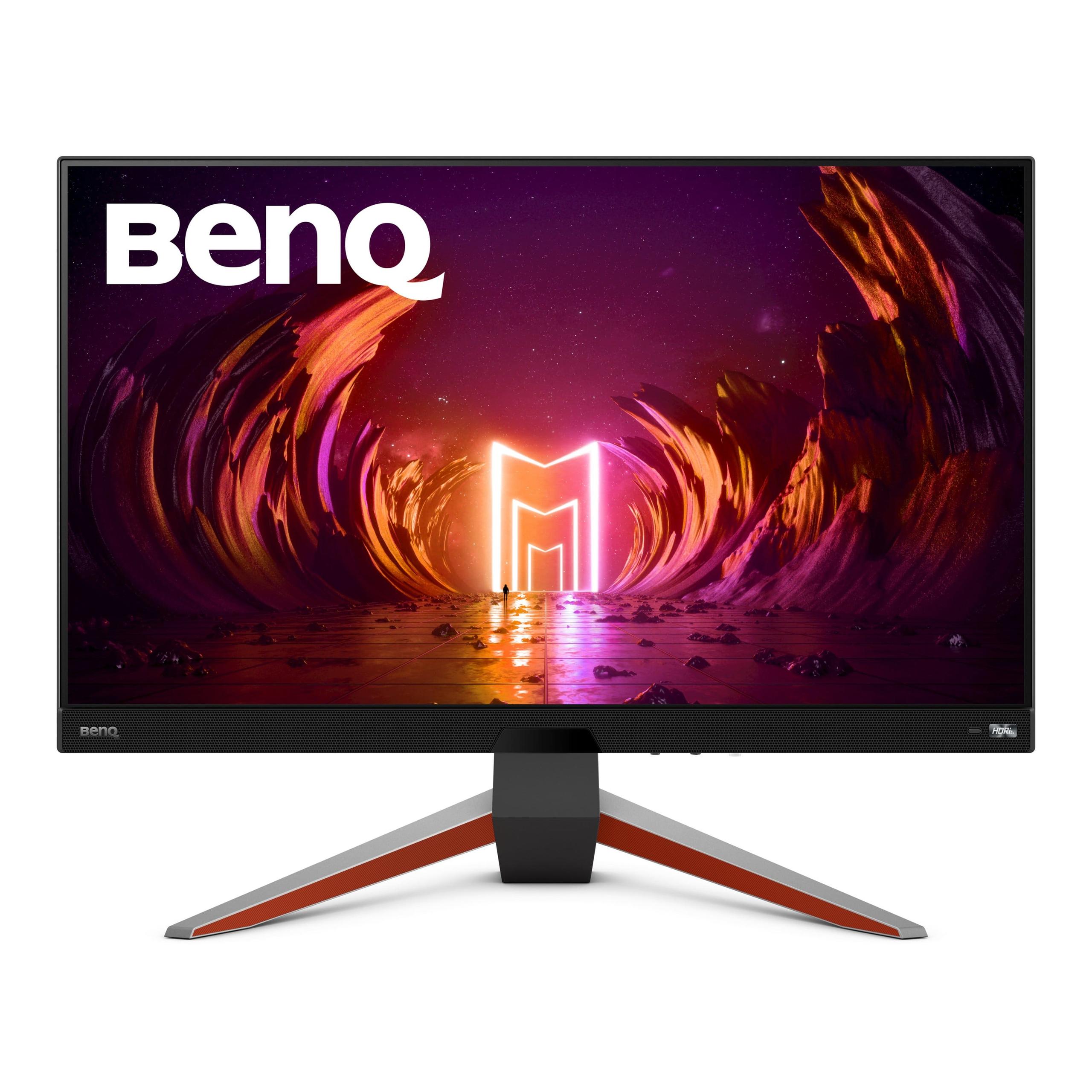
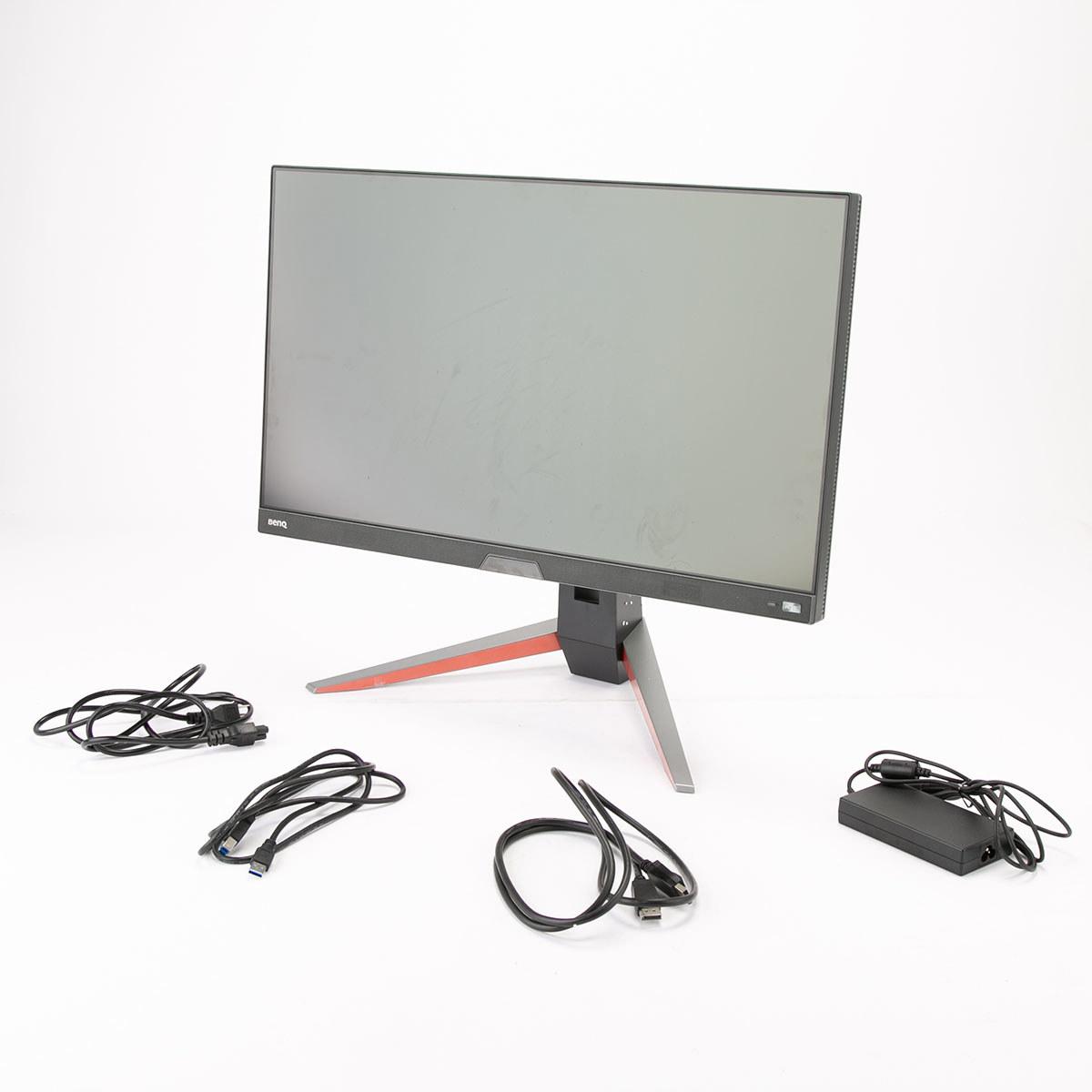
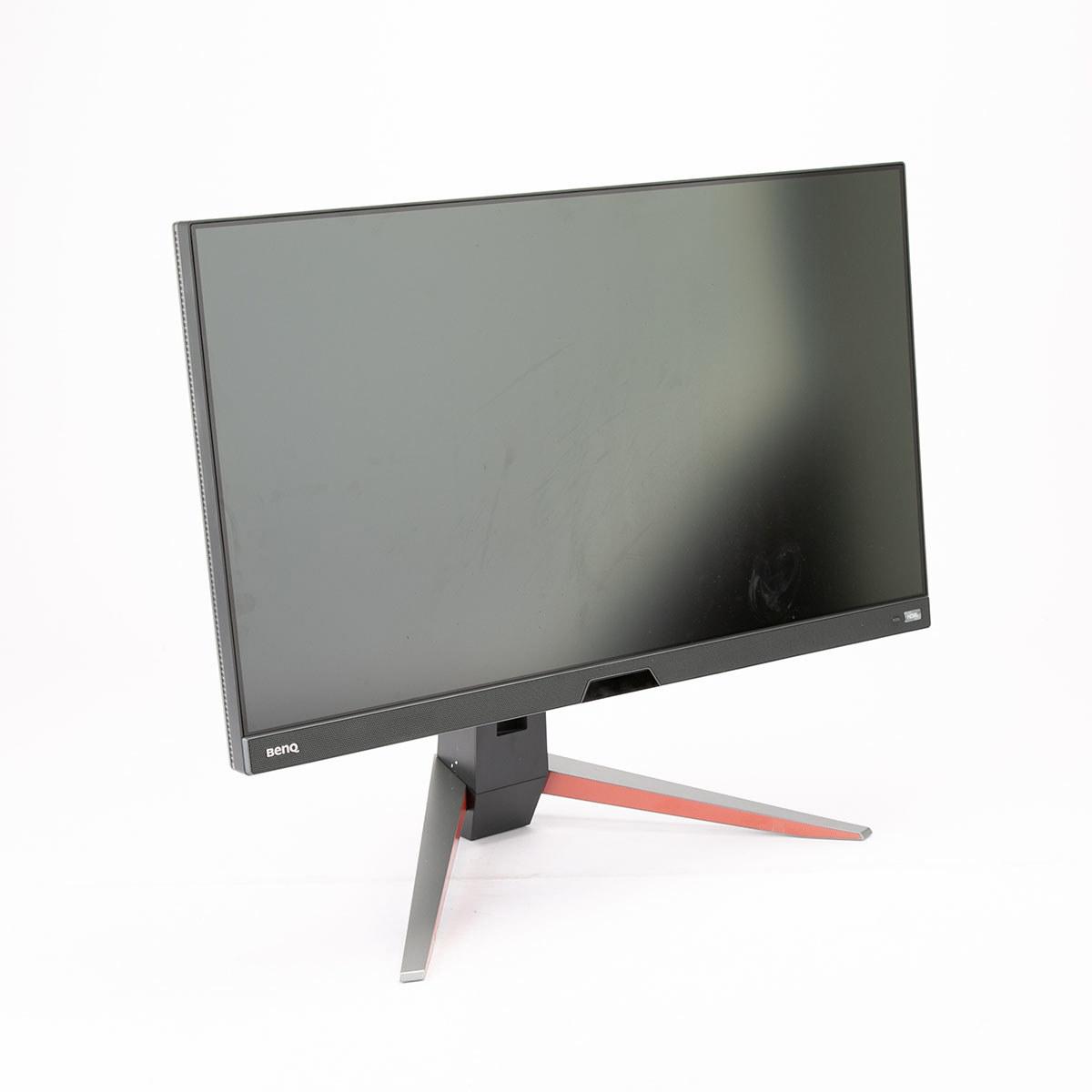
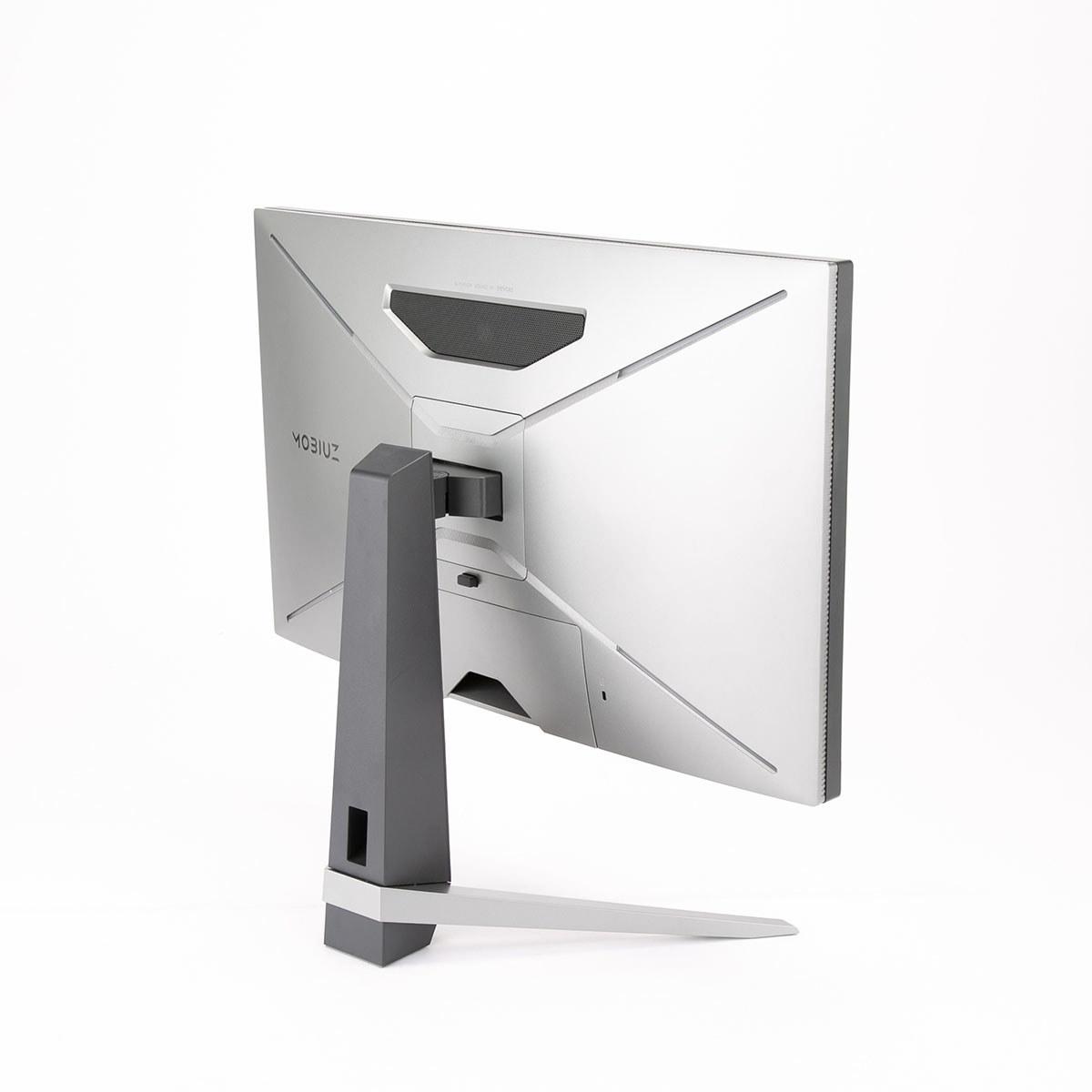
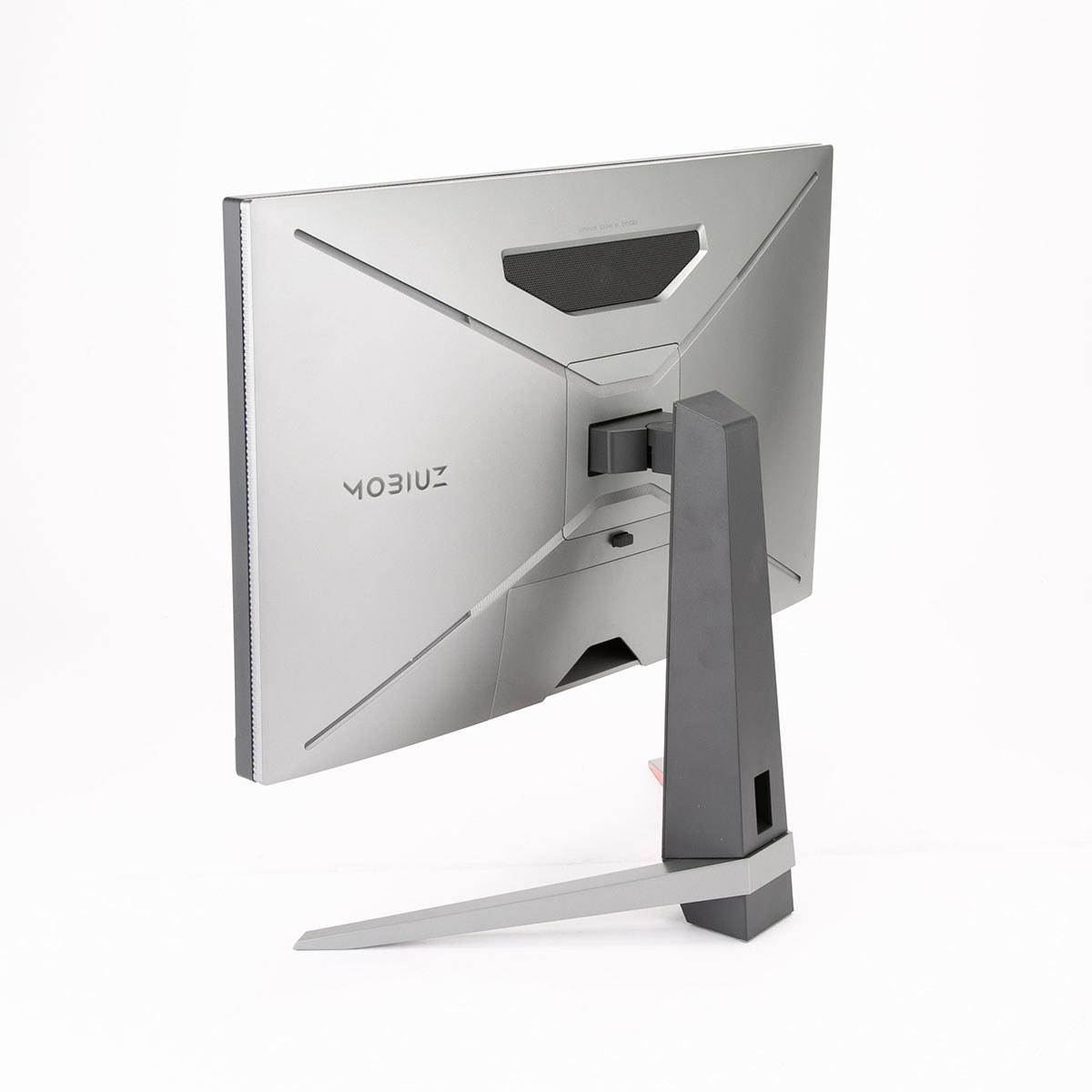
The BenQ MOBIUZ EX270QM, launched in 2023, uses a mature IPS (In-Plane Switching) panel enhanced with local dimming technology. IPS has been the gold standard for color accuracy and viewing angles for over a decade. Local dimming means the backlight can be controlled in different zones to improve contrast, though it can't match OLED's ability to turn pixels completely off.
The most striking difference between these monitors becomes apparent the moment you display a dark scene. The GIGABYTE MO27Q2 can produce true blacks—when a pixel needs to be black, it simply turns off. This creates an infinite contrast ratio (the difference between the darkest and brightest parts of an image), making dark scenes in games like horror titles or space simulators dramatically more immersive.
In comparison, the BenQ EX270QM uses a backlight behind the entire screen, even when displaying black content. Its edge-lit local dimming system can dim sections of the backlight, but it's working with approximately 16 zones across the entire 27-inch display. This means black areas appear more like dark gray, creating what's called "gray blacks"—a compromise that's noticeable when you're watching movies or playing games with dark environments.
However, the BenQ fights back with higher peak brightness. At the time of writing, it can reach 600 nits (a measure of brightness) compared to the GIGABYTE's typical 250 nits in SDR (Standard Dynamic Range) content. This makes the BenQ more suitable for bright rooms or when you prefer a more vibrant, punchy image. The higher brightness also benefits HDR (High Dynamic Range) content, making bright explosions and sunny outdoor scenes more impactful.
Color reproduction tells another interesting story. The GIGABYTE MO27Q2 covers 99% of the DCI-P3 color space—the standard used in digital cinema—producing incredibly vibrant and saturated colors that can sometimes appear almost hyperreal. The quantum dot technology enhances red and green reproduction particularly well, making foliage in games like Red Dead Redemption 2 or Cyberpunk 2077 look more vivid than reality.
The BenQ EX270QM covers 98% of DCI-P3 and focuses more on color accuracy than saturation. Professional reviewers have noted its color accuracy approaches that of high-end creative displays, making it excellent for photo editing or content creation alongside gaming. The colors appear more natural and true-to-life, which some users prefer for extended viewing sessions.
Both monitors target the same 240Hz refresh rate, meaning they can display up to 240 frames per second when paired with capable hardware. This high refresh rate creates smoother motion in fast-paced games like first-person shooters or racing games, giving competitive players an advantage in tracking moving targets.
The response time story reveals subtle but important differences. The GIGABYTE MO27Q2 claims an impressive 0.03ms GTG (Gray-to-Gray) response time—essentially instantaneous pixel transitions. This is possible because OLED pixels don't need to twist liquid crystals like traditional LCD panels; they simply turn on or off.
The BenQ EX270QM achieves a 1ms response time, which is still excellent and practically indistinguishable in real-world gaming. More importantly, it demonstrates exceptionally low input lag at 0.7 milliseconds—the delay between when your graphics card sends a frame and when it appears on screen. This makes it incredibly responsive for competitive gaming.
Both monitors support adaptive sync technologies. FreeSync and G-SYNC synchronize the monitor's refresh rate with your graphics card's frame output, eliminating screen tearing (when parts of multiple frames appear simultaneously) and reducing stuttering when frame rates fluctuate.
HDR gaming represents a significant step forward in visual fidelity, expanding both the range of brightness and colors that games can display. Here, the technological approaches of these monitors create very different experiences.
The GIGABYTE MO27Q2 excels in dark HDR scenes. When you're exploring a cave in Skyrim or creeping through shadows in a stealth game, the perfect blacks create genuine depth and atmosphere that simply isn't possible on traditional monitors. The infinite contrast ratio means details in shadows remain visible while bright elements like torches or magical effects can still pop against the dark background.
However, the BenQ EX270QM takes the lead in bright HDR content. With its 600-nit peak brightness capability, explosions, sunsets, and other bright HDR elements appear more impactful. Games with predominantly bright outdoor environments benefit from this higher brightness ceiling.
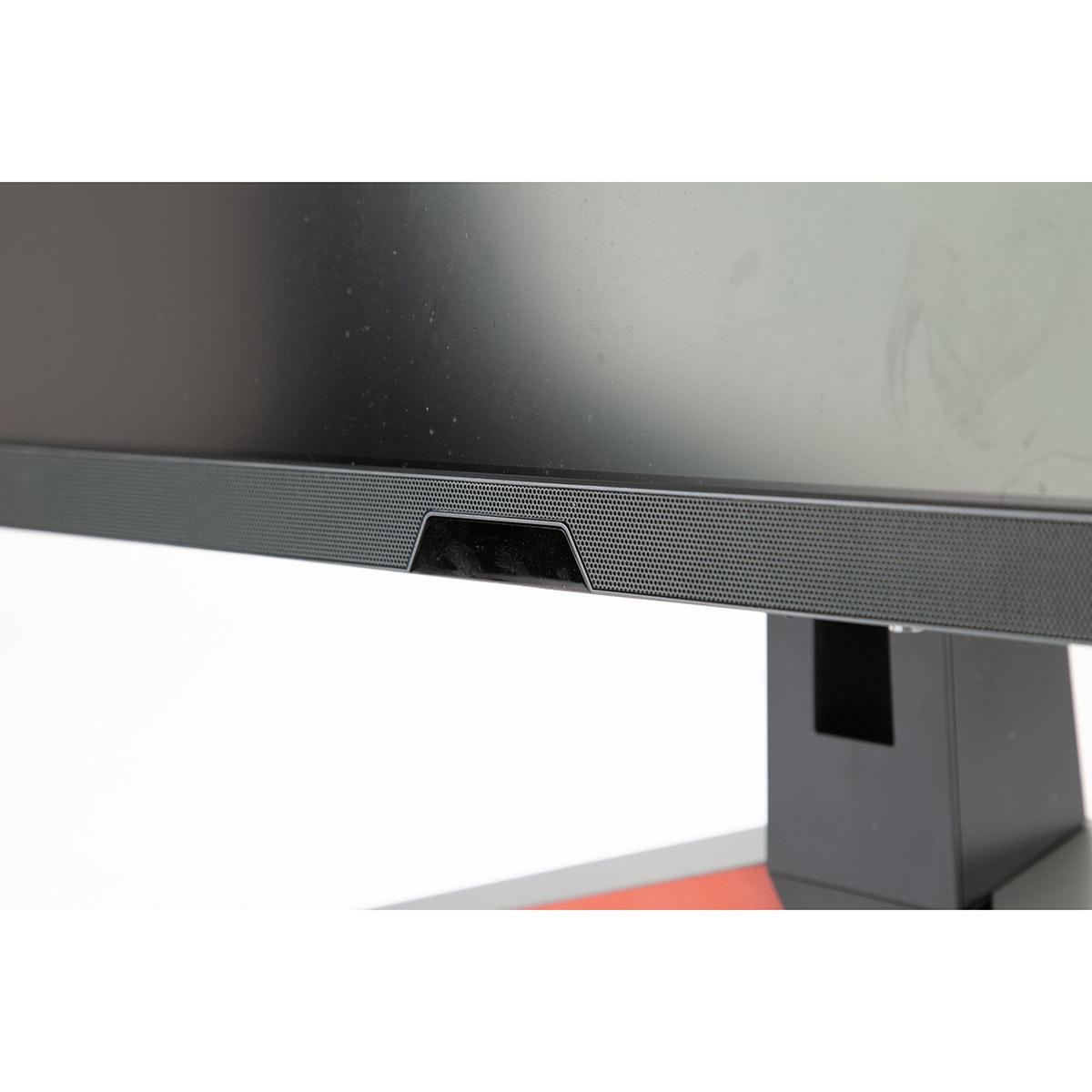
The BenQ MOBIUZ EX270QM positions itself as a complete gaming solution. Its standout feature is the integrated 2.1-channel audio system with a dedicated 5-watt subwoofer. While built-in monitor speakers are typically afterthoughts, BenQ's treVolo audio technology creates surprisingly decent sound quality. The bass response from the subwoofer adds impact to explosions and gunfire that you simply won't get from typical monitor speakers.
For console gamers, the BenQ offers exceptional connectivity with dual HDMI 2.1 ports alongside DisplayPort 1.4. This means you can connect both your gaming PC and PlayStation 5 or Xbox Series X simultaneously without switching cables. The HDMI 2.1 ports support the full 1440p resolution at 120Hz for console gaming—a sweet spot that provides much sharper visuals than 1080p while maintaining high frame rates that 4K often sacrifices.
The inclusion of a USB 3.0 hub adds practical convenience for connecting gaming peripherals, and the IR remote control makes adjusting settings comfortable from your gaming chair. These features transform the monitor from just a display into a comprehensive gaming hub.
The GIGABYTE MO27Q2 takes a more sophisticated approach to connectivity with its KVM (Keyboard, Video, Mouse) switch functionality. This feature allows you to connect two devices—perhaps your gaming PC and work laptop—and switch between them with a single button while using the same keyboard and mouse. For users who work and game at the same desk, this eliminates the need for separate peripherals or complex switching solutions.
The USB-C connectivity with 18W power delivery, while not powerful enough for laptop charging, can power smartphones or smaller devices. The tactical switch feature caters specifically to esports players, allowing quick switching between the full 27-inch display and a 24-inch window—many competitive gamers prefer smaller viewing areas for better focus and reduced eye movement.
The AI-based OLED care system represents GIGABYTE's commitment to panel longevity. OLED displays can suffer from burn-in (permanent image retention) if static elements remain on screen for extended periods. The AI system includes pixel shifting, automatic brightness adjustments, and other protective measures, backed by a three-year warranty that specifically covers burn-in—unusual confidence from a manufacturer.
The BenQ EX270QM clearly targets the multi-platform gaming audience. Its dual HDMI 2.1 connectivity means you can run both Xbox Series X and PlayStation 5 simultaneously, switching between them without cable management headaches. The 1440p resolution at 120Hz hits the sweet spot for current console gaming, providing significantly sharper visuals than 1080p while maintaining the high frame rates that make games feel responsive and smooth.
The integrated audio system particularly benefits console gaming setups. Many console gamers don't want to invest in separate desktop speakers or headphones for every gaming session. The BenQ's surprisingly capable audio eliminates this need while maintaining a clean desk setup.
While the GIGABYTE MO27Q2 offers fewer HDMI ports, its QD-OLED technology transforms console gaming experiences, particularly for single-player, story-driven games. The perfect blacks and infinite contrast make games like The Last of Us Part II or God of War visually stunning in ways that traditional displays simply cannot match.
The superior HDR performance particularly benefits console gaming since many console titles are specifically optimized for HDR displays. The quantum dot technology's enhanced color reproduction makes games like Horizon Forbidden West or Spider-Man: Miles Morales appear almost hyperreal in their vibrancy.
For users considering these monitors in living room or home theater setups, several factors become particularly important.
The GIGABYTE MO27Q2 excels as a home theater display due to its perfect blacks and excellent contrast ratio. Movies and TV shows, particularly those mastered for HDR, benefit enormously from OLED's ability to display true blacks. Dark scenes in films maintain detail and atmosphere that gets lost on traditional LCD displays. The quantum dot technology also provides the wide color gamut that modern streaming services and 4K Blu-rays utilize.
However, the lower peak brightness might be limiting in bright living rooms. The glossy screen finish, while enhancing contrast and color depth, can be more prone to reflections from windows or lamps.
The BenQ EX270QM offers practical advantages for shared spaces. The higher peak brightness performs better in bright rooms, and the integrated audio system means you don't need separate speakers for casual viewing. The remote control becomes particularly valuable when the monitor isn't within arm's reach.
When evaluating gaming monitor performance, certain metrics carry more weight than others. Refresh rate and response time often get the most attention, but real-world gaming experience depends on several factors working together.
Input lag proves more important than response time for competitive gaming. The BenQ EX270QM's measured 0.7ms input lag places it among the fastest monitors tested, making it exceptionally responsive for twitch-based games like Counter-Strike or Valorant.
Contrast ratio dramatically affects immersion in story-driven games. The GIGABYTE MO27Q2's infinite contrast creates depth and atmosphere that enhances exploration games, horror titles, and any content with significant dark areas.
Color accuracy and gamut coverage matter more for content creation and professional work, but they also affect gaming immersion. Both monitors excel here, with the BenQ favoring accuracy and the GIGABYTE emphasizing vibrancy.
Peak brightness becomes crucial for HDR gaming and bright room usage. The BenQ's advantage here makes it more versatile across different lighting conditions.
At the time of writing, these monitors occupy different price tiers that reflect their technological approaches. The BenQ EX270QM positions itself as a premium but accessible gaming monitor, offering comprehensive features at a price point that makes high-refresh 1440p gaming more attainable for enthusiasts.
The GIGABYTE MO27Q2 commands a significant premium for its cutting-edge QD-OLED technology—roughly 80-90% more expensive than the BenQ. This pricing reflects both the cost of new technology and the superior visual quality that QD-OLED provides.
From a value perspective, the BenQ offers more features per dollar. The integrated audio, extensive connectivity, remote control, and gaming optimizations create a complete package that could replace several separate components. The GIGABYTE focuses its value proposition on display quality, betting that users will pay significantly more for the best possible visuals.
The decision between these monitors ultimately depends on your priorities, usage patterns, and budget flexibility.
Choose the GIGABYTE MO27Q2 if visual quality tops your priority list and budget allows for the premium. The QD-OLED technology delivers genuinely superior contrast and color reproduction that transforms gaming and media consumption. It's particularly compelling for users who primarily game in dim or controlled lighting environments where the technology's strengths shine brightest. The KVM functionality also makes it attractive for users who need to switch between work and gaming setups frequently.
The BenQ MOBIUZ EX270QM makes more sense for users wanting exceptional gaming performance without the premium price tag. It's particularly compelling for console gamers who need multiple HDMI inputs, users gaming in bright rooms, or anyone who values the convenience of integrated audio and comprehensive features. The excellent input lag performance also makes it a strong choice for competitive gaming.
Both monitors represent excellent choices within their respective approaches to premium gaming displays. The BenQ offers broader appeal with its feature completeness and more accessible pricing, while the GIGABYTE targets enthusiasts willing to pay for cutting-edge display technology. Your choice should align with whether you prioritize visual excellence above all else or prefer a more balanced package of performance, features, and value.
The gaming monitor market continues evolving rapidly, with new technologies and improved implementations appearing regularly. Both the GIGABYTE MO27Q2 and BenQ MOBIUZ EX270QM represent current state-of-the-art in their respective categories, offering different paths to exceptional gaming experiences.
| GIGABYTE MO27Q2 | BenQ MOBIUZ EX270QM |
|---|---|
| Panel Technology - Determines contrast, color quality, and overall visual experience | |
| QD-OLED with infinite contrast ratio | IPS with edge-lit local dimming (16 zones) |
| Response Time - Critical for competitive gaming and motion clarity | |
| 0.03ms GTG (near-instantaneous) | 1ms GTG with 0.7ms input lag |
| Peak Brightness - Affects HDR quality and bright room performance | |
| 250 nits typical, 1000 nits peak HDR | 400 nits typical, 600 nits peak HDR |
| Color Gamut - Determines color vibrancy and accuracy | |
| 99% DCI-P3 (extremely vibrant colors) | 98% DCI-P3 (accurate, natural colors) |
| HDR Support - Enhanced visual range for gaming and media | |
| VESA DisplayHDR True Black 400 | VESA DisplayHDR 600 |
| Audio System - Built-in sound quality | |
| Basic 2 × 5W speakers | 2.1 channel with 5W subwoofer |
| HDMI Connectivity - Important for console gaming | |
| 2 × HDMI 2.1 ports | 2 × HDMI 2.1 ports |
| Special Features - Unique capabilities that add value | |
| KVM switch, Tactical Switch, AI OLED Care | Remote control, USB hub, treVolo audio |
| Warranty Coverage - Protection for your investment | |
| 3 years including burn-in coverage | 3 years standard warranty |
| Best Use Cases - Who should choose this monitor | |
| Visual enthusiasts, HDR content, productivity workflows | Console gamers, bright rooms, all-in-one convenience |
Both the GIGABYTE MO27Q2 and BenQ EX270QM are excellent gaming monitors with 240Hz refresh rates. The GIGABYTE MO27Q2 offers superior visual quality with its QD-OLED technology, providing perfect blacks and infinite contrast for immersive gaming. The BenQ EX270QM delivers exceptional responsiveness with 0.7ms input lag and includes gaming-focused features like built-in audio and multiple HDMI ports for console connectivity.
The GIGABYTE MO27Q2 uses QD-OLED technology where each pixel emits its own light, creating perfect blacks and infinite contrast ratios. The BenQ EX270QM features an IPS panel with a backlight system that provides consistent colors and wide viewing angles but cannot achieve true blacks. QD-OLED offers superior contrast and HDR performance, while IPS provides higher peak brightness and better text clarity.
The BenQ EX270QM is better optimized for console gaming with dual HDMI 2.1 ports allowing simultaneous PC and console connections, plus built-in 2.1 channel audio. The GIGABYTE MO27Q2 offers superior visual quality for single-player console games but has limited HDMI connectivity. Both support 1440p at 120Hz for next-gen consoles.
The BenQ EX270QM performs better in bright rooms with its 600-nit peak brightness and anti-glare coating. The GIGABYTE MO27Q2 has lower typical brightness at 250 nits and a glossy finish that may show reflections in bright environments. For well-lit gaming setups, the BenQ EX270QM is the more practical choice.
The GIGABYTE MO27Q2 excels in dark HDR scenes with perfect blacks and infinite contrast, while the BenQ EX270QM performs better in bright HDR content with higher peak brightness. For movies and atmospheric games, the GIGABYTE MO27Q2 provides more dramatic HDR. For bright, colorful content, the BenQ EX270QM delivers more impactful highlights.
Both monitors include 2 HDMI 2.1 ports and 1 DisplayPort 1.4. The GIGABYTE MO27Q2 adds USB-C with KVM functionality for multi-device workflows. The BenQ EX270QM features a USB 3.0 hub and comes with a remote control. The BenQ EX270QM is better for console setups, while the GIGABYTE MO27Q2 suits productivity users.
Both monitors offer 240Hz refresh rates suitable for competitive gaming. The GIGABYTE MO27Q2 has a faster 0.03ms response time and includes a Tactical Switch for quick resolution changes. The BenQ EX270QM provides exceptional 0.7ms input lag and gaming-specific features. Both are excellent for esports, with slight technical advantages for the GIGABYTE MO27Q2 in response speed.
The BenQ EX270QM features a premium 2.1 channel audio system with stereo speakers and a 5W subwoofer, delivering surprisingly good sound quality. The GIGABYTE MO27Q2 includes basic 2×5W speakers. For users wanting integrated audio, the BenQ EX270QM offers significantly better sound without external speakers.
The BenQ EX270QM provides excellent value with comprehensive features, built-in quality audio, and strong gaming performance at a more accessible price point. The GIGABYTE MO27Q2 commands a premium for cutting-edge QD-OLED technology and superior visual quality. Value depends on whether you prioritize features and affordability or premium display technology.
Both monitors offer excellent color reproduction with 98-99% DCI-P3 coverage. The GIGABYTE MO27Q2 provides more vibrant, saturated colors ideal for creative projects, while the BenQ EX270QM offers more accurate, natural colors preferred for professional work. The GIGABYTE MO27Q2 includes KVM functionality useful for creative workflows with multiple devices.
Both monitors offer solid build quality with ergonomic stands and VESA mounting. The GIGABYTE MO27Q2 includes a unique 3-year warranty covering OLED burn-in, demonstrating manufacturer confidence. The BenQ EX270QM provides a standard 3-year warranty and includes premium touches like a remote control. Both offer reliable construction suited for long-term use.
The GIGABYTE MO27Q2 excels for home theater with perfect blacks and cinematic contrast ratios that enhance movie watching, especially in dark rooms. The BenQ EX270QM offers practical advantages like built-in quality audio, remote control, and better bright room performance. For dedicated home theater use, the GIGABYTE MO27Q2 provides superior visual quality, while the BenQ EX270QM offers more convenience features.
We've done our best to create useful and informative comparisons to help you decide what product to buy. Our research uses advanced automated methods to create this comparison and perfection is not possible - please contact us for corrections or questions. These are the sites we've researched in the creation of this article: gigabyte.com - youtube.com - newegg.com - mezha.media - tech-critter.com - gigabyte.com - forum.pcmonitors.info - techspot.com - aorus.com - saltynewsnetwork.com - infiniarc.com - gigabyte.com - bestbuy.com - youtube.com - gigabyte.com - gigabyte.com - displayspecifications.com - aorus.com - gigabyte.com - gigabyte.com - bgeek.eu - youtube.com - tomshardware.com - youtube.com - t3.com - versus.com - pcgamer.com - versus.com - gamesradar.com - pangoly.com - benq.eu - techaeris.com - shi.com - benq.com - bestbuy.com - benq.com - displayspecifications.com - benq.com - benq.eu - bhphotovideo.com - benq.com

Privacy Policy
Terms and Conditions - Affiliate Policy
Home Security
© Copyright 2008-2026.
11816 Inwood Rd #1211, Dallas, TX 75244