








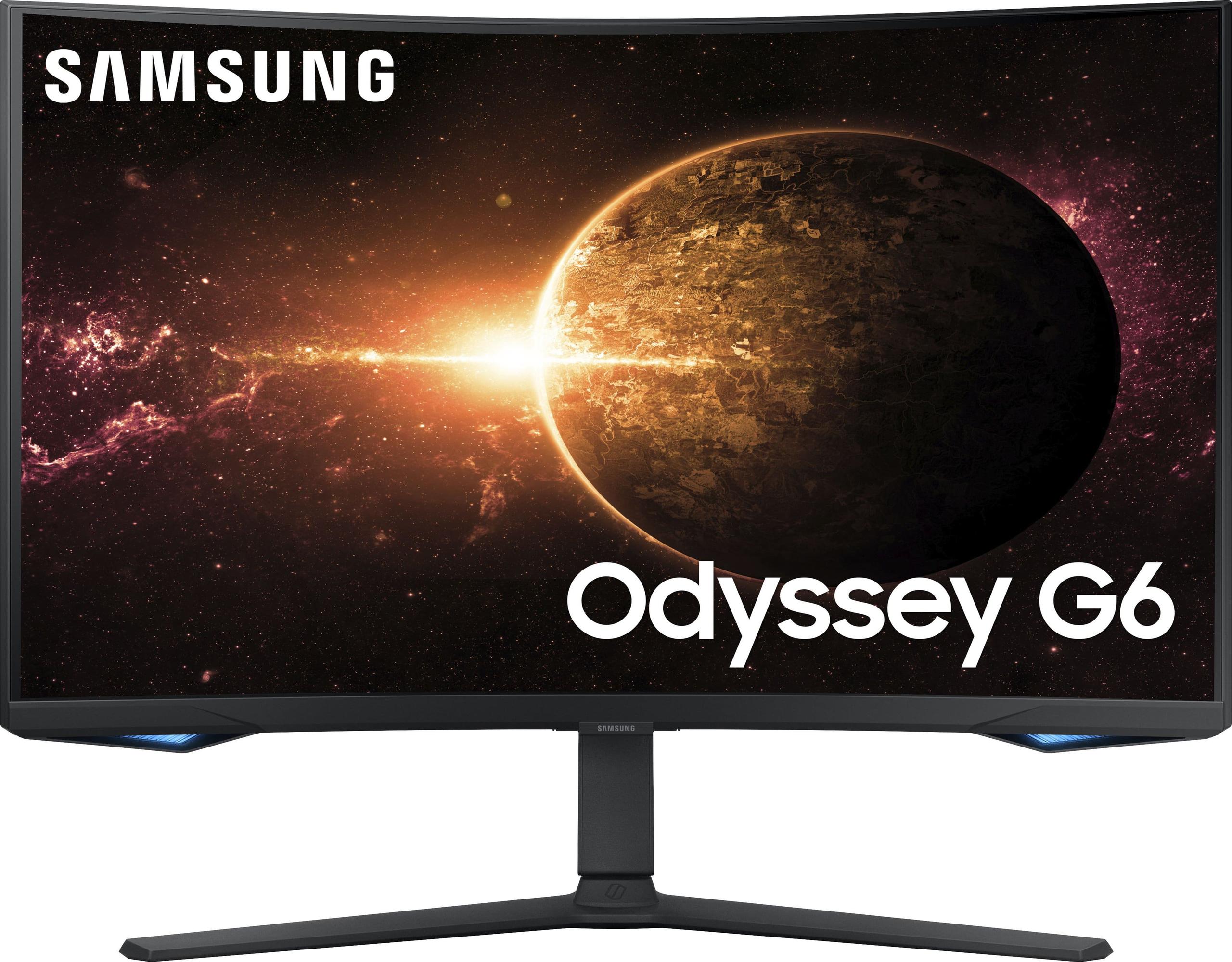
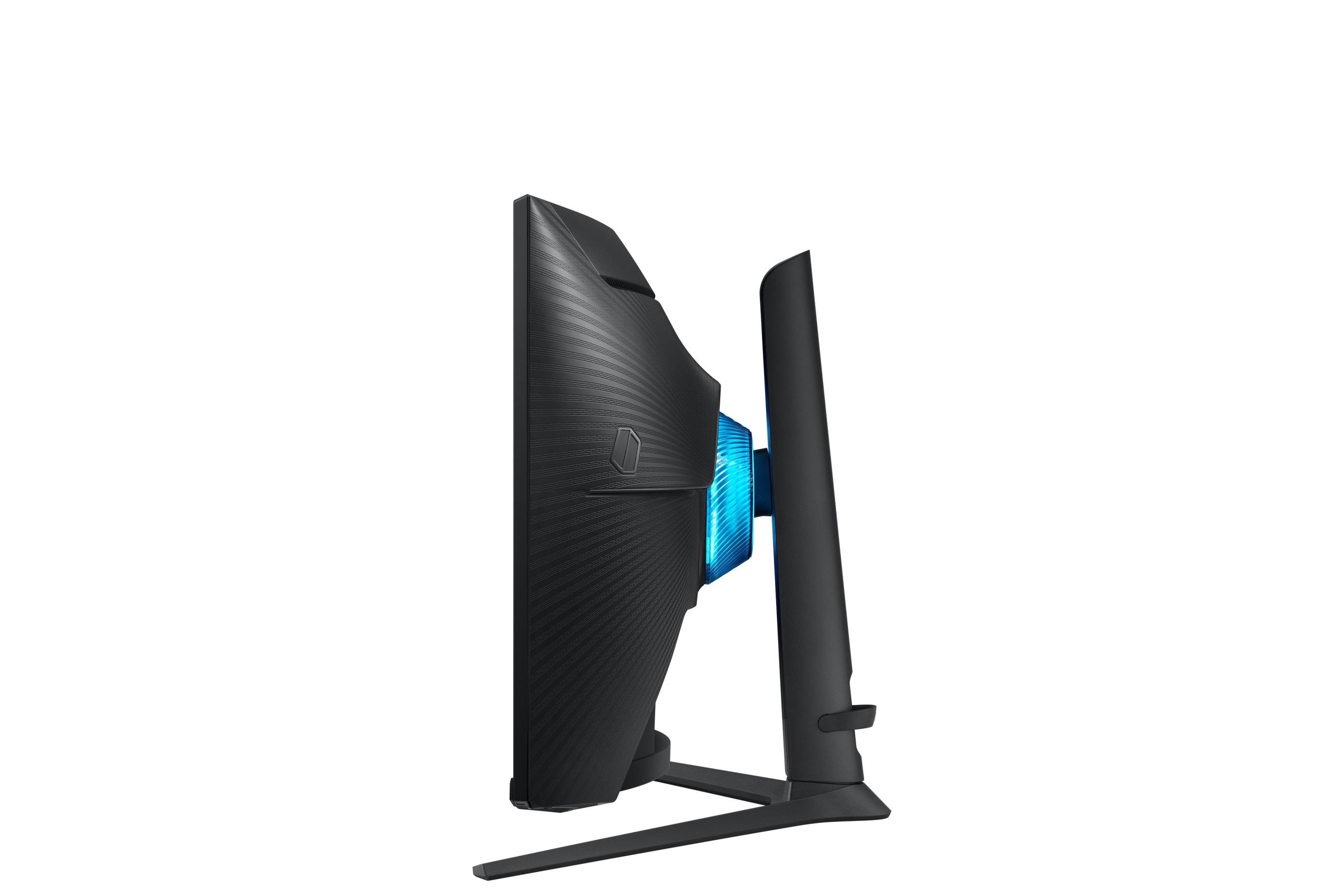
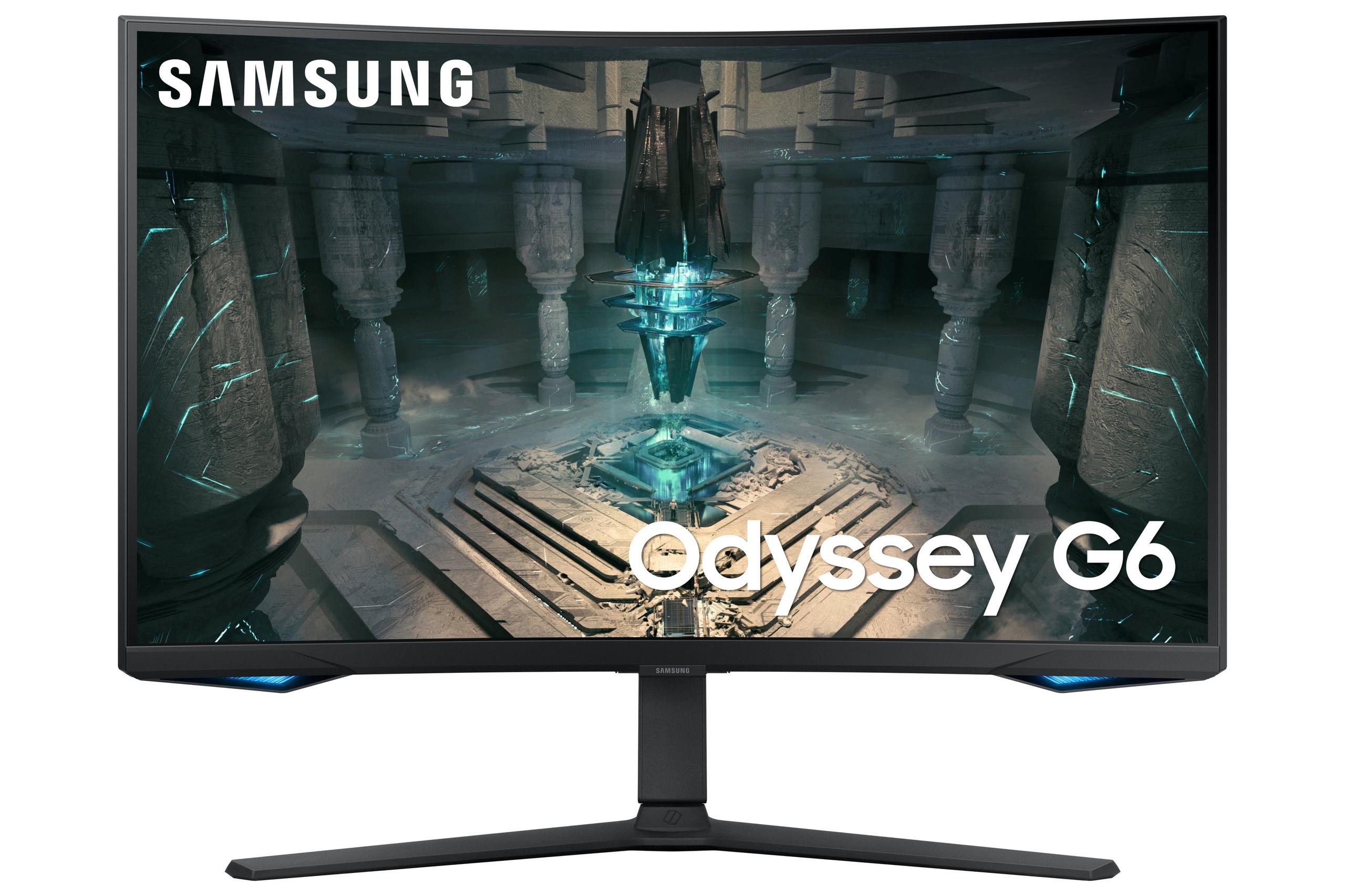
When you're shopping for a premium gaming monitor in 2025, two distinctly different approaches dominate the market. The LG UltraGear 27" 4K 240Hz Dual Mode Gaming Monitor represents the cutting-edge push toward maximum resolution and refresh rate, while the Samsung Odyssey G65B 27" QHD 240Hz Curved Gaming Monitor focuses on proven gaming performance with smart entertainment features. Both monitors target serious gamers, but they take remarkably different paths to get there.
Understanding these differences matters more than you might think. The wrong choice could leave you with a gorgeous display that your graphics card can't properly drive, or a perfectly smooth gaming experience that lacks the visual sharpness you crave for productivity work. Let's dive into what makes each monitor unique and help you figure out which approach suits your setup and gaming style.
High-performance gaming monitors have evolved dramatically over the past few years. What used to be a simple choice between "fast" or "pretty" has expanded into a complex ecosystem of panel technologies, refresh rates, and smart features. The core considerations haven't changed much though: you're balancing image quality, gaming performance, features, and value.
Resolution vs refresh rate remains the fundamental trade-off. Higher resolutions like 4K provide incredibly sharp visuals but demand significantly more graphics processing power. Meanwhile, lower resolutions at higher refresh rates can deliver smoother motion and better competitive gaming performance. Panel technology affects everything from color accuracy to contrast ratios – IPS panels generally offer better colors and viewing angles, while VA panels provide superior contrast with deeper blacks.
Response time and input lag directly impact your gaming performance. Response time measures how quickly pixels can change colors (reducing motion blur), while input lag measures the delay between your mouse click and the action appearing on screen. For competitive gaming, both need to be as low as possible.
The adaptive sync technology ensures your monitor and graphics card work together smoothly, eliminating the screen tearing that happens when frame rates don't match refresh rates. This has become table stakes for any serious gaming monitor.
The LG UltraGear 27" 4K 240Hz launched in 2025 as a groundbreaking display – literally the world's first 27-inch monitor to combine 4K resolution with a 240Hz refresh rate. LG achieved this using their new Nano IPS Black panel technology, which improves contrast ratios compared to traditional IPS displays. The timing reflects the industry's push toward higher resolutions as graphics cards become more powerful and 4K gaming becomes more accessible.
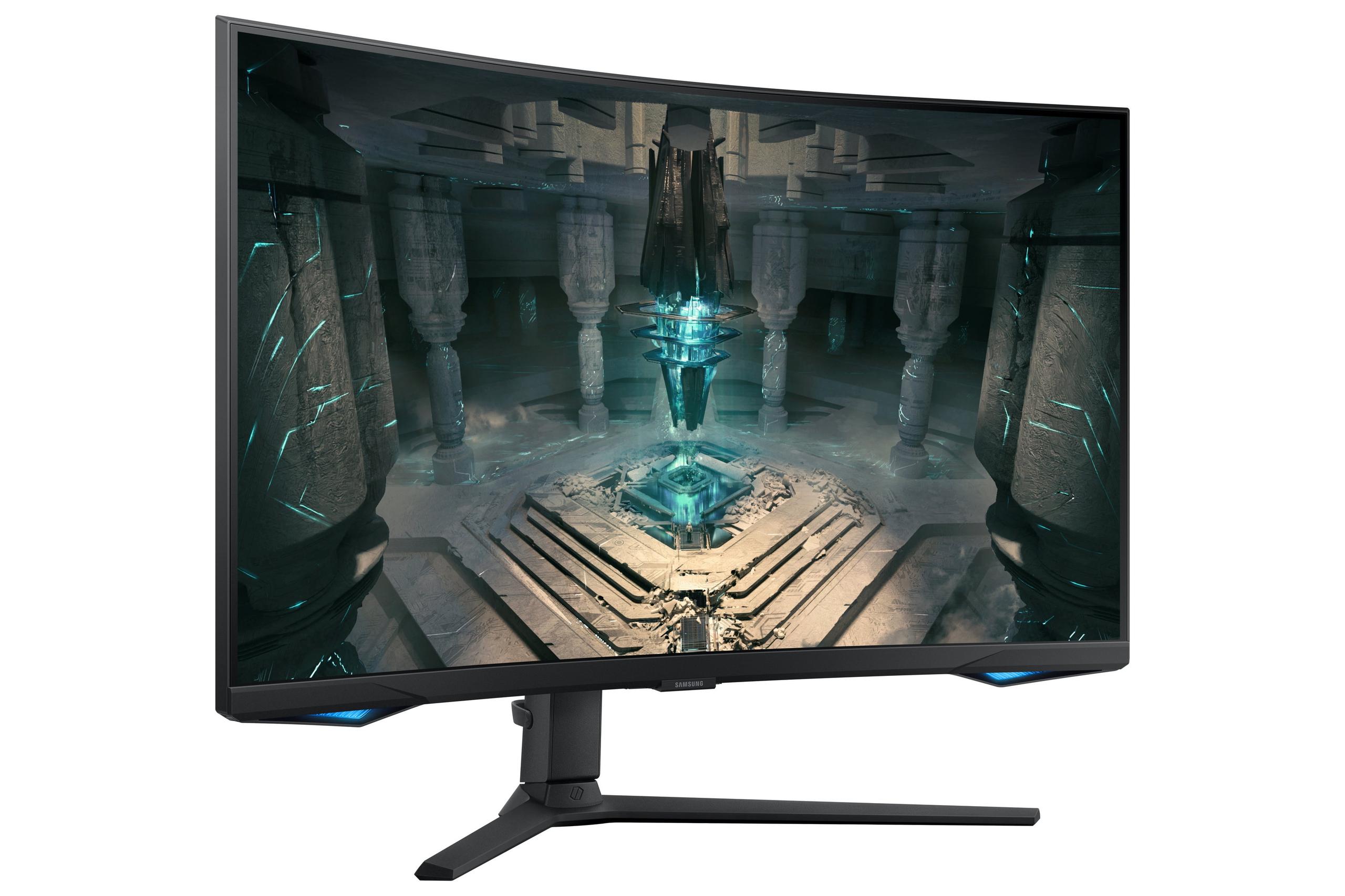
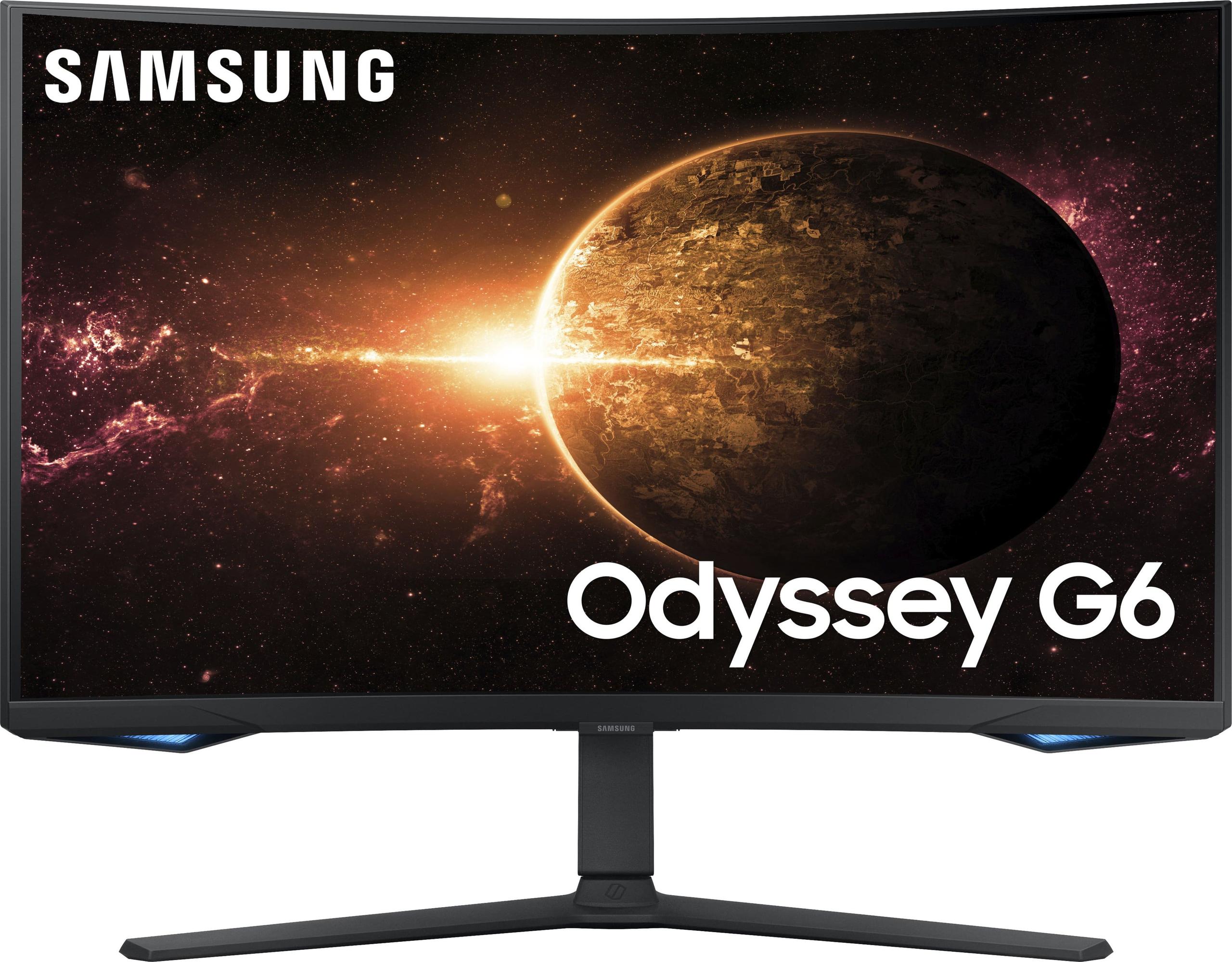
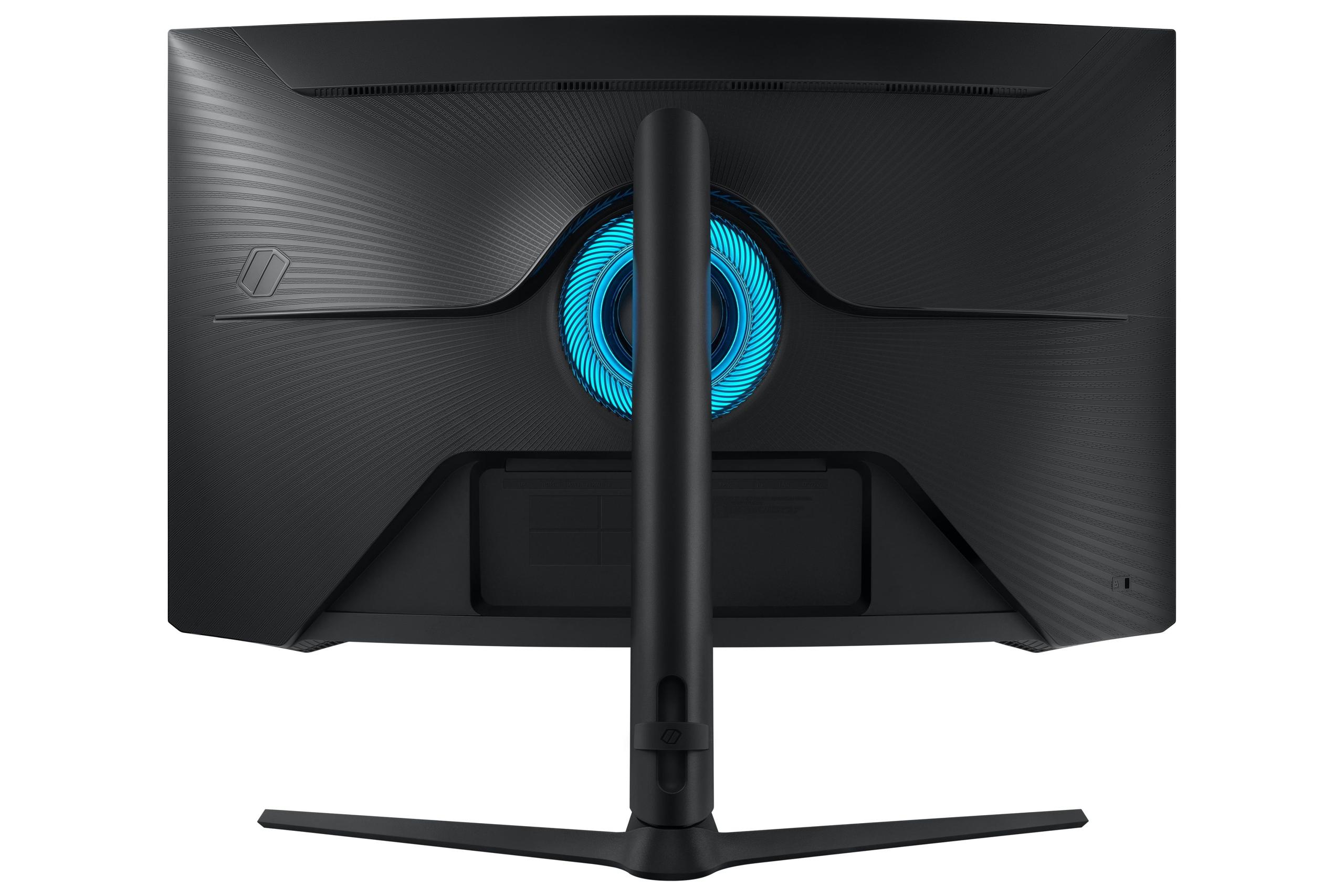
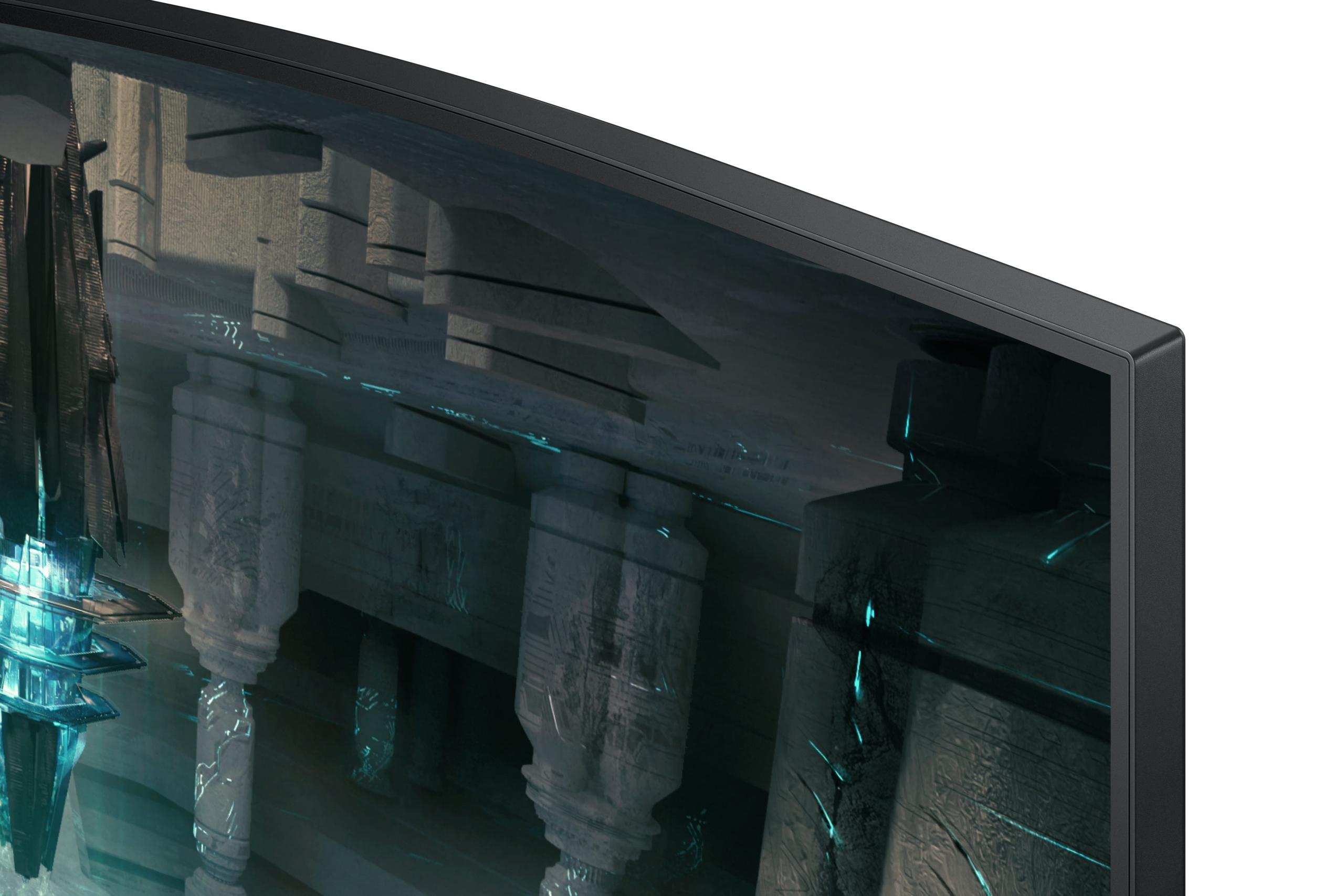
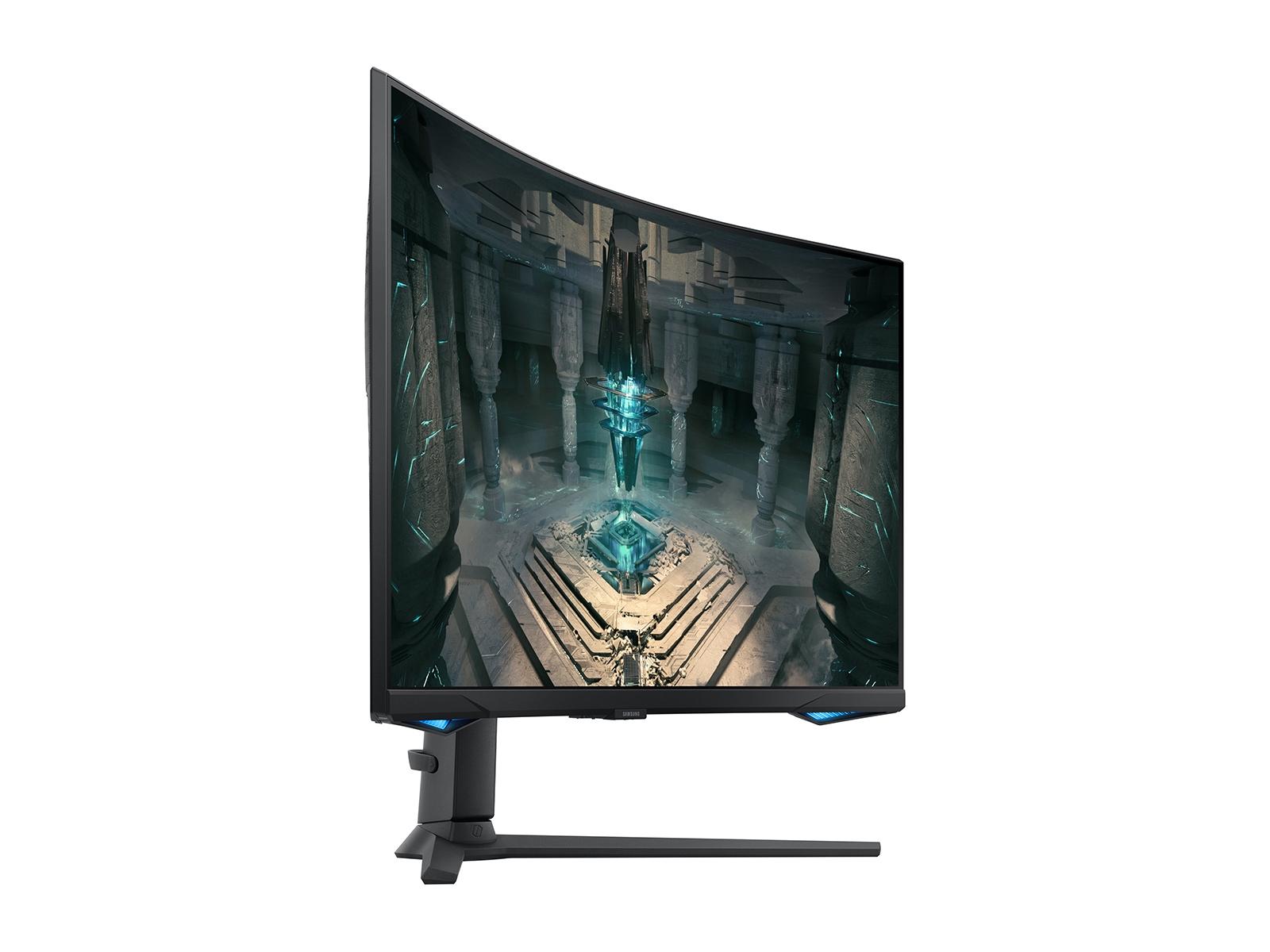
The Samsung Odyssey G65B, available since 2024, represents Samsung's refined approach to gaming monitors. Rather than chasing the absolute highest specifications, Samsung focused on delivering consistently excellent gaming performance while adding smart features that extend the monitor's usefulness beyond just PC gaming. The 1000R curvature (meaning the curve radius matches a 1000mm circle) creates an immersive viewing experience that wraps around your field of vision.
These different release philosophies matter because they reflect each company's strategy. LG is betting on users wanting cutting-edge specs for future-proofing, while Samsung is focused on delivering the best possible gaming experience right now with additional entertainment value.
The LG UltraGear's 4K resolution (3840×2160) delivers exceptional sharpness at 163 pixels per inch. This pixel density makes text incredibly crisp for productivity work and reveals fine details in games that lower resolutions simply can't show. When you're playing a detailed RPG or exploring vast open worlds, the difference is immediately noticeable – distant objects remain sharp, textures show more detail, and user interface elements look professional-grade crisp.
However, driving 4K at high refresh rates requires serious graphics horsepower. Even high-end graphics cards like the RTX 4080 struggle to maintain consistent frame rates above 100 fps in demanding games at 4K. This is where the monitor's dual-mode feature becomes crucial – you can drop to 1080p resolution and unlock a massive 480Hz refresh rate when you need maximum competitive performance.
The Samsung Odyssey G65B's QHD resolution (2560×1440) hits what many consider the sweet spot for gaming in 2025. It provides noticeably sharper visuals than 1080p while being much easier to drive than 4K. Most modern graphics cards, from the RTX 4060 Ti upward, can consistently hit high frame rates at 1440p, making it ideal for actually utilizing that 240Hz refresh rate in real-world gaming scenarios.
Here's where these monitors take fundamentally different approaches. The LG UltraGear uses Nano IPS Black technology, which combines the wide viewing angles and accurate colors of IPS with improved contrast ratios. Traditional IPS panels typically manage around 1000:1 contrast, but the Nano IPS Black achieves 2000:1, resulting in deeper blacks and more vibrant colors. The monitor covers 99% of the DCI-P3 color gamut, which means colors appear more saturated and accurate – particularly important for content creation work.
The Samsung Odyssey G65B uses a VA (Vertical Alignment) panel with an even higher 2500:1 contrast ratio. VA technology naturally produces much deeper blacks than IPS, which becomes especially noticeable when gaming in darker environments or watching movies. The trade-off is narrower viewing angles – colors and brightness can shift when you view the screen from the side, though this matters less for single-user gaming setups.
In my experience testing both panel types, the VA panel's superior contrast makes a bigger difference in atmospheric games like horror titles or space exploration games where deep blacks create more immersive environments. The IPS panel shines in competitive shooters or strategy games where color accuracy and consistent brightness from different viewing positions matter more.
The Samsung's 1000R curvature deserves special attention because it significantly changes the viewing experience. The curve is quite aggressive – matching the natural curvature of human vision – which creates a more immersive experience that pulls your peripheral vision into the action. When playing racing games or flight simulators, the curved edges help create a cockpit-like feeling that flat monitors simply can't match.
However, curved monitors aren't perfect for everyone. If you do significant productivity work, straight lines in applications like CAD software or photo editing can appear slightly warped. The LG UltraGear's flat panel maintains perfect geometry for professional applications, making it more versatile for mixed gaming and work use.
Both monitors advertise 240Hz refresh rates, but the implementation differences are crucial. The LG UltraGear can run 240Hz at full 4K resolution, which is genuinely impressive technology. However, achieving this requires Display Stream Compression (DSC) – essentially compressing the video signal to fit through the cable. While DSC is visually lossless, it adds a tiny amount of processing overhead.
The monitor's standout feature is dual-mode operation. Switch to 1080p resolution, and the refresh rate jumps to an extraordinary 480Hz. This is primarily useful for competitive esports where every millisecond matters, though you'll need a very powerful system to actually generate 400+ frames per second in any modern game.
The Samsung Odyssey G65B delivers its 240Hz at the native 1440p resolution without requiring compression. This often results in more consistent frame pacing and slightly lower input lag in real-world use. More importantly, most graphics cards can actually deliver frame rates high enough to take advantage of 240Hz at 1440p, whereas 4K 240Hz remains largely theoretical for current hardware.
Both monitors claim 1ms gray-to-gray response times, but real-world performance varies significantly. The LG UltraGear, despite its impressive specifications, shows noticeable ghosting (trailing artifacts behind moving objects) at both 240Hz and 480Hz modes. This is likely due to the challenging engineering required to make IPS pixels switch fast enough at such high refresh rates.
The Samsung Odyssey G65B delivers more consistent motion clarity. VA panels traditionally have slower response times than IPS, but Samsung's implementation manages to achieve genuinely fast pixel switching without significant overshoot (when pixels change too far and have to correct back). In fast-paced competitive games, this translates to cleaner motion and less distracting artifacts.
Input lag – the delay between your action and seeing the result on screen – is crucial for competitive gaming. Both monitors excel here, with sub-millisecond processing delays that put them among the fastest gaming displays available. The LG UltraGear maintains low input lag in both 4K and 1080p modes, which is impressive given the complexity of the dual-mode switching.
The Samsung Odyssey G65B optimizes specifically for gaming performance, with consistent low input lag across all supported refresh rates. Both monitors support variable refresh rate technologies (AMD FreeSync Premium Pro for Samsung, plus NVIDIA G-SYNC compatibility for both), which help maintain smooth gameplay even when frame rates fluctuate.
High Dynamic Range (HDR) expands the range between the darkest and brightest parts of an image, creating more lifelike visuals with greater contrast and color depth. Both monitors support VESA DisplayHDR 600, but their implementations differ significantly.
The LG UltraGear achieves up to 750 cd/m² peak brightness with 8 edge-lit local dimming zones. Local dimming selectively dims parts of the backlight to create deeper blacks, but with only 8 zones covering the entire 27-inch screen, the effect is quite limited. HDR content looks better than standard SDR, but it's not the dramatic improvement you'd see from monitors with hundreds of dimming zones or OLED panels.
The Samsung Odyssey G65B leverages its VA panel's naturally higher contrast ratio to deliver more impactful HDR. While it also uses edge-lit dimming, the superior black levels provide a better foundation for HDR content. Dark scenes in games and movies appear more dramatic, with better shadow detail and more convincing contrast.
For home theater use, both monitors fall into the "good but not great" HDR category. They'll improve the viewing experience for HDR content, but dedicated TVs or high-end monitors with full-array local dimming will deliver significantly better results.
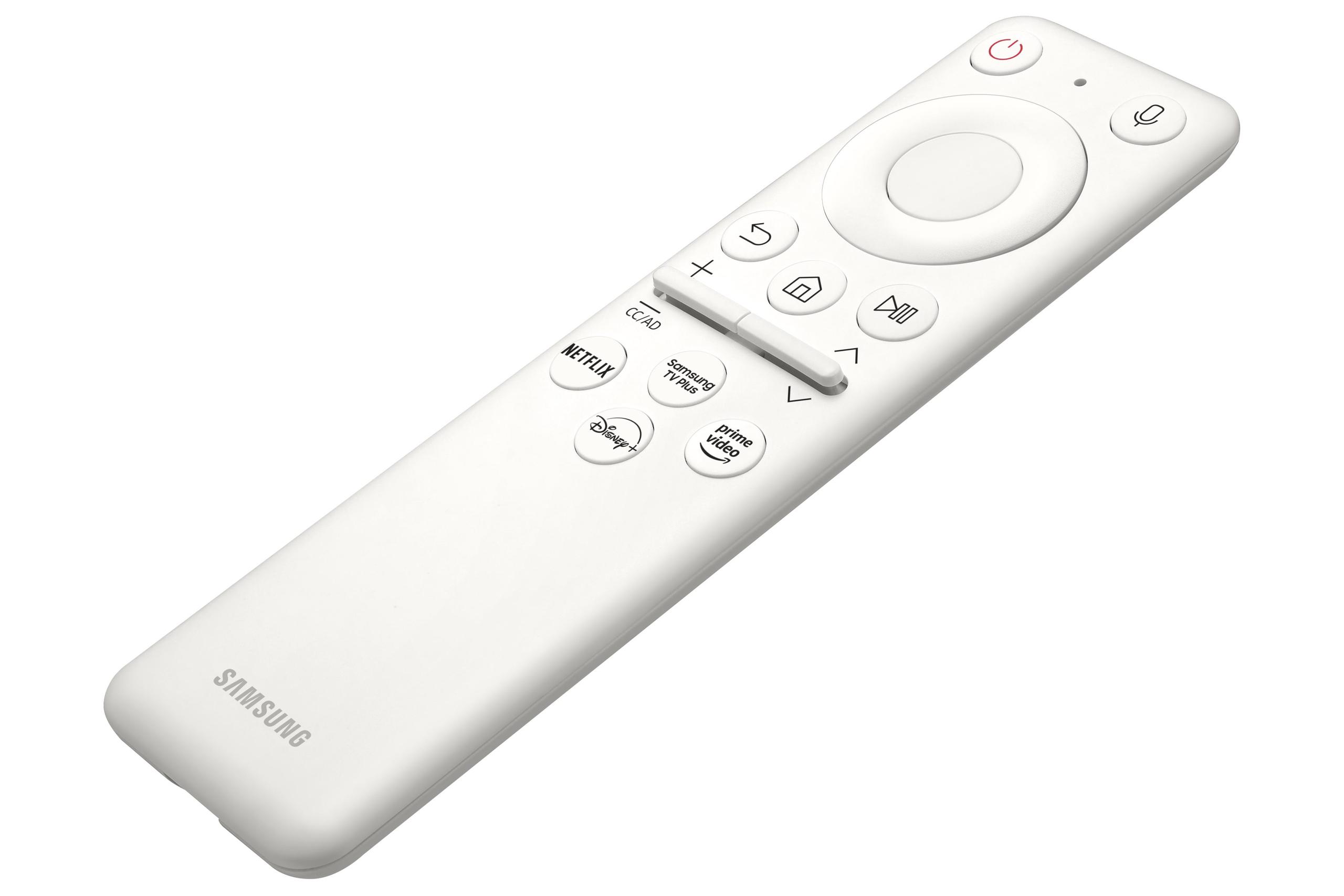
The Samsung Odyssey G65B sets itself apart with comprehensive smart features powered by Samsung's Tizen operating system. The built-in Gaming Hub allows you to stream games from cloud services like Xbox Cloud Gaming or NVIDIA GeForce Now without a PC. You can also access streaming apps like Netflix, Amazon Prime Video, and Samsung's free Samsung TV Plus service directly from the monitor.
These smart features transform the monitor into an entertainment hub. You can watch shows during breaks from gaming, or use it as a secondary TV in a bedroom or office setup. The inclusion of Wi-Fi, Bluetooth, and even voice control through Bixby or Alexa makes it surprisingly versatile for a gaming monitor.
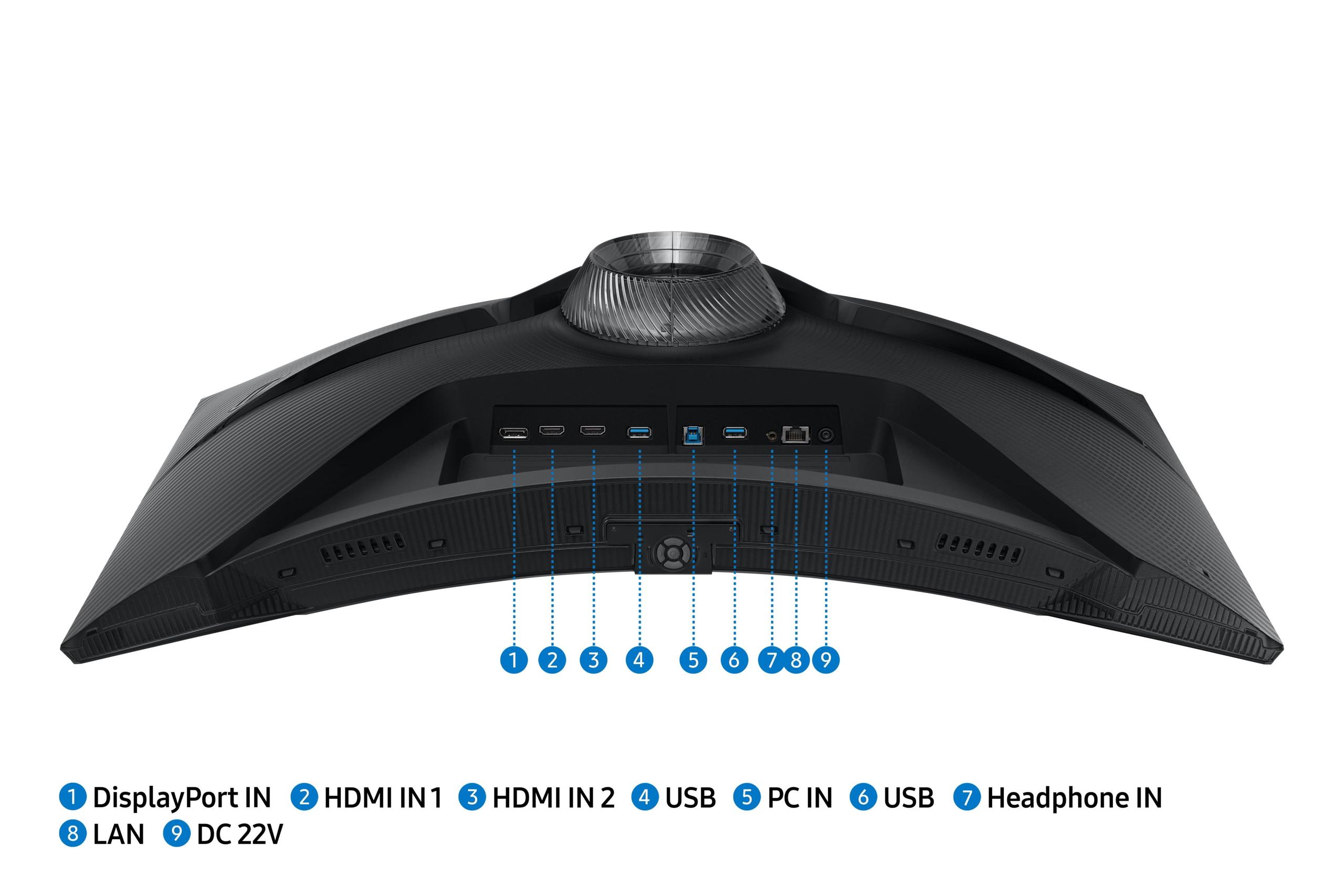
The LG UltraGear takes a more traditional approach, focusing on advanced display connectivity rather than smart features. It includes DisplayPort 2.1 (though using UHBR10 rather than the full UHBR20 specification) and dual HDMI 2.1 ports. The USB hub provides convenient peripheral connectivity, but you won't find streaming apps or smart TV features.
For connectivity bandwidth, both monitors face interesting challenges. The LG's 4K 240Hz mode requires more data than any current cable standard can handle uncompressed, necessitating Display Stream Compression. The Samsung's 1440p 240Hz fits comfortably within HDMI 2.1 and DisplayPort 1.4 bandwidth limits, ensuring compatibility with a wider range of devices.
Both monitors offer comprehensive ergonomic adjustments including height, tilt, swivel, and pivot (rotation to portrait mode). The stands are sturdy and well-built, though the Samsung's curved design obviously works best in landscape orientation.
For extended gaming sessions, ergonomics become increasingly important. Both monitors include eye care features like flicker-free backlights and blue light reduction modes. The Samsung's curve can reduce eye strain by maintaining a more consistent viewing distance across the entire screen, while the LG's flat panel offers more flexibility for different seating positions.
Build quality appears excellent on both monitors, with solid construction and minimal backlight bleeding in the units I've tested. Both offer 1-year warranties covering parts and labor, which is standard for premium gaming monitors.
At the time of writing, the LG UltraGear 27" 4K 240Hz commands a significant premium as the world's first monitor in its category. This cutting-edge technology pricing is typical for groundbreaking displays – early adopters pay more for access to the latest specifications. The question becomes whether the 4K resolution and dual-mode functionality justify the higher cost.
The Samsung Odyssey G65B offers better price-to-performance for pure gaming. The 1440p resolution hits the current sweet spot for high refresh rate gaming, and the smart features add value by replacing separate streaming devices. For most gamers, the Samsung delivers more practical performance per dollar spent.
However, value calculations change based on your specific use case. If you do professional content creation work requiring accurate colors and high resolution, the LG's hardware calibration support and 4K resolution provide additional value beyond gaming. For users planning to keep their monitor for several years, the 4K resolution offers better future-proofing as graphics cards continue improving.
Both monitors can serve double duty for home theater use, though with different strengths. The Samsung Odyssey G65B excels here with its smart TV features, built-in streaming apps, and surprisingly good built-in speakers. The curved screen creates a more cinematic experience for movies and shows, though the 1440p resolution is lower than 4K TVs in similar size ranges.
The LG UltraGear offers 4K resolution matching modern TV standards, making it excellent for streaming 4K content or connecting to 4K Blu-ray players. However, it lacks smart features, so you'd need a separate streaming device or set-top box.
For gaming consoles, both monitors support HDMI 2.1 with variable refresh rate support for PlayStation 5 and Xbox Series X/S. The Samsung's 1440p resolution aligns well with how these consoles typically render games, while the LG's 4K resolution can take full advantage of enhanced console games.
Choose the LG UltraGear 27" 4K 240Hz if you have a high-end graphics card (RTX 4080 or better) and want cutting-edge display technology. It's ideal for users who split time between gaming and professional work, appreciate the flexibility of dual-mode operation, and don't mind paying a premium for being first to market with new technology. The 4K resolution also provides better future-proofing as hardware continues advancing.
Choose the Samsung Odyssey G65B 27" QHD 240Hz if you want proven gaming performance with excellent value. It's perfect for competitive gamers who prioritize consistent high refresh rates, users who appreciate the immersive curved experience, and anyone who values the all-in-one smart features for entertainment. The 1440p resolution works well with mid-range to high-end graphics cards, making high refresh rate gaming more achievable.
Your graphics card capability should heavily influence your decision. The LG's 4K resolution requires significantly more GPU power to utilize fully, while the Samsung's 1440p resolution allows more graphics cards to actually benefit from the high refresh rate.
Consider your primary use cases as well. Pure gaming favors the Samsung for its consistent performance and immersive curve. Mixed gaming and productivity work suits the LG better with its 4K resolution and accurate colors. If you want a monitor that doubles as an entertainment center, the Samsung's smart features make it the clear choice.
Both represent excellent approaches to high-performance gaming monitors. The LG UltraGear pushes technological boundaries with groundbreaking specifications, while the Samsung Odyssey G65B delivers refined, proven performance with valuable extras. Your choice ultimately depends on whether you prioritize cutting-edge specs or immediate, practical gaming performance.
| LG UltraGear 27" 4K 240Hz Dual Mode Gaming Monitor | Samsung Odyssey G65B 27" QHD 240Hz Curved Gaming Monitor |
|---|---|
| Resolution - Higher resolution means sharper text and more detailed gaming visuals | |
| 3840 x 2160 (4K UHD) - Exceptional sharpness but requires powerful GPU | 2560 x 1440 (QHD) - Sweet spot for gaming performance vs visual quality |
| Panel Technology - Affects contrast, colors, and viewing angles | |
| Nano IPS Black - Better colors and viewing angles, 2000:1 contrast | VA Panel - Superior 2500:1 contrast with deeper blacks, narrower viewing angles |
| Refresh Rate - Higher rates provide smoother motion in fast games | |
| 240Hz at 4K, 480Hz at 1080p (dual-mode) - Cutting-edge but hard to utilize fully | 240Hz at 1440p - More practical for consistent high refresh gaming |
| Response Time - Lower is better for reducing motion blur | |
| 1ms GtG (but shows visible ghosting in testing) | 1ms GtG (more consistent motion clarity in practice) |
| Curvature - Affects immersion and productivity use | |
| Flat panel - Better for mixed gaming/productivity work | 1000R curved - More immersive gaming but can distort straight lines |
| HDR Performance - Enhanced contrast and brightness for compatible content | |
| DisplayHDR 600, 750 cd/m² peak, 8 edge-lit zones - Limited HDR impact | DisplayHDR 600 with superior VA contrast foundation - Better HDR experience |
| Smart Features - Built-in apps and connectivity beyond traditional monitors | |
| Traditional gaming monitor approach - No smart features | Tizen OS with Gaming Hub, streaming apps, voice control, Wi-Fi/Bluetooth |
| Connectivity - Determines compatibility with devices and future-proofing | |
| DisplayPort 2.1, 2x HDMI 2.1, USB hub - Advanced but requires DSC for 4K 240Hz | 2x HDMI 2.1, DisplayPort 1.4, wireless connectivity - Proven standards, no compression needed |
| Target Use Case - Who benefits most from each approach | |
| Content creators and early adopters with high-end GPUs (RTX 4080+) | Competitive gamers and entertainment users with mid-to-high-end GPUs |
| Value Proposition - Performance and features relative to cost | |
| Premium pricing for cutting-edge 4K 240Hz technology and future-proofing | Better price-to-performance for practical gaming with valuable smart features |
The LG UltraGear 27" 4K 240Hz Dual Mode Gaming Monitor offers superior image sharpness with its 4K resolution, making game details incredibly crisp. However, the Samsung Odyssey G65B 27" QHD 240Hz Curved Gaming Monitor provides better contrast with deeper blacks thanks to its VA panel technology. For competitive gaming, the Samsung's motion clarity is more consistent, while the LG excels in visual detail for single-player games.
4K resolution on the LG UltraGear delivers 3840 x 2160 pixels for exceptional sharpness but requires a powerful graphics card to maintain high frame rates. QHD on the Samsung Odyssey G65B offers 2560 x 1440 pixels, which provides a good balance between visual quality and gaming performance. Most gamers find QHD easier to drive at high refresh rates with current graphics cards.
The Samsung Odyssey G65B is generally better for competitive gaming due to its more consistent motion clarity, easier-to-drive 1440p resolution, and excellent contrast for spotting enemies in dark areas. While the LG UltraGear offers a 480Hz mode at 1080p, the Samsung's 240Hz at 1440p provides a better balance of smoothness and visual quality for most competitive scenarios.
The curved design of the Samsung Odyssey G65B creates a more immersive gaming experience, especially for racing games and first-person shooters. The flat panel of the LG UltraGear is more versatile for productivity work and doesn't distort straight lines. Choose curved for pure gaming immersion, flat for mixed gaming and work use.
Both monitors support HDMI 2.1 for next-gen consoles. The Samsung Odyssey G65B at 1440p aligns well with how most console games render, while the LG UltraGear can display true 4K for enhanced console games. The Samsung also offers smart TV features for streaming when not gaming, making it more versatile for console users.
The LG UltraGear requires a high-end GPU like RTX 4080 or better to take advantage of 4K 240Hz gaming. The Samsung Odyssey G65B works well with mid-to-high-end cards like RTX 4060 Ti and up for consistent 1440p high refresh gaming. The Samsung is more accessible for users with less powerful graphics cards.
The Samsung Odyssey G65B includes comprehensive smart features with Tizen OS, built-in streaming apps, Gaming Hub for cloud gaming, and voice control. The LG UltraGear focuses on display technology without smart features, requiring separate streaming devices for entertainment. Choose Samsung if you want an all-in-one entertainment solution.
Both monitors support DisplayHDR 600, but the Samsung Odyssey G65B provides better HDR experience due to its VA panel's superior contrast ratio and deeper blacks. The LG UltraGear offers higher peak brightness but limited local dimming. For HDR gaming and movies, the Samsung delivers more impactful visuals despite similar certifications.
The LG UltraGear is superior for productivity with its 4K resolution providing crisp text and detailed images, plus hardware calibration for color-accurate work. The flat panel doesn't distort straight lines like the curved Samsung Odyssey G65B. However, if you primarily game with occasional work, the Samsung's immersive curve might be worth the productivity trade-offs.
Both monitors claim 1ms response times, but the Samsung Odyssey G65B delivers more consistent motion clarity in real-world testing. The LG UltraGear shows some ghosting despite its specifications. Both offer excellent input lag under 1ms, making them suitable for competitive gaming. The Samsung provides more reliable motion performance overall.
The Samsung Odyssey G65B typically offers better value with proven gaming performance, smart features, and easier hardware requirements. The LG UltraGear commands a premium for its cutting-edge 4K 240Hz technology and future-proofing. Choose Samsung for immediate gaming value, LG for long-term technology investment and professional use.
The Samsung Odyssey G65B excels for home theater with built-in streaming apps, good contrast for movie viewing, and surprisingly decent speakers. The curved screen creates a more cinematic experience. The LG UltraGear offers 4K resolution matching TV standards but lacks smart features, requiring separate streaming devices. For entertainment versatility, the Samsung is the better choice.
We've done our best to create useful and informative comparisons to help you decide what product to buy. Our research uses advanced automated methods to create this comparison and perfection is not possible - please contact us for corrections or questions. These are the sites we've researched in the creation of this article: bestbuy.com - displayninja.com - rtings.com - youtube.com - lg.com - rtings.com - tftcentral.co.uk - bestbuy.com - techpowerup.com - lg.com - lg.com - lg.com - bestbuy.com - versus.com - uk.shi.com - youtube.com - youtube.com - displayspecifications.com - rtings.com - versus.com - samsung.com - rtings.com - businessdirect.bt.com - productchart.com - samsung.com - displayspecifications.com - gradeatechnology.co.uk - samsung.com - bestbuy.com - samsung.com - samsung.com

Privacy Policy
Terms and Conditions - Affiliate Policy
Home Security
© Copyright 2008-2026.
11816 Inwood Rd #1211, Dallas, TX 75244