








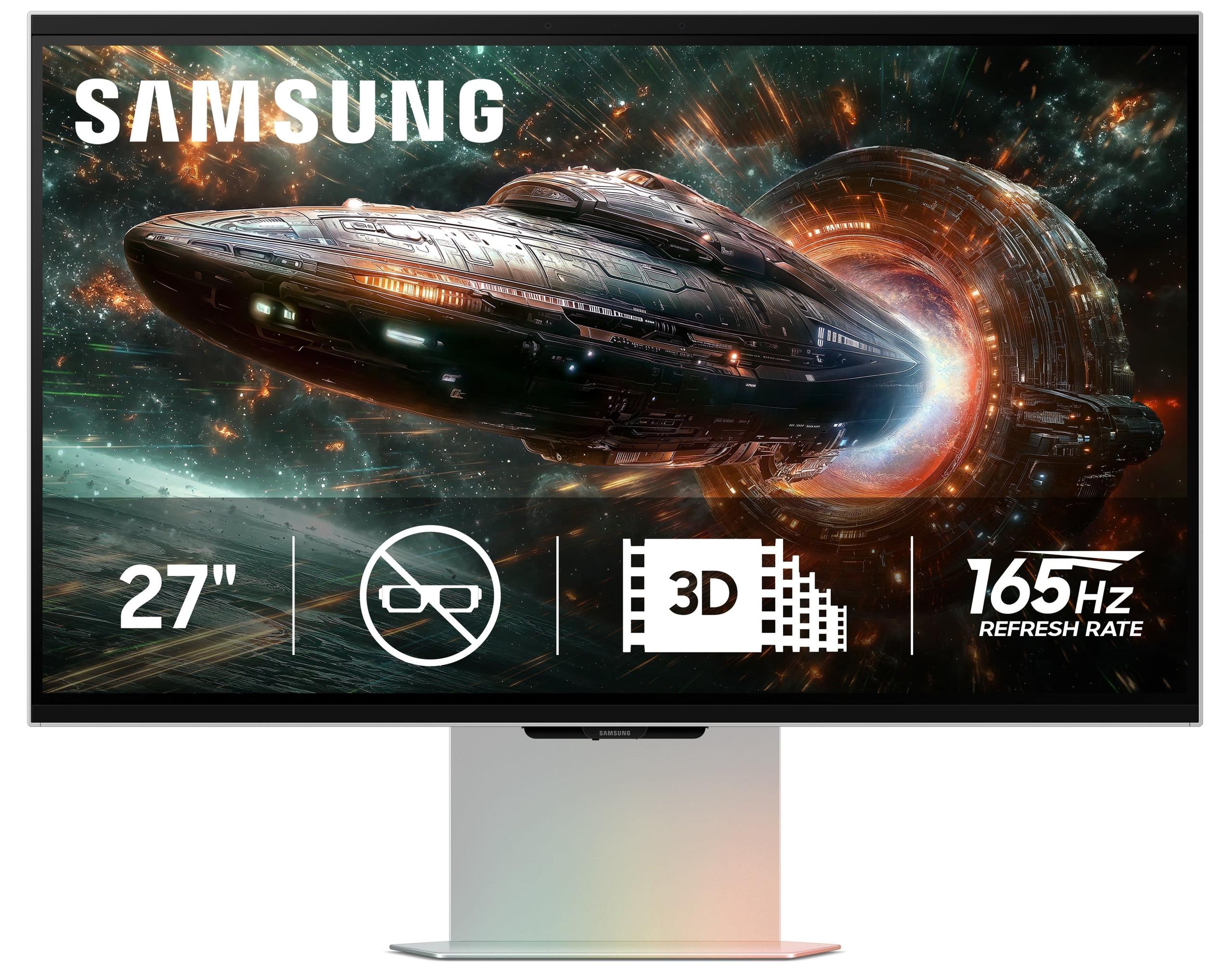
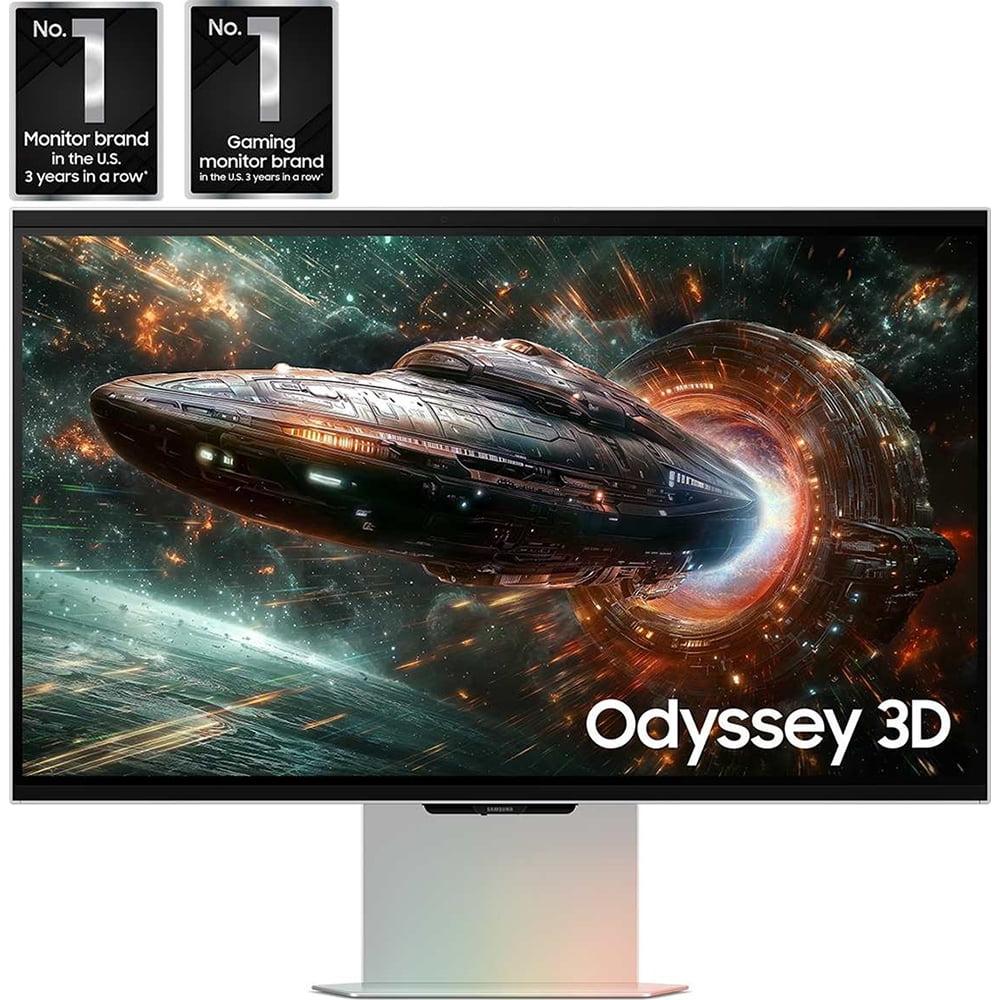
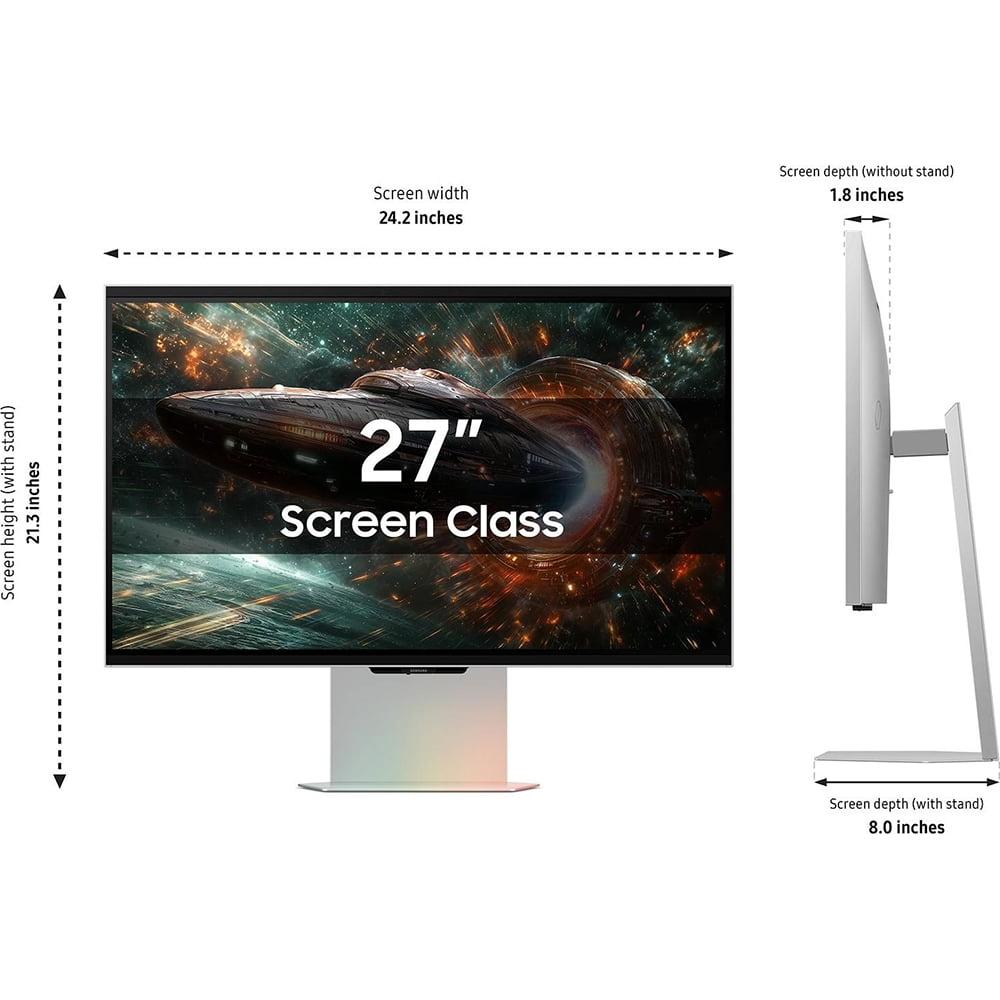
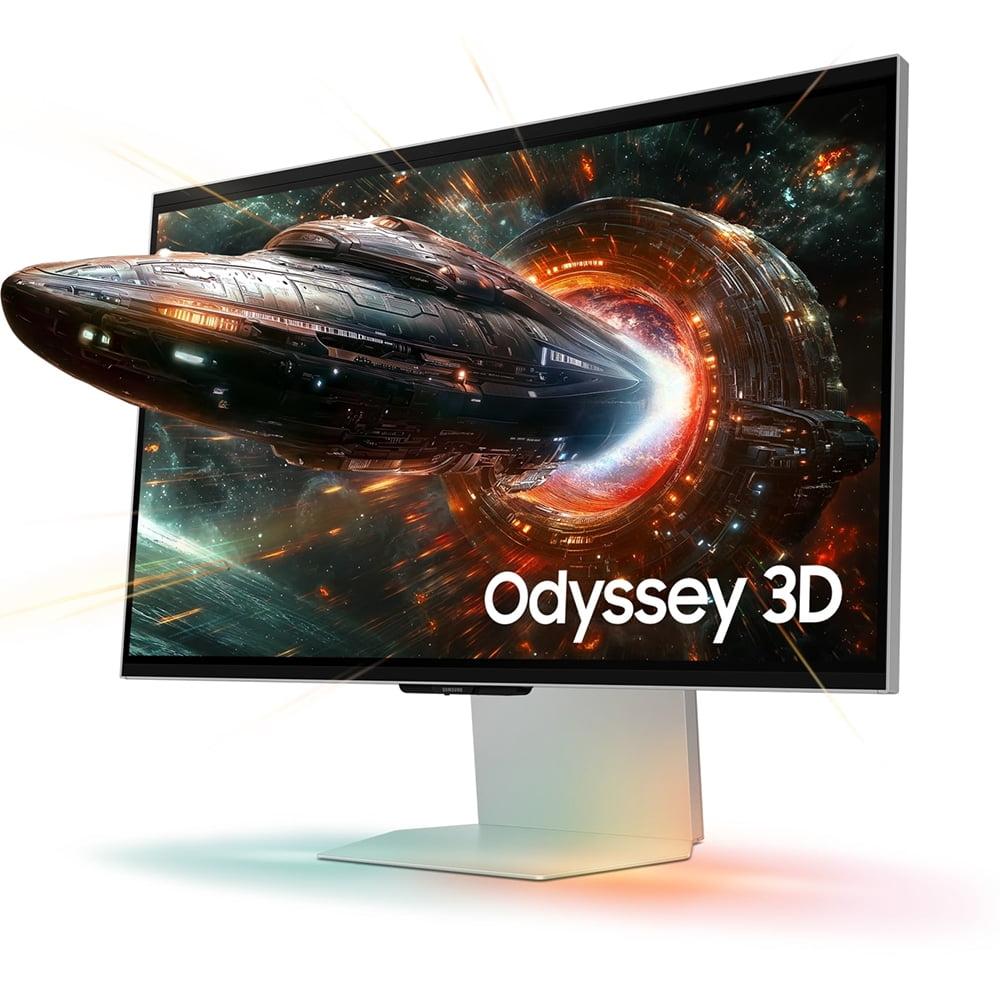
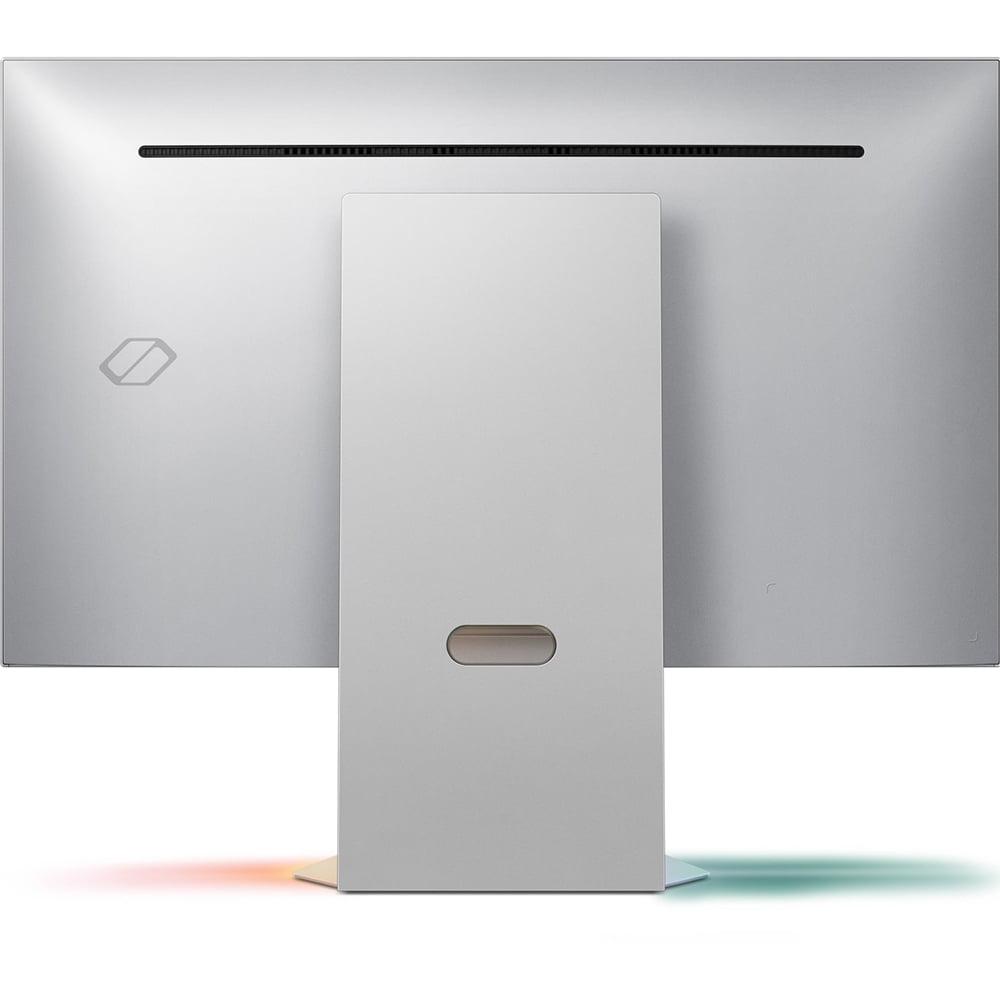
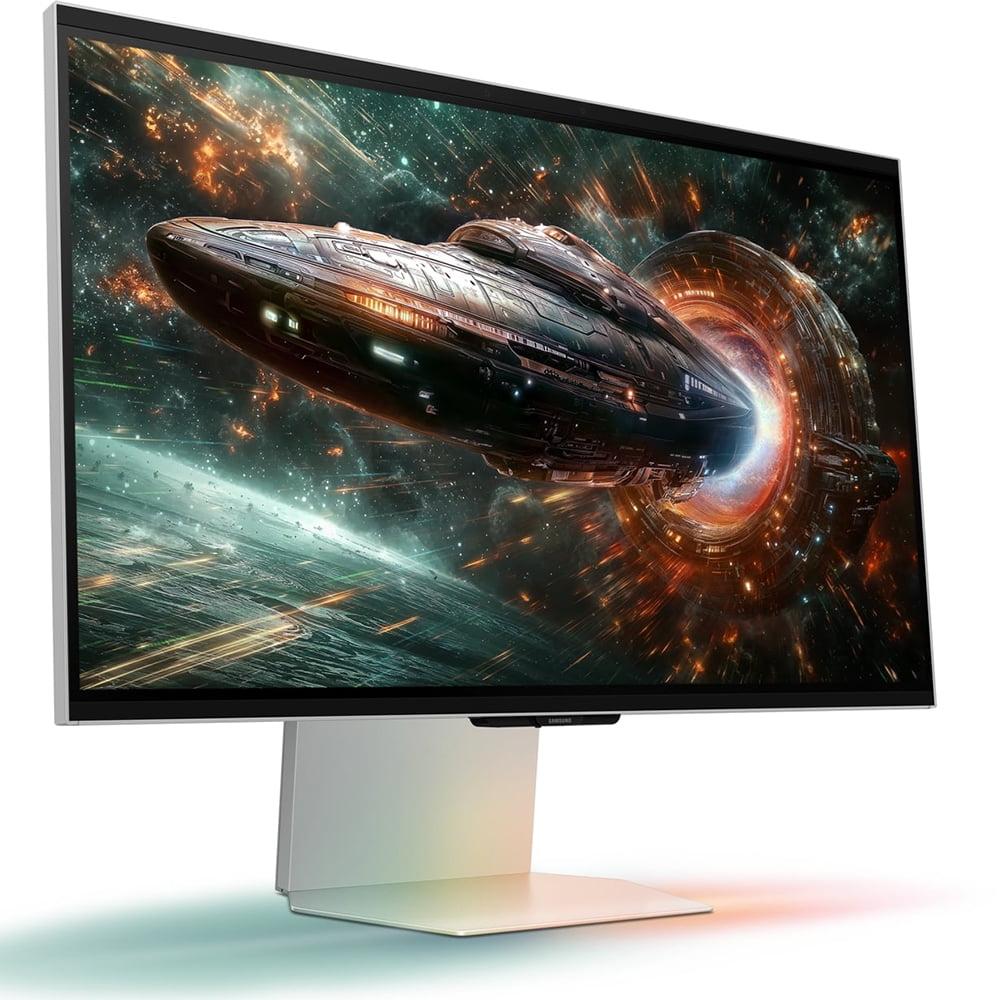
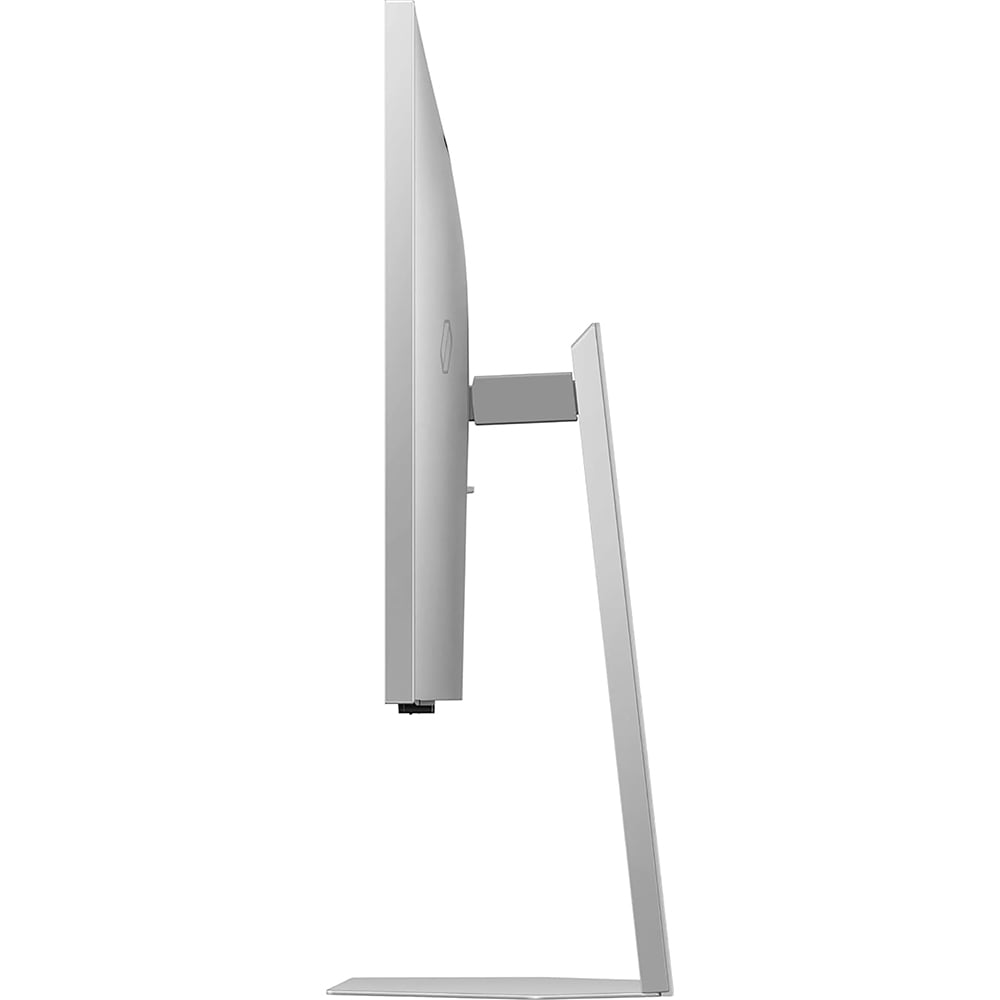


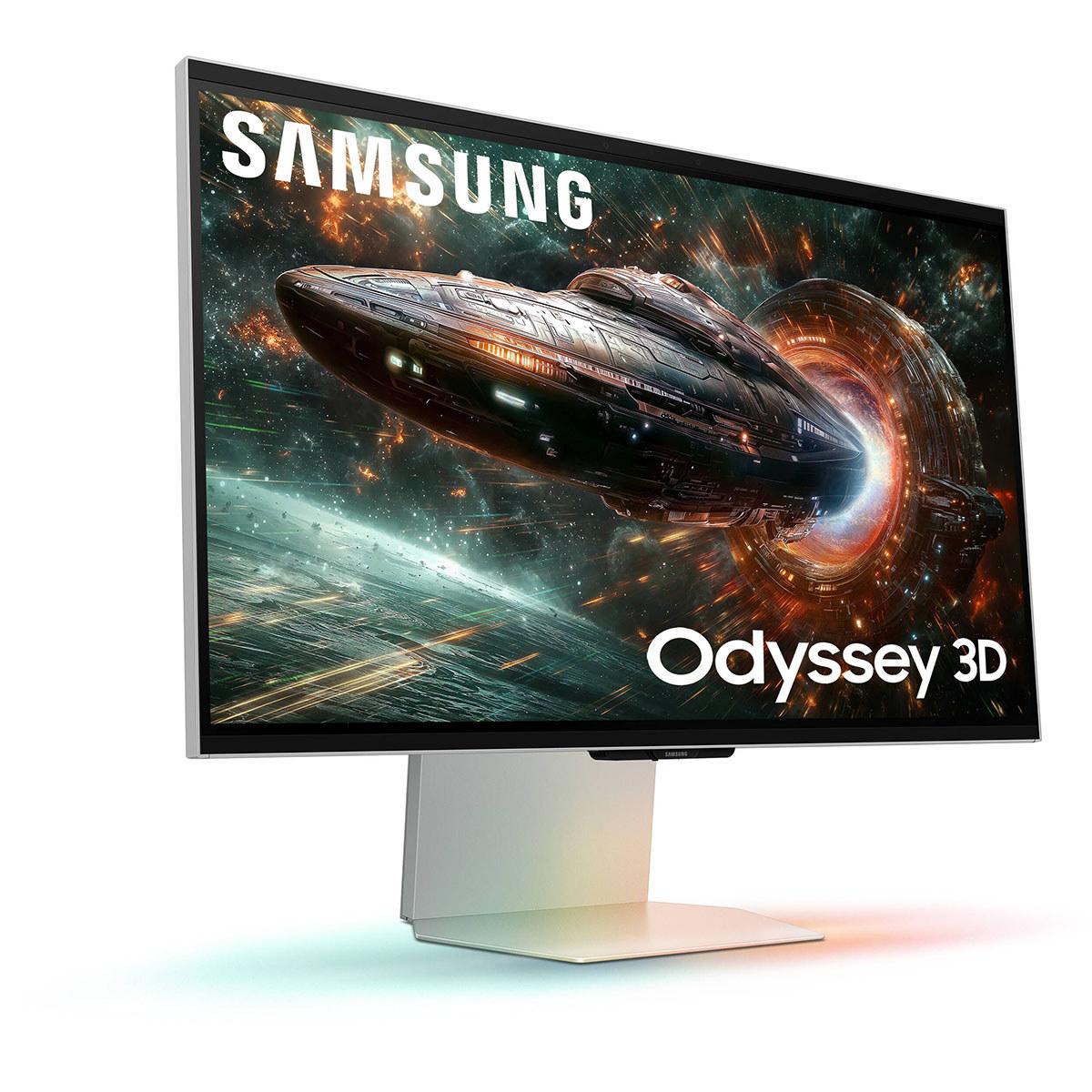
The world of premium gaming monitors took some fascinating turns in 2025. On one side, we have the LG UltraGear 27G850A, pushing the boundaries of what's possible with traditional display technology. On the other, there's the Samsung Odyssey 3D G90XF, taking a completely different approach by bringing glasses-free 3D to your desktop. Both are 27-inch 4K displays, but they represent two very different philosophies about what makes a great gaming monitor.
Having spent considerable time with high-refresh displays over the years, I can tell you that the jump from 60Hz to 144Hz was revolutionary for gaming. But the question many enthusiasts face today is whether pushing beyond that point—or exploring entirely new display technologies—delivers meaningful improvements worth the premium price tag.
Before we dive into the specifics, let's talk about what makes a gaming monitor "high-end" in 2025. These aren't just displays that show pretty pictures; they're precision instruments designed to give gamers every possible advantage while delivering stunning visual experiences.
The key factors that separate premium monitors from budget options include refresh rate (how many times per second the screen updates), response time (how quickly pixels can change colors), color accuracy (how faithfully colors are reproduced), and increasingly, innovative features like HDR (High Dynamic Range, which provides brighter highlights and deeper shadows) and adaptive sync technologies.
Refresh rate has become particularly important in competitive gaming. Think of it this way: if your monitor refreshes at 60Hz, you see a new image every 16.7 milliseconds. At 240Hz, that drops to just 4.2 milliseconds. That means smoother motion, less blur, and potentially faster reaction times in fast-paced games. Response time works similarly—it's the delay between when a pixel receives a signal to change color and when it actually completes that change. Lower numbers mean less ghosting and blur during rapid movements.
At the time of writing, high-end 27-inch 4K gaming monitors typically command premium prices, often several times more than standard gaming displays. The question becomes whether the advanced features justify that cost difference.
The LG 27G850A and Samsung G90XF represent fundamentally different philosophies about what gamers want from their displays. LG went all-in on pure performance, creating the world's first 27-inch monitor capable of 4K resolution at 240Hz refresh rate. Samsung, meanwhile, pioneered consumer glasses-free 3D technology, offering an entirely new way to experience games and media.
This isn't just about different features—it's about different visions of gaming's future. LG believes speed is king, while Samsung thinks immersion through depth perception will transform how we play.
The LG UltraGear absolutely dominates in raw refresh rate capability. Its 240Hz at 4K resolution was genuinely groundbreaking when it launched in 2025. But here's where it gets interesting: the monitor also offers a "Dual Mode" that can switch to 1080p resolution at an absolutely wild 480Hz refresh rate.
To put that in perspective, 480Hz means each frame lasts just 2.08 milliseconds. That's entering territory where the human eye's ability to perceive differences becomes questionable, but competitive esports players swear by these extreme refresh rates. The theory is that even if you can't consciously see the difference, your brain processes the smoother motion information faster, leading to better reaction times.
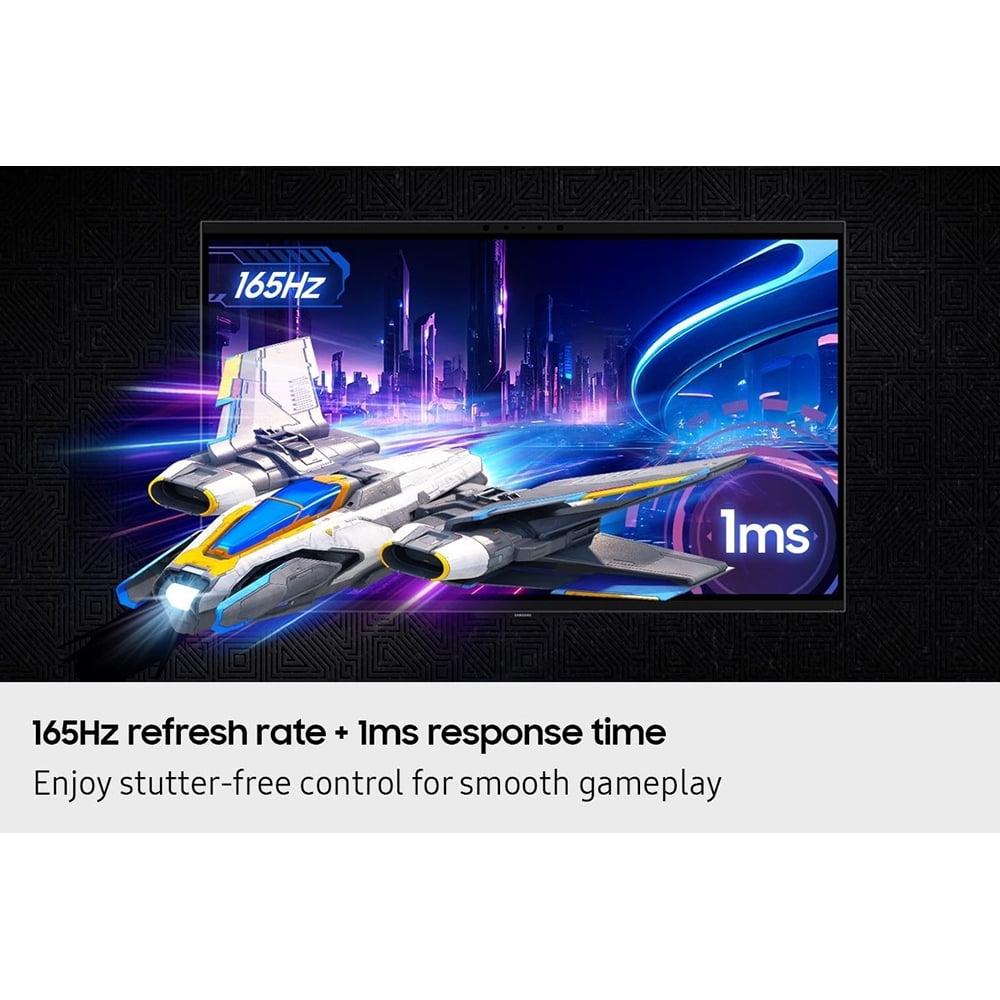
The Samsung monitor, in contrast, tops out at 165Hz in 4K mode. That's still excellent—far beyond what most gamers were using just a few years ago—but it's not trying to win the numbers game. Instead, Samsung focused their engineering efforts on the 3D technology.
From my experience testing various refresh rates, the jump from 60Hz to 144Hz is immediately noticeable to almost everyone. The difference between 144Hz and 240Hz is more subtle but still perceptible, especially in fast-paced shooters. Whether 480Hz provides meaningful benefits beyond 240Hz is hotly debated, even among professionals.
Both monitors claim 1ms response times, but as always with display specifications, the real world is more complicated. Response time testing of the LG monitor revealed some concerning results. Despite its 1ms specification, actual measurements showed response times closer to 4.6 milliseconds with only 60% refresh compliance. This means the pixels aren't changing fast enough to keep up with the advertised refresh rate, leading to more motion blur than you'd expect from a premium display.
This is particularly disappointing because response time is crucial for competitive gaming. When pixels can't keep up with rapid scene changes, you get ghosting—those annoying trails that follow moving objects on screen. The Samsung display appears to handle its response time claims more consistently, delivering better actual performance even though its peak refresh rate is lower.
This illustrates an important lesson about monitor shopping: specifications on paper don't always translate to real-world performance. Sometimes a monitor with lower claimed specs but better implementation will actually perform better in practice.
Beyond raw numbers, how do these displays actually feel during gaming? The LG monitor's Dual Mode capability is genuinely useful. For competitive shooters like Valorant or Counter-Strike, you might prefer the extreme smoothness of 480Hz at 1080p. For single-player adventures or strategy games where visual detail matters more, you can switch to 4K 240Hz mode.
However, that response time issue means you might not get the crystal-clear motion you're expecting, especially compared to some OLED gaming monitors that have entered the market recently. OLED technology offers near-instantaneous pixel response, making motion incredibly crisp, though typically at lower refresh rates and higher prices.
The Samsung monitor takes a completely different approach to motion. While its refresh rate is "only" 165Hz, the addition of 3D depth creates an entirely different sense of motion and space. Objects moving toward or away from the screen create a sense of depth that traditional flat displays simply cannot match. This doesn't necessarily make you better at competitive games, but it can make single-player adventures feel remarkably more immersive.
The LG display uses what they call "Nano IPS Black" technology. Traditional IPS (In-Plane Switching) panels are beloved for their color accuracy and wide viewing angles, but they typically suffer from poor contrast ratios—blacks look more like dark gray. LG's Nano IPS Black addresses this with nanoparticles that help achieve deeper blacks and a 2000:1 contrast ratio, double what you'd get from standard IPS panels.
The monitor also supports hardware calibration, which is unusual for gaming displays. This means color professionals can use specialized equipment to precisely tune the monitor's color output, ensuring perfect accuracy for photo editing or video work. It's a feature that bridges gaming and professional use cases.
The Samsung monitor uses a more conventional IPS panel with a 1000:1 contrast ratio. That's perfectly adequate for most users, but side-by-side with the LG, you'd notice the Samsung's blacks aren't quite as deep. However, Samsung focused their innovation elsewhere—the glasses-free 3D system requires a lenticular lens array overlaid on the panel, which is an impressive technical achievement.
Both monitors support HDR, but their implementations reveal the ongoing challenges with HDR on PC monitors. The LG display carries DisplayHDR 600 certification, meaning it can hit 600 nits peak brightness with some local dimming capability. In practice, this provides noticeable improvements in HDR content, with brighter highlights and better contrast, though it's not quite the transformative experience you'd get from high-end OLED TVs.
The Samsung monitor supports HDR10+ Gaming, but here's where things get tricky: you can't use HDR and 3D mode simultaneously. This is a significant limitation because HDR can really enhance the visual pop of modern games. Having to choose between the monitor's signature 3D feature and enhanced color range is an unfortunate compromise.
If you're doing any content creation alongside gaming, the LG monitor has a clear advantage. Its coverage of 99% DCI-P3 and 94% Adobe RGB color spaces, combined with hardware calibration support, makes it suitable for professional photo and video work. These color spaces are standards used in professional content creation, and wide coverage ensures you can see and work with the full range of colors your content contains.
The Samsung display offers good color accuracy with 99% sRGB coverage and factory calibration, which is fine for general use and gaming, but it's not positioned as a professional tool.
The most distinctive feature of the Samsung monitor is its glasses-free 3D technology, and it's genuinely impressive when it works well. The system uses dual eye-tracking cameras to monitor your head position and adjusts the 3D effect accordingly. Combined with a lenticular lens array built into the display, it creates convincing depth without any special eyewear.
When viewing supported content, the effect is remarkable. Objects genuinely appear to float in front of or behind the screen plane, creating a sense of depth that's immediately apparent. It's similar to looking through a window rather than at a flat surface. The AI conversion feature can even take standard 2D content and add depth in real-time, though results vary significantly depending on the source material.
However, there are significant limitations. The library of natively supported 3D games is still small, though Samsung is working to expand it. The 3D effect works best when you're positioned directly in front of the monitor—move too far to either side, and the illusion breaks down. Additionally, the system requires substantial GPU power to render games in 3D, as it's essentially rendering separate images for each eye.
For home theater use, the Samsung monitor offers an intriguing proposition. The AI 3D conversion can work on movies and videos, potentially giving you a 3D cinema experience at your desk. However, the 27-inch screen size limits its appeal compared to larger displays or projectors for serious home theater applications.
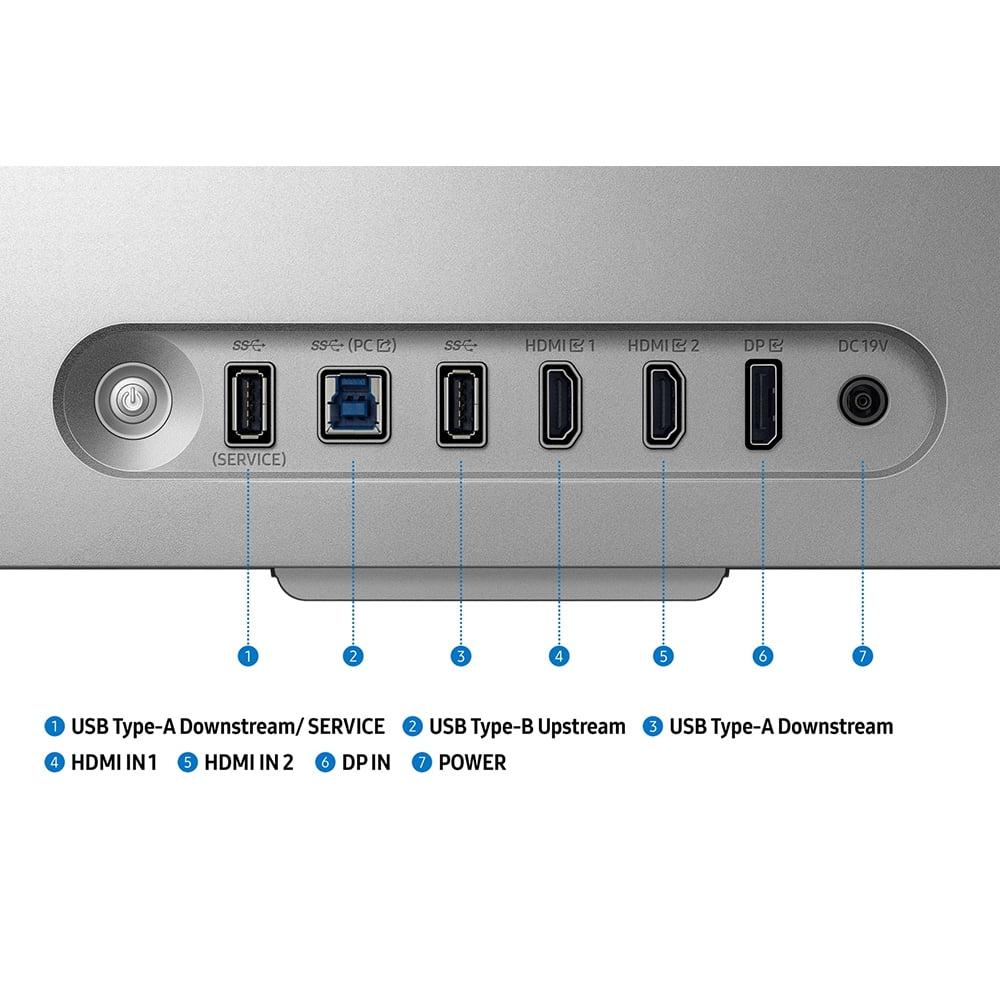
The LG monitor includes DisplayPort 2.1 connectivity, though it's implemented at UHBR10 speeds rather than the full UHBR20 specification. This still provides plenty of bandwidth for current needs, but it requires Display Stream Compression (DSC) to achieve 4K 240Hz. DSC is visually lossless compression, so this isn't a practical concern, but some enthusiasts prefer uncompressed signals.
Both monitors include dual HDMI 2.1 ports, making them compatible with current gaming consoles. However, the Samsung's 3D features are PC-exclusive, so console gamers would only access the standard 4K gaming capabilities.
For competitive esports, the LG monitor's extreme refresh rates provide a theoretical advantage, though the response time issues somewhat undermine this benefit. If you're serious about competitive gaming, you might actually get better results from a high-quality 1440p 360Hz monitor or even a gaming OLED, despite their lower resolutions.
For single-player gaming and immersive experiences, both monitors offer compelling but different benefits. The LG's sharp 4K detail and high refresh rates make everything look incredibly smooth and detailed. The Samsung's 3D technology can make supported games feel like entirely new experiences, adding a sense of presence that traditional displays cannot match.
At the time of writing, both monitors command significant premiums over standard 4K gaming displays. The LG monitor asks you to pay extra for cutting-edge performance specifications and professional features. The Samsung display charges a premium for innovative 3D technology and the novelty of glasses-free depth perception.
The value proposition depends heavily on your priorities. If you're a competitive gamer or content creator, the LG's features might justify its cost. If you're fascinated by new display technologies and have supported games in your library, the Samsung's unique capabilities could be worth the investment.
However, both face strong competition from OLED gaming monitors, which offer superior contrast and response times, though typically at lower refresh rates. The gaming monitor market has become increasingly diverse, with options ranging from ultra-wide displays to massive 4K screens to these specialized high-performance models.
Choose the LG UltraGear 27G850A if you prioritize raw performance numbers, need professional color accuracy, or want the absolute highest refresh rates available. It's the better choice for competitive gaming (despite the response time concerns) and doubles as a capable professional display.
Choose the Samsung Odyssey 3D G90XF if you're excited by new display technologies, have games that support 3D, or want an entirely different gaming experience. It's the more innovative choice, though with a smaller content library and some technical limitations.
Consider alternatives if you need the absolute best HDR experience (OLED monitors), want proven 3D gaming (VR headsets), or prioritize value over cutting-edge features (standard 4K 144Hz displays).
The monitor market continues evolving rapidly, with new technologies emerging regularly. Both of these displays represent the state of the art in their respective approaches, but they also highlight that there's no single "best" monitor for everyone. Your choice should align with how you actually use your setup and what aspects of the visual experience matter most to you.
The future of gaming displays is clearly heading in multiple directions simultaneously—some toward ever-higher performance specifications, others toward innovative new ways of presenting visual information. These two monitors embody that diversity, and both have legitimate claims to being the "best" depending on what you value most in your gaming experience.
| LG UltraGear 27" 4K 240Hz Dual Mode Gaming Monitor | Samsung 27" Odyssey 3D G90XF 4K 165Hz Gaming Monitor |
|---|---|
| Maximum Refresh Rate - Higher rates provide smoother motion and competitive advantages | |
| 4K at 240Hz, 1080p at 480Hz (industry-leading speeds) | 4K at 165Hz (still excellent for most gaming scenarios) |
| Panel Technology - Affects contrast, color accuracy, and viewing angles | |
| Nano IPS Black with 2000:1 contrast ratio | Standard IPS with 1000:1 contrast ratio |
| Response Time Performance - Lower blur and ghosting in fast motion | |
| 1ms claimed, ~4.6ms actual (disappointing real-world performance) | 1ms with more consistent delivery across refresh range |
| Unique Gaming Feature - What sets each monitor apart | |
| Dual Mode switching between 4K/240Hz and 1080p/480Hz | Glasses-free 3D with eye-tracking and AI conversion |
| HDR Implementation - Enhanced brightness and contrast for supported content | |
| DisplayHDR 600, up to 670 nits peak brightness | HDR10+ Gaming support, cannot use with 3D simultaneously |
| Color Accuracy - Important for content creation and visual quality | |
| 99% DCI-P3, 94% Adobe RGB, hardware calibration support | 99% sRGB coverage, factory calibrated |
| Adaptive Sync Support - Eliminates screen tearing and stuttering | |
| NVIDIA G-SYNC Compatible, AMD FreeSync Premium Pro, VESA AdaptiveSync | AMD FreeSync Premium, NVIDIA G-SYNC Compatible |
| Premium Connectivity - Future-proofing and bandwidth capabilities | |
| DisplayPort 2.1 (UHBR10), 2x HDMI 2.1 | DisplayPort 1.4, 2x HDMI 2.1 |
| 3D Gaming Capability - Adds depth perception without glasses | |
| Not supported | Native 3D with eye-tracking, limited game library |
| Professional Use Suitability - Content creation and color-critical work | |
| Excellent with hardware calibration and wide color gamut | Good for general use, not positioned for professional work |
| Content Library Compatibility - What works best with each monitor | |
| All PC and console games benefit from high refresh rates | 3D features work with select PC games, AI converts some 2D content |
| System Requirements - GPU power needed for optimal performance | |
| High-end GPU required for 4K 240Hz gaming | High-end GPU required for 3D rendering (essentially dual 1920x2160 images) |
| Best Use Cases - Who should consider each monitor | |
| Competitive gamers, content creators, speed enthusiasts | Technology enthusiasts, immersive gaming fans, early adopters |
The LG UltraGear 27" 4K 240Hz Dual Mode Gaming Monitor is generally better for competitive gaming due to its extremely high refresh rates - 240Hz at 4K and 480Hz at 1080p. However, the actual response time performance doesn't quite match its specifications. The Samsung 27" Odyssey 3D G90XF 4K 165Hz Gaming Monitor offers more consistent performance at 165Hz, which is still excellent for competitive play.
The key difference is their approach: the LG UltraGear focuses on maximum refresh rate performance with industry-leading 240Hz 4K capability, while the Samsung Odyssey 3D introduces glasses-free 3D technology with eye-tracking. The LG prioritizes speed, while the Samsung emphasizes immersive visual innovation.
Yes, both the LG UltraGear 27" 4K 240Hz Dual Mode Gaming Monitor and Samsung 27" Odyssey 3D G90XF 4K 165Hz Gaming Monitor support full 4K (3840x2160) resolution gaming. The LG can do 4K at up to 240Hz, while the Samsung tops out at 165Hz in 4K mode.
The LG UltraGear has superior color accuracy with 99% DCI-P3 and 94% Adobe RGB coverage, plus hardware calibration support for professional work. The Samsung Odyssey 3D offers good 99% sRGB coverage but is more focused on gaming than professional color work.
Both monitors work with gaming consoles through HDMI 2.1 connections. However, the Samsung Odyssey 3D's 3D features only work with PC gaming. Console players would get standard 4K gaming performance from both displays, with the LG UltraGear offering higher refresh rates.
For single-player games, it depends on your preference. The LG UltraGear 27" 4K 240Hz Dual Mode Gaming Monitor offers incredibly sharp 4K detail and smooth motion. The Samsung 27" Odyssey 3D G90XF 4K 165Hz Gaming Monitor can provide a more immersive experience with supported 3D games, adding genuine depth perception.
Both monitors can display movies well, but the Samsung Odyssey 3D has an interesting advantage with its AI 3D conversion feature that can add depth to 2D video content. The LG UltraGear offers better HDR performance for enhanced movie watching. However, at 27 inches, neither is ideal for serious home theater setups.
The LG UltraGear has better HDR implementation with DisplayHDR 600 certification and up to 670 nits peak brightness. The Samsung Odyssey 3D supports HDR10+ Gaming but cannot use HDR and 3D features simultaneously, which is a significant limitation.
The LG UltraGear 27" 4K 240Hz Dual Mode Gaming Monitor includes more advanced DisplayPort 2.1 connectivity for future-proofing, while the Samsung 27" Odyssey 3D G90XF 4K 165Hz Gaming Monitor uses DisplayPort 1.4. Both offer dual HDMI 2.1 ports for console compatibility.
The LG UltraGear is significantly better for content creation with its wide color gamut coverage, hardware calibration support, and professional-grade color accuracy. The Samsung Odyssey 3D is designed primarily for gaming and entertainment rather than professional work.
The Samsung Odyssey 3D G90XF 4K 165Hz Gaming Monitor uses dual eye-tracking cameras and a lenticular lens array to create glasses-free 3D. It tracks your head position and adjusts the depth effect accordingly. The monitor can display native 3D games or use AI to convert 2D content, though the game library is currently limited.
Value depends on your priorities. The LG UltraGear 27" 4K 240Hz Dual Mode Gaming Monitor offers better value for competitive gamers and content creators who can utilize its high refresh rates and color accuracy. The Samsung 27" Odyssey 3D G90XF 4K 165Hz Gaming Monitor provides value for users excited by cutting-edge 3D technology and novel gaming experiences.
We've done our best to create useful and informative comparisons to help you decide what product to buy. Our research uses advanced automated methods to create this comparison and perfection is not possible - please contact us for corrections or questions. These are the sites we've researched in the creation of this article: bestbuy.com - displayninja.com - rtings.com - youtube.com - lg.com - rtings.com - tftcentral.co.uk - bestbuy.com - techpowerup.com - lg.com - lg.com - lg.com - hometechnologyreview.com - substack.com - rtings.com - youtube.com - techaeris.com - versus.com - tomsguide.com - avsforum.com - youtube.com - versus.com - bestbuy.com - samsung.com - samsung.com - samsung.com - samsung.com - m.media-amazon.com

Privacy Policy
Terms and Conditions - Affiliate Policy
Home Security
© Copyright 2008-2026.
11816 Inwood Rd #1211, Dallas, TX 75244