








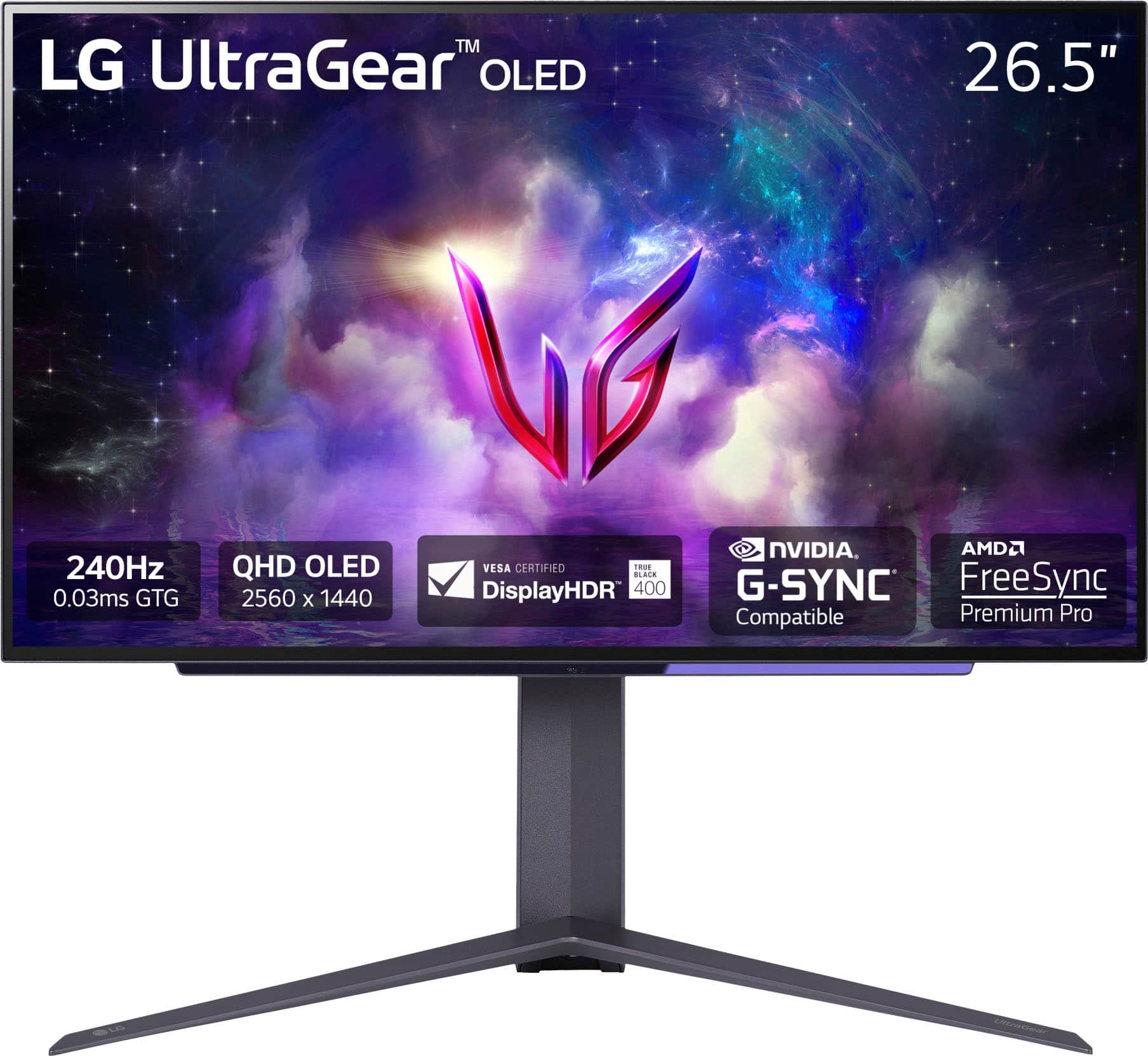
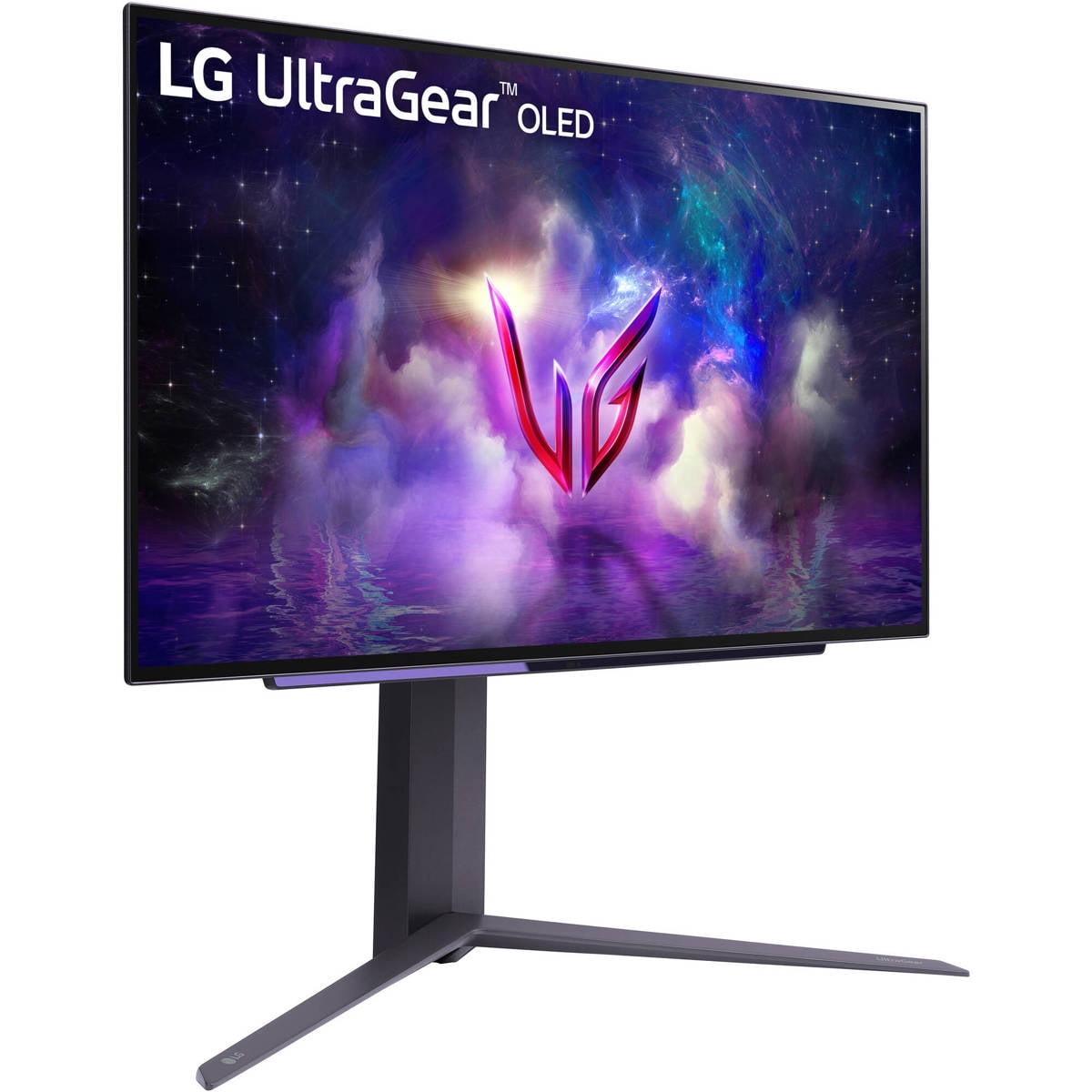
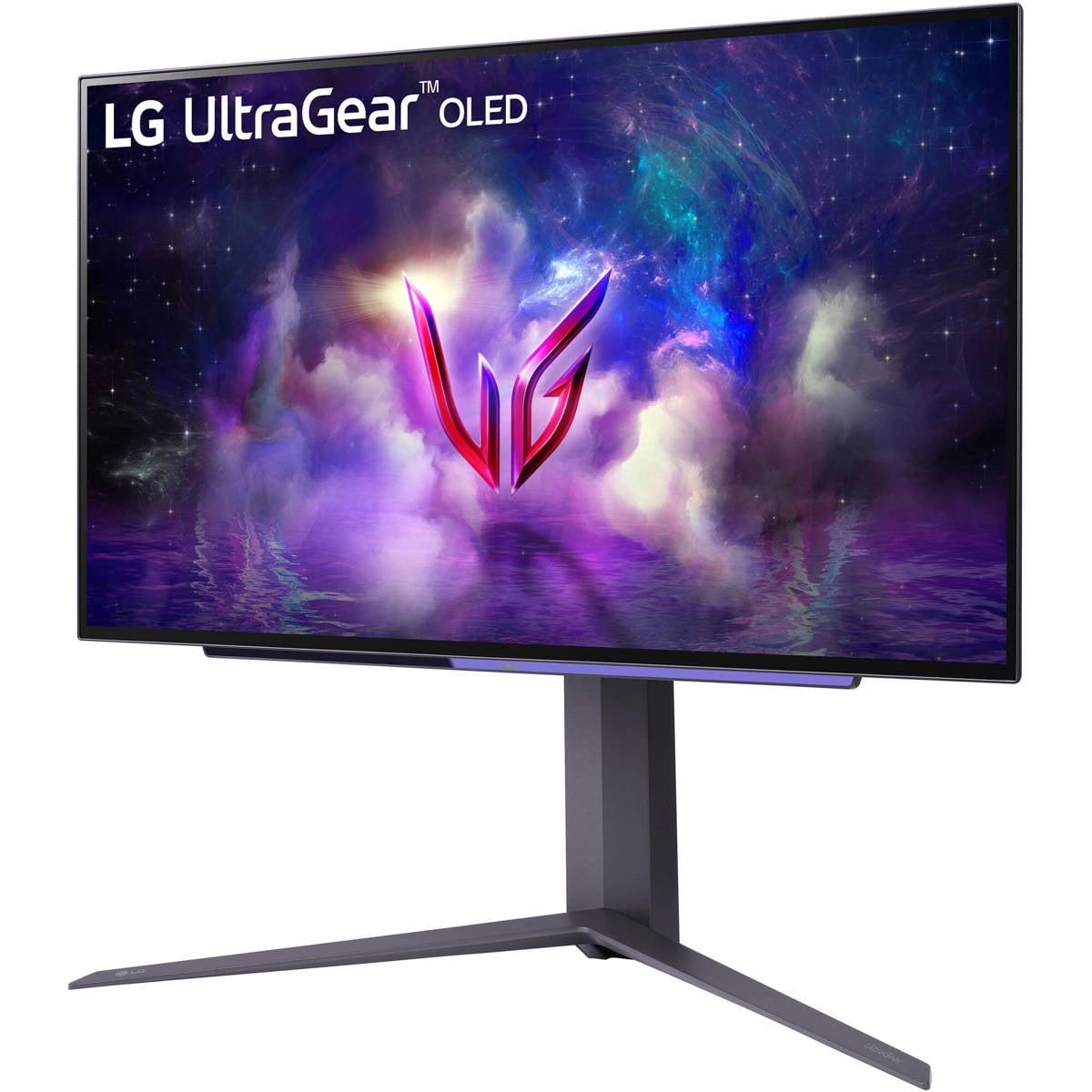
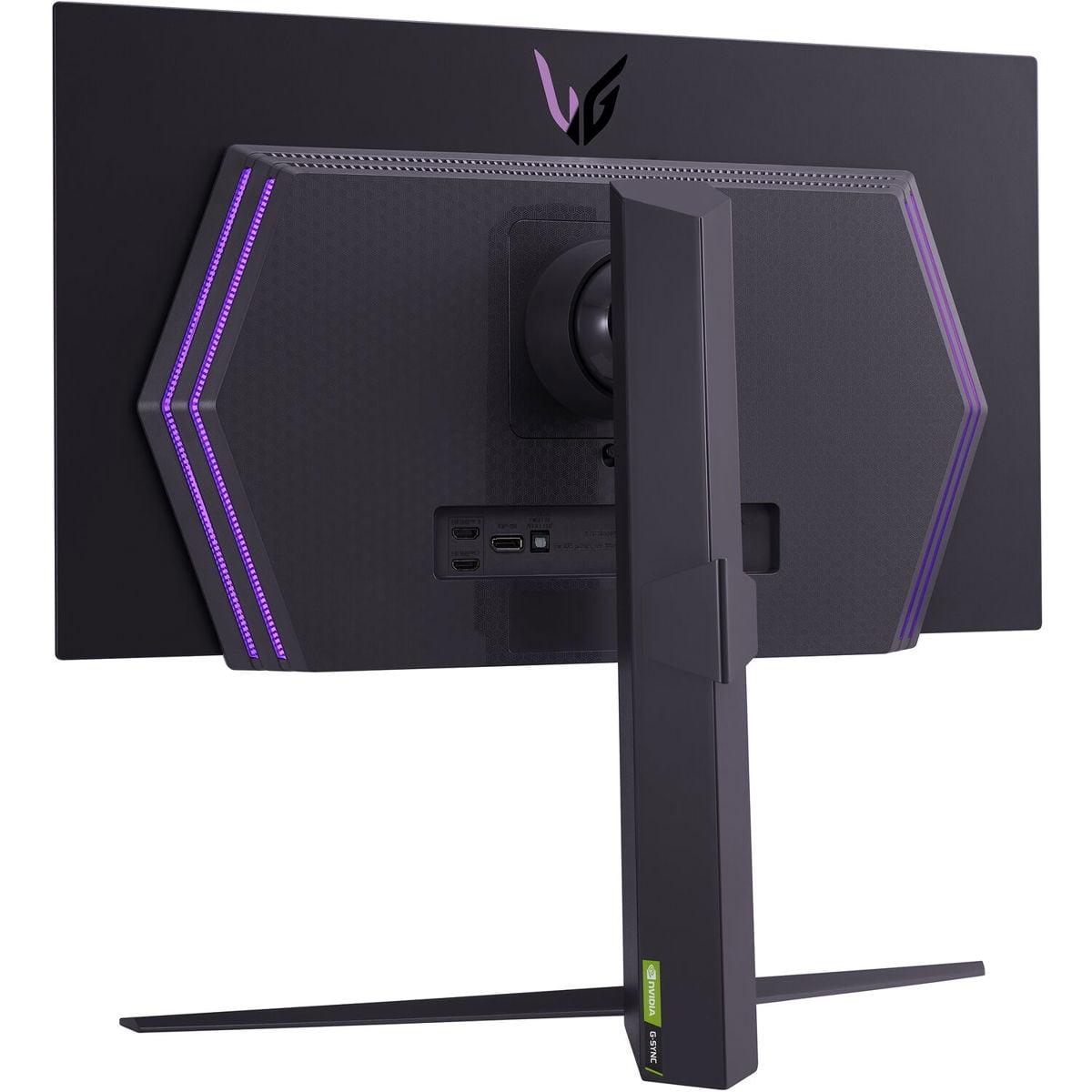
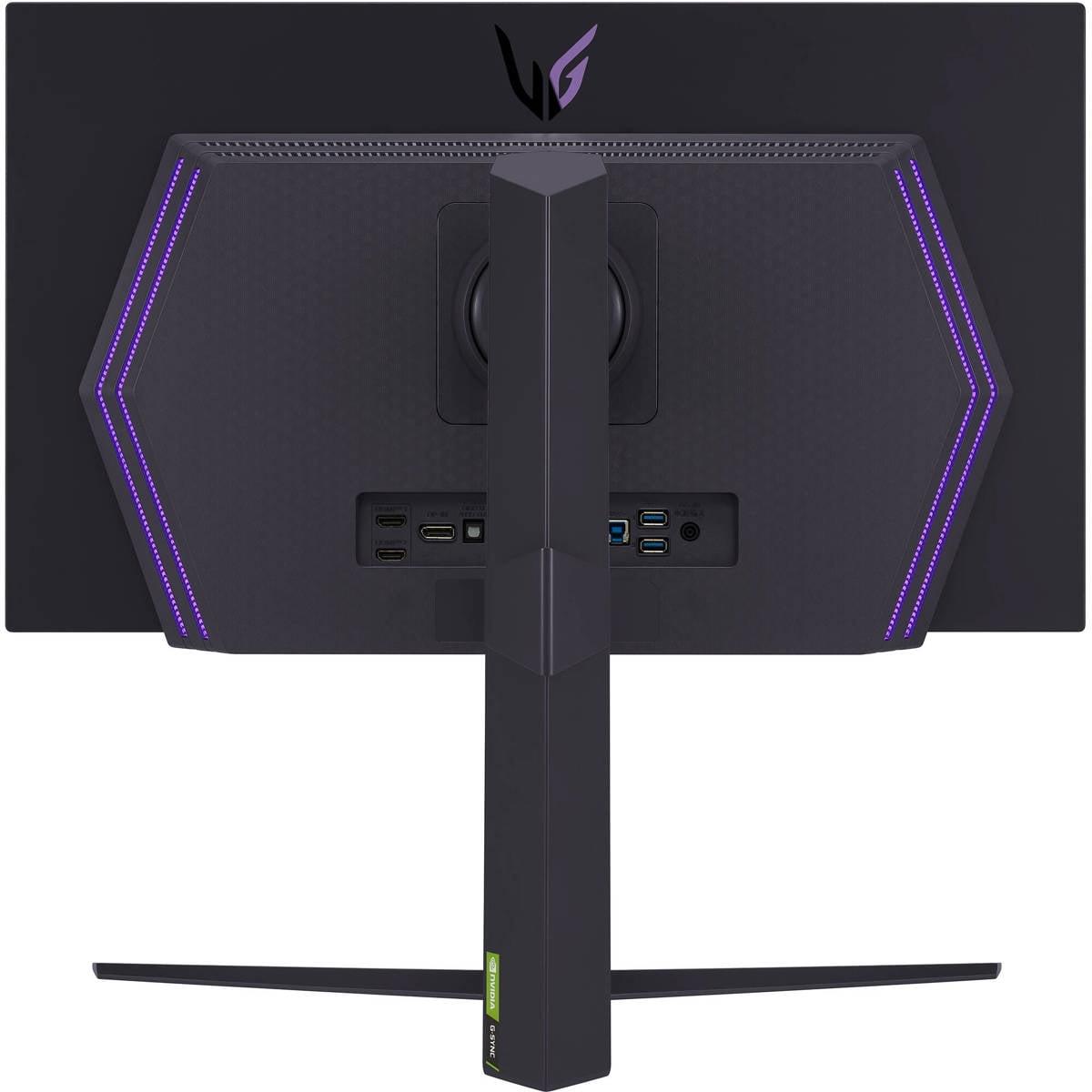
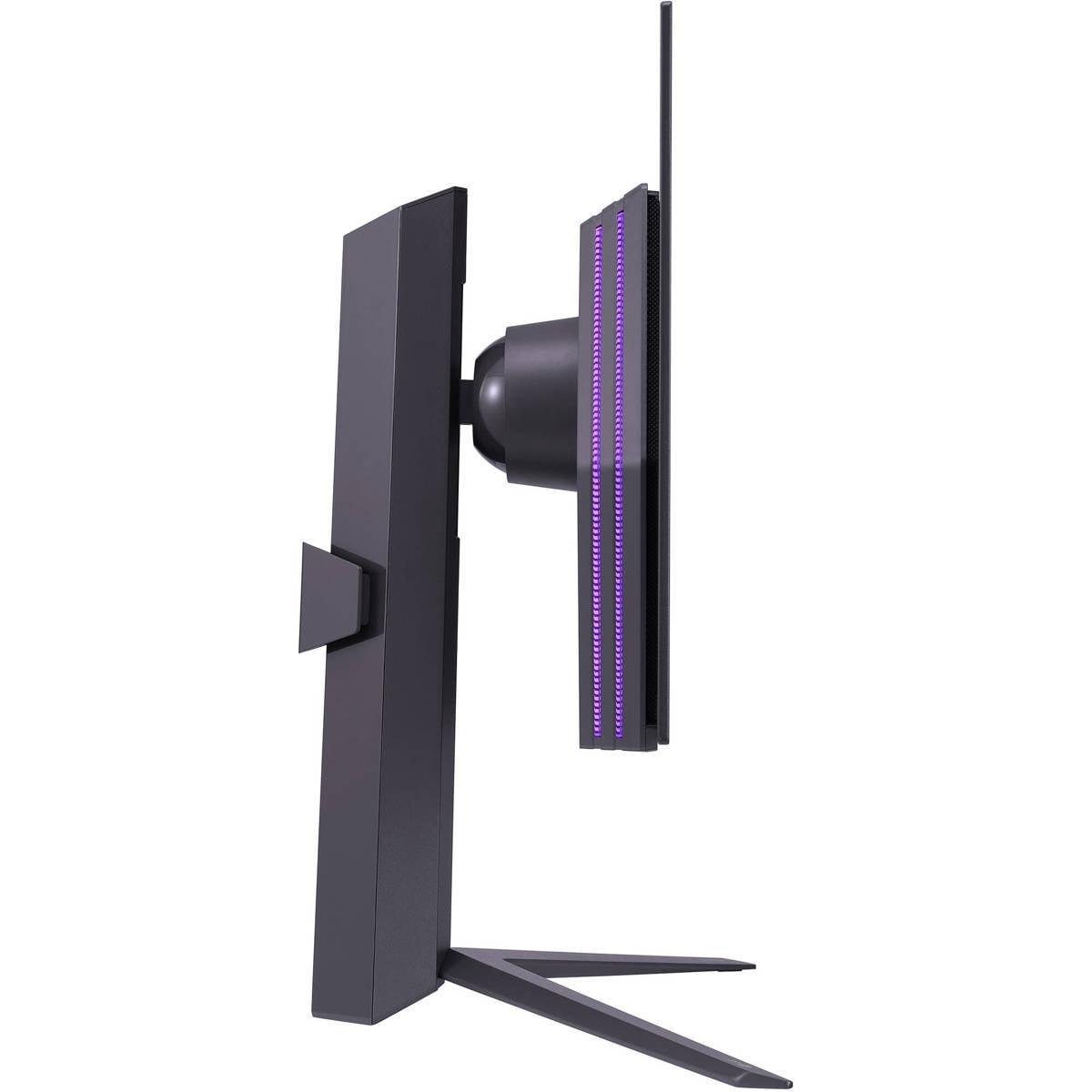

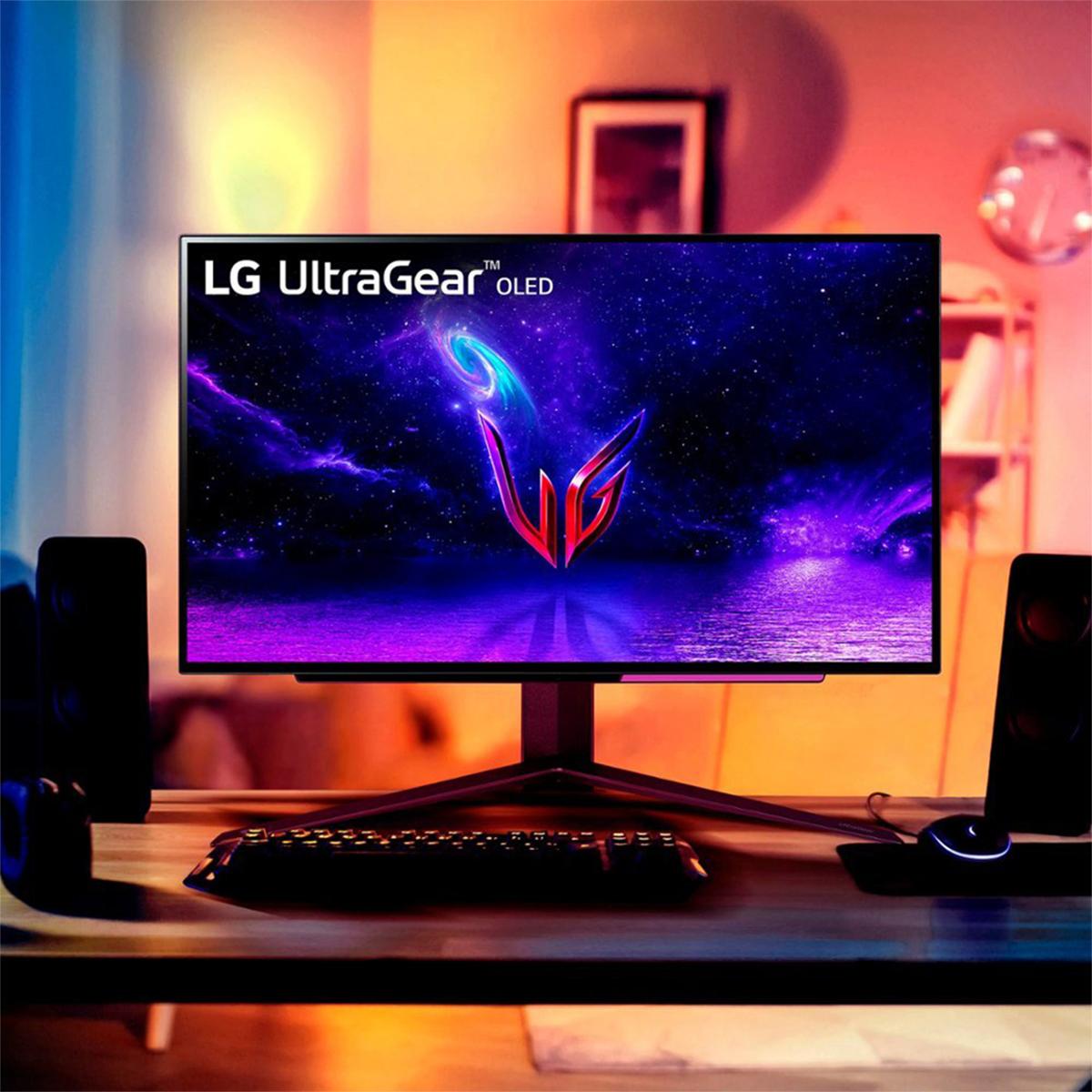

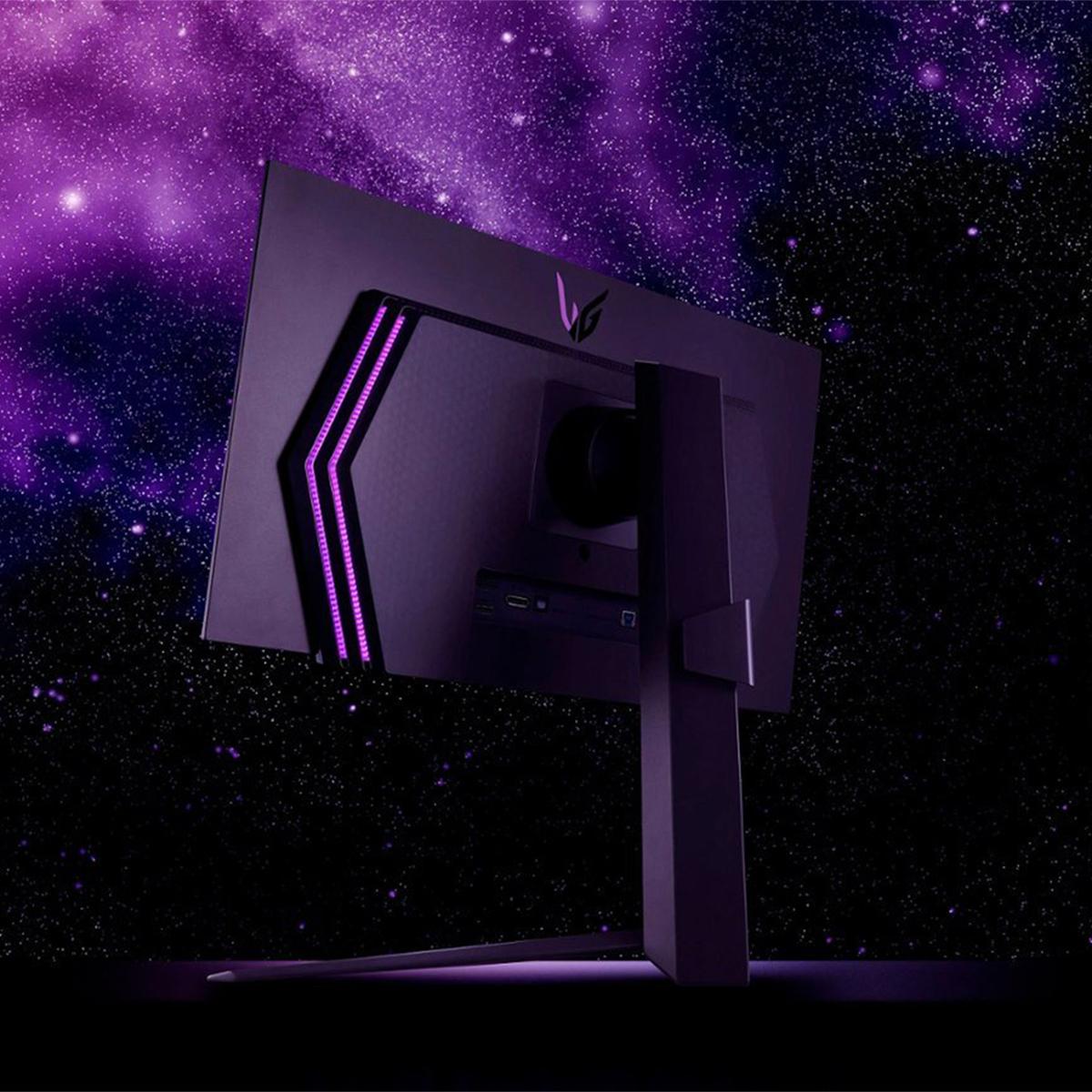
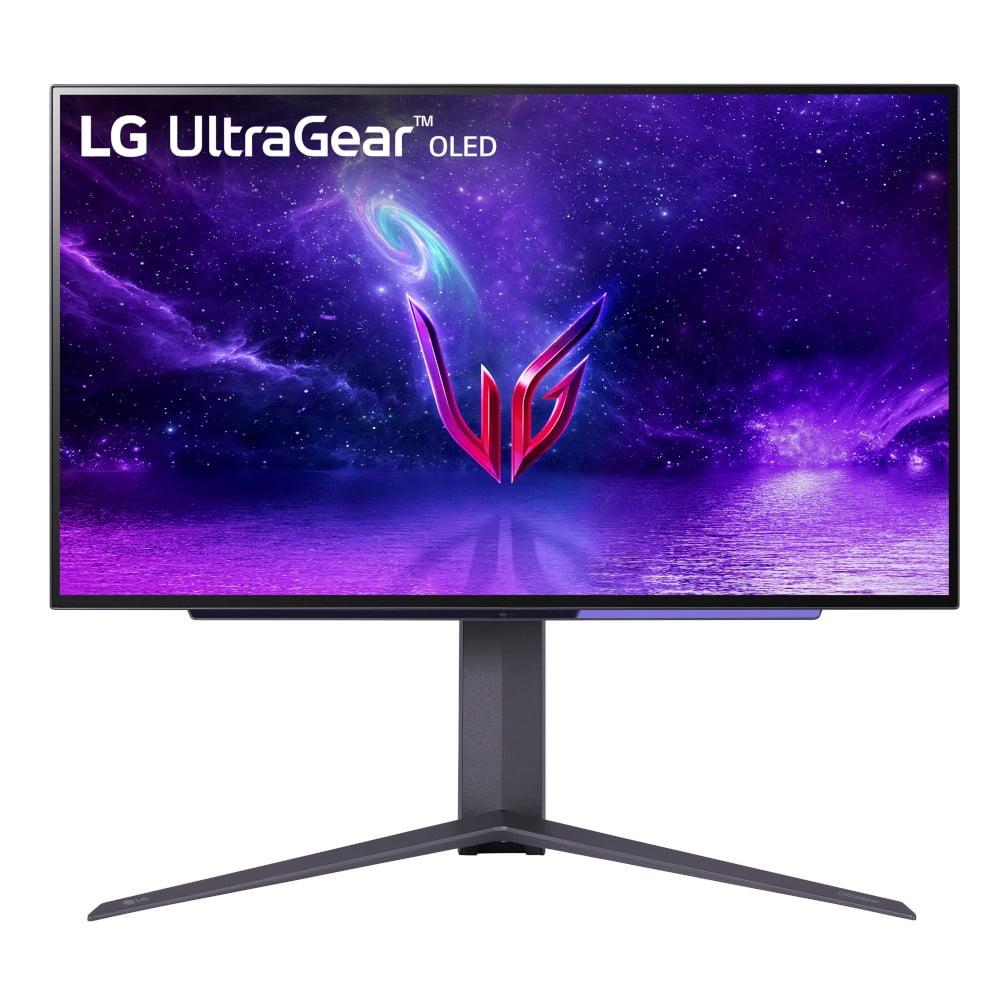
Gaming monitors have become incredibly sophisticated, but choosing between cutting-edge options can feel overwhelming. Two standout models from LG's UltraGear lineup represent different approaches to premium gaming: the groundbreaking 4K Dual Mode Gaming Monitor and the visually stunning OLED QHD Gaming Monitor. Both launched in recent years as LG pushed the boundaries of what's possible in gaming displays, but they take distinctly different paths to excellence.
The gaming monitor landscape has evolved dramatically since 2020. We've moved beyond the simple "bigger is better" mentality to focus on specific technologies that enhance different aspects of gaming. Today's premium monitors must juggle competing demands: crystal-clear resolution, lightning-fast refresh rates, vibrant colors, and realistic HDR (High Dynamic Range - technology that displays brighter whites and deeper blacks simultaneously). These two LG monitors represent the current pinnacle of this evolution, each excelling in different areas.
The LG 4K Dual Mode monitor represents a technological breakthrough that seemed impossible just a few years ago. When it launched in 2025, it became the world's first 27-inch display to combine true 4K resolution (3840 x 2160 pixels - that's four times more detail than standard 1080p) with a 240Hz refresh rate (meaning the screen updates 240 times per second for incredibly smooth motion).
What makes this monitor unique is its dual-mode capability. Think of it like having two monitors in one: you can run full 4K at 240Hz for incredibly detailed gaming, or switch to 1080p at an unprecedented 480Hz for competitive gaming where every millisecond matters. When you switch to the high refresh rate mode, the monitor actually changes its effective screen size to 24 inches, creating a more focused gaming experience similar to what professional esports players prefer.
The display uses LG's Nano IPS Black technology, which improves on traditional IPS (In-Plane Switching) panels. Standard IPS panels are known for excellent colors and viewing angles but historically struggle with contrast - the difference between the darkest blacks and brightest whites. The Nano IPS Black technology achieves a 2000:1 contrast ratio, significantly better than typical IPS displays, while maintaining the color accuracy that makes IPS panels popular for professional work.
The LG OLED QHD monitor, which first appeared in 2023 as one of the pioneering high refresh rate OLED gaming displays, takes a completely different approach. OLED (Organic Light-Emitting Diode) technology is fundamentally different from traditional LCD displays. Instead of using a backlight that shines through liquid crystals, each pixel in an OLED display produces its own light. This means when a pixel needs to be black, it simply turns off completely, creating perfect blacks that LCD displays can't match.
The result is a contrast ratio of 1,500,000:1 - essentially infinite contrast since true black has no measurable light output. This creates images that pop off the screen with vibrant colors and deep shadows that look almost three-dimensional. The monitor runs at 1440p resolution (2560 x 1440 pixels) at 240Hz, with a response time of just 0.03 milliseconds - nearly instantaneous pixel changes that eliminate motion blur entirely.
Resolution might seem straightforward, but its impact on gaming extends beyond just sharper images. The 4K Dual Mode monitor's 3840 x 2160 resolution provides exceptional detail that becomes particularly noticeable in open-world games, strategy titles, and any game where you need to spot distant enemies or read small text elements.
At 27 inches, 4K provides a pixel density of about 163 pixels per inch, making text incredibly sharp and game details crystal clear. This high pixel density also makes the monitor excellent for productivity work - you can have multiple windows open with readable text, making it a versatile choice for users who game and work on the same display.
The OLED monitor's 1440p resolution offers about 109 pixels per inch at 27 inches. While this might sound like a significant step down, 1440p at this screen size still provides excellent clarity for gaming. Many users find 1440p to be the sweet spot for gaming performance, as it's detailed enough to look great while being easier to drive at high frame rates with current graphics cards.
This is where the technical specifications tell only part of the story. On paper, the 4K monitor's dual mode seems revolutionary - the ability to switch to 480Hz should provide incredibly smooth motion. However, real-world testing reveals a more complex picture.
The 4K monitor's motion clarity suffers from what's called "sample and hold blur" - a limitation of LCD technology where fast-moving objects appear blurry even at high refresh rates. Additionally, running 4K at 240Hz requires Display Stream Compression (DSC), a technology that slightly compresses the video signal to fit within bandwidth limitations. While DSC is virtually imperceptible in most content, purists prefer uncompressed signals.
The OLED monitor excels in motion performance due to its instantaneous pixel response. OLED pixels can change from one color to another in 0.03 milliseconds, compared to the 1 millisecond specification of the 4K monitor. More importantly, OLED's sample-and-hold characteristics are superior, creating cleaner motion even when tracking fast-moving objects across the screen.
In competitive gaming scenarios, this difference is immediately noticeable. Following a fast-moving opponent in a first-person shooter feels more precise on the OLED display, with less trailing and blur. The 240Hz refresh rate combined with near-instantaneous response times creates a fluid gaming experience that feels almost like looking through a window.
HDR technology aims to recreate the full range of brightness our eyes can see, from the darkest shadows to the brightest highlights. However, implementing HDR well requires careful balance between peak brightness and local dimming capabilities.
The 4K monitor achieves VESA DisplayHDR 600 certification, reaching peak brightness of 670 nits in HDR mode. It uses edge-lit local dimming with a limited number of zones, which provides some improvement in contrast but can't match more advanced implementations. The monitor covers 99% of the DCI-P3 color space (a professional color standard used in movie production), ensuring vibrant, accurate colors.
Where the OLED monitor truly shines is in HDR performance. Because each pixel can turn completely off, OLED displays can show true blacks alongside bright highlights simultaneously. This creates HDR images with incredible depth and realism. Dark scenes in games reveal details that would be lost in the gray blacks of LCD displays, while bright explosions and sunlight appear vivid without washing out surrounding details.
The difference becomes particularly apparent in games with varied lighting conditions. Exploring a dark cave and then stepping into bright sunlight showcases OLED's ability to handle extreme contrast changes naturally, creating a more immersive gaming experience.
Both monitors support modern adaptive sync technologies, which synchronize the display's refresh rate with your graphics card's output to eliminate screen tearing (when parts of two different frames appear simultaneously) and reduce stuttering. They're compatible with both AMD FreeSync and NVIDIA G-SYNC, ensuring smooth gameplay regardless of your graphics card choice.
The 4K monitor includes hardware calibration support, allowing professional color accuracy adjustments that most consumer displays can't match. This feature appeals to content creators and professionals who need precise color reproduction for photo editing, video production, or graphic design work.
Both displays offer gaming-specific features like customizable crosshairs, FPS counters, and black level adjustments that can improve visibility in dark game areas. These might seem like gimmicks, but they can provide genuine competitive advantages in the right situations.
For competitive gaming, the OLED monitor provides clear advantages despite its lower resolution. The instantaneous response time and superior motion clarity make tracking enemies and reacting to fast movements more precise. Professional esports players often prefer smaller screen areas anyway, making the 27-inch 1440p format ideal for competitive play.
The 240Hz refresh rate provides noticeable improvements in competitive scenarios, especially when your system can maintain high frame rates. The difference between 144Hz and 240Hz might not be dramatic for casual gaming, but competitive players often report feeling more connected to their games at higher refresh rates.
This is where personal preference and game types matter significantly. The 4K monitor's higher resolution creates stunning detail in open-world games, strategy titles, and any game where visual clarity enhances the experience. Text-heavy RPGs, city builders, and detailed simulation games benefit enormously from the additional screen real estate and pixel density.
However, the OLED monitor's superior contrast and color reproduction can make story-driven games feel more cinematic. The perfect blacks and vibrant colors create an almost theater-like experience, particularly in games with dramatic lighting or darker themes. Horror games, in particular, benefit from OLED's ability to show true blacks while maintaining detail in dark areas.
The 4K monitor clearly wins for users who need their gaming monitor to double as a productivity display. The hardware calibration support and high resolution make it suitable for professional photo editing, video production, and graphic design work. Having accurate colors and the ability to see fine details is crucial for professional content creation.
The additional screen real estate at 4K also improves productivity workflows. You can have multiple applications open simultaneously with readable text, making it easier to multitask between gaming and work activities.
Both monitors can serve as compact home theater displays, though each has distinct advantages. The 4K monitor provides resolution matching 4K streaming content and UHD Blu-ray discs, ensuring you see every detail the content creators intended.
The OLED monitor creates a more theater-like experience with its superior contrast ratio. Movies look incredibly vibrant, with deep blacks that rival dedicated OLED TVs. The smaller 27-inch size limits its home theater applications compared to larger displays, but for desktop viewing or smaller spaces, either monitor can provide an excellent movie-watching experience.
Both monitors support HDR content from streaming services and gaming consoles, though the OLED's implementation feels more impactful due to its contrast capabilities.
At the time of writing, the 4K Dual Mode monitor commands a premium price reflecting its cutting-edge technology and dual-mode capabilities. The OLED monitor offers more accessible pricing while delivering superior gaming performance in most scenarios.
The value equation depends heavily on your specific needs. If you require 4K resolution for productivity work or want the latest display technology, the 4K monitor's premium pricing makes sense. The dual-mode functionality adds versatility that could extend the monitor's useful life as gaming requirements change.
The OLED monitor provides exceptional value for pure gaming scenarios. Its superior motion performance and image quality often exceed what the 4K monitor delivers despite the resolution difference. The lower price point makes high-end OLED gaming more accessible than ever before.
Consider also the longevity factors: OLED displays can experience burn-in with static images displayed for extended periods, though modern OLED monitors include protective features to minimize this risk. LCD displays like the 4K monitor don't face burn-in concerns but may seem outdated as OLED technology becomes more prevalent.
The decision between these monitors ultimately depends on your priorities and usage patterns. The OLED monitor excels for users who prioritize gaming performance, visual impact, and value. Its superior motion clarity, perfect blacks, and engaging HDR make it ideal for gamers who want the most immersive experience possible.
The 4K Dual Mode monitor appeals to users who need maximum resolution for productivity work, want cutting-edge display technology, or require the versatility of dual-mode operation. Despite some current limitations in motion clarity, it represents the future direction of high-resolution gaming displays.
Both monitors showcase LG's commitment to pushing display technology forward. The OLED model perfects what we know works well for gaming, while the 4K dual-mode monitor pioneers new possibilities in display flexibility. Your choice should align with whether you prefer proven excellence or groundbreaking innovation in your gaming setup.
The gaming monitor market continues evolving rapidly, with new technologies and capabilities emerging regularly. Both of these displays represent current peaks in their respective approaches, ensuring excellent gaming experiences regardless of which path you choose. The key is understanding which technological approach better matches your gaming style, workspace needs, and long-term plans.
| LG UltraGear 27" 4K 240Hz Dual Mode Gaming Monitor | LG UltraGear 27" OLED QHD 240Hz Gaming Monitor |
|---|---|
| Display Technology - Determines contrast, color accuracy, and motion performance | |
| Nano IPS Black panel with 2,000:1 contrast ratio | OLED panel with 1,500,000:1 contrast ratio (perfect blacks) |
| Resolution - Impacts detail clarity and productivity use | |
| 4K UHD (3840 x 2160) - Exceptional detail for gaming and work | QHD (2560 x 1440) - Sweet spot for gaming performance |
| Refresh Rate Capabilities - Determines motion smoothness | |
| Dual Mode: 4K@240Hz or 1080p@480Hz (world's first) | 240Hz at native 1440p resolution |
| Response Time - Critical for motion clarity and competitive gaming | |
| 1ms G2G (suffers from LCD motion blur in practice) | 0.03ms G2G (virtually instant pixel response, superior motion) |
| HDR Implementation - Affects visual impact and immersion | |
| DisplayHDR 600 with edge-lit dimming (670 nits peak) | DisplayHDR True Black 400 (perfect blacks enable superior HDR) |
| Color Coverage - Important for content creation and vibrant gaming | |
| 99% DCI-P3 with hardware calibration support | 98.5% DCI-P3 (slightly lower but still excellent) |
| Connectivity - Determines compatibility with high-end systems | |
| DisplayPort 2.1, 2x HDMI 2.1, USB hub | DisplayPort 1.4, 2x HDMI 2.1, USB ports |
| Adaptive Sync Support - Eliminates tearing and stuttering | |
| FreeSync Premium Pro, G-SYNC Compatible | FreeSync Premium Pro, G-SYNC Compatible |
| Unique Features - What sets each monitor apart | |
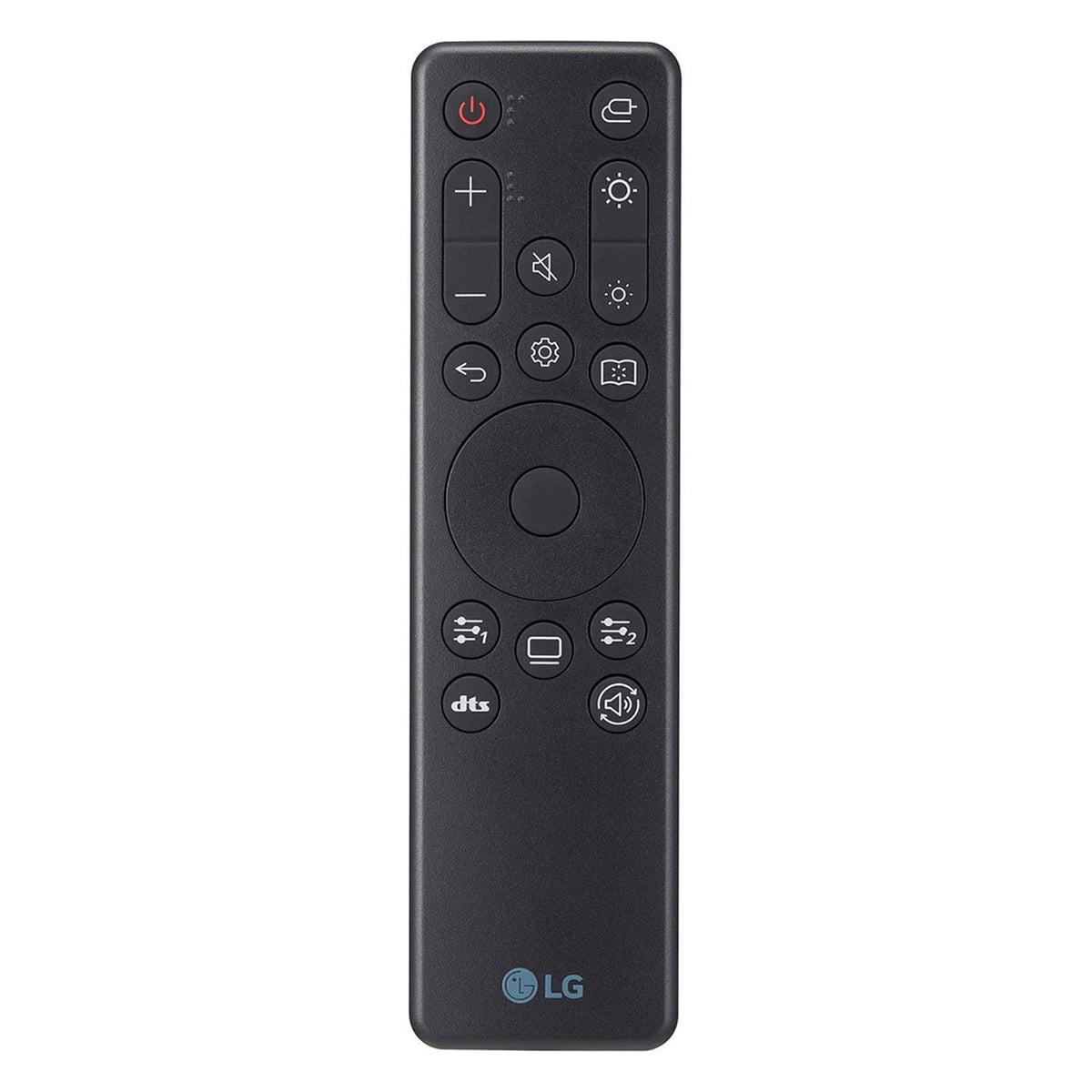
| Revolutionary dual-mode switching, hardware calibration | Perfect blacks, instantaneous response, remote control |
| Burn-in Risk - Long-term durability consideration | |
| No burn-in risk (LCD technology) | Potential OLED burn-in with static content (includes prevention features) |
| Best Use Cases - Who each monitor serves best | |
| 4K gaming, content creation, productivity work, future-proofing | Competitive gaming, immersive experiences, superior motion clarity |
| Value Proposition - Performance per dollar consideration | |
| Premium pricing for cutting-edge 4K@240Hz technology | Excellent value for OLED gaming performance and image quality |
The LG UltraGear OLED QHD monitor is generally better for gaming due to its 0.03ms response time and perfect motion clarity. While the LG UltraGear 4K Dual Mode monitor offers higher resolution, the OLED's instantaneous pixel response and superior contrast create a more responsive gaming experience, especially for competitive gaming.
The primary difference is display technology and resolution. The 4K Dual Mode monitor uses Nano IPS Black technology with 4K resolution and innovative dual-mode switching, while the OLED monitor features OLED technology with 1440p resolution and perfect black levels. The 4K model prioritizes resolution and versatility, while the OLED focuses on image quality and motion performance.
The LG OLED monitor delivers superior picture quality with its 1,500,000:1 contrast ratio, perfect blacks, and vibrant colors. The OLED technology creates more immersive visuals with deeper shadows and brighter highlights. The 4K monitor offers sharper detail due to higher resolution but can't match OLED's contrast and color depth.
The 4K Dual Mode monitor justifies its premium pricing if you need maximum resolution for productivity work, content creation, or want cutting-edge dual-mode functionality. However, for pure gaming performance, the OLED monitor often provides better value with superior motion clarity and image quality at a lower price point.
The OLED QHD monitor excels in competitive gaming with its 0.03ms response time and crystal-clear motion tracking. While the 4K monitor offers up to 480Hz in 1080p mode, motion clarity issues prevent it from matching the OLED's precision for tracking fast-moving targets in competitive scenarios.
The 4K Dual Mode monitor is significantly better for productivity work, offering 4K resolution for detailed text and multiple windows, plus hardware calibration for professional color work. The OLED monitor works for basic productivity but its 1440p resolution and potential burn-in concerns with static content make it less ideal for extensive office work.
The LG OLED monitor provides superior HDR performance thanks to its perfect black levels and infinite contrast ratio. The 4K monitor supports DisplayHDR 600 with higher peak brightness, but the OLED's ability to display true blacks alongside bright highlights creates a more impactful HDR experience overall.
Yes, both the 4K monitor and OLED monitor support PlayStation 5 and Xbox Series X/S through HDMI 2.1 connectivity. The 4K model can display console games at native 4K resolution, while the OLED provides superior motion clarity and contrast for console gaming experiences.
The 4K Dual Mode monitor has no burn-in risk due to its LCD technology, making it more durable for varied content usage. The OLED monitor includes burn-in prevention features but requires more careful usage with static content. Both offer similar lifespans with proper care, but LCD technology is generally more worry-free.
Dual mode on the 4K monitor allows switching between 4K at 240Hz for detailed gaming and 1080p at 480Hz for maximum responsiveness. This flexibility lets you optimize performance for different game types - high resolution for single-player games and ultra-high refresh rates for competitive gaming, making it unique compared to the OLED monitor.
The OLED QHD monitor creates a more cinematic movie experience with perfect blacks, superior contrast, and vibrant colors that rival dedicated OLED TVs. While the 4K monitor matches 4K streaming content resolution, the OLED's contrast performance typically provides more engaging movie viewing despite the resolution difference.
For most gamers, the LG OLED monitor offers the best introduction to premium gaming with immediately noticeable improvements in motion clarity and image quality. Choose the 4K Dual Mode monitor if you specifically need 4K resolution for work or want the latest display technology, but the OLED provides more impactful gaming improvements for most users.
We've done our best to create useful and informative comparisons to help you decide what product to buy. Our research uses advanced automated methods to create this comparison and perfection is not possible - please contact us for corrections or questions. These are the sites we've researched in the creation of this article: bestbuy.com - displayninja.com - rtings.com - youtube.com - lg.com - rtings.com - tftcentral.co.uk - bestbuy.com - techpowerup.com - lg.com - lg.com - lg.com - bestbuy.com - bestbuy.com - youtube.com - youtube.com - youtube.com - lg.com - bhphotovideo.com - bestbuy.com - forum.beyond3d.com - youtube.com - lg.com - lg.com - lg.com - techpowerup.com - newegg.com - bestbuy.com - pcmonitors.info - lg.com - lg.com

Privacy Policy
Terms and Conditions - Affiliate Policy
Home Security
© Copyright 2008-2026.
11816 Inwood Rd #1211, Dallas, TX 75244