








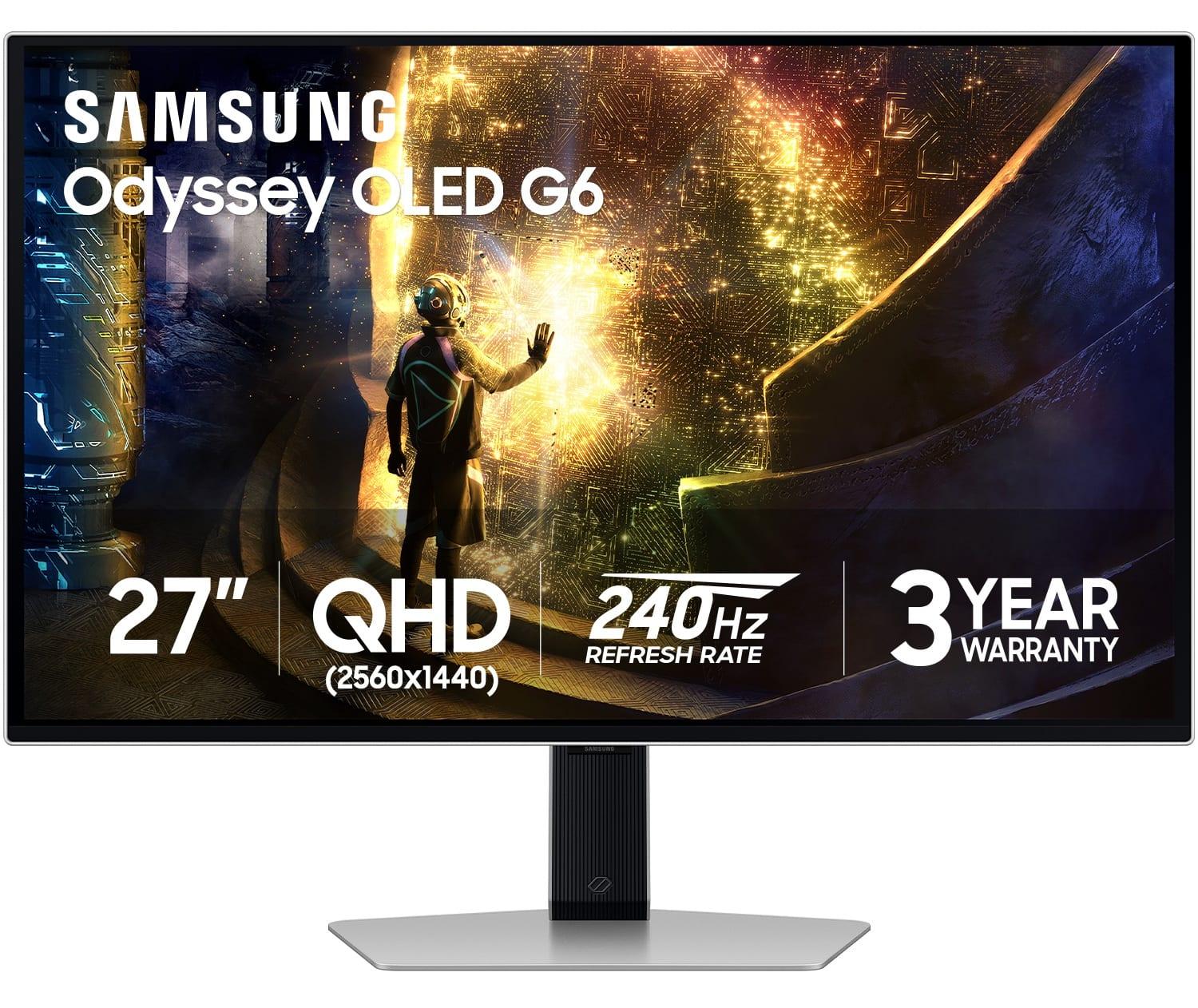
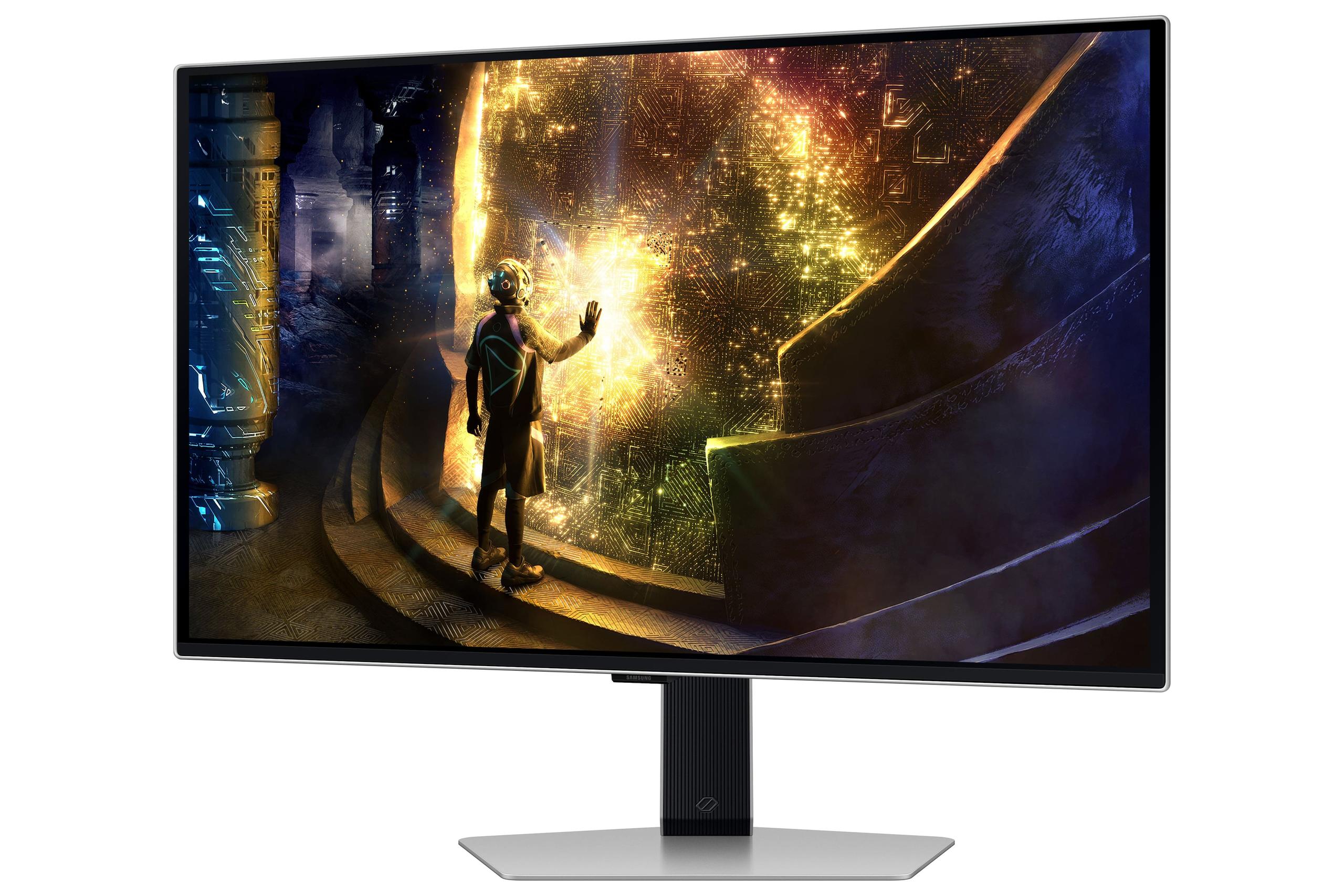

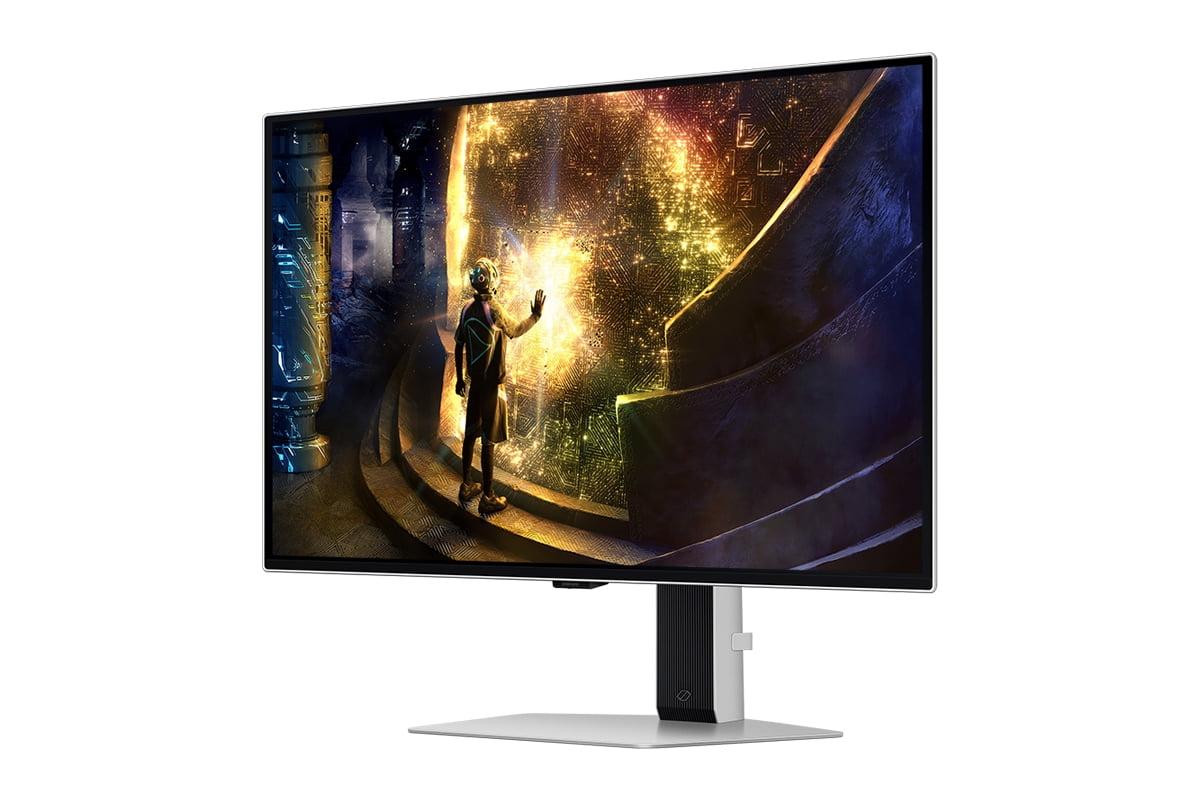
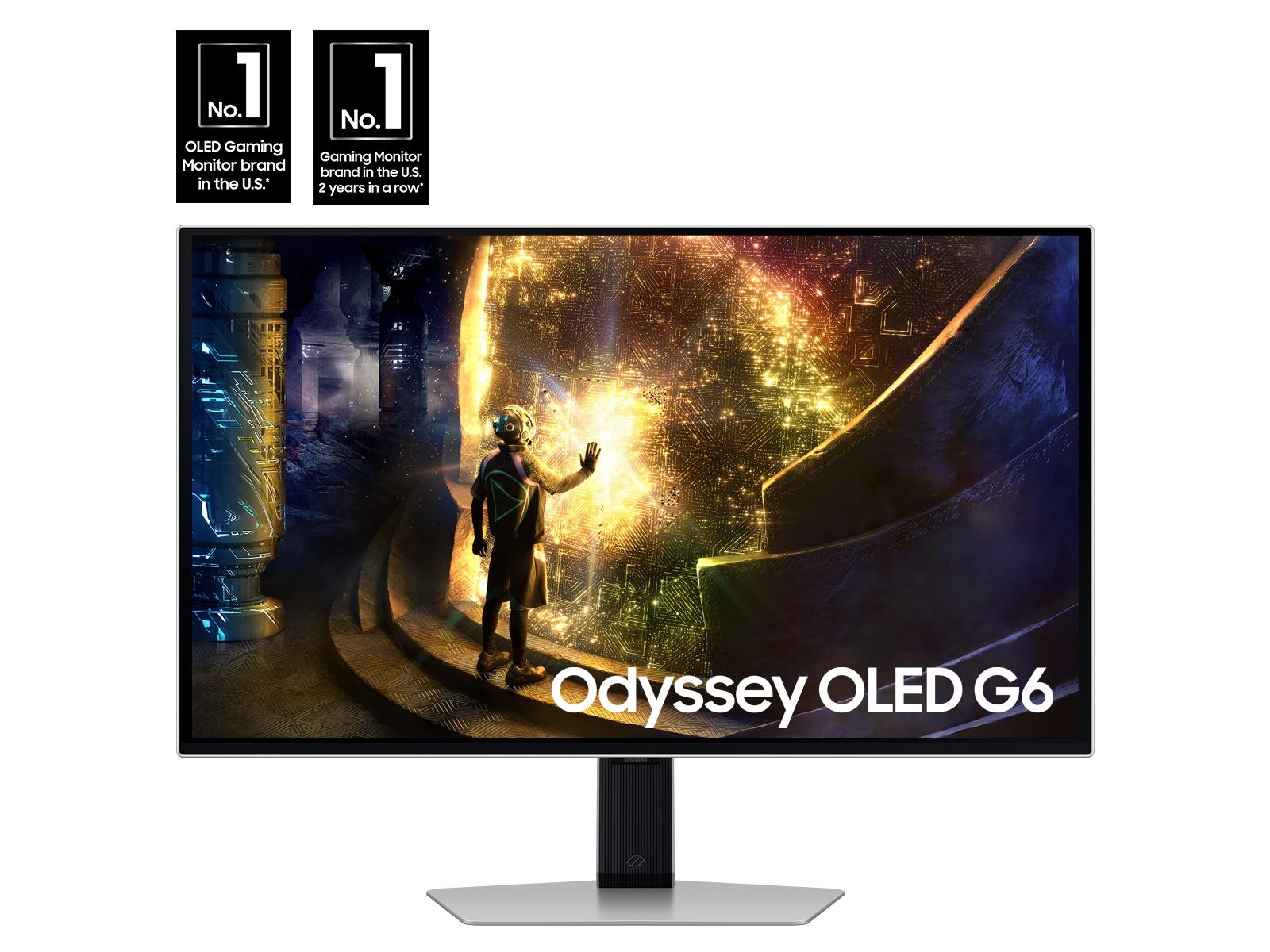
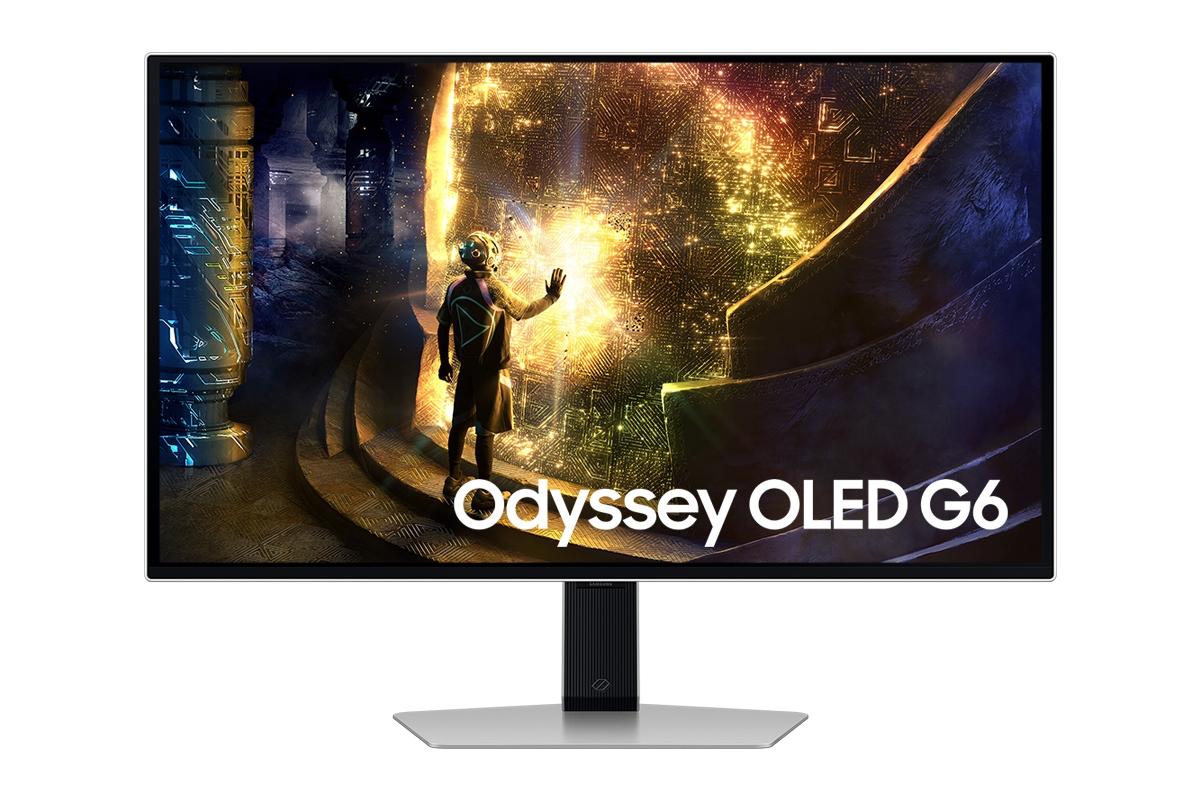
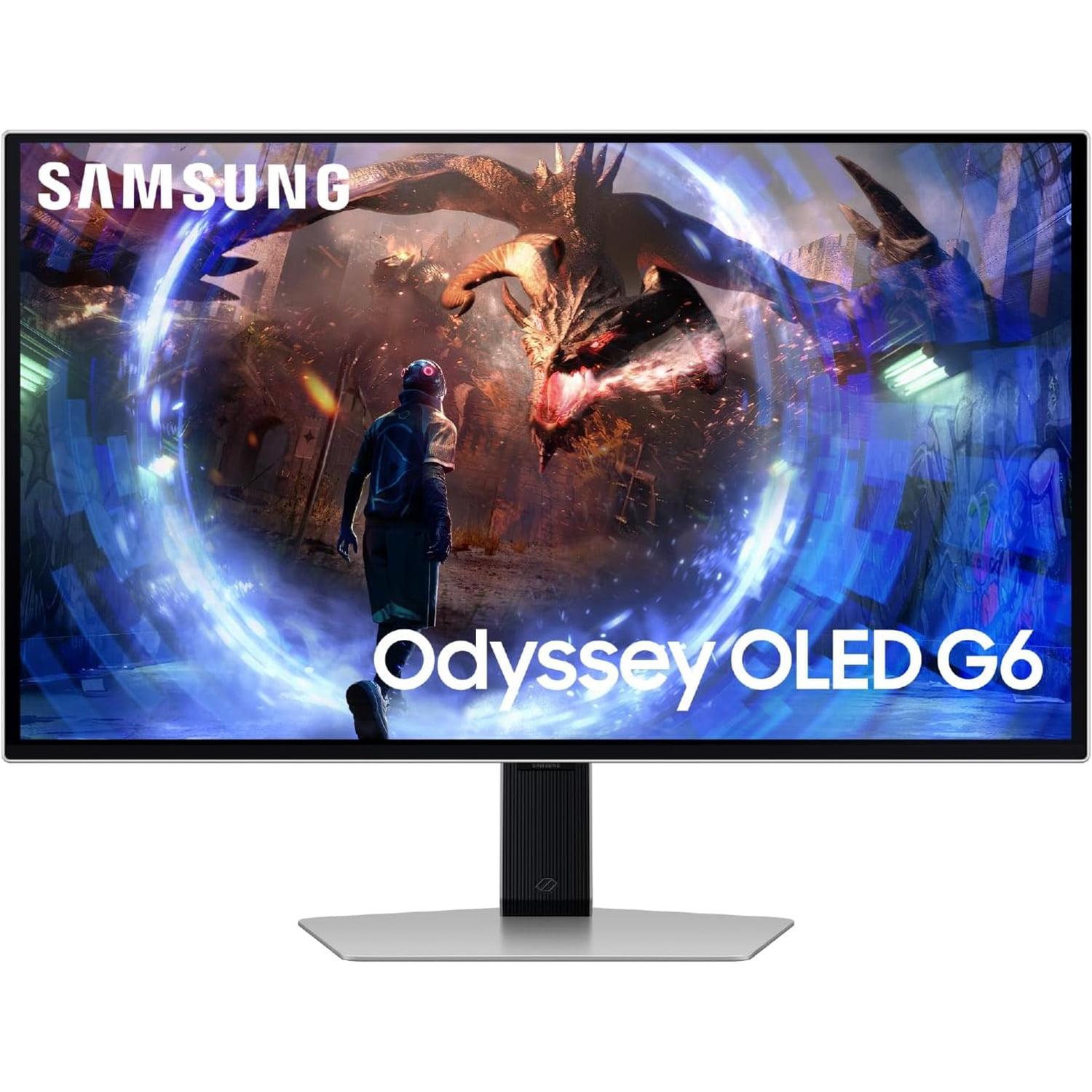
Gaming monitors have come a long way from the basic LCD displays of just a few years ago. Today's premium 27-inch gaming monitors represent some of the most advanced display technology available, offering features that were considered impossible not too long ago. Two standout examples are the LG UltraGear 27" 4K 240Hz Dual Mode Gaming Monitor and the Samsung 27" Odyssey OLED G6 QHD 360Hz Gaming Monitor, both released in 2024 and representing dramatically different approaches to high-performance gaming.
When shopping for a high-end gaming monitor, you're essentially choosing between competing philosophies. Do you want the absolute sharpest image quality possible, or would you prefer perfect blacks and incredibly smooth motion? Both monitors excel in their respective strengths, but understanding these differences will help you make the right choice for your setup.
Before diving into specifics, it's helpful to understand what makes these monitors special. Gaming monitors have evolved far beyond simple refresh rate wars. Today's premium displays balance multiple competing factors: resolution (how sharp the image looks), refresh rate (how smooth motion appears), response time (how quickly pixels change color), and contrast ratio (the difference between the darkest blacks and brightest whites).
The LG UltraGear represents what we might call the "resolution-first" approach. It's the world's first 27-inch monitor to achieve 4K resolution at 240Hz using advanced IPS technology. Meanwhile, the Samsung Odyssey OLED takes the "experience-first" approach, using cutting-edge OLED technology to deliver perfect blacks and lightning-fast response times at a lower but still excellent QHD resolution.
Both monitors target serious gamers and enthusiasts, but they achieve their goals through completely different technologies. The LG uses Nano IPS Black technology – an enhanced version of traditional IPS panels that improves contrast while maintaining the color accuracy IPS is known for. The Samsung uses QD-OLED technology, where each pixel produces its own light, eliminating the need for a backlight entirely.
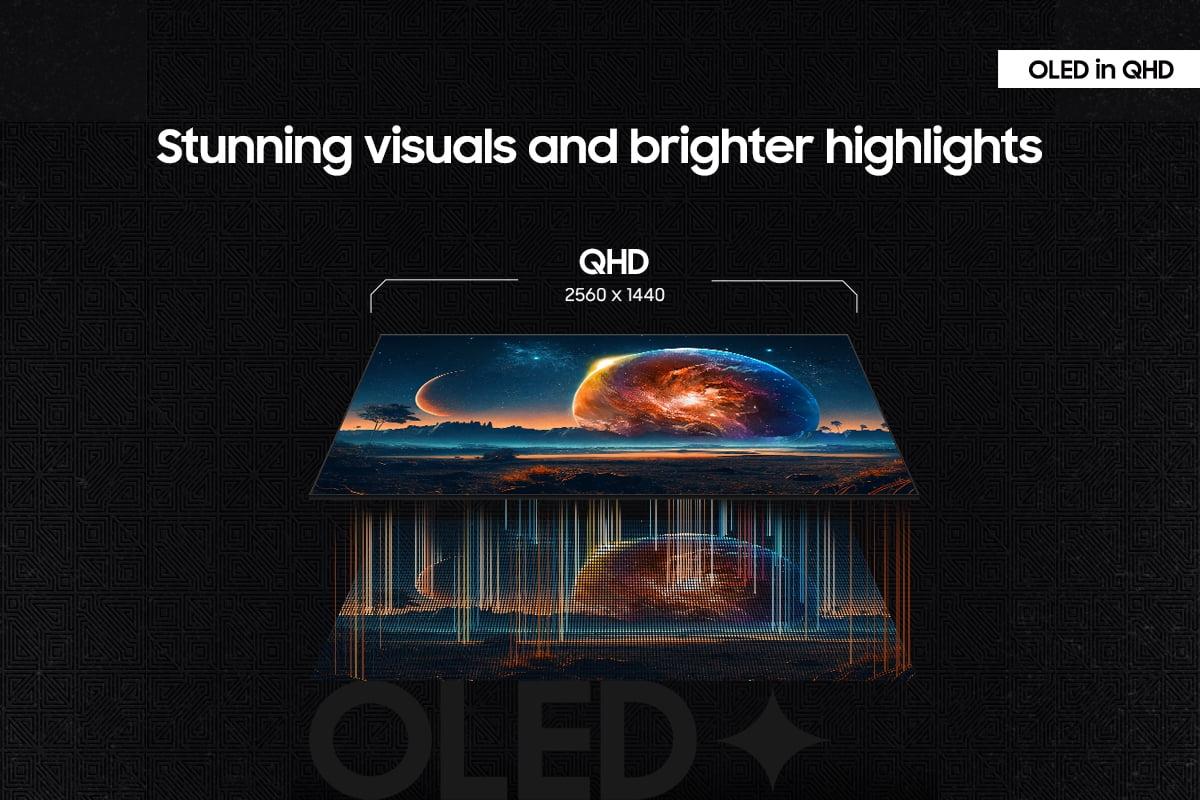
This is perhaps the biggest difference between these two monitors. The LG UltraGear delivers 4K UHD resolution (3840×2160 pixels), while the Samsung Odyssey uses QHD resolution (2560×1440 pixels). That might not sound like a huge difference, but the LG actually displays 78% more pixels than the Samsung.
What does this mean in practical terms? Text appears noticeably sharper on the LG monitor, especially when you're browsing the web, working with documents, or playing games with lots of fine detail. The pixel density on the LG reaches 163 pixels per inch (PPI), compared to 109 PPI on the Samsung. For context, most people consider anything above 100 PPI quite sharp, so both monitors look good, but the difference is definitely noticeable when you see them side by side.
In gaming, higher resolution means you can see more detail in textures, read small text more easily, and spot distant enemies more clearly in competitive games. However, there's a significant trade-off: your graphics card has to work much harder to push all those extra pixels. While a mid-range graphics card might easily hit 144 fps at QHD resolution, achieving similar frame rates at 4K typically requires high-end hardware like an RTX 4080 or better.
The LG monitor cleverly addresses this challenge with its dual-mode capability. You can switch between 4K at 240Hz for single-player games where visual quality matters most, or drop down to 1080p at an incredible 480Hz for competitive gaming where every millisecond counts. This flexibility is unique in the monitor market and gives the LG a significant versatility advantage.
The choice between IPS and OLED technology represents one of the most important decisions in modern display technology. Each has distinct advantages that appeal to different types of users.
The LG UltraGear uses Nano IPS Black technology, which is LG's enhanced version of traditional IPS panels. IPS technology has long been favored by professionals because it offers excellent color accuracy, wide viewing angles (the image looks consistent even when viewed from the side), and no risk of burn-in (permanent image retention). The "Nano" enhancement adds quantum dots that improve color reproduction, while the "Black" improvement increases contrast ratio to 2000:1 – much better than typical IPS panels but still nowhere near OLED levels.
The Samsung Odyssey uses QD-OLED technology, which represents the cutting edge of display innovation. Instead of using a backlight like traditional LCD monitors, each pixel in an OLED panel produces its own light. This means true blacks (pixels can turn completely off) and an infinite contrast ratio. The "QD" part stands for Quantum Dot, which enhances color reproduction even further than standard OLED panels.
In real-world usage, the OLED advantage is immediately apparent in dark scenes. When playing atmospheric games like horror titles or space simulators, the Samsung monitor delivers an incredibly immersive experience with perfect blacks that make stars really pop against the darkness of space. The IPS panel on the LG monitor shows some degree of "IPS glow" – a subtle brightening in dark corners that prevents true blacks.
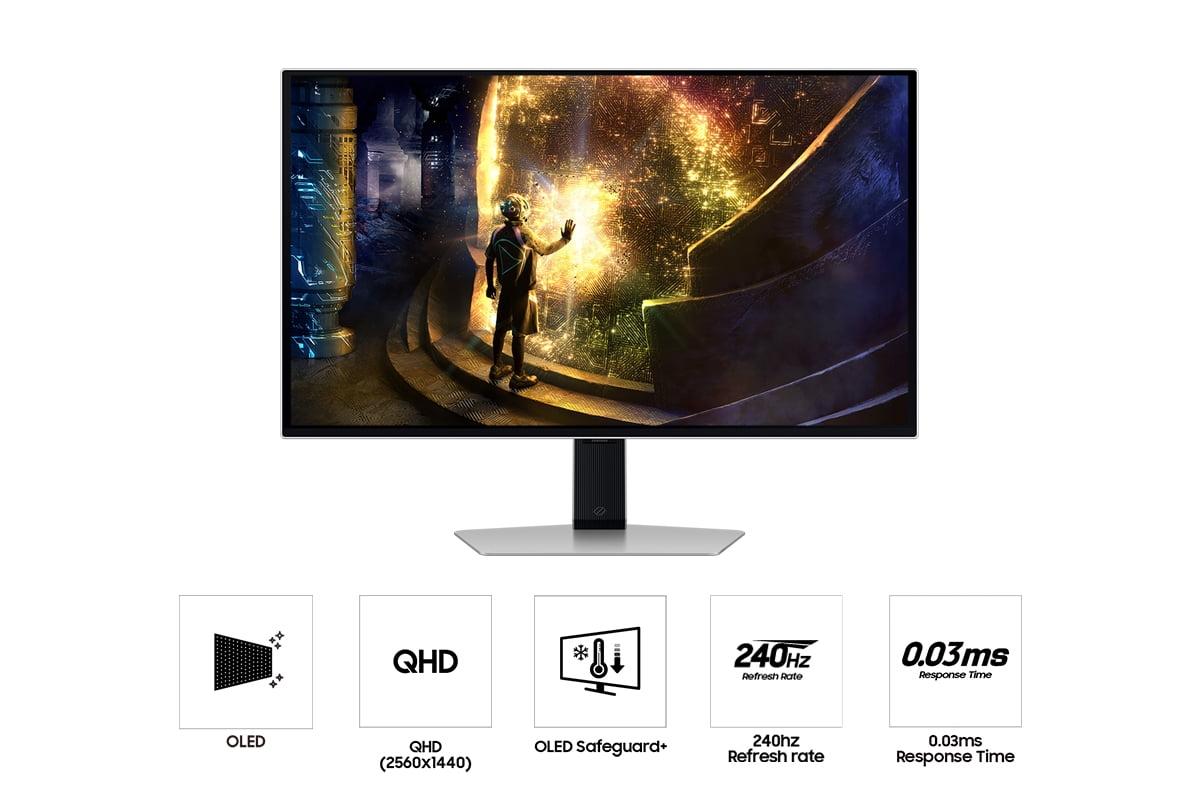
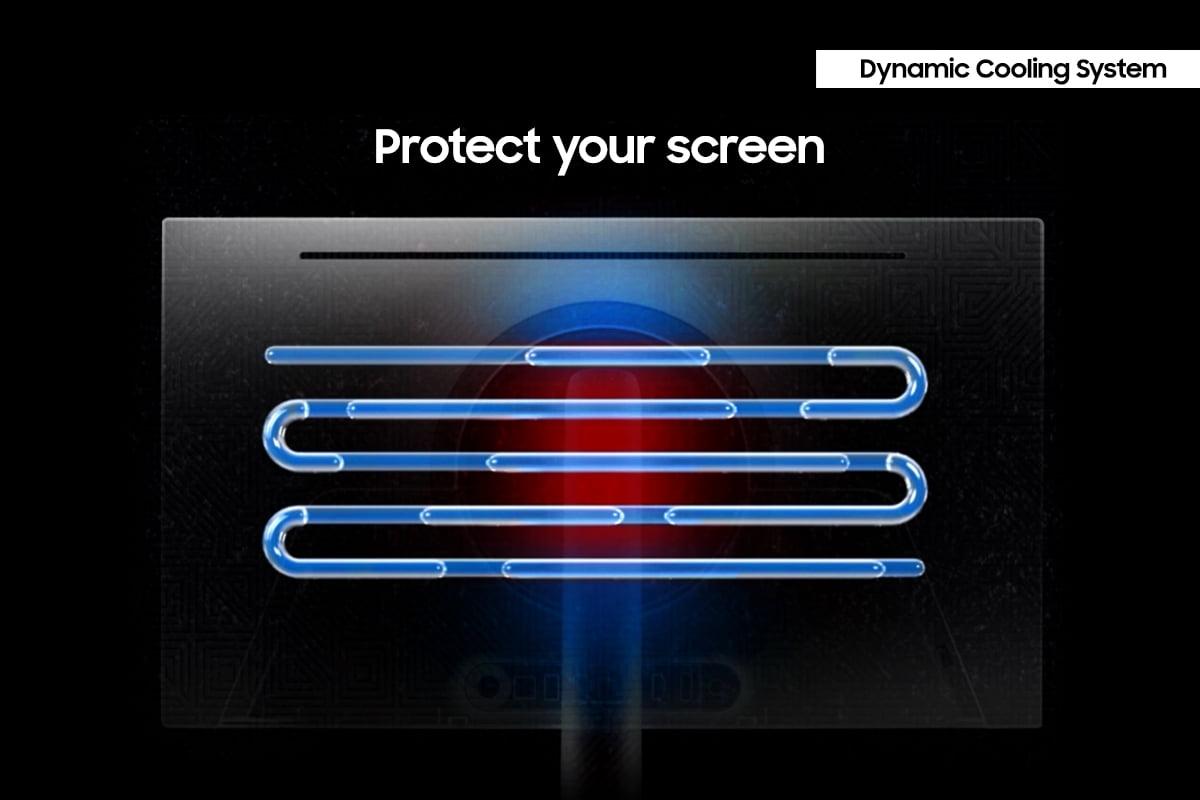
However, OLED technology does come with some concerns. The organic compounds that create the light in OLED pixels gradually degrade over time, and there's a small risk of burn-in if static images (like taskbars or game HUDs) are displayed for extended periods. Samsung has addressed this with their OLED Safeguard+ technology, which includes advanced cooling systems and algorithms that detect static content and adjust brightness accordingly.
Both monitors offer incredibly high refresh rates, but they take different approaches. The Samsung Odyssey reaches 360Hz at its native QHD resolution, while the LG UltraGear achieves 240Hz at 4K or an impressive 480Hz when switched to 1080p mode.
Refresh rate measures how many times per second the monitor can display a new image. Higher refresh rates make motion appear smoother and can provide a competitive advantage in fast-paced games. The jump from 60Hz to 144Hz is dramatic and immediately noticeable. Going from 144Hz to 240Hz is still worthwhile, especially for competitive gaming. Beyond 240Hz, the improvements become more subtle but can still matter for professional esports players.
Even more important than refresh rate is response time – how quickly pixels can change from one color to another. This is where the Samsung monitor truly shines with its 0.03ms response time. OLED pixels can change color almost instantaneously because they don't rely on liquid crystals that need time to physically rotate. The LG monitor achieves a very respectable 1ms response time, but that's still over 30 times slower than the Samsung.
In practical terms, faster response times mean less motion blur and ghosting (faint afterimages that follow moving objects). The difference is most noticeable in fast-paced competitive games where tracking moving targets is crucial. However, some users have reported that the LG monitor shows visible ghosting artifacts when running at its highest refresh rates, which somewhat diminishes its speed advantage.
High Dynamic Range (HDR) technology expands the range of colors and brightness levels that monitors can display, making images appear more lifelike with deeper shadows and brighter highlights. However, not all HDR implementations are created equal.
The LG UltraGear carries VESA DisplayHDR 600 certification, suggesting good HDR performance. Unfortunately, the reality is more disappointing. The monitor uses edge-lit local dimming with only 8 zones, which means it can only selectively brighten or dim large sections of the screen rather than individual areas. This severely limits its ability to display the dramatic contrast that makes HDR content impressive.
The Samsung Odyssey doesn't have the highest HDR certification on paper, but its OLED technology provides inherently superior HDR performance. Each pixel can be individually controlled, providing perfect local dimming across the entire screen. Dark areas can be completely black while bright highlights shine at over 1,000 nits peak brightness. This creates the dramatic contrast that makes HDR gaming truly immersive.
For gaming, this difference is particularly noticeable in titles like Cyberpunk 2077 or The Witcher 3, where dramatic lighting effects and atmospheric scenes benefit from true HDR contrast. The Samsung monitor makes neon signs glow convincingly against dark city streets, while the LG monitor tends to raise the black level of the entire image, reducing the dramatic impact.
Both monitors include extensive gaming-focused features, though they emphasize different aspects. The LG UltraGear offers hardware calibration support – a rare feature that allows professional-level color accuracy adjustments to be stored directly in the monitor rather than relying on software. This makes it valuable for content creators who need precise color reproduction.
The Samsung Odyssey focuses more on gaming-specific enhancements, including VRR Control to reduce flicker during variable refresh rate gaming, Virtual Aim Point for on-screen crosshairs, and specialized gaming modes optimized for different genres. It also includes accessibility features like SeeColors mode for color-blind users.
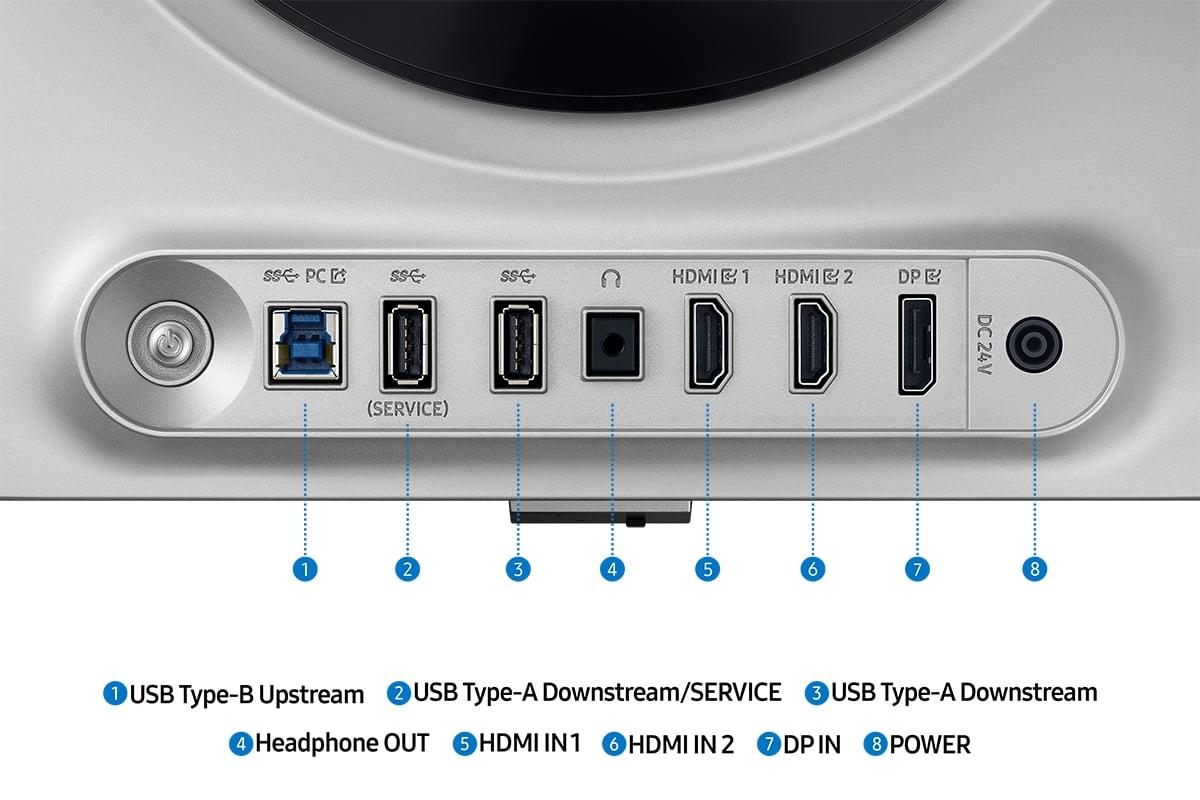
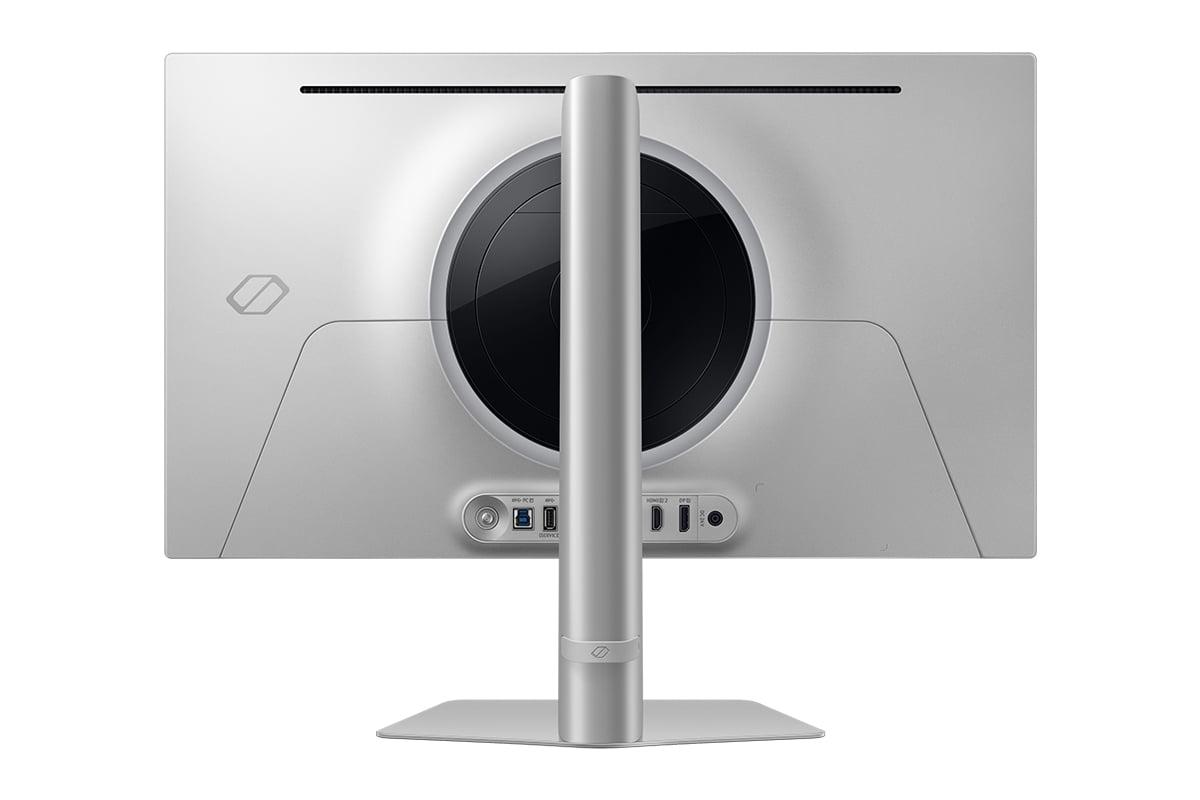
Connectivity represents another significant difference. The LG monitor includes cutting-edge DisplayPort 2.1 connectivity, along with two HDMI 2.1 ports and a USB hub. This future-proofs the monitor for upcoming graphics cards that might take advantage of the higher bandwidth. The Samsung monitor offers more standard connectivity with DisplayPort 1.4 and HDMI 2.1, which is perfectly adequate for current hardware but may not support future ultra-high-bandwidth applications.
Both monitors support adaptive sync technologies (FreeSync and G-SYNC compatibility) that synchronize the monitor's refresh rate with your graphics card's output, eliminating screen tearing and stuttering.
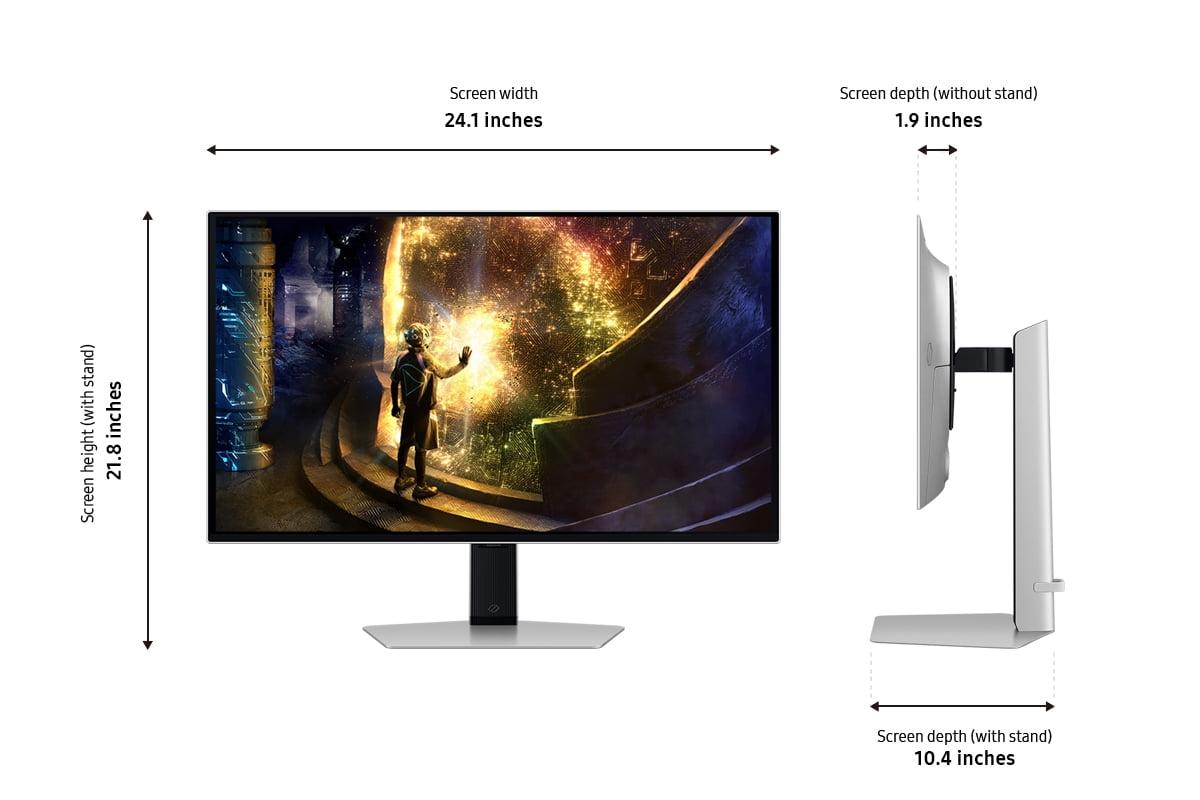
The physical design of these monitors reflects their different target audiences. The LG UltraGear takes a more utilitarian approach with a focus on functionality and extensive connectivity. The stand provides full ergonomic adjustment, and the overall design is clean and professional.
The Samsung Odyssey emphasizes premium aesthetics with its metal chassis and customizable RGB lighting on the back. The design is more gaming-focused and eye-catching, though some might find the lighting effects unnecessary. Both monitors offer excellent build quality with fully adjustable stands that support height, tilt, swivel, and pivot adjustments.
While both monitors are primarily designed for desktop gaming, they can work in home theater setups with some caveats. The LG UltraGear benefits from its 4K resolution, which matches most streaming content and provides excellent clarity for movies and TV shows. However, its IPS panel shows more light bleed in dark rooms, and the limited HDR performance reduces the cinematic impact.
The Samsung Odyssey excels in dark room viewing thanks to its perfect blacks and excellent HDR performance. Movies with dramatic lighting look spectacular, and the fast response time eliminates judder during action sequences. The main limitation is the QHD resolution, which means 4K content gets downscaled, though the difference may not be noticeable at typical viewing distances.
At the time of writing, both monitors command premium prices that reflect their cutting-edge technology, though the Samsung Odyssey typically costs somewhat less than the LG UltraGear. However, price shouldn't be the only consideration given how long you'll likely keep whichever monitor you choose.
Choose the LG UltraGear if you prioritize maximum sharpness and versatility. Its 4K resolution provides unmatched clarity for both gaming and productivity work, while the dual-mode capability offers flexibility for different types of games. The extensive connectivity ensures compatibility with future hardware upgrades. This monitor makes sense if you have a powerful graphics card, work with detailed content, or want one monitor that excels at multiple tasks.
Choose the Samsung Odyssey if you prioritize the most immersive gaming experience possible. The perfect blacks and vibrant colors create atmosphere that simply can't be matched by traditional LCD technology. The ultra-fast response time and high refresh rate provide incredible motion clarity for competitive gaming. This monitor is ideal if you game primarily in darker environments, play atmospheric single-player games, or compete in fast-paced multiplayer titles.
Both represent excellent choices that push the boundaries of what's possible in 27-inch gaming monitors. The LG UltraGear points toward a future where ultra-high resolution gaming becomes mainstream, while the Samsung Odyssey demonstrates how OLED technology can transform the gaming experience. Your choice ultimately depends on whether you value absolute sharpness or perfect contrast – both approaches have merit, and both deliver experiences that would have been impossible just a few years ago.
| LG UltraGear 27" 4K 240Hz Dual Mode Gaming Monitor | Samsung 27" Odyssey OLED G6 QHD 360Hz Gaming Monitor |
|---|---|
| Resolution - Higher resolution means sharper text and more detailed gaming visuals | |
| 4K UHD (3840×2160) - 78% more pixels, 163 PPI | QHD (2560×1440) - Lower resolution but easier to drive, 109 PPI |
| Panel Technology - Determines contrast, color quality, and viewing experience | |
| Nano IPS Black - Better than standard IPS, 2000:1 contrast | QD-OLED - Perfect blacks, infinite contrast, more vibrant colors |
| Refresh Rate at Native Resolution - Higher rates provide smoother motion in fast games | |
| 240Hz at 4K (also 480Hz at 1080p dual mode) | 360Hz at QHD - 50% higher than LG at native resolution |
| Response Time - Lower numbers reduce motion blur and ghosting | |
| 1ms (GtG) - Very fast for IPS technology | 0.03ms (GtG) - Nearly instantaneous pixel response |
| HDR Performance - Real-world contrast and brightness for immersive gaming | |
| DisplayHDR 600 certified but only 8-zone edge lighting | Superior OLED HDR with per-pixel dimming and 1000+ nits peak |
| Brightness - Important for daytime use and HDR content | |
| 450 nits SDR, 750 nits HDR peak | 250 nits SDR, 1000+ nits HDR peak in small areas |
| Connectivity - Future-proofing and device compatibility | |
| DisplayPort 2.1, 2× HDMI 2.1, USB hub | DisplayPort 1.4, 2× HDMI 2.1, basic USB ports |
| Burn-in Risk - Long-term durability consideration | |
| None (IPS technology immune to burn-in) | Potential risk managed by Samsung's cooling and protection systems |
| Gaming GPU Requirements - Hardware needed for optimal performance | |
| RTX 4080/4090 or RX 7900 XTX for 4K gaming | RTX 4070 or RX 7800 XT sufficient for QHD gaming |
| Warranty Coverage - Protection against defects and panel issues | |
| 1 year standard warranty | 3 years including burn-in protection |
| Best Use Cases - Where each monitor excels most | |
| Mixed productivity/gaming, content creation, maximum sharpness | Immersive gaming, competitive esports, dark room viewing |
The Samsung 27" Odyssey OLED G6 delivers superior picture quality with perfect blacks, infinite contrast, and more vibrant colors thanks to its OLED technology. The LG UltraGear 27" 4K 240Hz offers sharper details due to its 4K resolution but can't match the contrast and color depth of OLED panels.
The LG UltraGear uses 4K resolution (3840×2160) which provides 78% more pixels than the Samsung Odyssey OLED's QHD resolution (2560×1440). This means sharper text, more detailed game textures, and clearer fine details on the LG monitor, but requires more powerful graphics hardware to run smoothly.
The Samsung 27" Odyssey OLED G6 offers faster performance with 360Hz refresh rate and 0.03ms response time compared to the LG UltraGear's 240Hz and 1ms response time at 4K. However, the LG can switch to 1080p mode for 480Hz refresh rate, making it extremely fast for competitive esports.
The LG UltraGear 27" 4K 240Hz requires high-end graphics cards like RTX 4080 or better for optimal 4K gaming performance. The Samsung Odyssey OLED works well with mid-to-high-range cards like RTX 4070 since QHD resolution is less demanding than 4K.
The Samsung 27" Odyssey OLED G6 excels in dark environments with perfect blacks and no light bleed, creating incredibly immersive atmospheric gaming experiences. The LG UltraGear shows some IPS glow and backlight bleeding that can be distracting in completely dark rooms.
The LG UltraGear 27" 4K 240Hz has no burn-in risk due to its IPS panel technology. The Samsung Odyssey OLED has potential burn-in concerns like all OLED displays, but Samsung includes advanced protection systems and covers burn-in under their 3-year warranty for normal usage.
The Samsung 27" Odyssey OLED G6 provides superior HDR with per-pixel dimming and true contrast. While the LG UltraGear has DisplayHDR 600 certification, its edge-lit dimming with only 8 zones limits real-world HDR performance compared to OLED technology.
The LG UltraGear 27" 4K 240Hz is excellent for productivity with sharp 4K text, hardware calibration support, and extensive connectivity. The Samsung Odyssey OLED works for general tasks but the lower QHD resolution makes text less sharp, and OLED burn-in risk may concern heavy productivity users.
The LG UltraGear offers superior connectivity with DisplayPort 2.1, dual HDMI 2.1 ports, and a full USB hub for future-proofing. The Samsung 27" Odyssey OLED G6 provides adequate connectivity with DisplayPort 1.4 and HDMI 2.1 but lacks advanced features like USB-C or extensive USB hubs.
The Samsung Odyssey OLED runs at 360Hz at its native QHD resolution, while the LG UltraGear 27" 4K 240Hz offers 240Hz at 4K or can switch to 1080p for 480Hz. Both provide incredibly smooth gaming, with the Samsung offering consistency and the LG providing flexibility.
Value depends on your priorities: the LG UltraGear provides maximum resolution, versatility, and future-proofing, while the Samsung 27" Odyssey OLED G6 delivers superior visual quality and gaming immersion. Consider your graphics card capabilities and primary use cases when evaluating long-term value.
Both monitors work excellently with PS5 and Xbox Series X/S. The Samsung Odyssey OLED provides stunning console gaming visuals with perfect HDR, while the LG UltraGear 27" 4K 240Hz matches console 4K output perfectly and offers dual-mode flexibility for different gaming scenarios.
We've done our best to create useful and informative comparisons to help you decide what product to buy. Our research uses advanced automated methods to create this comparison and perfection is not possible - please contact us for corrections or questions. These are the sites we've researched in the creation of this article: bestbuy.com - displayninja.com - rtings.com - youtube.com - lg.com - rtings.com - tftcentral.co.uk - bestbuy.com - techpowerup.com - lg.com - lg.com - lg.com - bestbuy.com - gamesradar.com - gamesradar.com - versus.com - lowyat.net - youtube.com - player2.net.au - versus.com - rtings.com - youtube.com - samsung.com - files.bbystatic.com - bestbuy.com - samsung.com - samsung.com - bestbuy.com - de.shi.com - bhphotovideo.com - pangoly.com - youtube.com

Privacy Policy
Terms and Conditions - Affiliate Policy
Home Security
© Copyright 2008-2026.
11816 Inwood Rd #1211, Dallas, TX 75244