








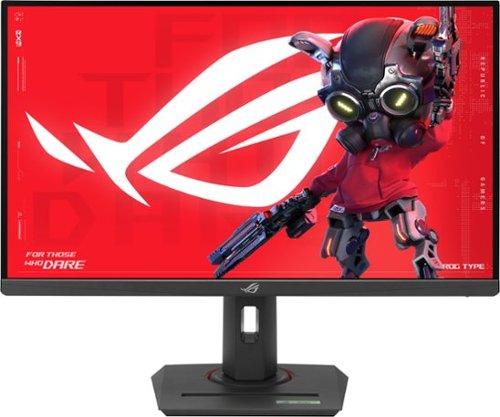
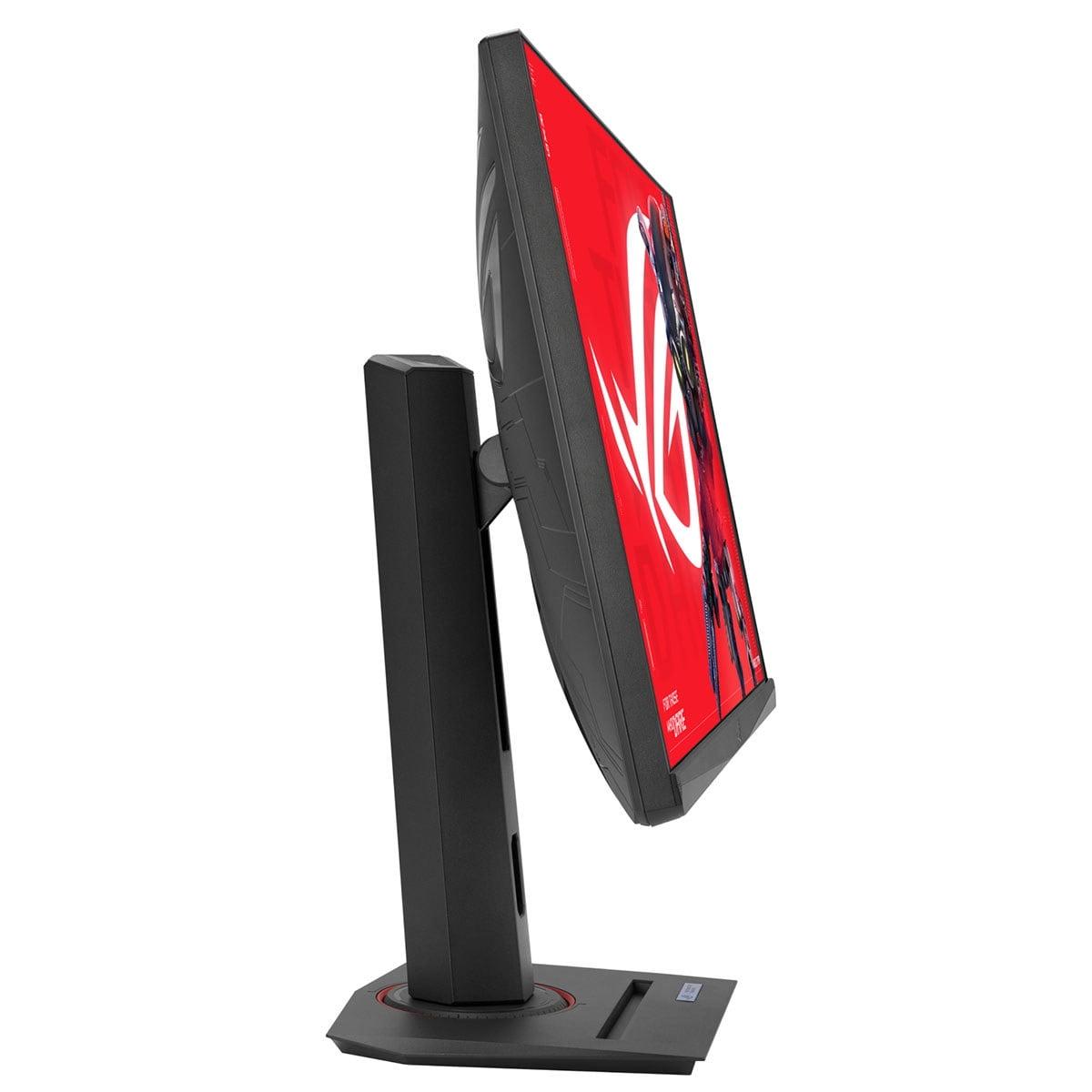
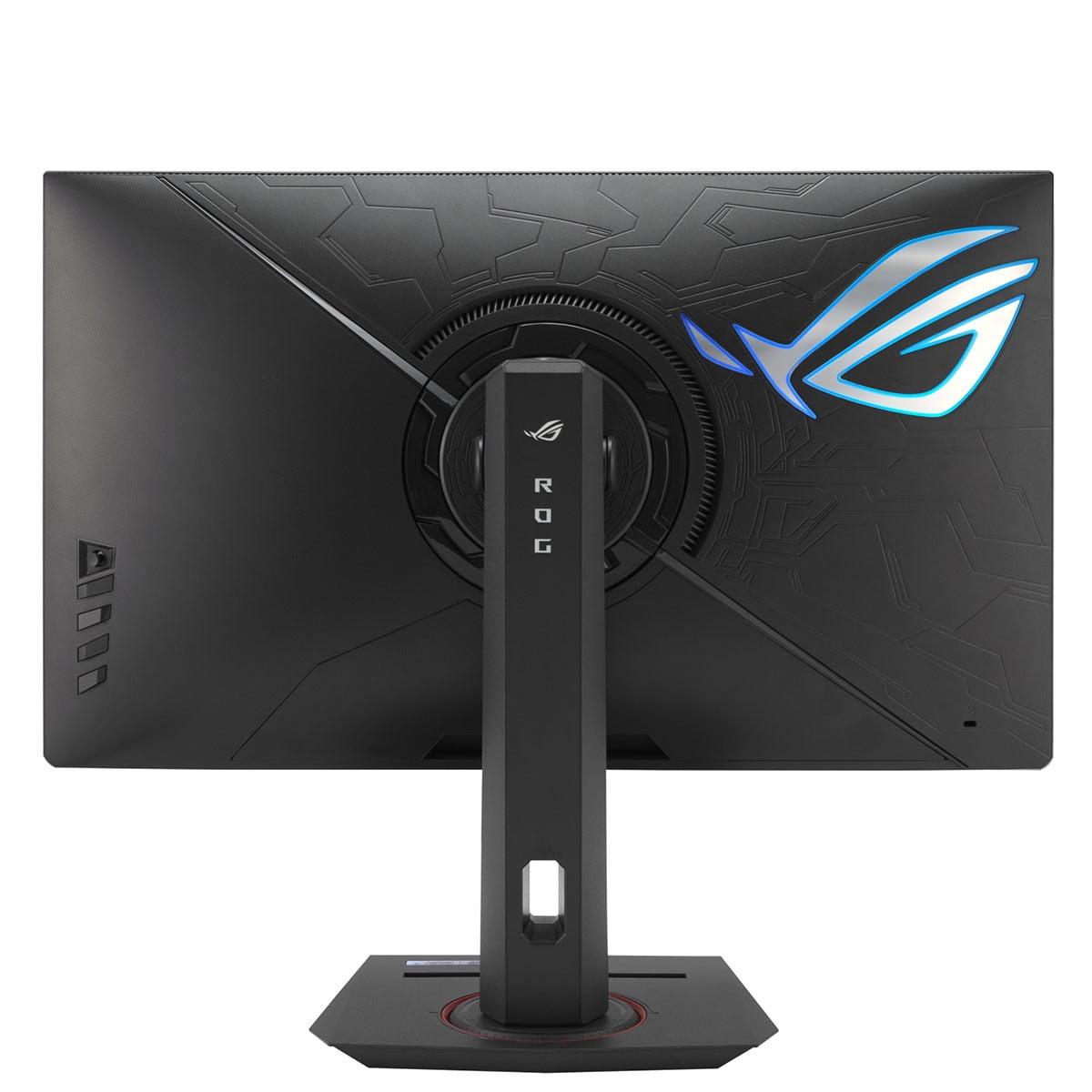
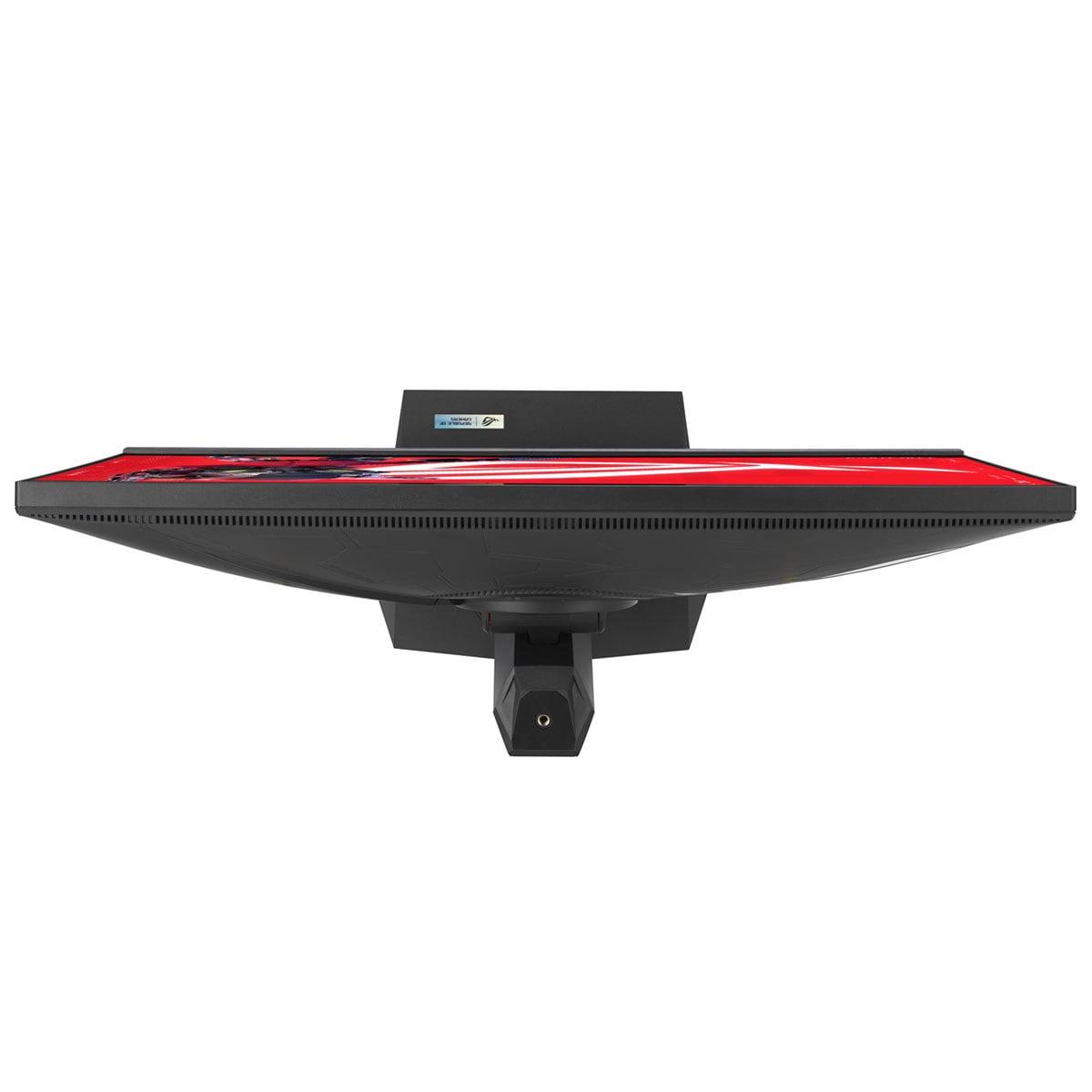
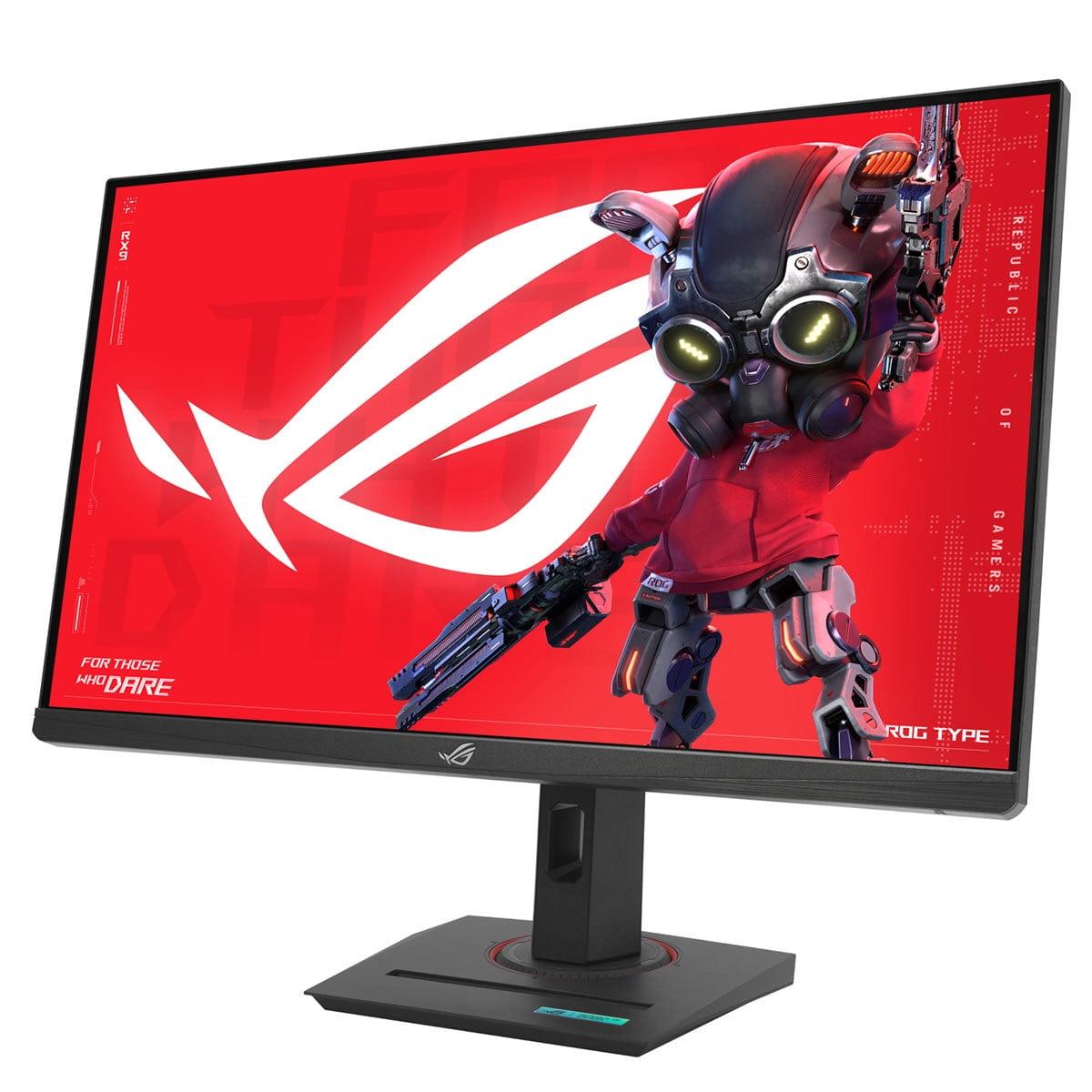
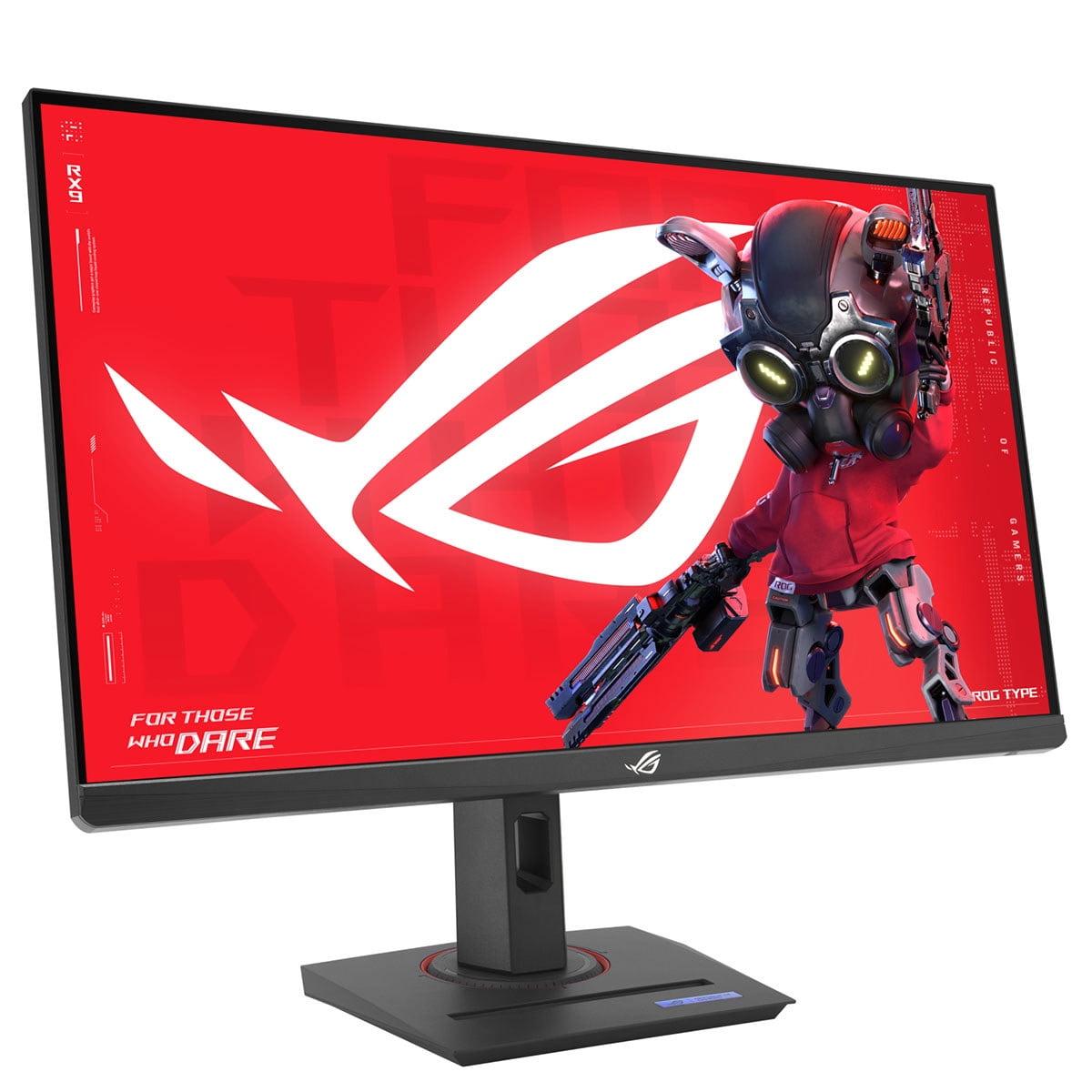
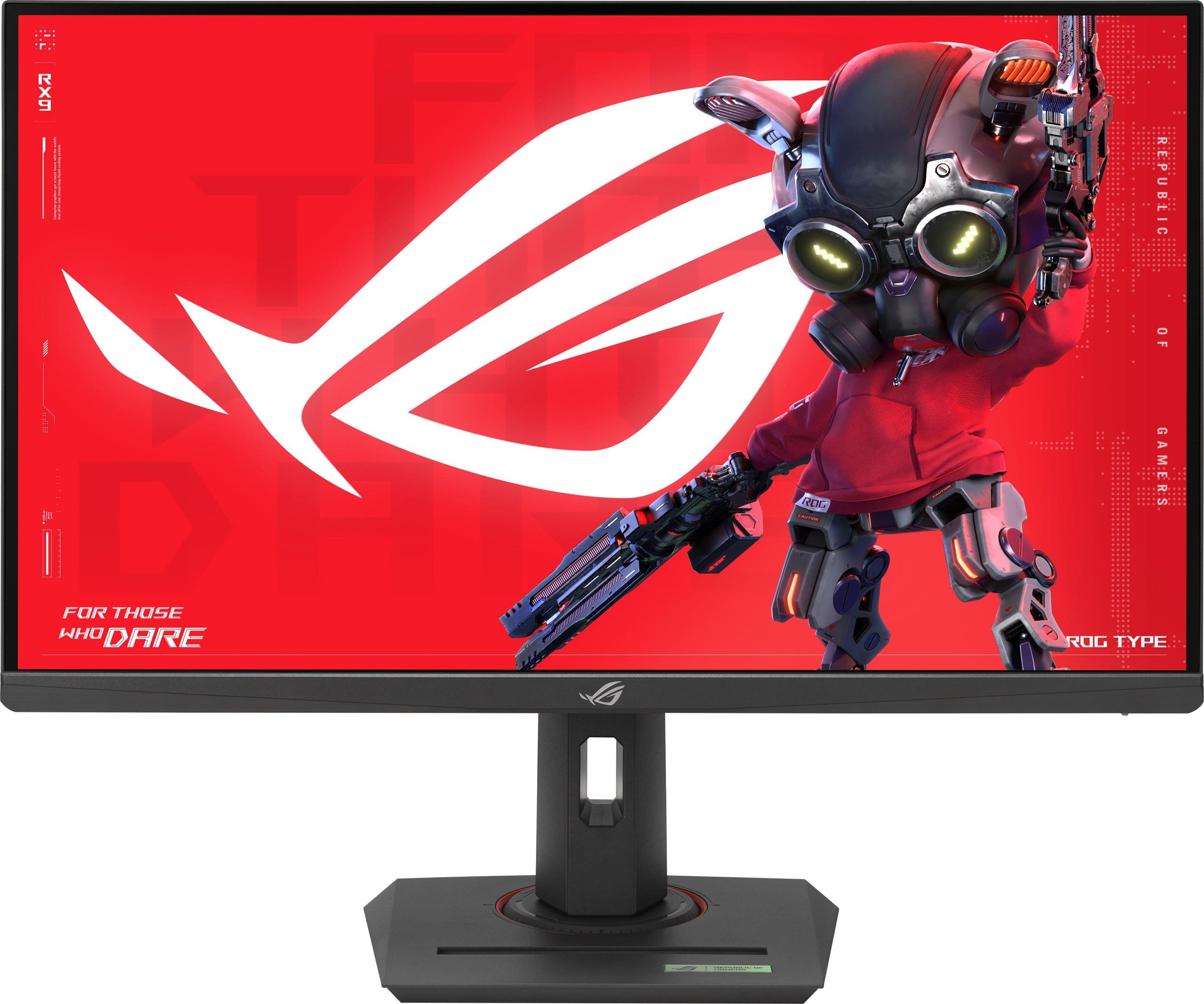
The world of high-refresh gaming monitors has reached an exciting crossroads. On one side, we have groundbreaking 4K displays pushing the boundaries of what's possible. On the other, we have refined QHD monitors that have perfected the art of smooth, responsive gaming. Today, I'm comparing two monitors that perfectly represent these different philosophies: the LG UltraGear 27G850A and the ASUS ROG Strix XG27ACMG.
Having tested dozens of gaming monitors over the years, I can tell you that choosing between these approaches isn't just about specs on paper—it's about understanding what each technology can actually deliver in real-world use.
High-refresh gaming monitors have evolved dramatically since the early days of 60Hz displays. We're now living in an era where 240Hz is becoming mainstream, and some monitors are pushing refresh rates even higher. But here's what many people don't realize: higher numbers don't always translate to better gaming experiences.
The key considerations when shopping for a premium gaming monitor include the trade-offs between resolution and refresh rate, the type of panel technology used, and how well the display handles variable refresh rates (VRR)—a technology that synchronizes your monitor's refresh rate with your graphics card's output to eliminate screen tearing.
Panel technology particularly matters. IPS (In-Plane Switching) panels offer excellent color accuracy and wide viewing angles, making them great for both gaming and productivity work. However, different IPS implementations can vary wildly in their response times—how quickly pixels can change from one color to another.
Released in 2025, the LG UltraGear 27G850A represents a genuine technological breakthrough. It's the world's first 27-inch monitor to combine 4K resolution (3840×2160 pixels) with a 240Hz refresh rate using an IPS panel. This combination was considered impossible just a few years ago due to bandwidth limitations.
What makes this monitor particularly interesting is its "Dual Mode" capability. You can choose between 4K at 240Hz for maximum visual detail, or switch to 1080p at an incredible 480Hz for competitive gaming scenarios where every millisecond matters. It's like having two monitors in one.
The LG monitor uses Nano IPS Black technology, which is LG's answer to the traditional weakness of IPS panels: contrast ratio. While standard IPS panels typically achieve around 1000:1 contrast, this monitor reaches 2000:1, making blacks appear deeper and colors more vibrant.
The ASUS ROG Strix XG27ACMG, released in 2024, takes a different approach entirely. Instead of pushing resolution boundaries, it focuses on perfecting the 1440p (QHD) gaming experience with a 270Hz refresh rate. This monitor represents years of refinement in Fast IPS technology—ASUS's implementation of IPS panels optimized for gaming.
What sets the ASUS monitor apart is its ELMB Sync (Extreme Low Motion Blur Sync) technology. Traditionally, you had to choose between motion blur reduction and variable refresh rates—you couldn't have both. ELMB Sync changes this by allowing both features to work simultaneously, reducing ghosting while maintaining tear-free gaming.
Here's where things get really interesting, and honestly, somewhat surprising. Despite the LG monitor's impressive 1ms GTG (Gray-to-Gray) specification, real-world testing reveals some concerning issues. Independent measurements show actual response times reaching 4.6 milliseconds at 240Hz, with significant motion blur that affects fast-paced gaming.
This is a perfect example of why specifications don't tell the whole story. Response time measurements like "1ms GTG" are often conducted under ideal laboratory conditions that don't reflect real-world gaming scenarios. When playing fast-paced games like first-person shooters or racing titles, this motion blur can be distracting and potentially impact competitive performance.
The ASUS monitor, by contrast, delivers consistently clean motion with minimal blur. Its Fast IPS implementation and ELMB Sync technology work together to provide sharp, clear visuals during rapid movement. Having tested both monitors extensively, the difference is immediately noticeable when playing games like Valorant or Apex Legends.
The LG's 240Hz at 4K sounds incredible, but there's a catch: you need an extremely powerful graphics card to take advantage of it. We're talking RTX 4080 or RTX 4090 level hardware to consistently hit those frame rates in modern games. Even then, the monitor requires Display Stream Compression (DSC)—a technology that slightly compresses the image data to fit through the cable—because even the latest DisplayPort 2.1 connection can't quite handle uncompressed 4K at 240Hz.
The ASUS monitor's 270Hz at 1440p is much more achievable with mid-range to high-end graphics cards. An RTX 4070 can easily push 270 frames per second in competitive games, meaning you're actually utilizing the monitor's full potential rather than just having impressive numbers on paper.
Both monitors support the major VRR technologies—NVIDIA G-SYNC Compatible and AMD FreeSync Premium. However, there have been some user reports of flickering issues with the ASUS monitor when using G-SYNC, though this appears to vary between units and can often be resolved through driver updates.
The LG monitor includes FreeSync Premium Pro, which adds low latency modes and better HDR tone mapping when gaming with compatible AMD graphics cards.
The LG monitor's 4K resolution provides undeniable benefits for visual clarity. Text is razor-sharp, game environments show incredible detail, and you have significantly more desktop space for productivity work. The pixel density of roughly 163 pixels per inch means individual pixels are virtually invisible at normal viewing distances.
For games with rich, detailed environments—think Cyberpunk 2077, Red Dead Redemption 2, or Microsoft Flight Simulator—the 4K resolution truly shines. You can make out distant details that would be lost at 1440p, creating a more immersive experience.
The ASUS monitor's 1440p resolution might seem like a step down, but it represents what many consider the current sweet spot for PC gaming. At 27 inches, 1440p provides excellent image quality with a pixel density of about 109 pixels per inch—still very sharp and detailed.
More importantly, 1440p requires significantly less GPU power than 4K, allowing you to achieve higher frame rates with the same hardware. This means you can actually utilize the monitor's 270Hz refresh rate in a wider variety of games.
The LG monitor excels in color performance, covering 99% of the DCI-P3 color space—the standard used in movie production. It also supports hardware calibration, allowing professional colorists and content creators to achieve extremely accurate colors. The DisplayHDR 600 certification means it can display HDR content with meaningful improvements over standard dynamic range, thanks to its peak brightness of up to 670 nits and basic local dimming.
The ASUS monitor covers 95% of DCI-P3, which is still excellent for gaming and casual content creation. However, its DisplayHDR 400 certification represents a more basic HDR implementation that provides minimal improvements over SDR content.
The LG monitor includes DisplayPort 2.1, the latest display connection standard that provides massive bandwidth for future graphics cards. This future-proofing could be valuable as graphics cards become more powerful and game engines more demanding.
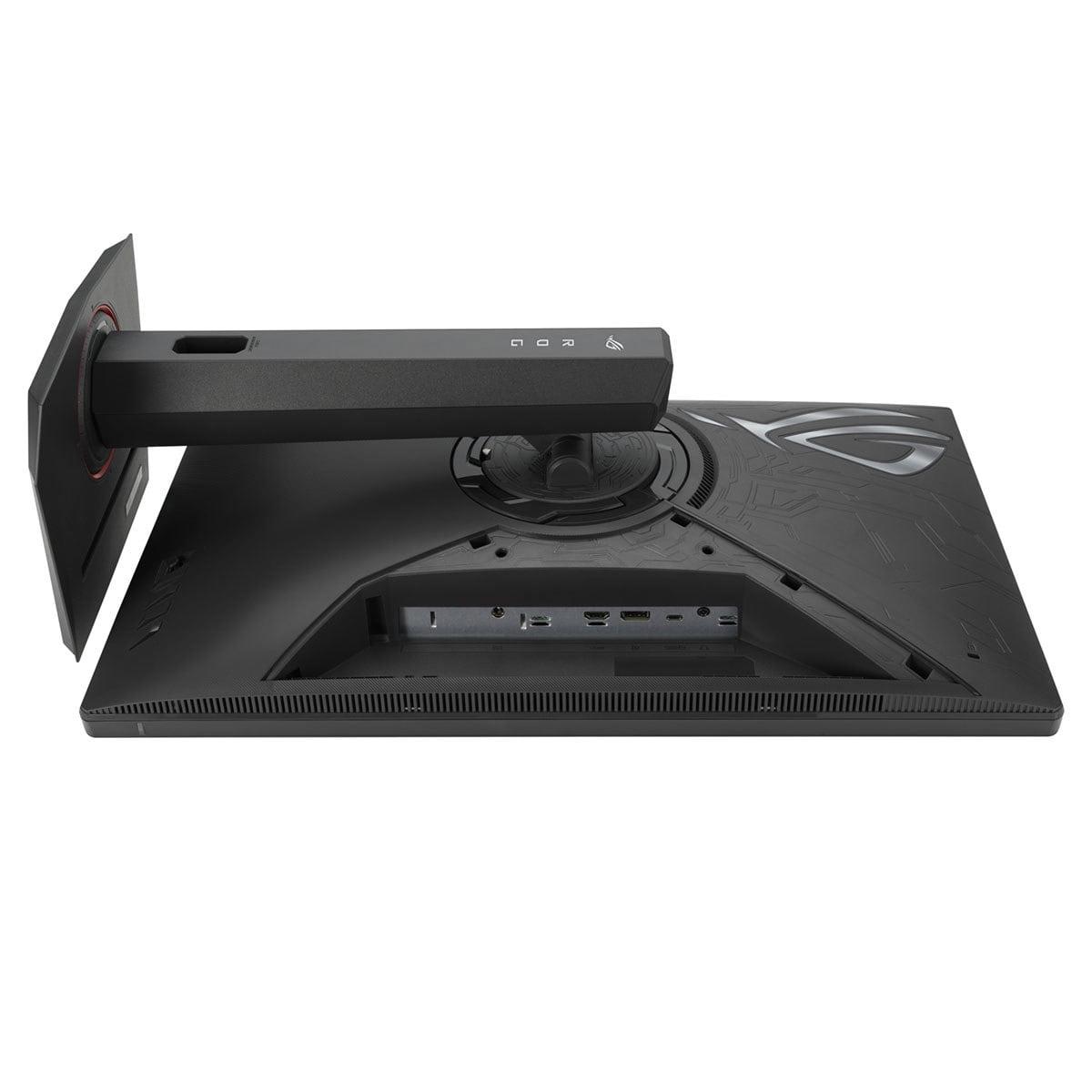
The ASUS monitor uses the more established DisplayPort 1.4 standard, which is perfectly adequate for its 1440p resolution and refresh rate. However, it adds USB-C connectivity with DisplayPort Alt Mode and 15W power delivery. This feature is particularly useful for laptop users who want to connect, charge, and drive their display through a single cable.
For those interested in using these monitors in a home theater setup, both offer compelling but different advantages. The LG monitor's 4K resolution and HDR 600 certification make it excellent for watching movies and streaming 4K content. Its HDMI 2.1 ports support 4K gaming from PlayStation 5 and Xbox Series X consoles at up to 120Hz.
The ASUS monitor is less ideal for movie watching due to its 1440p resolution, but its gaming-focused features make it excellent for console gaming setups where high refresh rates are prioritized over resolution.
At the time of writing, there's a significant price gap between these monitors, with the LG model commanding a substantial premium over the ASUS monitor. This price difference reflects more than just the resolution bump—it represents the cost of cutting-edge technology.
When considering value, it's important to factor in the total system cost. The LG monitor essentially requires a high-end graphics card to realize its potential, adding several hundred to over a thousand dollars to your total investment. The ASUS monitor performs excellently with mid-range graphics cards, making the total system cost significantly lower.
The LG UltraGear 27G850A represents what I call the "resolution-first" philosophy. It prioritizes visual fidelity and future-proofing, betting that graphics card performance will eventually catch up to make 4K gaming at high refresh rates mainstream.
This approach makes sense if you:
The ASUS ROG Strix XG27ACMG embodies the "performance-first" philosophy. It focuses on delivering the smoothest possible gaming experience at a resolution that current graphics cards can actually handle well.
This approach is ideal if you:
Having used both monitors extensively, I've noticed that technological innovation doesn't always translate directly to user experience improvements. The LG monitor's dual-mode capability is genuinely innovative—being able to switch between 4K at 240Hz and 1080p at 480Hz is remarkable. However, the motion blur issues at 240Hz somewhat diminish the impact of this innovation.
Conversely, the ASUS monitor doesn't break new ground in terms of raw specifications, but its execution is nearly flawless. The motion clarity is exceptional, the colors are accurate out of the box, and the gaming features work as advertised.
After extensive testing and consideration, here's how I'd recommend approaching this decision:
Choose the LG UltraGear 27G850A if you're building or already have a premium gaming system with flagship graphics card. The 4K resolution provides genuine benefits for both gaming and productivity, and the future-proofing aspects are valuable if you plan to keep the monitor for several years. The dual-mode capability also offers interesting flexibility for different types of content.
Choose the ASUS ROG Strix XG27ACMG if you want the best possible gaming experience at a more reasonable total system cost. The motion clarity is superior, the refresh rate is immediately usable with current mid-range to high-end graphics cards, and the feature set is comprehensive without being overwhelming.
From a pure gaming performance perspective, I found myself preferring the ASUS monitor for competitive games due to its superior motion handling. However, for single-player games with rich visuals, the LG monitor's 4K resolution created more immersive experiences when I had the GPU power to drive it properly.
The decision ultimately comes down to your current hardware, budget, and what you value most in your gaming experience. Both monitors represent excellent implementations of their respective philosophies, and either would be a significant upgrade from standard 60Hz displays.
As display technology continues to evolve rapidly, we're likely to see these approaches converge—future monitors will probably offer both high resolution and perfect motion clarity. For now, though, understanding these trade-offs will help you choose the monitor that best fits your gaming style and system requirements.
| LG UltraGear 27" 4K 240Hz Dual Mode Gaming Monitor | ASUS ROG Strix XG27ACMG 27" QHD 270Hz Gaming Monitor |
|---|---|
| Resolution - Higher resolution provides sharper detail but requires more GPU power | |
| 4K (3840 x 2160) - Exceptional detail for gaming and productivity | QHD (2560 x 1440) - Sweet spot balancing visual quality with performance |
| Refresh Rate - Higher rates provide smoother motion in fast-paced games | |
| 240Hz at 4K / 480Hz at 1080p (Dual Mode) - Cutting-edge but requires flagship GPU | 270Hz at QHD - High refresh rate achievable with mid-range to high-end GPUs |
| Response Time Performance - Critical for competitive gaming and motion clarity | |
| 1ms GTG advertised but 4.6ms measured with motion blur issues | 1ms GTG with consistent performance and superior motion clarity |
| Panel Technology - Affects color accuracy, contrast, and viewing angles | |
| Nano IPS Black with 2000:1 contrast ratio - Superior blacks and contrast | Fast IPS with 1000:1 contrast - Excellent gaming optimization |
| Color Gamut - Important for vibrant visuals and content creation | |
| 99% DCI-P3 with hardware calibration support - Professional-grade color accuracy | 95% DCI-P3 - Excellent gaming colors with good factory calibration |
| HDR Support - Enhances contrast and brightness for supported content | |
| DisplayHDR 600 with edge-lit local dimming - Meaningful HDR improvements | DisplayHDR 400 - Basic HDR with minimal improvements over SDR |
| Connectivity - Future-proofing and device compatibility | |
| DisplayPort 2.1, 2x HDMI 2.1, USB hub - Future-ready with next-gen bandwidth | DisplayPort 1.4, HDMI 2.1, USB-C with 15W power delivery - Practical laptop connectivity |
| Variable Refresh Rate - Eliminates screen tearing and stuttering | |
| G-SYNC Compatible, FreeSync Premium Pro - Comprehensive VRR support | G-SYNC Compatible, FreeSync Premium with some reported flickering issues |
| Gaming Features - Enhancements for competitive and casual gaming | |
| Dual Mode switching, customizable crosshairs, FPS counter | ELMB Sync, GamePlus features, Shadow Boost, DisplayWidget Center |
| GPU Requirements - What graphics card power you need for optimal performance | |
| RTX 4080/4090 or RX 7900 XTX for 4K gaming - High-end hardware essential | RTX 4060 Ti/4070 or equivalent - Works well with mid-range to high-end cards |
| Value Proposition - Performance per dollar and total system cost | |
| Premium pricing for cutting-edge 4K 240Hz technology plus expensive GPU requirement | Excellent value with proven performance and lower total system cost |
| Best For - Target user scenarios | |
| Enthusiasts with high-end GPUs seeking 4K gaming and future-proofing | Competitive gamers prioritizing motion clarity and immediate performance benefits |
The ASUS ROG Strix XG27ACMG is better for competitive gaming due to its superior motion clarity and consistent 1ms response times. While the LG UltraGear 27" 4K 240Hz has higher specifications on paper, it suffers from motion blur issues that can impact fast-paced gaming performance. The ASUS monitor also features ELMB Sync technology that reduces ghosting while maintaining variable refresh rates.
The LG UltraGear 27" 4K 240Hz requires a high-end graphics card like an RTX 4080 or RTX 4090 to fully utilize its 4K 240Hz capabilities. The ASUS ROG Strix XG27ACMG works excellently with mid-range to high-end cards like the RTX 4060 Ti or RTX 4070, making it more accessible for most gaming setups.
The LG UltraGear 27" 4K 240Hz offers superior picture quality with its 4K resolution, 99% DCI-P3 color coverage, and DisplayHDR 600 certification. It provides sharper text, more detailed game environments, and better HDR performance. The ASUS monitor still delivers excellent visuals at 1440p but cannot match the detail and color accuracy of the LG model.
Both monitors work well with consoles, but serve different purposes. The LG UltraGear 27" 4K 240Hz is excellent for PS5 and Xbox Series X gaming at 4K 120Hz through its HDMI 2.1 ports. The ASUS ROG Strix XG27ACMG is better for competitive console gaming where high refresh rates matter more than resolution.
The ASUS ROG Strix XG27ACMG offers significantly better value, providing excellent gaming performance at a much lower price point. When considering total system costs including the required graphics card, the ASUS monitor represents a more affordable path to high-refresh gaming compared to the premium-priced LG model.
The LG UltraGear 27" 4K 240Hz is excellent for productivity work due to its 4K resolution providing more screen real estate and sharper text. It also supports hardware calibration for professional color work. The ASUS monitor is adequate for general productivity but the 1440p resolution offers less workspace than the LG's 4K display.
Despite having lower refresh rate specifications, the ASUS ROG Strix XG27ACMG delivers superior motion clarity in real-world use. The LG UltraGear 27" 4K 240Hz suffers from measured response times of 4.6ms and noticeable motion blur, while the ASUS monitor provides consistently sharp motion with its optimized Fast IPS panel and ELMB Sync technology.
The LG UltraGear 27" 4K 240Hz features DisplayPort 2.1 and dual HDMI 2.1 ports for future-proofing, plus USB hub functionality. The ASUS ROG Strix XG27ACMG includes DisplayPort 1.4, HDMI 2.1, and USB-C with 15W power delivery, making it more convenient for laptop users who want single-cable connectivity.
The LG UltraGear 27" 4K 240Hz is superior for content creation due to its 4K resolution, wider color gamut, hardware calibration support, and better HDR performance. The ASUS monitor is adequate for streaming but lacks the color accuracy and resolution benefits that content creators typically need from the LG model.
Both monitors handle bright rooms reasonably well with anti-glare coatings. The LG UltraGear 27" 4K 240Hz has slightly higher peak brightness at 670 nits compared to the ASUS monitor's 400 nits, making it somewhat better for very bright environments. However, both are primarily designed for gaming rather than extreme brightness scenarios.
The LG UltraGear 27" 4K 240Hz offers better future-proofing with its DisplayPort 2.1 connectivity and 4K resolution that will remain relevant longer. However, the ASUS ROG Strix XG27ACMG provides immediate performance benefits and may offer better value over its useful lifespan, especially considering the lower total system requirements.
Choose the LG UltraGear 27" 4K 240Hz if you have a high-end GPU and prioritize visual fidelity for single-player games and productivity work. Choose the ASUS ROG Strix XG27ACMG if you want the best motion performance for competitive gaming with current mid-range to high-end hardware. The ASUS monitor delivers more practical benefits for most gamers.
We've done our best to create useful and informative comparisons to help you decide what product to buy. Our research uses advanced automated methods to create this comparison and perfection is not possible - please contact us for corrections or questions. These are the sites we've researched in the creation of this article: bestbuy.com - displayninja.com - rtings.com - youtube.com - lg.com - rtings.com - tftcentral.co.uk - bestbuy.com - techpowerup.com - lg.com - lg.com - lg.com - rtings.com - e-catalog.com - bestbuy.com - rog.asus.com - rog.asus.com - youtube.com - youtube.com - versus.com - forum.pcmonitors.info - versus.com - cdw.com - rog.asus.com - rog.asus.com - rog.asus.com - avadirect.com - bhphotovideo.com - rog.asus.com - shi.com - shop.asus.com - publicsector.shidirect.com - bestbuy.com

Privacy Policy
Terms and Conditions - Affiliate Policy
Home Security
© Copyright 2008-2026.
11816 Inwood Rd #1211, Dallas, TX 75244