








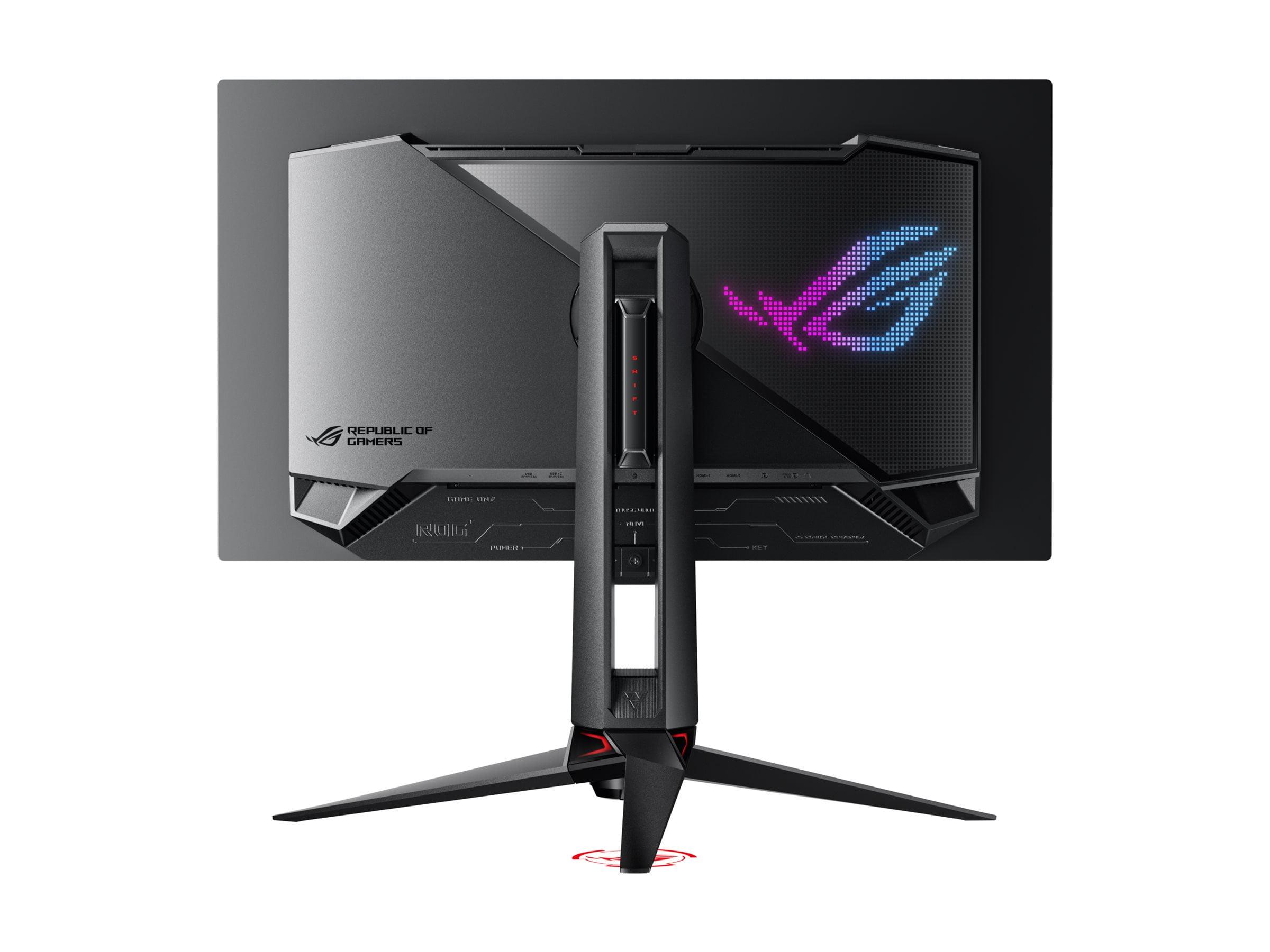
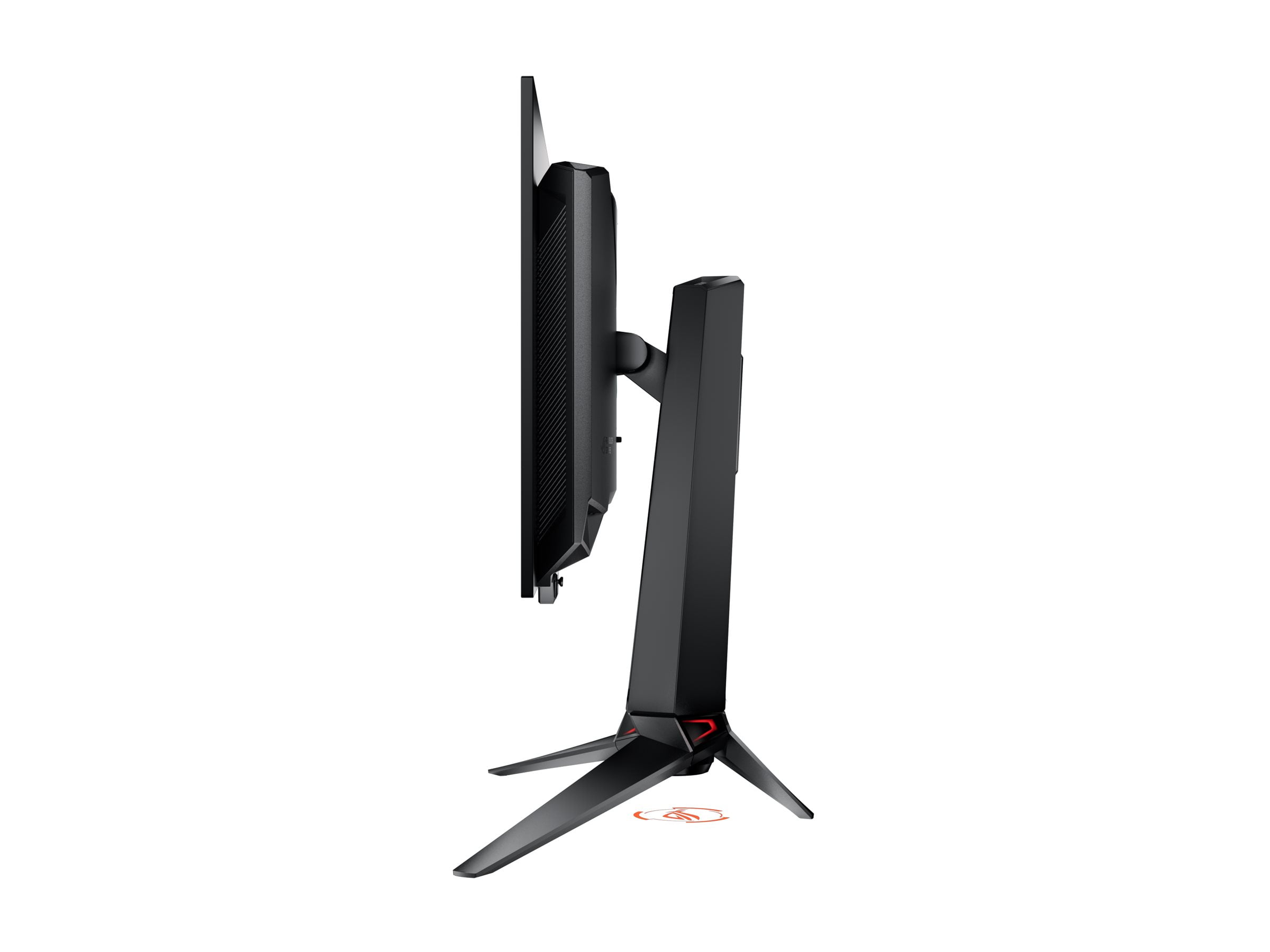
The 27-inch 4K 240Hz gaming monitor market exploded in 2025, bringing us two groundbreaking displays that approach high-performance gaming from completely different angles. The LG UltraGear 27G850A made headlines as the world's first monitor to offer dual refresh rate modes, while the ASUS ROG Swift OLED PG27UCDM claimed the title of first 27-inch 4K OLED gaming monitor. Both launched in early 2025, but they represent fundamentally different philosophies about what makes the perfect gaming display.
Before diving into these specific monitors, it's worth understanding what makes this category so compelling—and so challenging. For years, gamers faced a difficult choice: ultra-high resolution for stunning visuals, or ultra-high refresh rates for competitive advantage. These monitors promise to eliminate that compromise, delivering both 4K (3840×2160) resolution and 240Hz refresh rates in a 27-inch package.
The technical hurdles are immense. Pushing 4K at 240Hz requires enormous bandwidth—about 80 gigabits per second for an uncompressed signal. That's why DisplayPort 2.1 connectivity became essential, though even then, some monitors use compression techniques to fit within bandwidth limitations. The panel technologies also matter enormously: IPS panels traditionally offer great colors and viewing angles but limited contrast, while OLED delivers infinite contrast but comes with brightness limitations and potential burn-in concerns.
When evaluating these monitors, the key considerations include panel technology (which affects contrast, response times, and longevity), refresh rate flexibility, HDR performance, connectivity bandwidth, and long-term reliability. Price becomes a major factor too, as these cutting-edge displays command premium prices.
The LG UltraGear 27G850A pioneered something unprecedented in the monitor world: true dual-mode operation. This means you can switch between 4K resolution at 240Hz for stunning visuals, or drop to 1080p resolution at an incredible 480Hz for the smoothest possible gaming experience. It uses LG's Nano IPS Black technology, which improves contrast over traditional IPS panels while maintaining their reliability and color accuracy.
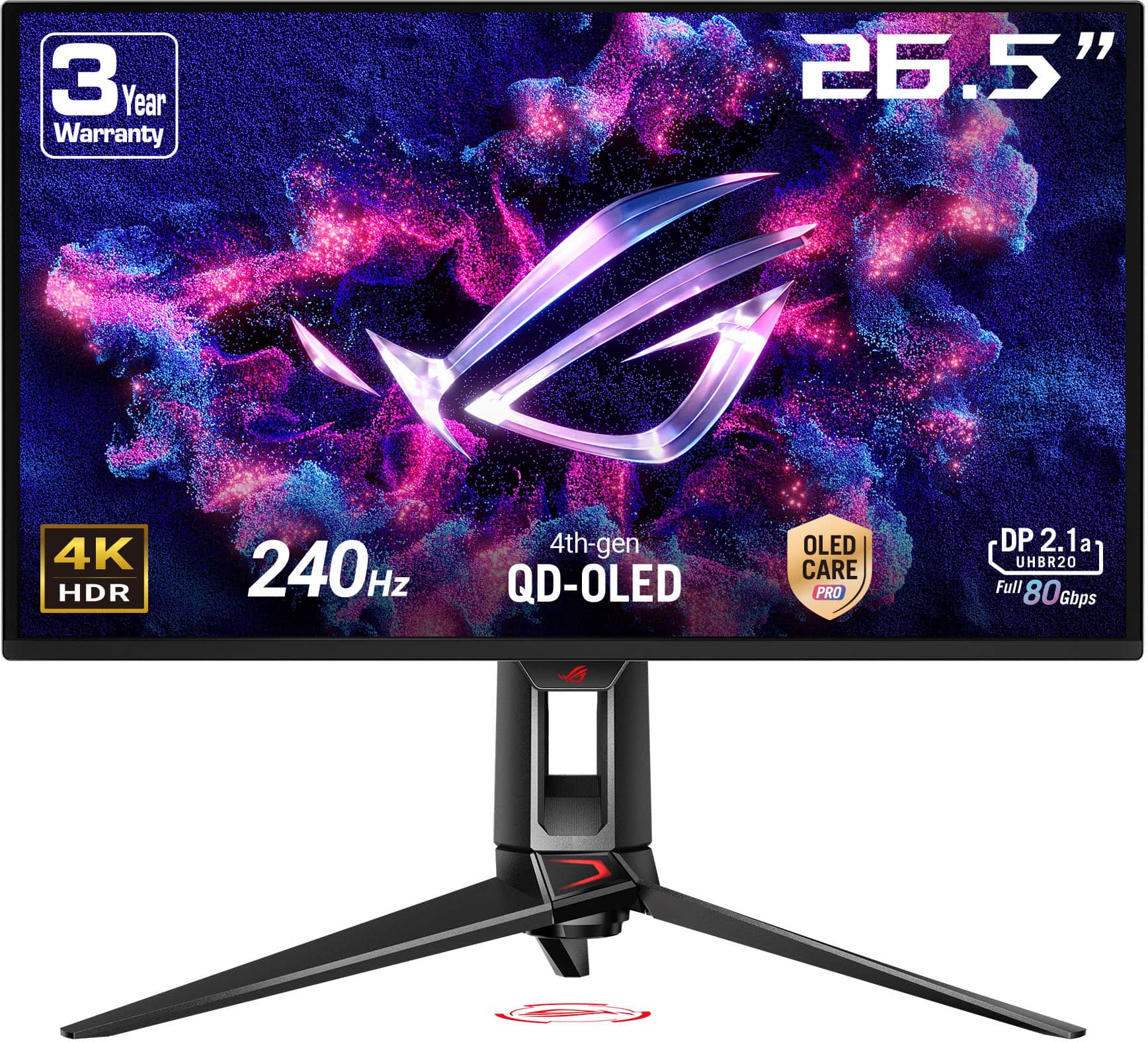
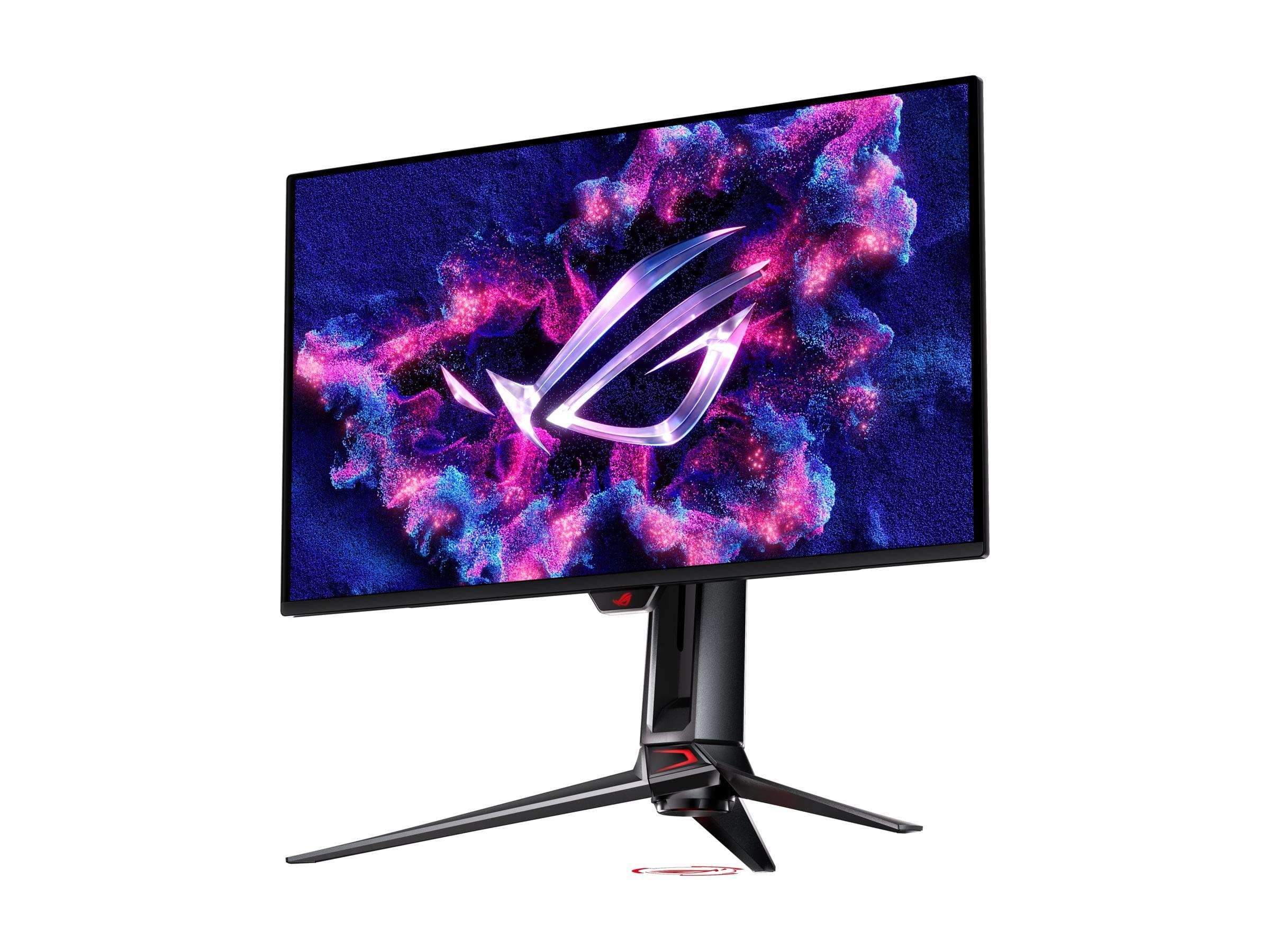
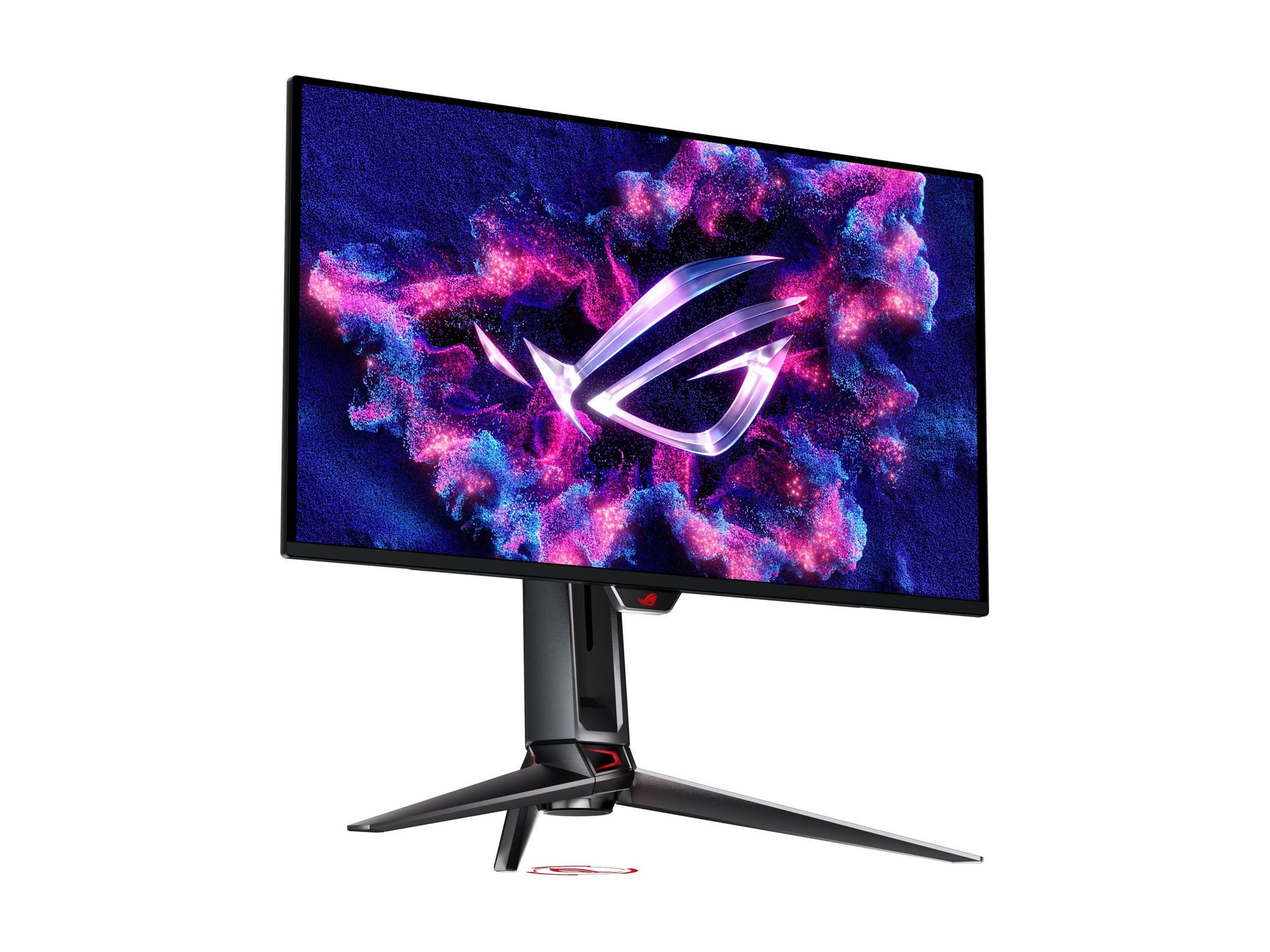
Meanwhile, the ASUS ROG Swift OLED PG27UCDM took a different approach, cramming OLED technology into a 27-inch 4K form factor for the first time. OLED (Organic Light-Emitting Diode) panels create their own light at the pixel level, enabling perfect blacks and infinite contrast ratios. ASUS used fourth-generation QD-OLED (Quantum Dot OLED) technology, which combines OLED's contrast benefits with quantum dots' color purity.
At the time of writing, the LG monitor typically costs several hundred dollars less than the ASUS OLED, making value a significant part of this comparison.
Response time measures how quickly a pixel can change from one color to another, typically measured in "gray-to-gray" (GtG) transitions. The LG UltraGear achieves a respectable 1ms GtG response time, which is excellent for an IPS panel and fast enough for competitive gaming. However, the ASUS OLED absolutely destroys this metric with a 0.03ms response time—that's over 30 times faster.
In practical terms, this massive difference in response time translates to noticeably clearer motion on the ASUS monitor. Fast-moving objects in games appear sharper with less trailing or ghosting effects. I've noticed this particularly in first-person shooters where tracking moving enemies becomes easier with the near-instantaneous pixel response of OLED technology.
However, the LG monitor has a unique ace up its sleeve: its 480Hz mode at 1080p resolution. While both monitors max out at 240Hz in 4K mode, the LG can switch to 1080p and double its refresh rate. This creates an incredibly smooth experience that's particularly beneficial for competitive esports titles like Counter-Strike or Valorant, where many players already prefer lower resolutions for competitive advantages.
Input lag—the delay between when you press a button and when the action appears on screen—is crucial for competitive gaming. Both monitors excel here, with input lag under 1 millisecond in their optimal gaming modes. The ASUS OLED has a slight edge due to its instantaneous pixel response, but the difference is so small that most gamers won't notice it.
Where the LG monitor shines is in its flexibility. The ability to switch between modes means you can optimize for different gaming scenarios. Playing a beautiful single-player RPG? Use 4K 240Hz mode. Jumping into a competitive match? Switch to 1080p 480Hz for maximum responsiveness.
Both monitors support variable refresh rate (VRR) technologies like AMD FreeSync and NVIDIA G-SYNC Compatible, which synchronize the monitor's refresh rate with your graphics card's frame output. This eliminates screen tearing (where parts of different frames appear simultaneously) and reduces stuttering for smoother gameplay.
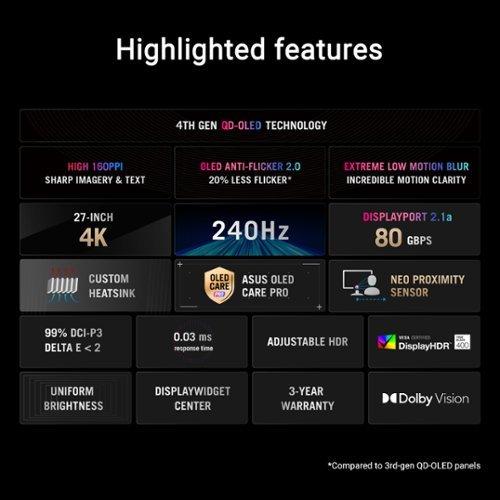
The ASUS OLED supports the full range of VRR technologies and maintains excellent performance across different frame rates. However, like most OLED monitors, it can exhibit VRR flicker—a brightness fluctuation when frame rates change dramatically. ASUS includes "OLED Anti-Flicker 2.0" technology to minimize this, though it doesn't eliminate it entirely.
This is where the fundamental panel technology differences become most apparent. The LG UltraGear uses IPS Black technology, which achieves a 2000:1 contrast ratio—excellent for IPS but still limited compared to other panel types. This means blacks appear more like dark gray, especially in completely dark rooms.
The ASUS OLED offers infinite contrast because OLED pixels can turn completely off, creating true blacks. This creates a dramatically more immersive experience in dark scenes, whether you're exploring a cave in Skyrim or watching a movie in a dark home theater setup. The difference is immediately noticeable and genuinely impressive.
However, OLED technology comes with a trade-off: peak brightness limitations. While the LG monitor can reach 750 nits in HDR mode and 450 nits in standard mode, the ASUS OLED typically peaks around 400 nits. This means HDR content won't pop as dramatically on the OLED in bright room conditions, though the superior contrast often compensates for the lower peak brightness.
Both monitors cover 99% of the DCI-P3 color space, which is the standard for modern content creation and high-end gaming. However, they achieve this coverage differently. The LG monitor uses quantum dot enhancement and supports hardware calibration, allowing professional colorists to fine-tune the display directly.
The ASUS OLED comes factory-calibrated with Delta E values under 2, meaning colors are extremely accurate out of the box. It also supports true 10-bit color processing (not just 8-bit with dithering like many monitors), providing smoother color gradients and more accurate color reproduction for professional work.
For content creators, both monitors offer professional-grade color accuracy, but they approach it differently. The LG provides flexibility through hardware calibration, while the ASUS delivers accuracy through superior factory calibration and true 10-bit processing.
High Dynamic Range (HDR) content offers brighter highlights and darker shadows than standard content, creating more lifelike images. However, implementing HDR well requires sophisticated backlighting control.
The LG UltraGear uses DisplayHDR 600 certification with edge-lit local dimming across 8 zones. While this provides some HDR benefit, the limited number of dimming zones means you'll see blooming (light leaking around bright objects) and less precise highlight control. It's HDR, but not particularly impressive HDR.
The ASUS OLED takes a completely different approach with per-pixel dimming control—essentially millions of dimming zones. Each pixel can independently control its brightness, creating precise highlights and perfect shadows. It supports DisplayHDR 400 True Black and Dolby Vision, providing a genuinely impressive HDR experience despite the lower peak brightness certification.
For HDR gaming and movie watching, the ASUS monitor delivers a significantly better experience, though the LG monitor gets brighter in peak highlights.
The bandwidth requirements for 4K 240Hz are enormous, and both monitors handle this challenge differently. The LG UltraGear uses DisplayPort 2.1 with UHBR13.5 bandwidth, which requires Display Stream Compression (DSC) to fit the 4K 240Hz signal. This compression is visually lossless, meaning you won't notice quality degradation, but it's still technically compressed.
The ASUS OLED includes DisplayPort 2.1a with full UHBR20 bandwidth—80 gigabits per second of uncompressed data throughput. This allows for completely uncompressed 4K 240Hz signals, though in practical terms, the difference is negligible for most users.
The ASUS monitor also includes USB-C with 90W Power Delivery, meaning you can connect a laptop with a single cable for both video and charging. This makes it more versatile for mixed-use scenarios where you might connect both a gaming PC and a work laptop.
The LG UltraGear is built around its revolutionary Dual Mode capability. Beyond the technical achievement, this feature provides real practical benefits. You can optimize for different gaming scenarios without needing multiple monitors. The hardware calibration support also sets it apart for professional color work.
The ASUS OLED focuses on premium features and OLED protection. The "OLED Care Pro" suite includes pixel cleaning, screen move functionality, and a proximity sensor that detects when you're away and switches to a black screen to prevent burn-in. These features address OLED's main weakness—potential image retention or burn-in with static content.
The ASUS also includes RGB lighting, a KVM switch for sharing peripherals between multiple computers, and more extensive gaming features through ASUS's software suite.
At the time of writing, the LG UltraGear typically costs several hundred dollars less than the ASUS OLED, making value a crucial consideration. The LG offers unique functionality (dual-mode operation) at a lower price point, while the ASUS provides superior image quality technology at a premium price.
For competitive gamers, the LG's 480Hz mode might be worth more than the OLED's superior contrast. For single-player gaming enthusiasts or content creators prioritizing image quality, the ASUS's premium might be justified.
Long-term reliability also factors into value calculations. IPS panels like the LG's don't suffer from burn-in, while OLED panels require more careful usage to avoid permanent image retention, despite ASUS's protective features.
Both monitors work excellently as personal displays for streaming content, though they approach this differently. The ASUS OLED excels for movie watching with its infinite contrast and Dolby Vision support, creating a cinema-like experience with perfect blacks and vibrant colors.
The LG monitor gets brighter, which helps in rooms with ambient light, and doesn't carry burn-in concerns for extended movie watching sessions. However, neither monitor includes built-in speakers, so you'll need headphones or external audio solutions for media consumption.
For a dedicated home theater setup, the OLED technology in the ASUS monitor provides a more immersive experience, especially in dark rooms. However, if you watch a lot of content with static elements (news channels, gaming streams with persistent overlays), the LG monitor might be safer for long-term reliability.
Your choice between these pioneering monitors should align with your primary use case and priorities.
Choose the LG UltraGear 27G850A if you're a competitive gamer who values flexibility and reliability. The 480Hz mode provides a genuine competitive advantage in fast-paced esports titles, while the dual-mode capability lets you switch to 4K for single-player games. The lower price point and zero burn-in risk make it an excellent value for gamers who prioritize performance over ultimate image quality.
Choose the ASUS ROG Swift OLED PG27UCDM if image quality is your top priority. The infinite contrast, perfect blacks, and superior color accuracy create a genuinely stunning visual experience for both gaming and content consumption. The premium features and build quality justify the higher price for users who want the absolute best display technology available.
Both monitors represent significant technological achievements in 2025, pushing the boundaries of what's possible in desktop displays. The LG proved that flexible refresh rate modes could work in practice, while the ASUS showed that OLED technology could successfully scale to high-resolution, high-refresh gaming monitors.
Your decision ultimately comes down to whether you value the LG's innovative flexibility and competitive gaming focus, or the ASUS's superior image quality and premium features. Either way, you're getting a cutting-edge display that represents the current pinnacle of gaming monitor technology.
| LG UltraGear 27" 4K 240Hz Dual Mode Gaming Monitor | ASUS ROG Swift OLED PG27UCDM 27" 4K 240Hz Gaming Monitor |
|---|---|
| Panel Technology - Determines contrast, response time, and long-term reliability | |
| Nano IPS Black (2000:1 contrast, no burn-in risk) | 4th-gen QD-OLED (infinite contrast, potential burn-in) |
| Response Time - Critical for motion clarity in fast-paced games | |
| 1ms GtG (excellent for IPS, some ghosting at max refresh) | 0.03ms GtG (33x faster, virtually no motion blur) |
| Unique Features - What sets each monitor apart from competitors | |
| Dual Mode: 4K 240Hz OR 1080p 480Hz operation | World's first 27" 4K OLED, OLED Care Pro burn-in protection |
| Peak Brightness - Affects HDR impact and bright room usability | |
| 750 nits HDR / 450 nits SDR (better for bright rooms) | ~400 nits typical (OLED limitation, but infinite contrast compensates) |
| HDR Implementation - Quality of high dynamic range content | |
| DisplayHDR 600 with 8-zone edge-lit dimming (basic HDR) | DisplayHDR 400 True Black with per-pixel dimming (excellent HDR) |
| Color Accuracy - Important for content creation and visual quality | |
| 99% DCI-P3, hardware calibration support, 8-bit + FRC | 99% DCI-P3, factory calibrated (ΔE < 2), true 10-bit |
| Connectivity - Bandwidth determines if you get uncompressed 4K 240Hz | |
| DisplayPort 2.1 UHBR13.5 (requires compression), 2x HDMI 2.1 | DisplayPort 2.1a UHBR20 (full 80Gbps uncompressed), USB-C 90W PD |
| Best For - Primary use case where each monitor excels | |
| Competitive esports gaming (480Hz mode) and value-conscious buyers | Premium single-player gaming, content creation, and home theater |
| Value Proposition - Performance per dollar consideration | |
| Revolutionary dual-mode flexibility at lower price point | Premium OLED image quality with advanced features at higher cost |
The LG UltraGear 27" 4K 240Hz Dual Mode Gaming Monitor is superior for competitive gaming due to its unique 480Hz mode at 1080p resolution. This ultra-high refresh rate provides the smoothest possible motion for esports titles like Counter-Strike, Valorant, and Apex Legends. While the ASUS ROG Swift OLED PG27UCDM has faster 0.03ms response times, the LG monitor gives competitive players the refresh rate advantage they need most.
The primary difference is panel technology and approach. The LG UltraGear uses IPS Black technology with revolutionary dual-mode capability (4K 240Hz or 1080p 480Hz), while the ASUS ROG Swift OLED uses cutting-edge QD-OLED technology for infinite contrast and perfect blacks. The LG focuses on flexibility and competitive gaming, while the ASUS prioritizes ultimate image quality.
The ASUS ROG Swift OLED PG27UCDM delivers superior picture quality with its infinite contrast ratio, perfect blacks, and vibrant colors from OLED technology. It also supports Dolby Vision and has better HDR performance with per-pixel dimming control. The LG UltraGear offers excellent colors and brightness but cannot match OLED's contrast capabilities for immersive single-player experiences.
Only the ASUS ROG Swift OLED has potential burn-in risks due to its OLED panel technology. However, ASUS includes OLED Care Pro features like pixel cleaning, screen movement, and a proximity sensor to minimize this risk. The LG UltraGear uses IPS technology with zero burn-in concerns, making it worry-free for extended gaming sessions with static UI elements.
The LG UltraGear 27" 4K 240Hz Dual Mode Gaming Monitor performs better in bright environments with its higher peak brightness of 750 nits in HDR mode and 450 nits in SDR mode. The ASUS OLED is limited to around 400 nits typical brightness, which can make it harder to see in rooms with significant ambient lighting, despite its superior contrast.
Yes, both the LG UltraGear and ASUS ROG Swift OLED support native 4K resolution at 240Hz refresh rate. However, the ASUS monitor can do this with uncompressed signals thanks to its full-bandwidth DisplayPort 2.1a connection, while the LG monitor uses visually lossless compression through its DisplayPort 2.1 connection.
The LG UltraGear 27" 4K 240Hz Dual Mode Gaming Monitor typically offers better value with its lower price point and unique dual-mode capability. You get two monitors in one - a 4K 240Hz display and a 1080p 480Hz display. The ASUS ROG Swift OLED costs more but provides premium OLED image quality and advanced features for users prioritizing visual excellence over value.
The ASUS ROG Swift OLED PG27UCDM offers more comprehensive connectivity with DisplayPort 2.1a, HDMI 2.1 ports, USB-C with 90W Power Delivery, and a USB hub with KVM switch. The LG UltraGear includes DisplayPort 2.1, dual HDMI 2.1 ports, and USB connectivity but lacks USB-C Power Delivery and KVM functionality.
Both monitors excel for content creation with 99% DCI-P3 color coverage. The ASUS ROG Swift OLED comes factory-calibrated with Delta E < 2 accuracy and true 10-bit color processing, making it excellent out-of-the-box for color-critical work. The LG UltraGear offers hardware calibration support, allowing professional colorists to fine-tune the display directly for their specific workflow needs.
The ASUS ROG Swift OLED PG27UCDM provides a superior home theater experience with its infinite contrast, perfect blacks, and Dolby Vision support. Movies and TV shows look more cinematic with the deep blacks and vibrant colors that OLED technology delivers. The LG monitor gets brighter for daytime viewing but cannot match the ASUS OLED's contrast performance for dark room movie watching.
Yes, both the LG UltraGear and ASUS ROG Swift OLED support AMD FreeSync Premium Pro, NVIDIA G-SYNC Compatible, and VESA AdaptiveSync for smooth, tear-free gaming. The ASUS monitor may experience some VRR flicker in dark scenes despite its Anti-Flicker 2.0 technology, while the LG monitor maintains consistent performance across different frame rates.
Choose the LG UltraGear 27" 4K 240Hz Dual Mode Gaming Monitor if you prioritize competitive gaming, value flexibility, and want better bang for your buck. The 480Hz mode gives you a genuine competitive advantage. Choose the ASUS ROG Swift OLED PG27UCDM if you prioritize the best possible image quality, play mostly single-player games, do content creation work, or use your monitor for home theater purposes and don't mind paying extra for premium OLED technology.
We've done our best to create useful and informative comparisons to help you decide what product to buy. Our research uses advanced automated methods to create this comparison and perfection is not possible - please contact us for corrections or questions. These are the sites we've researched in the creation of this article: bestbuy.com - displayninja.com - rtings.com - youtube.com - lg.com - rtings.com - tftcentral.co.uk - bestbuy.com - techpowerup.com - lg.com - lg.com - lg.com - tomshardware.com - thepcenthusiast.com - rtings.com - youtube.com - rtings.com - rog.asus.com - tweaktown.com - youtube.com - youtube.com - versus.com - rog.asus.com - rog.asus.com - newegg.com - rog.asus.com - cdw.com - pcmonitors.info - displayspecifications.com - rog.asus.com - bhphotovideo.com - techpowerup.com - shi.com - bhphotovideo.com

Privacy Policy
Terms and Conditions - Affiliate Policy
Home Security
© Copyright 2008-2026.
11816 Inwood Rd #1211, Dallas, TX 75244