

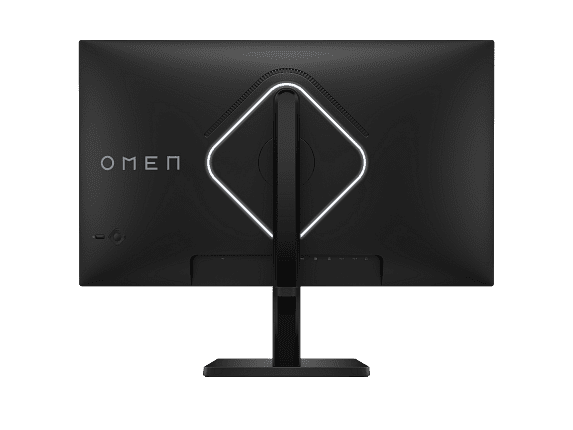
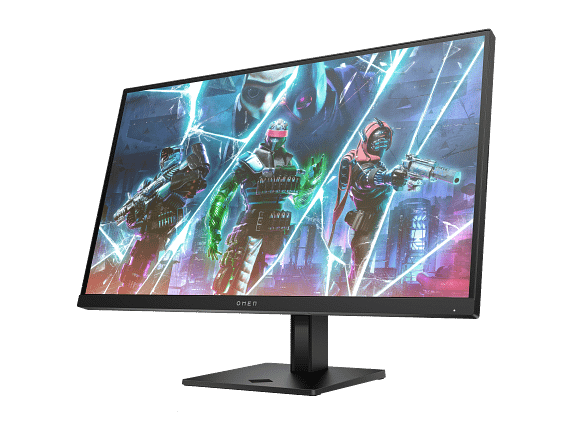
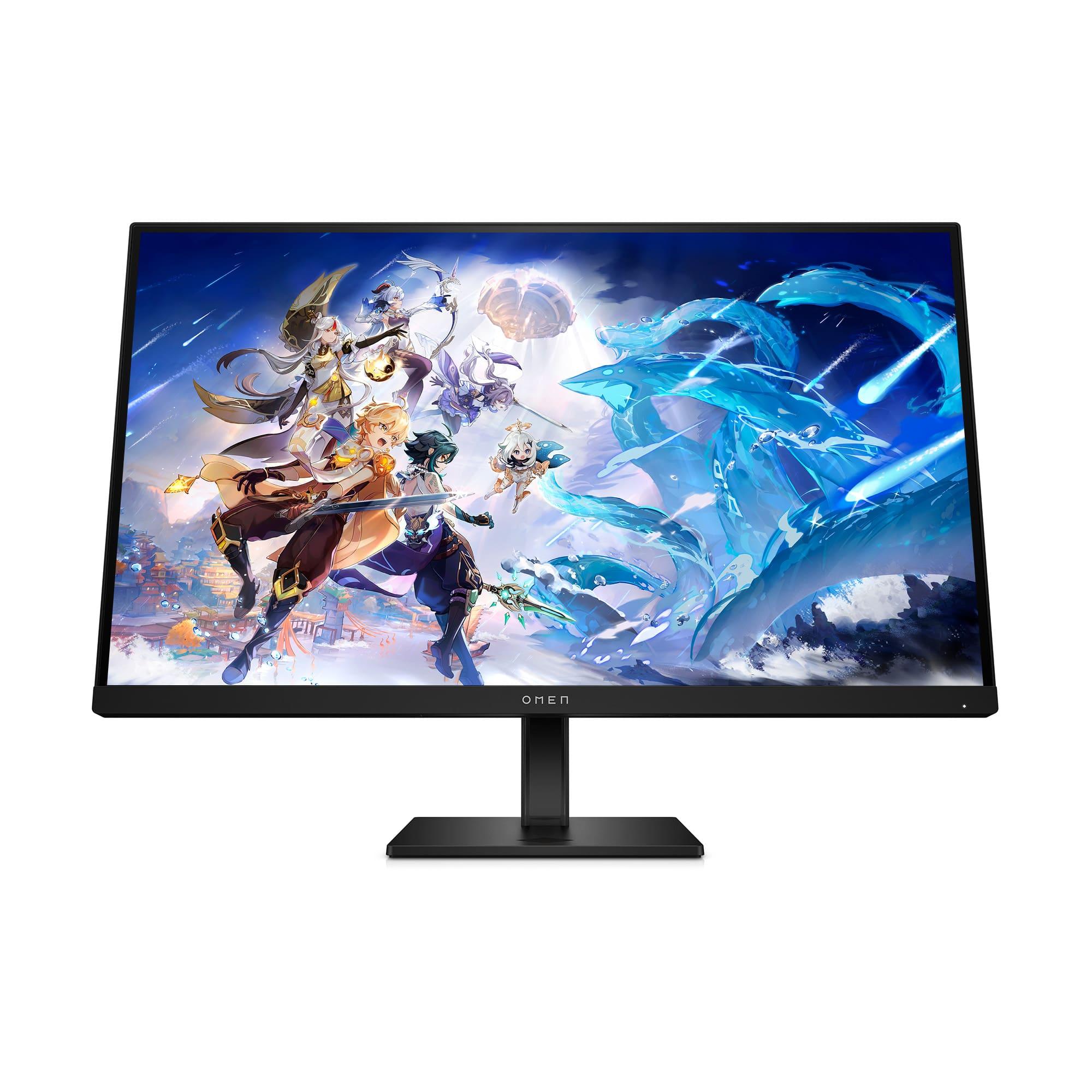
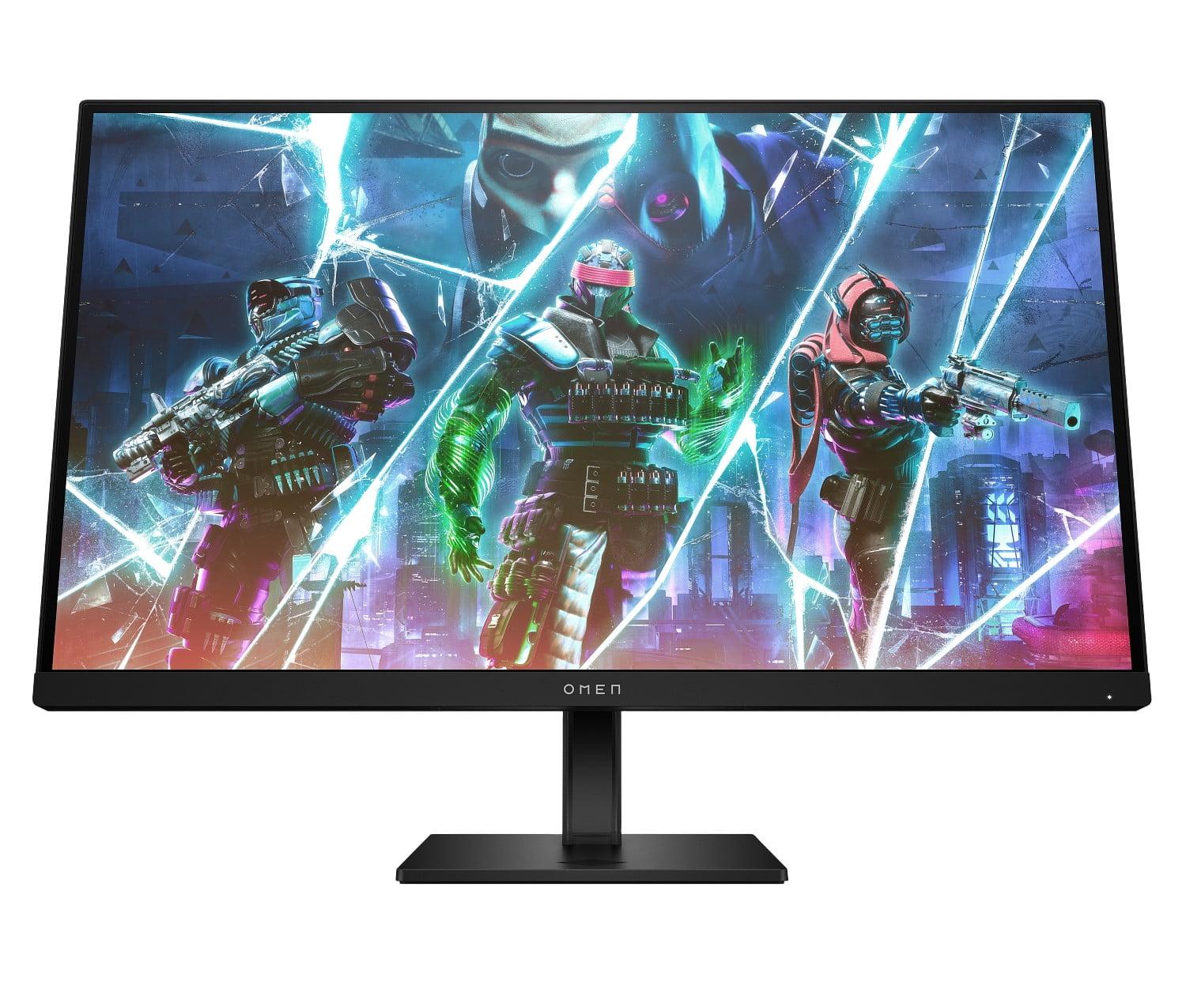








The gaming monitor market has exploded in recent years, and choosing between high-performance displays has become increasingly complex. Today we're comparing two standout monitors that represent different philosophies in gaming display technology: the HP OMEN 27s FHD 240Hz Gaming Monitor and the LG UltraGear 27" 4K 240Hz Dual Mode Gaming Monitor.
At the time of writing, both monitors sit in the premium gaming category, though they target slightly different audiences. The HP OMEN 27s positions itself as a competitive gaming powerhouse at a more accessible price point, while the LG UltraGear 27G850A commands a higher price for its cutting-edge technology and versatility.
Before diving into specifics, let's establish what makes these monitors special. Traditional monitors refresh at 60Hz, meaning they update the image 60 times per second. Gaming monitors like these push far beyond that limit—the HP OMEN 27s hits 240Hz, while the LG UltraGear can reach an incredible 480Hz in its special dual mode.
Why does this matter? Every additional frame displayed means smoother motion, reduced input lag (the delay between your mouse click and seeing the result on screen), and a competitive advantage in fast-paced games. For context, professional esports players often consider anything above 144Hz essential for serious competition.
The key considerations when shopping for high-refresh monitors include resolution versus refresh rate trade-offs, panel technology differences, adaptive sync compatibility with your graphics card, connectivity options for modern gaming systems, and overall ergonomics for long gaming sessions.
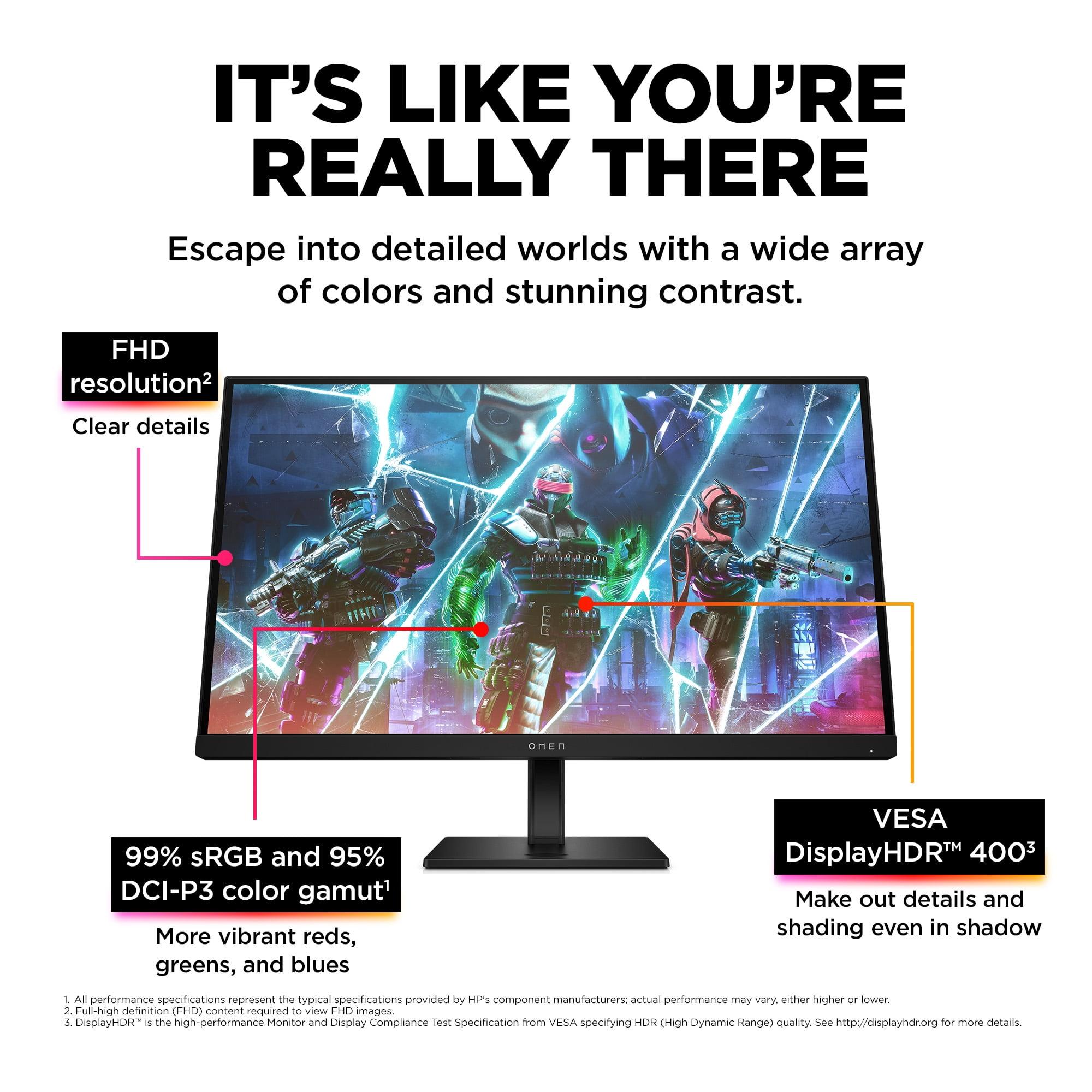
The most obvious difference between these monitors is resolution. The HP OMEN 27s uses Full HD (1920x1080) resolution, while the LG UltraGear 27G850A delivers Ultra HD 4K (3840x2160). This isn't just about numbers—it fundamentally changes how you'll use each monitor.
At 27 inches, Full HD provides roughly 82 pixels per inch (PPI). While this might sound low compared to modern smartphones, it's perfectly adequate for competitive gaming where performance trumps pixel density. The larger pixels mean less strain on your graphics card, allowing you to maintain those high frame rates that make the 240Hz refresh rate worthwhile.
The LG's 4K resolution delivers approximately 163 PPI—nearly double the pixel density. Text appears razor-sharp, game details become incredibly crisp, and the overall visual experience feels more immersive. However, this comes at a significant cost in terms of graphics card performance requirements.
Both monitors use variations of IPS (In-Plane Switching) technology, known for accurate colors and wide viewing angles. The HP OMEN 27s uses a standard IPS panel that covers 99% of the sRGB color space and 95% of the wider DCI-P3 gamut. For most gaming applications, this provides vibrant, accurate colors that won't leave you wanting.
The LG UltraGear employs Nano IPS Black technology—a newer advancement that significantly improves contrast ratios. While standard IPS panels typically achieve 1000:1 contrast (meaning whites are 1000 times brighter than blacks), the LG reaches 2000:1. This translates to deeper blacks and more realistic dark scenes in games, though it still can't match the infinite contrast of OLED displays.
The color performance difference is notable too. The LG monitor covers 99% DCI-P3 and 94% Adobe RGB, plus it supports 10-bit color depth compared to the HP's 8-bit panel. This means smoother color gradients and more accurate reproduction of subtle color differences—particularly valuable for content creation beyond gaming.
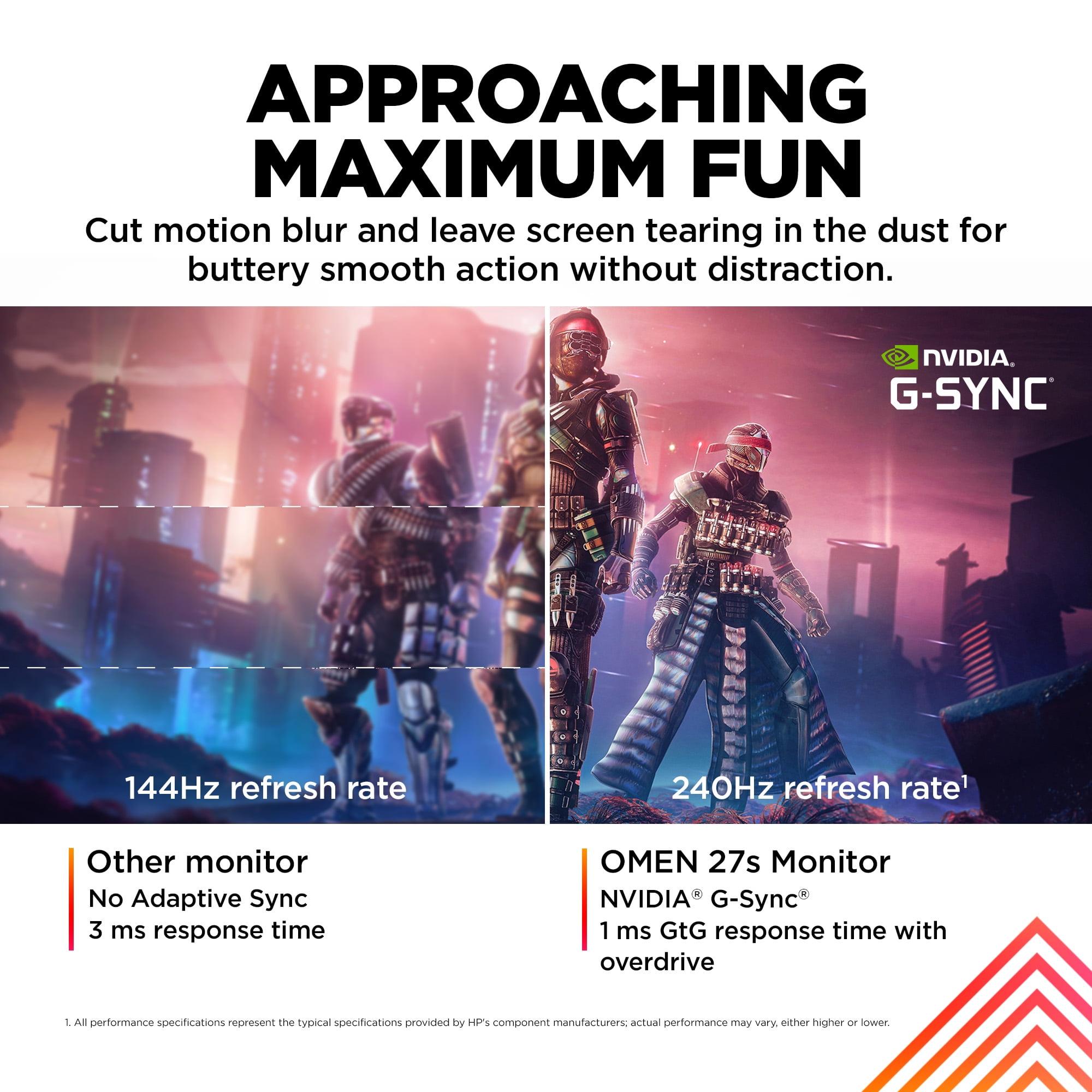
The HP OMEN 27s delivers its 240Hz refresh rate consistently, paired with a 1ms gray-to-gray (GtG) response time when overdrive is enabled. Gray-to-gray measures how quickly pixels can transition between different shades of gray—essentially how fast the monitor can keep up with rapid changes in your game.
What makes the LG UltraGear unique is its Dual Mode functionality. In standard mode, it runs 4K resolution at 240Hz—already impressive for such a high resolution. But switch to Dual Mode, and it can display 1080p content at an astounding 480Hz. This isn't just marketing fluff; it's genuinely useful for competitive players who want the ultimate in motion smoothness.
The 480Hz mode works by essentially using every other pixel, creating a smaller display area but achieving twice the refresh rate. Some competitive players prefer this approach, as it can reduce the active screen area to 24 inches while maintaining the full 27-inch ergonomics.
Input lag—the total time from when you press a button to when you see the result—is crucial for competitive gaming. Both monitors excel here, with sub-millisecond processing delays that put them among the fastest gaming displays available. The LG monitor maintains its low input lag even when switching between its different modes, which is technically impressive given the complexity of its dual-mode system.
The HP OMEN 27s supports VESA DisplayHDR 400, which represents the entry level of HDR certification. With 400 nits of peak brightness and no local dimming, it provides a subtle HDR experience that's better than standard SDR but won't deliver the dramatic contrast improvements you might expect from premium HDR content.
The LG UltraGear steps up to VESA DisplayHDR 600, achieving up to 670 nits peak brightness with basic edge-lit local dimming. While still not comparable to high-end HDR displays with hundreds of dimming zones, it provides noticeably better contrast and highlight detail. The eight local dimming zones help reduce blooming (light bleeding around bright objects) compared to monitors without any dimming zones.
For content creation or professional work, the LG monitor offers a significant advantage with its hardware calibration support. This allows color-critical work without relying on software profiles that can introduce delays or inaccuracies. The wider color gamut and 10-bit processing also make it suitable for video editing and graphic design work.
The HP OMEN 27s provides good color accuracy for gaming and general use, but lacks the professional features that content creators might need. Its color reproduction is consistent and vibrant, making games look great without the premium cost of professional-grade accuracy.
Connectivity reveals another key difference between these monitors. The HP OMEN 27s includes two HDMI 2.0 ports and one DisplayPort 1.4, which is perfectly adequate for its FHD resolution and provides good compatibility with both PC and console gaming.
The LG UltraGear features DisplayPort 2.1 and two HDMI 2.1 ports—representing the latest connection standards. DisplayPort 2.1 is crucial for achieving full 4K 240Hz without compression, while HDMI 2.1 ensures compatibility with PlayStation 5 and Xbox Series X at their maximum supported resolutions and refresh rates.
Both monitors include USB hubs, though with different approaches. The HP monitor provides two USB-A 3.2 ports plus the upstream connection, creating a simple but effective hub for connecting peripherals like gaming keyboards and mice.
The LG monitor takes a more minimalist approach with fewer USB ports but includes DTS Headphone:X audio processing through its headphone jack—a nice touch for gamers using wired headsets.
For competitive esports titles like Counter-Strike, Valorant, or Overwatch, the HP OMEN 27s offers an optimal balance. The FHD resolution means most modern graphics cards can easily maintain frame rates above 240 FPS, ensuring you're utilizing the full potential of the high refresh rate. Professional esports players often prefer FHD for this reason—consistent high frame rates matter more than pixel density for competitive advantage.
The LG monitor's 480Hz mode in 1080p creates an interesting option for the most demanding competitive players. While few can perceive the difference between 240Hz and 480Hz, some professional players swear by the ultimate smoothness, particularly in tracking fast-moving targets.
For story-driven games, open-world adventures, or visually spectacular titles, the LG UltraGear's 4K resolution provides a dramatically more immersive experience. Games like Cyberpunk 2077, Red Dead Redemption 2, or Microsoft Flight Simulator benefit enormously from the increased detail and clarity.
However, achieving 4K gaming at high frame rates requires serious graphics hardware. At the time of writing, only the most powerful graphics cards like the RTX 4090 or RX 7900 XTX can consistently deliver 4K gaming above 100 FPS in demanding titles.
At the time of writing, the HP OMEN 27s positions itself in the upper-midrange gaming monitor segment, offering premium features at a more accessible price point. The LG UltraGear 27G850A commands a significant premium, reflecting its cutting-edge technology and versatility.
This price difference extends beyond the initial purchase. The HP monitor allows you to achieve excellent gaming performance with a wider range of graphics cards, potentially saving money on your overall system build. The LG monitor essentially requires top-tier graphics hardware to fully utilize its capabilities, increasing the total cost of ownership.
Released in 2023, the HP OMEN 27s represents mature technology that's well-optimized and reliable. The gaming industry has fully embraced 240Hz gaming, and most competitive titles can easily achieve these frame rates at FHD resolution.
The LG UltraGear 27G850A, releasing in 2025, represents the bleeding edge of display technology. Its DisplayPort 2.1 connectivity and dual-mode functionality position it well for future gaming developments, though it may take years for games and graphics cards to fully utilize its potential.
While neither monitor is specifically designed for home theater use, their 27-inch size makes them suitable for bedroom or den setups rather than main living room entertainment.
The LG monitor's 4K resolution and superior HDR performance make it more suitable for movie watching and streaming content. The Nano IPS Black technology provides better contrast for dark movie scenes, while the 4K resolution ensures streaming content appears sharp and detailed.
The HP OMEN 27s works fine for casual media consumption, but its FHD resolution and basic HDR implementation limit its appeal for serious movie watching. Its strength remains firmly in gaming performance.
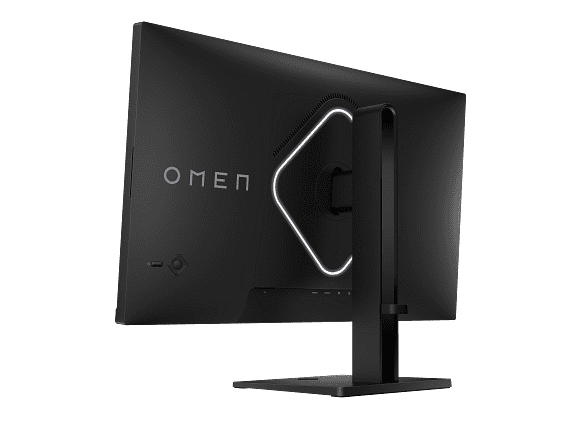
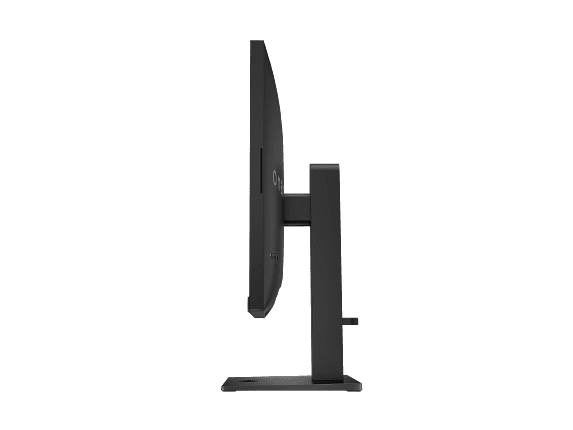
Both monitors offer comprehensive ergonomic adjustments including height, tilt, swivel, and pivot functionality. The build quality feels solid on both, with sturdy stands that minimize wobble during intense gaming sessions.
The HP monitor includes integrated speakers, which are adequate for basic audio but won't replace dedicated speakers or headphones for serious gaming. The LG monitor focuses on its enhanced headphone output instead of including speakers, which aligns with its more premium positioning.
Cable management is well-handled on both monitors, with built-in routing systems that help maintain clean desk setups.
Competitive gamers who prioritize performance over pixel density will find the HP OMEN 27s ideal. If you primarily play esports titles like Valorant, CS2, League of Legends, or Rocket League, the combination of 240Hz refresh rate and FHD resolution provides optimal competitive performance without breaking the bank.
Students and young professionals who game frequently but also need a reliable display for productivity work will appreciate its versatility and value. The color accuracy is sufficient for general creative work, though not professional-grade.
Anyone building a gaming setup around mid-to-high-end graphics cards (RTX 4060 Ti through RTX 4080) will find this monitor perfectly matched to their hardware capabilities.
Content creators and professionals who need both gaming performance and color-accurate work capabilities should strongly consider the LG UltraGear. The hardware calibration support and wide color gamut make it suitable for video editing, graphic design, and photography work.
Enthusiast gamers with high-end systems who want the absolute best visual experience will appreciate the 4K resolution and advanced features. If you have an RTX 4090 or similar high-end graphics card, this monitor can showcase your hardware's full potential.
Future-focused buyers who want a monitor that will remain relevant for years should consider the LG's advanced connectivity and dual-mode functionality as an investment in longevity.
These monitors represent different philosophies rather than simple good-versus-better comparisons. The HP OMEN 27s excels at its core mission: delivering exceptional competitive gaming performance at a reasonable price. It's a focused tool that does exactly what most gamers need extremely well.
The LG UltraGear 27G850A is a showcase of what's possible when pushing display technology forward. Its versatility and future-proofing come at a premium, but for users who can utilize its full feature set, it represents genuine value despite its higher cost.
Your choice should align with your primary use case, graphics card capabilities, and budget flexibility. Both monitors will deliver excellent gaming experiences—the question is whether you prioritize specialized competitive performance or versatile cutting-edge technology.
| HP OMEN 27s FHD 240Hz Gaming Monitor | LG UltraGear 27" 4K 240Hz Dual Mode Gaming Monitor |
|---|---|
| Resolution - Determines image sharpness and GPU requirements | |
| 1920 x 1080 (FHD) - easier on graphics cards, ideal for competitive gaming | 3840 x 2160 (4K UHD) - razor-sharp visuals but requires powerful GPU |
| Maximum Refresh Rate - Higher rates provide smoother motion and competitive advantage | |
| 240Hz at FHD - excellent for esports and competitive gaming | 240Hz at 4K native, 480Hz at 1080p in Dual Mode - industry-leading performance |
| Panel Technology - Affects color accuracy, contrast, and viewing angles | |
| Standard IPS - good colors and viewing angles with 1000:1 contrast | Nano IPS Black - superior contrast (2000:1) and deeper blacks |
| Response Time - Lower is better for reducing motion blur | |
| 1ms GtG with Overdrive - fast enough for competitive gaming | 1ms GtG - matches HP OMEN 27s performance |
| Color Gamut Coverage - Important for vibrant visuals and content creation | |
| 99% sRGB, 95% DCI-P3 - excellent for gaming, good for basic creative work | 99% DCI-P3, 94% Adobe RGB with 10-bit color - professional-grade accuracy |
| HDR Performance - Enhances contrast and brightness in supported content | |
| VESA DisplayHDR 400 (400 nits) - basic HDR experience | VESA DisplayHDR 600 (670 nits peak) with edge-lit local dimming - noticeably better HDR |
| Connectivity - Determines compatibility with modern devices | |
| 2x HDMI 2.0, 1x DisplayPort 1.4 - adequate for FHD gaming | 1x DisplayPort 2.1, 2x HDMI 2.1 - future-proof for 4K gaming |
| Special Features - Unique capabilities that set each monitor apart | |
| OMEN Gaming Hub integration, custom crosshairs | Dual Mode (4K 240Hz or 1080p 480Hz), hardware calibration support |
| Adaptive Sync Technology - Eliminates screen tearing for smooth gameplay | |
| NVIDIA G-SYNC Compatible, AMD FreeSync Premium | NVIDIA G-SYNC Compatible, AMD FreeSync Premium Pro, VESA AdaptiveSync |
| Ergonomic Adjustments - Important for comfort during long gaming sessions | |
| Height, tilt, pivot, swivel with VESA 100x100mm mount | Height, tilt, pivot, swivel - matches HP OMEN 27s flexibility |
| Audio Features - Built-in sound options | |
| Integrated dual 3W speakers, 3.5mm headphone jack | 4-pole headphone jack with DTS Headphone:X processing - no speakers |
| Target Use Case - Who each monitor serves best | |
| Competitive esports gaming, budget-conscious enthusiasts | Premium gaming, content creation, future-proofing enthusiasts |
The HP OMEN 27s FHD 240Hz Gaming Monitor is generally better for competitive gaming due to its FHD resolution, which allows most graphics cards to easily maintain frame rates above 240 FPS. The lower resolution reduces GPU load, ensuring consistent high performance in esports titles like Valorant, CS2, and Overwatch. However, the LG UltraGear 27" 4K 240Hz Dual Mode Gaming Monitor offers a unique 480Hz mode at 1080p for the ultimate competitive experience.
The primary difference is resolution: the HP OMEN 27s uses Full HD (1920x1080) while the LG UltraGear delivers 4K (3840x2160). This fundamental difference affects everything from image sharpness to graphics card requirements. The LG monitor provides much sharper visuals but requires significantly more GPU power to achieve high frame rates.
The LG UltraGear 27" 4K 240Hz Dual Mode Gaming Monitor requires much more powerful graphics hardware. To fully utilize its 4K 240Hz capability, you'll need a high-end GPU like an RTX 4090 or RX 7900 XTX. The HP OMEN 27s works excellently with mid-range to high-end cards like the RTX 4060 Ti through RTX 4080, making it more accessible for most gaming setups.
Yes, both the HP OMEN 27s FHD 240Hz Gaming Monitor and LG UltraGear 27" 4K 240Hz Dual Mode Gaming Monitor support adaptive sync technologies from both manufacturers. They're NVIDIA G-SYNC Compatible and support AMD FreeSync, ensuring smooth, tear-free gaming regardless of your graphics card brand.
The LG UltraGear is significantly better for content creation, offering hardware calibration support, wider color gamut coverage (99% DCI-P3, 94% Adobe RGB), and 10-bit color processing. The HP OMEN 27s provides good color accuracy for general use but lacks the professional features that video editors, graphic designers, and photographers require.
The LG UltraGear 27" 4K 240Hz Dual Mode Gaming Monitor can switch between 4K at 240Hz for immersive gaming and 1080p at 480Hz for competitive play. This 480Hz mode offers the smoothest motion possible, though few people can perceive the difference beyond 240Hz. It's primarily valuable for professional esports players who want every possible advantage.
The LG UltraGear provides superior HDR with VESA DisplayHDR 600 certification, reaching 670 nits peak brightness with basic local dimming. The HP OMEN 27s supports DisplayHDR 400 with 400 nits brightness and no local dimming, offering a more basic HDR experience that's still better than standard monitors.
Both work well with consoles, but the LG UltraGear 27" 4K 240Hz Dual Mode Gaming Monitor is better suited for PlayStation 5 and Xbox Series X due to its HDMI 2.1 connectivity and 4K resolution support. The HP OMEN 27s FHD 240Hz Gaming Monitor works fine with consoles but is limited to 1080p resolution, which doesn't fully utilize next-gen console capabilities.
The HP OMEN 27s offers better value for most gamers, providing excellent competitive gaming performance at a more accessible price point. It also allows you to use less expensive graphics cards while still achieving high frame rates. The LG UltraGear costs significantly more but offers cutting-edge technology and versatility that justifies the premium for enthusiasts and professionals.
The LG UltraGear 27" 4K 240Hz Dual Mode Gaming Monitor is much better for media consumption due to its 4K resolution, superior contrast (2000:1 vs 1000:1), and better HDR performance. The HP OMEN 27s works fine for casual viewing but its FHD resolution and basic HDR limit its appeal for serious movie watching.
The LG UltraGear offers more future-proof connectivity with DisplayPort 2.1 and dual HDMI 2.1 ports, essential for full 4K 240Hz bandwidth and next-gen console compatibility. The HP OMEN 27s FHD 240Hz Gaming Monitor includes HDMI 2.0 and DisplayPort 1.4, which is perfectly adequate for its FHD resolution and current gaming needs.
For most first-time high-refresh gaming setups, the HP OMEN 27s FHD 240Hz Gaming Monitor is the better choice. It provides excellent gaming performance without requiring the most expensive graphics cards, making it easier to build a balanced system. Choose the LG UltraGear 27" 4K 240Hz Dual Mode Gaming Monitor only if you have a high-end GPU and want the absolute best visual quality and future-proofing.
We've done our best to create useful and informative comparisons to help you decide what product to buy. Our research uses advanced automated methods to create this comparison and perfection is not possible - please contact us for corrections or questions. These are the sites we've researched in the creation of this article: bestbuy.com - hp.com - shi.com - hp.com - bestbuy.com - hp.com - tomshardware.com - hp.com - rtings.com - hp.com - displayspecifications.com - support.hp.com - publicsector.shidirect.com - objects.icecat.biz - files.bbystatic.com - hp.com - displayspecifications.com - bestbuy.com - displayninja.com - rtings.com - youtube.com - lg.com - rtings.com - tftcentral.co.uk - bestbuy.com - techpowerup.com - lg.com - lg.com - lg.com

Privacy Policy
Terms and Conditions - Affiliate Policy
Home Security
© Copyright 2008-2026.
11816 Inwood Rd #1211, Dallas, TX 75244