








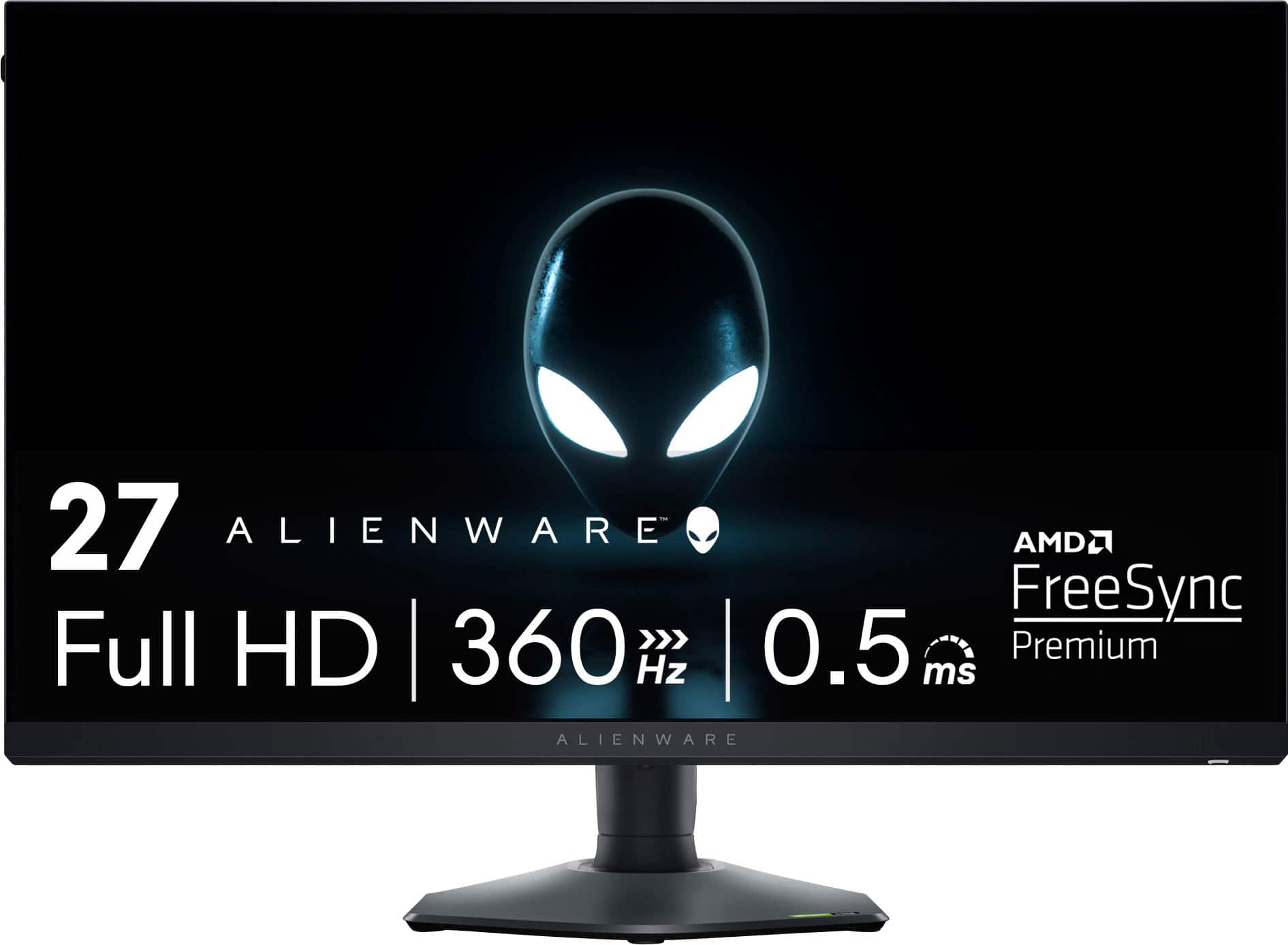
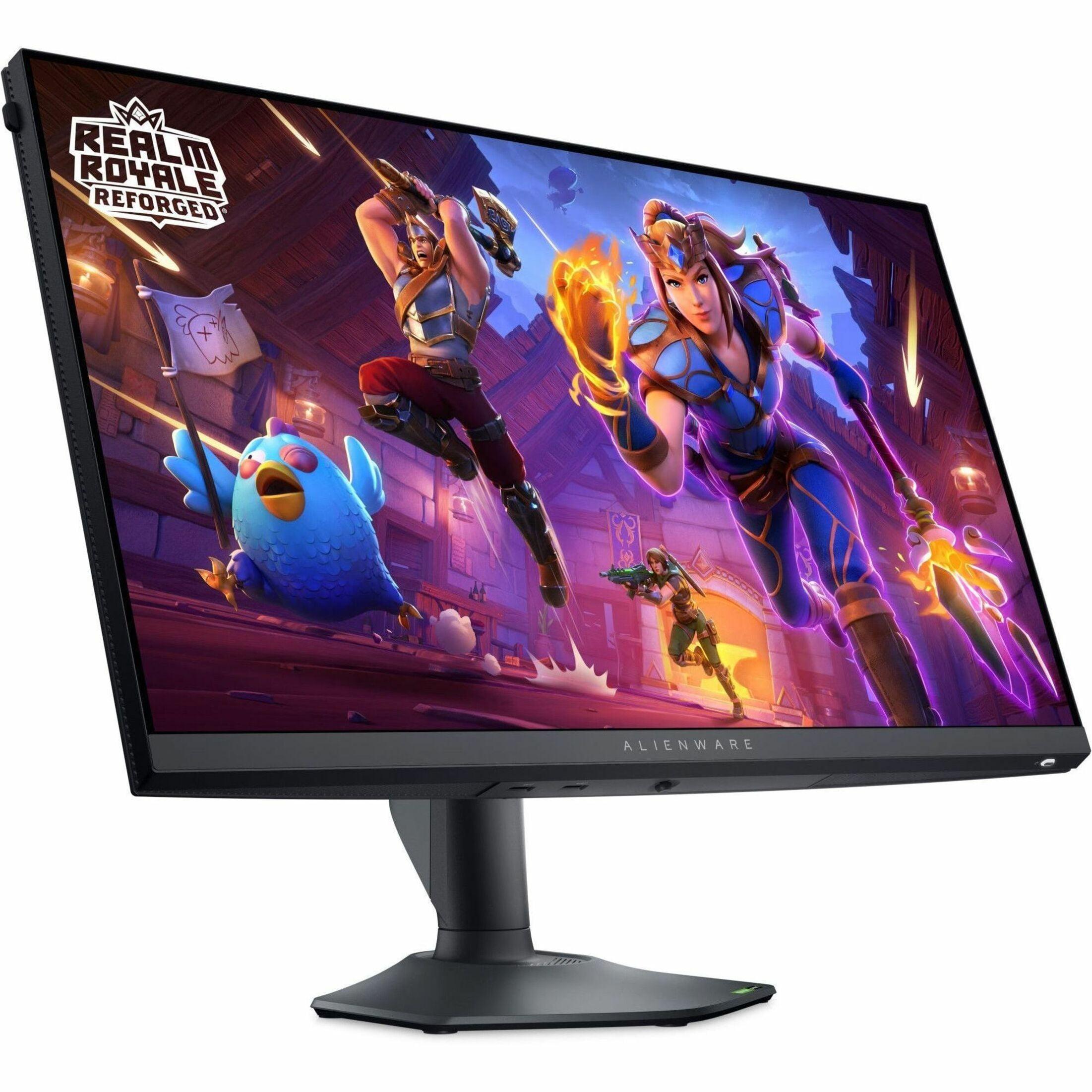
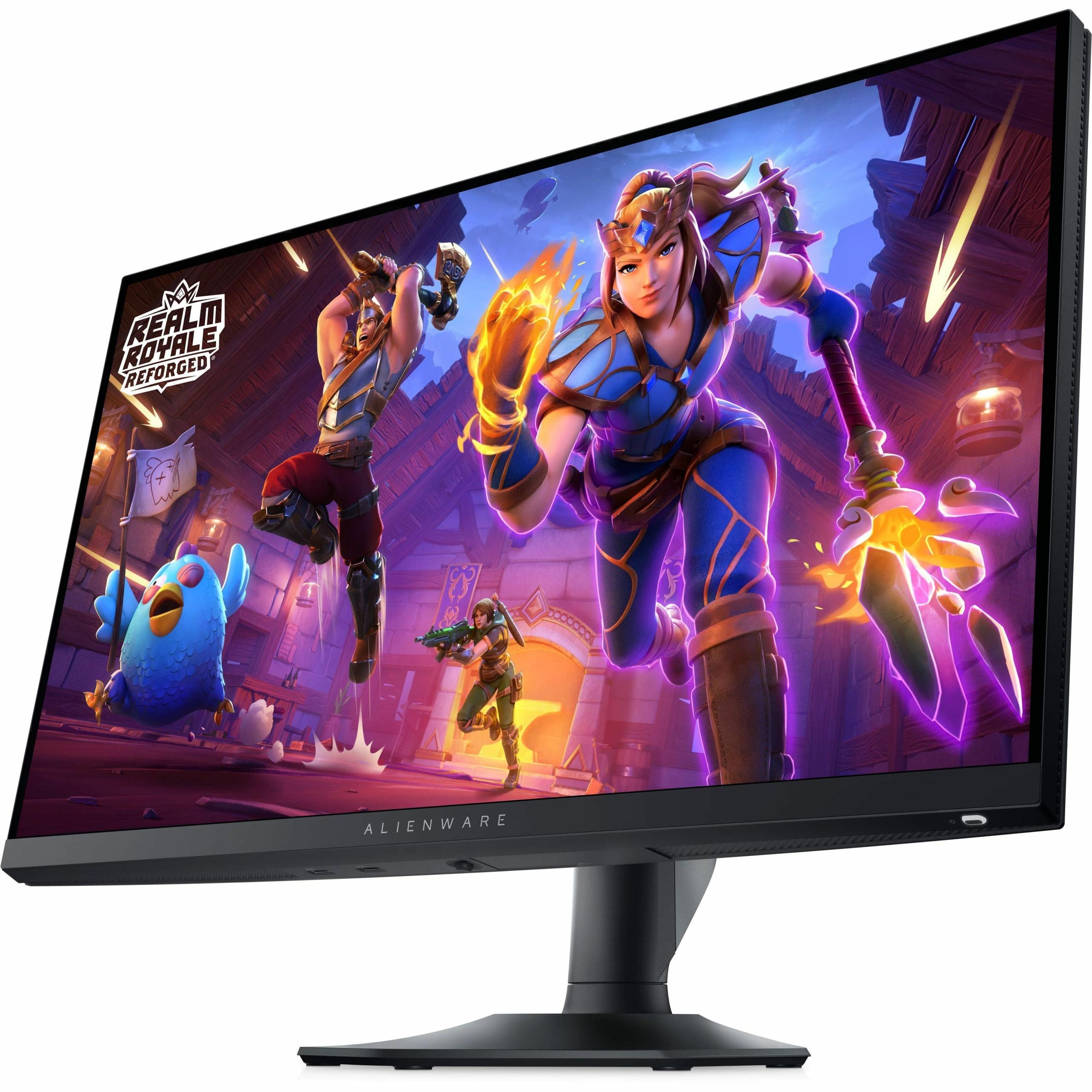
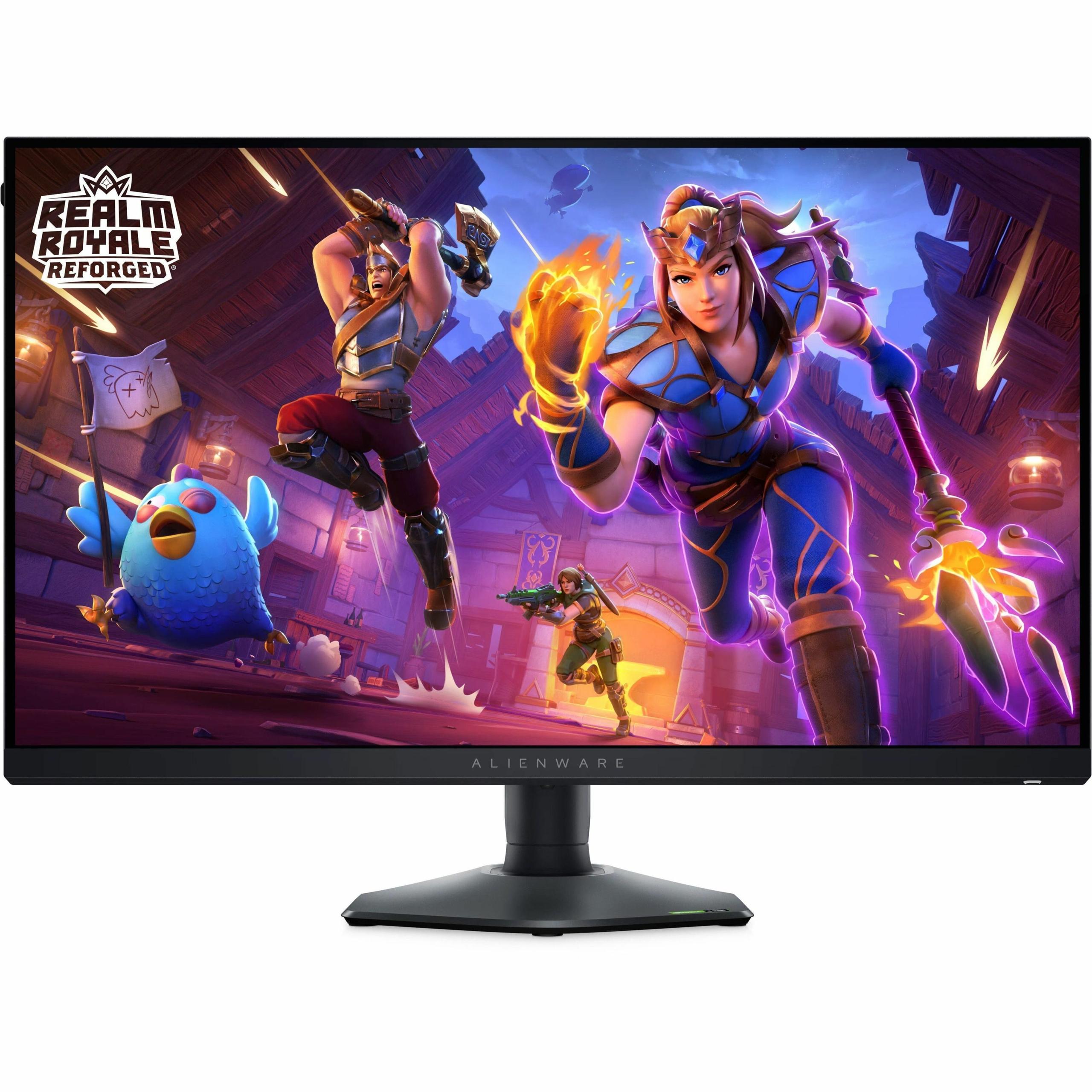
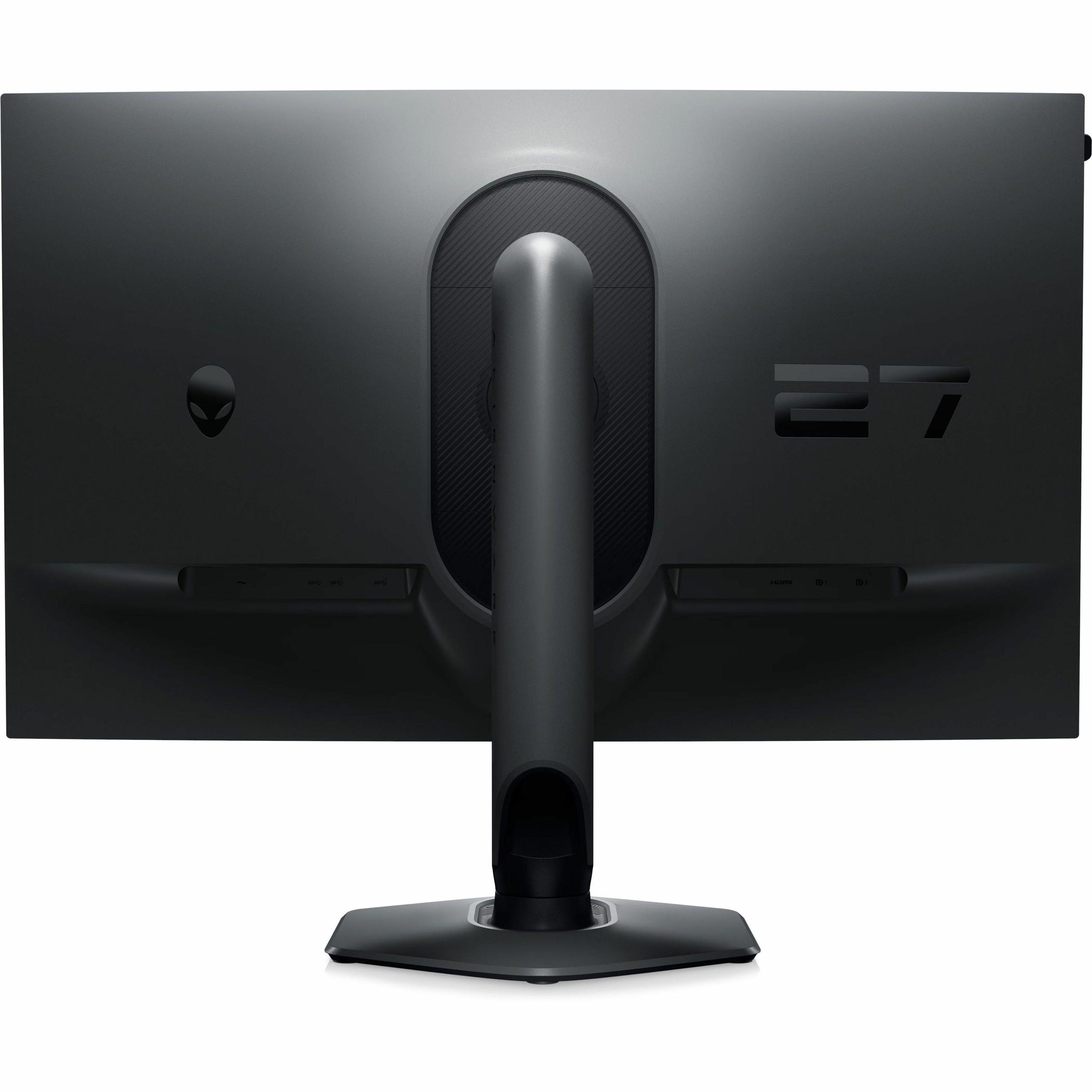
When you're shopping for a high-end gaming monitor, you'll quickly discover that the market has split into two distinct camps. On one side, you have monitors like the LG UltraGear 27G850A that push resolution to its limits with stunning 4K clarity. On the other, there are displays like the Alienware AW2724HF that prioritize refresh rates so high they make your current monitor look like a slideshow. Both approaches have their merits, and understanding which one fits your gaming style could save you from buyer's remorse.
The fundamental question isn't really about which monitor is "better" – it's about understanding what trade-offs you're willing to make. Do you want every texture and detail to pop with crystal clarity, or do you want motion so smooth it feels like you're seeing into the future? Let's dive deep into what makes these two monitors tick and help you figure out which philosophy aligns with your gaming priorities.
Gaming monitors have evolved dramatically since their early days. Back in 2020, finding a 4K monitor with a 144Hz refresh rate was considered cutting-edge technology. Fast-forward to 2025, and we're looking at the LG UltraGear 27G850A delivering 4K at 240Hz – something that would have seemed impossible just a few years ago. Meanwhile, competitive gaming has driven refresh rates to astronomical heights, with the Alienware AW2724HF pushing 360Hz at 1080p resolution.
This split reflects how gaming itself has diversified. Competitive esports players discovered that higher refresh rates provide tangible advantages in reaction time and target tracking. A 360Hz monitor refreshes every 2.78 milliseconds, compared to 16.67 milliseconds on traditional 60Hz displays – that's nearly six times faster information delivery to your eyes. Meanwhile, single-player game enthusiasts and content creators found that 4K resolution transforms their experience with incredible detail that makes even familiar games feel new again.
The pixel density difference is stark. The LG monitor delivers 163 pixels per inch, making text razor-sharp and revealing details in games that you might miss at lower resolutions. The Alienware display, at 82 pixels per inch, shows visible individual pixels if you look closely, but trades this clarity for motion performance that competitive gamers swear by.
When I first switched from 1080p to 4K gaming, the difference was immediately apparent – not just in games, but in everything from browsing the web to reading documents. The LG UltraGear 27G850A takes this experience and adds gaming-focused enhancements that make it stand out from standard 4K monitors.
The monitor uses what LG calls Nano IPS Black technology, which is essentially an improved version of traditional IPS panels. IPS stands for In-Plane Switching – a panel technology known for accurate colors and wide viewing angles, but historically weak at producing deep blacks. The "Black" enhancement helps address this weakness, delivering a 2000:1 contrast ratio compared to the typical 1000:1 you'd find on standard IPS displays like the Alienware monitor.
Color coverage is another area where the LG display shines. It covers 99% of the DCI-P3 color space, which is the standard used in digital cinema. This means colors appear more vibrant and accurate, particularly reds and greens that often look washed out on standard monitors. The Alienware AW2724HF covers 99% of sRGB, which is perfectly adequate for gaming but represents a smaller color palette overall.
For HDR content – that's High Dynamic Range, which allows for brighter highlights and darker shadows – only the LG monitor offers meaningful support. Its DisplayHDR 600 certification means it can hit peak brightness of 670 nits (a measure of brightness) compared to the Alienware's 400 nits maximum. While this isn't the best HDR implementation you can buy, it does make HDR games and movies noticeably more impactful.
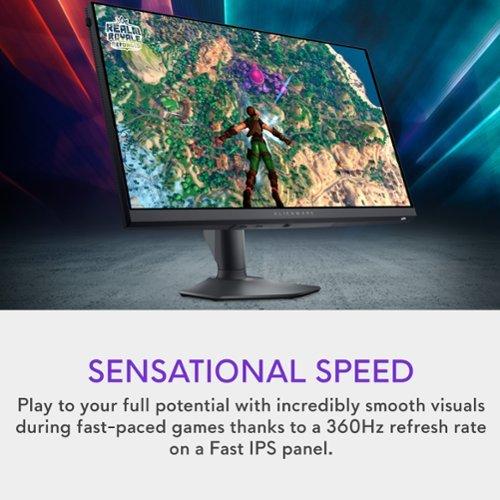
Here's where things get interesting, and where the Alienware AW2724HF flexes its muscles. Refresh rate measures how many times per second your monitor can display a new image, and higher numbers mean smoother motion. At 360Hz, the Alienware refreshes every 2.78 milliseconds, while the LG monitor at 240Hz refreshes every 4.17 milliseconds.
This difference might sound tiny, but it's surprisingly noticeable in fast-paced games. When tracking targets in first-person shooters or following a fast-moving ball in rocket league, that extra smoothness can genuinely improve your performance. Professional esports players often report better target tracking and reduced eye strain when using high refresh rate monitors.
Response time is equally important – this measures how quickly individual pixels can change from one color to another. Both monitors achieve excellent response times around 1 millisecond, though they get there through different approaches. The Alienware display uses what's called Fast IPS technology, which is specifically tuned for minimal blur during motion. The LG monitor achieves similar results through careful overdrive tuning, though it has to work harder due to the much higher pixel count.
Interestingly, the LG UltraGear 27G850A offers a unique solution with its Dual Mode feature. You can switch between 4K at 240Hz for beautiful, detailed gaming, or drop to 1080p at 480Hz for the smoothest motion possible. This 480Hz mode actually surpasses the Alienware monitor's smoothness, refreshing every 2.08 milliseconds.
In competitive gaming, consistency is often more valuable than peak visual quality. The Alienware AW2724HF excels here because it maintains that ultra-smooth 360Hz performance across all content. There's no mode switching, no compromise – just consistent, blazing-fast responsiveness.
Input lag – the delay between your mouse movement and seeing the result on screen – is crucial for competitive play. Both monitors achieve sub-millisecond input lag, meaning the bottleneck shifts to your reaction time rather than your display. However, the Alienware monitor maintains this performance more consistently since it's not managing the complex processing required for 4K resolution.
Adaptive sync technology, which synchronizes your monitor's refresh rate with your graphics card to eliminate screen tearing, works excellently on both displays. Both support AMD FreeSync Premium Pro and NVIDIA G-SYNC compatibility, ensuring smooth gameplay regardless of whether your frame rate is slightly below the monitor's maximum refresh rate.
For single-player adventures, RPGs, and any game where you want to soak in the atmosphere, the LG UltraGear 27G850A transforms the experience. The resolution difference is particularly noticeable in games with detailed environments or extensive user interfaces.
I've found that strategy games benefit enormously from 4K resolution. More units fit on screen with readable text, and the increased detail helps with situational awareness. Similarly, open-world games reveal details in distant objects that would be mere blurs at 1080p resolution.
The LG monitor's HDR support, while not top-tier, does enhance games designed for it. Bright explosions pop more dramatically, and dark areas retain more shadow detail. It's not a game-changing feature, but it's a nice bonus that the Alienware display simply can't offer.
This is where many buyers get surprised. The LG UltraGear 27G850A requires significantly more graphics processing power to reach its full potential. To consistently hit 240 frames per second at 4K resolution in demanding games, you'll need something like an NVIDIA RTX 4080 or 4090, or an AMD RX 7900 XTX – essentially the most powerful gaming graphics cards available at the time of writing.
The Alienware AW2724HF is much more forgiving. A mid-range graphics card like an RTX 4070 can easily push 360 frames per second in competitive games like Counter-Strike 2 or Valorant. Even in more demanding titles, you'll hit high frame rates that take advantage of the monitor's capabilities.
This hardware requirement difference has real budget implications. If you're buying the LG monitor but pairing it with a mid-range graphics card, you're not getting the full benefit of your investment. You might be running games at 4K, but at 60-120 frames per second rather than the monitor's full 240Hz potential.
The LG UltraGear 27G850A includes DisplayPort 2.1 connectivity, which is the latest standard designed to handle the massive bandwidth requirements of 4K at high refresh rates. This future-proofs the monitor for next-generation graphics cards that will fully support this standard. However, even current high-end cards require Display Stream Compression (DSC) to achieve 4K at 240Hz – a form of visually lossless compression that reduces bandwidth requirements.
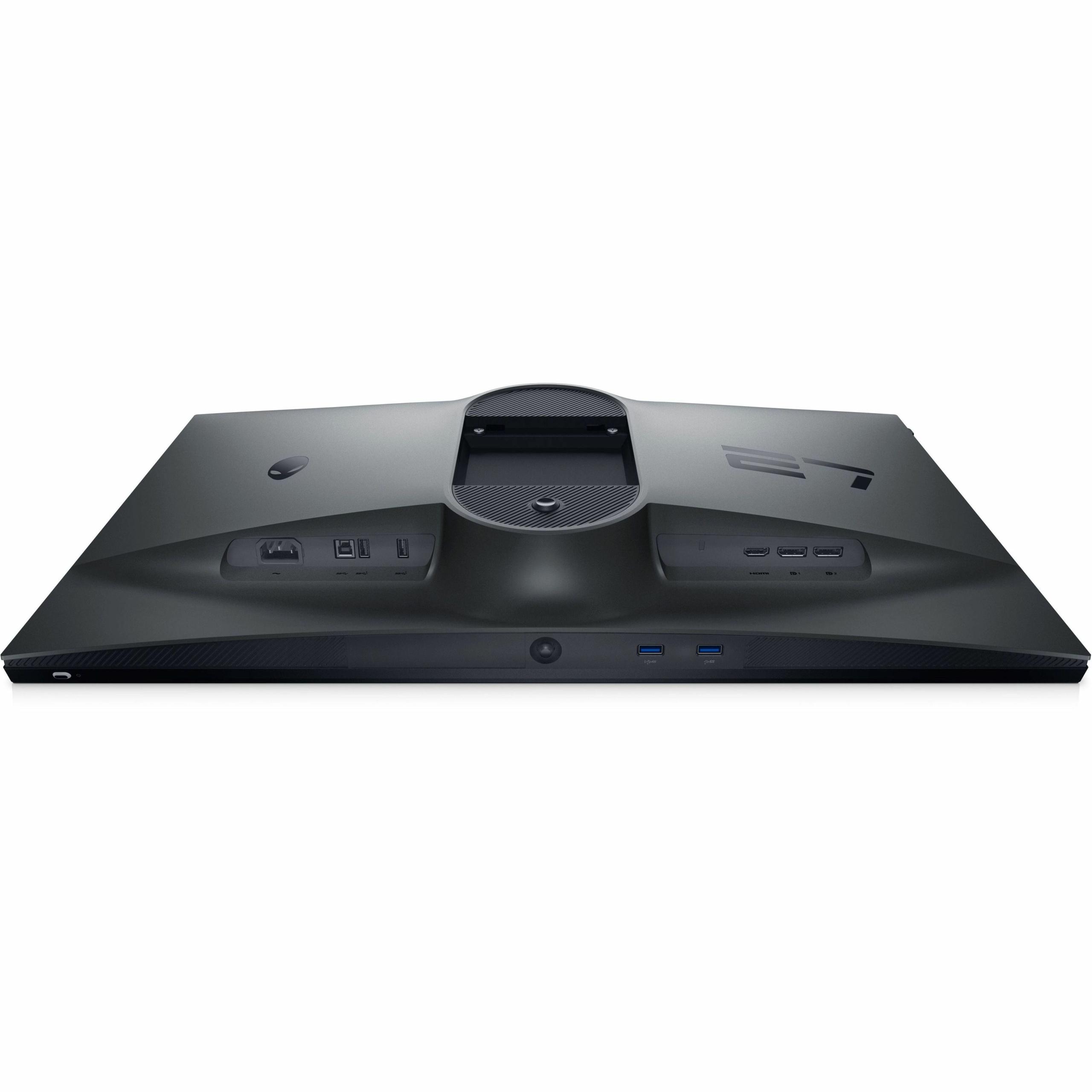
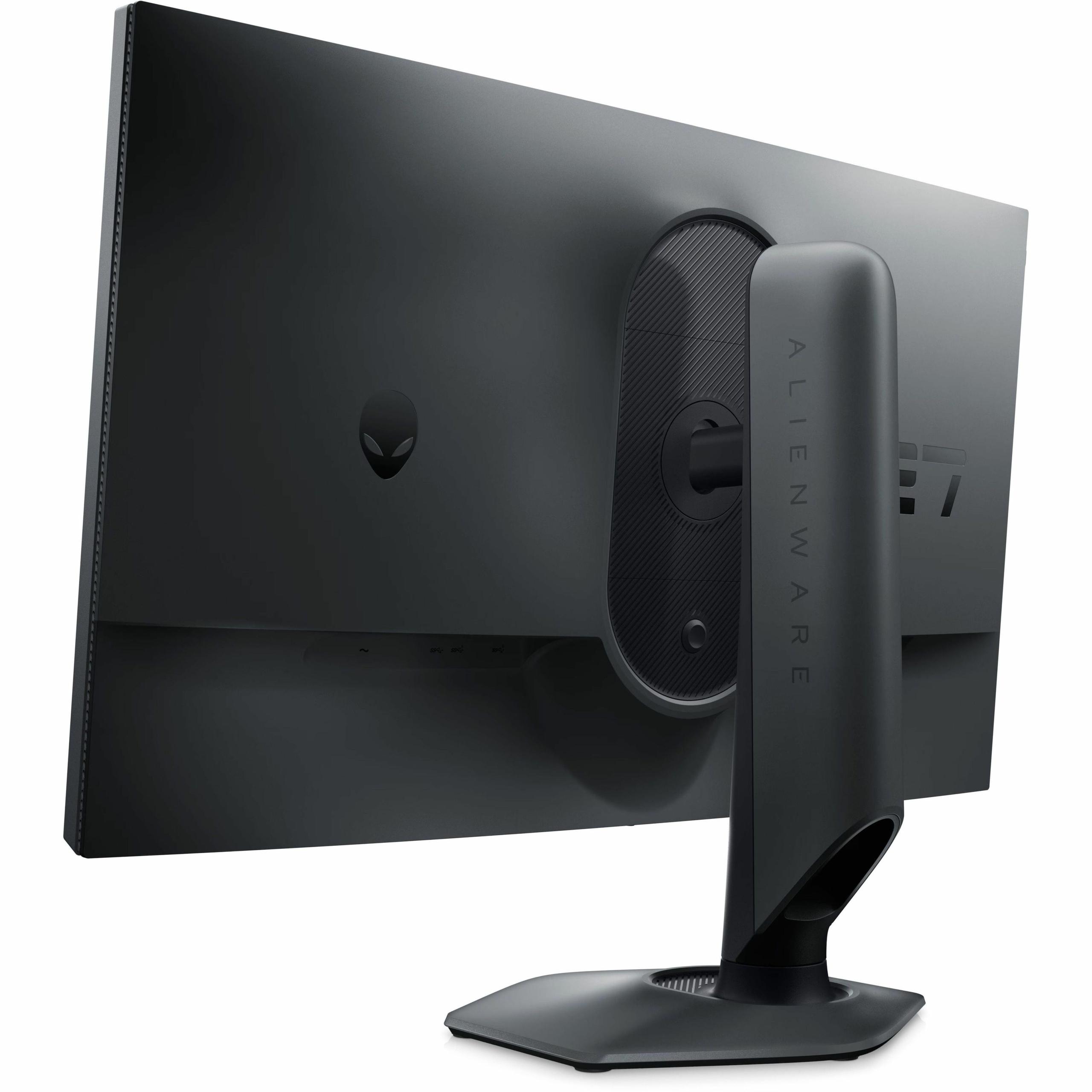
The Alienware AW2724HF uses the more common DisplayPort 1.4 and HDMI connections, which are perfectly adequate for its 1080p resolution and high refresh rate. This actually makes it more compatible with a wider range of graphics cards and devices.
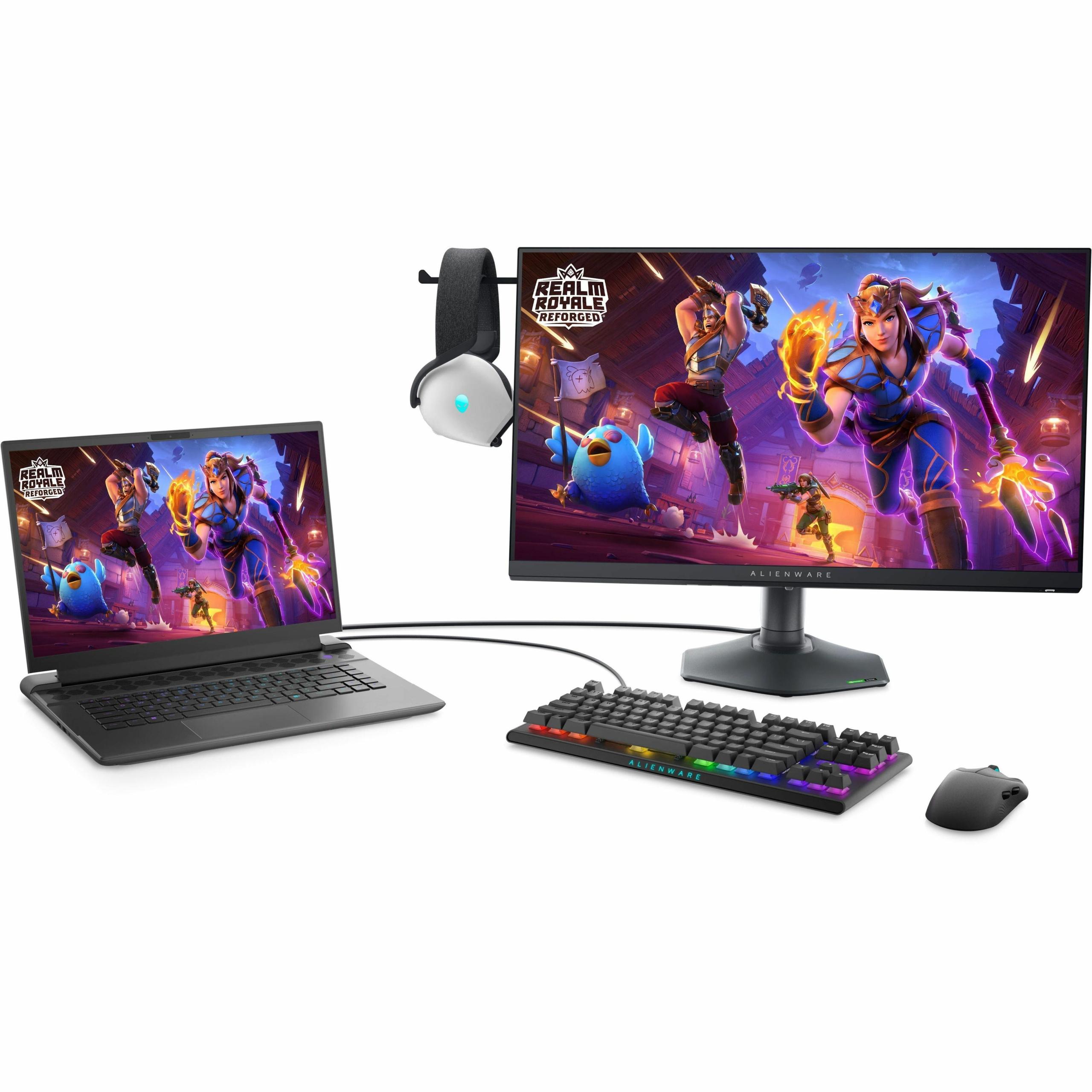
Both monitors work well with gaming consoles, though the LG display can take full advantage of the PlayStation 5 and Xbox Series X's 4K capabilities, while the Alienware monitor maxes out at 1080p for console gaming.
If you're considering either monitor for home theater use, the LG UltraGear 27G850A is the clear winner. Its 4K resolution matches streaming content from Netflix, Disney+, and other services that offer 4K HDR content. The larger color gamut and HDR support make movies more engaging, though the 27-inch size means you'll want to sit relatively close for the best experience.
The Alienware AW2724HF isn't really designed for home theater use. Its 1080p resolution feels dated for movie watching, and the lack of HDR support means you won't get the enhanced contrast and color that modern streaming content offers.
At the time of writing, these monitors occupy different price brackets, with the LG UltraGear 27G850A commanding a premium for its cutting-edge 4K 240Hz technology. The Alienware AW2724HF offers excellent value for competitive gamers who prioritize performance over resolution.
The value equation depends heavily on your use case. If you're a competitive gamer who plays primarily esports titles, the Alienware monitor delivers everything you need at a more accessible price point. If you're a versatile gamer who enjoys both competitive and single-player experiences, the LG monitor's flexibility might justify its higher cost.
Consider also the total system cost. The LG monitor might push you toward a more expensive graphics card to fully utilize its capabilities, while the Alienware display leaves more budget for other system components.
Choose the LG UltraGear 27G850A if you value versatility above all else. Its Dual Mode feature means you never have to choose between beautiful 4K visuals and ultra-high refresh rate performance – you get both in one package. This monitor makes sense for gamers with diverse interests, content creators who need accurate colors, and anyone planning to keep their monitor for many years as 4K gaming becomes more mainstream.
Go with the Alienware AW2724HF if your gaming revolves around competitive multiplayer titles. Its consistent 360Hz performance, excellent motion clarity, and more accessible hardware requirements make it the smart choice for dedicated esports enthusiasts. The money you save can go toward a better graphics card, mechanical keyboard, or other gaming peripherals that directly impact performance.
Both monitors represent the pinnacle of their respective approaches to gaming display technology. The LG monitor pushes the boundaries of what's possible with resolution and refresh rate combined, while the Alienware display perfects the high refresh rate formula that competitive gamers have embraced. Your choice ultimately comes down to whether you prioritize visual fidelity or competitive performance – and fortunately, both monitors deliver excellence in their chosen specialties.
| LG UltraGear 27" 4K 240Hz Dual Mode Gaming Monitor | Alienware AW2724HF 27" FHD 360Hz IPS Gaming Monitor |
|---|---|
| Resolution - Determines visual sharpness and detail clarity | |
| 4K (3840×2160) - 163 PPI for razor-sharp text and game details | 1080p (1920×1080) - 82 PPI with visible pixels at 27" but maximum performance |
| Refresh Rate - Higher Hz means smoother motion and competitive advantage | |
| 240Hz native 4K / 480Hz in 1080p Dual Mode | 360Hz native - consistent ultra-smooth competitive performance |
| Panel Technology - Affects color accuracy, contrast, and viewing angles | |
| Nano IPS Black with 2000:1 contrast ratio | Fast IPS with 1000:1 contrast ratio |
| Response Time - Lower numbers reduce motion blur in fast games | |
| 1ms GtG with excellent overdrive tuning | 0.5-1ms GtG optimized specifically for motion clarity |
| Color Coverage - Wider gamuts provide more vibrant, accurate colors | |
| 99% DCI-P3 (cinema standard) + hardware calibration support | 99% sRGB (standard web colors) - excellent for gaming |
| HDR Support - Enhanced contrast and brightness for compatible content | |
| DisplayHDR 600 with 670 nits peak brightness and basic local dimming | No HDR support - limited to standard dynamic range |
| Connectivity - Future-proofing and device compatibility | |
| DisplayPort 2.1 (UHBR10), 2× HDMI 2.1, USB hub | 2× DisplayPort 1.4, 1× HDMI, USB 3.2 hub |
| GPU Requirements - Hardware needed to maximize monitor performance | |
| RTX 4080/4090 or RX 7900 XTX for 4K 240Hz in demanding games | RTX 4070 or equivalent easily drives 360Hz in competitive titles |
| Target Use Case - Primary intended gaming scenarios | |
| Versatile gaming: 4K single-player + competitive esports flexibility | Dedicated competitive gaming and esports performance |
| Unique Features - Standout capabilities that differentiate each monitor | |
| Dual Mode switching (4K 240Hz ↔ 1080p 480Hz) | Consistent 360Hz performance with premium build quality |
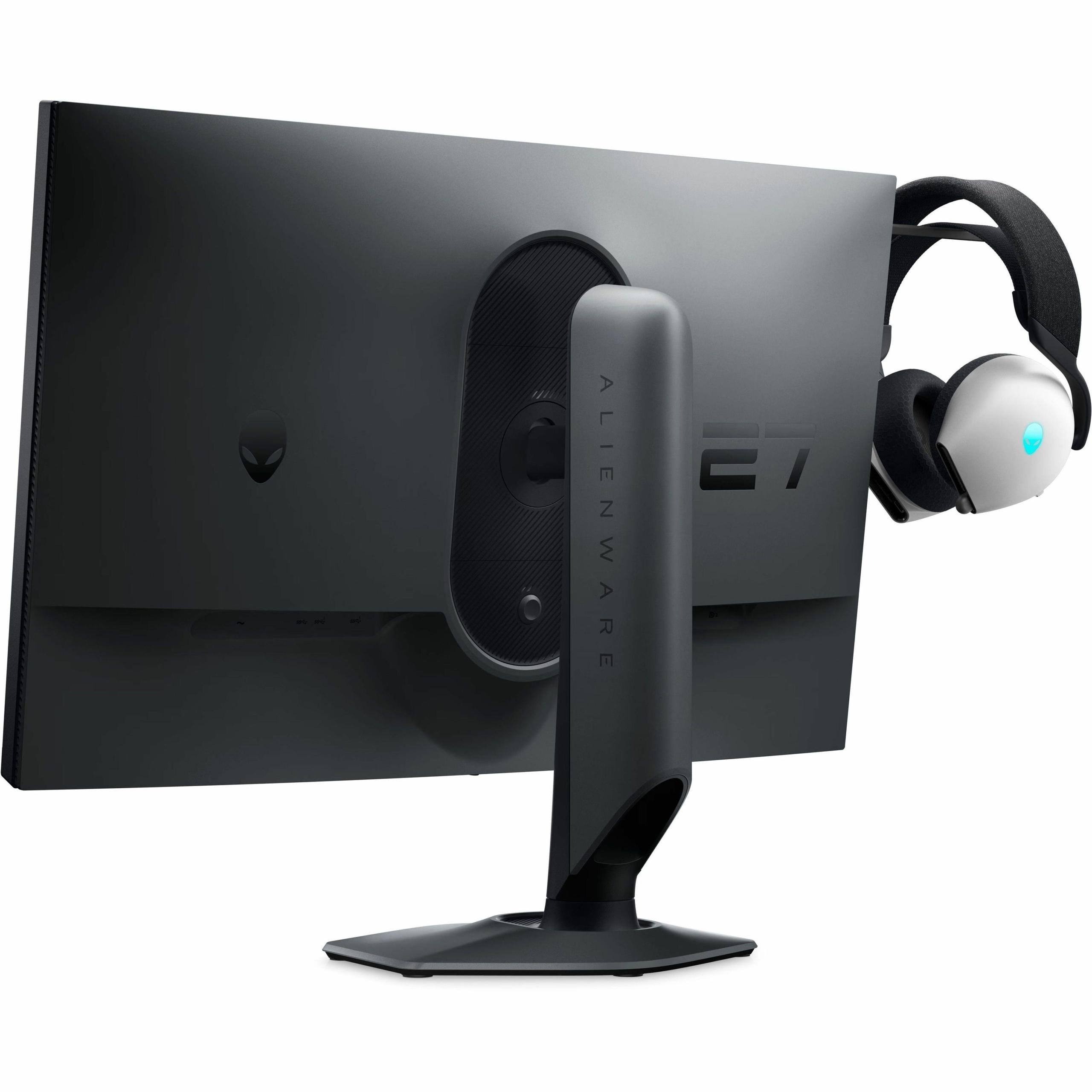
The Alienware AW2724HF is specifically designed for competitive gaming with its 360Hz refresh rate and consistent 0.5ms response time. While the LG UltraGear 27" 4K 240Hz offers a 480Hz mode when switched to 1080p, the Alienware monitor maintains ultra-smooth performance without requiring mode changes, making it ideal for esports players who prioritize reaction time and motion clarity.
The LG UltraGear 27" 4K monitor delivers 4 times more pixels than the Alienware AW2724HF, resulting in significantly sharper text, more detailed textures, and clearer distant objects in games. However, 4K requires much more powerful graphics cards to maintain high frame rates, while the Alienware's 1080p resolution allows mid-range GPUs to easily reach 360fps in competitive titles.
The LG UltraGear 27" 4K monitor demands significantly more GPU power, requiring RTX 4080/4090 class cards to fully utilize its 240Hz 4K capability. The Alienware AW2724HF is much more accessible, with RTX 4070 or similar mid-range cards easily achieving 360fps in competitive games, leaving more budget for other system components.
Only the LG UltraGear monitor supports HDR with DisplayHDR 600 certification, reaching 670 nits peak brightness with basic local dimming for enhanced contrast in HDR content. The Alienware AW2724HF lacks HDR support entirely, limiting it to standard dynamic range content, which makes the LG monitor better suited for movie watching and HDR gaming.
The LG UltraGear 27" 4K monitor provides superior color accuracy with 99% DCI-P3 coverage and hardware calibration support, making it suitable for content creation alongside gaming. The Alienware AW2724HF covers 99% sRGB, which is perfectly adequate for gaming but represents a smaller color space than the LG's wider DCI-P3 gamut.
Both monitors work with PS5 and Xbox Series X, but the LG UltraGear monitor can display games at full 4K resolution with HDMI 2.1 support, while the Alienware AW2724HF is limited to 1080p for console gaming. For console users who want to experience 4K gaming, the LG monitor is the clear choice.
The LG UltraGear 27" 4K monitor's dual mode lets you switch between 4K 240Hz for beautiful single-player games and 1080p 480Hz for maximum competitive performance. This flexibility means you never have to choose between visual quality and speed, unlike the Alienware AW2724HF which maintains consistent 360Hz performance but only at 1080p resolution.
The LG UltraGear 27" 4K monitor excels at single-player gaming with its sharp 4K resolution revealing incredible detail in textures, environments, and UI elements. The Alienware AW2724HF will show visible pixelation at 27" size in detailed scenes, making the LG's 4K panel significantly more immersive for story-driven and open-world games.
Both monitors achieve excellent motion clarity, with the Alienware AW2724HF rated at 0.5ms and the LG UltraGear monitor at 1ms response time. In practice, both eliminate motion blur effectively, though the Alienware's Fast IPS technology is specifically tuned for motion performance, while the LG monitor balances response time with color accuracy.
Value depends on your priorities: the Alienware AW2724HF typically offers better price-to-performance for dedicated competitive gaming, while the LG UltraGear 27" 4K monitor commands a premium for its cutting-edge 4K 240Hz technology and versatility. Consider that the LG monitor may also require a more expensive graphics card to reach its full potential.
The LG UltraGear monitor features newer DisplayPort 2.1 connectivity for future-proofing, plus dual HDMI 2.1 ports, while the Alienware AW2724HF uses standard DisplayPort 1.4 and single HDMI connections. Both include USB hubs, but the LG's newer connectivity better supports next-generation graphics cards and higher bandwidth requirements.
The LG UltraGear 27" 4K monitor is significantly better for content creation, offering 4K resolution for detailed work, wider DCI-P3 color coverage, hardware calibration support, and HDR capability. The Alienware AW2724HF focuses purely on gaming performance with its narrower sRGB color space and lacks the professional features that make the LG monitor suitable for creative work alongside gaming.
We've done our best to create useful and informative comparisons to help you decide what product to buy. Our research uses advanced automated methods to create this comparison and perfection is not possible - please contact us for corrections or questions. These are the sites we've researched in the creation of this article: bestbuy.com - displayninja.com - rtings.com - youtube.com - lg.com - rtings.com - tftcentral.co.uk - bestbuy.com - techpowerup.com - lg.com - lg.com - lg.com - bestbuy.com - gamesradar.com - bestbuy.com - rtings.com - windowscentral.com - youtube.com - techpowerup.com - dell.com - dellonline.ae - dellonline.co.za - files.bbystatic.com - mysoft.hu - pcgamermexico.com - displayspecifications.com - gzhls.at - bestbuy.com - device.report - newegg.com - multitronic.fi - youtube.com

Privacy Policy
Terms and Conditions - Affiliate Policy
Home Security
© Copyright 2008-2026.
11816 Inwood Rd #1211, Dallas, TX 75244