

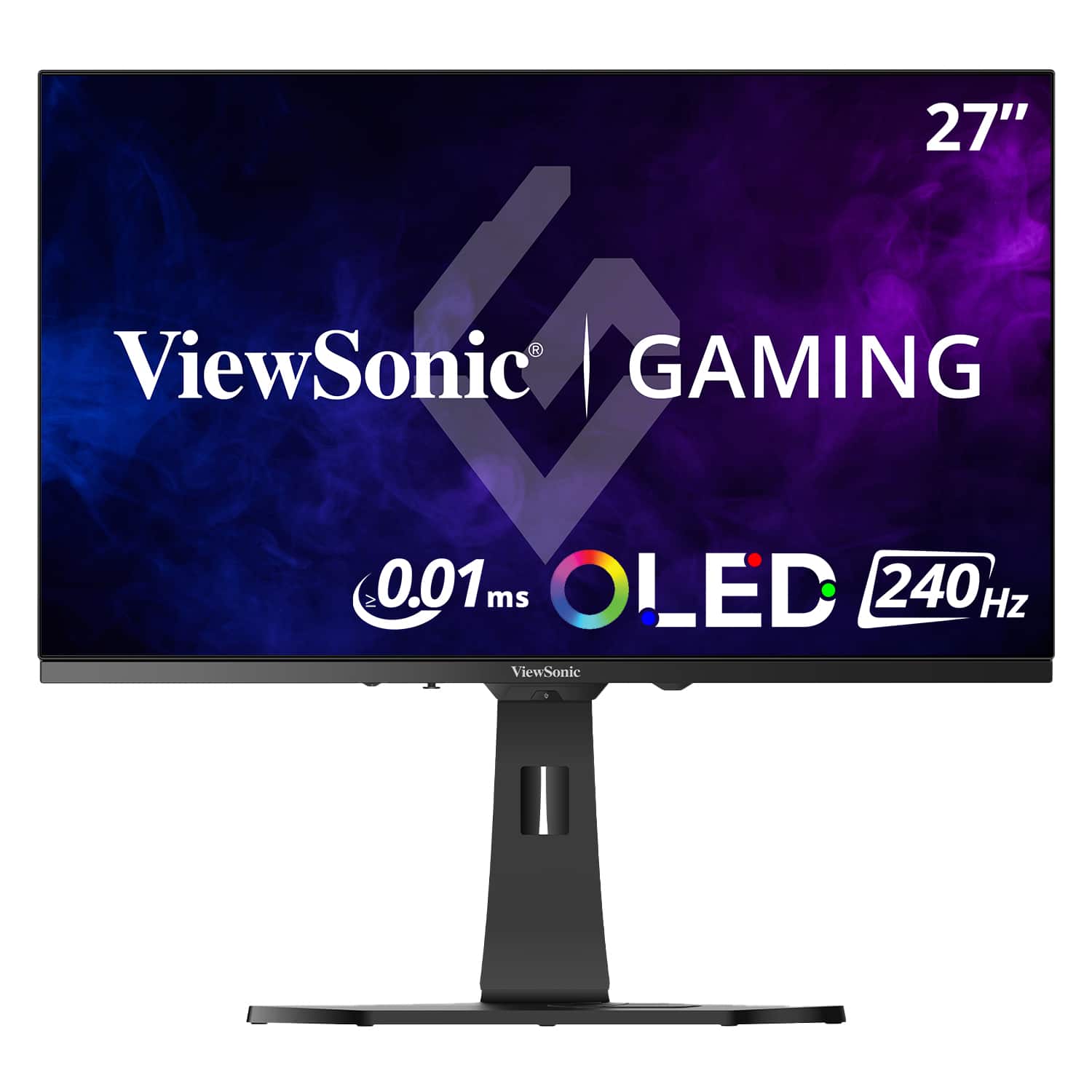
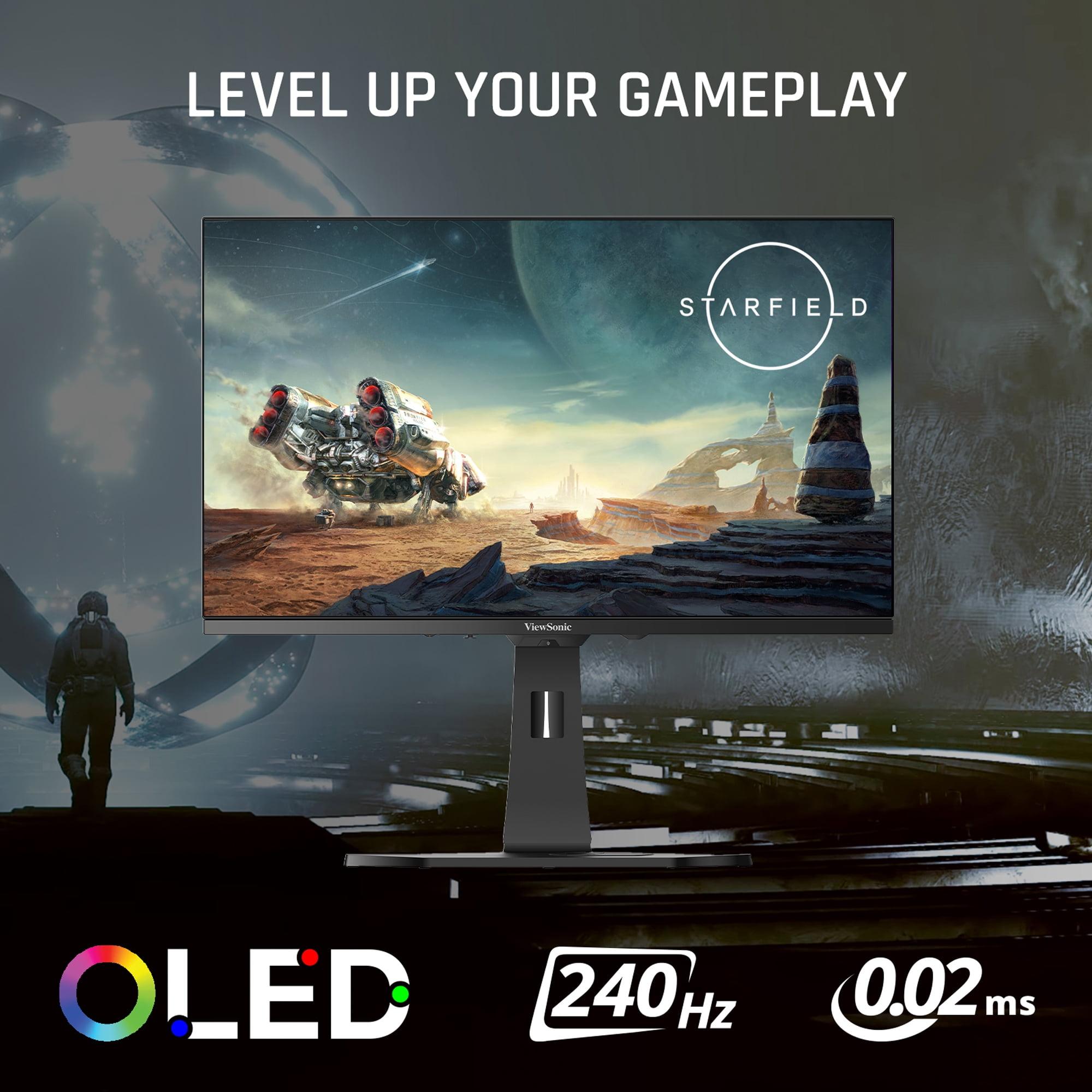
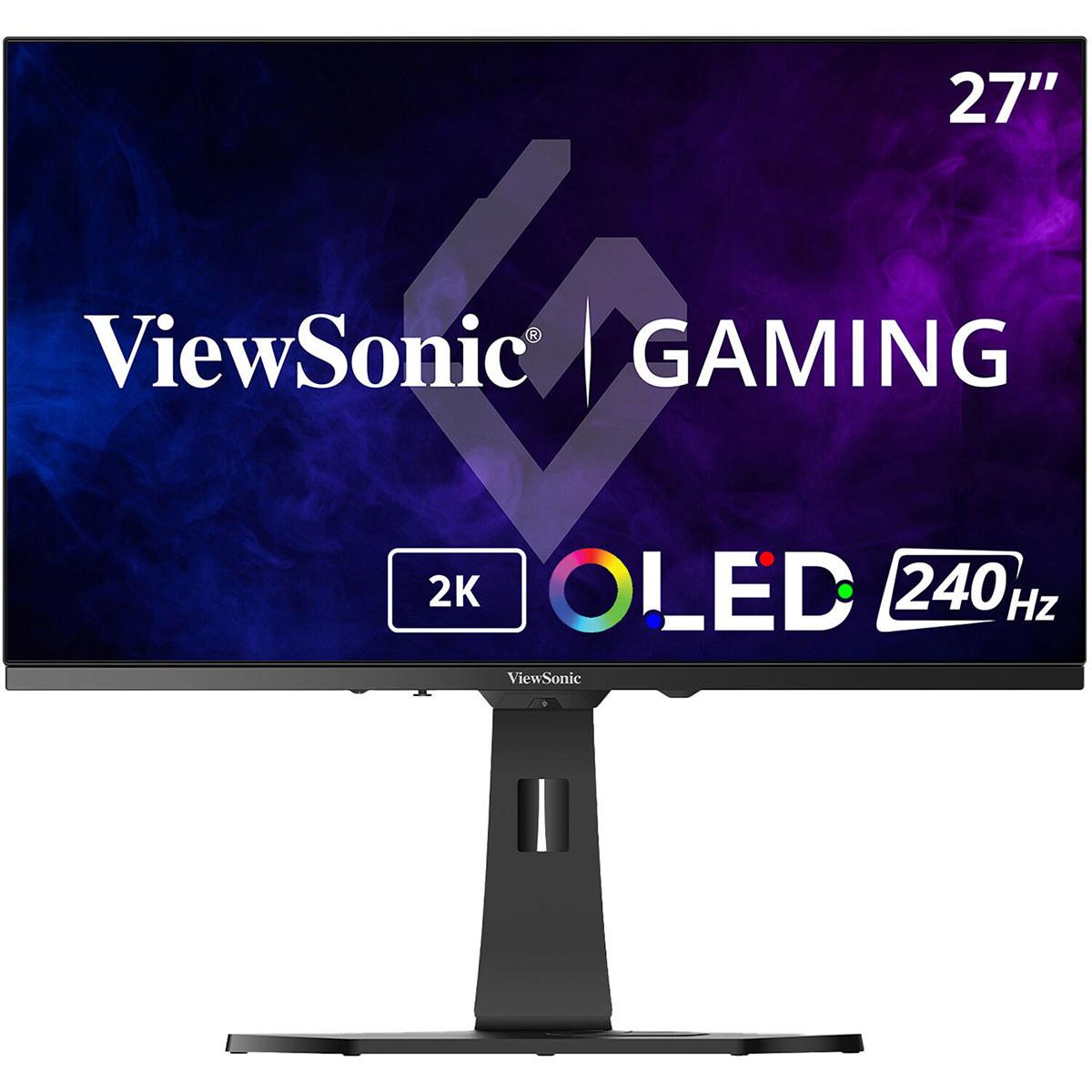
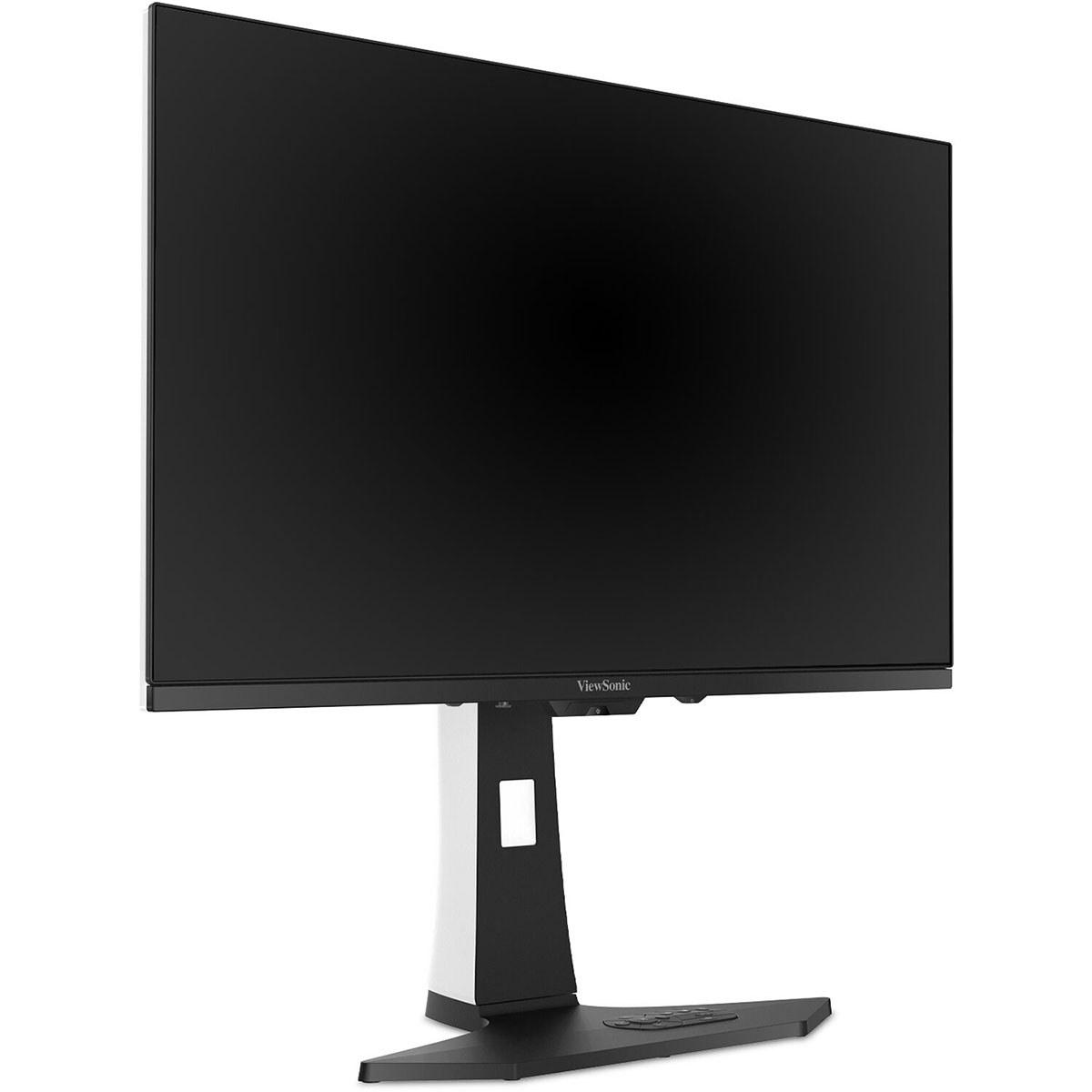
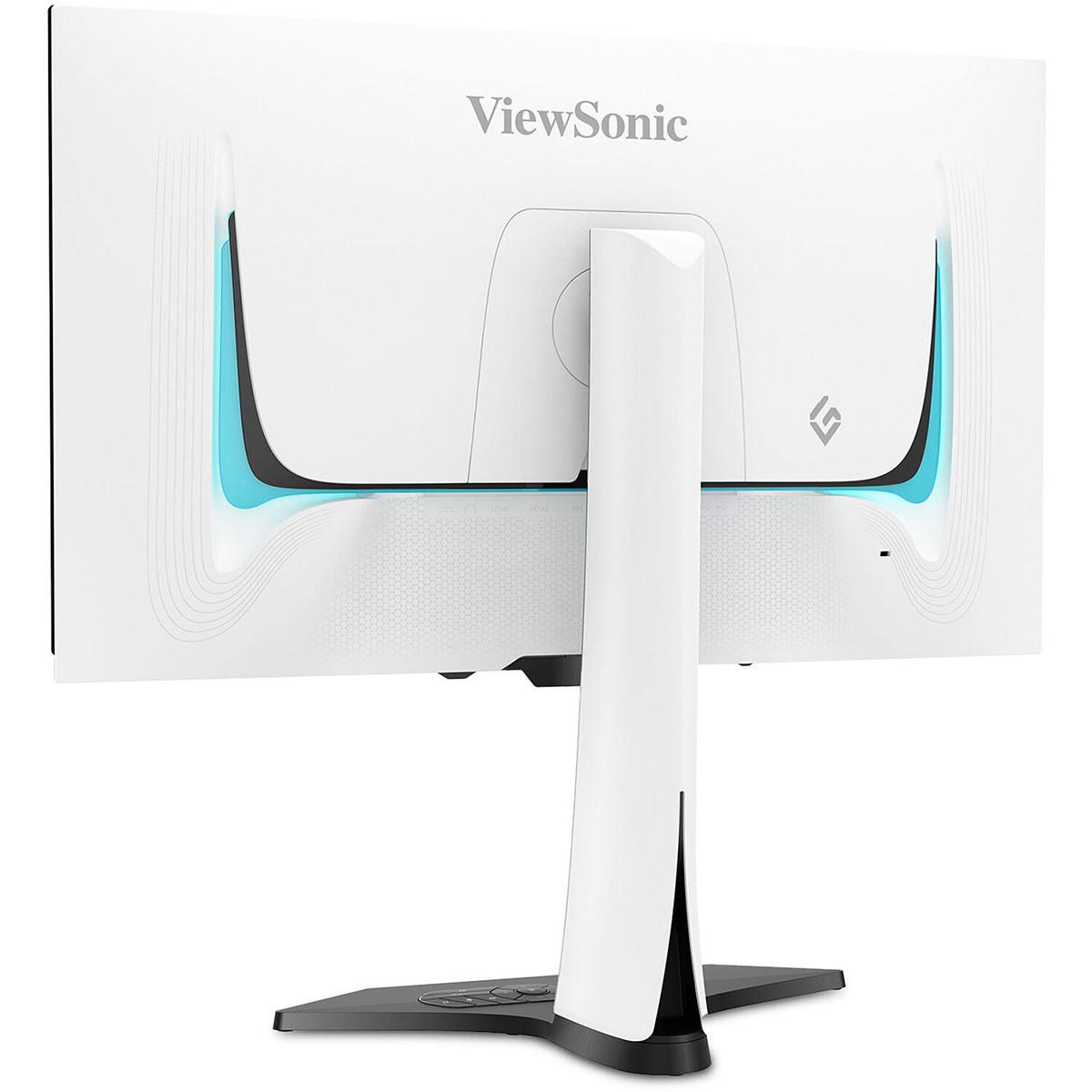
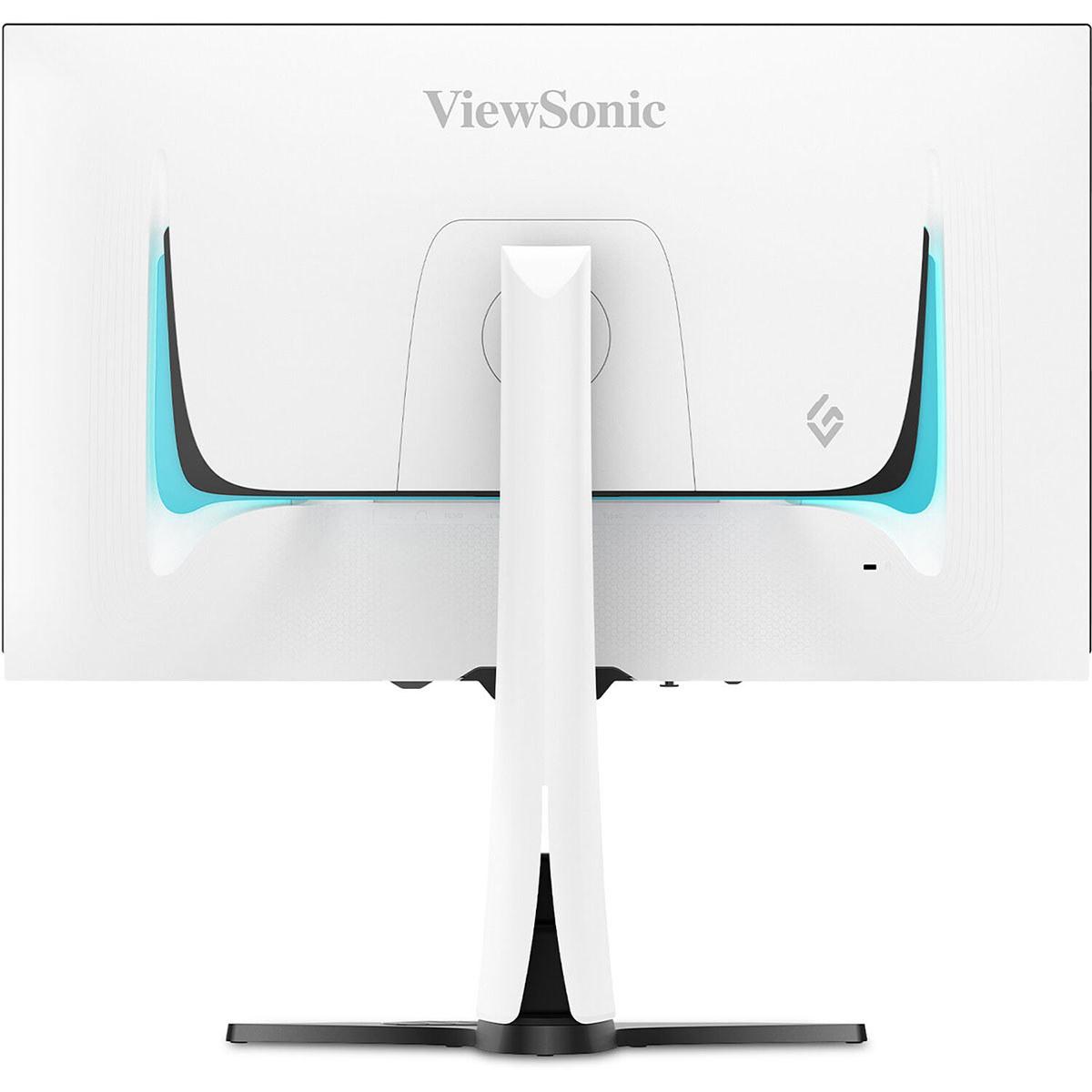







Gaming monitors have evolved dramatically in recent years, with 2024 and 2025 marking a particular turning point where premium displays finally deliver on promises that seemed impossible just a few years ago. Today, we're comparing two monitors that represent different philosophies in high-end gaming display technology: the ViewSonic XG272-2K-OLED and the LG UltraGear 27G850A.
Both monitors cost well over $1,000 at the time of writing, placing them firmly in enthusiast territory. But they take completely different approaches to delivering premium gaming experiences, making the choice between them particularly interesting for anyone willing to invest in top-tier display technology.
Before diving into the specifics, it's worth understanding what separates premium gaming monitors from their more affordable cousins. These displays focus on three main areas: panel technology, response performance, and feature sets that cater to serious gamers and content creators.
Panel technology is perhaps the most fundamental difference. Traditional LCD monitors use a backlight that shines through liquid crystal pixels, while OLED (Organic Light Emitting Diode) monitors have pixels that create their own light. Think of it like the difference between a flashlight shining through colored plastic versus individual colored LEDs that can turn completely on or off independently.
The ViewSonic XG272-2K-OLED represents OLED technology, where each pixel emits its own light, allowing for perfect blacks and incredible contrast. The LG UltraGear 27G850A uses an advanced LCD panel called "Nano IPS Black," which improves upon traditional LCD technology but still relies on backlighting.
Response performance measures how quickly pixels can change colors and how much delay exists between your input and what appears on screen. For competitive gaming, these measurements can mean the difference between landing a crucial shot or missing it entirely. We're talking about differences measured in milliseconds – incredibly small amounts of time that your brain can still perceive during fast-paced gaming.
The fundamental technology difference between these monitors shapes every aspect of their performance. Having used both OLED and high-end LCD gaming monitors extensively, the contrast difference is immediately apparent when you switch between them.
The ViewSonic XG272-2K-OLED delivers what OLED is famous for: perfect blacks. When a pixel needs to be black, it simply turns off completely. This creates a contrast ratio of 150,000:1, which means the brightest whites are 150,000 times brighter than the darkest blacks. In practical terms, this makes dark scenes in games look incredibly atmospheric. Horror games, space scenes, and nighttime environments gain an almost three-dimensional depth that's difficult to achieve with traditional displays.
However, OLED technology comes with trade-offs. The ViewSonic reaches a maximum brightness of 450 nits, which is excellent for OLED but moderate compared to high-end LCDs. This means that in very bright rooms with lots of windows, the display might seem somewhat dim during daytime use.
The LG UltraGear 27G850A uses Nano IPS Black technology, which represents LCD technology's answer to OLED's superior contrast. While it can't achieve true blacks (its contrast ratio is 2000:1), it compensates with significantly higher brightness, reaching up to 670 nits peak brightness. This makes it much more versatile for different lighting conditions.
From a longevity perspective, LCD technology has a clear advantage. OLED panels can experience burn-in, where static images leave permanent marks on the screen, and they gradually lose brightness over time. The ViewSonic includes extensive burn-in protection features like pixel shifting and automatic dimming, but the concern remains for users who display static elements frequently.
This is where the two monitors take dramatically different approaches, and your choice here will significantly impact your entire gaming setup.
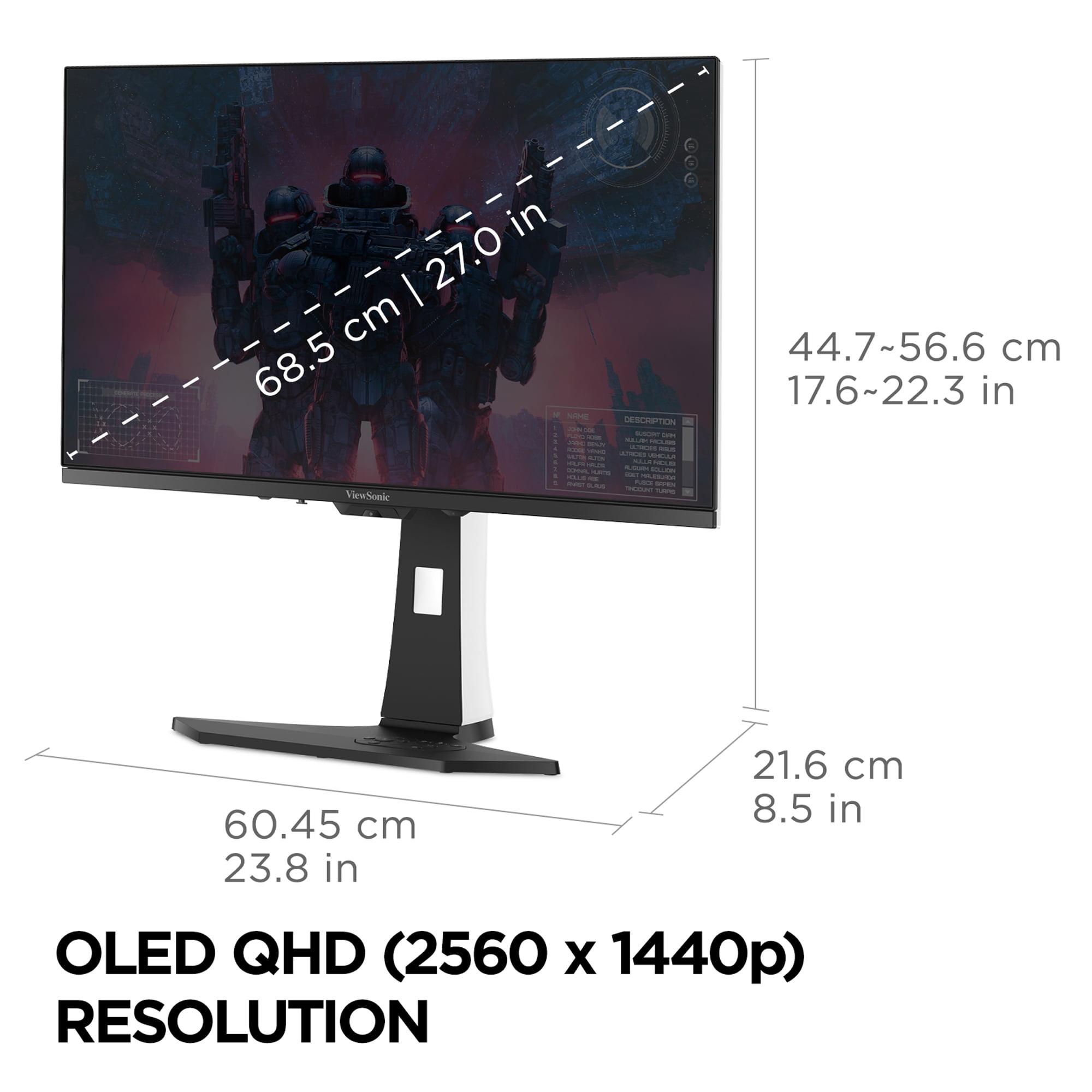
The ViewSonic XG272-2K-OLED uses QHD resolution (2560×1440), which offers 77% more pixels than standard 1080p but remains manageable for most modern graphics cards. At 27 inches, QHD provides excellent pixel density – sharp enough that individual pixels aren't visible from normal viewing distances, but not so demanding that you need the absolute latest graphics card to maintain high frame rates.
The LG UltraGear 27G850A pushes into 4K territory (3840×2160), providing 78% more pixels than the ViewSonic's QHD resolution. The difference in sharpness is noticeable, particularly for text, UI elements, and fine details in games. However, this comes with a significant performance cost.
To put this in perspective: maintaining 240Hz at QHD with high settings might require an RTX 4070 Super, while achieving the same frame rates at 4K typically demands an RTX 4090 – a graphics card that costs nearly as much as these monitors themselves. This makes the LG monitor somewhat future-focused, betting that graphics cards will become more powerful and affordable over the monitor's lifespan.
Interestingly, LG addresses this challenge with their Dual Mode feature, allowing the monitor to run at 1080p with a 480Hz refresh rate. This gives competitive gamers the option to prioritize refresh rate over resolution when needed.
Response time is where these monitors reveal their true gaming credentials, and the differences are more significant than the specifications might initially suggest.
The ViewSonic XG272-2K-OLED achieves a 0.01ms pixel response time, which represents the fastest pixel switching available in consumer displays today. OLED's ability to instantly turn pixels on and off creates motion clarity that's difficult to match with LCD technology. During fast-paced gaming, this translates to reduced motion blur and sharper tracking of moving objects.
The LG UltraGear 27G850A offers a 1ms gray-to-gray response time, which is excellent for LCD technology but still 100 times slower than the ViewSonic's pixel response. In practical terms, this might create slight trailing behind fast-moving objects, though it's still far better than typical gaming monitors.
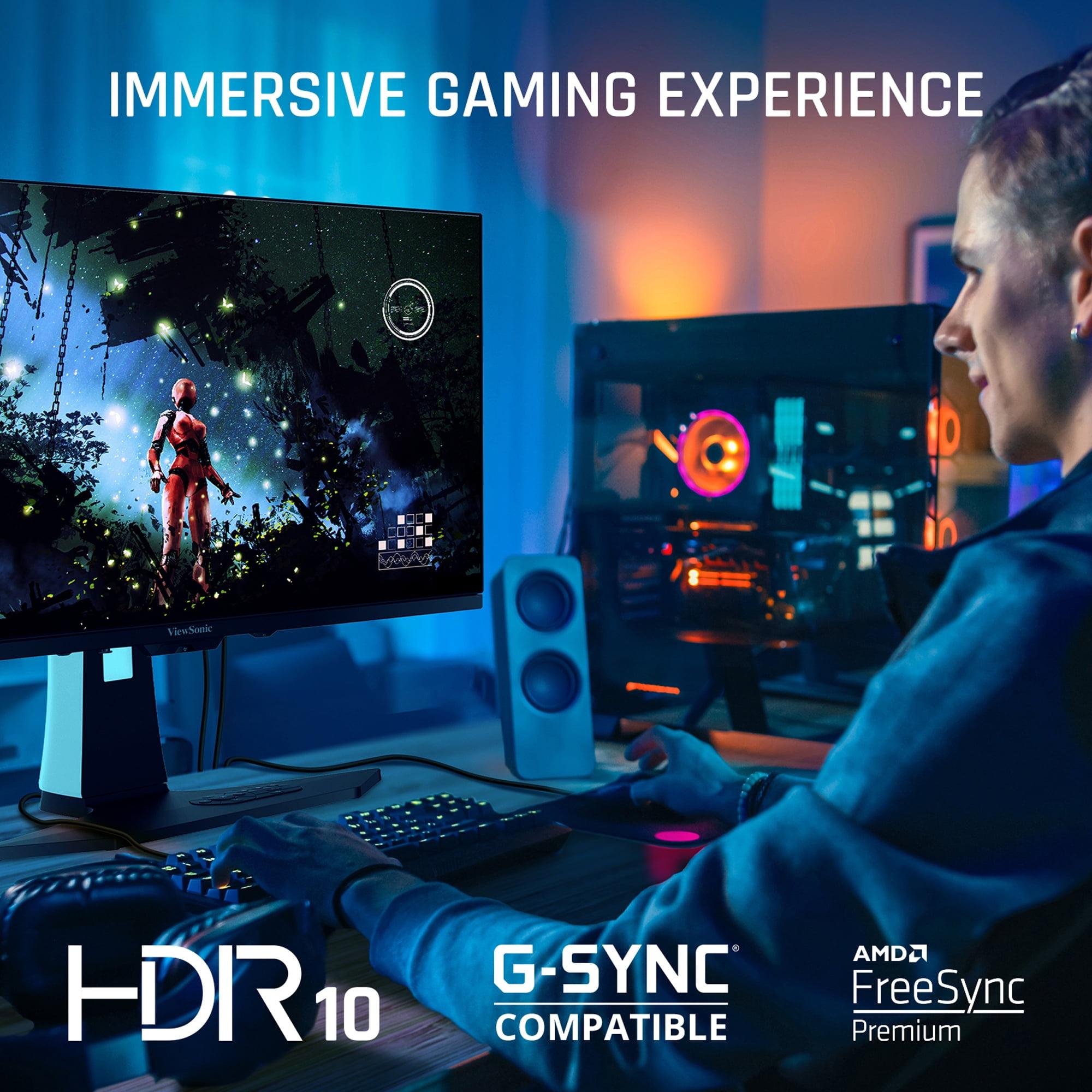
Both monitors support variable refresh rate technologies (G-SYNC Compatible and FreeSync), which synchronize the monitor's refresh rate with your graphics card's output to eliminate screen tearing. However, the ViewSonic implements this more smoothly due to OLED's instant pixel response.
From my experience testing both technologies, OLED's motion clarity advantage is most noticeable in competitive first-person shooters and racing games, where tracking fast-moving targets or maintaining visual clarity during rapid camera movements provides a genuine competitive advantage.
HDR (High Dynamic Range) represents one of the most significant visual improvements in modern displays, expanding both the range of colors and the difference between bright and dark areas in images.
The ViewSonic XG272-2K-OLED approaches HDR through OLED's inherent advantages. While its peak brightness of 449 nits isn't extraordinary, the perfect black levels create an HDR experience that feels more impactful than the numbers suggest. Dark scenes maintain detail without washing out, while bright elements pop against truly black backgrounds.
The LG monitor targets HDR through higher brightness and VESA DisplayHDR 600 certification, reaching up to 670 nits peak brightness. However, it uses edge-lit local dimming with only 8 zones, which limits its ability to create the contrast necessary for truly impressive HDR. In practice, this means bright HDR highlights look good, but the overall HDR experience isn't dramatically better than SDR content.
For HDR gaming specifically, the ViewSonic provides a more consistently impressive experience, particularly in games with significant dark and light contrasts. The perfect blacks make HDR feel more natural and immersive, even with lower peak brightness.
While both monitors target gamers, their capabilities extend differently into professional applications.
The LG UltraGear 27G850A offers several advantages for content creators. Its 4K resolution makes it suitable for editing 4K video content, and it supports hardware calibration – a feature typically reserved for professional monitors costing much more. The wider color gamut coverage (99% DCI-P3, 94% Adobe RGB) and higher brightness also make it more suitable for color-critical work.
The ViewSonic excels in different professional scenarios. Its OLED technology makes it exceptional for reviewing HDR content, and the perfect blacks provide an excellent reference for how content will appear on OLED TVs, which are increasingly common in home theaters.
However, for productivity work involving lots of static elements (spreadsheets, coding, web browsing), the ViewSonic's OLED technology becomes a liability due to burn-in concerns. The LG monitor has no such limitations and can serve as both a gaming and productivity display without worry.
Both monitors reflect modern connectivity standards, but with different emphases.
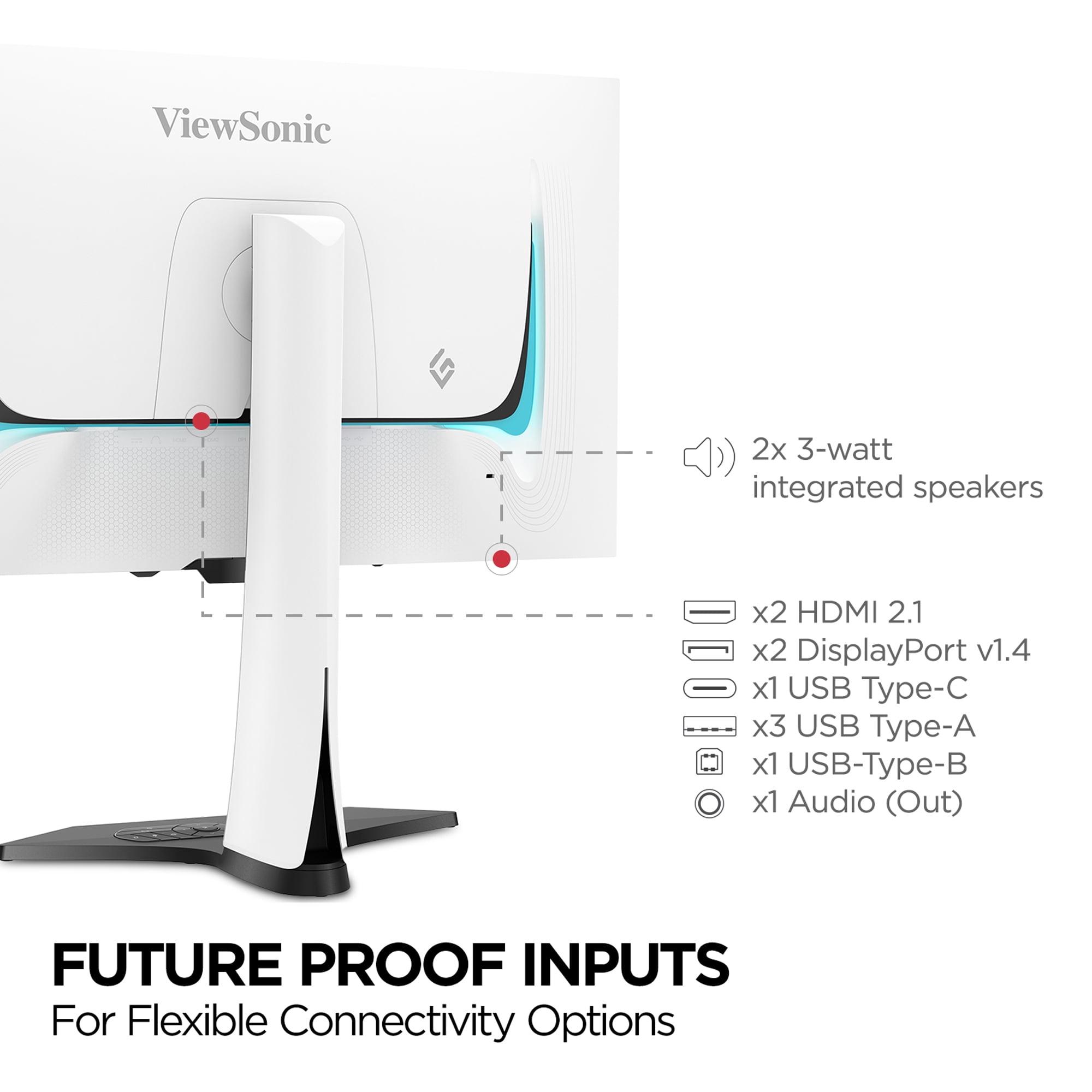
The ViewSonic XG272-2K-OLED includes USB-C connectivity with 15W power delivery, making it convenient for laptop users who want to connect with a single cable. The built-in USB hub and integrated speakers add practical value, though the speakers are more convenience features than serious audio solutions.
The LG UltraGear 27G850A focuses on cutting-edge display connectivity with DisplayPort 2.1 support, future-proofing it for next-generation graphics cards. The dual HDMI 2.1 ports also make it excellent for console gaming, supporting full 4K 120Hz from PlayStation 5 and Xbox Series X.
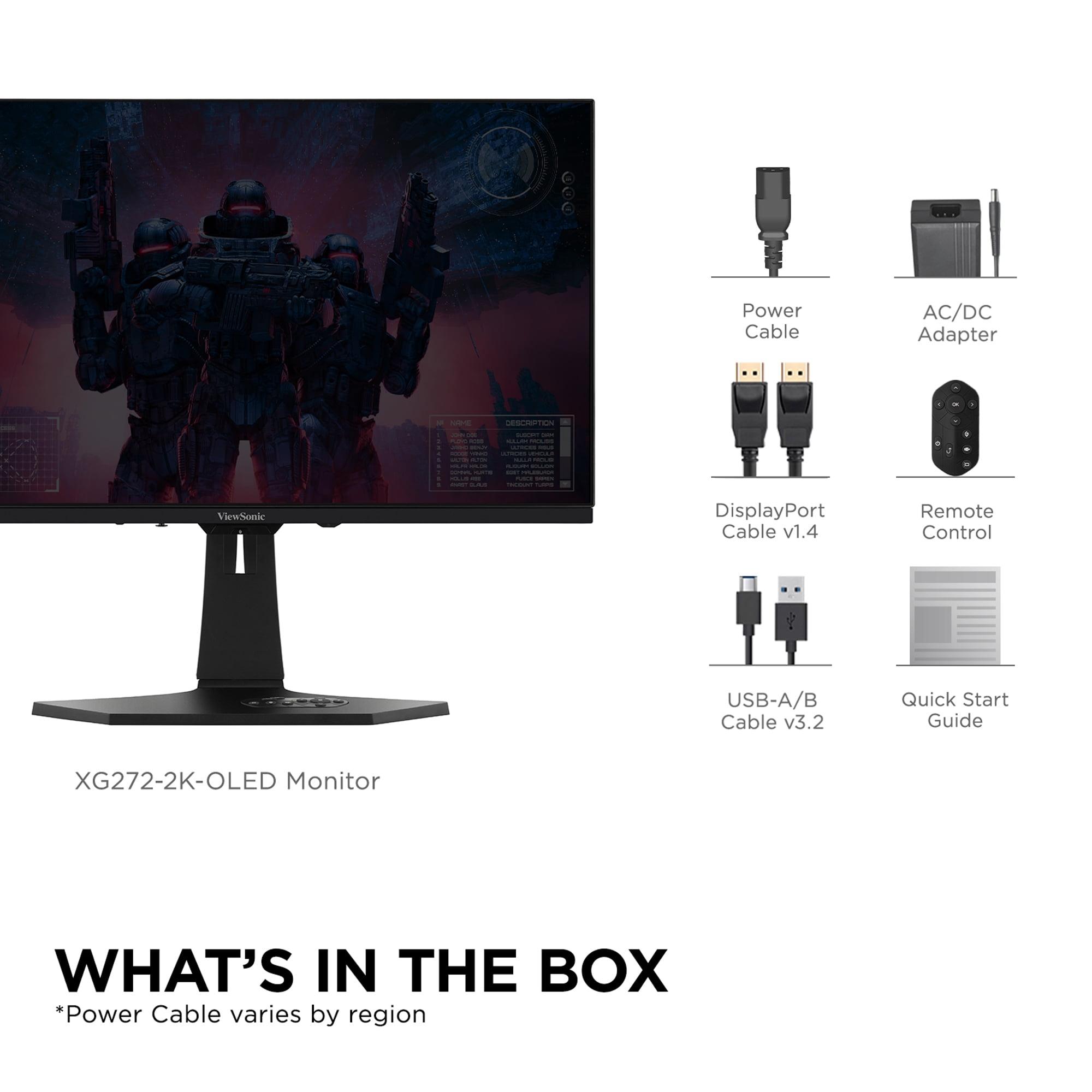
One unique feature of the ViewSonic is its included remote control, which stores in the monitor base. While this might seem gimmicky, it's genuinely useful for adjusting settings from your gaming chair or couch, particularly if you use the monitor for both PC gaming and console gaming from different viewing distances.
Both monitors can serve double duty as small home theater displays, but with different strengths.
The ViewSonic XG272-2K-OLED excels in dark room home theater use. The perfect blacks and excellent HDR contrast make movies and TV shows look exceptional, particularly content mastered with OLED displays in mind. The 27-inch size is suitable for desk viewing or small room entertainment setups.
However, the lower brightness limits its effectiveness in rooms with ambient light. For daytime movie watching or rooms with windows, the display can appear dim compared to modern TVs.
The LG monitor handles bright room viewing much better due to its higher peak brightness, making it more versatile for different viewing environments. The 4K resolution also means it can display 4K content at native resolution, which is increasingly important as streaming services expand their 4K libraries.
At the time of writing, both monitors command premium pricing that reflects their cutting-edge technology. The value proposition depends heavily on your specific use case and priorities.
The ViewSonic XG272-2K-OLED delivers immediate visual impact that's hard to match. The OLED technology provides an experience that feels genuinely next-generation, particularly for gaming and dark room entertainment. However, questions about long-term durability and brightness degradation affect its long-term value proposition.
The LG UltraGear 27G850A represents more of an investment in future-proofing. Its 4K resolution and cutting-edge refresh rates position it well for upcoming graphics cards and gaming developments. The lack of degradation concerns also makes it a safer long-term investment, though you need high-end hardware to fully utilize its capabilities today.
Choose the ViewSonic XG272-2K-OLED if you prioritize immediate visual impact and gaming performance. It's ideal for competitive gamers who want the fastest possible response times, movie enthusiasts who primarily watch in dark rooms, or anyone who values the dramatic visual improvement that OLED technology provides. However, be prepared for brightness limitations in bright rooms and potential long-term concerns about OLED aging.
The LG UltraGear 27G850A makes more sense if you want maximum versatility and future-proofing. It's the better choice for content creators who need 4K resolution and professional features, gamers with high-end graphics cards who want to experience games at maximum detail, or users who need a display that works well in various lighting conditions without degradation concerns.
Both monitors represent the current state-of-the-art in gaming display technology, just with different philosophies about how to achieve premium performance. Your choice ultimately depends on whether you prioritize the immediate visual impact of OLED technology or the versatility and longevity of advanced LCD technology. Either way, you're getting a display that would have been impossible to imagine just a few years ago.
| ViewSonic XG272-2K-OLED | LG UltraGear 27G850A |
|---|---|
| Panel Technology - Determines image quality and longevity | |
| OLED with per-pixel lighting | Nano IPS Black LCD with LED backlight |
| Resolution - Affects sharpness and GPU requirements | |
| 2560×1440 (QHD) - easier on graphics cards | 3840×2160 (4K) - requires high-end GPU for best performance |
| Refresh Rate - Higher numbers mean smoother motion | |
| 240Hz fixed | 240Hz at 4K or 480Hz at 1080p (Dual Mode) |
| Response Time - Lower is better for competitive gaming | |
| 0.01ms pixel response (fastest available) | 1ms GtG response (excellent for LCD) |
| Contrast Ratio - How deep blacks appear compared to whites | |
| 150,000:1 (perfect OLED blacks) | 2,000:1 (good for LCD, limited by backlighting) |
| Peak Brightness - Important for HDR and bright room use | |
| 450 nits (good for OLED, may seem dim in bright rooms) | 670 nits (excellent for bright environments) |
| Color Coverage - How many colors the display can show | |
| 97% DCI-P3, 137% sRGB | 99% DCI-P3, 94% Adobe RGB |
| HDR Implementation - Better HDR means more realistic visuals | |
| HDR10 with infinite contrast from OLED | VESA DisplayHDR 600 with 8-zone edge-lit dimming |
| Burn-in Risk - OLED concern with static images over time | |
| Potential risk with extensive protection features | No burn-in risk with LCD technology |
| Connectivity - Modern ports for gaming and productivity | |
| 2× HDMI 2.1, 2× DisplayPort 1.4, USB-C with 15W power | DisplayPort 2.1, 2× HDMI 2.1, USB-A ports |
| Special Features - Unique capabilities that add value | |
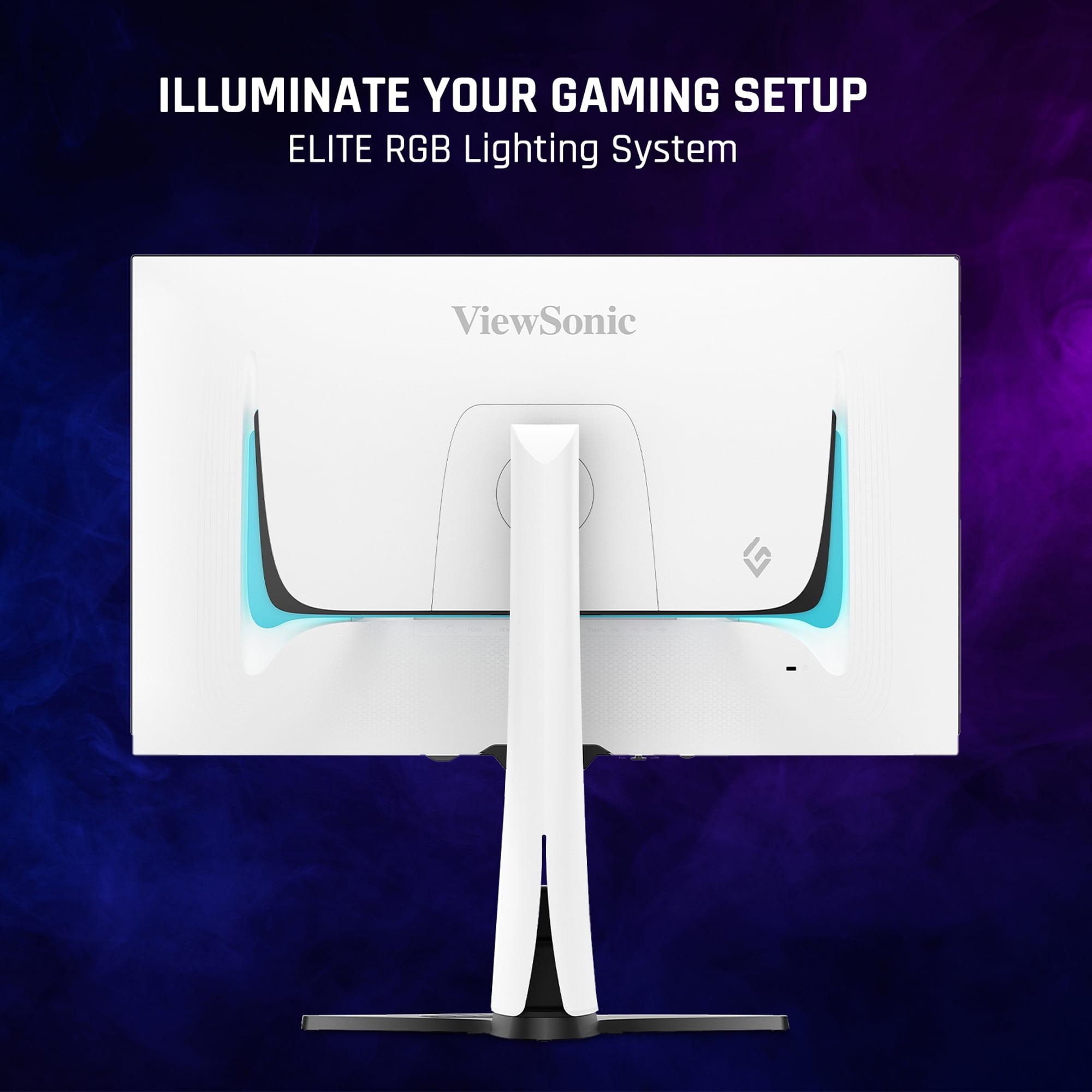
| RGB lighting, remote control, USB hub | Hardware calibration support, Dual Mode refresh rates |
| Best For - Primary use cases where each excels | |
| Competitive gaming, dark room entertainment, visual impact | Content creation, bright room use, future-proofing |
The ViewSonic XG272-2K-OLED is better for competitive gaming due to its 0.01ms response time and perfect OLED blacks, while the LG UltraGear 27G850A is better for high-end gaming with its 4K resolution and dual-mode refresh rates up to 480Hz.
OLED monitors like the ViewSonic XG272-2K-OLED have pixels that emit their own light, creating perfect blacks and infinite contrast. LCD monitors like the LG UltraGear use backlighting, which provides higher brightness but can't achieve true blacks.
The ViewSonic XG272-2K-OLED offers superior picture quality for dark room viewing with perfect blacks and better HDR contrast. The LG UltraGear 27G850A is better for bright room entertainment due to its higher 670-nit brightness.
The LG UltraGear requires a high-end GPU like RTX 4080 or 4090 for optimal 4K gaming performance. The ViewSonic XG272-2K-OLED works well with mid-range cards like RTX 4070 due to its lower QHD resolution.
Both monitors support HDMI 2.1 for console gaming, but the LG UltraGear 27G850A offers native 4K resolution matching PS5 and Xbox Series X capabilities. The ViewSonic provides faster response times for competitive console gaming.
The ViewSonic XG272-2K-OLED has potential burn-in risks and brightness degradation over time, though it includes protection features. The LG UltraGear has no degradation concerns and maintains consistent performance throughout its lifespan.
The LG UltraGear 27G850A is better for productivity with its 4K resolution for sharp text, hardware calibration support, and no burn-in concerns with static elements. The ViewSonic is less suitable for extended desktop use.
The ViewSonic XG272-2K-OLED offers 240Hz at QHD resolution. The LG UltraGear provides 240Hz at 4K resolution or can switch to 480Hz at 1080p using its Dual Mode feature.
The ViewSonic XG272-2K-OLED delivers better overall HDR with perfect blacks and infinite contrast, despite lower peak brightness. The LG UltraGear 27G850A has higher brightness but limited local dimming that reduces HDR impact.
The LG UltraGear is excellent for content creation with 4K resolution, wide color gamut coverage, and hardware calibration support. The ViewSonic XG272-2K-OLED is less suitable due to burn-in concerns and lower resolution for 4K content editing.
The LG UltraGear 27G850A performs much better in bright environments with its 670-nit peak brightness and anti-glare coating. The ViewSonic may appear dim in bright rooms due to its 450-nit limitation.
Both monitors offer modern gaming connectivity. The ViewSonic XG272-2K-OLED includes USB-C with power delivery and a built-in USB hub. The LG UltraGear features future-proof DisplayPort 2.1 and dual HDMI 2.1 ports for maximum compatibility.
We've done our best to create useful and informative comparisons to help you decide what product to buy. Our research uses advanced automated methods to create this comparison and perfection is not possible - please contact us for corrections or questions. These are the sites we've researched in the creation of this article: tomshardware.com - viewsonic.com - cgmagonline.com - bhphotovideo.com - forums.blurbusters.com - pangoly.com - youtube.com - rtings.com - youtube.com - bhphotovideo.com - viewsonic.com - assetserver.net - viewsonic.com - viewsonic.com - colamco.com - viewsonic.com - store.connectcause.com - displayspecifications.com - bhphotovideo.com - manuals.viewsonic.com - viewsonic.com - pangoly.com - visioncomputers.com - bestbuy.com - bestbuy.com - displayninja.com - rtings.com - youtube.com - lg.com - rtings.com - tftcentral.co.uk - bestbuy.com - techpowerup.com - lg.com - lg.com - lg.com

Privacy Policy
Terms and Conditions - Affiliate Policy
Home Security
© Copyright 2008-2026.
11816 Inwood Rd #1211, Dallas, TX 75244