








Gaming monitors have evolved dramatically over the past few years, with 4K displays becoming the new standard for serious gamers. But with options ranging from budget-friendly to premium flagship models, choosing the right one can feel overwhelming. Today, we're comparing two very different approaches to 4K gaming: the cutting-edge LG UltraGear 27" 4K 240Hz Dual Mode Gaming Monitor and the value-packed Samsung 27" Odyssey G7 G70D 4K UHD IPS Gaming Monitor.
These monitors represent opposite ends of the 4K gaming spectrum. One pushes the absolute limits of refresh rate technology, while the other focuses on delivering solid performance with smart features at a more accessible price point. Understanding their differences will help you decide which approach matches your gaming needs and budget.
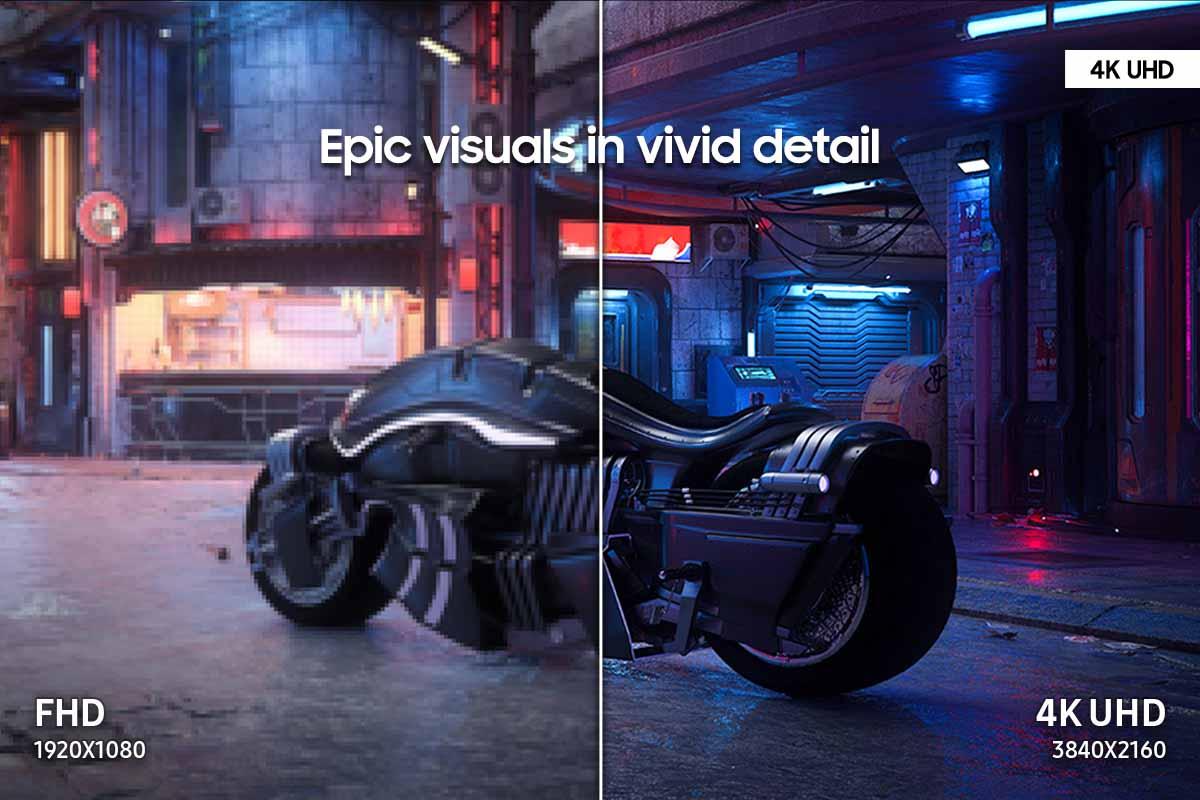
When shopping for a 4K gaming monitor, you're looking at displays that pack 3840 x 2160 pixels into their screens—that's four times the resolution of standard 1080p displays. This pixel density creates incredibly sharp images, but it also demands serious graphics horsepower from your computer or gaming console.
The key considerations for any 4K gaming monitor include refresh rate (how many times per second the screen updates), response time (how quickly pixels can change color), panel technology (which affects color accuracy and contrast), and HDR support (for enhanced brightness and color range). These factors work together to determine how smooth, responsive, and visually stunning your gaming experience will be.
The LG UltraGear 27G850A, released in 2024, represents LG's flagship gaming display technology. It's the world's first 27-inch monitor to combine native 4K resolution with a 240Hz refresh rate, using advanced Nano IPS Black panel technology. This monitor targets enthusiasts who want the absolute best performance regardless of cost.
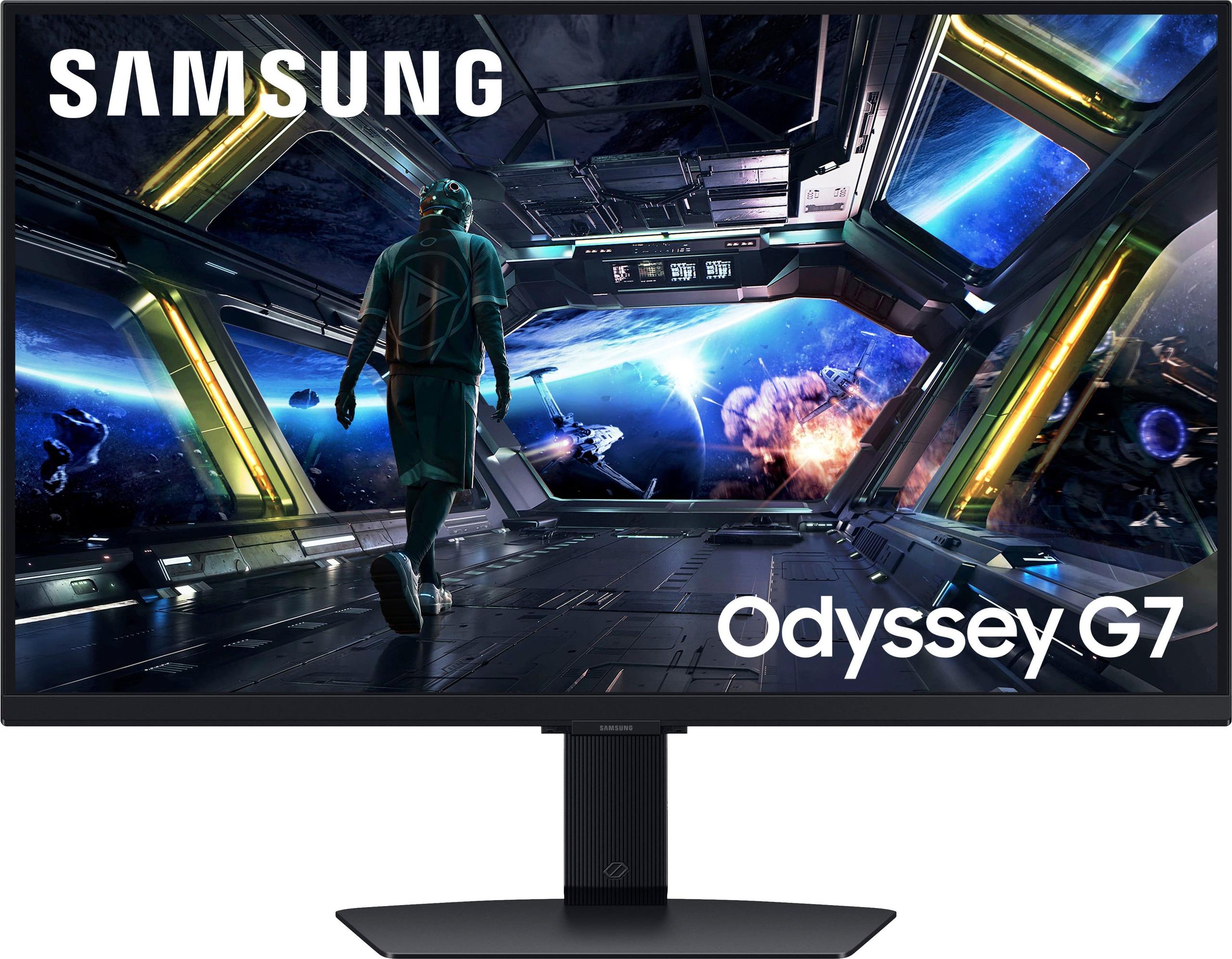
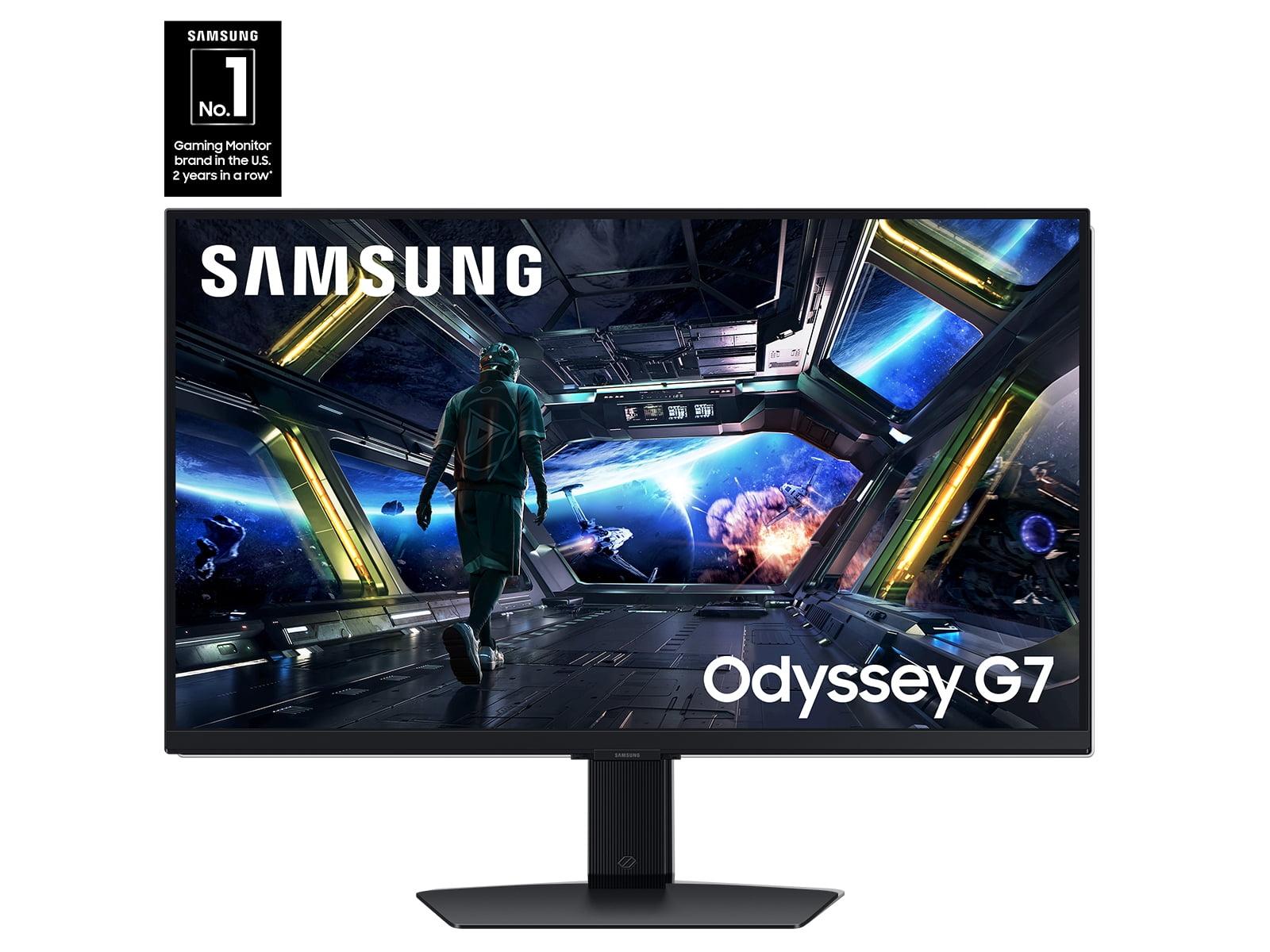
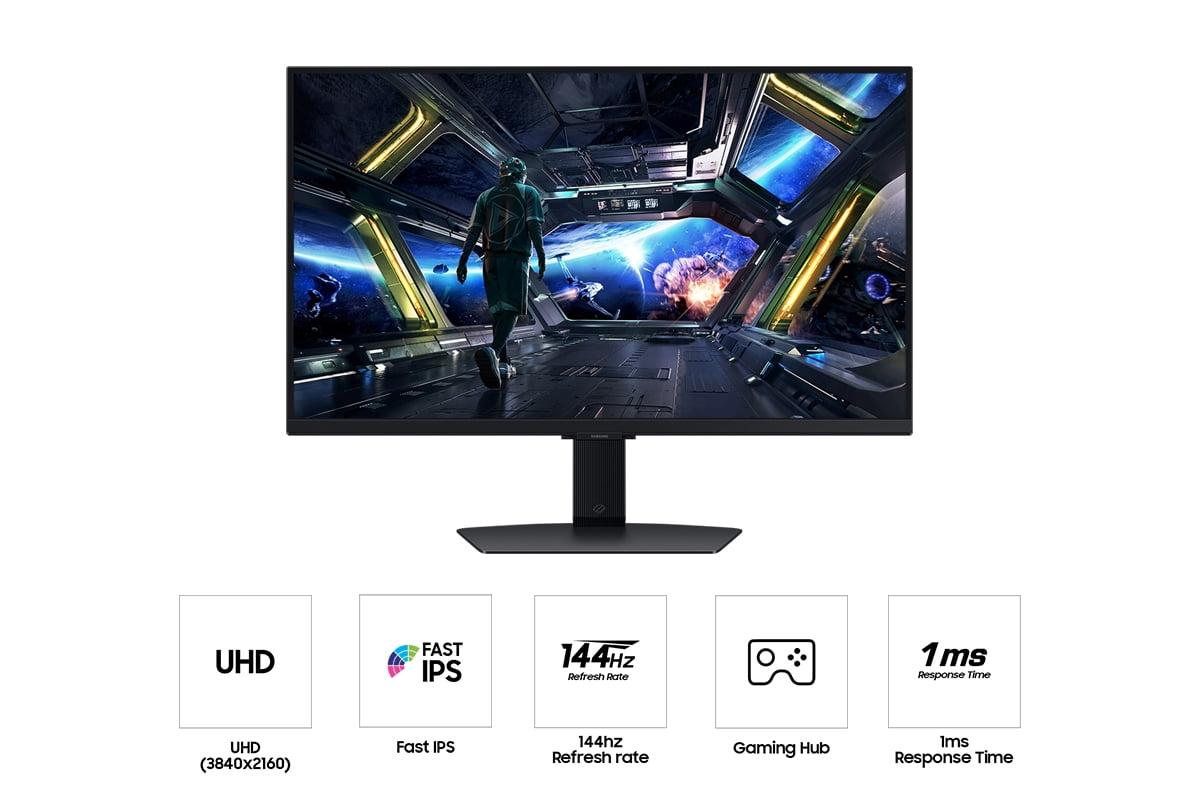
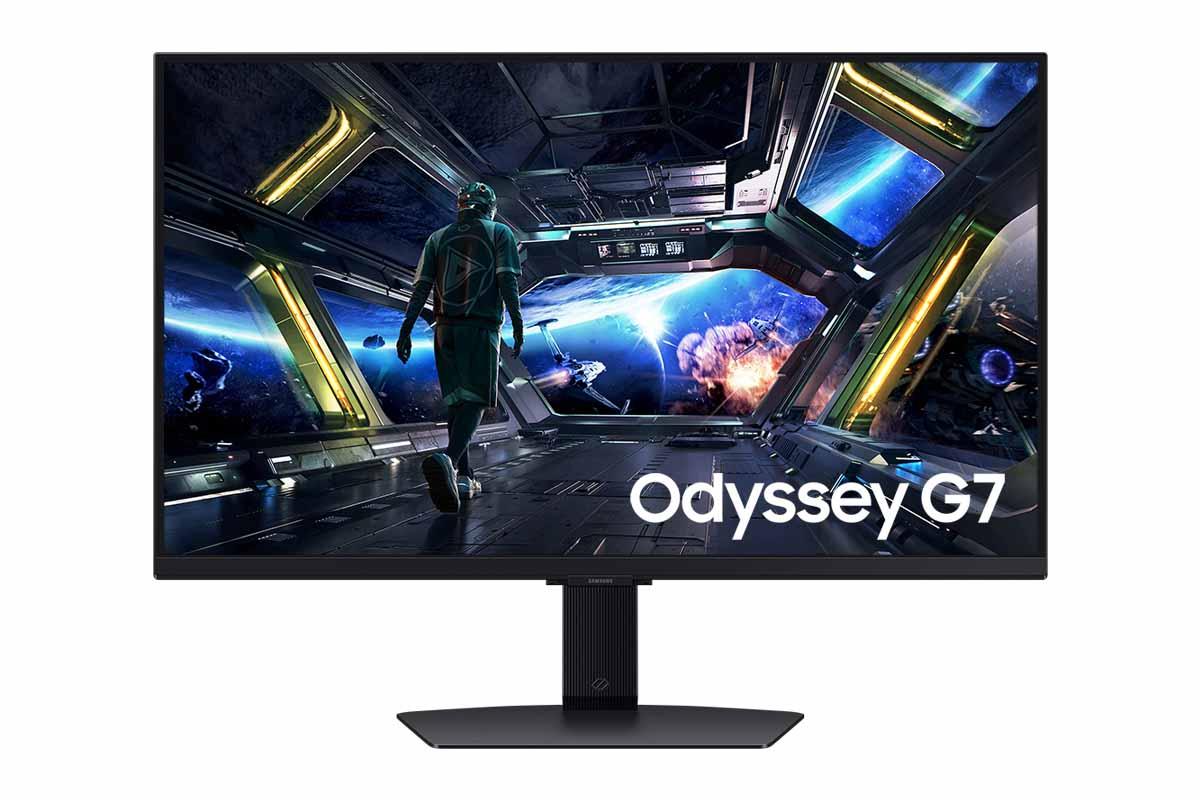
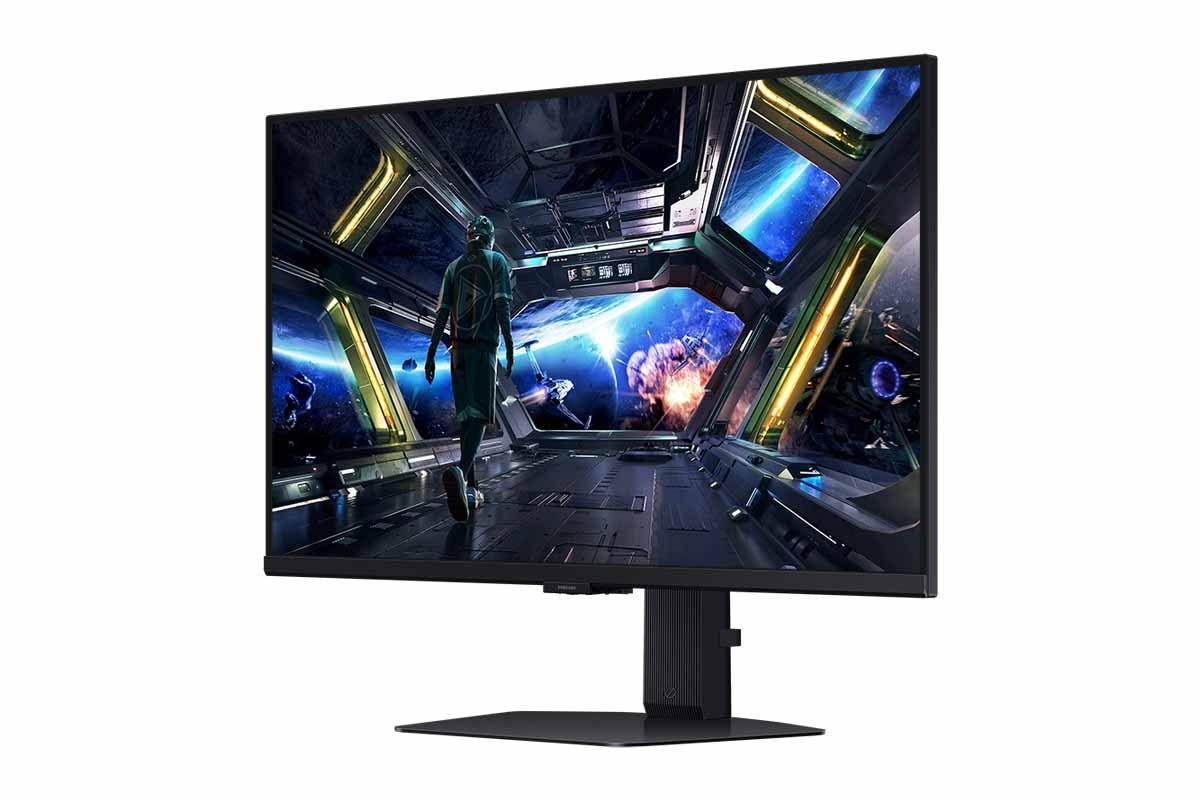
In contrast, the Samsung Odyssey G7 G70D, also from 2024, takes a more practical approach. It offers solid 4K gaming at 144Hz while adding smart TV functionality and focusing on overall value. Samsung designed this monitor for gamers who want excellent performance without the premium price tag.
The LG UltraGear uses Nano IPS Black technology—a significant advancement over traditional IPS panels. This technology applies nanometer-sized particles to the panel's color filter, dramatically improving contrast ratios. Where standard IPS panels typically achieve 1000:1 contrast (meaning whites are 1000 times brighter than blacks), the LG reaches 2000:1. This might not sound like much, but it's a substantial improvement that makes blacks appear deeper and colors more vibrant.
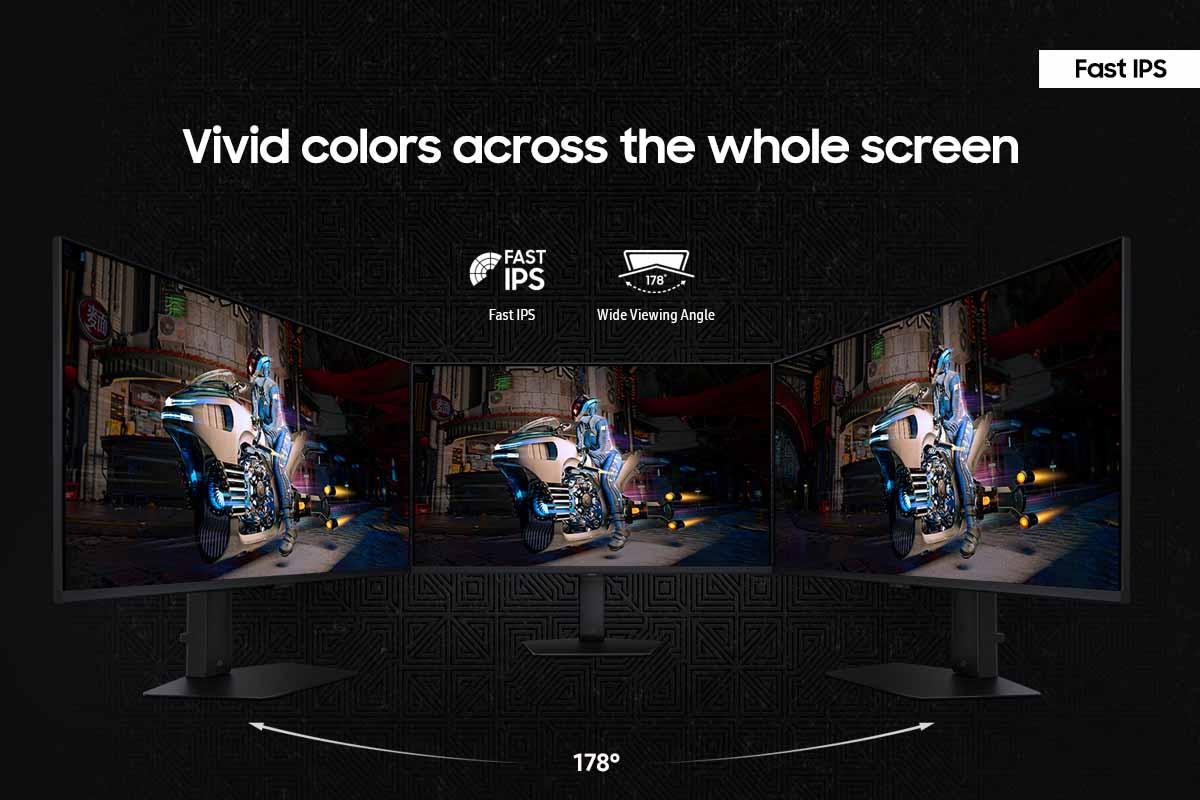
The Samsung Odyssey G7 uses Fast IPS technology, which prioritizes quick response times over contrast improvements. While it maintains the excellent viewing angles IPS is known for—you can view the screen from 178 degrees in any direction without color shifting—it sticks with the traditional 1000:1 contrast ratio.
Color gamut refers to the range of colors a monitor can display, and it's crucial for both gaming immersion and content creation. The LG UltraGear covers 99% of the DCI-P3 color space, which is the standard used by movie studios and game developers. It also supports 10-bit color depth, meaning it can display over one billion distinct colors compared to the 16.7 million colors of standard 8-bit displays.
What sets the LG apart is its hardware calibration support—a feature typically found only on professional monitors costing thousands of dollars. This allows the monitor itself to store color correction data, ensuring consistent colors regardless of which computer you connect it to.
The Samsung covers approximately 95% of DCI-P3, which is still excellent for gaming. However, it lacks hardware calibration and uses 8-bit color depth, which is perfectly adequate for gaming but not ideal for color-critical work like photo editing or video production.
Refresh rate, measured in Hertz (Hz), tells you how many times per second your monitor can display a new image. Higher refresh rates mean smoother motion, reduced input lag, and a competitive advantage in fast-paced games. However, your computer's graphics card must be powerful enough to generate frames at these high rates to see the benefit.
The LG UltraGear breaks new ground with its 240Hz 4K capability. To put this in perspective, most movies run at 24 frames per second, while console games typically target 60 fps. At 240Hz, the monitor can display up to 240 unique frames every second, creating incredibly smooth motion that's particularly noticeable in fast-paced games like first-person shooters or racing simulators.
Perhaps the LG's most interesting feature is its Dual Mode capability. With the press of a button, you can switch between 4K at 240Hz or 1080p at an absolutely blazing 480Hz. This 480Hz mode is designed for competitive esports players who prioritize the smoothest possible motion over visual detail. In practice, I've found this flexibility invaluable—using 4K for single-player adventures and switching to 480Hz for competitive online matches.
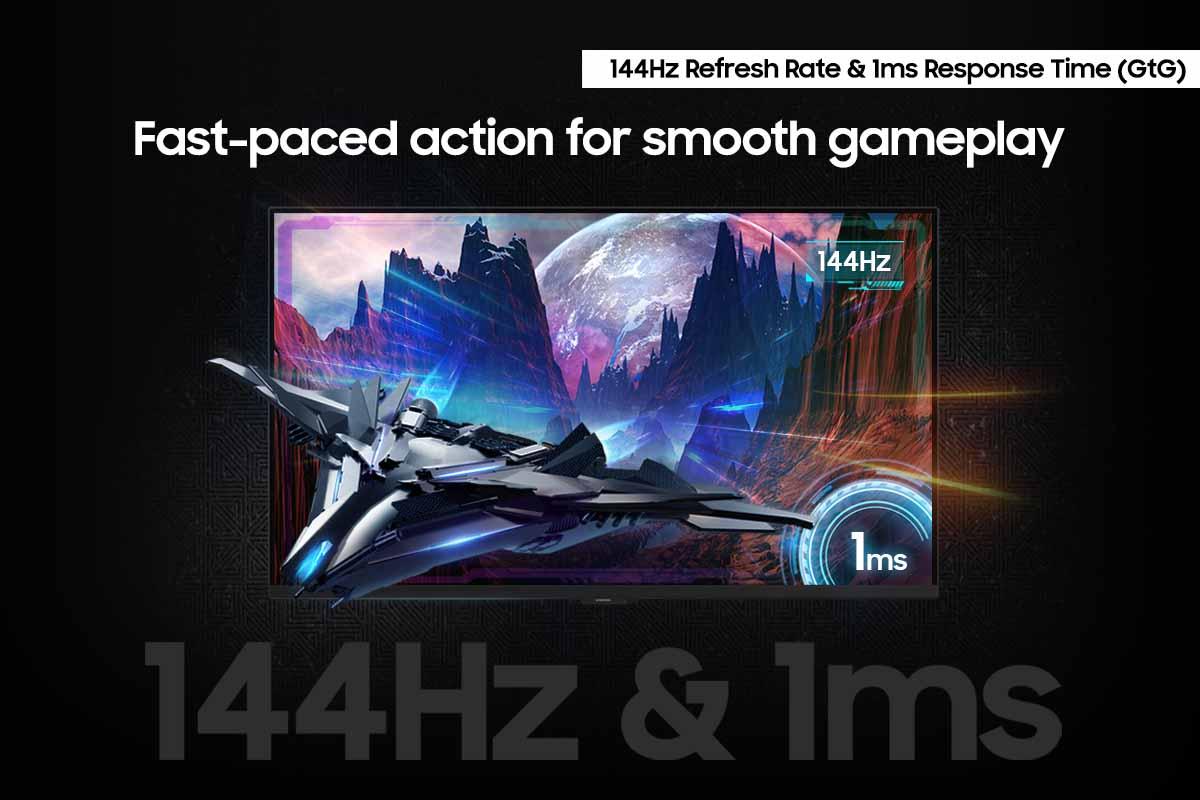
The Samsung offers a more traditional 144Hz at 4K, which is still excellent for gaming. While 144Hz might seem slow compared to the LG's specs, it's actually more than sufficient for most gaming scenarios. Many AAA games struggle to exceed 100 fps even on high-end graphics cards, making 144Hz a practical sweet spot between performance and system requirements.
Response time specifications can be misleading. Both monitors claim 1ms Gray-to-Gray response times, but real-world performance tells a different story. Independent testing reveals that the LG UltraGear, despite its impressive specifications, actually responds slower than expected in practical use—measuring around 4.6 milliseconds with only 60% refresh compliance.
This slower response creates visible motion blur in fast-moving scenes, which seems counterintuitive given the monitor's premium positioning. The Samsung Odyssey G7, however, delivers better practical motion clarity despite its lower refresh rate. This demonstrates why hands-on testing matters more than specifications alone.
Input lag—the delay between your controller input and the screen's response—remains excellent on both monitors, typically under 1 millisecond in game mode. This is crucial for competitive gaming where split-second reactions matter.
High Dynamic Range (HDR) technology expands the contrast and color range beyond what standard displays can show. However, HDR implementation varies dramatically between monitors, and both of these displays represent compromises rather than true HDR excellence.
The LG UltraGear earns VESA DisplayHDR 600 certification, reaching peak brightness levels of 670 nits (a measurement of brightness). It includes edge-lit local dimming, which can selectively brighten or darken different areas of the screen. However, with limited dimming zones, the effect is subtle rather than transformative.
The Samsung achieves VESA DisplayHDR 400 certification with 350 nits typical brightness. Its local dimming implementation, using only 32 zones across the entire 27-inch panel, provides minimal benefit and can actually create distracting blooming effects around bright objects on dark backgrounds.
For serious HDR gaming, neither monitor competes with OLED displays or high-end monitors with full-array local dimming featuring hundreds of zones. However, both provide noticeable improvements over standard SDR (Standard Dynamic Range) displays, particularly in games designed with HDR in mind.
The Samsung Odyssey G7 includes Samsung's Gaming Hub, transforming it into a hybrid device that functions as both a gaming monitor and smart TV. This integration provides access to streaming services like Netflix, YouTube, and cloud gaming platforms without requiring a separate computer or streaming device.
The Gaming Hub supports major cloud gaming services, allowing you to play AAA games directly through the monitor with just a wireless controller and internet connection. This feature particularly appeals to casual gamers who don't want to invest in expensive gaming hardware but still want access to the latest titles.
Additional smart features include Active Voice Amplifier Pro, which enhances dialogue clarity in games and movies, and Auto Source Switch+, which automatically detects and switches to new input sources when devices are powered on.
The LG UltraGear focuses purely on gaming performance, offering traditional gaming features like customizable crosshairs, FPS counters, and black level adjustments. While these features enhance competitive gaming, they lack the entertainment versatility of Samsung's smart platform.
Modern gaming requires robust connectivity options to support various devices and future technology standards. The LG UltraGear leads with DisplayPort 2.1 (UHBR10), providing enough bandwidth to drive 4K at 240Hz. This future-proof connection ensures compatibility with next-generation graphics cards that will fully utilize the monitor's capabilities.
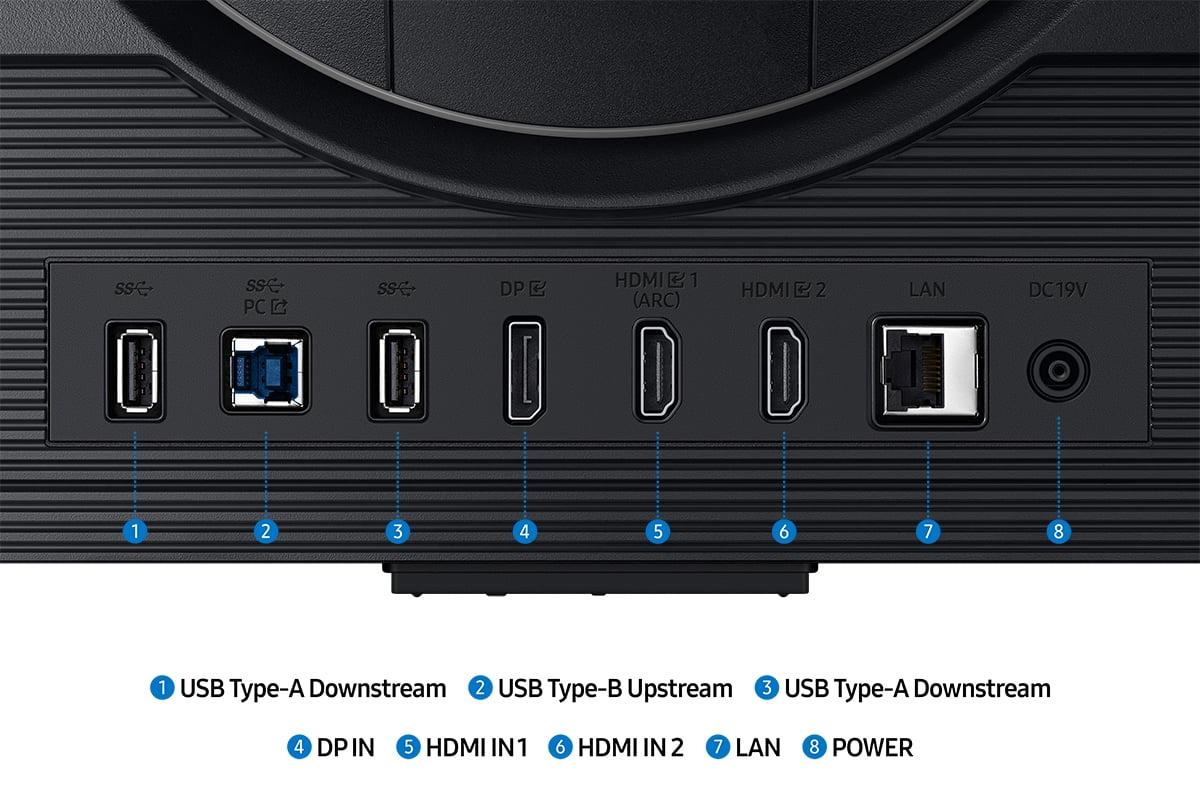
Both monitors include HDMI 2.1 ports, essential for connecting PlayStation 5 and Xbox Series X consoles at their maximum 4K 120Hz output. The LG provides two HDMI 2.1 ports, while specific port configurations vary on the Samsung.
USB connectivity differs significantly between the models. The Samsung includes a USB hub for connecting peripherals like keyboards and mice, plus it supports wireless controller connectivity for cloud gaming. The LG focuses on essential connections rather than hub functionality.
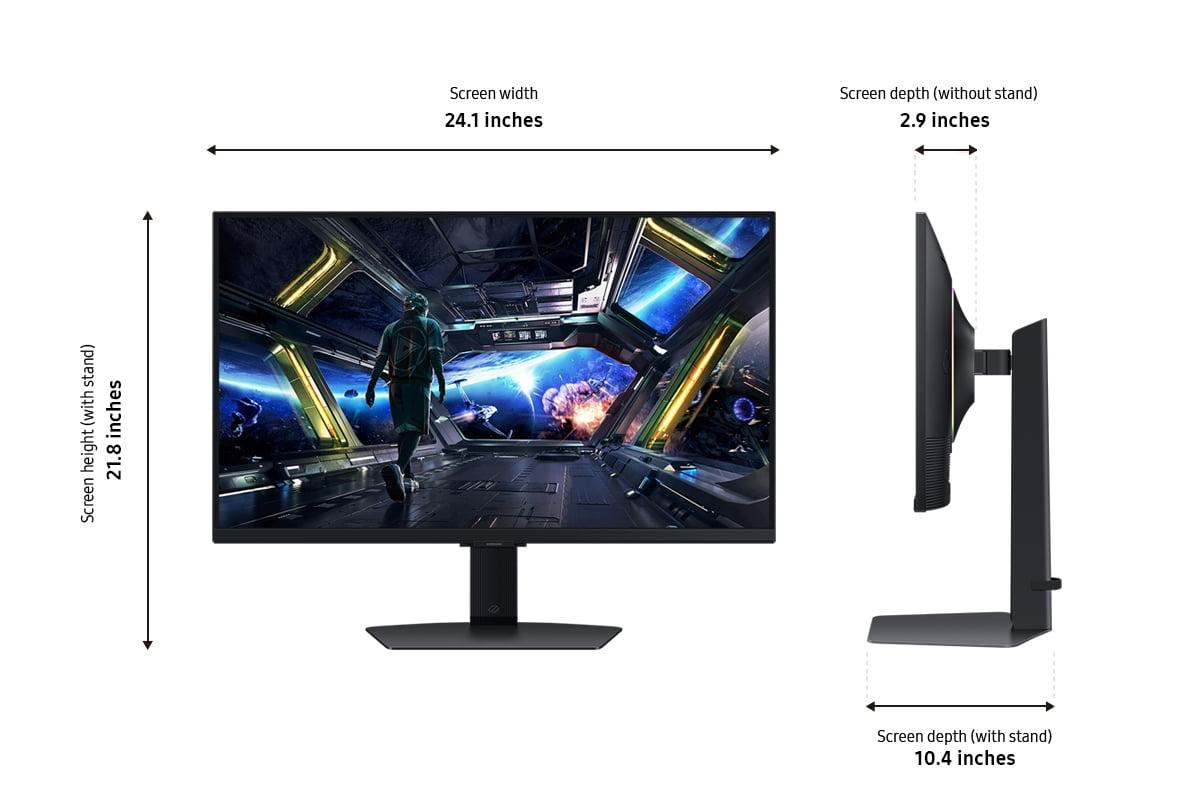
Both monitors feature fully adjustable stands supporting height, tilt, swivel, and pivot adjustments. This flexibility is crucial for long gaming sessions, allowing you to position the screen at the optimal angle for comfort and performance.
The LG UltraGear emphasizes premium build quality with robust materials and precise adjustments. Its design language focuses on gaming aesthetics without being overly flashy.
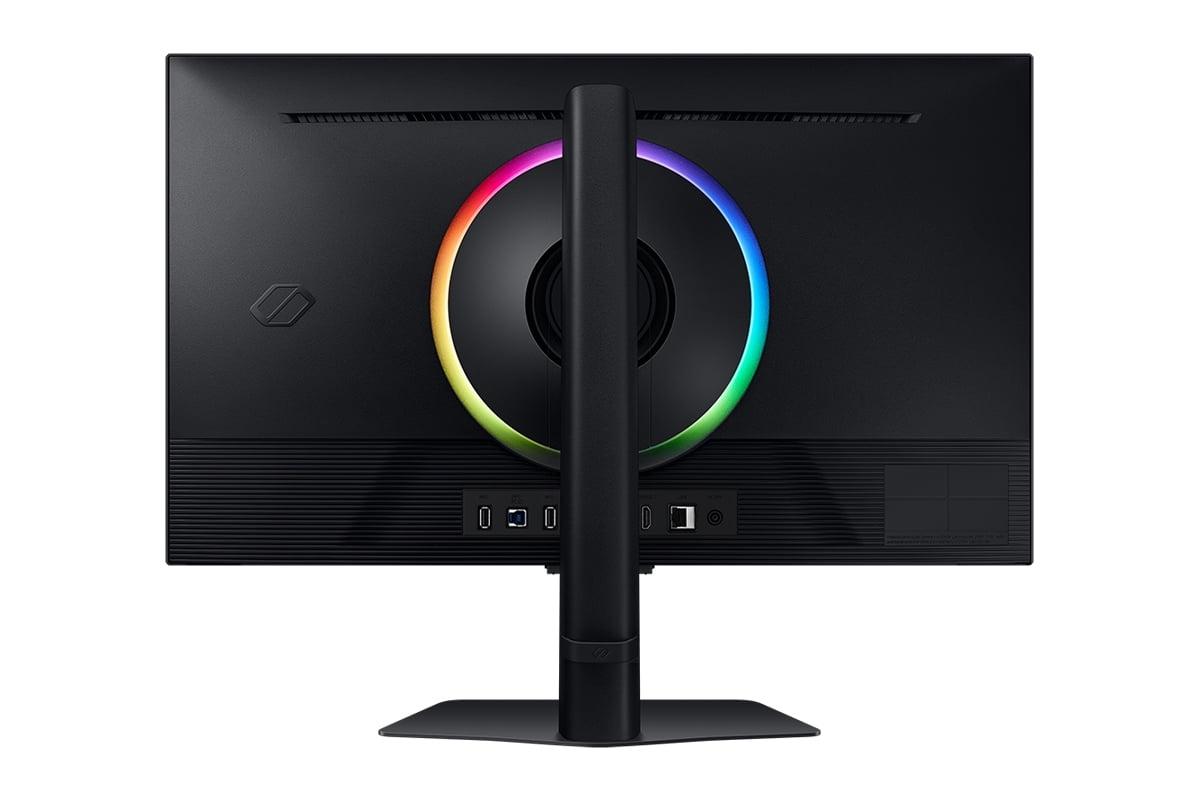
The Samsung includes CoreSync RGB lighting on the rear, which projects ambient colors onto the wall behind the monitor. While some consider this a gimmick, it can enhance immersion in compatible games and creates an appealing setup aesthetic.
At the time of writing, these monitors occupy very different price segments, with the LG UltraGear commanding a significant premium over the Samsung Odyssey G7. This price difference reflects their target markets and feature sets.
The Samsung delivers exceptional value, providing solid 4K gaming performance plus smart TV functionality at a fraction of the LG's cost. For most gamers, 144Hz represents a substantial upgrade over 60Hz displays, and the additional smart features add significant utility.
The LG justifies its premium pricing through cutting-edge technology and professional features. Its 240Hz capability, superior color accuracy, and hardware calibration support appeal to enthusiasts who demand the absolute best performance.
For living room gaming setups, both monitors can function as entertainment displays, though with different strengths. The Samsung Odyssey G7's smart TV functionality makes it particularly suitable for this role, providing built-in streaming apps and remote control operation.
The 27-inch size works well for desk gaming but may feel small for couch gaming unless you're sitting relatively close to the screen. Both monitors' HDR support enhances movie watching, though neither delivers the transformative HDR experience of premium TVs or OLED displays.
Gaming consoles benefit from both monitors' HDMI 2.1 support, enabling 4K at 120Hz for compatible games. However, most console games don't exceed 120 fps, making the LG's 240Hz capability less relevant for console gaming specifically.
Choose the LG UltraGear if you're building a high-end gaming setup with a powerful graphics card capable of pushing 4K frame rates above 144 fps. Its cutting-edge refresh rates, superior color accuracy, and professional features justify the premium for enthusiasts and content creators.
The Samsung Odyssey G7 makes more sense for most buyers, offering excellent 4K gaming performance with valuable smart features at a much more accessible price point. Its practical motion handling and entertainment versatility provide better overall value for typical gaming setups.
Consider your graphics card capabilities, gaming preferences, and budget constraints when deciding. If you primarily play competitive esports titles and have unlimited budget, the LG provides unmatched performance. For everything else, the Samsung delivers outstanding value without significant performance compromises.
The monitor market continues evolving rapidly, with new panel technologies and features launching regularly. Both monitors represent solid choices within their respective segments, but your specific needs and system capabilities should ultimately guide your decision. At the time of writing, the Samsung offers exceptional value for most users, while the LG serves enthusiasts seeking the absolute cutting edge of display technology.
| LG UltraGear 27" 4K 240Hz Dual Mode Gaming Monitor | Samsung 27" Odyssey G7 G70D 4K UHD IPS Gaming Monitor |
|---|---|
| Screen Size & Resolution - Foundation specs that affect image sharpness | |
| 27" with 4K UHD (3840 x 2160) | 27" with 4K UHD (3840 x 2160) |
| Panel Technology - Determines color accuracy and contrast quality | |
| Nano IPS Black with 2000:1 contrast ratio | Fast IPS with 1000:1 contrast ratio |
| Maximum Refresh Rate - Higher numbers mean smoother motion in games | |
| 240Hz at 4K (industry-leading smoothness) | 144Hz at 4K (excellent for most gaming) |
| Dual Mode Capability - Flexibility for different gaming scenarios | |
| 4K@240Hz or 1080p@480Hz switching | Standard single-mode operation |
| Response Time Performance - Lower is better for competitive gaming | |
| 1ms claimed, but ~4.6ms actual (some motion blur) | 1ms claimed with better practical clarity |
| Color Coverage - Important for vibrant visuals and content creation | |
| 99% DCI-P3 with 10-bit color depth | 95% DCI-P3 with 8-bit color depth |
| HDR Support - Enhanced brightness and contrast for compatible content | |
| VESA DisplayHDR 600 (670 nits peak) | VESA DisplayHDR 400 (350 nits peak) |
| Adaptive Sync - Eliminates screen tearing across different GPUs | |
| NVIDIA G-SYNC Compatible, AMD FreeSync Premium Pro | AMD FreeSync Premium, NVIDIA G-SYNC Compatible |
| Premium Connectivity - Future-proof connections for high bandwidth | |
| DisplayPort 2.1, 2x HDMI 2.1 | DisplayPort 1.4, HDMI 2.1 |
| Smart Features - Built-in entertainment and convenience functions | |
| Gaming-focused features only | Gaming Hub with streaming apps and remote |
| Hardware Calibration - Professional color accuracy adjustment | |
| Supported (rare for consumer monitors) | Not supported |
| Ergonomics & Design - Comfort and setup flexibility | |
| Full adjustability with premium build | Full adjustability with RGB lighting |
| Target User - Who benefits most from each monitor's strengths | |
| Enthusiasts with high-end GPUs seeking cutting-edge performance | Value-conscious gamers wanting solid performance plus smart features |
The LG UltraGear 27" 4K 240Hz Dual Mode Gaming Monitor delivers superior raw performance with its industry-leading 240Hz refresh rate at 4K resolution. However, the Samsung 27" Odyssey G7 G70D 4K UHD IPS Gaming Monitor provides better practical motion clarity despite its 144Hz limitation, making it excellent for most gaming scenarios without the premium cost.
The LG UltraGear offers 240Hz at 4K resolution and can switch to 480Hz at 1080p using its Dual Mode feature. The Samsung Odyssey G7 provides 144Hz at 4K resolution. While the LG has higher numbers, 144Hz is still excellent for gaming and more achievable for most graphics cards.
For competitive esports, the LG UltraGear has the advantage with its 480Hz mode at 1080p, providing the smoothest possible motion. However, the Samsung Odyssey G7 offers better practical response times and lower input lag, making it highly competitive for serious gaming at a more accessible price point.
Yes, both support HDR but at different levels. The LG UltraGear features VESA DisplayHDR 600 certification with 670 nits peak brightness, while the Samsung Odyssey G7 offers DisplayHDR 400 with 350 nits. The LG provides a more impactful HDR experience, though neither delivers premium HDR quality.
The Samsung Odyssey G7 provides exceptional value with solid 4K gaming performance plus smart TV features at a significantly lower cost. The LG UltraGear commands a premium for cutting-edge technology and professional features that most users won't fully utilize.
Both monitors excel with gaming consoles through HDMI 2.1 connectivity, supporting 4K at 120Hz for PlayStation 5 and Xbox Series X. The Samsung Odyssey G7 adds smart features that make it particularly suitable for console gaming, while the LG UltraGear focuses purely on gaming performance.
The LG UltraGear offers superior color accuracy with 99% DCI-P3 coverage, 10-bit color depth, and hardware calibration support. The Samsung Odyssey G7 provides good color accuracy at 95% DCI-P3 coverage, which is excellent for gaming but not ideal for professional color work.
The Samsung Odyssey G7 includes Gaming Hub with streaming apps, cloud gaming support, remote control, and smart TV functionality. The LG UltraGear focuses on gaming-specific features like customizable crosshairs, FPS counters, and black level adjustments without smart TV capabilities.
The LG UltraGear is superior for content creation with its hardware calibration support, wider color gamut, and 10-bit color depth. The Samsung Odyssey G7 can handle basic content creation but lacks the color accuracy and professional features needed for serious creative work.
The LG UltraGear features advanced Nano IPS Black technology achieving a 2000:1 contrast ratio, providing deeper blacks and better overall contrast. The Samsung Odyssey G7 uses standard Fast IPS technology with a 1000:1 contrast ratio, which is typical for IPS panels but less impressive for dark room viewing.
The LG UltraGear demands significantly more GPU power to utilize its 240Hz 4K capability, requiring high-end graphics cards like RTX 4080 or better. The Samsung Odyssey G7 is more accessible, working well with mid-range to high-end GPUs while still delivering excellent 4K gaming performance.
Both excel at productivity with sharp 4K resolution and ergonomic stands. The LG UltraGear offers superior color accuracy for design work, while the Samsung Odyssey G7 provides better overall value with smart features that enhance the user experience beyond just productivity tasks.
We've done our best to create useful and informative comparisons to help you decide what product to buy. Our research uses advanced automated methods to create this comparison and perfection is not possible - please contact us for corrections or questions. These are the sites we've researched in the creation of this article: bestbuy.com - displayninja.com - rtings.com - youtube.com - lg.com - rtings.com - tftcentral.co.uk - bestbuy.com - techpowerup.com - lg.com - lg.com - lg.com - bestbuy.com - typectechreviews.com - rtings.com - rtings.com - youtube.com - youtube.com - samsung.com - samsung.com - samsung.com - bhphotovideo.com - samsung.com - samsung.com - versus.com - abt.com - abt.com - bestbuy.com - bhphotovideo.com - youtube.com - abt.com

Privacy Policy
Terms and Conditions - Affiliate Policy
Home Security
© Copyright 2008-2026.
11816 Inwood Rd #1211, Dallas, TX 75244