














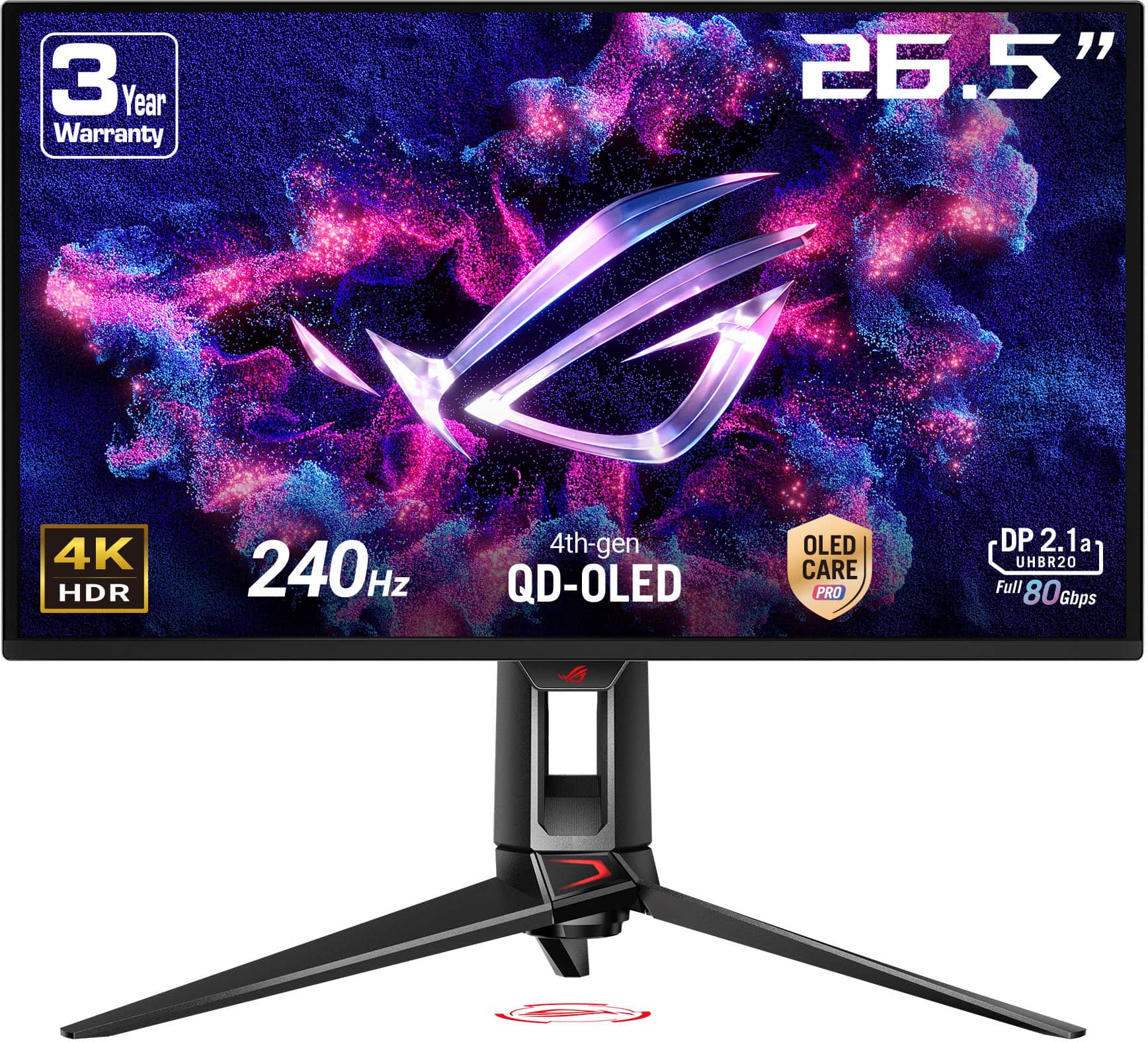
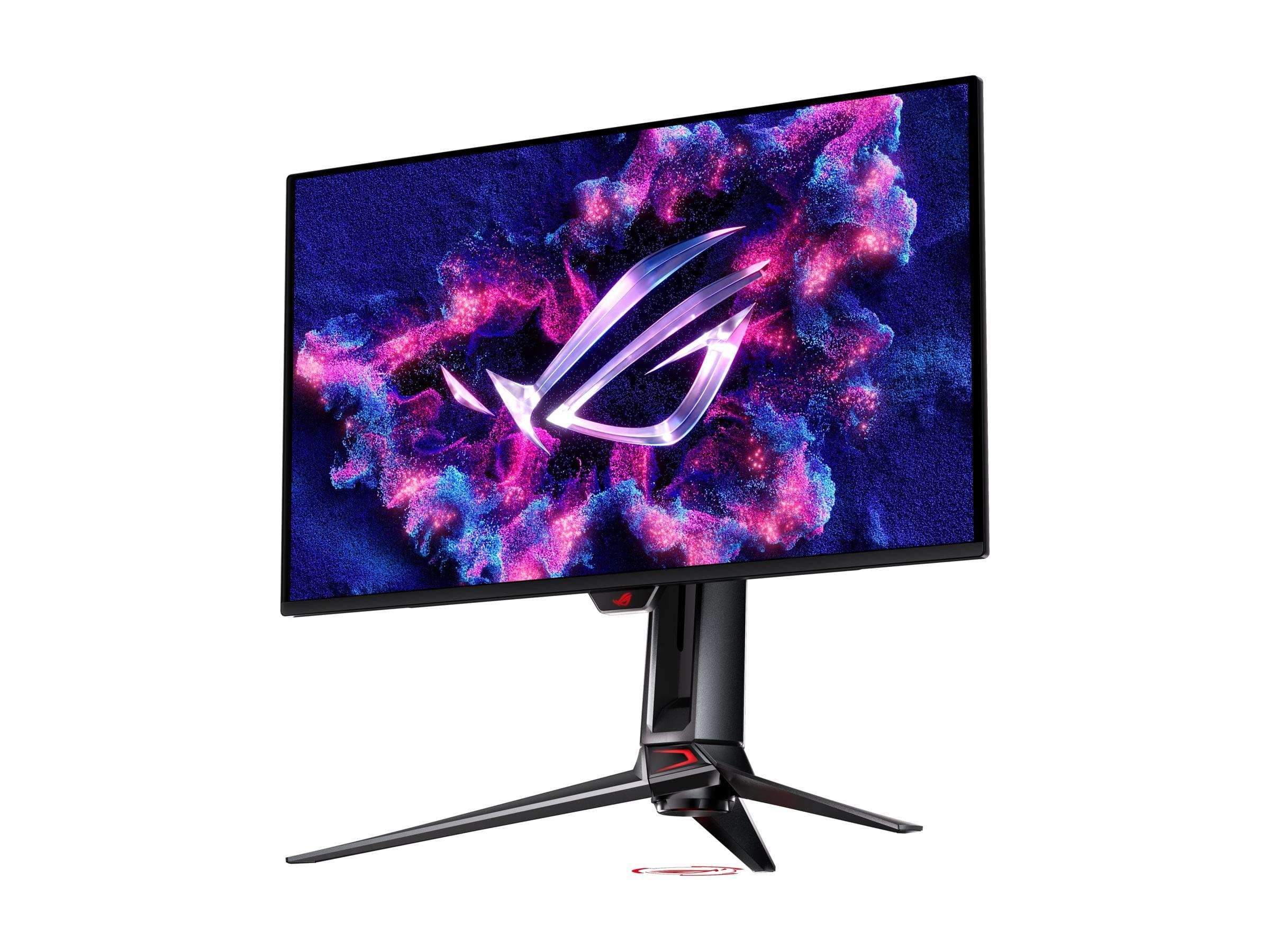
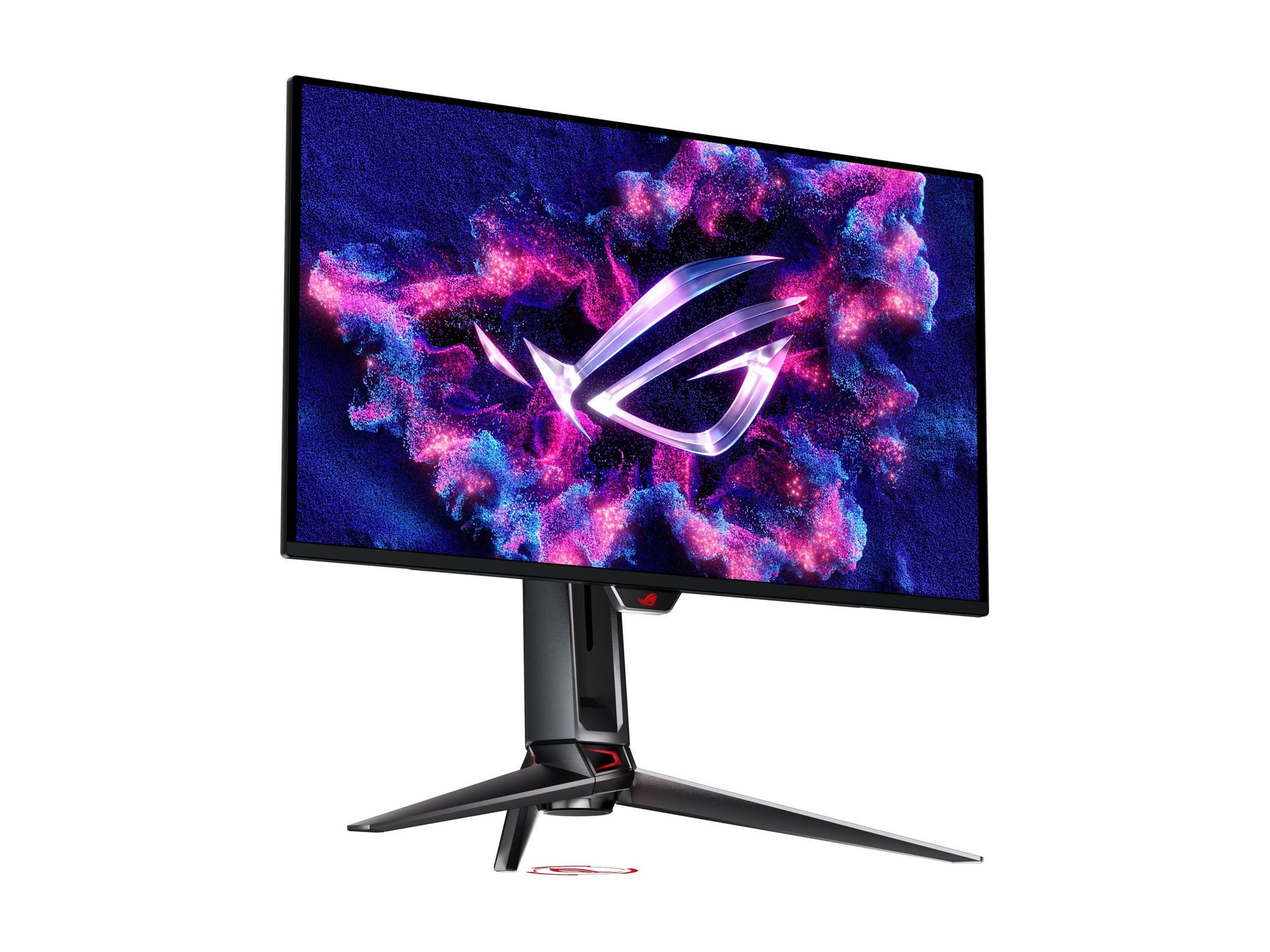
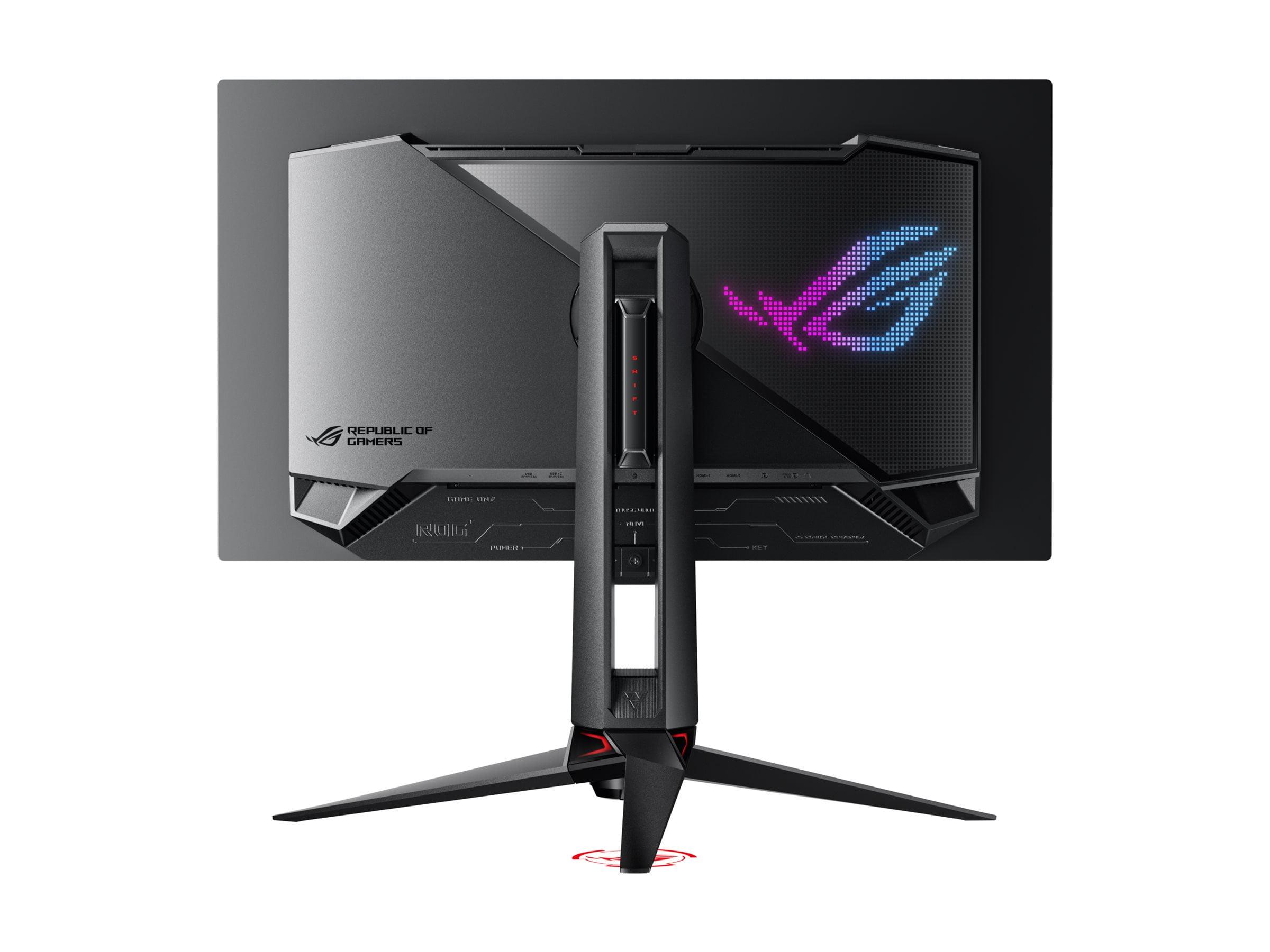
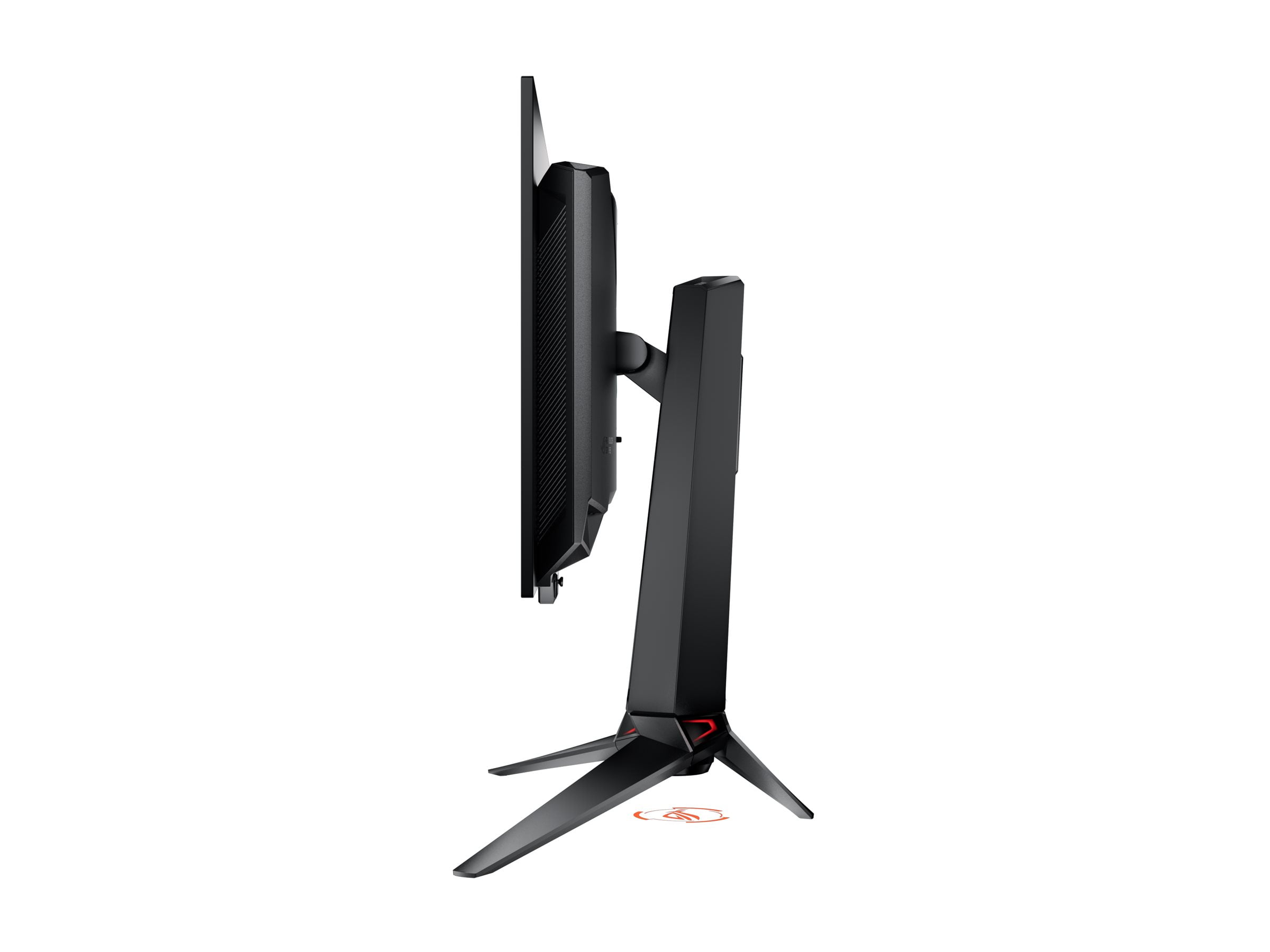
If you've been considering upgrading to an OLED gaming monitor, you've probably noticed that 2024 and 2025 have been incredible years for this technology. OLED displays have finally become mainstream in the gaming world, offering the perfect blacks and vibrant colors that were once exclusive to high-end TVs. Two monitors that perfectly represent this evolution are the MSI MAG 271QP QD-OLED X24 and the ASUS ROG Swift OLED PG27UCDM.
Both monitors use OLED technology, which means each individual pixel can turn completely off to create true black colors—something traditional LCD monitors simply cannot achieve. However, these two displays take very different approaches to delivering that OLED experience, and understanding these differences is crucial for making the right choice.
The 27-inch OLED gaming monitor category represents what many consider the sweet spot for competitive gaming. These displays are large enough to provide an immersive experience without being so big that your eyes need to constantly track across the screen during fast-paced games. The OLED technology brings several key advantages: instantaneous response times (how quickly pixels can change from one color to another), infinite contrast ratios (the difference between the brightest and darkest parts of the image), and color accuracy that rivals professional displays.
When shopping for any gaming monitor, you'll want to consider several key factors. Response time and refresh rate determine how smooth and responsive your games will feel. Color accuracy and brightness affect how vibrant and realistic your content appears. Connectivity options determine what devices you can plug in and at what quality levels. Build quality and features influence your daily experience and the monitor's longevity.
For OLED monitors specifically, there's an additional consideration: burn-in protection. OLED panels can suffer from permanent image retention if static elements (like game HUDs or desktop taskbars) remain on screen for extended periods. Modern OLED monitors include various technologies to prevent this, but it's still worth understanding what protection features each monitor offers.
The MSI MAG 271QP QD-OLED X24, released in 2024, represents MSI's approach to making OLED gaming accessible. At the time of writing, it's positioned as a more affordable entry into QD-OLED technology—a specific type of OLED that uses quantum dots (tiny particles that emit very pure colors when hit by light) to achieve wider color gamuts and better brightness than traditional OLED panels.
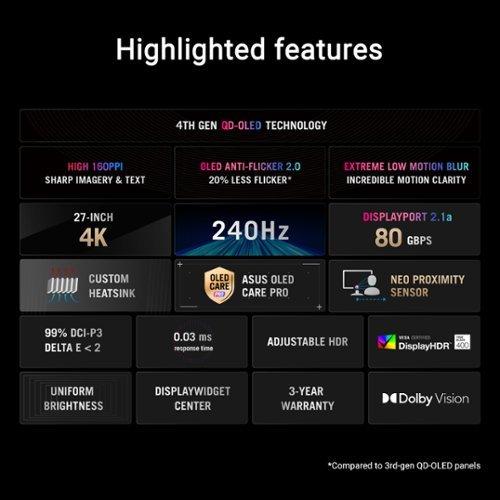
The ASUS ROG Swift OLED PG27UCDM, launched in early 2025, takes a different approach entirely. ASUS decided to push the boundaries by creating one of the first 27-inch 4K OLED gaming monitors capable of 240Hz refresh rates. This required implementing 4th-generation QD-OLED technology and DisplayPort 2.1 connectivity—both cutting-edge features that weren't available just a year earlier.
The most fundamental difference between these monitors is their resolution, and this single factor affects everything from image sharpness to the graphics card requirements needed to drive them effectively.
The MSI MAG 271QP QD-OLED X24 uses a 2560 x 1440 resolution, commonly called QHD or 1440p. This gives it a pixel density of about 110 pixels per inch (PPI). For gaming, this resolution hits a sweet spot—it's sharp enough that individual pixels aren't visible from normal viewing distances, but it's not so demanding that you need the most powerful graphics card available to achieve high frame rates.
In contrast, the ASUS ROG Swift OLED PG27UCDM packs 3840 x 2160 pixels into the same 27-inch screen size, resulting in a much higher pixel density of 166 PPI. This creates noticeably sharper text and more detailed images, especially beneficial for productivity work or games with fine visual details.
Having used both QHD and 4K displays extensively, I can say the difference is most noticeable when reading text or viewing detailed game environments. The 4K display makes text incredibly crisp—something that's particularly important if you plan to use your gaming monitor for work or content creation. However, for fast-paced competitive gaming, the benefits are less pronounced since you're typically focused on movement and reactions rather than fine details.
Both monitors use QD-OLED technology, which means they can display similar color ranges. The MSI monitor covers 98% of the Adobe RGB color space and 138% of the standard sRGB space, while the ASUS display achieves 99% DCI-P3 coverage and 145% sRGB. In practical terms, both will show incredibly vibrant colors that make games and movies look stunning, with the quantum dot layer helping achieve colors that are both more saturated and more accurate than traditional displays.
Both monitors share identical core gaming specifications: 240Hz refresh rates and 0.03ms response times. The refresh rate determines how many times per second the display can show a new image—240Hz means 240 times per second, which creates incredibly smooth motion compared to standard 60Hz displays. The 0.03ms response time is essentially instantaneous, eliminating the ghosting or trailing effects you might see with slower panels.
However, the resolution difference creates a significant performance divide. The MSI MAG 271QP at 1440p requires about 44% fewer pixels to be rendered each frame compared to the ASUS monitor's 4K resolution. This translates directly to higher frame rates with the same graphics card, or the ability to use a less expensive graphics card to achieve target frame rates.
For competitive gaming in titles like Counter-Strike, Valorant, or Fortnite, you'll likely achieve 240+ fps consistently on the MSI monitor with a mid-range graphics card like an RTX 4070. The ASUS display would require something like an RTX 4080 or RTX 4090 to consistently hit those same frame rates in demanding games.
Variable refresh rate (VRR) support differs between the two as well. The ASUS monitor supports multiple VRR standards including FreeSync Premium Pro and G-SYNC Compatible certification, ensuring smooth gameplay regardless of your graphics card brand. The MSI display supports FreeSync and basic Adaptive-Sync, which works well but isn't certified for the highest compatibility standards.
Both monitors handle console gaming excellently through their HDMI 2.1 ports, supporting 120Hz gaming from PlayStation 5 and Xbox Series X with features like Variable Refresh Rate and Auto Low Latency Mode.
The feature sets reveal the different philosophies behind these monitors. The MSI MAG 271QP focuses on delivering essential OLED gaming features without unnecessary extras. Its OLED Care 2.0 system includes pixel shifting (slightly moving the image periodically), panel refresh cycles, and detection of static screen elements to prevent burn-in. The monitor includes DisplayPort 1.4a and dual HDMI 2.1 ports, covering all necessary connectivity for gaming setups.
The ASUS ROG Swift OLED PG27UCDM takes a more comprehensive approach with its OLED Care Pro suite. Beyond standard burn-in protection, it includes a Neo Proximity Sensor that automatically dims or turns off the display when you step away—a clever feature that both prevents burn-in and saves energy. The monitor also features a custom heatsink design for better thermal management and longer panel life.
Connectivity is where the ASUS monitor really distinguishes itself. It includes DisplayPort 2.1a with full 80Gbps bandwidth—necessary for uncompressed 4K at 240Hz—plus USB-C with 90W power delivery. This means you can connect a laptop with a single cable for both video and charging. The built-in USB hub and KVM switch (which lets you control multiple computers with one keyboard and mouse) add significant productivity value.
The ASUS display also supports Dolby Vision HDR, which provides better tone mapping and color accuracy for supported content compared to standard HDR10. For movie watching or streaming, this creates a noticeably better experience.
Both monitors offer solid build quality, but with different priorities. The MSI MAG 271QP features a straightforward design with a fully adjustable stand that covers all the basics: height adjustment, tilt, swivel, and pivot. The overall construction feels sturdy without unnecessary flourishes, keeping costs reasonable while maintaining functionality.
The ASUS monitor embraces a more premium approach with RGB lighting, a distinctive ROG design aesthetic, and additional features like a tripod socket for alternative mounting options. The stand offers slightly more adjustment range, and the overall build quality feels more robust with better materials throughout.
Both support VESA mounting if you prefer to use your own monitor arm or wall mount, and both include comprehensive warranty coverage that specifically covers OLED burn-in—an important consideration for this technology.
At the time of writing, these monitors occupy very different price tiers. The MSI MAG 271QP QD-OLED X24 is positioned as an accessible entry point into QD-OLED gaming, while the ASUS ROG Swift OLED PG27UCDM commands a significant premium for its 4K resolution and advanced features.
When considering value, it's important to factor in the total system cost. The MSI monitor can be paired with a more affordable graphics card while still achieving excellent performance, potentially saving hundreds of dollars on your overall gaming setup. The ASUS display really demands a high-end graphics card to justify its 4K resolution, adding to the total investment required.
For pure gaming performance per dollar spent, the MSI monitor is hard to beat. It delivers about 90% of the visual experience for significantly less money, and the performance difference in most games is minimal when you're focused on gameplay rather than examining individual pixels.
However, if you plan to use your monitor for productivity work, content creation, or if you have the graphics hardware to fully utilize 4K gaming, the ASUS monitor provides genuine value through its additional capabilities and future-proofing features.
Both monitors can serve double duty as compact gaming displays and personal entertainment screens, though with different strengths. The MSI MAG 271QP offers excellent movie and streaming performance with its deep OLED blacks and vibrant colors. The 1440p resolution is perfectly adequate for most streaming content, and the monitor handles HDR content well with its VESA DisplayHDR True Black 400 certification.
The ASUS monitor takes the entertainment experience further with true 4K resolution and Dolby Vision support. For streaming 4K content from Netflix, Amazon Prime, or UHD Blu-rays, the difference is noticeable. The Dolby Vision support particularly benefits movies and shows that support this format, providing better color and contrast optimization.
Neither monitor includes built-in speakers of significant quality, so you'll want to pair either with good headphones or external speakers for the best audio experience. Both monitors include headphone jacks and audio pass-through via their video inputs.
The underlying panel technology reveals why these monitors perform differently. Both use Samsung's QD-OLED panels, but the ASUS monitor uses a newer 4th-generation implementation that offers better longevity and reduced flicker. This newer technology includes improved algorithms for managing pixel wear and better thermal characteristics.
The MSI monitor's QD-OLED panel provides the classic benefits of this technology: wider color gamuts than traditional OLED, better brightness performance, and the characteristic vibrant, saturated colors that make games pop off the screen. The quantum dot layer acts like a color filter, converting blue OLED light into precise red and green wavelengths for more accurate color reproduction.
Both monitors achieve their 0.03ms response times through the instantaneous nature of OLED technology—unlike LCD panels that require liquid crystals to physically rotate, OLED pixels simply turn on and off electronically. This eliminates motion blur and ghosting even during the fastest gaming scenarios.
Choosing between these excellent monitors ultimately comes down to your specific needs, budget, and existing hardware.
The MSI MAG 271QP QD-OLED X24 makes the most sense if you're primarily focused on gaming performance and want to experience OLED technology without breaking the bank. It's perfect for competitive gaming, works beautifully with mid-range graphics cards, and delivers stunning visuals for the price point. This monitor represents the democratization of OLED gaming technology—bringing premium display quality to a much broader audience.
The ASUS ROG Swift OLED PG27UCDM justifies its premium pricing if you need maximum image sharpness, plan to use the monitor for productivity or content creation, have high-end graphics hardware, or want the best possible gaming experience regardless of cost. The 4K resolution, advanced features, and superior connectivity make it more future-proof and versatile.
For most gamers, I'd recommend starting with the MSI monitor. It delivers the core OLED gaming experience excellently, and the money saved can go toward a better graphics card or other system upgrades. However, if you're building a no-compromise gaming setup or need the monitor to serve double duty for professional work, the ASUS display provides genuine value through its advanced capabilities.
Both monitors represent the current state of the art in OLED gaming displays, just with different priorities and target audiences. Either choice will provide an exceptional upgrade from traditional LCD gaming monitors, with perfect blacks, instant response times, and colors that make every game look spectacular.
The OLED gaming monitor landscape has evolved rapidly, and both of these displays showcase how far the technology has come in making premium display quality accessible to serious gamers. Whichever you choose, you'll be getting a display that would have been impossible to produce just a few years ago—a testament to how quickly this technology is advancing.
| MSI MAG 271QP QD-OLED X24 | ASUS ROG Swift OLED PG27UCDM |
|---|---|
| Resolution - The biggest differentiator affecting sharpness and GPU requirements | |
| 2560 x 1440 (QHD) - 110 PPI | 3840 x 2160 (4K) - 166 PPI |
| Refresh Rate & Response Time - Core gaming performance specs | |
| 240Hz, 0.03ms GTG | 240Hz, 0.03ms GTG |
| Panel Technology - Both use premium OLED but different generations | |
| QD-OLED (3rd generation) | QD-OLED (4th generation) |
| Color Gamut - How vibrant and accurate colors appear | |
| 98% Adobe RGB, 138% sRGB, 99% DCI-P3 | 99% DCI-P3, 145% sRGB |
| HDR Support - Enhanced contrast and brightness for compatible content | |
| HDR10, DisplayHDR True Black 400 | HDR10, Dolby Vision, DisplayHDR True Black 400 |
| Peak Brightness - Higher numbers better for HDR and bright rooms | |
| 1000 nits (3% window), 250 nits full screen | 1000 nits (3% window), 250 nits full screen |
| Variable Refresh Rate - Eliminates screen tearing across different GPUs | |
| FreeSync, Adaptive-Sync | FreeSync Premium Pro, G-SYNC Compatible, Adaptive-Sync |
| Connectivity - What devices you can connect and at what quality | |
| DisplayPort 1.4a, 2x HDMI 2.1 | DisplayPort 2.1a (80Gbps), 2x HDMI 2.1, USB-C 90W PD |
| OLED Burn-in Protection - Critical for panel longevity | |
| OLED Care 2.0: Pixel shift, panel refresh, static detection | OLED Care Pro: All above plus Neo Proximity Sensor, custom heatsink |
| Additional Features - Premium extras that add convenience | |
| 3-year burn-in warranty | KVM switch, USB hub, RGB lighting, 3-year burn-in warranty |
| GPU Requirements - What graphics card you need for optimal performance | |
| RTX 4060 Ti / RX 7700 XT for high settings | RTX 4080 / RX 7900 XTX for high settings |
| Best Use Cases - Who should consider each monitor | |
| Competitive gaming, budget OLED entry, mid-range systems | 4K gaming enthusiasts, content creators, high-end systems |
| Value Proposition - Performance per dollar at time of writing | |
| Excellent OLED gaming at accessible pricing | Premium 4K OLED with advanced features at higher cost |
The primary difference is resolution: the MSI MAG 271QP QD-OLED X24 runs at 2560 x 1440 (QHD), while the ASUS ROG Swift OLED PG27UCDM delivers 3840 x 2160 (4K). This means the ASUS monitor has significantly sharper image quality but requires a more powerful graphics card to achieve high frame rates.
Both monitors offer identical 240Hz refresh rates and 0.03ms response times, making them equally capable for competitive gaming. However, the MSI MAG 271QP may have a slight edge since its lower resolution allows mid-range graphics cards to consistently hit 240+ fps in esports titles, while the ASUS monitor requires high-end hardware for the same performance.
Yes, both the MSI MAG 271QP QD-OLED X24 and ASUS ROG Swift OLED PG27UCDM feature HDMI 2.1 ports that support 120Hz gaming from PlayStation 5 and Xbox Series X, along with Variable Refresh Rate and Auto Low Latency Mode for optimal console performance.
The MSI MAG 271QP provides significantly better value, delivering about 90% of the OLED gaming experience at a much lower price point. The ASUS PG27UCDM costs considerably more but offers genuine 4K resolution and premium features that may justify the price for specific users.
For the MSI MAG 271QP QD-OLED X24, an RTX 4060 Ti or RX 7700 XT can handle most games at high settings. The ASUS ROG Swift OLED PG27UCDM requires more powerful hardware like an RTX 4080 or RX 7900 XTX to fully utilize its 4K resolution at high frame rates.
Both monitors include comprehensive burn-in protection. The MSI MAG 271QP features OLED Care 2.0 with pixel shifting and static screen detection. The ASUS PG27UCDM includes the more advanced OLED Care Pro with additional features like a proximity sensor that automatically dims the screen when you're away.
While both offer excellent movie viewing with perfect OLED blacks, the ASUS ROG Swift OLED PG27UCDM has advantages for home theater use with its 4K resolution and Dolby Vision support, providing sharper detail and better HDR optimization for compatible streaming content compared to the MSI monitor's QHD resolution.
Yes, both monitors support multiple graphics card brands. The MSI MAG 271QP works with FreeSync and Adaptive-Sync, while the ASUS ROG Swift OLED PG27UCDM offers broader compatibility with FreeSync Premium Pro, G-SYNC Compatible certification, and Adaptive-Sync Display 240.
The MSI MAG 271QP QD-OLED X24 includes DisplayPort 1.4a and two HDMI 2.1 ports. The ASUS ROG Swift OLED PG27UCDM offers more extensive connectivity with DisplayPort 2.1a, two HDMI 2.1 ports, USB-C with 90W power delivery, and a built-in USB hub with KVM switch functionality.
Both monitors deliver exceptional color accuracy with wide color gamuts. The MSI MAG 271QP covers 98% Adobe RGB and 138% sRGB, while the ASUS PG27UCDM achieves 99% DCI-P3 and 145% sRGB. The key difference is that the ASUS monitor adds Dolby Vision HDR support alongside standard HDR10.
The ASUS ROG Swift OLED PG27UCDM is superior for content creation due to its 4K resolution providing crisp text and detailed imagery, plus features like USB-C connectivity and broader color space coverage. The MSI MAG 271QP can handle content creation but is primarily optimized for gaming performance.
For a 27-inch screen, QHD on the MSI MAG 271QP QD-OLED X24 offers an excellent balance of sharpness and performance that works well with mid-range graphics cards. The 4K resolution of the ASUS ROG Swift OLED PG27UCDM provides noticeably sharper visuals but requires high-end hardware and comes at a significant price premium that may not be justified for pure gaming use.
We've done our best to create useful and informative comparisons to help you decide what product to buy. Our research uses advanced automated methods to create this comparison and perfection is not possible - please contact us for corrections or questions. These are the sites we've researched in the creation of this article: bestbuy.com - youtube.com - xda-developers.com - newegg.com - notebookcheck.net - displayninja.com - ign.com - rtings.com - cdw.com - microcenter.com - bestbuy.com - us.msi.com - colamco.com - msi.com - msi.com - displayspecifications.com - msi.com - storage-asset.msi.com - msi.com - us.msi.com - displayspecifications.com - tomshardware.com - thepcenthusiast.com - rtings.com - youtube.com - rtings.com - rog.asus.com - tweaktown.com - youtube.com - youtube.com - versus.com - rog.asus.com - rog.asus.com - newegg.com - rog.asus.com - cdw.com - pcmonitors.info - displayspecifications.com - rog.asus.com - bhphotovideo.com - techpowerup.com - shi.com - bhphotovideo.com

Privacy Policy
Terms and Conditions - Affiliate Policy
Home Security
© Copyright 2008-2026.
11816 Inwood Rd #1211, Dallas, TX 75244