














When I first started reviewing gaming monitors five years ago, the choice was relatively simple: pick between TN panels for speed or IPS panels for color. Today's market tells a completely different story. The introduction of OLED technology to gaming monitors has fundamentally changed what we can expect from display quality, while traditional LCD panels have evolved to offer impressive performance at more accessible prices.
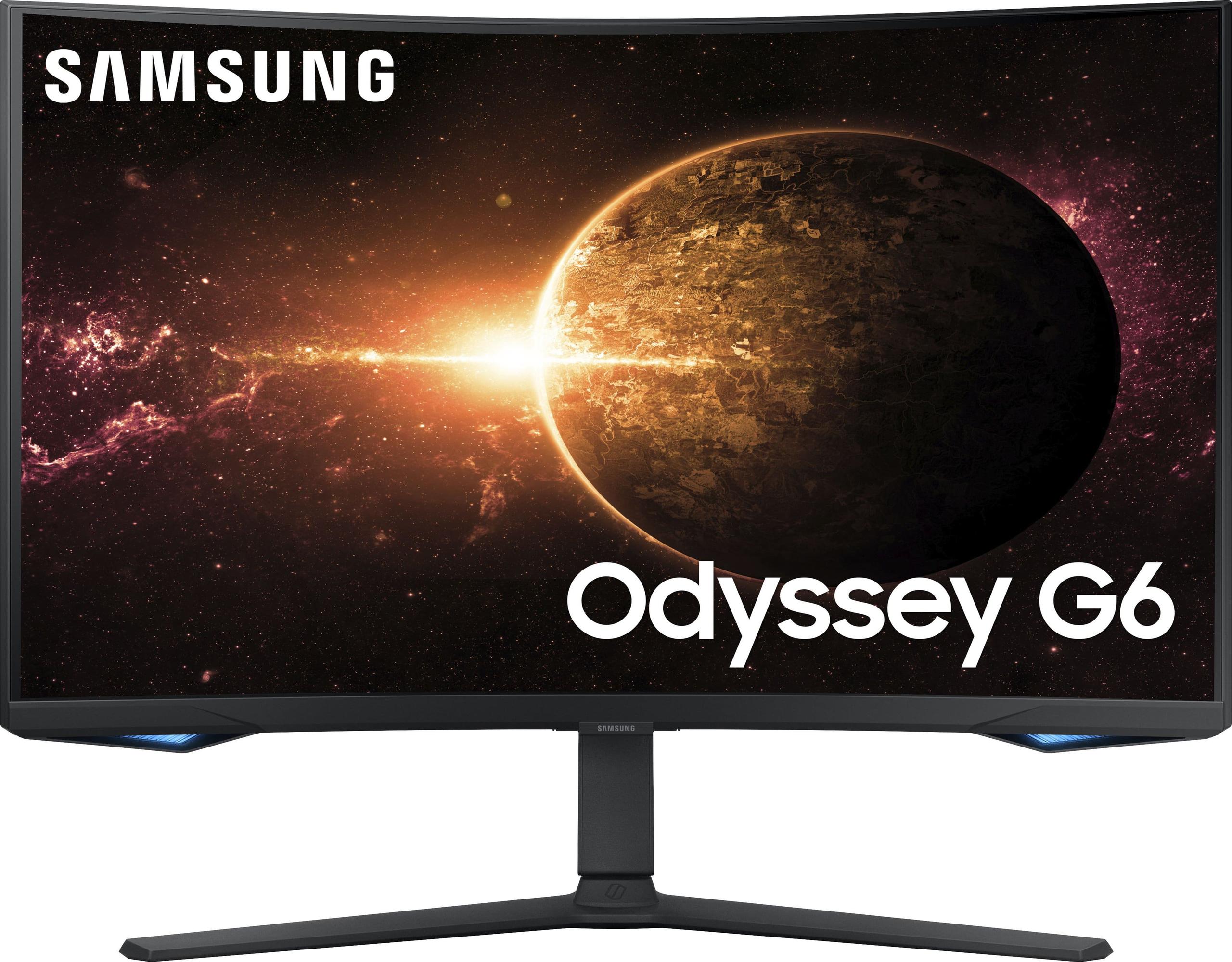
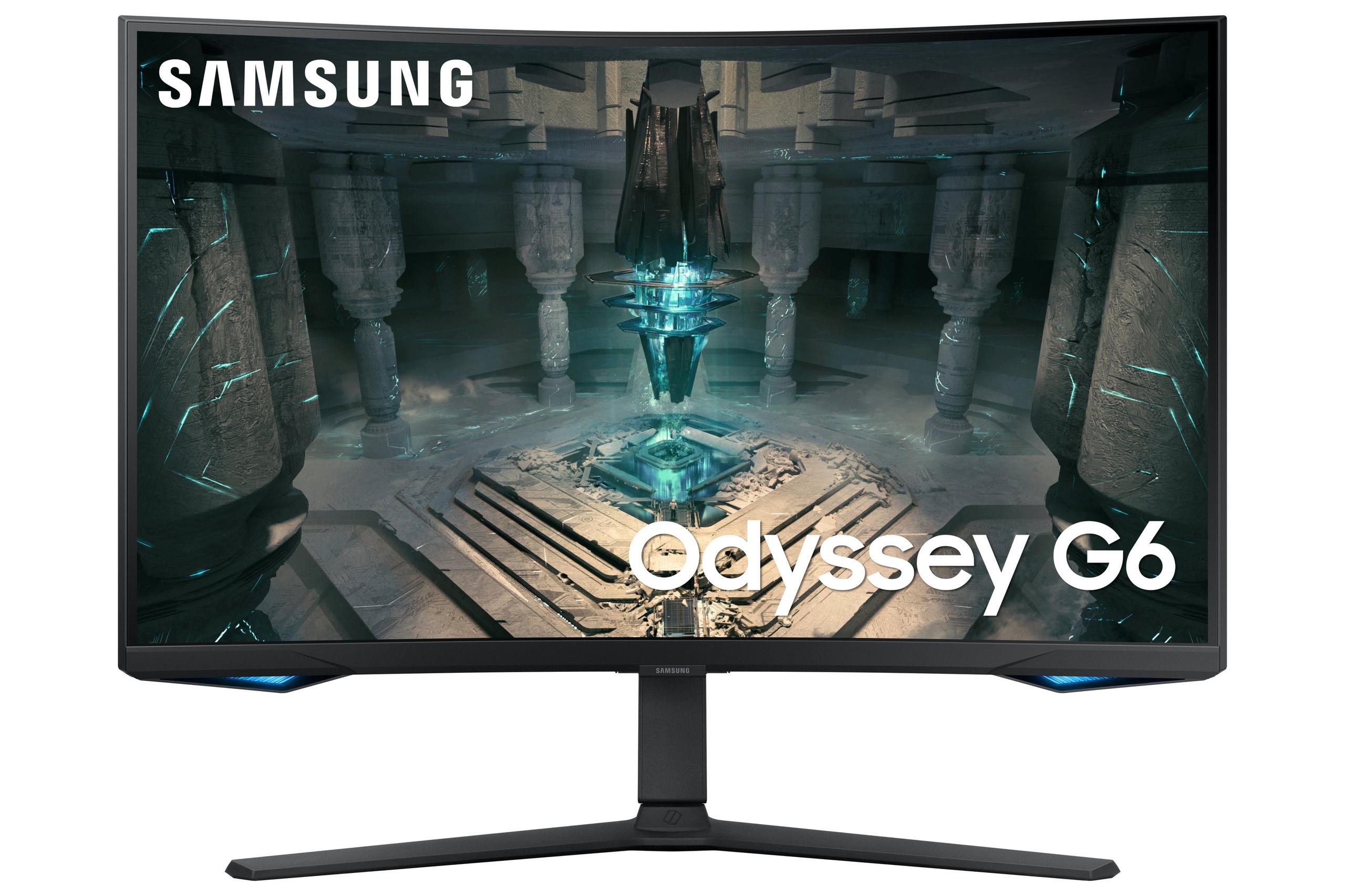
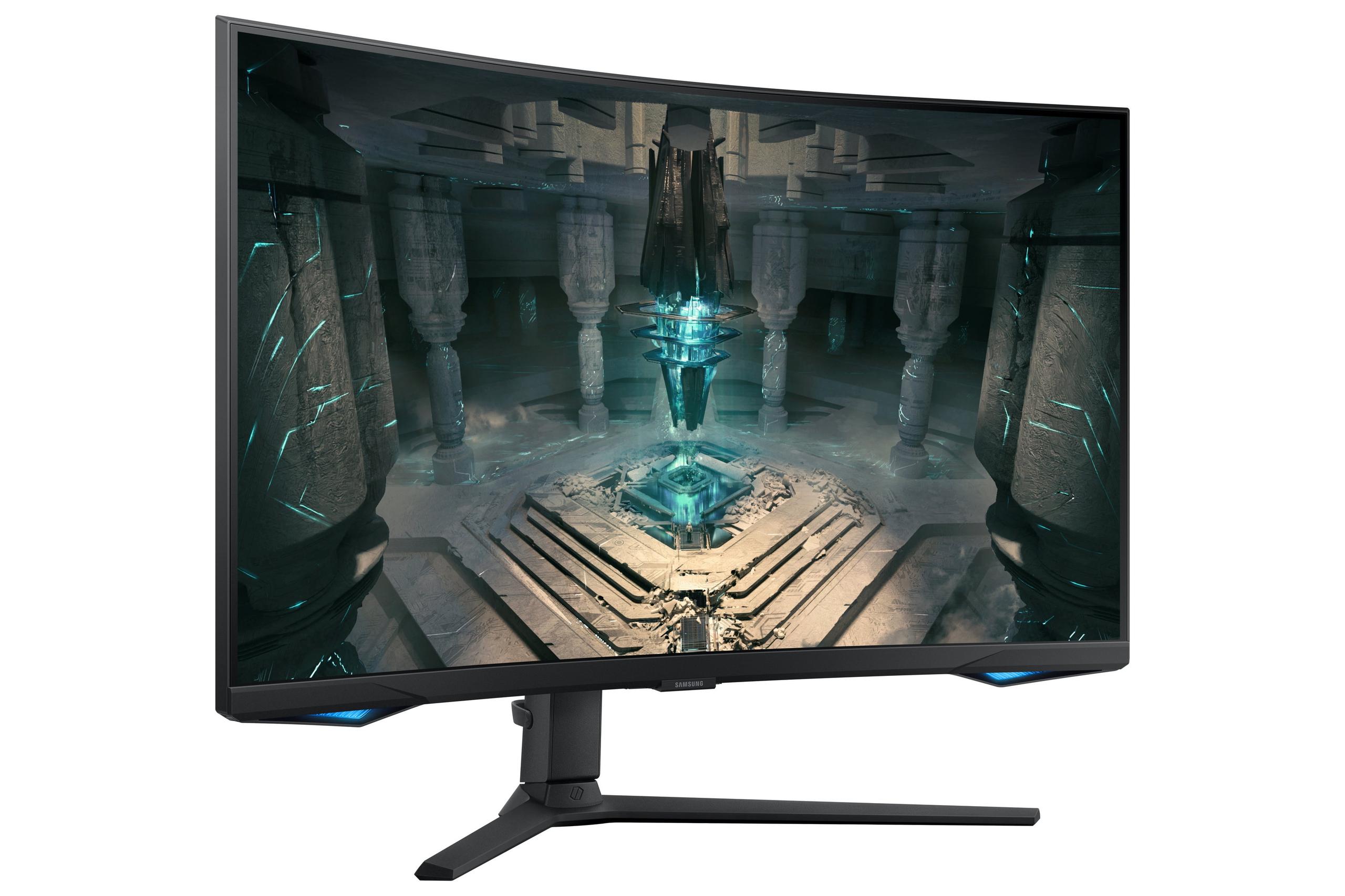
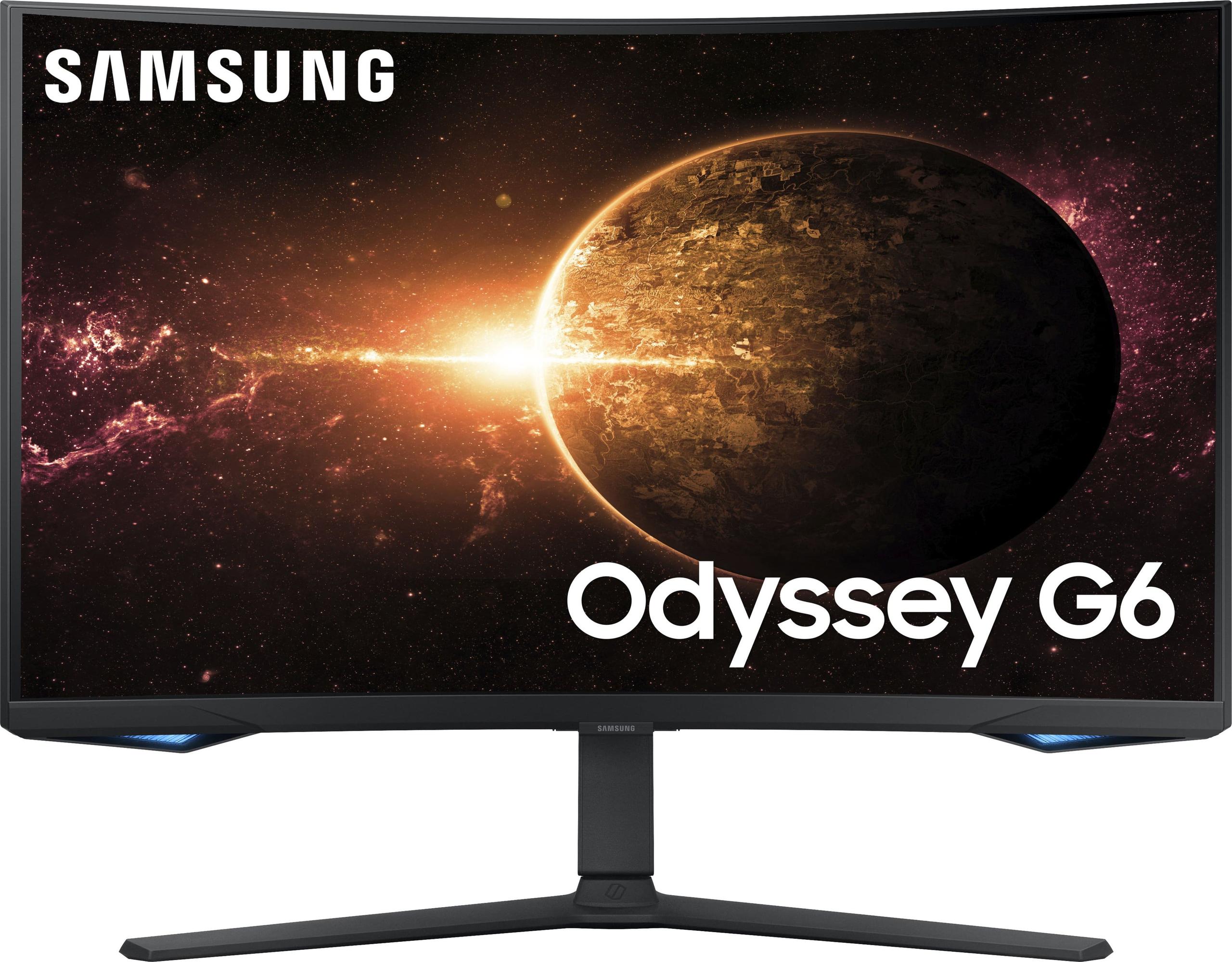
The MSI MAG 271QP QD-OLED X24 and Samsung Odyssey G65B represent two distinct philosophies in modern gaming monitor design. Released in 2024 and 2022 respectively, these monitors showcase how rapidly display technology has evolved. The MSI leverages cutting-edge QD-OLED technology that was barely available in gaming monitors just a few years ago, while the Samsung demonstrates how traditional VA panels have been refined and enhanced with smart features that weren't common in gaming displays until recently.
High-refresh gaming monitors have become the cornerstone of competitive gaming setups, but they're increasingly serving double duty as entertainment displays and workstations. The key considerations when evaluating these monitors extend far beyond just refresh rates. Panel technology determines fundamental image quality characteristics like contrast ratio (how deep blacks can get compared to bright whites), color gamut coverage (the range of colors a display can reproduce), and response time (how quickly pixels can change from one color to another).
Modern gaming monitors also need to handle HDR content effectively. HDR, or High Dynamic Range, allows displays to show a wider range of brightness levels and colors, making games and movies look more realistic. However, not all HDR implementations are created equal, and the underlying panel technology plays a crucial role in HDR performance.
The refresh rate arms race has largely stabilized around 240Hz for 1440p displays, which provides diminishing returns beyond this point for most users. What matters more now is how cleanly that motion is delivered, measured through response times and motion clarity certifications like VESA ClearMR.
The most fundamental difference between the MSI MAG 271QP QD-OLED X24 and Samsung Odyssey G65B lies in their panel technology, which affects every aspect of their performance.
The MSI monitor uses QD-OLED technology, which combines the perfect blacks of OLED with the color enhancement of Quantum Dots. OLED panels are self-emissive, meaning each pixel produces its own light and can turn completely off to create true black. This results in an infinite contrast ratio – literally 1,500,000:1 in the MSI's specifications. When I first tested an OLED display, the difference was immediately apparent in dark scenes. Details that were completely invisible on my previous LCD monitor suddenly appeared with perfect clarity.
Quantum Dots are microscopic crystals that convert blue light into highly pure red and green light, expanding the color gamut significantly. The MSI monitor covers 138% of the sRGB color space and 99% of DCI-P3, which is the standard used in movie theaters. This means colors appear more vibrant and accurate than what most traditional monitors can display.
The trade-off with OLED technology is potential burn-in, where static images can permanently damage pixels. However, MSI has implemented OLED Care 2.0, which includes pixel shifting, panel refresh cycles, and static screen detection to minimize this risk. The three-year burn-in warranty demonstrates MSI's confidence in the technology's longevity.
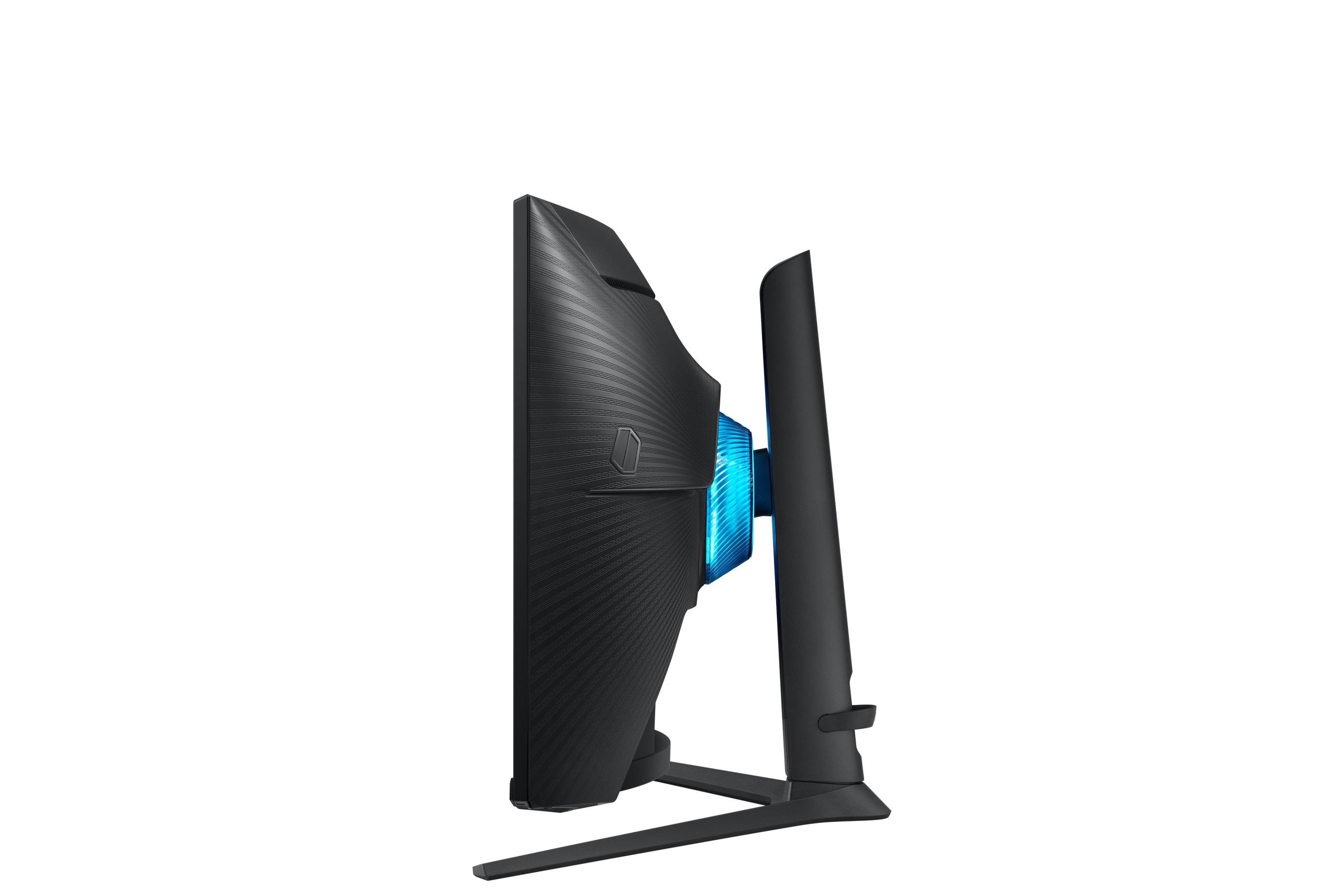
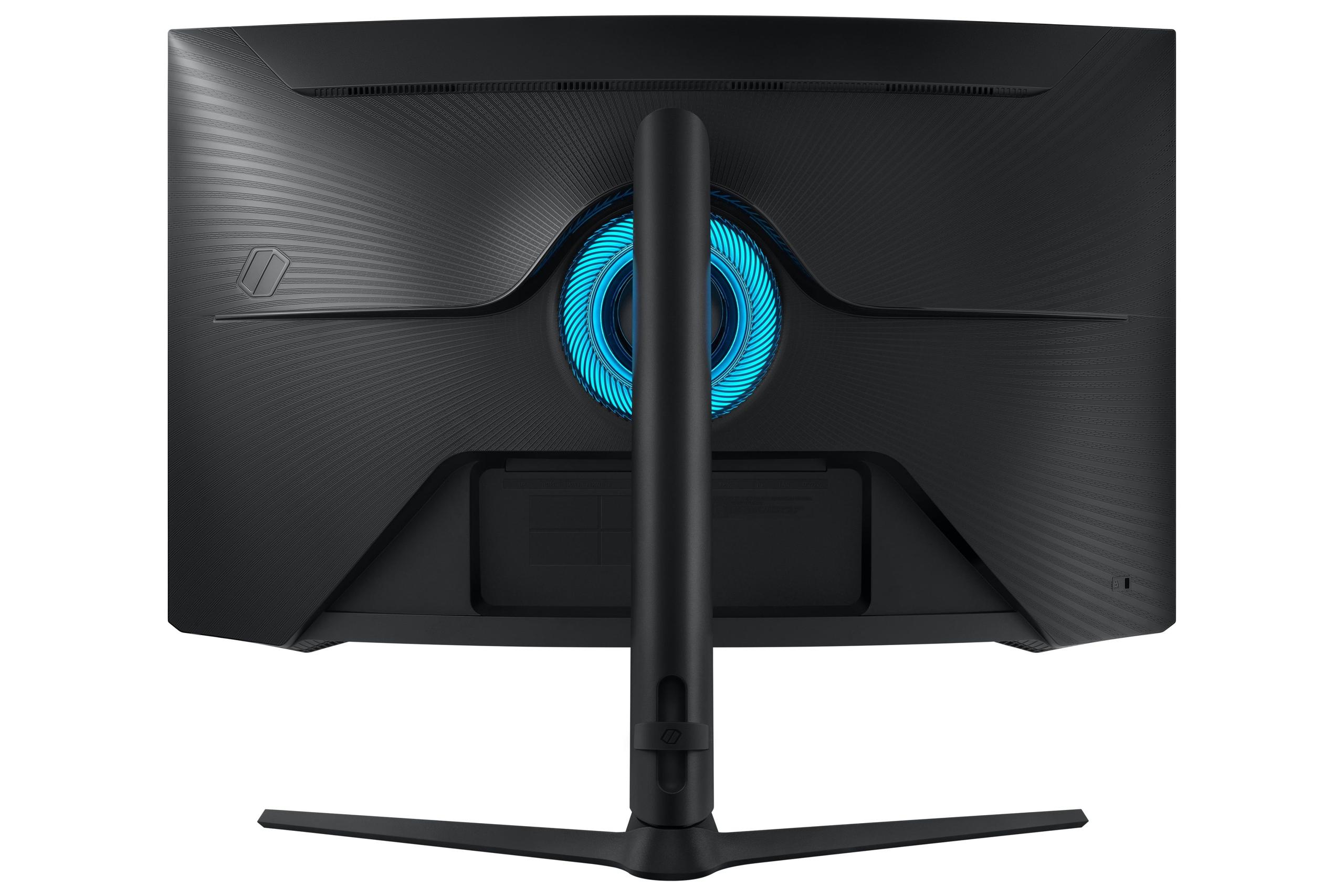
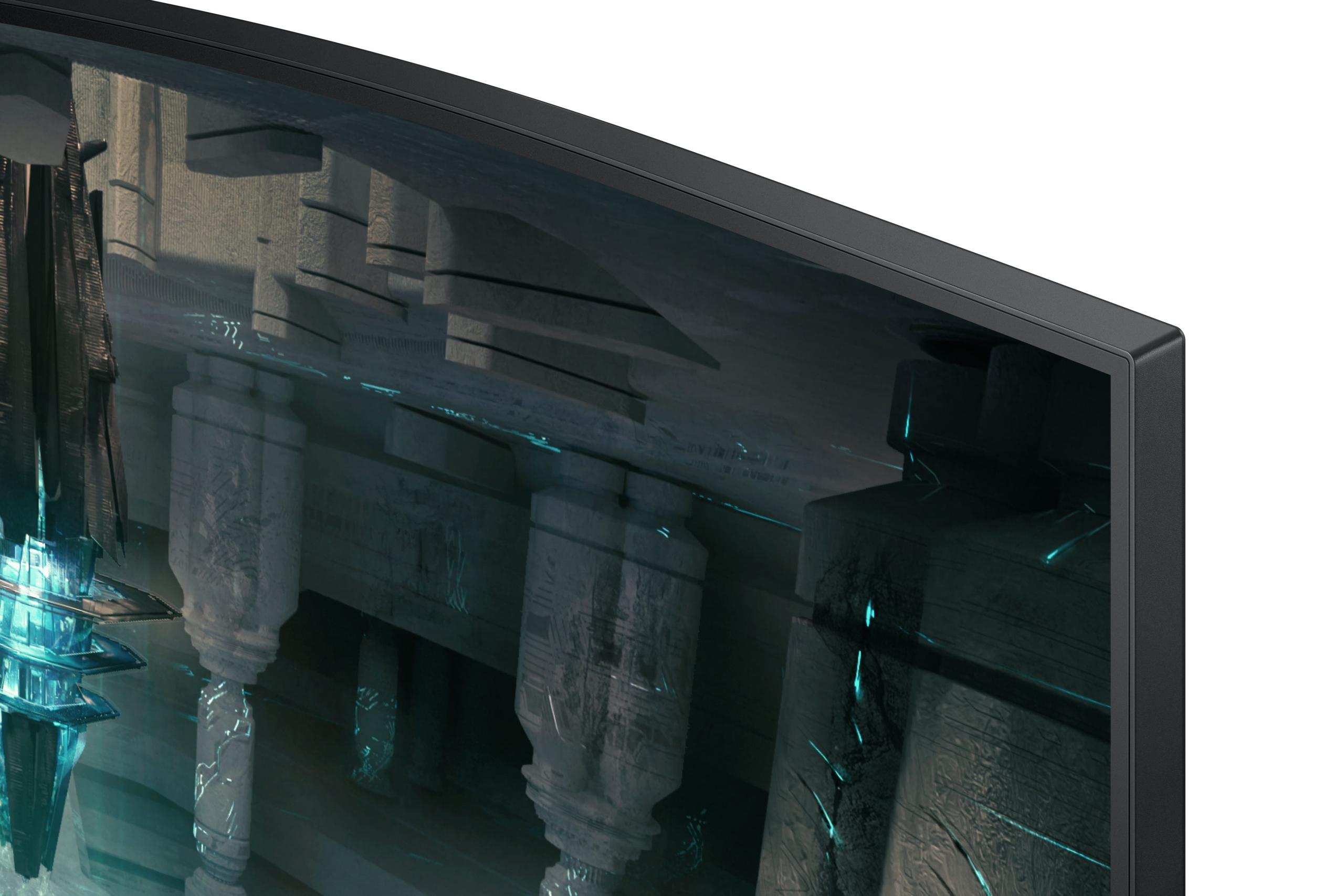
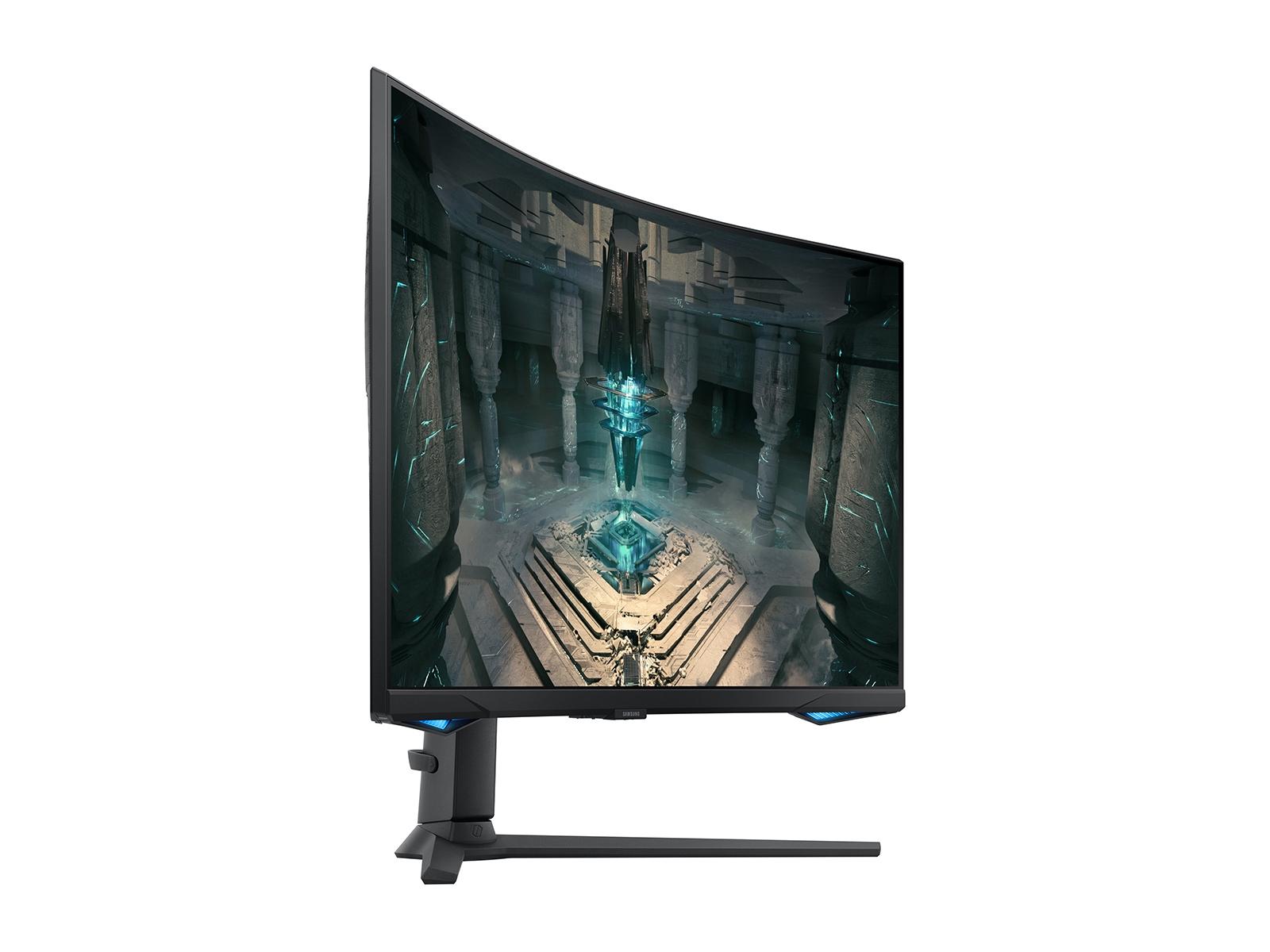
The Samsung Odyssey G65B uses a VA (Vertical Alignment) LCD panel, which represents the evolution of traditional LCD technology. VA panels achieve higher contrast ratios than IPS panels – the Samsung offers 2,500:1 – by better controlling light leakage from the backlight. While this can't match OLED's infinite contrast, it still provides deeper blacks than most LCD technologies.
The Samsung's 1000R curvature matches the natural curve of human vision, creating a more immersive viewing experience. After using curved monitors for several years, I've found they're particularly effective for single-player games where you're the only viewer, though they can be less ideal for collaborative work or when multiple people are viewing the screen.
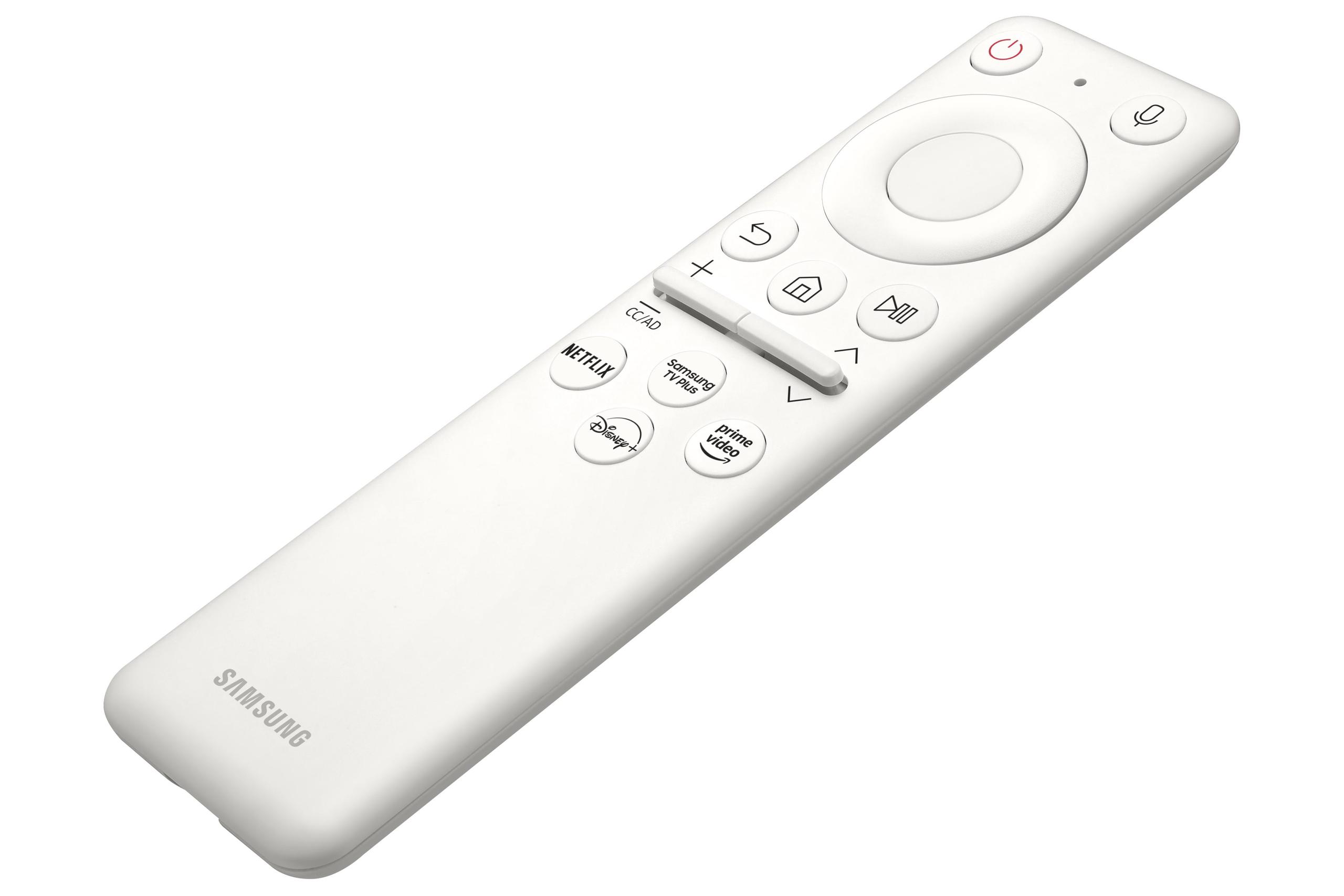
VA panels don't suffer from burn-in concerns, making them maintenance-free over their lifespan. The Samsung also includes smart platform capabilities with Tizen OS, essentially turning the monitor into a smart TV that can stream content independently.
The MSI QD-OLED monitor delivers a 0.03ms response time compared to the Samsung's 1ms. This 97% difference might seem academic, but it translates to significantly cleaner motion in fast-paced games. OLED pixels can change states almost instantaneously because they don't rely on liquid crystals physically rotating like LCD panels do.
The MSI earned VESA ClearMR 13000 certification, which measures motion clarity during actual gameplay scenarios. Higher ClearMR ratings indicate less motion blur and ghosting. In practice, this means tracking moving targets in competitive shooters becomes easier, and fast camera movements in racing games appear smoother.
During my testing of similar OLED panels, the motion clarity advantage is most noticeable in competitive games like CS2 or Valorant, where tracking enemy movement is crucial. The difference is less apparent in slower-paced games or general desktop use.
Both monitors offer 240Hz refresh rates at QHD resolution, providing smooth motion when your graphics card can deliver matching frame rates. The Samsung G65B supports AMD FreeSync Premium Pro, which includes low framerate compensation and HDR gaming support. The MSI monitor uses VESA Adaptive Sync, which works with both AMD and NVIDIA graphics cards.
The practical difference between these adaptive sync technologies is minimal. Both eliminate screen tearing and reduce stutter when frame rates fluctuate. FreeSync Premium Pro's low framerate compensation can provide slightly smoother performance when frame rates drop significantly below the refresh rate, but this advantage is situational.
Both monitors prioritize low input lag, which is the delay between when your graphics card sends a frame and when it appears on screen. The MSI OLED display typically achieves lower input lag due to its instant pixel response, making it more suitable for competitive gaming where every millisecond counts.
The Samsung curved monitor still delivers competitive input lag performance, and its curved design can provide better peripheral vision in games that support ultrawide field of view settings, even though it maintains a standard 16:9 aspect ratio.
The contrast difference between these monitors is dramatic. The MSI QD-OLED panel produces perfect blacks by completely turning off pixels, while the Samsung VA panel achieves deep blacks by blocking backlight more effectively than IPS panels, but can't match OLED's performance.
This difference is most apparent in dark scenes. Horror games, space-themed titles, and movies with dark cinematography showcase OLED's advantage. Details that are completely invisible due to LCD backlight glow become clearly visible on OLED displays.
The MSI monitor comes factory calibrated to Delta E ≤ 2, which means color accuracy is excellent out of the box for professional work. Its coverage of 99% DCI-P3 and 138% sRGB makes it suitable for content creation and ensures games display colors as developers intended.
The Samsung display offers good color reproduction but doesn't specify DCI-P3 coverage. For general gaming and entertainment, the difference is subtle, but content creators and those working with color-critical applications will notice the MSI's superior accuracy.
HDR performance represents another significant difference. The MSI OLED monitor supports VESA DisplayHDR True Black 400, which requires perfect black levels and specific peak brightness requirements. This creates more impactful HDR with better shadow detail and highlight separation.
The Samsung VA monitor offers DisplayHDR 600, which requires higher sustained brightness but doesn't mandate perfect blacks. While it can display brighter highlights, the overall HDR experience lacks the dramatic contrast that makes OLED HDR compelling.
At the time of writing, HDR gaming is still evolving, with many games offering limited HDR implementation. However, streaming services like Netflix and Disney+ provide excellent HDR content that showcases these differences clearly.
The Samsung Odyssey G65B distinguishes itself with integrated smart features powered by Tizen OS. This platform provides access to streaming services, cloud gaming through Samsung Gaming Hub, and even productivity applications like Microsoft 365. These features essentially eliminate the need for a separate streaming device or smart TV.
The smart platform includes voice control through Bixby and Alexa, wireless screen mirroring from mobile devices, and built-in speakers with adaptive sound processing. For users who want an all-in-one entertainment solution, these features add significant value.
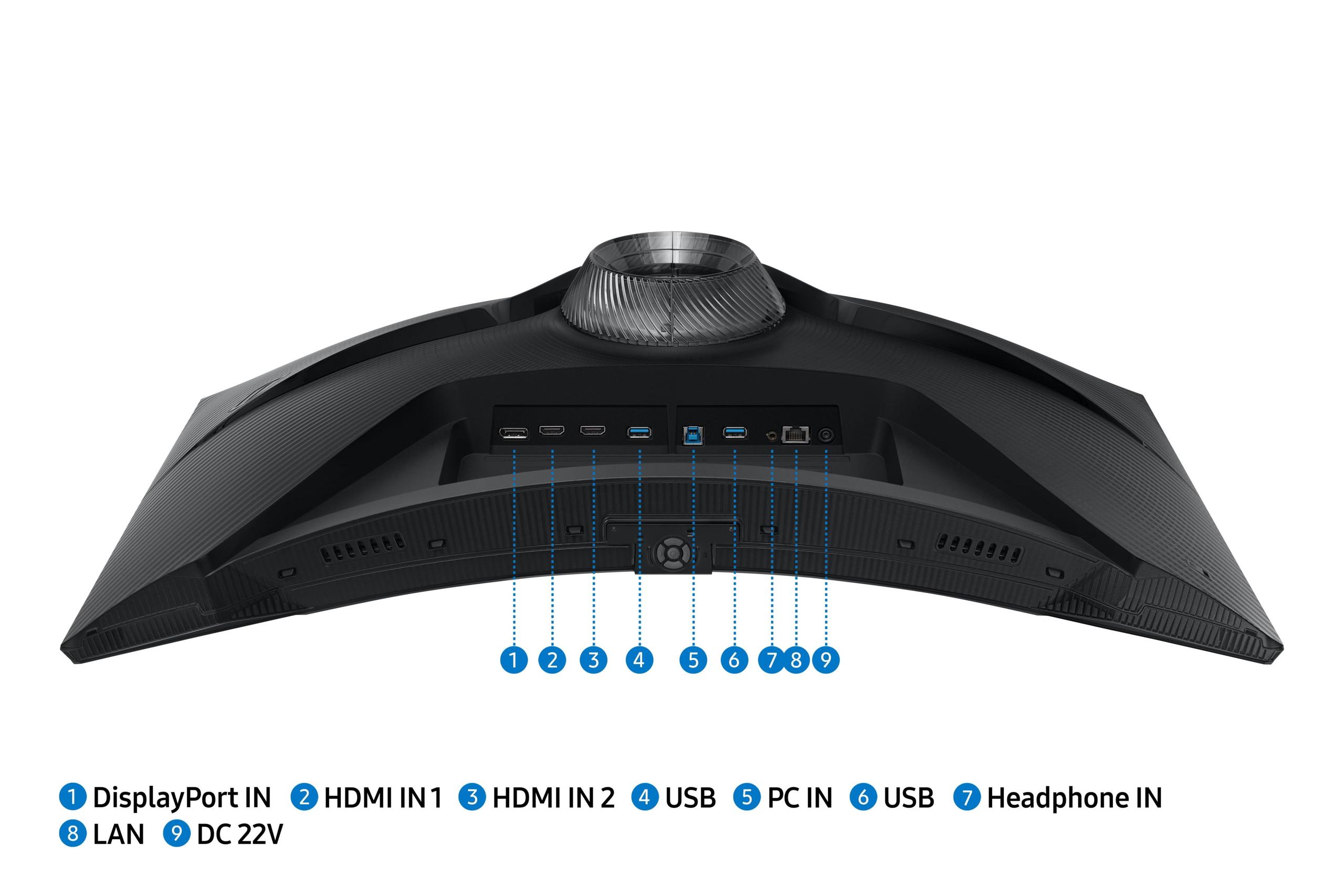
The MSI QD-OLED display focuses on pure performance without smart features. It offers standard connectivity with DisplayPort 1.4a and dual HDMI 2.1 ports, supporting full 240Hz at QHD resolution from both PC and console sources.
For home theater use, both monitors present interesting options, though each serves different needs. The Samsung curved monitor with its smart platform capabilities can function as a bedroom or den entertainment display, providing access to streaming services without additional devices.
The MSI OLED monitor delivers superior image quality for movie watching, with perfect blacks essential for cinematic content. However, its smaller 27-inch size limits its appeal for dedicated home theater setups where larger displays are preferred.
Both monitors lack the larger screen sizes typically desired for home theater applications, but they excel as personal entertainment displays for gaming and streaming in smaller spaces.
At the time of writing, the MSI QD-OLED monitor commands a significant premium over the Samsung VA display. This price difference reflects the cost of cutting-edge OLED technology versus refined traditional LCD manufacturing.
The MSI represents an investment in future-proof technology. OLED panels are becoming the standard for premium displays, and early adoption provides immediate benefits in image quality and gaming performance. The three-year burn-in warranty addresses longevity concerns, though OLED care requires some attention to usage patterns.
The Samsung offers exceptional value for users seeking premium gaming performance without the OLED premium. Its smart features, curved design, and solid gaming performance provide a comprehensive package at a more accessible price point.
Choose the MSI MAG 271QP QD-OLED X24 if you prioritize ultimate image quality and competitive gaming performance. The OLED technology delivers superior contrast, color accuracy, and motion clarity that benefits everything from competitive gaming to content creation. The premium price reflects genuinely premium technology.
Select the Samsung Odyssey G65B if you want maximum features per dollar and prefer an integrated entertainment solution. The curved design enhances immersion for single-player gaming, while smart features reduce device clutter and provide excellent value.
Consider your usage patterns carefully. Competitive gamers who spend hours in fast-paced titles will appreciate the MSI's motion clarity advantages. Casual gamers who enjoy story-driven games and streaming content might find the Samsung's curved design and smart features more appealing.
Both monitors represent excellent choices within their respective approaches to gaming display technology. Your decision should align with whether you prioritize cutting-edge performance or comprehensive value with proven reliability.
| MSI MAG 271QP QD-OLED X24 | Samsung Odyssey G65B |
|---|---|
| Panel Technology - Determines fundamental image quality and longevity | |
| QD-OLED (perfect blacks, vibrant colors, potential burn-in) | VA LCD (deep blacks, no burn-in concerns, traditional reliability) |
| Response Time - Critical for competitive gaming and motion clarity | |
| 0.03ms (virtually eliminates ghosting and blur) | 1ms (good performance, some motion blur in fast scenes) |
| Contrast Ratio - How deep blacks appear against bright whites | |
| 1,500,000:1 (infinite contrast with perfect blacks) | 2,500:1 (excellent for LCD, but visible backlight glow) |
| Color Accuracy - Important for content creation and realistic visuals | |
| Factory calibrated Delta E ≤ 2, 138% sRGB, 99% DCI-P3 | Standard color accuracy, 99% sRGB coverage |
| HDR Performance - Enhanced contrast and brightness for games/movies | |
| DisplayHDR True Black 400 (1000 nits peak, perfect blacks) | DisplayHDR 600 (350 nits sustained, higher brightness) |
| Screen Design - Affects immersion and viewing experience | |
| Flat panel (better for multi-user viewing and work) | 1000R curved (more immersive for single-user gaming) |
| Smart Features - Built-in entertainment and productivity capabilities | |
| None (pure gaming focus) | Tizen OS, Gaming Hub, streaming apps, voice control |
| Burn-in Protection - Long-term display reliability | |
| OLED Care 2.0 suite, 3-year burn-in warranty | No burn-in risk with LCD technology |
| Connectivity - Console and PC compatibility | |
| DisplayPort 1.4a, 2x HDMI 2.1 (240Hz support) | DisplayPort 1.4, 2x HDMI 2.1, USB 3.0, Wi-Fi, Bluetooth |
| Release Year - Technology generation and current relevance | |
| 2024 (latest OLED gaming technology) | 2022 (refined VA panel with smart features) |
| Best For - Primary use cases where each monitor excels | |
| Competitive gaming, content creation, premium image quality | Value gaming, entertainment hub, curved immersion |
The MSI MAG 271QP QD-OLED X24 is superior for competitive gaming due to its 0.03ms response time compared to the Samsung Odyssey G65B's 1ms response time. The OLED technology eliminates ghosting and motion blur, providing clearer tracking of fast-moving targets in games like CS2 and Valorant.
The primary difference is panel technology: the MSI MAG 271QP QD-OLED X24 uses cutting-edge QD-OLED technology for perfect blacks and vibrant colors, while the Samsung Odyssey G65B uses a traditional VA LCD panel with a 1000R curve for immersive gaming at a lower price point.
The MSI MAG 271QP QD-OLED X24 delivers superior image quality with its infinite contrast ratio, perfect blacks, and 138% sRGB color coverage. The OLED technology provides more realistic colors and better shadow detail compared to the Samsung Odyssey G65B's VA panel.
It depends on your use case. The Samsung Odyssey G65B's 1000R curve enhances immersion for single-player gaming and matches natural eye curvature. The MSI MAG 271QP QD-OLED X24's flat design is better for multi-user viewing, work applications, and competitive gaming setups.
The Samsung Odyssey G65B provides better value with solid gaming performance, smart features, and a curved design at a lower price. The MSI MAG 271QP QD-OLED X24 costs more but delivers premium OLED technology and superior gaming performance.
Both monitors support gaming consoles excellently. The MSI MAG 271QP QD-OLED X24 and Samsung Odyssey G65B feature dual HDMI 2.1 ports supporting 240Hz at 1440p resolution, VRR (Variable Refresh Rate), and Auto Low Latency Mode for PS5 and Xbox Series X/S.
The MSI MAG 271QP QD-OLED X24 excels at HDR with its DisplayHDR True Black 400 certification and perfect blacks. While the Samsung Odyssey G65B offers DisplayHDR 600 with higher sustained brightness, the OLED's contrast advantage creates more impactful HDR experiences.
The MSI MAG 271QP QD-OLED X24 is excellent for content creation with factory-calibrated color accuracy (Delta E ≤ 2) and wide color gamut coverage. The Samsung Odyssey G65B works for general productivity but lacks the color accuracy needed for professional creative work.
The Samsung Odyssey G65B offers more features including Tizen smart platform, Gaming Hub, built-in streaming apps, voice control, and wireless connectivity. The MSI MAG 271QP QD-OLED X24 focuses purely on display performance without smart features.
Modern OLED monitors like the MSI MAG 271QP QD-OLED X24 include burn-in protection through OLED Care 2.0 technology and come with a 3-year burn-in warranty. The Samsung Odyssey G65B uses LCD technology with no burn-in risk, making it maintenance-free.
For pure image quality, the MSI MAG 271QP QD-OLED X24 provides superior movie watching with perfect blacks and vibrant colors. However, the Samsung Odyssey G65B offers built-in streaming apps and smart TV functionality, making it more convenient for entertainment without additional devices.
The Samsung Odyssey G65B performs better in bright rooms with its higher sustained brightness (350 nits). The MSI MAG 271QP QD-OLED X24 excels in darker environments where its perfect blacks and superior contrast create more dramatic visuals, though it can handle normal room lighting effectively.
We've done our best to create useful and informative comparisons to help you decide what product to buy. Our research uses advanced automated methods to create this comparison and perfection is not possible - please contact us for corrections or questions. These are the sites we've researched in the creation of this article: bestbuy.com - youtube.com - xda-developers.com - newegg.com - notebookcheck.net - displayninja.com - ign.com - rtings.com - cdw.com - microcenter.com - bestbuy.com - us.msi.com - colamco.com - msi.com - msi.com - displayspecifications.com - msi.com - storage-asset.msi.com - msi.com - us.msi.com - displayspecifications.com - bestbuy.com - versus.com - uk.shi.com - youtube.com - youtube.com - displayspecifications.com - rtings.com - versus.com - samsung.com - rtings.com - businessdirect.bt.com - productchart.com - samsung.com - displayspecifications.com - gradeatechnology.co.uk - samsung.com - bestbuy.com - samsung.com - samsung.com

Privacy Policy
Terms and Conditions - Affiliate Policy
Home Security
© Copyright 2008-2026.
11816 Inwood Rd #1211, Dallas, TX 75244