














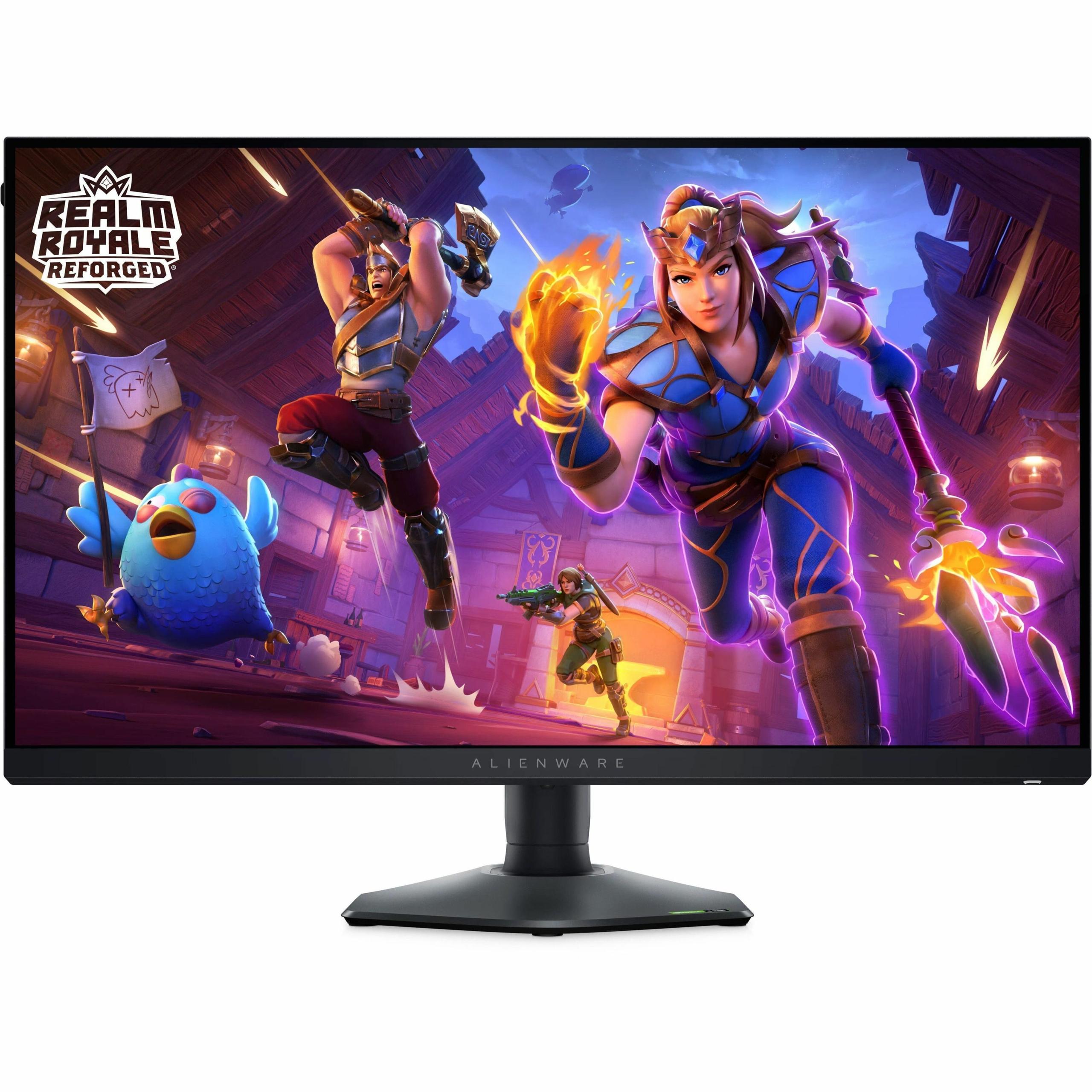
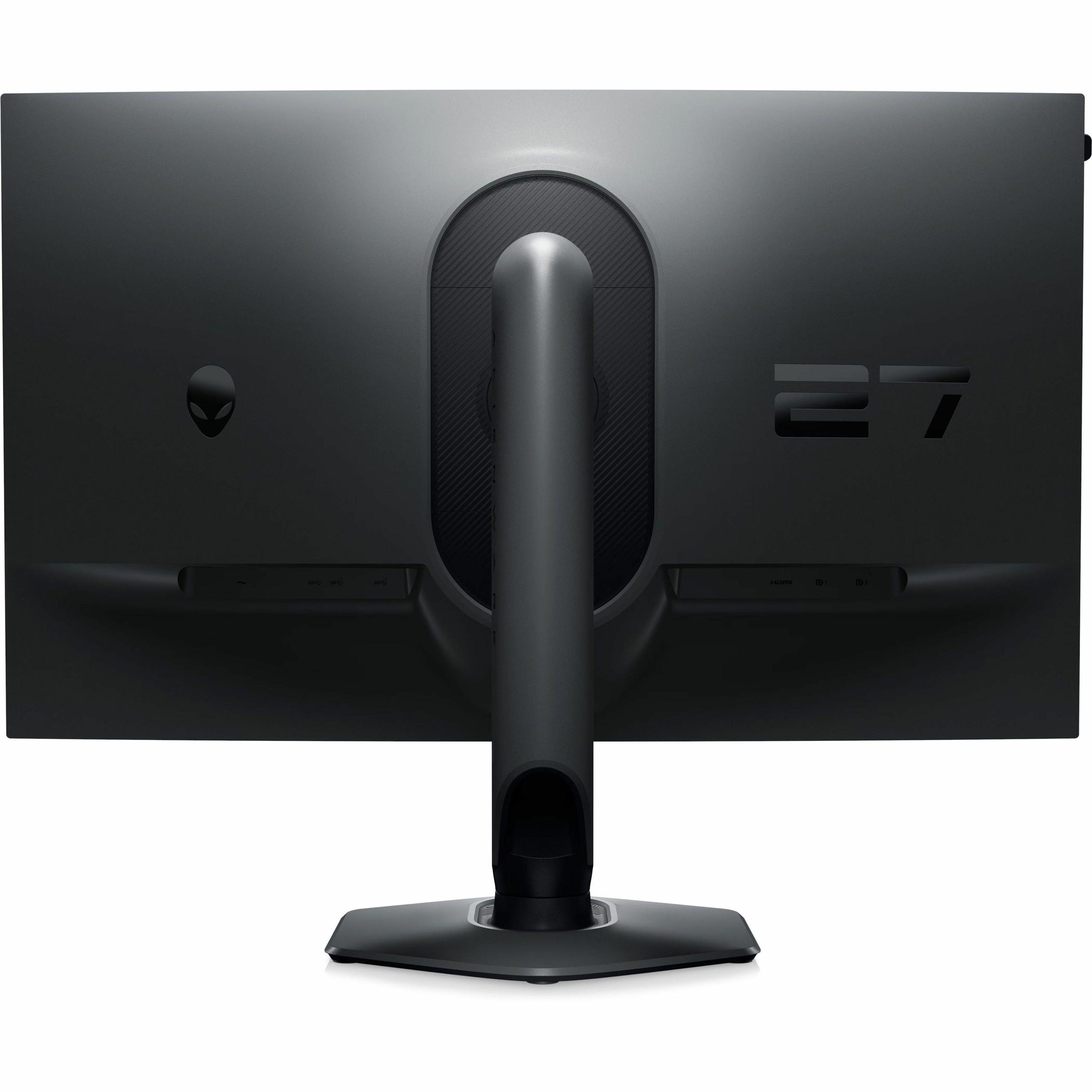
Choosing the right gaming monitor can feel overwhelming, especially when you're torn between two completely different approaches to performance. Today, we're diving deep into two excellent but very different gaming monitors: the MSI MAG 271QP QD-OLED X24 and the Alienware AW2724HF. Released in 2024 and designed for serious gamers, these monitors represent two distinct philosophies in gaming display technology.
The gaming monitor landscape has evolved dramatically over the past few years. We've moved beyond the days when 144Hz was considered blazing fast, and now we're seeing technologies that were once reserved for premium TVs making their way into desktop displays. Understanding what makes each approach special – and which one fits your gaming style – is crucial for making the right investment.
Before we jump into the specifics, let's talk about what actually matters when you're shopping for a gaming monitor. It's not just about having the biggest numbers on the spec sheet.
Resolution vs Refresh Rate is the fundamental trade-off in gaming displays. Higher resolution means sharper, more detailed images – think of it like the difference between watching a DVD and a 4K Blu-ray. However, pushing more pixels requires more graphics processing power from your computer. Higher refresh rates, measured in Hz (hertz), determine how many new images your monitor can display per second. A 240Hz monitor refreshes the image 240 times per second, creating smoother motion than a 60Hz display.
Panel technology is where things get really interesting. OLED (Organic Light-Emitting Diode) panels have individual pixels that can turn completely off, creating perfect blacks and infinite contrast. IPS (In-Plane Switching) panels use a backlight behind the entire screen, which means they can't achieve true blacks but offer consistent brightness and proven reliability.
Response time and input lag are often confused but serve different purposes. Response time measures how quickly pixels can change color (usually measured in milliseconds), while input lag is the delay between when your graphics card sends a signal and when it appears on screen. Both matter for competitive gaming, but in different ways.
The MSI MAG 271QP QD-OLED X24 takes the premium visual quality approach, while the Alienware AW2724HF prioritizes maximum speed for competitive gaming. Each represents the best of their respective philosophies.
The most fundamental difference between these monitors lies in how they create the images you see. The MSI MAG 271QP QD-OLED X24 uses QD-OLED technology, which is essentially OLED enhanced with Quantum Dots – tiny semiconductor particles that improve color purity and brightness. When you see a dark scene in a game, the black pixels literally turn off completely, creating what display enthusiasts call "infinite contrast." This isn't marketing speak – it's a real 1,500,000:1 contrast ratio that makes dark game environments look dramatically more realistic.
I've spent considerable time with OLED gaming monitors, and the difference is immediately noticeable. When you're exploring a dark dungeon in an RPG or sneaking through shadows in a stealth game, the depth and atmosphere are simply unmatched. The MSI monitor covers 98% of Adobe RGB and 138% of sRGB color spaces – technical measurements that translate to more vibrant, accurate colors in games and movies.
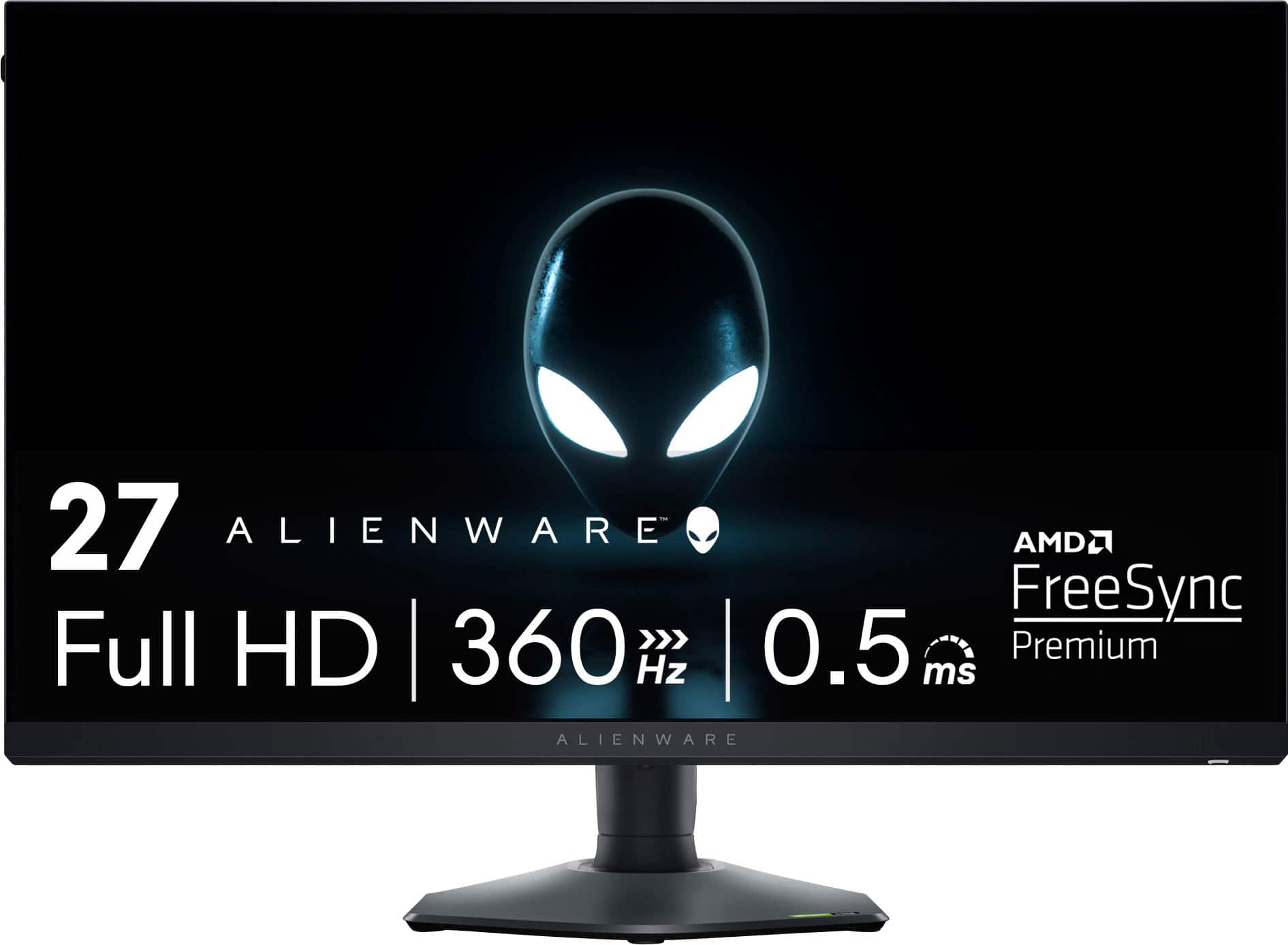
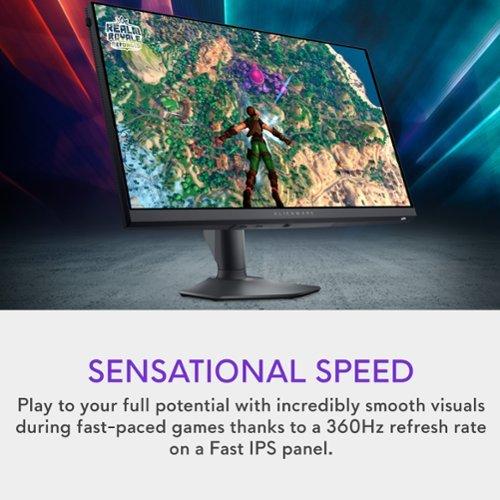
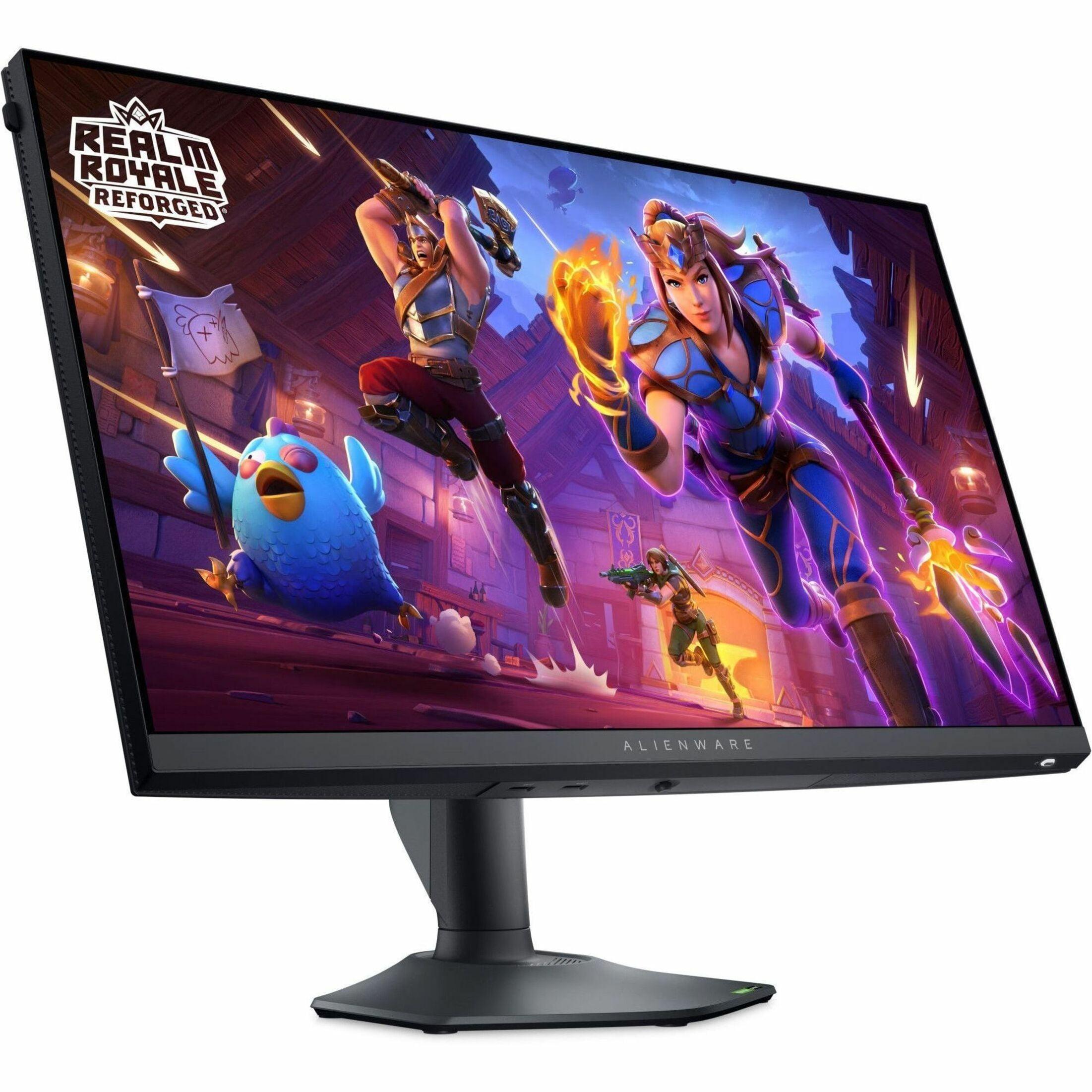
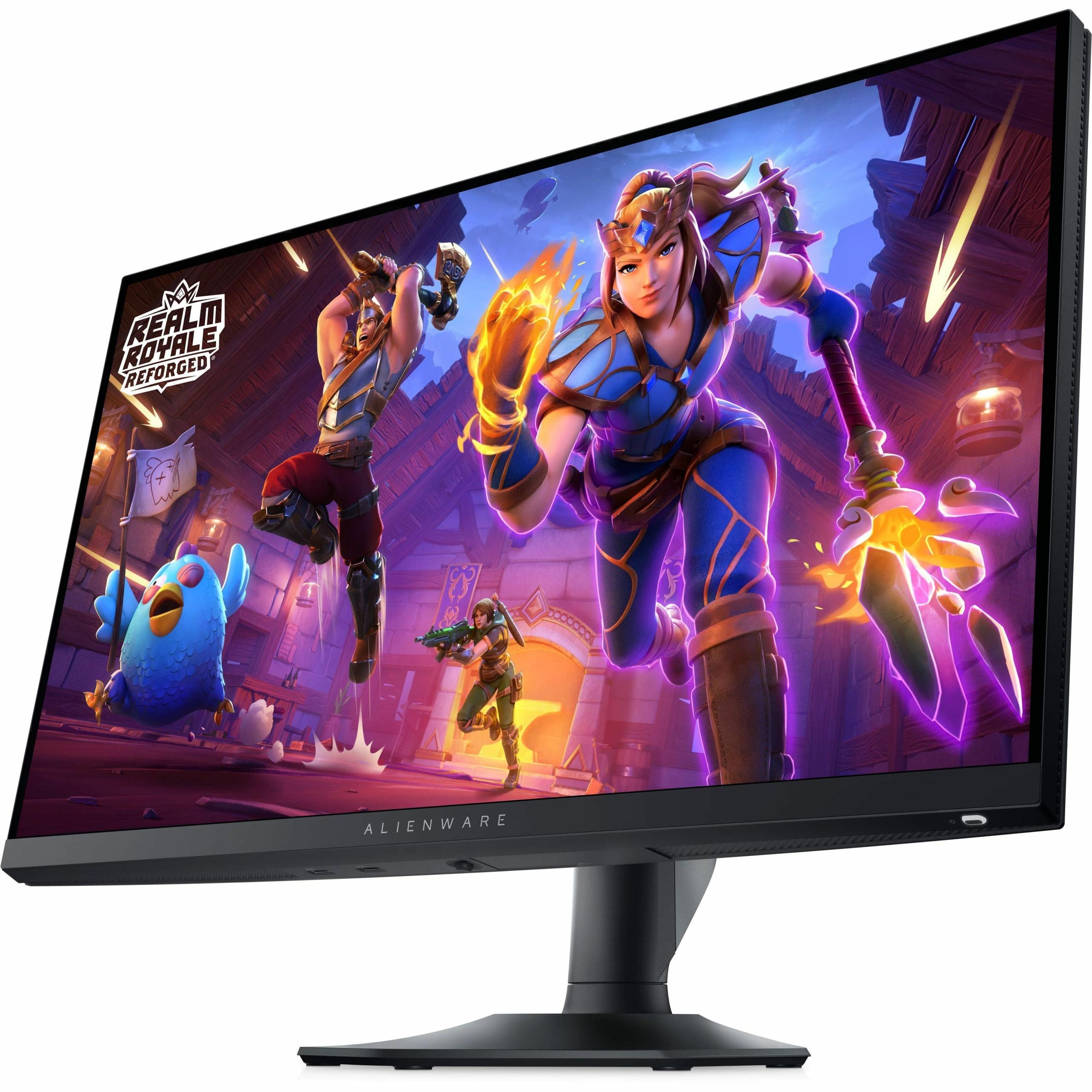
The Alienware AW2724HF, on the other hand, uses Fast IPS technology. This is an evolution of traditional IPS panels, optimized for speed rather than ultimate image quality. While it can't achieve the perfect blacks of OLED, it offers 99% sRGB coverage and consistent performance. The key advantage here is reliability – IPS panels don't suffer from burn-in (permanent image retention) that can affect OLED displays with static content like game HUDs or Windows taskbars.
From a home theater perspective, the MSI QD-OLED is the clear winner. Its HDR True Black 400 certification and peak brightness of 1000 nits (in small highlights) create a cinematic experience that rivals dedicated home theater displays. The Alienware monitor lacks meaningful HDR support, making it less suitable for movie watching or HDR gaming content.
Here's where the philosophy difference becomes crystal clear. The MSI MAG 271QP QD-OLED X24 runs at WQHD resolution (2560x1440), which provides 77% more pixels than standard 1080p. This translates to noticeably sharper text, more detailed game environments, and better overall visual clarity. At 27 inches, this resolution hits what many consider the sweet spot – sharp enough to see fine details without requiring extremely powerful graphics hardware.
The Alienware AW2724HF sticks with Full HD (1920x1080), which might seem like a step backward in 2024. However, this choice is entirely intentional. Lower resolution means your graphics card doesn't have to work as hard, enabling much higher frame rates. In competitive games like Counter-Strike 2 or Valorant, professional players often prefer 1080p because it makes enemies appear larger on screen and ensures consistently high frame rates.
I've found that for single-player games, story-driven adventures, and general desktop use, the higher resolution of the MSI monitor provides a noticeably better experience. Text is crisp, game worlds show more detail, and you get more usable desktop space for multitasking. However, if you're primarily focused on competitive gaming, the Alienware's 1080p resolution can actually be an advantage.
This is where these monitors really diverge. The Alienware AW2724HF pushes a massive 360Hz refresh rate, meaning it can display 360 unique frames per second. To put this in perspective, that's six times faster than a typical 60Hz monitor and 50% faster than the MSI's already impressive 240Hz.
But here's the thing about refresh rates – the benefits aren't linear. Going from 60Hz to 120Hz is a huge improvement that everyone notices. The jump from 120Hz to 240Hz is smaller but still meaningful, especially in fast-paced games. The difference between 240Hz and 360Hz? That's primarily beneficial for elite competitive players where every microsecond matters.
The MSI MAG 271QP QD-OLED X24 achieves an incredible 0.03ms response time, while the Alienware hits 0.5ms. Both are effectively instantaneous for gaming purposes – the difference between them is imperceptible in real-world use. What's more important is that both monitors eliminate ghosting (trailing images behind moving objects) and provide excellent motion clarity.
Adaptive Sync technology is crucial for smooth gaming, and both monitors handle this well. The MSI monitor supports VESA Adaptive-Sync, which works with both AMD and NVIDIA graphics cards to eliminate screen tearing (when parts of different frames are displayed simultaneously, creating a "torn" image). The Alienware adds AMD FreeSync Premium certification, which provides additional quality assurances for variable refresh rate gaming.
For competitive gaming performance, the Alienware AW2724HF has the edge due to its higher refresh rate. However, the MSI monitor's 240Hz is more than sufficient for 99% of gamers and provides excellent performance while delivering superior image quality.
This is where the MSI MAG 271QP QD-OLED X24 absolutely dominates. The QD-OLED technology produces colors that are simply more vibrant and accurate than traditional displays. The monitor comes factory-calibrated to Delta E ≤ 2, which is a technical measurement indicating that colors are accurate enough for professional work.
Gaming benefits enormously from this color accuracy. Subtle details in textures become visible, environmental storytelling through lighting and color becomes more impactful, and HDR games truly shine. The monitor's peak brightness of 1000 nits (in small areas) combined with perfect blacks creates a dynamic range that makes HDR content look dramatically more realistic.
The Alienware AW2724HF offers good color accuracy within the sRGB color space, but it's limited to standard dynamic range content. There's no meaningful HDR support, and the contrast ratio is typical for IPS panels – adequate but not spectacular. For competitive gaming where you're focused on enemy positions rather than scenic beauty, this limitation matters less.
From my experience with both panel types, the OLED advantage becomes most apparent in atmospheric games. Horror games are genuinely more immersive, RPGs with day/night cycles show dramatic lighting differences, and even competitive shooters benefit from better visibility in dark corners and shadows.
The MSI MAG 271QP QD-OLED X24 excels as an all-around gaming monitor. Its HDMI 2.1 ports with 48Gbps bandwidth provide full compatibility with PlayStation 5 and Xbox Series X, supporting 120Hz gaming with Variable Refresh Rate and Auto Low Latency Mode. This makes it excellent for console gaming, where the higher resolution and HDR support are immediately beneficial.
For PC gaming, the MSI monitor shines in story-driven games, RPGs, racing games, and any title where visual fidelity matters. The 240Hz refresh rate is still excellent for competitive games, though not quite as smooth as the Alienware's 360Hz.
The Alienware AW2724HF is laser-focused on competitive PC gaming. Its 360Hz refresh rate provides the ultimate competitive advantage in esports titles. The 1080p resolution ensures that even mid-range graphics cards can maintain high frame rates, and there's no risk of burn-in from static game elements like minimaps or score displays.
For content creation, the MSI monitor is clearly superior due to its wide color gamut and accurate calibration. The Alienware is adequate for basic tasks but isn't suitable for color-critical work.
At the time of writing, these monitors occupy different price tiers, with the MSI MAG 271QP QD-OLED X24 commanding a premium for its advanced OLED technology, while the Alienware AW2724HF offers high-refresh gaming at a more accessible price point.
The MSI monitor's value proposition is compelling when you consider that it offers premium display technology typically found in much more expensive monitors. The inclusion of a 3-year warranty that specifically covers OLED burn-in addresses the main concern people have about OLED technology. MSI's OLED Care 2.0 technology includes pixel shifting, panel refresh, and static screen detection to minimize burn-in risk.
The Alienware monitor provides excellent value for competitive gamers who prioritize performance over visual quality. You're getting professional-grade gaming performance without paying premium display technology prices. The comprehensive connectivity, including a USB hub, adds practical value for desk setups.
OLED technology has matured significantly since its early days, but it still requires some consideration. The MSI MAG 271QP QD-OLED X24 includes advanced burn-in mitigation features and warranty coverage, but users should still be mindful of leaving static content on screen for extended periods. The panel has a finite lifespan, though modern OLEDs should last many years with normal use.
The Alienware AW2724HF uses proven IPS technology with no burn-in concerns and consistent performance over time. It's better suited for mixed use scenarios where productivity work with static elements is common.
Choose the MSI MAG 271QP QD-OLED X24 if you want the best overall gaming experience. It's ideal for gamers who play a variety of titles, use consoles, or want a monitor that excels at both gaming and entertainment. The superior image quality, HDR support, and higher resolution make it a more versatile and future-proof choice.
The Alienware AW2724HF is perfect for dedicated competitive gamers who prioritize performance above all else. If you primarily play esports titles and want every possible advantage, the 360Hz refresh rate provides a tangible benefit. It's also a better choice for budget-conscious buyers who want high-performance gaming without premium display technology costs.
Both monitors represent excellent examples of their respective approaches to gaming displays. The choice ultimately comes down to whether you prioritize visual quality and versatility (MSI) or maximum competitive performance (Alienware). Either way, you're getting a monitor that will deliver years of excellent gaming performance.
| MSI MAG 271QP QD-OLED X24 | Alienware AW2724HF |
|---|---|
| Panel Technology - Determines image quality and reliability | |
| QD-OLED with infinite contrast and perfect blacks | Fast IPS with consistent brightness and no burn-in risk |
| Resolution - Higher resolution means sharper images but requires more GPU power | |
| 2560 x 1440 (WQHD) - 77% more pixels than 1080p | 1920 x 1080 (Full HD) - easier to drive high frame rates |
| Refresh Rate - Higher numbers provide smoother motion in fast games | |
| 240Hz (excellent for most gamers) | 360Hz (maximum competitive advantage) |
| Response Time - Lower is better for eliminating motion blur | |
| 0.03ms GtG (virtually instantaneous) | 0.5ms GtG (also excellent for gaming) |
| Contrast Ratio - Higher contrast creates more realistic dark scenes | |
| 1,500,000:1 (perfect blacks, infinite contrast) | 1000:1 (typical for IPS, adequate but not exceptional) |
| Color Coverage - Wider gamuts produce more vibrant, accurate colors | |
| 98% Adobe RGB, 138% sRGB, 99% DCI-P3 | 99% sRGB only (good but limited color range) |
| HDR Support - Essential for cinematic gaming and movie watching | |
| HDR True Black 400 with 1000 nits peak brightness | No meaningful HDR support |
| Burn-in Risk - Important for mixed use with static content | |
| Possible with static images, 3-year warranty covers burn-in | No burn-in risk with IPS technology |
| Console Compatibility - Matters for PS5/Xbox Series X gaming | |
| Full HDMI 2.1 support with 120Hz VRR and ALLM | Limited to 120Hz via HDMI, no advanced console features |
| Best Use Case - Who should buy each monitor | |
| Versatile gaming, content creation, home theater | Competitive esports gaming and high refresh rate focus |
| Connectivity - Available ports and features | |
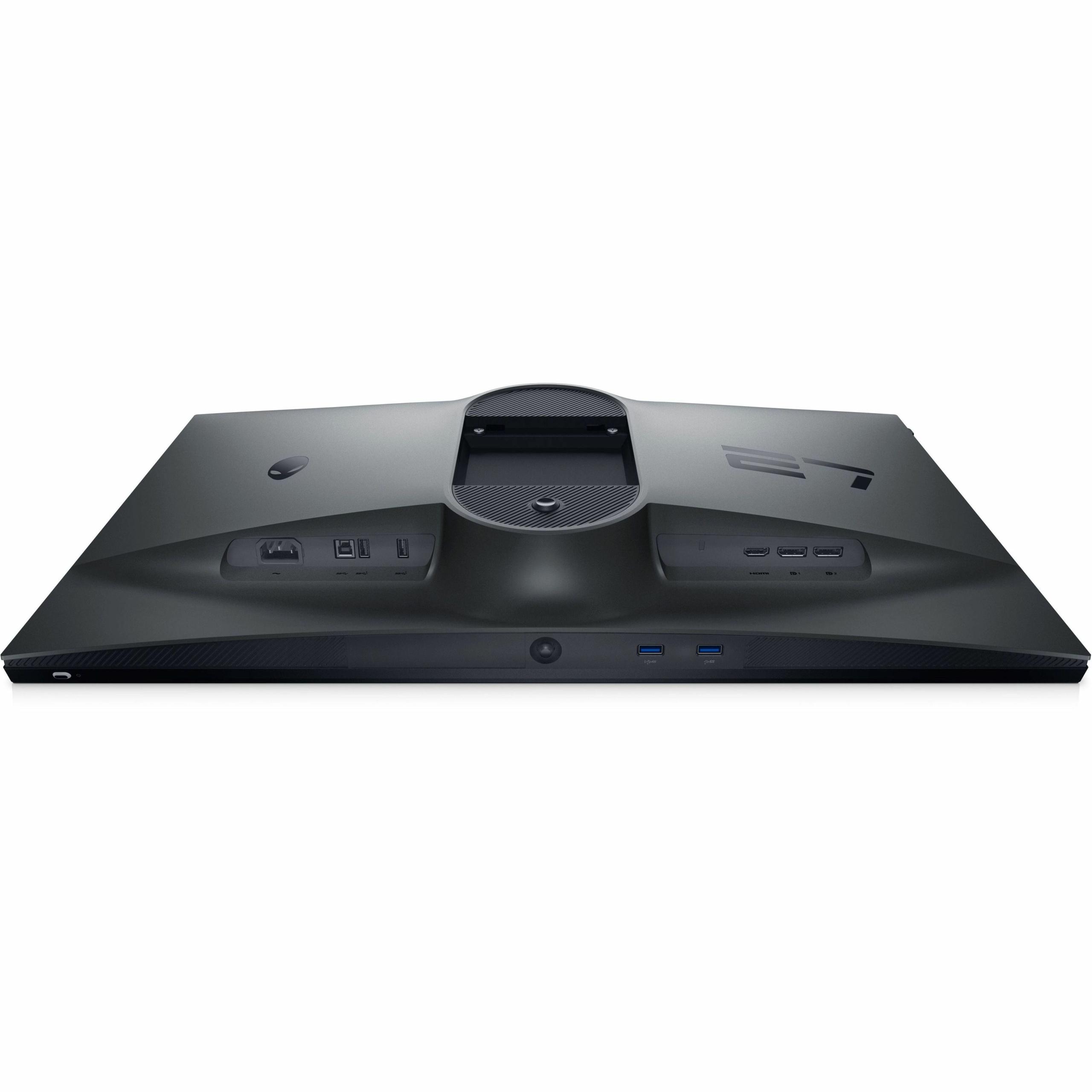
| 2x HDMI 2.1, 1x DisplayPort 1.4a | 2x DisplayPort 1.4, 1x HDMI, USB 3.2 hub with 4 ports |
| Ergonomics - Adjustability for comfort | |
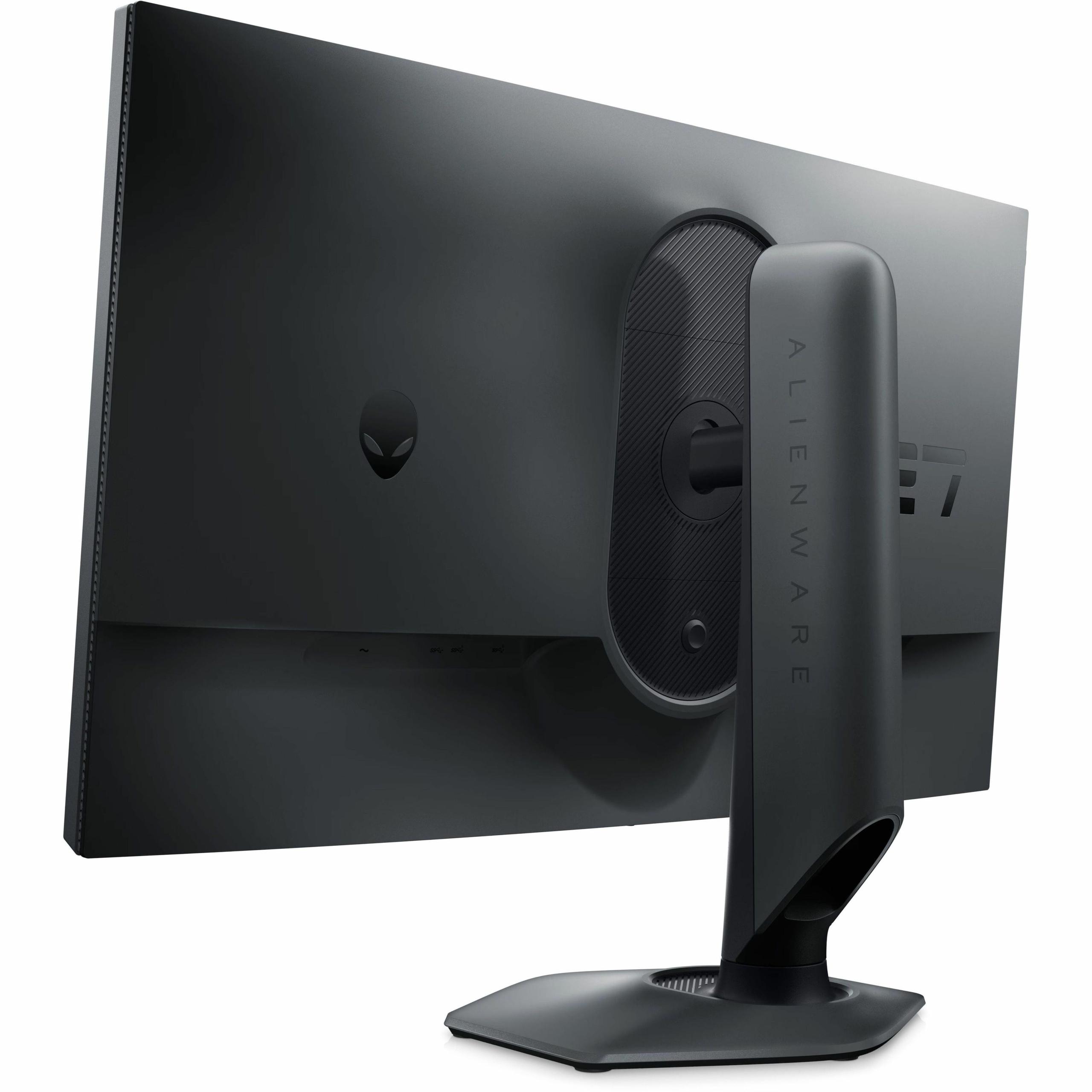
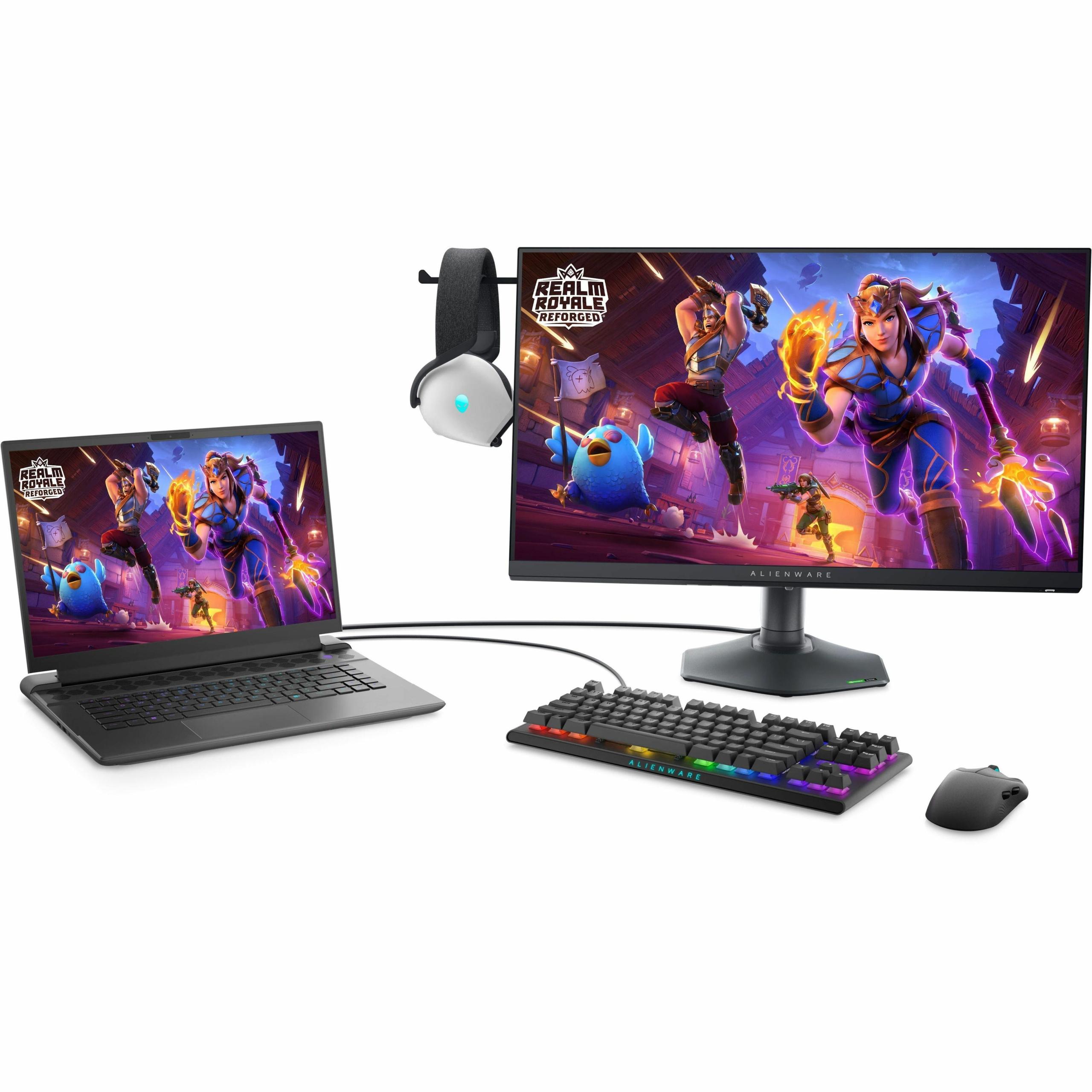
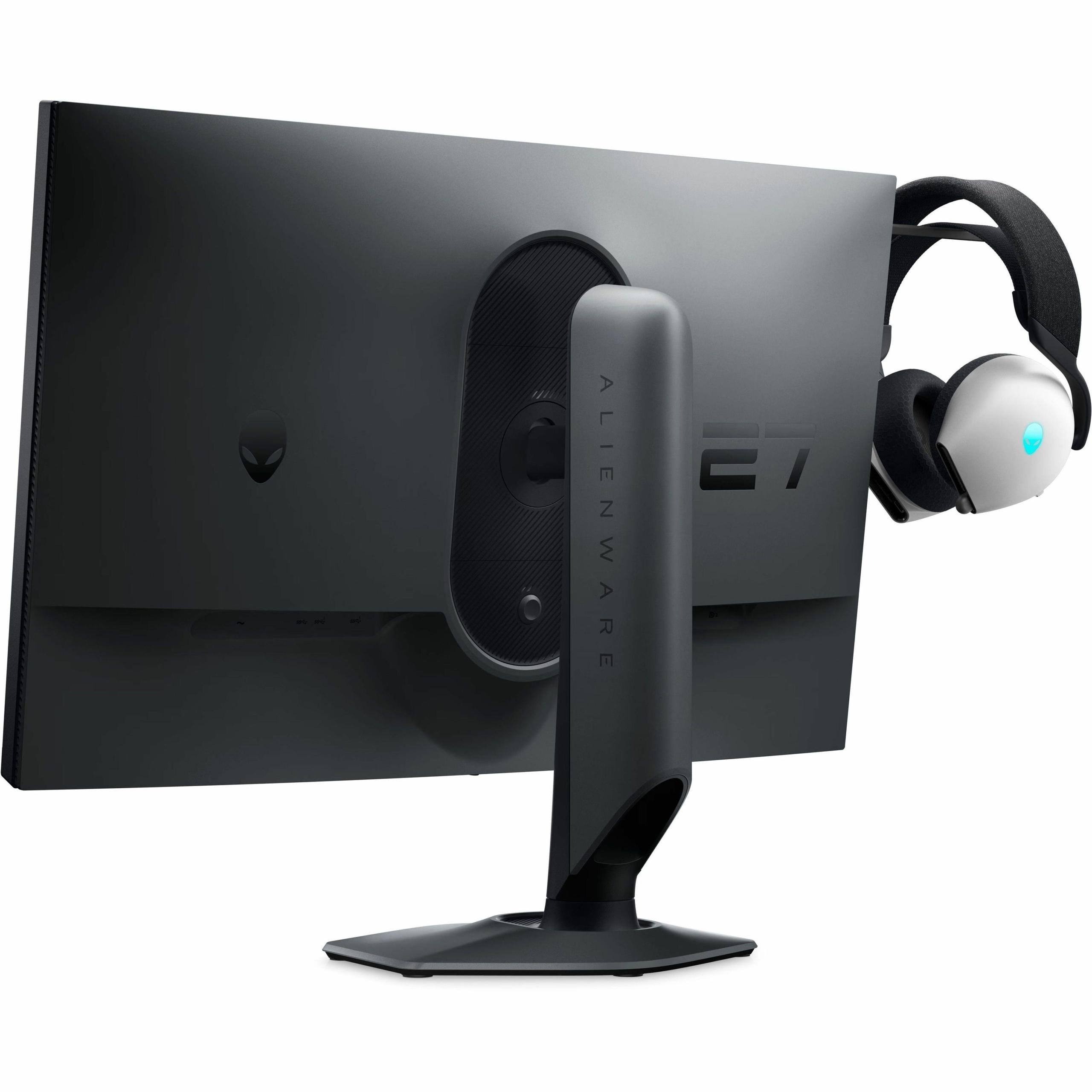
| Height, tilt, swivel, pivot adjustment | Height, tilt, swivel, pivot adjustment plus retractable headphone hanger |
The Alienware AW2724HF is better for competitive gaming due to its 360Hz refresh rate, which provides the maximum possible smoothness and competitive advantage in esports titles. The higher refresh rate gives you more frames per second to track fast-moving targets. However, the MSI MAG 271QP QD-OLED X24 is still excellent for competitive gaming with its 240Hz refresh rate and faster 0.03ms response time.
The MSI MAG 271QP QD-OLED X24 uses QD-OLED technology that creates perfect blacks and infinite contrast by turning off individual pixels. This results in more vibrant colors and better dark scene performance. The Alienware AW2724HF uses Fast IPS technology, which provides consistent brightness and has no risk of burn-in, making it more reliable for mixed use with static content like desktop applications.
The MSI MAG 271QP QD-OLED X24 has significantly better image quality with its higher resolution (1440p vs 1080p), wider color gamut, HDR support, and perfect contrast ratio. It covers 98% Adobe RGB and 138% sRGB color spaces compared to the Alienware AW2724HF's 99% sRGB coverage only.
The MSI MAG 271QP QD-OLED X24 is excellent for console gaming with full HDMI 2.1 support, enabling 120Hz gaming with VRR and ALLM on PS5 and Xbox Series X. The higher resolution and HDR support enhance console gaming experiences. The Alienware AW2724HF supports console gaming but is limited to basic HDMI connectivity without advanced gaming features.
The MSI MAG 271QP QD-OLED X24 is much better for movies and home theater use. It supports HDR True Black 400, has perfect blacks for cinematic contrast, and covers wide color gamuts for accurate movie reproduction. The Alienware AW2724HF lacks HDR support and has limited contrast, making it less suitable for movie watching.
Only the MSI MAG 271QP QD-OLED X24 has potential burn-in risk due to its OLED technology. However, MSI includes OLED Care 2.0 technology and a 3-year warranty covering burn-in. The Alienware AW2724HF uses IPS technology with no burn-in risk, making it safer for productivity work with static elements.
The MSI MAG 271QP QD-OLED X24 offers better overall value for most users, providing premium display technology, higher resolution, and versatile features. The Alienware AW2724HF offers better value specifically for competitive gamers who prioritize high refresh rates over image quality and don't need HDR or higher resolution.
The Alienware AW2724HF is easier to drive due to its 1080p resolution, allowing mid-range graphics cards to achieve high frame rates. The MSI MAG 271QP QD-OLED X24 requires more powerful graphics cards to fully utilize its 1440p resolution at high refresh rates, though it's still reasonable for modern GPUs.
The Alienware AW2724HF has more comprehensive connectivity with a USB 3.2 hub featuring 4 USB ports, plus multiple DisplayPort inputs. The MSI MAG 271QP QD-OLED X24 focuses on gaming connectivity with 2x HDMI 2.1 ports and DisplayPort 1.4a, prioritizing console and high-bandwidth connections over USB expansion.
The MSI MAG 271QP QD-OLED X24 is excellent for content creation with its wide color gamut, factory calibration (Delta E ≤ 2), and higher resolution. The Alienware AW2724HF is adequate for basic content creation but limited by its narrower color range and lack of wide gamut support, making it less suitable for color-critical work.
The Alienware AW2724HF is more reliable long-term due to its proven IPS technology with no degradation concerns. The MSI MAG 271QP QD-OLED X24 uses newer OLED technology that has finite panel life and potential burn-in, though modern implementations with proper care should last many years.
Choose the MSI MAG 271QP QD-OLED X24's 1440p resolution if you want sharper images, better detail, and more desktop workspace. Choose the Alienware AW2724HF's 1080p resolution if you prioritize maximum frame rates in competitive gaming and have a mid-range graphics card that struggles with higher resolutions.
We've done our best to create useful and informative comparisons to help you decide what product to buy. Our research uses advanced automated methods to create this comparison and perfection is not possible - please contact us for corrections or questions. These are the sites we've researched in the creation of this article: bestbuy.com - youtube.com - xda-developers.com - newegg.com - notebookcheck.net - displayninja.com - ign.com - rtings.com - cdw.com - microcenter.com - bestbuy.com - us.msi.com - colamco.com - msi.com - msi.com - displayspecifications.com - msi.com - storage-asset.msi.com - msi.com - us.msi.com - displayspecifications.com - bestbuy.com - gamesradar.com - bestbuy.com - rtings.com - windowscentral.com - youtube.com - techpowerup.com - dell.com - dellonline.ae - dellonline.co.za - files.bbystatic.com - mysoft.hu - pcgamermexico.com - displayspecifications.com - gzhls.at - bestbuy.com - device.report - newegg.com - multitronic.fi - youtube.com

Privacy Policy
Terms and Conditions - Affiliate Policy
Home Security
© Copyright 2008-2026.
11816 Inwood Rd #1211, Dallas, TX 75244