

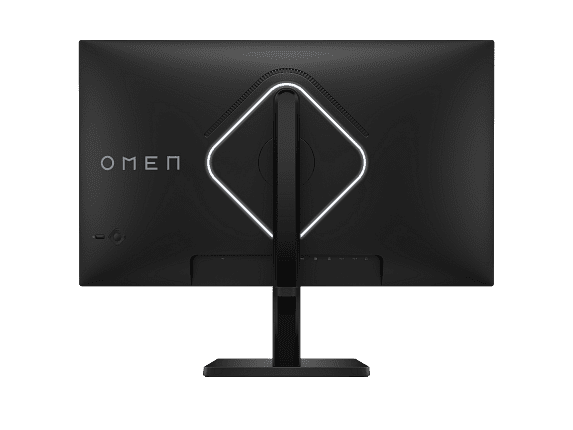
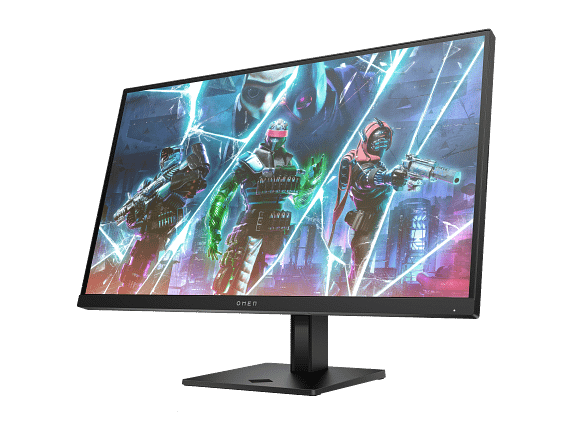
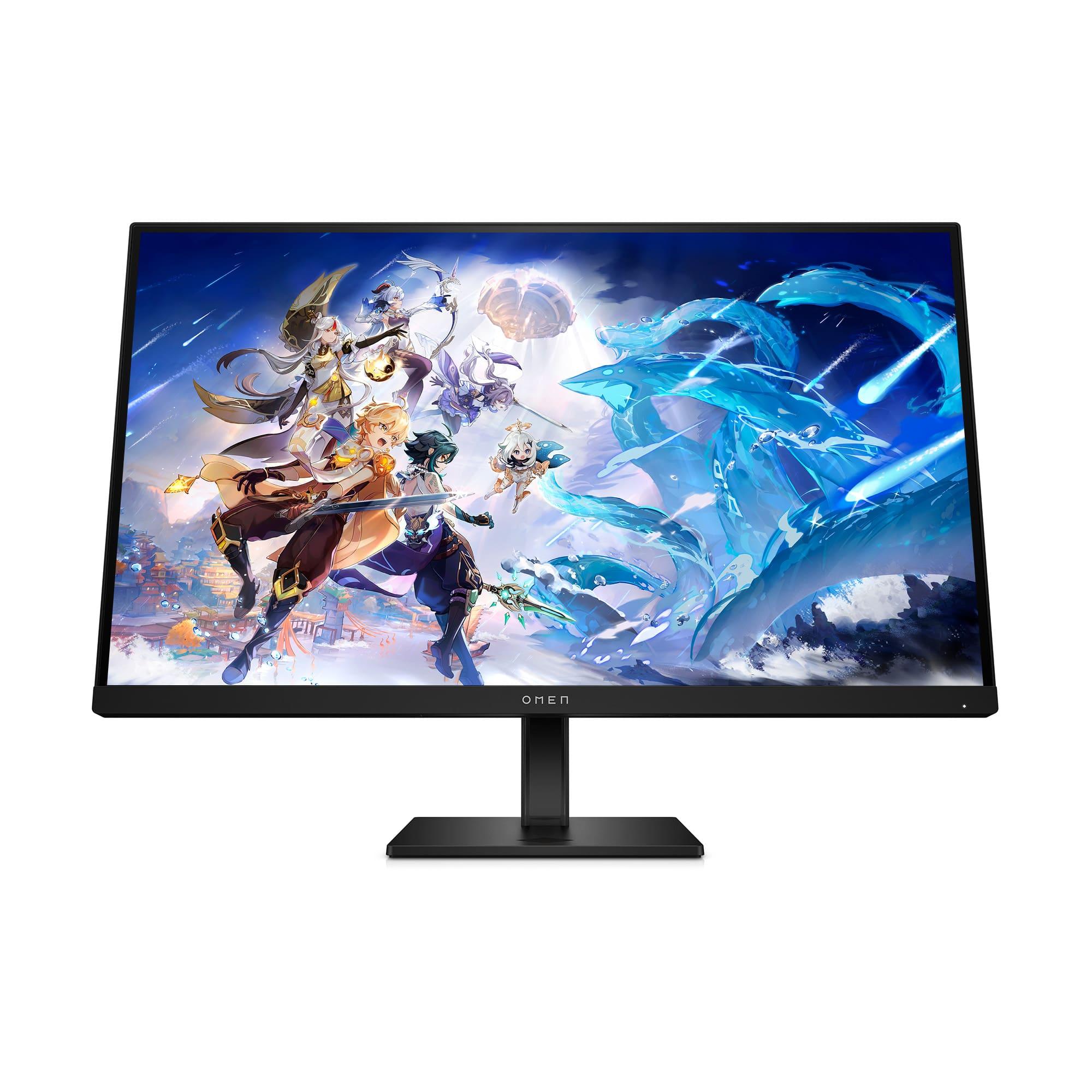
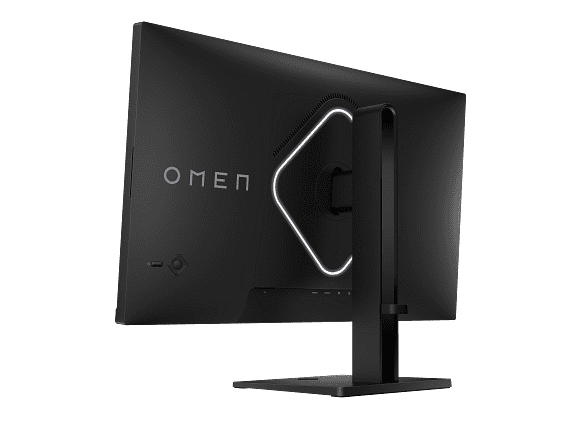
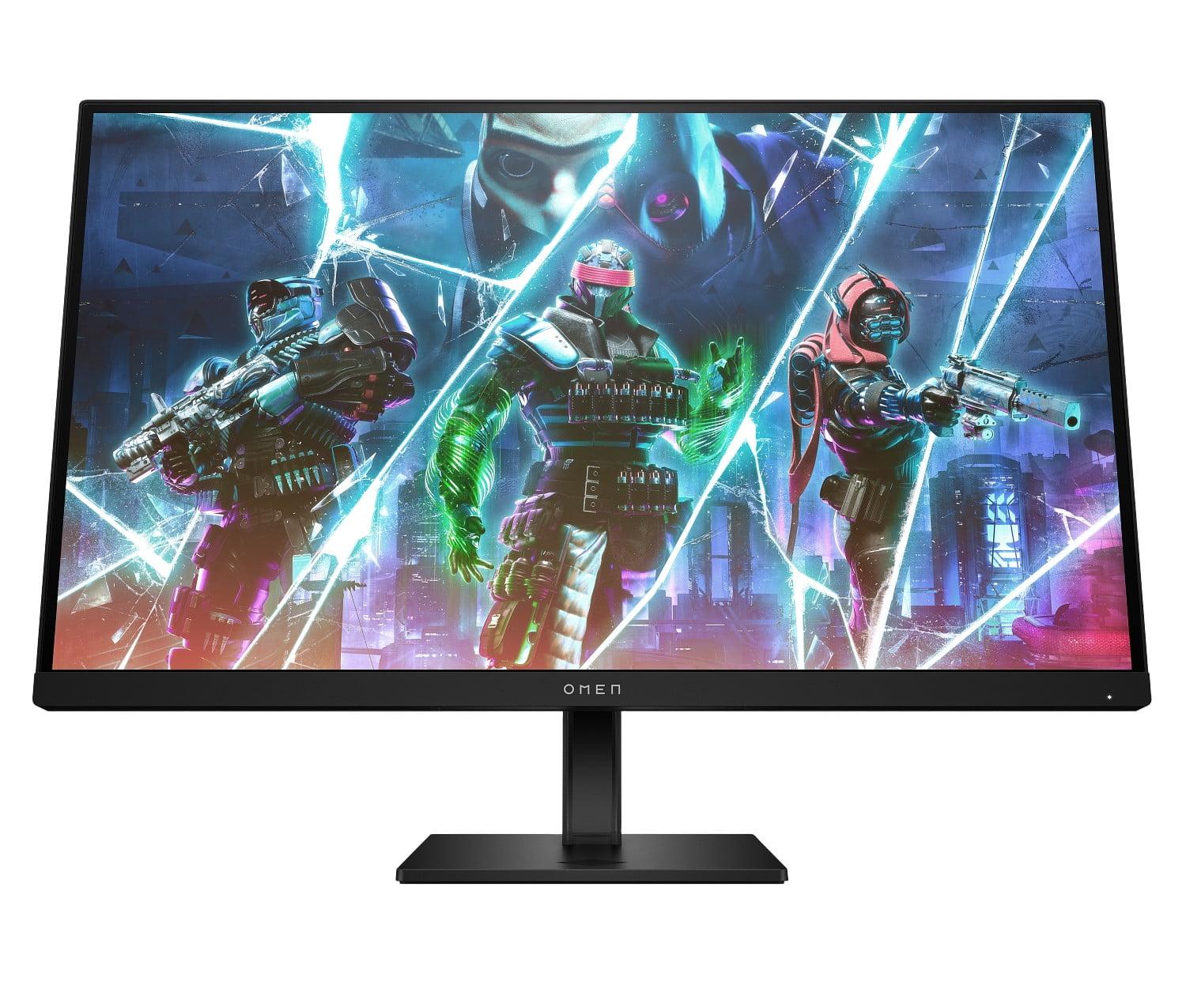
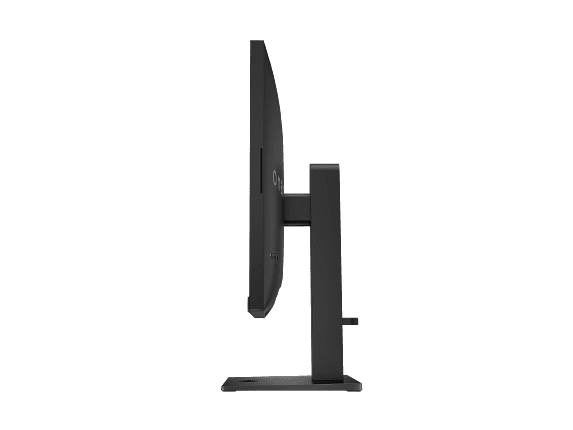














Gaming monitors have evolved dramatically over the past few years, and choosing the right one can make or break your gaming experience. Today we're comparing two monitors that represent different philosophies in gaming display design: the HP OMEN 27s, a speed-focused 1080p powerhouse, and the MSI MAG 271QP QD-OLED X24, a premium display that brings cutting-edge OLED technology to competitive gaming.
At the time of writing, these monitors sit in different price tiers, with the HP OMEN 27s positioned as a value-oriented option for competitive gamers, while the MSI MAG 271QP QD-OLED X24 commands a significant premium for its advanced display technology. The question isn't just which one is better—it's which one is better for your specific gaming needs and budget.
Before diving into the comparison, let's establish what makes a gaming monitor special. Unlike regular computer monitors, gaming displays prioritize three key characteristics: refresh rate (how many times per second the screen updates), response time (how quickly pixels can change colors), and input lag (the delay between your actions and what appears on screen).
The gaming monitor landscape has seen major shifts since both these monitors launched. The HP OMEN 27s arrived in 2023, representing the maturation of high-refresh 1080p gaming displays. Meanwhile, the MSI MAG 271QP QD-OLED X24 launched in 2024, bringing QD-OLED technology—previously reserved for premium TVs—into the gaming monitor space.
QD-OLED stands for Quantum Dot Organic Light Emitting Diode, which combines the perfect blacks of OLED technology with quantum dots that enhance color reproduction. Think of it as getting the best of both worlds: the infinite contrast that comes from pixels that can completely turn off (creating true blacks) and the vibrant, accurate colors that quantum dots provide.
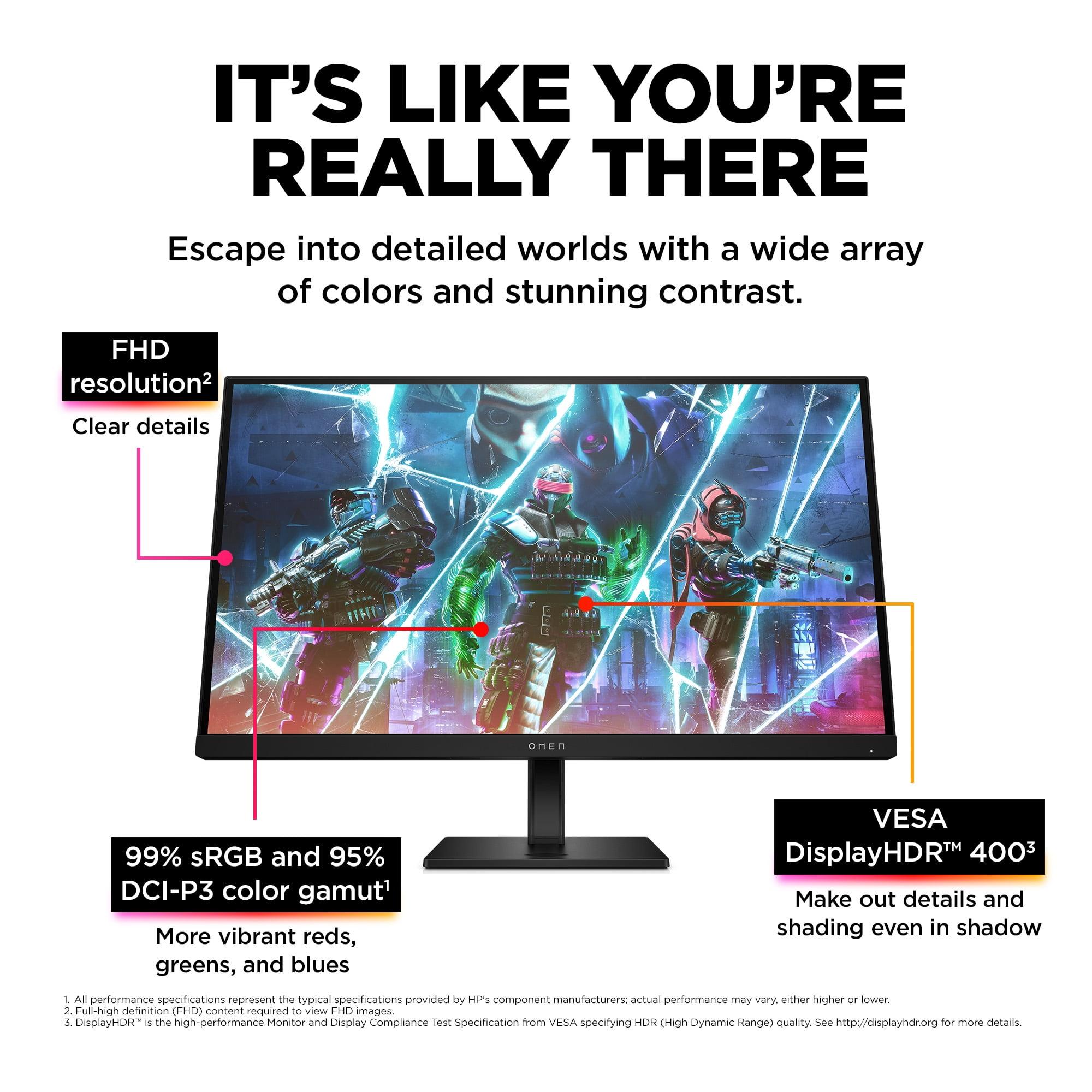
The most significant difference between these monitors lies in their fundamental display technology and resolution. The MSI MAG 271QP QD-OLED X24 operates at QHD resolution (2560×1440 pixels), which provides 78% more pixels than the HP OMEN 27s's FHD resolution (1920×1080 pixels). On a 27-inch screen, this translates to noticeably sharper text, more detailed game textures, and better overall image clarity.
But resolution is just part of the story. The QD-OLED panel in the MSI MAG 271QP delivers a contrast ratio of 1,500,000:1—essentially infinite contrast since individual pixels can turn completely off. Compare this to the HP OMEN 27s's IPS panel, which achieves a respectable but standard 1,000:1 contrast ratio. In practical terms, this means the MSI monitor can display deep, inky blacks alongside brilliant highlights simultaneously, creating a more dramatic and immersive visual experience.
Color reproduction reveals another stark difference. The MSI MAG 271QP covers 138% of the sRGB color space and 99% of DCI-P3, the color standard used in digital cinema. The HP OMEN 27s covers 99% sRGB and 95% DCI-P3—certainly good, but more limited. When you're playing games with rich, saturated colors like Cyberpunk 2077 or watching HDR content, the MSI's wider color gamut becomes immediately apparent.
HDR (High Dynamic Range) performance shows the most dramatic gap between these displays. The MSI MAG 271QP carries VESA DisplayHDR True Black 400 certification and can hit 1000 nits peak brightness in small highlights. The HP OMEN 27s supports DisplayHDR 400, but with its 400-nit maximum brightness, it provides more of an "HDR-like" experience rather than true HDR. For HDR gaming and movie watching, the MSI delivers the dramatic difference between bright highlights and dark shadows that HDR content is designed to showcase.
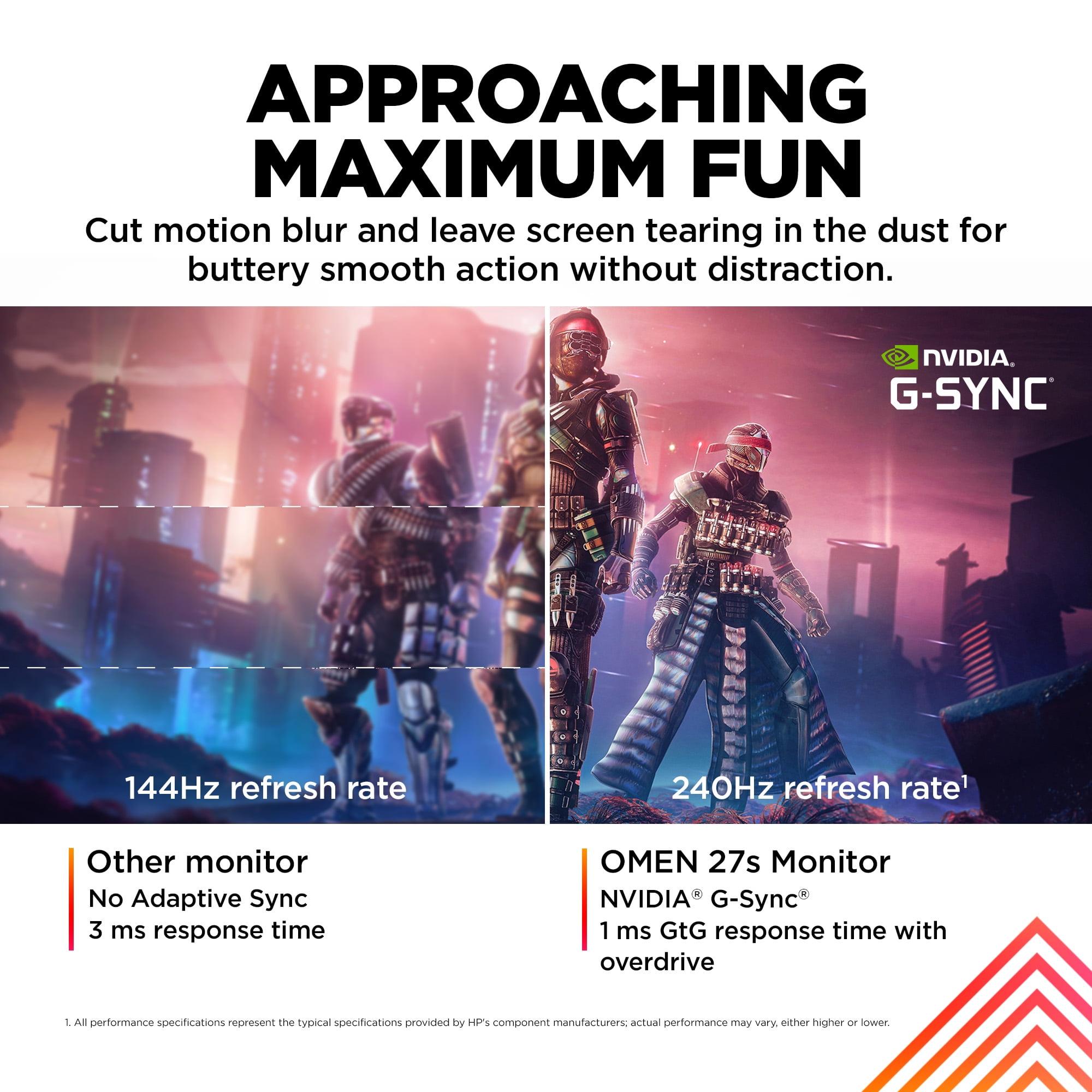
Both monitors share the same 240Hz refresh rate, which means they can display up to 240 frames per second when your graphics card can deliver them. This high refresh rate creates incredibly smooth motion that's particularly beneficial in fast-paced competitive games. However, achieving 240fps presents different challenges depending on the resolution.
The HP OMEN 27s's 1080p resolution is significantly easier to drive at high frame rates. A mid-range graphics card like an RTX 4060 or RX 7600 can consistently hit 240fps in competitive titles like Counter-Strike 2, Valorant, or Overwatch 2. This makes the HP monitor an excellent choice for competitive gamers who prioritize consistent high frame rates over visual fidelity.
The MSI MAG 271QP's QHD resolution demands much more from your graphics card. To consistently reach 240fps at 1440p, you'll need a high-end GPU like an RTX 4070 Super or better. In demanding AAA games, even flagship cards might struggle to maintain such high frame rates, though they'll still deliver smooth gameplay at lower refresh rates that take advantage of the monitor's adaptive sync capabilities.
Response time specifications show the MSI MAG 271QP with a claimed 0.03ms gray-to-gray response time versus the HP OMEN 27s's 1ms. In reality, both are fast enough that you won't notice motion blur in practical gaming scenarios. The difference lies more in the measurement methodology than perceptible performance.
Both monitors support variable refresh rate technology—G-SYNC Compatible and FreeSync—which synchronizes the monitor's refresh rate with your graphics card's frame output to eliminate screen tearing and stuttering. This feature works across a wide range of frame rates, ensuring smooth gameplay even when you can't maintain the full 240fps.
The connectivity story favors the MSI MAG 271QP for modern gaming setups. It includes two HDMI 2.1 ports alongside DisplayPort 1.4a, while the HP OMEN 27s offers two HDMI 2.0 ports and DisplayPort 1.4. This difference becomes crucial for console gaming.
HDMI 2.1 support means the MSI MAG 271QP can accept the full 1440p 120Hz signal from PlayStation 5 and Xbox Series X consoles, taking advantage of their enhanced performance modes. The HP OMEN 27s's HDMI 2.0 ports limit console connections to 1080p, though they still support high refresh rates within that resolution.
The HP OMEN 27s includes a built-in USB hub with two USB-A 3.2 ports and a USB-B upstream connection, making it easy to connect gaming peripherals directly to the monitor. This feature proves particularly useful for clean desk setups and switching between multiple connected devices.
Both monitors offer comprehensive ergonomic adjustments including height, tilt, swivel, and pivot functions. The build quality feels solid on both displays, with sturdy stands that minimize wobble during intense gaming sessions.
The HP OMEN 27s incorporates 85% post-consumer recycled plastics in its construction, reflecting growing environmental consciousness in manufacturing. It also includes HP's Eye Ease technology with Eyesafe certification, which reduces blue light emission without the color shifting that software-based blue light filters often introduce.
The MSI MAG 271QP addresses the traditional OLED concern of burn-in through its OLED Care 2.0 suite. This includes pixel shifting (subtly moving the image to prevent static elements from staying in one place), panel refresh cycles, and detection systems for static logos or taskbars. Most importantly, MSI backs this monitor with a three-year warranty that explicitly covers OLED burn-in—a significant confidence booster for potential buyers worried about long-term reliability.
Let's address the elephant in the room: OLED burn-in. Traditional wisdom suggests that OLED displays develop permanent image retention when static elements remain on screen for extended periods. Modern QD-OLED panels like the one in the MSI MAG 271QP are significantly more resistant to burn-in than earlier OLED generations, and the included protection features further reduce risk.
In practical terms, normal gaming usage—even with static UI elements—poses minimal burn-in risk. The concern primarily applies to users who leave static content like Windows taskbars, logos, or news tickers displayed for many hours daily. MSI's three-year burn-in warranty demonstrates their confidence in the technology, though users should still follow basic precautions like using screensavers and avoiding static desktop wallpapers for extended periods.
For users planning to use their gaming monitor for movies, streaming, and general media consumption, the MSI MAG 271QP offers a significantly superior experience. Its QD-OLED panel delivers true cinematic blacks and supports a wide color gamut that properly displays HDR content from Netflix, Disney+, and other streaming services.
The monitor's flat panel design and accurate color reproduction make it suitable for photo and video editing work, where color accuracy matters. The wide Adobe RGB color space coverage (98%) ensures that professional content creators can trust the display for color-critical work.
The HP OMEN 27s certainly handles media consumption adequately, but its limited HDR capabilities and standard color gamut mean you're not getting the full impact of modern HDR content. For users who primarily game and occasionally watch content, this limitation might be acceptable given the price difference.
When evaluating these monitors, consider your entire system cost, not just the monitor price. The HP OMEN 27s pairs excellently with mid-range graphics cards, allowing you to build a complete 240Hz gaming system at a more accessible total cost. A system with an RTX 4060 and the HP monitor can deliver consistent 240fps in competitive titles.
The MSI MAG 271QP essentially requires a high-end graphics card to fully utilize its capabilities. While you can certainly use it with lower-end GPUs, you won't be able to take full advantage of both the QHD resolution and 240Hz refresh rate simultaneously. Factor this GPU requirement into your total system budget when making your decision.
Based on extensive review analysis and user feedback, both monitors deliver on their core promises. The HP OMEN 27s provides exceptional competitive gaming performance with reliable, tear-free gameplay and solid build quality. Users consistently praise its smooth motion handling and lack of noticeable input lag.
The MSI MAG 271QP receives acclaim for its stunning visual quality and immersive gaming experience. The OLED technology creates a dramatic visual impact that's particularly noticeable in games with dark environments or high contrast scenes. Users report that returning to traditional LCD panels feels noticeably flat after experiencing QD-OLED quality.
Choose the HP OMEN 27s if you're primarily focused on competitive gaming, operating on a tighter budget, or using a mid-range graphics card. This monitor excels in esports titles where consistent high frame rates matter more than visual fidelity. It's also ideal for users who game in very bright environments where OLED's brightness limitations might become apparent.
The HP OMEN 27s makes particular sense for students or younger gamers building their first serious gaming setup. Its combination of competitive gaming performance and reasonable pricing creates an accessible entry point into high-refresh gaming without requiring expensive GPU upgrades.
Choose the MSI MAG 271QP if you want premium visual quality, have a high-end graphics card, or use your monitor for both gaming and media consumption. This monitor shines in story-driven AAA games, HDR content, and scenarios where visual immersion matters as much as competitive performance.
The MSI MAG 271QP particularly appeals to enthusiast gamers who view their monitor as a long-term investment and want access to the latest display technology. If you're building a high-end gaming PC and plan to upgrade your graphics card regularly, this monitor will continue delivering excellent performance for years.
At the time of writing, these monitors represent two distinct value propositions in gaming displays. The HP OMEN 27s offers exceptional competitive gaming performance at an accessible price point, while the MSI MAG 271QP provides cutting-edge display technology for users willing to pay a premium.
Consider your primary use case, current graphics card capabilities, and budget constraints. If you're building around competitive gaming and need to optimize for consistent high frame rates, the HP OMEN 27s delivers excellent value. If you're seeking the best possible visual experience and have the hardware to drive it, the MSI MAG 271QP offers a glimpse into the future of gaming displays.
Both monitors excel in their intended roles, making this less about finding a universally "better" option and more about matching the right tool to your specific gaming needs and priorities.
| HP OMEN 27s FHD 240Hz Gaming Monitor | MSI MAG 271QP QD-OLED X24 27" QHD 240Hz Gaming Monitor |
|---|---|
| Display Technology - Determines image quality and lifespan | |
| 27" IPS LCD panel with LED backlight | 26.5" QD-OLED panel with self-emitting pixels |
| Resolution - Higher resolution shows more detail but requires more GPU power | |
| 1920 x 1080 (FHD) - easier to drive at high frame rates | 2560 x 1440 (QHD) - 78% more pixels, sharper image |
| Refresh Rate - Higher numbers create smoother motion in fast games | |
| 240Hz via DisplayPort, 200Hz via HDMI | 240Hz via both DisplayPort and HDMI 2.1 |
| Response Time - Lower is better for reducing motion blur | |
| 1ms GtG with overdrive | 0.03ms GtG (both imperceptible in real use) |
| Contrast Ratio - Higher numbers mean better distinction between dark and bright areas | |
| 1,000:1 (typical for IPS panels) | 1,500,000:1 (infinite contrast from OLED technology) |
| Color Coverage - Wider gamuts show more vibrant, accurate colors | |
| 99% sRGB, 95% DCI-P3 | 138% sRGB, 99% DCI-P3, 98% Adobe RGB |
| Peak Brightness - Higher brightness helps with HDR and bright room viewing | |
| 400 nits (adequate for most environments) | 1000 nits peak (3% window), 250 nits full screen |
| HDR Support - Better HDR creates more dramatic visuals in supported content | |
| VESA DisplayHDR 400 (basic HDR experience) | VESA DisplayHDR True Black 400 (genuine HDR with perfect blacks) |
| Connectivity - More modern ports support higher bandwidth and console features | |
| 1x DisplayPort 1.4, 2x HDMI 2.0, USB hub | 1x DisplayPort 1.4a, 2x HDMI 2.1 (better for PS5/Xbox Series X) |
| Variable Refresh Rate - Eliminates screen tearing when GPU frame rates fluctuate | |
| G-SYNC Compatible, FreeSync Premium, Adaptive Sync | Adaptive Sync (no specific G-SYNC/FreeSync branding) |
| Warranty Coverage - Important protection for your investment | |
| 1 year limited warranty | 3 years including explicit OLED burn-in coverage |
| GPU Requirements - Affects total system cost | |
| Works well with mid-range cards (RTX 4060 class) | Requires high-end GPU (RTX 4070+ recommended for full 240Hz) |
| Best Use Cases - Where each monitor excels | |
| Competitive esports, budget-conscious builds, bright rooms | AAA gaming, content creation, home theater, premium setups |
The HP OMEN 27s is generally better for competitive gaming due to its 1080p resolution, which is easier to drive at consistent 240fps with mid-range graphics cards. The lower resolution also means larger UI elements and text, which many esports players prefer. While the MSI MAG 271QP QD-OLED X24 offers superior image quality, competitive gamers typically prioritize frame rate consistency over visual fidelity.
The primary difference is display technology and resolution. The HP OMEN 27s uses a traditional IPS LCD panel at 1080p resolution, while the MSI MAG 271QP QD-OLED X24 features advanced QD-OLED technology at 1440p resolution. The MSI monitor offers dramatically better contrast, color reproduction, and image quality, but requires more powerful graphics hardware to fully utilize.
The HP OMEN 27s provides better value for budget-conscious gamers, especially those with mid-range graphics cards. The MSI MAG 271QP QD-OLED X24 offers premium features and cutting-edge technology that justify its higher price for enthusiast users who want the best possible visual experience and have high-end hardware.
The MSI MAG 271QP QD-OLED X24 is significantly better for console gaming thanks to its HDMI 2.1 ports, which support full 1440p at 120Hz from modern consoles. The HP OMEN 27s has HDMI 2.0 ports that limit console connections to 1080p, though it still supports high refresh rates within that resolution limitation.
The MSI MAG 271QP QD-OLED X24 is far superior for media consumption due to its QD-OLED panel technology, which delivers true blacks, infinite contrast, and excellent HDR performance. The wider color gamut and higher peak brightness create a much more cinematic viewing experience compared to the HP OMEN 27s's standard LCD panel.
The HP OMEN 27s works excellently with mid-range cards like RTX 4060 or RX 7600, easily achieving 240fps in competitive games. The MSI MAG 271QP QD-OLED X24 requires a high-end GPU like RTX 4070 Super or better to consistently reach 240fps at 1440p resolution, making it more expensive to fully utilize.
The MSI MAG 271QP QD-OLED X24 uses modern QD-OLED technology that's much more resistant to burn-in than older OLED panels. MSI includes OLED Care 2.0 protection features and backs the monitor with a 3-year warranty covering burn-in. Normal gaming usage poses minimal risk, while the HP OMEN 27s has no burn-in concerns as an LCD panel.
The MSI MAG 271QP QD-OLED X24 significantly outperforms the HP OMEN 27s for content creation, offering 98% Adobe RGB coverage and factory calibration to Delta E ≤ 2. The wider color gamut and higher resolution make it suitable for professional photo and video work, while the HP monitor is adequate for basic content creation but not color-critical work.
Both the HP OMEN 27s and MSI MAG 271QP QD-OLED X24 offer 240Hz refresh rates for ultra-smooth gaming. However, the HP monitor drops to 200Hz when using HDMI connections, while the MSI maintains 240Hz through both DisplayPort and HDMI 2.1, providing more flexibility for different connection types.
The HP OMEN 27s performs better in very bright environments due to its anti-glare coating and consistent 400-nit brightness across the entire screen. The MSI MAG 271QP QD-OLED X24 has excellent peak brightness but lower full-screen brightness, and OLED panels can appear washed out in direct sunlight or very bright rooms.
The HP OMEN 27s includes a power cord, DisplayPort 1.4 cable, USB 3.0 A-B cable, warranty documentation, and quick setup guide. The MSI MAG 271QP QD-OLED X24 comes with a power cord, DisplayPort cable, and quick guide. Both monitors include their respective stands and mounting hardware.
For the 27-inch size, 1440p on the MSI MAG 271QP QD-OLED X24 provides noticeably sharper text and game details compared to the 1080p HP OMEN 27s. However, 1080p is easier to drive at high frame rates and some competitive gamers prefer the larger UI elements. Choose 1440p if you have a powerful GPU and want better visual quality, or 1080p if you prioritize consistent high frame rates with mid-range hardware.
We've done our best to create useful and informative comparisons to help you decide what product to buy. Our research uses advanced automated methods to create this comparison and perfection is not possible - please contact us for corrections or questions. These are the sites we've researched in the creation of this article: bestbuy.com - hp.com - shi.com - hp.com - bestbuy.com - hp.com - tomshardware.com - hp.com - rtings.com - hp.com - displayspecifications.com - support.hp.com - publicsector.shidirect.com - objects.icecat.biz - files.bbystatic.com - hp.com - displayspecifications.com - bestbuy.com - youtube.com - xda-developers.com - newegg.com - notebookcheck.net - displayninja.com - ign.com - rtings.com - cdw.com - microcenter.com - bestbuy.com - us.msi.com - colamco.com - msi.com - msi.com - displayspecifications.com - msi.com - storage-asset.msi.com - msi.com - us.msi.com - displayspecifications.com

Privacy Policy
Terms and Conditions - Affiliate Policy
Home Security
© Copyright 2008-2026.
11816 Inwood Rd #1211, Dallas, TX 75244