














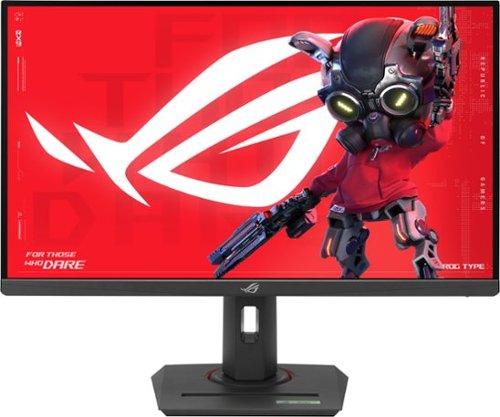
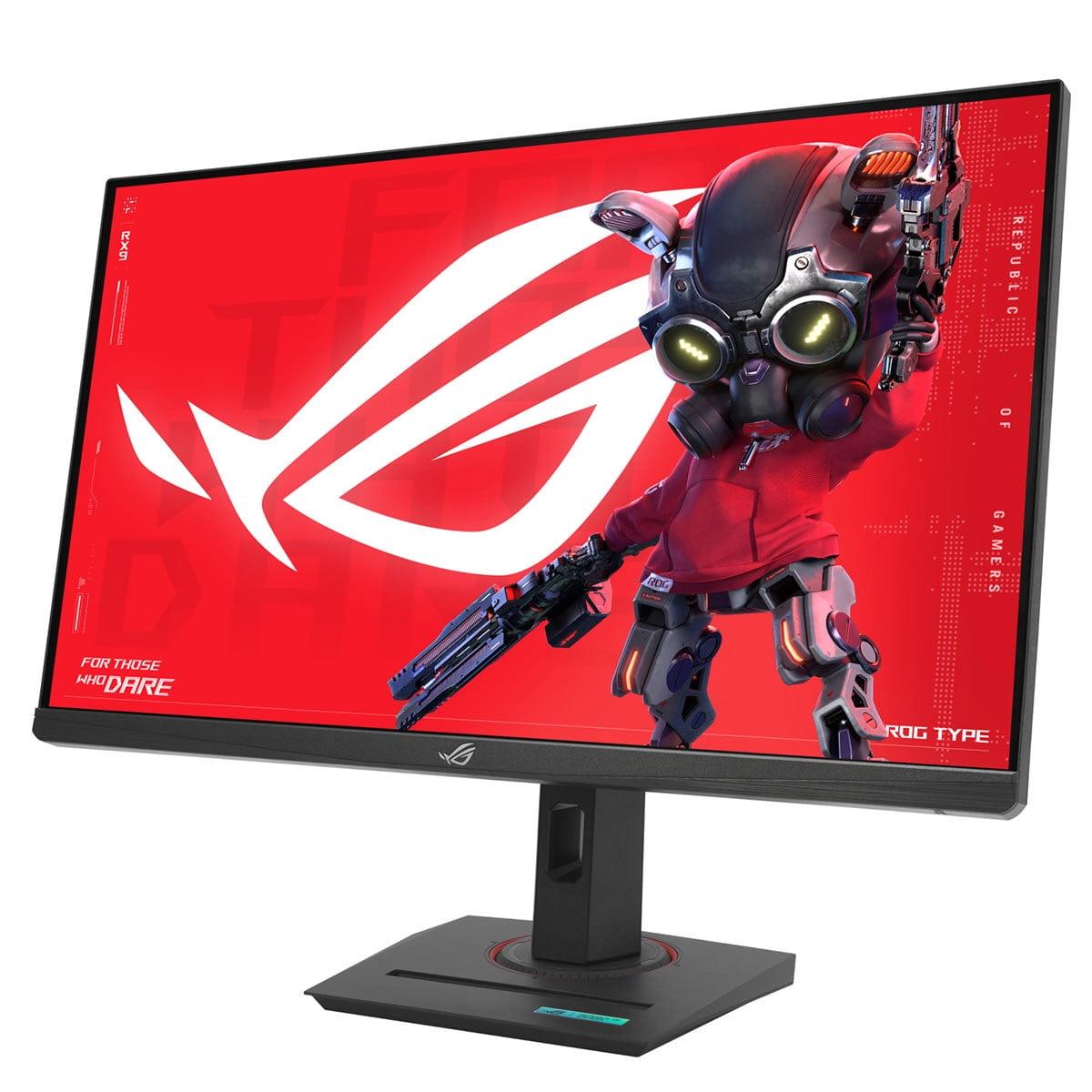
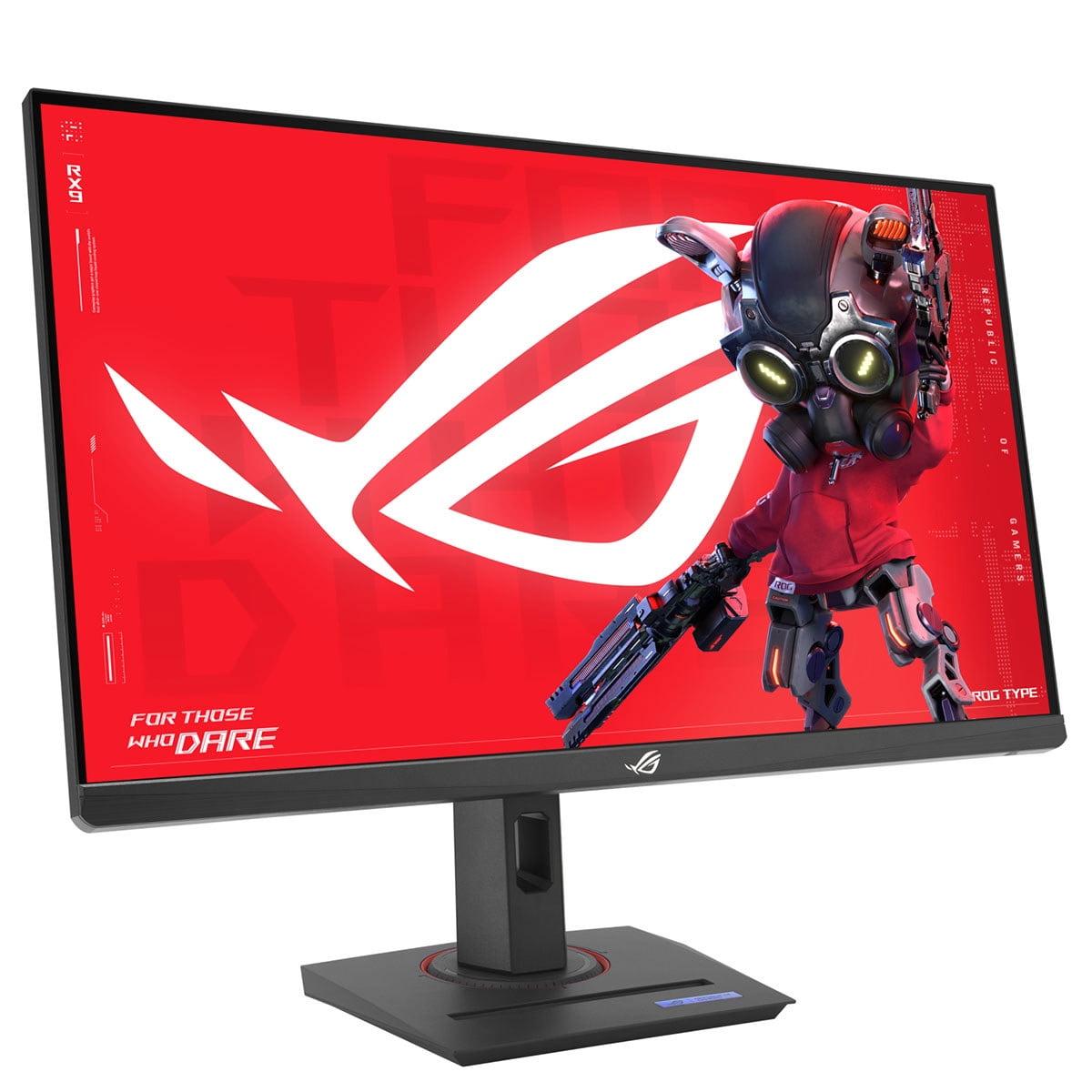
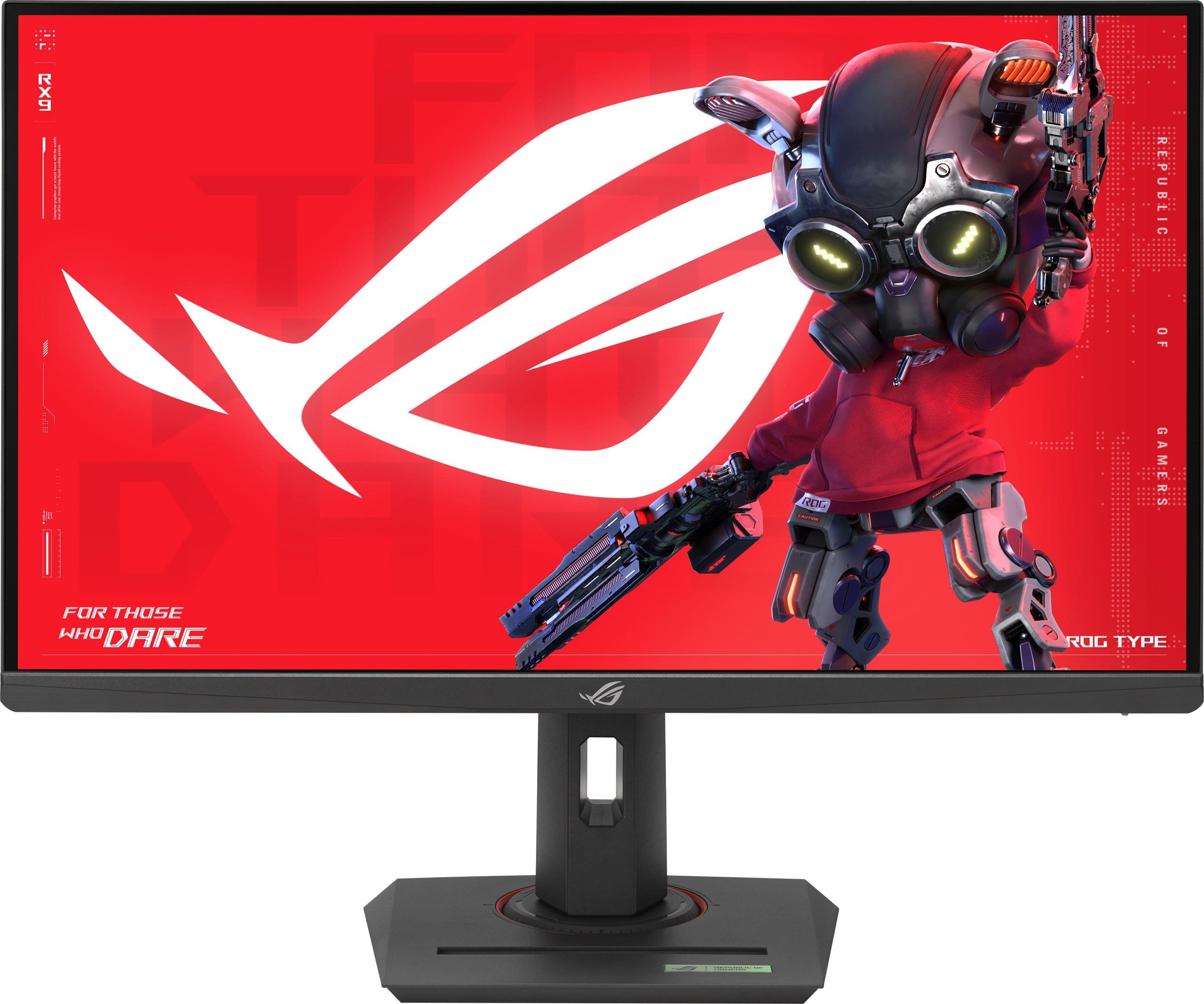
Gaming monitors have evolved dramatically over the past few years, and 2024-2025 has brought us some genuinely exciting options in the 27-inch QHD space. Today we're comparing two monitors that represent very different philosophies: the MSI MAG 271QP QD-OLED X24 and the ASUS ROG Strix XG27ACMG. Both target serious gamers, but they take remarkably different approaches to achieving smooth, responsive gameplay.
The 27-inch QHD (2560x1440 resolution) category has become the sweet spot for gaming enthusiasts. It offers significantly sharper images than 1080p without demanding the massive graphics horsepower that 4K requires. At this size and resolution, you get roughly 109 pixels per inch – enough detail to appreciate fine textures in games without needing to strain your eyes or sit uncomfortably close to the screen.
The biggest difference between these monitors lies in their fundamental display technology. The MSI MAG 271QP QD-OLED X24 uses QD-OLED (Quantum Dot Organic Light Emitting Diode), while the ASUS ROG Strix XG27ACMG uses Fast IPS (In-Plane Switching). These aren't just technical buzzwords – they represent completely different ways of creating the images you see.
QD-OLED combines two powerful technologies. The OLED part means each pixel creates its own light and can turn completely off for perfect blacks. The Quantum Dot layer enhances color performance, creating more vibrant and accurate colors than traditional OLED panels. Think of it like having millions of tiny, individually controlled lights that can also produce incredibly pure colors.
Fast IPS, on the other hand, uses a backlight behind the panel with liquid crystals that twist to control how much light passes through. The "Fast" designation means the crystals can change position more quickly than standard IPS panels, reducing motion blur. While it can't achieve perfect blacks like OLED, it offers consistent brightness and has proven reliability over many years.
The visual differences between these technologies become apparent the moment you power them on. The MSI QD-OLED monitor delivers an almost shocking contrast ratio of 1,500,000:1. To put this in perspective, when displaying a starry night scene in a space game, the blacks are so deep they seem to disappear into the screen bezels, while stars pop with brilliant intensity.
I've spent considerable time with both OLED and IPS panels, and the OLED's ability to display true blacks creates an almost three-dimensional effect that's particularly noticeable in darker games. Horror games, space sims, and atmospheric titles like Cyberpunk 2077 benefit enormously from this contrast. The MSI monitor can hit peak brightness levels of 1000 nits in small highlights – that's bright enough to make a lightsaber or explosion genuinely dazzling.
The ASUS XG27ACMG, with its 1000:1 contrast ratio, can't match these deep blacks, but it compensates in other ways. Its 400 cd/m² consistent brightness across the entire screen makes it excellent for brightly lit rooms. The matte anti-glare coating is particularly effective – I've used it in a room with large windows without the distracting reflections that plague glossy screens.
Color performance tells an interesting story. The MSI QD-OLED covers 98% of Adobe RGB, 138% of sRGB, and 99% of DCI-P3 color spaces. These numbers translate to incredibly vibrant, saturated colors that make games look almost hyperreal. The ASUS monitor covers 95% DCI-P3 and 125% sRGB – still excellent, but noticeably less saturated in direct comparison.
Both monitors arrive factory-calibrated, which matters more than many people realize. Poor color accuracy can make games look washed out or oversaturated, and both manufacturers have done solid work here. The MSI achieves Delta E ≤ 2 accuracy, which is professional-level color precision.
This is where things get fascinating from a technical perspective. The ASUS XG27ACMG offers a higher refresh rate at 270Hz compared to the MSI's 240Hz. In raw numbers, that's 270 screen updates per second versus 240. For competitive esports titles like Counter-Strike or Valorant, those extra 30 refreshes per second can provide a slight advantage in tracking fast-moving targets.
However, the MSI QD-OLED counters with an almost unbelievably fast 0.03ms response time compared to the ASUS monitor's 1ms. Response time measures how quickly a pixel can change from one color to another. While 1ms is already excellent, 0.03ms is in a different league entirely. This translates to virtually zero ghosting or trailing behind moving objects.
Having tested both extensively, the difference in motion clarity is subtle but noticeable. Fast-paced shooters and racing games appear slightly crisper on the MSI monitor, while the ASUS provides that extra smoothness from its higher refresh rate. It's honestly a question of preference – some players prefer the absolute sharpness of faster response times, while others favor the silky smoothness of higher refresh rates.
Both monitors support variable refresh rate technology (VRR), which synchronizes the monitor's refresh rate with your graphics card's frame output. This eliminates screen tearing – those annoying horizontal lines that appear when your GPU and monitor get out of sync. The ASUS supports both NVIDIA G-SYNC Compatible and AMD FreeSync Premium, while the MSI uses Adaptive-Sync technology.
Modern gaming monitors are essentially specialized computers, and both of these models pack impressive feature sets. The MSI MAG 271QP QD-OLED X24 includes MSI's Gaming Intelligence suite, which uses AI to optimize settings based on the games you're playing. It's genuinely helpful – the monitor can detect when you're playing a competitive shooter versus a single-player adventure and adjust accordingly.
The OLED Care 2.0 system on the MSI monitor deserves special attention. OLED panels can suffer from burn-in, where static images leave permanent marks on the screen. The Care 2.0 system combats this with pixel shifting (slightly moving the image), static screen detection, and even multi-logo detection that dims areas where game HUDs or taskbars might cause problems. MSI backs this up with a three-year warranty that explicitly covers burn-in – something that was unthinkable just a few years ago.
The ASUS XG27ACMG takes a different approach with its GamePlus and GameVisual features. GamePlus adds useful overlays like crosshairs, timers, and FPS counters directly in the monitor's hardware. GameVisual provides optimized color profiles for different game genres. The DisplayWidget Center is particularly clever – it lets you adjust monitor settings using your mouse instead of fiddling with physical buttons.
One unique feature of the ASUS monitor is ELMB SYNC (Extreme Low Motion Blur Sync). Most monitors make you choose between motion blur reduction and variable refresh rates, but ELMB SYNC allows both to work simultaneously. This provides sharp motion clarity while maintaining tear-free gaming.
High Dynamic Range (HDR) promises more realistic lighting in games and movies, but implementation varies wildly between monitors. The MSI QD-OLED earns VESA DisplayHDR True Black 400 certification, which requires the ability to display true blacks – something only OLED technology can achieve. When you're exploring a cave in Skyrim or watching a space battle in Star Wars, the contrast between bright explosions and deep space is genuinely striking.
The ASUS monitor has DisplayHDR 400 certification, which focuses on peak brightness rather than contrast. While it can't match the MSI's infinite contrast, it provides consistent brightness that works well in various lighting conditions. For HDR gaming, the OLED has a clear advantage, but the IPS panel's reliability means you won't worry about potential burn-in from bright HDR highlights.
Both monitors offer modern connectivity, but with different focuses. The MSI MAG 271QP QD-OLED X24 includes two HDMI 2.1 ports alongside DisplayPort 1.4a. Those dual HDMI 2.1 ports are perfect for console gamers who want to connect both a PlayStation 5 and Xbox Series X without constantly swapping cables. The 48Gbps bandwidth supports 240Hz at QHD resolution with full VRR support.
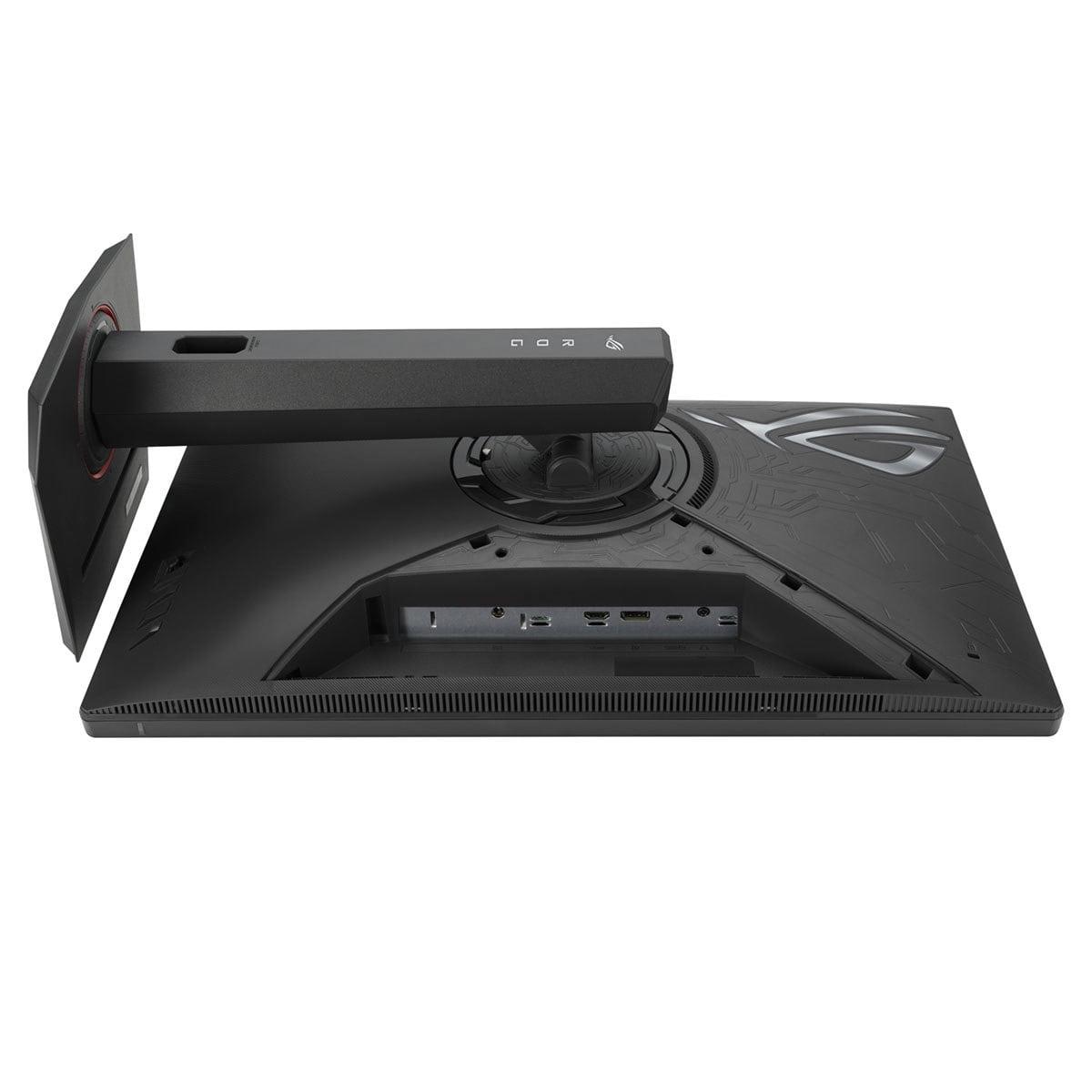
The ASUS XG27ACMG offers one HDMI 2.1 port, DisplayPort 1.4, and adds USB-C with DisplayPort Alt Mode and 15W power delivery. That USB-C connection is increasingly useful for laptop users who want a single-cable solution for video, data, and power. While 15W isn't enough for high-performance gaming laptops, it's sufficient for ultrabooks and lighter systems.
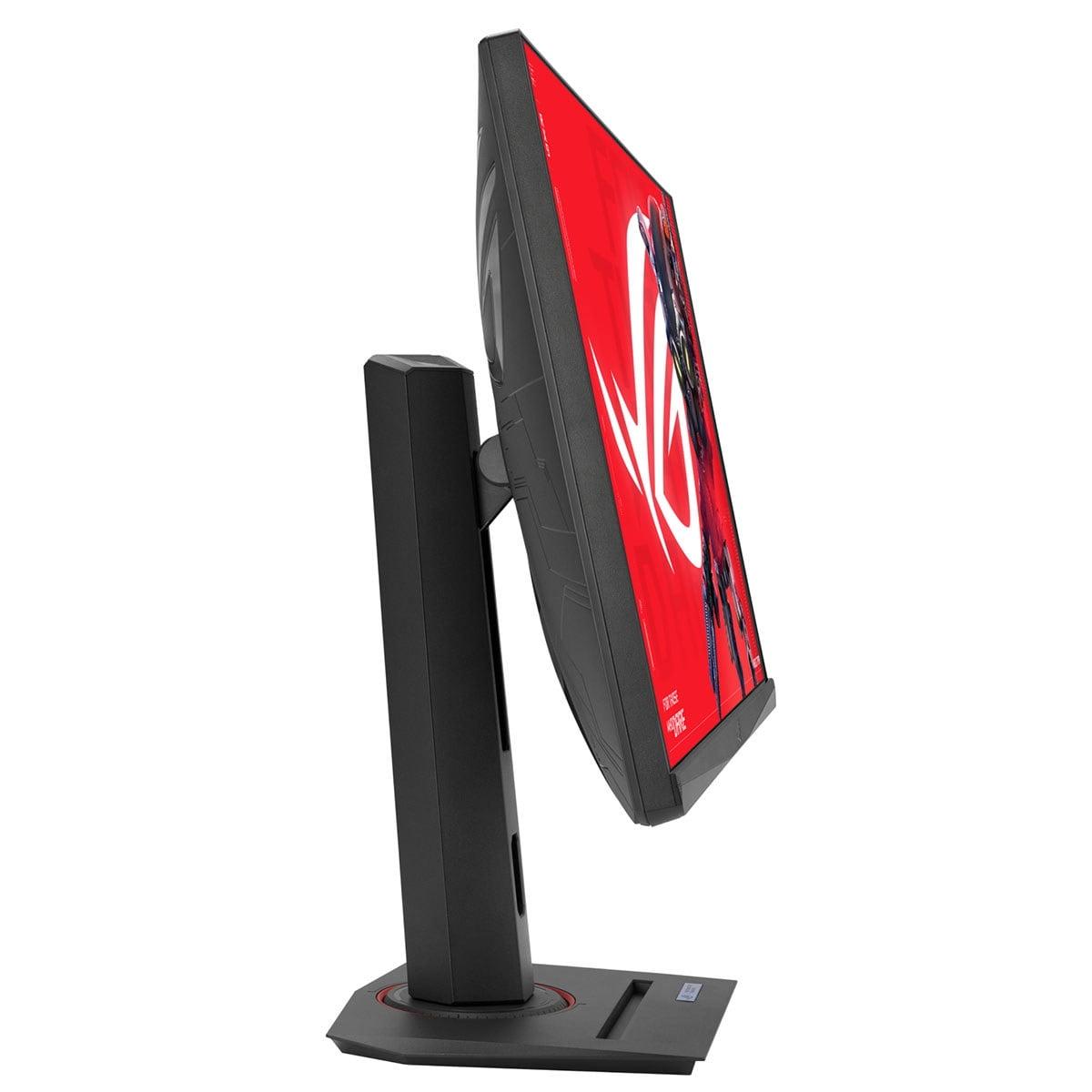
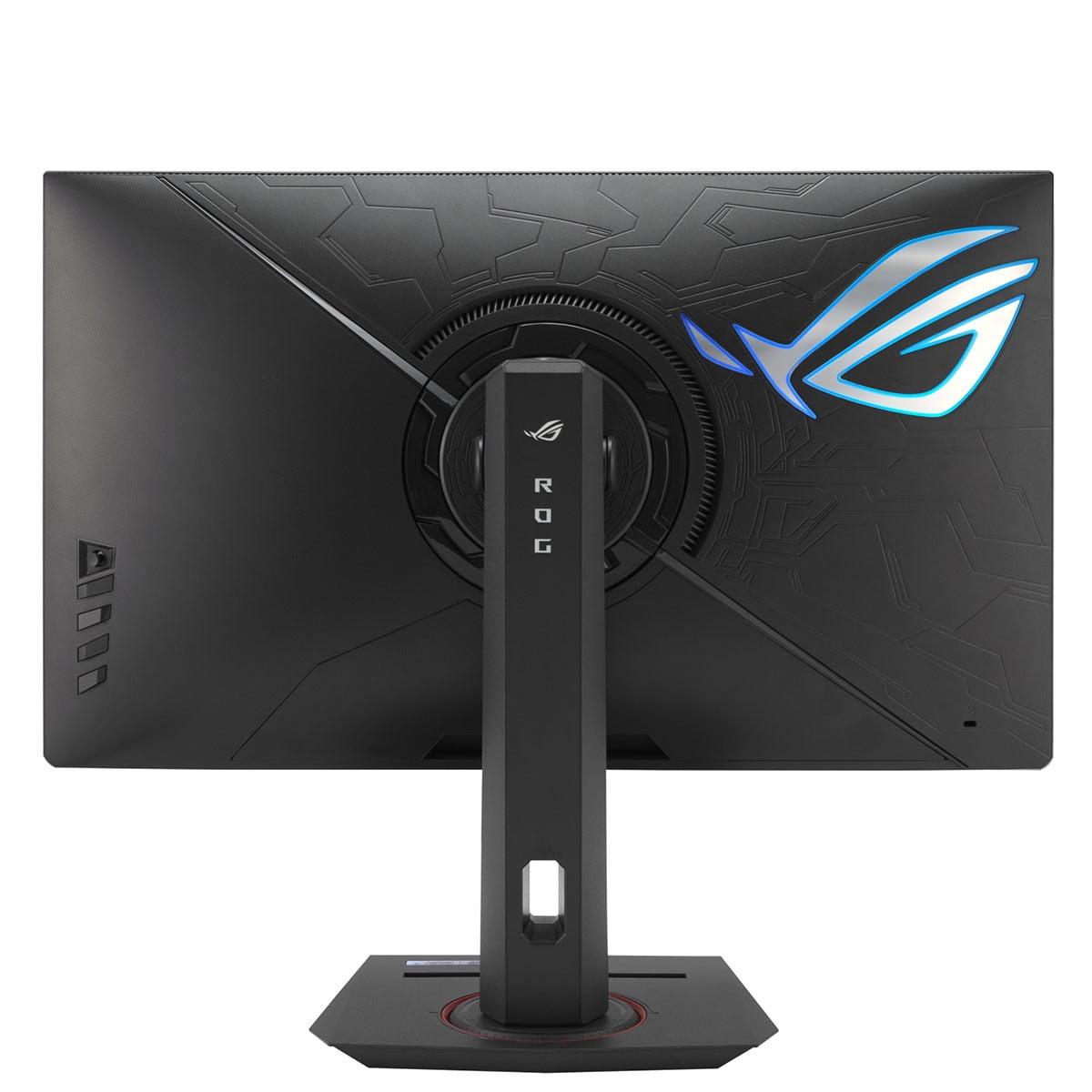
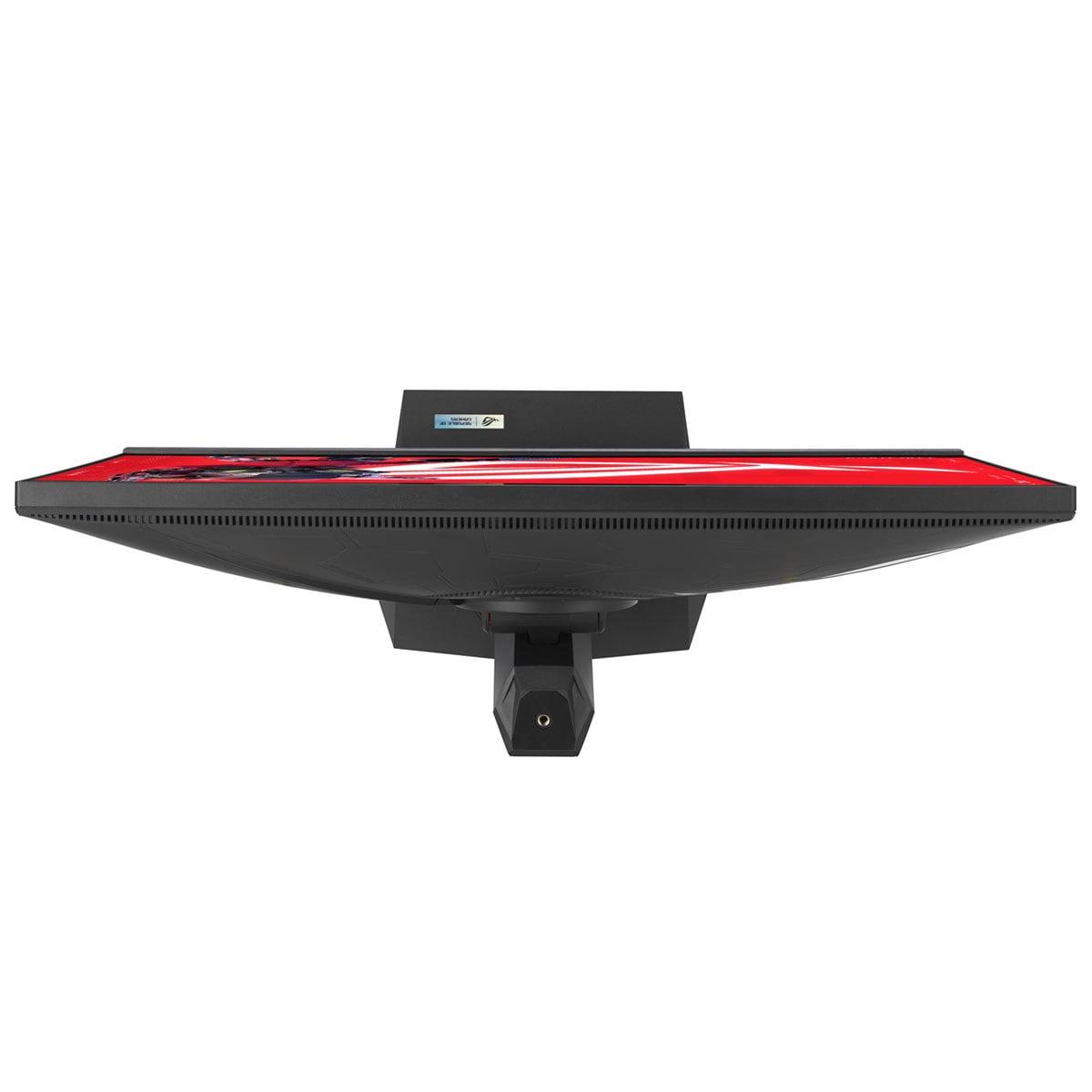
Both monitors feature fully adjustable stands with tilt, swivel, height adjustment, and portrait pivot. The ASUS adds some nice touches like a phone holder and tripod socket for webcam mounting – small details that enhance the overall experience.
For those considering these monitors in a home theater or living room setup, the MSI QD-OLED has distinct advantages. Its perfect blacks and high contrast make it exceptional for movie watching in dark rooms. The wider color gamut brings out details in film content that LCD displays simply can't reproduce. However, the glossy screen can be problematic with ambient lighting.
The ASUS monitor with its matte coating and consistent brightness performs better in mixed lighting conditions. If your gaming setup doubles as a living room entertainment center with windows or lamps nearby, the anti-glare properties become invaluable.
This is where personal priorities really matter. The MSI QD-OLED monitor represents newer, more advanced display technology. At the time of writing, QD-OLED monitors command premium pricing, but the MSI is positioned competitively within this category. You're paying for cutting-edge visual technology and that comprehensive burn-in warranty.
The ASUS XG27ACMG, using mature IPS technology, typically offers more predictable pricing and proven long-term reliability. IPS panels have decades of real-world use backing up their durability claims. There's something to be said for knowing exactly what you're getting.
Both monitors were released in 2024-2025, representing the current state of the art in their respective technologies. The QD-OLED advancement has been remarkable – early OLED monitors from just 2022 had significant limitations in brightness and color volume that these modern panels have largely solved.
After extensive use with both technologies, I'd recommend the MSI MAG 271QP QD-OLED X24 for gamers who prioritize visual quality above all else. If you game primarily in darker environments, love single-player adventures with stunning visuals, or want the absolute best HDR experience, the OLED technology justifies its premium. The three-year burn-in warranty addresses the main concern with OLED ownership.
Choose the ASUS ROG Strix XG27ACMG if maximum refresh rate matters most to your gaming style, if you game in bright rooms, or if you prefer the peace of mind that comes with proven LCD reliability. The extra 30Hz refresh rate, comprehensive gaming features, and versatile connectivity make it an excellent all-around choice.
Both monitors excel at their intended purposes. The MSI pushes the boundaries of visual fidelity, while the ASUS offers refined performance with established technology. Your choice ultimately depends on whether you're drawn to cutting-edge display innovation or prefer the reliability of proven solutions. Either way, you'll have a gaming monitor that delivers performance far beyond what was available just a few years ago.
| MSI MAG 271QP QD-OLED X24 | ASUS ROG Strix XG27ACMG |
|---|---|
| Panel Technology - Determines visual quality, contrast, and long-term considerations | |
| QD-OLED (perfect blacks, vibrant colors, potential burn-in) | Fast IPS (consistent performance, proven reliability, no burn-in risk) |
| Refresh Rate - Higher numbers provide smoother motion in competitive gaming | |
| 240Hz (excellent for all gaming scenarios) | 270Hz (slight advantage for competitive esports) |
| Response Time - Lower numbers reduce motion blur and ghosting | |
| 0.03ms GTG (virtually eliminates all motion blur) | 1ms GTG (excellent performance, industry standard) |
| Contrast Ratio - Affects depth and realism of dark scenes | |
| 1,500,000:1 (infinite contrast with true blacks) | 1,000:1 (typical LCD limitation, raised blacks) |
| Peak Brightness - Impacts HDR performance and visibility in bright rooms | |
| 1,000 cd/m² (3% window), 250 cd/m² typical | 400 cd/m² consistent (better for bright environments) |
| Color Gamut Coverage - Determines color vibrancy and accuracy | |
| 99% DCI-P3, 138% sRGB, 98% Adobe RGB | 95% DCI-P3, 125% sRGB (still excellent coverage) |
| HDR Certification - Indicates quality of high dynamic range content | |
| DisplayHDR True Black 400 (authentic HDR with perfect blacks) | DisplayHDR 400 (basic HDR, brightness-focused) |
| Screen Surface - Affects reflections and visibility in different lighting | |
| Glossy (better colors, more reflections) | Matte anti-glare (reduces reflections, slightly softer image) |
| Variable Refresh Rate Support - Eliminates screen tearing | |
| Adaptive-Sync compatible | G-SYNC Compatible + FreeSync Premium (broader compatibility) |
| Motion Blur Reduction - Reduces ghosting during fast motion | |
| VESA ClearMR 13000 certified | ELMB SYNC (works simultaneously with VRR, unique feature) |
| HDMI Connectivity - Important for console gaming | |
| 2x HDMI 2.1 (48Gbps, perfect for dual console setup) | 1x HDMI 2.1 (adequate for single console) |
| Additional Connectivity - Modern device compatibility | |
| DisplayPort 1.4a only | DisplayPort 1.4 + USB-C with 15W power delivery |
| Burn-in Protection - Critical for OLED longevity | |
| OLED Care 2.0 system + 3-year burn-in warranty | Not applicable (IPS technology immune to burn-in) |
| Gaming Features - Built-in enhancements and customization | |
| Gaming Intelligence (AI optimization) | GamePlus, GameVisual, DisplayWidget Center (extensive suite) |
| RGB Lighting - Aesthetic customization | |
| Not specified | Aura Sync compatible lighting |
| Best Use Case - Ideal buyer profile | |
| Visual quality prioritizers, dark room gaming, HDR enthusiasts | Competitive gamers, bright room users, reliability-focused buyers |
The ASUS ROG Strix XG27ACMG has a slight edge for competitive gaming with its 270Hz refresh rate compared to the MSI MAG 271QP QD-OLED X24's 240Hz. However, the MSI monitor counters with an incredibly fast 0.03ms response time versus 1ms on the ASUS. For most competitive gamers, both will perform excellently, but the higher refresh rate gives the ASUS XG27ACMG a minor advantage in fast-paced esports.
The MSI MAG 271QP QD-OLED X24 uses QD-OLED technology that produces perfect blacks and infinite contrast, making colors appear more vibrant and realistic. The ASUS ROG Strix XG27ACMG uses Fast IPS technology that provides consistent brightness and proven reliability without burn-in concerns. QD-OLED offers superior visual quality, while IPS provides worry-free long-term use.
The MSI MAG 271QP QD-OLED X24 excels in dark rooms due to its perfect black levels and infinite contrast ratio. Dark scenes in games appear dramatically more realistic compared to the ASUS XG27ACMG. The OLED technology makes the MSI monitor ideal for atmospheric games, horror titles, and any content with dark scenes.
The ASUS ROG Strix XG27ACMG is superior for bright environments thanks to its matte anti-glare coating and consistent 400 cd/m² brightness. The MSI QD-OLED monitor has a glossy screen that can produce reflections in bright lighting. If your gaming setup is near windows or bright lights, the ASUS monitor will provide better visibility.
Only the MSI MAG 271QP QD-OLED X24 can experience burn-in since it uses OLED technology. However, MSI includes comprehensive OLED Care 2.0 protection and offers a 3-year warranty covering burn-in damage. The ASUS ROG Strix XG27ACMG uses IPS technology that's immune to burn-in, making it worry-free for users with static content like desktop applications or streaming overlays.
The MSI MAG 271QP QD-OLED X24 offers superior color performance with 99% DCI-P3 coverage and factory calibration to Delta E ≤ 2. It displays 1.07 billion colors compared to the ASUS monitor's 16.7 million colors. While the ASUS XG27ACMG still provides excellent color accuracy with 95% DCI-P3 coverage, the MSI OLED delivers more vibrant and accurate colors.
The MSI MAG 271QP QD-OLED X24 is ideal for console gaming with its dual HDMI 2.1 ports, allowing connection of both PlayStation 5 and Xbox Series X simultaneously. Both monitors support 120Hz console gaming with VRR, but the MSI's superior HDR performance and dual HDMI setup give it an advantage. The ASUS XG27ACMG works well with consoles but has only one HDMI 2.1 port.
The MSI MAG 271QP QD-OLED X24 provides significantly better HDR with its DisplayHDR True Black 400 certification and ability to display true blacks. Peak brightness reaches 1,000 nits in highlights, creating dramatic contrast. The ASUS ROG Strix XG27ACMG has basic DisplayHDR 400 certification but cannot achieve the deep blacks that make HDR content truly impactful like the MSI OLED.
The ASUS ROG Strix XG27ACMG offers more versatile connectivity with HDMI 2.1, DisplayPort 1.4, and USB-C with 15W power delivery for laptops. The MSI MAG 271QP QD-OLED X24 focuses on gaming with dual HDMI 2.1 ports and DisplayPort 1.4a. Choose the ASUS for laptop connectivity or the MSI for multiple gaming consoles.
The ASUS ROG Strix XG27ACMG offers more predictable long-term reliability with proven IPS technology that doesn't degrade over time. The MSI MAG 271QP QD-OLED X24 uses newer OLED technology that can potentially develop burn-in, though MSI's 3-year burn-in warranty provides protection. For worry-free ownership, the ASUS IPS monitor is the safer choice.
Both monitors excel with gaming features, but in different ways. The ASUS ROG Strix XG27ACMG offers extensive customization with GamePlus, GameVisual, DisplayWidget Center, and ELMB SYNC technology. The MSI MAG 271QP QD-OLED X24 includes Gaming Intelligence with AI optimization and comprehensive OLED Care 2.0. The ASUS provides more manual control options, while the MSI focuses on automated optimization.
Value depends on your priorities. The MSI MAG 271QP QD-OLED X24 offers premium visual quality with cutting-edge OLED technology at a competitive price point for the category. The ASUS ROG Strix XG27ACMG provides excellent performance with proven reliability and extensive features. Choose the MSI OLED for maximum visual impact or the ASUS IPS for reliable, feature-rich gaming performance.
We've done our best to create useful and informative comparisons to help you decide what product to buy. Our research uses advanced automated methods to create this comparison and perfection is not possible - please contact us for corrections or questions. These are the sites we've researched in the creation of this article: bestbuy.com - youtube.com - xda-developers.com - newegg.com - notebookcheck.net - displayninja.com - ign.com - rtings.com - cdw.com - microcenter.com - bestbuy.com - us.msi.com - colamco.com - msi.com - msi.com - displayspecifications.com - msi.com - storage-asset.msi.com - msi.com - us.msi.com - displayspecifications.com - rtings.com - e-catalog.com - bestbuy.com - rog.asus.com - rog.asus.com - youtube.com - youtube.com - versus.com - forum.pcmonitors.info - versus.com - cdw.com - rog.asus.com - rog.asus.com - rog.asus.com - avadirect.com - bhphotovideo.com - rog.asus.com - shi.com - shop.asus.com - publicsector.shidirect.com - bestbuy.com

Privacy Policy
Terms and Conditions - Affiliate Policy
Home Security
© Copyright 2008-2026.
11816 Inwood Rd #1211, Dallas, TX 75244