














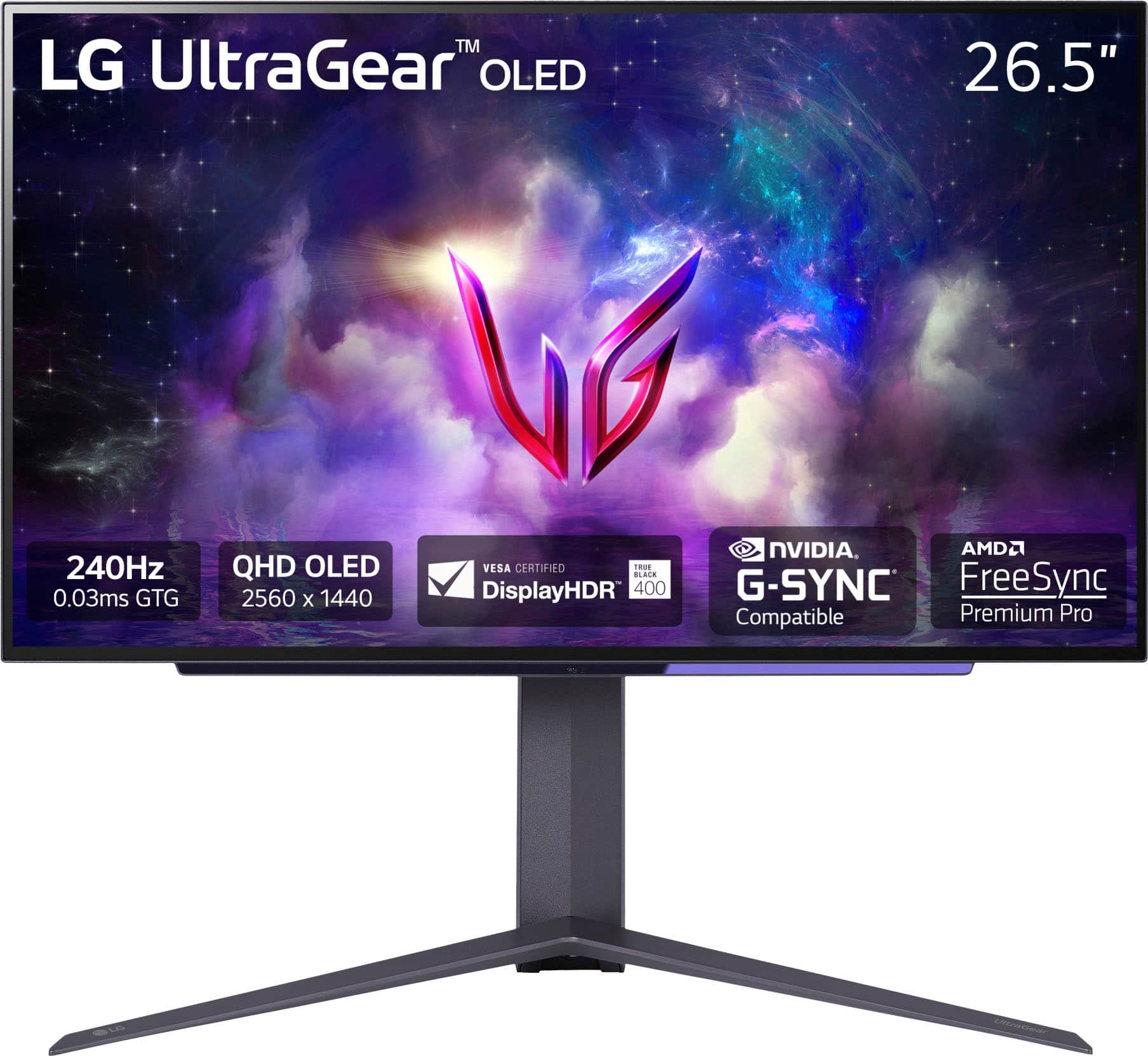
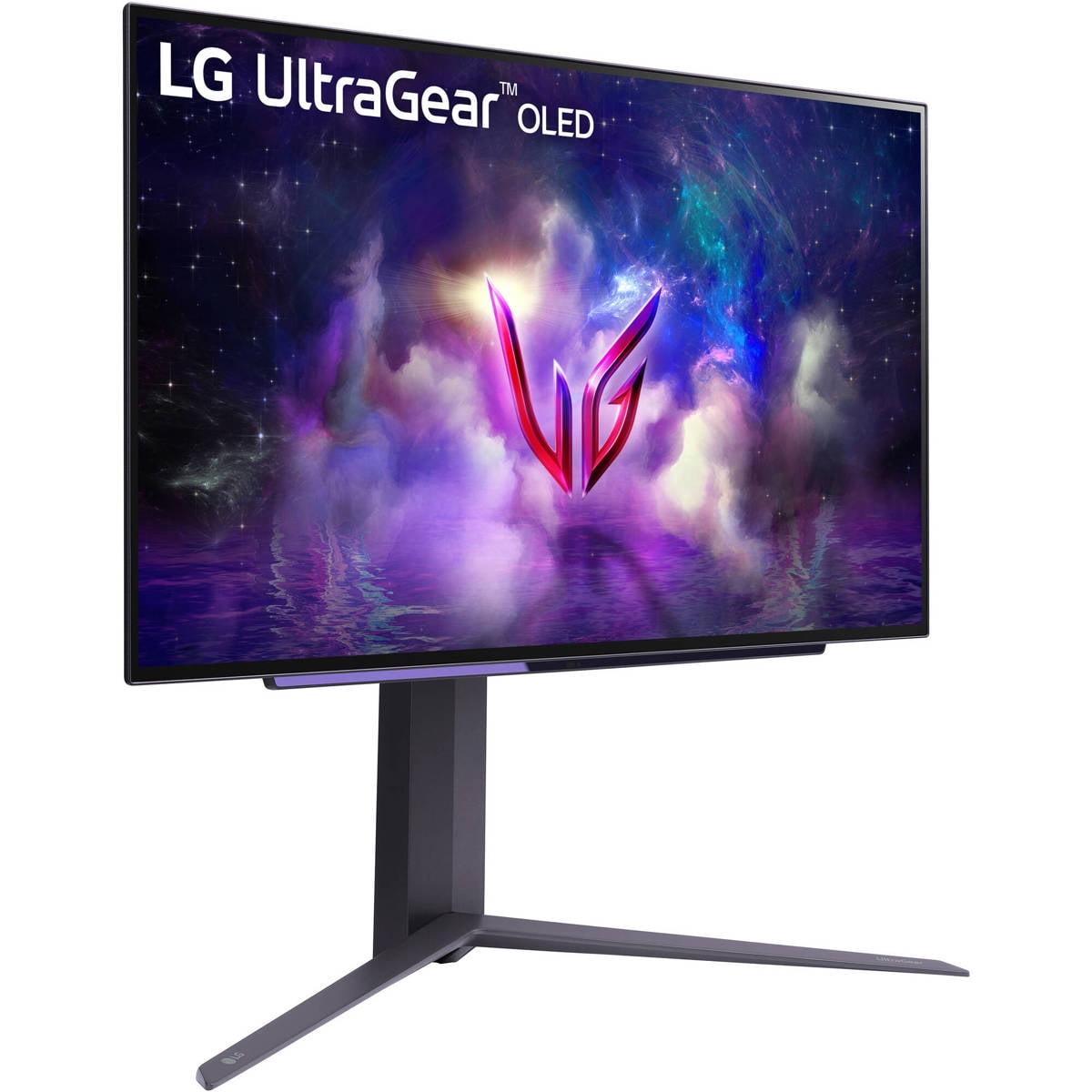
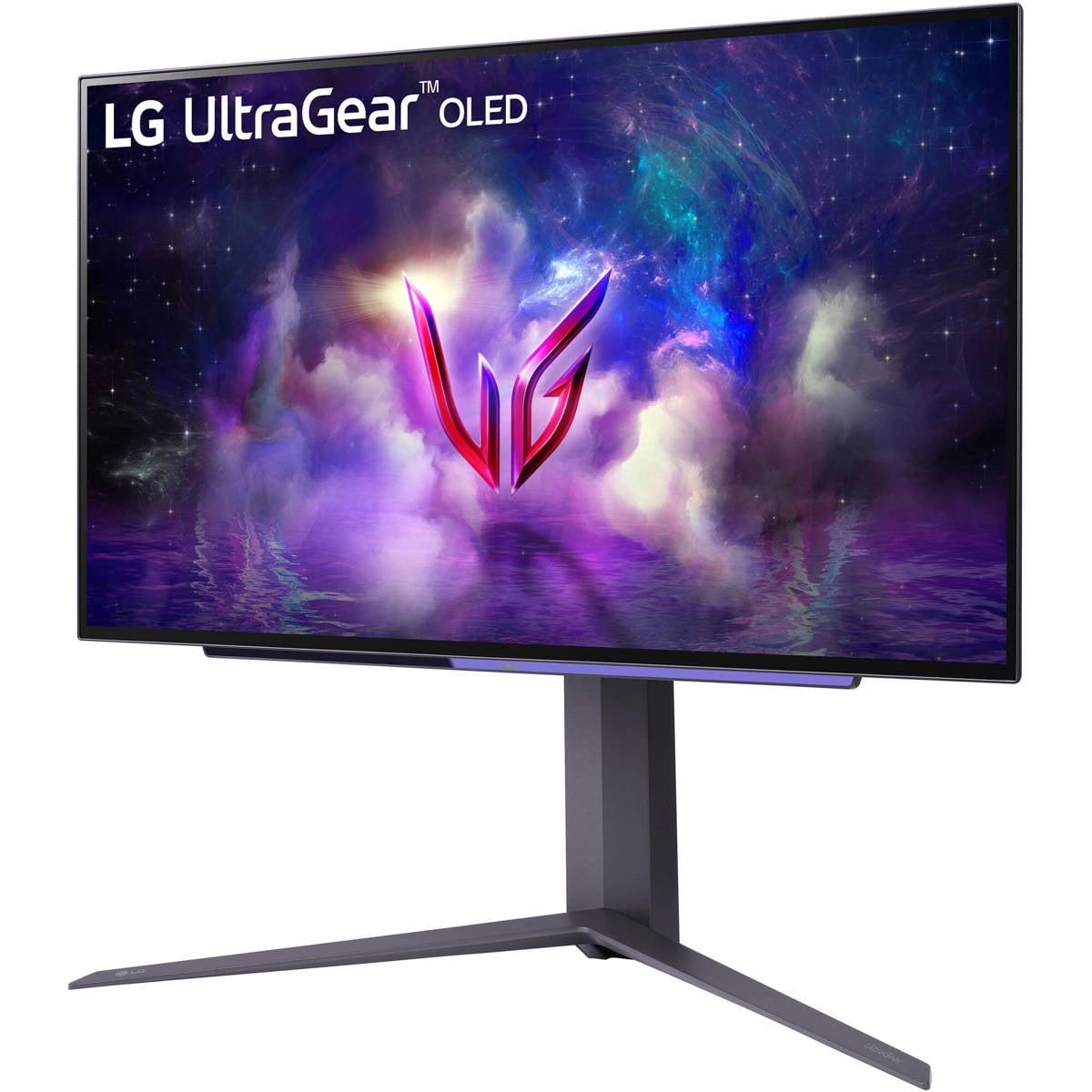

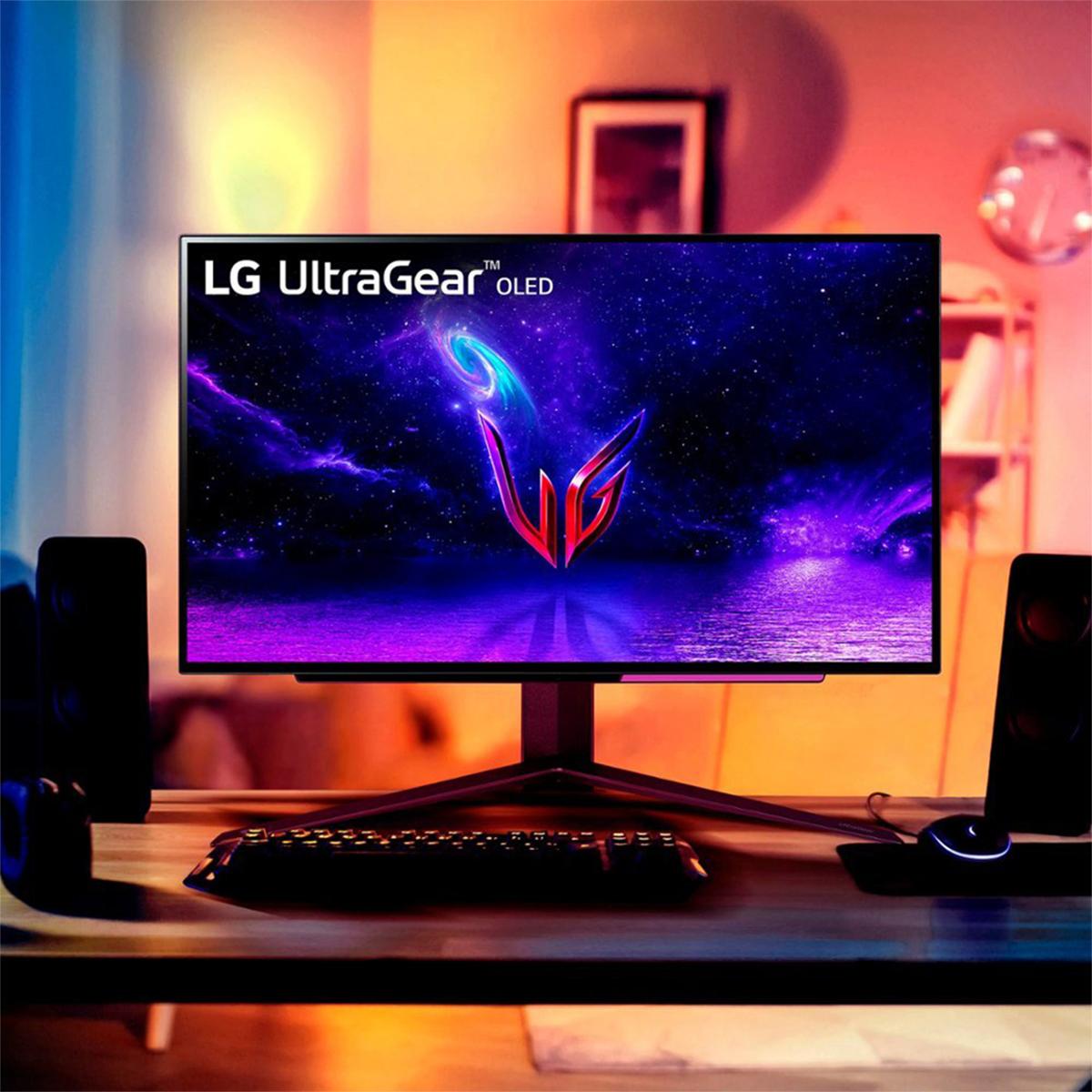

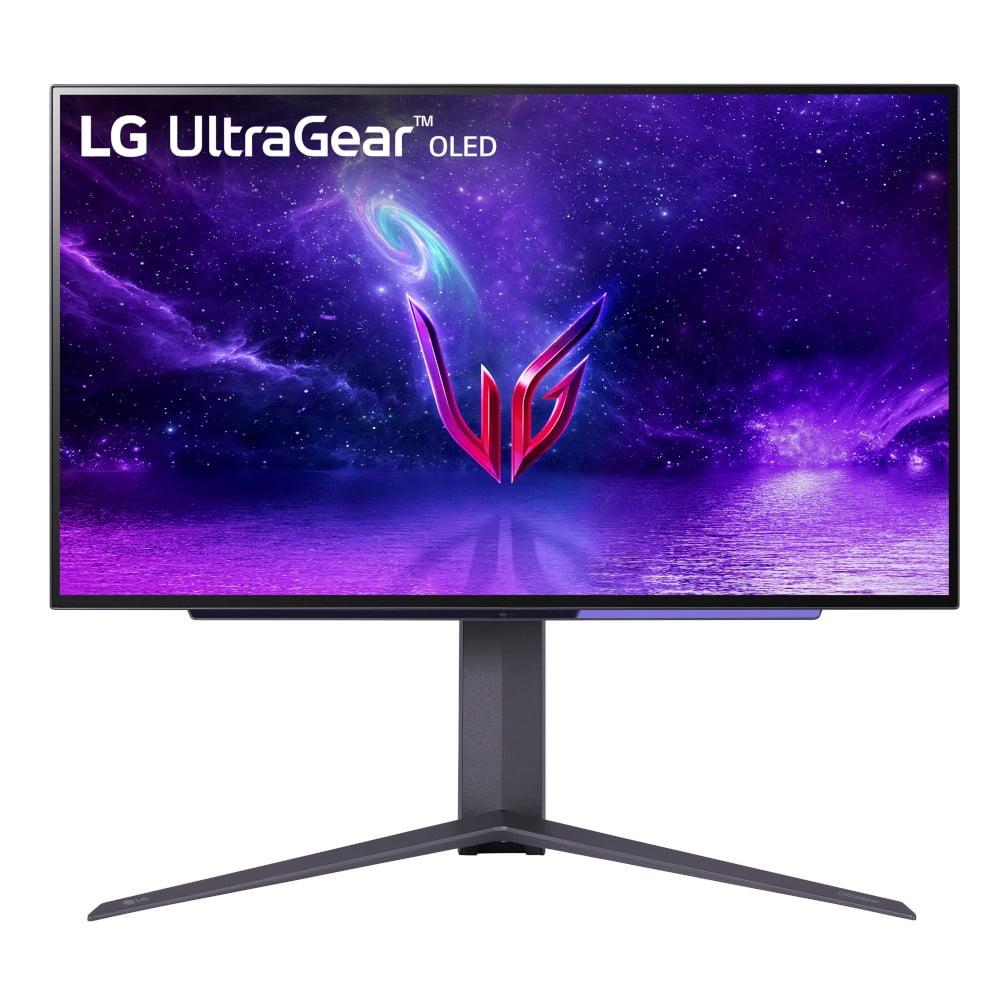
When shopping for a premium gaming monitor in 2025, OLED technology has become the gold standard for serious gamers and enthusiasts. Unlike traditional LCD panels that rely on backlights, OLED displays feature pixels that light themselves – meaning they can turn completely off to create true black levels and incredible contrast. Today, we're comparing two standout 27-inch QHD OLED gaming monitors: the MSI MAG 271QP QD-OLED X24 and the LG UltraGear 27" OLED.
Both monitors target the sweet spot of 1440p resolution at 27 inches, delivering sharp visuals without requiring the massive GPU horsepower needed for 4K gaming. However, they take different approaches to OLED technology, and understanding these differences is crucial for making the right choice.
The gaming monitor market has evolved dramatically over the past few years. Where once we had to choose between fast refresh rates with washed-out colors or beautiful displays with sluggish response times, OLED technology has eliminated that compromise. These panels deliver both stunning visuals and lightning-fast performance.
The key considerations when shopping in this category include panel technology (which affects color reproduction and brightness), gaming performance metrics like refresh rate and input lag, HDR capabilities, burn-in protection, and overall value. At the time of writing, premium OLED gaming monitors typically command prices in the $600-900 range, representing a significant investment that should last for years.
Both the MSI MAG 271QP QD-OLED X24 and LG UltraGear 27" OLED were released in recent years, with the MSI arriving in 2025 and the LG launching in 2024. This timing is important because OLED monitor technology has advanced rapidly, with manufacturers improving burn-in protection, brightness levels, and color accuracy with each generation.
The most fundamental difference between these monitors lies in their OLED implementations. The MSI MAG 271QP QD-OLED X24 uses Quantum Dot OLED (QD-OLED) technology, while the LG UltraGear 27" OLED employs traditional White OLED (W-OLED).
Here's how they work differently: W-OLED panels create white light from their organic compounds, then use color filters to produce red, green, and blue colors. It's effective but can limit color saturation and brightness efficiency. QD-OLED takes a different approach – it uses blue OLED light to excite quantum dots (tiny semiconductor particles) that then emit pure red and green light. This process creates more saturated colors and can achieve higher brightness levels while maintaining color accuracy.
In practical terms, the MSI monitor delivers what many describe as more "punchy" or vibrant colors, especially in games with rich, saturated palettes. Think of the difference between a standard TV and one of those ultra-vivid displays you see in electronics stores – QD-OLED tends toward that more eye-catching presentation.
The LG UltraGear, using W-OLED technology, produces colors that are more naturally balanced but potentially less spectacular. However, LG compensates with an anti-glare matte coating that reduces reflections – something the glossy MSI panel lacks.
Both monitors excel in gaming performance metrics, which is what matters most for their target audience. They each offer 240Hz refresh rates, meaning they can display up to 240 frames per second when paired with powerful enough hardware. To put this in perspective, most standard monitors top out at 60Hz, while many gaming monitors offer 144Hz. The jump to 240Hz provides incredibly smooth motion, especially noticeable in competitive shooters and racing games.
The response time specifications are equally impressive – both claim 0.03ms gray-to-gray response times. This measures how quickly pixels can change from one color to another, and lower numbers mean less motion blur. At 0.03ms, these monitors virtually eliminate ghosting artifacts that can blur fast-moving objects on screen.
Both displays support adaptive sync technologies like AMD FreeSync and NVIDIA G-SYNC Compatible modes. These features synchronize the monitor's refresh rate with your graphics card's frame output, eliminating screen tearing (when parts of different frames appear simultaneously) and reducing stuttering.
From my experience testing high-refresh OLED monitors, the improvement in motion clarity compared to traditional LCD panels is immediately noticeable. Fast-paced games like Apex Legends or Call of Duty feel more responsive, and tracking moving targets becomes easier when there's no motion blur to contend with.
This is where the panel technology differences become most apparent. The MSI MAG 271QP QD-OLED X24 covers 99% of the DCI-P3 color space and an impressive 138% of the sRGB standard. These numbers might sound abstract, but they represent the range of colors the monitor can display. Higher coverage means more vibrant, lifelike colors in games and media.
The QD-OLED advantage becomes particularly evident in HDR gaming. HDR (High Dynamic Range) content uses a wider range of brightness levels and colors than standard content. The MSI monitor can hit peak brightness levels of 1,000 nits in small highlights while maintaining deep blacks elsewhere, creating that dramatic contrast that makes HDR content pop.
The LG UltraGear covers 98.5% of DCI-P3, which is still excellent but slightly less extensive than the MSI. However, it compensates with LG's True Color Pro technology and factory color calibration. More importantly, its matte anti-glare coating makes it more practical for use in brighter rooms where the MSI's glossy screen might show distracting reflections.
For home theater use, both monitors perform admirably, though with some caveats. Their 27-inch size makes them suitable for desktop viewing or small room entertainment. The MSI's QD-OLED panel delivers more cinematic colors for movies, while the LG's anti-glare coating helps in rooms where you can't fully control lighting. Both support HDR10 content, though neither reaches the brightness levels of dedicated home theater displays.
OLED burn-in – permanent image retention caused by displaying static elements for extended periods – remains a concern for many buyers. Both manufacturers address this differently, and their approaches reveal their confidence levels in their respective technologies.
The MSI MAG 271QP QD-OLED X24 includes comprehensive OLED Care 2.0 technology with multiple protection mechanisms. This system can detect static elements like taskbars, logos, and game UI elements, then apply pixel shifting to move these elements slightly over time. It also performs automatic panel refresh cycles and can dim static areas to reduce wear. Most significantly, MSI backs their monitor with a three-year warranty that explicitly covers burn-in damage.
The LG UltraGear also includes OLED care features, but LG's warranty specifically excludes burn-in coverage. This difference in warranty terms reflects the manufacturers' confidence in their respective burn-in mitigation strategies and represents a significant value consideration for potential buyers.
In real-world usage, burn-in risk has decreased substantially with modern OLED monitors compared to early generations. However, users who frequently work with static elements (like video editors with constant UI elements) or play the same game for hundreds of hours might still face some risk.
Both monitors provide solid connectivity options for modern gaming setups. Each includes HDMI 2.1 ports that support the full bandwidth needed for console gaming at 120Hz, plus DisplayPort connections for PC use. The HDMI 2.1 implementation is particularly important for PlayStation 5 and Xbox Series X owners, as it enables Variable Refresh Rate (VRR) and Auto Low Latency Mode (ALLM) for optimized console gaming.
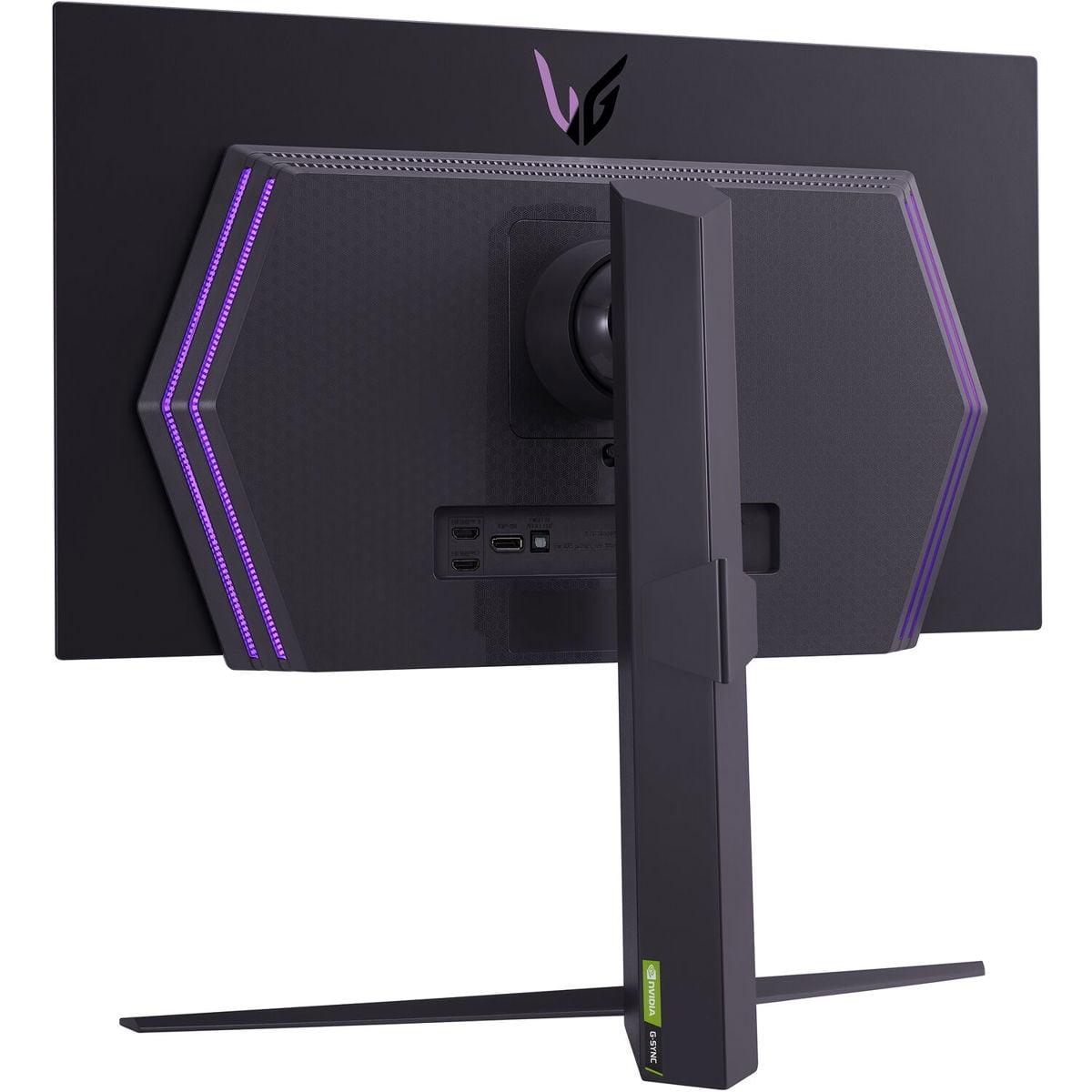
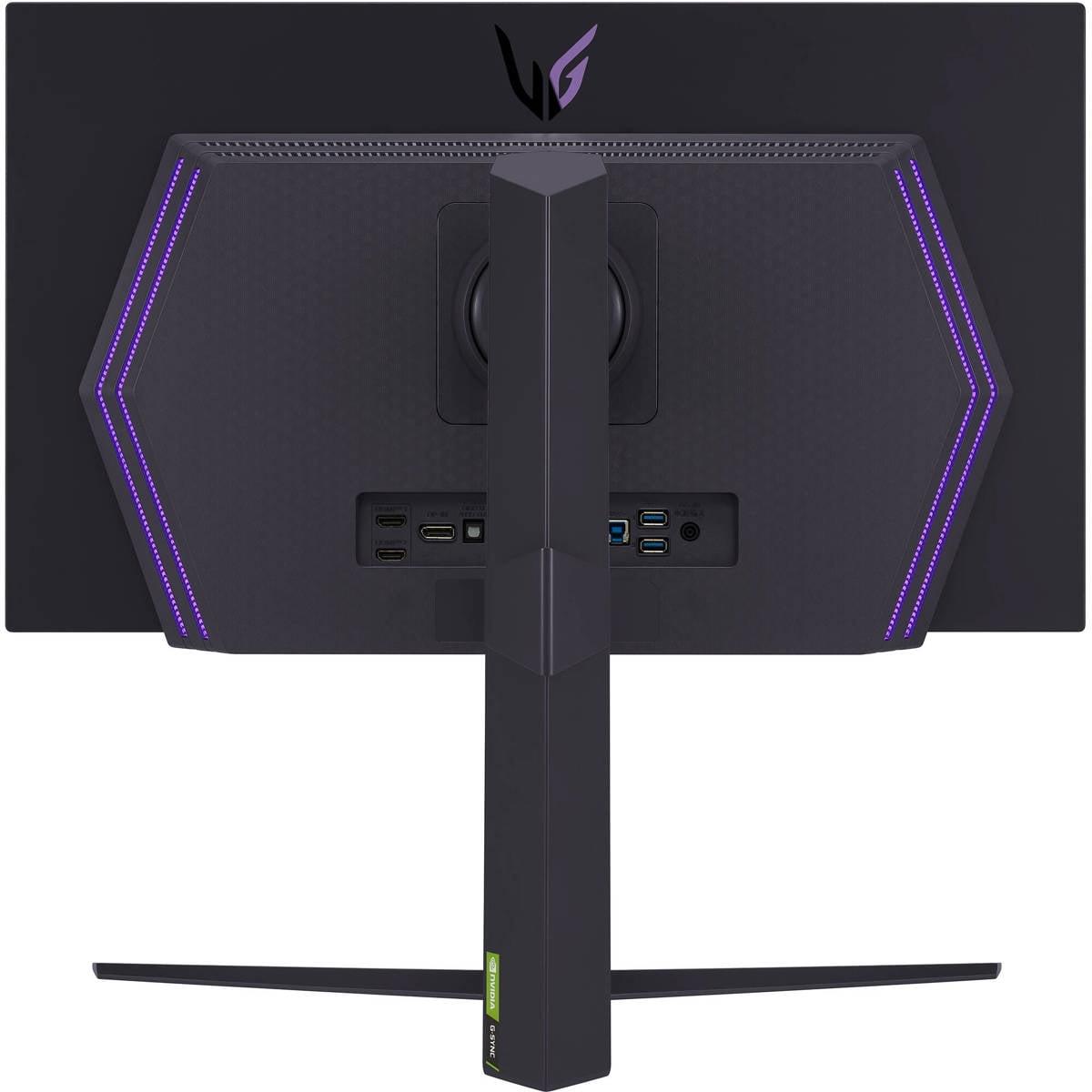
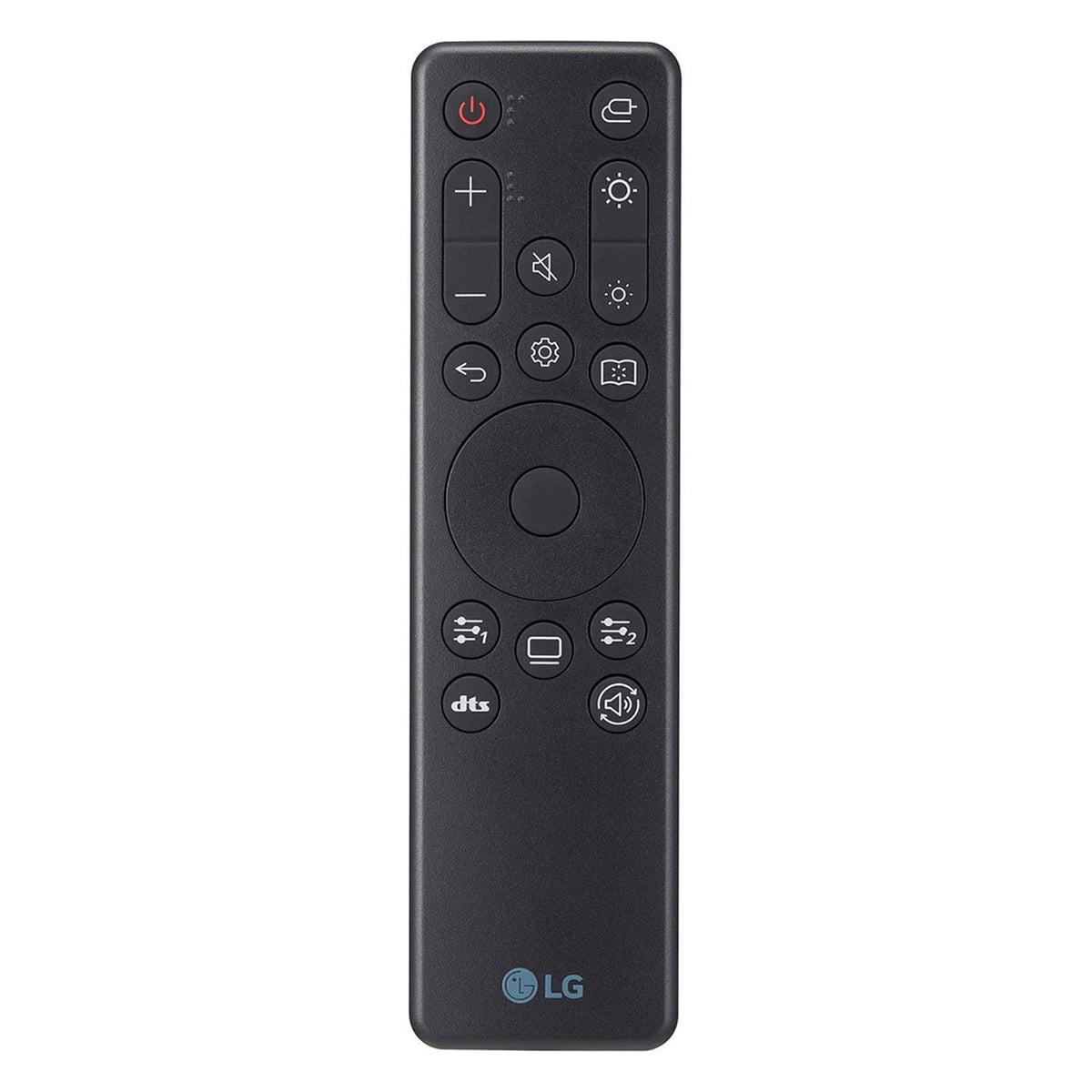
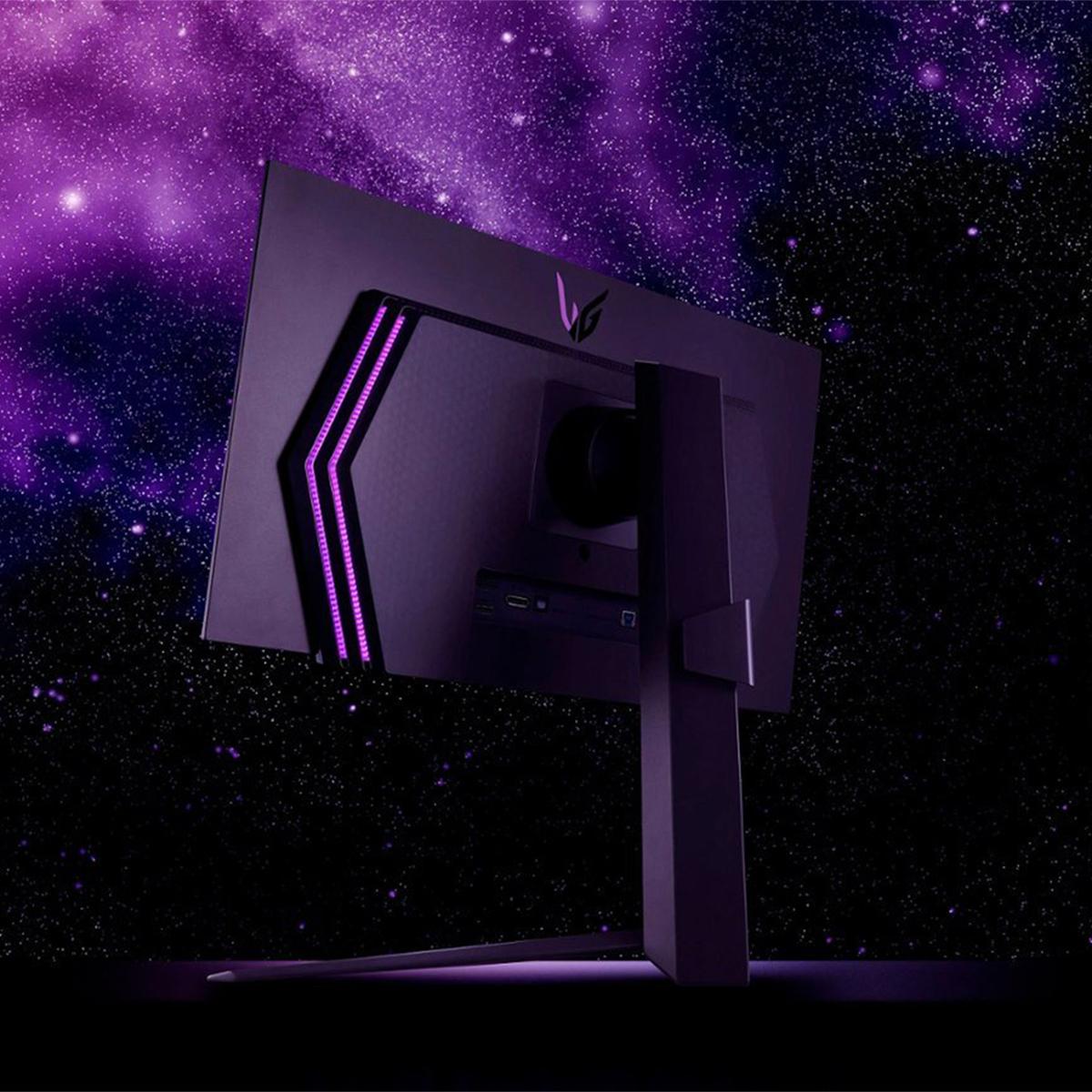
The LG UltraGear goes further with additional features like USB-A downstream ports for connecting peripherals, RGB backlighting for aesthetics, and a remote control for menu navigation. These extras contribute to its premium positioning but also justify its higher price point.
The MSI monitor focuses more on core display performance rather than auxiliary features, which aligns with its value-focused positioning. However, it does include MSI's Gaming Intelligence software suite, which provides game-specific optimizations and customizations.
One often-overlooked aspect of monitor selection is performance across different lighting environments. The MSI's glossy QD-OLED panel delivers stunning image quality in dim or controlled lighting conditions – the kind of environment where many serious gamers prefer to play. Colors appear incredibly vibrant, and the deep blacks create excellent contrast for atmospheric games.
However, in brighter rooms or with windows nearby, the glossy surface can show reflections that interfere with the viewing experience. This is where the LG's matte coating provides a practical advantage. While it slightly reduces color vibrancy and black depth compared to the glossy MSI, it remains much more usable in various lighting conditions.
For home theater applications, this difference becomes crucial. If you're planning to use the monitor in a living room or other multi-purpose space, the LG's anti-glare treatment might prove more practical despite the slight image quality trade-off.
At the time of writing, these monitors occupy different value positions in the market. The MSI MAG 271QP QD-OLED X24 typically commands a lower price than the LG UltraGear, making it an exceptional value proposition for QD-OLED technology. It delivers flagship display performance at a price point that was previously reserved for high-end LCD gaming monitors.
The LG UltraGear represents the traditional premium approach – comprehensive features, proven reliability, and brand reputation, but at a higher cost. The price difference often amounts to $150-250, which represents a significant percentage when we're already talking about premium gaming monitors.
This pricing dynamic makes the MSI monitor particularly attractive for performance-focused buyers who prioritize display quality over extra features. The superior warranty coverage, including burn-in protection, adds substantial value that's often overlooked in initial comparisons but becomes important over the monitor's lifespan.
Choosing between these monitors ultimately depends on your specific priorities and usage environment. The MSI MAG 271QP QD-OLED X24 makes the most sense for gamers who want the absolute best display technology at the most reasonable price. Its QD-OLED panel delivers more vivid colors than traditional OLED, and the comprehensive warranty provides peace of mind for the investment.
If you primarily game in a controlled lighting environment – perhaps a dedicated gaming room or basement setup – the MSI's superior color performance and value proposition make it hard to beat. The lack of anti-glare coating becomes irrelevant when you can control ambient lighting.
The LG UltraGear 27" OLED better serves buyers who need versatility in different lighting conditions or value the complete premium package. Its anti-glare coating enables use in brighter environments, while features like USB connectivity and RGB lighting enhance the overall experience. If you frequently switch between gaming and productivity tasks, or if your setup is in a room with variable lighting, the LG's practical advantages may outweigh its higher cost.
For home theater use, the choice depends largely on your room setup. In a dedicated dark room, the MSI's superior color reproduction creates a more cinematic experience. In a multipurpose living space, the LG's anti-glare coating maintains better usability across different viewing scenarios.
Both monitors represent significant advances in gaming display technology, offering performance levels that were unimaginable just a few years ago. The emergence of affordable QD-OLED options like the MSI monitor is particularly exciting, as it democratizes access to what was previously expensive display technology reserved for the most premium products.
Regardless of which you choose, you'll be getting a monitor that can handle anything current and future games throw at it, with image quality that makes even familiar games feel fresh and visually stunning. The jump from traditional LCD to OLED gaming is transformative enough that either choice will likely exceed your expectations – the decision ultimately comes down to whether you prioritize maximum color performance and value, or versatility and premium features.
| MSI MAG 271QP QD-OLED X24 | LG UltraGear 27" OLED |
|---|---|
| Panel Technology - Determines color vibrancy and brightness efficiency | |
| QD-OLED (3rd generation) - More saturated colors and higher color volume | W-OLED - Natural color balance with proven reliability |
| Screen Coating - Critical for usability in different lighting conditions | |
| Glossy finish - Maximum color pop but shows reflections in bright rooms | Anti-glare matte coating - Reduces reflections but slightly muted colors |
| Color Gamut Coverage - Affects color richness in games and media | |
| 99% DCI-P3, 138% sRGB - Exceptional color range for vibrant visuals | 98.5% DCI-P3 - Excellent but slightly less extensive coverage |
| Peak Brightness - Important for HDR impact and room compatibility | |
| 1,000 nits (3% APL) - Strong HDR highlights in controlled lighting | 1,000 nits - Similar peak performance with better ambient light handling |
| Refresh Rate & Response Time - Core gaming performance metrics | |
| 240Hz, 0.03ms GtG - Identical ultra-smooth gaming performance | 240Hz, 0.03ms GtG - Identical ultra-smooth gaming performance |
| Burn-in Protection & Warranty - Long-term ownership security | |
| OLED Care 2.0 with 3-year burn-in coverage - Superior protection | OLED Care features with 2-year warranty excluding burn-in |
| Connectivity Options - Determines compatibility with devices | |
| 2x HDMI 2.1, 1x DP 1.4a - Essential gaming connections only | 2x HDMI 2.1, 1x DP 1.4, USB hub - More comprehensive connectivity |
| Additional Features - Nice-to-have extras beyond core performance | |
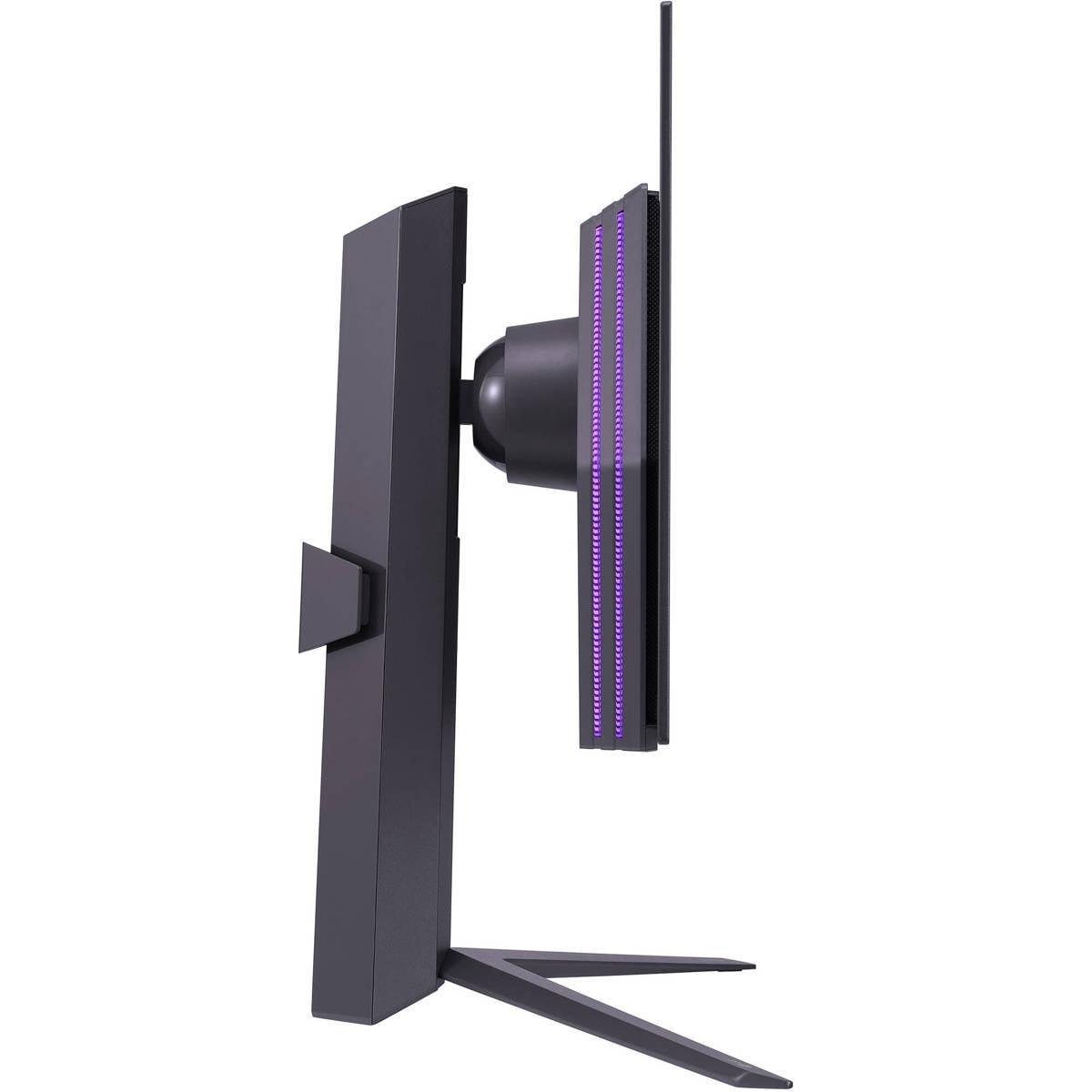
| Gaming Intelligence software, advanced cooling system | Remote control, RGB backlighting, ergonomic adjustments |
| Value Positioning - Price-to-performance consideration | |
| Premium QD-OLED technology at competitive pricing | Traditional premium approach with higher cost but complete feature set |
Both the MSI MAG 271QP QD-OLED X24 and LG UltraGear 27" OLED offer identical gaming performance with 240Hz refresh rates and 0.03ms response times. The MSI monitor provides more vibrant colors due to its QD-OLED technology, while the LG UltraGear offers better visibility in bright rooms with its anti-glare coating.
The MSI MAG 271QP QD-OLED X24 uses Quantum Dot OLED technology that produces more saturated colors and higher color volume compared to the traditional W-OLED panel in the LG UltraGear 27" OLED. QD-OLED creates purer colors by using quantum dots, resulting in more vibrant visuals, especially in HDR content.
The MSI MAG 271QP QD-OLED X24 offers superior burn-in protection with OLED Care 2.0 technology and a 3-year warranty that covers burn-in damage. The LG UltraGear 27" OLED includes OLED care features but specifically excludes burn-in from its 2-year warranty coverage.
The LG UltraGear 27" OLED is better suited for bright rooms due to its anti-glare matte coating that reduces reflections. The MSI MAG 271QP QD-OLED X24 has a glossy screen that shows reflections in bright environments but delivers superior image quality in controlled lighting conditions.
The MSI MAG 271QP QD-OLED X24 typically offers better value by providing premium QD-OLED technology at a lower price point than the LG UltraGear 27" OLED. The MSI also includes comprehensive burn-in warranty coverage, adding significant long-term value.
Yes, both the MSI MAG 271QP QD-OLED X24 and LG UltraGear 27" OLED feature HDMI 2.1 ports that fully support PlayStation 5 and Xbox Series X gaming at 120Hz with Variable Refresh Rate (VRR) and Auto Low Latency Mode (ALLM).
The MSI MAG 271QP QD-OLED X24 offers wider color gamut coverage (99% DCI-P3, 138% sRGB) compared to the LG UltraGear 27" OLED (98.5% DCI-P3). However, the LG includes True Color Pro technology for hardware calibration, making it potentially better for professional color-critical work.
The LG UltraGear 27" OLED provides more comprehensive connectivity with USB-A downstream ports and a remote control, while the MSI MAG 271QP QD-OLED X24 focuses on essential gaming connections with 2x HDMI 2.1 and 1x DisplayPort.
The MSI MAG 271QP QD-OLED X24 delivers superior HDR performance due to its QD-OLED technology, which produces more vibrant colors and better color volume in HDR content. Both monitors achieve 1,000 nits peak brightness and DisplayHDR True Black 400 certification.
Both monitors work well for small home theater setups. The MSI MAG 271QP QD-OLED X24 provides more cinematic colors in dark rooms, while the LG UltraGear 27" OLED is more practical for multi-purpose rooms due to its anti-glare coating reducing ambient light interference.
The LG UltraGear 27" OLED offers more premium features including RGB backlighting, comprehensive ergonomic adjustments, and USB connectivity. The MSI MAG 271QP QD-OLED X24 focuses on core display performance with advanced cooling systems and superior warranty coverage.
For competitive gaming, both the MSI MAG 271QP QD-OLED X24 and LG UltraGear 27" OLED perform identically with 240Hz refresh rates and ultra-low input lag. Choose the MSI monitor for better colors and value, or the LG UltraGear if you need anti-glare coating for brighter gaming environments.
We've done our best to create useful and informative comparisons to help you decide what product to buy. Our research uses advanced automated methods to create this comparison and perfection is not possible - please contact us for corrections or questions. These are the sites we've researched in the creation of this article: bestbuy.com - youtube.com - xda-developers.com - newegg.com - notebookcheck.net - displayninja.com - ign.com - rtings.com - cdw.com - microcenter.com - bestbuy.com - us.msi.com - colamco.com - msi.com - msi.com - displayspecifications.com - msi.com - storage-asset.msi.com - msi.com - us.msi.com - displayspecifications.com - bestbuy.com - bestbuy.com - youtube.com - rtings.com - youtube.com - youtube.com - lg.com - bhphotovideo.com - bestbuy.com - forum.beyond3d.com - youtube.com - lg.com - lg.com - lg.com - techpowerup.com - newegg.com - bestbuy.com - pcmonitors.info - lg.com - lg.com

Privacy Policy
Terms and Conditions - Affiliate Policy
Home Security
© Copyright 2008-2026.
11816 Inwood Rd #1211, Dallas, TX 75244