















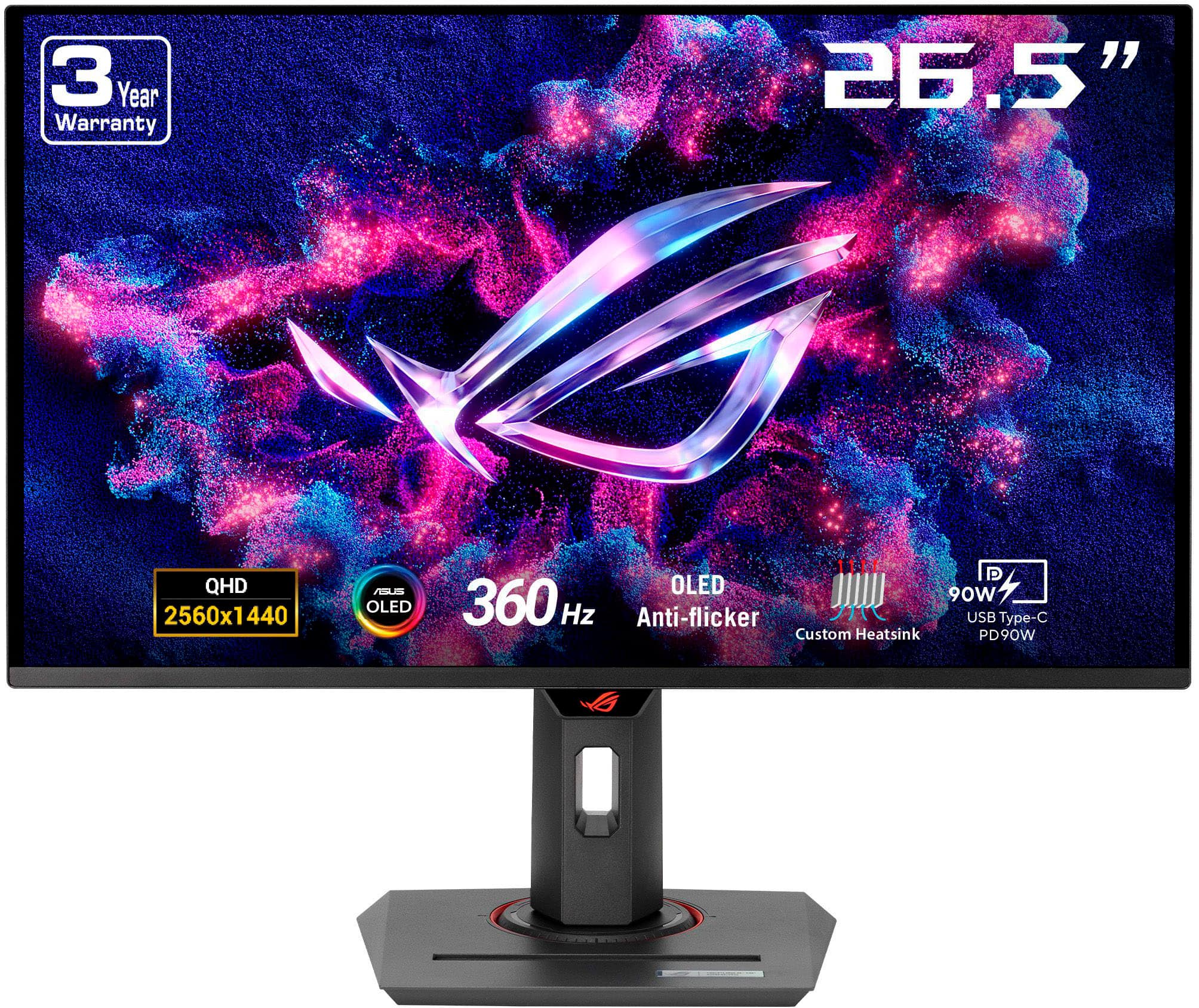
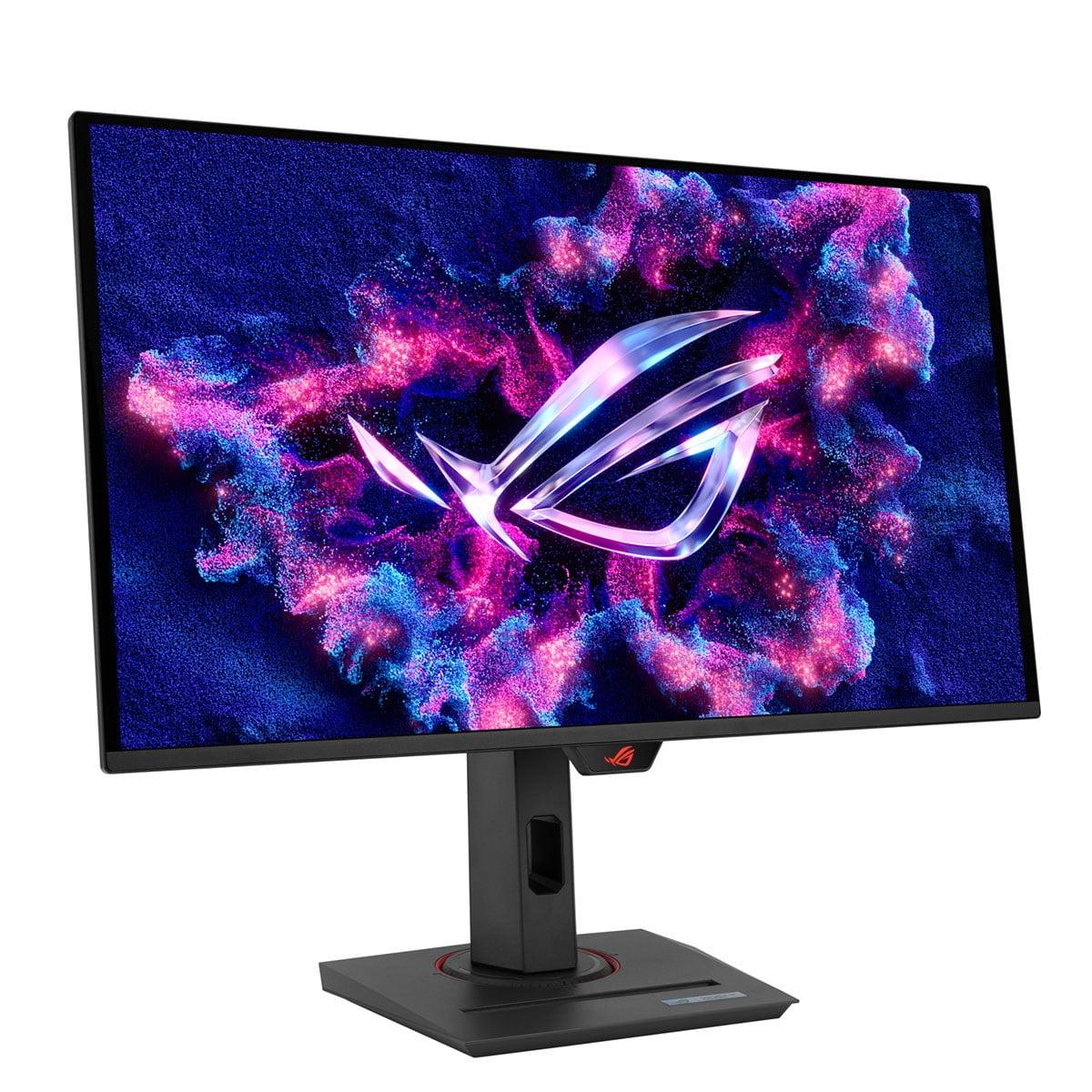
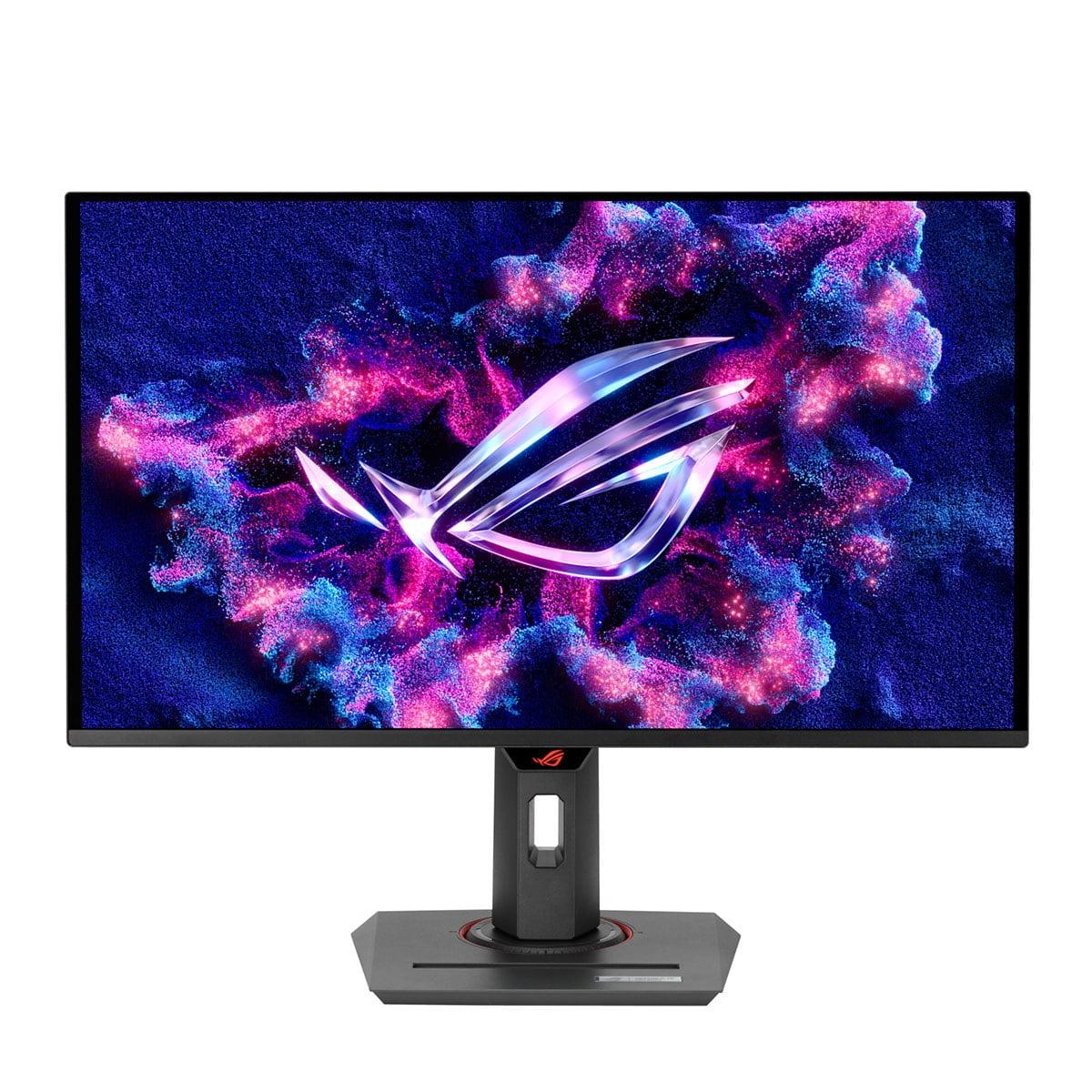
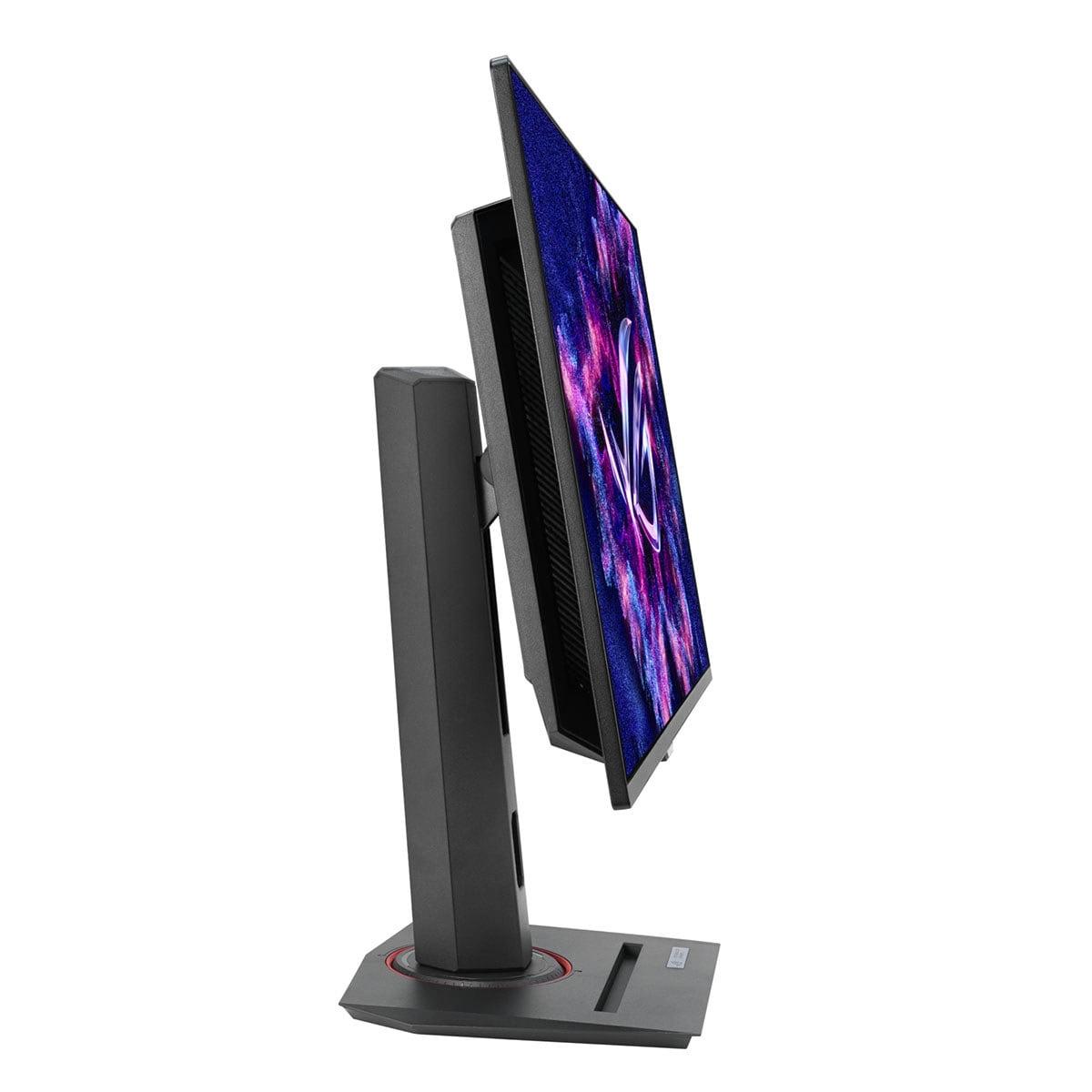
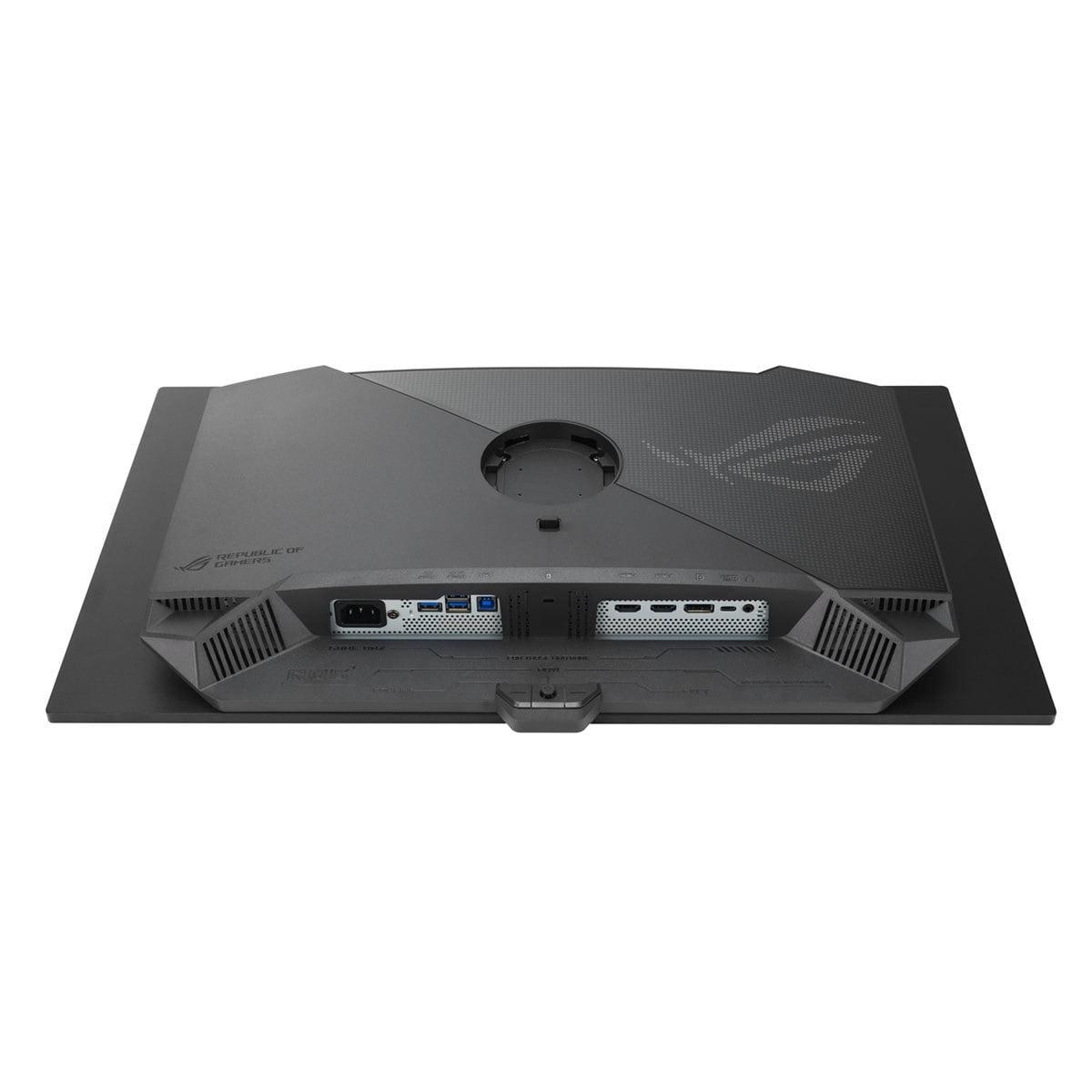
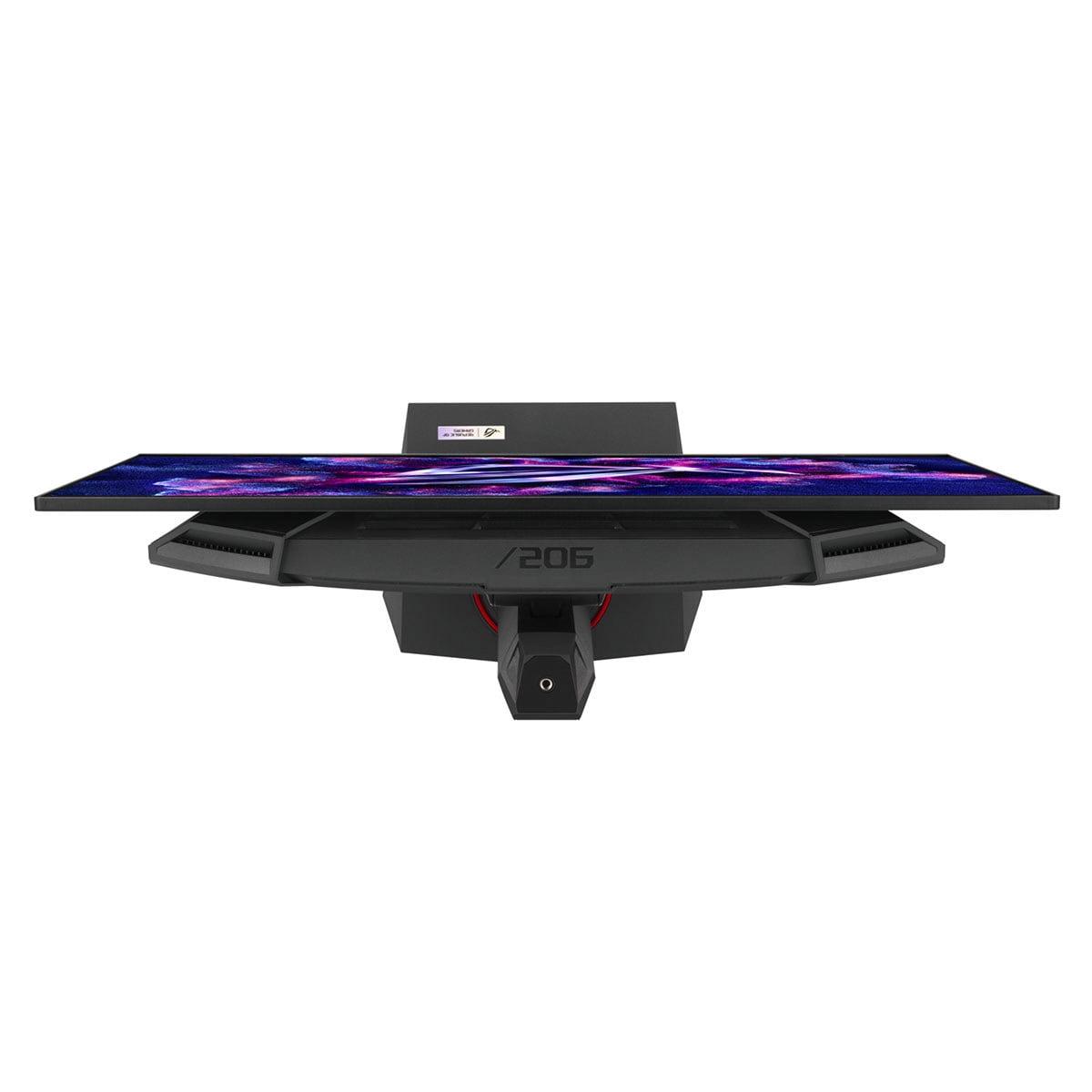
If you're serious about gaming and have been eyeing the latest display technology, you've probably heard about QD-OLED monitors. These represent the cutting edge of gaming displays, combining the deep blacks of OLED technology with the vibrant colors of Quantum Dot enhancement. Today, I'm diving deep into two standout options: the MSI MAG 271QP QD-OLED X24 and the ASUS ROG Strix OLED XG27ACDNG.
Both monitors launched in 2024-2025, representing the latest generation of QD-OLED technology that's finally become affordable enough for serious gamers. The timing is perfect – we're seeing these panels mature just as graphics cards are powerful enough to actually drive high refresh rates at 1440p resolution.
Before we compare these specific models, let's talk about what makes QD-OLED special. Traditional OLED displays can produce perfect blacks because each pixel can turn completely off – something LCD monitors with backlights simply can't match. QD-OLED takes this further by adding a Quantum Dot layer that enhances color reproduction, particularly in bright scenes.
The result? You get infinite contrast ratios (the difference between the brightest and darkest parts of an image), incredibly vibrant colors, and response times that make even the fastest LCD monitors look sluggish. For gaming, this translates to more immersive visuals and competitive advantages in fast-paced scenarios.
Both the MSI MAG 271QP QD-OLED X24 and ASUS ROG Strix OLED XG27ACDNG use 26.5-inch viewable QD-OLED panels at 2560x1440 resolution – what we call QHD or 1440p. This resolution hits a sweet spot for gaming: it's sharp enough to show fine details but not so demanding that you need a $1,500 graphics card to drive high frame rates.
Here's where these monitors diverge significantly. The MSI model runs at 240Hz, while the ASUS monitor pushes to 360Hz. To understand why this matters, think of refresh rate as how many times per second your monitor can display a new image. At 240Hz, you get 240 fresh images every second, with each frame lasting about 4.17 milliseconds. The ASUS monitor at 360Hz delivers frames every 2.78 milliseconds.
In practice, this difference is most noticeable in competitive gaming scenarios. When I'm tracking an enemy across the screen in a fast-paced shooter, the extra 120Hz on the ASUS model provides noticeably smoother motion. However, there's a catch – you need a powerful graphics card capable of pushing 360+ frames per second to fully utilize this capability.
For most single-player games, even with high-end hardware, you'll rarely exceed 240fps at 1440p resolution. But in competitive esports titles like Valorant, Counter-Strike 2, or Overwatch 2, hitting those frame rates is absolutely possible with the right GPU.
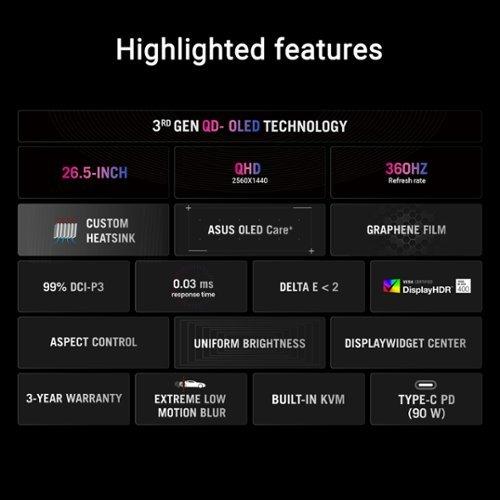
Both monitors achieve an impressive 0.03ms gray-to-gray response time – that's essentially instantaneous in human perception terms. Response time measures how quickly a pixel can change from one color to another. For comparison, most LCD gaming monitors achieve 1-5ms response times, while older displays might take 10-20ms.
This ultra-fast response time means virtually no ghosting or trailing when objects move quickly across the screen. In my experience with similar OLED panels, the difference is immediately apparent – text scrolling stays crisp, and fast-moving objects in games maintain perfect clarity.
Both monitors deliver exceptional color accuracy, but with slight differences in coverage. The MSI MAG 271QP covers 98% of the Adobe RGB color space and 138% of sRGB, while the ASUS model achieves 99% DCI-P3 coverage. These numbers represent different color standards – sRGB is what most web content uses, DCI-P3 is common in movies and modern games, and Adobe RGB is preferred for photo editing.
In practical terms, both displays will make your games look stunning with colors that pop off the screen and blacks so deep they seem to disappear into the panel itself. The infinite contrast ratio means you'll see details in dark shadows that simply aren't visible on traditional LCD monitors.
HDR (High Dynamic Range) performance is another strength. Both monitors achieve VESA DisplayHDR True Black 400 certification, with peak brightness reaching 1000 cd/m² in small highlights. This might sound modest compared to some LCD monitors that claim 1000+ nits across the entire screen, but OLED's perfect blacks make the contrast more impactful. A bright explosion in a dark scene will have genuine visual impact.
The ASUS ROG Strix model comes with more comprehensive gaming software, including OLED Anti-flicker technology that reduces screen flicker when refresh rates fluctuate. This is particularly useful if your frame rate varies significantly during gameplay. The DisplayWidget Center software also provides easy access to monitor settings without diving into on-screen menus.
The MSI monitor counters with Gaming Intelligence features and Smart Crosshair overlays, which can be helpful for competitive gaming. Both support AMD FreeSync Premium Pro and NVIDIA G-SYNC Compatible adaptive sync technologies, ensuring smooth gameplay without screen tearing regardless of your graphics card choice.
Here's where the ASUS model pulls significantly ahead. While the MSI monitor offers standard connectivity with two HDMI 2.1 ports and one DisplayPort 1.4a, the ASUS version adds USB-C with 90W Power Delivery, a USB hub, and a built-in KVM switch.
The USB-C port is particularly valuable if you use a laptop for work and want to connect with a single cable that handles both video and charging. The KVM switch lets you control multiple devices (like a work laptop and gaming PC) with one keyboard and mouse setup – incredibly convenient for mixed-use scenarios.
For console gamers, both monitors support the latest HDMI 2.1 standard with full 48Gbps bandwidth, enabling 120Hz gaming on PlayStation 5 and Xbox Series X with Variable Refresh Rate and Auto Low Latency Mode.
OLED panels generate heat during operation, and managing this heat is crucial for longevity. The ASUS monitor incorporates a custom heatsink with advanced airflow design and graphene film for heat dissipation. This engineering investment shows ASUS's commitment to long-term reliability.
The MSI model uses OLED Care 2.0 technology for burn-in protection, including pixel shifting and static screen detection. While both monitors include burn-in warranty coverage, the ASUS model's superior thermal management provides additional peace of mind for extended gaming sessions.
Burn-in – where static images leave permanent marks on the screen – remains the primary concern with OLED technology. However, modern implementations like those in both monitors include sophisticated protection algorithms that make burn-in much less likely than early OLED displays.
When evaluating gaming monitors, several performance characteristics are crucial:
Input Lag: Both monitors achieve sub-1ms input lag, meaning there's virtually no delay between your controller input and the on-screen response.
Motion Clarity: The combination of high refresh rates and instant response times delivers exceptional motion clarity. The ASUS model's 360Hz provides an edge, but both exceed the capabilities of most LCD monitors.
Color Accuracy: Both achieve Delta E values under 2, meaning colors are accurate enough for professional work. Out-of-the-box calibration is excellent on both displays.
Brightness Uniformity: OLED technology inherently provides perfect uniformity across the entire panel – no backlight bleeding or clouding issues that plague LCD displays.
While primarily designed for gaming, both monitors excel in multimedia scenarios. The infinite contrast ratio makes movies and TV shows look exceptional, particularly content mastered in HDR. However, there are some considerations for home theater use.
The 27-inch size is ideal for desktop viewing but might feel small for dedicated movie watching from a couch. Both monitors lack built-in speakers, so you'll need external audio solutions. The ASUS model's USB-C connectivity makes it easier to connect streaming devices or laptops for content consumption.
For dark room movie watching, these monitors are genuinely impressive. The deep blacks rival high-end OLED TVs, and the color reproduction brings out details you might miss on traditional displays.
At the time of writing, the MSI MAG 271QP positions itself as the more budget-friendly option, typically costing $50-100 less than the ASUS model. This price difference represents roughly 8-17% savings for what many would consider 90% of the performance.
The ASUS monitor commands its premium through the 360Hz refresh rate, superior connectivity options, and enhanced thermal management. Whether these features justify the additional cost depends largely on your specific use case and budget flexibility.
For most gamers, the MSI model offers exceptional value, delivering premium QD-OLED quality at a more accessible price point. The 240Hz refresh rate is sufficient for the vast majority of gaming scenarios, and the savings could go toward other system upgrades.
Choose the MSI MAG 271QP QD-OLED X24 if you're entering the QD-OLED space for the first time and want excellent performance without premium pricing. It's perfect for gamers who primarily play single-player titles or aren't exclusively focused on competitive esports. The 240Hz refresh rate handles everything from AAA adventures to most multiplayer games with room to spare.
The ASUS ROG Strix OLED XG27ACDNG makes sense for competitive gamers who can actually utilize 360Hz refresh rates, professionals who need the enhanced connectivity for mixed work-gaming setups, or enthusiasts who want the absolute best performance regardless of cost.
Both monitors represent significant upgrades from traditional LCD displays and will likely serve you well for years to come. The QD-OLED technology in both ensures you're getting cutting-edge image quality that will make your games look better than ever before.
The choice ultimately comes down to whether the ASUS model's additional features and maximum performance justify the price premium for your specific needs. Either way, you'll be getting one of the best gaming monitors available today.
| MSI MAG 271QP QD-OLED X24 | ASUS ROG Strix OLED XG27ACDNG |
|---|---|
| Refresh Rate - Critical for competitive gaming and smooth motion | |
| 240Hz (excellent for most gaming scenarios) | 360Hz (maximum performance for esports professionals) |
| Response Time - Determines motion blur and ghosting | |
| 0.03ms GtG (virtually instantaneous) | 0.03ms GtG (virtually instantaneous) |
| Panel Technology - Foundation of image quality | |
| QD-OLED with infinite contrast ratio | QD-OLED with infinite contrast ratio |
| Color Coverage - Important for content creation and vibrant gaming | |
| 98% Adobe RGB, 138% sRGB, 99% DCI-P3 | 99% DCI-P3, 135% sRGB (factory calibrated) |
| Peak Brightness - HDR performance and daytime usability | |
| 1000 cd/m² (3% APL), 450 cd/m² HDR | 1000 cd/m² peak brightness |
| Connectivity - Determines device compatibility and workflow flexibility | |
| 2x HDMI 2.1, 1x DisplayPort 1.4a | 2x HDMI 2.1, 1x DisplayPort 1.4, USB-C (90W PD), USB hub |
| Advanced Features - Gaming enhancements and productivity tools | |
| OLED Care 2.0, Gaming Intelligence | OLED Care+, KVM switch, OLED Anti-flicker, DisplayWidget Center |
| Thermal Management - Long-term reliability and performance | |
| Standard cooling with graphene film | Custom heatsink with advanced airflow design |
| Warranty Coverage - Protection against OLED-specific issues | |
| 3-year warranty including burn-in coverage | 3-year warranty including burn-in coverage |
| Target User - Best fit based on needs and budget | |
| Budget-conscious gamers wanting QD-OLED quality | Competitive esports players and professionals needing maximum performance |
| Value Proposition - Cost vs. performance consideration | |
| Excellent entry point into premium QD-OLED gaming | Premium features justify higher cost for demanding users |
The primary difference is refresh rate performance. The MSI MAG 271QP QD-OLED X24 operates at 240Hz, while the ASUS ROG Strix OLED XG27ACDNG reaches 360Hz. This 120Hz difference provides smoother motion in competitive gaming scenarios, though both deliver exceptional image quality with identical QD-OLED panel technology.
The ASUS ROG Strix OLED XG27ACDNG is superior for competitive gaming due to its 360Hz refresh rate, which provides a measurable advantage in esports titles like CS2, Valorant, and Apex Legends. However, the MSI MAG 271QP QD-OLED X24 at 240Hz is still excellent for competitive play and sufficient for most gaming scenarios.
Yes, both the MSI MAG 271QP QD-OLED X24 and ASUS ROG Strix OLED XG27ACDNG use similar QD-OLED panels with identical 0.03ms response times, infinite contrast ratios, and excellent color accuracy. The visual quality differences are minimal, with both achieving Delta E values under 2 for professional-grade color accuracy.
The ASUS ROG Strix OLED XG27ACDNG provides significantly better connectivity with USB-C (90W Power Delivery), USB hub, and built-in KVM switch. The MSI MAG 271QP QD-OLED X24 offers standard gaming connectivity with 2x HDMI 2.1 and DisplayPort 1.4a, but lacks the advanced port options.
Both monitors excel for console gaming with full HDMI 2.1 support, 120Hz compatibility, Variable Refresh Rate, and Auto Low Latency Mode for PlayStation 5 and Xbox Series X. The MSI MAG 271QP QD-OLED X24 and ASUS ROG Strix OLED XG27ACDNG deliver exceptional console gaming experiences with vibrant colors and instant response times.
The MSI MAG 271QP QD-OLED X24 typically offers better value, providing 90% of the performance at a lower cost. For most gamers, the 240Hz refresh rate is sufficient, making it an excellent entry point into premium QD-OLED gaming without the premium pricing of the ASUS model.
Yes, both monitors are excellent for content creation with wide color gamuts and factory calibration. The MSI MAG 271QP QD-OLED X24 covers 98% Adobe RGB, while the ASUS ROG Strix OLED XG27ACDNG achieves 99% DCI-P3 coverage. Both deliver professional-grade color accuracy suitable for photo and video editing work.
Both the MSI MAG 271QP QD-OLED X24 and ASUS ROG Strix OLED XG27ACDNG achieve VESA DisplayHDR True Black 400 certification with 1000 cd/m² peak brightness. The infinite contrast ratio of QD-OLED technology makes HDR content exceptionally impactful with true blacks and vibrant highlights.
Both monitors excel for movie watching with their infinite contrast ratios and vibrant colors. The ASUS ROG Strix OLED XG27ACDNG has a slight edge due to USB-C connectivity for easier streaming device connections, but the MSI MAG 271QP QD-OLED X24 delivers equally impressive visual quality for multimedia content.
The MSI MAG 271QP QD-OLED X24 includes OLED Care 2.0 with pixel shifting and static screen detection. The ASUS ROG Strix OLED XG27ACDNG features OLED Care+ with additional thermal management through custom heatsink design. Both monitors include 3-year warranties covering burn-in damage.
The ASUS ROG Strix OLED XG27ACDNG is better suited for laptop use with its USB-C port providing 90W Power Delivery for single-cable connections. The MSI MAG 271QP QD-OLED X24 requires separate power and video cables but still works excellently with laptops through HDMI or DisplayPort connections.
For most users upgrading to QD-OLED technology, the MSI MAG 271QP QD-OLED X24 provides excellent value and performance. Choose the ASUS ROG Strix OLED XG27ACDNG if you're a competitive esports player who can utilize 360Hz refresh rates or need advanced connectivity features like USB-C and KVM switching.
We've done our best to create useful and informative comparisons to help you decide what product to buy. Our research uses advanced automated methods to create this comparison and perfection is not possible - please contact us for corrections or questions. These are the sites we've researched in the creation of this article: bestbuy.com - youtube.com - xda-developers.com - newegg.com - notebookcheck.net - displayninja.com - ign.com - rtings.com - cdw.com - microcenter.com - bestbuy.com - us.msi.com - colamco.com - msi.com - msi.com - displayspecifications.com - msi.com - storage-asset.msi.com - msi.com - us.msi.com - displayspecifications.com - tomshardware.com - versus.com - pcguide.com - rog.asus.com - rtings.com - youtube.com - youtube.com - versus.com - displayninja.com - youtube.com - rog.asus.com - cdw.com - shi.com - colamco.com - rog.asus.com - microcenter.com - bestbuy.com - rtings.com - displayspecifications.com - compsource.com - rog.asus.com

Privacy Policy
Terms and Conditions - Affiliate Policy
Home Security
© Copyright 2008-2026.
11816 Inwood Rd #1211, Dallas, TX 75244