














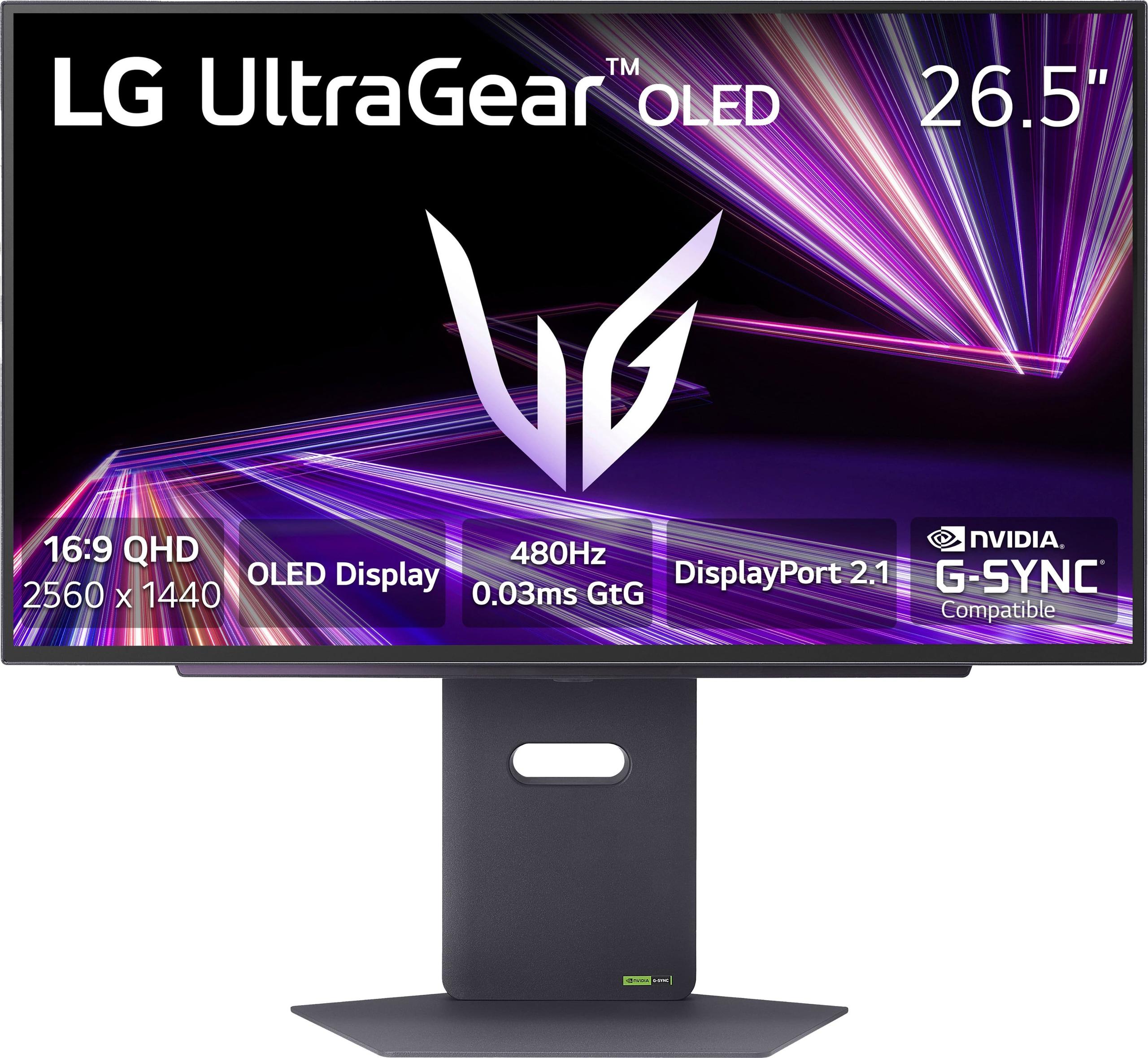
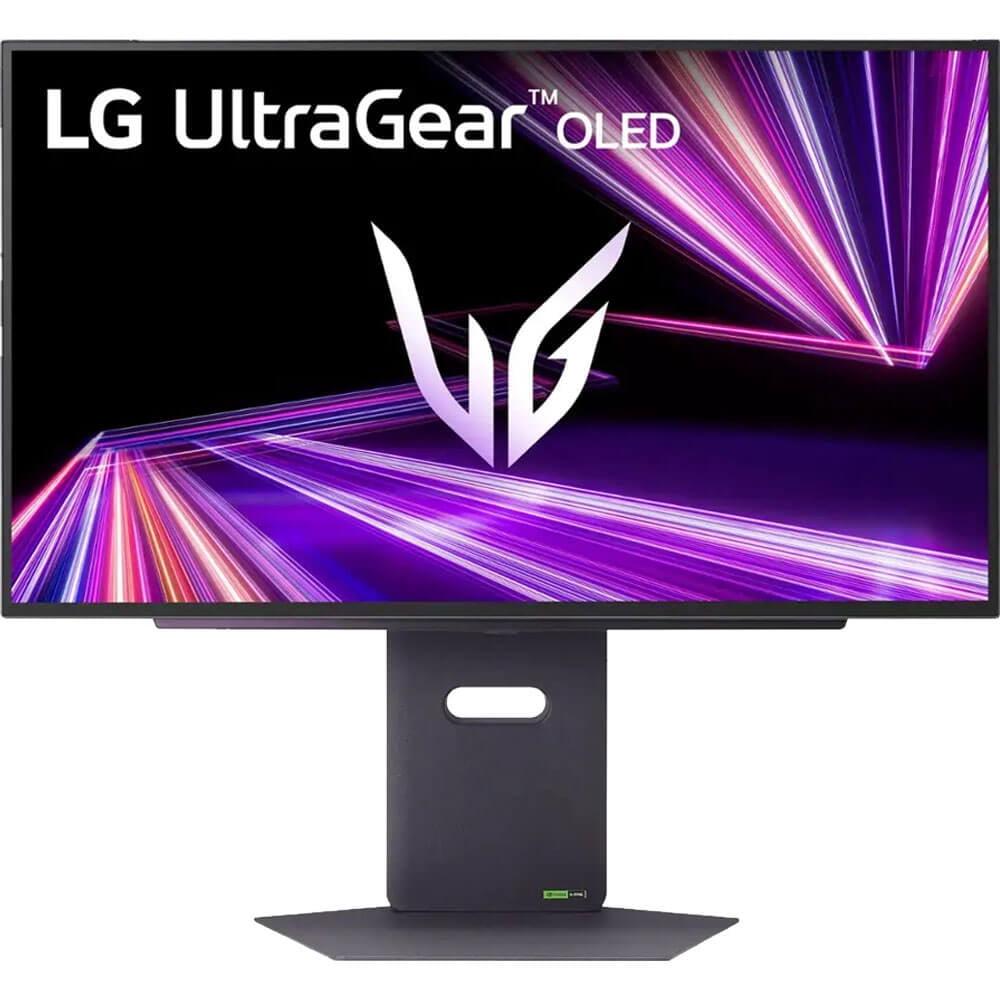
When you're shopping for a premium gaming monitor, you're essentially choosing the heart of your gaming setup. Two standout options have been turning heads: the MSI MAG 271QP QD-OLED X24 and the LG UltraGear 27" 480Hz. Both represent cutting-edge OLED technology, but they take dramatically different approaches to achieving gaming excellence.
The MSI monitor launched in 2025 as a value-focused entry into the premium QD-OLED space, while the LG UltraGear arrived in late 2024 pushing the absolute boundaries of refresh rate technology. Understanding their differences will help you make the right choice for your gaming style and budget.
Before diving into these specific models, it's worth understanding what makes OLED gaming monitors special. Unlike traditional LCD monitors that use backlights shining through liquid crystals, OLED panels have pixels that emit their own light. This means when a pixel needs to show black, it simply turns off completely – resulting in perfect blacks and infinite contrast ratios.
Both monitors deliver that signature OLED experience: inky blacks, vibrant colors, and lightning-fast response times. However, they use different OLED technologies. The MSI model uses QD-OLED (Quantum Dot OLED), while the LG monitor uses WOLED (White OLED). Think of QD-OLED as adding a color-enhancing filter that makes colors more saturated and accurate, while WOLED focuses on brightness and efficiency.
The MSI MAG 271QP QD-OLED X24 absolutely shines when it comes to color reproduction. Its QD-OLED panel covers 99% of the DCI-P3 color space (the standard used in movie theaters), 138% of sRGB (standard for web content), and an impressive 98% of Adobe RGB (crucial for photo editing). In practical terms, this means colors look more vivid and accurate than almost any other display technology.
I've spent considerable time with QD-OLED panels, and the difference is immediately noticeable. Reds appear more crimson, blues more electric, and greens more vibrant – without looking oversaturated or artificial. If you do any content creation work alongside gaming, or if you simply appreciate stunning visuals, this color advantage is significant.
The MSI monitor also comes factory-calibrated to achieve Delta E values of 2 or less. Delta E measures color accuracy – the lower the number, the more accurate the colors. A Delta E of 2 means the difference between displayed and intended colors is barely perceptible to the human eye.
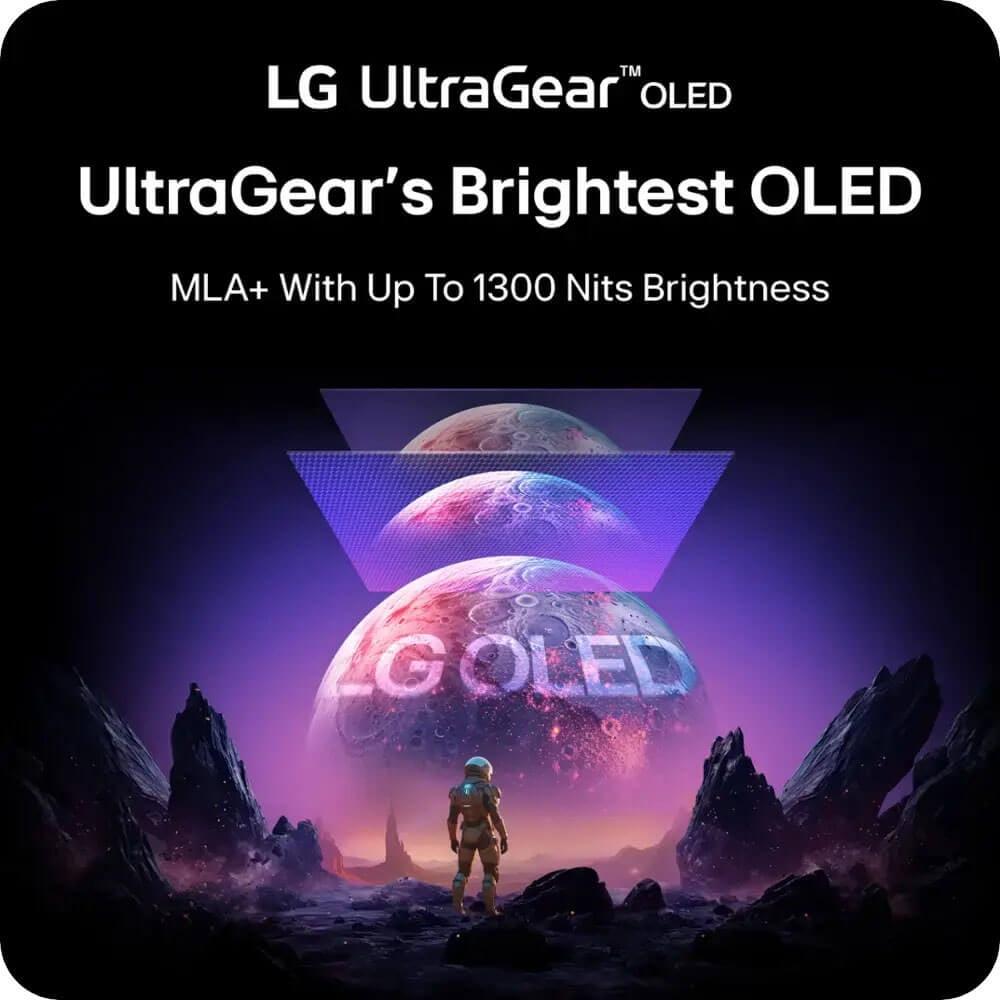
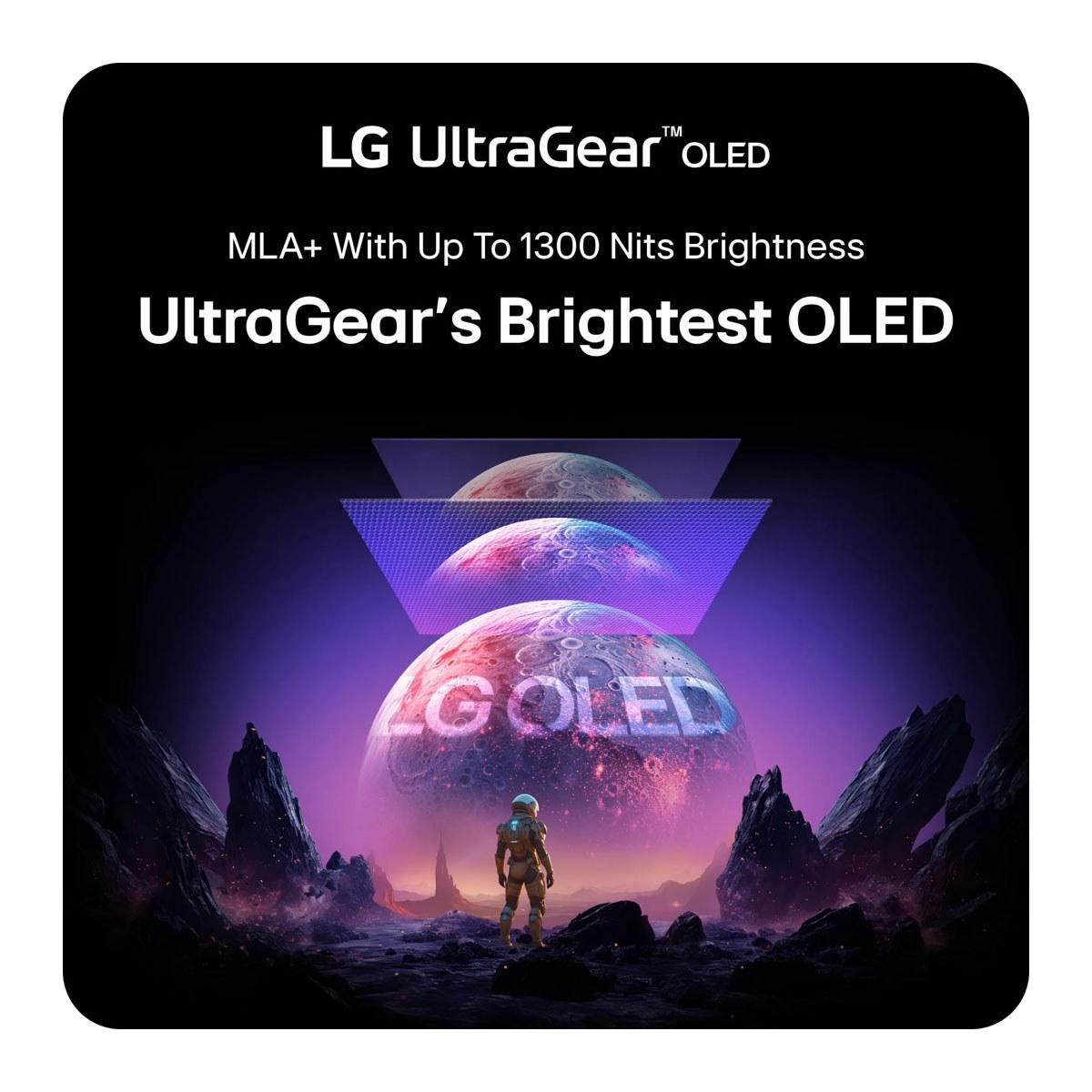
The LG UltraGear takes a different approach, prioritizing peak brightness through its Micro Lens Array+ (MLA+) technology. This innovation uses microscopic lenses to direct more light toward your eyes, achieving peak brightness levels up to 1,300 nits in small highlights, compared to the MSI's 1,000 nits.
Higher peak brightness matters more than you might think. It makes HDR content more impactful, improves visibility in bright rooms, and creates more realistic lighting effects in games. The LG monitor also features an anti-glare coating that reduces reflections – something particularly valuable if your gaming setup faces windows or bright lights.
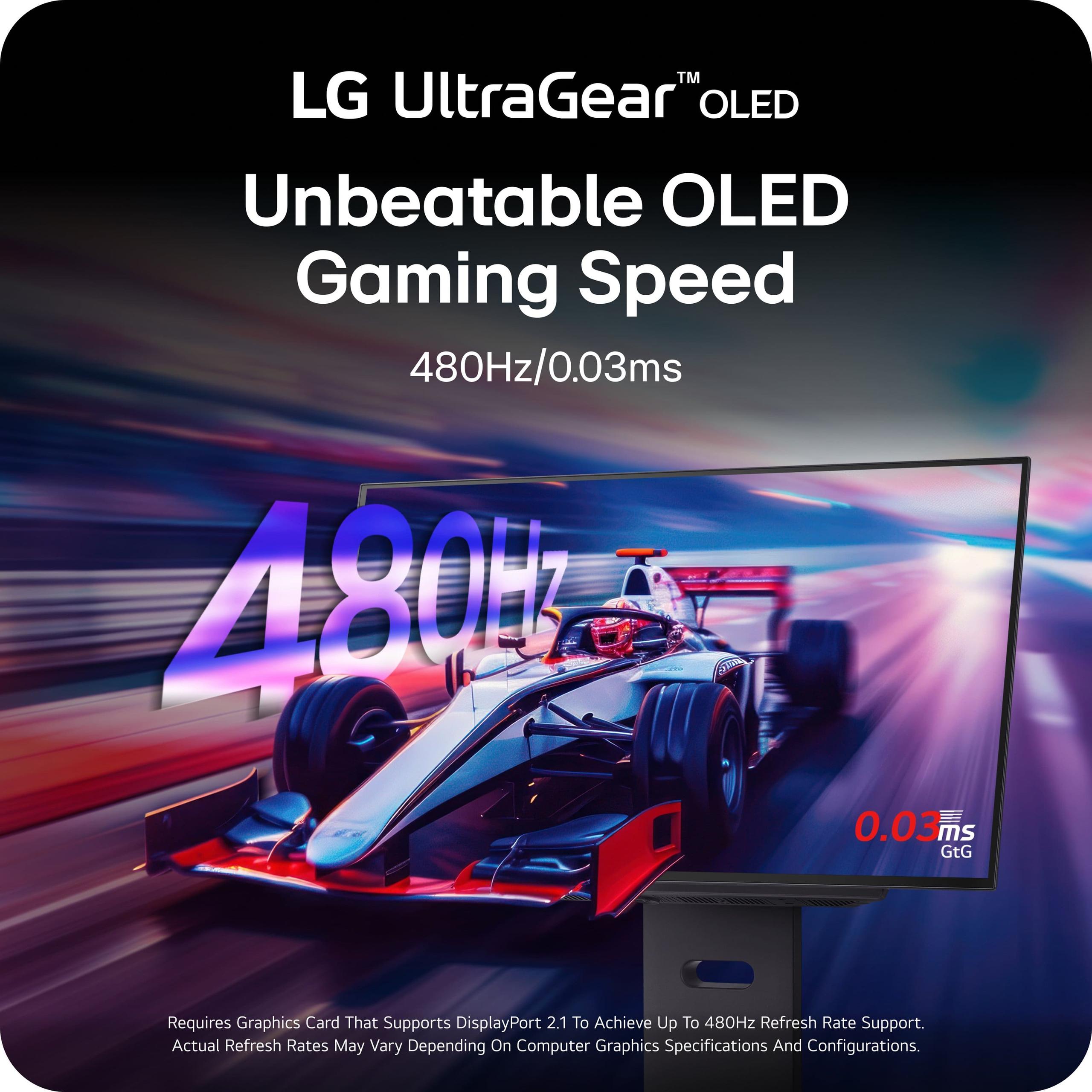
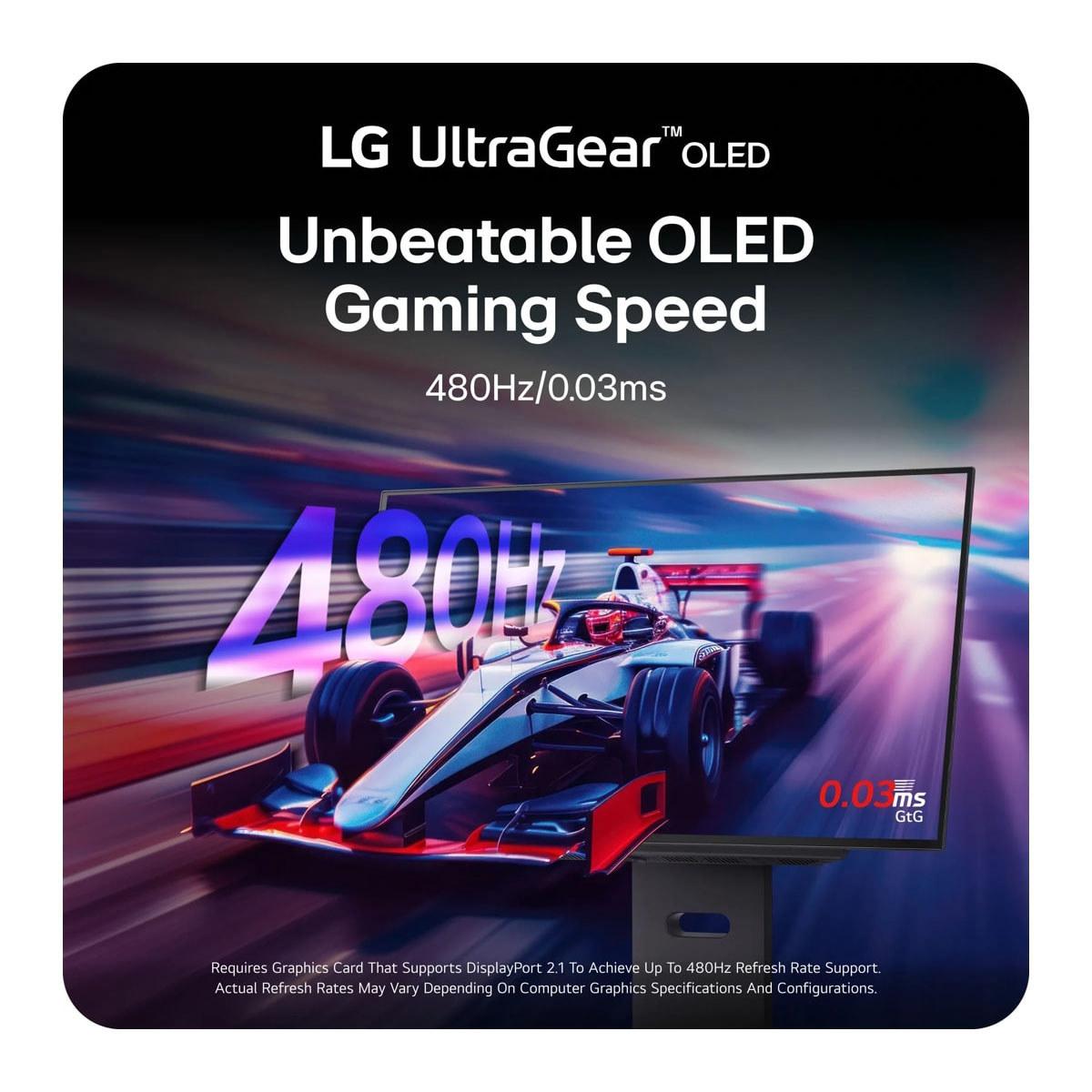
Here's where these monitors diverge most dramatically. The MSI monitor offers a 240Hz refresh rate, while the LG UltraGear doubles that to an eye-watering 480Hz.
Refresh rate, measured in Hertz (Hz), indicates how many times per second your monitor can update the image. A 240Hz monitor refreshes 240 times per second, while 480Hz refreshes twice as often. Higher refresh rates provide smoother motion, reduced input lag, and clearer tracking of fast-moving objects.
The jump from 60Hz to 144Hz is immediately noticeable to most people. Moving from 144Hz to 240Hz provides diminishing but still perceptible improvements. The leap to 480Hz is where things get interesting – and controversial.
Can you actually see the difference between 240Hz and 480Hz? It depends on several factors: your reaction time, the games you play, your hardware capability, and honestly, your individual visual sensitivity. In my experience testing high refresh rate monitors, competitive gamers with excellent reaction times can often detect the difference, especially in fast-paced shooters like Counter-Strike 2 or Valorant.
The LG UltraGear's 480Hz capability requires serious hardware to utilize fully. You'll need a high-end graphics card (RTX 4080 or better) and a powerful CPU to consistently push frame rates that high at 1440p resolution. Most current games won't hit 480fps at QHD resolution, but esports titles like CS2, Valorant, and League of Legends can achieve these frame rates with the right settings and hardware.
Both monitors boast identical 0.03ms Gray-to-Gray (GtG) response times – essentially instantaneous pixel transitions. This eliminates ghosting (trailing artifacts behind moving objects) and ensures crisp motion clarity. Combined with their OLED technology, both monitors deliver some of the clearest motion you'll find in any display.
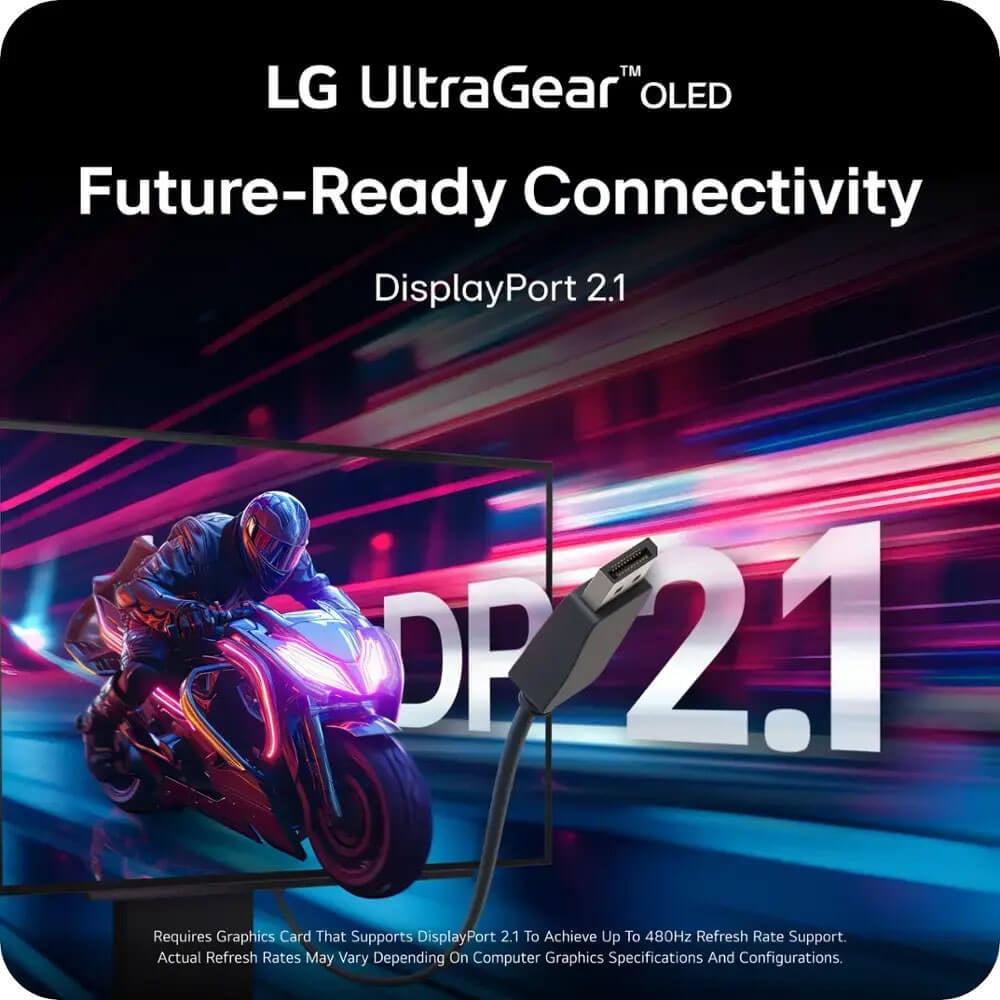
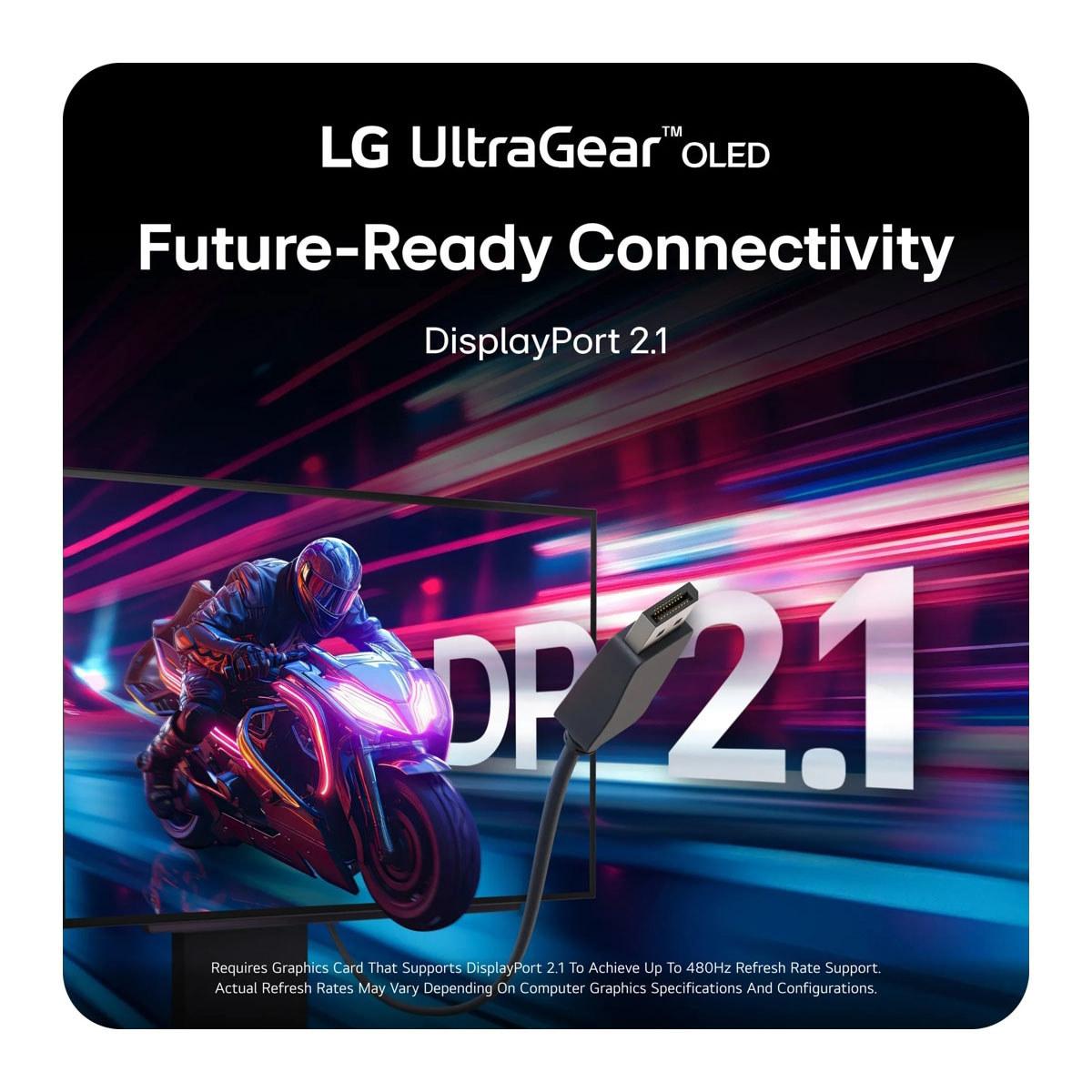
The LG UltraGear takes a commanding lead in connectivity options. Its DisplayPort 2.1 connection provides 67% more bandwidth than the MSI monitor's DisplayPort 1.4a. This matters for future graphics cards that will push even higher resolutions and refresh rates.
DisplayPort 2.1 can handle the full 480Hz at 1440p without compression, while DisplayPort 1.4a requires Display Stream Compression (DSC) for high refresh rates. DSC is visually lossless in most cases, but having native bandwidth is always preferable for maximum image quality.
The LG model also includes USB 3.0 hub functionality, allowing you to connect peripherals directly to your monitor. It's a convenience feature that helps reduce cable clutter and can be particularly useful for mechanical keyboards, gaming mice, or USB headsets.
OLED burn-in remains a legitimate concern for many buyers. This occurs when static elements (like taskbars or game HUDs) remain on screen for extended periods, potentially leaving permanent ghost images.
The MSI MAG 271QP QD-OLED X24 addresses this concern aggressively with its comprehensive 3-year burn-in warranty – among the best in the industry at the time of writing. MSI also includes OLED Care 2.0 technology, featuring pixel shifting, static screen detection, and advanced thermal management through custom heatsinks and graphene film cooling.
The LG UltraGear includes standard OLED care features and comes with a 2-year limited warranty. While still reasonable, it's not quite as comprehensive as MSI's coverage.
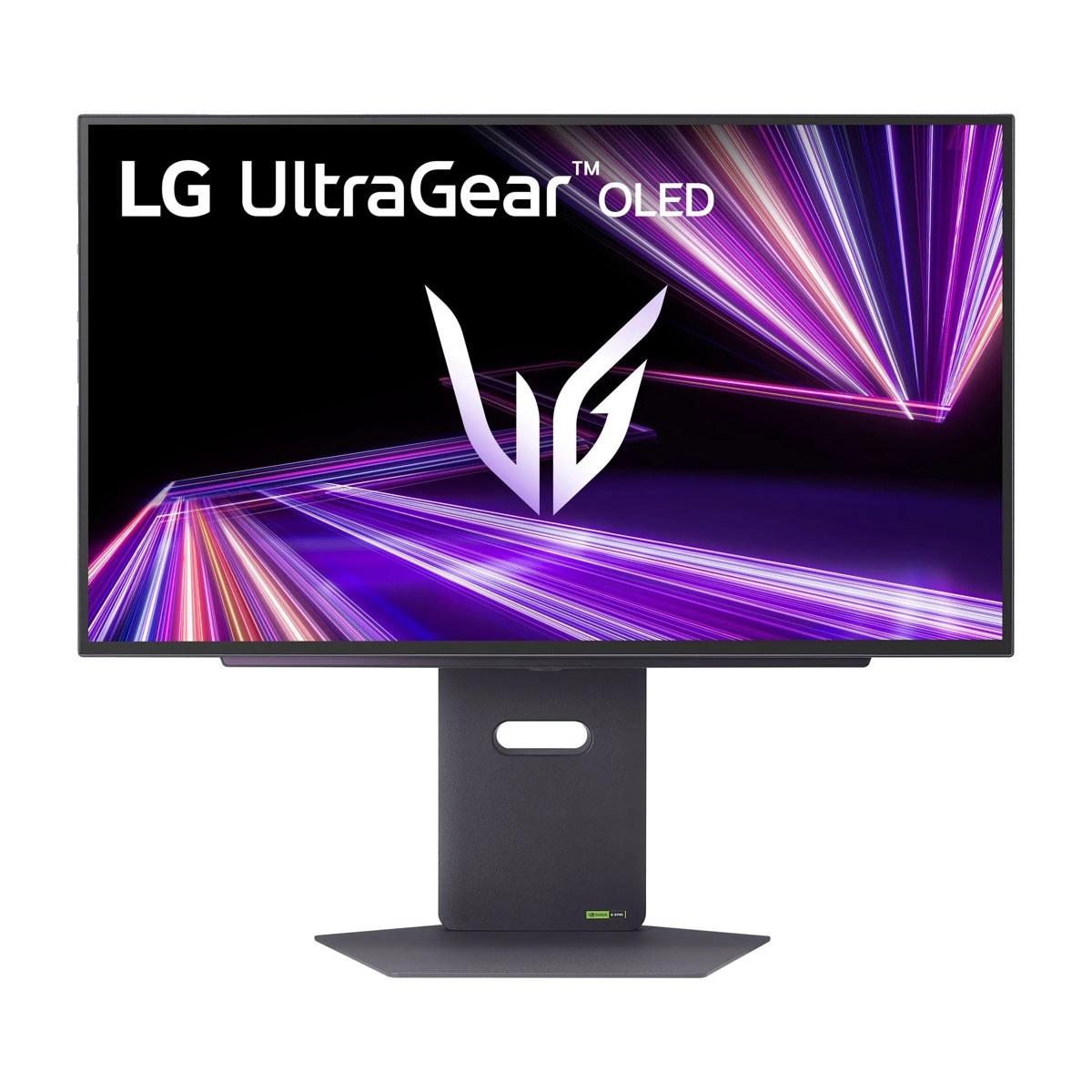
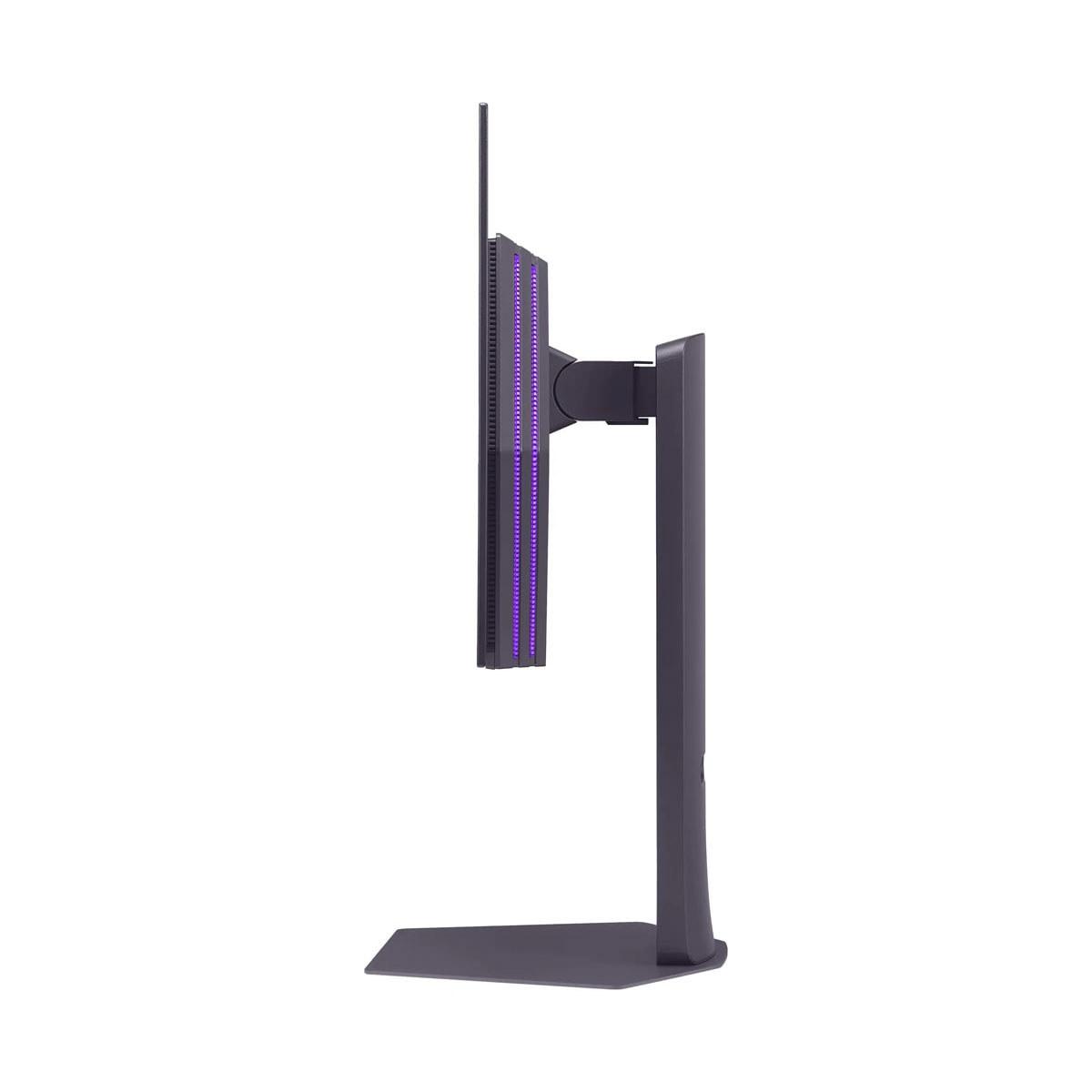
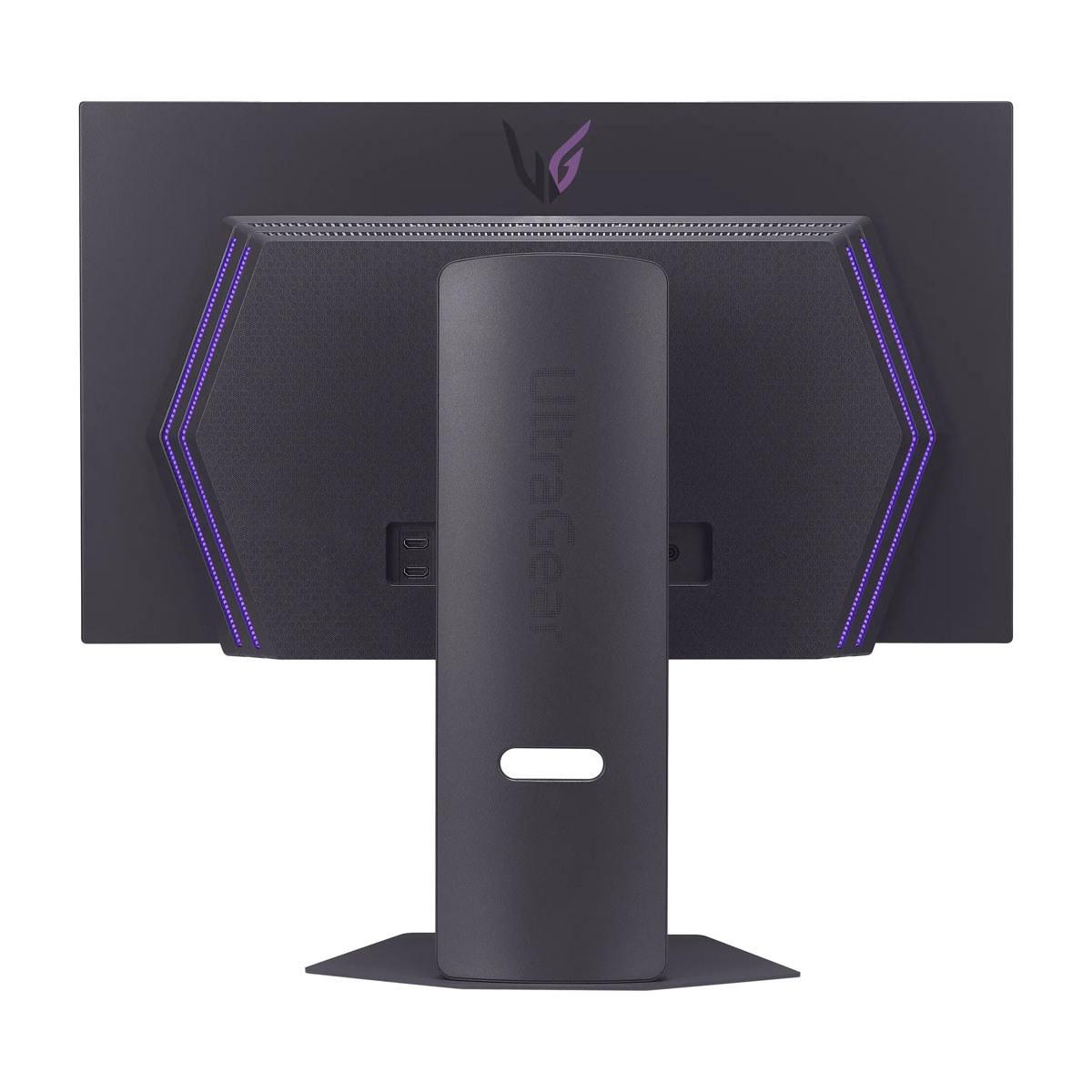
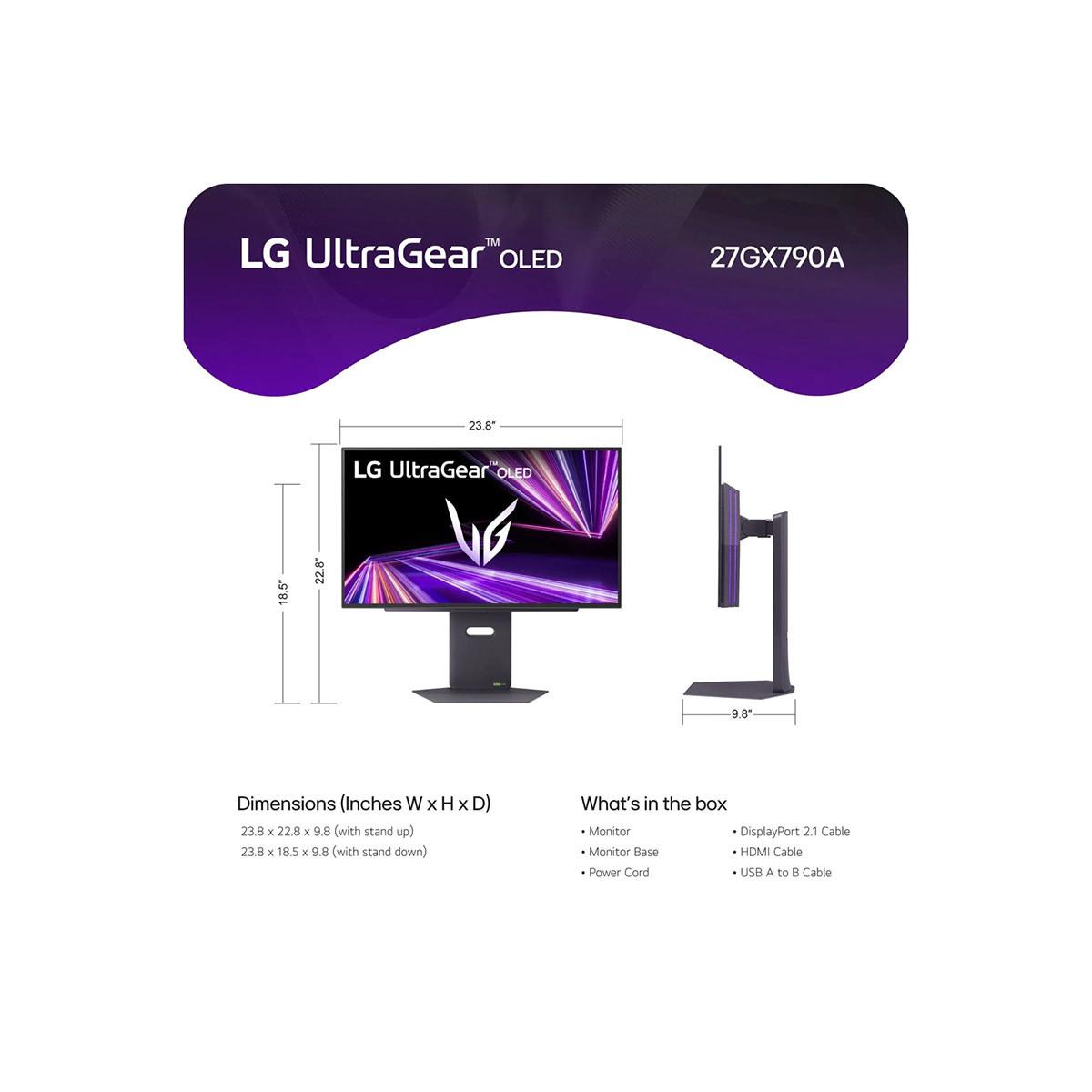
Both monitors feature robust build quality with fully adjustable stands supporting tilt, swivel, height adjustment, and pivot rotation. The LG model includes RGB backlighting for added gaming ambiance.
At the time of writing, these monitors occupy different value segments within the premium OLED category. The MSI monitor typically costs significantly less than the LG UltraGear, making it one of the most affordable QD-OLED gaming monitors available.
When calculating performance per dollar, the MSI model offers exceptional color technology and OLED performance at a more accessible price point. The LG monitor commands a premium for its cutting-edge 480Hz capability and superior connectivity.
If your monitor needs extend beyond gaming, the MSI MAG 271QP QD-OLED X24 provides significant advantages. Its superior color gamut coverage makes it excellent for photo editing, video production, and content creation. The 98% Adobe RGB coverage means colors you edit will translate accurately to print, while the wide DCI-P3 coverage ensures your video content looks correct on other high-end displays.
The factory calibration and Delta E accuracy mean you can trust color representation right out of the box, though professional users might still want to perform custom calibration for critical work.
Both monitors excel in home theater applications, though with different strengths. The MSI model's superior color accuracy makes movies and TV shows look more cinematically accurate, with colors matching the creator's intent. Its QD-OLED technology particularly excels with animated content and vibrant movie scenes.
The LG UltraGear's higher peak brightness provides more impactful HDR performance, making bright explosions, sunsets, and daylight scenes more realistic. Its anti-glare coating also helps in rooms where controlling ambient light is challenging.
Both support VESA DisplayHDR True Black 400 certification, ensuring deep blacks and bright highlights that make HDR content truly pop. The infinite contrast ratio of OLED technology makes these monitors superior to most TVs for dark room viewing.
Different game types benefit from these monitors' strengths differently. For competitive esports titles where every millisecond matters, the LG UltraGear's 480Hz capability provides a tangible advantage for players with the skills and hardware to utilize it.
For single-player adventures, RPGs, and visually stunning games, the MSI monitor's superior color reproduction creates more immersive and visually impressive experiences. Games like Cyberpunk 2077, Red Dead Redemption 2, or any HDR-enabled title particularly benefit from accurate, vibrant colors.
Racing games and flight simulators occupy a middle ground where both monitors excel, though the higher refresh rate of the LG model can provide smoother motion during high-speed sequences.
Choose the MSI MAG 271QP QD-OLED X24 if you want the best overall value in premium OLED gaming. Its exceptional color accuracy, comprehensive warranty, and significantly lower price make it ideal for gamers who appreciate visual quality and want OLED technology without paying the highest premiums. It's particularly compelling if you do any content creation or want a monitor that excels at both gaming and media consumption.
The LG UltraGear 27" 480Hz is the choice for serious competitive gamers who can utilize its cutting-edge refresh rate and have the budget for the absolute latest technology. Its DisplayPort 2.1 connectivity also makes it more future-proof for next-generation graphics cards.
Both monitors represent the current pinnacle of gaming display technology, just with different priorities. The MSI model prioritizes color excellence and value, while the LG monitor pushes performance boundaries. Either choice will deliver an exceptional gaming experience that surpasses traditional LCD monitors in almost every meaningful way.
Your decision ultimately comes down to whether you value color accuracy and warranty protection more than cutting-edge refresh rates – and whether your budget and hardware can fully utilize the premium features each monitor offers.
| MSI MAG 271QP QD-OLED X24 | LG UltraGear 27" OLED QHD 480Hz |
|---|---|
| Panel Technology - Affects color accuracy and visual quality | |
| QD-OLED (Quantum Dot OLED) for superior color reproduction | WOLED (White OLED) with Micro Lens Array+ for enhanced brightness |
| Refresh Rate - Critical for competitive gaming smoothness | |
| 240Hz (excellent for most gaming scenarios) | 480Hz (cutting-edge for esports professionals) |
| Response Time - Determines motion blur and ghosting | |
| 0.03ms GtG (virtually instantaneous) | 0.03ms GtG (virtually instantaneous) |
| Peak Brightness - Important for HDR impact and bright room visibility | |
| 1,000 nits (good HDR performance) | 1,300 nits (superior HDR and daylight visibility) |
| Color Gamut Coverage - Essential for accurate colors and content creation | |
| 99% DCI-P3, 138% sRGB, 98% Adobe RGB (exceptional for creators) | 98.5% DCI-P3 (excellent for gaming, adequate for content work) |
| Color Accuracy - Matters for professional work and media consumption | |
| Delta E ≤2 factory calibrated (professional-grade accuracy) | Standard OLED color accuracy (very good but not professionally calibrated) |
| Connectivity - Affects future compatibility and bandwidth | |
| DisplayPort 1.4a + 2× HDMI 2.1 (adequate for current needs) | DisplayPort 2.1 + 2× HDMI 2.1 + USB hub (future-proof with 67% more bandwidth) |
| Burn-in Protection - Critical for OLED longevity and peace of mind | |
| 3-year burn-in warranty + OLED Care 2.0 (industry-leading protection) | 2-year limited warranty + standard OLED care features (good but basic) |
| Anti-Glare Coating - Reduces reflections in bright environments | |
| Standard OLED coating (best in dark rooms) | Anti-glare & low reflection coating (better for varied lighting) |
| Additional Features - Extra value and convenience | |
| Custom heatsink design, Gaming Intelligence software | RGB backlighting, DTS Headphone:X audio, USB 3.0 hub |
| Target User - Who benefits most from each approach | |
| Content creators, value-conscious enthusiasts, mixed-use gamers | Competitive esports players, early adopters, future-focused buyers |
| Value Proposition - Performance and features relative to cost | |
| Best QD-OLED value with superior color tech and warranty | Premium pricing justified by cutting-edge 480Hz and connectivity |
The LG UltraGear 27" OLED QHD 480Hz is superior for competitive gaming due to its industry-leading 480Hz refresh rate, which provides smoother motion and reduced input lag compared to the MSI MAG 271QP QD-OLED X24's 240Hz. However, you'll need high-end hardware to fully utilize the LG monitor's capabilities, and the difference may not be noticeable to all players.
The MSI MAG 271QP QD-OLED X24 uses QD-OLED technology, which adds a quantum dot layer for more vibrant, accurate colors with 99% DCI-P3 coverage. The LG UltraGear uses traditional WOLED technology with 98.5% DCI-P3 coverage. QD-OLED generally produces more saturated colors and better color accuracy, making the MSI monitor superior for content creation.
The MSI MAG 271QP QD-OLED X24 typically offers better value, providing premium QD-OLED technology, superior color accuracy, and a comprehensive 3-year burn-in warranty at a lower price point. The LG UltraGear commands a premium for its cutting-edge 480Hz capability and future-proof connectivity.
Most gamers won't need the LG UltraGear's 480Hz refresh rate. The MSI monitor's 240Hz is excellent for the vast majority of gaming scenarios. Only competitive esports players with high-end hardware and exceptional reaction times will benefit from the LG UltraGear's 480Hz capability in games like CS2 or Valorant.
The MSI MAG 271QP QD-OLED X24 is significantly better for content creation, offering 98% Adobe RGB coverage, factory calibration to Delta E ≤2, and superior color accuracy. The LG UltraGear is adequate for content work but doesn't match the MSI monitor's professional-grade color reproduction.
The MSI MAG 271QP QD-OLED X24 offers superior warranty protection with 3-year coverage that specifically includes OLED burn-in protection. The LG UltraGear provides a standard 2-year limited OLED warranty. For peace of mind with OLED technology, the MSI monitor offers better long-term protection.
The LG UltraGear is brighter, reaching up to 1,300 nits peak brightness thanks to its Micro Lens Array+ technology, compared to the MSI monitor's 1,000 nits. This makes the LG UltraGear better for HDR content and usage in brighter rooms, while both are excellent in dark environments.
The LG UltraGear offers superior connectivity with DisplayPort 2.1, dual HDMI 2.1, and USB 3.0 hub functionality. The MSI MAG 271QP QD-OLED X24 features DisplayPort 1.4a and dual HDMI 2.1. The LG monitor's DisplayPort 2.1 provides 67% more bandwidth and better future-proofing.
Both monitors excel for console gaming with their HDMI 2.1 connectivity supporting 120Hz gaming, VRR, and ALLM. The LG UltraGear offers slightly better console support with its higher peak brightness and anti-glare coating. The MSI monitor provides more vibrant colors that enhance console gaming visuals.
Both the MSI MAG 271QP QD-OLED X24 and LG UltraGear offer identical 0.03ms Gray-to-Gray response times, providing virtually instantaneous pixel transitions with no ghosting or motion blur. Performance is essentially equal in this regard.
The MSI MAG 271QP QD-OLED X24 is better for mixed use due to its superior color accuracy, wider color gamut coverage, and factory calibration. While the LG UltraGear excels at pure gaming performance, the MSI monitor provides better versatility for both professional work and gaming.
The MSI MAG 271QP QD-OLED X24 offers more comprehensive burn-in protection with OLED Care 2.0 technology, custom heatsink design, and advanced thermal management. The LG UltraGear includes standard OLED care features. Both have pixel shifting and screen refresh functions, but the MSI monitor provides more robust long-term protection.
We've done our best to create useful and informative comparisons to help you decide what product to buy. Our research uses advanced automated methods to create this comparison and perfection is not possible - please contact us for corrections or questions. These are the sites we've researched in the creation of this article: bestbuy.com - youtube.com - xda-developers.com - newegg.com - notebookcheck.net - displayninja.com - ign.com - rtings.com - cdw.com - microcenter.com - bestbuy.com - us.msi.com - colamco.com - msi.com - msi.com - displayspecifications.com - msi.com - storage-asset.msi.com - msi.com - us.msi.com - displayspecifications.com - bestbuy.com - bhphotovideo.com - engadget.com - newegg.com - youtube.com - bestbuy.com - techpowerup.com - techpowerup.com - rtings.com - lg.com - lgnewsroom.com - rtings.com - bestbuy.com - jonesapplianceandtv.com - thefrogpadappliances.com - lg.com - lg.com - lg.com - techpowerup.com - lg.com - lg.com

Privacy Policy
Terms and Conditions - Affiliate Policy
Home Security
© Copyright 2008-2026.
11816 Inwood Rd #1211, Dallas, TX 75244