














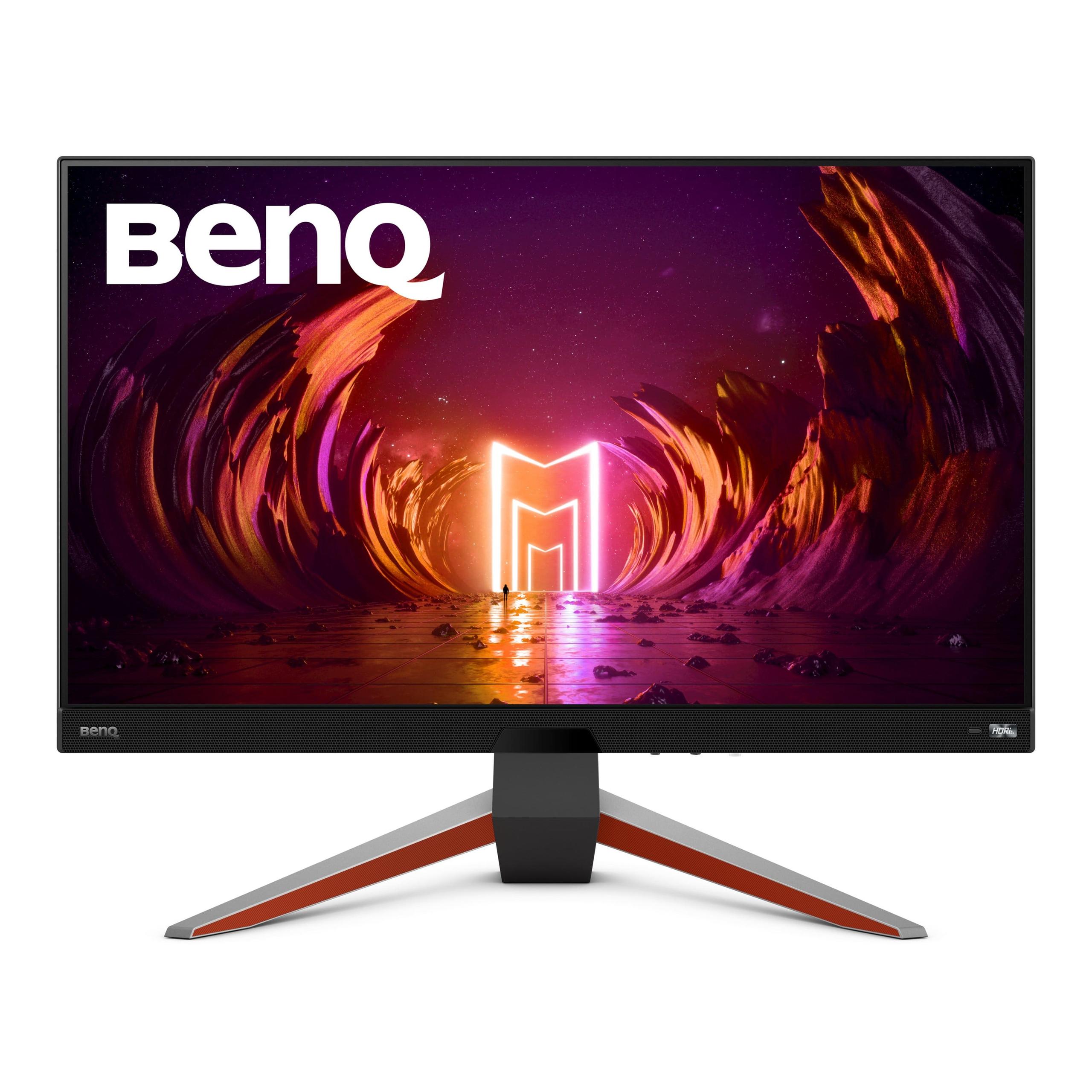
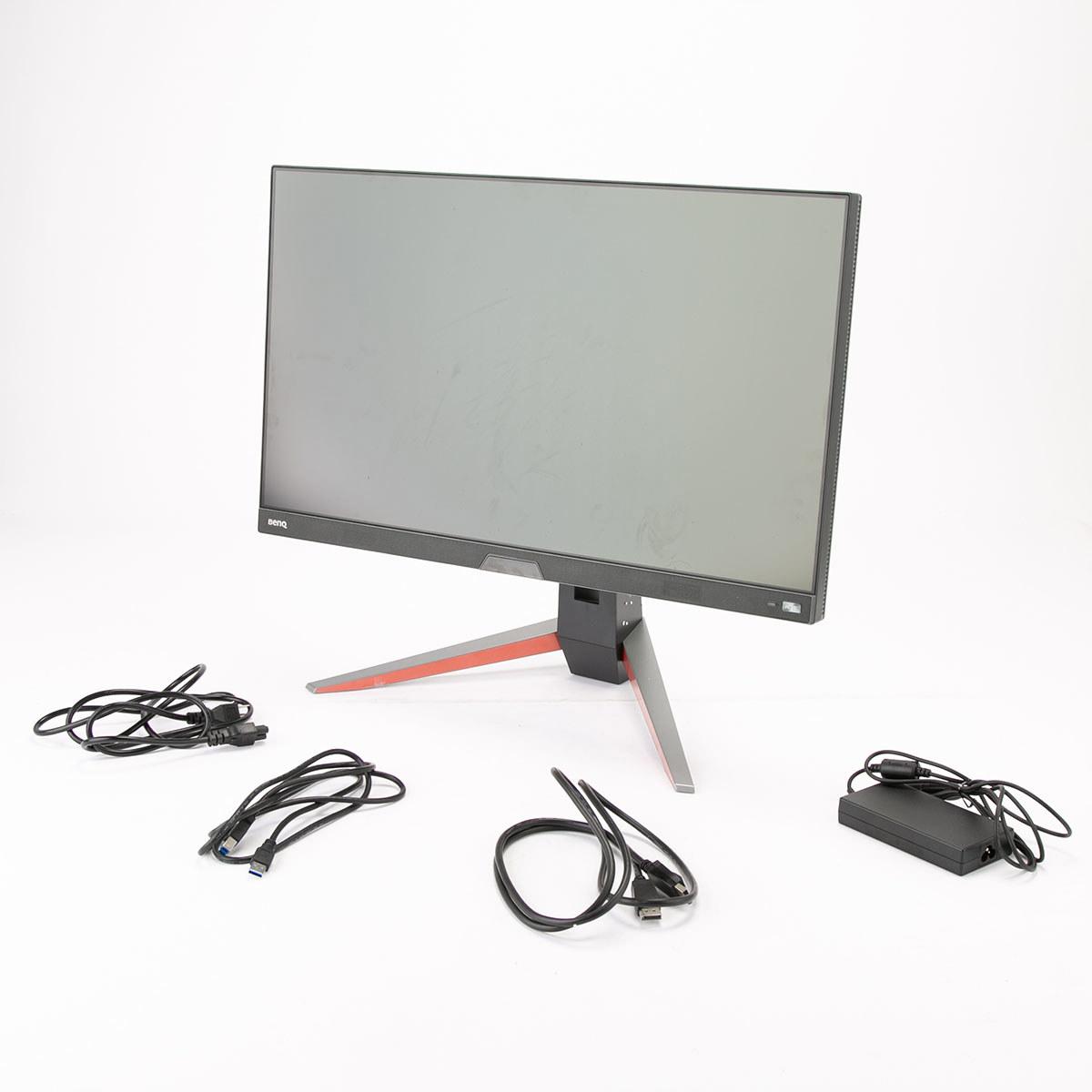
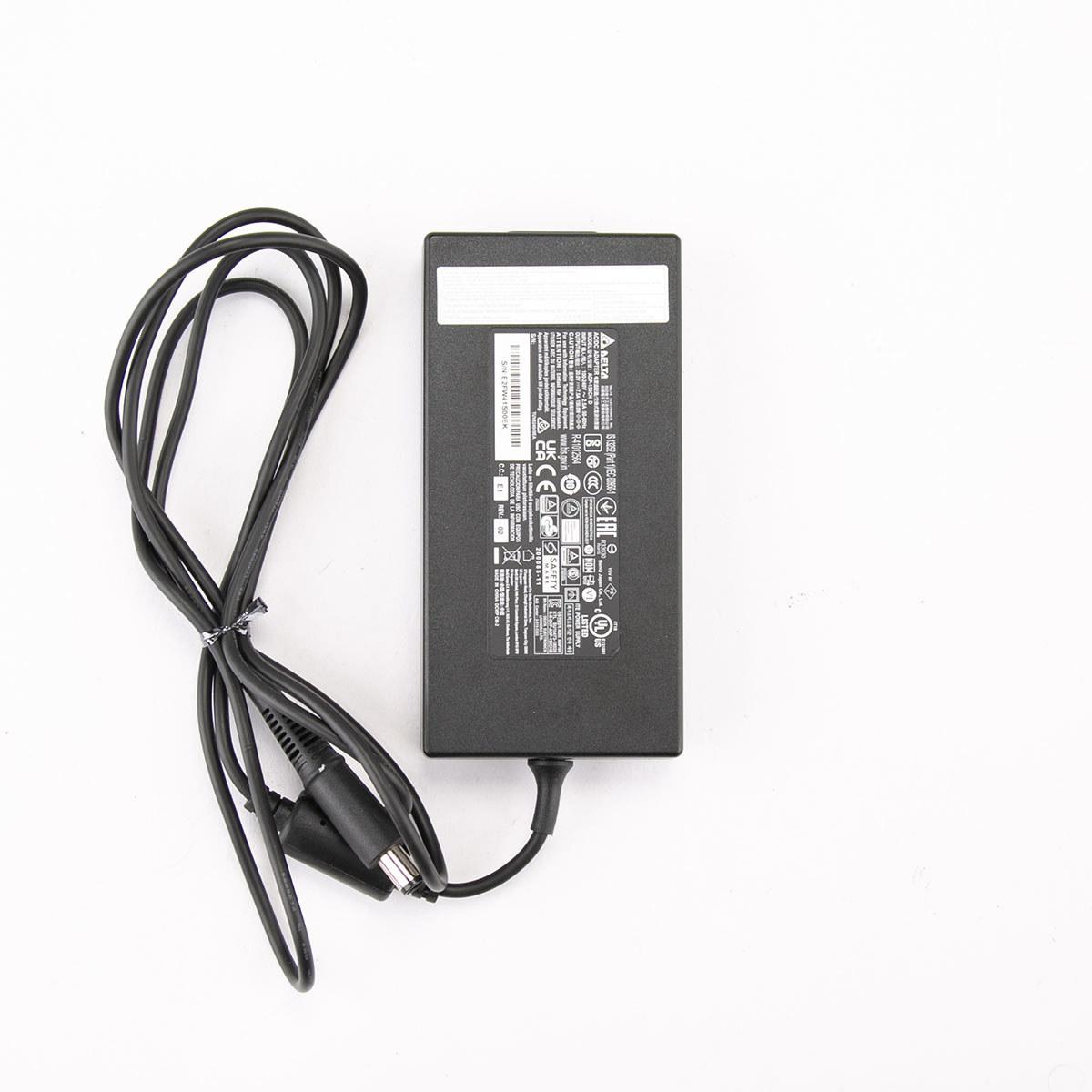
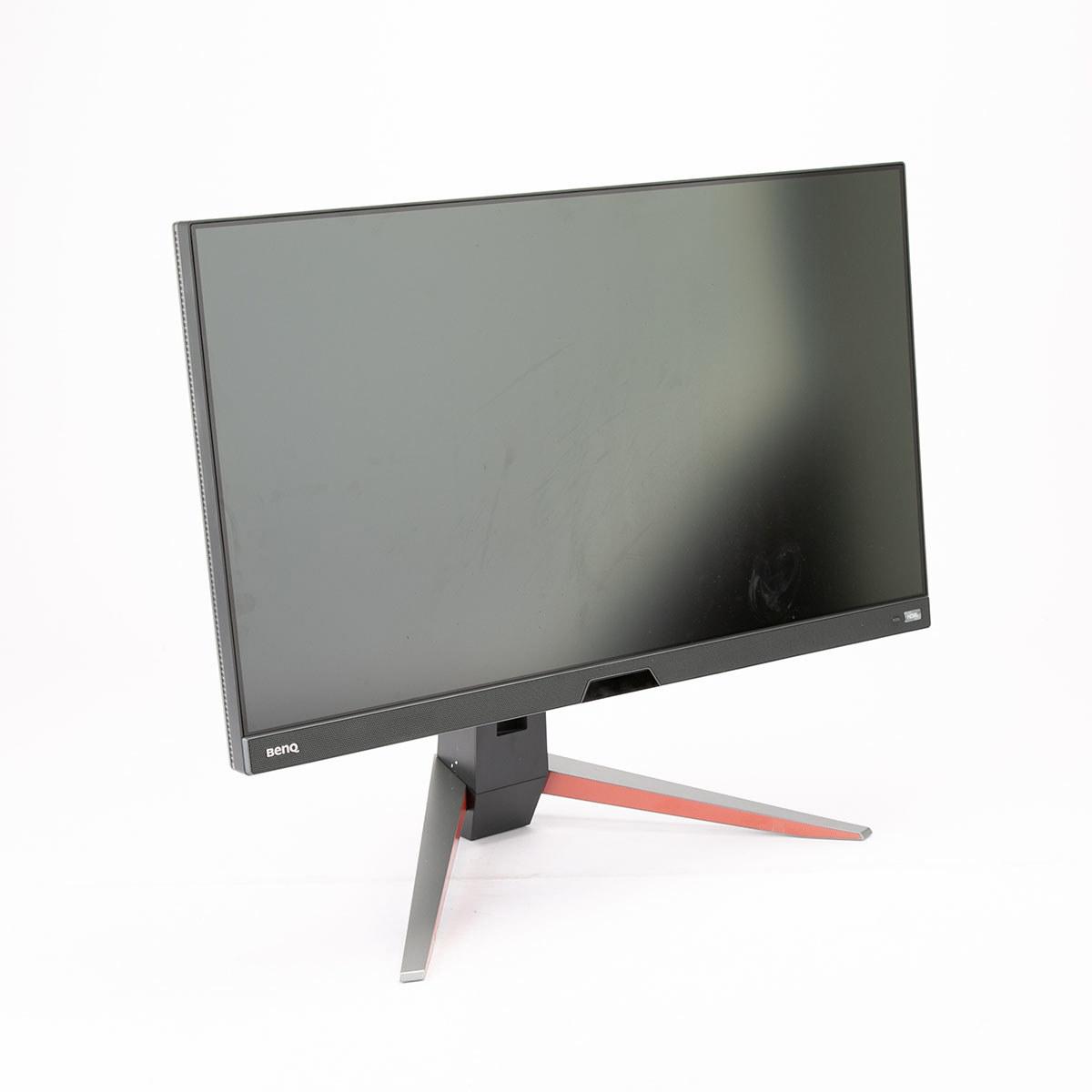
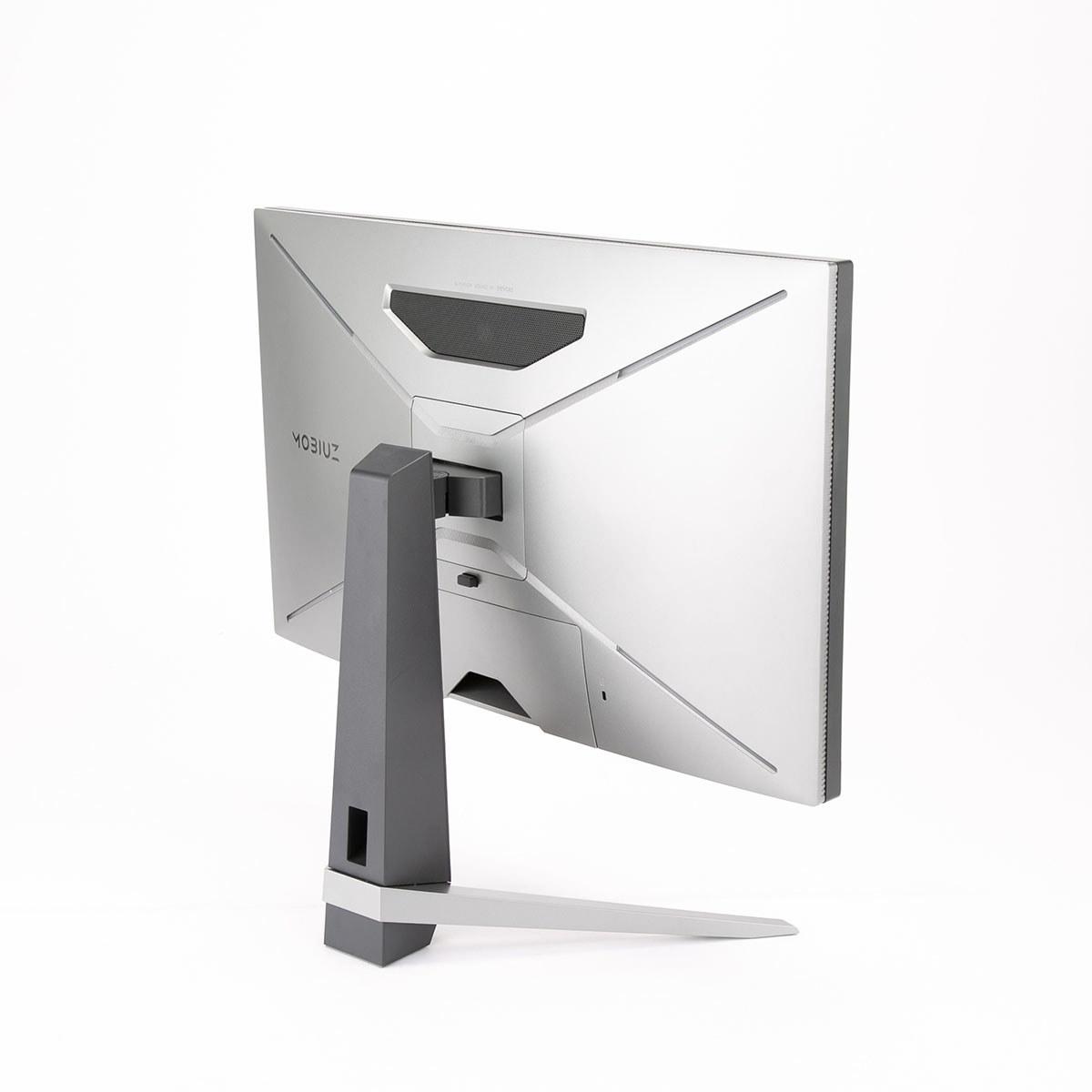
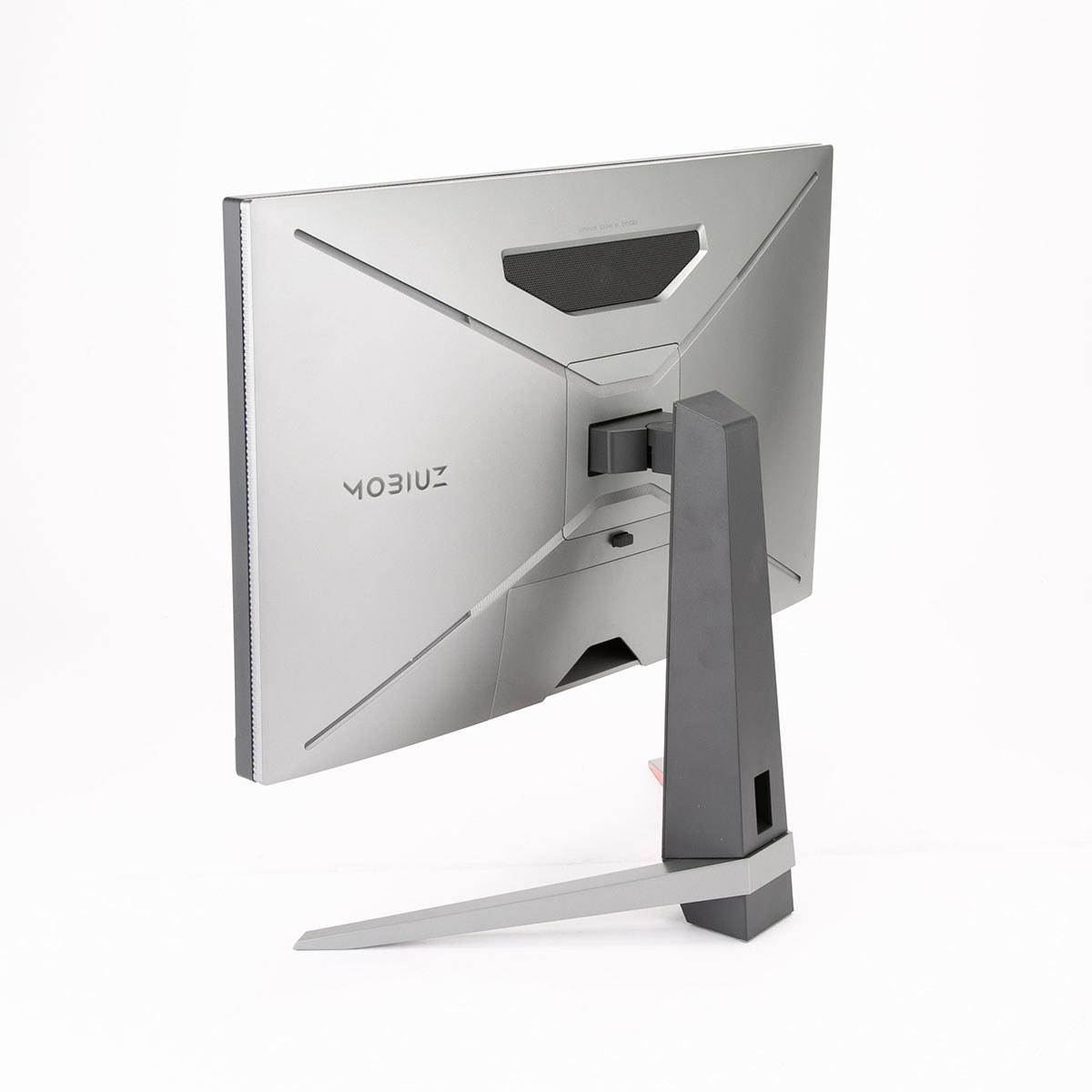
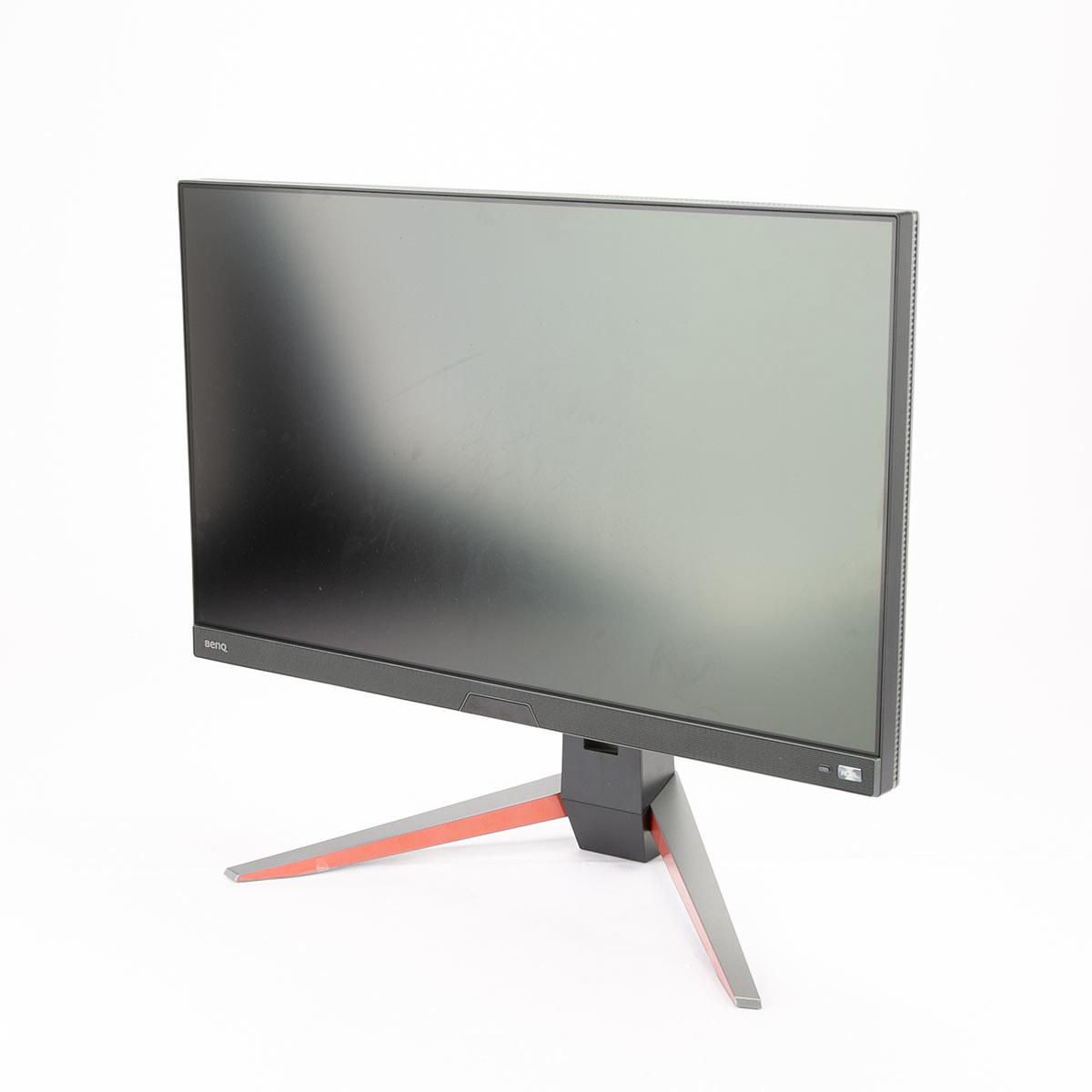
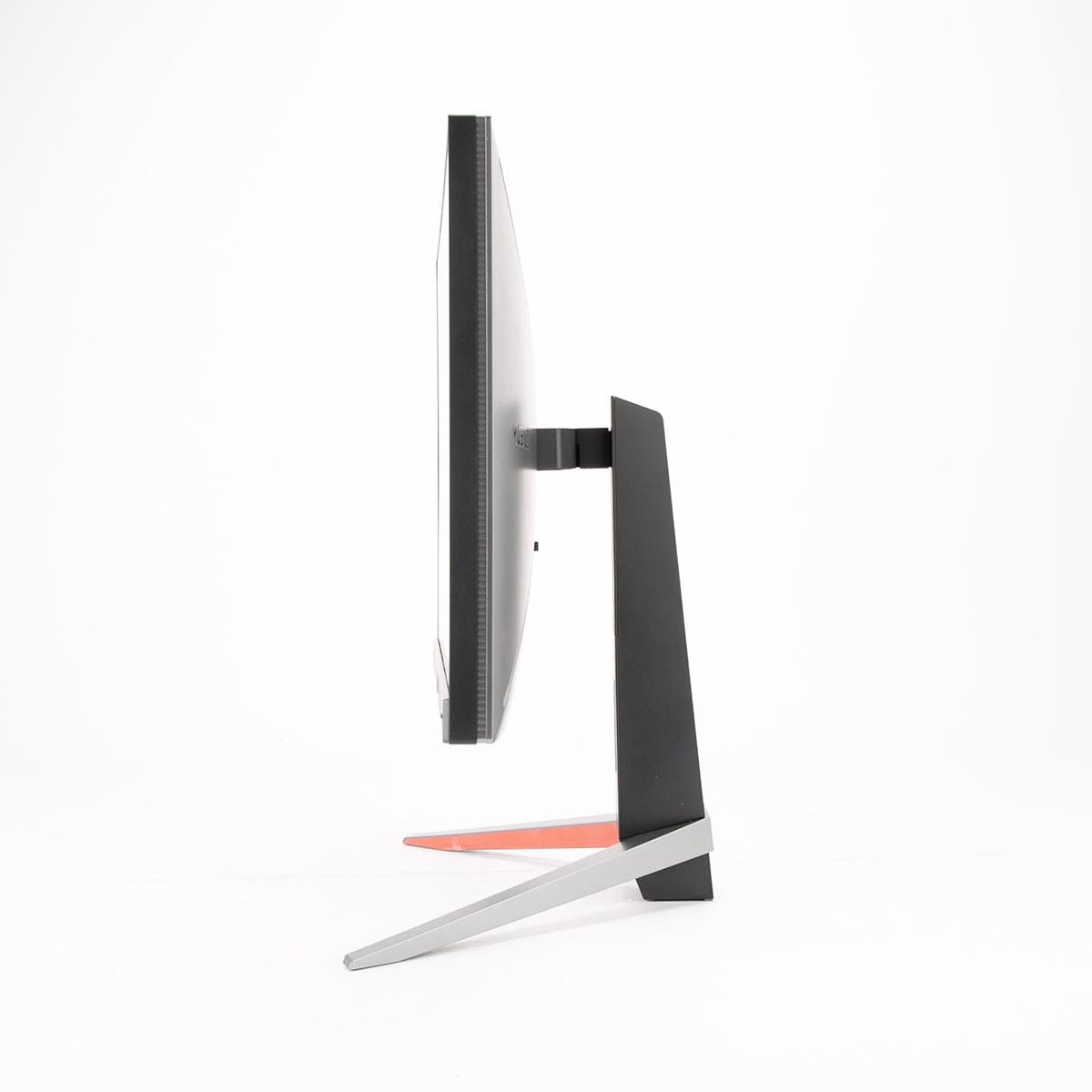
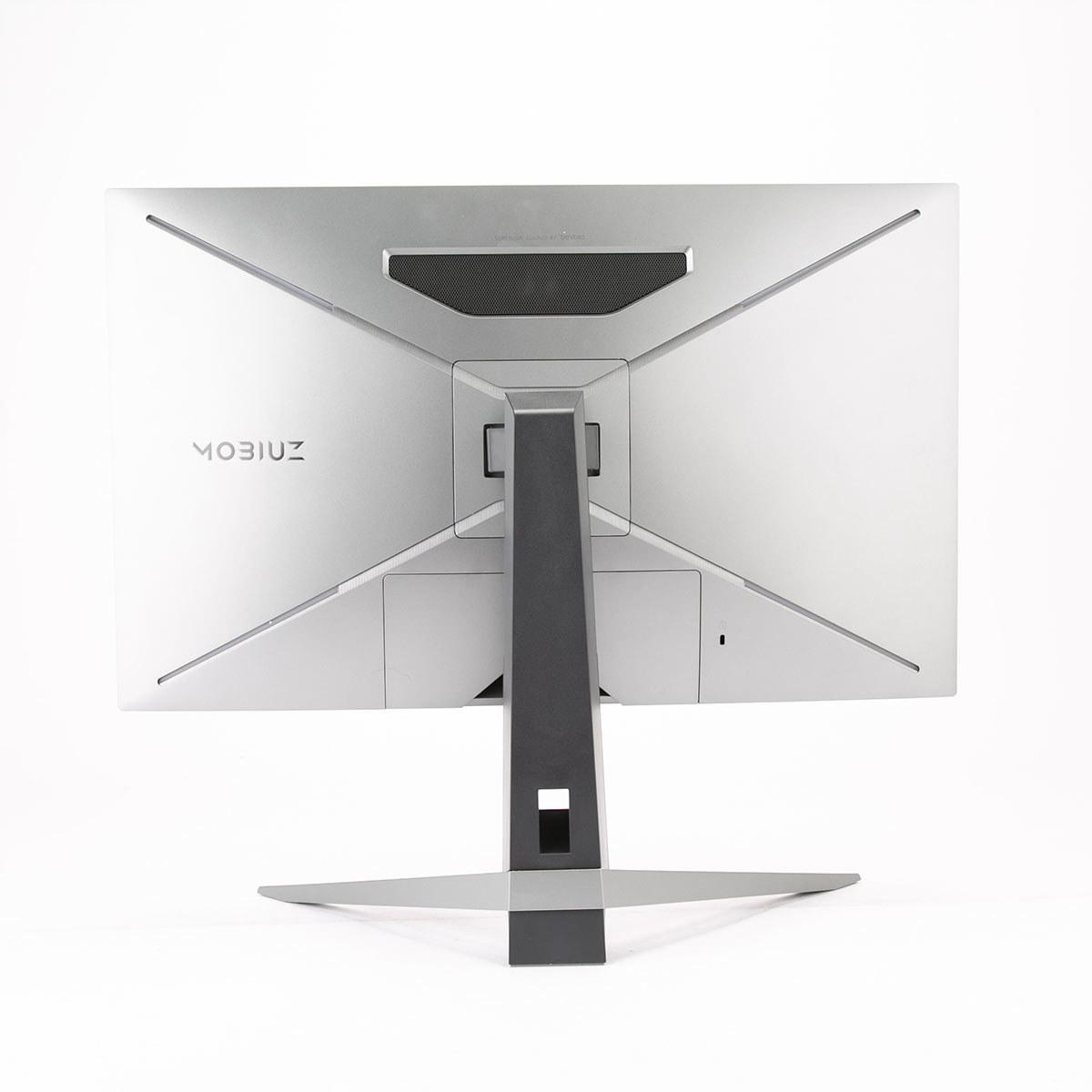
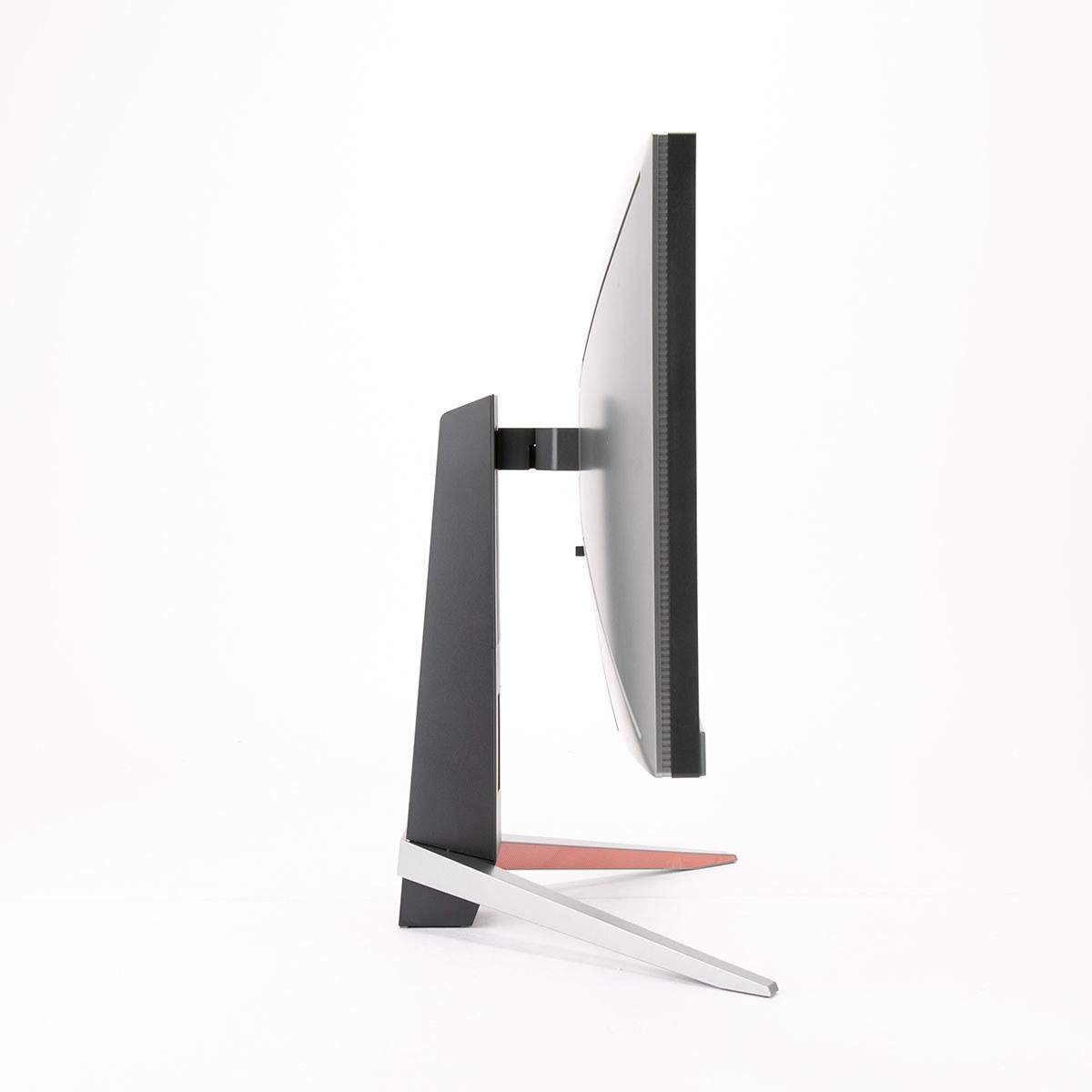
When shopping for a premium 1440p gaming monitor, you'll encounter two fundamentally different approaches to display technology that can make or break your gaming experience. The MSI MAG 271QP QD-OLED X24 represents the cutting edge of OLED technology, while the BenQ MOBIUZ EX270QM showcases what's possible with refined IPS LCD panels. Both target serious gamers who demand ultra-high refresh rates and responsive performance, but they achieve these goals through completely different methods.
Understanding the difference between these technologies is crucial because it affects everything from how games look in dark scenes to how long your monitor will last. At the time of writing, the MSI QD-OLED monitor commands a premium price reflecting its newer technology, while the BenQ IPS model offers compelling value after significant price reductions since its 2023 launch.
The core difference between these monitors lies in how they create light and color. The MSI MAG 271QP QD-OLED X24 uses Quantum Dot OLED technology, where each individual pixel generates its own light through organic compounds. When a pixel needs to display black, it simply turns off completely, creating what's called "perfect blacks" – literally no light emission. This is combined with quantum dots, tiny semiconductor particles that enhance color purity and brightness when light passes through them.
In contrast, the BenQ MOBIUZ EX270QM uses IPS (In-Plane Switching) LCD technology with LED backlighting. Here, a backlight panel illuminates the entire screen, and liquid crystals twist to block or allow light through colored filters. Even when displaying black, some backlight still bleeds through, which is why LCD monitors can't achieve true black levels.
This fundamental difference ripples through every aspect of performance. OLED panels can achieve infinite contrast ratios because they can display both perfect blacks and bright highlights simultaneously. IPS panels typically manage contrast ratios around 1000:1 – still good, but nowhere near OLED's capabilities.
The MSI QD-OLED monitor delivers a visual experience that's immediately noticeable, especially in games with dark scenes. When you're exploring a dimly lit dungeon or watching a movie with night scenes, the perfect blacks create an almost three-dimensional depth that LCD panels simply cannot match. Colors appear more vibrant and saturated thanks to the quantum dot technology, covering 138% of the sRGB color space – significantly wider than what most content requires.
This expanded color gamut means games and media content display colors that are more intense and lifelike. Red explosions pop with greater intensity, green foliage appears more lush, and blue skies show deeper saturation. The monitor covers 99% of the DCI-P3 color space, which is the standard used for digital cinema, making it excellent for movie watching as well as gaming.
The BenQ IPS monitor, while not matching OLED's contrast performance, offers its own advantages in color reproduction. With 98% DCI-P3 coverage, it still provides excellent color accuracy and vibrancy. The key difference is in brightness handling – IPS panels can maintain consistent brightness across the entire screen area, while OLED panels may dim larger bright areas to prevent overheating.
For HDR (High Dynamic Range) content, the technologies approach things differently. The MSI QD-OLED achieves VESA DisplayHDR True Black 400 certification, which specifically recognizes displays that can produce true blacks alongside bright highlights. It peaks at 1000 nits in small highlights, creating stunning contrast in HDR movies and games. However, its typical brightness is lower at around 250 nits, which can make SDR content appear dim in bright rooms.
The BenQ monitor earns DisplayHDR 600 certification and maintains higher typical brightness at 400 nits with peaks reaching 600 nits. This makes it more versatile in various lighting conditions, though it can't achieve the dramatic contrast that makes HDR truly impressive.
Both monitors target competitive gamers with 240Hz refresh rates, meaning they can display up to 240 frames per second for incredibly smooth motion. However, their approach to achieving fast response times differs significantly.
The MSI QD-OLED monitor boasts an extraordinary 0.03ms gray-to-gray response time. This measurement indicates how quickly pixels can change from one shade to another. OLED technology achieves this because pixels can switch on and off virtually instantaneously – there's no mechanical liquid crystal rotation required. This results in practically zero ghosting or motion blur, even in the fastest-moving games.
Testing has shown that the BenQ IPS monitor achieves a measured 0.7ms input lag and claims 1ms response times. While not quite matching the OLED's speed, this is exceptional performance for IPS technology. The monitor uses advanced overdrive techniques to push liquid crystals faster than normal, and reviewers have noted minimal blurring with virtually no overshoot artifacts – a common problem when LCD panels are pushed to their limits.
For competitive gaming, both monitors support variable refresh rate technology to eliminate screen tearing and stuttering. The MSI model uses Adaptive Sync, while the BenQ monitor supports AMD FreeSync Premium Pro with unofficial NVIDIA compatibility. These technologies synchronize your graphics card's frame output with the monitor's refresh rate, ensuring smooth gameplay even when frame rates fluctuate.
Here's where the technologies diverge significantly in terms of long-term ownership. OLED panels, including the one in the MSI monitor, face potential burn-in issues where static images displayed for extended periods can leave permanent marks on the screen. MSI addresses this with their OLED Care 2.0 suite, which includes pixel shifting (moving the image slightly to prevent static elements from staying in one place), panel refresh cycles, and detection systems for static logos and taskbars.
The monitor also features advanced thermal management with graphene film and custom heatsinks to manage heat without noisy fans. MSI backs this technology with a three-year warranty that specifically covers burn-in damage – something that wasn't common when OLED monitors first appeared.
The BenQ IPS monitor doesn't face burn-in concerns at all. LCD technology is inherently immune to permanent image retention, making it a more carefree ownership experience. You can leave it on the desktop with static elements indefinitely without worry. The trade-off is that you don't get OLED's superior contrast and color performance.
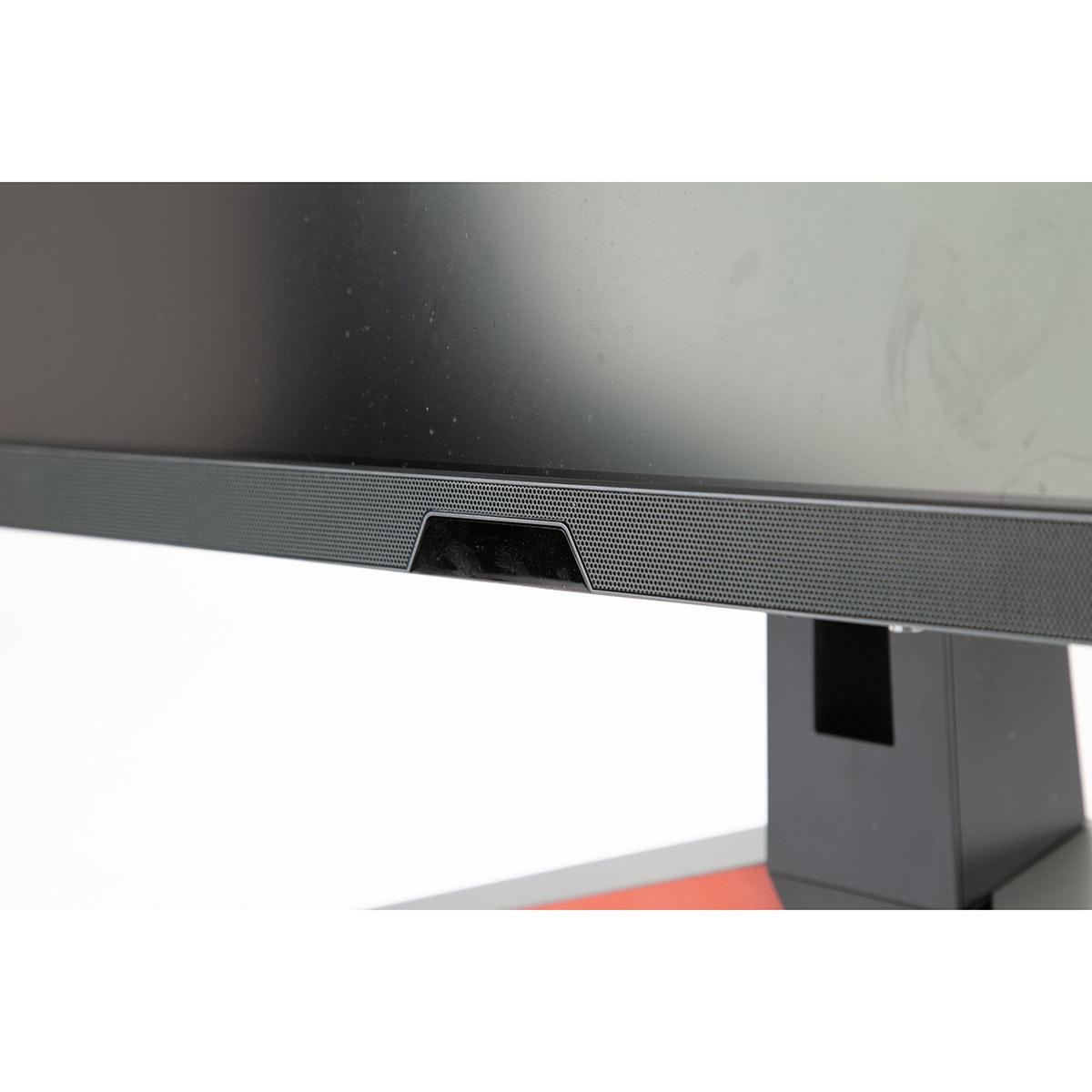
One area where the BenQ monitor truly distinguishes itself is audio. Unlike most gaming monitors that include barely functional speakers as an afterthought, BenQ has equipped this model with a genuine 2.1 speaker system featuring two 2W speakers and a dedicated 5W subwoofer. The audio is tuned by BenQ's treVolo audio division and provides surprisingly good sound quality for a monitor – though it still won't replace a dedicated sound system.
The BenQ model also includes several unique features like a remote control for easy settings adjustment and Brightness Intelligence Plus, which uses a front-facing sensor to automatically adjust brightness and color temperature based on room lighting. These features make it more versatile for mixed-use scenarios beyond just gaming.
Both monitors offer comprehensive connectivity with HDMI 2.1 and DisplayPort options. The HDMI 2.1 support is particularly valuable for console gaming, enabling full 1440p resolution at 120Hz on PlayStation 5 and Xbox Series X, with features like Variable Refresh Rate and Auto Low Latency Mode working seamlessly.
If you plan to use your monitor for movie watching or as a secondary TV, the panel technology choice becomes even more critical. The MSI QD-OLED monitor provides a cinema-like experience with perfect blacks that make dark movie scenes appear truly dramatic. Night scenes in films reveal details that would be washed out by LCD backlight bleed, and the wide color gamut displays movies as directors intended.
However, OLED's lower typical brightness means it's best suited for dark or dim viewing environments. Bright rooms can wash out the image, reducing the impact of that perfect contrast. The glossy finish of OLED panels can also create reflections in bright rooms.
The BenQ IPS monitor handles bright room viewing better thanks to its higher typical brightness and anti-glare coating. It's more versatile for different viewing conditions, though it can't match OLED's dramatic contrast in dark scenes. The built-in audio system is a genuine convenience for casual media consumption, eliminating the need for external speakers in many situations.
The BenQ monitor launched in 2023 when high-refresh 1440p IPS panels were reaching maturity. Since then, IPS technology has continued refining color accuracy and response times, but hasn't seen revolutionary changes. The monitor represents the peak of what's achievable with this established technology.
The MSI QD-OLED model arrived in 2025 with third-generation QD-OLED panels that address many early OLED concerns. These newer panels include better burn-in resistance, improved brightness handling, and more sophisticated pixel management systems. QD-OLED technology continues evolving rapidly, with each generation bringing meaningful improvements.
Looking forward, OLED technology is likely to see continued brightness improvements and even better burn-in resistance, while IPS development focuses more on incremental refinements. The MSI monitor represents a more future-oriented purchase, while the BenQ model offers proven, mature technology.
The choice between these monitors ultimately comes down to your priorities, usage patterns, and budget tolerance. If you primarily game in a dark or dim room and want the absolute best visual quality with perfect blacks and vibrant colors, the MSI QD-OLED monitor provides an experience that LCD technology simply cannot match. The ultra-fast response times also give it a slight edge for competitive gaming, though both monitors perform excellently in this regard.
However, if you value versatility, proven reliability, and want excellent performance without premium pricing, the BenQ IPS monitor offers compelling advantages. Its better bright-room performance, built-in audio system, and lack of burn-in concerns make it more suitable for mixed-use scenarios. At the time of writing, it also provides significantly better value for money.
Consider your viewing environment carefully. If you have large windows or bright overhead lighting in your gaming area, IPS technology's higher brightness will serve you better. If you can control lighting or prefer gaming in darker environments, OLED's superior contrast will be more impactful.
Both monitors represent excellent choices within their respective technologies, delivering the high refresh rates and responsive performance that serious gamers demand. Your decision should align with whether you prioritize cutting-edge visual technology or proven reliability and versatility at a more accessible price point.
| MSI MAG 271QP QD-OLED X24 | BenQ MOBIUZ EX270QM |
|---|---|
| Panel Technology - Determines contrast, colors, and viewing experience | |
| QD-OLED (perfect blacks, infinite contrast) | IPS LCD (consistent brightness, no burn-in risk) |
| Response Time - Critical for competitive gaming and motion clarity | |
| 0.03ms GtG (virtually instantaneous pixel switching) | 1ms GtG with 0.7ms input lag (excellent for IPS) |
| Peak Brightness - Affects HDR impact and bright room usability | |
| 1000 nits peak, 250 nits typical (best in dark rooms) | 600 nits peak, 400 nits typical (better for bright rooms) |
| Contrast Ratio - Determines depth and realism in dark scenes | |
| Infinite contrast (true blacks when pixels turn off) | 1000:1 typical (limited by LCD backlight bleed) |
| Color Gamut - Affects color vibrancy and accuracy | |
| 138% sRGB, 99% DCI-P3 (cinema-grade colors) | 98% DCI-P3 (excellent color reproduction) |
| HDR Certification - Indicates HDR performance quality | |
| VESA DisplayHDR True Black 400 (authentic HDR) | VESA DisplayHDR 600 (good for IPS technology) |
| Burn-in Risk - Long-term reliability consideration | |
| Potential risk with OLED Care 2.0 protection + 3-year burn-in warranty | No burn-in risk with LCD technology |
| Audio System - Built-in sound quality | |
| Basic speakers (external audio recommended) | 2.1 system with subwoofer (surprisingly good quality) |
| Release Year - Technology generation and future-proofing | |
| 2025 (latest QD-OLED advances) | 2023 (mature IPS technology) |
| Best Use Case - Ideal buyer profile | |
| Dark room gaming, visual quality priority | Versatile use, bright rooms, value-focused |
Both the MSI MAG 271QP QD-OLED X24 and BenQ MOBIUZ EX270QM offer excellent gaming performance with 240Hz refresh rates. The MSI QD-OLED monitor has a slight edge with its 0.03ms response time compared to the BenQ's 1ms response time. However, both provide smooth, competitive gaming experiences with minimal input lag.
The key difference is how they create light and contrast. The MSI QD-OLED monitor has pixels that turn completely off for perfect blacks and infinite contrast, while the BenQ IPS monitor uses a backlight that's always on, resulting in some light bleed but more consistent brightness across the screen.
The MSI MAG 271QP QD-OLED X24 excels in dark rooms due to its perfect black levels and infinite contrast ratio. Dark game scenes appear more realistic with better shadow detail. The BenQ MOBIUZ EX270QM is still good but cannot match the dramatic contrast that OLED technology provides.
The BenQ MOBIUZ EX270QM performs better in bright environments with its higher typical brightness of 400 nits compared to the MSI's 250 nits. The BenQ monitor also has better anti-glare properties, making it more versatile for various lighting conditions.
Yes, both support HDR but differently. The MSI QD-OLED monitor has DisplayHDR True Black 400 certification with perfect blacks for authentic HDR, while the BenQ IPS monitor offers DisplayHDR 600 with higher peak brightness but limited contrast compared to the MSI model.
The BenQ MOBIUZ EX270QM has significantly better audio with a 2.1 speaker system including a 5W subwoofer, providing surprisingly good sound quality. The MSI MAG 271QP QD-OLED X24 has basic speakers that most users will want to supplement with external audio.
Only the MSI QD-OLED monitor has potential burn-in risks due to its OLED technology, though it includes OLED Care 2.0 protection features and a 3-year burn-in warranty. The BenQ IPS monitor has no burn-in concerns whatsoever, making it more carefree for long-term use.
The MSI MAG 271QP QD-OLED X24 provides wider color coverage with 138% sRGB and 99% DCI-P3, offering more vibrant and cinema-accurate colors. The BenQ MOBIUZ EX270QM still offers excellent color accuracy with 98% DCI-P3 coverage, suitable for both gaming and content creation.
Both the MSI QD-OLED and BenQ IPS monitor support HDMI 2.1, making them compatible with PlayStation 5 and Xbox Series X at 1440p 120Hz. They both include features like Variable Refresh Rate and Auto Low Latency Mode for optimal console gaming.
For movie watching, the MSI MAG 271QP QD-OLED X24 provides a more cinematic experience with perfect blacks and wide color gamut, especially in dark viewing environments. The BenQ MOBIUZ EX270QM is better for bright room movie watching and includes superior built-in audio with its subwoofer system.
Value depends on your priorities. The BenQ MOBIUZ EX270QM typically offers better price-to-performance ratio with proven reliability and comprehensive features. The MSI QD-OLED monitor commands a premium for cutting-edge display technology and superior visual quality.
Both excel for competitive gaming, but the MSI MAG 271QP QD-OLED X24 has a slight advantage with its 0.03ms response time and perfect motion clarity. However, the BenQ MOBIUZ EX270QM also provides excellent competitive performance and may be preferred by users who want proven reliability without OLED considerations.
We've done our best to create useful and informative comparisons to help you decide what product to buy. Our research uses advanced automated methods to create this comparison and perfection is not possible - please contact us for corrections or questions. These are the sites we've researched in the creation of this article: bestbuy.com - youtube.com - xda-developers.com - newegg.com - notebookcheck.net - displayninja.com - ign.com - rtings.com - cdw.com - microcenter.com - bestbuy.com - us.msi.com - colamco.com - msi.com - msi.com - displayspecifications.com - msi.com - storage-asset.msi.com - msi.com - us.msi.com - displayspecifications.com - bgeek.eu - youtube.com - tomshardware.com - youtube.com - t3.com - versus.com - pcgamer.com - versus.com - gamesradar.com - pangoly.com - benq.eu - techaeris.com - shi.com - benq.com - bestbuy.com - benq.com - displayspecifications.com - benq.com - benq.eu - bhphotovideo.com - benq.com

Privacy Policy
Terms and Conditions - Affiliate Policy
Home Security
© Copyright 2008-2026.
11816 Inwood Rd #1211, Dallas, TX 75244