















When you're shopping for a premium gaming monitor in 2024 and beyond, QD-OLED technology represents the absolute pinnacle of what's available. These displays combine the perfect blacks and instant response times of OLED panels with the vibrant, accurate colors that quantum dot technology provides. It's like getting the best of both worlds – the contrast that makes your games look cinematic and the color accuracy that brings every detail to life.
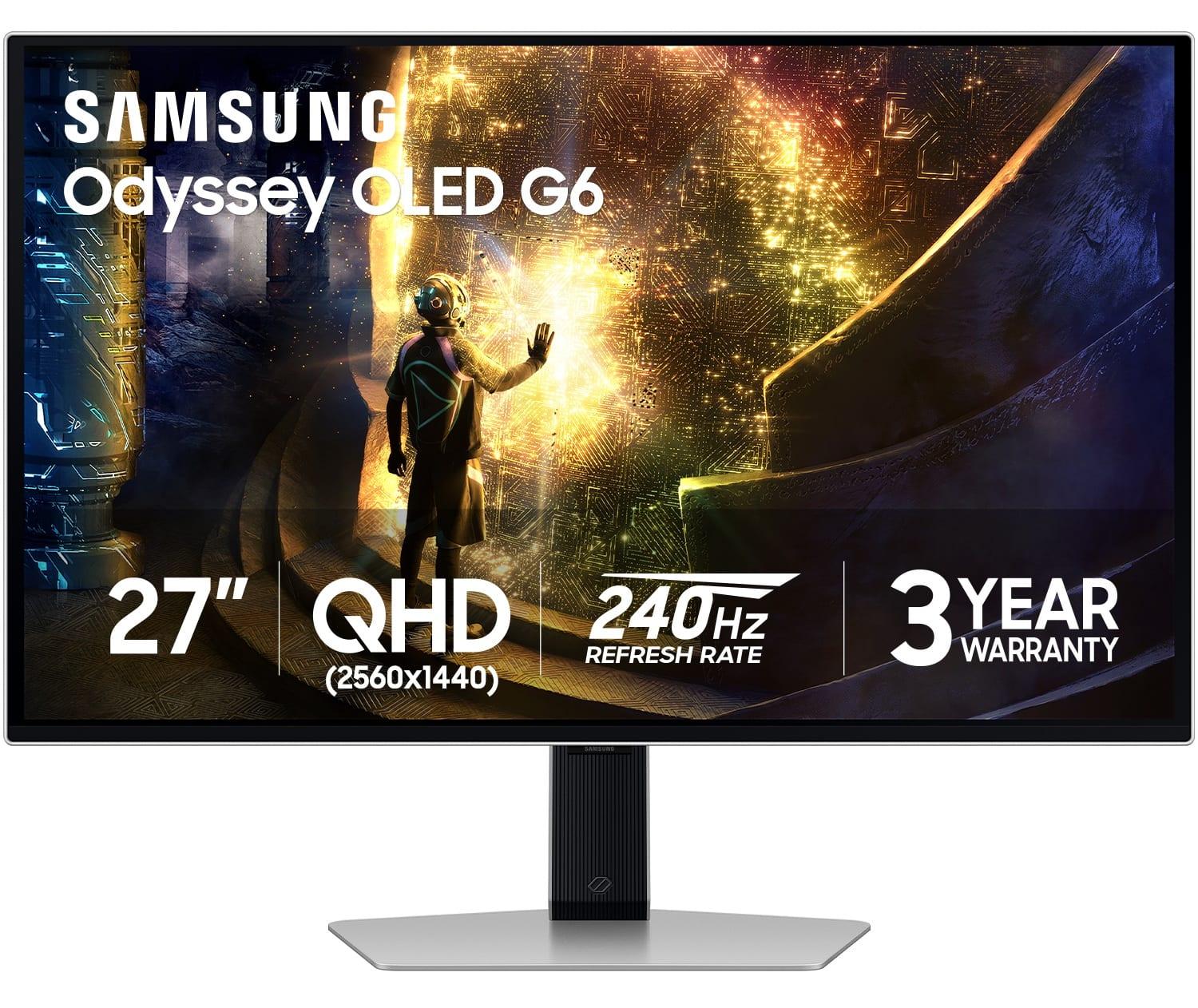
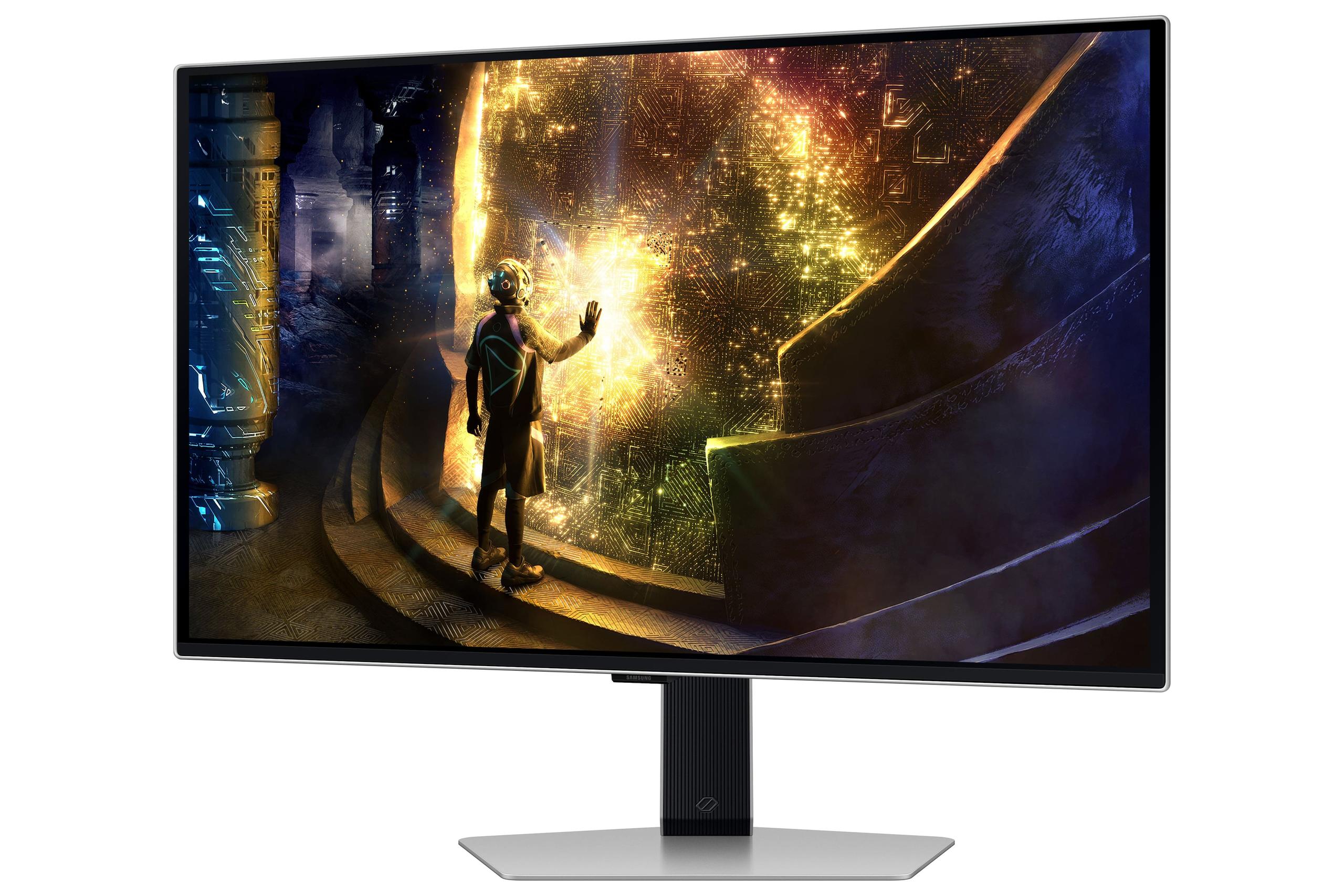
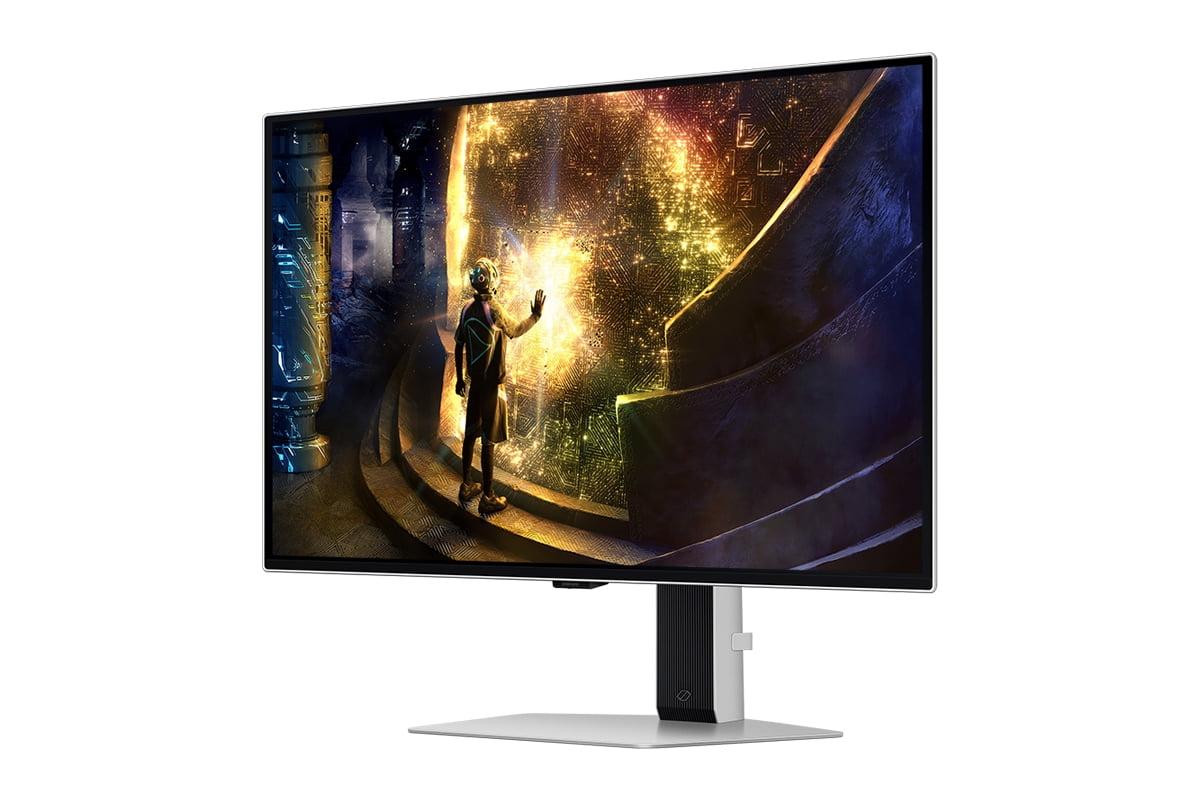
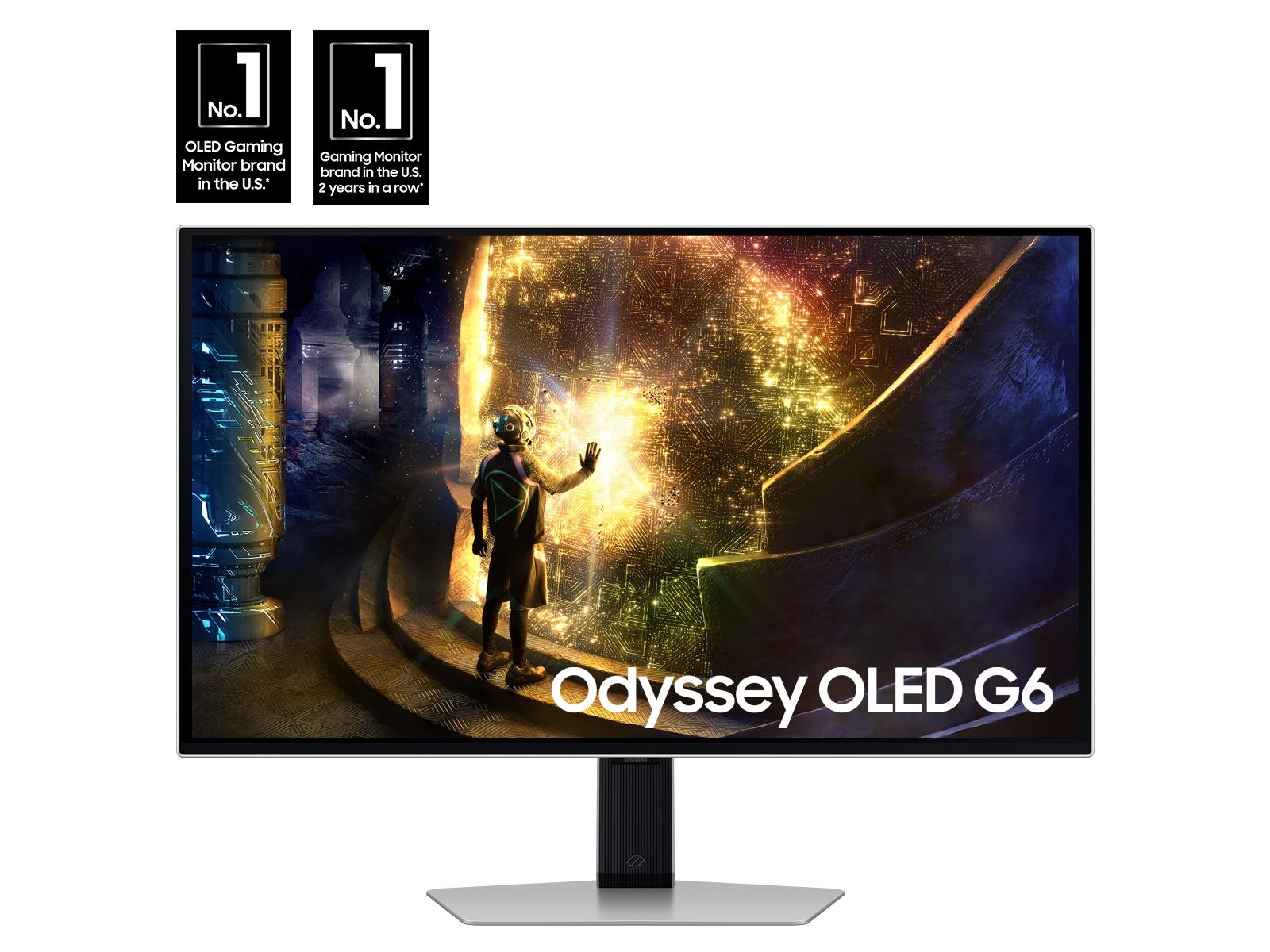
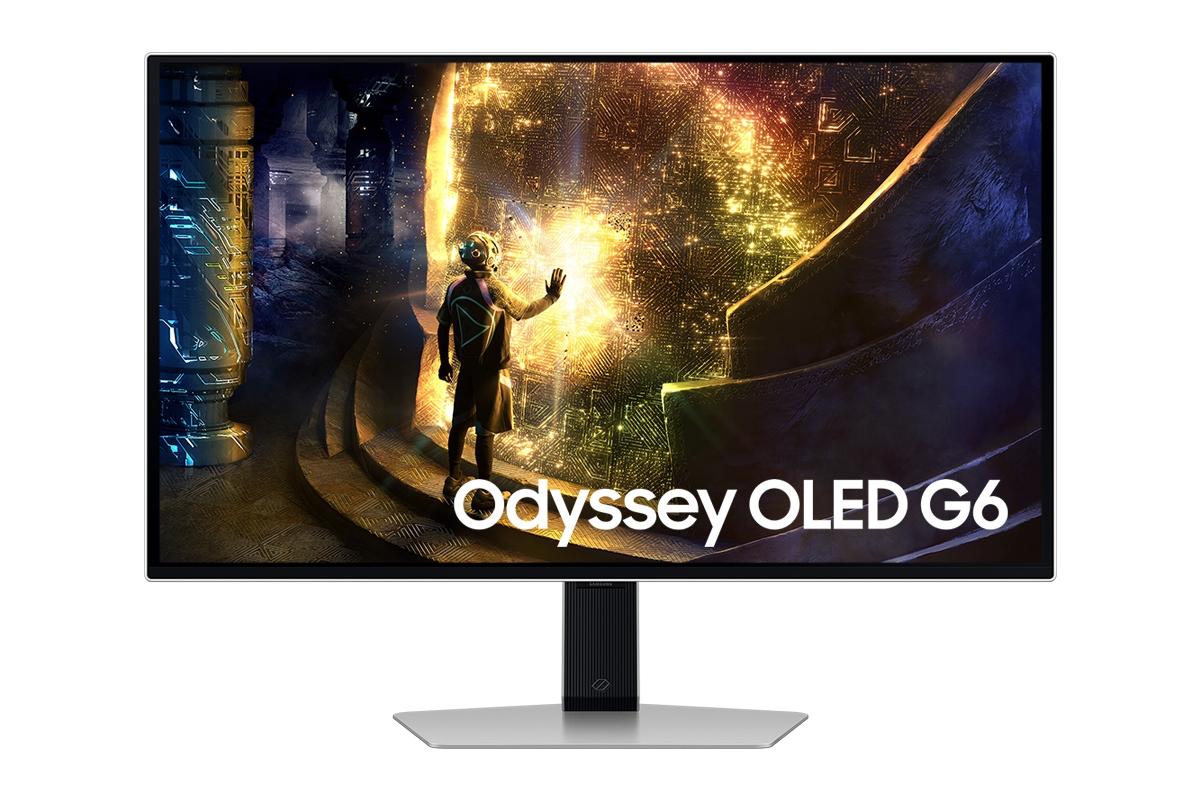
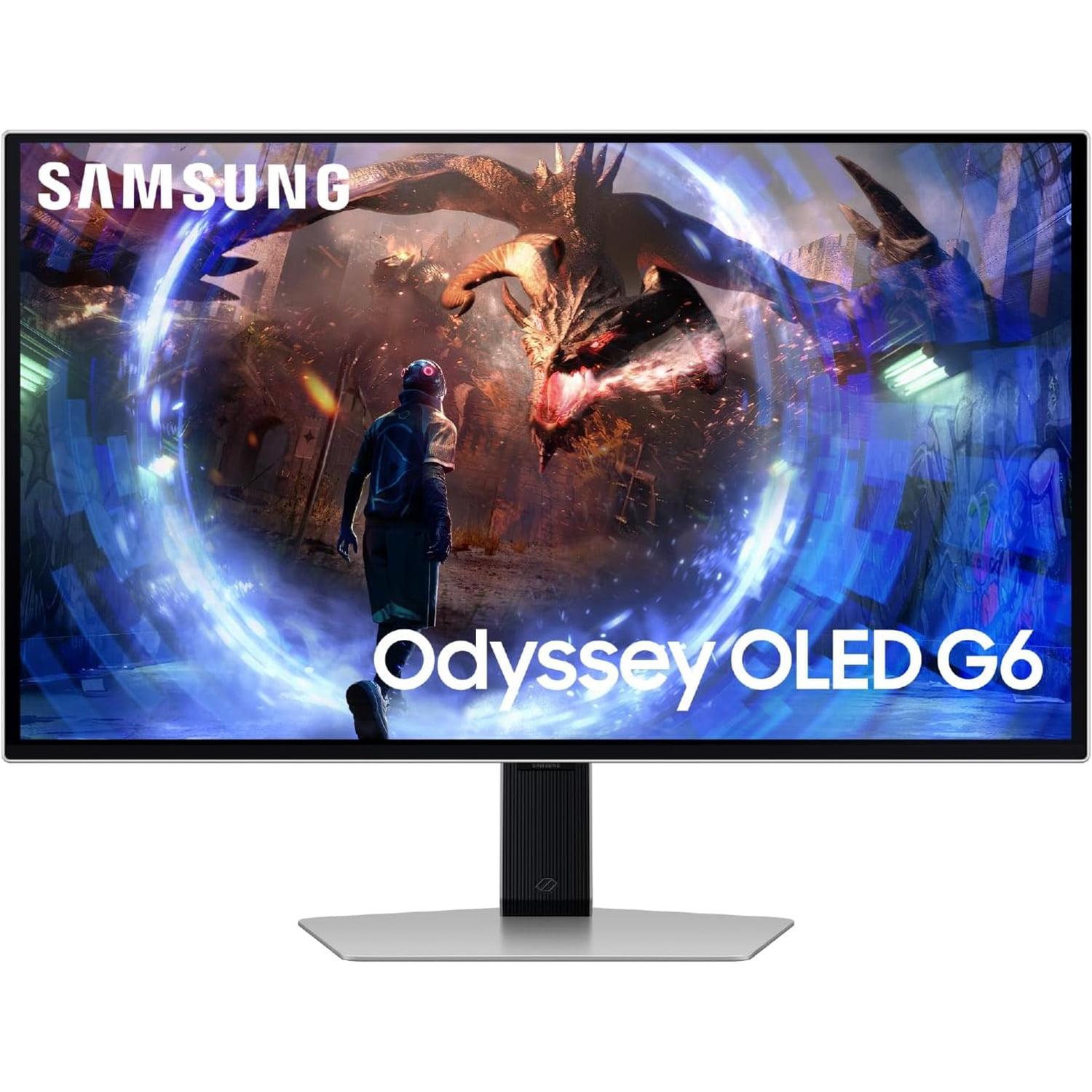
Today, we're comparing two standout options: the MSI MAG 271QP QD-OLED X24 and the Samsung 27" Odyssey OLED G6. Both arrived on the market in recent years, with the MSI launching in 2024 as part of their strategy to make QD-OLED technology more accessible to serious gamers. The Samsung G6 also debuted in 2024, representing Samsung's push into the high-refresh-rate OLED gaming space.
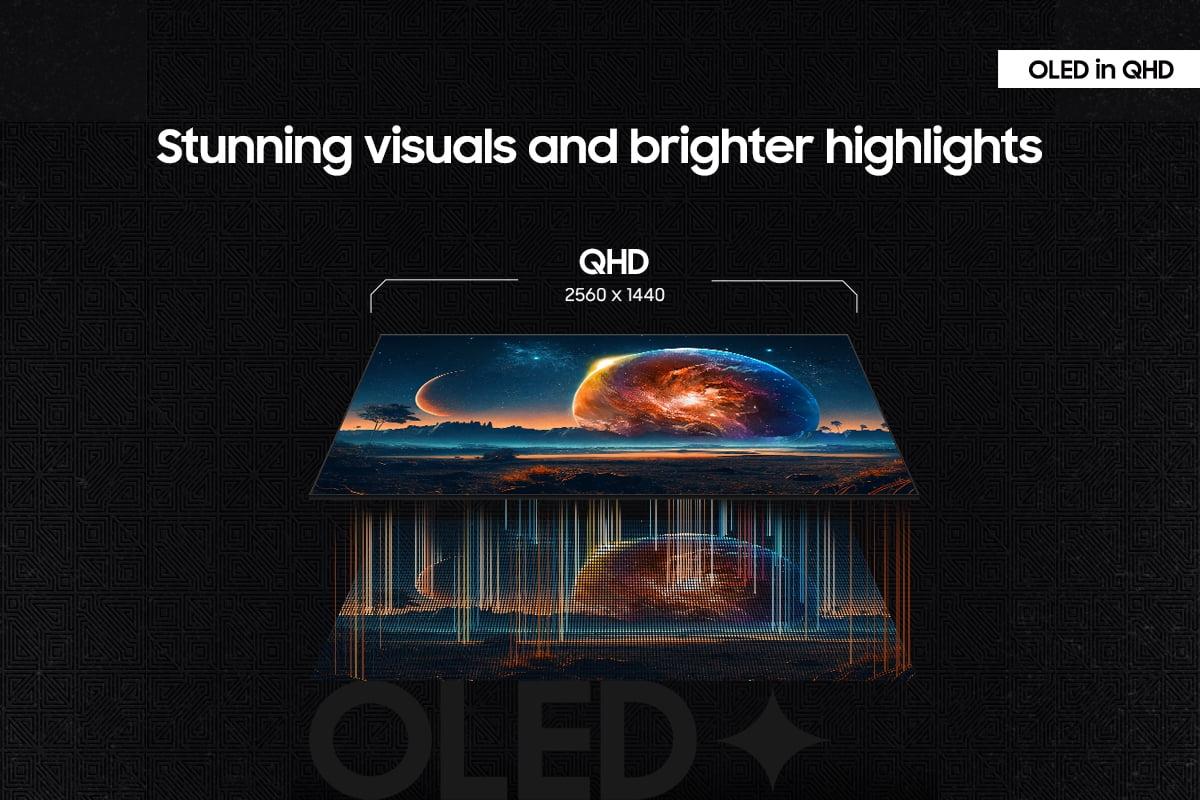
Before diving into the comparison, let's talk about what makes QD-OLED special. Traditional LCD monitors use a backlight that shines through liquid crystal cells – think of it like a flashlight behind a stained glass window. OLED panels, on the other hand, have pixels that generate their own light, allowing them to turn completely off for true black levels. QD-OLED takes this further by adding a quantum dot layer that converts blue OLED light into incredibly pure red and green colors.
The result? You get contrast ratios exceeding 1,000,000:1 (compared to maybe 1,000:1 on a good LCD), response times measured in fractions of milliseconds, and color reproduction that covers professional standards like 99% DCI-P3 – the same color space used in movie theaters.
When shopping in this category, you're primarily balancing refresh rate against other features. Higher refresh rates mean smoother motion and less input lag, but they also demand more from your graphics card and typically cost more. You'll also want to consider burn-in protection (since OLED panels can develop permanent image retention if the same content stays on screen too long), thermal management, and connectivity options.
Here's where these two monitors diverge most dramatically. The MSI MAG 271QP QD-OLED X24 operates at 240Hz, while the Samsung Odyssey OLED G6 pushes that to 360Hz. But what does this actually mean for your gaming experience?
At 240Hz, your monitor refreshes the image 240 times per second, displaying a new frame every 4.17 milliseconds. The Samsung G6 cuts that down to 2.78 milliseconds between frames. In competitive shooters like Counter-Strike 2 or Valorant, this difference becomes tangible. When you're tracking an opponent moving across your screen, the 360Hz display provides 50% more visual information about their position.
However – and this is important – your graphics card needs to actually output that many frames for you to see the benefit. If your GPU is delivering 180 frames per second in your favorite game, both monitors will look nearly identical. The Samsung G6's advantage only appears when you can consistently push frame rates above 240 FPS, which typically requires high-end hardware like an RTX 4080 or better.
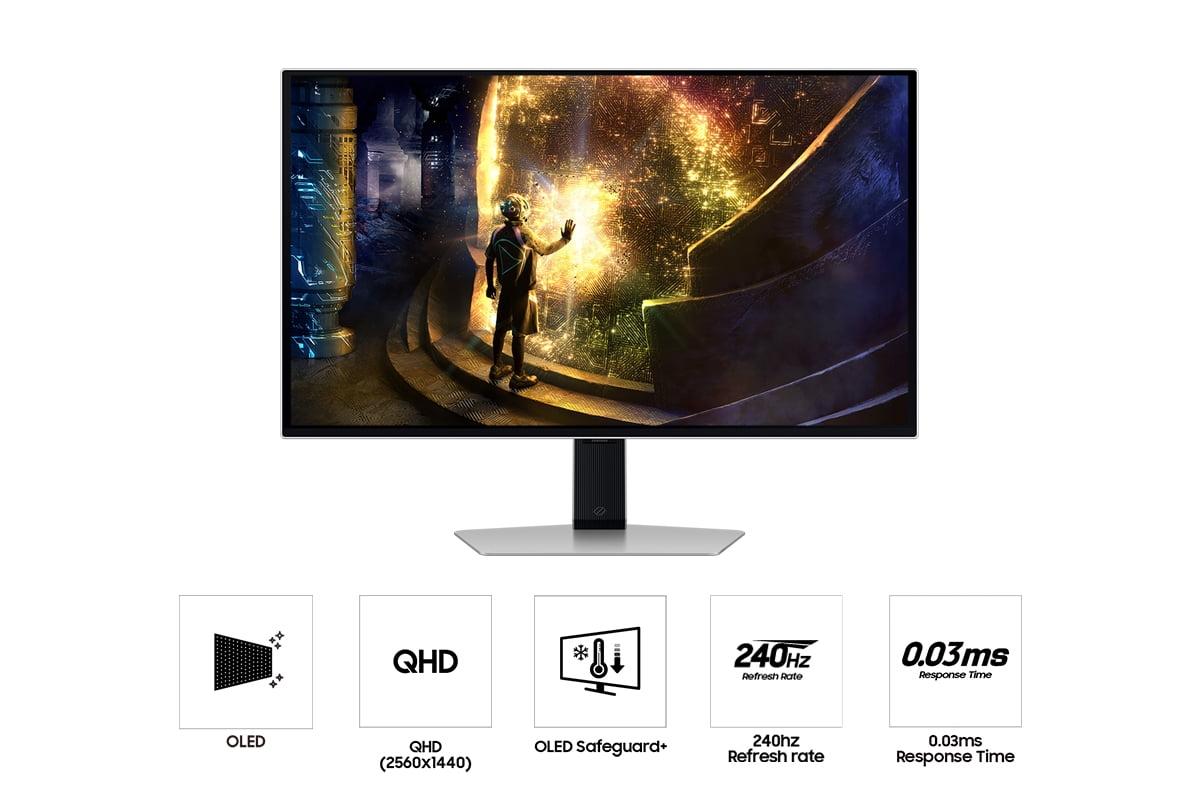
Both monitors share the same lightning-fast 0.03ms gray-to-gray response time, which means individual pixels change color almost instantaneously. This eliminates the ghosting or blur you might see behind moving objects on slower panels.
The Samsung G6 also includes some gaming-specific features that complement its high refresh rate. VRR Control reduces the flicker that can occur when your frame rate varies (common when adaptive sync technologies like FreeSync are active), while Virtual Aim Point overlays a customizable crosshair directly from the monitor – useful in games that don't provide one.
When it comes to pure image quality, the MSI MAG 271QP QD-OLED X24 takes a slight edge in color reproduction. Its quantum dot implementation covers 98% of the Adobe RGB color space – a professional standard used in photography and design – compared to the Samsung G6's focus on the 99% DCI-P3 coverage that's more gaming-oriented.
What does this mean practically? The MSI monitor will display a wider range of green and cyan colors, making it particularly appealing if you also do photo editing or content creation. Its factory calibration achieves Delta E values under 2, meaning colors are accurate enough for professional work right out of the box.
The Samsung G6 focuses more on gaming-optimized HDR performance. Its HDR10+ Gaming support includes dynamic metadata – essentially, instructions that tell the monitor how to adjust brightness and color for each scene in real-time. This creates more dramatic lighting effects in supported games, though the feature requires specific game support to work properly.
Both monitors achieve similar peak brightness levels around 1000 nits in small highlights (like the sun reflecting off a car in a racing game), but their approach to full-screen content differs. The MSI model maintains slightly higher sustained brightness across larger areas, while the Samsung G6 uses more aggressive dimming algorithms to prevent overheating.
One area where the Samsung G6 clearly wins is glare reduction. Its "OLED Glare Free" coating uses a matte finish that significantly reduces reflections from room lighting or windows. Traditional OLED monitors can look washed out in bright rooms due to their glossy surfaces, but Samsung's approach maintains the deep blacks while minimizing distractions from ambient light.
OLED burn-in – permanent image retention from static elements like taskbars or game HUDs – remains a concern for many buyers. Both manufacturers have developed comprehensive protection systems, but they take different approaches.
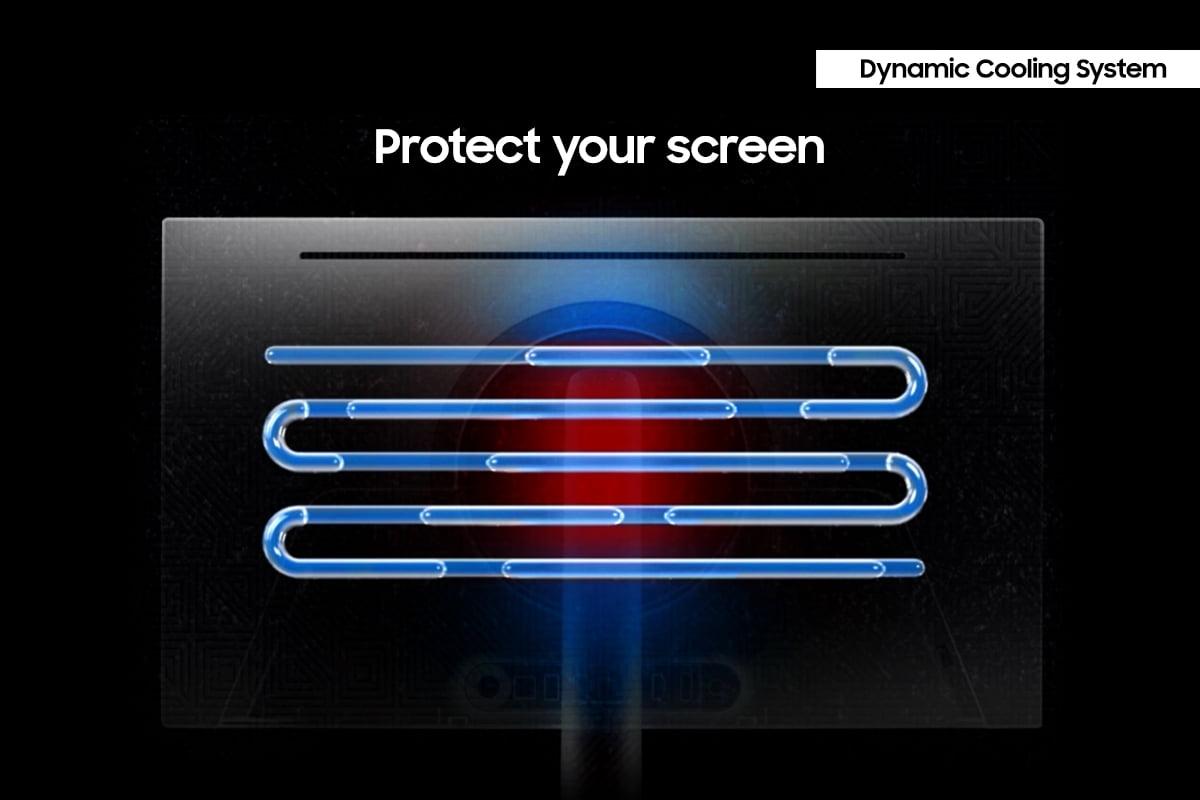
Samsung's solution is more hardware-focused. The Odyssey OLED G6 includes what Samsung calls a "Dynamic Cooling System" with a pulsating heat pipe filled with evaporating coolant. This actively moves heat away from the OLED panel – Samsung claims it's five times more effective than the graphite sheets used in previous designs. The monitor also uses thermal modulation algorithms that predict surface temperature and automatically adjust brightness before hot spots can develop.
The MSI MAG 271QP QD-OLED X24 relies more heavily on software protection through its "OLED Care 2.0" suite. This includes intelligent detection of static elements like logos, taskbars, and game HUDs, automatically dimming these areas or shifting them slightly to prevent permanent retention. The monitor also uses advanced graphene film cooling – a fanless solution that conducts heat away efficiently while maintaining silent operation.
Both approaches work well in practice, but Samsung's active cooling gives me more confidence for extended gaming sessions, especially when pushing that 360Hz refresh rate which generates more heat. Both companies back their monitors with warranties that specifically cover burn-in under normal usage conditions.
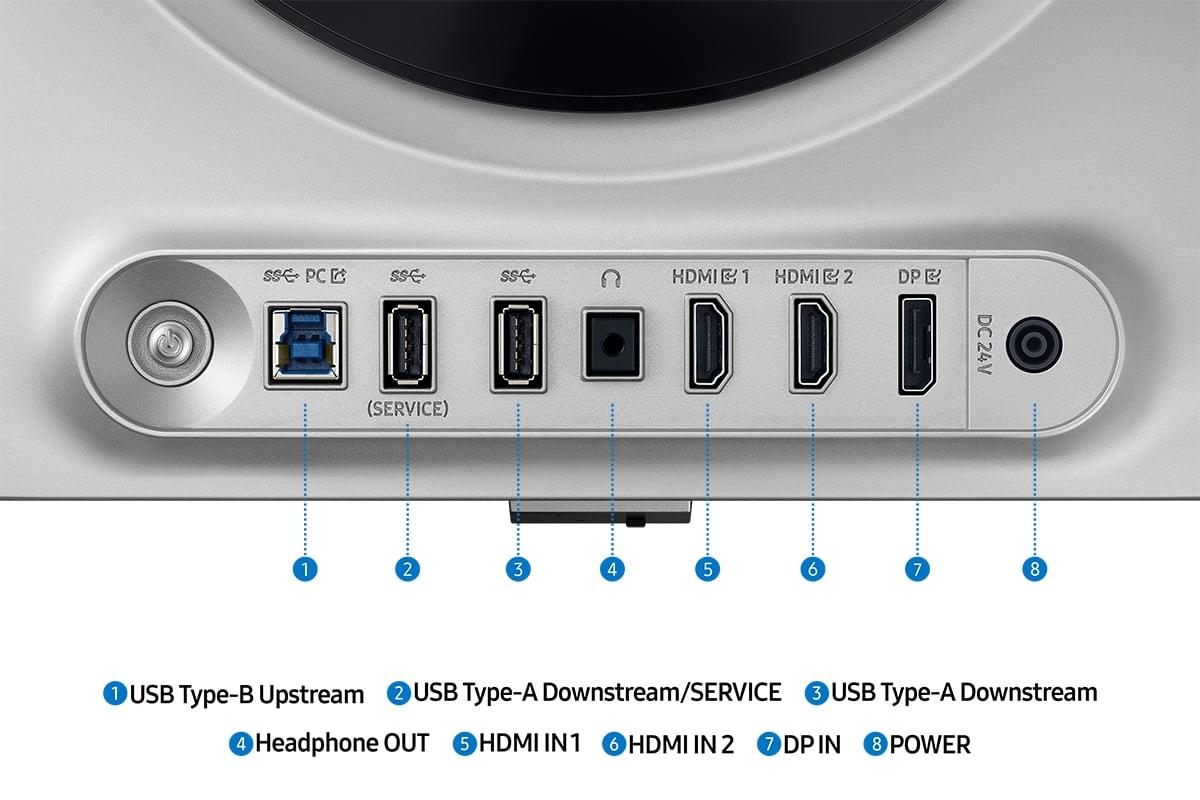
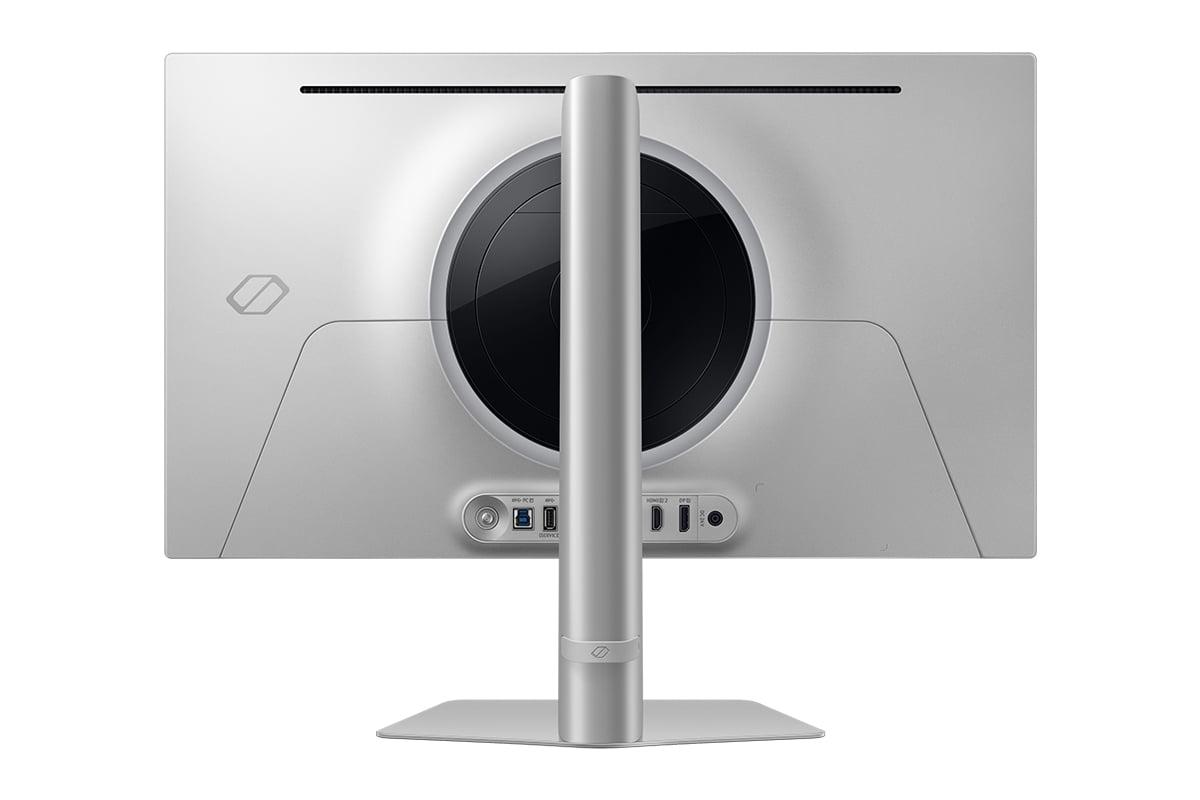
Here's where the value proposition becomes clearer. The Samsung Odyssey OLED G6 includes a two-port USB 3.0 hub, letting you connect peripherals like your mouse, keyboard, or gaming headset directly to the monitor. This might seem minor, but it's incredibly convenient – especially if your PC sits under a desk where ports are hard to reach.
The MSI MAG 271QP QD-OLED X24 strips out the USB hub as a cost-saving measure (it's actually a simplified version of MSI's higher-end E2 model). You'll need to connect peripherals directly to your PC or use a separate USB hub.
Both monitors provide excellent console compatibility with their HDMI 2.1 ports supporting the full 48Gbps bandwidth. This means PlayStation 5 and Xbox Series X can output 4K at 120Hz or the native 1440p at higher refresh rates with variable refresh rate support enabled.
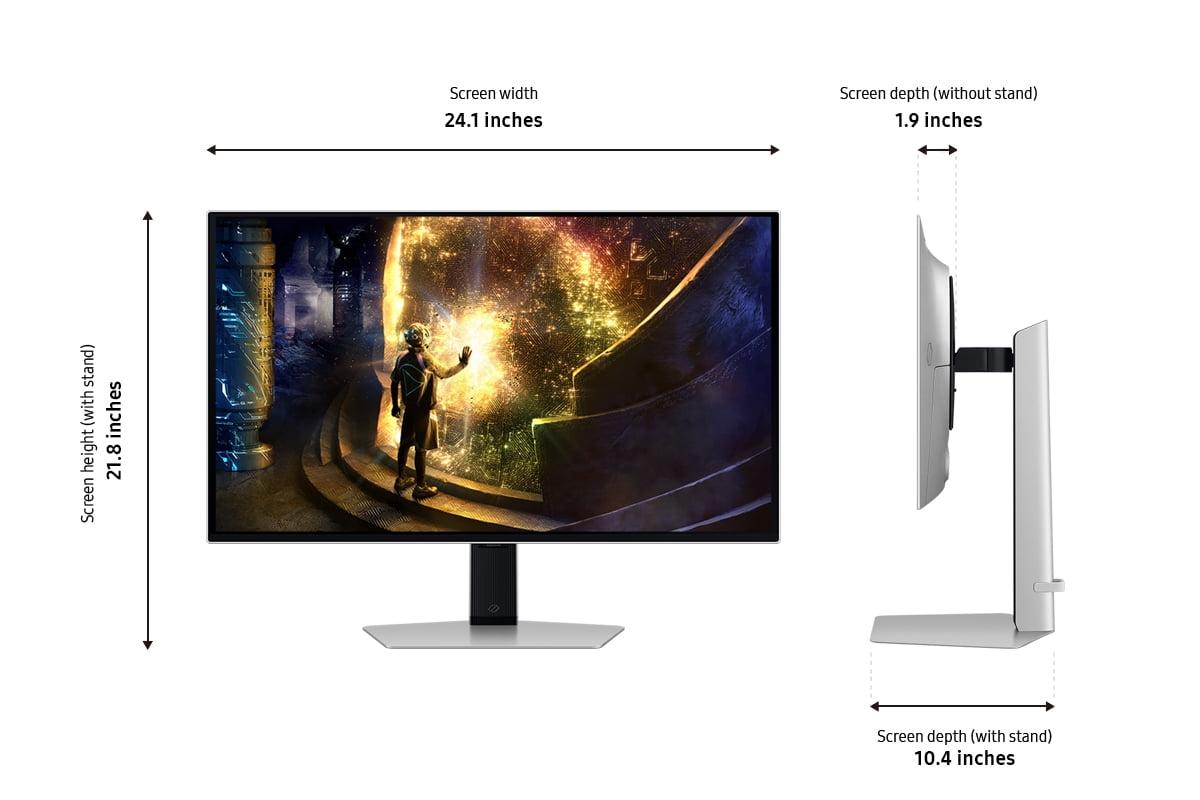
For ergonomics, both offer comprehensive adjustment options – height, tilt, swivel, and pivot. The stands feel solid and stable, important when you're investing this much in a display. Both also support VESA mounting if you prefer an arm or wall mount setup.
While these are gaming monitors first, their OLED technology makes them surprisingly capable for movie watching and streaming. The perfect blacks create an almost theater-like experience in dark rooms, and the wide color gamuts ensure films look as directors intended.
The MSI monitor's superior color accuracy gives it an edge for movie watching, especially HDR content. Its coverage of professional color standards means you're seeing a more faithful representation of the original content. However, the 27-inch size limits the cinematic experience compared to larger displays.
The Samsung G6's glare-free coating becomes particularly valuable in living room setups where you can't always control ambient lighting. Its HDR10+ support also benefits streaming content, though you'll want to check that your streaming apps actually support the enhanced metadata.
Neither monitor includes built-in speakers worth mentioning (the Samsung technically has none), so you'll want a dedicated audio solution for home theater use.
When evaluating these monitors, focus on these key measurements:
Input lag is the delay between your mouse click and the action appearing on screen. Both monitors achieve sub-1ms input lag at their native refresh rates – essentially instantaneous for human perception.
Motion clarity is measured by VESA's ClearMR standard, where higher numbers indicate less motion blur. The MSI monitor achieves ClearMR 13000 certification, while the Samsung G6 likely performs similarly though specific certification wasn't available at time of writing.
Color accuracy is measured in Delta E values, where lower is better. The MSI monitor achieves Delta E < 2 out of the box, professional-grade accuracy. The Samsung G6 focuses more on gaming-optimized color profiles that emphasize impact over strict accuracy.
HDR performance varies significantly between panels. Both can hit similar peak brightness numbers, but the Samsung G6's HDR10+ Gaming implementation provides more dynamic range in supported titles.
At the time of writing, the MSI MAG 271QP QD-OLED X24 positions itself as the value leader in the QD-OLED space, typically pricing several hundred dollars below comparable options. This makes it appealing for enthusiasts who want flagship display technology without the absolute premium pricing.
The Samsung Odyssey OLED G6 commands a higher price but justifies it with that 360Hz refresh rate, superior thermal management, USB hub functionality, and gaming-specific features like HDR10+ Gaming support.
Choose the MSI monitor if you prioritize color accuracy for mixed usage, want the most affordable entry into QD-OLED technology, or if your graphics card typically doesn't exceed 240 FPS in your games anyway. It's particularly appealing for content creators who game, offering professional-grade color reproduction alongside excellent gaming performance.
The Samsung Odyssey OLED G6 makes sense for competitive gamers with high-end hardware who can actually utilize that 360Hz refresh rate. The USB hub adds real convenience, and the superior thermal management provides peace of mind for long gaming sessions.
Both represent significant upgrades over traditional LCD gaming monitors. The perfect blacks, instant response times, and vibrant colors of QD-OLED technology transform gaming visuals in ways that are immediately apparent. Your choice ultimately comes down to whether you need that extra refresh rate headroom and premium features, or if the MSI's excellent balance of performance and value better fits your needs and budget.
Either way, you'll be getting one of the best gaming displays available today – technology that would have seemed impossibly good just a few years ago, now refined and accessible enough for serious gaming enthusiasts to actually own.
| MSI MAG 271QP QD-OLED X24 | Samsung Odyssey OLED G6 |
|---|---|
| Refresh Rate - Higher numbers mean smoother motion in competitive games | |
| 240Hz (excellent for most gaming scenarios) | 360Hz (cutting-edge for esports with high-end GPUs) |
| Response Time - Lower is better for eliminating motion blur | |
| 0.03ms GtG (virtually instantaneous) | 0.03ms GtG (virtually instantaneous) |
| Color Accuracy - Important for content creation and professional work | |
| 98% Adobe RGB, 138% sRGB, 99% DCI-P3 (superior coverage) | 99% DCI-P3 (gaming-optimized but slightly narrower range) |
| Peak Brightness - Affects HDR impact and daytime visibility | |
| 1000 cd/m² peak, 450 cd/m² sustained HDR | 1000 cd/m² peak, 250-300 cd/m² sustained |
| Burn-in Protection - Critical for OLED longevity with gaming content | |
| OLED Care 2.0 with graphene cooling (software-focused) | Dynamic Cooling System with heat pipe (hardware-focused) |
| HDR Support - Enhanced contrast and color depth for supported games | |
| HDR10, VESA DisplayHDR True Black 400 | HDR10, HDR10+ Gaming with dynamic metadata |
| Anti-Glare Technology - Reduces reflections in bright rooms | |
| Standard glossy OLED finish | OLED Glare Free matte coating (significantly better) |
| Connectivity - USB hub adds convenience for peripherals | |
| 2x HDMI 2.1, 1x DisplayPort 1.4a (no USB hub) | 2x HDMI 2.1, 1x DisplayPort 1.4, 2x USB 3.0 hub |
| Adaptive Sync - Eliminates screen tearing and stuttering | |
| Generic Adaptive Sync support | AMD FreeSync Premium Pro certified |
| Gaming Features - Specialized tools for competitive play | |
| Standard gaming modes and settings | VRR Control, Virtual Aim Point crosshair overlay |
| Factory Calibration - Color accuracy straight out of the box | |
| Delta E ≤ 2 (professional-grade accuracy) | Gaming-optimized profiles (less focus on strict accuracy) |
| Warranty Coverage - Protection against OLED-specific issues | |
| 3 years including burn-in protection | 3 years including burn-in protection |
| Value Positioning - Price-to-performance ratio at time of writing | |
| Most affordable QD-OLED option (excellent value) | Premium pricing for cutting-edge 360Hz performance |
The Samsung Odyssey OLED G6 has a clear advantage for competitive gaming with its 360Hz refresh rate compared to the MSI MAG 271QP QD-OLED X24's 240Hz. The Samsung also includes gaming-specific features like VRR Control to reduce flicker and Virtual Aim Point for crosshair overlay. However, you'll need a high-end GPU that can actually output over 240 FPS to benefit from the Samsung G6's higher refresh rate.
Both monitors use QD-OLED technology and offer excellent image quality, but there are differences. The MSI MAG 271QP QD-OLED X24 has superior color accuracy with 98% Adobe RGB coverage and Delta E ≤ 2 calibration, making it better for content creation. The Samsung Odyssey OLED G6 focuses more on gaming visuals with HDR10+ Gaming support and has better glare reduction with its matte coating.
The MSI MAG 271QP QD-OLED X24 typically offers better value as the most affordable QD-OLED monitor available. You get excellent gaming performance, superior color accuracy, and professional-grade features at a lower price point. The Samsung Odyssey OLED G6 costs more but provides cutting-edge 360Hz performance and premium features like USB hub connectivity.
Both monitors include comprehensive burn-in protection but use different approaches. The MSI MAG 271QP QD-OLED X24 uses OLED Care 2.0 software with intelligent detection of static elements and graphene film cooling. The Samsung Odyssey OLED G6 employs hardware-focused protection with a Dynamic Cooling System featuring heat pipes and thermal modulation algorithms. Both offer 3-year warranties covering burn-in.
Yes, both monitors work excellently with PlayStation 5 and Xbox Series X through their HDMI 2.1 ports. The Samsung Odyssey OLED G6 and MSI MAG 271QP QD-OLED X24 both support 1440p at high refresh rates, 4K at 120Hz, and variable refresh rate technology for console gaming.
The MSI MAG 271QP QD-OLED X24 is superior for content creation due to its wider color gamut covering 98% Adobe RGB and professional-grade factory calibration with Delta E ≤ 2 accuracy. The Samsung Odyssey OLED G6 is optimized more for gaming visuals rather than strict color accuracy requirements.
For the MSI MAG 271QP QD-OLED X24 at 240Hz, you'll want at least an RTX 4070 or RX 7800 XT for most games. The Samsung Odyssey OLED G6 requires even more powerful hardware like RTX 4080 or better to fully utilize its 360Hz capability in demanding games at 1440p resolution.
The Samsung Odyssey OLED G6 offers superior connectivity with a built-in USB 3.0 hub for peripherals, plus headphone jack, alongside the standard display inputs. The MSI MAG 271QP QD-OLED X24 lacks USB ports but includes the same HDMI 2.1 and DisplayPort connections for gaming devices.
The Samsung Odyssey OLED G6 performs significantly better in bright environments thanks to its OLED Glare Free matte coating that reduces reflections. The MSI MAG 271QP QD-OLED X24 has a traditional glossy OLED finish that can show reflections and appear washed out in rooms with lots of ambient light.
Both monitors excel at movie watching with perfect OLED blacks and vibrant colors. The MSI MAG 271QP QD-OLED X24 offers more accurate colors for films, while the Samsung Odyssey OLED G6 provides HDR10+ support for compatible streaming content and better performance in brighter viewing environments due to its anti-glare coating.
Both monitors include comprehensive burn-in protection and 3-year warranties, but the Samsung Odyssey OLED G6 may have an edge in longevity due to its superior hardware-based cooling system with active heat pipes. The MSI MAG 271QP QD-OLED X24 uses effective but passive cooling through graphene films and software protection.
Choose the MSI MAG 271QP QD-OLED X24 with 240Hz if you want excellent performance at a better value, or if your GPU typically doesn't exceed 240 FPS. Opt for the Samsung Odyssey OLED G6 with 360Hz only if you're a competitive esports player with high-end hardware who can actually utilize the additional refresh rate and justify the premium cost.
We've done our best to create useful and informative comparisons to help you decide what product to buy. Our research uses advanced automated methods to create this comparison and perfection is not possible - please contact us for corrections or questions. These are the sites we've researched in the creation of this article: bestbuy.com - youtube.com - xda-developers.com - newegg.com - notebookcheck.net - displayninja.com - ign.com - rtings.com - cdw.com - microcenter.com - bestbuy.com - us.msi.com - colamco.com - msi.com - msi.com - displayspecifications.com - msi.com - storage-asset.msi.com - msi.com - us.msi.com - displayspecifications.com - bestbuy.com - gamesradar.com - gamesradar.com - versus.com - lowyat.net - youtube.com - player2.net.au - versus.com - rtings.com - youtube.com - samsung.com - files.bbystatic.com - bestbuy.com - samsung.com - samsung.com - bestbuy.com - de.shi.com - bhphotovideo.com - pangoly.com - youtube.com

Privacy Policy
Terms and Conditions - Affiliate Policy
Home Security
© Copyright 2008-2026.
11816 Inwood Rd #1211, Dallas, TX 75244