







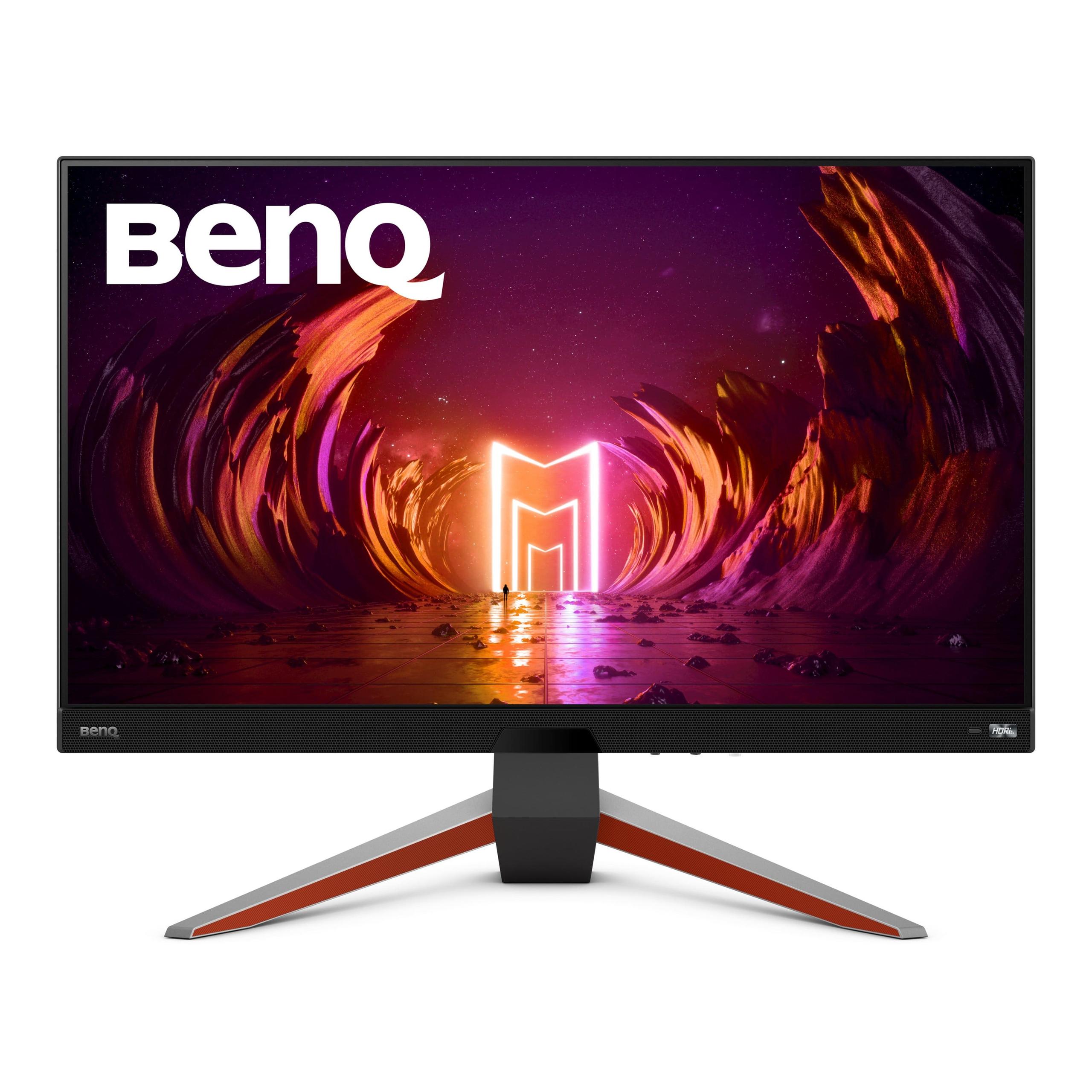
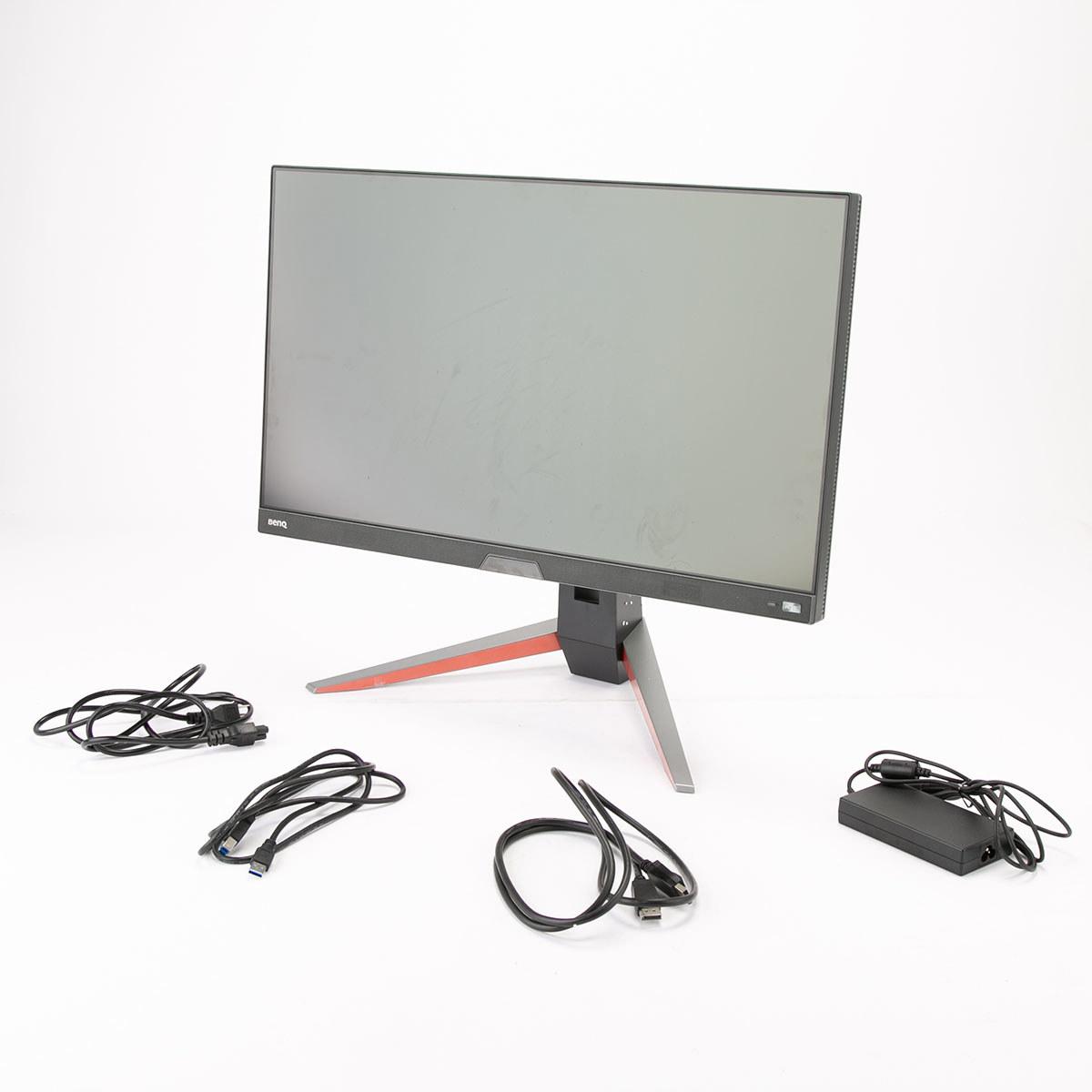
When you're shopping for a gaming monitor in 2024, you'll quickly discover that the market splits into two very different worlds. On one side, you have ultra-budget options like the Sceptre E275W-FW100T that promise gaming features without breaking the bank. On the other, premium monitors like the BenQ MOBIUZ EX270QM offer cutting-edge performance at a premium price. Understanding which category fits your needs—and why the price difference exists—can save you from buyer's remorse.
Gaming monitors aren't just bigger versions of your laptop screen. They're engineered with specific technologies to handle the demands of fast-paced gaming, where every millisecond matters. The key difference lies in three core areas: how quickly they can change what's displayed (refresh rate), how fast individual pixels can switch colors (response time), and how they sync with your graphics card to prevent visual glitches (adaptive sync).
Think of refresh rate like frames per second for your display. A 60Hz monitor updates its image 60 times per second, while a 240Hz monitor like the BenQ EX270QM refreshes 240 times per second. This creates dramatically smoother motion, especially noticeable when tracking moving objects in first-person shooters or racing games.
Response time measures how quickly a pixel can change from one color to another, typically measured in milliseconds (ms). Slower response times create "ghosting"—a blurry trail following moving objects that can make fast-paced gaming frustrating. The difference between a 1ms and 5ms response time might sound tiny, but it's immediately visible during gameplay.
The Sceptre E275W-FW100T, released around 2021, represents the budget gaming monitor philosophy: deliver core gaming features at an accessible price point. At the time of writing, it typically costs under $150, positioning it as an entry-level option for gamers upgrading from basic displays.
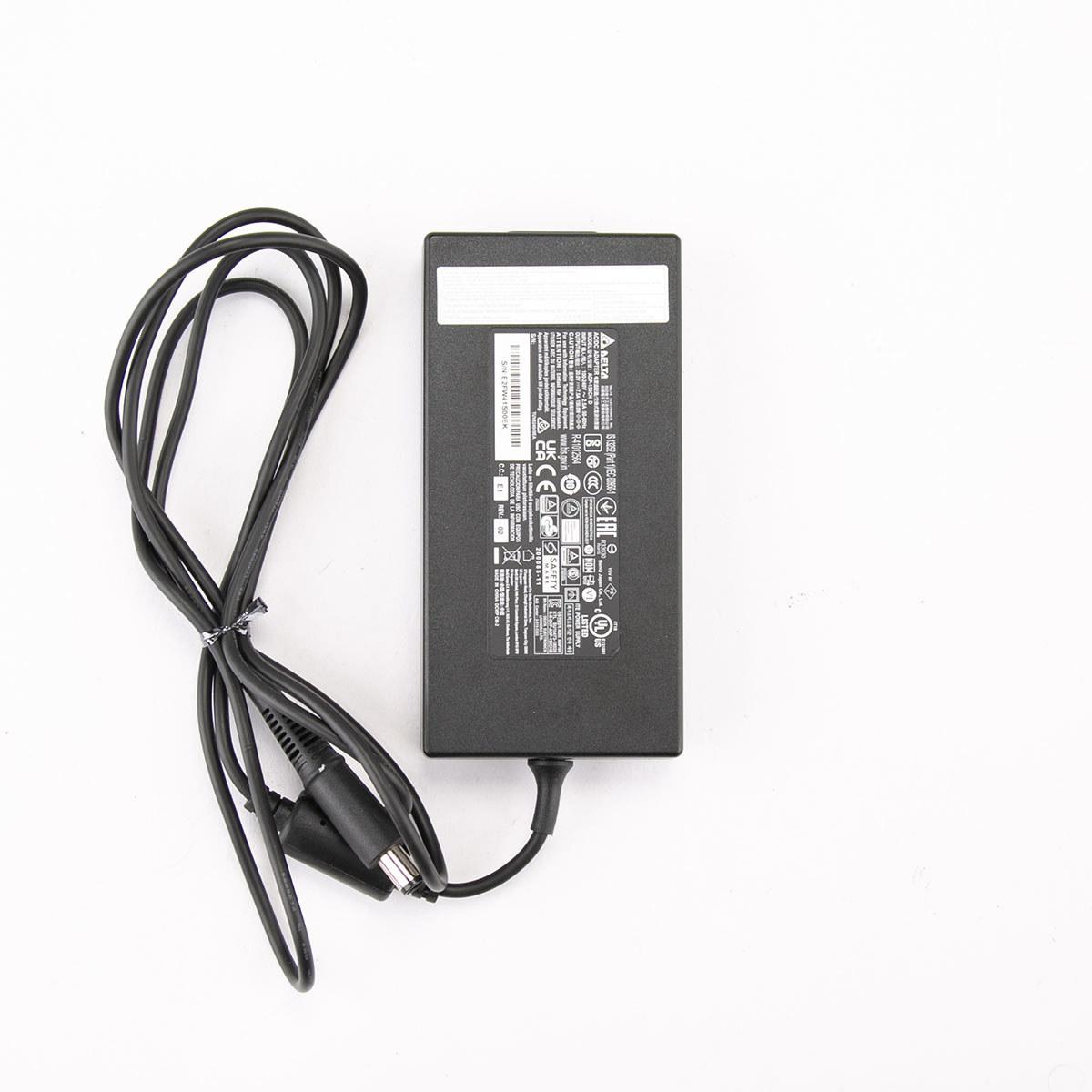
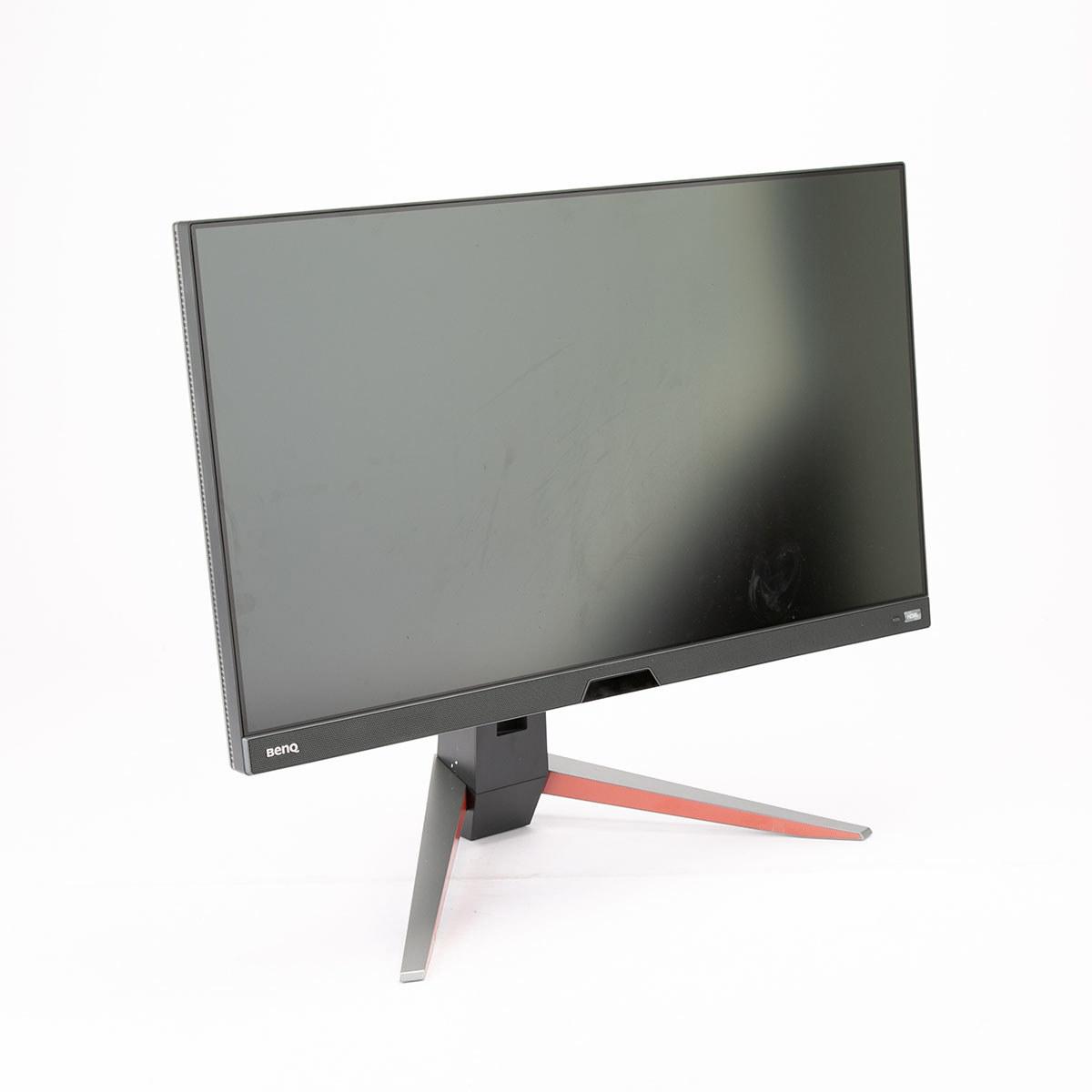
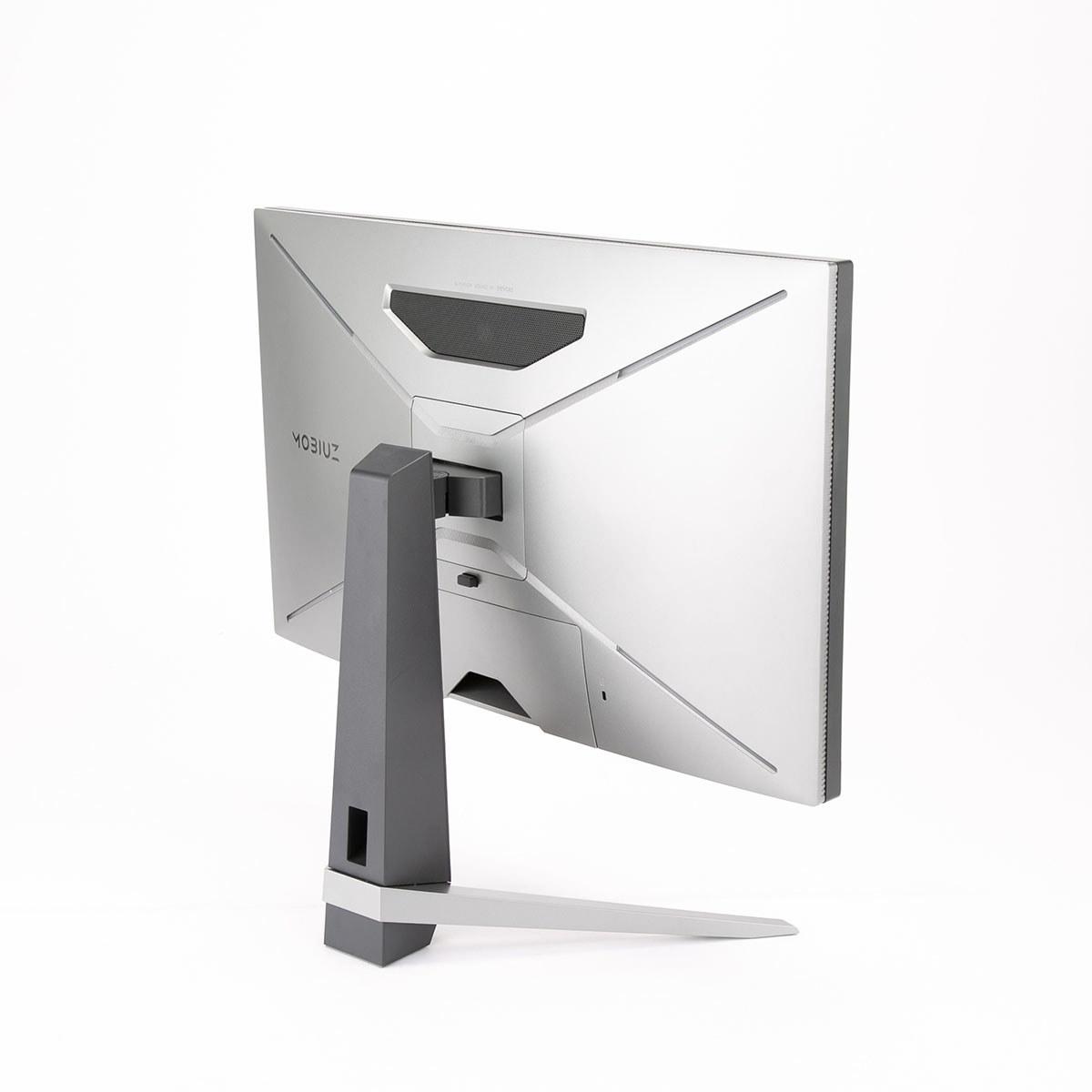
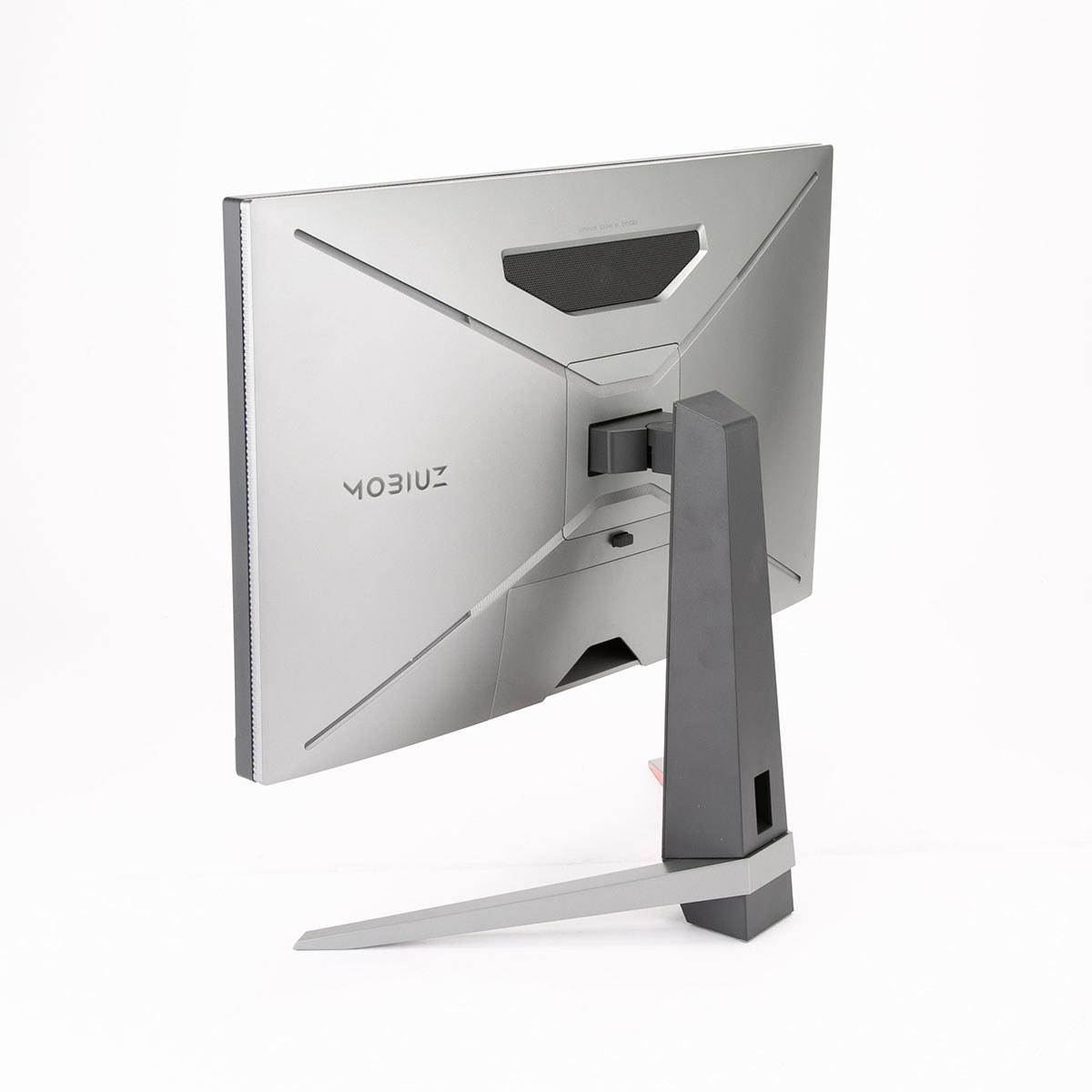
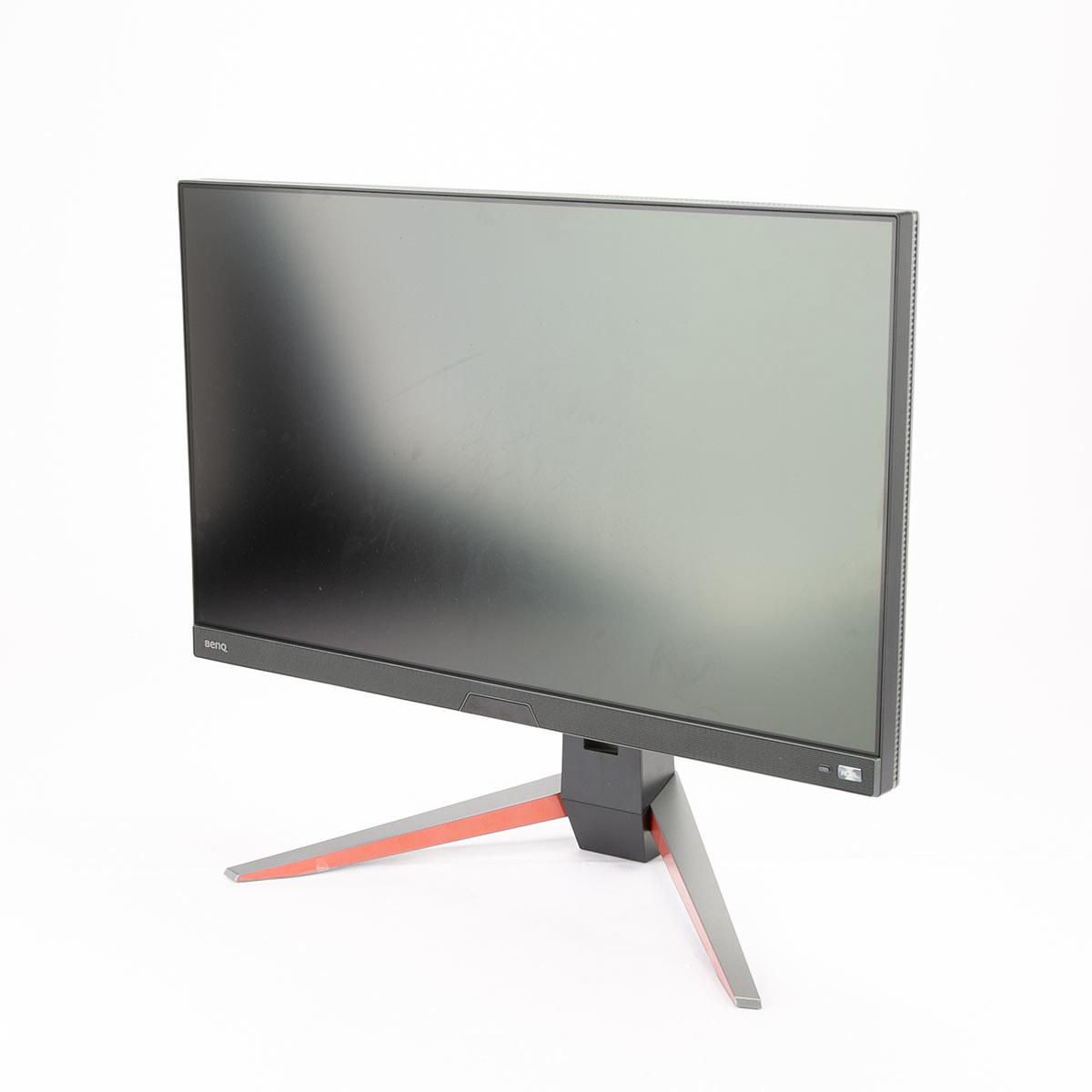
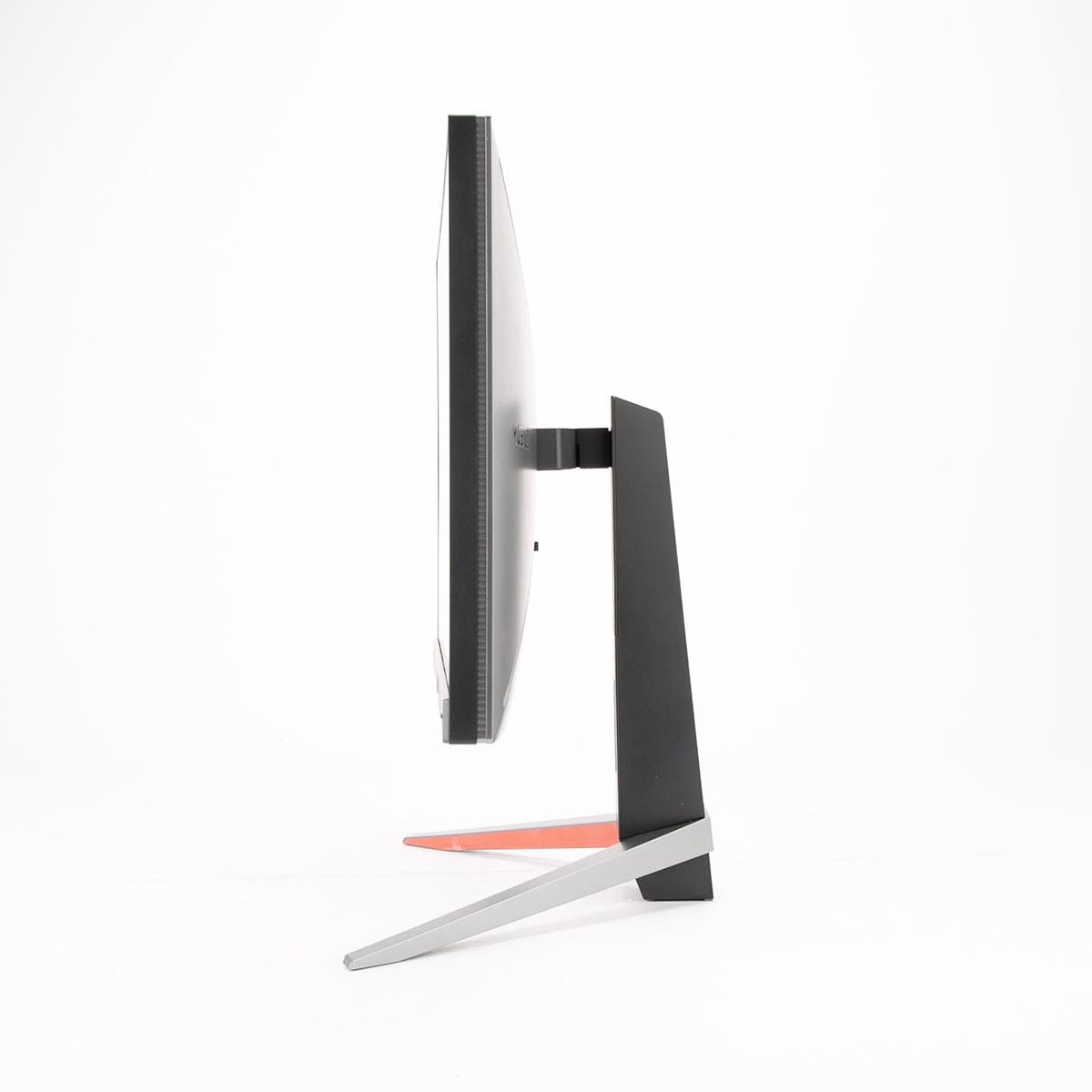
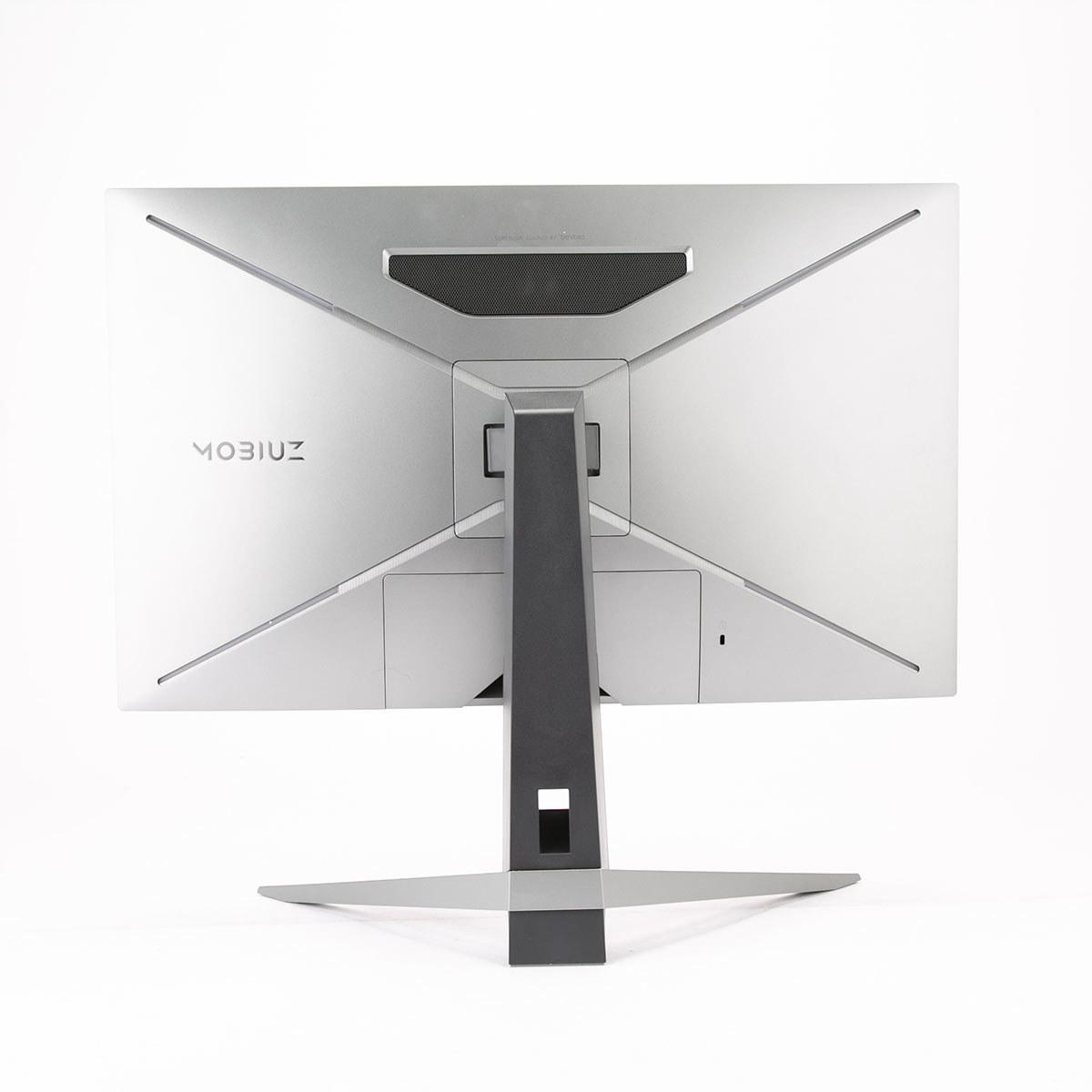
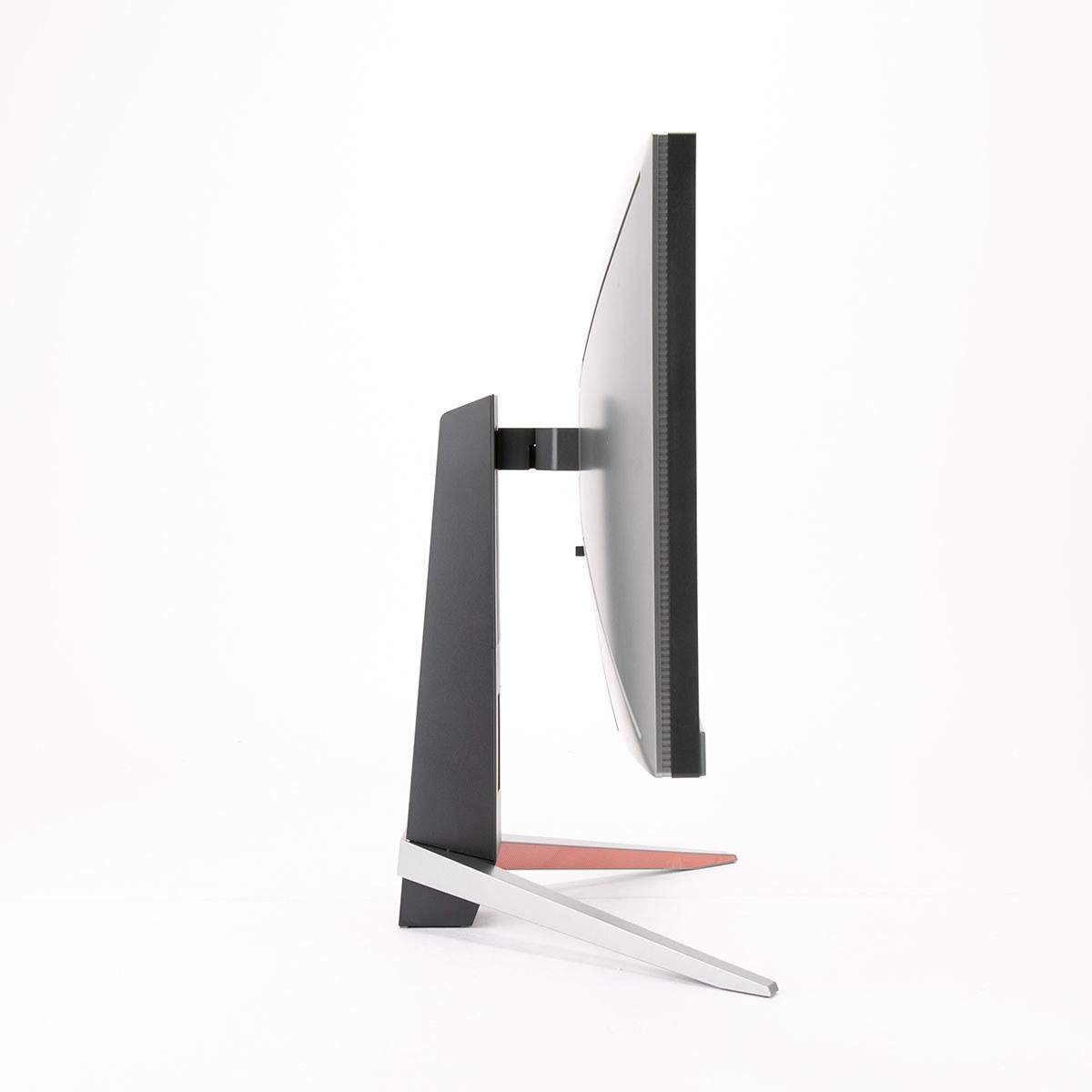
The BenQ MOBIUZ EX270QM, launched in 2023, embodies the performance-first approach. Priced in the $400-500 range at the time of writing, it targets serious gamers and professionals who demand the best possible experience.
This price gap isn't arbitrary—it reflects fundamental differences in panel technology, manufacturing precision, and feature complexity that become apparent once you start using these monitors.
The most obvious difference between these monitors is resolution. The Sceptre E275W-FW100T uses Full HD (1920x1080) resolution, while the BenQ EX270QM offers QHD (2560x1440). This might not sound dramatic, but QHD provides 78% more pixels—the difference is immediately obvious when viewing text, fine details in games, or working with multiple windows.
Resolution isn't just about gaming, either. If you plan to use your monitor for work, school, or content creation, the BenQ's 109 pixels per inch (PPI) versus the Sceptre's 82 PPI makes text noticeably sharper and reduces eye strain during long sessions. I've found that once you experience the clarity of 1440p on a 27-inch screen, going back to 1080p feels like looking through a slight haze.
Panel technology creates another significant divide. The Sceptre E275W-FW100T uses a VA (Vertical Alignment) panel, while the BenQ EX270QM employs IPS (In-Plane Switching). VA panels excel at contrast ratio—the difference between the darkest blacks and brightest whites. The Sceptre's 3000:1 contrast ratio means blacks appear genuinely black rather than the grayish tint common in cheaper displays. This creates more immersive visuals in dark scenes and makes movies particularly engaging.
However, IPS panels like the BenQ's offer superior color accuracy and viewing angles. The BenQ covers 98% of the DCI-P3 color space—the standard used in cinema and professional content creation—compared to the Sceptre's 100% sRGB coverage. While sRGB is perfectly adequate for general use, DCI-P3 provides more vivid and accurate colors, especially important for content creators or anyone who values visual fidelity.
Here's where the price difference becomes most apparent. The BenQ EX270QM operates at 240Hz compared to the Sceptre E275W-FW100T's 100Hz. Both represent improvements over standard 60Hz displays, but the gap between them is substantial.
Based on expert reviews and user feedback, the jump from 60Hz to 100Hz provides the most noticeable improvement for most users. The Sceptre's 100Hz refresh rate makes panning in games smoother and reduces the blur that makes some people feel slightly nauseous during fast movement. However, the BenQ's 240Hz takes this to another level entirely.
The 240Hz refresh rate becomes most beneficial in competitive gaming scenarios—first-person shooters, racing games, and esports titles where split-second reactions matter. Expert reviews consistently note that the BenQ's 0.7ms input lag (the delay between clicking your mouse and seeing the result on screen) ranks among the fastest available, while the Sceptre's approximately 6ms lag remains perfectly acceptable for casual gaming but not competitive play.
Response time tells a similar story. The BenQ's 1ms response time virtually eliminates ghosting, while the Sceptre's 5ms response time allows noticeable trails behind fast-moving objects. In practice, this means the Sceptre works well for slower-paced games like RPGs or strategy titles but struggles with fast shooters or racing games.
Both monitors support AMD FreeSync, which synchronizes your graphics card's output with the monitor's refresh rate to eliminate screen tearing—the horizontal lines that appear when your GPU and monitor get out of sync. However, their implementations differ significantly.
The Sceptre E275W-FW100T offers basic FreeSync with a 48-100Hz range, meaning it only works when your frame rate stays within that window. Drop below 48fps or exceed 100fps, and you'll lose the smooth experience.
The BenQ EX270QM features FreeSync Premium Pro, which includes HDR support and works across a wider range. It's also unofficially compatible with NVIDIA's G-Sync technology, making it more versatile regardless of your graphics card choice.
Modern monitors serve multiple purposes, and this is where the resolution difference becomes crucial. The BenQ EX270QM's 1440p resolution provides enough screen real estate for productive multitasking—you can comfortably run two windows side by side or work with detailed spreadsheets and documents.
For home theater use, both monitors present interesting trade-offs. The Sceptre E275W-FW100T's VA panel produces deeper blacks that enhance movie watching in dark rooms, creating better contrast for dramatic scenes. However, the BenQ EX270QM offers superior HDR (High Dynamic Range) support with DisplayHDR 600 certification, meaning it can display a wider range of brightness levels for more realistic lighting in supported content.
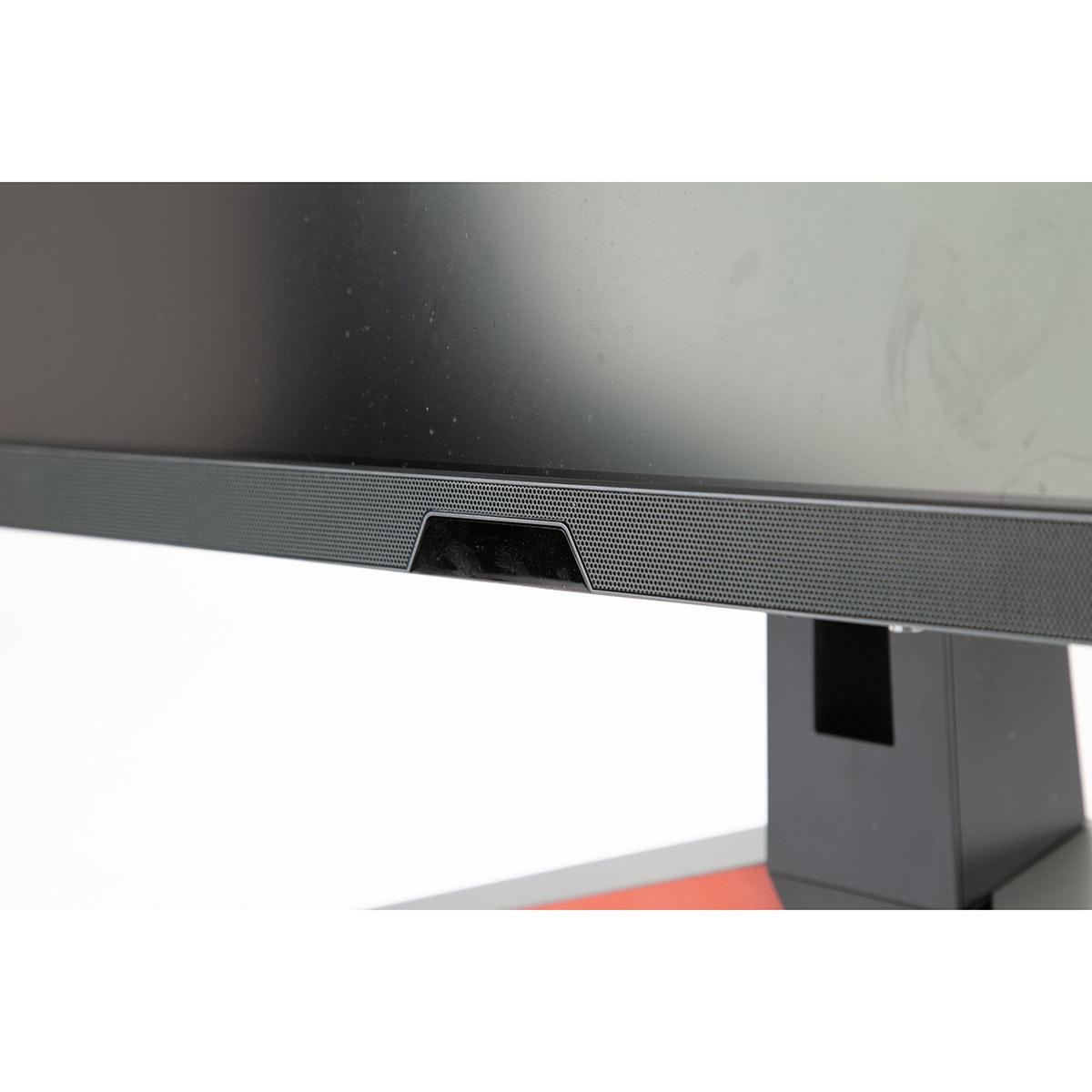
The BenQ also includes genuinely impressive built-in audio—a 2.1 speaker system with stereo speakers and a dedicated subwoofer. While not replacing a dedicated sound system, it's surprisingly capable for a monitor and eliminates the need for separate speakers in smaller setups. The Sceptre's basic stereo speakers are functional but unremarkable.
Daily usability often depends on factors beyond pure performance. The BenQ EX270QM provides height, tilt, and swivel adjustments, allowing you to position it perfectly for your setup. This might seem minor, but proper monitor positioning significantly impacts comfort during long gaming or work sessions.
The Sceptre E275W-FW100T offers only tilt adjustment, though it does include VESA mounting compatibility if you want to use a third-party stand or wall mount. The build quality reflects its budget positioning—functional but basic, with a simple plastic construction that gets the job done without any premium touches.
Both monitors include flicker-free backlighting and blue light reduction features, but the BenQ EX270QM goes further with Brightness Intelligence Plus—a feature that automatically adjusts brightness and color temperature based on ambient lighting conditions. This technology uses a sensor to detect room lighting and content type, adjusting the display to reduce eye strain.
Having experienced similar automatic adjustment features, they genuinely improve comfort during extended use, especially when transitioning between bright and dark environments throughout the day.
The BenQ EX270QM includes HDMI 2.1 ports, which support the full bandwidth needed for next-generation consoles like PlayStation 5 and Xbox Series X at 1440p/120Hz. It also features USB 3.0 ports for connecting peripherals directly to the monitor.
The Sceptre E275W-FW100T provides adequate connectivity with HDMI 2.0 and DisplayPort, though it lacks USB ports entirely. For basic gaming setups, this isn't problematic, but it limits expandability.
The Sceptre E275W-FW100T makes sense for specific situations: students needing an affordable upgrade from basic displays, casual gamers who primarily play single-player titles, or anyone building a budget gaming setup who values the high contrast of VA technology. The jump from 60Hz to 100Hz provides a noticeable improvement that enhances most gaming experiences, and the superior contrast ratio makes movies and dark games more immersive.
However, I'd strongly recommend the Sceptre primarily for users who understand its limitations. The 5ms response time creates visible ghosting in fast games, and the lower resolution becomes apparent when used for productivity tasks or detailed gaming.
The BenQ MOBIUZ EX270QM justifies its premium pricing for users who will utilize its capabilities. Competitive gamers benefit enormously from the 240Hz refresh rate and 1ms response time. Content creators appreciate the accurate colors and higher resolution. Anyone using their monitor for both gaming and productivity will find the 1440p resolution transformative for multitasking.
The BenQ also represents better long-term value despite its higher upfront cost. Its superior build quality, comprehensive feature set, and higher resolution provide more flexibility as your needs evolve.
At the time of writing, these monitors serve distinctly different markets despite both carrying "gaming monitor" labels. The Sceptre E275W-FW100T delivers solid value for users prioritizing affordability and basic gaming features, while the BenQ MOBIUZ EX270QM provides professional-grade performance for users willing to invest in premium capabilities.
If you're upgrading from a basic 60Hz display and primarily play casual games, the Sceptre offers meaningful improvements without breaking your budget. However, if you're serious about gaming performance, plan to use the monitor for productivity, or want a display that will remain relevant for years to come, the BenQ's superior performance and features justify the additional investment.
The decision ultimately comes down to matching your budget with your actual needs—and being honest about how you'll use your monitor beyond gaming. In my experience, users who choose monitors slightly above their initial budget rarely regret the decision, while those who compromise too heavily often find themselves planning their next upgrade sooner than expected.
| Sceptre E275W-FW100T | BenQ MOBIUZ EX270QM |
|---|---|
| Resolution - Higher resolution provides sharper text and more detailed gaming visuals | |
| 1920 x 1080 (Full HD) - Basic sharpness for 27" | 2560 x 1440 (QHD) - 78% more pixels, significantly sharper |
| Panel Type - Affects color accuracy, contrast, and viewing angles | |
| VA Panel - Superior contrast (3000:1) but limited viewing angles | IPS Panel - Better colors and viewing angles but lower contrast |
| Refresh Rate - Higher rates provide smoother motion and competitive advantage | |
| 100Hz - Noticeable improvement over 60Hz for casual gaming | 240Hz - Professional-grade smoothness for competitive gaming |
| Response Time - Lower times reduce ghosting in fast-paced games | |
| 5ms GtG - Visible ghosting in fast shooters and racing games | 1ms GtG - Virtually eliminates motion blur and ghosting |
| Input Lag - Critical for competitive gaming responsiveness | |
| ~6ms - Acceptable for casual gaming, not competitive | 0.7ms - Among the fastest available, ideal for esports |
| Color Coverage - Wider gamuts provide more vivid and accurate colors | |
| 100% sRGB - Standard coverage, adequate for general use | 98% DCI-P3 - Cinema-grade colors for content creation |
| HDR Support - Better contrast and brightness range for realistic visuals | |
| Basic HDR - Limited peak brightness (280 nits) | DisplayHDR 600 - True HDR with 600 nits peak brightness |
| Adaptive Sync - Eliminates screen tearing for smooth gameplay | |
| AMD FreeSync (48-100Hz) - Basic tear-free gaming | FreeSync Premium Pro + G-Sync compatible - Works with all GPUs |
| Audio System - Built-in sound quality affects overall experience | |
| Basic 2W stereo speakers - Functional but poor quality | 2.1 system with subwoofer - Surprisingly good for a monitor |
| Connectivity - Future-proofing and device compatibility | |
| HDMI 2.0, DisplayPort 1.2 - No USB ports | HDMI 2.1, DisplayPort 1.4, USB 3.0 hub - Console ready |
| Ergonomics - Affects comfort during long gaming sessions | |
| Tilt only, VESA compatible - Basic adjustability | Height/tilt/swivel adjustments - Professional ergonomics |
| Best Use Case - Who should consider each monitor | |
| Budget-conscious casual gamers, home office work | Competitive gamers, content creators, productivity users |
The BenQ MOBIUZ EX270QM is significantly better for competitive gaming with its 240Hz refresh rate and 1ms response time, compared to the Sceptre E275W-FW100T's 100Hz and 5ms response time. The BenQ also has much lower input lag at 0.7ms versus approximately 6ms for the Sceptre, giving you a crucial advantage in fast-paced games.
The BenQ MOBIUZ EX270QM offers superior picture quality with QHD resolution (2560x1440) providing 78% more pixels than the Sceptre E275W-FW100T's Full HD (1920x1080). However, the Sceptre has better contrast with its VA panel (3000:1 ratio) creating deeper blacks, while the BenQ offers more accurate colors with its IPS panel and 98% DCI-P3 coverage.
The Sceptre E275W-FW100T offers excellent value for budget-conscious buyers, delivering gaming features like 100Hz refresh rate and FreeSync at an entry-level price. The BenQ MOBIUZ EX270QM provides better long-term value for serious gamers and professionals who need the higher resolution, faster refresh rate, and premium features.
Both monitors work with gaming consoles, but the BenQ MOBIUZ EX270QM is better equipped with HDMI 2.1 ports that support next-gen consoles like PS5 and Xbox Series X at 1440p/120Hz. The Sceptre E275W-FW100T has HDMI 2.0 ports that work with consoles but may be limited to lower refresh rates depending on the console and resolution settings.
For movie watching, the Sceptre E275W-FW100T has an advantage with its VA panel's superior contrast ratio creating deeper blacks for better dark scene visibility. However, the BenQ MOBIUZ EX270QM offers better HDR performance with DisplayHDR 600 certification and higher peak brightness, plus superior built-in audio with its 2.1 speaker system including a subwoofer.
Both the Sceptre E275W-FW100T and BenQ MOBIUZ EX270QM include flicker-free backlighting and blue light reduction features. The BenQ goes further with Brightness Intelligence Plus technology that automatically adjusts brightness and color temperature based on ambient lighting, providing better eye comfort during extended sessions.
The BenQ MOBIUZ EX270QM offers superior build quality with height, tilt, and swivel adjustments for optimal positioning. The Sceptre E275W-FW100T provides basic build quality with tilt-only adjustment, though both monitors support VESA mounting for third-party stands.
The BenQ MOBIUZ EX270QM provides more comprehensive connectivity with HDMI 2.1, DisplayPort 1.4, and USB 3.0 ports for peripherals. The Sceptre E275W-FW100T offers basic connectivity with HDMI 2.0 and DisplayPort 1.2 but lacks USB ports entirely.
The BenQ MOBIUZ EX270QM is significantly better for productivity work due to its higher QHD resolution providing sharper text and more screen real estate for multitasking. The Sceptre E275W-FW100T can handle basic office tasks but the lower resolution makes text less sharp on a 27-inch screen.
The Sceptre E275W-FW100T offers 100Hz refresh rate, which provides noticeably smoother motion than standard 60Hz displays. The BenQ MOBIUZ EX270QM delivers 240Hz, offering even smoother motion that's particularly beneficial for competitive gaming and fast-paced content where every frame matters.
The BenQ MOBIUZ EX270QM has significantly better audio with its 2.1 channel system featuring stereo speakers and a dedicated subwoofer, providing surprisingly good sound for a monitor. The Sceptre E275W-FW100T includes basic 2W stereo speakers that are functional but offer poor audio quality.
Choose the Sceptre E275W-FW100T if you're a budget-conscious casual gamer, student, or home office user who wants basic gaming features without premium pricing. Choose the BenQ MOBIUZ EX270QM if you're a competitive gamer, content creator, or professional who needs the best performance, higher resolution, and premium features for long-term use.
We've done our best to create useful and informative comparisons to help you decide what product to buy. Our research uses advanced automated methods to create this comparison and perfection is not possible - please contact us for corrections or questions. These are the sites we've researched in the creation of this article: pcvarge.com - walmart.com - cubed.run - productchart.com - displayninja.com - target.com - youtube.com - versus.com - youtube.com - youtube.com - sceptre.com - sceptre.com - bgeek.eu - youtube.com - tomshardware.com - youtube.com - t3.com - versus.com - pcgamer.com - versus.com - gamesradar.com - pangoly.com - benq.eu - techaeris.com - shi.com - benq.com - bestbuy.com - benq.com - displayspecifications.com - benq.com - benq.eu - bhphotovideo.com - benq.com

Privacy Policy
Terms and Conditions - Affiliate Policy
Home Security
© Copyright 2008-2026.
11816 Inwood Rd #1211, Dallas, TX 75244