







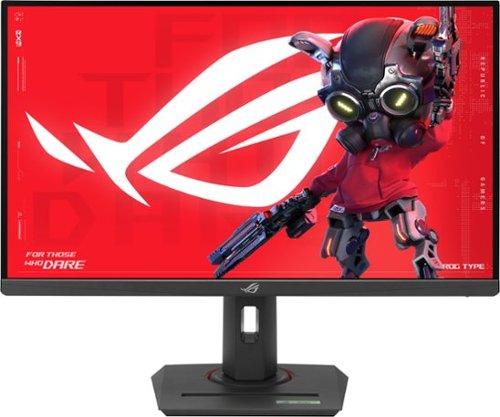
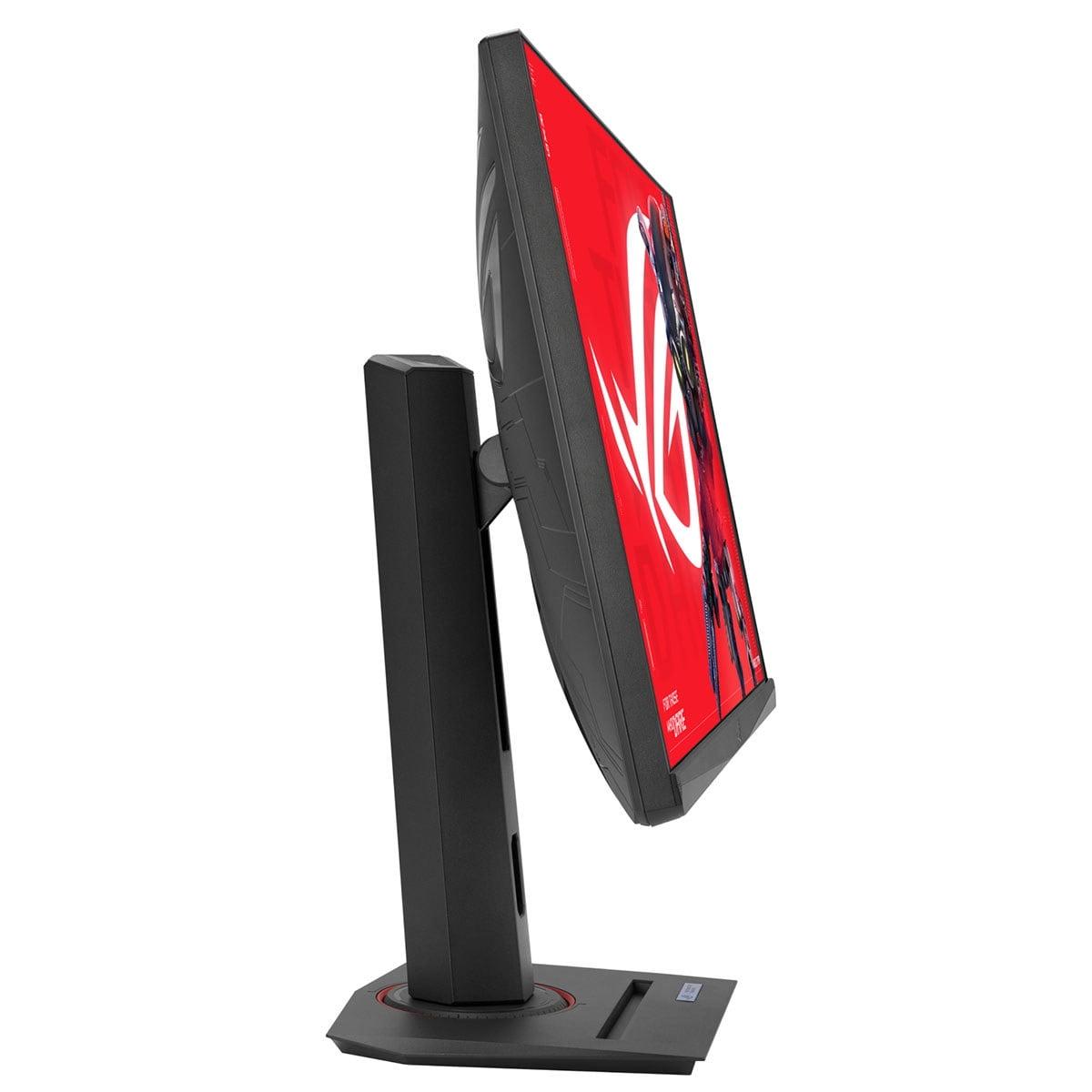
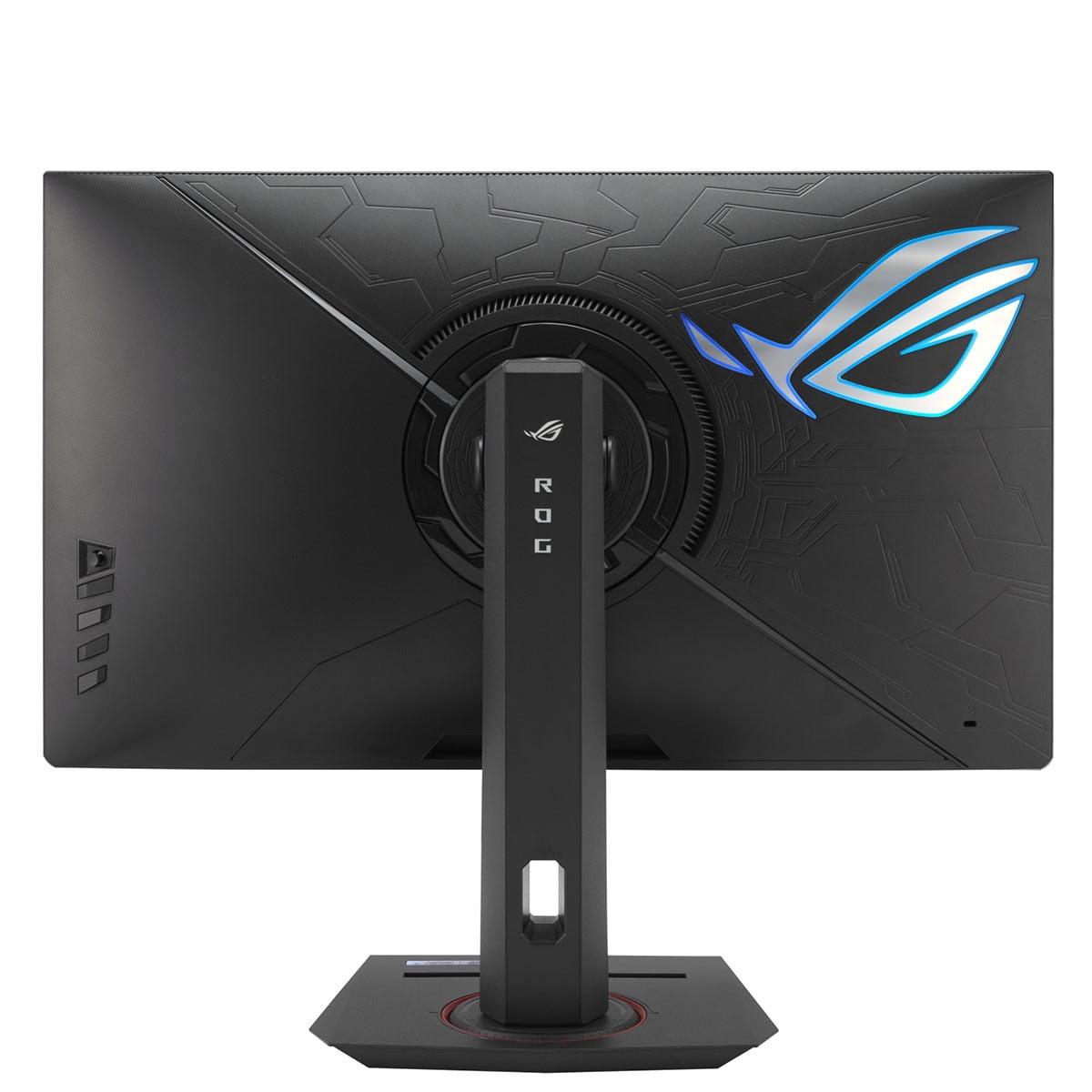
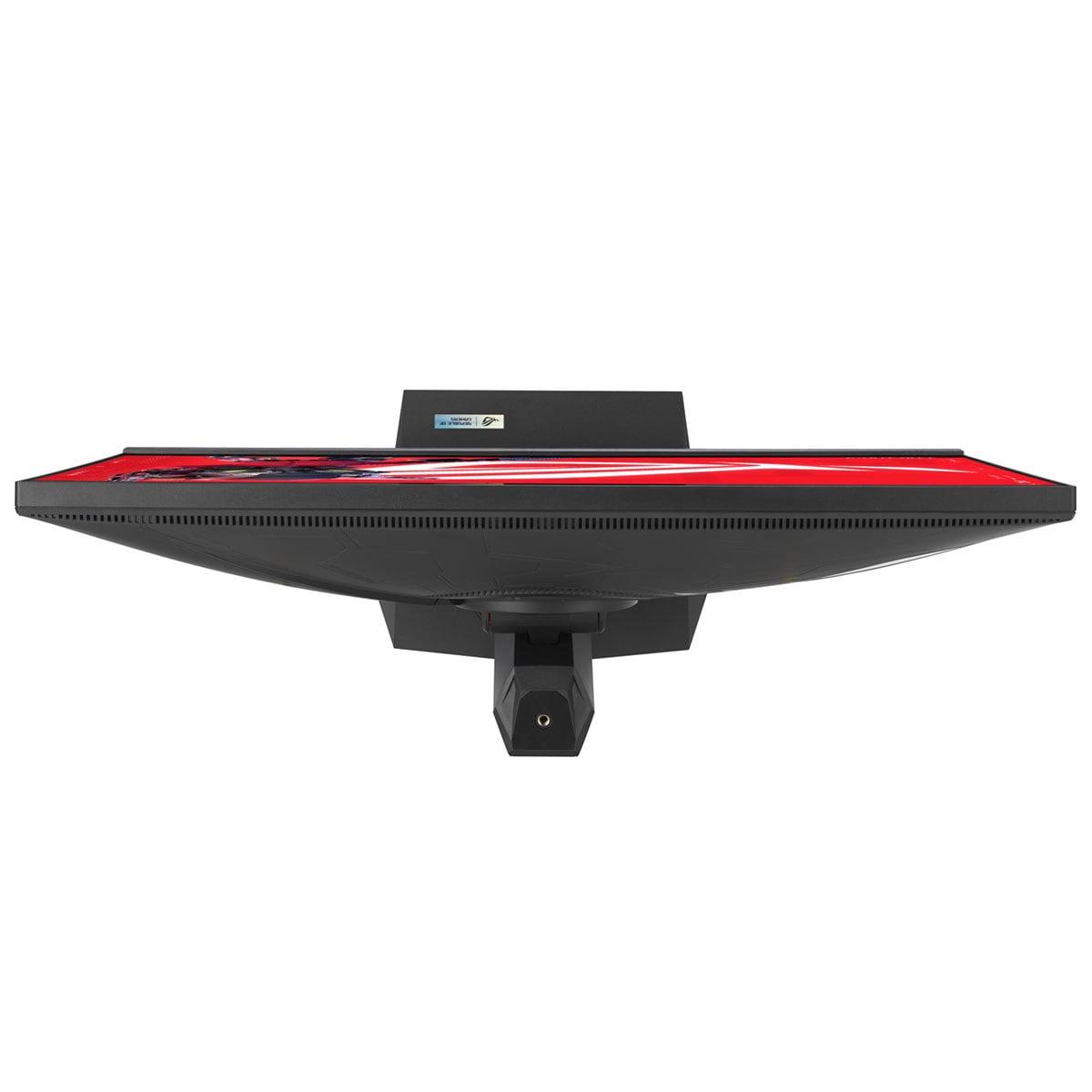
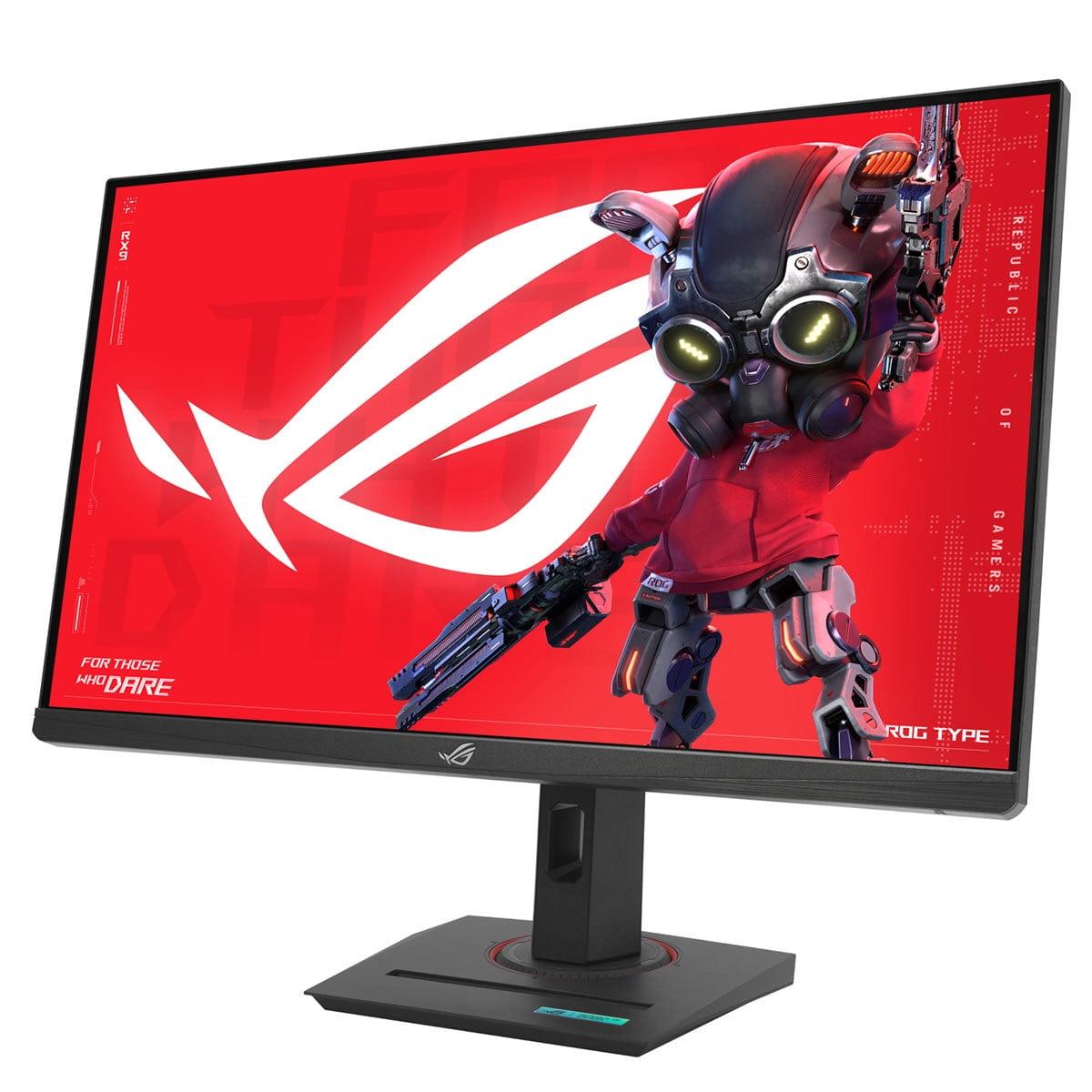
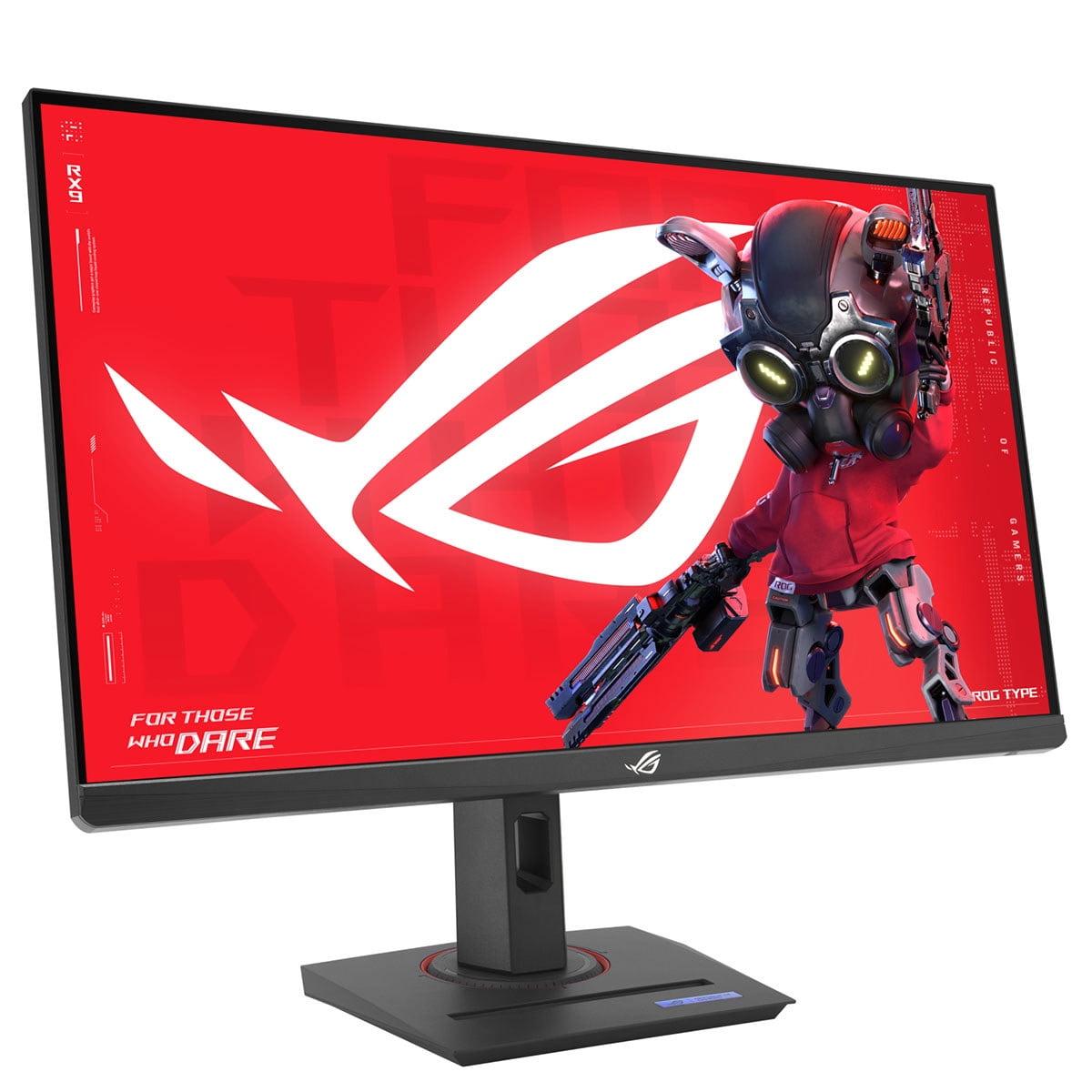
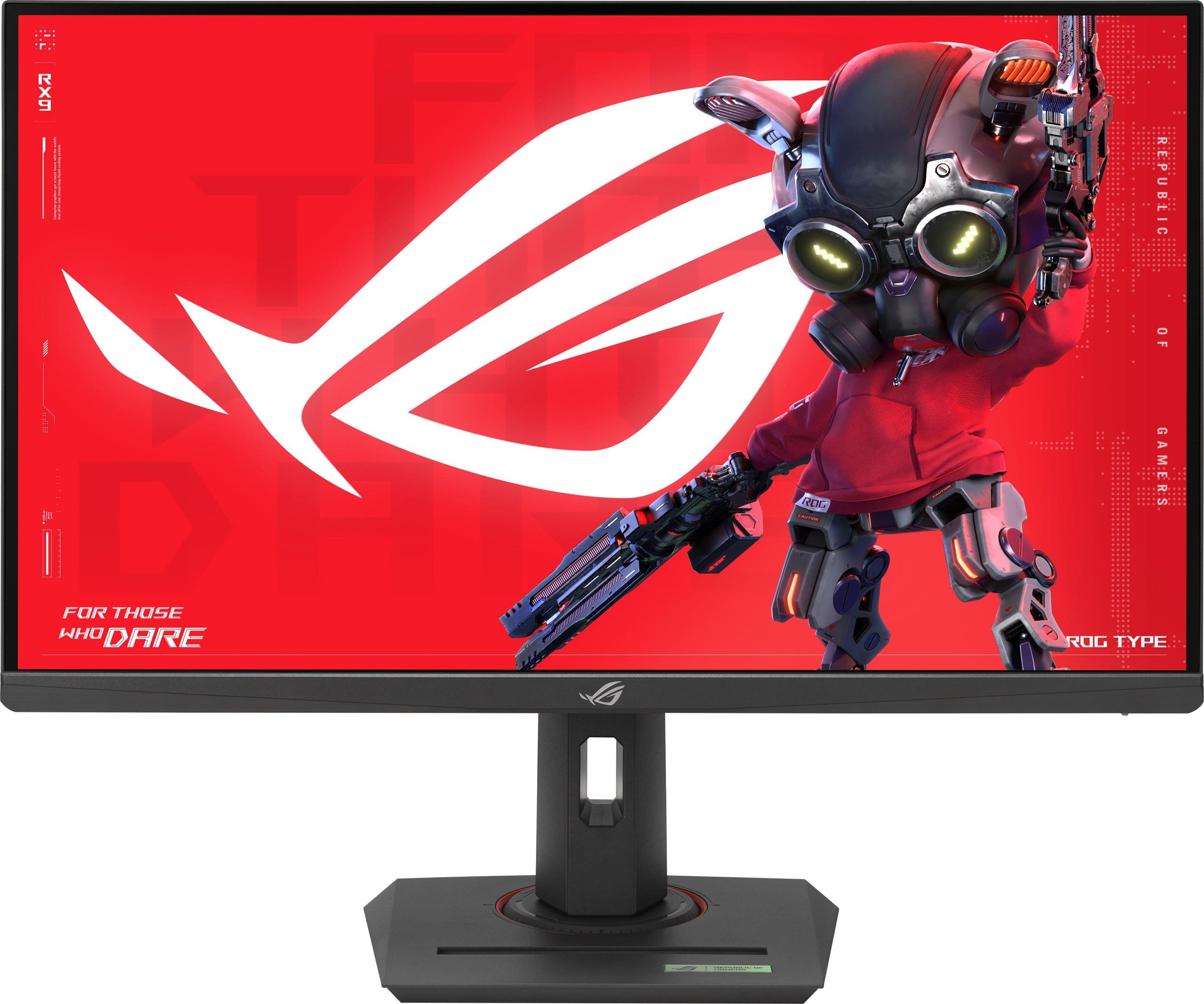
When it comes to 27-inch gaming monitors, you'll find yourself choosing between two very different philosophies: budget-focused value or premium performance. The Sceptre E275W-FW100T and ASUS ROG Strix XG27ACMG represent these opposing approaches perfectly, with a price gap that reflects their fundamentally different target audiences.
Understanding what separates a budget gaming monitor from a premium one isn't just about the price tag—it's about recognizing which compromises you're willing to make and which features actually matter for your specific gaming setup.
Gaming monitors differ from regular displays in several crucial ways. The most important factor is refresh rate, which measures how many times per second your monitor can display a new image. Think of it like frames per second (fps) in games—a higher number means smoother motion. Most standard monitors refresh at 60Hz (60 times per second), but gaming monitors push this much higher.
Response time is equally critical. This measures how quickly a pixel can change from one color to another, typically measured in milliseconds. Slower response times create "ghosting," where you see faint trails behind moving objects—something that can seriously hurt your performance in fast-paced games.
Panel type determines the fundamental characteristics of your display. VA (Vertical Alignment) panels excel at contrast ratio, meaning they can display deeper blacks and more vibrant dark scenes. IPS (In-Plane Switching) panels offer better color accuracy and viewing angles but typically have lower contrast ratios. Both have their strengths depending on what you prioritize.
The Sceptre monitor uses VA technology while the ASUS model employs Fast IPS—immediately signaling their different design priorities.
Released in 2023, the Sceptre E275W-FW100T represents the sweet spot for budget gaming monitors. At the time of writing, it typically costs less than half of what you'd pay for the ASUS, making it an attractive option for gamers building their first setup or those who don't want to spend premium dollars on their display.
The Sceptre's VA panel delivers a 3000:1 contrast ratio—three times higher than typical IPS monitors. In practical terms, this means when you're exploring dark caves in games like Elden Ring or watching movies with your monitor, the black areas actually look black instead of grayish. This high contrast ratio makes the Sceptre surprisingly good for home theater use, especially in darker rooms where the deep blacks really shine.
However, the 1920×1080 resolution on a 27-inch screen creates some challenges. With about 82 pixels per inch, text isn't as sharp as you might expect, and fine details in games won't be as crisp as higher-resolution displays. This pixel density works fine for gaming and video content, but if you plan to do significant productivity work—like writing documents or browsing detailed websites—the lower sharpness becomes noticeable.
The 100Hz refresh rate represents a meaningful upgrade from standard 60Hz displays. Based on user feedback and expert reviews, this higher refresh rate makes scrolling smoother and reduces the stuttering you might notice in fast-paced games. However, it's not quite enough to deliver the ultra-smooth experience that competitive gamers demand.
The ASUS ROG Strix XG27ACMG, released in 2024, targets serious gamers who want cutting-edge performance. At the time of writing, it costs roughly three times more than the Sceptre, but that premium buys you some genuinely impressive technology.
The 2560×1440 resolution provides 109 pixels per inch—significantly sharper than the Sceptre's display. This higher pixel density makes text crisp and reveals fine details in games that you might miss at 1080p. The extra screen real estate also improves productivity, letting you have multiple windows open comfortably or see more of the battlefield in strategy games.
The 270Hz refresh rate is where the ASUS monitor truly flexes its muscles. This ultra-high refresh rate, combined with a 1ms response time, creates an experience that feels almost impossibly smooth. Every mouse movement translates instantly to screen movement, and fast-moving objects remain crystal clear without the ghosting that plagues slower monitors.
ASUS includes their ELMB SYNC (Extreme Low Motion Blur Sync) technology, which is particularly clever. Most monitors force you to choose between variable refresh rate (which eliminates screen tearing) and motion blur reduction. The ASUS lets you use both simultaneously, eliminating both tearing and ghosting—a technical achievement that genuinely improves the gaming experience.
The performance gap between these monitors becomes most apparent in fast-paced competitive games. Based on extensive user reviews and expert testing, the Sceptre suffers from noticeable ghosting—those annoying trails behind moving objects that can make it harder to track enemies in games like Counter-Strike or Valorant.
The 5ms response time, while not terrible, simply isn't fast enough for serious competitive gaming. Users consistently report that while the 100Hz refresh rate feels smoother than 60Hz, the ghosting artifacts become distracting during intense gaming sessions.
The ASUS monitor, by contrast, delivers motion clarity that rivals the best gaming monitors available. The combination of 270Hz refresh rate and 1ms response time creates an experience where every frame matters. Professional reviewers note that the motion handling is so clean that it provides a genuine competitive advantage—you can track enemies more accurately and react faster to on-screen movement.
Here's where things get interesting: the Sceptre's 1080p resolution means even mid-range graphics cards can push high frame rates. A GPU like an RTX 4060 or RX 7600 can easily hit 100+ fps in most games, making full use of that 100Hz refresh rate.
The ASUS monitor's 1440p resolution demands significantly more GPU power. To really take advantage of that 270Hz refresh rate, you need a high-end graphics card—think RTX 4070 Ti or better. With a mid-range card, you might only hit 100-150 fps in demanding games, leaving much of that premium refresh rate unused.
This creates an interesting value proposition. If you're running an older or mid-range graphics card, the Sceptre might actually provide a better gaming experience because it matches your hardware's capabilities. Buying the ASUS with insufficient GPU power would be like buying a sports car to drive in city traffic—technically superior, but unable to show its strengths.
Both monitors cover 100% of the sRGB color space, meaning they can display the full range of colors used in most games and media. However, their panel technologies create different viewing experiences.
The Sceptre's VA panel excels in dark scenes. That 3000:1 contrast ratio means shadows in horror games actually look properly dark, and HDR content (when supported) shows more dramatic differences between bright and dark areas. For single-player games with cinematic presentations—think The Witcher 3 or Red Dead Redemption 2—this high contrast creates a more immersive experience.
The ASUS's Fast IPS panel sacrifices some contrast (1000:1 ratio) but gains better color consistency across different viewing angles. If you sometimes watch your monitor from the side or share your screen with others, the IPS panel maintains color accuracy better than VA technology.
For home theater use, the Sceptre actually holds some advantages despite its budget positioning. That high contrast ratio makes movies look more cinematic, especially in darkened rooms. The VA panel's deep blacks rival much more expensive displays, and the 27-inch size works well for desk-based movie watching.
The built-in speakers, while basic, eliminate the need for separate audio equipment in space-constrained setups. Combined with the budget-friendly pricing, this makes the Sceptre an appealing choice for dorm rooms or apartments where the monitor needs to serve double duty.
The ASUS monitor offers sharper detail thanks to its higher resolution, but the lower contrast ratio means dark movie scenes won't look as dramatic. However, if you watch a lot of bright, colorful content—like animated films or sports—the IPS panel's color accuracy provides a more vibrant experience.
For competitive gaming, the choice is clear: the ASUS delivers superior performance in every metric that matters. The 270Hz refresh rate provides smoother tracking of fast-moving targets, the 1ms response time eliminates ghosting that could hide enemy movements, and the higher resolution reveals details that might give you tactical advantages.
Professional gamers and streamers consistently choose high-refresh monitors like the ASUS because every millisecond of input lag matters at the highest levels of play. The price premium becomes justified when you consider that even small performance improvements can mean the difference between winning and losing close matches.
For casual gaming, the Sceptre offers excellent value. The 100Hz refresh rate provides a noticeably smoother experience than 60Hz displays, and the high contrast ratio enhances the visual drama in single-player games. The ghosting issues that hurt competitive gaming become less problematic in turn-based strategy games or RPGs where rapid movement isn't constant.
Many users report satisfaction with the Sceptre for games like Civilization, Stardew Valley, or story-driven adventures where visual immersion matters more than split-second response times.
The gaming monitor market has evolved rapidly in recent years. When the Sceptre was released in 2023, 100Hz refresh rates were becoming standard in the budget segment—a significant improvement from the 75Hz displays that dominated earlier years. The inclusion of AMD FreeSync at this price point represents the democratization of variable refresh rate technology.
The ASUS monitor, arriving in 2024, showcases how premium monitors continue pushing boundaries. The 270Hz refresh rate was unthinkable in mainstream monitors just a few years ago, and technologies like ELMB SYNC represent genuine innovation rather than marketing gimmicks.
From a future-proofing perspective, the ASUS offers better longevity. As graphics cards become more powerful, that 270Hz refresh rate and 1440p resolution will remain relevant for years. The Sceptre, while excellent value today, may feel limited as games become more demanding and graphics cards more capable.
The decision between these monitors ultimately depends on your gaming priorities and budget reality. The Sceptre E275W-FW100T excels as a value proposition—it delivers genuinely improved gaming performance over standard 60Hz displays without breaking the bank. Its high contrast ratio makes it surprisingly good for media consumption, and the 100Hz refresh rate provides a taste of high-refresh gaming.
However, the ASUS ROG Strix XG27ACMG justifies its premium pricing through measurably superior performance. The combination of 270Hz refresh rate, 1ms response time, and 1440p resolution creates a gaming experience that's qualitatively different from budget alternatives.
Choose the Sceptre if you're building your first gaming setup, have a mid-range graphics card, or primarily play single-player games. The value proposition is excellent, and it provides a solid foundation that you can upgrade later.
Choose the ASUS if you play competitive games seriously, own a high-end graphics card, or want a monitor that will remain cutting-edge for years to come. The performance advantages are real and measurable, particularly in fast-paced gaming scenarios.
Both monitors serve their intended audiences well, but they represent fundamentally different approaches to gaming displays. Your choice should align with your gaming intensity, hardware capabilities, and budget priorities—because at the end of the day, the best gaming monitor is the one that matches how you actually play.
| Sceptre E275W-FW100T | ASUS ROG Strix XG27ACMG |
|---|---|
| Resolution - Affects text sharpness and game detail clarity | |
| 1920×1080 (82 PPI - adequate for gaming, less sharp for text) | 2560×1440 (109 PPI - crisp text, detailed visuals, needs powerful GPU) |
| Refresh Rate - Higher rates provide smoother motion and competitive advantage | |
| 100Hz (meaningful upgrade from 60Hz, good for casual gaming) | 270Hz (ultra-smooth, significant competitive gaming advantage) |
| Panel Type - Determines contrast, colors, and viewing angles | |
| VA Panel (3000:1 contrast, deep blacks, great for dark scenes) | Fast IPS (1000:1 contrast, better colors and viewing angles) |
| Response Time - Lower values reduce ghosting and motion blur | |
| 5ms GTG (noticeable ghosting in fast games) | 1ms GTG (virtually no ghosting, excellent motion clarity) |
| Adaptive Sync - Eliminates screen tearing for smoother gameplay | |
| AMD FreeSync (48-100Hz range) | AMD FreeSync Premium + NVIDIA G-SYNC Compatible |
| Color Coverage - Affects color accuracy for games and content | |
| 100% sRGB (accurate colors for gaming and media) | 95% DCI-P3, 125% sRGB (excellent color accuracy and wide gamut) |
| HDR Support - Enhanced contrast and brightness for compatible content | |
| Not specified | DisplayHDR 400 (entry-level HDR with modest improvement) |
| Motion Blur Reduction - Specialized gaming feature for cleaner motion | |
| Not available | ELMB SYNC (works simultaneously with VRR, rare feature) |
| Connectivity - Determines device compatibility and future-proofing | |
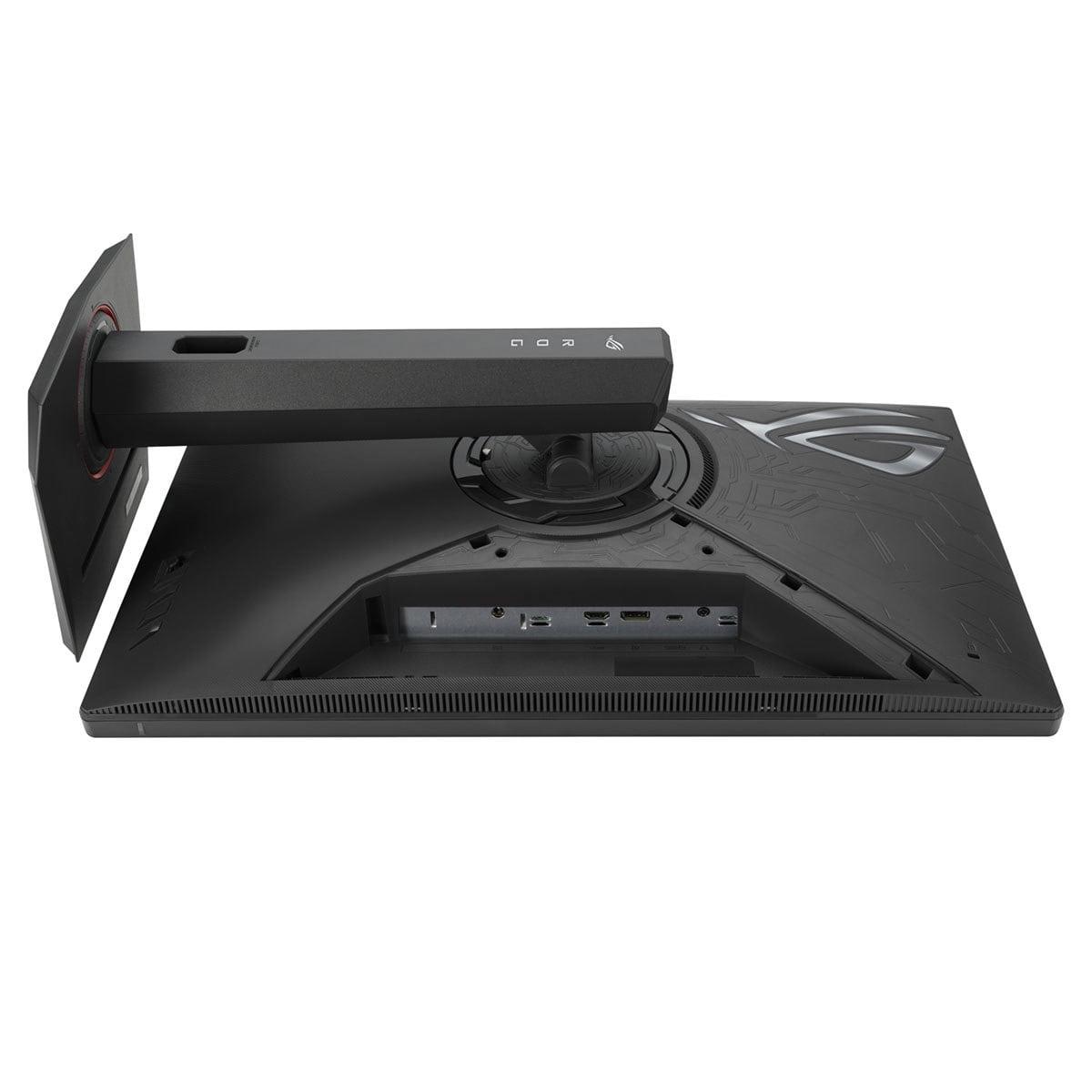
| 2× HDMI 2.0, 1× DisplayPort 1.2, headphone jack | DisplayPort 1.4, HDMI 2.1, USB-C with 15W power delivery |
| Ergonomics - Affects comfort and viewing flexibility | |
| Tilt only (-5° to +15°), VESA 100×100mm compatible | Full adjustment (tilt, swivel, height, pivot), VESA mount |
| Built-in Audio - Convenience feature for space-limited setups | |
| 2× 2W speakers (basic but functional) | No built-in speakers |
| Gaming Features - Specialized enhancements for competitive play | |
| FPS/RTS game modes, Blue Light Shift | GamePlus, GameVisual, Shadow Boost, DisplayWidget Center |
| Target User - Who each monitor serves best | |
| Budget gamers, casual players, mixed gaming/productivity | Competitive gamers, enthusiasts with high-end GPUs |
The ASUS ROG Strix XG27ACMG is significantly better for competitive gaming. Its 270Hz refresh rate and 1ms response time provide ultra-smooth motion and virtually eliminate ghosting, giving you a clear advantage in fast-paced games like Counter-Strike or Valorant. The Sceptre E275W-FW100T has noticeable ghosting at 5ms response time that can hurt performance in competitive scenarios.
The ASUS monitor offers 2560×1440 resolution while the Sceptre displays 1920×1080. The ASUS provides 78% more pixels, resulting in sharper text, clearer game details, and more screen real estate. However, the higher resolution requires a more powerful graphics card to maintain high frame rates.
The Sceptre E275W-FW100T offers exceptional value for budget-conscious gamers. It provides a meaningful upgrade to 100Hz refresh rate and excellent contrast at a fraction of the cost. The ASUS ROG Strix XG27ACMG costs significantly more but delivers premium performance that justifies the price for serious gamers with high-end GPUs.
The Sceptre E275W-FW100T is surprisingly good for home theater use thanks to its VA panel's 3000:1 contrast ratio, which produces deeper blacks and more dramatic dark scenes. It also includes built-in speakers for convenience. The ASUS offers sharper detail but has lower contrast that makes dark movie scenes appear less cinematic.
The Sceptre monitor works well with mid-range cards like RTX 4060 or RX 7600, easily hitting 100+ fps at 1080p. The ASUS monitor needs a high-end GPU like RTX 4070 Ti or better to fully utilize its 270Hz refresh rate at 1440p resolution. Using a weaker card with the ASUS means you won't use its full potential.
Both monitors cover 100% sRGB for accurate gaming colors, but the ASUS ROG Strix XG27ACMG goes further with 95% DCI-P3 coverage and superior color consistency across viewing angles thanks to its IPS panel. The Sceptre offers good colors but the VA panel has more color shifting when viewed from the side.
The ASUS monitor offers more modern connectivity with DisplayPort 1.4, HDMI 2.1, and USB-C with power delivery for laptops. The Sceptre E275W-FW100T provides basic but adequate options with DisplayPort 1.2 and two HDMI 2.0 ports, plus it includes built-in speakers that the ASUS lacks.
For single-player gaming, the Sceptre offers excellent value with its high contrast VA panel creating more immersive dark scenes in games like Elden Ring or horror titles. The 100Hz refresh rate provides smooth gameplay without the premium cost. The ASUS delivers sharper visuals and smoother motion but costs significantly more for benefits that matter less in non-competitive gaming.
The ASUS ROG Strix XG27ACMG offers full ergonomic adjustments including height, tilt, swivel, and pivot, plus premium build quality. The Sceptre only supports tilt adjustment, which is a significant limitation, though both monitors are VESA mount compatible for aftermarket stands.
The ASUS monitor is more future-proof with its 270Hz refresh rate and 1440p resolution that will remain relevant as graphics cards become more powerful. The Sceptre E275W-FW100T, while excellent value today, may feel limited in a few years as games become more demanding and higher refresh rates become standard.
Choose the Sceptre E275W-FW100T if you're building your first gaming setup, have a mid-range GPU, or primarily play single-player games. Pick the ASUS ROG Strix XG27ACMG if you play competitive games seriously, own a high-end graphics card, or want cutting-edge performance that will stay relevant for years. Your choice should match your gaming intensity and hardware capabilities.
We've done our best to create useful and informative comparisons to help you decide what product to buy. Our research uses advanced automated methods to create this comparison and perfection is not possible - please contact us for corrections or questions. These are the sites we've researched in the creation of this article: pcvarge.com - walmart.com - cubed.run - productchart.com - displayninja.com - target.com - youtube.com - versus.com - youtube.com - youtube.com - sceptre.com - sceptre.com - rtings.com - e-catalog.com - bestbuy.com - rog.asus.com - rog.asus.com - youtube.com - youtube.com - versus.com - forum.pcmonitors.info - versus.com - cdw.com - rog.asus.com - rog.asus.com - rog.asus.com - avadirect.com - bhphotovideo.com - rog.asus.com - shi.com - shop.asus.com - publicsector.shidirect.com - bestbuy.com

Privacy Policy
Terms and Conditions - Affiliate Policy
Home Security
© Copyright 2008-2026.
11816 Inwood Rd #1211, Dallas, TX 75244