







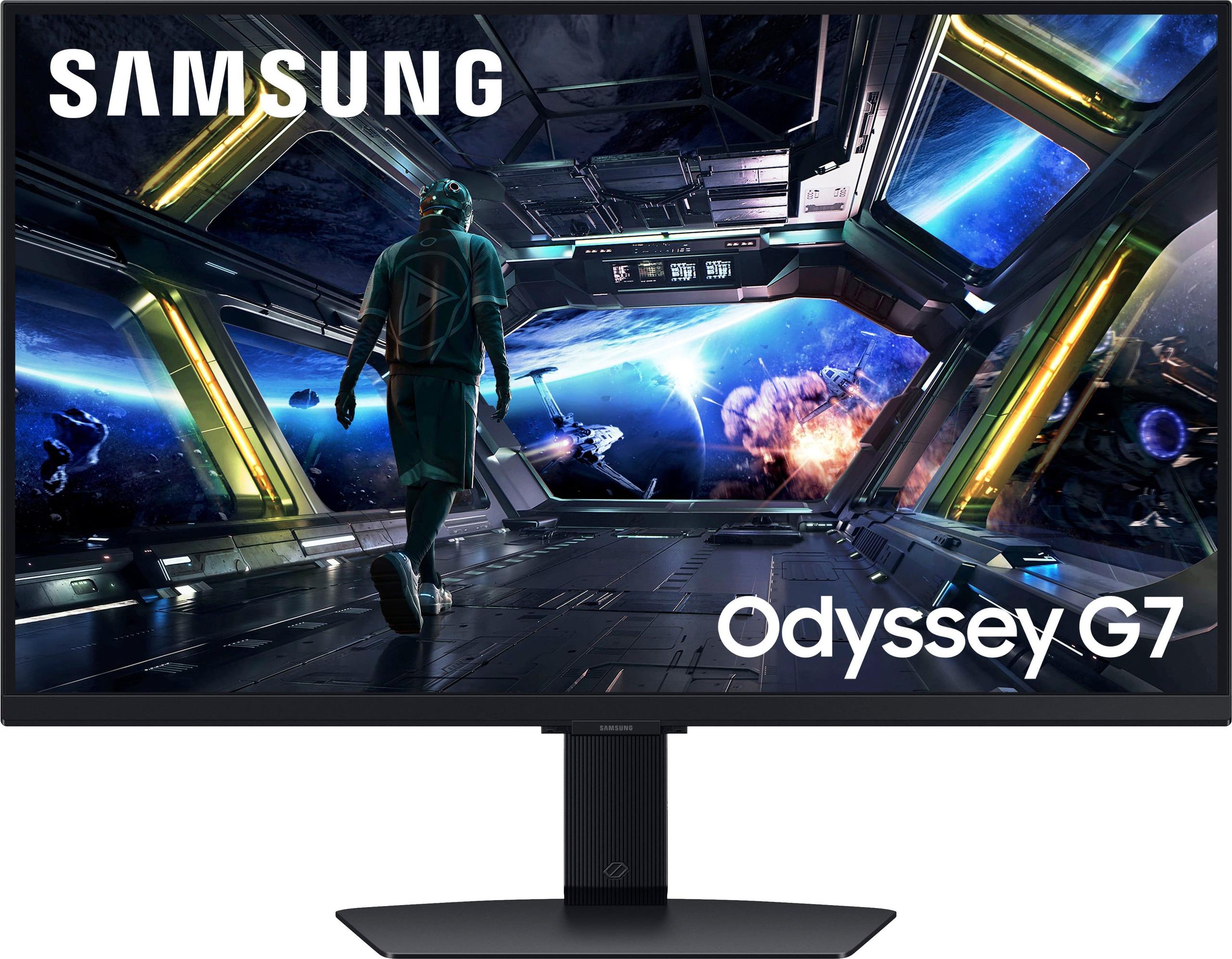
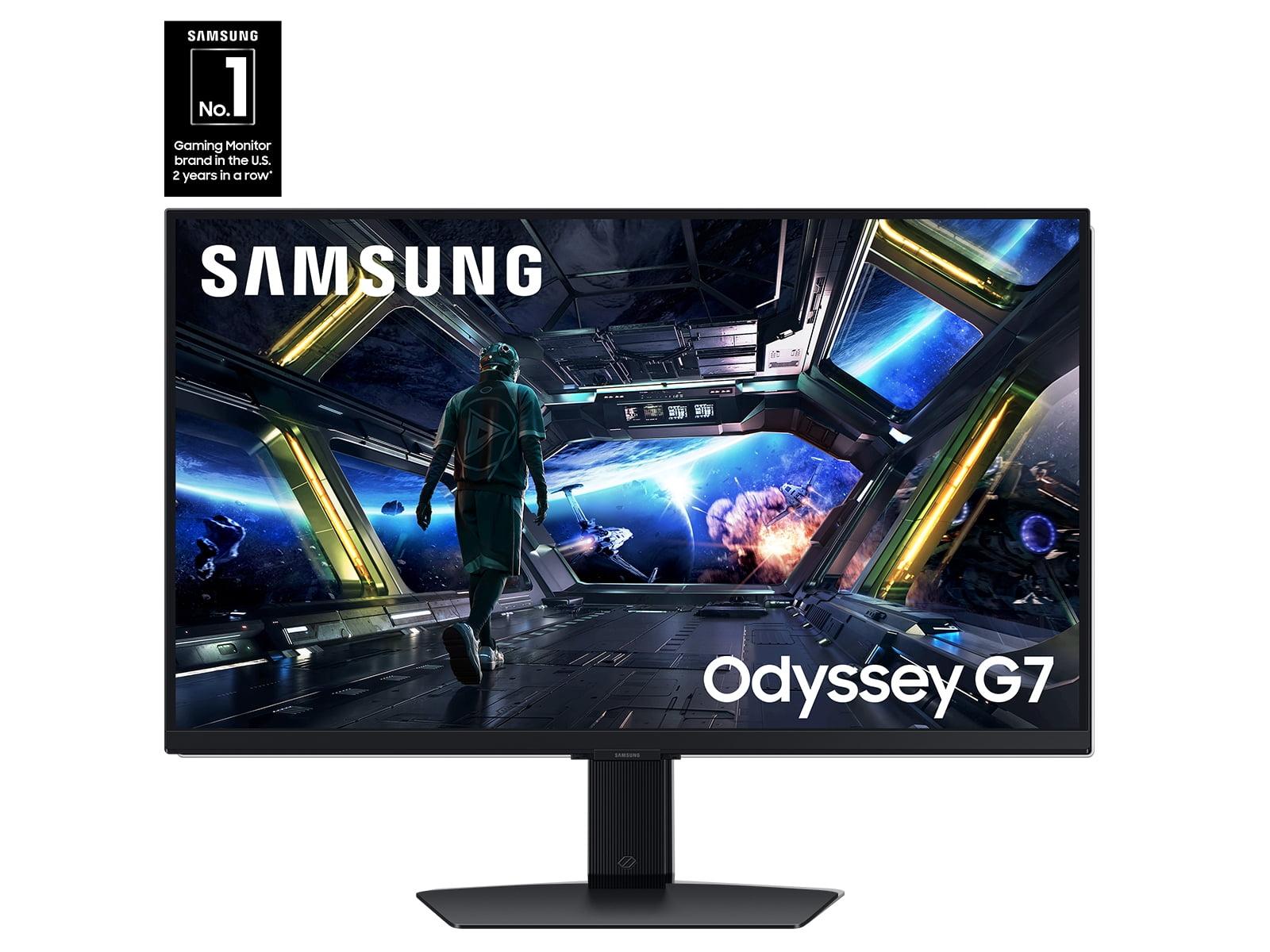
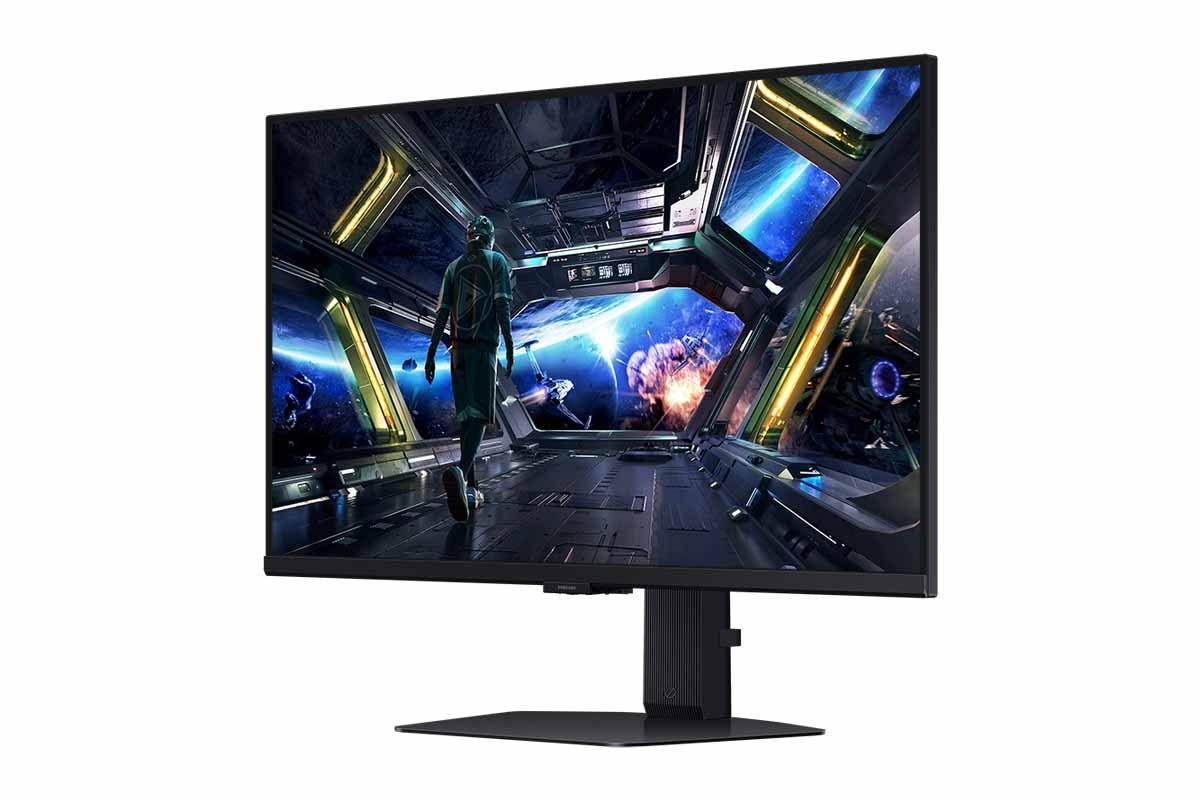
When I first started gaming seriously, I made the mistake of focusing entirely on my graphics card and processor while completely ignoring my display. It wasn't until I upgraded from a basic office monitor to a proper gaming display that I realized how much I'd been missing. Today, we're comparing two monitors that represent completely different philosophies in gaming display technology: the budget-focused Sceptre E275W-FW100T and the premium Samsung Odyssey G7 G70D.
Gaming monitors have evolved dramatically over the past decade. What once was a simple choice between "big" and "bigger" has become a complex decision involving refresh rates, response times, panel technologies, and adaptive sync standards. The monitor market essentially splits into distinct tiers, with budget options focusing on basic gaming improvements and premium displays pushing the boundaries of visual fidelity and performance.
The most critical specifications that actually affect your gaming experience are refresh rate (how many times per second the screen updates), response time (how quickly pixels can change colors), and panel type (the underlying display technology). These aren't just marketing numbers—they directly impact whether you'll spot that enemy first or whether fast-moving scenes look smooth or stuttery.
The Sceptre E275W-FW100T, released in 2024, represents the modern budget gaming monitor done right. At a time of writing when quality gaming displays under $100 seemed impossible, Sceptre managed to pack 100Hz refresh rates and AMD FreeSync support into an affordable package. This timing was crucial—it arrived when GPU manufacturers were finally making mid-range cards powerful enough to push high frame rates at 1080p, making the higher refresh rate actually useful for budget gamers.
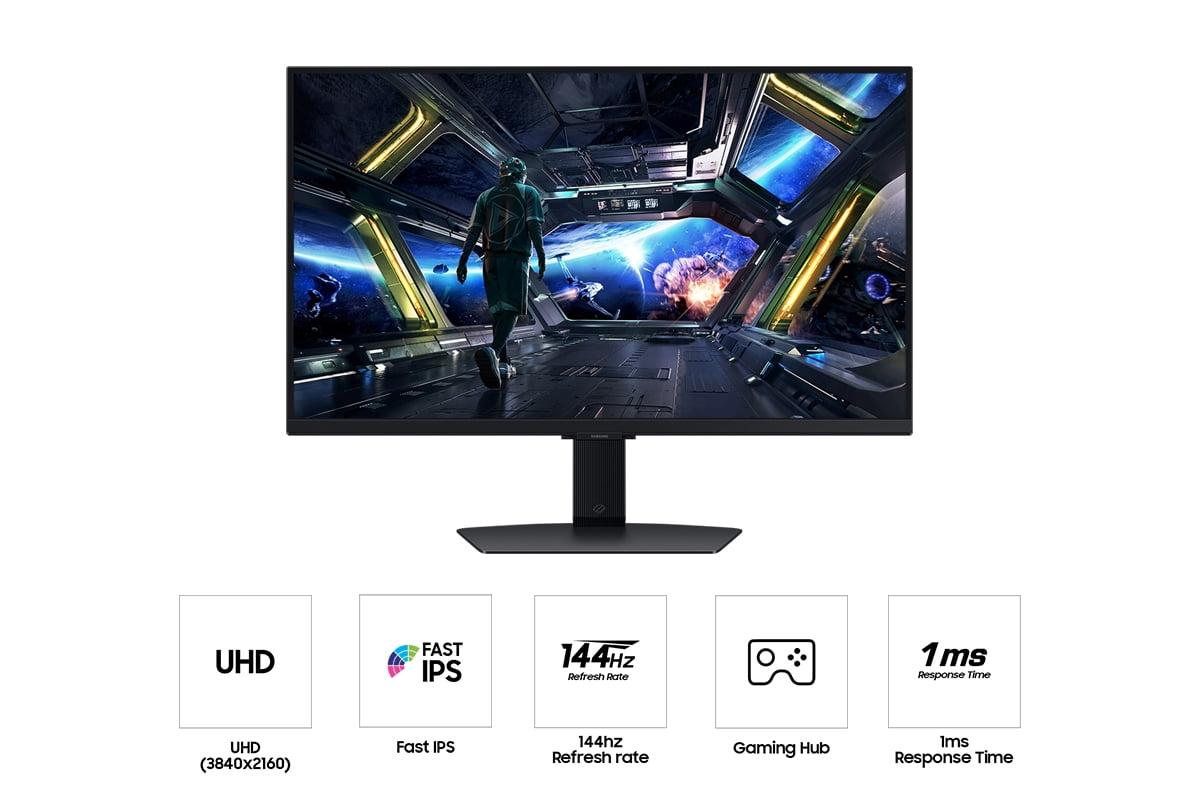
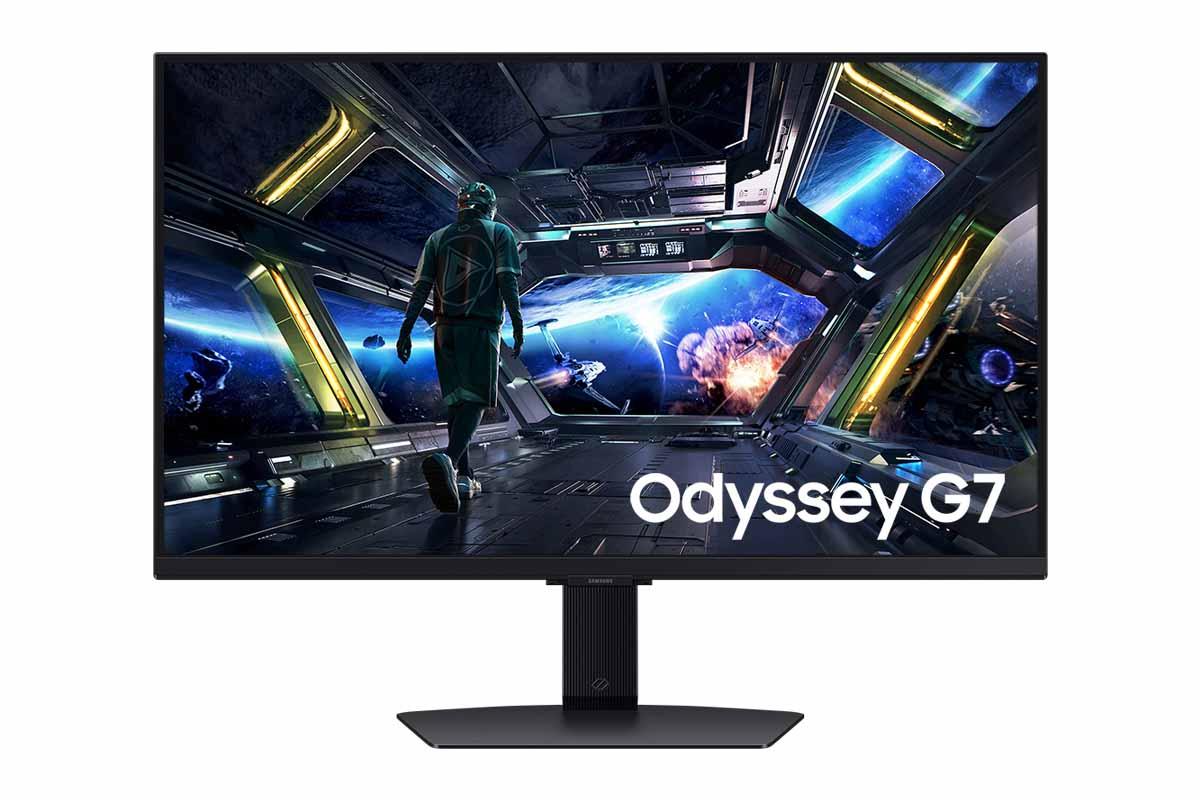
The Samsung Odyssey G7 G70D, also launched in 2024, takes a completely different approach. Samsung positioned this as part of their premium gaming lineup, incorporating their latest Fast IPS panel technology and smart features. The timing here reflects Samsung's strategy of integrating gaming monitors with their broader smart TV ecosystem—something that wouldn't have made sense even a few years ago before cloud gaming became mainstream.
Here's where these monitors diverge most dramatically. The Sceptre E275W-FW100T uses a VA (Vertical Alignment) panel, while the Samsung G70D employs a Fast IPS (In-Plane Switching) panel. This isn't just tech jargon—it fundamentally changes how each monitor performs.
VA panels excel at contrast ratio, which is the difference between the brightest whites and darkest blacks a screen can display. The Sceptre's 3,000:1 contrast ratio means blacks actually look black instead of the grayish tone you get from cheaper panels. When you're exploring a dark cave in a game or watching a movie in a dimly lit room, this makes a huge difference. The shadows have depth, and bright elements pop against truly dark backgrounds.
However, VA panels have a weakness: viewing angles. Sit too far off-center, and colors start shifting. For most solo gamers sitting directly in front of their monitor, this isn't an issue, but it matters if you ever have friends over for couch co-op gaming.
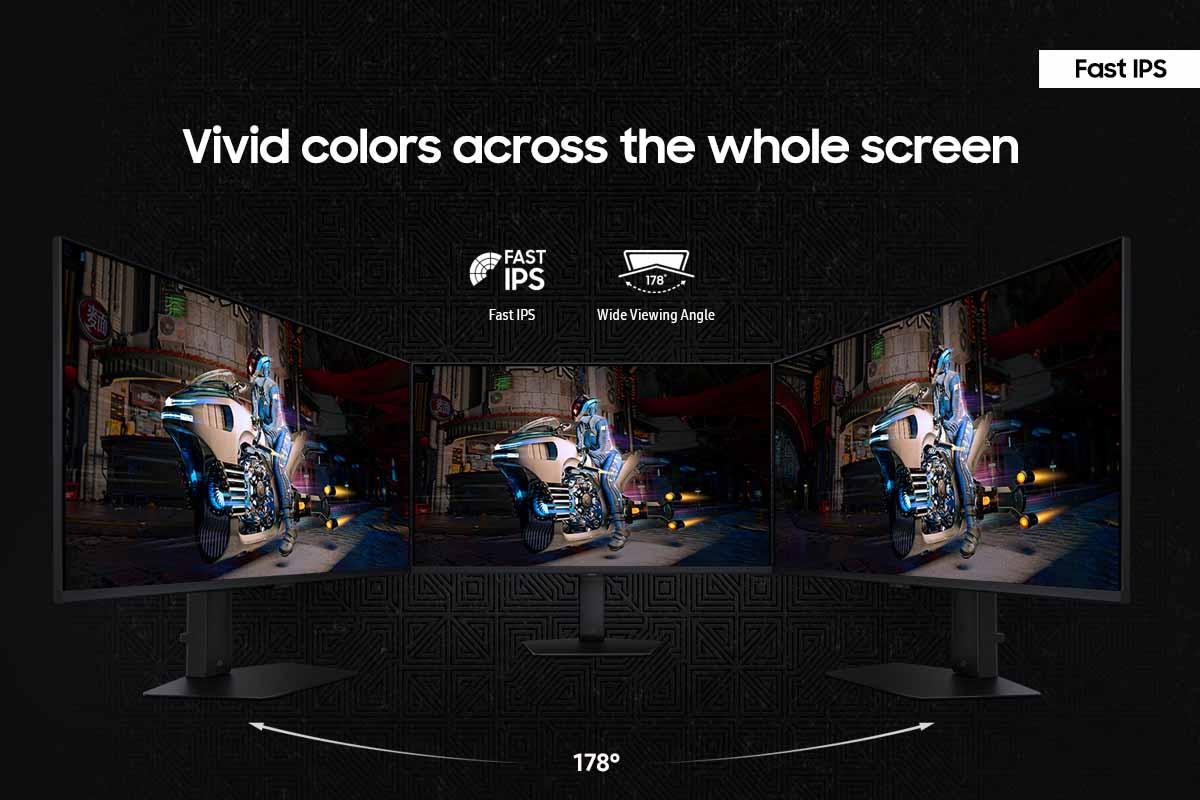
The Samsung G70D's Fast IPS panel flips these characteristics. Its contrast ratio sits around 1,000:1—typical for IPS technology—meaning blacks look more gray than truly black. But those wide 178-degree viewing angles mean colors stay consistent no matter where you're sitting. IPS panels also typically offer more accurate colors out of the box, which matters if you do any photo editing or graphic design work.
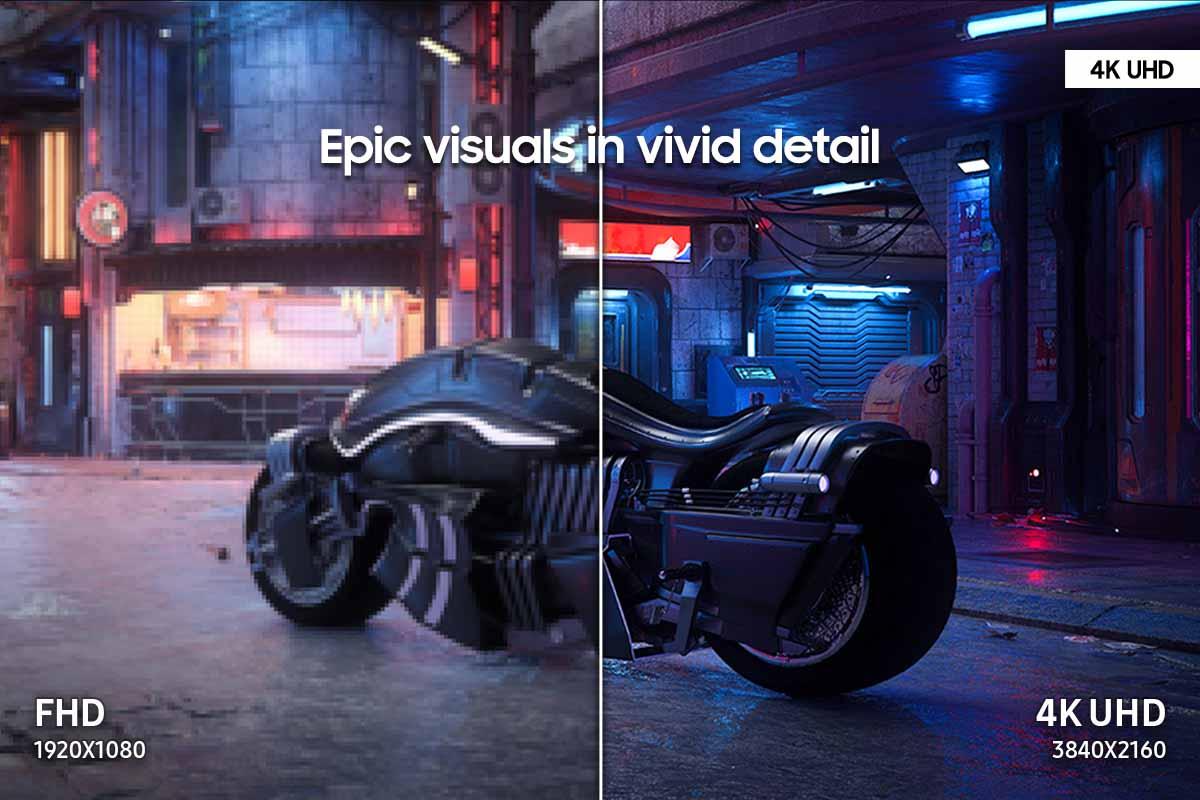
Resolution creates another massive divide. The Sceptre delivers Full HD (1920x1080) across its 27-inch screen, resulting in about 82 pixels per inch. That's perfectly fine for gaming, but text and fine details can look soft compared to higher-resolution displays. The Samsung pushes 4K UHD (3840x2160), cramming 163 pixels per inch into the same screen size. Text looks crisp, games show incredible detail, but you'll need a powerful graphics card to maintain high frame rates.
Refresh rate and response time separate casual gaming monitors from serious gaming displays. The Sceptre E275W-FW100T offers a 100Hz refresh rate, which means it can display up to 100 frames per second. This is a significant upgrade from standard 60Hz monitors—the difference between 60Hz and 100Hz is immediately noticeable in fast-paced games, with smoother motion and reduced input lag.
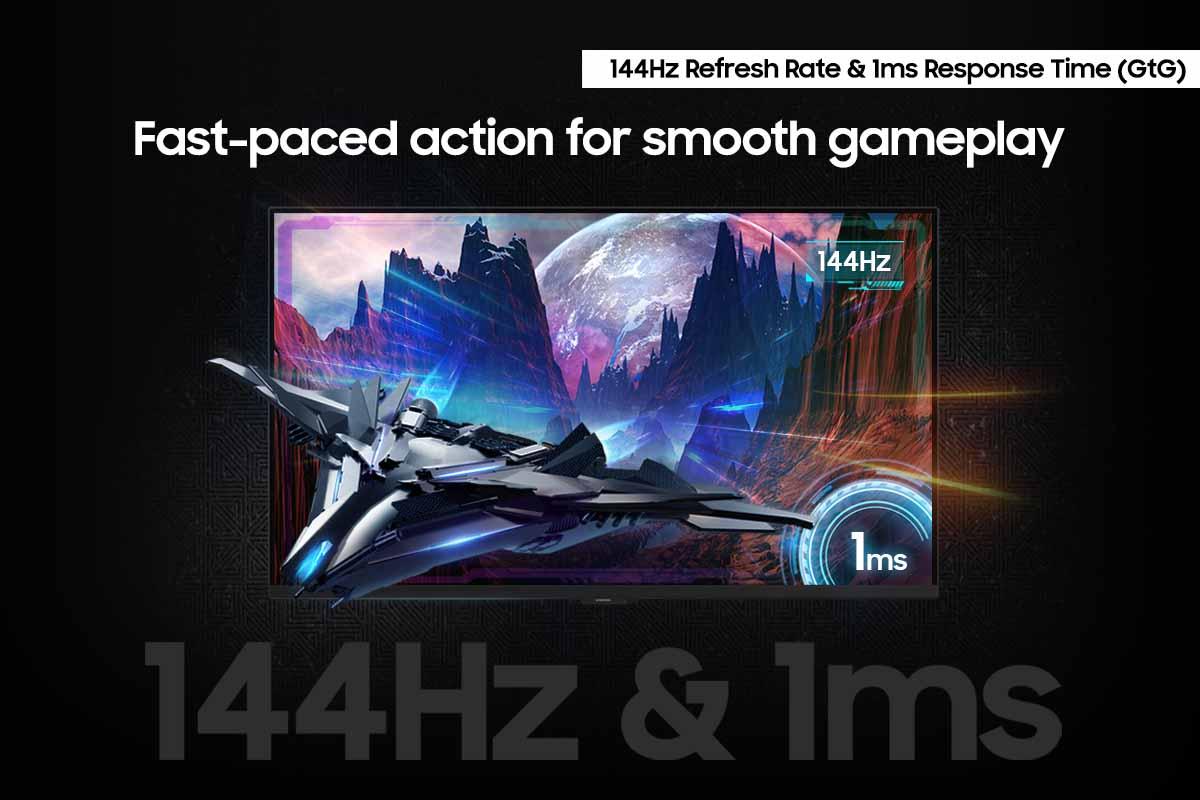
But the Samsung G70D pushes this further with its 144Hz capability. While the jump from 100Hz to 144Hz isn't as dramatic as going from 60Hz to 100Hz, competitive gamers often swear by every hertz they can get. In fast-paced shooters, that extra responsiveness can mean the difference between landing a shot and missing it.
Response time tells an even more important story. The Sceptre's 5ms gray-to-gray (GtG) response time is decent for a budget monitor, but you'll notice ghosting—faint trails behind fast-moving objects—in demanding games. The Samsung's 1ms response time virtually eliminates this ghosting, delivering the kind of motion clarity that competitive gamers demand.
Based on extensive user reports and professional reviews, the response time difference becomes most apparent in first-person shooters and racing games. The Sceptre handles slower-paced games like strategy titles or RPGs perfectly well, but fast action reveals its limitations. The Samsung excels across all game types, though you're paying significantly more for that versatility.
Both monitors support AMD FreeSync, but understanding what this technology does helps explain why it matters. When your graphics card produces frames faster or slower than your monitor's refresh rate, you get screen tearing (horizontal lines across the image) or stuttering. Adaptive sync technologies like FreeSync dynamically match your monitor's refresh rate to your graphics card's output, eliminating these issues.
The Sceptre E275W-FW100T supports FreeSync in the 48-100Hz range with Low Framerate Compensation (LFC). LFC is crucial—when your frame rate drops below 48 fps, the monitor doubles or triples frames to maintain smooth motion. Modern NVIDIA graphics cards also work with this FreeSync implementation, despite FreeSync being an AMD standard.
The Samsung G70D offers FreeSync Premium, which includes the same LFC technology but typically with a wider effective range and more rigorous certification standards. The practical difference is minimal for most users, but the Samsung's implementation tends to handle edge cases better.
While both monitors target gamers, their color performance reveals different strengths. The Sceptre E275W-FW100T covers 100% of the sRGB color space with true 8-bit color depth. sRGB is the standard color space for web content and most games, so this coverage ensures accurate color reproduction for typical use. The true 8-bit panel can display over 16 million colors simultaneously, preventing color banding in gradients.
The Samsung G70D covers about 95% of the wider DCI-P3 color space, which includes more vibrant colors than sRGB. However, user reports suggest the factory calibration runs too cool (bluish), requiring manual adjustment for optimal color accuracy. Professional reviews consistently note that while the color gamut is impressive, the Samsung needs calibration for color-critical work.
For gaming, both provide satisfying color reproduction. For content creation, the Sceptre actually offers more accurate colors out of the box, though the Samsung's wider color gamut provides more flexibility once properly calibrated.
Room lighting dramatically affects monitor usability, and here the price difference becomes apparent. The Sceptre E275W-FW100T reaches 280 nits of brightness—adequate for typical home lighting but struggling in particularly bright rooms or near windows. Its matte anti-glare coating helps reduce reflections, but bright ambient light can wash out the image.
The Samsung G70D achieves notably higher brightness levels with superior reflection handling. Based on professional testing, it performs well even in bright offices or rooms with large windows. This flexibility makes it suitable for both gaming and productivity work in various lighting conditions.
For home theater use, the Sceptre's VA panel with high contrast ratio actually provides a more cinematic experience in dark rooms. Those deep blacks enhance movie watching, especially for content with dark scenes. However, the Samsung's 4K resolution and HDR support (VESA DisplayHDR 400) make it better for high-quality streaming content, even if its contrast can't match the VA panel.
Modern monitors increasingly function as more than just displays, and the Samsung Odyssey G7 G70D exemplifies this trend. Its Gaming Hub integration transforms it into a smart TV that can access streaming services and cloud gaming platforms without any connected devices. You can literally game using Xbox Game Pass or PlayStation Now directly through the monitor, controlled via the included remote.
The Sceptre E275W-FW100T takes a more traditional approach, focusing on core gaming features rather than smart capabilities. It includes gaming-specific tools like FPS and RTS display modes that optimize settings for different game types, plus a Black Level Equalizer that enhances visibility in dark scenes—useful for competitive gaming.
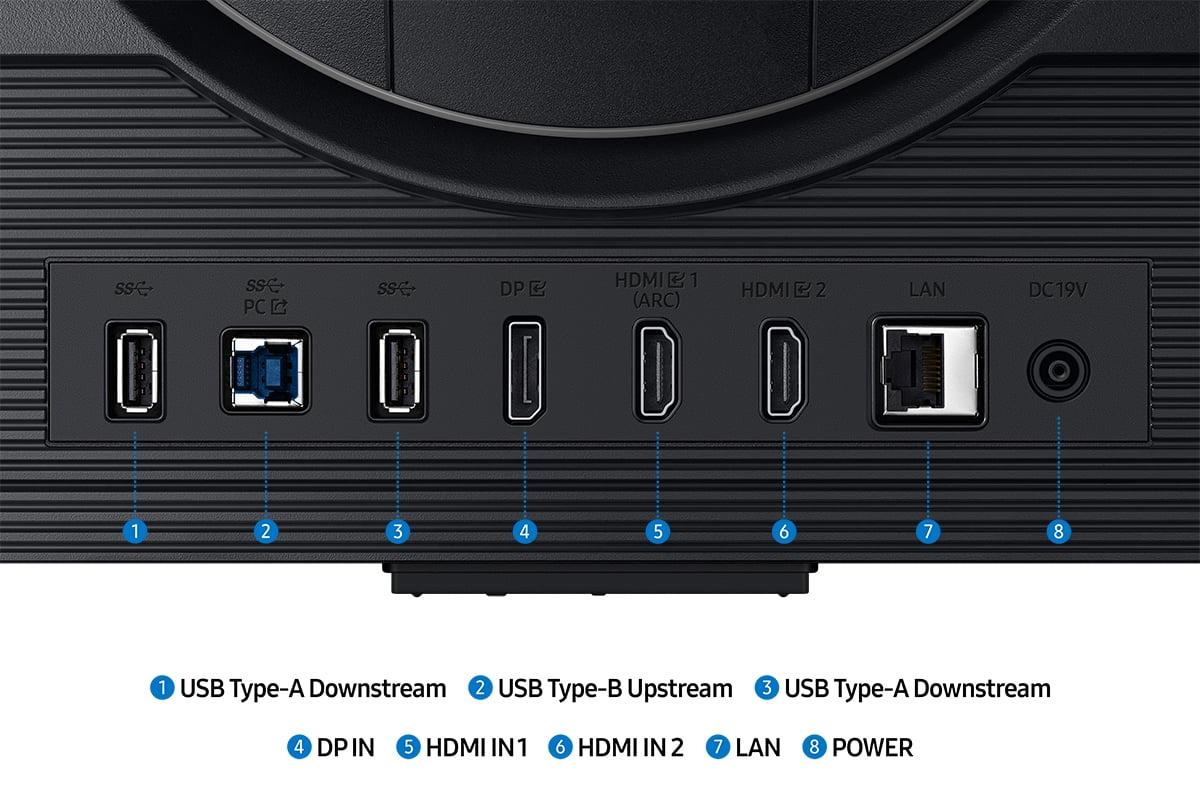
Connectivity also differs significantly. The Sceptre provides two HDMI 2.0 ports and one DisplayPort 1.2, plus basic 2W speakers and a headphone jack. It covers the essentials without extras. The Samsung offers more comprehensive connectivity including HDMI 2.1 ports (enabling 4K 120Hz from PlayStation 5 and Xbox Series X), additional USB ports for peripherals, and higher-quality built-in audio.
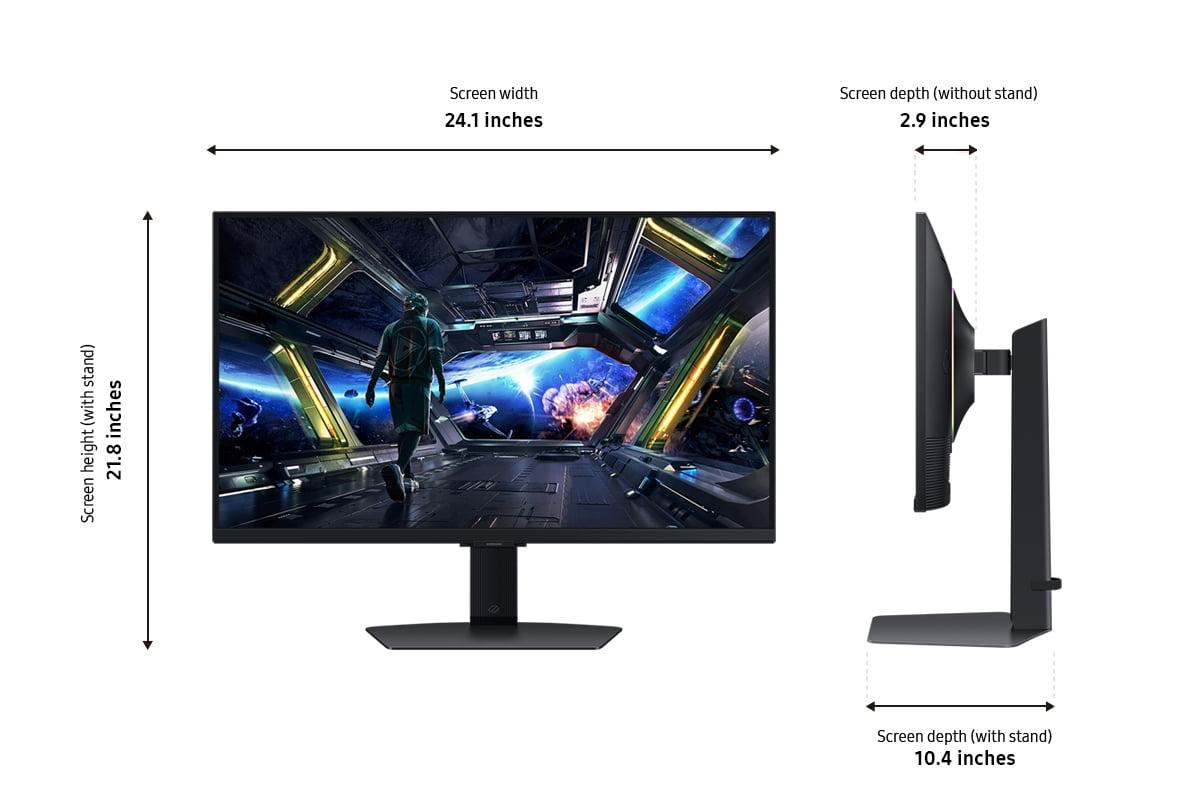
Physical design reflects each monitor's market positioning. The Sceptre E275W-FW100T features a basic but functional stand offering only tilt adjustment (-5° to 15°). While limited, it includes VESA mount compatibility (100x100mm) for aftermarket stands or wall mounting. The overall build prioritizes affordability over premium materials or extensive adjustability.
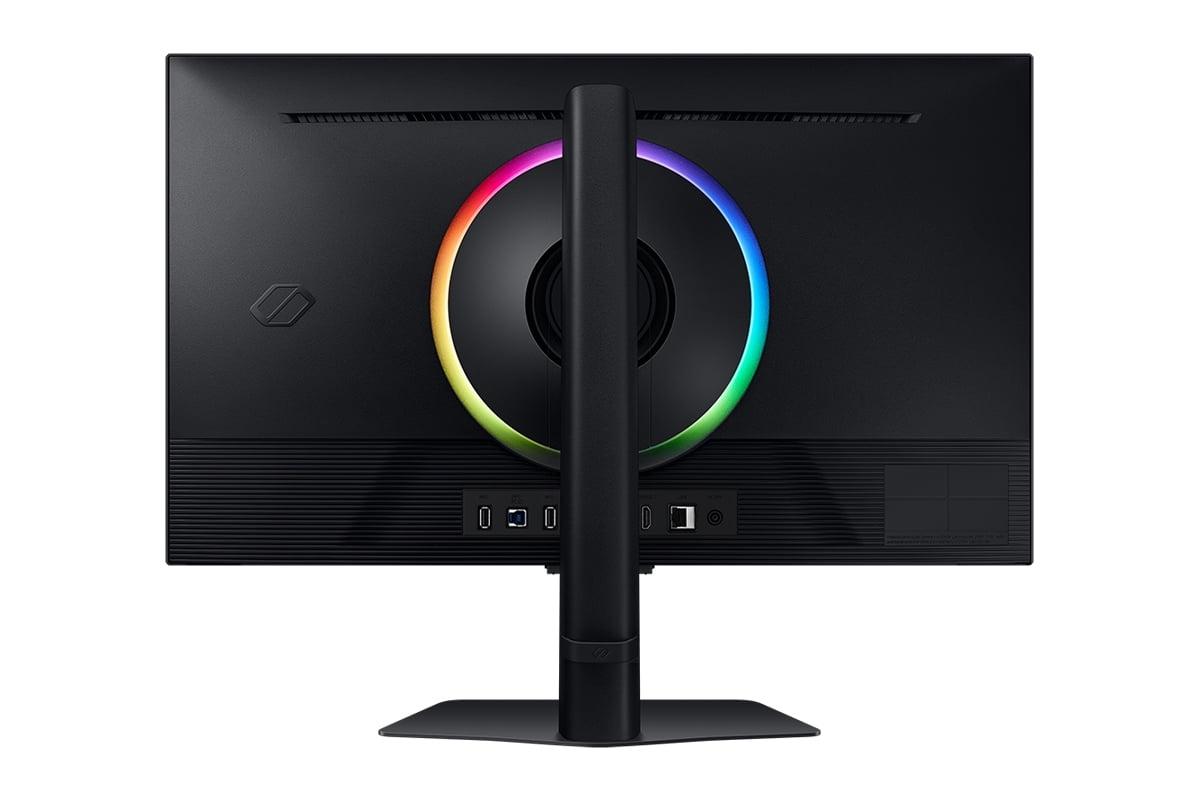
The Samsung G70D provides comprehensive ergonomic adjustments including height, tilt, swivel, and pivot (portrait mode). Professional reviews consistently praise the build quality, noting smooth adjustment mechanisms and a stable base. The premium construction justifies part of the price premium, especially for users who spend long hours at their desk.
Gaming performance varies dramatically based on what you're playing. For competitive esports titles like Counter-Strike or League of Legends, the Samsung G70D's 1ms response time and high refresh rate provide clear advantages. The motion clarity helps track fast-moving targets, and the low input lag ensures your reactions translate immediately to on-screen action.
For single-player games, especially those with rich visuals and slower pacing, the choice becomes more nuanced. The Sceptre E275W-FW100T's VA panel delivers more immersive dark scenes in games like horror titles or atmospheric adventures. The Samsung's 4K resolution reveals incredible detail in open-world games, but demands significantly more graphics processing power.
Console gaming adds another consideration. The Samsung G70D fully supports 4K 120Hz from PlayStation 5 and Xbox Series X via HDMI 2.1, while the Sceptre caps at 1080p 100Hz. If you're primarily a console gamer with current-generation hardware, the Samsung unlocks your system's full potential.
At the time of writing, these monitors occupy completely different price tiers, with the Samsung G70D costing roughly three to four times more than the Sceptre E275W-FW100T. This price difference reflects fundamental differences in target markets and capabilities.
The Sceptre delivers exceptional value for budget-conscious gamers. It transforms the gaming experience compared to basic 60Hz monitors while maintaining affordability. User reviews consistently praise its performance relative to price, though many note that spending slightly more on 144Hz IPS alternatives or 1440p displays might provide better long-term value.
The Samsung justifies its premium pricing through 4K clarity, professional-grade response times, and smart features. However, it's clearly targeting serious gamers and content creators who prioritize performance over budget constraints.
Choose the Sceptre E275W-FW100T if you're:
The Samsung Odyssey G7 G70D makes sense if you:
These monitors represent two valid but different approaches to gaming displays. The Sceptre E275W-FW100T proves that budget gaming monitors don't have to be terrible—it delivers meaningful improvements over basic displays without breaking the bank. Its VA panel provides better contrast than most budget options, and the 100Hz refresh rate offers smoother gaming than standard 60Hz displays.
The Samsung Odyssey G7 G70D showcases what's possible when price isn't the primary constraint. Its 4K IPS panel, lightning-fast response time, and smart features create a premium experience that justifies the cost for serious gamers and professionals.
The key is matching your needs to the right tier. Don't pay for 4K gaming if your graphics card can barely handle 1080p, but don't shortchange yourself on response time if you're serious about competitive gaming. Both monitors excel within their intended markets—the question is which market you belong to.
| Sceptre E275W-FW100T | Samsung Odyssey G7 G70D |
|---|---|
| Resolution - Higher resolution means sharper text and more detailed gaming visuals | |
| 1920 x 1080 (Full HD) - adequate for gaming, text may appear soft | 3840 x 2160 (4K UHD) - crystal clear visuals but requires powerful GPU |
| Panel Type - Affects contrast, viewing angles, and color accuracy | |
| VA Panel - deeper blacks (3,000:1 contrast) but narrower viewing angles | Fast IPS Panel - wider viewing angles but grayer blacks (1,000:1 contrast) |
| Refresh Rate - Higher rates provide smoother motion in fast-paced games | |
| 100Hz - noticeable improvement over 60Hz, good for casual gaming | 144Hz - premium gaming performance, ideal for competitive play |
| Response Time - Lower times reduce ghosting and motion blur | |
| 5ms (GtG) - some ghosting visible in fast action scenes | 1ms (GtG) - virtually eliminates ghosting for competitive gaming |
| Adaptive Sync - Eliminates screen tearing and stuttering | |
| AMD FreeSync (48-100Hz range) - works with modern NVIDIA cards | AMD FreeSync Premium - enhanced implementation with wider compatibility |
| Brightness - Affects visibility in different lighting conditions | |
| 280 nits - adequate for normal lighting, struggles in bright rooms | 350+ nits - excellent performance even in well-lit environments |
| Color Coverage - More coverage means more vibrant and accurate colors | |
| 100% sRGB - accurate colors for gaming and basic productivity | ~95% DCI-P3 - wider color gamut but requires calibration for best accuracy |
| HDR Support - Enhanced contrast and color range for compatible content | |
| No HDR support | VESA DisplayHDR 400 - basic HDR enhancement for compatible games/movies |
| Ergonomic Adjustments - Affects comfort during long gaming sessions | |
| Tilt only (-5° to 15°) with VESA mount compatibility | Full adjustment suite (height, tilt, swivel, pivot) with premium build quality |
| Connectivity - Determines what devices you can connect | |
| 2x HDMI 2.0, 1x DisplayPort 1.2, headphone jack | Multiple HDMI 2.1, DisplayPort, USB hub - supports 4K 120Hz from consoles |
| Smart Features - Additional functionality beyond basic display | |
| Basic gaming modes (FPS/RTS) and Blue Light Shift | Gaming Hub with streaming apps, cloud gaming, remote control, AI upscaling |
| Target Use Case - Who each monitor serves best | |
| Budget gamers upgrading from 60Hz, casual gaming, secondary display | Serious gamers, 4K gaming, content creation, competitive esports |
The Samsung Odyssey G7 G70D is significantly better for serious gaming with its 144Hz refresh rate, 1ms response time, and 4K resolution. However, the Sceptre E275W-FW100T offers excellent value for casual gamers with its 100Hz refresh rate and AMD FreeSync support at a much lower price point.
The primary difference is resolution and price tier. The Sceptre E275W-FW100T delivers 1080p Full HD gaming at a budget-friendly price, while the Samsung Odyssey G7 G70D provides premium 4K UHD gaming with professional-grade features at a significantly higher cost.
For dark room movie watching, the Sceptre E275W-FW100T excels with its VA panel's superior 3,000:1 contrast ratio, delivering deeper blacks. The Samsung G70D offers 4K resolution and HDR support for sharper streaming content, but its IPS panel produces grayer blacks in dark scenes.
The Samsung Odyssey G7 G70D fully supports 4K 120Hz gaming from current-gen consoles via HDMI 2.1. The Sceptre E275W-FW100T works with consoles but caps at 1080p resolution, limiting the visual potential of PlayStation 5 and Xbox Series X.
The Samsung G70D is superior for competitive gaming due to its 1ms response time and 144Hz refresh rate, which provide the motion clarity and responsiveness that serious esports players demand. The Sceptre is adequate for casual competitive play but may show ghosting in fast-paced action.
The Sceptre E275W-FW100T works well with mid-range graphics cards since 1080p gaming is less demanding. The Samsung Odyssey G7 G70D requires a high-end graphics card to maintain good frame rates at 4K resolution, especially in demanding games.
The Sceptre E275W-FW100T provides exceptional value for budget-conscious gamers, offering significant improvements over basic 60Hz monitors. The Samsung G70D justifies its premium price with 4K clarity and professional features, but only if you need those capabilities and have the budget.
Both work for productivity, but differently. The Samsung Odyssey G7 G70D excels with its 4K resolution providing crisp text and wide viewing angles for collaboration. The Sceptre E275W-FW100T handles basic office work adequately but text may appear less sharp due to lower pixel density.
The Samsung G70D performs much better in bright environments with higher brightness output and superior reflection handling. The Sceptre E275W-FW100T with its 280 nits brightness can struggle in very bright rooms or near windows.
Only the Samsung Odyssey G7 G70D supports HDR with VESA DisplayHDR 400 certification, providing enhanced contrast and color range for compatible games and movies. The Sceptre E275W-FW100T does not include HDR support.
The Samsung G70D offers extensive smart features including Gaming Hub for streaming apps and cloud gaming, plus comprehensive connectivity with HDMI 2.1 and USB ports. The Sceptre focuses on basic gaming connectivity with essential ports but no smart TV functionality.
Choose the Sceptre E275W-FW100T if you're building your first gaming setup, primarily play casual games, or need a secondary monitor. Save up for the Samsung Odyssey G7 G70D if you're a serious gamer with a high-end GPU, do content creation work, or want the best possible gaming performance and 4K visuals.
We've done our best to create useful and informative comparisons to help you decide what product to buy. Our research uses advanced automated methods to create this comparison and perfection is not possible - please contact us for corrections or questions. These are the sites we've researched in the creation of this article: pcvarge.com - walmart.com - cubed.run - productchart.com - displayninja.com - target.com - youtube.com - versus.com - youtube.com - youtube.com - sceptre.com - sceptre.com - bestbuy.com - typectechreviews.com - rtings.com - rtings.com - youtube.com - youtube.com - samsung.com - samsung.com - samsung.com - bhphotovideo.com - samsung.com - samsung.com - versus.com - abt.com - abt.com - bestbuy.com - bhphotovideo.com - youtube.com - abt.com

Privacy Policy
Terms and Conditions - Affiliate Policy
Home Security
© Copyright 2008-2026.
11816 Inwood Rd #1211, Dallas, TX 75244