







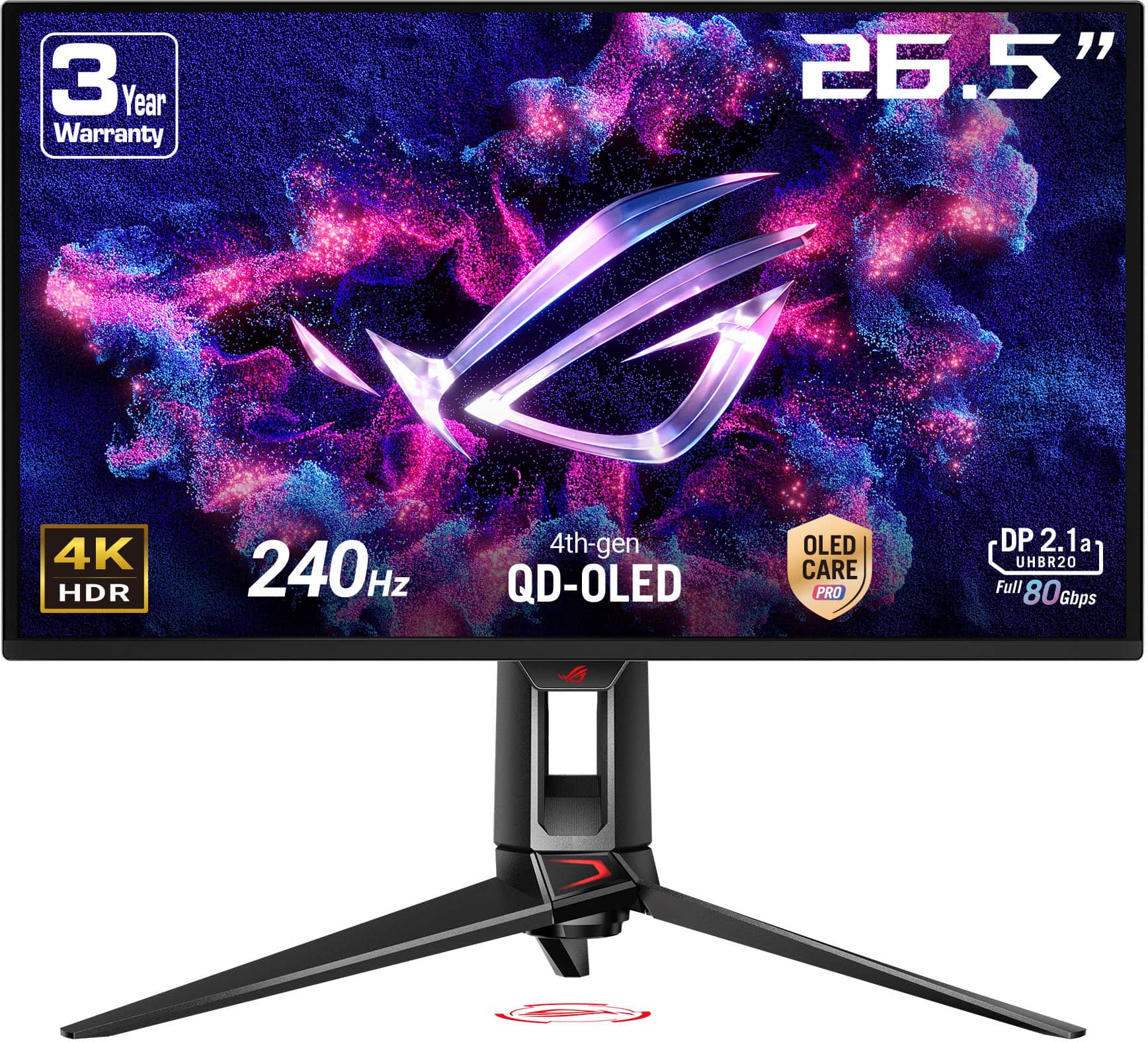
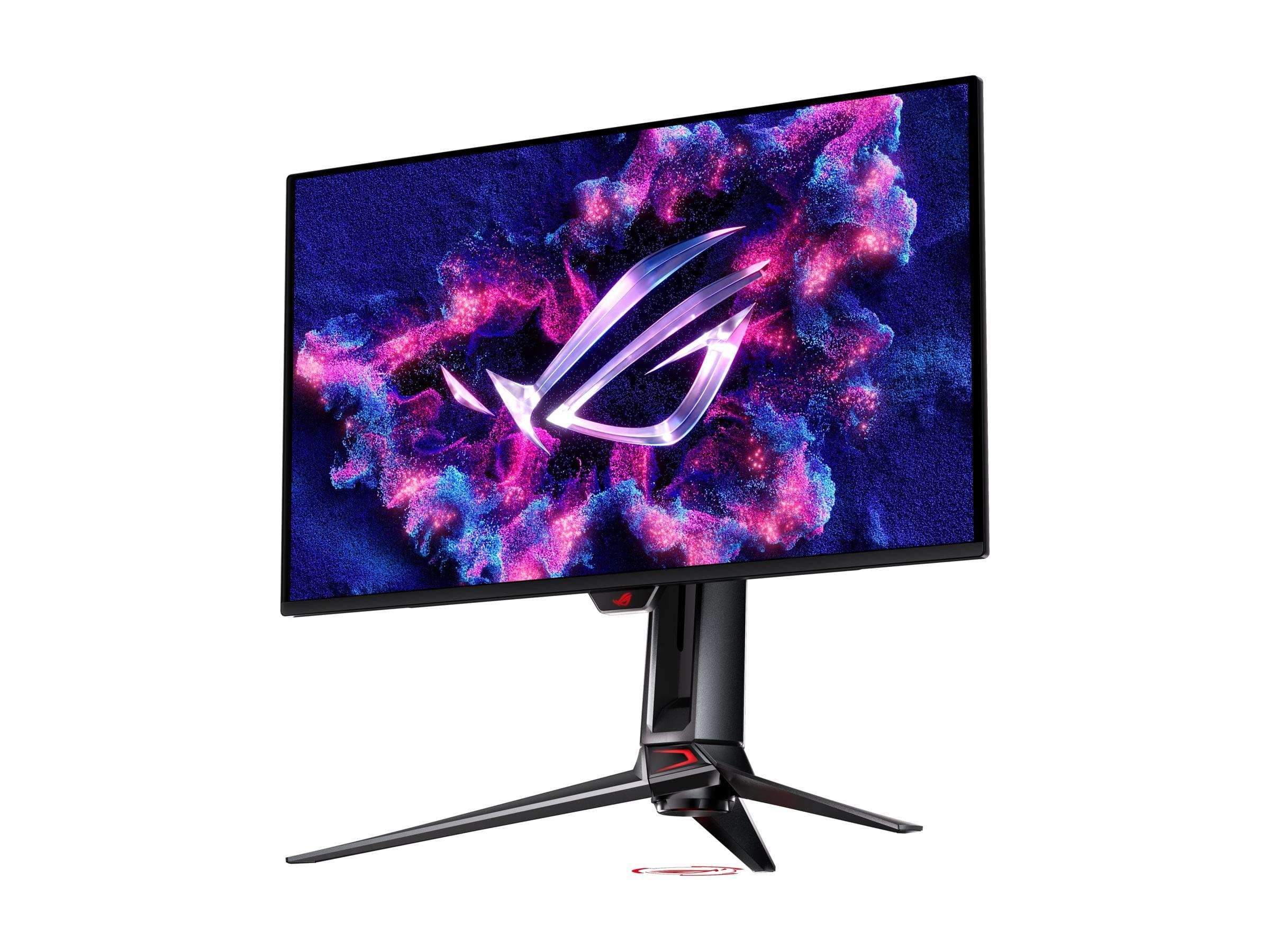
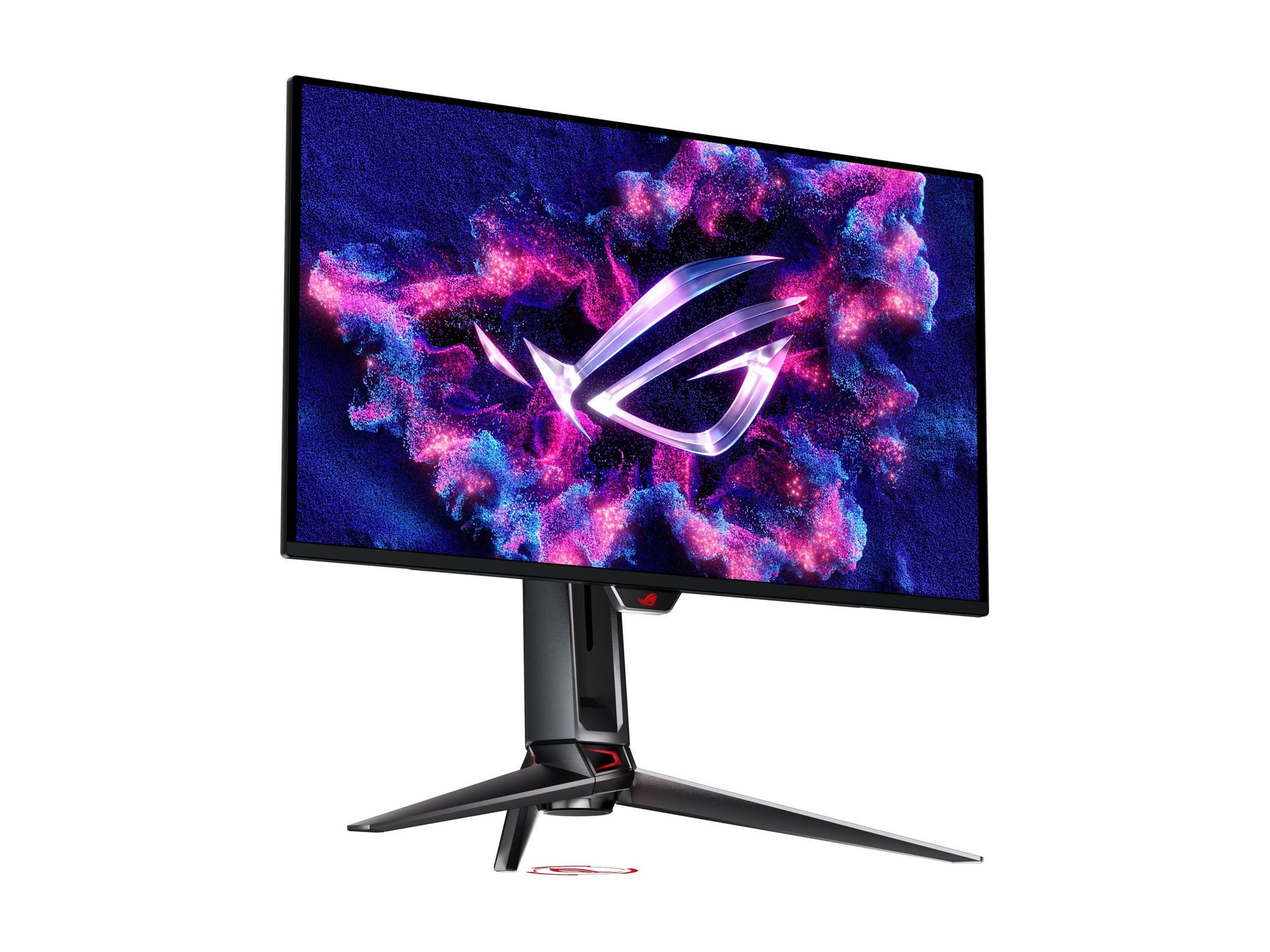
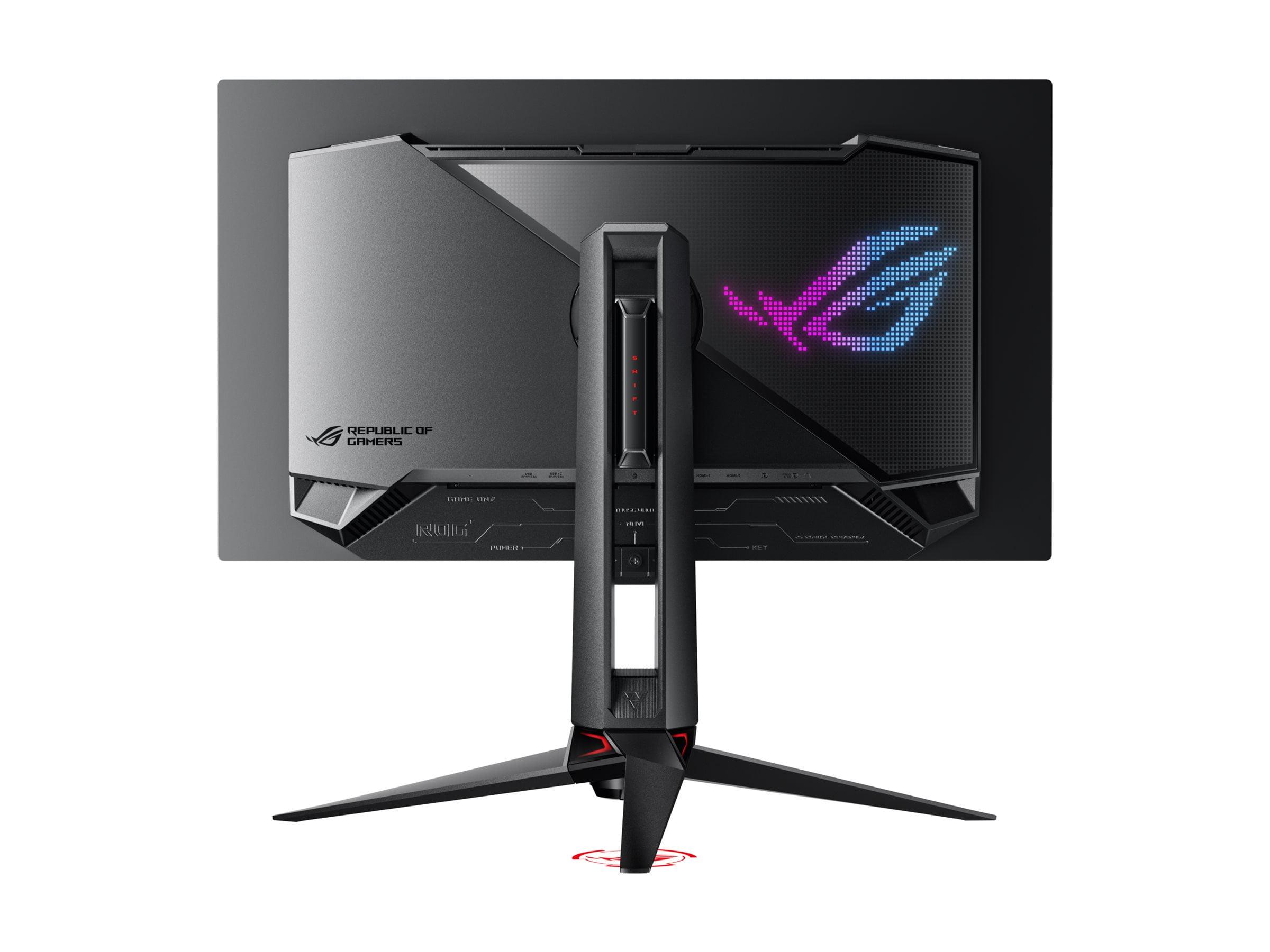
When you're shopping for a gaming monitor, you'll quickly discover that prices can range from under $150 to well over $1,000. This massive spread isn't just marketing fluff—it reflects genuine technological differences that can dramatically impact your gaming experience. Today we're comparing two monitors that perfectly illustrate this divide: the budget-friendly Sceptre E275W-FW100T and the premium ASUS ROG Swift OLED PG27UCDM.
Released in 2024, both monitors target gamers but approach the challenge from completely different angles. The Sceptre aims to deliver improved gaming performance at rock-bottom prices, while the ASUS pushes the boundaries of what's possible with cutting-edge display technology. Understanding their differences will help you figure out which approach makes sense for your setup and budget.
Before diving into specifics, let's establish what makes a monitor good for gaming. The most critical factors are refresh rate (how many times per second the screen updates), response time (how quickly pixels can change color), input lag (the delay between your controller and what appears on screen), and visual quality.
Think of refresh rate like a flipbook—the more pages per second, the smoother the animation appears. Standard monitors refresh 60 times per second (60Hz), but gaming monitors often go much higher. Response time matters because slow pixels create ghosting, where fast-moving objects leave trails behind them. Input lag is crucial for competitive gaming, where every millisecond counts.
Panel technology determines how the monitor creates images. Traditional LCD panels use a backlight shining through liquid crystals, while newer OLED panels have pixels that light themselves. This fundamental difference affects everything from color accuracy to contrast ratios (the difference between the brightest whites and darkest blacks).
The core difference between these monitors lies in their display technology. The Sceptre E275W-FW100T uses a VA (Vertical Alignment) LCD panel—a mature technology that balances cost with decent performance. VA panels typically offer better contrast than cheaper IPS panels, meaning darker blacks and more immersive visuals in dimly lit scenes.
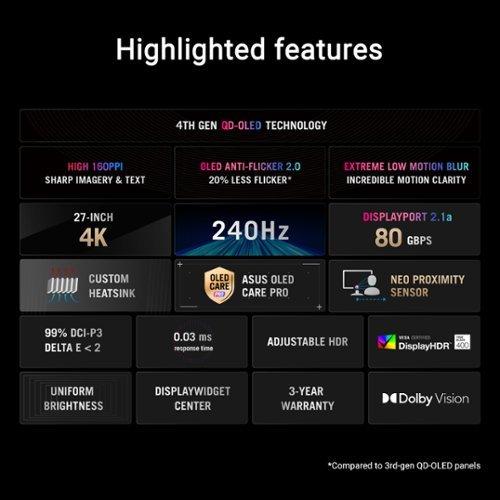
The ASUS PG27UCDM employs fourth-generation QD-OLED technology, representing the cutting edge of display innovation. QD-OLED combines quantum dots (tiny particles that enhance color accuracy) with organic light-emitting diodes. Each pixel generates its own light, eliminating the need for a backlight entirely. This results in perfect blacks, infinite contrast ratios, and incredibly vibrant colors.
When OLED gaming monitors first appeared around 2022, they suffered from text clarity issues due to their subpixel structure. The ASUS monitor addresses these early problems with its fourth-generation panel, making it suitable for both gaming and productivity work—a significant improvement over earlier OLED displays.
Here's where the differences become immediately apparent. The Sceptre operates at 1080p resolution (1920x1080 pixels), which on a 27-inch screen results in a pixel density of about 82 pixels per inch (PPI). While this was standard a decade ago, it now produces noticeably soft text and less detailed images, especially if you're used to higher-resolution displays.
The ASUS delivers 4K resolution (3840x2160), providing 163 PPI—nearly double the pixel density. This creates remarkably sharp text and detailed visuals that work equally well for gaming and office tasks. Based on our research into user experiences, the difference in text clarity between these resolutions on 27-inch monitors is substantial enough to affect daily productivity.
This resolution gap has practical implications beyond gaming. If you plan to use your monitor for work, web browsing, or streaming, the higher pixel density of 4K makes text significantly more comfortable to read for extended periods. However, driving 4K at high frame rates requires substantially more graphics card power than 1080p.
The performance differences between these monitors are dramatic. The Sceptre offers a 100Hz refresh rate with a 5ms gray-to-gray (GTG) response time. While 100Hz provides a noticeable improvement over standard 60Hz displays, the slower response time means you'll see ghosting—faint trails behind fast-moving objects. Our research indicates this ghosting is particularly noticeable in fast-paced games like first-person shooters or racing games.
The ASUS monitor operates at 240Hz with an extraordinary 0.03ms response time—that's 0.3 milliseconds compared to the Sceptre's 5 milliseconds. This near-instantaneous pixel response eliminates ghosting entirely, delivering crystalline motion clarity even during the most frenetic gaming sequences. The difference isn't subtle; it's immediately apparent when switching between the two.
Input lag tells a similar story. The Sceptre manages around 6ms of input lag, which is perfectly acceptable for casual gaming. The ASUS achieves approximately 3ms—imperceptible to human senses and ideal for competitive gaming where every advantage matters.
For variable refresh rate support, both monitors handle AMD FreeSync, but the implementation differs significantly. The Sceptre supports FreeSync in the 48-100Hz range, which works well with AMD graphics cards and newer NVIDIA GPUs over DisplayPort. The ASUS supports both G-SYNC Compatible and FreeSync Premium Pro across a 49-240Hz range, plus HDMI 2.1 variable refresh rate that works seamlessly with PlayStation 5 and Xbox Series X consoles.
Color accuracy and HDR (High Dynamic Range) support create another major divide. The Sceptre covers 100% of the sRGB color space—the standard for web content and most games. Its 280 nits peak brightness is adequate for typical indoor lighting but may struggle in brightly lit rooms. The VA panel provides a respectable 3000:1 contrast ratio, offering deeper blacks than many budget IPS monitors.
The ASUS monitor covers 99% of the wider DCI-P3 color space used in modern games and movies, plus 145% of sRGB. It comes factory-calibrated to professional standards with Delta E accuracy below 2—meaning colors appear exactly as intended. The monitor supports Dolby Vision and HDR10 with peak brightness reaching 1000 nits, creating dramatically more realistic lighting in compatible content.
The infinite contrast ratio of OLED technology means true black pixels produce no light whatsoever. This creates an immersive viewing experience that's particularly noticeable in dark games or movie scenes. Having experienced both technologies extensively, the difference in visual impact is substantial—OLED displays create a sense of depth and realism that traditional LCD panels simply cannot match.
The feature sets reflect each monitor's target market. The Sceptre includes essential gaming features like a Black Level Equalizer (which brightens dark areas to spot enemies hiding in shadows) and basic game modes for FPS and RTS titles. Navigation uses a rear joystick controller, and the monitor includes weak 2-watt speakers that are better than nothing but far from impressive.
The ASUS monitor offers an extensive feature suite that justifies its premium positioning. The proximity sensor automatically detects when you step away and dims the screen to prevent OLED burn-in—a thoughtful touch that extends panel lifespan. The built-in KVM switch lets you control multiple computers with one keyboard and mouse setup. USB-C connectivity with 90-watt power delivery means you can connect and charge a laptop with a single cable.
OLED care features address the technology's main weakness: potential burn-in from static images. The monitor includes pixel shift, screen savers, and logo detection to minimize this risk. While modern OLED panels are much more resistant to burn-in than early generations, these precautions provide peace of mind for users displaying static content like desktop interfaces.
The Sceptre features a functional but basic design with a tilt-only stand that adjusts between -5 and 15 degrees. The build quality feels appropriate for its price point, though the limited ergonomic adjustment options might frustrate users who need height or swivel adjustments. The monitor does support VESA mounting if you want to use an aftermarket arm.
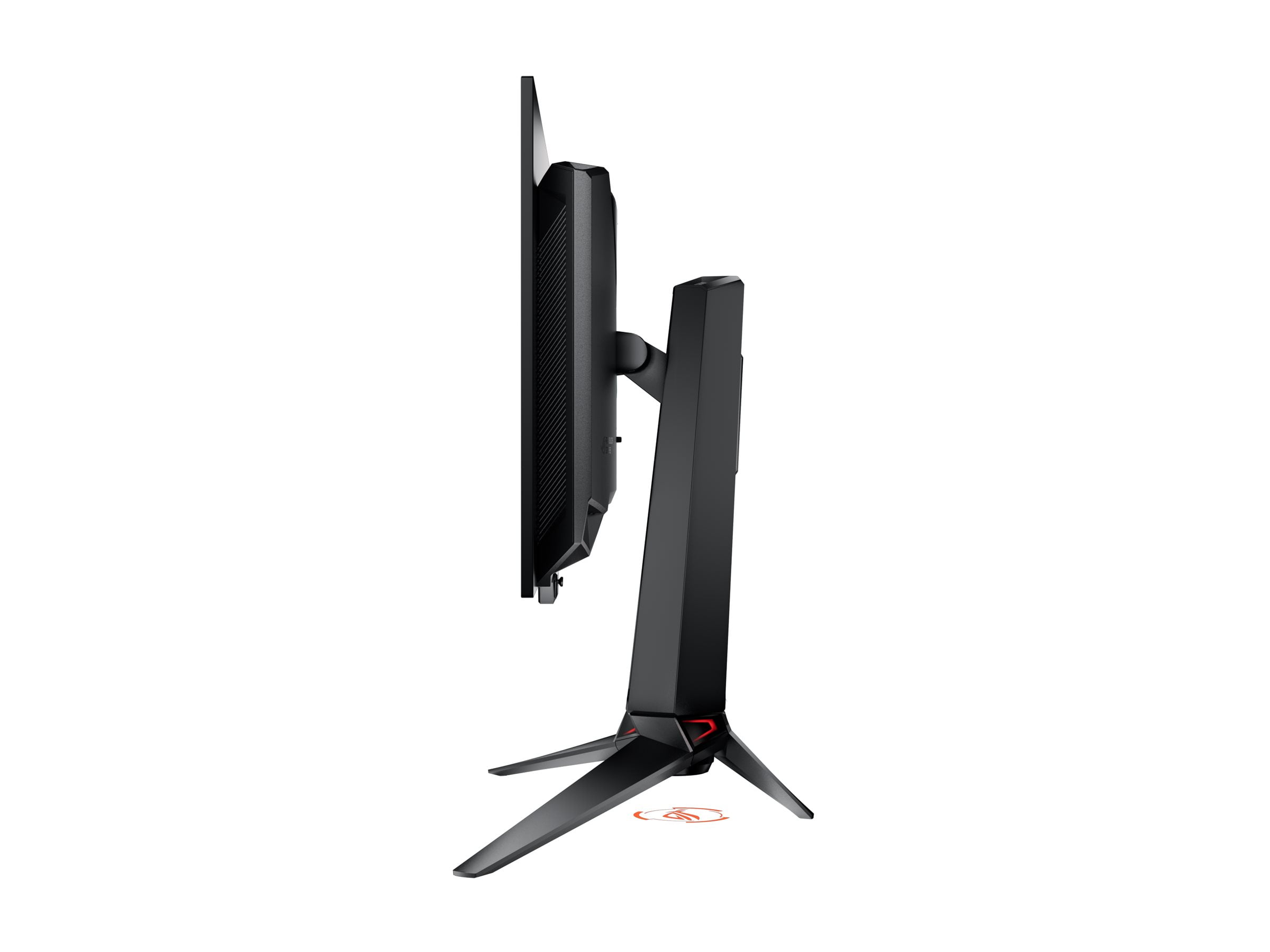
The ASUS monitor showcases premium build quality with full ergonomic adjustments including height, tilt, swivel, and pivot. The materials feel substantial, and the design incorporates RGB lighting that matches other ROG gaming accessories. The anti-reflection coating strikes a good balance—it's neither fully glossy nor heavily matte, reducing reflections without creating the grainy appearance of aggressive anti-glare treatments.
For home theater use, these monitors serve very different purposes. The Sceptre, at current pricing, could work as a budget computer monitor for streaming, but its limited resolution and brightness make it less suitable for serious movie watching. The built-in speakers are too weak for any meaningful audio experience.
The ASUS monitor excels as a premium personal display for movies and streaming. The OLED technology delivers perfect blacks crucial for cinematic experiences, while Dolby Vision support ensures compatible content looks spectacular. The 4K resolution provides the detail modern streaming services offer, and the color accuracy means movies appear as directors intended. The lack of built-in speakers means you'll need headphones or external audio, but the visual experience rivals much more expensive TVs.
Based on extensive research into user experiences and expert reviews, the most important performance characteristics depend on your primary use case. For competitive gaming, response time and input lag reign supreme—even small improvements in these metrics can provide tangible advantages. For single-player gaming and media consumption, color accuracy, contrast ratio, and HDR support create the most meaningful improvements in experience quality.
Resolution becomes increasingly important for productivity work and extended viewing sessions. The difference between 1080p and 4K on a 27-inch display affects daily comfort significantly, making text crisp and reducing eye strain during long work sessions.
Refresh rate improvements show diminishing returns beyond certain points. The jump from 60Hz to 100Hz feels substantial, but the difference between 144Hz and 240Hz, while measurable, matters primarily for competitive esports players who can take advantage of every frame.
The Sceptre E275W-FW100T makes sense for specific scenarios. If you're on a tight budget but want to experience higher refresh rate gaming, it provides meaningful improvements over basic 60Hz monitors at an accessible price point. It's ideal for casual gamers playing story-driven titles where perfect motion clarity isn't crucial, or as a secondary monitor for basic tasks.
However, our research suggests many users in this price range might be better served saving slightly more for a 1440p monitor or higher refresh rate IPS panel, both of which address the Sceptre's main weaknesses of low pixel density and slower response times.
The ASUS PG27UCDM targets users who demand the absolute best performance and can utilize its advanced capabilities. Competitive gamers benefit from its lightning-fast response time and zero motion blur. Content creators get professional-grade color accuracy and extensive connectivity options. Multi-purpose users appreciate the sharp 4K resolution for both gaming and productivity.
The significant investment—roughly ten times the cost of the Sceptre at current pricing—requires careful consideration. You need a high-end graphics card capable of driving 4K at meaningful frame rates, and you should plan to keep this monitor for several years to justify the premium.
The decision ultimately comes down to your budget, hardware, and priorities. The Sceptre serves users who prioritize affordability above all else and primarily play less demanding games. If you're upgrading from a basic monitor and gaming is secondary to other tasks, it provides adequate performance at minimal cost.
The ASUS monitor suits enthusiasts who view their display as a long-term investment in their gaming and computing experience. The combination of cutting-edge OLED technology, professional-grade features, and future-proof connectivity justifies the premium for users who can appreciate and utilize these advantages.
Consider your broader system when deciding. Pairing a premium monitor with mid-range hardware creates an imbalanced setup where you can't fully utilize the display's capabilities. Conversely, connecting a high-end graphics card to a basic monitor wastes potential performance.
Both monitors serve their intended markets well, but they represent fundamentally different approaches to gaming displays. The Sceptre prioritizes accessibility and basic improvement, while the ASUS pushes technological boundaries regardless of cost. Understanding these philosophies—and which aligns with your needs and budget—will guide you toward the right choice for your gaming setup.
| Sceptre E275W-FW100T | ASUS ROG Swift OLED PG27UCDM |
|---|---|
| Resolution - Determines image sharpness and text clarity | |
| 1920 x 1080 (1080p, 82 PPI - noticeably soft text) | 3840 x 2160 (4K, 163 PPI - crystal clear text) |
| Panel Technology - Core display approach affecting all visual aspects | |
| VA LCD (good contrast, slower response, viewing angle shifts) | 4th Gen QD-OLED (perfect blacks, instant response, wide viewing) |
| Refresh Rate - Smoothness of motion in games | |
| 100Hz (modest improvement over 60Hz) | 240Hz (buttery smooth, competitive gaming ready) |
| Response Time - Motion blur and ghosting elimination | |
| 5ms GTG (noticeable ghosting in fast games) | 0.03ms GTG (zero ghosting, pristine motion clarity) |
| Color Accuracy - Important for gaming visuals and productivity | |
| 100% sRGB, basic calibration | 99% DCI-P3, factory calibrated Delta E < 2 |
| HDR Support - Enhanced contrast and brightness in compatible content | |
| None (standard SDR only) | Dolby Vision, HDR10, 1000 nits peak brightness |
| Variable Refresh Rate - Eliminates screen tearing | |
| AMD FreeSync 48-100Hz (limited NVIDIA support) | G-SYNC Compatible, FreeSync Premium Pro 49-240Hz |
| Connectivity - Device compatibility and future-proofing | |
| 2x HDMI 2.0, 1x DisplayPort 1.2 | DisplayPort 2.1a, 2x HDMI 2.1, USB-C 90W, USB hub |
| Gaming Features - Specialized enhancements for competitive play | |
| Basic Black Level Equalizer, FPS/RTS modes | Comprehensive suite: Shadow Boost, proximity sensor, OLED care |
| Ergonomics - Physical adjustability and comfort | |
| Tilt only (-5° to 15°), basic build quality | Full adjustment (height, tilt, swivel, pivot), premium build |
| Best Use Cases - Who should consider each monitor | |
| Casual gaming on tight budget, secondary monitor | Competitive gaming, content creation, premium experience |
The primary difference is display technology and performance level. The Sceptre E275W-FW100T is a budget 1080p VA LCD monitor with 100Hz refresh rate, while the ASUS ROG Swift OLED PG27UCDM is a premium 4K QD-OLED display with 240Hz refresh rate. The ASUS offers significantly sharper image quality, faster response times, and professional-grade color accuracy at a much higher price point.
The ASUS ROG Swift OLED PG27UCDM is far superior for competitive gaming. It delivers 0.03ms response time versus the Sceptre's 5ms, eliminating ghosting completely. The 240Hz refresh rate provides much smoother motion than the Sceptre's 100Hz, and the lower input lag gives competitive players every possible advantage.
Yes, extremely noticeable. The Sceptre E275W-FW100T at 1080p produces soft, pixelated text and images on a 27-inch screen. The ASUS monitor's 4K resolution delivers crystal-clear text and sharp details that make it suitable for both gaming and productivity work. The pixel density difference is immediately apparent in daily use.
This depends on your budget and needs. The Sceptre E275W-FW100T offers exceptional value for casual gamers on tight budgets, providing 100Hz gaming at an extremely low price. The ASUS ROG Swift OLED PG27UCDM justifies its premium pricing with cutting-edge technology, but only makes sense if you can utilize its advanced features and have a high-end graphics card.
Both monitors support gaming consoles, but with different capabilities. The Sceptre works with PS5 and Xbox Series X but is limited to 1080p at 100Hz. The ASUS monitor fully supports next-gen consoles with 4K resolution, 240Hz refresh rate, and HDMI 2.1 variable refresh rate for the smoothest possible console gaming experience.
For movies and streaming, the ASUS ROG Swift OLED PG27UCDM is vastly superior. Its OLED technology provides perfect blacks and supports Dolby Vision HDR for cinematic viewing experiences. The Sceptre E275W-FW100T is adequate for basic streaming but lacks the resolution, color accuracy, and HDR support needed for premium entertainment content.
The Sceptre E275W-FW100T is simpler to set up with basic connectivity and straightforward controls. The ASUS monitor offers more setup options but requires more configuration to optimize its extensive features. Both include on-screen menus, but the ASUS provides more advanced customization options for experienced users.
Yes, significantly different requirements. The Sceptre works well with mid-range graphics cards since 1080p at 100Hz is relatively easy to drive. The ASUS ROG Swift OLED PG27UCDM requires high-end graphics cards (RTX 4080 or better) to fully utilize its 4K 240Hz capabilities, making it unsuitable for budget gaming systems.
The ASUS ROG Swift OLED PG27UCDM features premium build quality with full ergonomic adjustments, high-quality materials, and sophisticated design elements. The Sceptre E275W-FW100T has basic but functional build quality with limited tilt-only adjustment, reflecting its budget positioning while still providing VESA mounting compatibility.
The difference is substantial. The Sceptre covers standard sRGB colors with basic calibration and 280 nits brightness suitable for typical indoor use. The ASUS monitor offers professional-grade color accuracy covering 99% DCI-P3, factory calibration to Delta E < 2 standards, and up to 1000 nits HDR brightness for dramatically superior visual quality.
The ASUS ROG Swift OLED PG27UCDM excels at dual-purpose use thanks to its sharp 4K resolution, accurate colors, and comprehensive connectivity including USB-C with power delivery. The Sceptre E275W-FW100T struggles with productivity due to its low pixel density making text appear soft and less comfortable for extended work sessions.
The Sceptre E275W-FW100T's main limitations include soft 1080p image quality on 27 inches, noticeable ghosting in fast games, and basic feature set. The ASUS ROG Swift OLED PG27UCDM's primary drawbacks are its high price, potential OLED burn-in concerns with static content, lack of built-in speakers, and requirement for expensive high-end graphics cards to maximize performance.
We've done our best to create useful and informative comparisons to help you decide what product to buy. Our research uses advanced automated methods to create this comparison and perfection is not possible - please contact us for corrections or questions. These are the sites we've researched in the creation of this article: pcvarge.com - walmart.com - cubed.run - productchart.com - displayninja.com - target.com - youtube.com - versus.com - youtube.com - youtube.com - sceptre.com - sceptre.com - tomshardware.com - thepcenthusiast.com - rtings.com - youtube.com - rtings.com - rog.asus.com - tweaktown.com - youtube.com - youtube.com - versus.com - rog.asus.com - rog.asus.com - newegg.com - rog.asus.com - cdw.com - pcmonitors.info - displayspecifications.com - rog.asus.com - bhphotovideo.com - techpowerup.com - shi.com - bhphotovideo.com

Privacy Policy
Terms and Conditions - Affiliate Policy
Home Security
© Copyright 2008-2026.
11816 Inwood Rd #1211, Dallas, TX 75244