







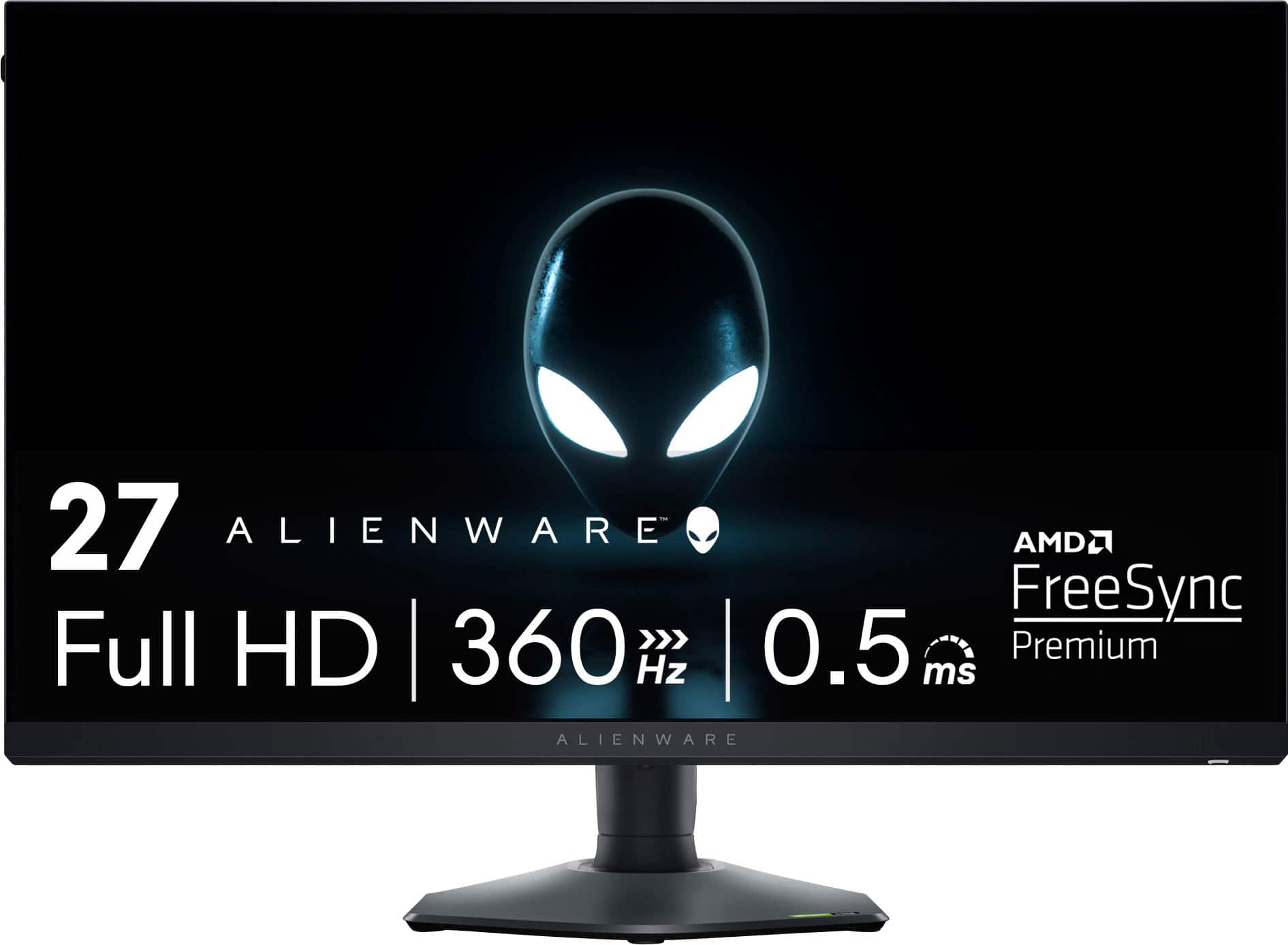
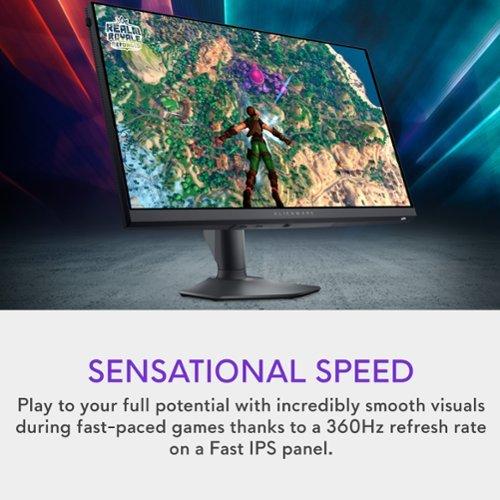
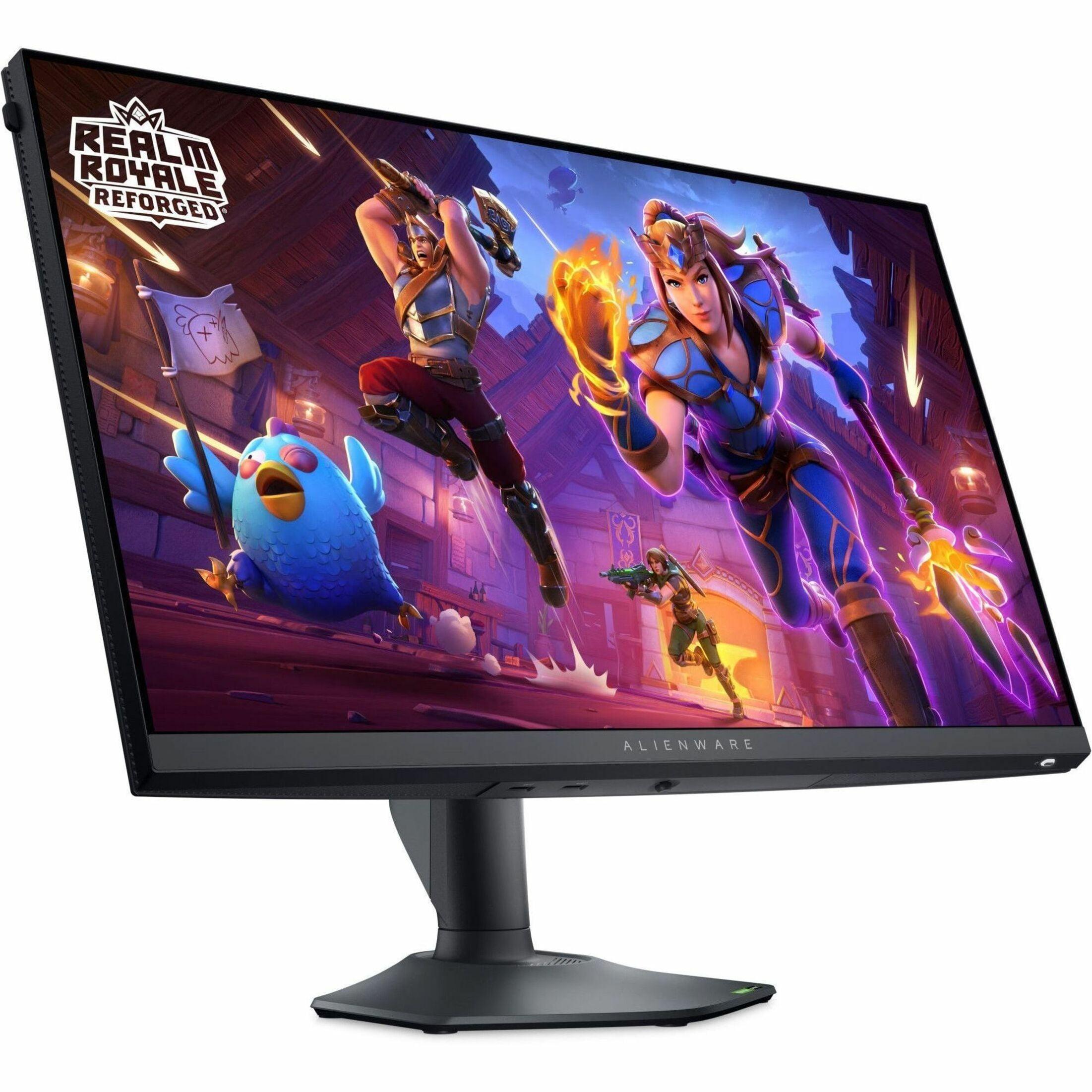
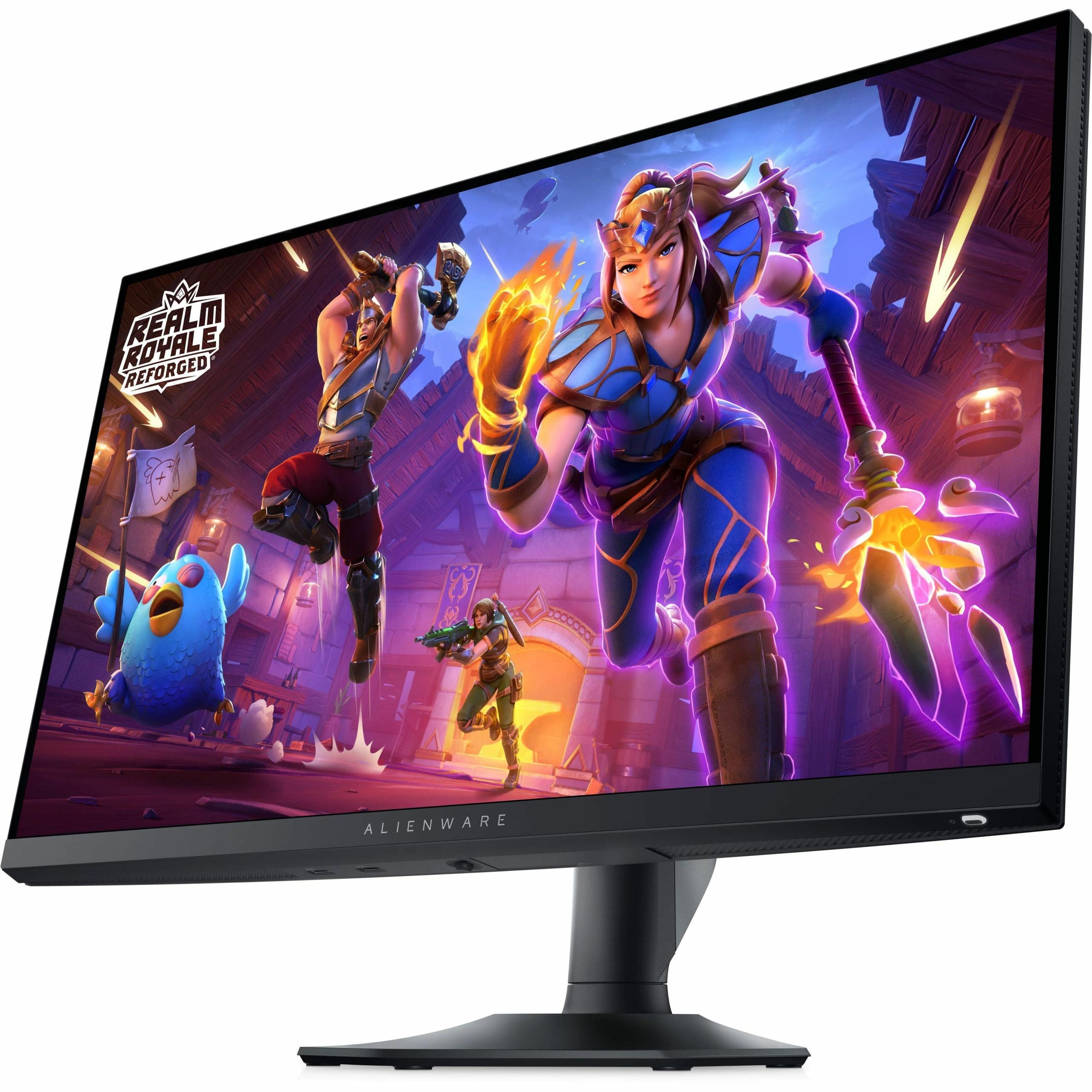
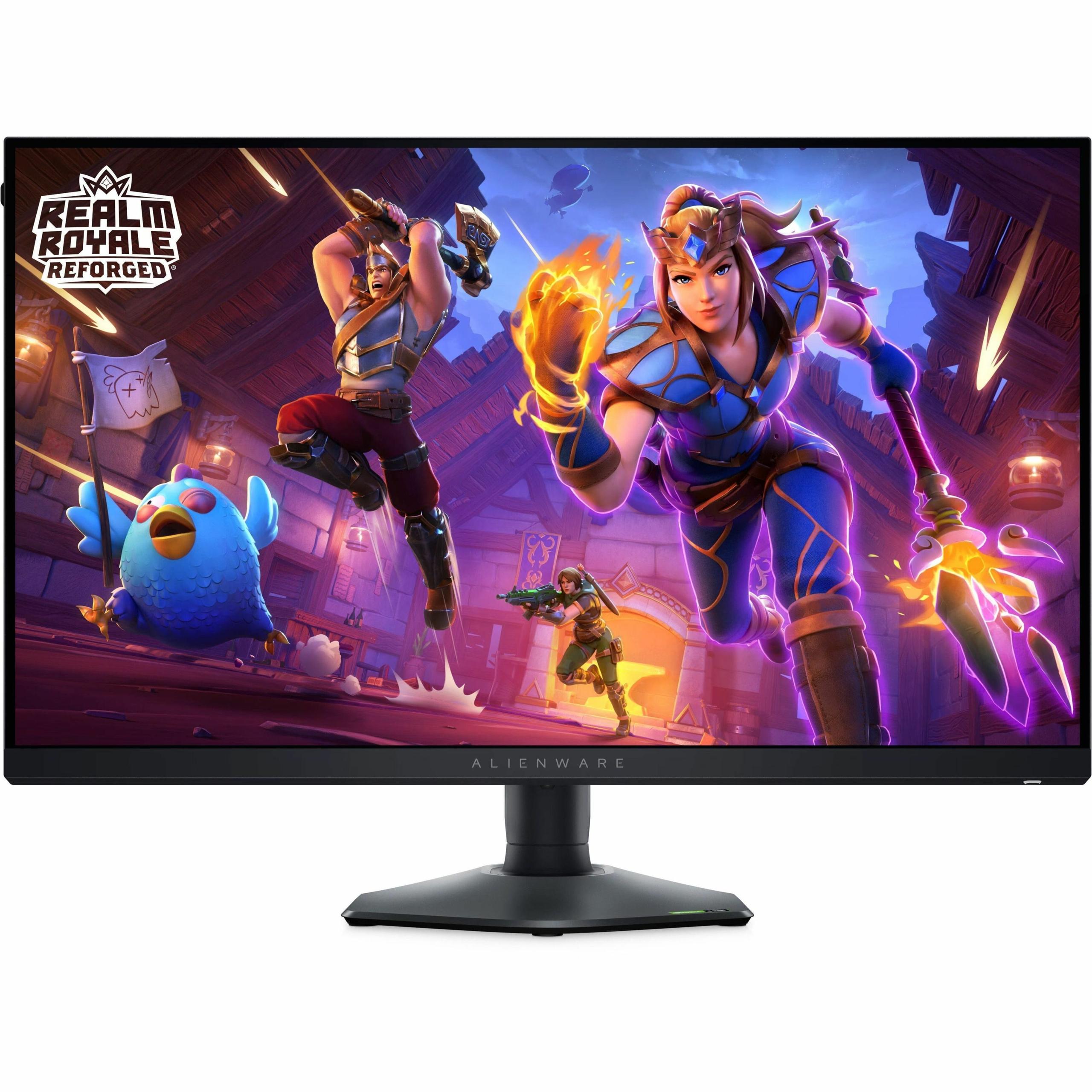
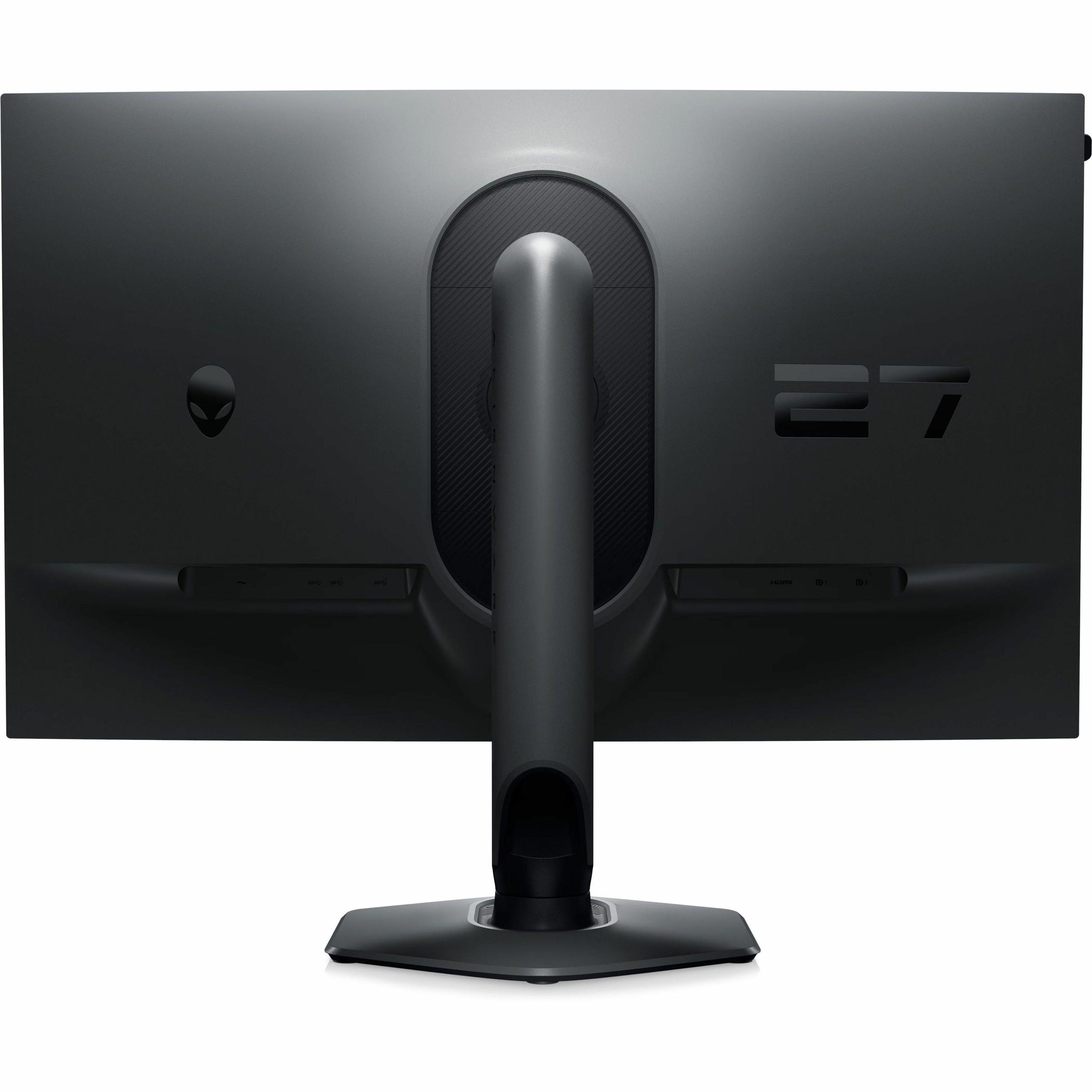
Gaming monitors have evolved dramatically over the past few years, transforming from simple computer displays into specialized performance tools. The difference between a budget gaming monitor and a premium one can be night and day—not just in price, but in actual gaming experience. Today, we're comparing two 27-inch Full HD monitors that represent opposite ends of the spectrum: the Sceptre E275W-FW100T and the Alienware AW2724HF.
At the time of writing, these monitors sit at vastly different price points—the Sceptre costs roughly one-third of what you'd pay for the Alienware. But that price difference tells a story about what each monitor is trying to accomplish and who it's meant to serve.
Before diving into the comparison, it's worth understanding what makes a gaming monitor different from a regular display. Gaming monitors prioritize three key characteristics: refresh rate (how many times per second the screen updates), response time (how quickly pixels can change color), and input lag (the delay between your actions and what appears on screen).
Refresh rate is measured in Hertz (Hz) and represents how many new images the monitor can display each second. A standard office monitor typically runs at 60Hz, meaning it shows 60 new frames every second. Gaming monitors push this much higher—100Hz, 144Hz, 240Hz, or even 360Hz. Higher refresh rates create smoother motion and can give competitive players a real advantage by showing enemy movements more clearly.
Response time measures how quickly a pixel can change from one color to another, typically from gray to gray (GtG). This is measured in milliseconds (ms), and lower numbers mean less ghosting—those blurry trails you sometimes see behind moving objects on slower displays.
Panel technology also matters enormously. The three main types are TN (Twisted Nematic), IPS (In-Plane Switching), and VA (Vertical Alignment). Each has trade-offs: TN panels are fastest but have poor colors and viewing angles, IPS panels offer great colors and wide viewing angles but traditionally slower response times, and VA panels provide the best contrast (deeper blacks) but can suffer from slower response times and color shifts at extreme angles.
The Sceptre E275W-FW100T, released around 2023, represents the budget gaming monitor approach. It uses a VA panel with a 100Hz refresh rate and 5ms response time, targeting users who want a noticeable upgrade from standard 60Hz displays without breaking the bank. The Alienware AW2724HF, also released in 2023-2024, takes the opposite approach with its Fast IPS panel running at 360Hz with a 0.5ms response time—it's built specifically for competitive esports players who need every possible advantage.
When it comes to gaming, the performance gap between these monitors is massive. The Alienware AW2724HF operates at 360Hz, which means it can display 360 unique frames per second if your graphics card can keep up. For competitive players in games like Counter-Strike, Valorant, or Overwatch, this creates an almost supernatural level of smoothness. Enemy movements appear more fluid, making it easier to track targets and land precise shots.
The 0.5ms response time on the Alienware essentially eliminates ghosting entirely. In fast-paced scenes, objects maintain sharp edges without the blurry trails that slower monitors produce. This isn't just about looking pretty—it's about being able to see and react to threats more quickly.
In contrast, the Sceptre E275W-FW100T runs at 100Hz with a 5ms response time. While this is still a significant upgrade over standard 60Hz monitors, our research into user experiences reveals noticeable ghosting behind fast-moving objects, particularly in first-person shooters. The 100Hz refresh rate does provide smoother motion than 60Hz displays, but it's not in the same league as the Alienware's 360Hz performance.
However, here's where things get interesting: not everyone needs 360Hz performance. If you're playing single-player RPGs, strategy games, or even casual multiplayer games, the Sceptre provides perfectly adequate performance. The VA panel's superior contrast ratio (3000:1 vs 1000:1 for the Alienware) actually makes it better for atmospheric games with dark scenes.
Both monitors share a common weakness: they're 1080p displays stretched across 27 inches. This results in a pixel density of about 82 pixels per inch, which means text and fine details won't be as sharp as you'd get from a higher-resolution display. It's a trade-off that becomes more apparent as you get used to higher-resolution screens.
The Sceptre's VA panel provides 100% sRGB color coverage with true 8-bit color depth, making it surprisingly capable for light photo editing or content creation work. The high contrast ratio means blacks actually look black rather than the grayish color you get from most IPS panels. For movies and TV shows, this creates a more cinematic experience with better shadow detail.
The Alienware covers 99% of the sRGB color space but prioritizes speed over color accuracy. While the colors are still decent, the panel is optimized for gaming performance rather than color-critical work. The IPS technology provides wide viewing angles and consistent colors, but the contrast ratio is typical for IPS—adequate but not impressive.
Both monitors work well with gaming consoles, but there are differences worth noting. The Alienware AW2724HF includes a dedicated Console Mode that can handle up to 255Hz over HDMI, making it future-ready for potential console updates. The Sceptre maxes out at the standard console refresh rates but includes two HDMI ports, making it easier to connect multiple devices.
For current-generation consoles like the PlayStation 5 or Xbox Series X, both monitors will display games at their maximum supported refresh rates. However, the Alienware's superior response time will still provide a competitive advantage in fast-paced console games.
While neither monitor is primarily designed for home theater use, there are scenarios where you might consider them. The Sceptre E275W-FW100T actually makes a decent secondary display for a bedroom or gaming room setup. The VA panel's superior contrast provides a more cinematic experience for movies, and the built-in speakers (2x2W) eliminate the need for external audio in casual viewing scenarios.
The Alienware lacks built-in speakers and its gaming-focused tuning makes it less ideal for movie watching. The IPS panel's lower contrast means blacks appear grayish in dark rooms, reducing the cinematic impact of darker films.
The physical differences between these monitors reflect their different target markets. The Sceptre features basic build quality with a simple stand that only offers tilt adjustment. It's functional but not fancy, with a thick bottom bezel housing the Sceptre logo and somewhat plasticky construction.
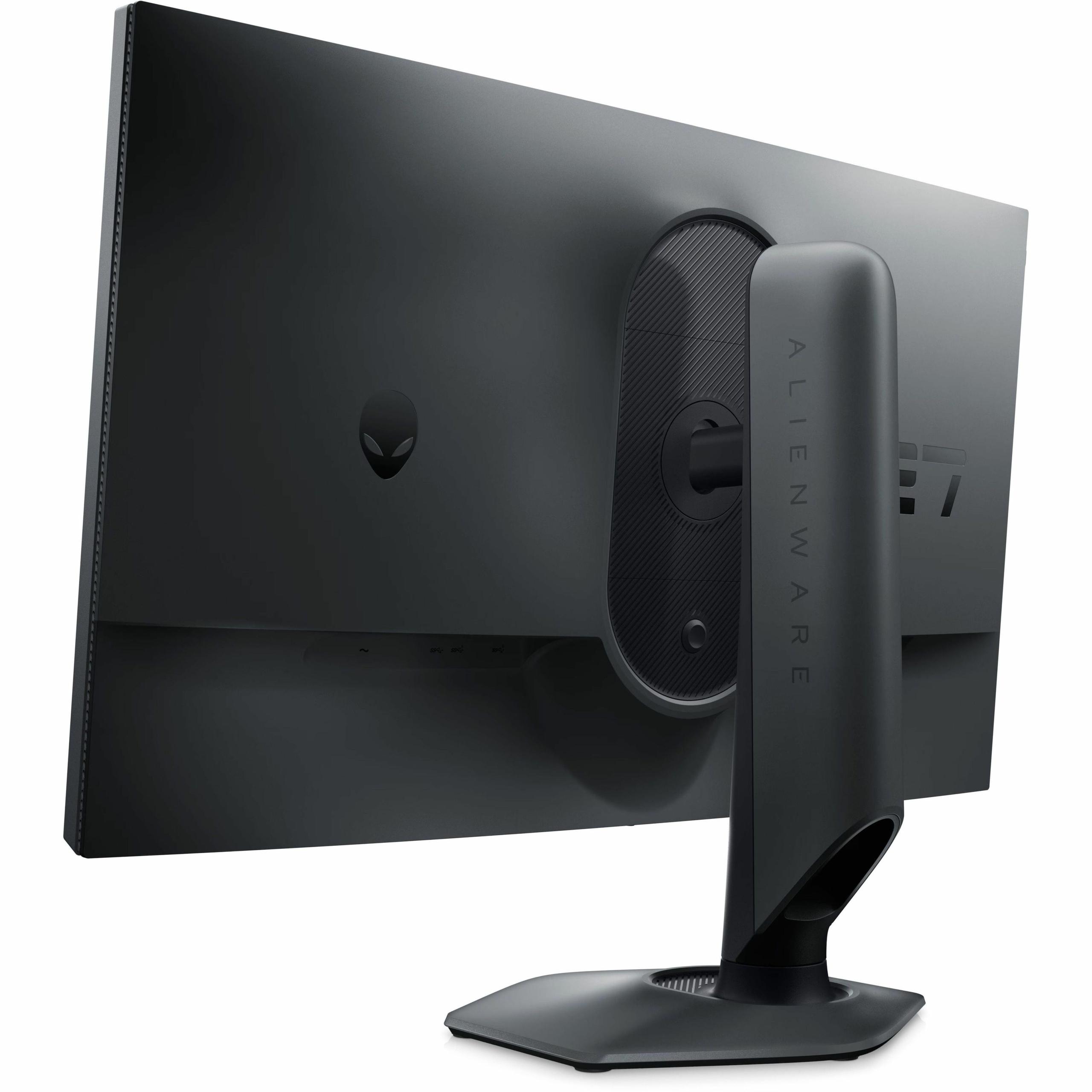
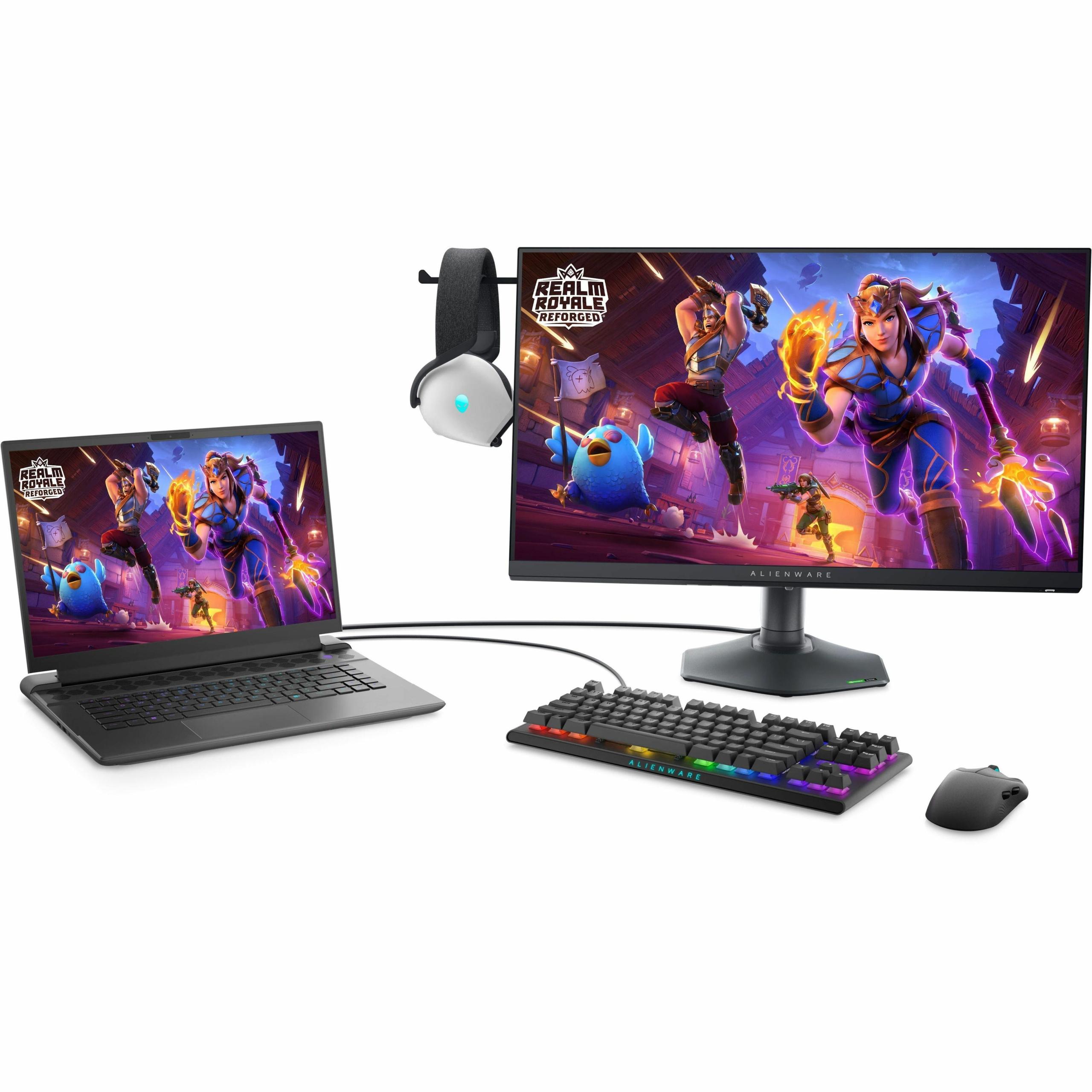
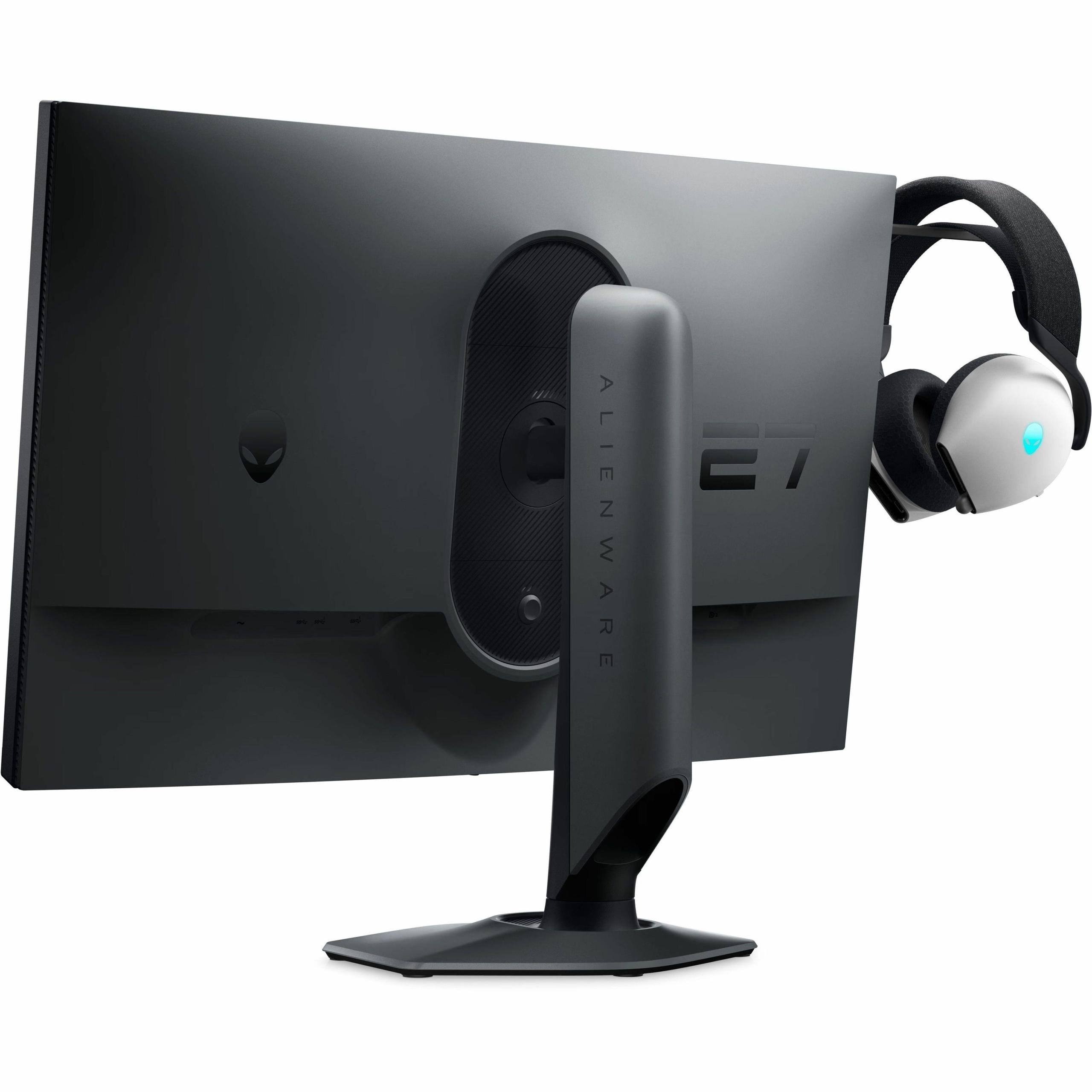
The Alienware AW2724HF showcases premium build quality throughout. The stand offers full ergonomic adjustment—height, tilt, swivel, and pivot—with smooth operation and solid construction. The hexagonal base design takes up less desk space than traditional monitor stands, which is thoughtful for gamers with crowded desk setups. There's even a retractable headphone hanger built into the stand.
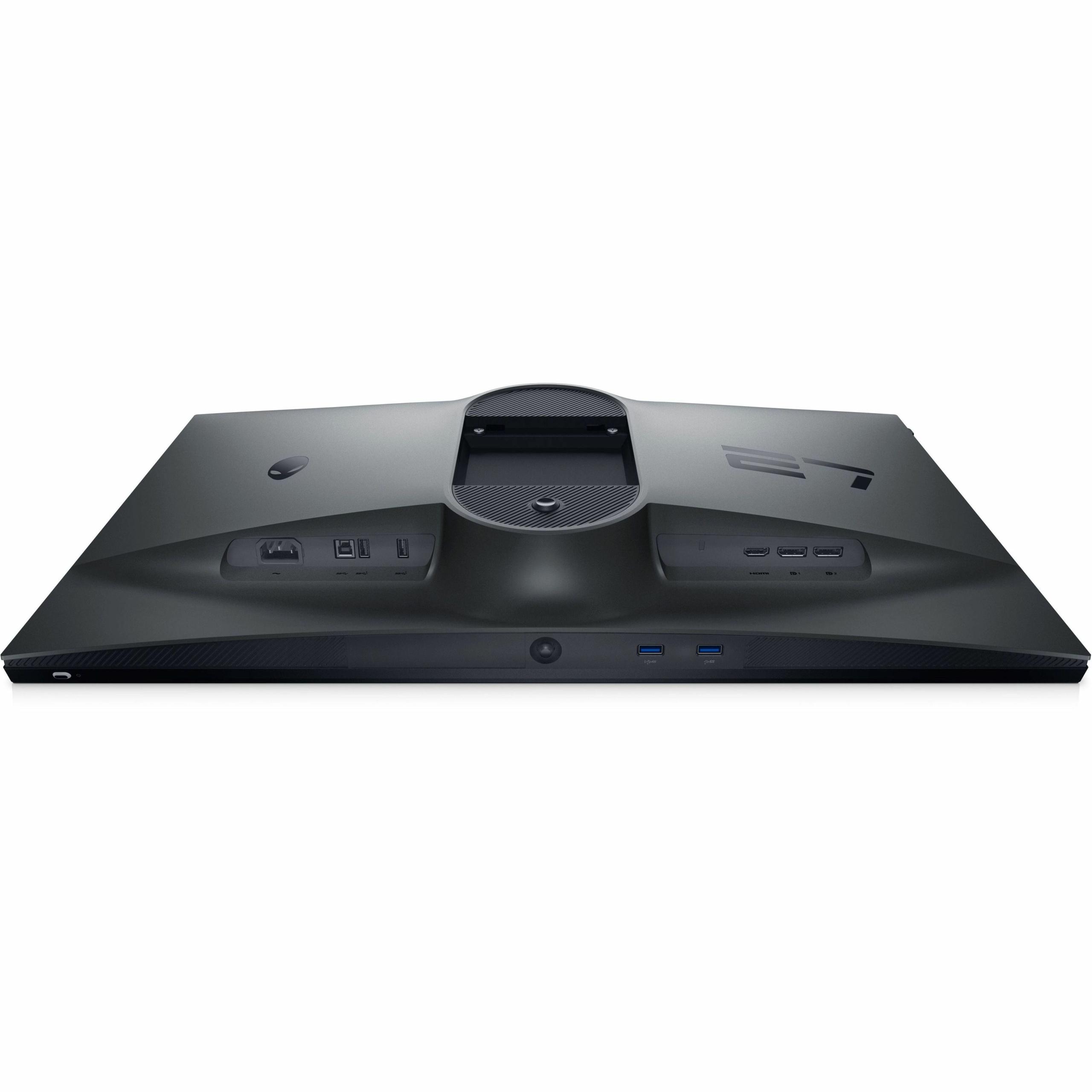
Connectivity tells a similar story. The Sceptre includes two HDMI 2.0 ports and one DisplayPort 1.2, plus a headphone jack and those built-in speakers. It's straightforward and functional. The Alienware offers two DisplayPort 1.4 connections, one HDMI port, and a full USB 3.2 hub with four downstream ports—essentially turning the monitor into a desktop hub for peripherals.
Both monitors include flicker-free backlights and blue light reduction features, but they approach eye comfort differently. The Sceptre includes Blue Light Shift mode, which reduces blue light emission to minimize eye strain during long sessions. The Alienware features ComfortView Plus, a TÜV-certified hardware solution that reduces blue light without significantly impacting color accuracy.
For extended gaming sessions, the Alienware's superior ergonomics make a real difference. Being able to adjust height, tilt, and swivel means you can find the perfect viewing position and maintain it comfortably for hours. The Sceptre's tilt-only adjustment is more limiting, potentially leading to neck strain during long sessions.
Since these monitors were released in 2023-2024, the gaming monitor market has continued evolving rapidly. We've seen the introduction of even higher refresh rates (some manufacturers now offer 500Hz displays), improved panel technologies, and better HDR implementation. However, both monitors represent mature technology that delivers on their respective promises.
The Sceptre benefits from improved VA panel manufacturing that has largely solved the slow response time issues that plagued earlier VA gaming monitors, though some ghosting remains in extreme scenarios. The Alienware represents the current pinnacle of competitive gaming display technology, with response times that approach the theoretical limits of current LCD technology.
At the time of writing, the price difference between these monitors is substantial—roughly 3:1 in favor of the Sceptre. This price gap reflects their different target markets and capabilities, but it also raises the question of value per dollar.
The Sceptre E275W-FW100T delivers exceptional value for its price point. You get a significant upgrade over standard 60Hz displays, decent color accuracy for productivity work, superior contrast for entertainment, and adequate gaming performance for all but the most competitive scenarios. It's an excellent choice for students, casual gamers, or anyone building their first serious gaming setup on a budget.
The Alienware AW2724HF costs significantly more but delivers performance that simply isn't available at lower price points. The 360Hz refresh rate and 0.5ms response time represent the cutting edge of gaming monitor technology. For competitive gamers, streamers, or enthusiasts with high-end gaming rigs, the performance advantage can justify the premium price.
Choose the Sceptre E275W-FW100T if you:
Choose the Alienware AW2724HF if you:
These monitors represent two valid but very different approaches to gaming displays. The Sceptre E275W-FW100T proves that you don't need to spend a fortune to get a good gaming experience, offering solid performance and versatility at an attractive price point. The Alienware AW2724HF demonstrates what's possible when price isn't the primary constraint, delivering performance that can genuinely improve competitive gaming results.
The choice ultimately comes down to your priorities, budget, and gaming habits. If you're a competitive player who lives and breathes first-person shooters, the Alienware's performance advantage is real and measurable. If you're looking for the best overall value and want a monitor that excels at multiple tasks, the Sceptre delivers impressive capability for the money.
Both monitors succeed at what they're designed to do. The key is understanding which philosophy matches your needs and expectations. In a world where gaming monitors can cost as much as entire gaming systems, it's reassuring to know that excellent options exist at multiple price points.
| Sceptre E275W-FW100T | Alienware AW2724HF |
|---|---|
| Refresh Rate - The most critical gaming performance metric | |
| 100Hz (smooth for casual gaming) | 360Hz (extreme competitive gaming performance) |
| Response Time - Determines motion blur and ghosting | |
| 5ms GtG (some ghosting in fast scenes) | 0.5ms GtG (virtually eliminates ghosting) |
| Panel Type - Affects contrast, colors, and speed | |
| VA panel (3000:1 contrast, deeper blacks) | Fast IPS (1000:1 contrast, wide viewing angles) |
| Adaptive Sync - Eliminates screen tearing | |
| AMD FreeSync (48-100Hz range) | AMD FreeSync Premium + VESA Adaptive-Sync |
| Color Gamut - Important for content creation and visual accuracy | |
| 100% sRGB (good for light editing work) | 99% sRGB (optimized for gaming speed) |
| Brightness - Affects visibility in different lighting conditions | |
| 280 nits (adequate for normal lighting) | 400 nits (better for bright environments) |
| Ergonomics - Critical for long gaming sessions | |
| Tilt only (-5° to +15°) | Full adjustment (height, tilt, swivel, pivot) |
| Connectivity - Determines device compatibility | |
| 2x HDMI 2.0, 1x DisplayPort 1.2 | 2x DisplayPort 1.4, 1x HDMI, USB 3.2 hub |
| Built-in Audio - Convenience for basic setups | |
| 2x2W speakers included | No speakers (requires external audio) |
| Build Quality - Reflects durability and premium feel | |
| Basic plastic construction | Premium materials with AlienFX lighting |
| Target Gaming Style - Who each monitor serves best | |
| Casual/budget gaming, productivity work | Competitive esports, high-end gaming rigs |
| Best Use Cases - Where each monitor excels | |
| Movies, office work, casual gaming | FPS games, streaming, professional gaming |
The Alienware AW2724HF is significantly better for competitive gaming with its 360Hz refresh rate and 0.5ms response time, providing ultra-smooth gameplay and minimal input lag. The Sceptre E275W-FW100T at 100Hz is adequate for casual gaming but can't match the competitive performance of the Alienware.
The primary difference is refresh rate and target audience. The Sceptre E275W-FW100T offers 100Hz performance at a budget-friendly price for casual gamers, while the Alienware AW2724HF delivers professional-grade 360Hz performance specifically designed for competitive esports players.
The Sceptre E275W-FW100T provides exceptional value, offering solid gaming performance and versatility at roughly one-third the cost of the Alienware. However, the Alienware AW2724HF justifies its premium price for serious competitive gamers who need maximum performance.
Yes, both monitors support gaming consoles. The Sceptre E275W-FW100T includes two HDMI ports for easy console connectivity, while the Alienware AW2724HF features Console Mode supporting up to 255Hz over HDMI for future console compatibility.
The Sceptre E275W-FW100T is better suited for mixed productivity use, offering 100% sRGB color coverage and higher contrast ratios that make text more readable. The Alienware AW2724HF is optimized specifically for gaming rather than office tasks.
Yes, the Sceptre E275W-FW100T uses a VA panel providing superior contrast (3000:1) and deeper blacks, while the Alienware AW2724HF uses a Fast IPS panel offering wider viewing angles and faster response times but lower contrast (1000:1).
The Sceptre E275W-FW100T provides a better movie-watching experience due to its VA panel's superior contrast ratio and deeper blacks. It also includes built-in speakers, unlike the Alienware AW2724HF which requires external audio.
The Sceptre E275W-FW100T includes 2 HDMI 2.0 ports, 1 DisplayPort 1.2, and built-in speakers. The Alienware AW2724HF offers 2 DisplayPort 1.4 connections, 1 HDMI port, and a USB 3.2 hub with four additional ports for peripherals.
The Alienware AW2724HF features premium build quality with full ergonomic adjustment (height, tilt, swivel, pivot) and a space-saving hexagonal base. The Sceptre E275W-FW100T offers basic build quality with tilt-only adjustment but includes VESA mounting compatibility.
Both monitors include eye comfort features. The Sceptre E275W-FW100T has Blue Light Shift mode and flicker-free backlighting, while the Alienware AW2724HF features TÜV-certified ComfortView Plus technology for reduced blue light without affecting color accuracy.
The Sceptre E275W-FW100T is ideal for beginners, offering a significant upgrade from standard 60Hz displays at an affordable price. It provides good performance for various games and doubles as a productivity monitor, making it versatile for new gamers.
The Sceptre E275W-FW100T is better suited for light content creation with its 100% sRGB color coverage and VA panel's superior contrast. The Alienware AW2724HF prioritizes gaming performance over color accuracy, making it less suitable for creative work requiring precise colors.
We've done our best to create useful and informative comparisons to help you decide what product to buy. Our research uses advanced automated methods to create this comparison and perfection is not possible - please contact us for corrections or questions. These are the sites we've researched in the creation of this article: pcvarge.com - walmart.com - cubed.run - productchart.com - displayninja.com - target.com - youtube.com - versus.com - youtube.com - youtube.com - sceptre.com - sceptre.com - bestbuy.com - gamesradar.com - bestbuy.com - rtings.com - windowscentral.com - youtube.com - techpowerup.com - dell.com - dellonline.ae - dellonline.co.za - files.bbystatic.com - mysoft.hu - pcgamermexico.com - displayspecifications.com - gzhls.at - bestbuy.com - device.report - newegg.com - multitronic.fi - youtube.com

Privacy Policy
Terms and Conditions - Affiliate Policy
Home Security
© Copyright 2008-2026.
11816 Inwood Rd #1211, Dallas, TX 75244