








Gaming monitors have evolved dramatically over the past decade, transforming from basic computer displays into specialized performance tools that can make or break your gaming experience. Whether you're fragging enemies in competitive shooters or exploring vast open worlds, your monitor serves as the crucial gateway between your graphics card and your eyes. But with options ranging from under $100 to well over $500, how do you know where to invest your money?
Today we're comparing two monitors that represent opposite ends of the gaming spectrum: the budget-focused Sceptre E275W-FW100T and the premium Samsung Odyssey G65B. These 27-inch displays showcase the fundamental trade-offs between affordability and performance, helping you understand what you get—and what you give up—at different price points.
Before diving into specifics, let's establish what makes a gaming monitor different from your typical office display. Gaming monitors prioritize three core elements: refresh rate (how many times per second the screen updates), response time (how quickly pixels can change colors), and input lag (the delay between your mouse click and screen response).
Traditional monitors refresh at 60Hz, meaning they update the image 60 times per second. Gaming monitors push this much higher, with many reaching 144Hz, 240Hz, or even 360Hz. This creates smoother motion, reduces stuttering, and can provide a competitive advantage in fast-paced games. Response time, measured in milliseconds, determines how clearly you see moving objects—slower response times create "ghosting" where trailing images follow moving elements.
The monitor market has seen massive improvements since 2020, with better color accuracy, higher refresh rates becoming more affordable, and new panel technologies offering superior contrast ratios. Both monitors we're examining reflect different approaches to these technological advances.
The Sceptre E275W-FW100T, released in recent years, represents the budget gaming category that has exploded in popularity. At roughly one-sixth the cost of premium alternatives (at the time of writing), it aims to deliver gaming-focused features without breaking the bank. This 27-inch display uses a VA (Vertical Alignment) panel, which offers better contrast than cheaper TN (Twisted Nematic) panels while remaining more affordable than IPS (In-Plane Switching) alternatives.
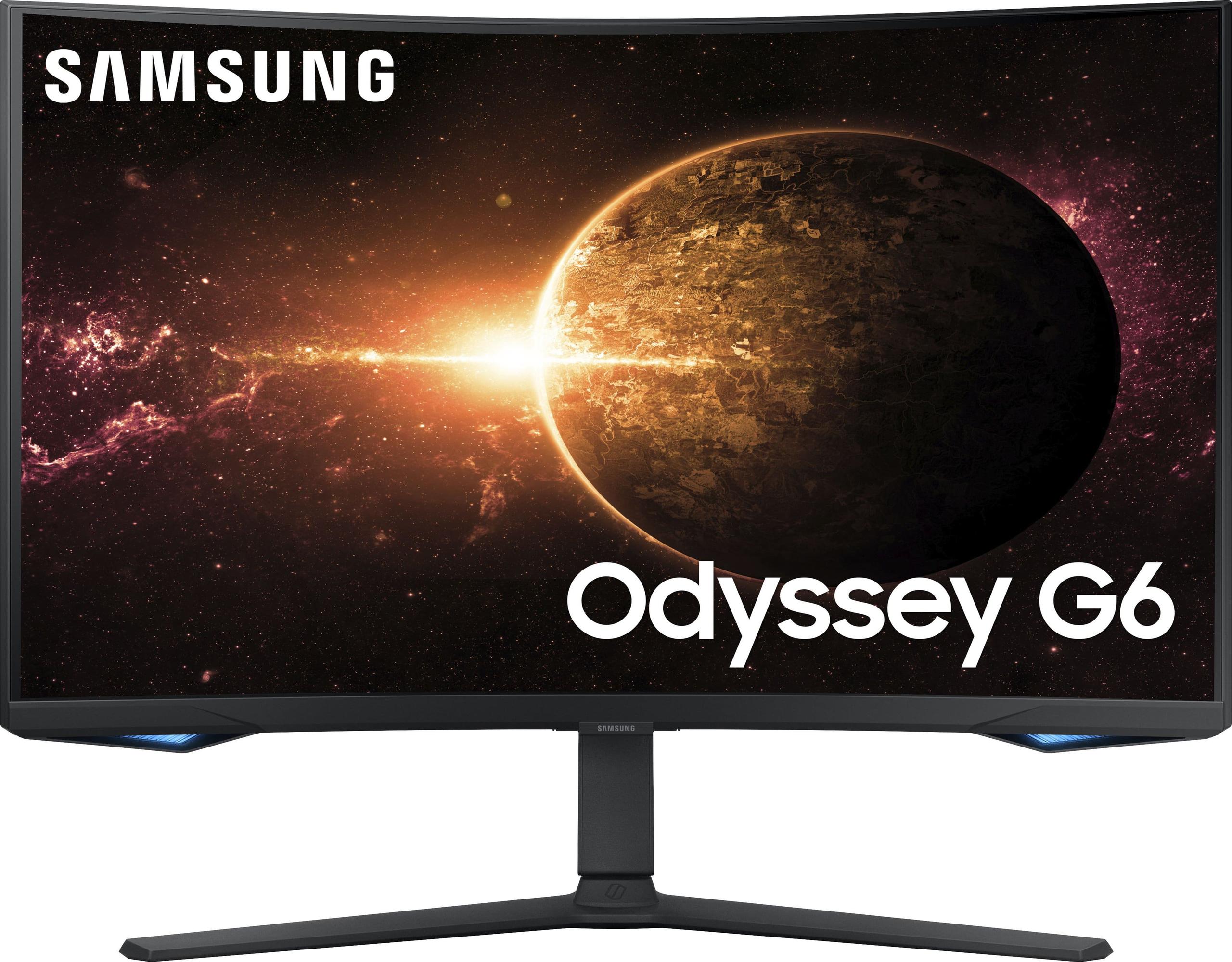
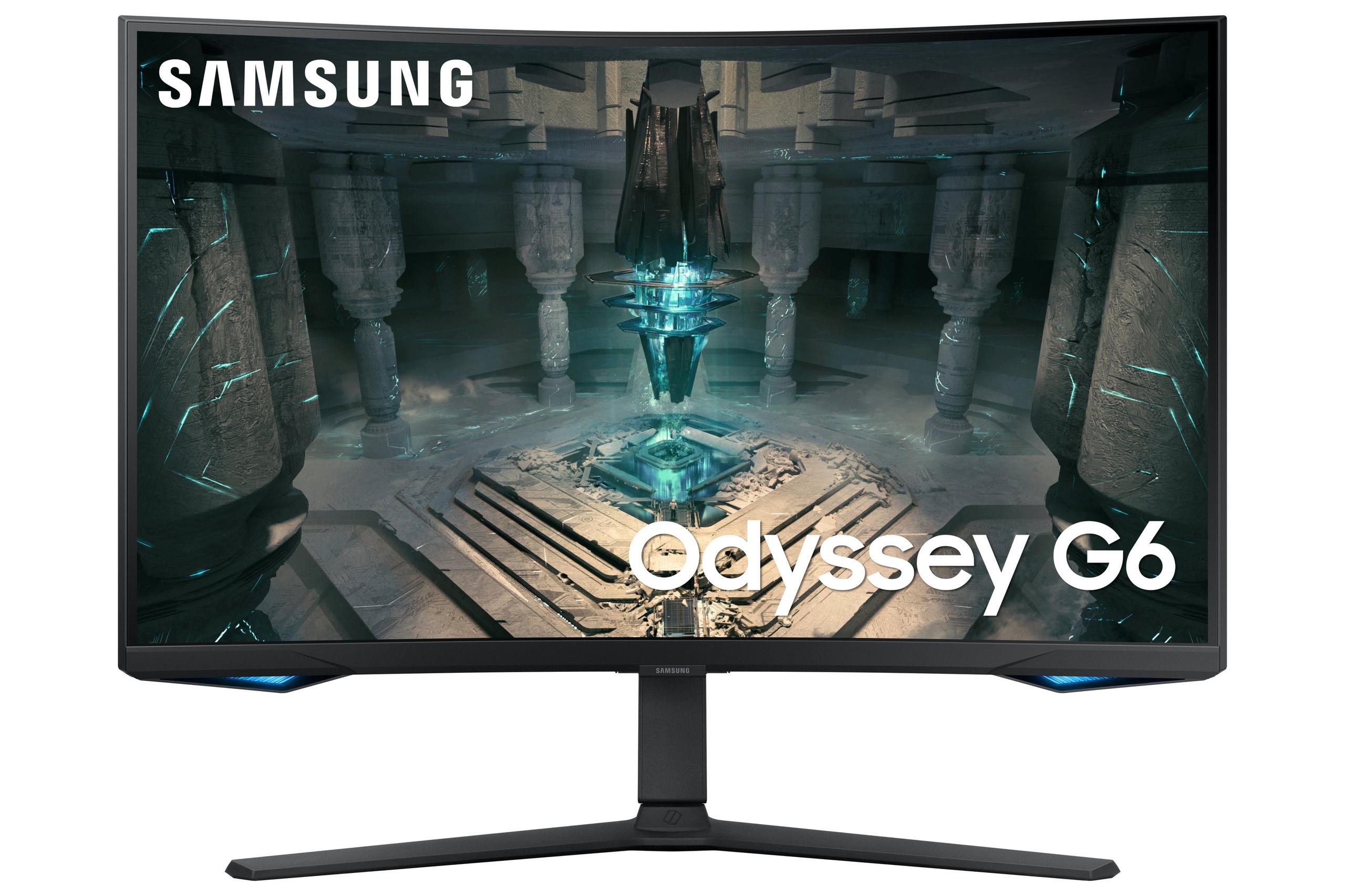
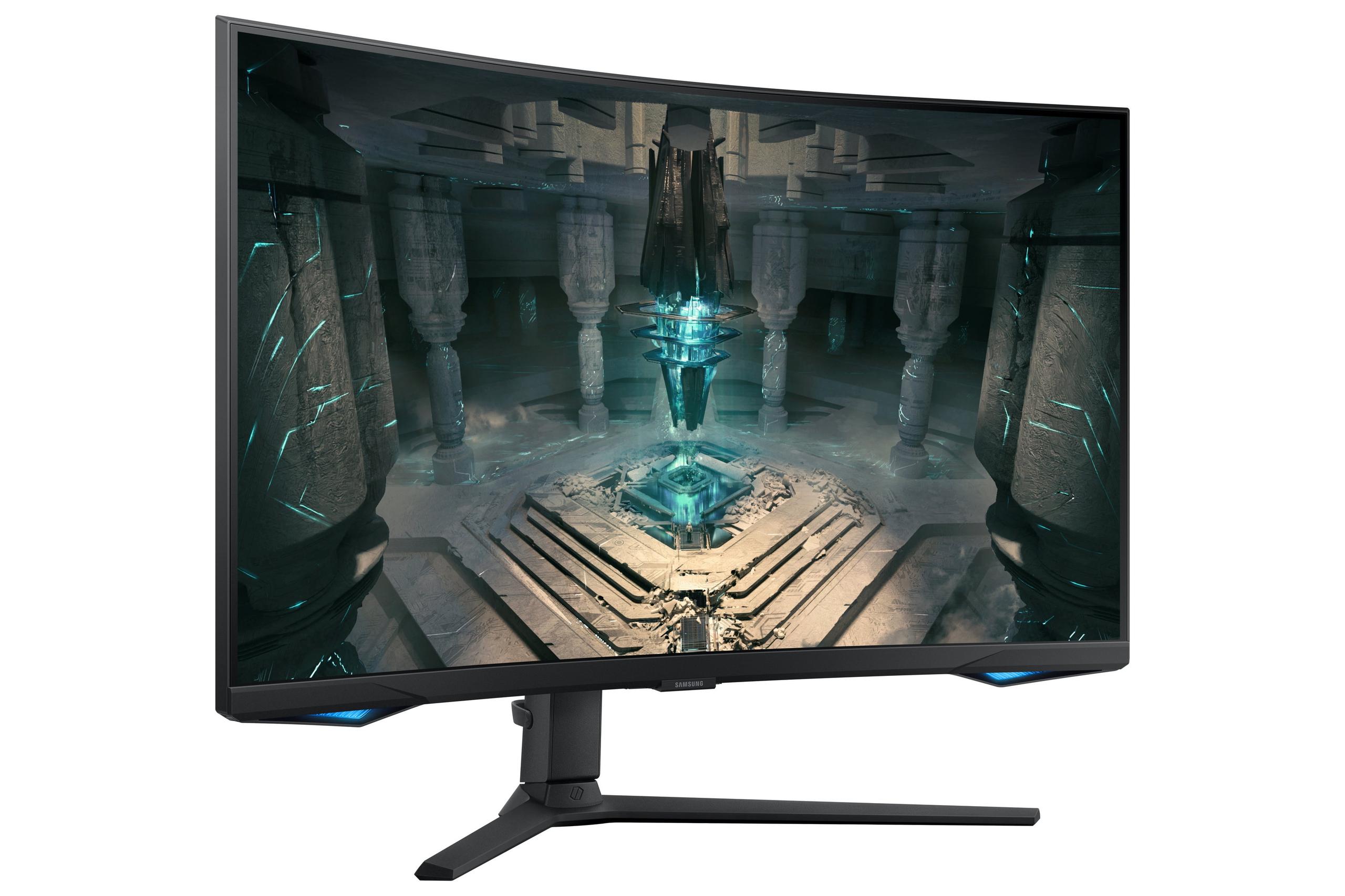
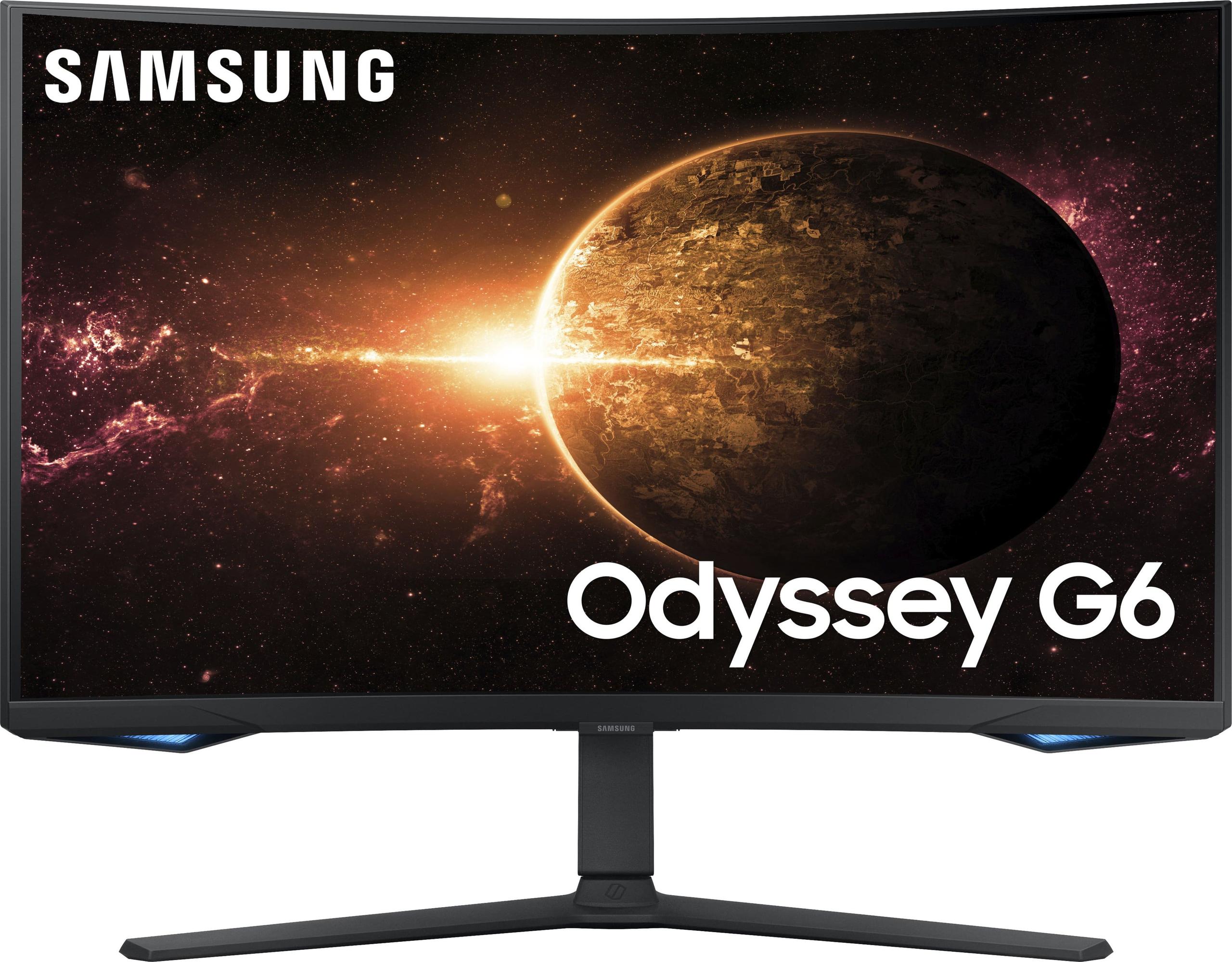
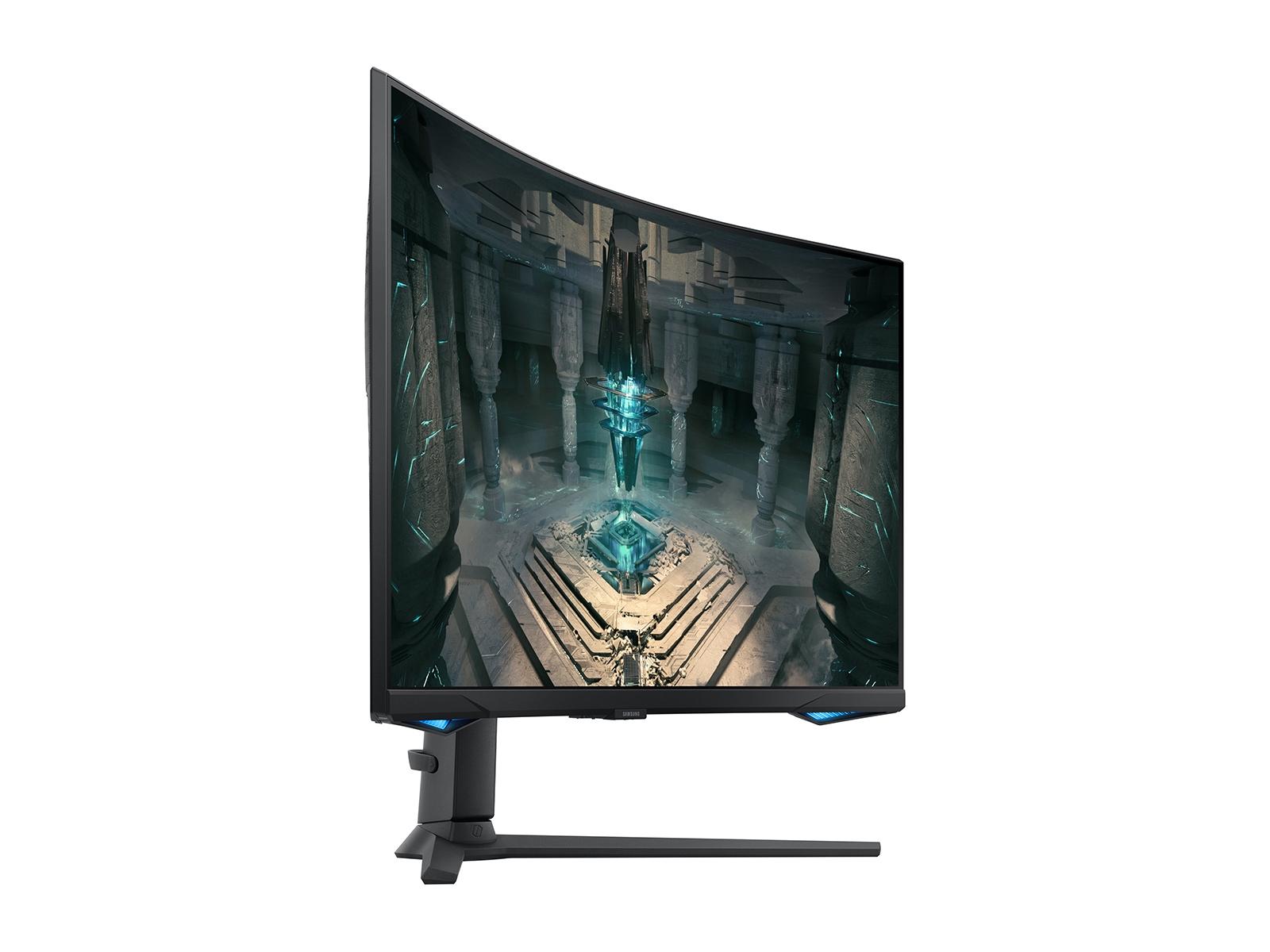
On the premium side, the Samsung Odyssey G65B, launched in 2024, showcases what happens when manufacturers prioritize performance over price. This curved gaming monitor incorporates Samsung's latest display technologies, including their Gaming Hub platform and high-refresh-rate capabilities that target serious enthusiasts and competitive players.
The fundamental difference lies in their target audiences and design philosophies. The Sceptre asks "what's the minimum we can spend while still getting a gaming advantage?" while the Samsung asks "what's the best gaming experience we can create?"
Perhaps the most immediately noticeable difference between these monitors is resolution—and this difference fundamentally shapes everything else about your experience.
The Sceptre E275W-FW100T uses Full HD resolution (1920×1080 pixels). On a 27-inch screen, this translates to roughly 82 pixels per inch, which frankly isn't very dense by modern standards. Text appears softer, fine details in games lack crispness, and you'll notice individual pixels if you sit close to the screen. This lower pixel density makes the monitor less suitable for productivity work where sharp text matters, though it remains perfectly adequate for gaming where motion and responsiveness often matter more than absolute clarity.
The lower resolution does provide one significant advantage: it's much easier for your graphics card to drive. A mid-range GPU that struggles with demanding games at 1440p might run those same titles smoothly at 1080p, potentially maintaining higher frame rates that better utilize the monitor's refresh rate capabilities.
In contrast, the Samsung Odyssey G65B delivers QHD resolution (2560×1440 pixels), providing 33% more pixels than Full HD. This creates noticeably sharper images, clearer text, and more detailed game visuals. The increased pixel density makes this monitor excellent for both gaming and productivity work—you can actually read small text comfortably and appreciate fine details in games.
However, this resolution increase comes with a performance cost. Your graphics card must render 77% more pixels compared to 1080p, which can significantly impact frame rates in demanding games. You'll need a more powerful GPU to maintain high frame rates at 1440p, especially if you want to take advantage of the monitor's higher refresh rate capabilities.
For home theater use, the resolution difference matters less since most streaming content maxes out at 1080p or 4K (with little in between). Both monitors will display Netflix and YouTube content well, though the Samsung's superior brightness and contrast handling give it an edge for movie watching.
This is where the performance gap becomes most apparent and where your gaming experience will differ most dramatically.
The Sceptre E275W-FW100T offers a 100Hz refresh rate, which represents a meaningful improvement over standard 60Hz displays. You'll notice smoother motion, reduced stuttering, and a more responsive feeling in games. For many casual gamers upgrading from a basic monitor, this increase feels substantial and satisfying.
However, the monitor's 5-millisecond gray-to-gray response time reveals its budget nature. In fast-paced games, you'll notice ghosting—trailing images that follow moving objects across the screen. This ghosting becomes particularly noticeable in competitive shooters where enemies move quickly across your screen. While not game-breaking, it can feel distracting and may put you at a slight disadvantage in competitive scenarios.
The Samsung Odyssey G65B operates in an entirely different performance class with its 240Hz refresh rate and 1-millisecond response time. The motion clarity difference is immediately apparent—fast-moving objects remain sharp and clear, with minimal ghosting or blur. In competitive games like Counter-Strike or Valorant, this translates to clearer target tracking and potentially better performance.
The 240Hz refresh rate provides diminishing returns compared to the jump from 60Hz to 144Hz, but competitive players often swear by the subtle smoothness improvements. More importantly, having headroom above your typical frame rate means the monitor can display every frame your GPU produces, reducing input lag and maintaining smooth motion even when performance fluctuates.
Both monitors support AMD FreeSync, which synchronizes the monitor's refresh rate with your graphics card's output to eliminate screen tearing. The Sceptre offers FreeSync in the 48-100Hz range, while the Samsung supports the full 240Hz range and includes compatibility with NVIDIA's G-Sync technology for broader GPU support.
VA panels in both monitors provide excellent contrast ratios compared to IPS alternatives, delivering deeper blacks and more immersive dark scenes. This makes both monitors excellent for games with dramatic lighting and for movie watching in darker rooms.
The Sceptre E275W-FW100T covers 100% of the sRGB color space with true 8-bit color depth, providing accurate colors for its price range. Its 3,000:1 contrast ratio creates punchy visuals with deep blacks that enhance atmospheric games and movies. However, its 280-nit peak brightness limits performance in bright rooms and prevents any meaningful HDR support.
The Samsung Odyssey G65B steps up with DisplayHDR 600 certification, quantum dot color technology, and higher peak brightness. HDR (High Dynamic Range) support means compatible games and movies can display brighter highlights and deeper shadows simultaneously, creating more realistic and immersive visuals. The quantum dot technology expands the color gamut beyond standard sRGB, producing more vibrant and accurate colors.
For content creation or professional work, the Samsung's superior color accuracy, brightness, and resolution make it far more versatile. The Sceptre remains adequate for casual photo editing but lacks the precision needed for serious creative work.
This category reveals another significant difference in approach and target market.
The Sceptre E275W-FW100T includes only basic tilt adjustment, limiting your positioning options. While it supports VESA mounting for aftermarket stands, the included stand feels basic and lightweight. For users on tight budgets, this represents an acceptable compromise, but extended gaming sessions may become uncomfortable without proper positioning.
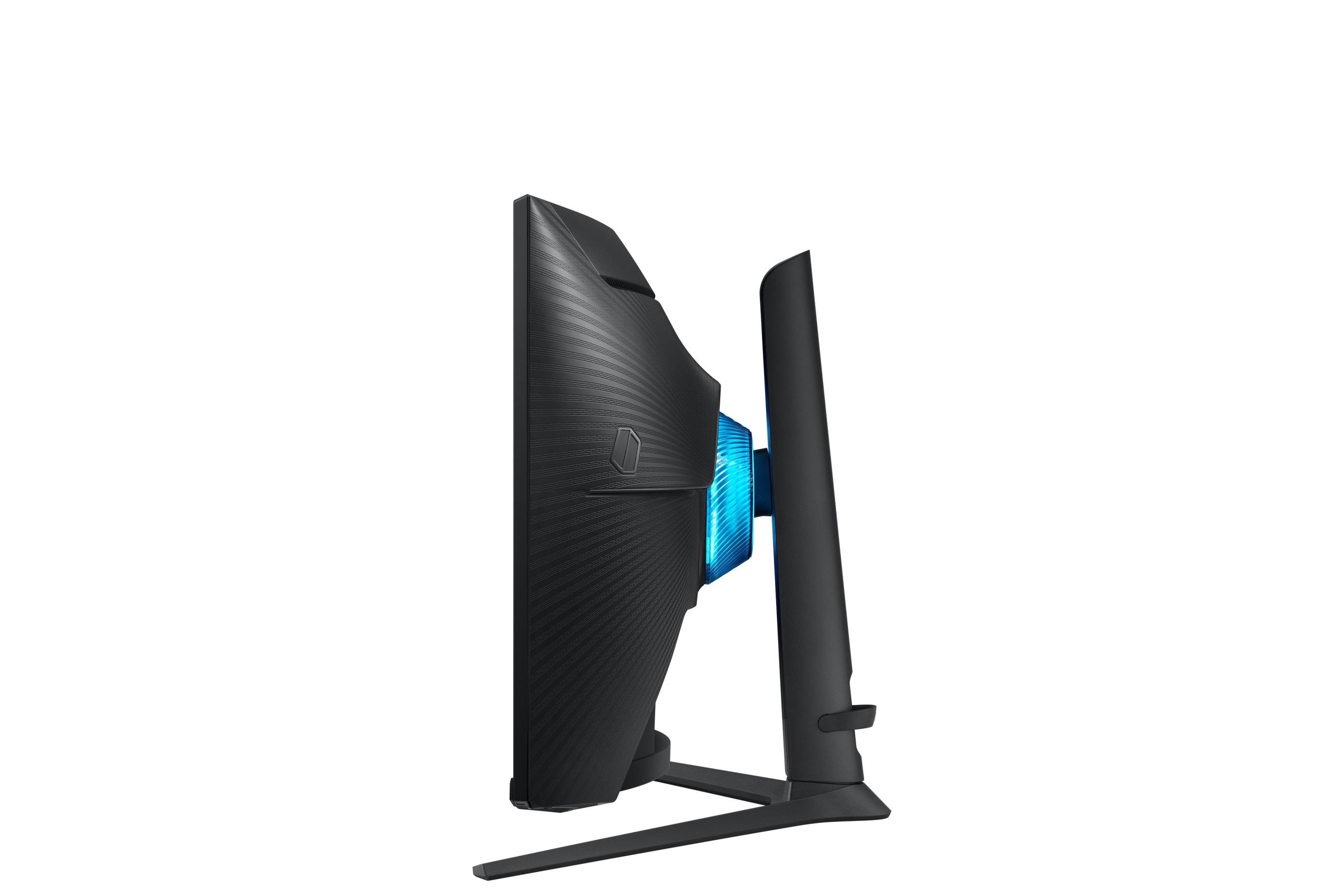
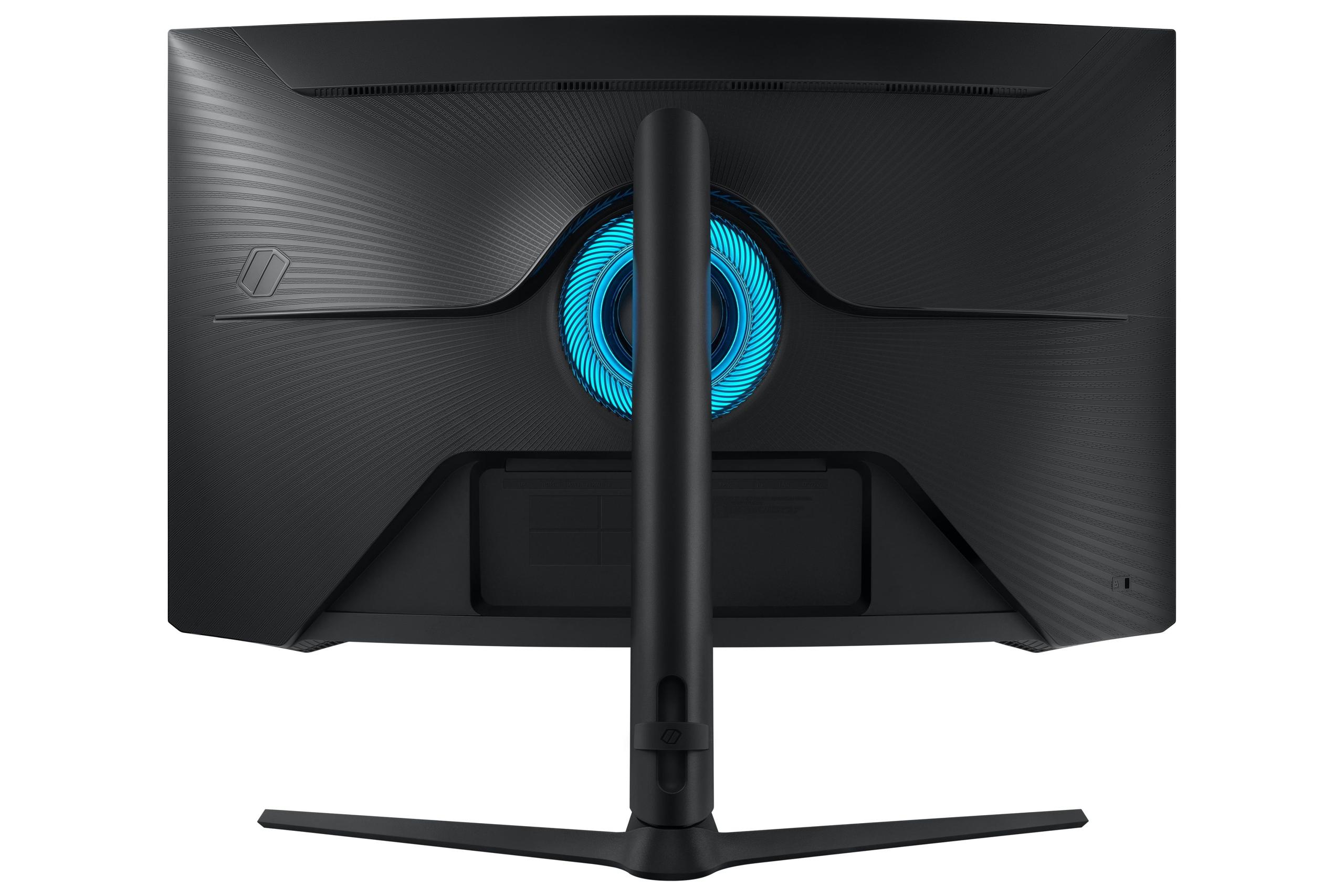
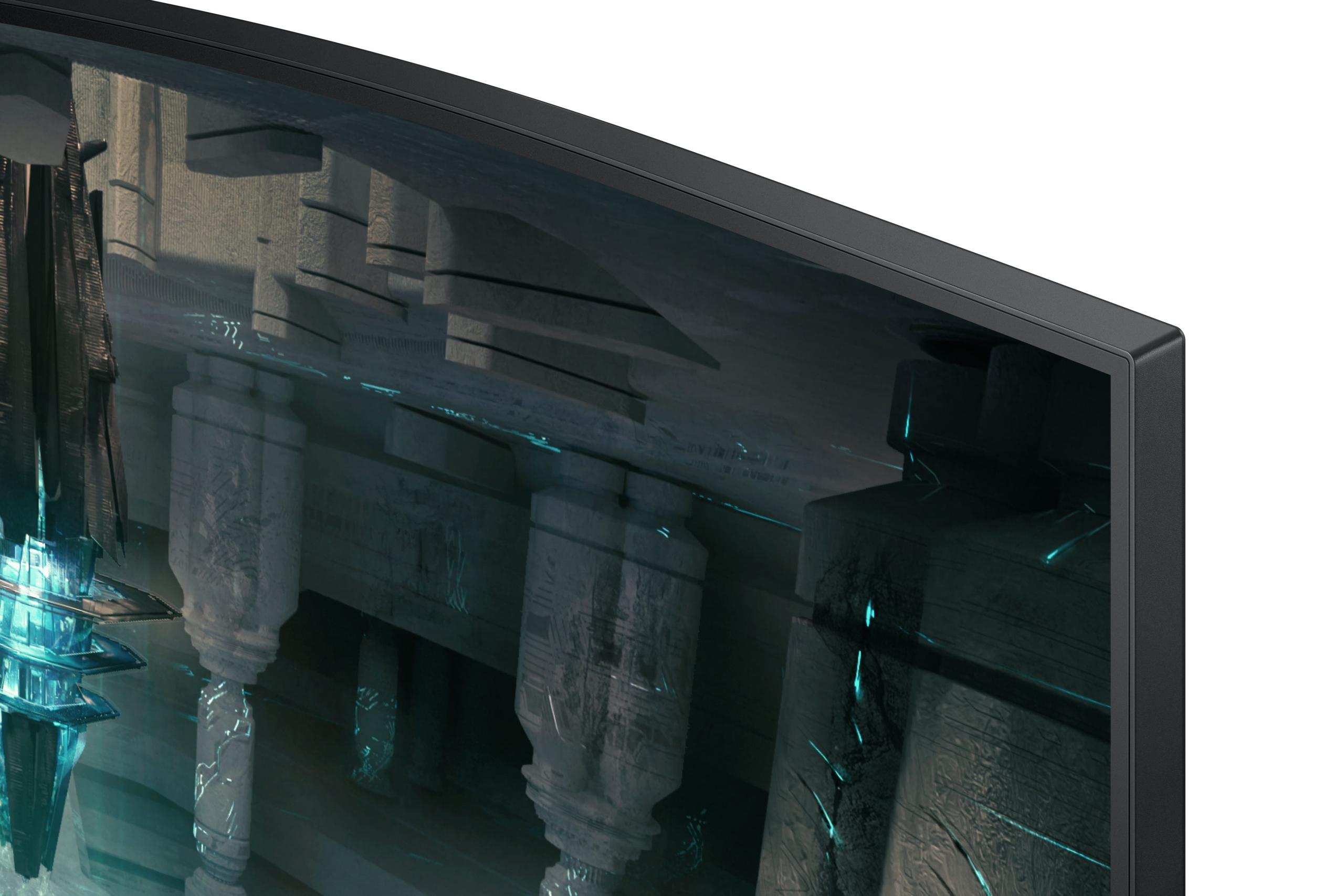
The Samsung Odyssey G65B provides comprehensive ergonomic adjustments including height, tilt, swivel, and pivot capabilities. The 1000R curvature (matching the natural curve of human vision) creates a more immersive experience and can reduce eye strain during extended use. The build quality feels substantially more robust, reflecting its premium positioning.
The curved design of the Samsung works particularly well for gaming, wrapping the image around your peripheral vision for greater immersion. However, some users find curved monitors less ideal for productivity work, especially tasks involving straight lines or multiple windows.
Modern monitors increasingly function as entertainment hubs, and this represents another area where these products diverge significantly.
The Sceptre E275W-FW100T provides basic connectivity with two HDMI ports and one DisplayPort, plus a headphone jack and basic built-in speakers. The speakers, predictably for this price range, produce poor audio quality suitable only for basic system sounds. The monitor lacks USB-C connectivity, which limits compatibility with modern laptops and mobile devices.
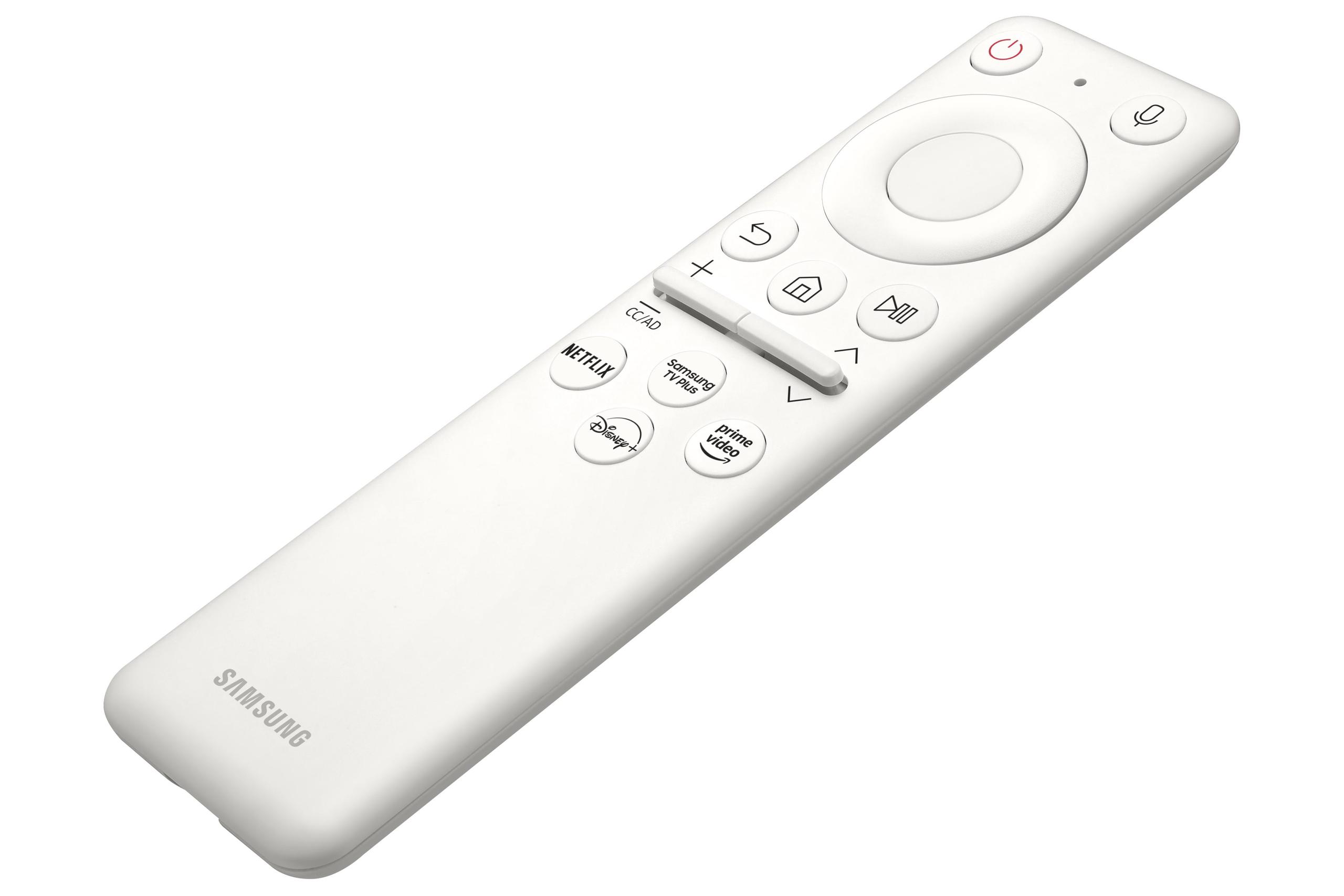
The Samsung Odyssey G65B transforms into a smart display with its integrated Tizen operating system. You can stream Netflix, access cloud gaming services, and even run productivity apps without connecting a computer. The Gaming Hub feature provides direct access to Xbox Game Pass, NVIDIA GeForce Now, and other cloud gaming platforms.
This smart functionality makes the Samsung particularly appealing for console gamers or users wanting an all-in-one entertainment solution. You can switch seamlessly between PC gaming, console gaming, and streaming content without multiple inputs or devices.
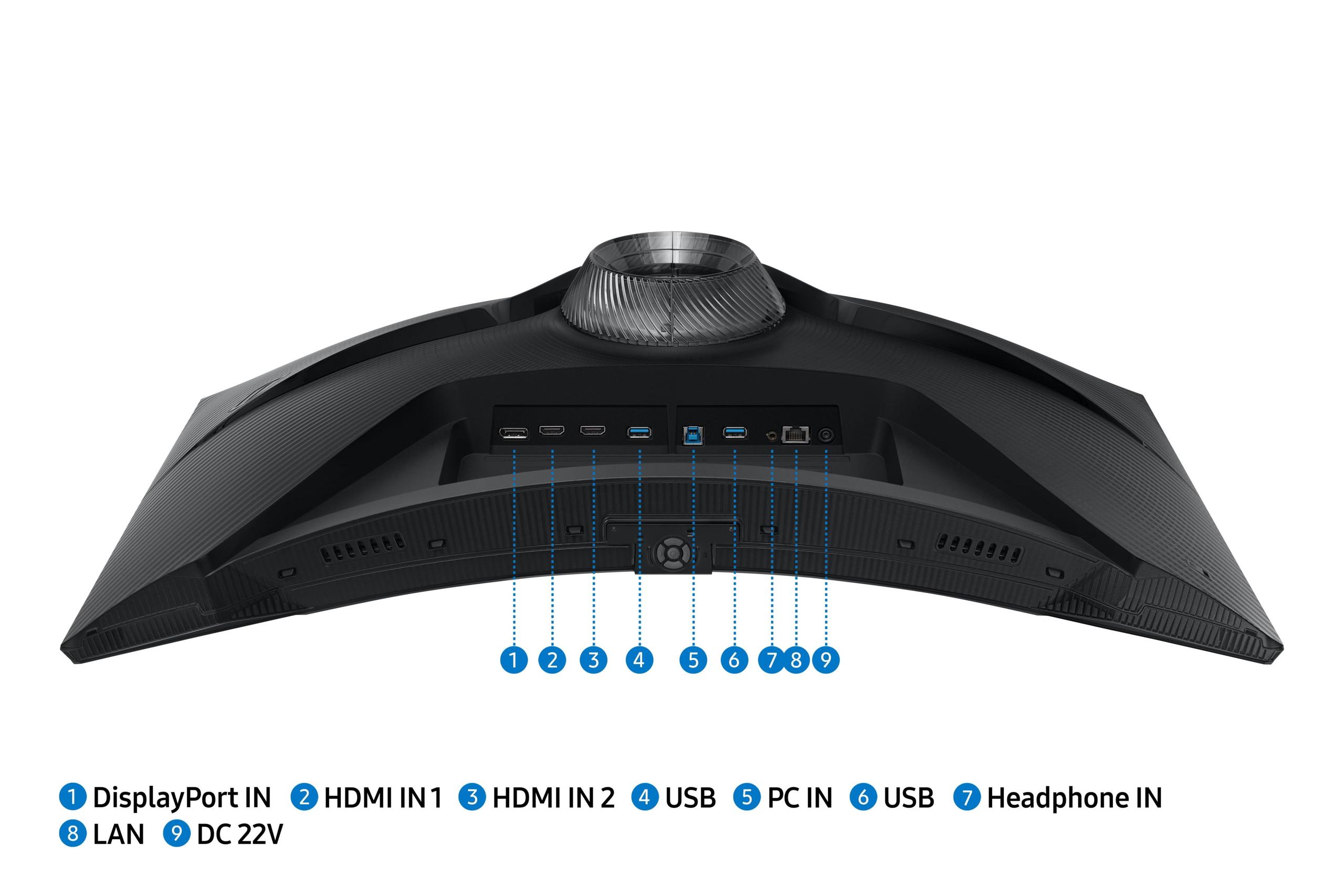
The Samsung also includes more comprehensive connectivity with HDMI 2.1 ports supporting the latest consoles' advanced features, USB ports for peripherals, and even wireless connectivity for compatible devices.
For competitive gaming, the differences become stark. In fast-paced shooters like Apex Legends or Call of Duty, the Samsung Odyssey G65B provides clearer target tracking, reduced motion blur, and lower input lag. The higher resolution also allows you to spot distant enemies more easily, providing a genuine competitive advantage.
The Sceptre E275W-FW100T handles slower-paced games excellently. Role-playing games, strategy titles, and single-player adventures look great on the high-contrast VA panel, and the 100Hz refresh rate still provides smoother motion than standard displays. The ghosting becomes less noticeable in games without rapid camera movement.
For console gaming, both monitors work well, though the Samsung's HDMI 2.1 support allows full utilization of PlayStation 5 and Xbox Series X capabilities, including 120Hz output and variable refresh rate features.
Both monitors can serve double duty for movie and TV watching, though with different strengths.
The Sceptre provides excellent contrast for dark room movie watching, and its lower resolution isn't a significant disadvantage since most streaming content doesn't exceed 1080p anyway. However, its limited brightness makes it less suitable for rooms with ambient lighting.
The Samsung excels as a home theater display with its HDR support, higher brightness, smart TV features, and superior audio capabilities. The curved design can enhance immersion for movies, though some users prefer flat screens for this use case.
The Sceptre E275W-FW100T makes sense for specific scenarios: budget-conscious gamers upgrading from basic displays, students needing affordable gaming capability, users building secondary or temporary setups, and casual gamers who primarily play slower-paced titles. If you're spending more on your graphics card than your monitor, the Sceptre lets you experience higher refresh rates without breaking the bank.
The Samsung Odyssey G65B justifies its premium pricing for serious gamers, competitive players, content creators needing color accuracy, and users wanting an all-in-one entertainment solution. If your monitor will serve as your primary display for both gaming and productivity, the Samsung's superior resolution, ergonomics, and features provide excellent long-term value.
At the time of writing, these monitors represent roughly a 5-6x price difference, making the value calculation highly personal. The Sceptre delivers the most gaming improvement per dollar spent, while the Samsung provides the best absolute gaming experience.
Consider your graphics card capabilities—there's little point in paying for 240Hz if your system can't produce high frame rates. Similarly, if you primarily play single-player games or work with text frequently, the Samsung's resolution advantage becomes more compelling.
Your setup's flexibility matters too. If you can't adjust monitor height and angle properly, even the best panel becomes uncomfortable for extended use. The Samsung's superior ergonomics might justify its cost through improved daily comfort alone.
Ultimately, both monitors succeed in their respective categories. The Sceptre proves that budget gaming monitors can provide meaningful improvements over basic displays, while the Samsung demonstrates why enthusiasts willingly pay premium prices for cutting-edge performance. Your choice should align with your gaming priorities, budget reality, and long-term usage plans.
The gaming monitor market continues evolving rapidly, with new technologies and price points emerging regularly. But the fundamental trade-off between cost and performance remains constant—understanding where you fall on that spectrum will guide you toward the right display for your needs.
| Sceptre E275W-FW100T | Samsung Odyssey G65B |
|---|---|
| Screen Resolution - Higher resolution means sharper text and more detailed gaming visuals | |
| 1920×1080 (Full HD) - adequate for gaming but text appears soft on 27" | 2560×1440 (QHD) - 33% more pixels, excellent for gaming and productivity |
| Refresh Rate - Higher rates create smoother motion and reduce input lag | |
| 100Hz - noticeable improvement over 60Hz, good for casual gaming | 240Hz - professional-grade smoothness, ideal for competitive gaming |
| Response Time - Lower times reduce ghosting behind moving objects | |
| 5ms (GtG) - noticeable ghosting in fast games, acceptable for slower titles | 1ms (GtG) - minimal ghosting, excellent motion clarity |
| Panel Type & Curvature - VA panels offer high contrast, curves increase immersion | |
| VA panel, flat design - excellent contrast (3000:1), traditional setup | VA panel with 1000R curve - immersive gaming experience, matches eye curvature |
| Adaptive Sync - Eliminates screen tearing for smoother gameplay | |
| AMD FreeSync (48-100Hz) - reduces tearing within refresh range | AMD FreeSync Premium Pro + G-Sync compatible (full 240Hz range) |
| HDR Support - Better contrast and colors in compatible games and movies | |
| No HDR support - standard dynamic range only | DisplayHDR 600 - enhanced contrast and brightness for supported content |
| Peak Brightness - Higher brightness improves visibility in bright rooms | |
| 280 nits - adequate for normal lighting but struggles in bright rooms | 350+ nits with HDR peaks - excellent visibility in varied lighting |
| Ergonomics - Better adjustability improves comfort during long sessions | |
| Tilt only (-5°/15°) - basic positioning, may require aftermarket stand | Full adjustment (height, tilt, swivel, pivot) - excellent positioning flexibility |
| Smart Features - Built-in apps eliminate need for external devices | |
| None - requires external devices for streaming and apps | Tizen OS with Gaming Hub - Netflix, cloud gaming, voice control built-in |
| Connectivity - More ports provide flexibility for multiple devices | |
| 2× HDMI 2.0, 1× DisplayPort 1.2, headphone jack | 2× HDMI 2.1, 1× DisplayPort 1.4, USB 3.0 ports, Wi-Fi, Bluetooth |
| Target Use Case - Different monitors excel in different scenarios | |
| Budget gaming, casual use, secondary monitor setups | Premium gaming, content creation, all-in-one entertainment hub |
The Samsung Odyssey G65B is significantly better for competitive gaming with its 240Hz refresh rate and 1ms response time, compared to the Sceptre E275W-FW100T's 100Hz and 5ms response time. The Samsung provides clearer motion tracking and reduced input lag, giving competitive players a noticeable advantage in fast-paced shooters and esports titles.
The primary difference is performance level and resolution. The Sceptre E275W-FW100T offers 1080p resolution at 100Hz for budget-conscious gamers, while the Samsung Odyssey G65B delivers 1440p resolution at 240Hz with premium features like HDR and smart functionality, targeting serious gaming enthusiasts.
The Sceptre E275W-FW100T provides excellent value for casual gamers on a budget, offering a meaningful upgrade from standard 60Hz displays at a fraction of the cost. However, the Samsung Odyssey G65B delivers superior long-term value for users who game frequently and need the monitor for both gaming and productivity work.
The 1000R curve on the Samsung Odyssey G65B enhances gaming immersion by wrapping the display around your field of view, which many users find more engaging for gaming and movies. The curve also reduces eye strain during extended sessions, though some prefer flat screens for productivity tasks with multiple windows.
Both monitors work well for entertainment, but the Samsung Odyssey G65B has clear advantages with its HDR support, higher brightness, built-in smart TV features with Netflix and streaming apps, and better overall picture quality. The Sceptre E275W-FW100T still provides good contrast for dark room viewing but lacks smart features and HDR.
The Sceptre E275W-FW100T is easier to drive at 1080p resolution, making it suitable for mid-range graphics cards. The Samsung Odyssey G65B requires a more powerful GPU to take full advantage of its 1440p resolution and 240Hz refresh rate, especially in demanding games.
The Samsung Odyssey G65B offers superior color accuracy with quantum dot technology, wider color gamut coverage, and DisplayHDR 600 support. While the Sceptre E275W-FW100T provides decent colors with 100% sRGB coverage, it can't match the Samsung's color reproduction capabilities.
The Sceptre E275W-FW100T includes basic connectivity with 2 HDMI ports and 1 DisplayPort. The Samsung Odyssey G65B provides more comprehensive options including HDMI 2.1 ports, DisplayPort 1.4, USB 3.0 ports, Wi-Fi, Bluetooth, and wireless device connectivity for modern laptops and consoles.
The Samsung Odyssey G65B is superior for console gaming with its HDMI 2.1 support enabling full PlayStation 5 and Xbox Series X capabilities, including 120Hz gaming and variable refresh rate. The Sceptre E275W-FW100T works with consoles but cannot access their advanced display features.
The Samsung Odyssey G65B includes a fully adjustable stand with height, tilt, swivel, and pivot adjustments for optimal positioning. The Sceptre E275W-FW100T only offers basic tilt adjustment, though both support VESA mounting for aftermarket stands.
The Samsung Odyssey G65B is much better for productivity with its sharper 1440p resolution making text crisp and clear, plus superior ergonomics for comfortable extended use. The Sceptre E275W-FW100T's 1080p resolution appears soft for text work on a 27-inch screen, making it less suitable for office tasks.
Choose the Sceptre E275W-FW100T if you're a casual gamer on a tight budget who primarily plays slower-paced games and wants a simple upgrade from basic displays. Select the Samsung Odyssey G65B if you're a serious gamer, play competitive titles, need the monitor for both gaming and work, or want premium features like smart functionality and HDR support.
We've done our best to create useful and informative comparisons to help you decide what product to buy. Our research uses advanced automated methods to create this comparison and perfection is not possible - please contact us for corrections or questions. These are the sites we've researched in the creation of this article: pcvarge.com - walmart.com - cubed.run - productchart.com - displayninja.com - target.com - youtube.com - versus.com - youtube.com - youtube.com - sceptre.com - sceptre.com - bestbuy.com - versus.com - uk.shi.com - youtube.com - youtube.com - displayspecifications.com - rtings.com - versus.com - samsung.com - rtings.com - businessdirect.bt.com - productchart.com - samsung.com - displayspecifications.com - gradeatechnology.co.uk - samsung.com - bestbuy.com - samsung.com - samsung.com

Privacy Policy
Terms and Conditions - Affiliate Policy
Home Security
© Copyright 2008-2026.
11816 Inwood Rd #1211, Dallas, TX 75244