







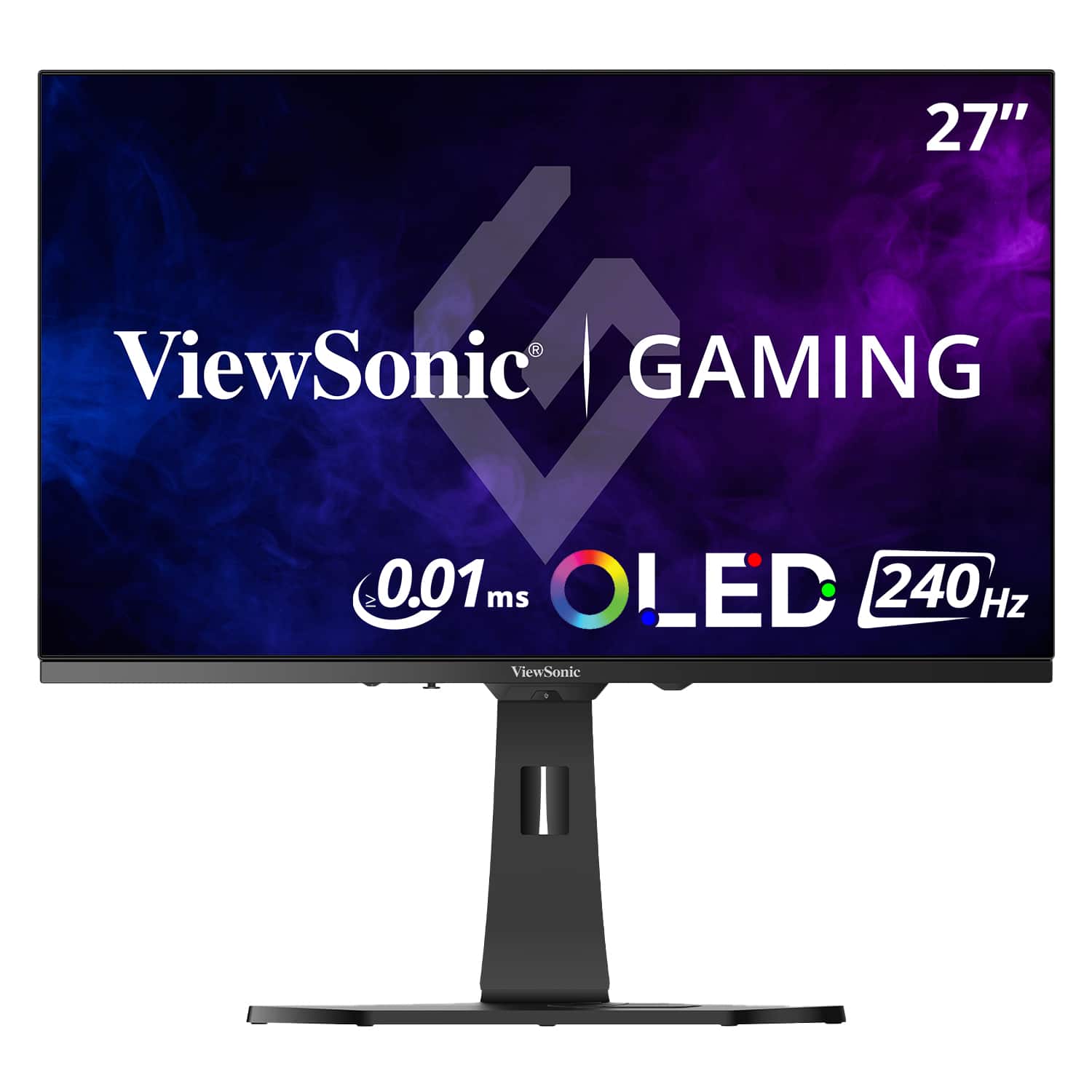

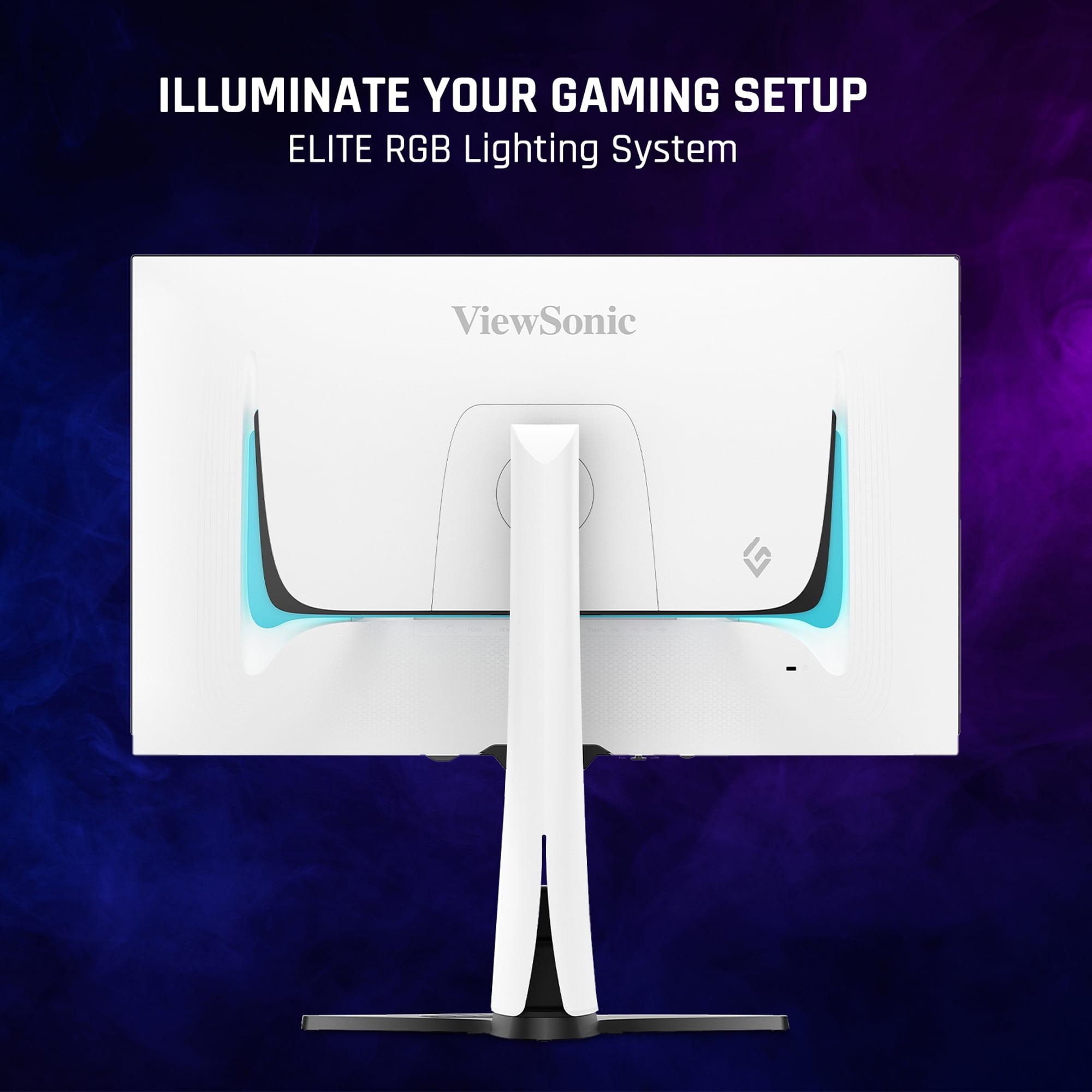
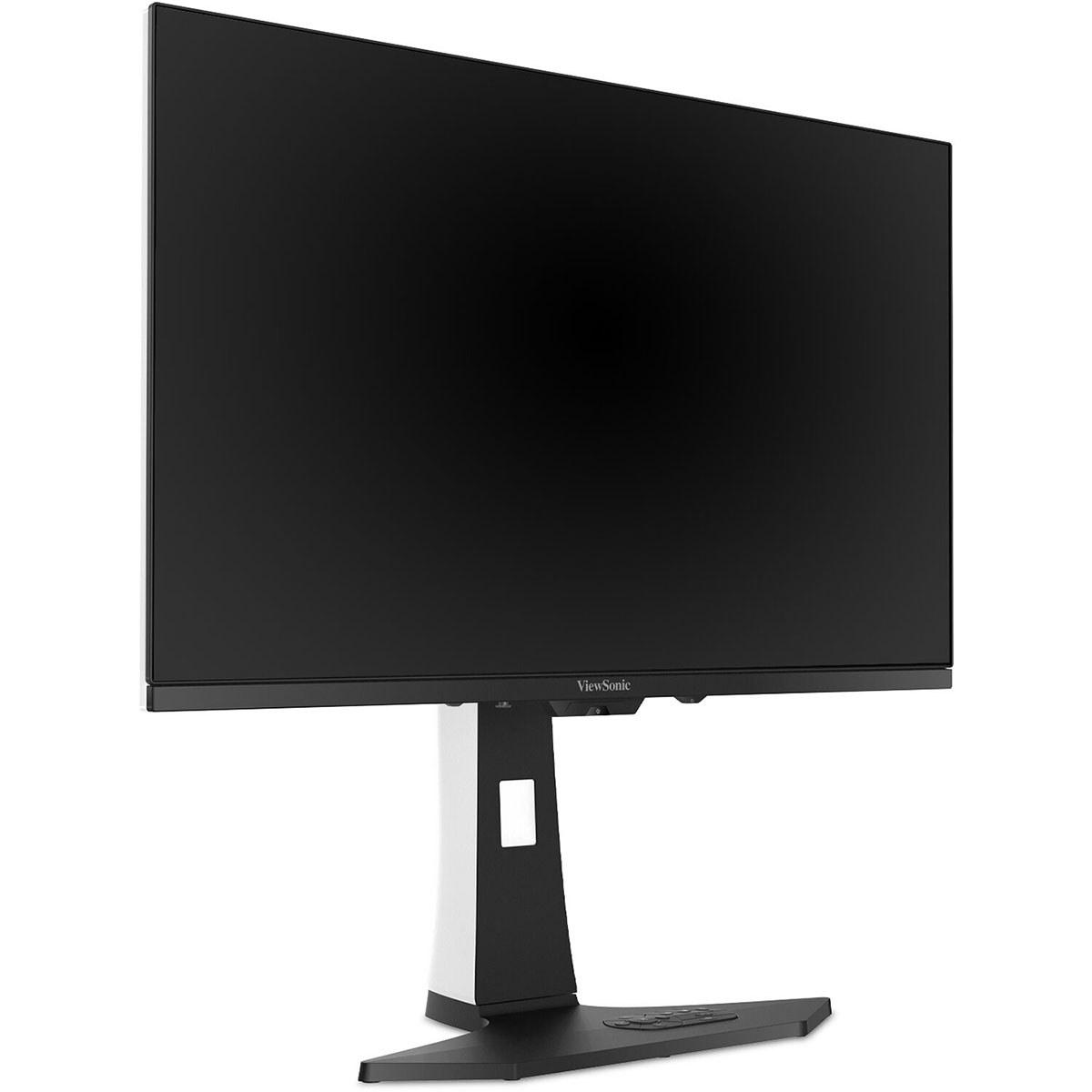
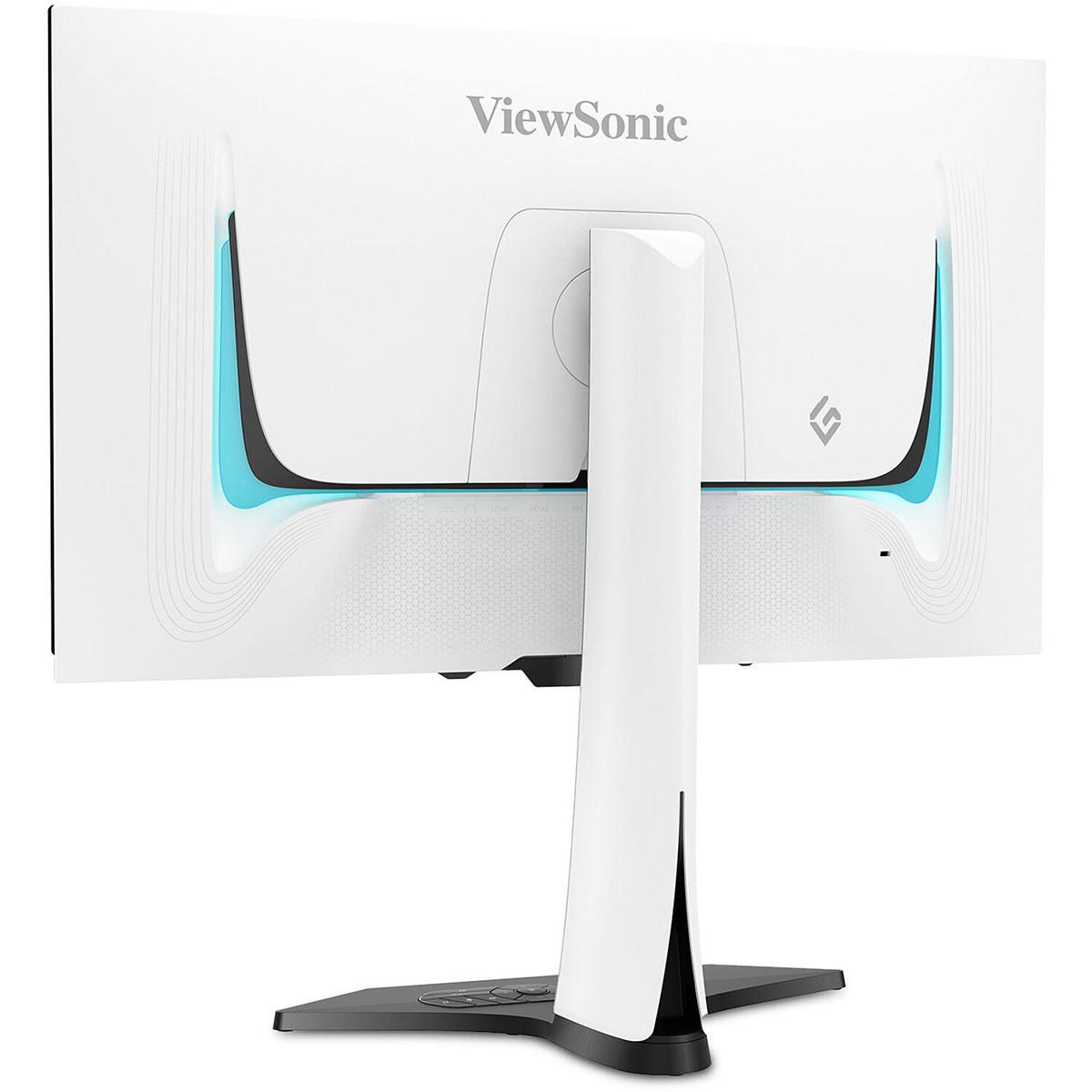
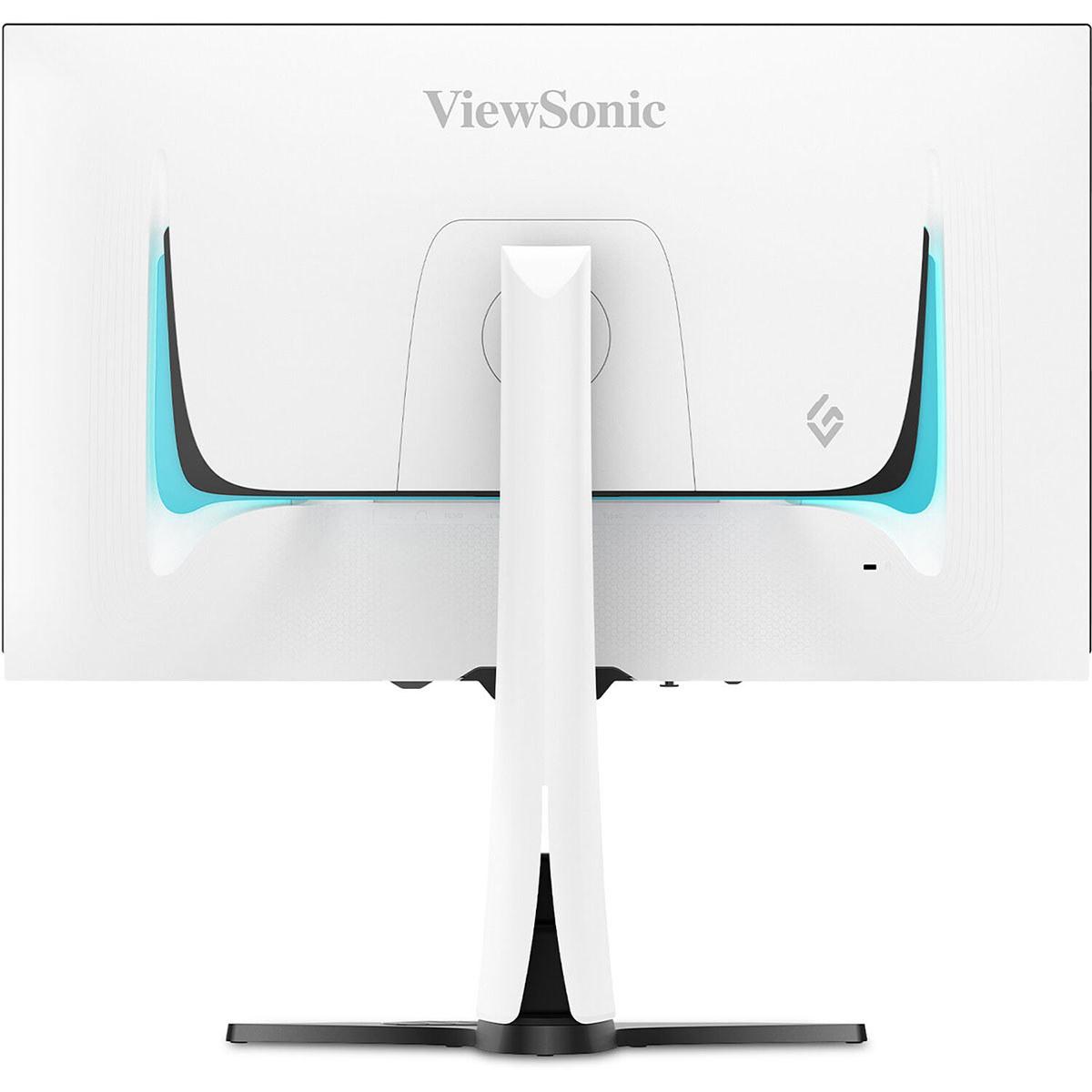
Choosing a gaming monitor in 2024 feels overwhelming with options ranging from under $100 to over $1000. Today we're comparing two monitors that represent opposite ends of the gaming display spectrum: the budget-friendly Sceptre E275W-FW100T and the premium ViewSonic XG272-2K-OLED. These aren't just different price points—they represent fundamentally different approaches to gaming display technology.
Gaming monitors prioritize different qualities than regular displays. While a standard office monitor focuses on color accuracy and text clarity, gaming displays emphasize refresh rate (how many times per second the screen updates), input lag (delay between your action and seeing it on screen), and response time (how quickly pixels change colors). These factors directly impact your gaming performance, especially in competitive scenarios.
The modern gaming monitor market has exploded with options since around 2020, when manufacturers began seriously targeting gamers with specialized features. Both monitors we're examining launched in recent years—the Sceptre representing the democratization of higher refresh rate gaming, while the ViewSonic showcases cutting-edge OLED technology that was previously reserved for premium TVs.
The most fundamental difference between these monitors lies in their display technology. The Sceptre E275W-FW100T uses traditional LCD (Liquid Crystal Display) technology with LED backlighting, specifically a VA panel (Vertical Alignment). VA panels excel at contrast compared to other LCD types, producing deeper blacks by better controlling how crystals block backlight.
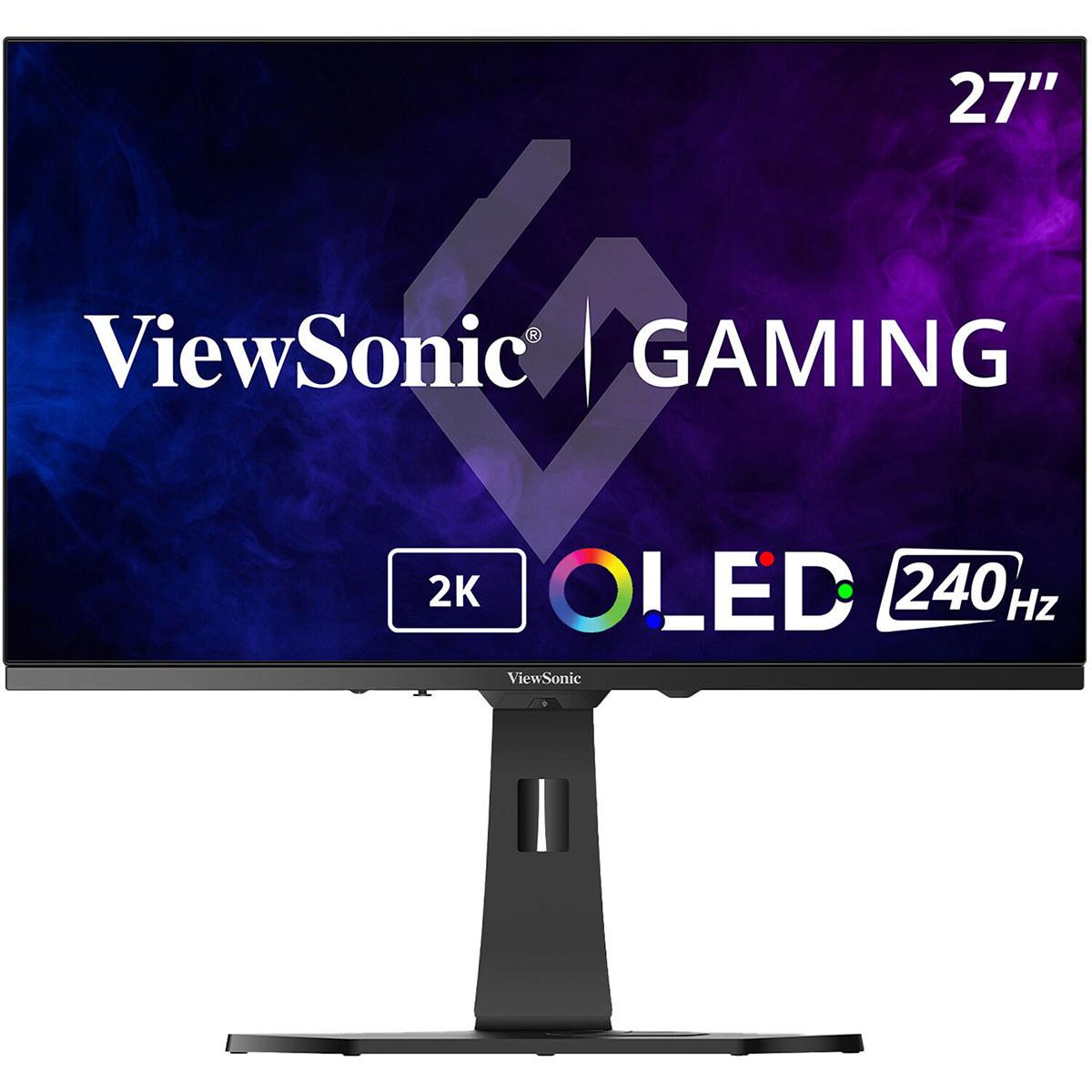
The ViewSonic XG272-2K-OLED uses OLED (Organic Light Emitting Diode) technology, where individual pixels generate their own light. This means when displaying black, those pixels simply turn off completely, creating true blacks rather than the dark gray you get from LCD backlights bleeding through.
This technology difference creates a night-and-day visual experience. Based on our research of professional reviews, OLED monitors deliver a contrast ratio of 150,000:1 compared to the Sceptre's respectable 3,000:1. In practical terms, this means movies and games with dark scenes look dramatically more immersive on OLED, with shadow details that simply disappear on LCD displays.
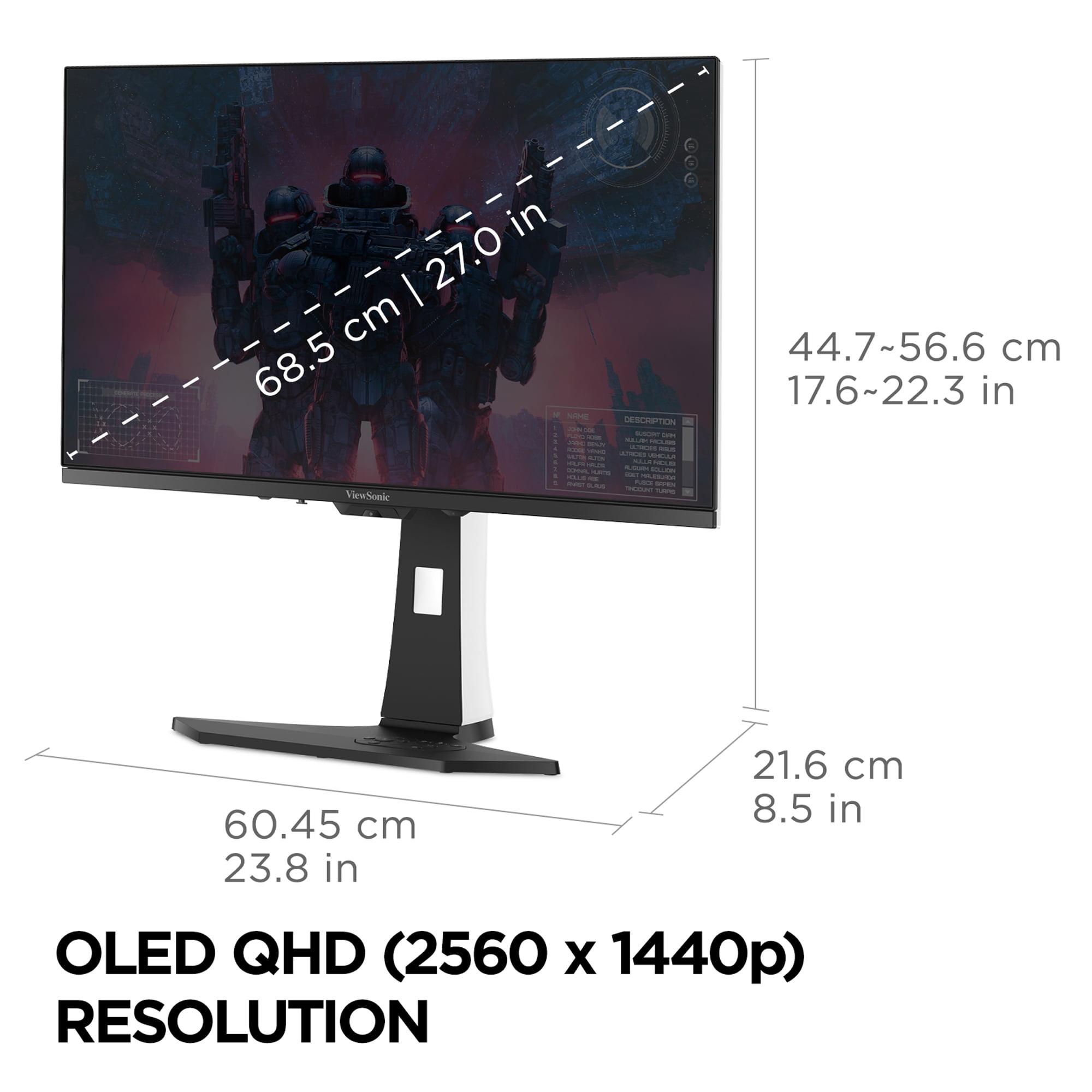
Resolution creates another major divide. The Sceptre offers 1920×1080 (Full HD), while the ViewSonic jumps to 2560×1440 (QHD or "1440p"). On a 27-inch screen, this translates to significantly different pixel density—essentially how tiny individual pixels appear.
The Sceptre's 81.59 pixels per inch means individual pixels become noticeable, especially for text work. Expert reviews consistently mention that text appears less crisp on 27-inch 1080p displays, making them less ideal for productivity tasks. The ViewSonic's 108.79 pixels per inch provides 78% more pixels overall, resulting in noticeably sharper text and game details.
This resolution difference impacts gaming in interesting ways. Higher resolution requires more GPU power—a graphics card that easily maintains 100fps at 1080p might struggle to hit 60fps at 1440p. However, the extra detail in games like Cyberpunk 2077 or Microsoft Flight Simulator can be transformative, revealing textures and environmental details that simply aren't visible at lower resolutions.
Refresh rate might be the most misunderstood gaming specification. Standard monitors refresh at 60Hz (60 times per second), but both gaming monitors here exceed that significantly. The Sceptre offers 100Hz, while the ViewSonic reaches 240Hz.
Higher refresh rates don't just make motion smoother—they reduce the input lag between your mouse movement and seeing cursor movement on screen. This becomes crucial in competitive games where milliseconds matter. Professional reviews of the ViewSonic praise its motion clarity as "perfect" with virtually no motion blur (the streaking effect behind fast-moving objects).
The Sceptre, despite its lower refresh rate, still provides a meaningful improvement over standard displays. Users report noticeable smoothness improvements in games like Fortnite or Apex Legends compared to 60Hz displays, though fast-moving objects still exhibit some ghosting due to the panel's 5ms response time.
Response time measures how quickly pixels change from one color to another, typically measured in GTG (Gray to Gray transitions). Slower response times create ghosting—shadow trails behind moving objects that can be distracting and competitively disadvantaging.
The Sceptre's 5ms response time represents decent performance for LCD technology, but professional reviews note visible ghosting in fast-paced scenes. The ViewSonic's 0.01ms response time (500 times faster) essentially eliminates ghosting entirely. This difference becomes apparent in games like racing simulators or first-person shooters, where fast camera movements can create disturbing visual artifacts on slower displays.
Both monitors include adaptive sync technology, which synchronizes the monitor's refresh rate with your graphics card's output. This eliminates screen tearing (horizontal lines appearing mid-screen when frame rates don't match refresh rates) and reduces stuttering.
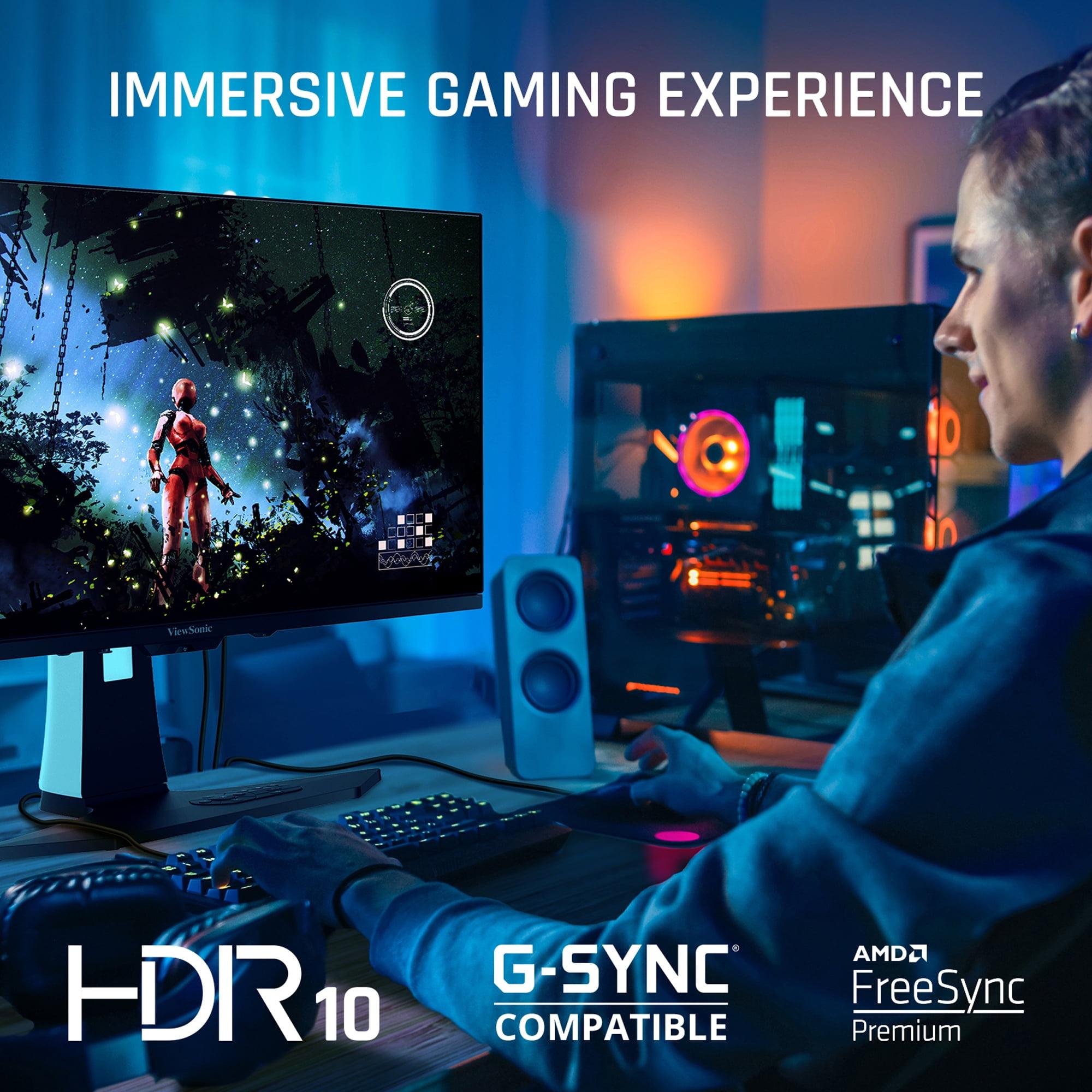
The Sceptre supports AMD FreeSync in the 48-100Hz range, providing smooth gaming for AMD graphics cards. The ViewSonic goes further with both AMD FreeSync Premium and NVIDIA G-SYNC compatibility, ensuring optimal performance regardless of your GPU brand. This broader compatibility makes the ViewSonic more future-proof as you upgrade components.
Color reproduction separates good displays from great ones. The Sceptre covers 100% of the sRGB color gamut—the standard range used for most web content and games. This ensures accurate color reproduction for typical use cases.
The ViewSonic significantly exceeds this with 97% DCI-P3 coverage, the wider color standard used in movie production and HDR content. This translates to roughly 137% of sRGB coverage, meaning more vibrant and saturated colors. Games supporting HDR10 (High Dynamic Range) showcase this difference dramatically, with more lifelike sunsets, richer foliage, and more realistic lighting effects.
The bit depth difference matters too—the Sceptre's 8-bit color produces 16.7 million colors, while the ViewSonic's 10-bit capability displays 1.07 billion colors. This creates smoother color gradients and reduces color banding in scenes with subtle color transitions.
Brightness affects both daytime usability and HDR performance. The Sceptre reaches 280 nits—adequate for typical indoor use but potentially insufficient for bright rooms or HDR content. The ViewSonic achieves 450 nits, providing 61% more brightness while supporting HDR10.
HDR transforms compatible content by displaying brighter highlights and deeper shadows simultaneously. Games like Horizon Zero Dawn or Assassin's Creed Valhalla showcase stunning lighting effects that simply aren't possible on standard displays. The Sceptre lacks HDR entirely, limiting it to SDR (Standard Dynamic Range) content.
Monitor ergonomics dramatically affect long-term comfort. The Sceptre offers only tilt adjustment, which might cause neck strain during extended gaming sessions if the monitor height doesn't match your seating position naturally.
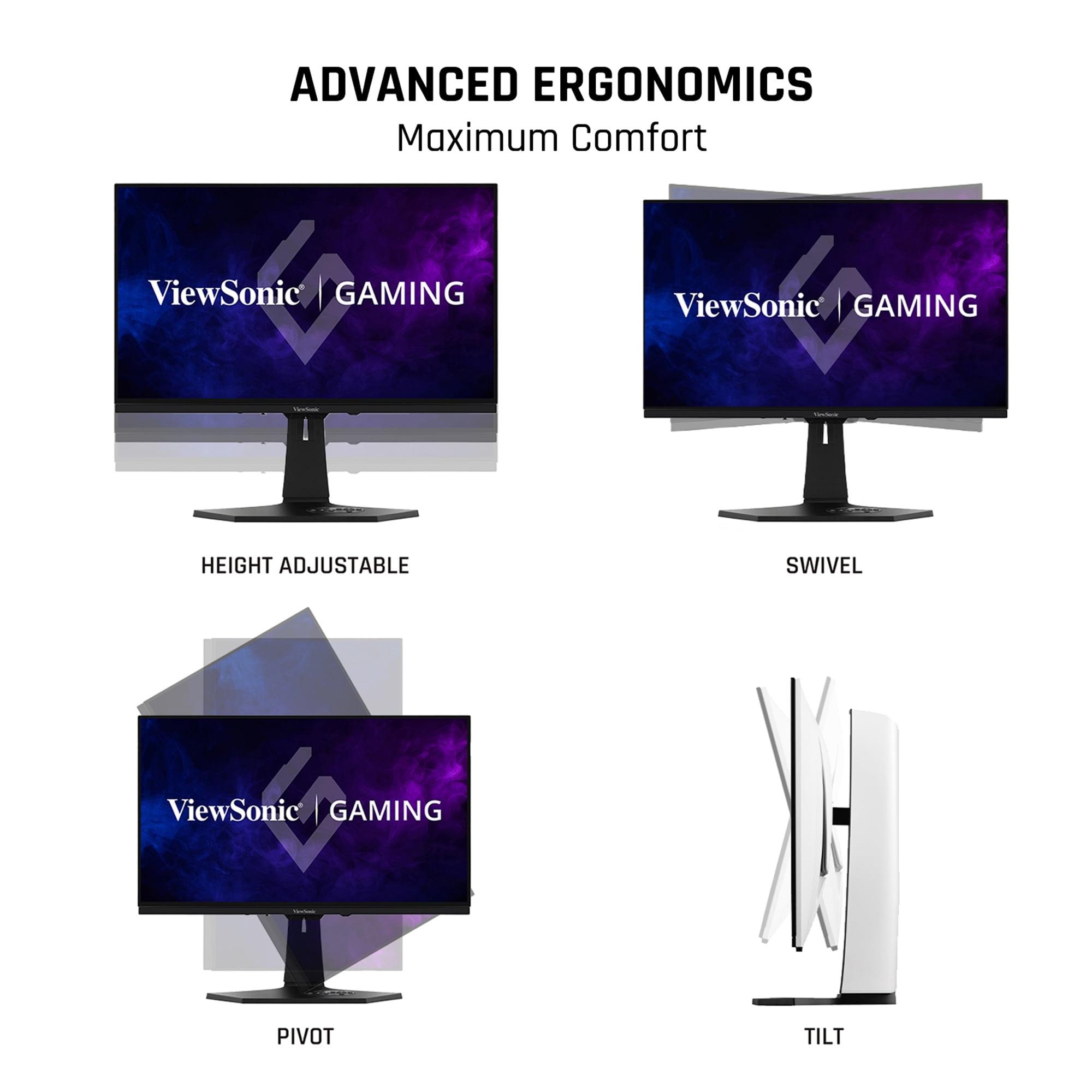
The ViewSonic includes full ergonomic adjustability—height, tilt, swivel, and pivot (rotating between landscape and portrait). This flexibility ensures optimal viewing angles regardless of your setup, reducing eye strain and neck discomfort during marathon gaming sessions.
Connection options reveal each monitor's intended longevity. The Sceptre provides basic connectivity with two HDMI 2.0 ports and one DisplayPort 1.2. This handles current gaming consoles and PCs adequately but limits future upgrade paths.
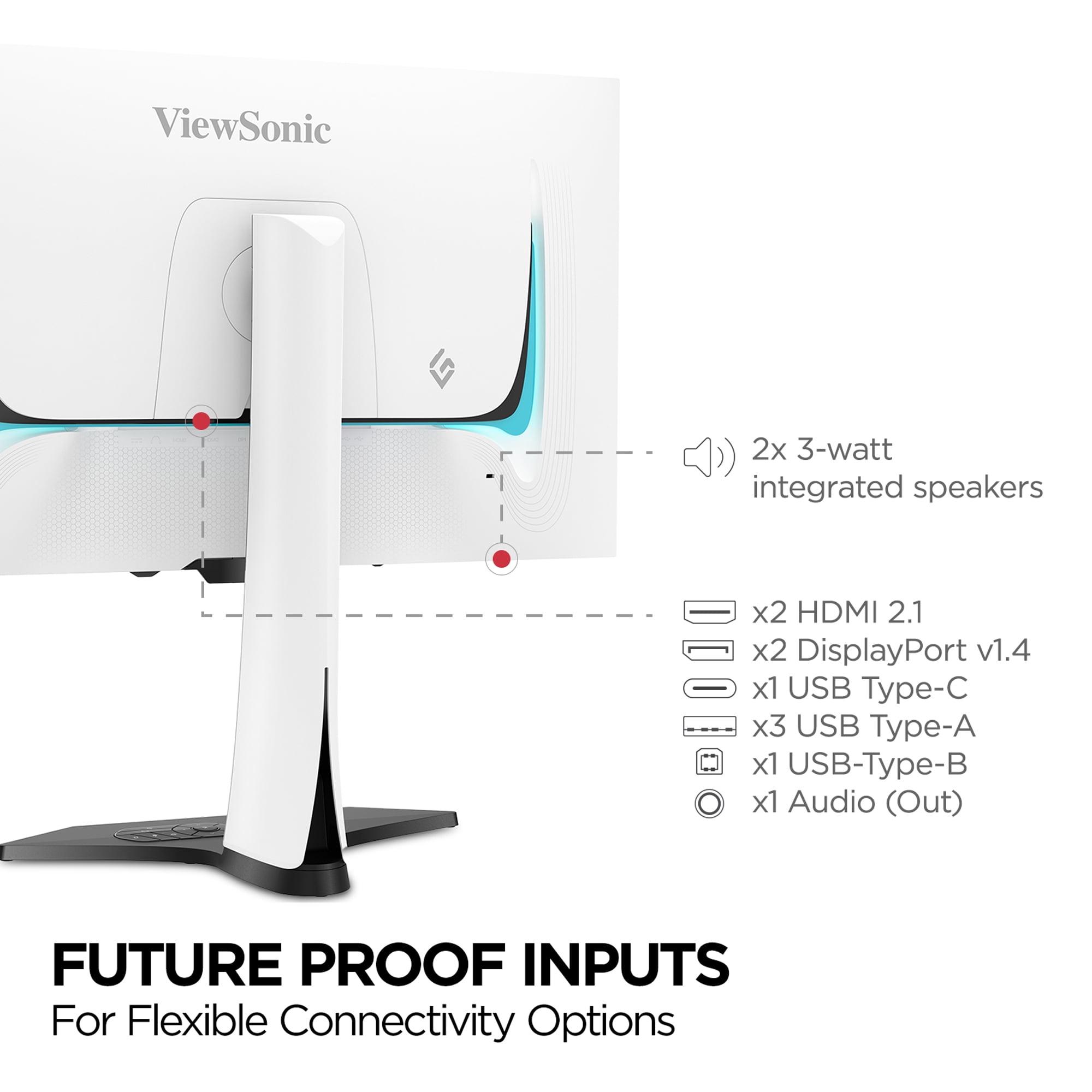
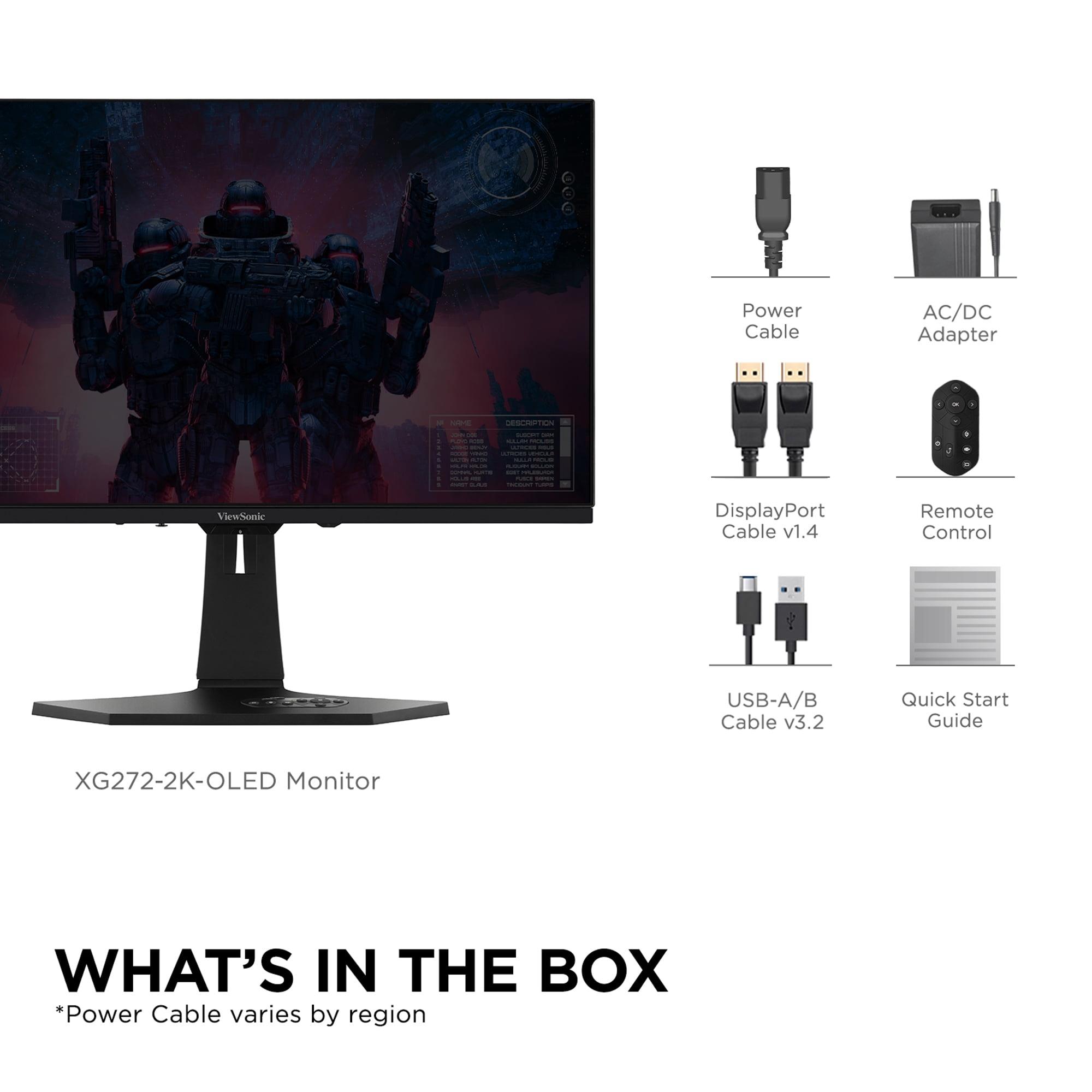
The ViewSonic includes HDMI 2.1, DisplayPort 1.4, and USB-C with power delivery. HDMI 2.1 enables full-bandwidth 4K gaming on PlayStation 5 and Xbox Series X, while USB-C allows single-cable connections to modern laptops. The built-in USB hub eliminates cable clutter by connecting peripherals directly to the monitor.
Both monitors include gaming enhancements beyond basic display quality. The Sceptre offers FPS and RTS game modes that optimize settings for different genres, plus Black Level Equalizer technology that brightens dark areas without affecting overall brightness—useful for spotting enemies in shadows.
The ViewSonic adds Black Frame Insertion, which flashes black frames between normal frames to reduce motion blur at lower frame rates. This feature helps when your graphics card can't maintain the full 240fps, ensuring smooth motion even at 120fps or 144fps.
The Sceptre E275W-FW100T excels as an entry point into higher refresh rate gaming. At the time of writing, it typically costs under $120, making 100Hz gaming accessible to budget-conscious users. This represents exceptional value compared to 60Hz alternatives, providing a meaningful gaming improvement without breaking the bank.
This monitor suits casual gamers playing titles like Minecraft, League of Legends, or single-player RPGs where extreme motion clarity isn't crucial. It also works well as a secondary display or for users primarily focused on productivity with occasional gaming.
The ViewSonic XG272-2K-OLED commands premium pricing—typically over $900 at the time of writing—but delivers cutting-edge performance. The OLED technology alone justifies much of this cost, providing image quality that rivals high-end TVs in a monitor form factor.
This monitor targets serious gamers, content creators, and enthusiasts who want the absolute best visual experience. Competitive gamers benefit from the ultra-low input lag and perfect motion clarity, while single-player enthusiasts enjoy cinematic image quality in story-driven games.
Both monitors can serve double duty for media consumption, though with different strengths. The Sceptre's VA panel provides decent contrast for dark room viewing, making it reasonable for Netflix or YouTube viewing. However, the 1080p resolution and lack of HDR limit its media capabilities.
The ViewSonic approaches TV-quality performance for media consumption. The OLED panel delivers true blacks perfect for movie viewing in dark rooms, while HDR support showcases streaming content as intended. The 1440p resolution provides crisp detail for high-quality streams, though it falls short of 4K for ultimate movie watching.
However, OLED technology brings burn-in concerns for static content like TV channel logos or taskbars. Modern OLED monitors include protection features like pixel shifting and auto-dimming, but extended static image display can still cause permanent damage.
Choose the Sceptre E275W-FW100T if you're budget-constrained but want improved gaming performance over standard displays. It's ideal for casual gamers, students needing affordable dual-purpose displays, or anyone wanting to experience higher refresh rate gaming without major investment.
The ViewSonic XG272-2K-OLED justifies its premium pricing for users who prioritize image quality and cutting-edge performance. Competitive gamers gain meaningful advantages from its speed, while enthusiasts enjoy reference-quality visuals for both gaming and media consumption.
Your graphics card capability influences this decision significantly. The Sceptre pairs well with mid-range GPUs like the RTX 4060 or RX 7600, which can easily drive 1080p gaming at high frame rates. The ViewSonic demands higher-end hardware like the RTX 4070 or better to fully utilize its 1440p 240Hz capabilities.
Ultimately, both monitors excel within their intended markets. The Sceptre democratizes high refresh rate gaming for budget users, while the ViewSonic showcases the future of gaming displays for those willing to invest in cutting-edge technology. Your budget, gaming intensity, and visual quality priorities should guide your choice between these fundamentally different approaches to gaming display excellence.
| Sceptre E275W-FW100T | ViewSonic XG272-2K-OLED |
|---|---|
| Panel Technology - Determines image quality and longevity | |
| VA LCD with LED backlight (proven durability, no burn-in risk) | OLED with per-pixel lighting (superior contrast, potential burn-in concerns) |
| Resolution - Affects sharpness and GPU requirements | |
| 1920×1080 Full HD (easier on older GPUs, less sharp text) | 2560×1440 QHD (78% more pixels, requires powerful GPU) |
| Refresh Rate - Critical for smooth gaming and competitive advantage | |
| 100Hz (67% smoother than standard displays) | 240Hz (ultra-smooth motion, competitive gaming advantage) |
| Response Time - Determines ghosting and motion blur | |
| 5ms GtG (noticeable ghosting in fast scenes) | 0.01ms pixel (virtually eliminates ghosting completely) |
| Contrast Ratio - Affects dark scene detail and immersion | |
| 3,000:1 static (good blacks for LCD technology) | 150,000:1 (true blacks with infinite contrast from OLED) |
| Color Gamut - Determines color vibrancy and HDR capability | |
| 100% sRGB (accurate standard colors, no HDR) | 97% DCI-P3 (~137% sRGB with HDR10 support) |
| Brightness - Important for room lighting and HDR performance | |
| 280 nits (adequate for dim rooms, limited HDR) | 450 nits (61% brighter, better HDR experience) |
| Adaptive Sync - Eliminates screen tearing across GPU brands | |
| AMD FreeSync 48-100Hz (AMD GPUs only) | FreeSync Premium + G-Sync Compatible (works with all GPUs) |
| Connectivity - Determines device compatibility and future-proofing | |
| 2× HDMI 2.0, 1× DisplayPort 1.2 (basic connections) | 2× HDMI 2.1, 2× DisplayPort 1.4, USB-C hub (next-gen ready) |
| Ergonomics - Affects comfort during long gaming sessions | |
| Tilt adjustment only (limited positioning options) | Full adjustment: height, tilt, swivel, pivot (maximum comfort) |
| Target User - Who benefits most from each monitor | |
| Budget gamers, casual use, productivity on a budget | Competitive gamers, enthusiasts, content creators seeking premium quality |
The ViewSonic XG272-2K-OLED is significantly better for competitive gaming due to its 240Hz refresh rate and 0.01ms response time, which virtually eliminates ghosting and provides ultra-smooth motion. The Sceptre E275W-FW100T offers decent performance at 100Hz but has noticeable ghosting in fast-paced scenes that can affect competitive play.
The primary difference is panel technology and performance tier. The Sceptre E275W-FW100T uses traditional LCD technology at 1080p resolution for budget-conscious users, while the ViewSonic XG272-2K-OLED features premium OLED technology with 1440p resolution, delivering superior image quality and gaming performance at a much higher cost.
The ViewSonic XG272-2K-OLED delivers dramatically better picture quality with its OLED panel providing true blacks, 150,000:1 contrast ratio, and HDR10 support. The Sceptre E275W-FW100T offers decent image quality for an LCD but cannot match OLED's contrast and color vibrancy.
The ViewSonic XG272-2K-OLED justifies its premium cost for serious gamers and enthusiasts who prioritize cutting-edge performance and image quality. However, the Sceptre E275W-FW100T provides excellent value for casual gamers or those on tight budgets who still want higher refresh rate gaming.
The ViewSonic XG272-2K-OLED is superior for productivity due to its 1440p resolution providing sharper text and more screen real estate. The Sceptre E275W-FW100T at 1080p on 27 inches results in less crisp text that may strain eyes during extended work sessions.
Both monitors work with next-gen consoles, but the ViewSonic XG272-2K-OLED offers better compatibility with HDMI 2.1 ports supporting full console capabilities. The Sceptre E275W-FW100T has HDMI 2.0 which limits some advanced console features but still provides solid gaming performance.
The ViewSonic XG272-2K-OLED offers superior connectivity with HDMI 2.1, DisplayPort 1.4, USB-C, and a built-in USB hub for future-proofing. The Sceptre E275W-FW100T provides basic connectivity with HDMI 2.0 and DisplayPort 1.2, adequate for current needs but less versatile.
The Sceptre E275W-FW100T uses proven LCD technology with no burn-in risks and typically longer lifespan. The ViewSonic XG272-2K-OLED offers superior performance but OLED panels can potentially develop burn-in with prolonged static image display, though modern protection features minimize this risk.
For casual gaming, the Sceptre E275W-FW100T provides excellent value with its 100Hz refresh rate offering a noticeable improvement over standard displays without the premium cost. The ViewSonic XG272-2K-OLED delivers superior performance but may be overkill for casual use.
The Sceptre E275W-FW100T works well with mid-range GPUs like RTX 4060 or RX 7600 for high frame rate 1080p gaming. The ViewSonic XG272-2K-OLED requires more powerful hardware like RTX 4070 or better to fully utilize its 1440p 240Hz capabilities.
The ViewSonic XG272-2K-OLED offers full ergonomic adjustability including height, tilt, swivel, and pivot for optimal comfort. The Sceptre E275W-FW100T only provides tilt adjustment, which may require additional mounting solutions for ideal positioning.
The ViewSonic XG272-2K-OLED works excellently for home theater use with its OLED panel delivering TV-quality blacks and HDR support for cinematic viewing. The Sceptre E275W-FW100T can serve basic media consumption needs but lacks the resolution and HDR capabilities for premium home theater experiences.
We've done our best to create useful and informative comparisons to help you decide what product to buy. Our research uses advanced automated methods to create this comparison and perfection is not possible - please contact us for corrections or questions. These are the sites we've researched in the creation of this article: pcvarge.com - walmart.com - cubed.run - productchart.com - displayninja.com - target.com - youtube.com - versus.com - youtube.com - youtube.com - sceptre.com - sceptre.com - tomshardware.com - viewsonic.com - cgmagonline.com - bhphotovideo.com - forums.blurbusters.com - pangoly.com - youtube.com - rtings.com - youtube.com - bhphotovideo.com - viewsonic.com - assetserver.net - viewsonic.com - viewsonic.com - colamco.com - viewsonic.com - store.connectcause.com - displayspecifications.com - bhphotovideo.com - manuals.viewsonic.com - viewsonic.com - pangoly.com - visioncomputers.com - bestbuy.com

Privacy Policy
Terms and Conditions - Affiliate Policy
Home Security
© Copyright 2008-2026.
11816 Inwood Rd #1211, Dallas, TX 75244