

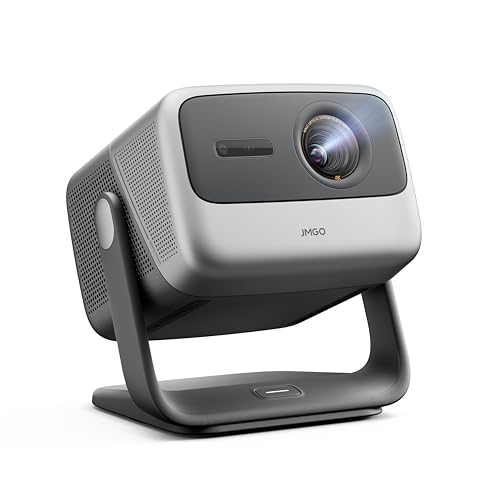
When you're shopping for a portable projector that can stream Netflix, Disney+, and your other favorite shows without needing a separate device, you've got some interesting choices to consider. Two projectors that have caught our attention represent very different approaches to the same goal: bringing big-screen entertainment anywhere in your home.
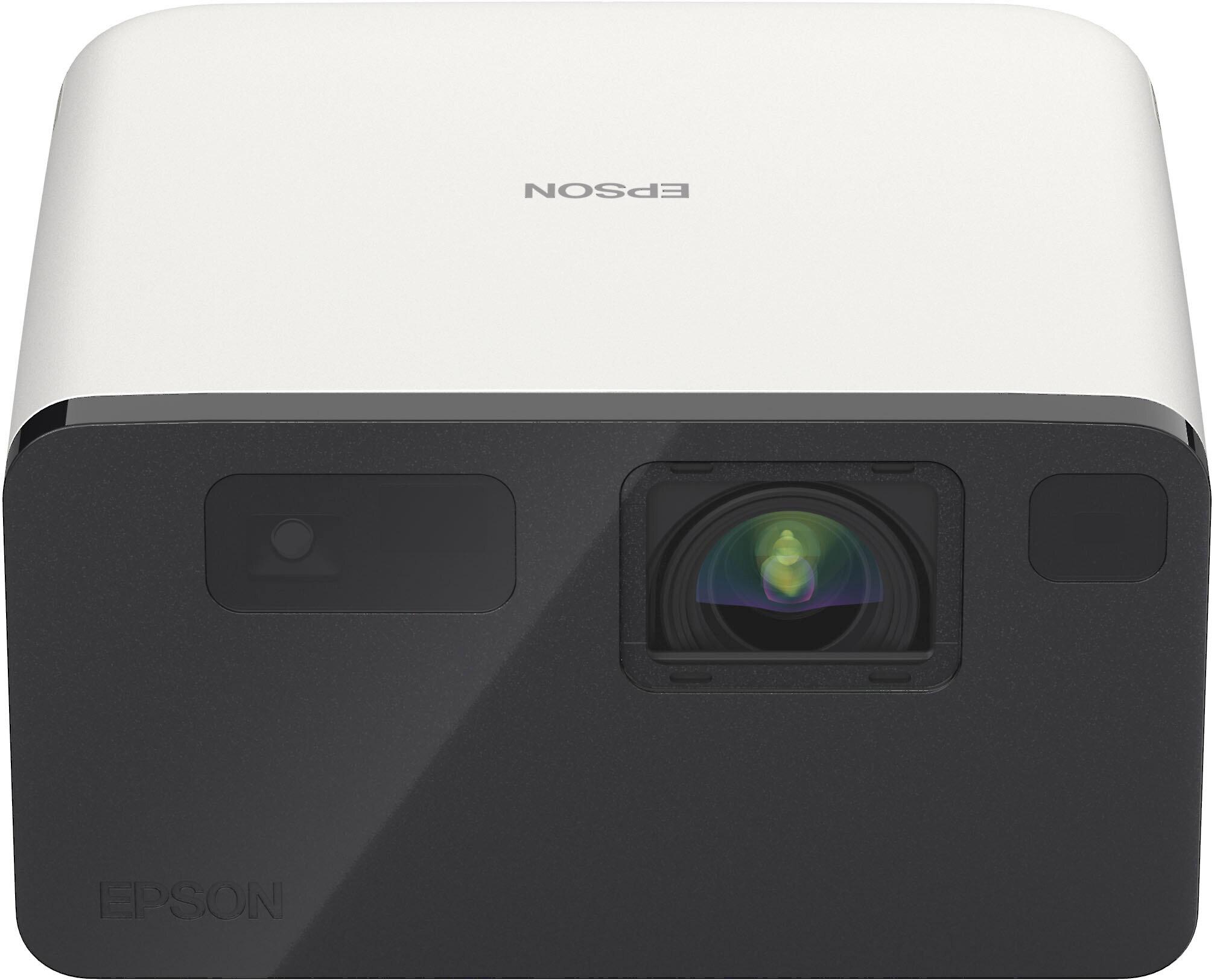
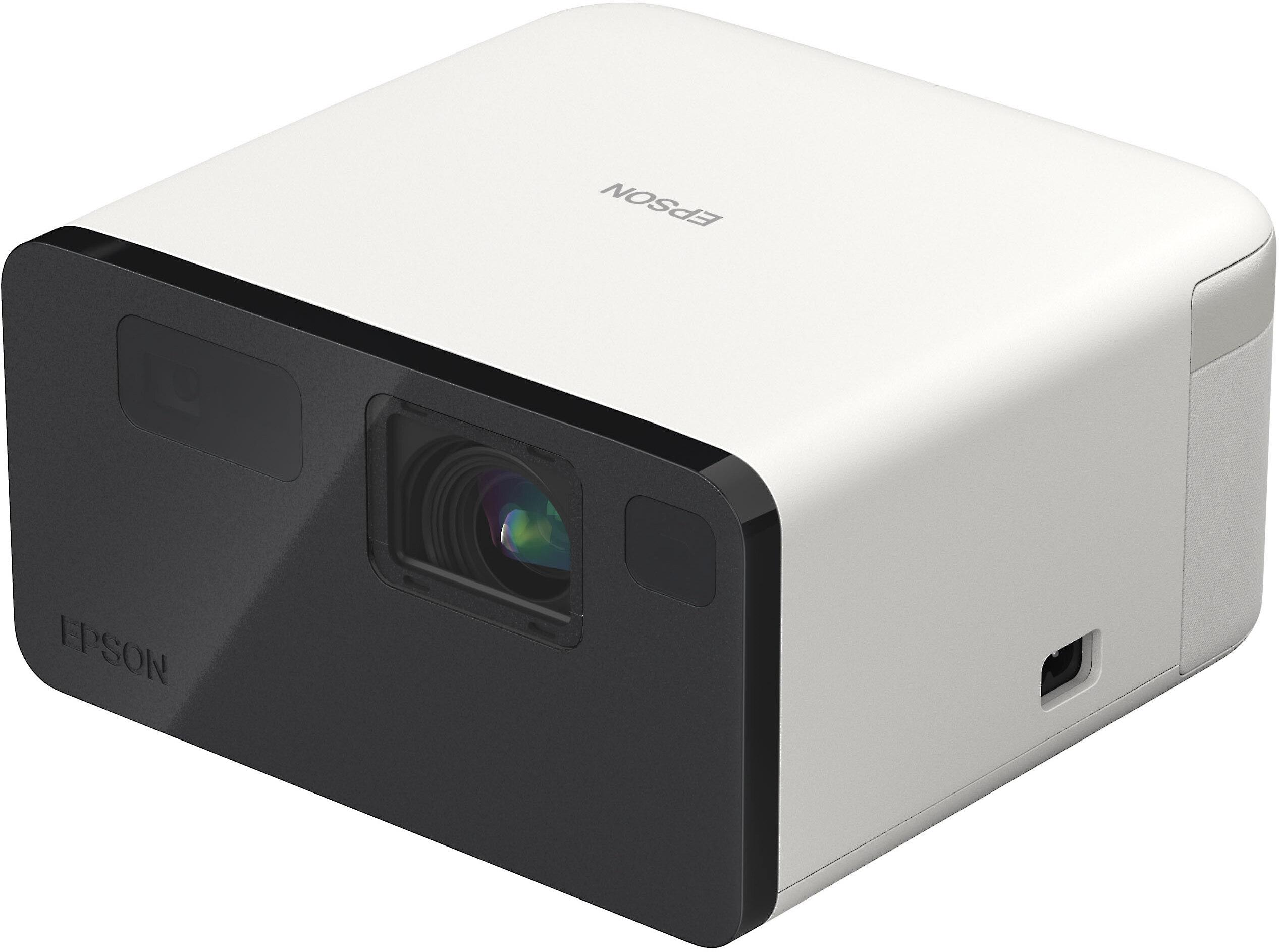
The JMGO N1S Pro 4K, released in 2024, takes a premium approach with true 4K resolution and some genuinely innovative features. Meanwhile, the Epson EpiqVision Mini EF21, also from 2024, focuses on delivering solid performance at a more accessible price point. At the time of writing, you're looking at roughly a 60% price difference between these two, which raises the obvious question: is the extra cost worth it?
Before diving into the comparison, let's talk about what sets modern portable projectors apart from the basic models you might remember from school presentations. Today's smart projectors are essentially computers with powerful light engines built in. They run full operating systems—both of these use Google TV—and can stream content directly without needing your laptop, phone, or a streaming stick.
The key technologies that matter most are the light source (how bright and long-lasting the image will be), the image processing system (how sharp and colorful everything looks), and the smart features that make setup painless. Both projectors use laser light sources instead of traditional bulbs, which means they'll last around 20,000-30,000 hours without needing replacement and turn on instantly without warming up.
This is where these two projectors diverge most dramatically, and honestly, it's the most important factor for most people.
The JMGO N1S Pro 4K delivers true 4K resolution at 3840x2160 pixels, while the Epson EF21 maxes out at Full HD (1920x1080). In practical terms, this means the JMGO has four times as many pixels to work with. If you're sitting relatively close to a large projected image—say, 100 inches or more—this difference becomes quite noticeable, especially with text, fine details in movies, or when gaming.
However, the resolution advantage matters less if you're typically projecting smaller images (under 80 inches) or sitting farther away. Your eyes simply can't distinguish the extra detail at that point. The content you watch also makes a difference: 4K Netflix shows and 4K Blu-rays will look noticeably sharper on the JMGO, but regular cable TV or older streaming content won't benefit as much.
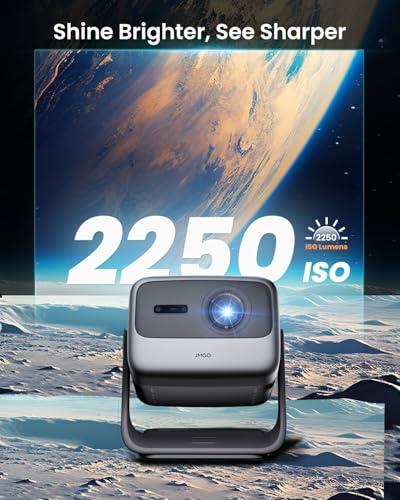
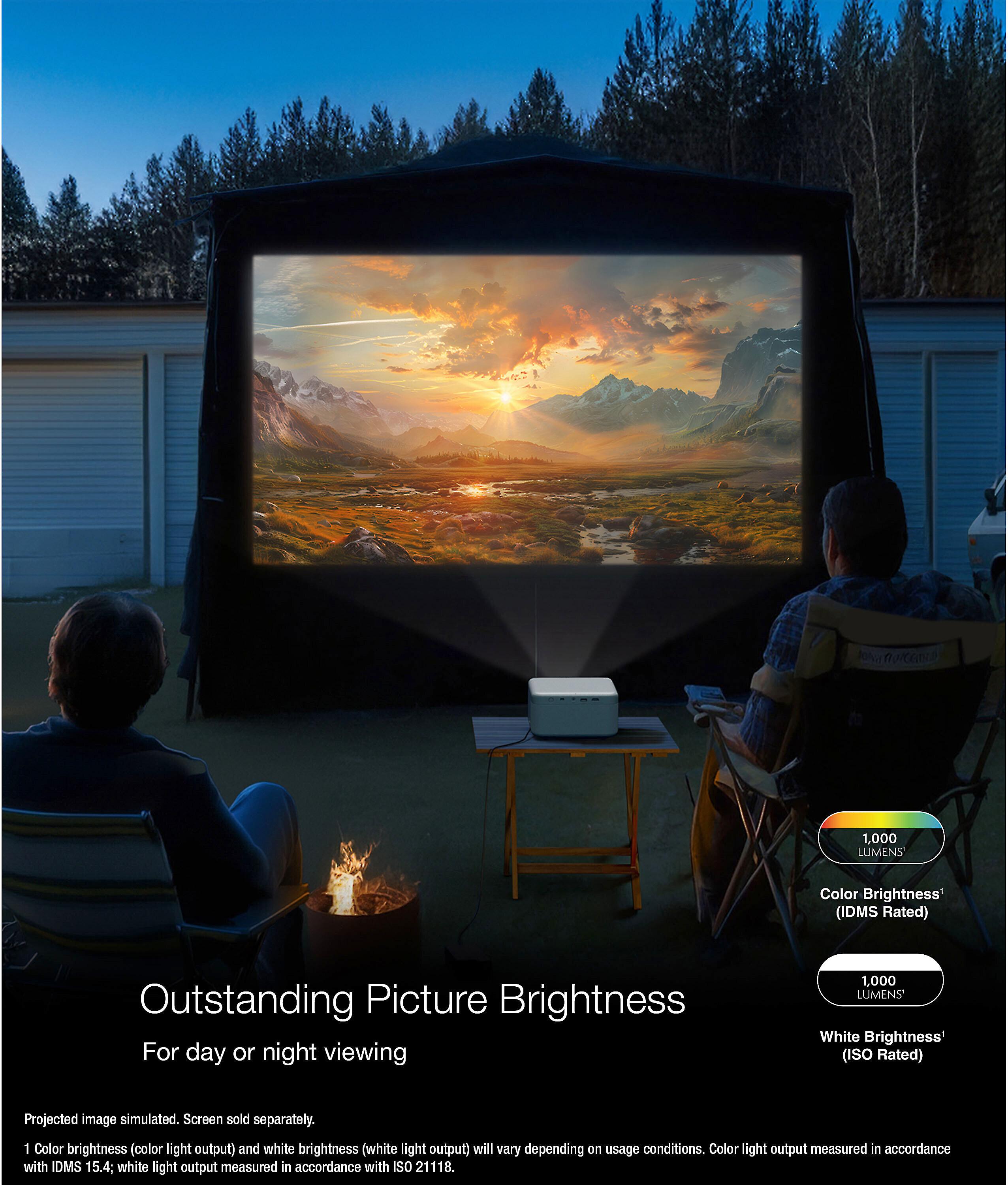
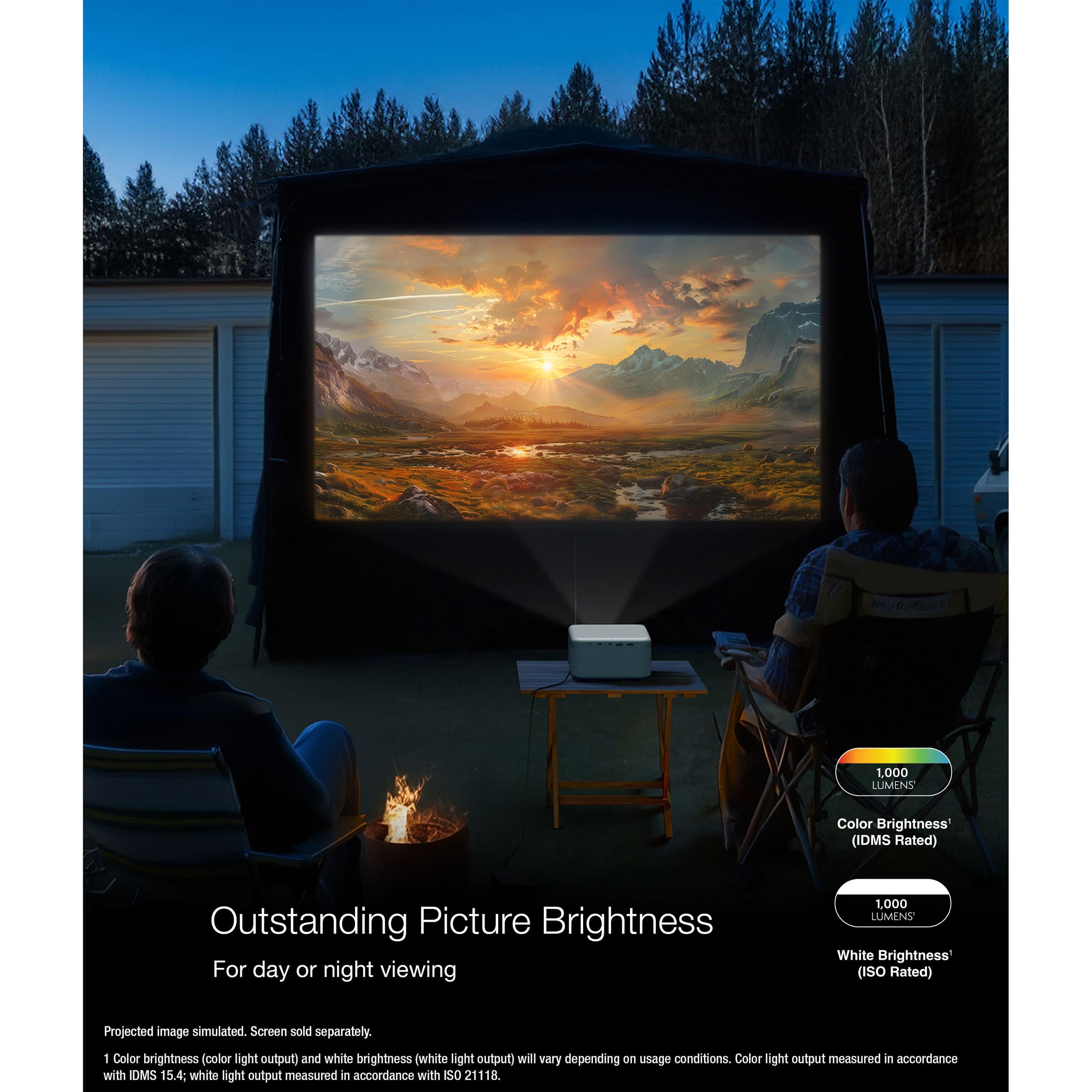
Here's where the JMGO N1S Pro 4K really pulls ahead. With 2,400 ANSI lumens compared to the Epson's 1,000 lumens, it's more than twice as bright. ANSI lumens is the standardized way to measure projector brightness, and this difference is immediately apparent in real use.
The JMGO can produce watchable images even with some ambient light in the room—think watching a movie in the evening with a few lamps on. The Epson EF21, like most projectors in its brightness range, really needs a darkened room to shine. This isn't necessarily a dealbreaker, but it does limit when and where you can use it effectively.
From our research into user experiences, the brightness difference becomes the deciding factor for many people. If you have kids who want to use the projector during the day, or if you live in a space where you can't easily control all the light sources, the extra brightness of the JMGO makes it significantly more versatile.
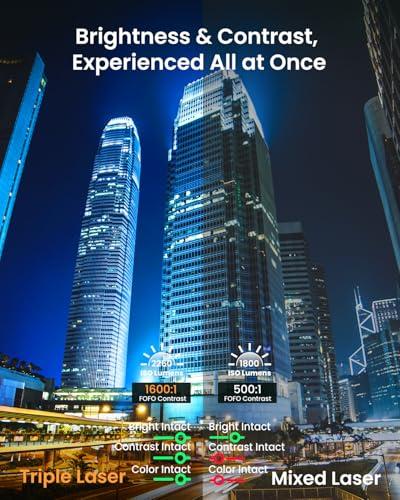
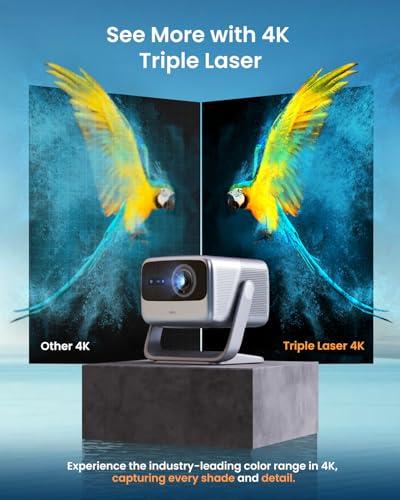
These projectors use fundamentally different display technologies, each with distinct advantages. The JMGO N1S Pro 4K uses a single-chip DLP (Digital Light Processing) system with what JMGO calls MALC 2.0 triple RGB laser technology. This is essentially three separate colored lasers (red, green, blue) that create the image, allowing for very vivid colors and deep contrast.
The Epson EF21 uses 3LCD technology, which splits white laser light through three separate LCD panels for red, green, and blue. This approach typically produces more natural-looking colors and completely eliminates the "rainbow effect"—brief flashes of colored light that some people notice with DLP projectors, especially when moving their eyes quickly.
In our evaluation of expert reviews and user feedback, the JMGO's triple laser system produces more saturated, punchy colors that really make HDR content pop. Movies and shows with vibrant scenes—think Marvel movies or nature documentaries—look particularly impressive. However, the Epson's 3LCD system tends to be more accurate for skin tones and generally produces colors that look more like what you'd see on a good TV.
The JMGO N1S Pro 4K covers 110% of the BT.2020 color space, which is the standard for HDR content. This technical specification translates to colors that can appear more vivid and lifelike than what many TVs can produce. Combined with its HDR10 support and 10-bit color processing (which allows for smoother gradients and more color nuances), it delivers a genuinely impressive HDR experience.
The Epson EF21 supports both HDR10 and HLG (Hybrid Log-Gamma, used for broadcast HDR content), but with a smaller color gamut. The HDR effect is still noticeable, but not as dramatic as what you'll get from the JMGO.
Both projectors aim to make setup as painless as possible, but they take different approaches.
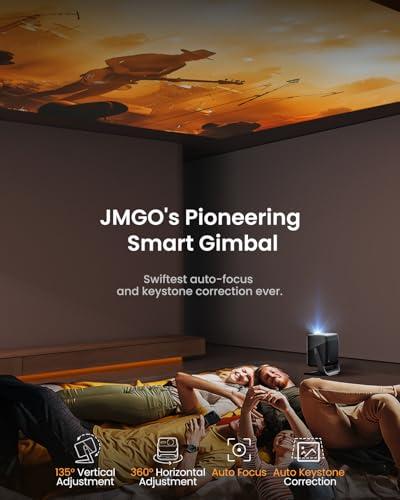
The standout feature of the JMGO N1S Pro 4K is its auto-stabilized gimbal system. This motorized mount can rotate the projector 360 degrees horizontally and 135 degrees vertically, all controlled automatically or through the remote. The practical benefit is enormous: you can place the projector on a coffee table and project onto any wall or even the ceiling without physically moving the unit.
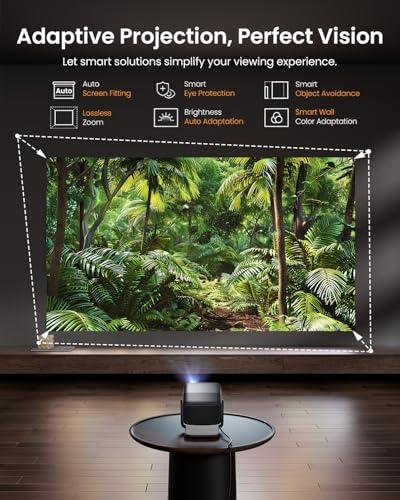
The system works with a combination of a ToF (Time of Flight) sensor and cameras to automatically detect surfaces, adjust focus, correct keystone distortion (when the image appears tilted or trapezoid-shaped), and even avoid obstacles. In our research, users consistently mention this as the feature that sets the JMGO apart from everything else in the market.
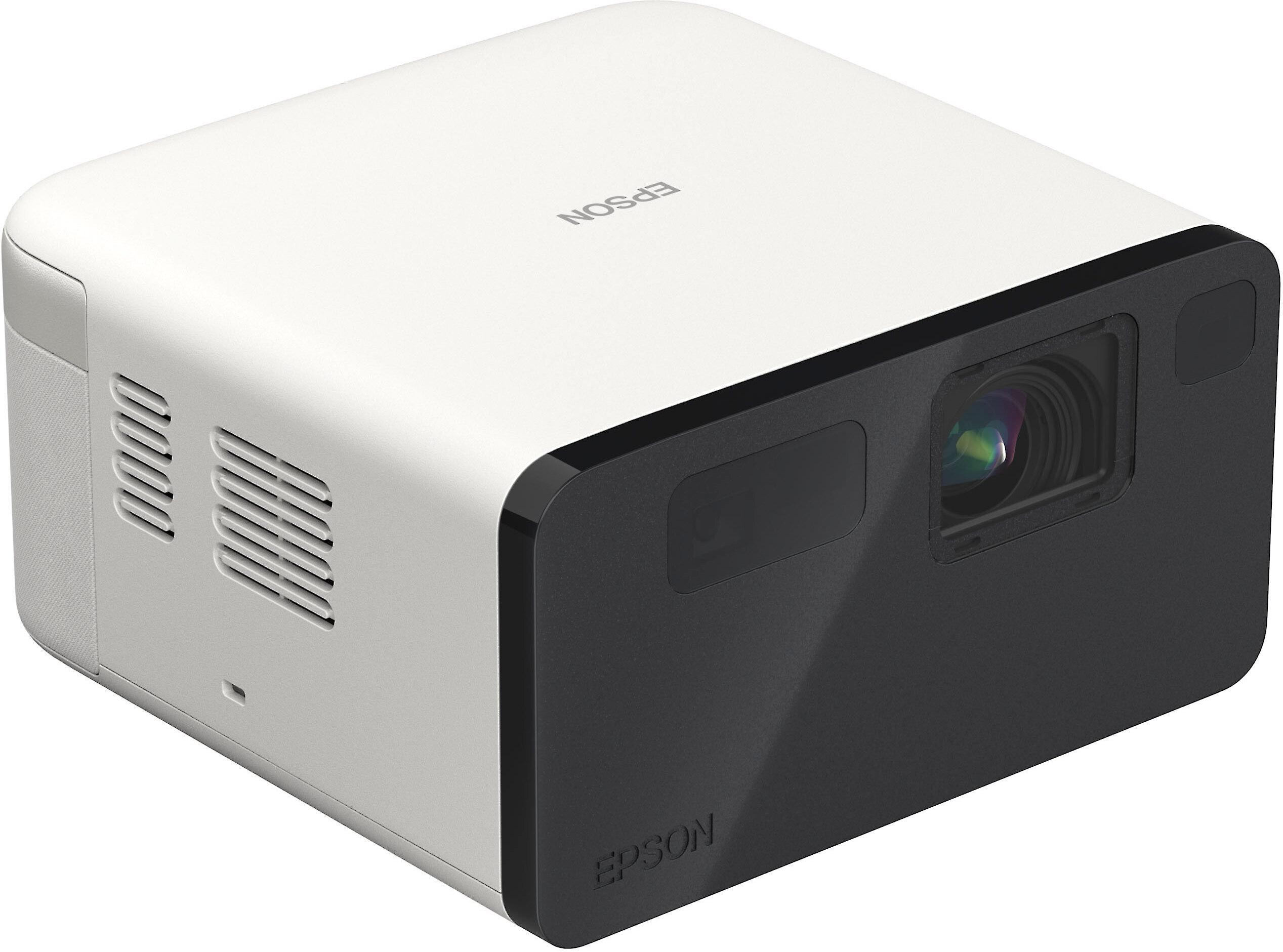
The Epson EF21 uses EpiqSense technology, which handles automatic keystone correction and screen fitting but requires you to physically position the projector where you want it. It's less dramatic than JMGO's gimbal but works reliably and quickly. Epson has been refining these auto-setup features for years, and they rarely fail to work as expected.
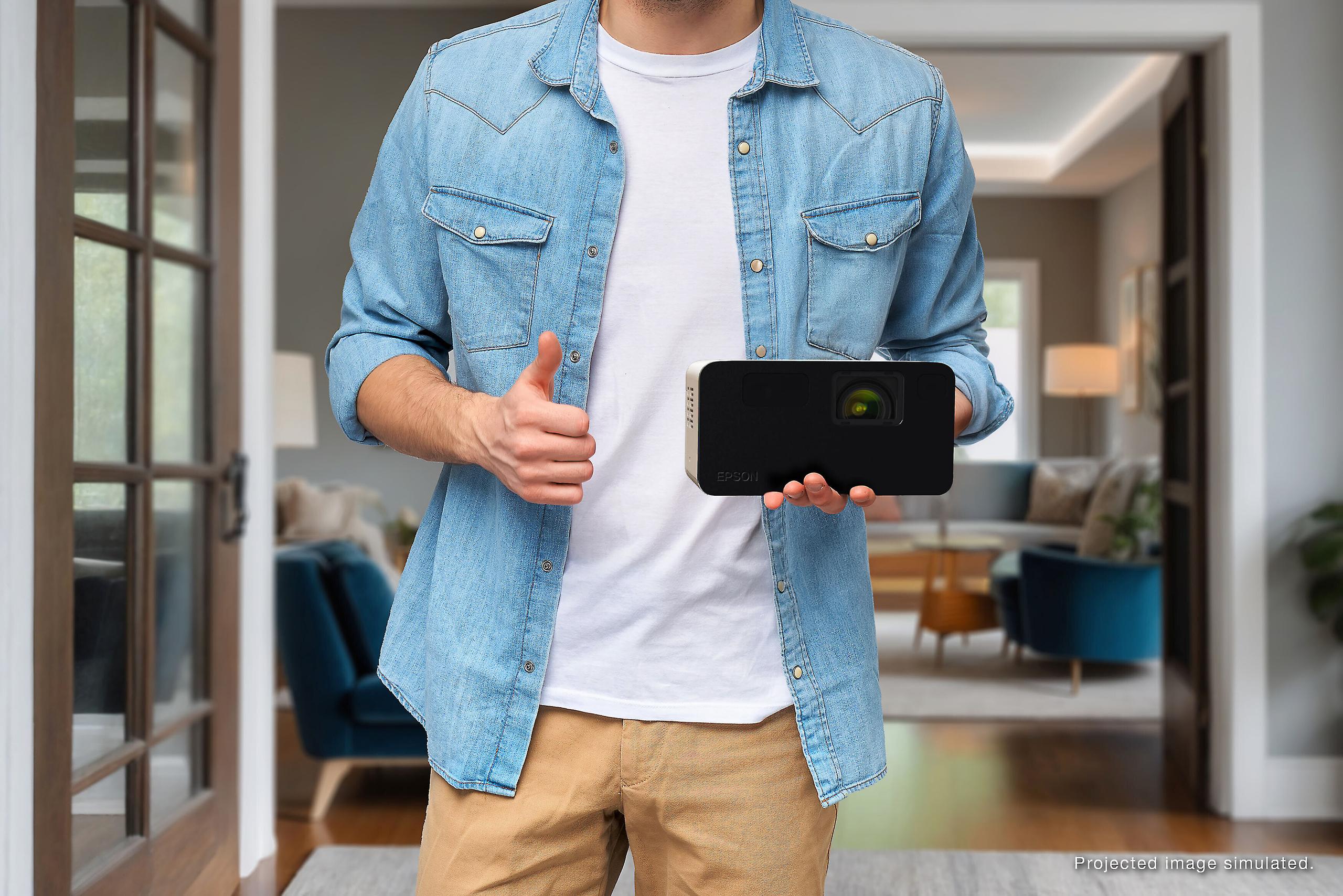
While both are "portable," there's a significant difference in practice. The Epson EF21 weighs about 5 pounds compared to the JMGO's nearly 10 pounds. If you're frequently moving the projector between rooms or taking it to friends' houses, this weight difference matters. However, the JMGO's gimbal system means you might not need to move it as often since it can project in any direction from a single location.
Built-in audio quality often gets overlooked when shopping for projectors, but it shouldn't. Many people end up using their projectors without external speakers, especially for casual viewing.
The JMGO N1S Pro 4K includes 20W stereo speakers with Dolby Digital Plus support and surprisingly robust bass response down to 45Hz. For a projector this size, the audio quality is genuinely impressive. You can watch movies without feeling like you're missing half the experience, and the speakers are positioned to fire to the sides rather than directly forward, which helps with sound dispersion.
The Epson EF21 has dual 5W speakers (10W total) with Dolby Audio support. They're adequate for casual viewing and dialogue-heavy content, but action movies and music will likely leave you wanting more.
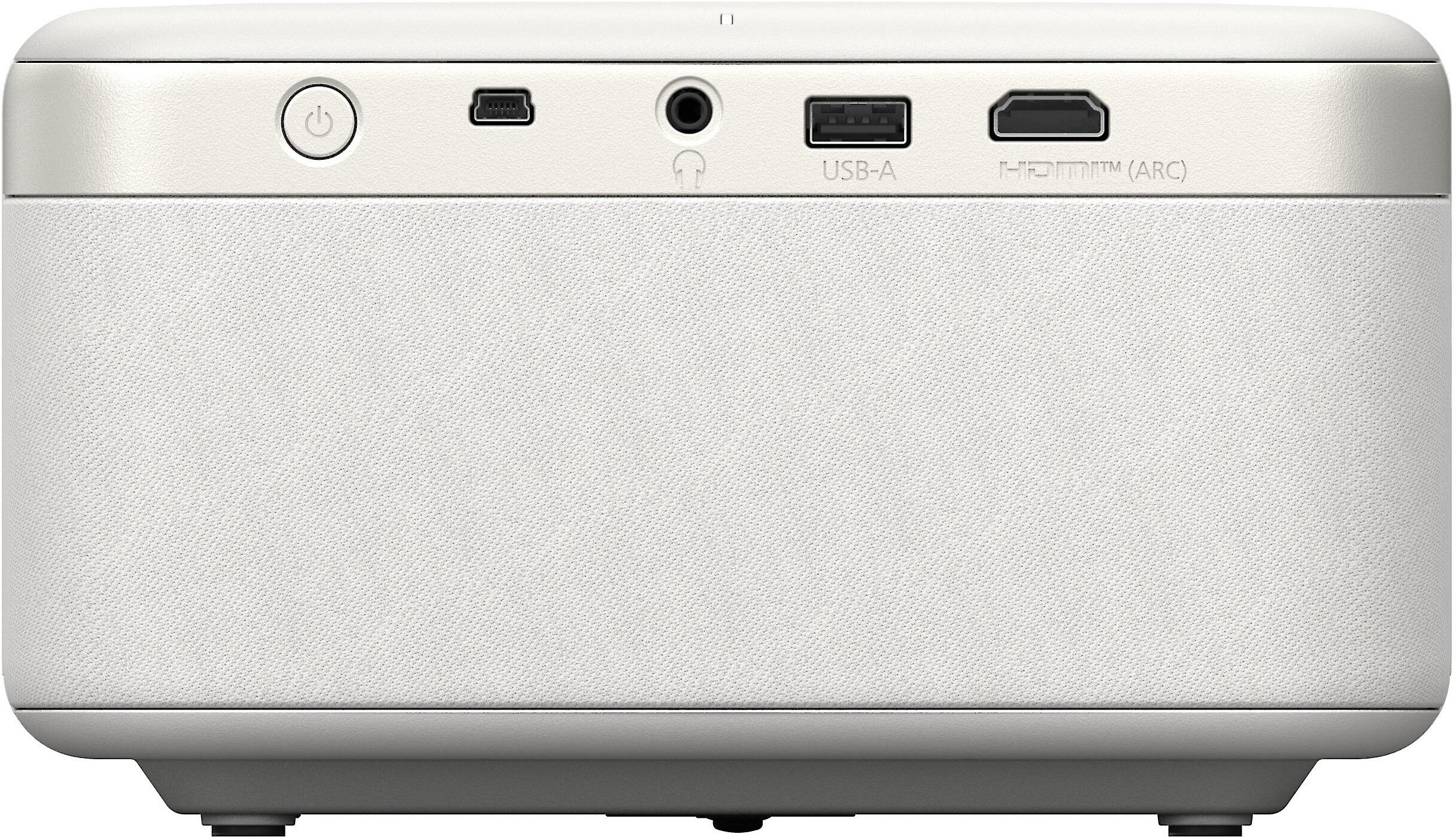
Both projectors include HDMI ports that support audio return channel (ARC or eARC), so you can easily connect a soundbar if you want to upgrade the audio later.
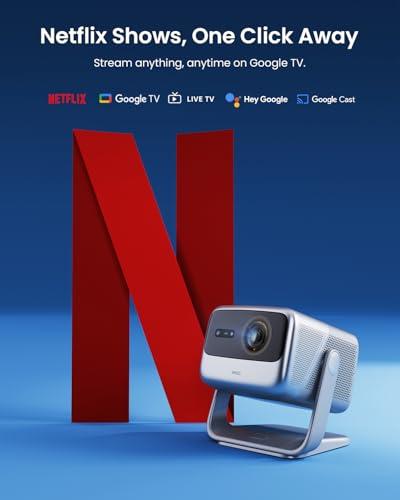
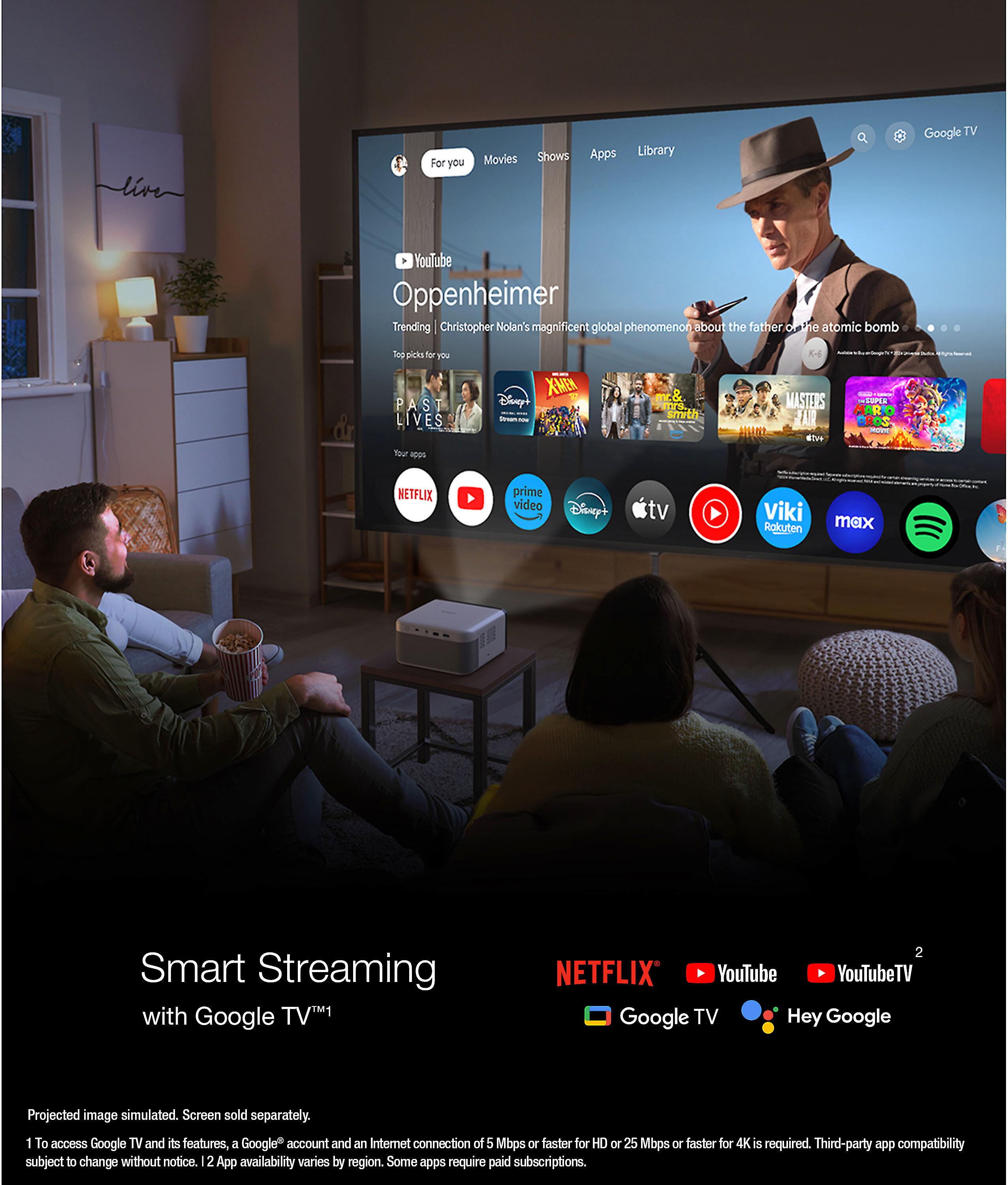
Both projectors run Google TV, which is Google's latest and most refined streaming platform. You get access to all the major streaming apps, including Netflix (which requires official licensing that both projectors have), Disney+, Prime Video, and thousands of others. The interface is clean, search works well across apps, and both include Google Assistant for voice control.
The JMGO N1S Pro 4K has some advantages in the connectivity department. It includes two HDMI 2.1 ports (one with eARC support) compared to the Epson's single HDMI 2.3 port. It also supports Wi-Fi 6 for faster wireless streaming and Bluetooth 5.2 for better audio device connections. These might seem like minor details, but they add up to a smoother experience, especially if you're connecting gaming consoles or multiple devices.
If gaming matters to you, the JMGO N1S Pro 4K is the obvious choice. It supports up to 240Hz refresh rates at 1080p and 60Hz at 4K, with optimized low input lag. The projector includes MEMC (Motion Estimation, Motion Compensation) technology, which helps smooth out motion in games and reduces blur during fast action.
The Epson EF21 can certainly handle gaming, but it's limited to 60Hz refresh rates and doesn't include gaming-specific optimizations. For casual gaming, it's fine, but competitive gamers or those with high-end consoles will prefer the JMGO.
At the time of writing, the price difference between these projectors is substantial—you're looking at paying roughly 60% more for the JMGO N1S Pro 4K. The question is whether the improvements justify the extra cost.
The JMGO's advantages are significant: true 4K resolution, more than double the brightness, innovative gimbal positioning, superior audio, and better gaming performance. These aren't minor upgrades—they represent a meaningful step up in the viewing experience.
However, the Epson EF21 delivers solid performance at its price point. The Full HD resolution is still crisp, the 3LCD technology produces natural colors, and Epson's reputation for reliability is well-earned. For many users, especially those new to projectors or with modest requirements, it provides everything needed for enjoyable big-screen viewing.
If you're considering either projector as the centerpiece of a dedicated home theater setup, the JMGO N1S Pro 4K is the better choice despite its higher cost. The 4K resolution, higher brightness, and superior audio create a more immersive experience that better justifies a dedicated setup.
However, for a flexible entertainment system that you might use in the living room, bedroom, or backyard, both projectors work well. The JMGO's gimbal system makes it particularly appealing for this kind of versatile use since you can position it once and project anywhere in the room.
Go with the JMGO N1S Pro 4K if:
Choose the Epson EF21 if:
Both projectors succeed at their intended goals, but they're aiming at different audiences. The JMGO N1S Pro 4K pushes the boundaries of what's possible in a portable projector, delivering premium performance with innovative features that genuinely solve real-world problems. The gimbal system alone makes it worth considering if you value setup convenience and positioning flexibility.
The Epson EF21 represents smart, practical engineering focused on delivering good performance at a reasonable price. It doesn't break new ground, but it does everything most people need from a portable projector without unnecessary complications.
Your choice ultimately depends on your priorities and budget. If you're investing in your primary entertainment system and want it to last for years, the JMGO's premium features and future-proof 4K resolution make sense. If you want to dip your toes into the big-screen projector world or need something portable for occasional use, the Epson offers excellent value and proven reliability.
Either way, you'll end up with a projector that can turn any room into a home theater, stream all your favorite content without additional devices, and deliver an experience that's genuinely impressive compared to even large TVs. The question isn't whether these projectors are good—they both are—but which approach better matches your specific needs and expectations.
| JMGO N1S Pro 4K Projector | Epson EpiqVision Mini EF21 Projector |
|---|---|
| Resolution - Critical for large screen detail and future-proofing | |
| True 4K UHD (3840x2160) - Essential for screens over 100" | Full HD (1920x1080) - Adequate for most casual viewing |
| Brightness - Determines usability in lit rooms | |
| 2,400 ANSI lumens - Can handle moderate ambient light | 1,000 ANSI lumens - Requires darkened room for best results |
| Display Technology - Affects color accuracy and rainbow artifacts | |
| Single-chip DLP with triple RGB laser - Vivid colors, possible rainbow effect | 3LCD technology - Natural colors, completely eliminates rainbow effect |
| Positioning System - Major convenience and flexibility difference | |
| Auto-stabilized gimbal (360° horizontal, 135° vertical) - Project anywhere without moving base | Traditional fixed position - Must physically reposition projector |
| Light Source Lifespan - Long-term cost consideration | |
| Laser: 30,000 hours (virtually maintenance-free) | Laser: 20,000 hours (still excellent longevity) |
| Built-in Audio - Important if not using external speakers | |
| 20W stereo with Dolby Digital Plus, 45Hz bass response | Dual 5W speakers (10W total) with Dolby Audio |
| Smart Platform - Streaming and app ecosystem | |
| Google TV with Netflix licensing and 10,000+ apps | Google TV with Netflix licensing and 10,000+ apps |
| Connectivity - Future compatibility and device support | |
| 2x HDMI 2.1 (one with eARC), Wi-Fi 6, Bluetooth 5.2 | 1x HDMI 2.3, standard Wi-Fi, Bluetooth 5.1 |
| Gaming Performance - Refresh rates and input lag optimization | |
| Up to 240Hz at 1080p, 60Hz at 4K, gaming-optimized | Standard 60Hz, basic gaming support |
| Weight and Portability - Room-to-room mobility | |
| 9.9 lbs - More substantial but gimbal reduces need to move | 5.1 lbs - Highly portable for frequent relocation |
| HDR Support - Enhanced contrast and color range | |
| HDR10 with 10-bit processing, 110% BT.2020 color gamut | HDR10 and HLG support with standard color range |
| Setup Automation - Ease of installation and adjustment | |
| Instant autofocus, auto keystone, smart object avoidance, wall color adaptation | EpiqSense technology with auto keystone and screen fitting |
| Projection Size Range - Flexibility in image sizing | |
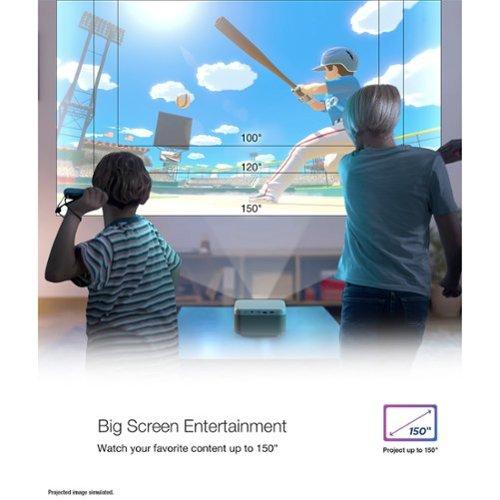
| 85" to 180" diagonal | 30" to 150" diagonal |
The JMGO N1S Pro 4K Projector is significantly better for dedicated home theater setups. Its true 4K resolution, 2,400 ANSI lumens brightness, and superior 20W audio system create a more immersive cinema experience. The Epson EpiqVision Mini EF21 Projector works well for casual viewing but lacks the resolution and brightness needed for a premium home theater experience.
The biggest difference is resolution: the JMGO N1S Pro 4K Projector delivers true 4K (3840x2160) while the Epson EpiqVision Mini EF21 Projector is limited to Full HD (1920x1080). The JMGO also produces 2.4 times brighter images at 2,400 ANSI lumens compared to the Epson's 1,000 lumens, making it much more versatile in different lighting conditions.
Yes, both the JMGO N1S Pro 4K Projector and Epson EpiqVision Mini EF21 Projector run Google TV with official Netflix licensing and access to over 10,000 streaming apps. You don't need any external streaming device - everything is built in with Google Assistant support.
The Epson EpiqVision Mini EF21 Projector is more portable at 5.1 pounds compared to the JMGO N1S Pro 4K Projector at 9.9 pounds. However, the JMGO's unique gimbal system means you may not need to move it as often since it can project in any direction from a single position.
The JMGO N1S Pro 4K Projector handles ambient light much better with its 2,400 ANSI lumens, allowing for comfortable viewing even with some lights on. The Epson EpiqVision Mini EF21 Projector at 1,000 lumens really needs a darkened room for the best viewing experience.
The JMGO N1S Pro 4K Projector features a motorized gimbal that rotates 360° horizontally and 135° vertically, letting you project onto walls or ceilings without moving the projector itself. This is unique in the portable projector market and offers incredible placement flexibility that the Epson EpiqVision Mini EF21 Projector cannot match.
The JMGO N1S Pro 4K Projector has significantly better audio with 20W stereo speakers, Dolby Digital Plus, and 45Hz bass response. The Epson EpiqVision Mini EF21 Projector has basic 10W total audio that's adequate for dialogue but lacking for movies and music.
Yes, the Epson EpiqVision Mini EF21 Projector uses 3LCD technology which produces more natural colors and completely eliminates the rainbow effect that some people notice with DLP projectors. The JMGO N1S Pro 4K Projector uses DLP with triple laser for more vivid colors but may show brief rainbow flashes to sensitive viewers.
The JMGO N1S Pro 4K Projector is clearly better for gaming with support for up to 240Hz at 1080p, 60Hz at 4K, and gaming-optimized low input lag. The Epson EpiqVision Mini EF21 Projector is limited to standard 60Hz refresh rates without gaming-specific features.
Both projectors offer automated setup, but differently. The JMGO N1S Pro 4K Projector provides instant autofocus, auto keystone correction, and smart object avoidance through its gimbal system. The Epson EpiqVision Mini EF21 Projector uses EpiqSense technology for reliable auto keystone and screen fitting, though you still need to physically position the projector.
The JMGO N1S Pro 4K Projector can project images from 85" to 180" diagonal, while the Epson EpiqVision Mini EF21 Projector ranges from 30" to 150" diagonal. Both cover typical home theater screen sizes, but the JMGO can go larger for those wanting a true cinema experience.
This depends on your needs. The Epson EpiqVision Mini EF21 Projector offers excellent value for casual users who prioritize affordability and don't need 4K resolution. The JMGO N1S Pro 4K Projector justifies its premium with true 4K, innovative gimbal technology, superior brightness, and better audio - making it worthwhile for serious home theater enthusiasts.
We've done our best to create useful and informative comparisons to help you decide what product to buy. Our research uses advanced automated methods to create this comparison and perfection is not possible - please contact us for corrections or questions. These are the sites we've researched in the creation of this article: techradar.com - projectorcentral.com - gray9.in - projectorreviews.com - howtogeek.com - the-gadgeteer.com - projectorcentral.com - global.jmgo.com - global.jmgo.com - cnet.com - cnet.com - youtube.com - global.jmgo.com - avsforum.com - youtube.com - youtube.com - bestbuy.com - bestbuy.com - cnet.com - youtube.com - projectorreviews.com - epson.com - projectorreviews.com - epson.com - rtings.com - epson.com - youtube.com - projectorcentral.com - bestbuy.com - projectorcentral.com - nfm.com - crutchfield.com - latin.epson.com - mediaserver.goepson.com - planettv.com - bhphotovideo.com - cnet.com - epson.com

Privacy Policy
Terms and Conditions - Affiliate Policy
Home Security
© Copyright 2008-2026.
11816 Inwood Rd #1211, Dallas, TX 75244