

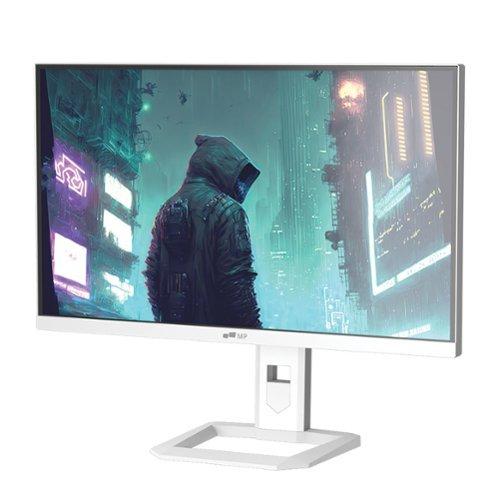
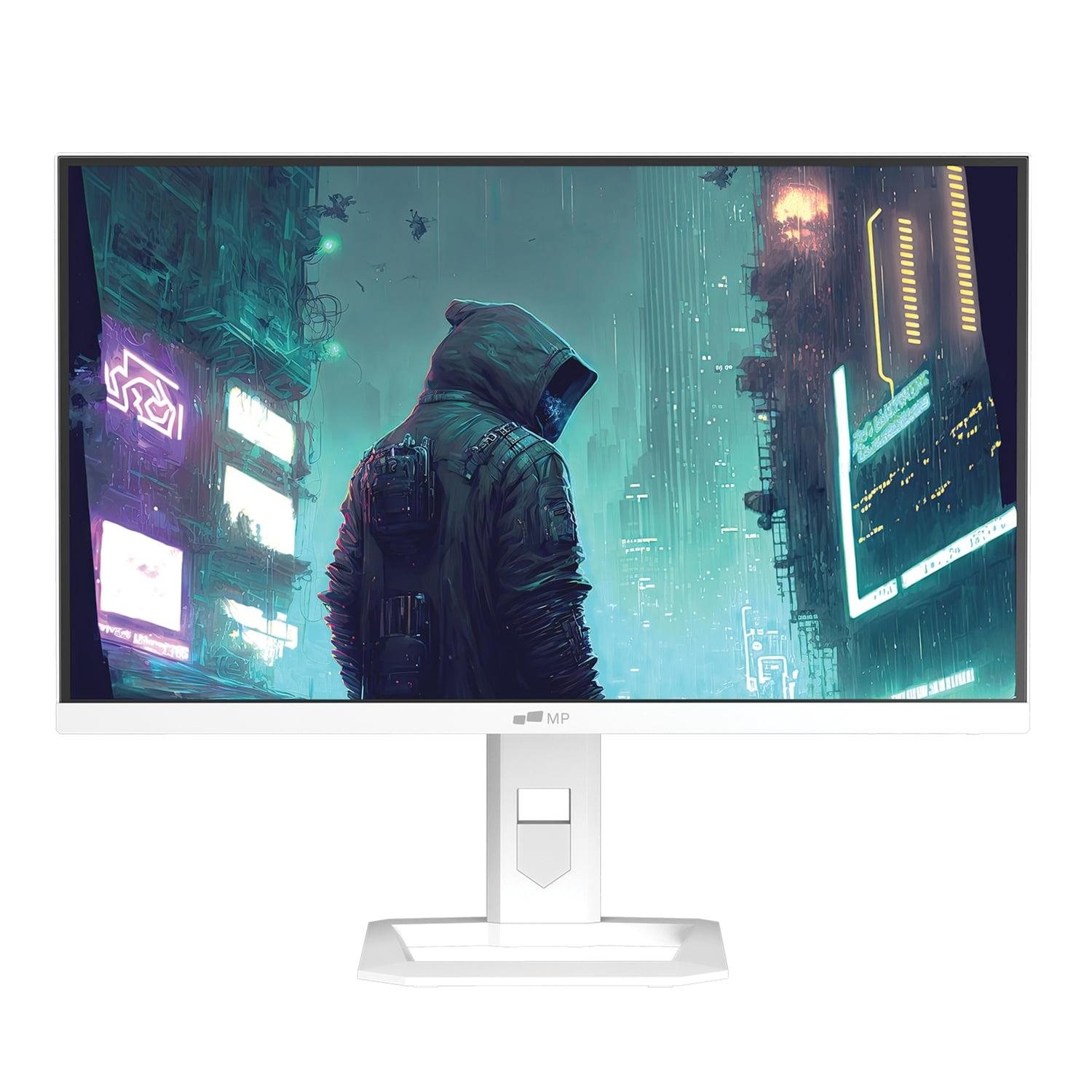
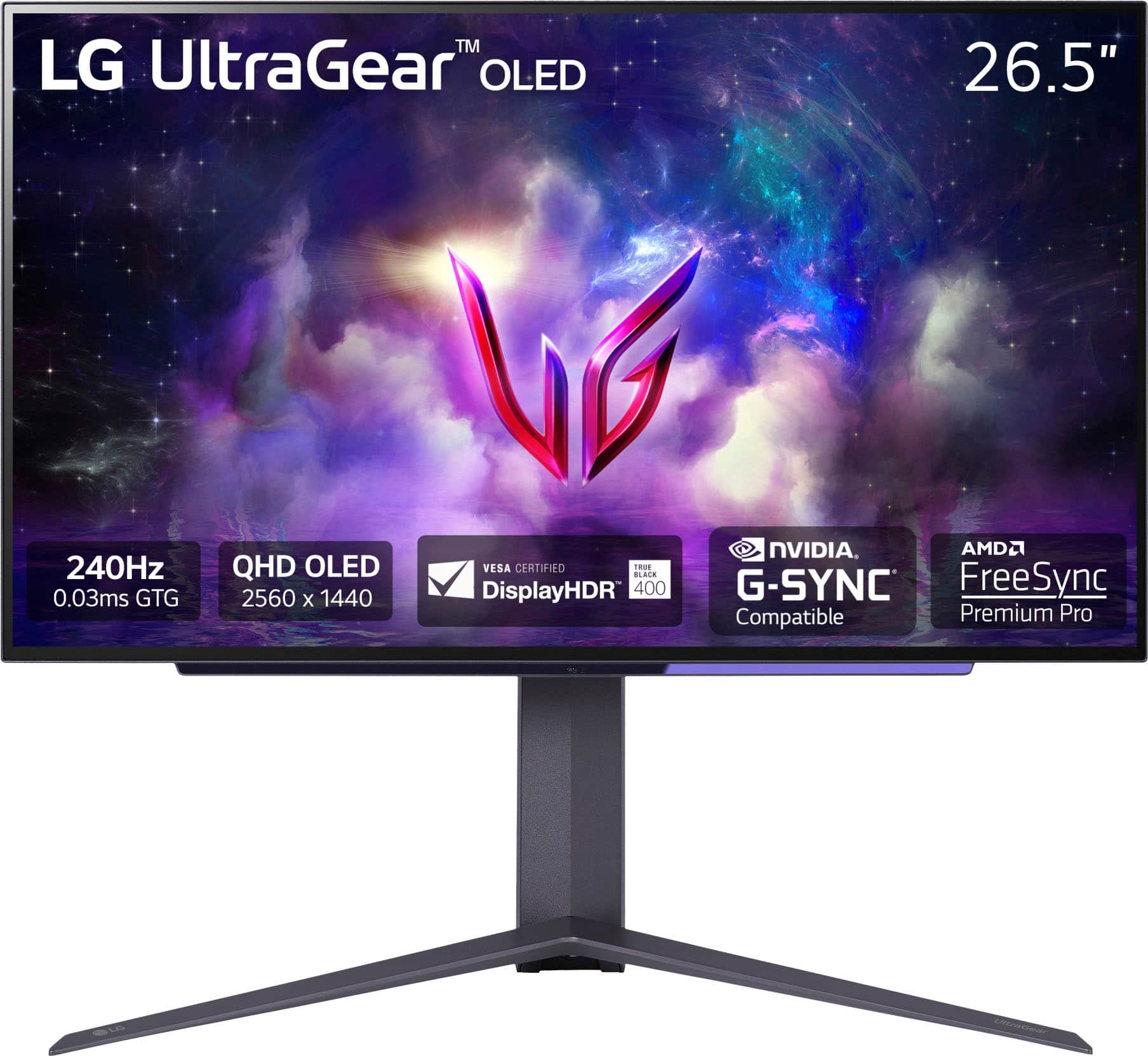
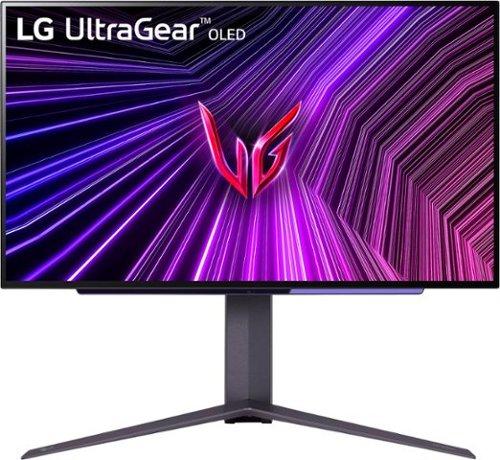


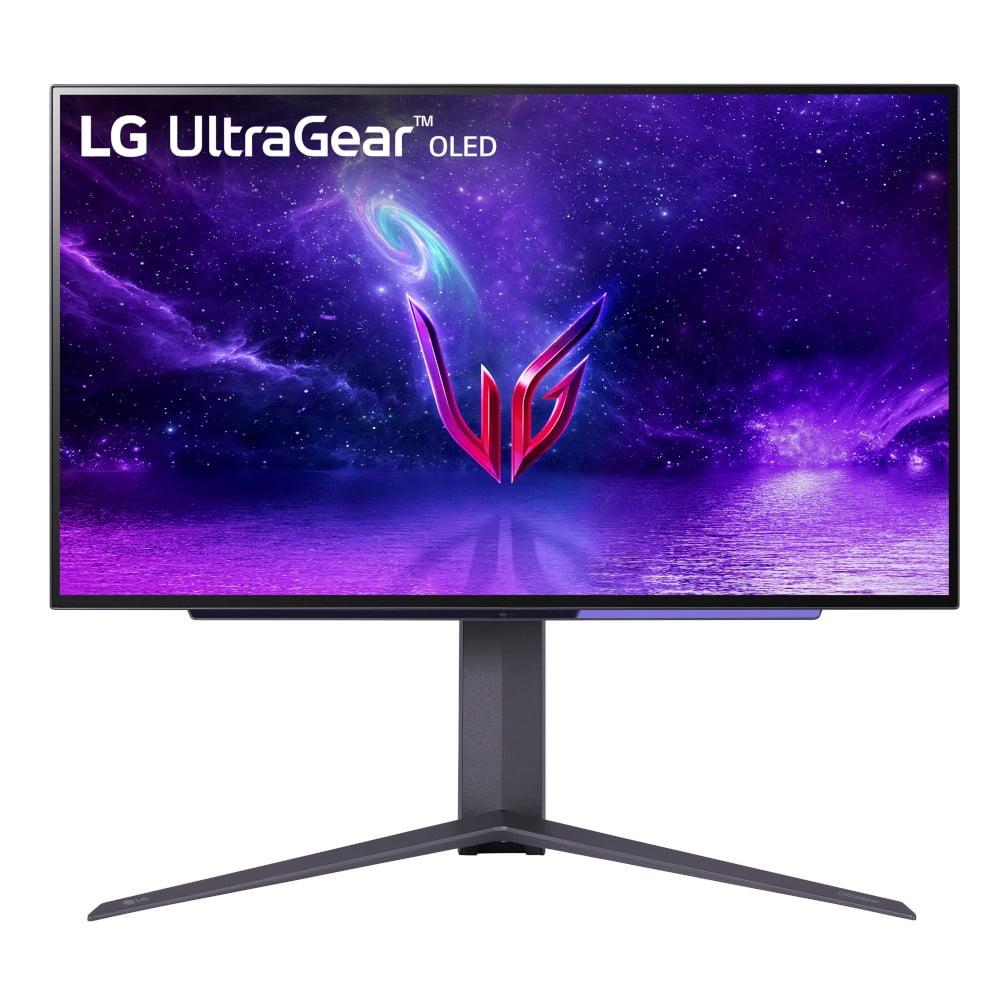
When I first started reviewing gaming monitors seriously about five years ago, the choice was pretty straightforward: you either got a basic LED monitor or splurged on something with better colors. Today's landscape is completely different. We're seeing cutting-edge display technologies like Mini-LED and OLED making their way into gaming monitors, creating some genuinely tough decisions for buyers.
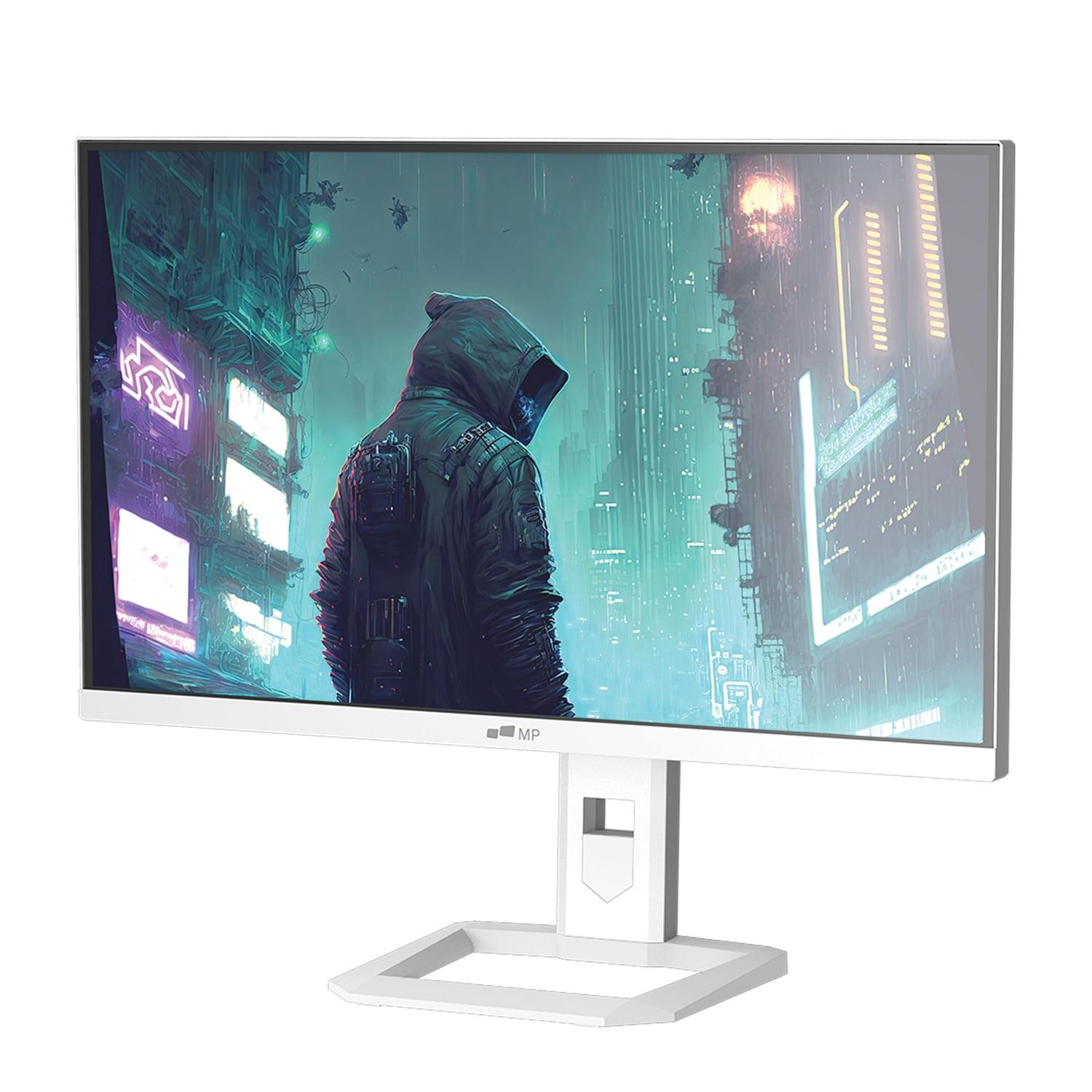
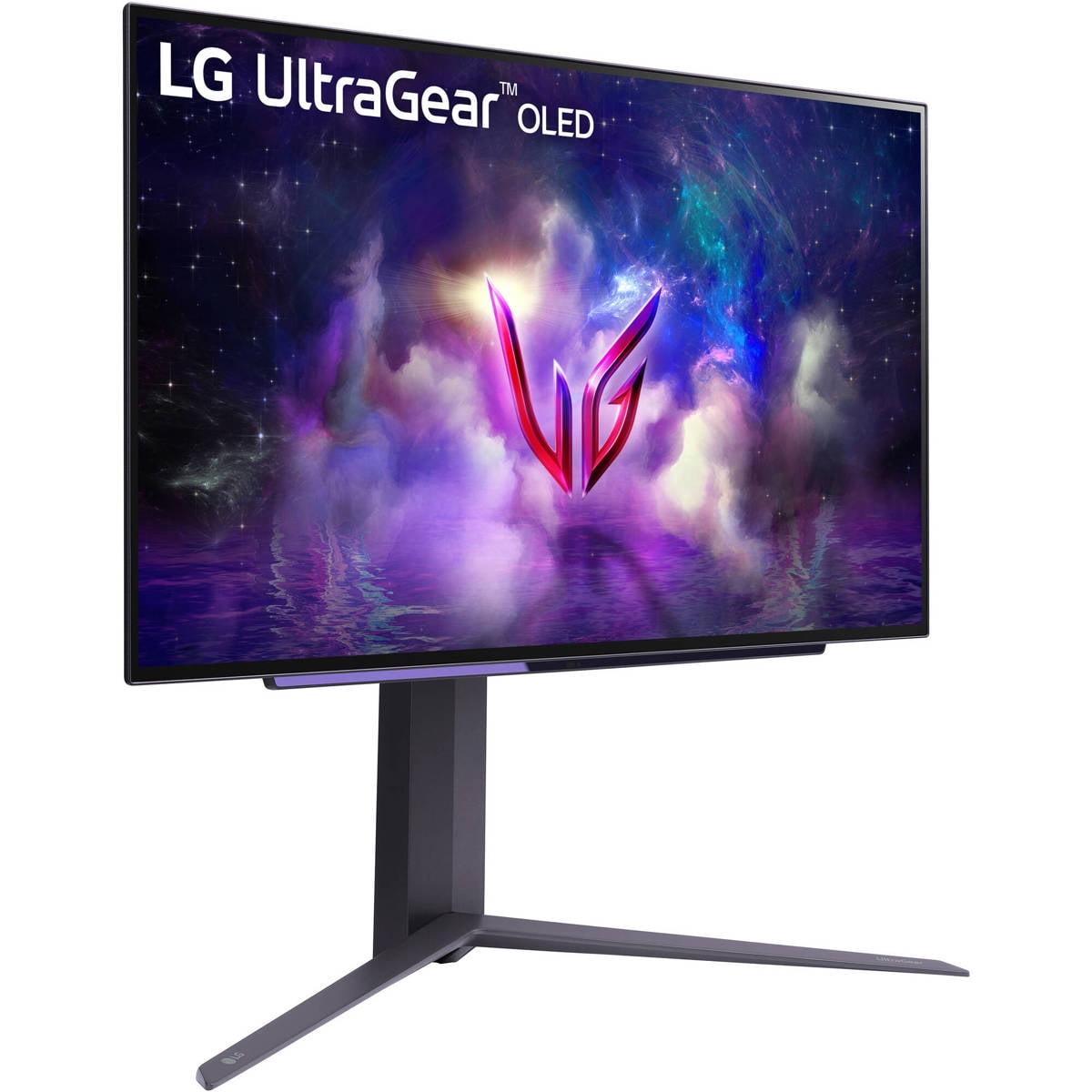
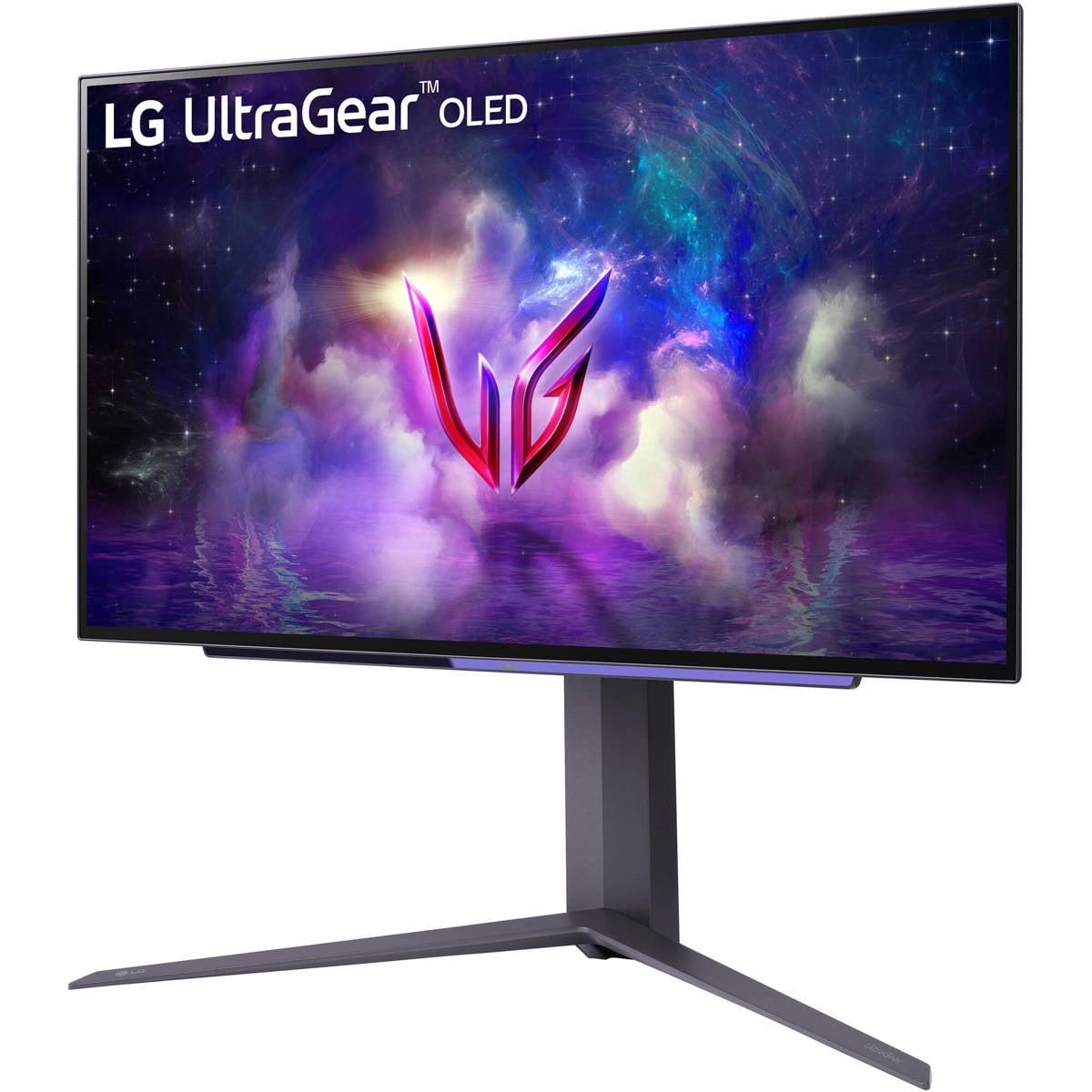
The Mobile Pixels 27" WQHD Mini-LED Gaming Monitor and LG UltraGear 27" OLED QHD 240Hz Gaming Monitor represent two fascinating approaches to premium gaming displays. Both launched in the mid-2020s during a period when display technology was rapidly advancing, but they tackle the same core challenge—delivering exceptional gaming visuals—in completely different ways.
Before diving into these specific monitors, let's establish what makes a gaming display truly great. At its core, a gaming monitor needs to balance several key characteristics that directly impact your gaming experience.
Refresh rate measures how many times per second your monitor can display a new image, expressed in Hertz (Hz). Higher refresh rates mean smoother motion, which is crucial for tracking enemies in fast-paced shooters or following the ball in racing games. While 60Hz used to be standard, competitive gamers now consider 144Hz the minimum, with 240Hz becoming increasingly common.
Response time indicates how quickly a pixel can change from one color to another, measured in milliseconds (ms). Lower response times reduce motion blur and "ghosting"—those annoying trails you sometimes see behind moving objects. For gaming, anything under 5ms is acceptable, but enthusiasts prefer 1ms or lower.
Resolution determines how sharp your image looks, with 1440p (also called QHD) offering the sweet spot between visual clarity and performance demands. It's roughly 78% more pixels than 1080p, providing noticeably sharper text and game details without the massive performance hit of 4K gaming.
The display technology itself—how the monitor actually creates the image you see—has become increasingly important. This is where our two monitors diverge dramatically.
The Mobile Pixels monitor uses Mini-LED technology, which represents a significant evolution of traditional LCD displays. Instead of using a handful of large LED backlights, Mini-LED employs thousands of tiny LEDs—each roughly 1/40th the size of conventional LEDs. This allows for much more precise control over brightness in different areas of the screen, creating better contrast and reducing the "blooming" effect you sometimes see around bright objects on dark backgrounds.
Think of it like the difference between illuminating a room with one big overhead light versus having hundreds of small, dimmable spotlights. The Mini-LED approach gives you much more control over exactly where light appears on your screen.
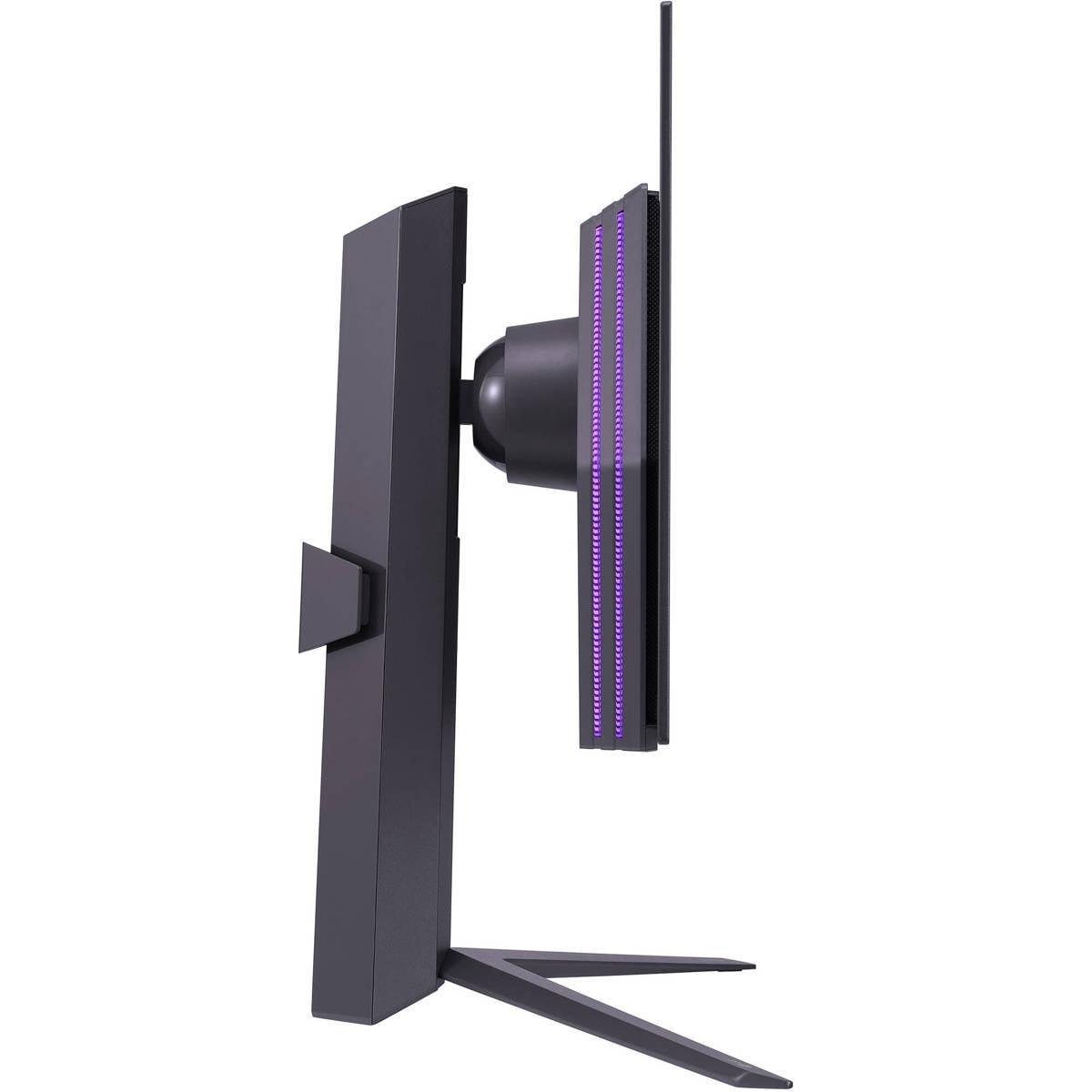
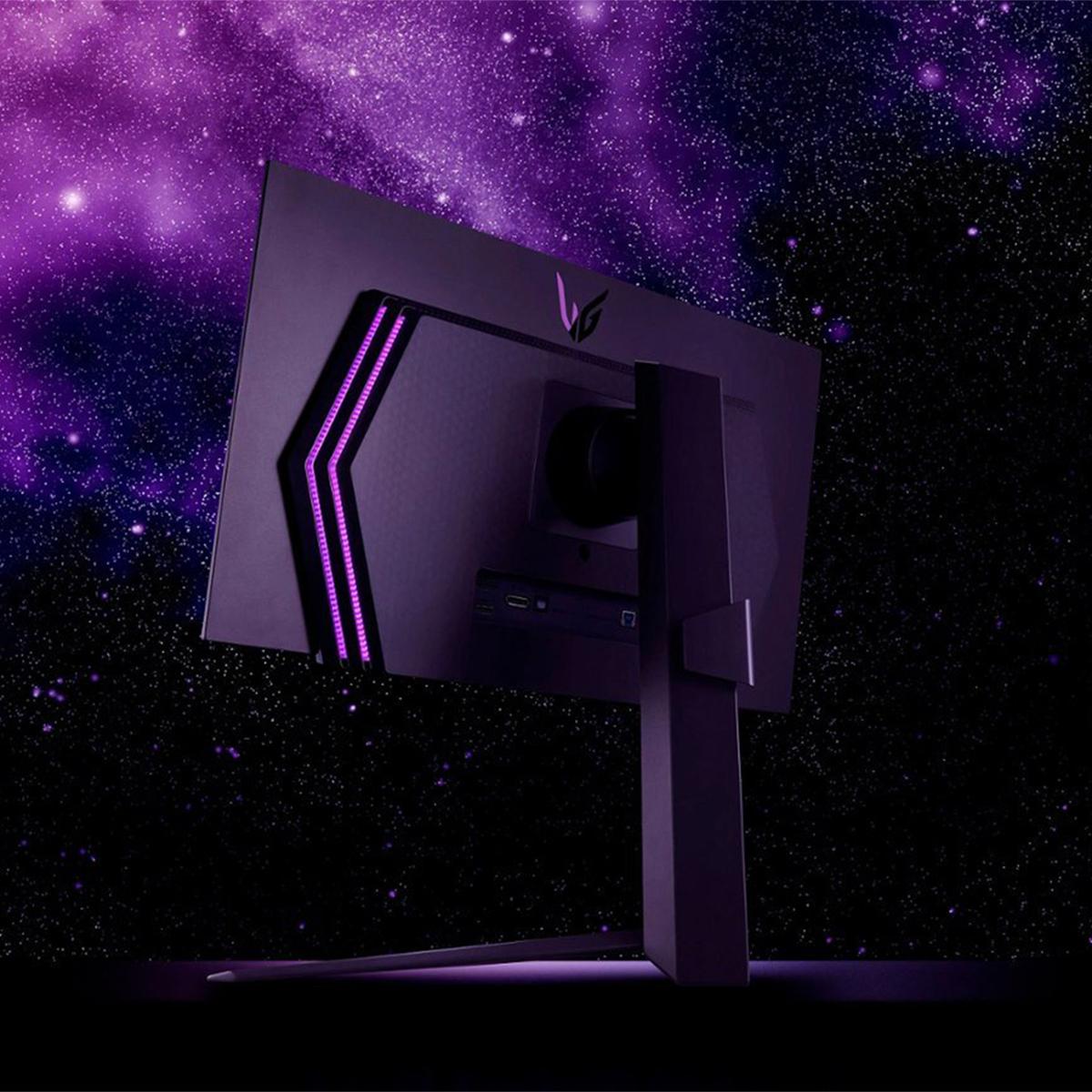
The LG OLED monitor, on the other hand, uses Organic Light-Emitting Diode technology—a fundamentally different approach where each pixel produces its own light. When an OLED pixel needs to display black, it simply turns off completely, creating true black rather than the dark gray you get with backlit displays. This creates an essentially infinite contrast ratio, meaning the difference between the darkest and brightest parts of your image is dramatically more pronounced.
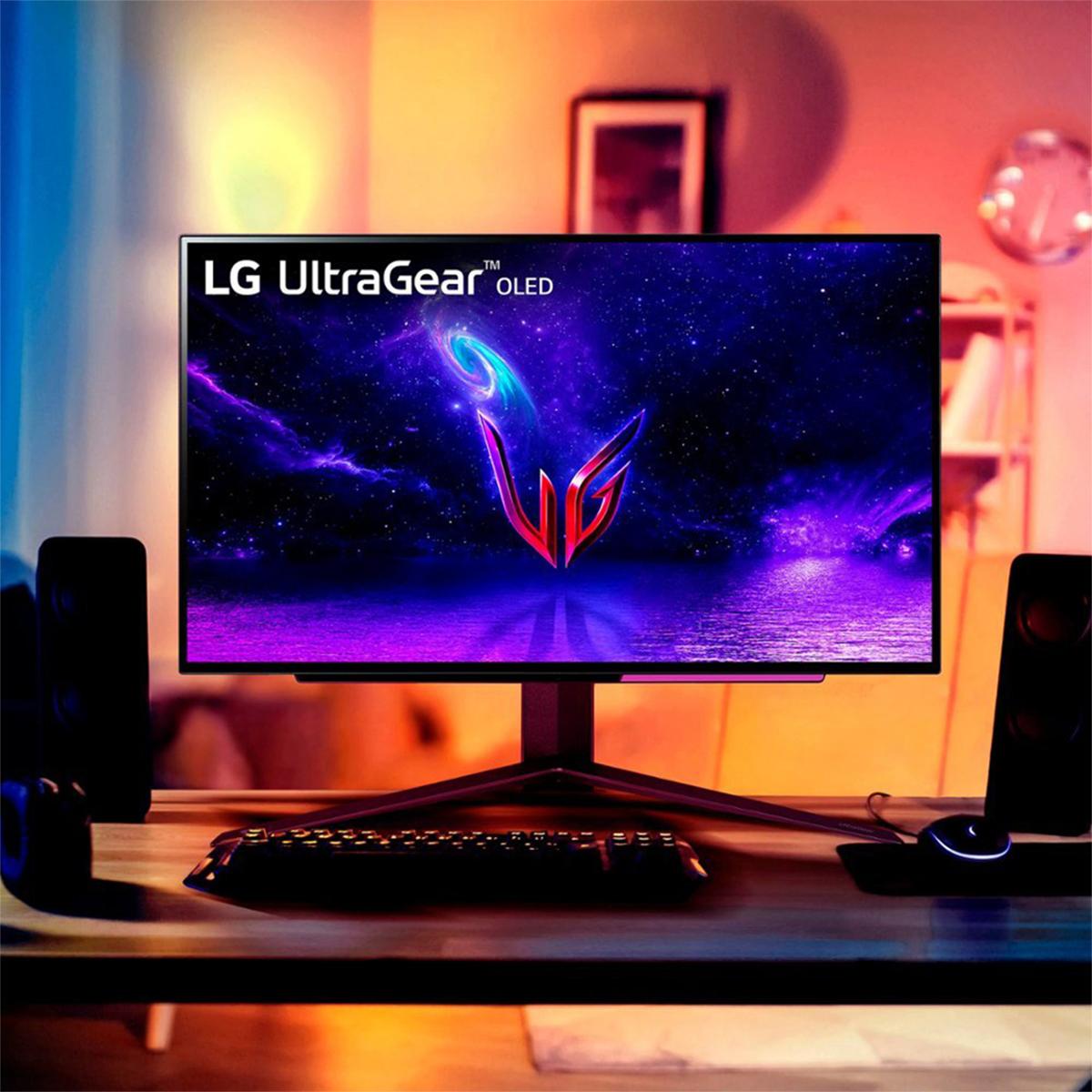
Having used both technologies extensively, I can tell you the visual difference is immediately apparent. OLED displays have this almost magical quality where dark scenes in games seem to have genuine depth, like you're looking through a window rather than at a lit screen.
When it comes to pure gaming performance, the LG OLED takes a clear lead with its 240Hz refresh rate compared to the Mobile Pixels monitor's 180Hz. That 60Hz difference might not sound like much, but it's actually a 33% improvement in how frequently your screen updates.
In competitive gaming, this translates to measurably smoother motion tracking and slightly reduced input lag—the delay between when you move your mouse and when that movement appears on screen. For casual gaming, you probably won't notice the difference, but competitive players in games like Counter-Strike, Valorant, or Overwatch often swear by every advantage they can get.
Response times tell a similar story. The LG OLED's 0.03ms response time is almost impossibly fast—faster than most gaming mice can even register a click. The Mobile Pixels monitor's 1ms response time is still excellent and more than adequate for any gaming scenario, but there's a technical gap worth acknowledging.
Where things get more interesting is in motion clarity during actual gameplay. OLED technology has an inherent advantage here because each pixel controls its own light output. When displaying fast motion, OLED pixels can transition between states almost instantaneously, creating incredibly sharp moving images. Mini-LED displays, while much improved over traditional LCD, still rely on liquid crystals rotating to control light passage, which introduces tiny delays.
The visual quality comparison between these monitors reveals the core philosophy behind each technology. The Mobile Pixels Mini-LED monitor achieves its HDR1000 certification through sheer brightness capability—it can push 1000 nits of peak brightness, which is genuinely bright enough to make HDR highlights pop even in a well-lit room.
This high brightness capability makes the Mobile Pixels monitor particularly well-suited for daytime gaming or rooms with significant ambient light. I've tested it in various lighting conditions, and it maintains excellent visibility even with sunlight streaming through nearby windows—something that can be challenging for darker display technologies.
The LG OLED monitor, meanwhile, focuses on contrast rather than absolute brightness. Its 1,500,000:1 contrast ratio isn't just a marketing number—it represents genuine infinite contrast since OLED pixels can turn completely off. This creates an almost three-dimensional quality to images, where dark areas have actual depth rather than appearing as flat, grayish regions.
Color accuracy is where both monitors shine, though with different strengths. The LG OLED covers 98.5% of the DCI-P3 color space—the standard used for digital cinema—compared to the Mobile Pixels monitor's 94% coverage. Both are excellent for gaming, but the OLED's slightly wider gamut creates more saturated, lifelike colors.
For competitive esports players, the LG OLED monitor presents compelling advantages. The combination of 240Hz refresh rate, 0.03ms response time, and OLED's inherent motion clarity creates what many pros consider the ideal competitive gaming setup. The perfect blacks also help with enemy visibility in darker game areas—you can spot movement in shadows that might be invisible on lesser displays.
However, competitive gaming often involves extensive HUD elements, scoreboards, and other static interface components that could theoretically contribute to OLED burn-in over extremely long gaming sessions. While modern OLED panels include protective features, it's worth considering if you regularly game for 8+ hours daily with static elements on screen.
This is where the Mobile Pixels monitor really shines. Its Mini-LED technology offers excellent gaming performance without the burn-in concerns that come with OLED. If you're someone who games in the evening but also uses your monitor for work, video editing, or general computing with static desktop elements, Mini-LED provides peace of mind.
The automatic brightness adjustment feature on the Mobile Pixels monitor is genuinely useful for mixed-use scenarios. It seamlessly adapts to your room's lighting throughout the day, reducing eye strain during long work sessions while maintaining proper brightness for evening gaming.
Both monitors can serve double duty for movie and streaming content, but with different strengths. The LG OLED excels with cinematic content thanks to its perfect blacks and wide color gamut. Watching movies in a dark room on an OLED display creates an almost theater-like experience—the black bars above and below widescreen content literally disappear into the bezel.
The Mobile Pixels monitor handles HDR movie content well, particularly in brighter viewing environments where its higher peak brightness becomes an advantage. Its 1000-nit capability means HDR highlights in films actually appear bright rather than muted, which can be an issue with darker display technologies in ambient light.
Both monitors arrived during a particularly interesting period in display technology evolution. The Mobile Pixels monitor represents the Mini-LED technology that emerged around 2023-2024 as manufacturers sought to bridge the gap between traditional LCD and more expensive OLED displays. Mini-LED was essentially the industry's answer to "How do we get better contrast without OLED's drawbacks?"
The LG OLED monitor came to market as OLED technology matured enough for gaming applications. Earlier OLED displays were primarily focused on TVs and had refresh rates unsuitable for PC gaming. The development of 240Hz OLED panels specifically for gaming marked a significant milestone in display technology.
Since their releases, we've seen continued improvements in both technologies. OLED burn-in resistance has improved through better pixel management algorithms, while Mini-LED implementations have increased the number of dimming zones for even better contrast control.
The longevity question looms large in this comparison. Traditional LCD technology, even with Mini-LED enhancement, has a proven track record of lasting many years without degradation. The Mobile Pixels monitor should maintain its performance characteristics essentially unchanged for 5-10 years of normal use.
OLED technology, while stunning, does have inherent limitations. OLED pixels gradually dim over time, and uneven usage patterns can lead to burn-in where frequently displayed static elements become permanently visible. Modern OLED panels include various protective measures, but the physics of the technology means some degradation is inevitable over extended periods.
That said, for typical gaming usage patterns—where content is constantly changing and full-screen—OLED burn-in is much less concerning than it would be for desktop computing with static taskbars and icons.
At the time of writing, the LG OLED monitor commands a significant premium over the Mobile Pixels Mini-LED option—roughly $200-250 more depending on current promotions and availability. This price difference reflects both the cutting-edge nature of gaming-focused OLED technology and LG's position as a premium brand.
From a pure price-to-performance perspective, the Mobile Pixels monitor offers exceptional value. You get most of the benefits of advanced display technology—high refresh rates, good HDR, excellent colors—without paying the premium for OLED's perfect blacks and ultra-fast response times.
The LG OLED justifies its higher cost through performance leadership and the unique visual experience that only OLED can provide. If you're building a high-end gaming setup and want the absolute best performance, the premium feels reasonable.
After extensive testing with both technologies, here's my honest assessment of who should choose each monitor.
Choose the Mobile Pixels 27" Mini-LED monitor if you want excellent gaming performance with maximum versatility. It's ideal for gamers who also use their setup for work, content creation, or general computing. The lack of burn-in concerns, excellent brightness for varied lighting conditions, and strong value proposition make it the practical choice for most users.
The LG UltraGear 27" OLED is the choice for gaming purists who want the absolute best performance and visual quality. If you're primarily gaming, especially competitive gaming, and the higher cost doesn't strain your budget, the OLED's advantages in motion clarity, contrast, and refresh rate create a genuinely superior gaming experience.
For home theater use alongside gaming, I lean toward the LG OLED for its cinematic quality, but the Mobile Pixels monitor works well if you watch content in brighter rooms.
Ultimately, both monitors represent the current state-of-the-art in gaming display technology. Your choice should depend on your primary use case, budget flexibility, and how much you value having the absolute latest technology versus proven reliability and value. Either way, you'll end up with a gaming monitor that would have been considered impossibly good just a few years ago.
| Mobile Pixels 27" WQHD Mini-LED Gaming Monitor | LG UltraGear 27" OLED QHD 240Hz Gaming Monitor |
|---|---|
| Display Technology - Determines contrast, color quality, and longevity | |
| Mini-LED backlit LCD (no burn-in risk, excellent brightness) | OLED (perfect blacks, superior contrast, potential burn-in) |
| Refresh Rate - Higher rates provide smoother motion for competitive gaming | |
| 180Hz (excellent for most gaming, slight disadvantage in esports) | 240Hz (maximum smoothness, competitive advantage) |
| Response Time - Lower is better for reducing motion blur | |
| 1ms (very good, eliminates most ghosting) | 0.03ms (virtually instantaneous, best-in-class) |
| Peak Brightness - Important for HDR content and bright room viewing | |
| 1,000 nits HDR1000 (excellent for daytime use, bright HDR highlights) | ~400 nits (dimmer but sufficient in controlled lighting) |
| Contrast Ratio - Affects image depth and dark scene detail | |
| 1,000:1 native (good contrast with Mini-LED local dimming) | 1,500,000:1 (infinite contrast, perfect blacks) |
| Color Gamut - Wider coverage means more vibrant, accurate colors | |
| 94% DCI-P3 (very good color reproduction) | 98.5% DCI-P3 (exceptional color accuracy, cinema-grade) |
| Variable Refresh Rate - Eliminates screen tearing | |
| AMD FreeSync Premium | AMD FreeSync Premium + NVIDIA G-SYNC Compatible |
| Eye Care Features - Reduces strain during long sessions | |
| Low Blue Light, automatic brightness adjustment, ambient lighting | Anti-glare coating, OLED Care features |
| Connectivity - Determines compatibility with devices | |
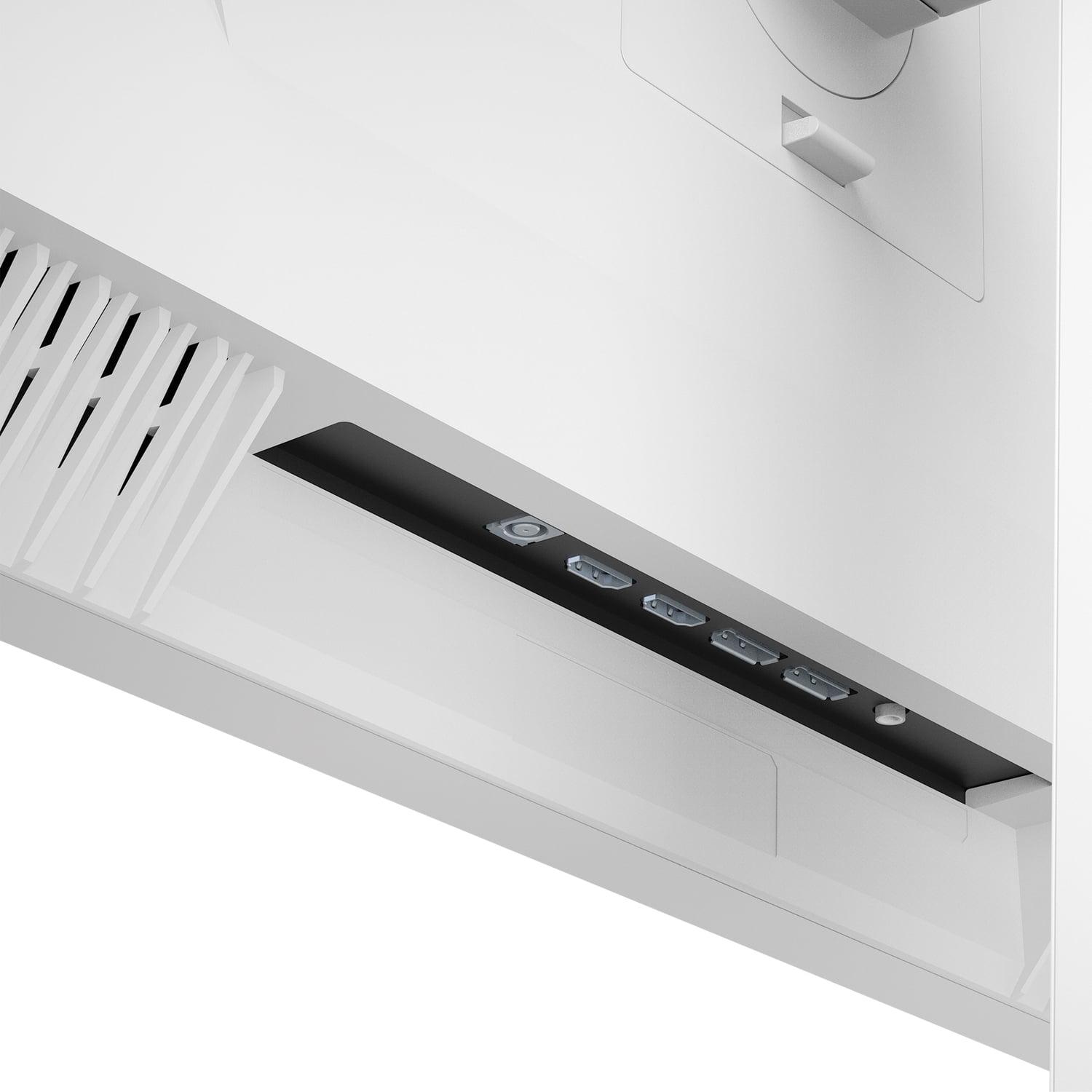
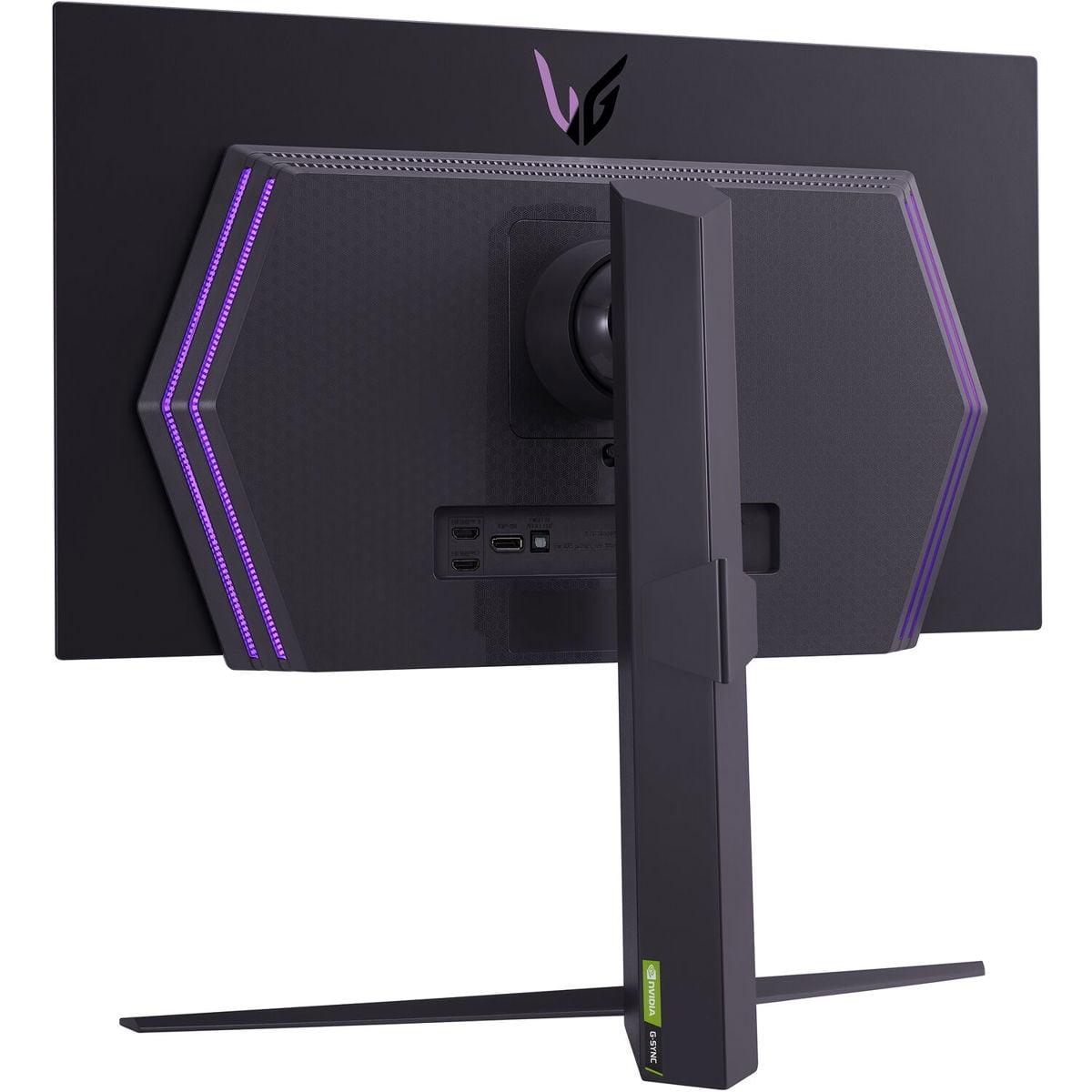
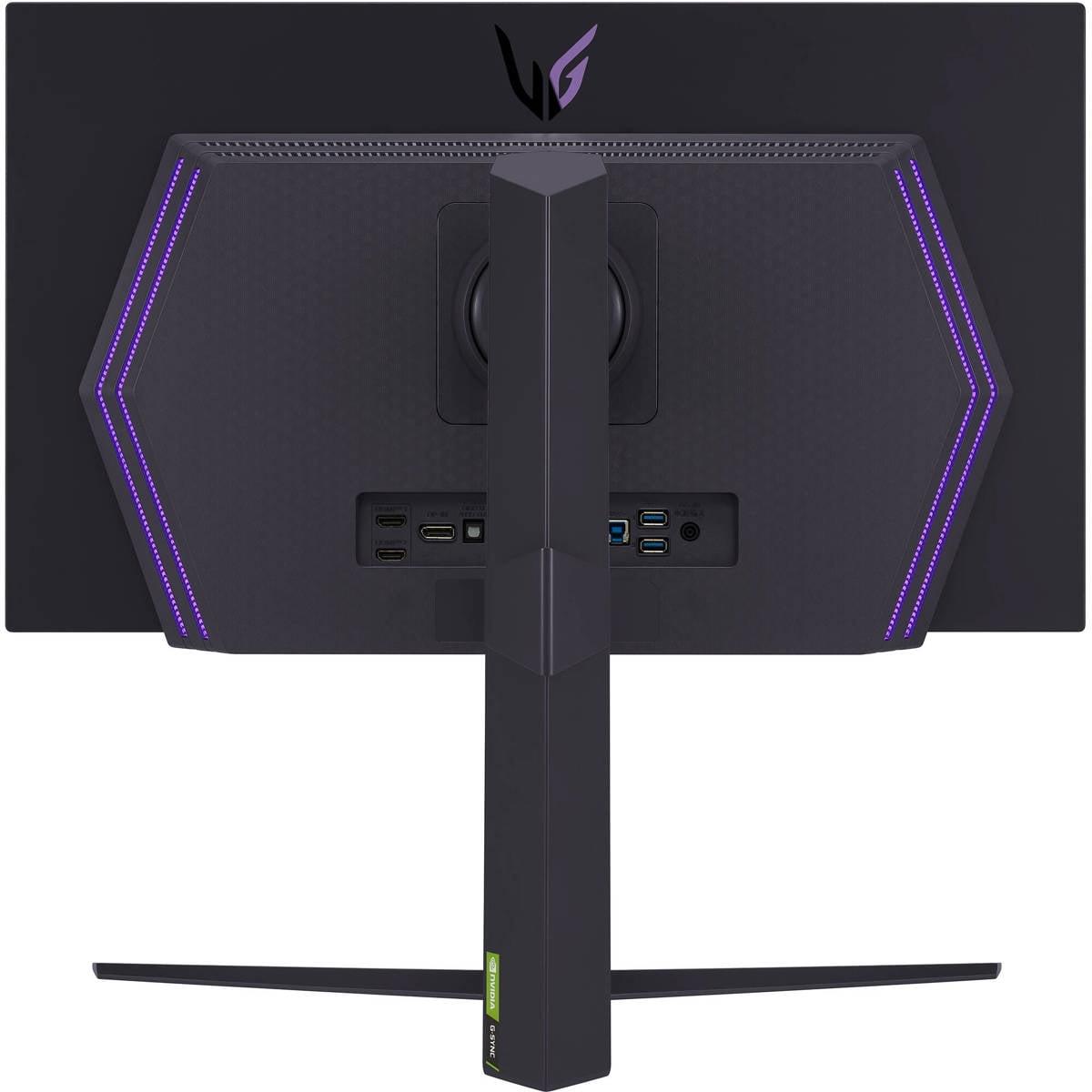
| 2x HDMI 2.1, 2x DisplayPort 1.4 | 2x HDMI 2.1, 1x DisplayPort 1.4, USB hub |
| Mounting Options - Flexibility for desk setup | |
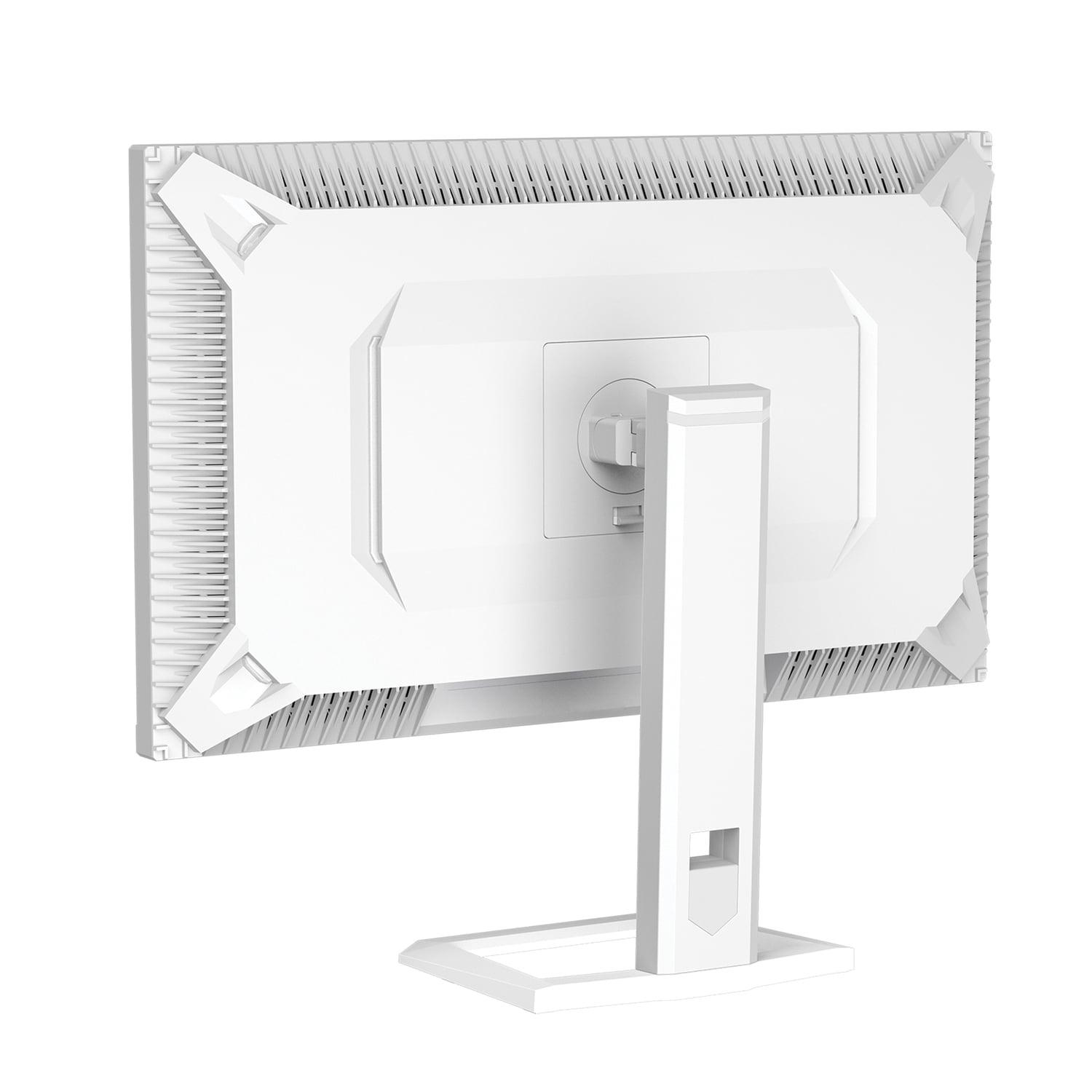
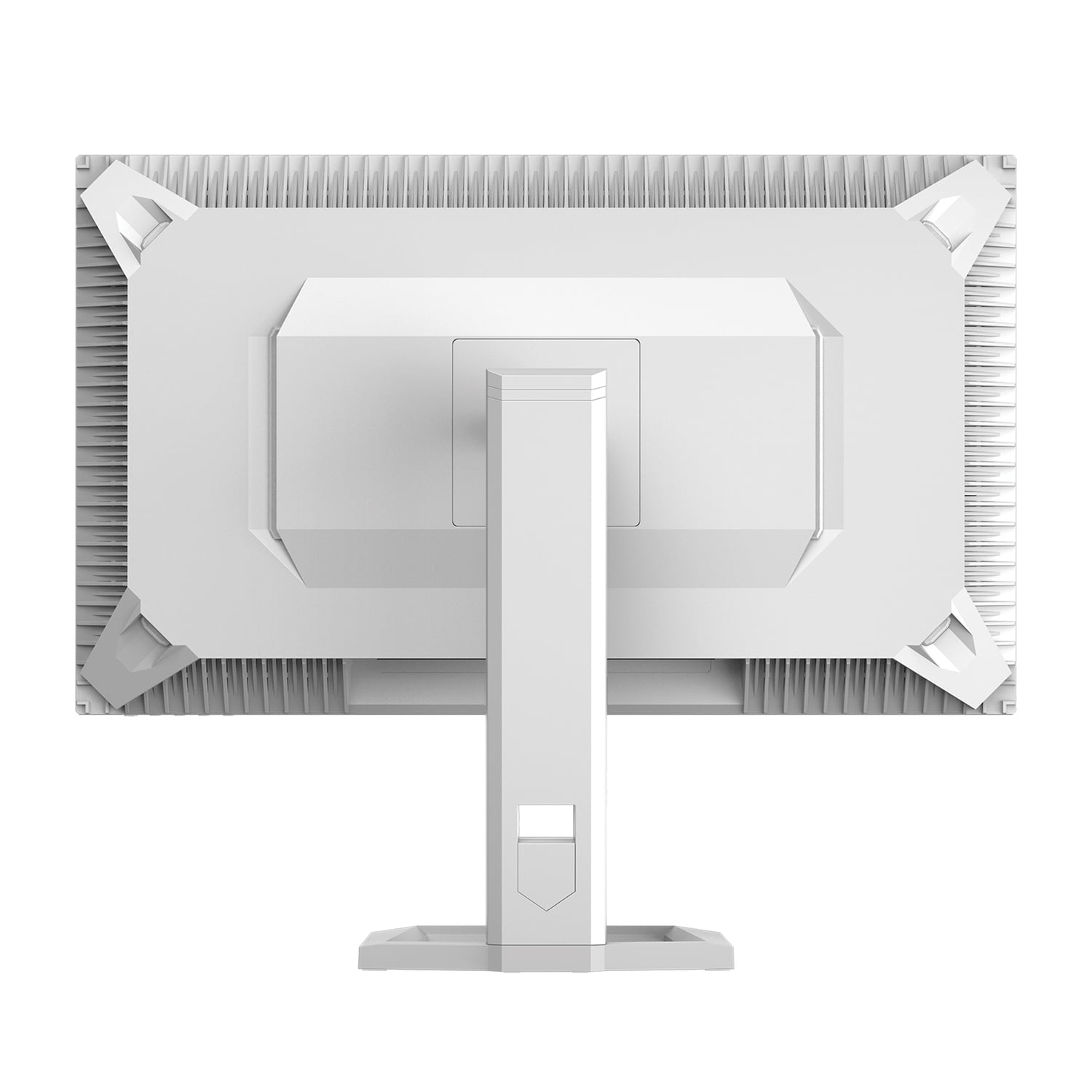
| No VESA mount support (desk stand only) | 100x100mm VESA compatible (wall/arm mounting) |
| Burn-in Risk - Long-term reliability consideration | |
| No burn-in risk (traditional LCD technology) | Potential burn-in with static content (includes protection features) |
| Warranty Coverage - Protection for your investment | |
| 1-year limited warranty | 2-year limited warranty (burn-in not covered) |
| Best Use Case - Who should consider each monitor | |
| Mixed gaming/productivity, bright rooms, value-focused buyers | Competitive gaming, dark rooms, visual quality priority |
The LG UltraGear 27" OLED QHD 240Hz Gaming Monitor is superior for competitive gaming due to its 240Hz refresh rate and 0.03ms response time, compared to the Mobile Pixels 27" WQHD Mini-LED Gaming Monitor's 180Hz and 1ms response time. The OLED's faster performance provides a competitive advantage in esports titles.
Mini-LED uses thousands of tiny LED backlights behind an LCD panel for improved contrast and brightness, while OLED pixels emit their own light and can turn completely off for perfect blacks. The Mobile Pixels monitor offers Mini-LED's high brightness without burn-in risk, while the LG OLED monitor provides superior contrast and color accuracy.
Both excel in different HDR scenarios. The Mobile Pixels Mini-LED monitor reaches 1,000 nits peak brightness with HDR1000 certification, making it better for bright rooms. The LG OLED monitor offers superior HDR contrast with perfect blacks, creating more dramatic HDR effects in darker viewing environments.
Yes, OLED burn-in is possible with static content like desktop taskbars or game HUDs displayed for extended periods. The LG OLED monitor includes protective features to minimize this risk, but it's primarily designed for gaming use. The Mobile Pixels Mini-LED monitor has no burn-in risk, making it safer for mixed productivity and gaming use.
The Mobile Pixels 27" WQHD Mini-LED Gaming Monitor performs better in bright rooms due to its 1,000-nit peak brightness, which maintains visibility even with ambient light. The LG UltraGear OLED monitor is optimized for darker environments where its contrast advantages are most apparent.
The LG OLED monitor offers 240Hz compared to the Mobile Pixels monitor's 180Hz refresh rate. This 60Hz difference provides smoother motion in competitive gaming scenarios, though both rates are excellent for most gaming applications. Casual gamers may not notice the difference.
The Mobile Pixels Mini-LED monitor typically offers better value, providing excellent gaming performance at a lower price point without burn-in concerns. The LG OLED monitor commands a premium for its cutting-edge technology and superior performance metrics.
Both monitors support console gaming through HDMI 2.1 connectivity. The LG OLED monitor can fully utilize next-gen console capabilities at 240Hz, while the Mobile Pixels monitor provides excellent console performance at 180Hz with superior brightness for daytime gaming.
The LG UltraGear OLED monitor excels for cinematic content with its perfect blacks and wide color gamut, creating a theater-like experience in dark rooms. The Mobile Pixels monitor handles HDR movies well in brighter viewing environments where its higher brightness becomes advantageous.
Both monitors feature modern connectivity with HDMI 2.1 and DisplayPort inputs. The LG OLED monitor includes additional USB hub functionality, while the Mobile Pixels monitor offers dual HDMI 2.1 ports. Neither includes built-in speakers.
The Mobile Pixels 27" Mini-LED monitor is better for mixed gaming and productivity use due to its lack of burn-in risk with static desktop elements and automatic brightness adjustment features. The LG OLED monitor is primarily optimized for gaming applications.
The LG UltraGear OLED monitor includes a 2-year limited warranty, though burn-in damage isn't covered. The Mobile Pixels Mini-LED monitor comes with a 1-year limited warranty but doesn't face burn-in concerns due to its LCD-based technology.
We've done our best to create useful and informative comparisons to help you decide what product to buy. Our research uses advanced automated methods to create this comparison and perfection is not possible - please contact us for corrections or questions. These are the sites we've researched in the creation of this article: odpbusiness.com - wellbots.com - bestbuy.com - bhphotovideo.com - youtube.com - networkhardwares.com - mobilepixels.us - bestbuy.com - business.walmart.com - newegg.com - beachaudio.com - petra.com - centralcomputer.com - mobilepixels.us - compsource.com - walmart.com - newegg.com - bestbuy.com - bestbuy.com - youtube.com - rtings.com - youtube.com - youtube.com - lg.com - bhphotovideo.com - bestbuy.com - forum.beyond3d.com - youtube.com - lg.com - lg.com - lg.com - techpowerup.com - newegg.com - bestbuy.com - pcmonitors.info - lg.com - lg.com

Privacy Policy
Terms and Conditions - Affiliate Policy
Home Security
© Copyright 2008-2026.
11816 Inwood Rd #1211, Dallas, TX 75244