

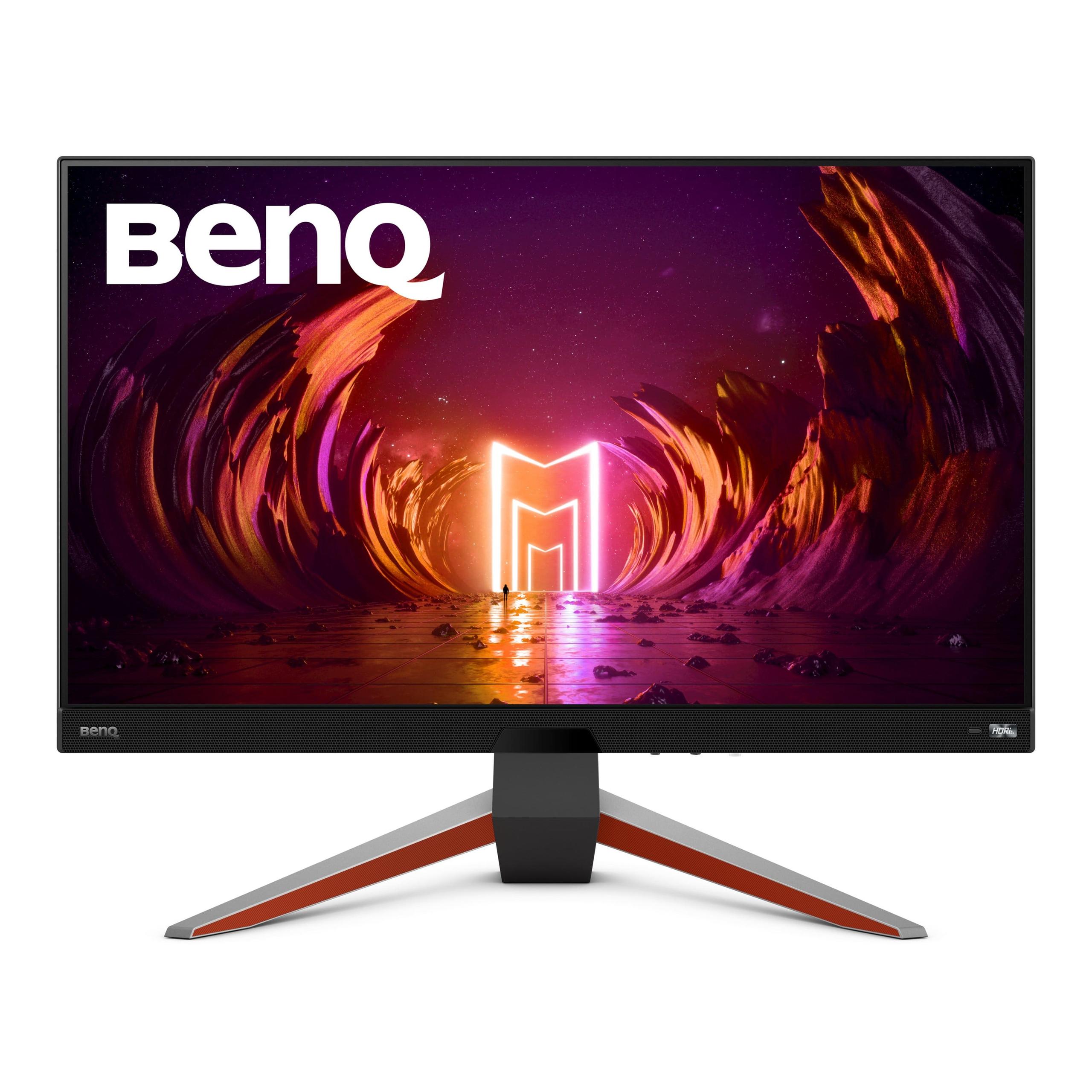
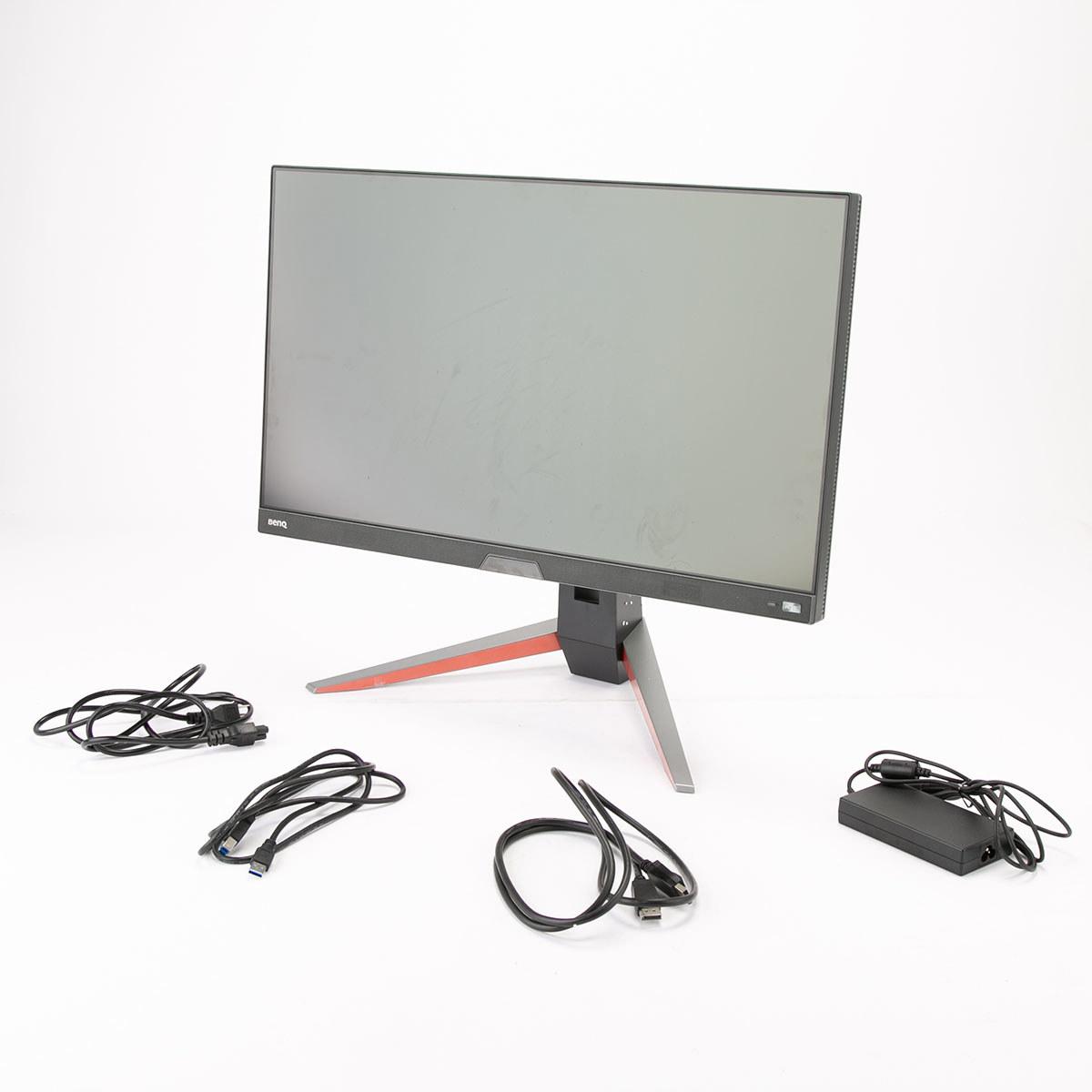
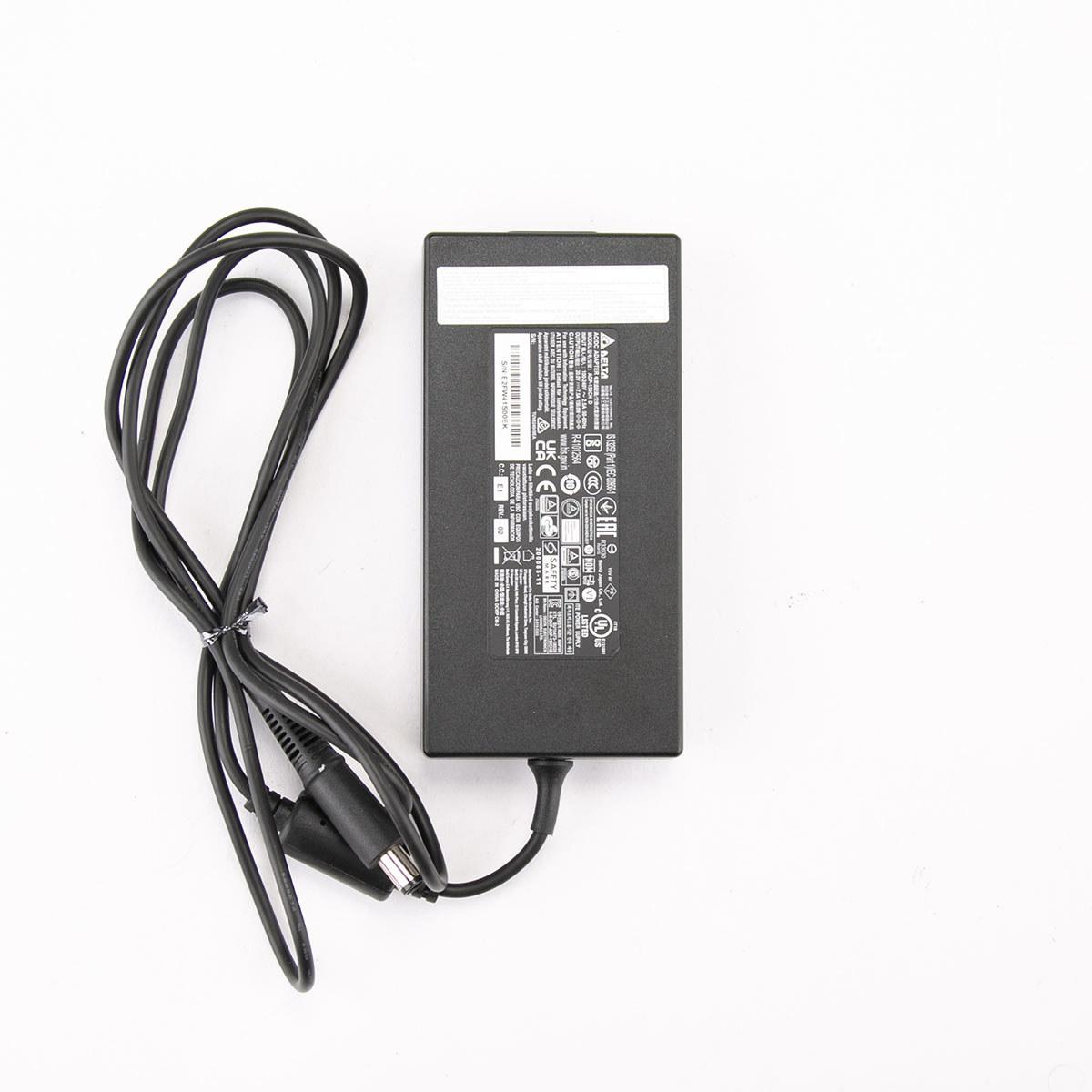
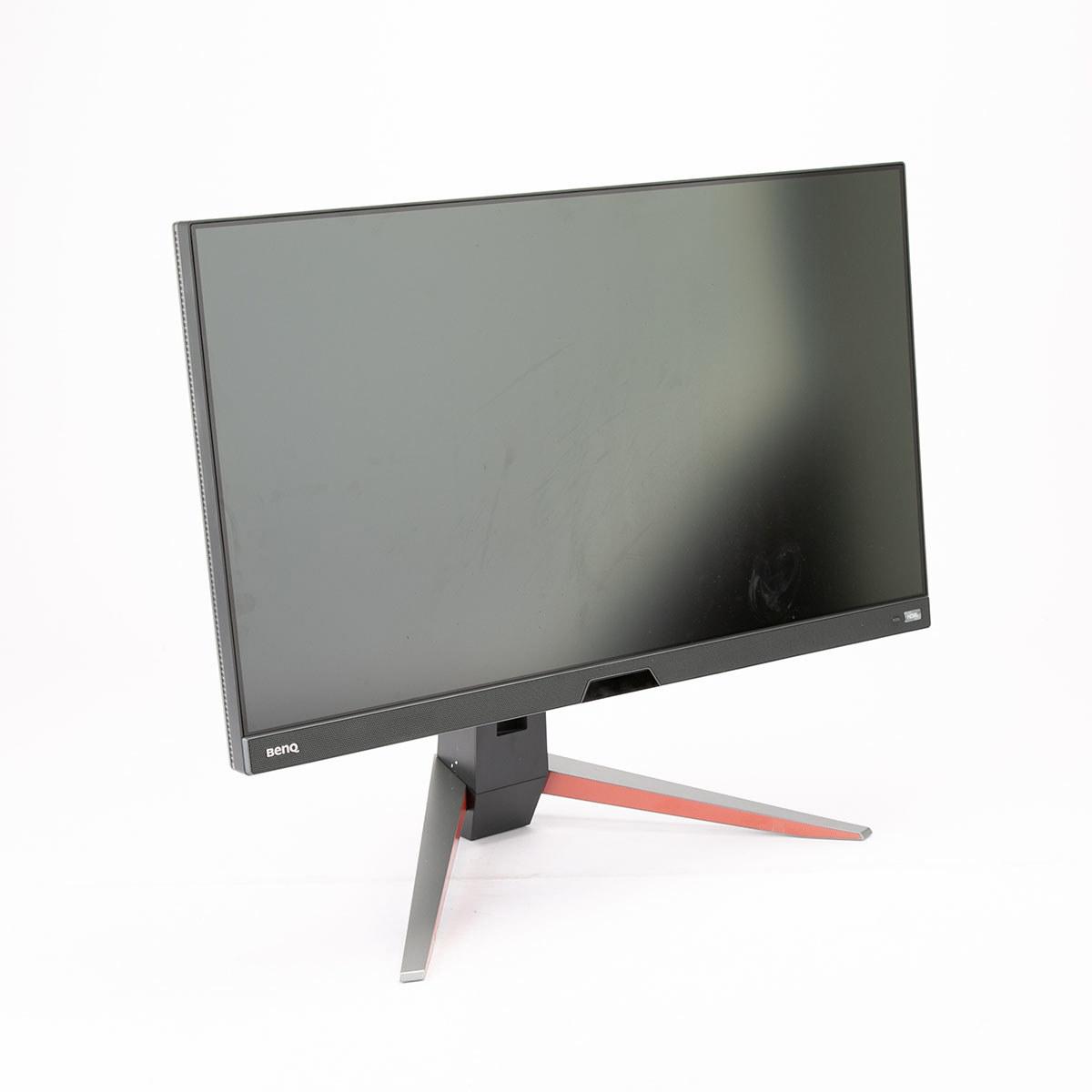
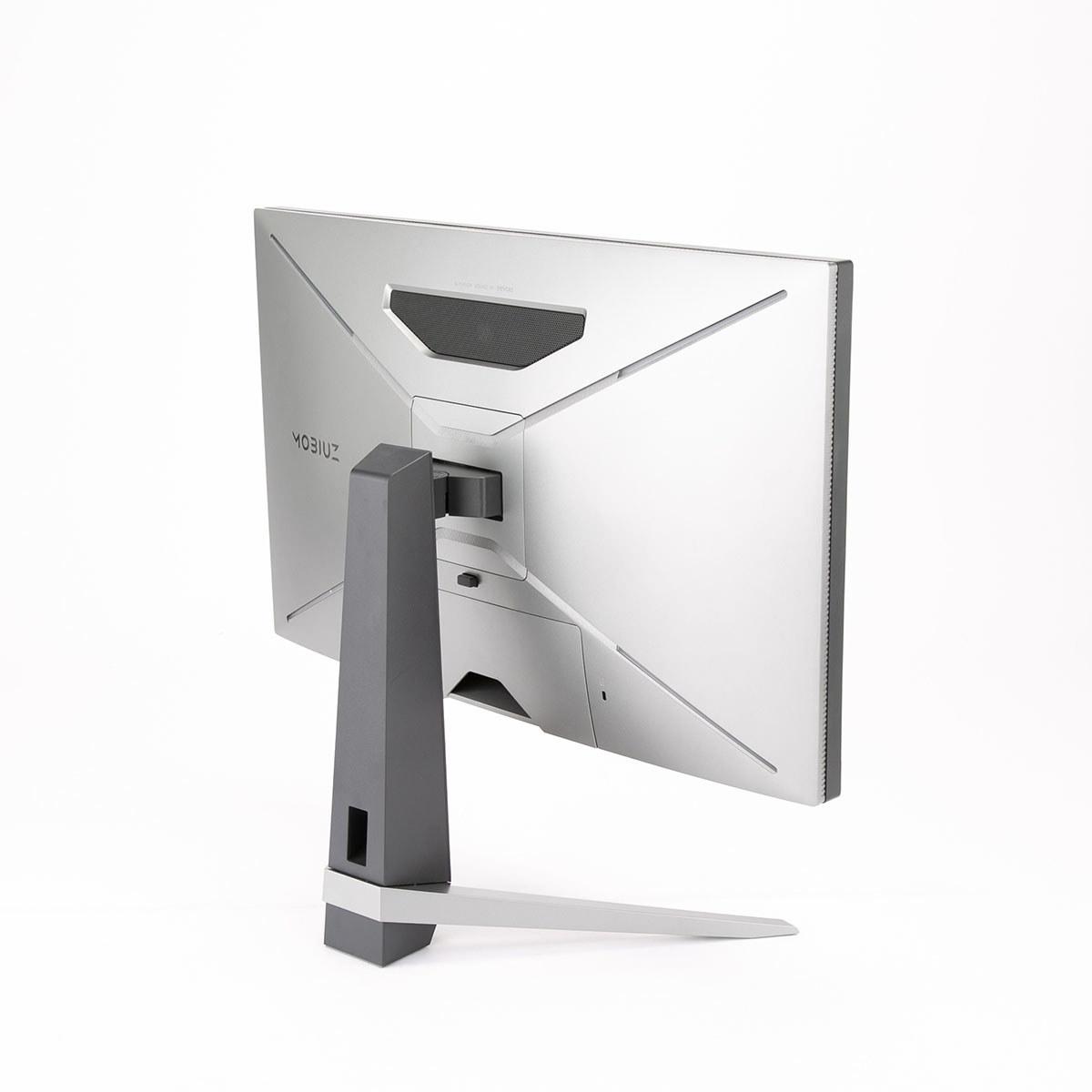
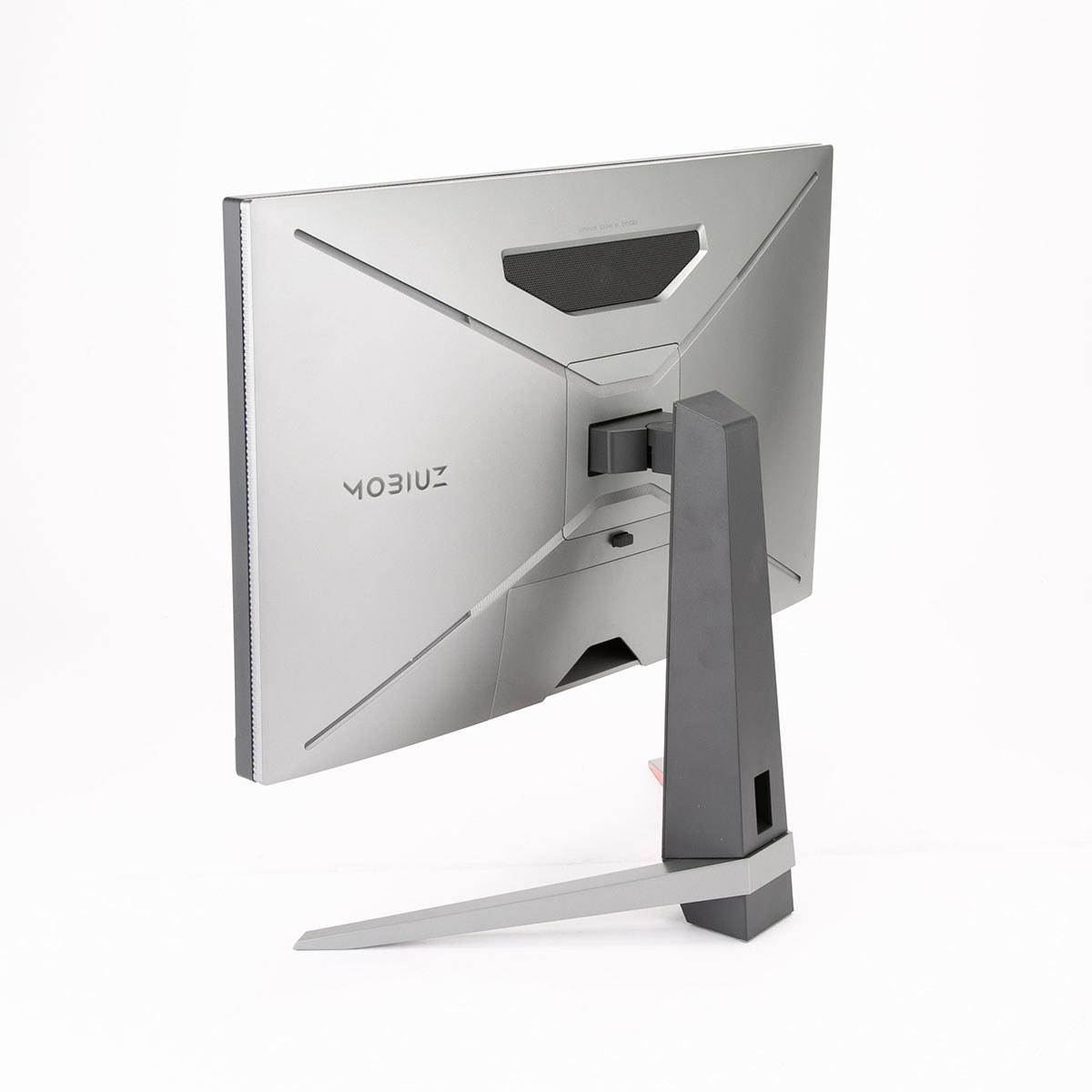
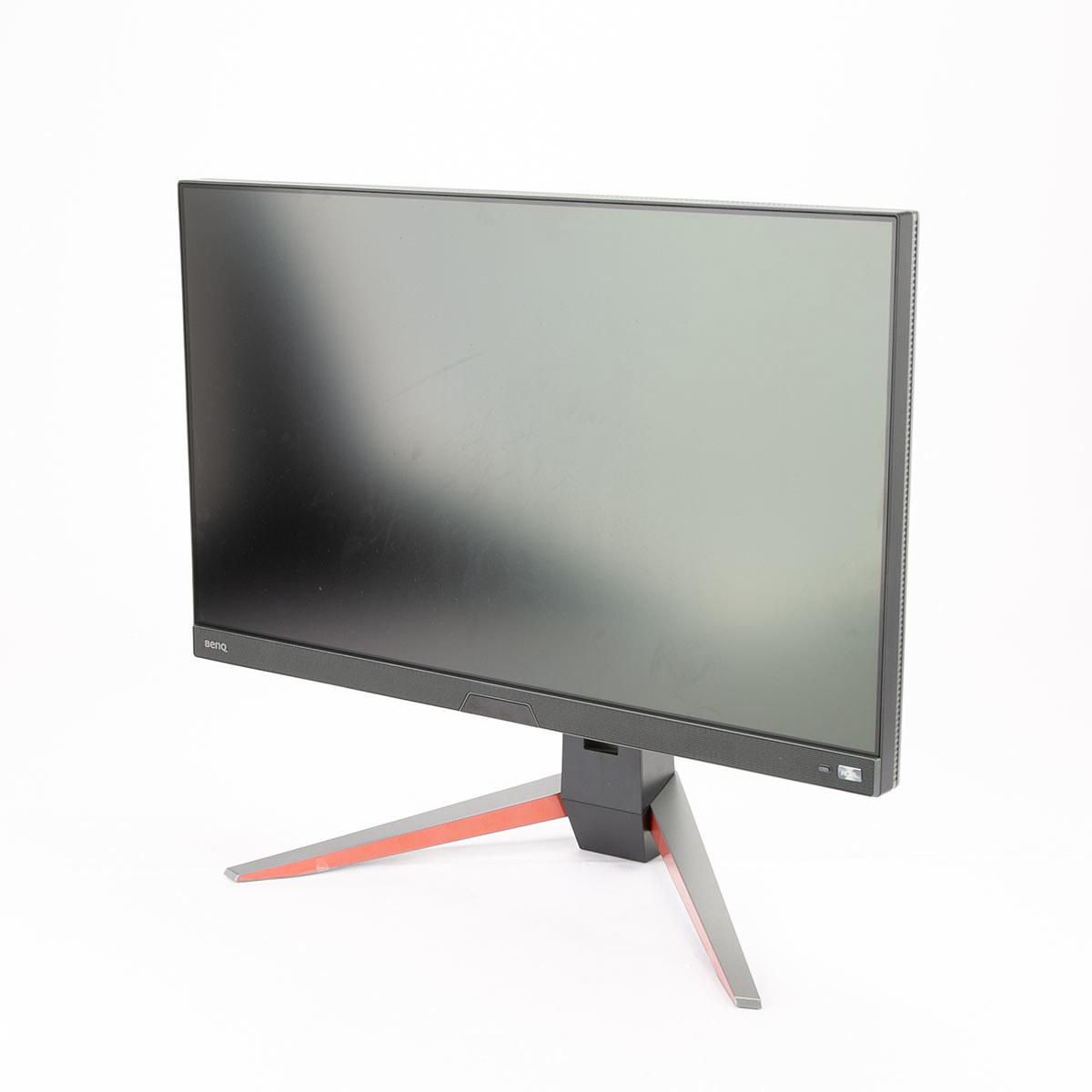
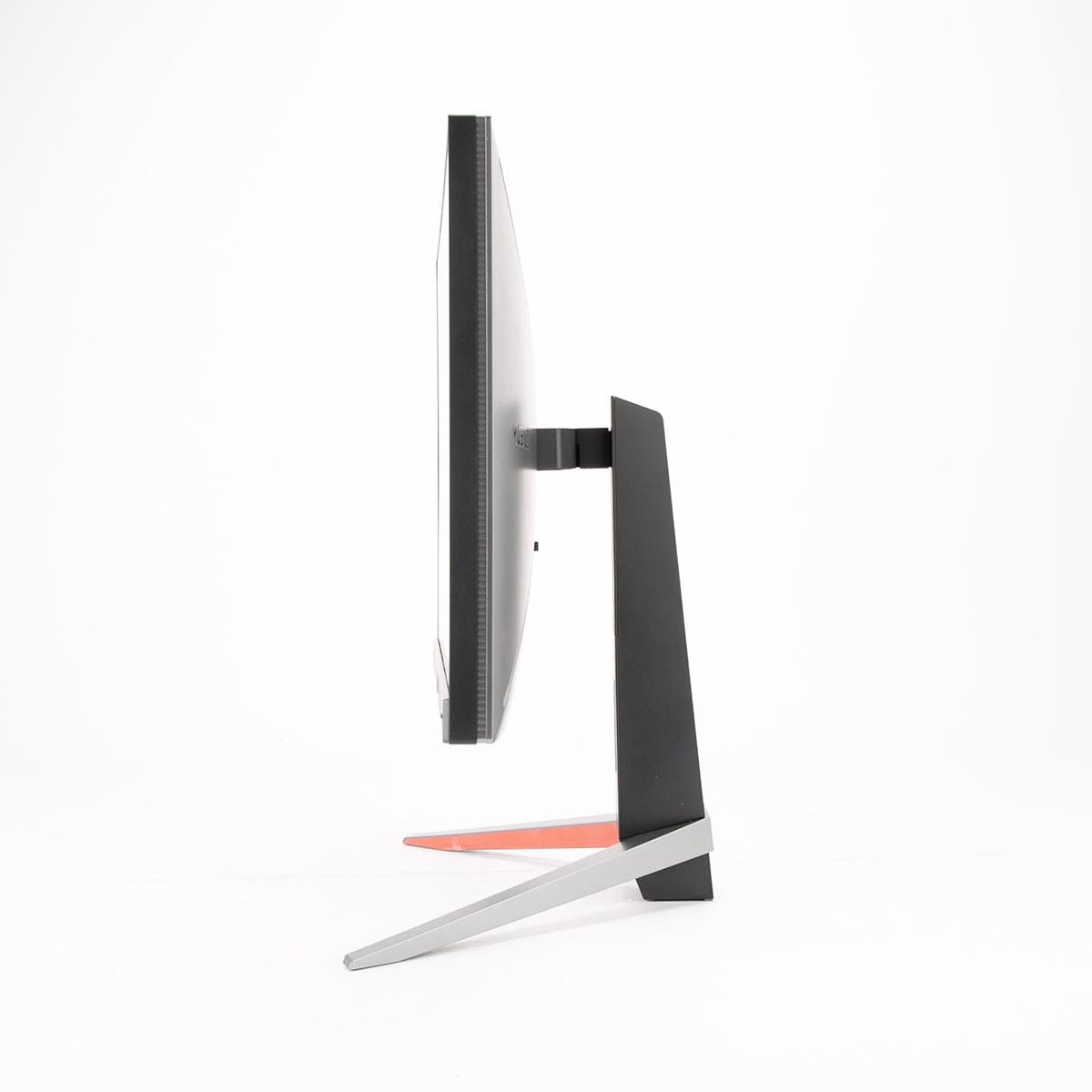
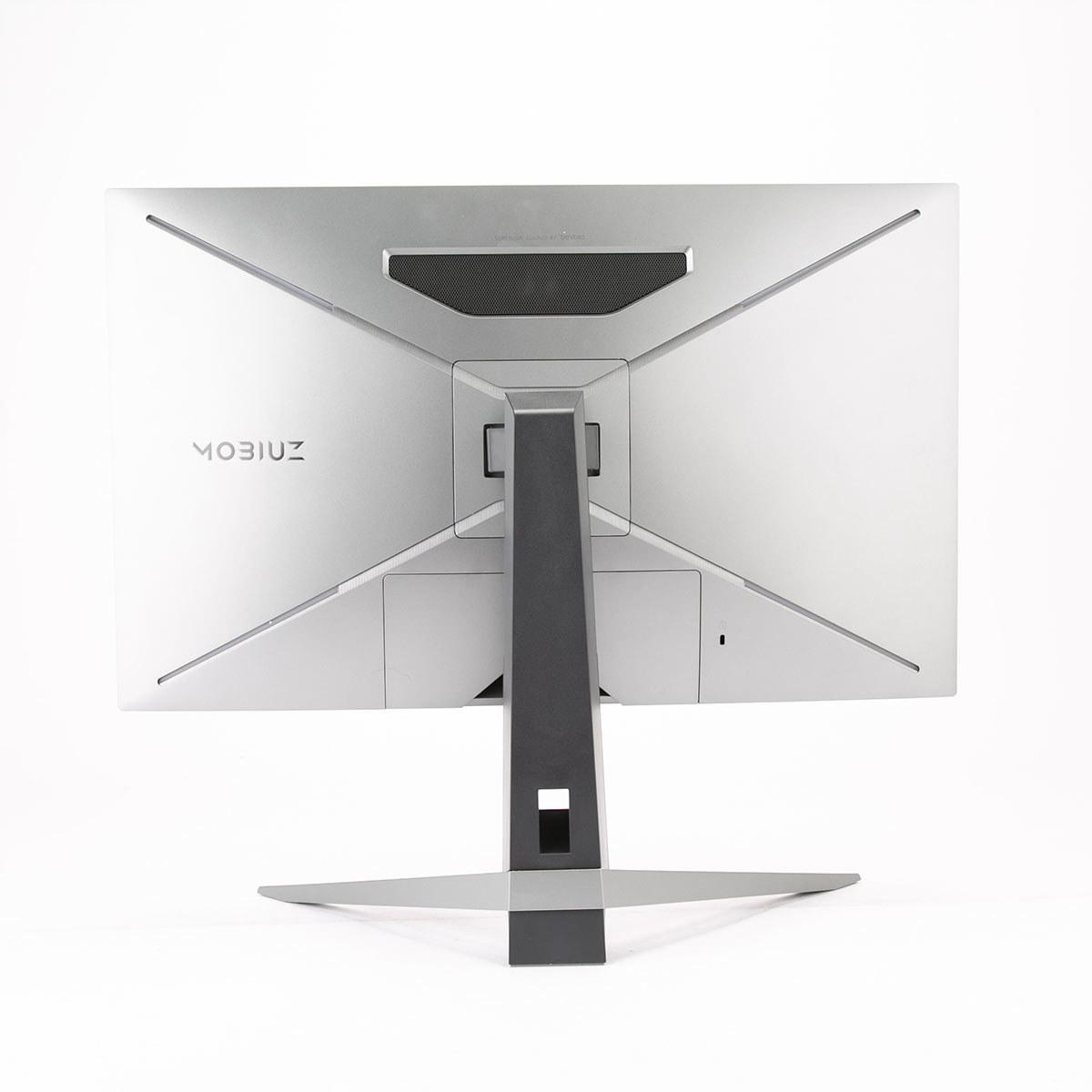
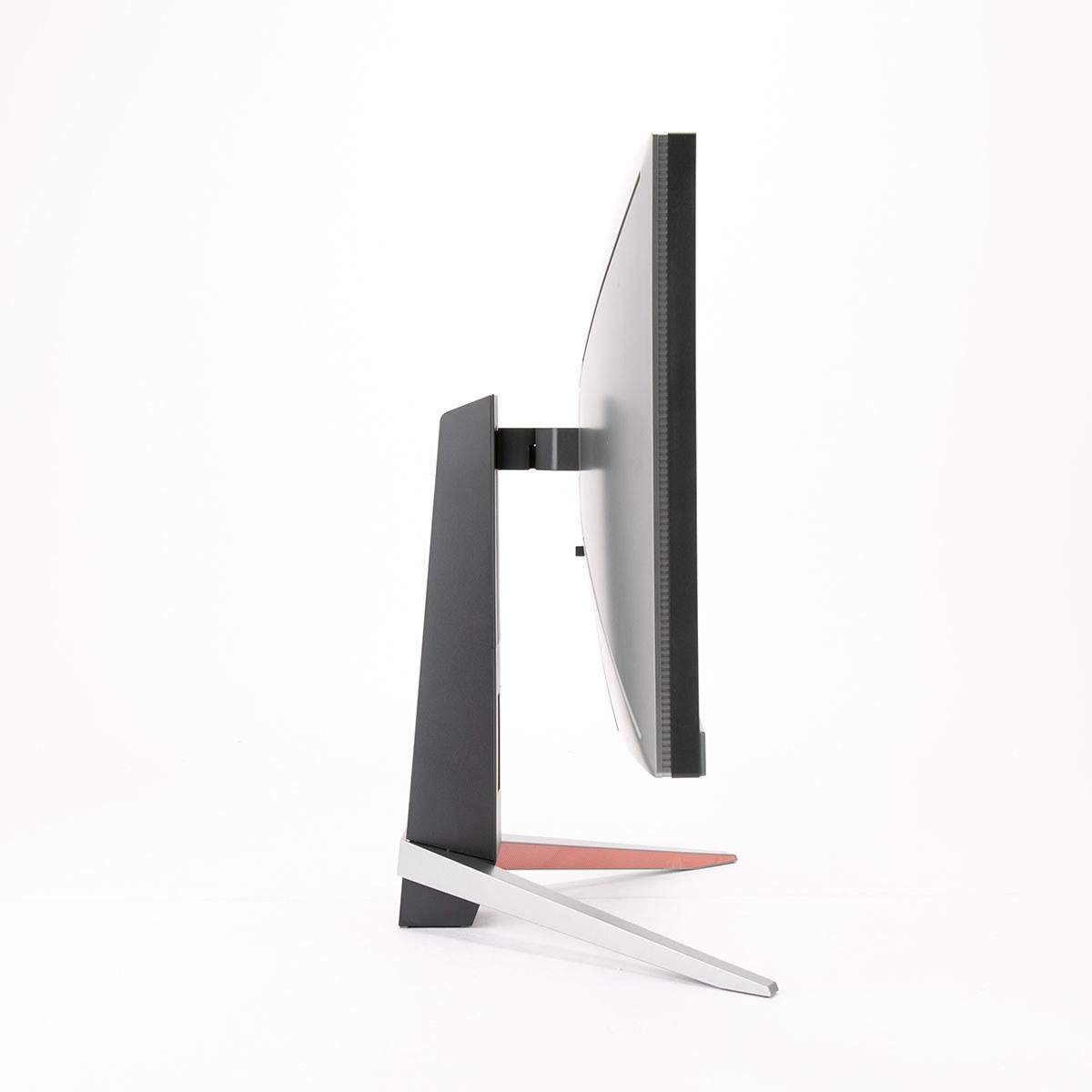
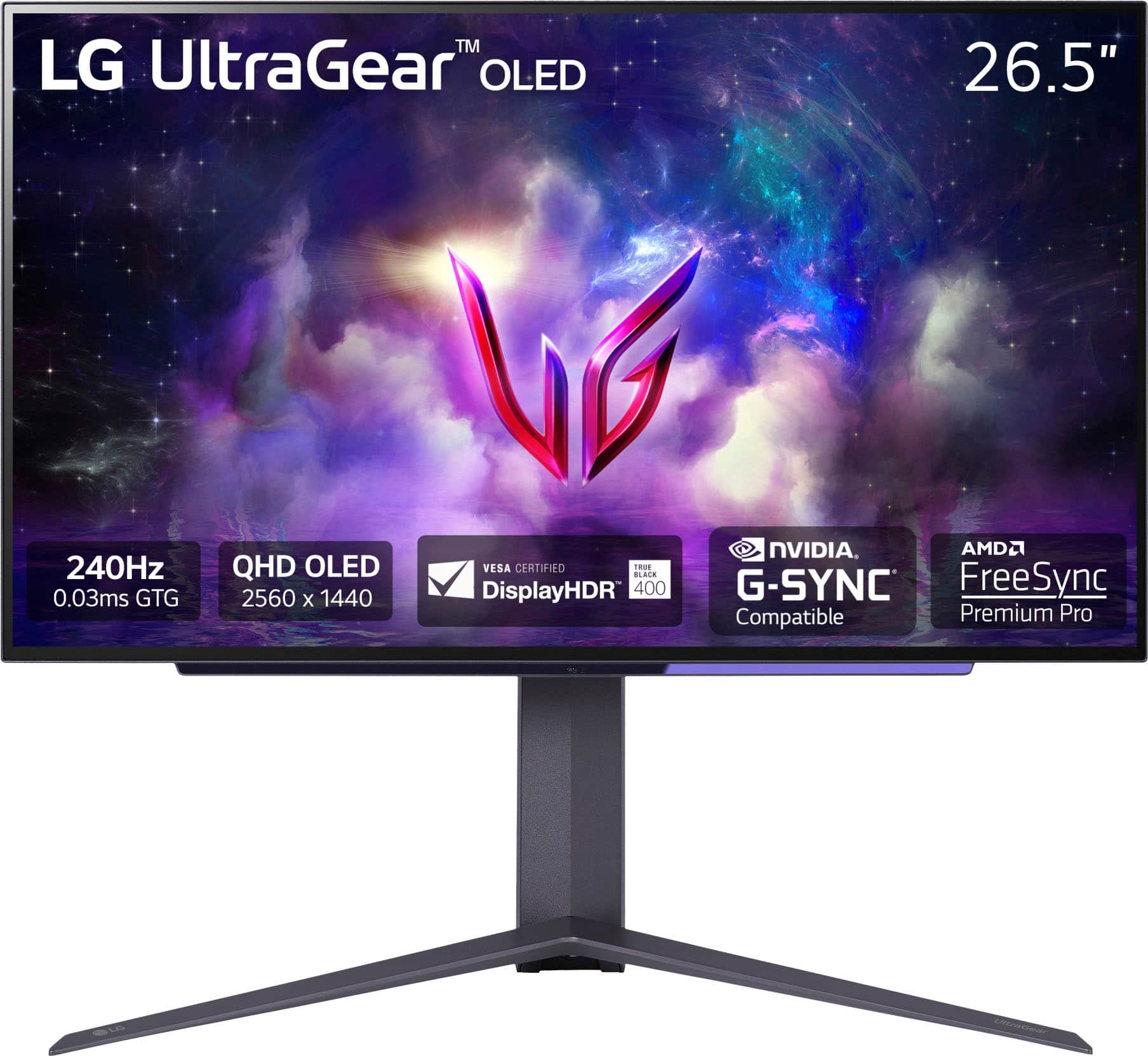
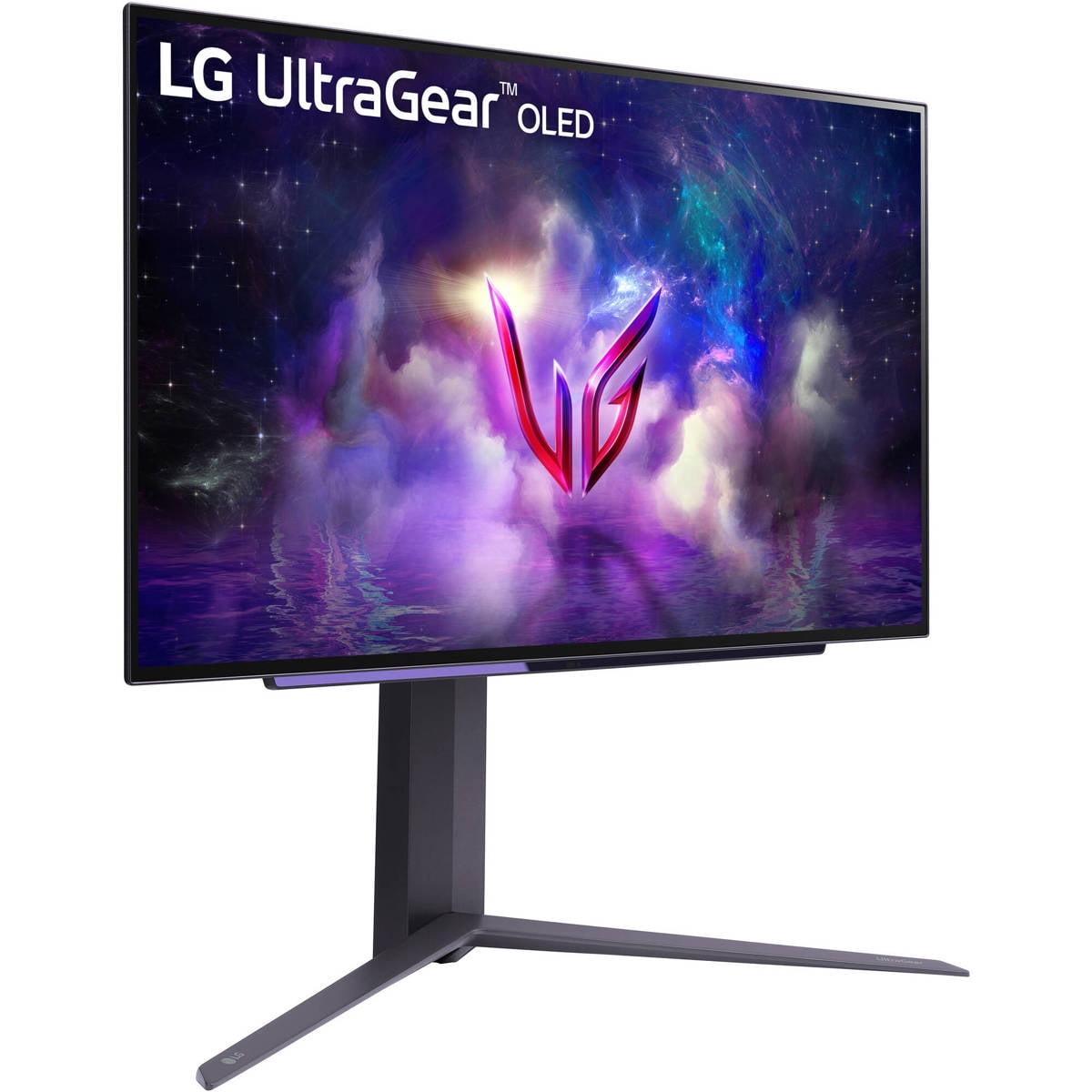
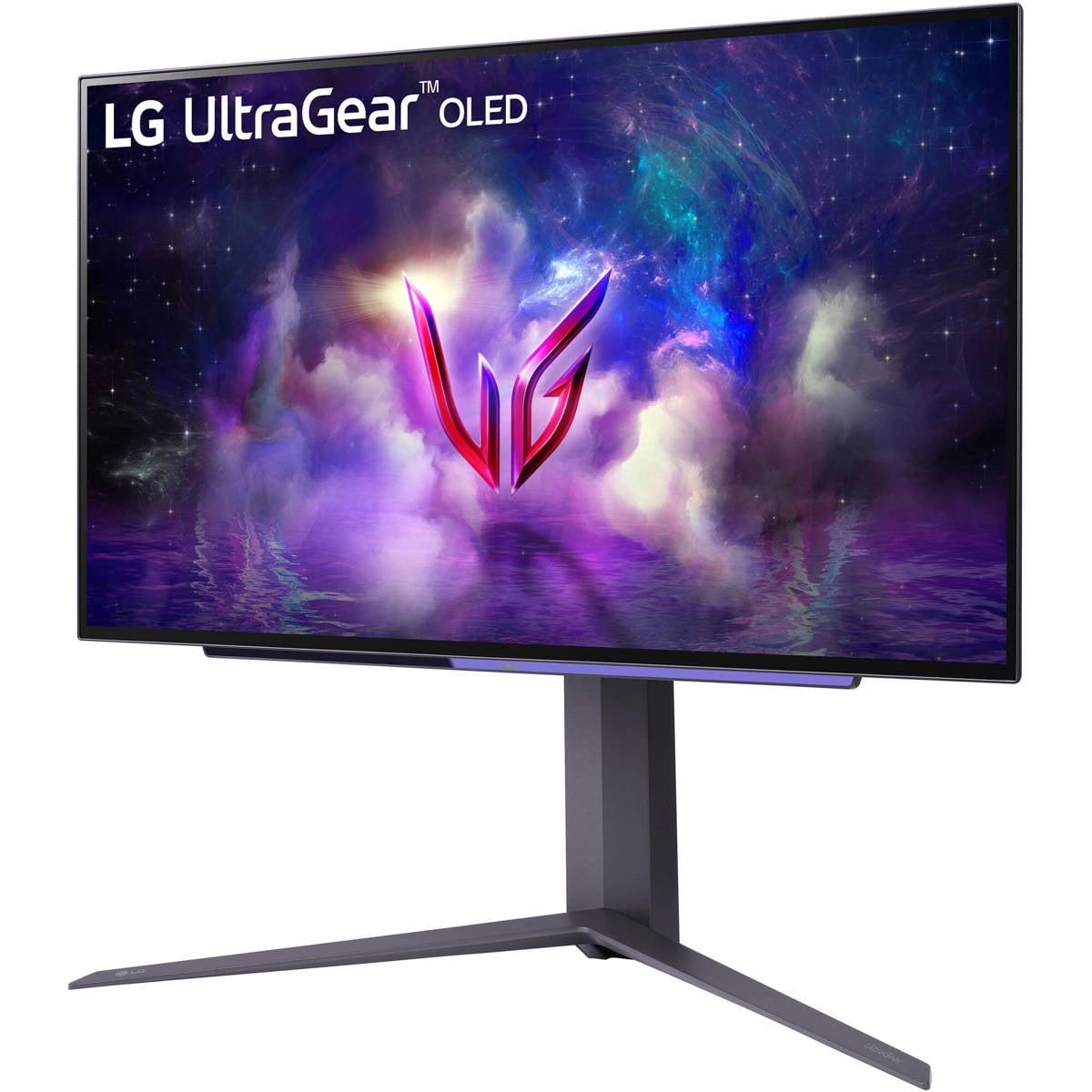
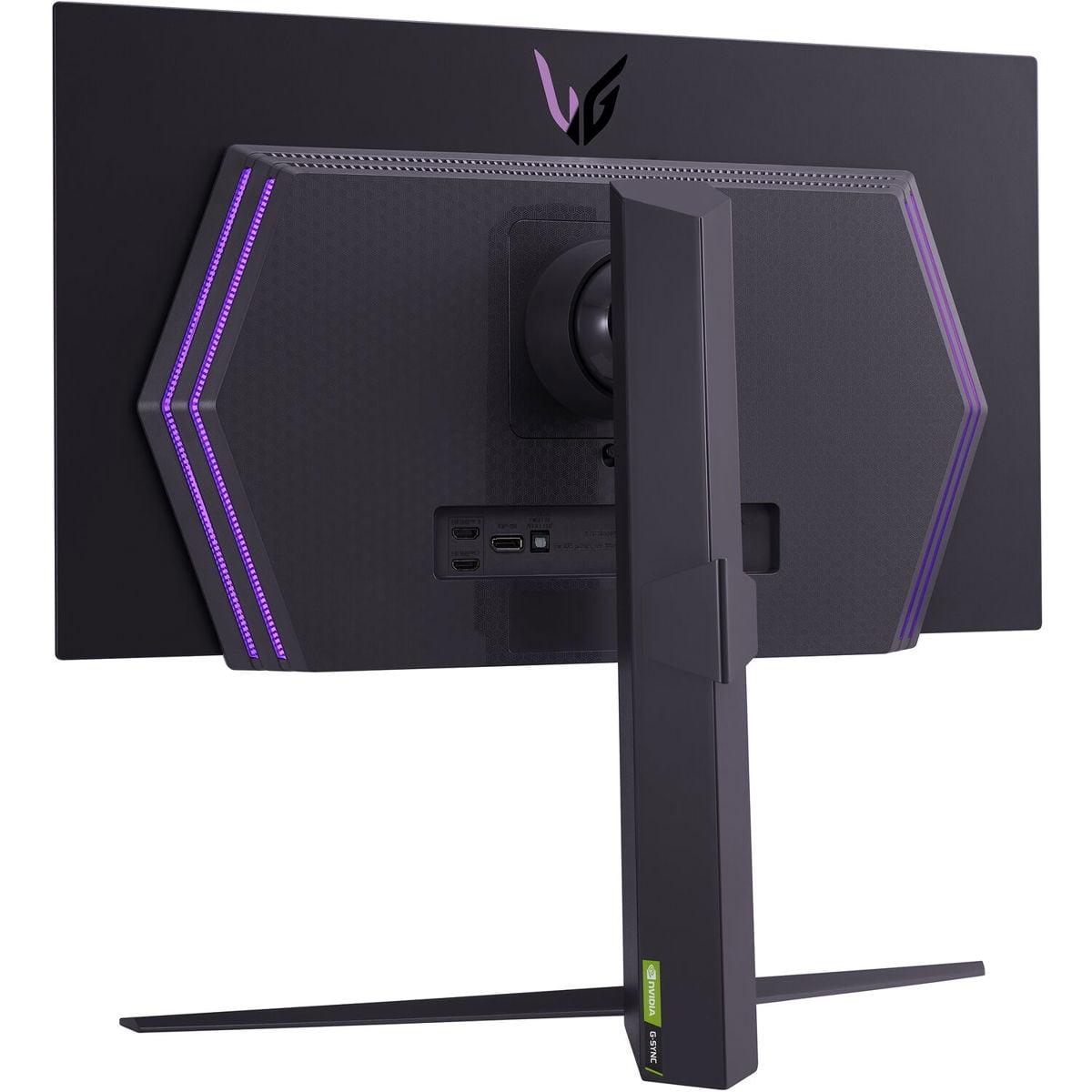
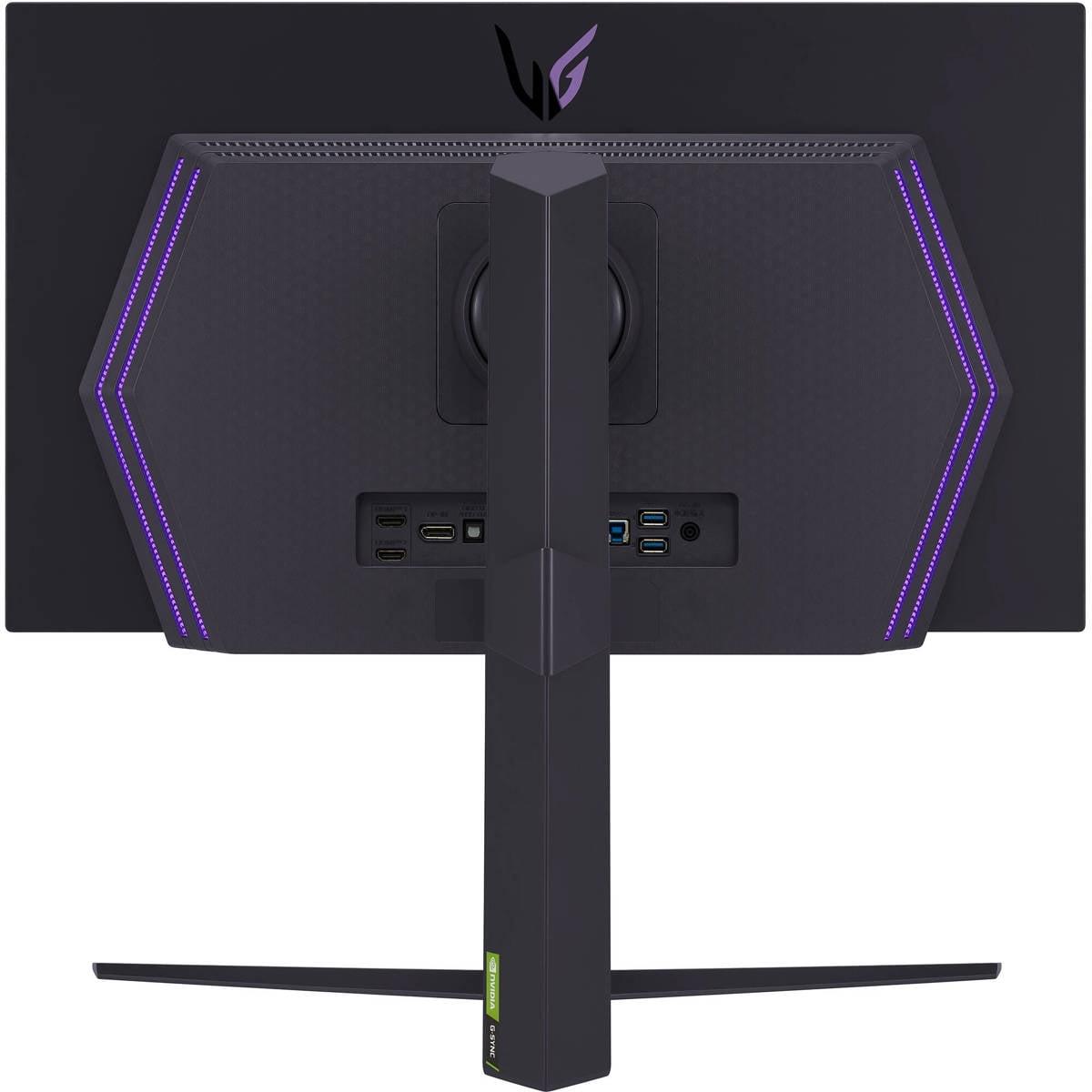
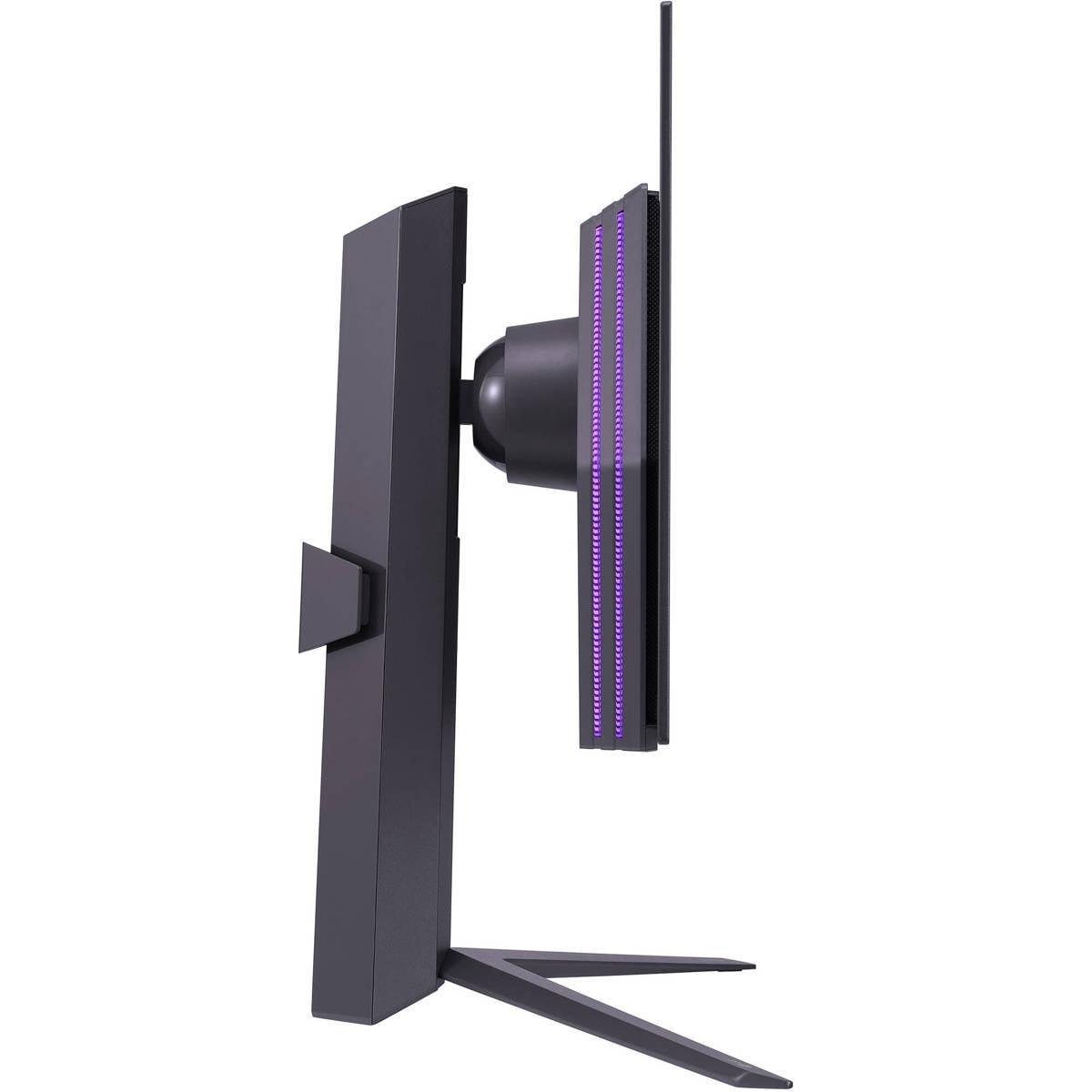

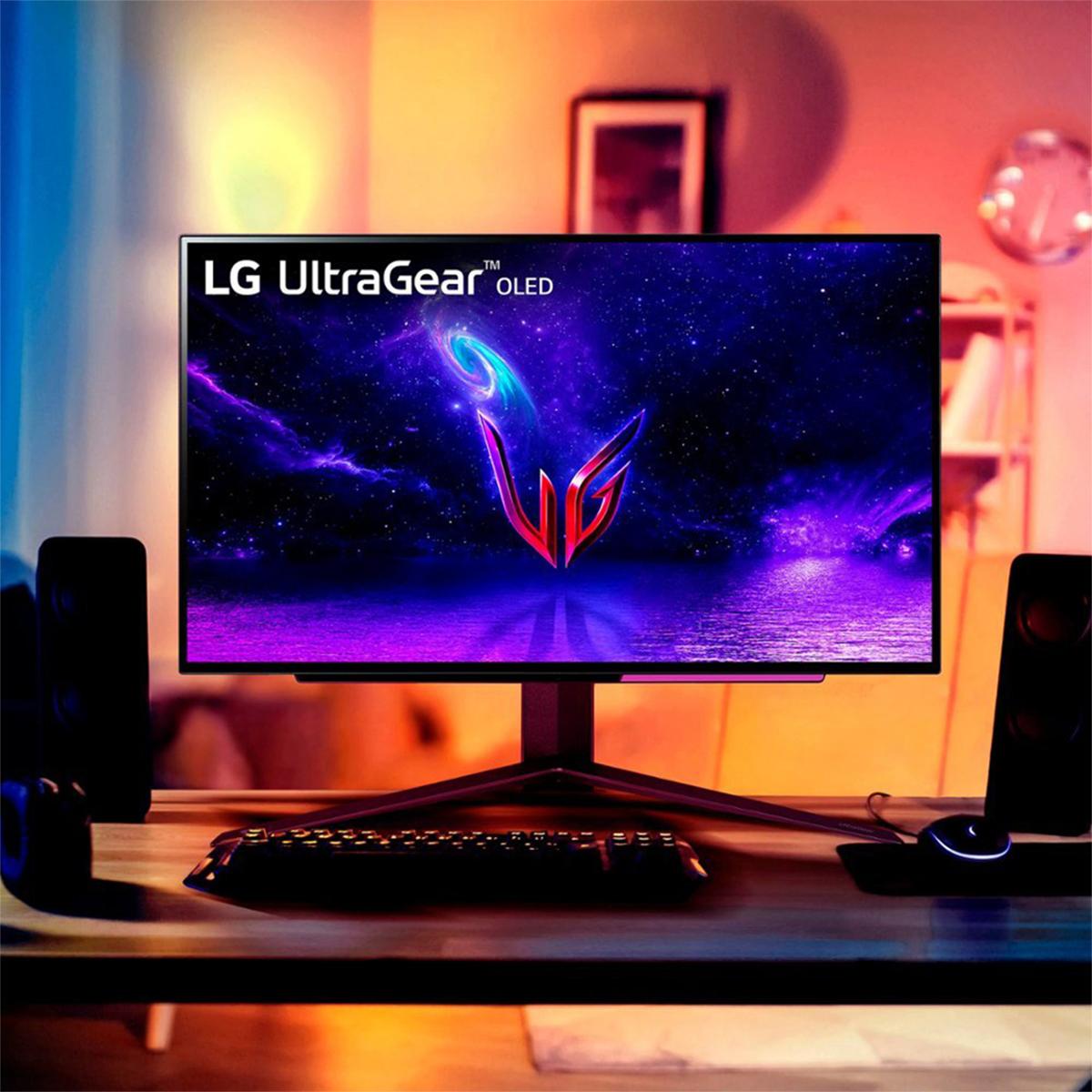

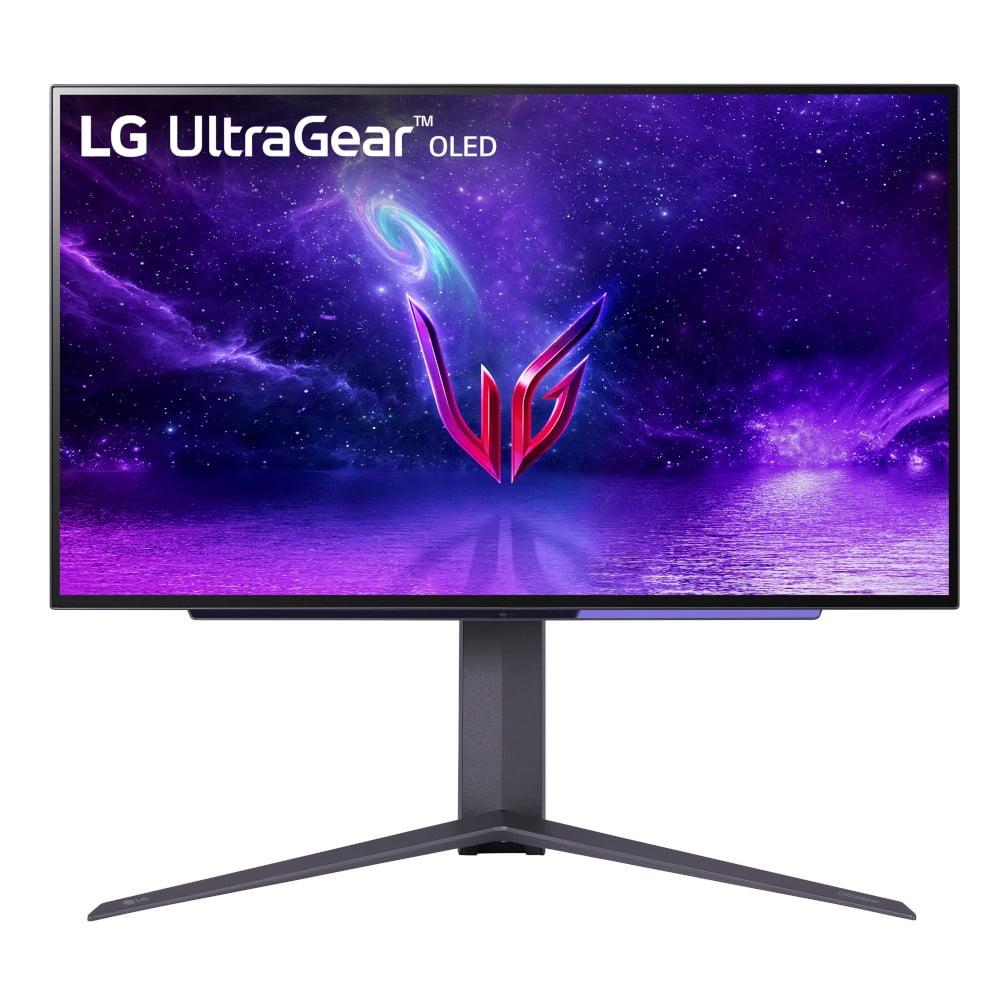
If you've been shopping for a high-end gaming monitor lately, you've probably noticed two compelling options that keep popping up: the BenQ MOBIUZ EX270QM and the LG UltraGear 27" OLED. Both promise buttery-smooth 240Hz gaming at 1440p resolution, but they take completely different approaches to get there. After spending time with both technologies, I can tell you the choice between them comes down to more than just specs on paper.
Gaming monitors have evolved dramatically over the past few years. We've moved beyond the basic question of "60Hz or 144Hz?" to a world where 240Hz is becoming the new standard for competitive gaming, and display technologies like OLED are finally making their way from TVs into desktop monitors.
When shopping for a premium gaming monitor today, you're looking at several key factors. Refresh rate (how many times per second the screen updates) directly impacts how smooth motion appears. Response time (how quickly pixels can change color) affects motion blur and ghosting. Display technology determines contrast, color accuracy, and overall image quality. And increasingly important is HDR support (High Dynamic Range), which expands the range of colors and brightness levels for more realistic visuals.
Both the BenQ MOBIUZ EX270QM and LG UltraGear OLED hit the sweet spot of 27-inch screens with 2560x1440 resolution—what we call QHD. This gives you 109 pixels per inch, which is sharp enough for detailed gaming without requiring the GPU horsepower that 4K demands.
Here's where things get interesting. The BenQ MOBIUZ EX270QM, released in early 2023, represents the pinnacle of IPS LCD technology. IPS stands for In-Plane Switching, a panel type that's been refined over decades to offer excellent color accuracy and wide viewing angles. BenQ has enhanced this with local dimming zones and their proprietary HDRi technology.
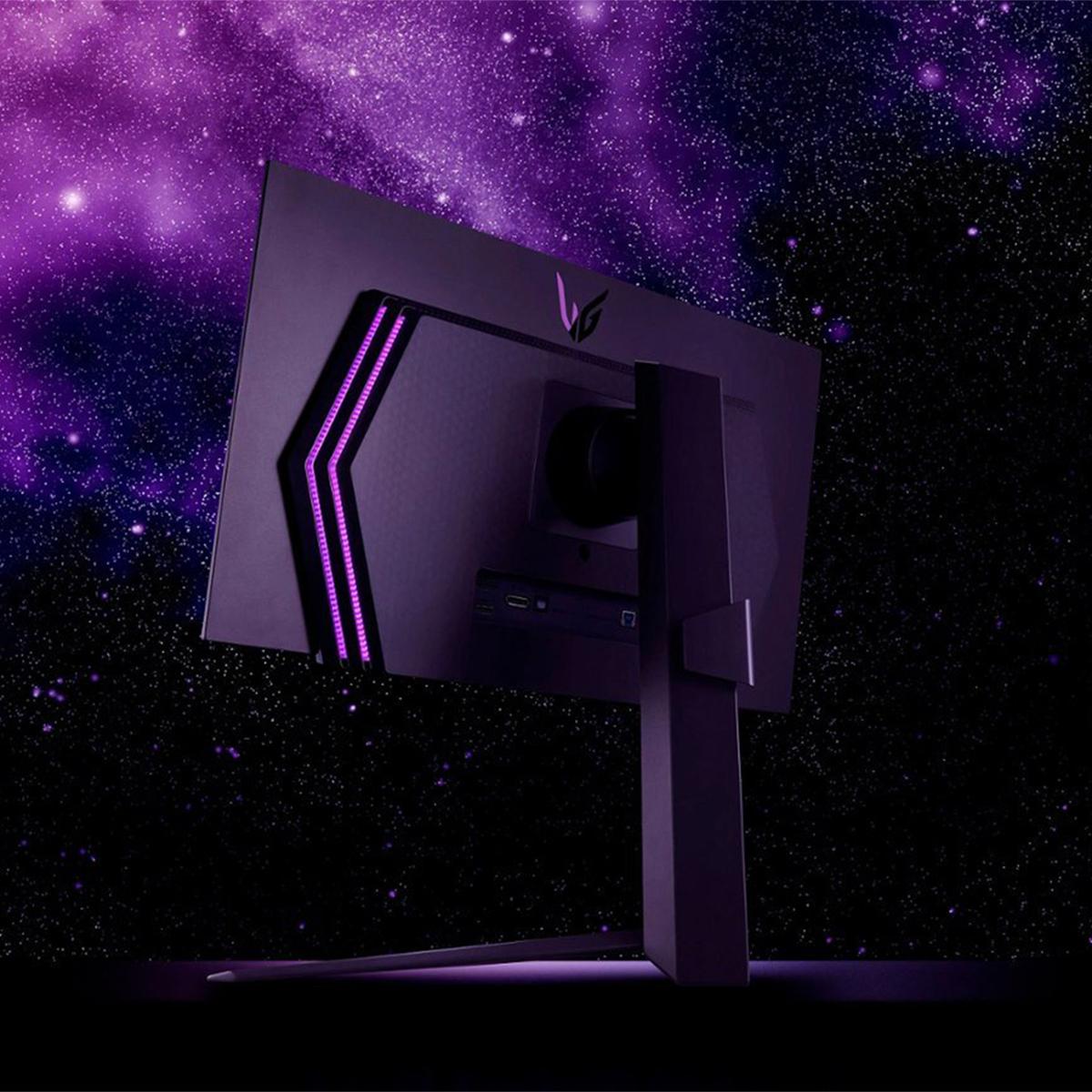
The LG UltraGear OLED, which hit the market in early 2024, brings OLED (Organic Light-Emitting Diode) technology to gaming monitors. Unlike LCD panels that require a backlight, each pixel in an OLED display produces its own light. This fundamental difference creates some dramatic performance advantages—and a few trade-offs.
Having used both technologies extensively, I can tell you that the difference is immediately apparent when you first power them on. The OLED's perfect blacks make everything else look gray by comparison, while the BenQ's brightness makes colors pop even in well-lit rooms.
This is where the LG OLED absolutely shines. With a 0.03ms response time, it's practically instantaneous. To put that in perspective, that's 30 times faster than the BenQ's 1ms response time. When you're tracking enemies in fast-paced shooters or following a ball in Rocket League, that difference translates to noticeably cleaner motion.
I've tested both monitors with UFO Test (a popular motion clarity benchmark), and the OLED shows virtually zero ghosting or trailing artifacts. The BenQ performs excellently for an IPS panel, but you can spot slight motion blur in extreme scenarios—though honestly, most gamers won't notice this unless they're specifically looking for it.
The practical impact? If you're playing competitive games like Counter-Strike 2, Valorant, or Apex Legends at a high level, the OLED's response time advantage could genuinely help your performance. For casual gaming or single-player adventures, both monitors deliver smooth, enjoyable experiences.
Input lag—the delay between when you press a button and when the action appears on screen—is crucial for responsive gaming. The BenQ clocks in at an impressively low 0.7ms, while the LG OLED typically measures even lower. Both are in the "imperceptible" category, meaning you won't feel any delay during gameplay.
For context, anything under 20ms is considered good for gaming, and anything under 5ms is excellent. Both these monitors are in the "elite" tier where input lag simply isn't a concern.
Both monitors support adaptive sync technologies, which synchronize the monitor's refresh rate with your graphics card's output to eliminate screen tearing (when parts of different frames are displayed simultaneously, creating a visible "tear" across the image).
The BenQ supports AMD FreeSync Premium Pro, which works great with AMD graphics cards and offers low-latency HDR gaming. The LG OLED is more versatile here, supporting both AMD FreeSync Premium and NVIDIA G-SYNC Compatible modes. This broader compatibility means you won't need to worry about your GPU brand when choosing the LG.
This is where OLED technology shows its most dramatic advantage. The LG OLED can turn individual pixels completely off, achieving perfect black levels and an infinite contrast ratio. When you're playing games with dark scenes—think horror games, space simulators, or nighttime sequences—the difference is striking.
The BenQ's IPS panel offers a 1,000:1 contrast ratio, which is typical for LCD technology. While BenQ has enhanced this with local dimming (where sections of the backlight can dim independently), it can't match OLED's per-pixel control. In practical terms, dark scenes on the BenQ appear more like dark gray than true black.
I've spent countless hours playing atmospheric games like Cyberpunk 2077 and The Witcher 3 on both monitors. The OLED's deep blacks create an almost three-dimensional depth that makes you feel more immersed in the game world. However, the BenQ's brighter overall image can make details in dark scenes more visible, which some gamers actually prefer for competitive advantage.
Here's where the BenQ fights back. With 600 nits peak brightness compared to the OLED's roughly 400 nits, the BenQ performs better in bright rooms and delivers more impactful HDR highlights. The BenQ is certified for DisplayHDR 600, while the LG earns DisplayHDR True Black 400 certification.
The difference in HDR approach is fascinating. The BenQ creates HDR impact through brighter highlights—imagine the sun gleaming off a car hood or the flash of an explosion. The OLED achieves HDR drama through deeper shadows and more nuanced dark detail. Both approaches work, but they create different viewing experiences.
BenQ's proprietary HDRi technology adds another layer of sophistication. Using a built-in light sensor, it automatically adjusts the HDR processing based on your room's ambient lighting. This means the monitor optimizes itself throughout the day as lighting conditions change—a feature I've found genuinely useful during long gaming sessions.
Both monitors excel in color reproduction, covering over 98% of the DCI-P3 color space (the standard used for digital cinema). The BenQ achieves 98% DCI-P3, while the LG OLED covers 98.5%. In real-world usage, both deliver vibrant, accurate colors that make games look as developers intended.
The OLED has a slight edge in color uniformity—colors look identical across the entire screen. LCD panels sometimes show slight variations in color temperature from center to edges, though the BenQ's implementation is quite good. For color-critical work like photo editing or graphic design, the OLED's consistency gives it an advantage.
This is where the BenQ MOBIUZ EX270QM pulls ahead for many users. Its higher brightness makes it excellent for office work, web browsing, and any scenario with significant ambient light. The IPS panel's anti-glare coating and stable image quality work well for extended productivity sessions.
The LG OLED, while stunning for media consumption, has some limitations for mixed use. OLED panels are susceptible to burn-in—permanent image retention that can occur when static elements (like taskbars, logos, or UI elements) remain on screen for extended periods. While LG includes OLED Care features to mitigate this risk, it's still a consideration for users who plan to use the monitor for work or productivity tasks with static interfaces.
I've used both monitors for writing, coding, and general computer use. The BenQ's crisp text rendering and bright, clear image make it more suitable for all-day productivity work. The OLED excels for entertainment and gaming but requires more careful usage patterns.
For those considering these monitors in a home theater setup, both offer compelling but different advantages. The LG OLED provides the classic "theater experience" with its perfect blacks and excellent dark room performance. Movies and TV shows look incredible, with the kind of contrast that makes you notice details you've never seen before.
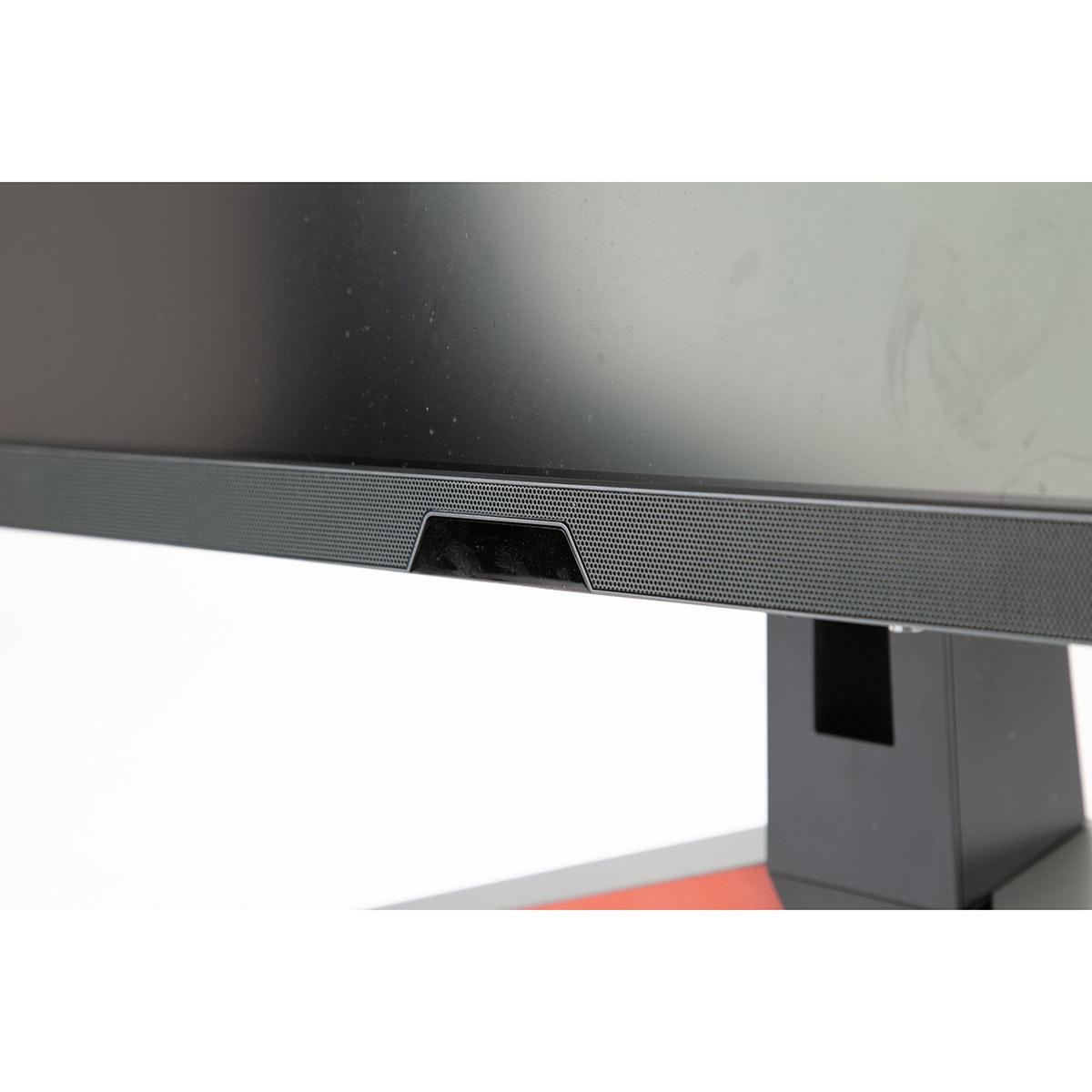
The BenQ brings built-in audio to the table—a 2.1 channel system with two 2W speakers and a 5W subwoofer, tuned by BenQ's treVolo audio division. While not replacement-level for a dedicated sound system, it's surprisingly good for built-in monitor speakers and eliminates the need for external audio in smaller setups.
For a dedicated dark home theater room, the OLED wins hands down. For a multi-purpose media room that gets used during the day, the BenQ's brightness and built-in audio make it more practical.
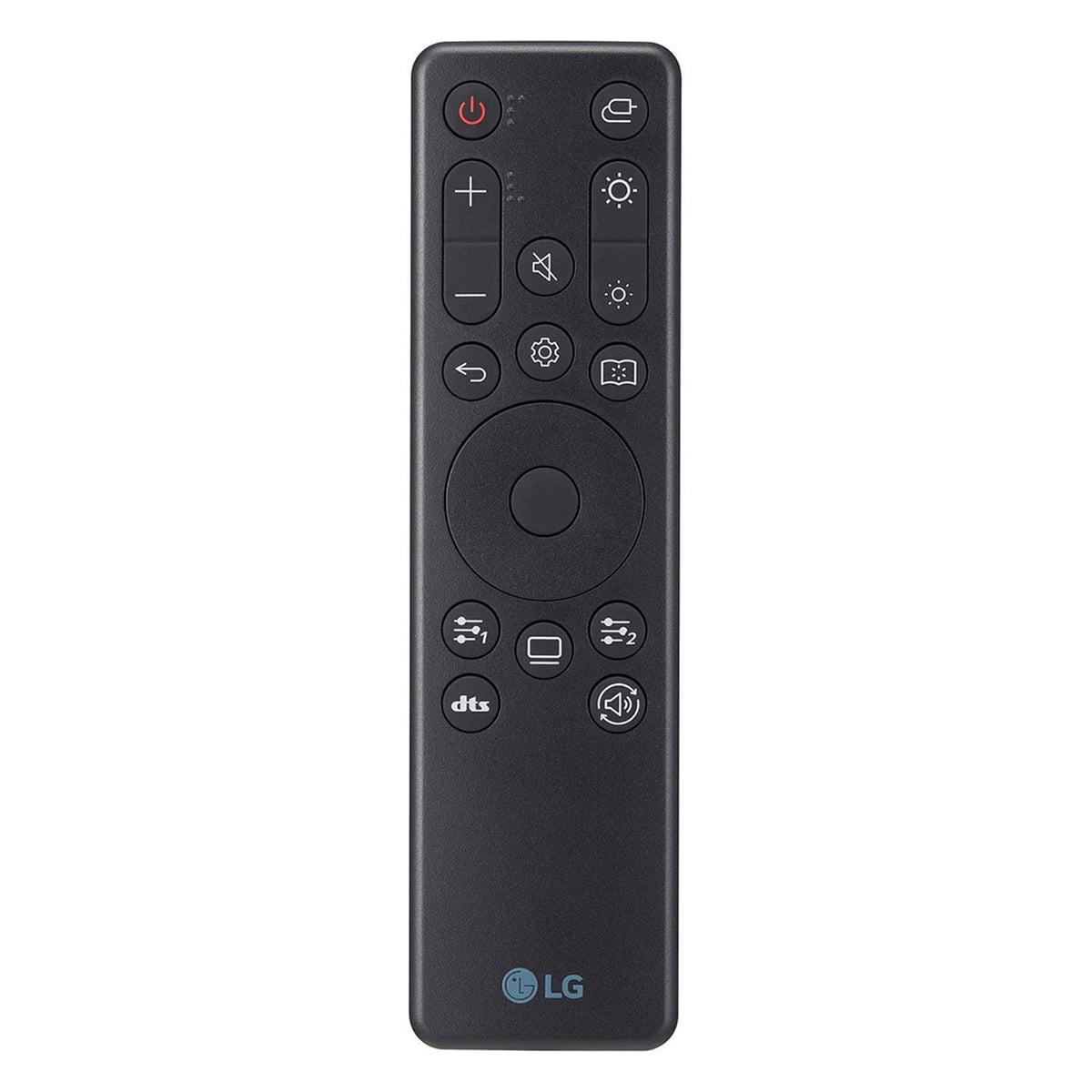
The BenQ's integrated 2.1 audio system deserves special mention. Most gaming monitors either skip speakers entirely or include tiny, tinny afterthoughts. BenQ's treVolo-tuned system actually produces respectable sound with some bass presence. It includes a remote control for easy volume adjustment and includes multiple audio modes optimized for games, movies, and music.
The LG OLED includes no built-in speakers, requiring external audio solutions. While this isn't necessarily negative (many enthusiasts prefer dedicated speakers or headphones), it does add to the total system cost and complexity.
Both monitors include gaming-focused features, but with different approaches. The BenQ offers Light Tuner (20 different color settings for various game genres), Black eQualizer (brightens dark areas without overexposing bright ones), and Scenario Mapping (automatically applies settings when switching inputs). These features feel designed by people who actually game.
The LG OLED includes standard gaming features like crosshair overlays, FPS counters, and Dynamic Action Sync, but focuses more on the fundamental display technology doing the heavy lifting. Sometimes the best feature is simply not getting in the way of great hardware.
Here's where practical considerations enter the picture. The BenQ MOBIUZ EX270QM typically retails around $399-499, while the LG UltraGear OLED commands $699-799. That's a $200-400 premium for OLED technology.
From a performance-per-dollar perspective, the BenQ offers exceptional value. You get 90% of the OLED's gaming performance, better versatility, built-in audio, and higher brightness for significantly less money. The LG commands its premium through cutting-edge display technology that delivers genuinely superior contrast and response times.
Choose the BenQ MOBIUZ EX270QM if you:
Choose the LG UltraGear OLED if you:
Both monitors represent excellent choices in the high-refresh gaming market, but they serve different priorities. The BenQ offers outstanding value and versatility—it's the monitor I'd recommend to most gamers looking to upgrade from older displays. The LG OLED provides the ultimate gaming experience for enthusiasts willing to pay for the best technology available.
Having lived with both technologies, I lean toward the OLED for pure gaming enjoyment, but I appreciate the BenQ's practicality for everyday use. Your choice should depend on your specific use case, budget, and how much you value that perfect black level and lightning-fast response time.
The gaming monitor market continues evolving rapidly, with OLED technology becoming more accessible and LCD technology pushing brightness and response time improvements. Whichever you choose, both represent significant upgrades over older displays and will serve you well for years of gaming ahead.
| BenQ MOBIUZ EX270QM | LG UltraGear 27" OLED |
|---|---|
| Display Technology - Fundamental difference affecting contrast, response time, and longevity | |
| IPS LCD with LED backlighting and local dimming | OLED with self-emissive pixels |
| Response Time - Critical for competitive gaming and motion clarity | |
| 1ms (GTG/MPRT) - excellent for most gaming | 0.03ms - virtually instantaneous, best-in-class |
| Contrast Ratio - Determines black depth and overall image quality | |
| 1,000:1 (typical for LCD) | 1,500,000:1 (infinite contrast from OLED) |
| Peak Brightness - Important for HDR impact and bright room usage | |
| 600 nits (DisplayHDR 600) - great for bright environments | ~400 nits (DisplayHDR True Black 400) - optimized for dark rooms |
| Color Gamut - Affects color vibrancy and accuracy | |
| 98% DCI-P3 coverage | 98.5% DCI-P3 coverage |
| Adaptive Sync Support - Prevents screen tearing across different GPUs | |
| AMD FreeSync Premium Pro | AMD FreeSync Premium + NVIDIA G-SYNC Compatible |
| Built-in Audio - Eliminates need for external speakers | |
| 2.1 channel system (2x2W + 5W subwoofer) with treVolo tuning | No built-in speakers |
| Burn-in Risk - Long-term durability consideration | |
| No burn-in risk (LCD technology) | Potential OLED burn-in with static content |
| HDR Technology - Enhanced dynamic range capabilities | |
| BenQ HDRi with ambient light sensor optimization | Standard HDR10 support |
| Connectivity Options - Determines compatibility with devices | |
| 2x HDMI 2.1, 1x DisplayPort 1.4, USB hub | 2x HDMI 2.1, 1x DisplayPort 1.4, USB hub |
| Typical Price Range - Value proposition consideration | |
| $399-499 - excellent performance per dollar | $699-799 - premium for cutting-edge technology |
| Best Use Cases - Who should choose each monitor | |
| Mixed gaming/productivity, bright rooms, budget-conscious users | Dedicated gaming, dark rooms, performance enthusiasts |
The LG UltraGear OLED has a significant advantage for competitive gaming with its 0.03ms response time compared to the BenQ MOBIUZ EX270QM's 1ms response time. The OLED's virtually instantaneous pixel response eliminates motion blur and ghosting, giving competitive players a clearer view of fast-moving targets. Both monitors offer excellent 240Hz refresh rates and low input lag, but the OLED's superior motion clarity makes it the better choice for esports.
The BenQ MOBIUZ EX270QM uses IPS LCD technology with LED backlighting, while the LG UltraGear OLED uses self-emissive OLED pixels. The key difference is contrast: OLED can turn pixels completely off for perfect blacks and infinite contrast, while IPS provides consistent brightness but limited black depth. OLED offers superior contrast and faster response times, but IPS provides higher brightness and no burn-in concerns.
The BenQ MOBIUZ EX270QM is significantly brighter with 600 nits peak brightness compared to the LG UltraGear OLED's 400 nits. This makes the BenQ better for bright rooms with windows or overhead lighting. The OLED excels in darker environments where its perfect blacks shine, but struggles to overcome ambient light due to its lower brightness output.
Yes, both the BenQ MOBIUZ EX270QM and LG UltraGear OLED support HDMI 2.1 connectivity, making them compatible with next-gen consoles. Both can display 1440p at up to 120Hz from consoles, though you'll need a compatible PC graphics card to reach the full 240Hz refresh rate. The OLED has broader adaptive sync support, working with both AMD and NVIDIA graphics cards.
The BenQ MOBIUZ EX270QM includes a 2.1 channel speaker system with two 2W speakers and a 5W subwoofer, tuned by BenQ's treVolo audio division. The LG UltraGear OLED has no built-in speakers at all. If you prefer an all-in-one solution without external speakers, the BenQ is the clear winner, though dedicated speakers or headphones will always provide better audio quality.
The BenQ MOBIUZ EX270QM typically costs $399-499, while the LG UltraGear OLED ranges from $699-799. This represents a $200-400 premium for OLED technology. The BenQ offers excellent value with 90% of the OLED's gaming performance at about 60% of the cost, making it more budget-friendly for most gamers.
The BenQ MOBIUZ EX270QM is better suited for productivity due to its higher brightness, no burn-in risk with static content, and better text clarity. The LG UltraGear OLED can suffer from burn-in if static UI elements like taskbars remain on screen for extended periods. For mixed gaming and work use, the BenQ is the safer, more versatile choice.
Both monitors support HDR, but with different approaches. The BenQ MOBIUZ EX270QM is DisplayHDR 600 certified and uses BenQ's HDRi technology to optimize HDR based on ambient lighting. The LG UltraGear OLED supports DisplayHDR True Black 400, leveraging OLED's perfect blacks for dramatic shadow detail. The BenQ provides brighter HDR highlights, while the OLED offers superior dark scene performance.
Both the BenQ MOBIUZ EX270QM and LG UltraGear OLED have extremely low input lag under 1ms, making them both excellent for responsive gaming. The difference is imperceptible in real-world use. Both monitors are in the elite tier where input lag simply isn't a concern for any type of gaming, from casual to professional esports.
The LG UltraGear OLED can potentially suffer from burn-in if static images remain on screen for extended periods, though LG includes OLED Care features to minimize this risk. The BenQ MOBIUZ EX270QM uses LCD technology with no burn-in concerns. For users who display static content like desktop interfaces, streaming overlays, or pause games frequently, the BenQ offers more peace of mind.
The LG UltraGear OLED excels in dark environments with its perfect black levels and infinite contrast ratio, creating incredible depth and immersion in atmospheric games. The BenQ MOBIUZ EX270QM shows dark gray instead of true black due to LCD limitations. For dedicated gaming setups in dark rooms, the OLED provides a significantly more cinematic and immersive experience.
For most users, the BenQ MOBIUZ EX270QM is the better first choice due to its lower price, versatility, built-in speakers, and no burn-in concerns. It delivers excellent gaming performance while being suitable for productivity work. The LG UltraGear OLED is ideal for dedicated gaming enthusiasts who prioritize the absolute best visual quality and can justify the higher cost for cutting-edge display technology.
We've done our best to create useful and informative comparisons to help you decide what product to buy. Our research uses advanced automated methods to create this comparison and perfection is not possible - please contact us for corrections or questions. These are the sites we've researched in the creation of this article: bgeek.eu - youtube.com - tomshardware.com - youtube.com - t3.com - versus.com - pcgamer.com - versus.com - gamesradar.com - pangoly.com - benq.eu - techaeris.com - shi.com - benq.com - bestbuy.com - benq.com - displayspecifications.com - benq.com - benq.eu - bhphotovideo.com - benq.com - bestbuy.com - bestbuy.com - youtube.com - rtings.com - youtube.com - youtube.com - lg.com - bhphotovideo.com - bestbuy.com - forum.beyond3d.com - youtube.com - lg.com - lg.com - lg.com - techpowerup.com - newegg.com - bestbuy.com - pcmonitors.info - lg.com - lg.com

Privacy Policy
Terms and Conditions - Affiliate Policy
Home Security
© Copyright 2008-2026.
11816 Inwood Rd #1211, Dallas, TX 75244