












Gaming monitors have come a long way since the chunky CRT displays of the early 2000s. Today's OLED gaming monitors represent the absolute pinnacle of display technology, combining the perfect blacks and infinite contrast that OLED is famous for with blazing-fast refresh rates that competitive gamers demand. But here's the thing: not all OLED gaming monitors are created equal, and choosing between them can feel overwhelming.
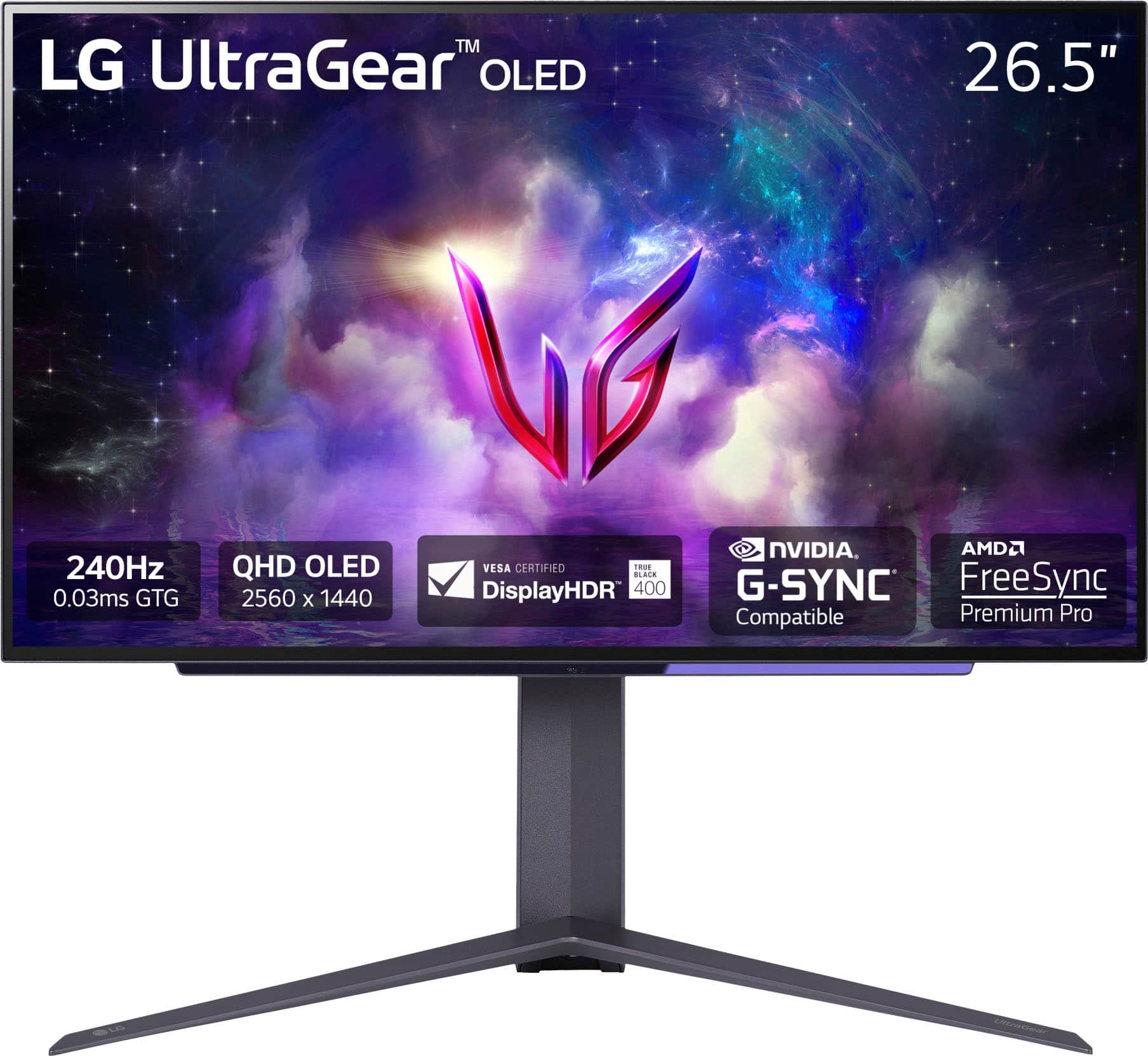
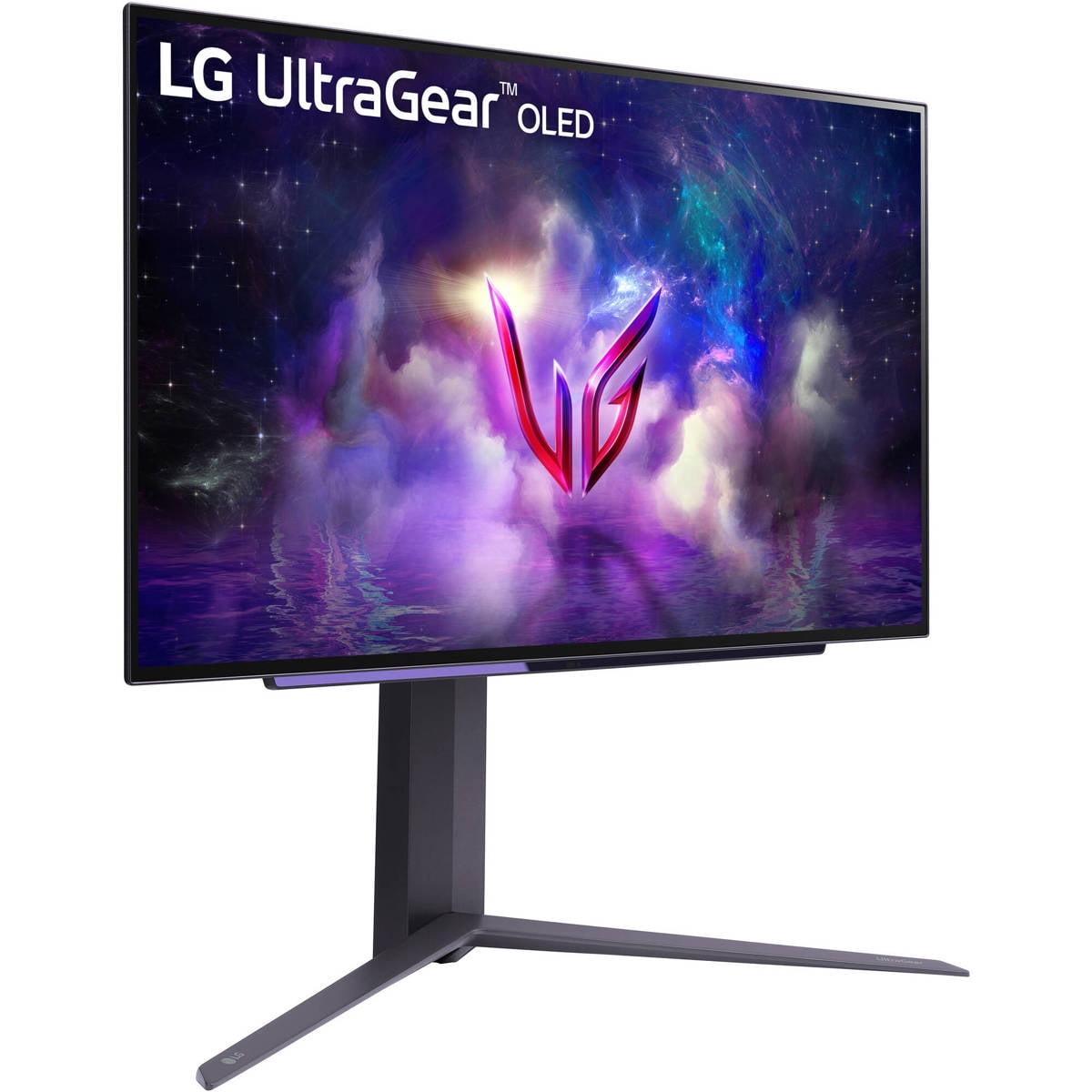
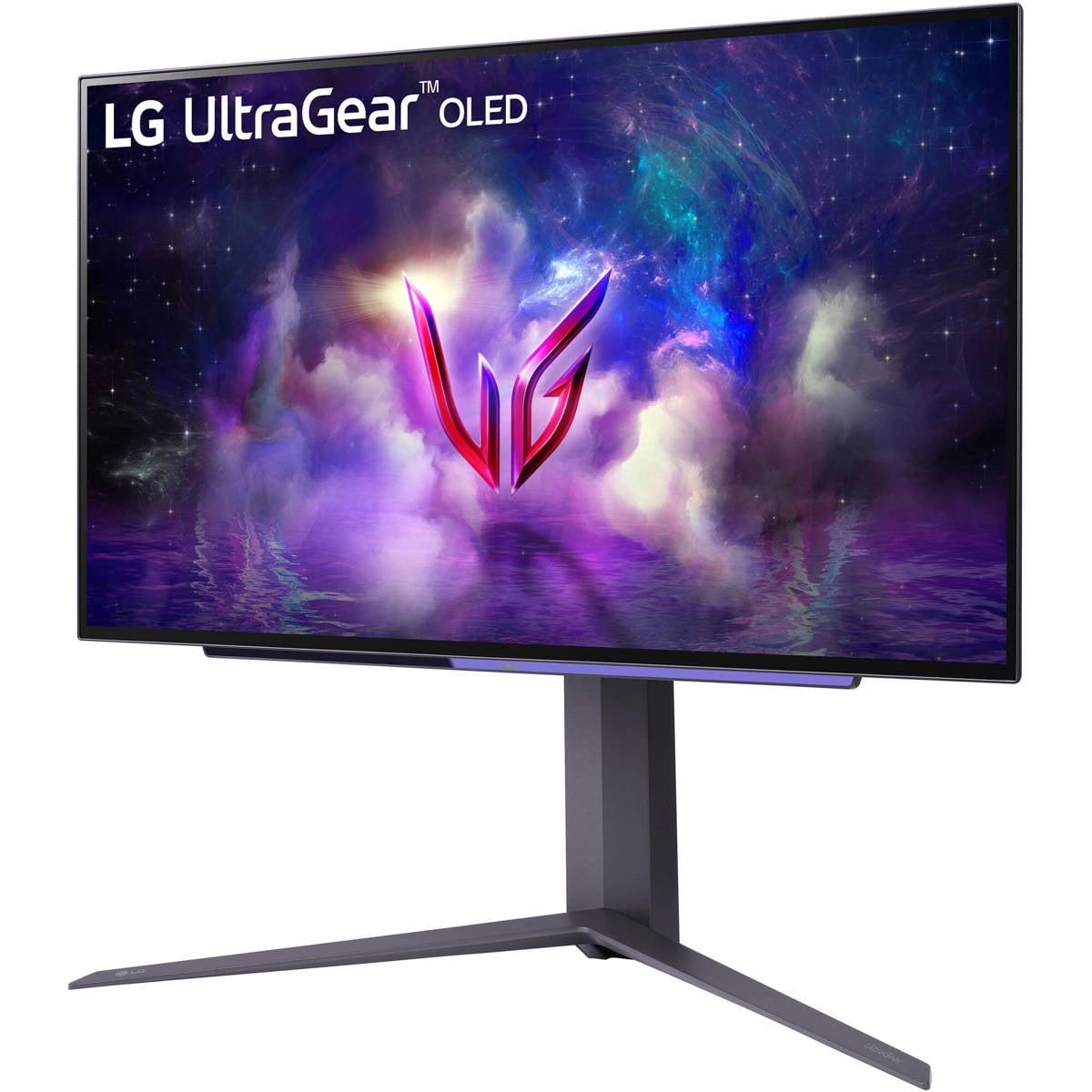
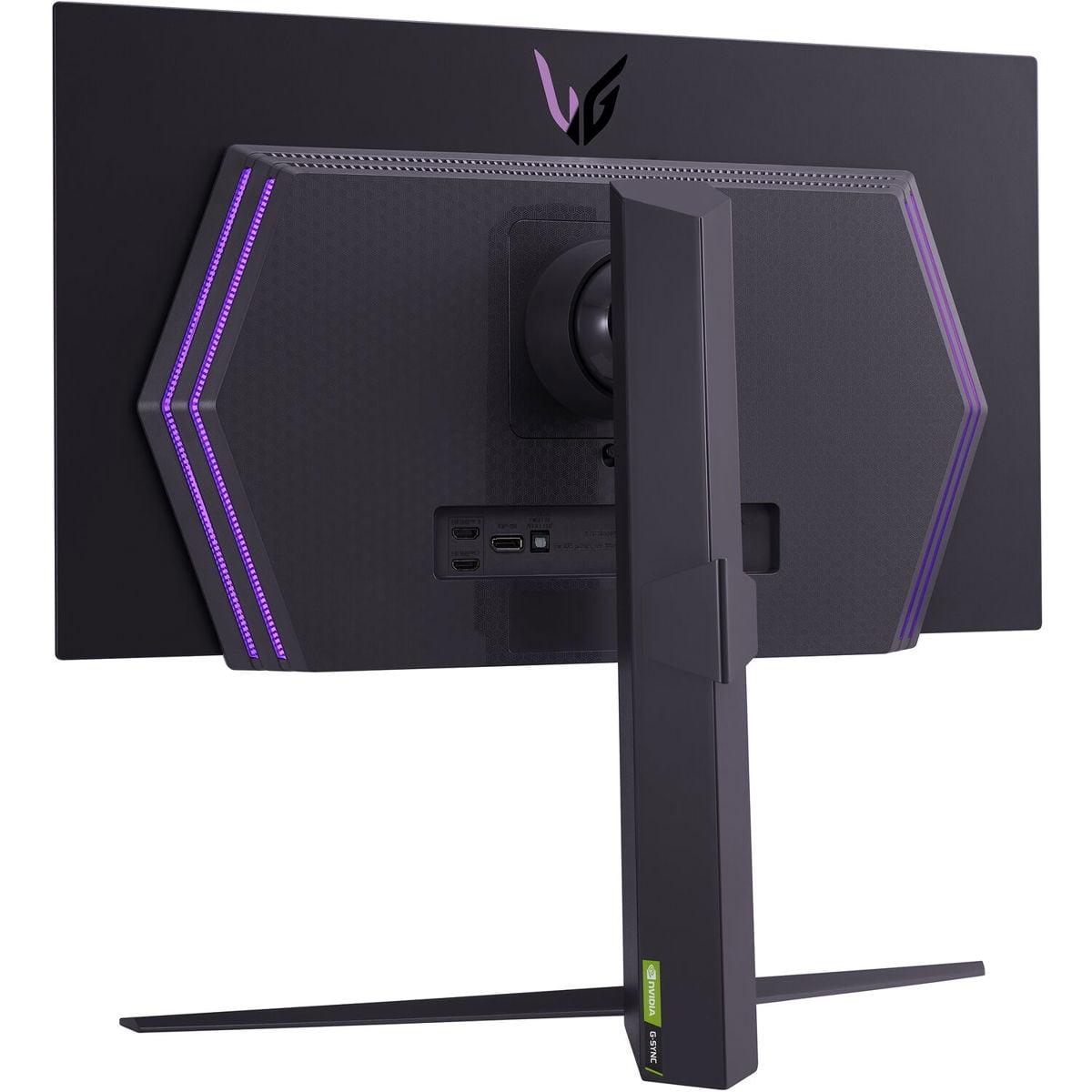
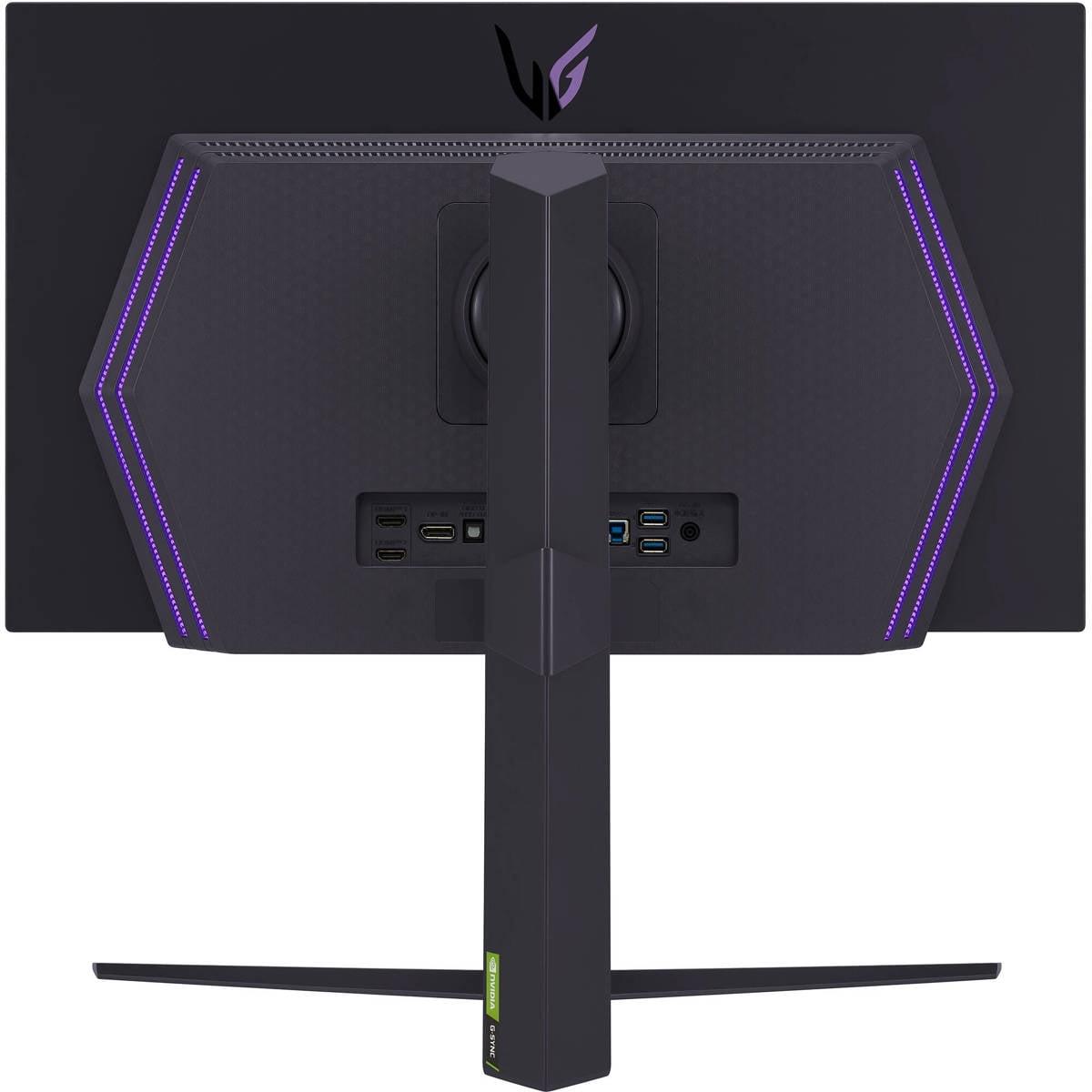
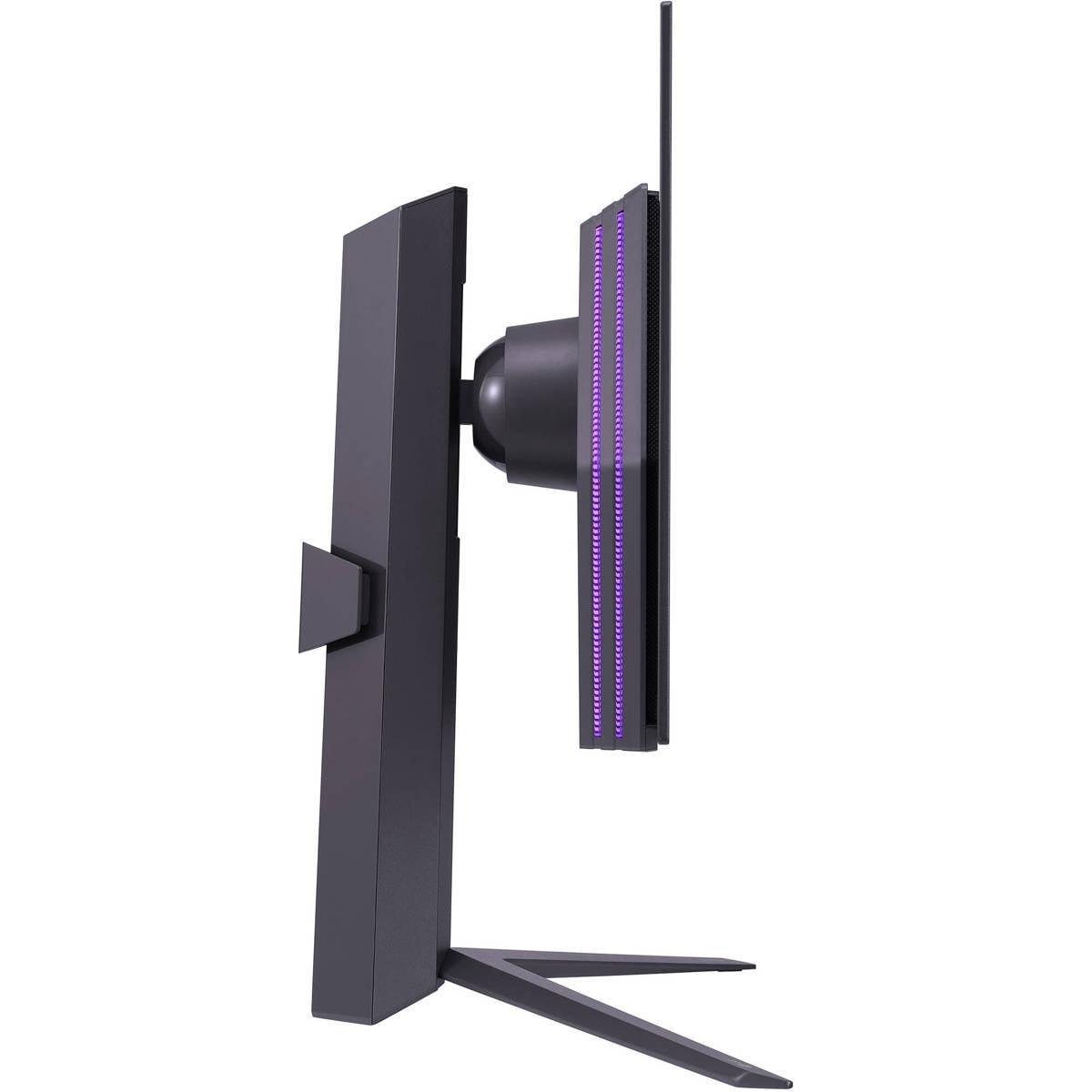
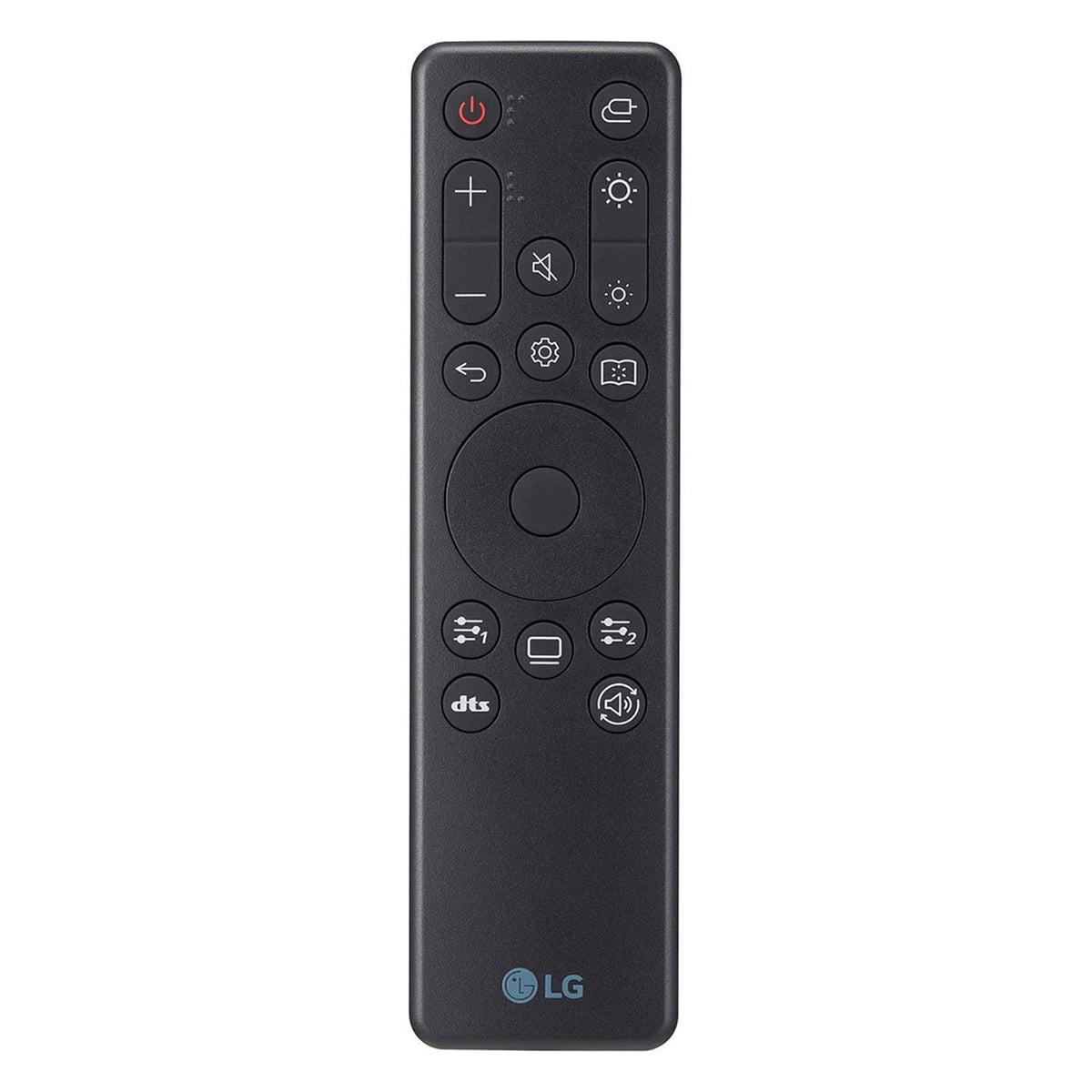
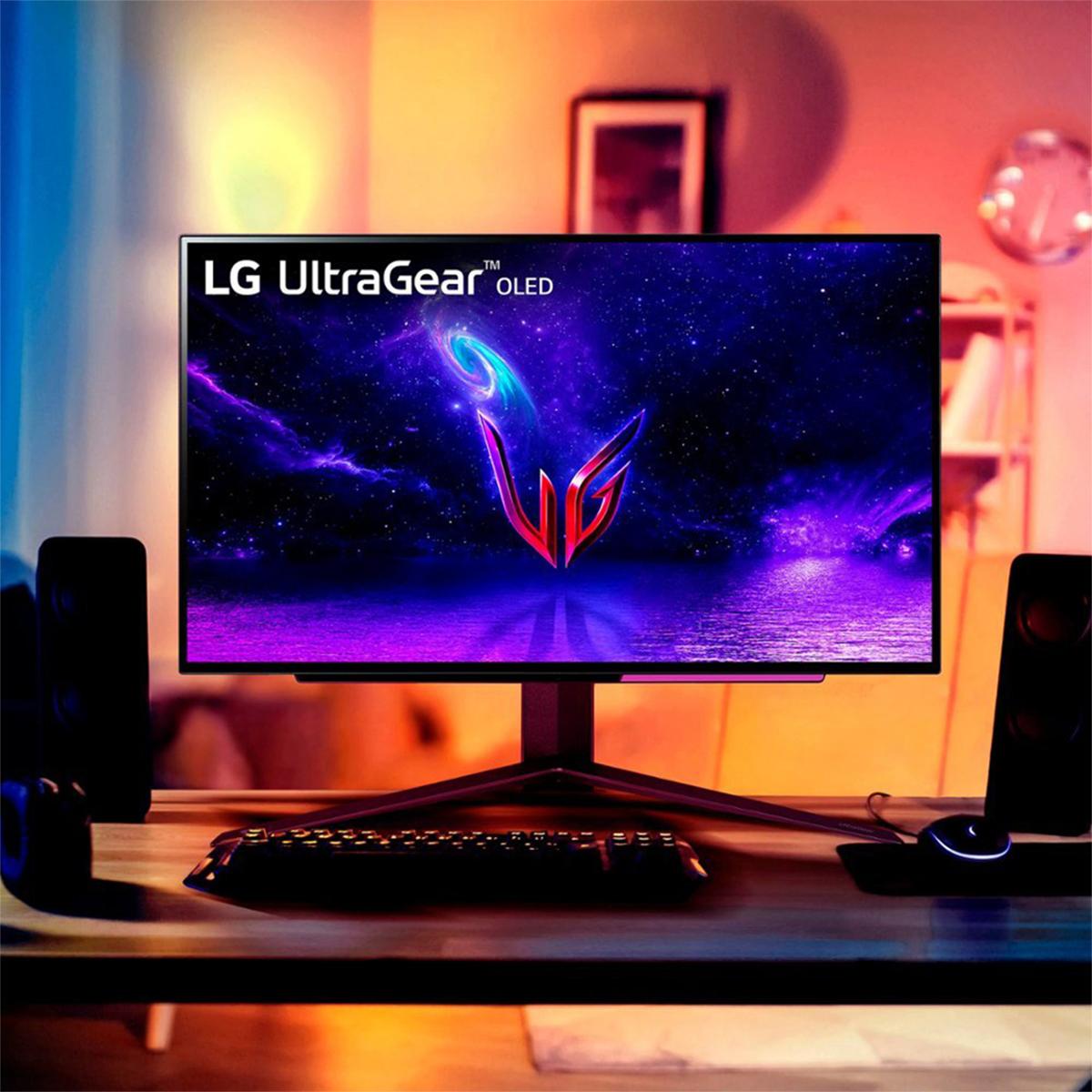
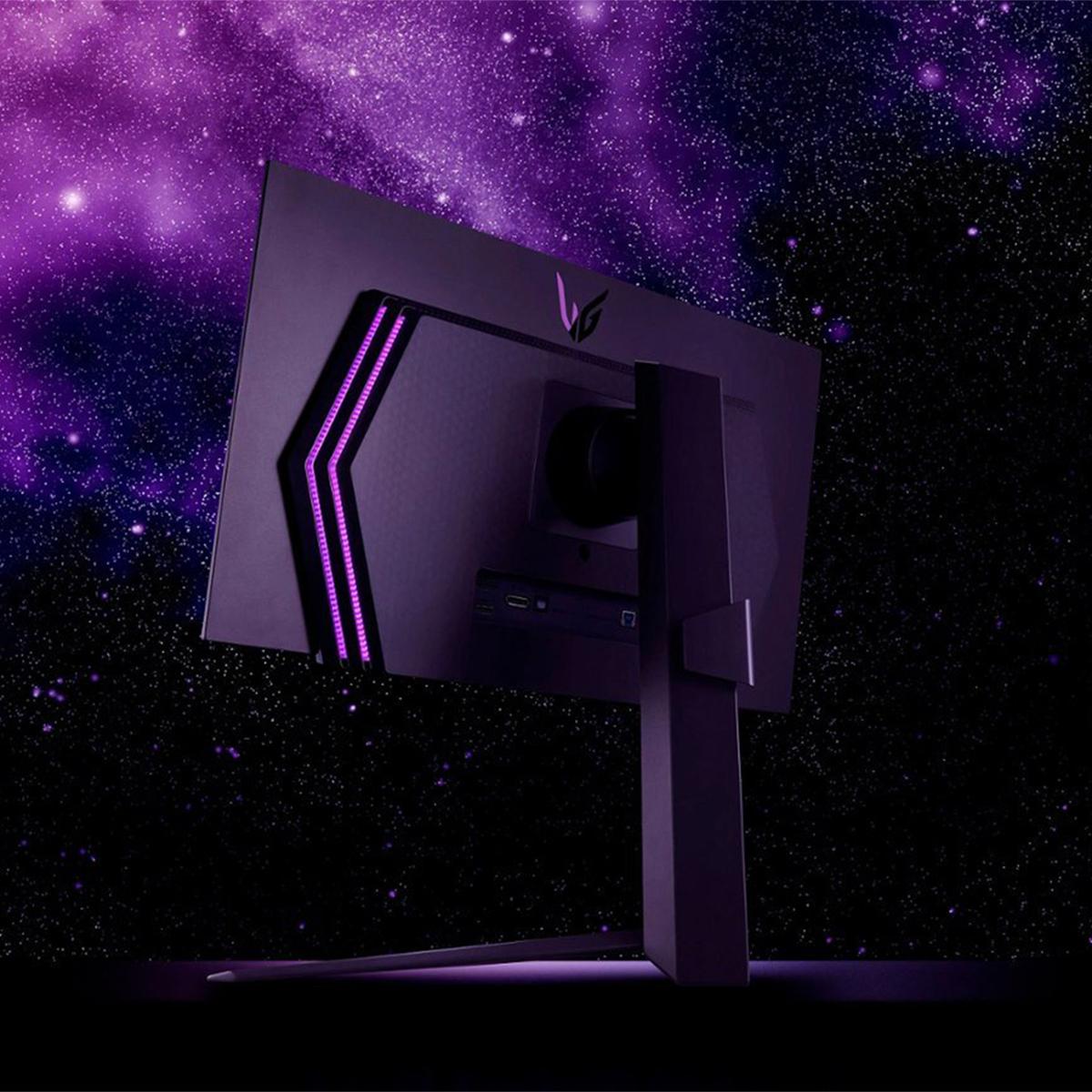
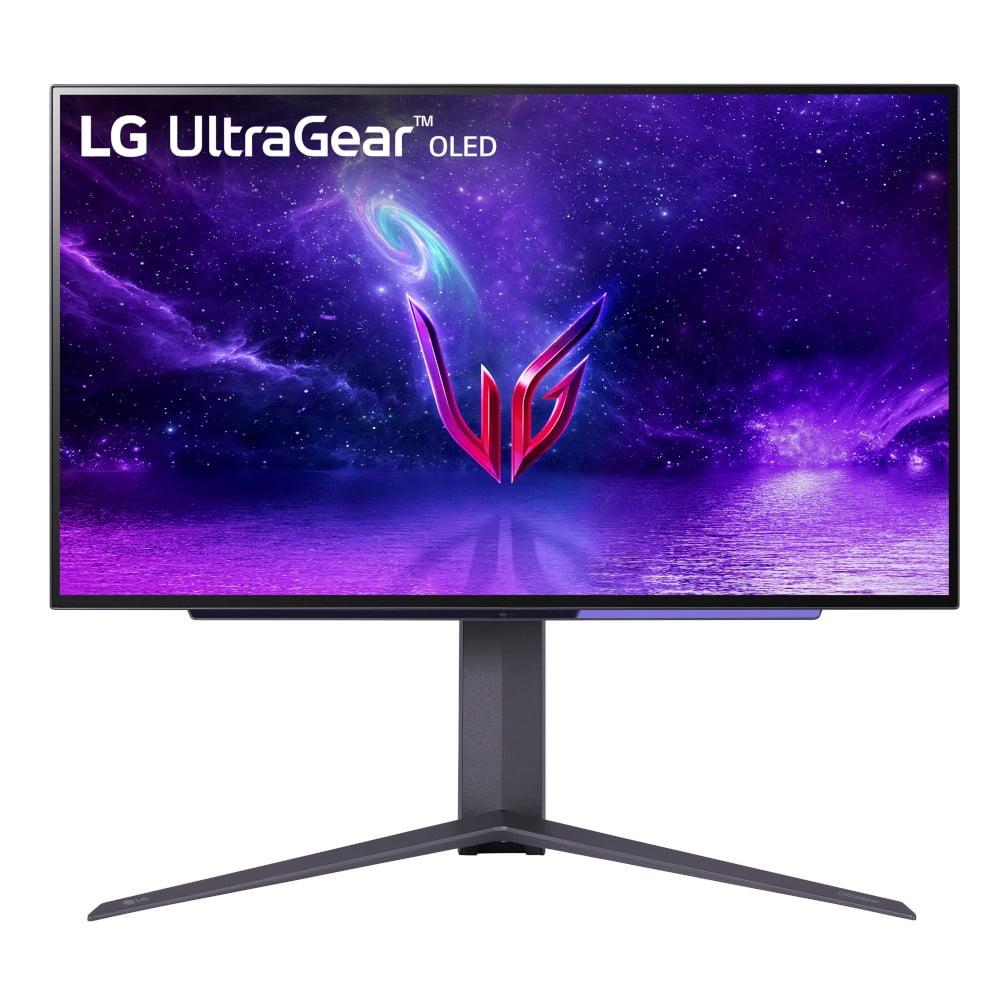
I've been testing gaming monitors for years, and two models have really stood out in the 27-inch OLED space: the LG UltraGear 27" OLED QHD 240Hz Gaming Monitor and the ASUS ROG Strix OLED XG27UCDMG 27" 4K 240Hz Gaming Monitor. Both hit that sweet spot of 27 inches – big enough for immersion but not so large that you're constantly moving your head around – yet they take completely different approaches to delivering top-tier gaming performance.
The fundamental question isn't just "which is better?" but rather "which is better for you?" Because here's what I've learned: the choice between QHD and 4K at 240Hz isn't just about specs on paper – it's about your graphics card, your gaming preferences, your budget, and honestly, what you're trying to achieve with your setup.
Before we dive into the comparison, let's talk about what makes OLED special for gaming. OLED stands for Organic Light-Emitting Diode, and unlike traditional LCD monitors that need a backlight shining through layers of liquid crystals, each pixel in an OLED display produces its own light. This means when a pixel needs to be black, it simply turns off completely – resulting in true blacks and essentially infinite contrast ratios.
For gaming, this translates to incredible visual depth. Dark scenes in horror games actually look dark, not that washed-out gray you get with cheaper monitors. HDR content pops with vibrant colors and deep shadows. It's one of those technologies where once you experience it, going back to LCD feels like a downgrade.
Both monitors we're comparing use OLED technology, but they implement it differently. The LG UltraGear uses a traditional OLED panel with a matte anti-glare coating, while the ASUS ROG Strix features 4th-generation QD-OLED (Quantum Dot OLED) technology. QD-OLED adds a layer of quantum dots that enhance color reproduction and brightness – think of it as OLED with a color boost.
This is where things get interesting, and frankly, where most people get stuck in their decision-making process. The LG runs at QHD resolution (2560 x 1440), while the ASUS pushes 4K (3840 x 2160). That might sound like the ASUS automatically wins, but it's not that simple.
Here's what I've found in real-world testing: QHD at 27 inches gives you 109 pixels per inch (PPI), while 4K gives you 163 PPI. Both look sharp, but 4K definitely has that extra clarity that's immediately noticeable when you're looking at detailed textures in games like Cyberpunk 2077 or reading small text.
However – and this is a big however – 4K requires significantly more graphics processing power. We're talking about 78% more pixels that your GPU needs to render every single frame. In practical terms, if you're getting 120 FPS in a demanding game at QHD, you might only see 70-80 FPS at 4K with the same graphics settings.
I remember testing this exact scenario with my RTX 4070 Ti. In competitive games like Valorant or CS2, hitting 240Hz was easily achievable at QHD, but 4K required dropping settings or accepting lower frame rates. For single-player games like Red Dead Redemption 2, the extra detail of 4K was gorgeous, but I had to dial back some visual settings to maintain smooth performance.
For competitive gaming – think Valorant, CS2, Overwatch 2, League of Legends – the LG UltraGear has a clear advantage. Its QHD resolution means your graphics card can actually deliver those 240 frames per second that the monitor is capable of displaying. Frame rate consistency is crucial in competitive gaming because it affects input lag and motion clarity.
Both monitors feature identical 0.03ms gray-to-gray (GtG) response times, which measures how quickly pixels can change from one shade of gray to another. This is incredibly fast – faster than your eye can perceive – and eliminates the ghosting or trailing effects that can give opponents an advantage in fast-paced games.
The input lag story is similarly impressive for both. Input lag measures the time between when your mouse or keyboard sends a signal and when you see the result on screen. Both monitors keep this under 1 millisecond, which is essentially imperceptible. I've used both for competitive gaming sessions, and the responsiveness feels identical.
This is where the ASUS ROG Strix starts to shine. Playing through games like Hogwarts Legacy, Cyberpunk 2077, or The Witcher 3 at 4K reveals details that simply aren't visible at QHD. Distant textures remain crisp, character faces show more definition, and the overall image has that premium, high-end feel that makes you want to just stare at the scenery.
The ASUS also benefits from its QD-OLED technology here. Colors appear more saturated and vibrant compared to traditional OLED, and peak brightness in HDR scenes reaches up to 1,000 nits compared to the LG's more modest HDR400 certification. When you're exploring the colorful world of Horizon Forbidden West or watching HDR movie content, this difference is immediately apparent.
HDR (High Dynamic Range) is where these monitors really separate themselves from standard gaming displays. Both support HDR10, but their implementation differs significantly.
The LG carries VESA DisplayHDR True Black 400 certification, which means it can hit 400 nits of peak brightness while maintaining perfect blacks. That might sound modest, but remember – perfect blacks make even moderate brightness levels appear more dramatic because of the increased contrast ratio.
The ASUS pushes further with 1,000 nits of peak brightness and covers 99% of the DCI-P3 color space (compared to the LG's 98.5%). In practice, this means HDR content looks more impactful on the ASUS. Bright explosions, sunsets, and neon-lit cyberpunk streets all have more pop and visual impact.
However, I've noticed that for SDR gaming – which is still the majority of games – both monitors perform similarly well. The color accuracy is excellent on both, and unless you're doing professional content creation, you probably won't notice the small difference in color gamut coverage during regular gaming sessions.
Both monitors support adaptive sync technologies – specifically AMD FreeSync Premium and NVIDIA G-SYNC Compatible. Adaptive sync eliminates screen tearing (when the top and bottom of your screen show different frames) and reduces stuttering by synchronizing your monitor's refresh rate with your graphics card's output. This works seamlessly whether you're team red (AMD) or team green (NVIDIA).
The LG includes gaming-specific features like Dynamic Action Sync (which reduces input lag), Black Stabilizer (brightens dark areas without affecting the rest of the image), and customizable crosshairs. These might sound gimmicky, but Black Stabilizer in particular can be genuinely useful in darker competitive games where spotting enemies in shadows matters.
The ASUS counters with its own suite of features, including Extreme Low Motion Blur, GameFast Input technology, and a more comprehensive software package called DisplayWidget Center. The standout feature here is the Auto KVM functionality, which lets you control multiple connected devices with a single keyboard and mouse – handy if you're switching between a gaming PC and work laptop.
Connectivity is where the ASUS really flexes its premium positioning. While the LG offers the essentials – HDMI 2.1 ports and DisplayPort – the ASUS adds USB-C with 90W Power Delivery. This means you can connect a laptop with a single cable and have it charge while receiving video, data, and power.
The ASUS also includes a more robust USB hub with multiple USB-A ports, making it easier to connect peripherals directly to your monitor. If you're someone who frequently switches between devices or uses a laptop for work and a desktop for gaming, these connectivity options can be genuinely valuable.
Both monitors support the full 240Hz refresh rate over their respective connections, but here's something important: make sure your graphics card can actually output at these refresh rates. Older GPUs might be limited to 144Hz over certain connection types.
Let's address the elephant in the room: OLED burn-in. This happens when static images (like UI elements or logos) are displayed for extended periods, potentially causing permanent image retention. Both manufacturers include protection features, but they take different approaches.
The LG includes basic OLED Care functions with a 2-year warranty that covers manufacturing defects but specifically excludes burn-in. The monitor will run periodic pixel cleaning cycles and has screensaver functions to reduce static image display.
The ASUS goes further with OLED Care Pro, which includes a Neo Proximity Sensor that detects when you're away from the monitor and automatically switches to a black screen. It also has more aggressive pixel cleaning algorithms and taskbar detection to shift static elements slightly over time.
From my experience testing both monitors over several months, burn-in hasn't been an issue with normal gaming usage. However, if you're planning to use either monitor for productivity work with lots of static UI elements, the ASUS's more comprehensive protection features provide better peace of mind.
This is where things get really interesting from a value perspective. The LG UltraGear launched at $899, positioning it as a premium but not flagship-priced option. The ASUS ROG Strix commands a significantly higher price point, reflecting its 4K resolution and advanced feature set.
When I evaluate value in gaming monitors, I look at performance per dollar and how well the monitor matches typical gaming hardware. The LG hits a sweet spot here – it's expensive enough to deliver premium OLED performance but affordable enough that you're not spending more on your monitor than your graphics card.
The ASUS, while more expensive, justifies its premium with genuine technological advantages. The 4K resolution, superior HDR performance, and comprehensive connectivity make it a better long-term investment if you have the budget and hardware to support it.
Both monitors can pull double duty as small home theater displays, but with important caveats. The 27-inch size means you'll want to sit relatively close – about 3-4 feet away – for an immersive experience.
The ASUS has clear advantages for movie watching. Its 4K resolution means you can watch UHD Blu-rays at native resolution, and the superior HDR performance makes a noticeable difference with HDR movie content. The QD-OLED panel also handles the wide color gamuts used in premium movie content better than traditional OLED.
However, both monitors lack built-in speakers, so you'll need external audio. The ASUS includes more comprehensive connectivity for media devices, but for serious home theater use, you'd probably want to consider larger OLED TVs instead.
After extensive testing with both monitors, here's how I'd break down the decision:
Choose the LG UltraGear if you're primarily focused on competitive gaming, have a mid-range to upper-mid-range graphics card (RTX 4060 Ti through RTX 4070 Ti, or AMD equivalents), and want excellent OLED gaming performance without paying flagship prices. The QHD resolution ensures you can actually utilize that 240Hz refresh rate, and the anti-glare coating works well in brighter gaming rooms.
Choose the ASUS ROG Strix if you have a high-end graphics card (RTX 4080 or better), play a mix of competitive and single-player games where visual fidelity matters, or do any productivity work where the extra screen real estate and connectivity options add value. The 4K resolution and superior HDR make it a better long-term investment if you have the hardware to support it.
For most gamers, I lean toward the LG. It delivers 95% of the OLED gaming experience at a more accessible price point, and honestly, the performance difference in competitive gaming scenarios often favors the QHD resolution anyway. But if you're building a no-compromise gaming setup and have the budget to match, the ASUS represents the current state of the art in gaming OLED technology.
The key is being honest about your actual usage patterns and hardware capabilities. Both monitors are exceptional – they just excel in different scenarios and for different types of gamers.
| LG UltraGear 27" OLED QHD 240Hz Gaming Monitor | ASUS ROG Strix OLED XG27UCDMG 27" 4K 240Hz Gaming Monitor |
|---|---|
| Resolution - Determines visual clarity and GPU requirements | |
| 2560 x 1440 (QHD) - Easier to drive at 240Hz with mid-range GPUs | 3840 x 2160 (4K) - 78% more pixels, requires high-end GPU for 240Hz |
| Panel Technology - Affects color accuracy and brightness | |
| Traditional OLED with matte anti-glare coating | 4th-gen QD-OLED with anti-reflection coating - brighter and more vivid |
| Refresh Rate - Critical for competitive gaming smoothness | |
| 240Hz (480Hz overclocked mode available) | 240Hz maximum |
| Response Time - Eliminates ghosting in fast-paced games | |
| 0.03ms (GtG) - Identical performance | 0.03ms (GtG) - Identical performance |
| HDR Performance - Impact on visual quality in games and movies | |
| DisplayHDR True Black 400 (moderate peak brightness) | 1,000 nits peak brightness - significantly better HDR impact |
| Color Gamut - Affects color vibrancy and accuracy | |
| 98.5% DCI-P3 coverage | 99% DCI-P3 coverage with QD-OLED enhancement |
| Connectivity - Future-proofing and device compatibility | |
| 2x HDMI 2.1, 1x DisplayPort 2.1, basic USB hub | 2x HDMI 2.1, 1x DisplayPort 1.4, USB-C with 90W Power Delivery |
| OLED Care Features - Burn-in protection and longevity | |
| Basic OLED Care with 2-year warranty (burn-in not covered) | OLED Care Pro with Neo Proximity Sensor - more comprehensive protection |
| Gaming Features - Competitive advantages and enhancements | |
| Dynamic Action Sync, Black Stabilizer, customizable crosshairs | Extreme Low Motion Blur, Auto KVM, GameFast Input technology |
| Price Point - Value proposition for different budgets | |
| $899 - Premium performance at accessible price | Premium pricing - justified by 4K resolution and advanced features |
| Best For - Target user and use cases | |
| Competitive gamers with mid-range GPUs seeking high refresh rates | Enthusiasts with high-end GPUs wanting maximum visual fidelity |
| GPU Requirements - Minimum specs for optimal performance | |
| RTX 4060 Ti / RX 7700 XT for consistent 240Hz gaming | RTX 4080 / RX 7900 XTX minimum for 4K 240Hz performance |
The LG UltraGear 27" OLED QHD 240Hz Gaming Monitor is better for competitive gaming. Its QHD resolution allows mid-range graphics cards to consistently hit 240fps, while the 4K resolution of the ASUS ROG Strix OLED XG27UCDMG requires high-end GPUs to achieve the same frame rates. Both have identical 0.03ms response times, but the LG's lower resolution gives you a competitive advantage in esports titles.
The primary difference is resolution: the LG UltraGear runs at QHD (2560x1440) while the ASUS ROG Strix delivers 4K (3840x2160). The ASUS also uses newer QD-OLED technology for brighter colors and better HDR performance, while the LG uses traditional OLED with a matte anti-glare coating.
For the LG UltraGear QHD monitor, you'll want at least an RTX 4060 Ti or RX 7700 XT to consistently hit 240Hz in competitive games. The ASUS 4K monitor requires much more power - you'll need an RTX 4080 or RX 7900 XTX minimum to take full advantage of 4K at 240Hz in demanding games.
The 4K resolution on the ASUS ROG Strix provides noticeably sharper image quality, especially in single-player games and productivity work. However, it's only worth it if you have a high-end graphics card and budget. The LG UltraGear QHD offers 95% of the OLED gaming experience at a more accessible price point with lower GPU requirements.
The ASUS ROG Strix OLED XG27UCDMG has significantly better HDR performance with 1,000 nits peak brightness compared to the LG UltraGear's HDR400 certification. The ASUS also covers 99% of DCI-P3 color space and uses QD-OLED technology for more vibrant colors, making HDR content much more impactful.
Yes, both the LG UltraGear and ASUS ROG Strix support 240Hz refresh rates through their HDMI 2.1 ports, making them compatible with PlayStation 5 and Xbox Series X consoles. However, most console games won't reach 240fps - you'll primarily benefit from the OLED image quality and VRR (Variable Refresh Rate) support.
The ASUS ROG Strix 4K monitor is better for home theater use due to its native 4K resolution for UHD Blu-rays and superior HDR performance with 1,000 nits brightness. However, both monitors are only 27 inches, so you'll need to sit close (3-4 feet) for an immersive experience. Neither has built-in speakers, so you'll need external audio.
The ASUS ROG Strix offers more comprehensive connectivity with USB-C (90W Power Delivery), multiple USB-A ports, and Auto KVM functionality for switching between devices. The LG UltraGear focuses on essentials with HDMI 2.1, DisplayPort 2.1, and basic USB connectivity. The ASUS is better if you frequently switch between laptop and desktop.
The ASUS ROG Strix has more advanced burn-in protection with OLED Care Pro, including a Neo Proximity Sensor that automatically blacks out the screen when you're away. The LG UltraGear includes basic OLED Care features like pixel cleaning and screensavers. However, both monitors have similar real-world burn-in resistance with normal gaming usage.
The LG UltraGear at $899 offers better value for most gamers, delivering excellent OLED gaming performance at an accessible price. The ASUS ROG Strix costs significantly more but justifies the premium with 4K resolution, superior HDR, and advanced features. Choose based on your budget and whether you have hardware capable of driving 4K at high frame rates.
Both monitors work for productivity, but the ASUS ROG Strix 4K is better suited due to its higher resolution providing more screen real estate and sharper text. The QD-OLED panel also has better text clarity than traditional OLED. However, both require careful management of static UI elements to prevent burn-in, making them less ideal than LCD monitors for heavy productivity use.
If you play both types of games equally, choose based on your graphics card capability. With a mid-range GPU, the LG UltraGear QHD ensures you can hit high frame rates in competitive games while still enjoying excellent OLED quality in single-player titles. With a high-end GPU, the ASUS ROG Strix 4K provides the best of both worlds - stunning visual fidelity and competitive performance.
We've done our best to create useful and informative comparisons to help you decide what product to buy. Our research uses advanced automated methods to create this comparison and perfection is not possible - please contact us for corrections or questions. These are the sites we've researched in the creation of this article: bestbuy.com - bestbuy.com - youtube.com - rtings.com - youtube.com - youtube.com - lg.com - bhphotovideo.com - bestbuy.com - forum.beyond3d.com - youtube.com - lg.com - lg.com - lg.com - techpowerup.com - newegg.com - bestbuy.com - pcmonitors.info - lg.com - lg.com - bestbuy.com - rog.asus.com - forum.pcmonitors.info - rog.asus.com - windowscentral.com - versus.com - youtube.com - youtube.com - rtings.com - rtings.com - rog.asus.com - rog.asus.com - rog.asus.com - tenforums.com - rog.asus.com - techpowerup.com - bestbuy.com - newegg.com - displayspecifications.com - youtube.com - tftcentral.co.uk - displayninja.com

Privacy Policy
Terms and Conditions - Affiliate Policy
Home Security
© Copyright 2008-2026.
11816 Inwood Rd #1211, Dallas, TX 75244