

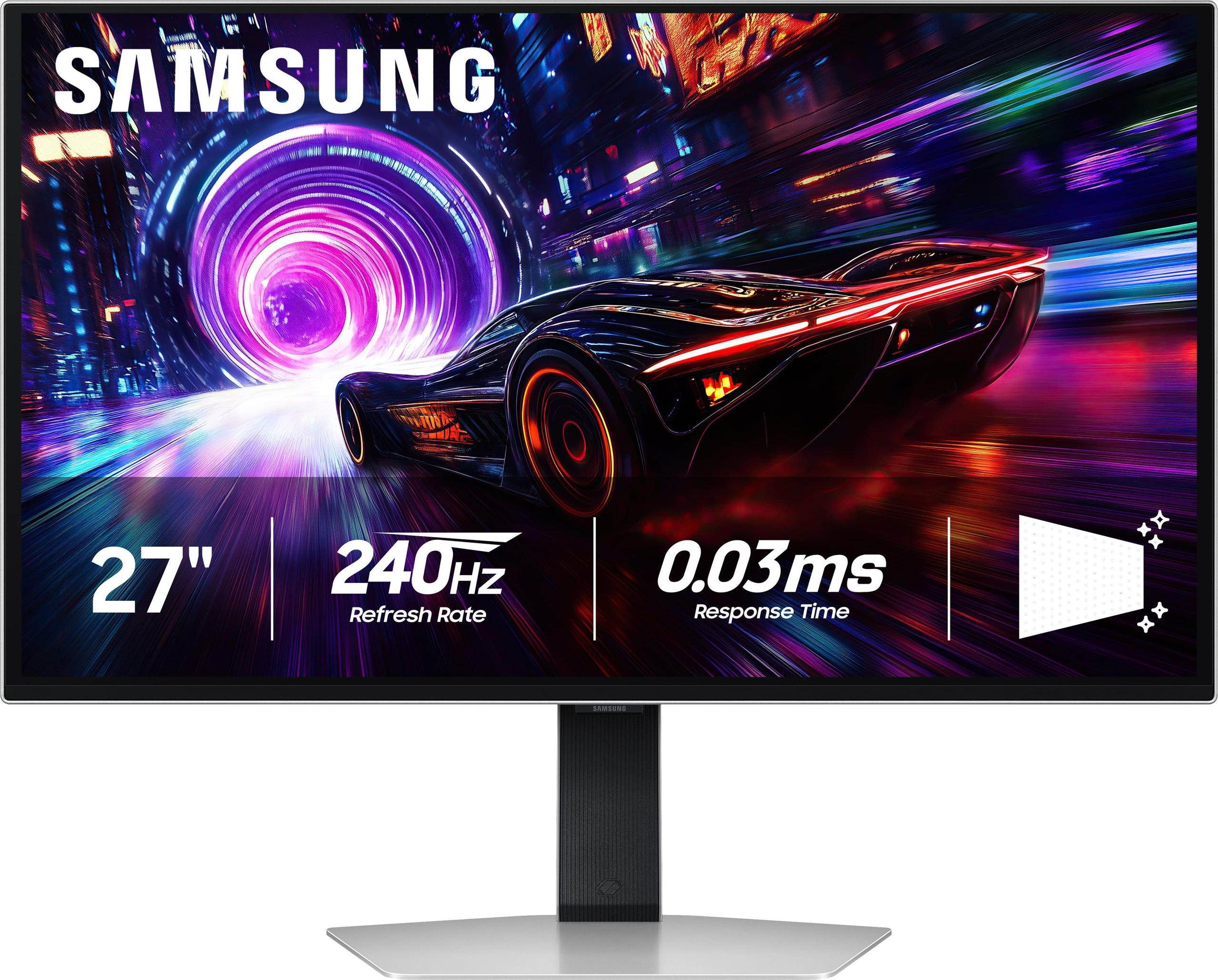
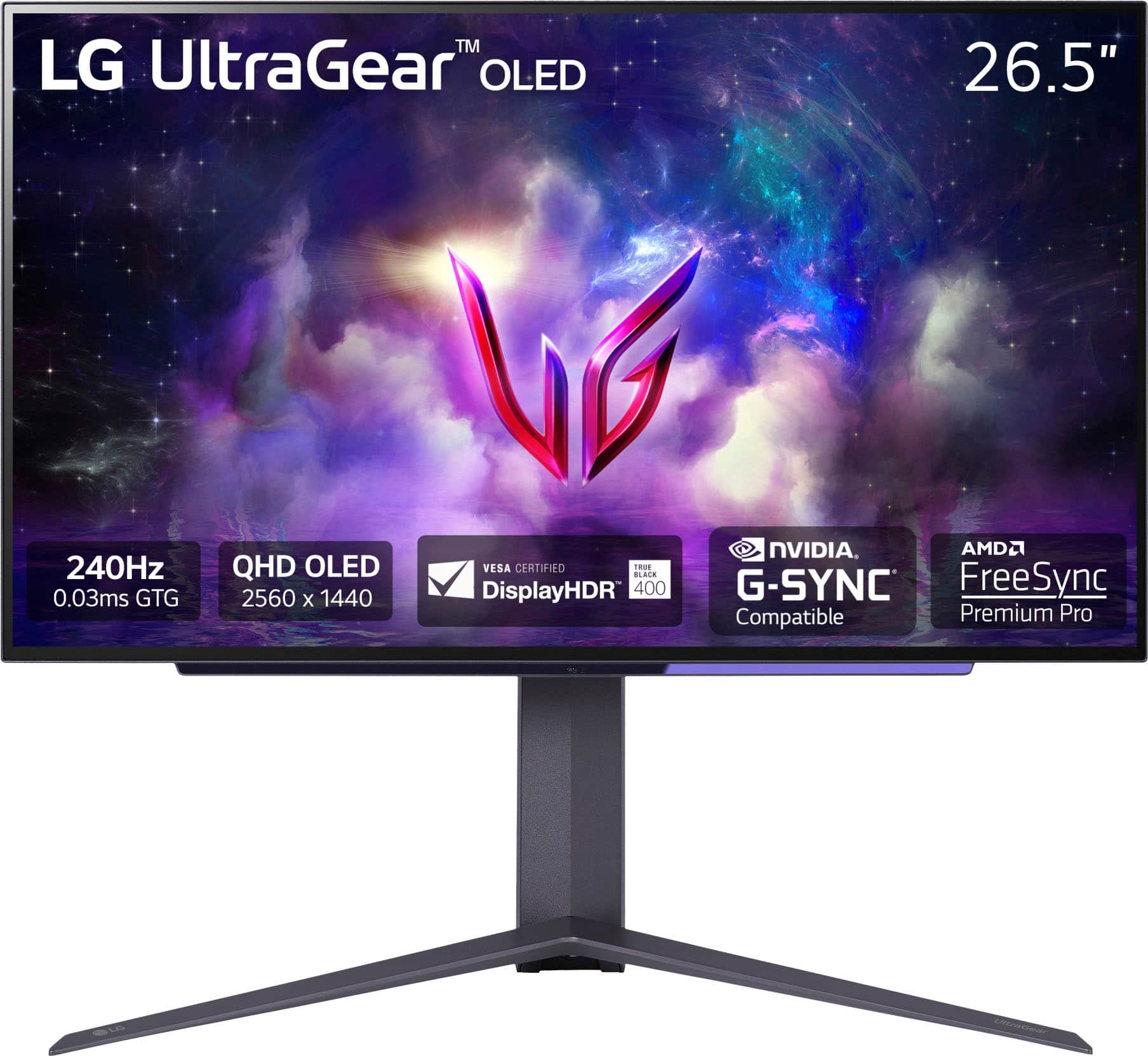
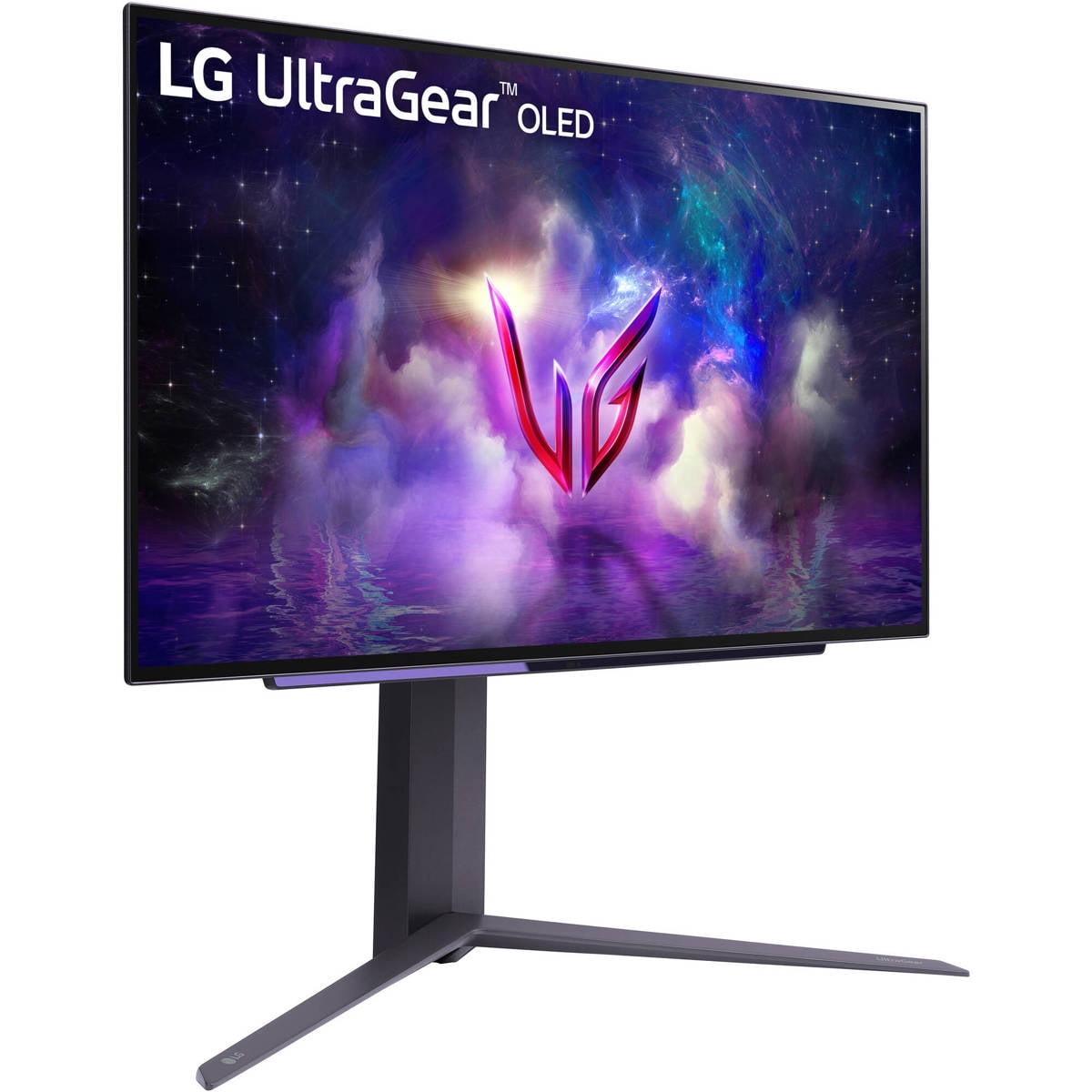
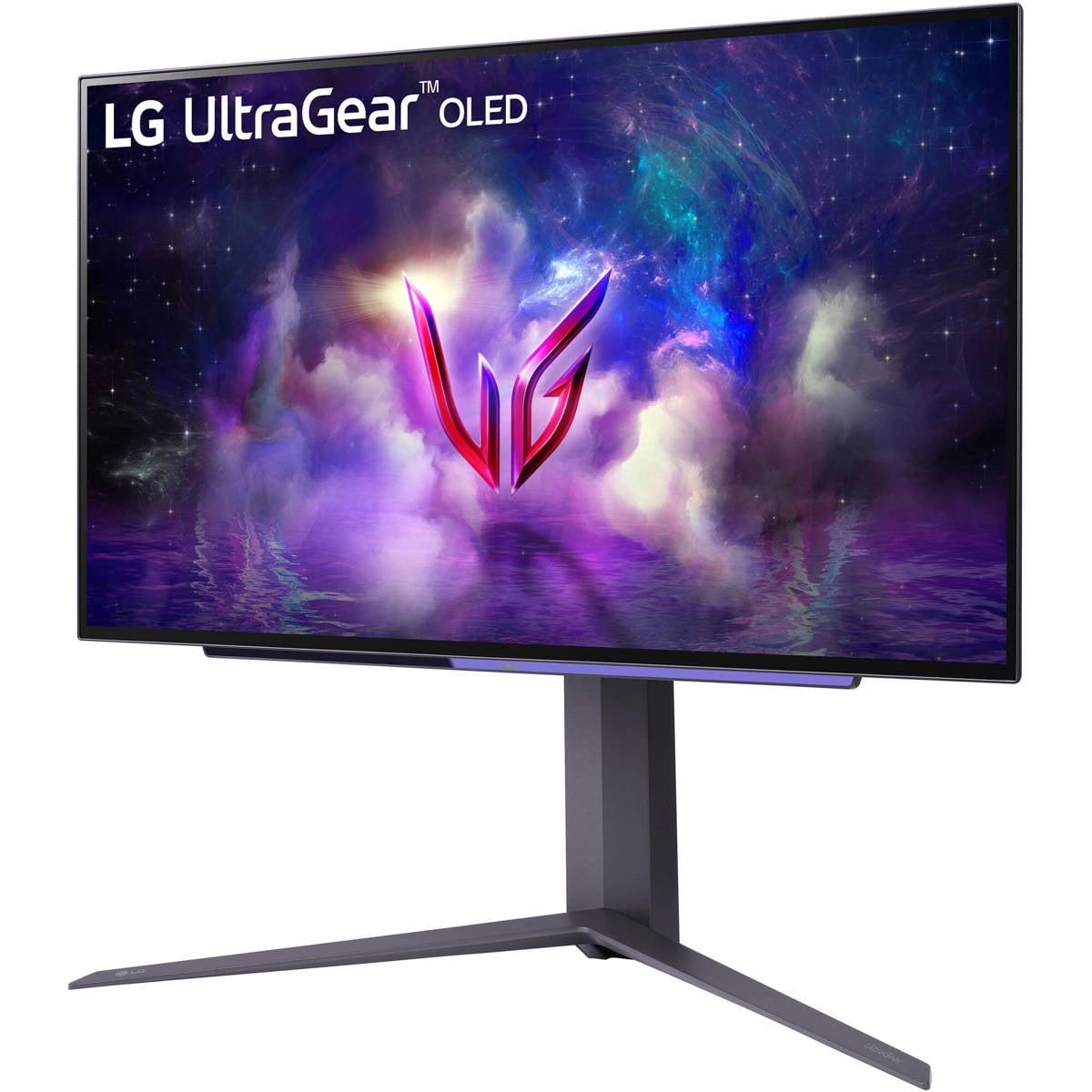

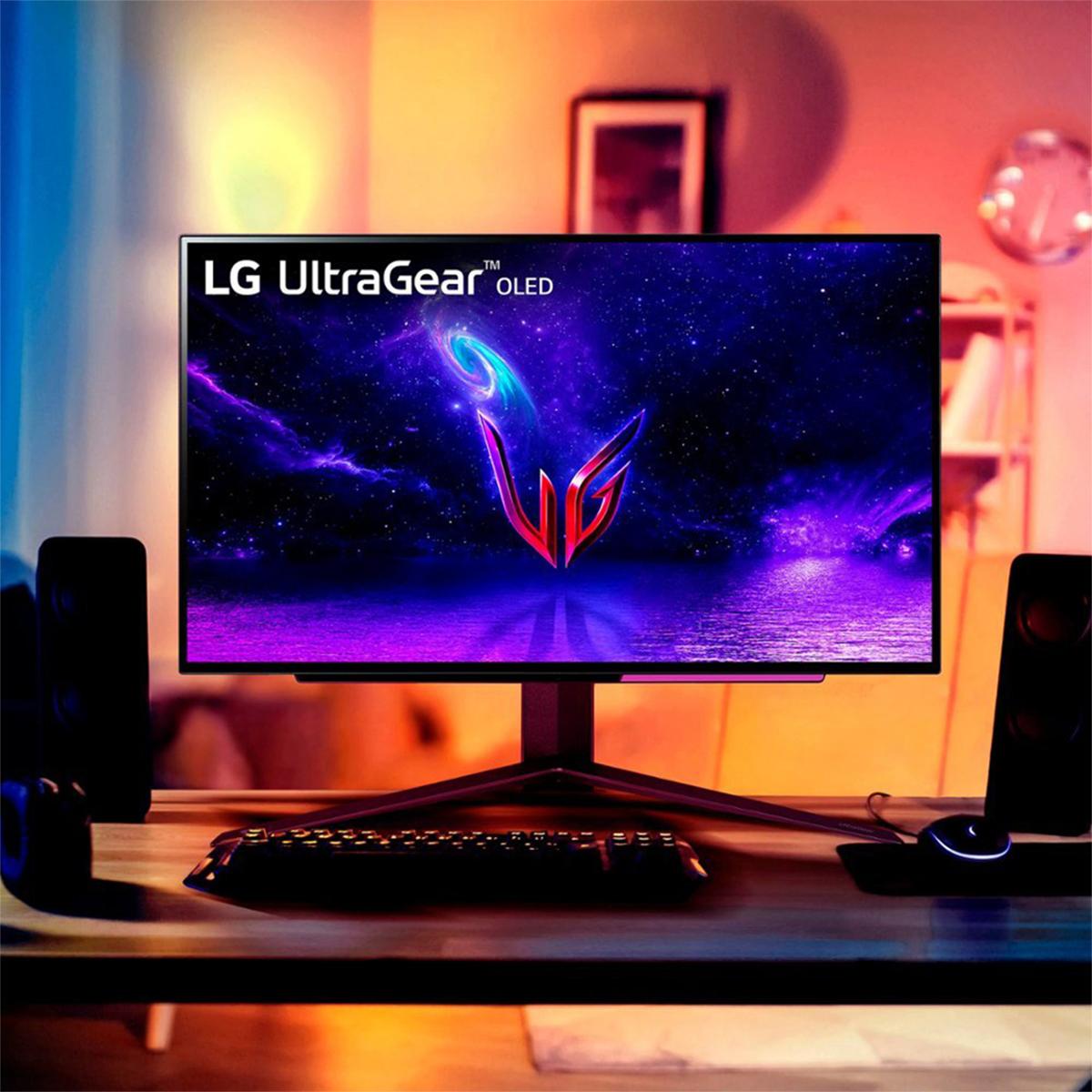

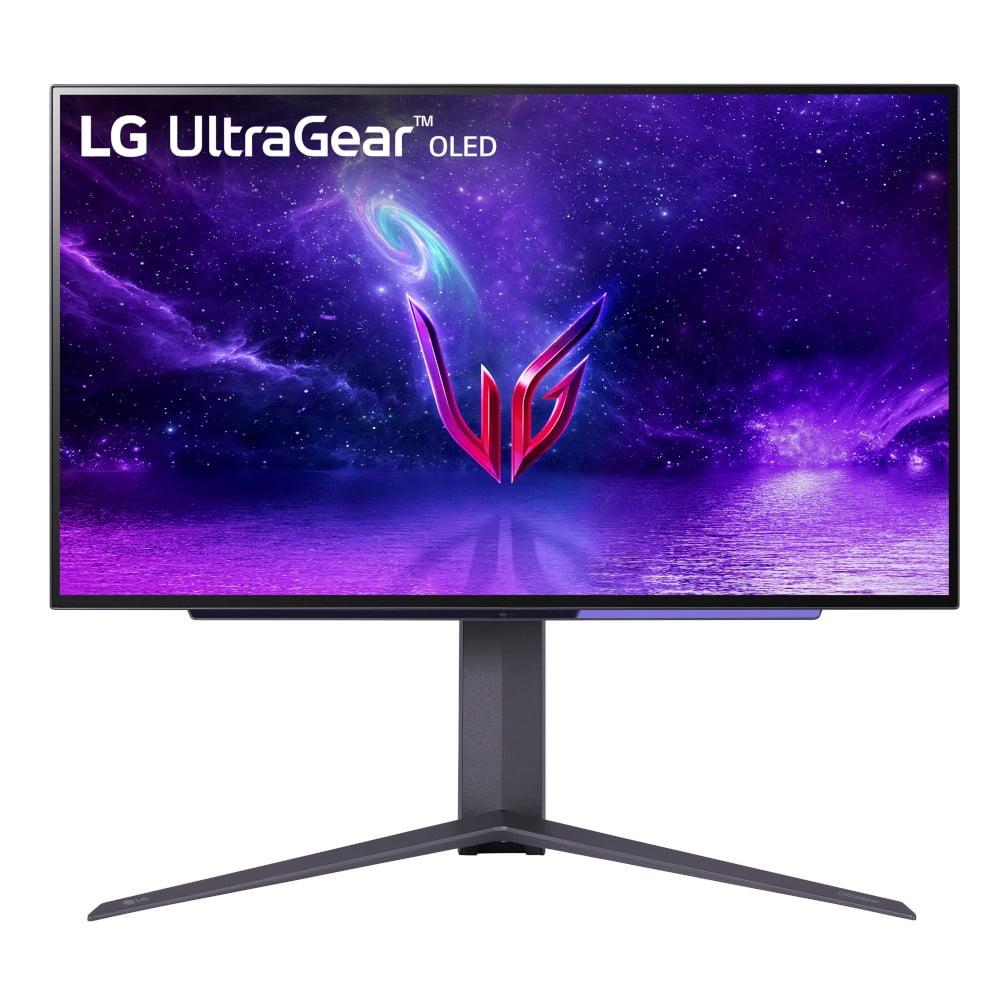
If you're shopping for a premium gaming monitor, you've probably stumbled across two standout options: the Samsung 27" Odyssey OLED G8 4K UHD 240Hz Gaming Monitor and the LG UltraGear 27" OLED QHD 240Hz Gaming Monitor. Both represent the cutting edge of display technology, but they take different approaches to delivering an exceptional gaming experience.
The world of OLED gaming monitors has exploded in the past couple years. Just five years ago, if you wanted an OLED display, you were looking at expensive TVs or small smartphone screens. Now we have desktop monitors that combine OLED's perfect blacks with the high refresh rates gamers demand. It's genuinely exciting technology that's finally become accessible for PC gaming.
Before diving into the comparison, let's talk about what makes OLED monitors so compelling. OLED stands for Organic Light-Emitting Diode, which is a fancy way of saying each pixel produces its own light. Unlike traditional LCD monitors that use a backlight shining through liquid crystals, OLED pixels can turn completely off to create true black.
This fundamental difference creates what's called "infinite contrast" – the difference between the darkest and brightest parts of an image. When you're exploring a dark cave in a game and step into bright sunlight, an OLED monitor can show those deep shadows and brilliant highlights simultaneously without the grayish blacks or blooming halos you might see on LCD displays.
The gaming monitor category has evolved rapidly since 2020. Early OLED monitors were mostly ultrawide models or expensive 48-inch TVs that doubled as monitors. The Samsung Odyssey G8 represents the latest generation (released in 2024), while the LG UltraGear hit the market in early 2024 as well. Both monitors incorporate lessons learned from earlier OLED gaming displays, including better burn-in protection and improved anti-glare coatings.
What's particularly impressive is how both companies have managed to combine OLED's visual benefits with 240Hz refresh rates – something that was nearly impossible just a few years ago. This means you get both the stunning visuals of OLED and the smooth motion that competitive gamers demand.
The biggest difference between these monitors is resolution, and it's a choice that affects everything from image quality to performance requirements to price.
The Samsung Odyssey G8's 4K resolution packs 3,840 by 2,160 pixels into its 27-inch screen, creating a pixel density of 166 pixels per inch (PPI). For comparison, that's significantly sharper than most 27-inch monitors, which typically use 1440p resolution. Text looks incredibly crisp – almost like reading a high-quality printed page. Game details that might be missed at lower resolutions become clearly visible.
I've spent time with both 4K and 1440p monitors at 27 inches, and the difference is immediately noticeable. Reading web pages, editing documents, or examining fine details in games feels more comfortable on the 4K display. However, there's a catch: your graphics card needs to push 2.25 times more pixels than at 1440p resolution.
The LG UltraGear's QHD resolution (2,560 by 1,440 pixels) strikes a different balance. At 109 PPI, it's still quite sharp – noticeably better than standard 1080p displays – while being much easier on your graphics card. For many users, this represents the sweet spot between visual quality and performance.
Think of it this way: if you're playing a fast-paced competitive game like Counter-Strike or Valorant, you probably care more about maintaining consistent high frame rates than seeing every tiny detail. But if you're exploring the world in Cyberpunk 2077 or Red Dead Redemption 2, that extra resolution can make the experience significantly more immersive.
Both monitors share identical gaming performance specifications on paper: 240Hz refresh rate, 0.03ms response time, and support for both AMD FreeSync Premium Pro and NVIDIA G-Sync Compatible. But the real-world experience differs because of their resolution targets.
Here's where the rubber meets the road. The Samsung's 4K resolution looks stunning, but it demands serious graphics horsepower. To hit 240 frames per second at 4K in modern games, you'll need an RTX 4080 or 4090, or AMD's RX 7900 XTX. Even with these powerful cards, you might need to adjust some settings in the most demanding games.
The LG's 1440p resolution, on the other hand, becomes much more achievable with mid-range to high-end graphics cards. An RTX 4070 or RX 7800 XT can often hit that 240fps target in competitive games, and even maintain high frame rates in more demanding single-player titles.
This isn't just about raw numbers – it's about the actual gaming experience. Competitive gamers often prefer consistent, high frame rates over maximum visual fidelity. The slight input lag reduction and smoother motion of maintaining 240fps can provide a real advantage in fast-paced games.
Both monitors excel in motion clarity thanks to their OLED technology and ultra-fast response times. The 0.03ms gray-to-gray response time means pixels change color almost instantaneously, eliminating the ghosting or smearing you might see on slower displays.
Having used both LCD and OLED monitors for gaming, the difference in motion clarity is remarkable. Fast-moving objects in games remain crisp and clear, whether you're tracking an enemy across the screen in an FPS or following a racing line in a driving simulator. The combination of 240Hz refresh rate and OLED's instant pixel response creates some of the smoothest motion you can currently buy.
This is where both monitors truly excel, though in slightly different ways. OLED technology provides perfect blacks – not dark gray, but actually black pixels that emit no light at all. This creates contrast ratios that LCD monitors simply can't match.
The Samsung Odyssey G8 covers 99% of the DCI-P3 color space, while the LG UltraGear covers 98.5%. In practical terms, both displays can show colors that are more vivid and accurate than most LCD monitors. The difference between 99% and 98.5% coverage is essentially imperceptible to the human eye.
Both monitors support HDR (High Dynamic Range), which allows for brighter highlights and deeper shadows than standard content. The Samsung supports VESA DisplayHDR True Black 400, while the LG supports DisplayHDR True Black 400 as well. The "True Black" certification is only available to OLED displays and indicates they can achieve perfect blacks alongside bright highlights.
One area where the monitors differ is their approach to handling reflections. The Samsung Odyssey G8 uses what Samsung calls "Glare Free" technology, which reduces reflections by 54% compared to conventional anti-reflection films. The LG UltraGear uses a matte anti-glare coating.
In practice, both approaches work well, but they create slightly different viewing experiences. Samsung's coating tends to preserve more of the OLED panel's natural vibrancy while still reducing reflections. LG's matte coating is very effective at eliminating reflections but can slightly reduce the perceived contrast and color pop.
If you're planning to use the monitor in a bright room with windows, both will perform significantly better than glossy displays, but you might prefer one approach over the other based on your lighting conditions.
The physical design and feature sets of these monitors reflect their different target audiences and price points.
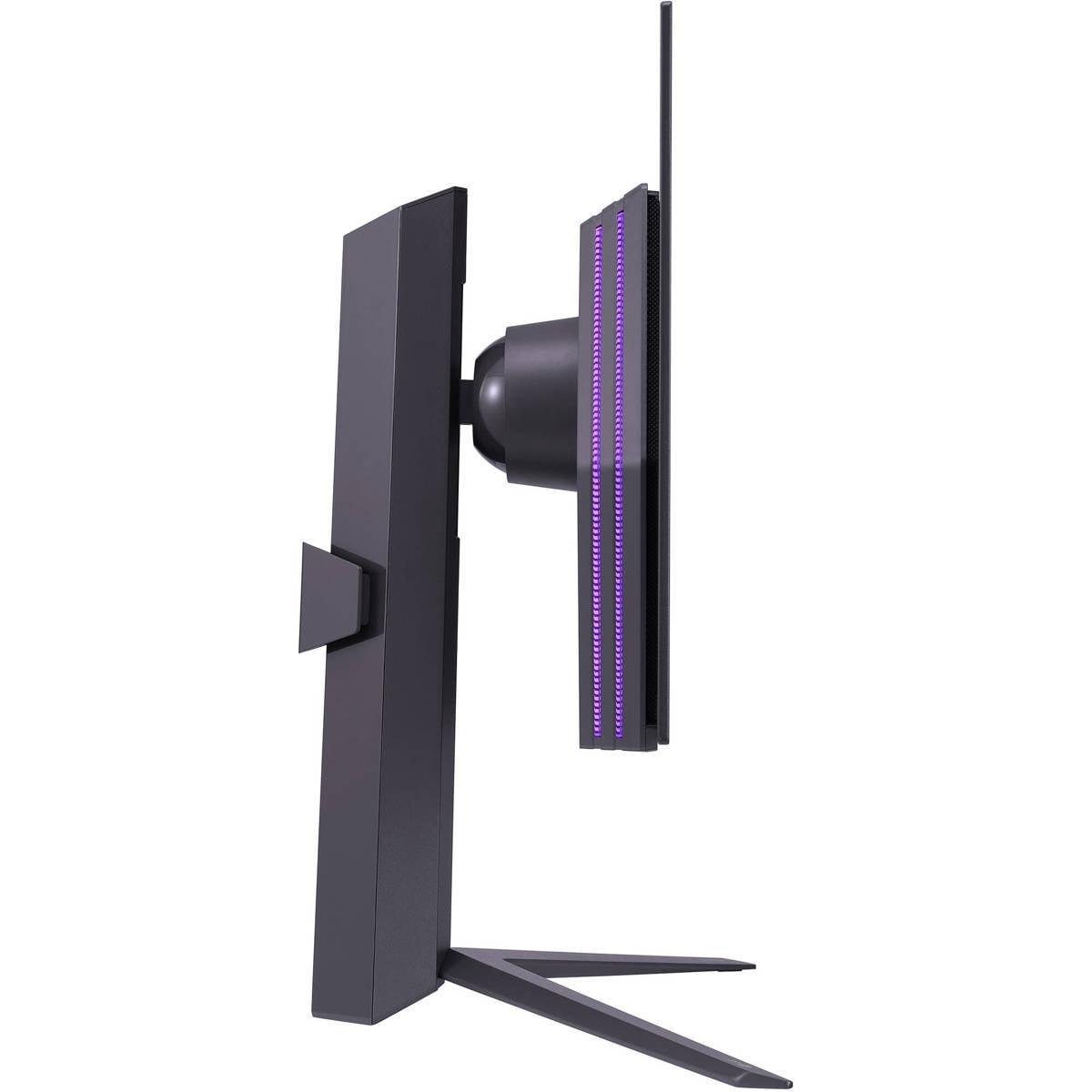
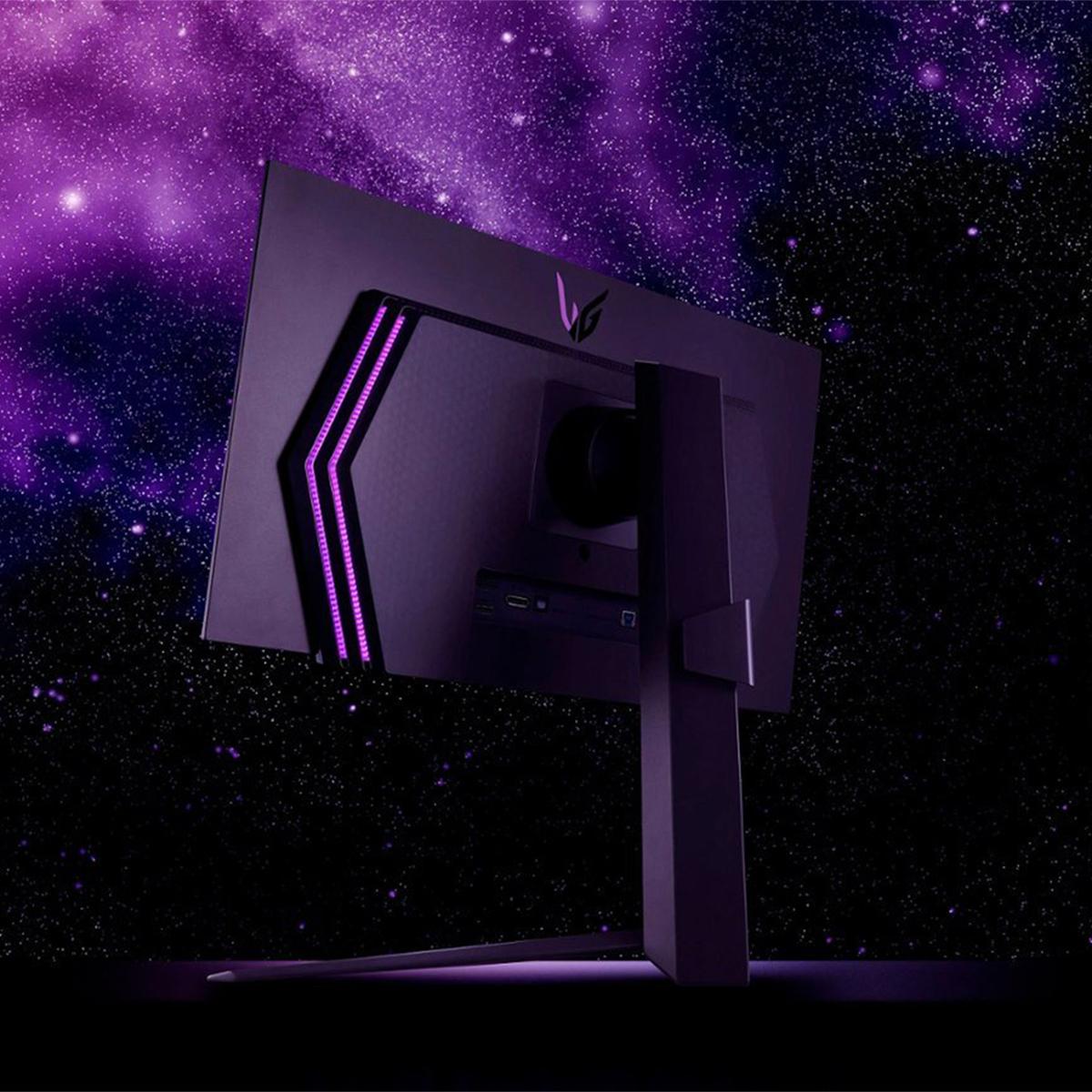
The Samsung Odyssey G8 features premium metal construction with a sleek, futuristic design. Samsung includes CoreSync and CoreLighting+ technology, which adds customizable RGB lighting to the back of the monitor that can sync with on-screen content. While some might consider this gimmicky, it can actually enhance immersion in dark rooms and adds a nice aesthetic touch to a gaming setup.
The LG UltraGear takes a more traditional approach with solid build quality and a focus on functionality over flashy features. The design is clean and professional, which might appeal to users who prefer a more understated look.
This is one area where the monitors differ significantly. The LG UltraGear offers full ergonomic adjustments including height, tilt, and swivel. This flexibility is crucial for finding the perfect viewing position and can help reduce neck and eye strain during long gaming sessions.
The Samsung Odyssey G8, surprisingly given its premium price, has more limited stand adjustability. While it offers height and tilt adjustments, the lack of swivel might be frustrating for some users. Both monitors support VESA mounting (100mm pattern), so you can always add a third-party monitor arm if needed.
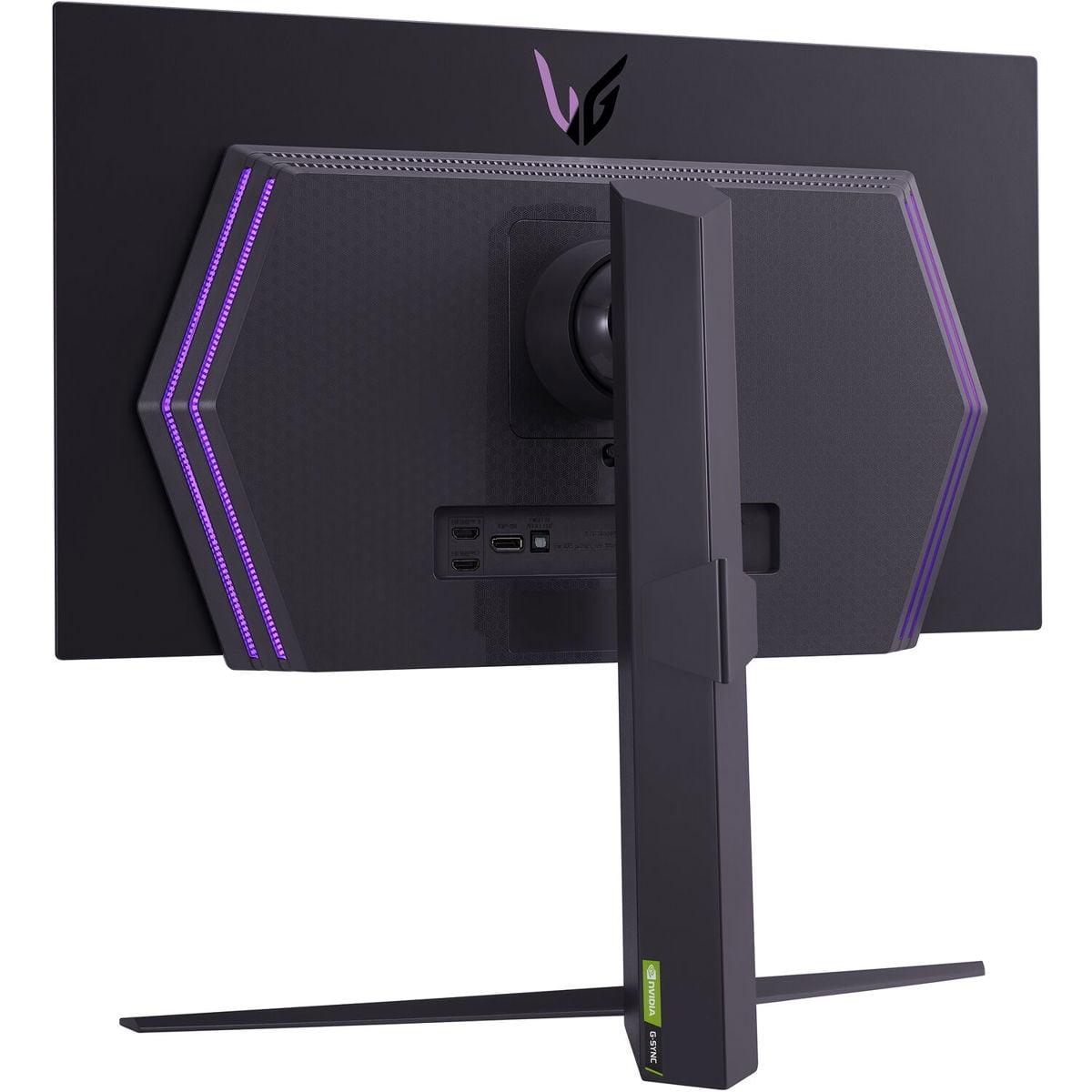
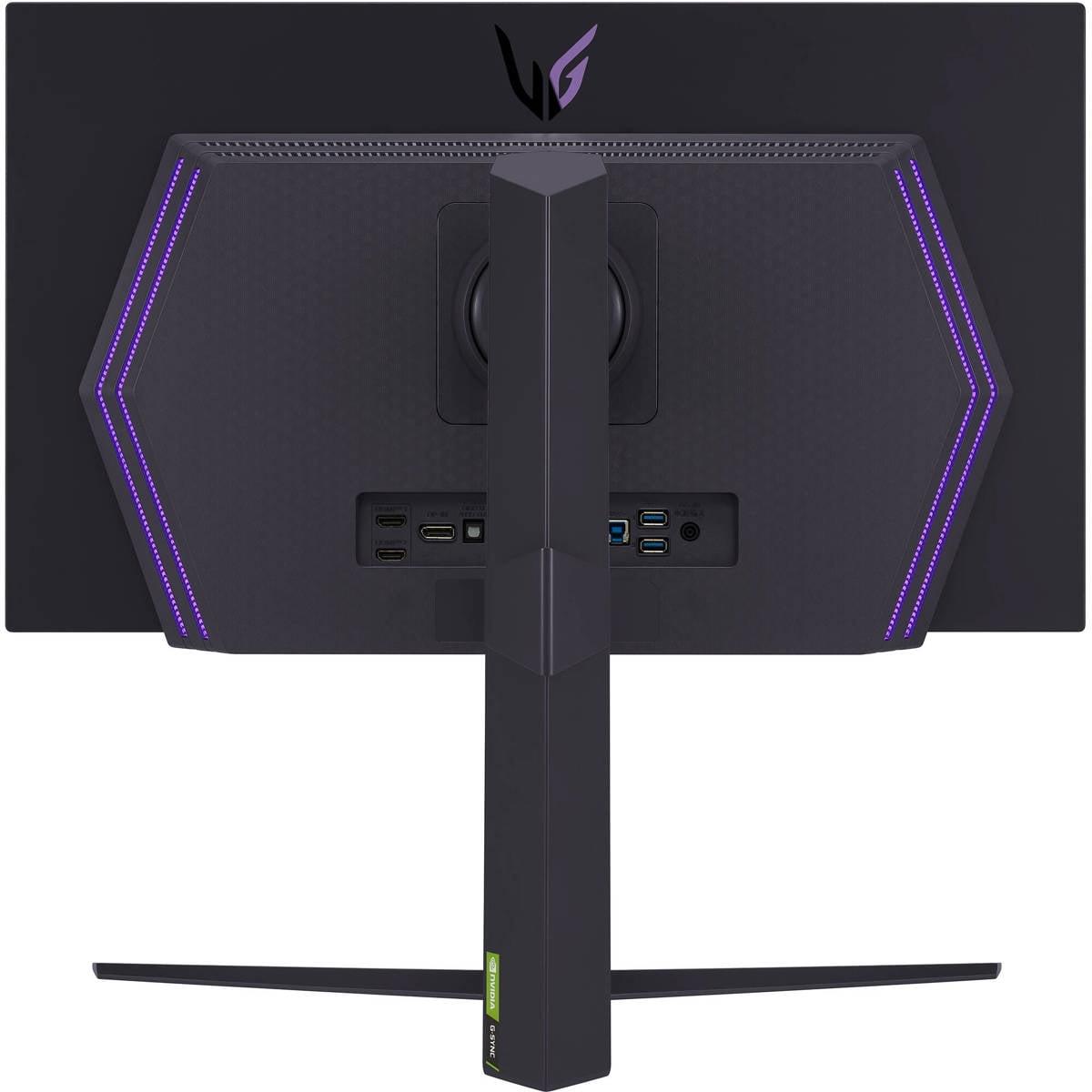
Connectivity is another area where these monitors take different approaches. The Samsung includes HDMI 2.1 and USB-C connectivity, but notably lacks built-in speakers. The LG offers two HDMI 2.1 ports, DisplayPort 1.4, and a USB hub with upstream and downstream ports, but also no built-in speakers.
Both approaches work well for gaming, with HDMI 2.1 supporting the full 4K 240Hz or 1440p 240Hz signals from modern graphics cards and gaming consoles. The USB-C on the Samsung is particularly useful if you want to connect a laptop with a single cable for both display and power delivery.
While these are primarily gaming monitors, many users also want to know how they perform for movie watching and general entertainment. Here, both monitors excel thanks to their OLED technology.
The perfect blacks and high contrast ratios make both displays excellent for watching movies, particularly in dark rooms. HDR content looks spectacular, with highlights that pop and shadow details that remain visible. The wide color gamuts ensure that movies mastered for cinema display correctly.
However, there are some considerations for home theater use. Neither monitor includes built-in speakers, so you'll need external audio. The Samsung's 4K resolution is perfect for streaming 4K movies from Netflix, Amazon Prime, or Apple TV+, while the LG's 1440p resolution will upscale 1080p content well but won't take full advantage of 4K streaming content.
Both monitors' anti-glare coatings work well for movie watching, reducing distracting reflections from room lighting. The 27-inch size is ideal for desktop viewing distances (2-3 feet) but might feel small for couch viewing compared to larger TVs.
One concern with any OLED display is burn-in – permanent image retention that can occur when static elements (like taskbars or game UI elements) remain on screen for extended periods. Both manufacturers have implemented protection features, but they take different approaches.
The Samsung Odyssey G8 includes OLED Safeguard+ with dynamic cooling that reduces heat buildup, thermal modulation that controls brightness to prevent overheating, and logo detection that automatically dims static images. Samsung backs this up with a 3-year warranty that includes burn-in protection under normal usage conditions.
The LG UltraGear includes OLED Care features with pixel shifting and brightness management, but only offers a 2-year warranty with burn-in coverage that varies by region.
In my experience with OLED monitors, burn-in is less of a concern than it was with early OLED TVs, especially if you vary your content and avoid leaving static images on screen for hours. Both monitors include screensavers and automatic brightness adjustments that help mitigate risk.
The pricing difference between these monitors is substantial and reflects their different positioning in the market. At $1,299.99, the Samsung Odyssey G8 commands a significant premium over the $699.99 LG UltraGear.
That $600 difference primarily pays for the jump from 1440p to 4K resolution, along with some premium features like better anti-glare technology and the longer warranty. Whether that's worth it depends entirely on your priorities and hardware.
If you have a high-end graphics card and prioritize visual fidelity, the Samsung's 4K resolution provides a noticeably sharper image that can enhance both gaming and productivity tasks. The longer warranty and burn-in protection also add value for long-term ownership.
The LG UltraGear represents excellent value for users who want the OLED experience without paying the 4K premium. You get the same perfect blacks, high refresh rate, and color accuracy at a much more accessible price point.
Both monitors represent the current state-of-the-art in OLED gaming displays, incorporating improvements learned from earlier generations. The anti-glare coatings are significantly better than first-generation OLED monitors, and the burn-in protection features are more sophisticated.
Looking forward, the Samsung's 4K resolution is more future-proof as graphics cards become more powerful. What requires an RTX 4080 today might be achievable with mainstream cards in 3-4 years. The LG's 1440p resolution will remain relevant for competitive gaming where frame rate matters more than resolution.
Both monitors support the latest connectivity standards and should remain compatible with future graphics cards and gaming consoles. The OLED panels themselves should maintain their visual quality for many years with proper care.
Choosing between these monitors comes down to understanding your priorities, hardware, and budget.
Choose the Samsung Odyssey G8 if you have a high-end graphics card (RTX 4080 or better), prioritize maximum visual quality, do content creation work that benefits from 4K resolution, or want the peace of mind that comes with a longer warranty. The extra $600 is justified if you can take full advantage of the 4K resolution and appreciate the premium features.
Choose the LG UltraGear if you're focused on competitive gaming, have a mid-to-high-end graphics card, want excellent OLED quality at a more reasonable price, or prefer better ergonomic adjustability. It delivers 90% of the premium OLED experience at a much more accessible price point.
Both monitors excel at what they're designed to do. The Samsung pushes the boundaries of what's possible in a gaming monitor, while the LG strikes an excellent balance between performance and value. Either choice will provide a significant upgrade over traditional LCD gaming monitors, bringing the benefits of OLED technology to your desktop gaming experience.
In the end, both the Samsung and LG represent excellent options in the premium OLED gaming monitor space. Your choice should align with your specific needs, hardware capabilities, and budget priorities. The good news is that either option will deliver a gaming experience that was simply impossible just a few years ago.
| Samsung 27" Odyssey OLED G8 4K UHD 240Hz Gaming Monitor | LG UltraGear 27" OLED QHD 240Hz Gaming Monitor |
|---|---|
| Resolution - The defining difference that affects everything from GPU requirements to image sharpness | |
| 4K UHD (3840 x 2160) - 166 PPI for razor-sharp text and game details | QHD (2560 x 1440) - 109 PPI balances clarity with performance |
| Price - Major factor in value equation | |
| $1,299.99 - Premium pricing for cutting-edge 4K OLED | $699.99 - Excellent value for OLED gaming experience |
| Gaming Performance - Both excel but serve different hardware tiers | |
| 240Hz, 0.03ms response - Requires RTX 4080+ for optimal 4K gaming | 240Hz, 0.03ms response - Achievable with RTX 4070/RX 7800 XT |
| Panel Technology - Both use premium OLED with perfect blacks | |
| QD-OLED with 99% DCI-P3 color gamut, infinite contrast | OLED with 98.5% DCI-P3 color gamut, 1,500,000:1 contrast |
| Anti-Glare Technology - Important for room lighting compatibility | |
| Glare Free coating (54% less reflective than standard) | Matte anti-glare finish reduces reflections effectively |
| HDR Support - Enhanced visual dynamic range | |
| VESA DisplayHDR True Black 400, HDR10+ Gaming | DisplayHDR True Black 400, HDR10 support |
| Connectivity - Modern standards for high refresh gaming | |
| HDMI 2.1, USB-C, no built-in speakers | 2x HDMI 2.1, DisplayPort 1.4, USB hub, no speakers |
| Ergonomics - Physical adjustability for comfort | |
| Height and tilt adjustment, limited swivel | Full adjustment: height, tilt, swivel, pivot |
| Design Features - Aesthetic and functional elements | |
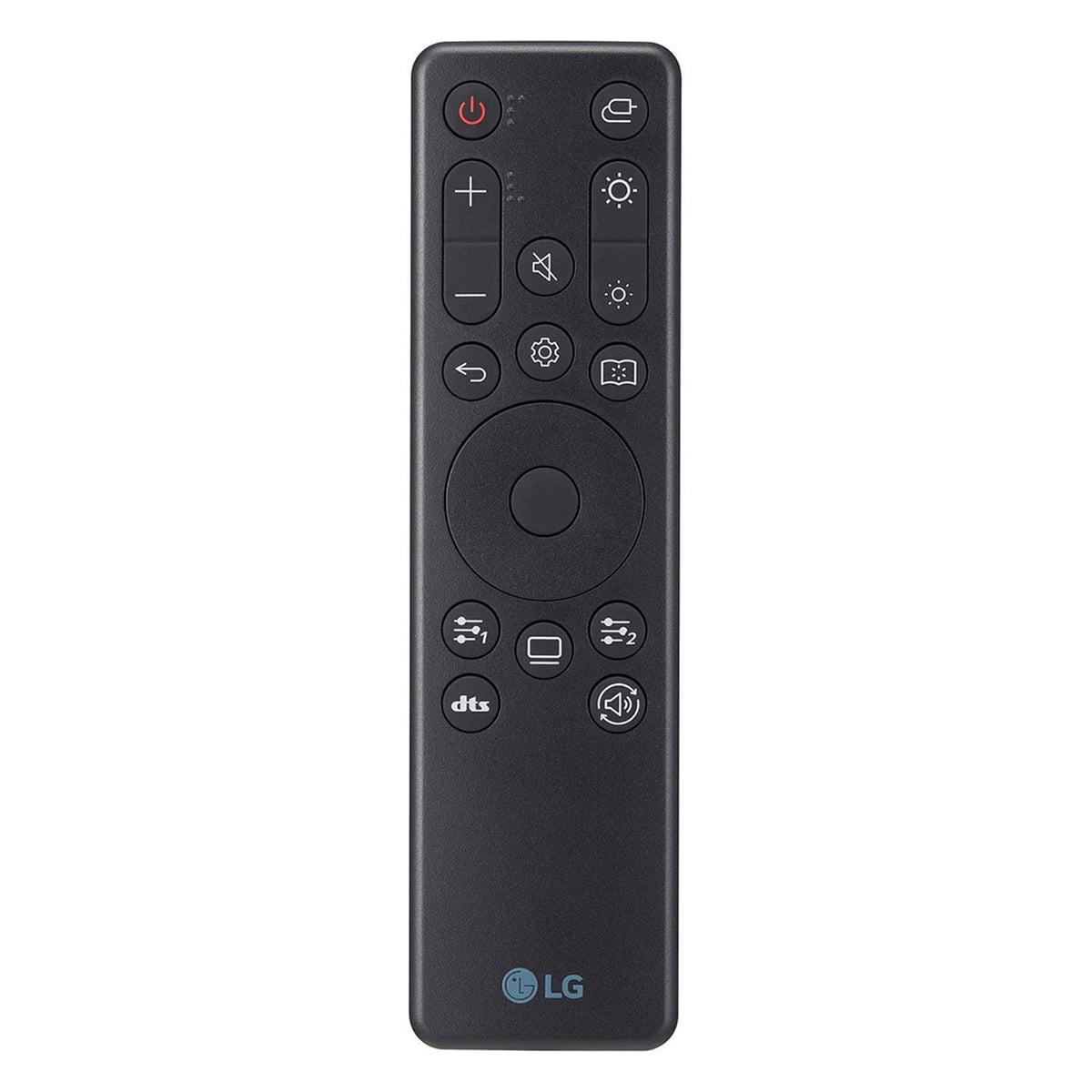
| Premium metal build, CoreSync RGB lighting | Clean design, RGB backlighting, remote control |
| Warranty Coverage - Protection for expensive OLED investment | |
| 3 years including burn-in protection | 2 years limited, burn-in coverage varies by region |
| Best For - Target user scenarios | |
| High-end PC owners prioritizing 4K visual fidelity | Competitive gamers wanting OLED benefits at lower cost |
Both the Samsung 27" Odyssey OLED G8 and LG UltraGear 27" OLED offer identical gaming performance with 240Hz refresh rates and 0.03ms response times. The Samsung provides sharper 4K visuals but requires a high-end GPU, while the LG delivers the same smooth gameplay at 1440p with lower hardware requirements. For competitive gaming, the LG UltraGear is often preferred due to easier frame rate targets.
The primary difference is resolution: the Samsung Odyssey G8 features 4K UHD (3840x2160) while the LG UltraGear uses QHD (2560x1440). This resolution difference affects image sharpness, GPU requirements, and price. The Samsung's 4K display provides 2.25x more pixels for incredibly sharp text and game details, but costs $600 more than the LG's 1440p panel.
The LG UltraGear at $699.99 offers significantly better value, providing 90% of the premium OLED experience at nearly half the price of the Samsung at $1,299.99. Unless you specifically need 4K resolution and have a high-end GPU to drive it, the LG UltraGear delivers exceptional OLED gaming performance at a much more accessible price point.
Yes, but requirements differ significantly. The Samsung 4K monitor needs an RTX 4080 or better to achieve high frame rates in modern games. The LG 1440p monitor works well with mid-range cards like RTX 4070 or RX 7800 XT. If you have a lower-end GPU, the LG UltraGear will provide a better gaming experience with consistent high frame rates.
Both excel for movies thanks to OLED's perfect blacks and vibrant colors. The Samsung's 4K resolution is ideal for 4K streaming content from Netflix and other services, displaying movies at their native resolution. The LG's 1440p display still looks excellent for movies but won't take full advantage of 4K content. Both lack built-in speakers, so external audio is required.
Both monitors include burn-in protection, but the Samsung Odyssey G8 offers better coverage with a 3-year warranty including burn-in protection and advanced OLED Safeguard+ technology. The LG UltraGear includes OLED Care features but only provides a 2-year warranty with variable burn-in coverage. With normal usage and proper care, burn-in risk is minimal on both displays.
The Samsung Odyssey G8 features premium metal construction and CoreSync RGB lighting for a more premium feel. However, the LG UltraGear offers superior ergonomics with full height, tilt, swivel, and pivot adjustments compared to the Samsung's limited adjustability. Both are well-built, but they prioritize different aspects of the user experience.
Yes, both monitors work excellently with PlayStation 5 and Xbox Series X/S thanks to HDMI 2.1 support. The Samsung 4K monitor can display console games at their native 4K resolution, while the LG 1440p monitor will downscale 4K console output. Both support 120Hz gaming from consoles and variable refresh rate features for smooth gameplay.
The LG UltraGear at $699.99 is generally better for competitive gaming. Its 1440p resolution allows for easier maintenance of high frame rates, and many esports professionals prefer 1440p for the performance benefits. Both monitors offer identical 240Hz refresh rates and response times, but the LG's lower resolution makes it easier to achieve consistent 240fps in competitive games.
The Samsung Odyssey G8 offers superior warranty protection with 3 years of coverage including burn-in protection under normal usage. The LG UltraGear provides a 2-year limited warranty with burn-in coverage that varies by region. Samsung's longer warranty and explicit burn-in coverage provide better peace of mind for this expensive OLED investment.
The Samsung 4K monitor is better for content creation thanks to its higher resolution providing more screen real estate and sharper detail for video editing, photo work, and design tasks. Both monitors offer excellent color accuracy with 98%+ DCI-P3 coverage, but the Samsung's 4K resolution makes text and interface elements much crisper for productivity work.
The Samsung Odyssey G8 includes USB-C connectivity alongside HDMI 2.1, making it easier to connect laptops with a single cable. The LG UltraGear offers two HDMI 2.1 ports, DisplayPort 1.4, and a USB hub for connecting peripherals. Both lack built-in speakers. The LG's multiple HDMI ports are convenient for connecting multiple devices simultaneously.
We've done our best to create useful and informative comparisons to help you decide what product to buy. Our research uses advanced automated methods to create this comparison and perfection is not possible - please contact us for corrections or questions. These are the sites we've researched in the creation of this article: rtings.com - tomsguide.com - tomshardware.com - youtube.com - ign.com - youtube.com - pcvarge.com - youtube.com - youtube.com - versus.com - bestbuy.com - samsung.com - samsung.com - displayspecifications.com - samsung.com - hardforum.com - publicsector.shidirect.com - forums.thefpsreview.com - samsung.com - rtings.com - samsung.com - samsung.com - bestbuy.com - bestbuy.com - youtube.com - rtings.com - youtube.com - youtube.com - lg.com - bhphotovideo.com - bestbuy.com - forum.beyond3d.com - youtube.com - lg.com - lg.com - lg.com - techpowerup.com - newegg.com - bestbuy.com - pcmonitors.info - lg.com - lg.com

Privacy Policy
Terms and Conditions - Affiliate Policy
Home Security
© Copyright 2008-2026.
11816 Inwood Rd #1211, Dallas, TX 75244