

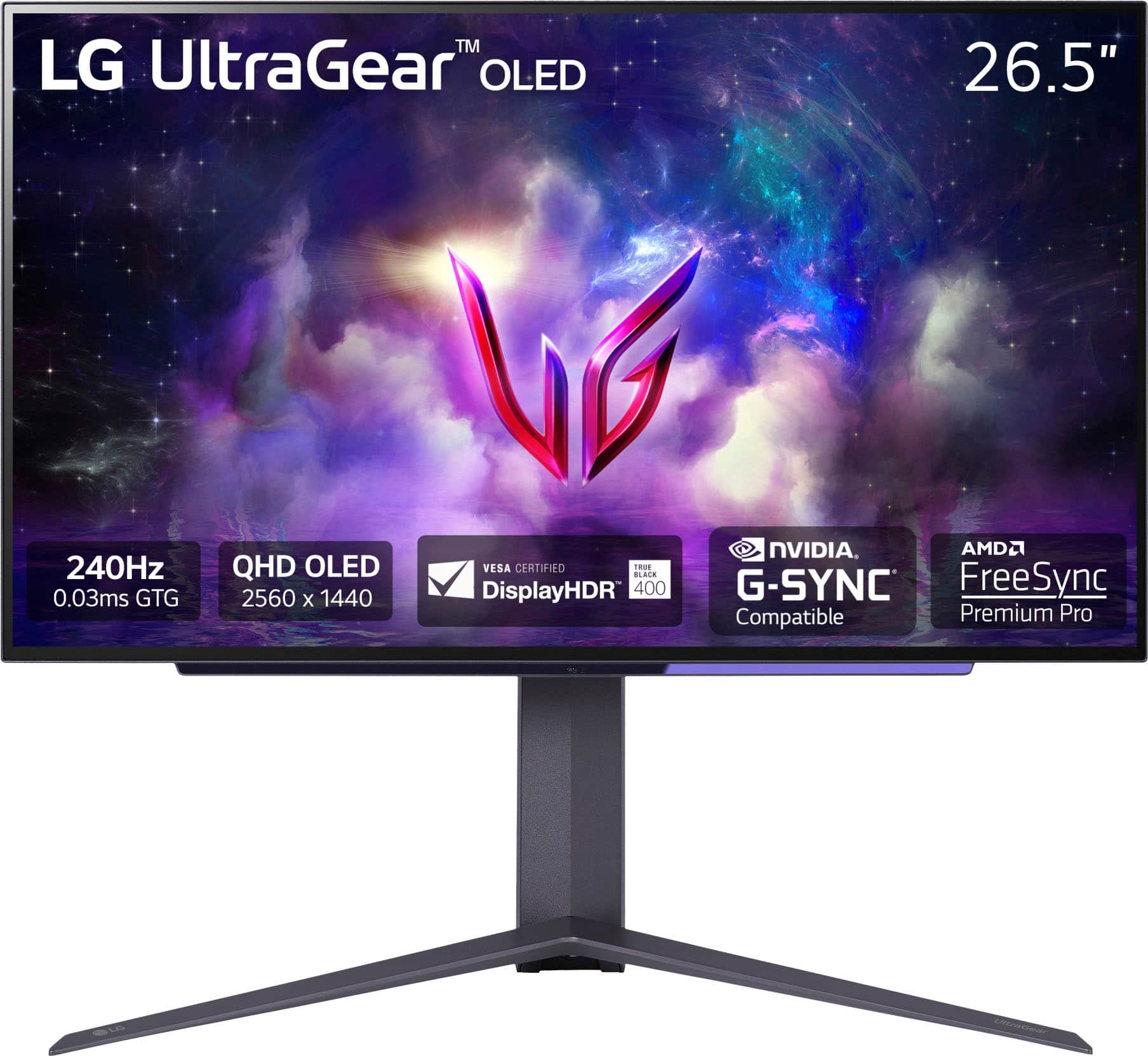
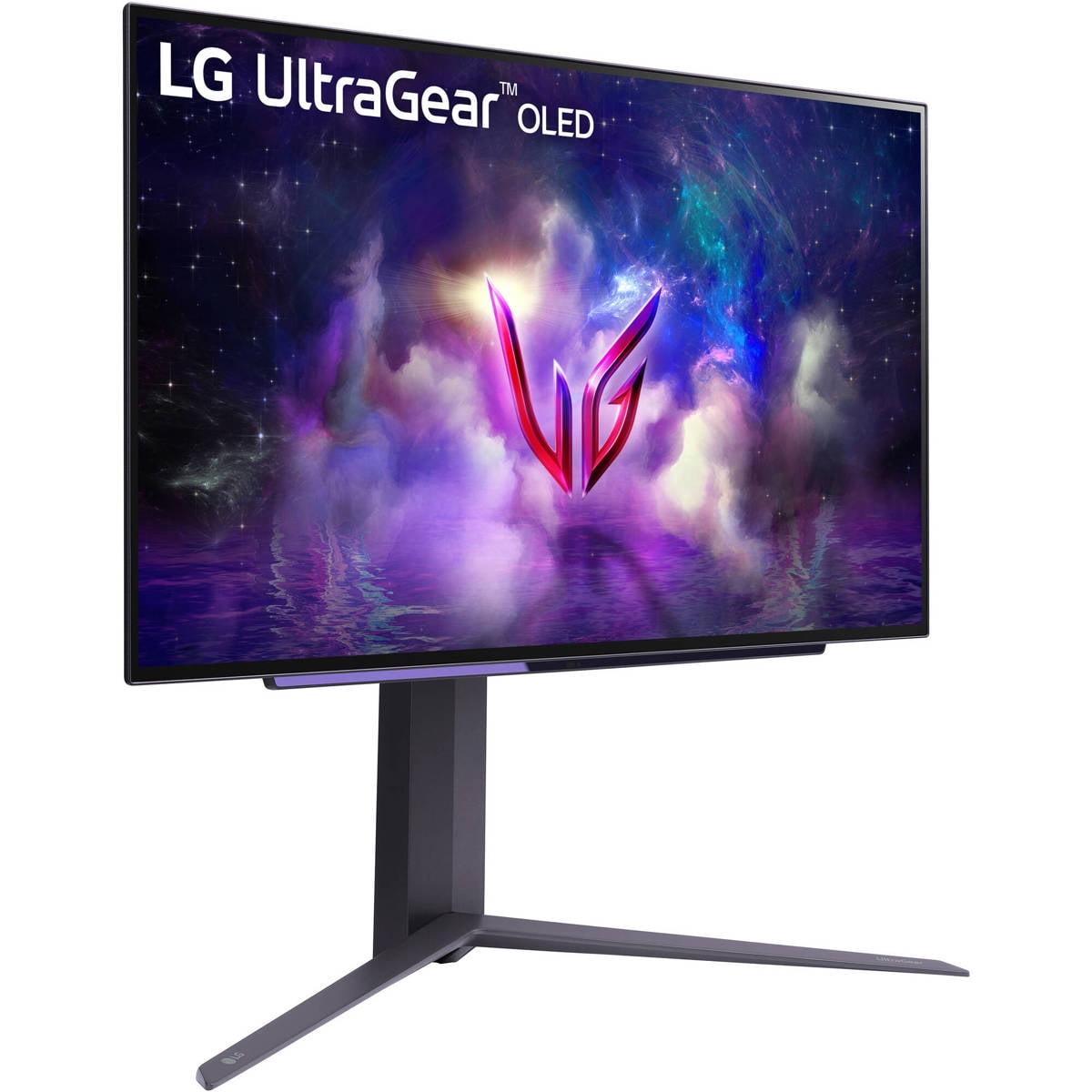
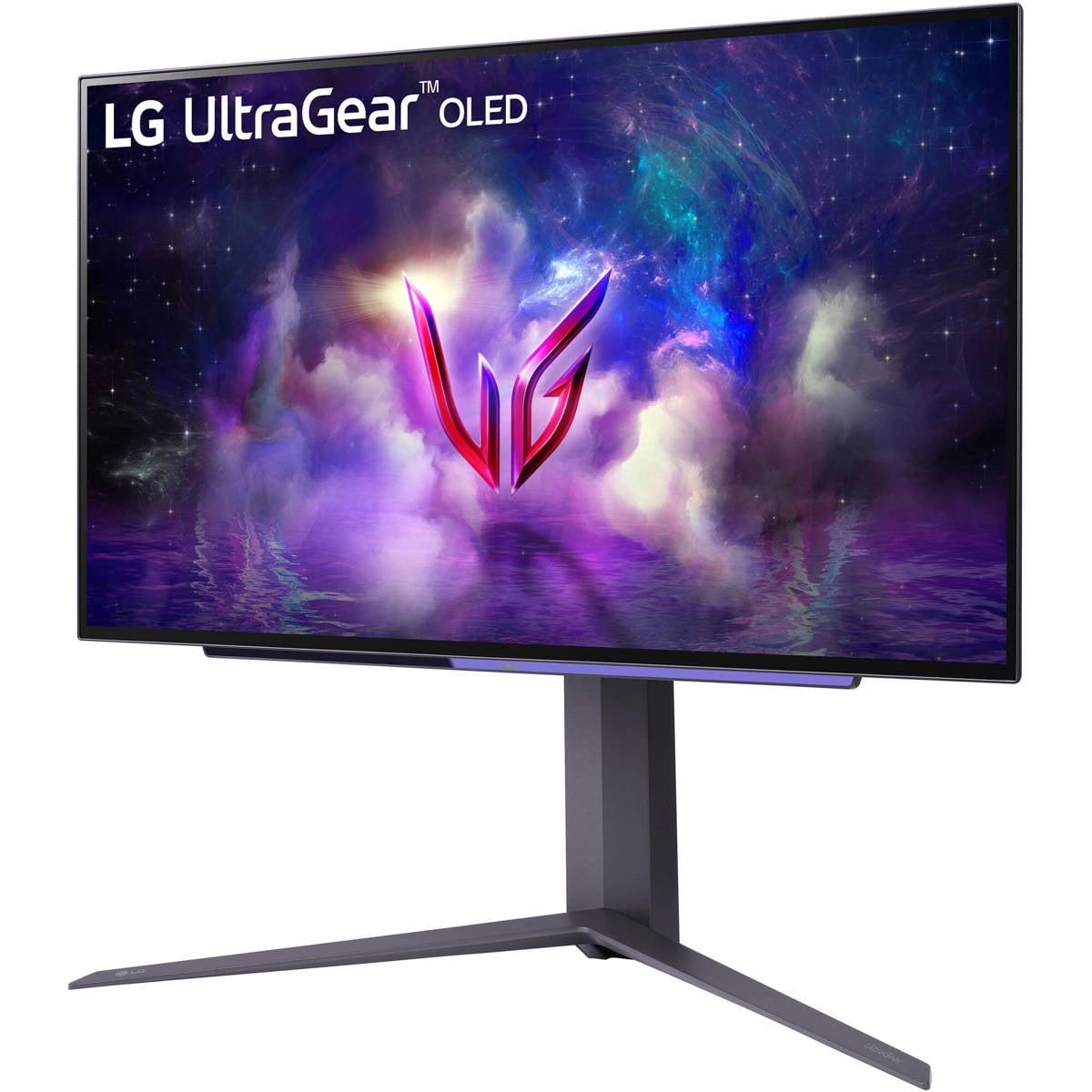
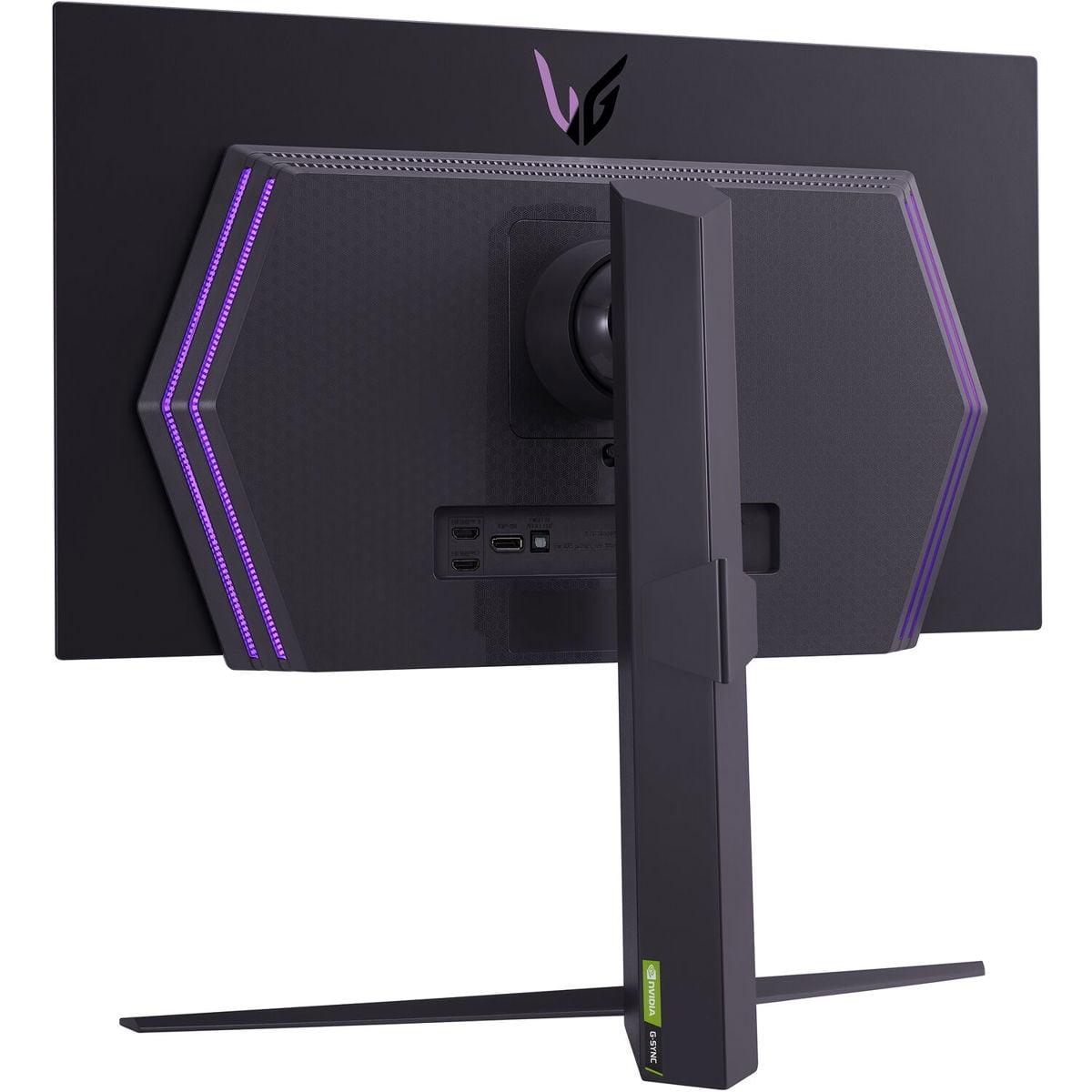
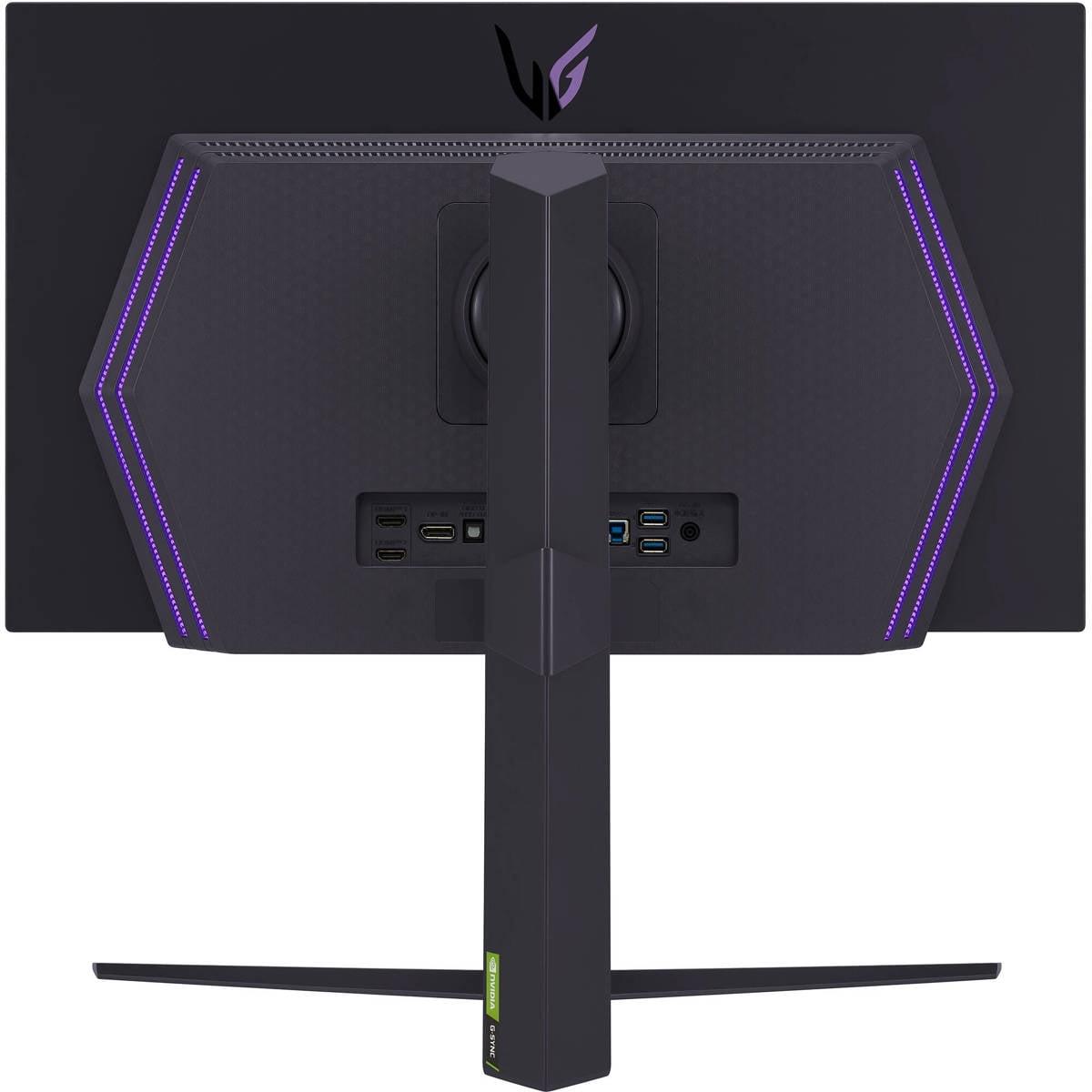
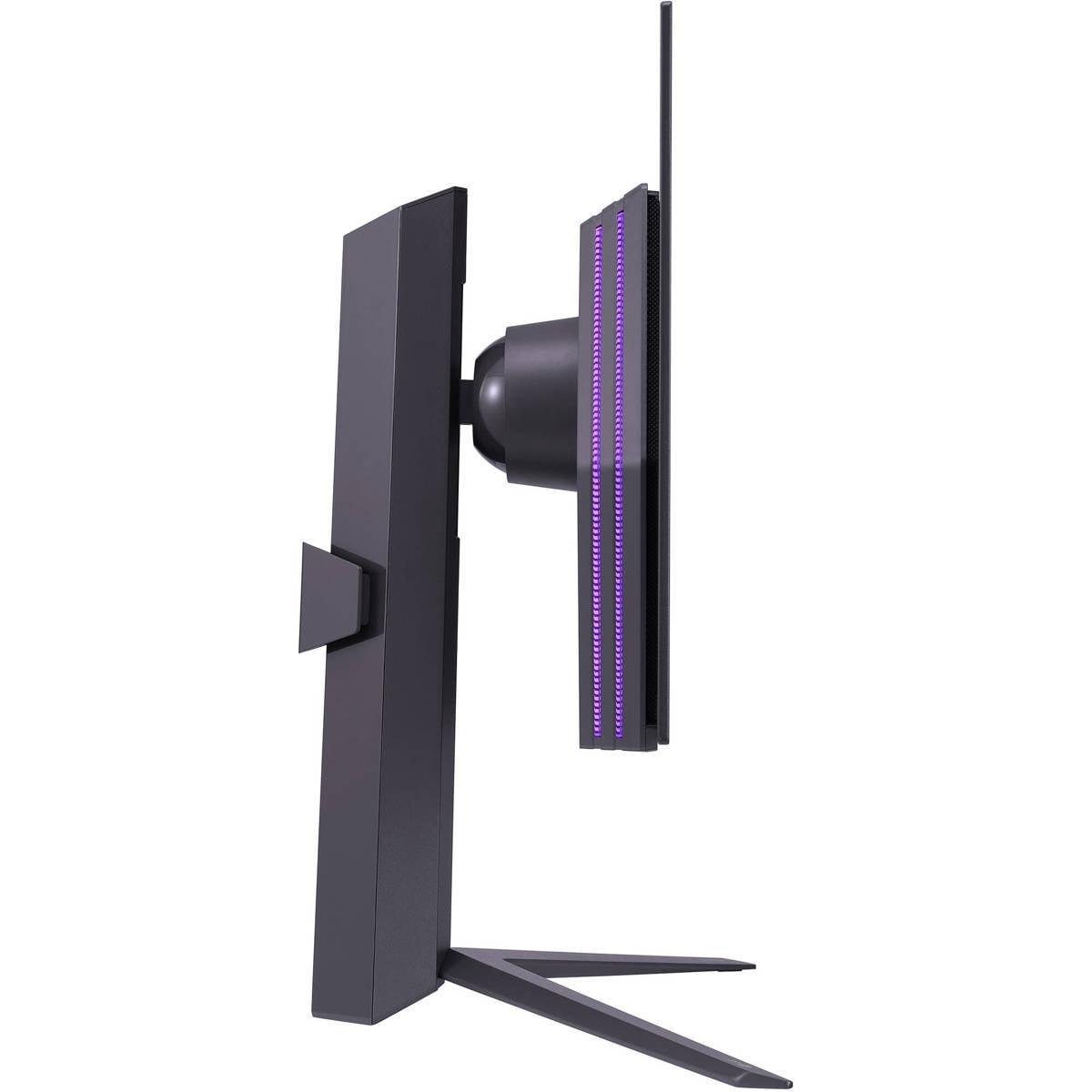

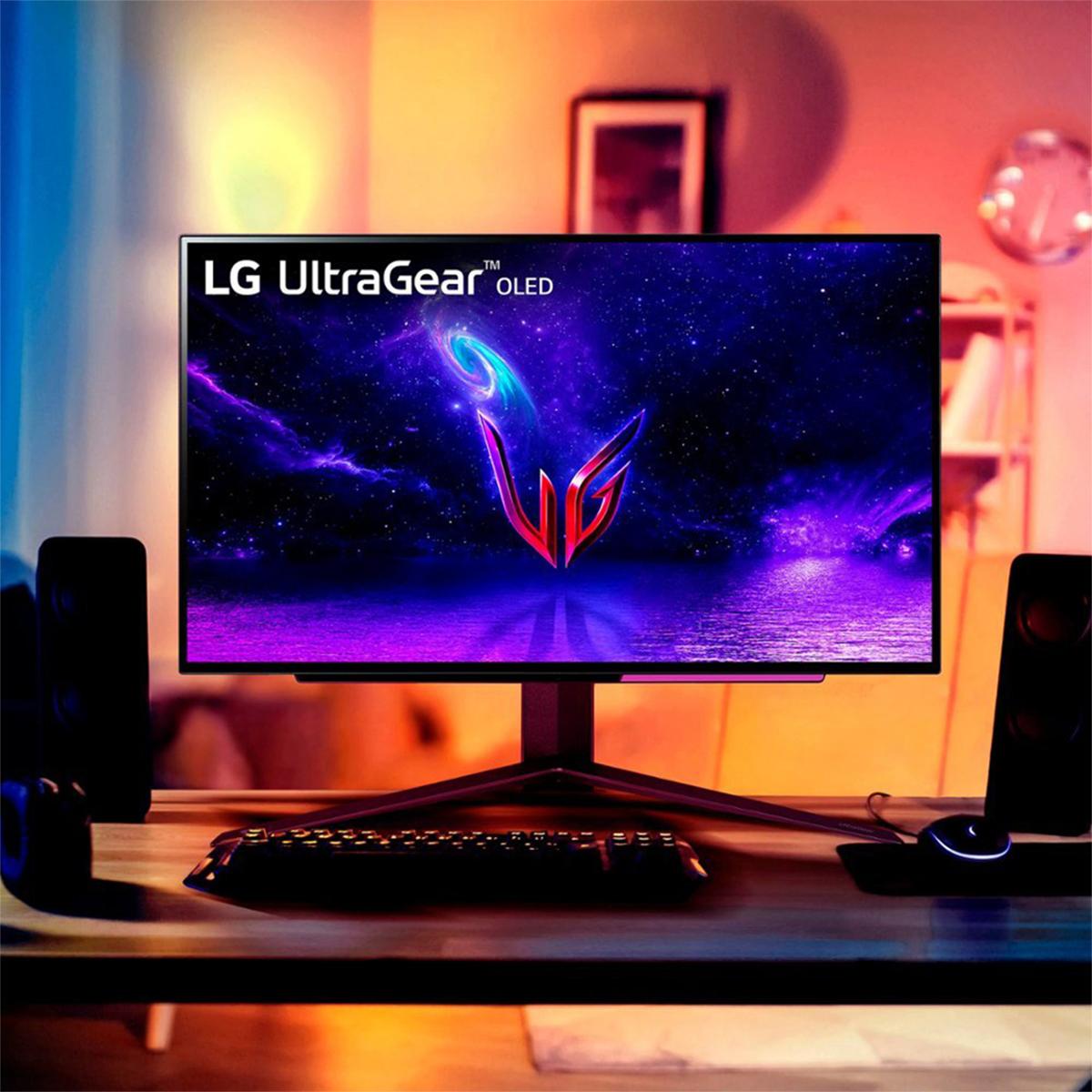

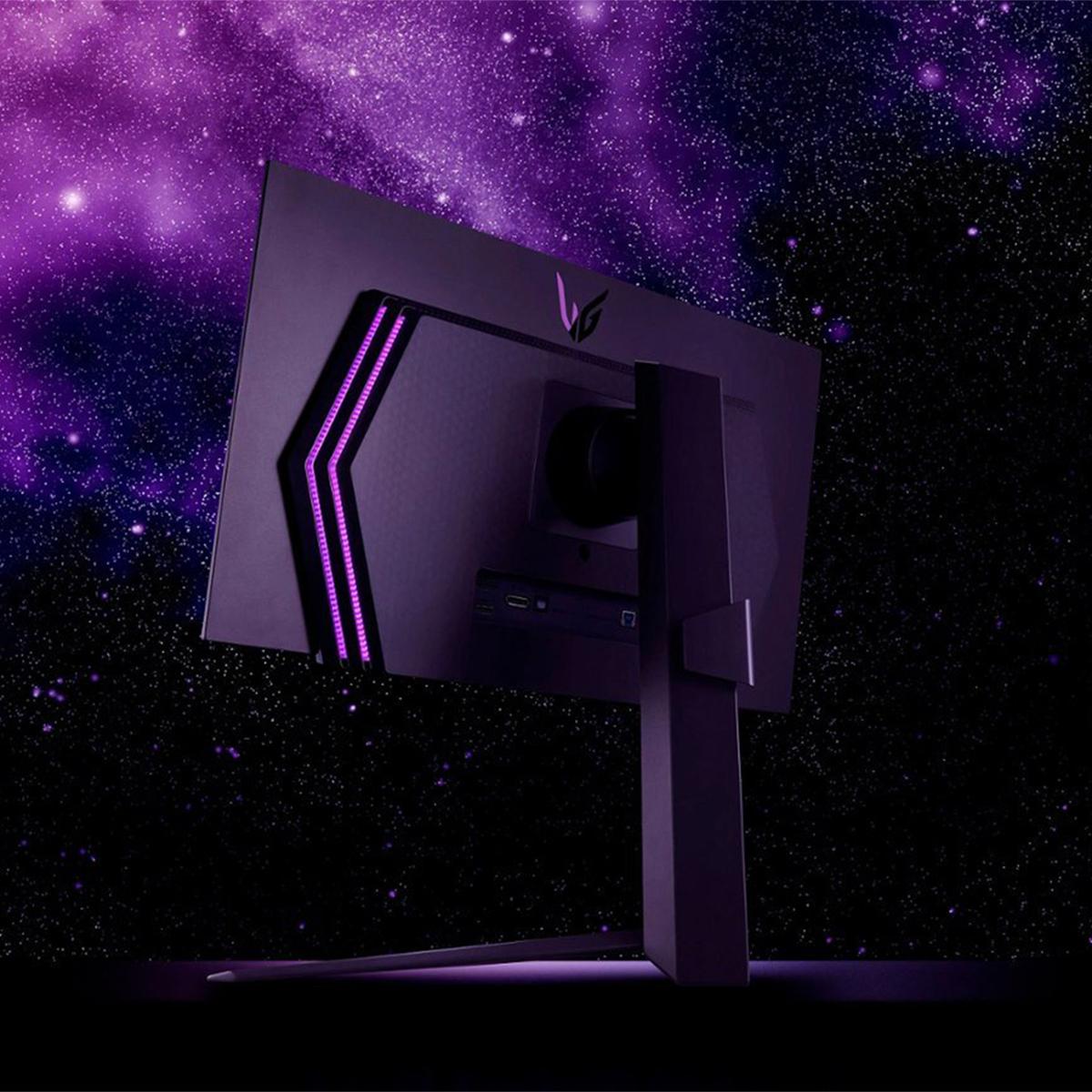
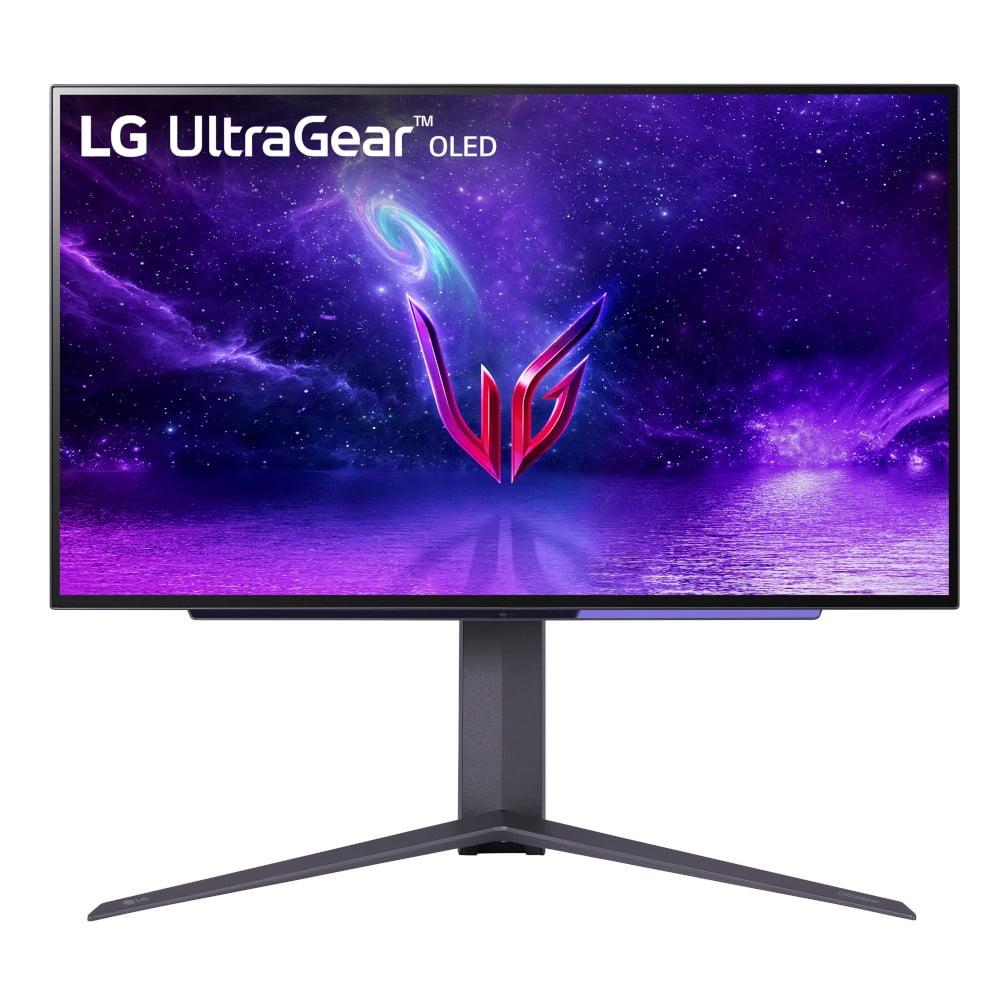
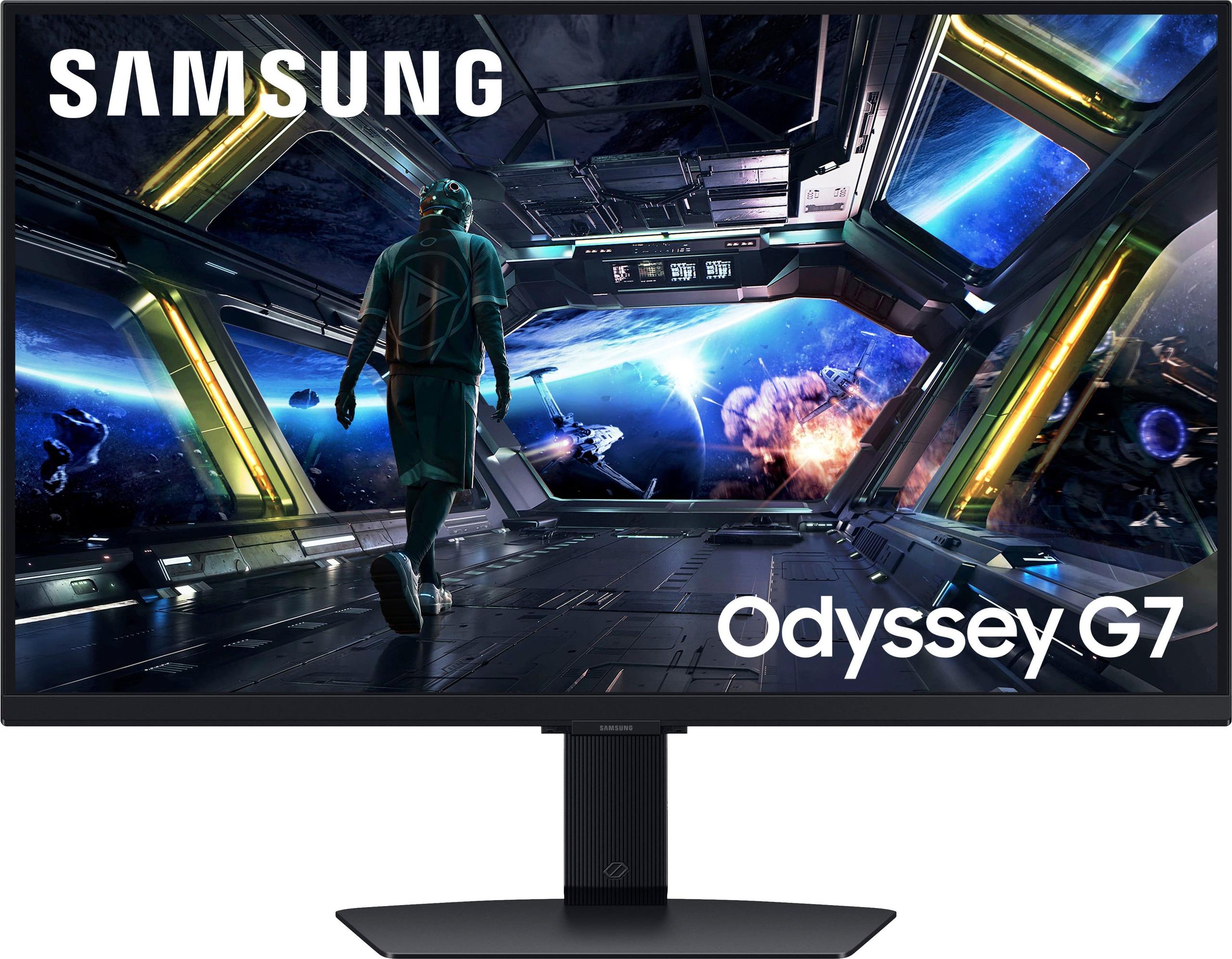
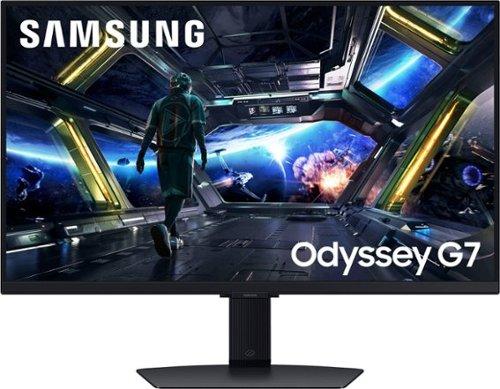
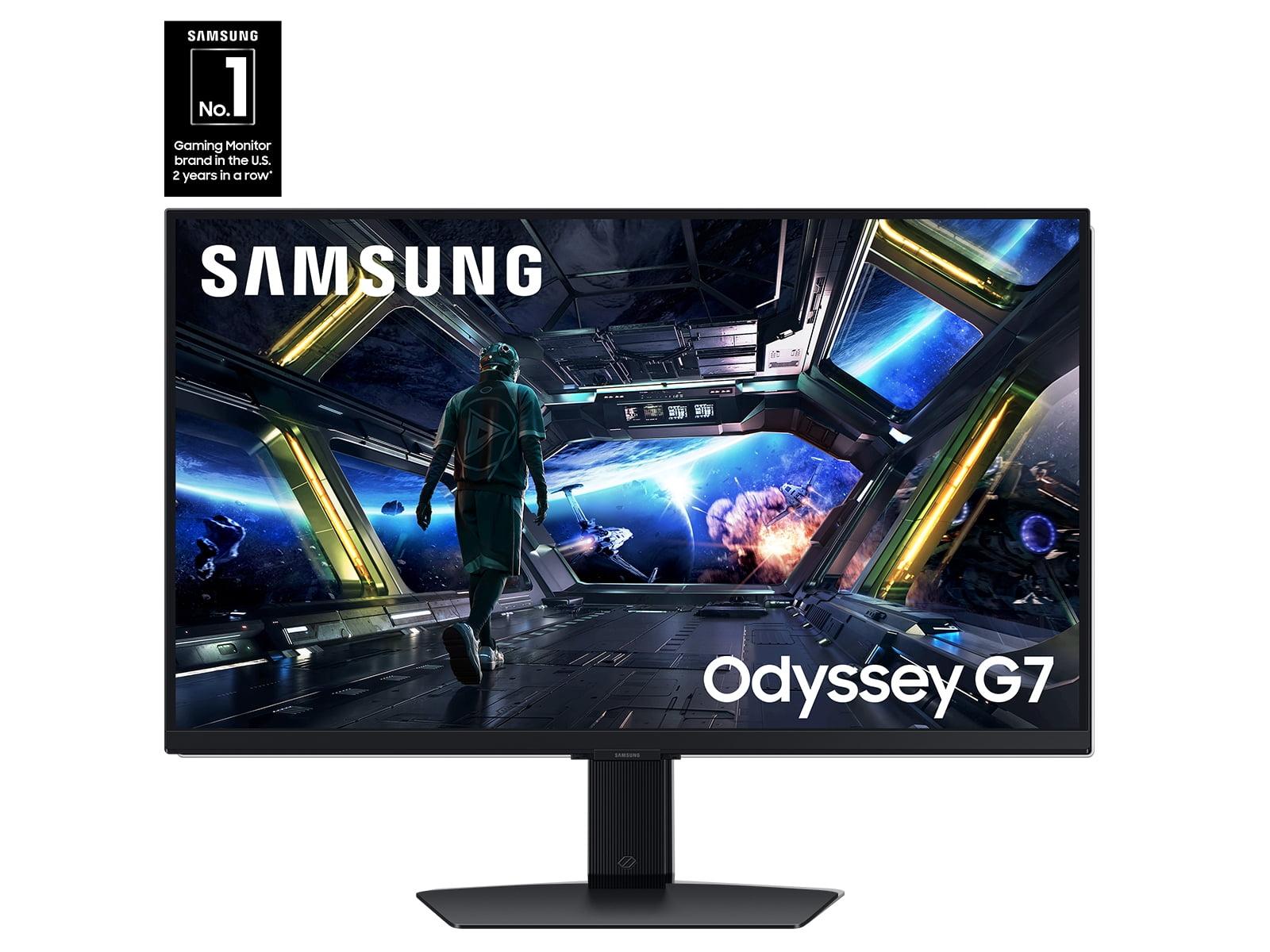
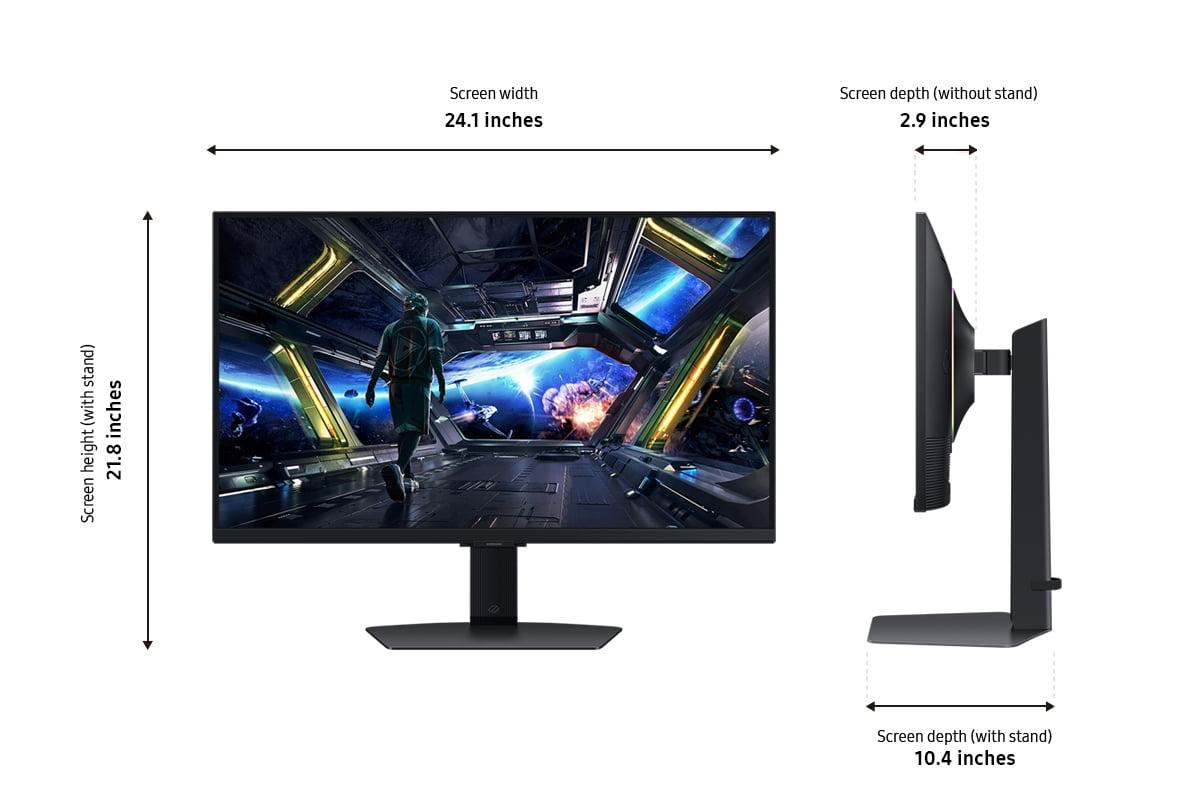
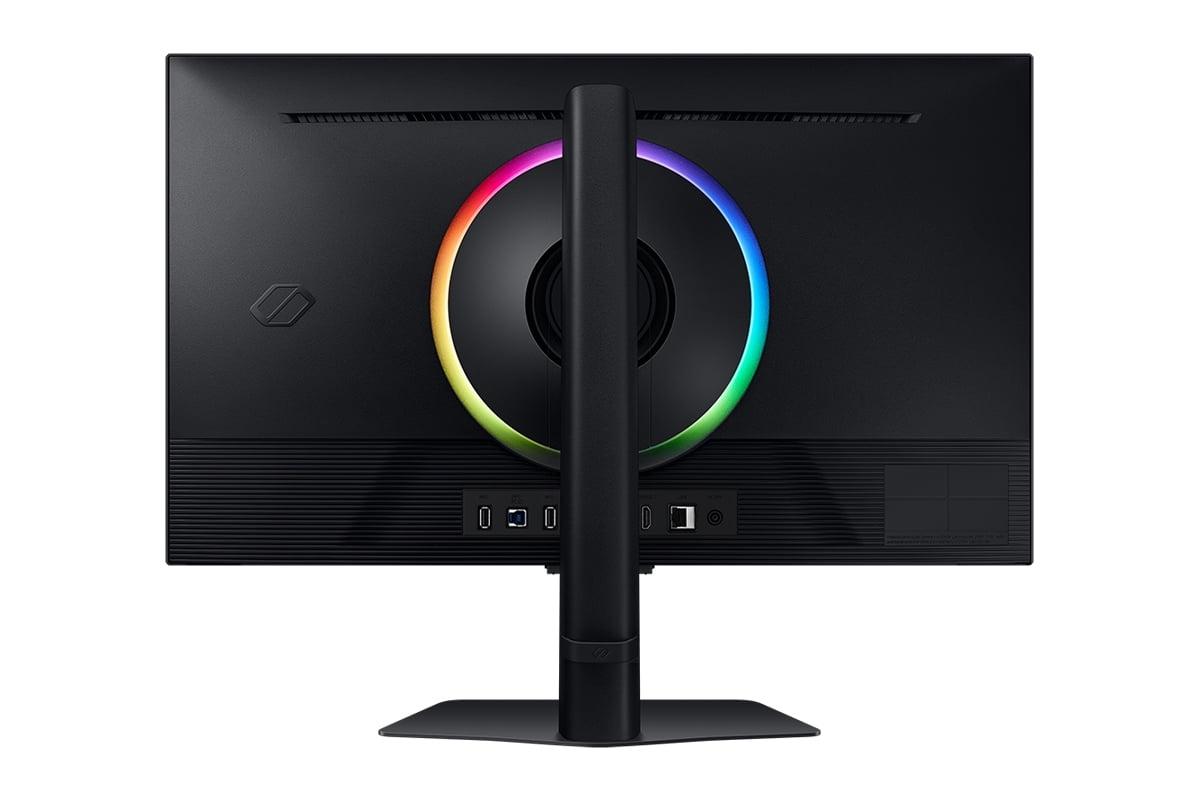
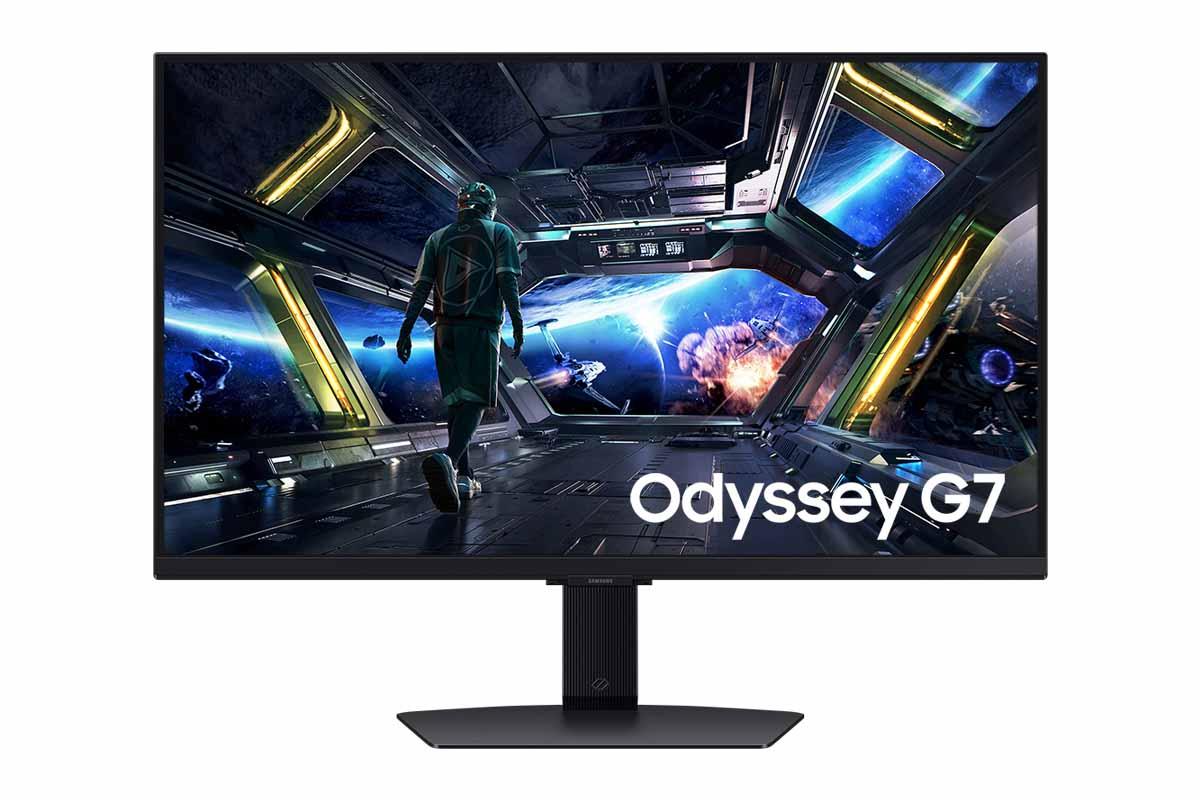
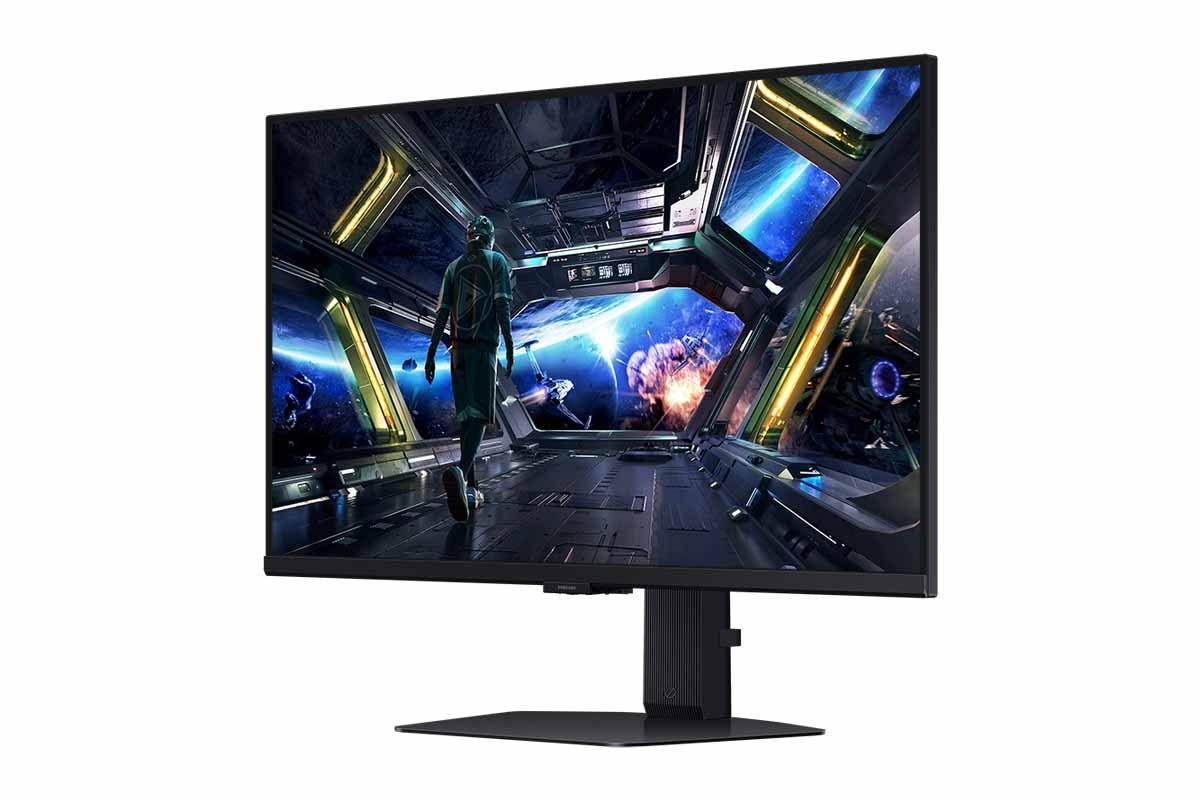
When it comes to choosing a gaming monitor, you're basically picking between two different philosophies. Do you want the absolute smoothest, most responsive gaming experience possible? Or would you prefer crystal-clear 4K detail with smart TV features thrown in? That's essentially what we're comparing today with the LG UltraGear 27" OLED QHD 240Hz Gaming Monitor and the Samsung 27" Odyssey G7 G70D 4K UHD IPS Gaming Monitor.
Both monitors launched in 2023, representing the latest thinking in gaming display technology. The LG came out first in early 2023, showcasing how OLED technology could finally hit the high refresh rates that serious gamers demand. Samsung followed later in the year with their G70D, which took a different approach by cramming 4K resolution into a 27-inch display while adding smart TV capabilities.
Gaming monitors have come a long way from the basic LCD displays we used to game on. Today's monitors are specialized machines built specifically for interactive entertainment, and the technology differences between them can dramatically affect your gaming experience.
The main things you need to think about are panel technology (how the screen actually creates the image), resolution versus refresh rate balance, response times, and additional features. Panel technology is probably the most important choice because it affects everything else about how the monitor performs.
OLED panels use tiny organic compounds that light up when electricity passes through them. Each pixel can turn completely on or off independently, which means you get perfect blacks and incredible contrast. It's like the difference between looking at a photo printed on white paper versus one printed on pure black paper – the blacks make everything else pop.
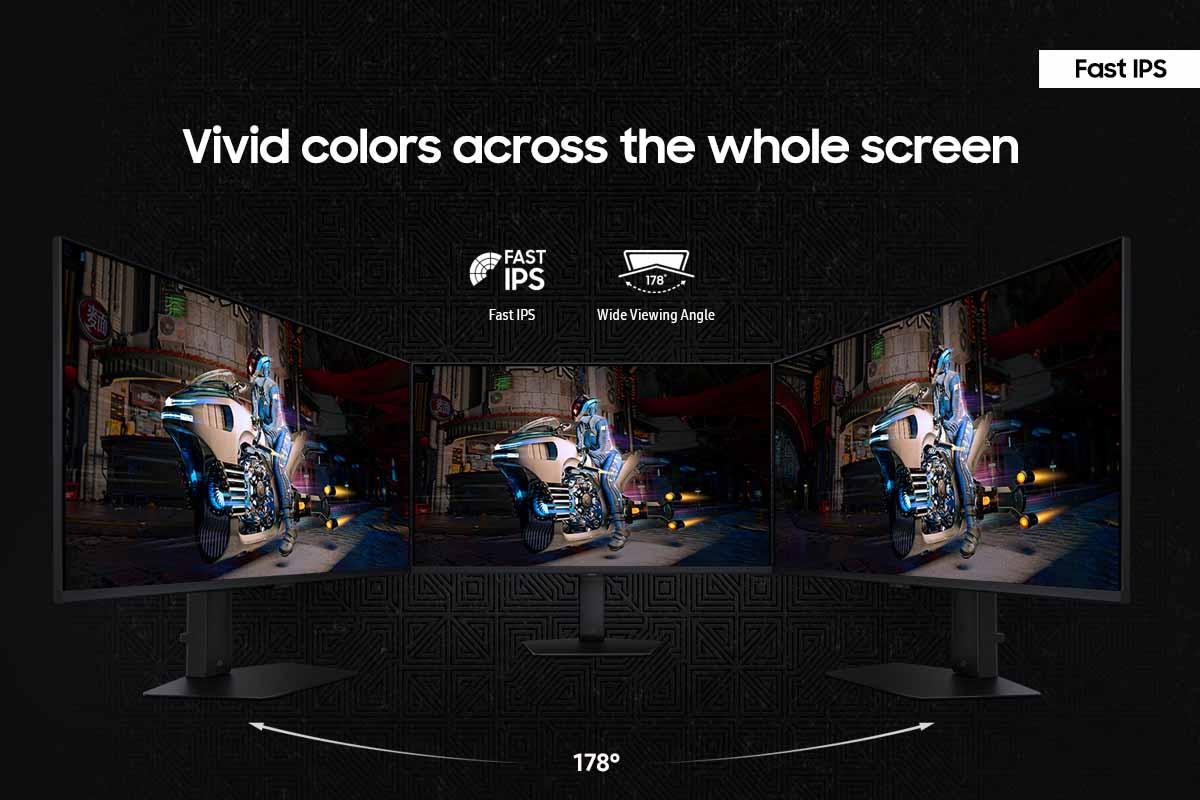
IPS panels use liquid crystals that twist to block or allow light from a backlight behind the screen. They can't achieve true blacks because some light always leaks through, but they're incredibly reliable, don't suffer from burn-in (permanent image retention), and typically offer excellent color accuracy across wide viewing angles.
The refresh rate, measured in hertz (Hz), tells you how many times per second the monitor can display a new image. Higher refresh rates mean smoother motion, especially important in fast-paced games where you're tracking moving targets. Response time, measured in milliseconds, indicates how quickly pixels can change from one color to another – lower is better for reducing motion blur.
The biggest difference between these monitors is their fundamental approach to creating images, and this affects everything about how they perform.
The LG UltraGear OLED uses cutting-edge OLED technology that was previously reserved for high-end TVs. Each of the 3.7 million pixels can turn completely on or off independently, creating an infinite contrast ratio. When I first tested an OLED gaming monitor, the difference was immediately obvious – dark scenes in games like Resident Evil 4 or Alan Wake 2 revealed details I'd never noticed before, while bright explosions in Call of Duty had an intensity that made me squint.
The OLED covers 98.5% of the DCI-P3 color space, which is the standard used for modern movies and games. This means colors appear more vivid and accurate, particularly reds and greens. The monitor also comes factory-calibrated, so colors look correct right out of the box without needing adjustment.
However, OLED technology does come with trade-offs. The biggest concern is burn-in – if you leave static images on screen for extended periods (like a Windows taskbar or game HUD elements), they can permanently "burn" into the display. LG includes OLED Care features that help prevent this by automatically dimming static elements and running maintenance cycles, but it's still something to consider if you plan to use the monitor for productivity work.
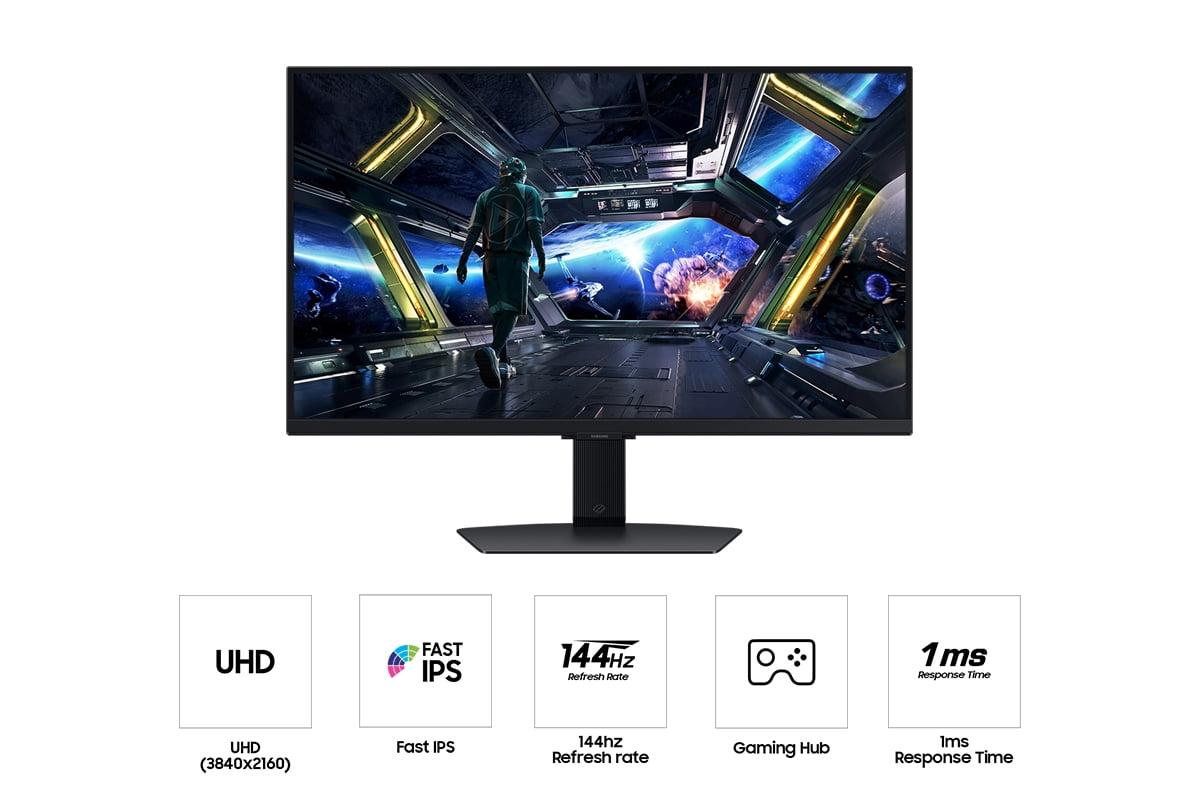
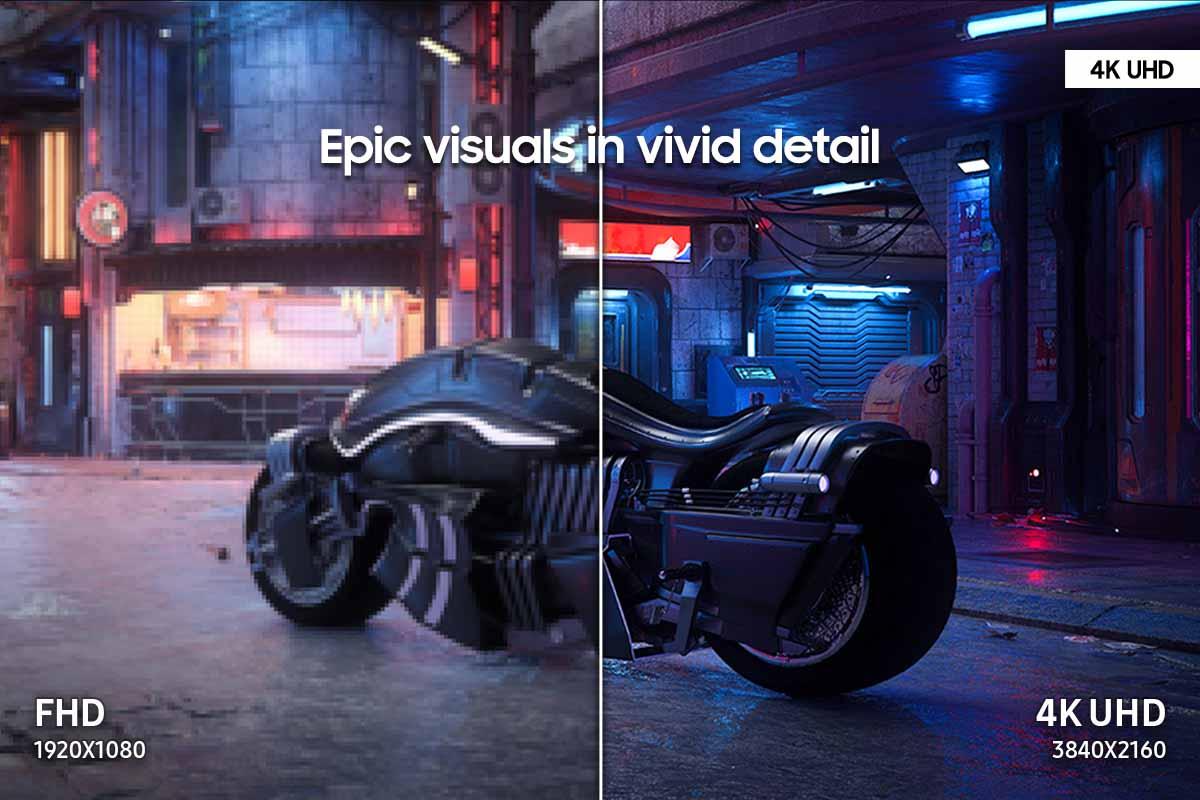
The Samsung Odyssey G7 G70D takes a completely different approach with its Fast IPS panel. While it can't achieve the perfect blacks of OLED, it delivers something the OLED can't: 4K resolution. With 8.3 million pixels compared to the OLED's 3.7 million, you get significantly more detail and screen real estate.
The 4K resolution really shines in games with lots of fine detail. Playing Cyberpunk 2077 or Microsoft Flight Simulator at 4K reveals textures and environmental details that simply aren't visible at 1440p. Text is also incredibly sharp, making this monitor much better for productivity tasks like photo editing or programming.
Samsung's Fast IPS technology provides excellent color accuracy with 99% sRGB coverage, though it doesn't quite match the OLED's color gamut. The panel maintains consistent colors across wide viewing angles, and since there's no risk of burn-in, you can leave static images on screen indefinitely without worry.
This is where the fundamental trade-off becomes clear. The LG OLED prioritizes ultimate responsiveness, while the Samsung focuses on maximum visual detail.
The LG's 240Hz refresh rate combined with its 0.03ms response time creates an almost supernatural level of smoothness. In competitive games like Counter-Strike 2 or Valorant, the difference is substantial. Enemy movements appear more fluid, making it easier to track targets and land shots. The monitor supports both AMD FreeSync Premium and NVIDIA G-SYNC Compatible, with a variable refresh rate range from 30-240Hz that eliminates screen tearing across a wide range of frame rates.
When testing with high-end graphics cards like the RTX 4080 or RX 7800 XT, the OLED's superior motion clarity becomes apparent in fast-paced scenarios. However, achieving 240fps in modern games requires significant GPU power and often means lowering visual settings.
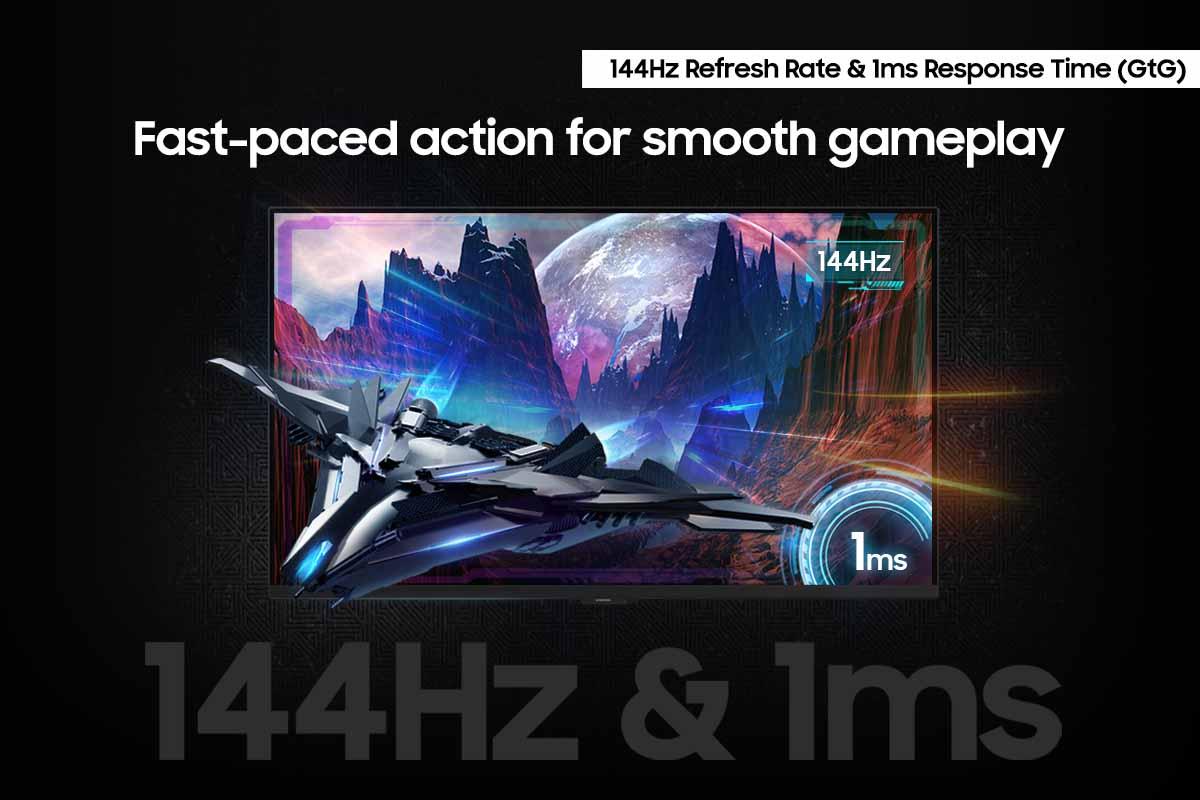
The Samsung's 144Hz refresh rate with 1ms response time is still excellent for gaming, though not quite as buttery smooth as the OLED. Where it excels is in delivering that extra visual detail from its 4K resolution. Games like The Witcher 3 or Red Dead Redemption 2 look significantly more detailed, with sharper textures and more visible environmental elements.
The 4K resolution does demand more from your graphics card, though. You'll need something like an RTX 4070 or better to maintain 60+fps in modern games at high settings. However, Samsung includes an NQM AI Processor that upscales lower-resolution content, so even 1440p games look sharper than they would on a native 1440p display.
For console gaming, the Samsung has a clear advantage. Both PlayStation 5 and Xbox Series X output at 4K resolution, matching the monitor's native resolution perfectly. The LG's 1440p resolution means console games are either downscaled from 4K (losing detail) or upscaled from 1080p (looking softer than they could).
HDR (High Dynamic Range) performance is where the OLED technology really flexes its muscles. The LG UltraGear supports HDR10 with peak brightness up to 1,000 nits, but more importantly, it can display true blacks. This creates an infinite contrast ratio that makes HDR content look incredibly dramatic.
In games like Horizon Zero Dawn or Ghost of Tsushima, sunrise and sunset scenes have a realism that's hard to describe until you see it. The sun blazes with realistic intensity while shadows remain perfectly black, creating depth and atmosphere that flat-panel displays simply can't match.
The Samsung supports HDR10+ Gaming and carries VESA DisplayHDR 400 certification, but its IPS panel limits contrast to 1000:1. While bright scenes look good, dark scenes appear grayish rather than truly black. The monitor includes local dimming with 32 zones, but this creates more problems than it solves, often causing large areas of the screen to brighten when they should stay dark.
For home theater use, the OLED is clearly superior. Movie watching becomes a cinematic experience, with the perfect blacks creating the same visual impact you'd get from a high-end OLED TV. The Samsung's smart TV features are convenient – you can stream Netflix or Disney+ directly without connecting another device – but the picture quality doesn't match the OLED's dramatic contrast.
This is where the Samsung Odyssey G7 G70D really differentiates itself. It's not just a gaming monitor; it's essentially a smart TV that happens to be great for gaming.
Samsung's Gaming Hub provides access to streaming services like Netflix, YouTube, and Amazon Prime, plus cloud gaming platforms like Xbox Cloud Gaming and NVIDIA GeForce Now. You can game without owning a console or PC, streaming titles directly from the cloud. The monitor includes a remote control, built-in speakers, and Bluetooth connectivity for wireless headphones.
The NQM AI Processor doesn't just upscale games – it enhances all content. Lower-resolution YouTube videos look sharper, and even 1080p streaming content appears more detailed than it would on other displays.
Samsung also includes gaming-specific features like Dynamic Black Equalizer, which automatically adjusts dark scenes to reveal hidden enemies, and various game picture modes optimized for different genres. The CoreSync lighting system projects ambient colors onto your wall, creating an immersive lighting effect that matches on-screen content.
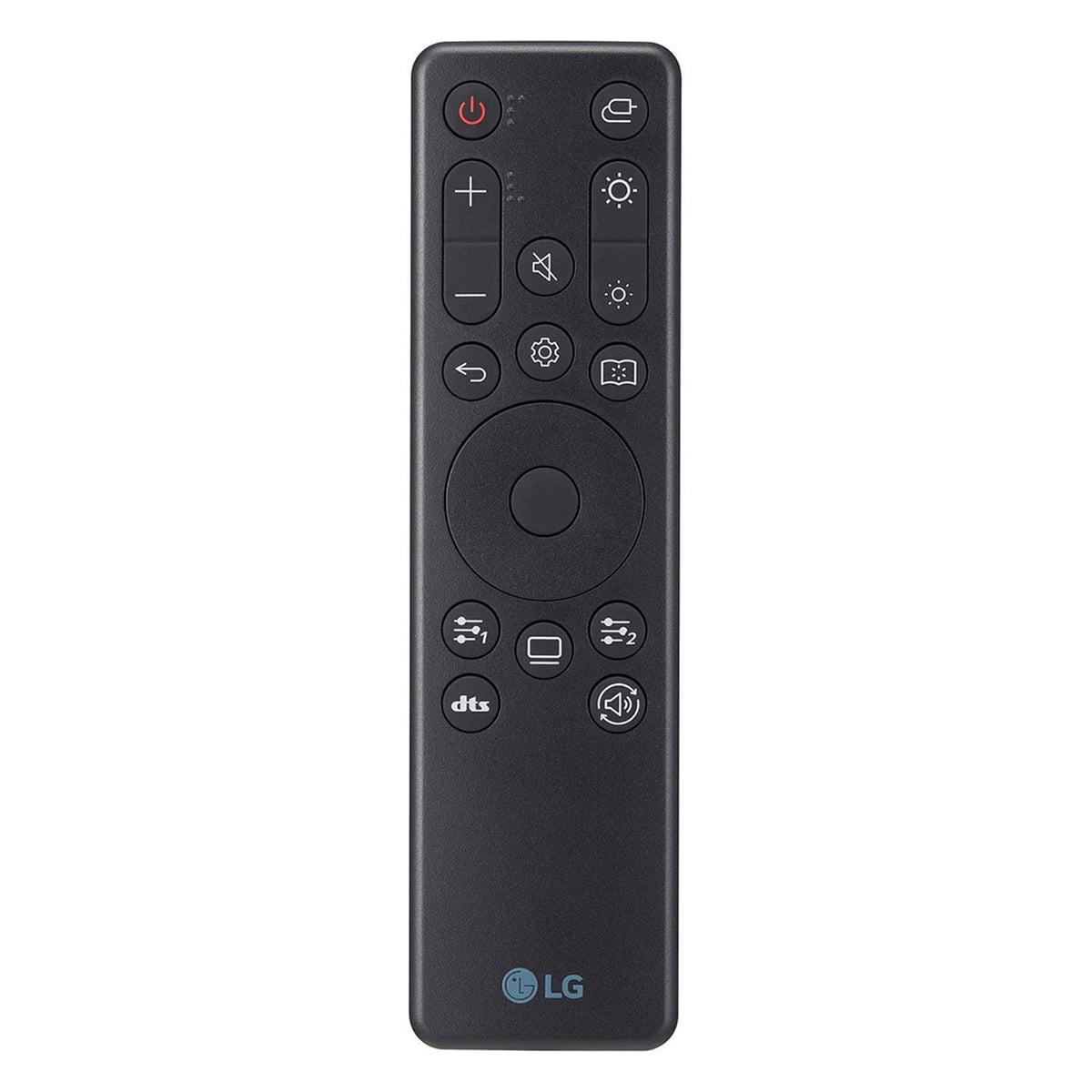
The LG focuses purely on gaming performance. While it includes some smart features and a remote control, it's clearly designed as a dedicated gaming display rather than an entertainment hub.
If you plan to use your monitor for work as well as gaming, the choice becomes more complex.
The Samsung's 4K resolution provides significantly more screen real estate. You can have multiple windows open comfortably, and text appears incredibly sharp. The IPS panel's accurate colors make it suitable for photo editing, though you might want to calibrate it for color-critical work.
The LG OLED offers superior image quality for creative work, with perfect blacks and excellent color accuracy. However, the burn-in risk makes it less suitable for productivity tasks. Static elements like toolbars, taskbars, or application interfaces can potentially cause permanent image retention if displayed for extended periods.
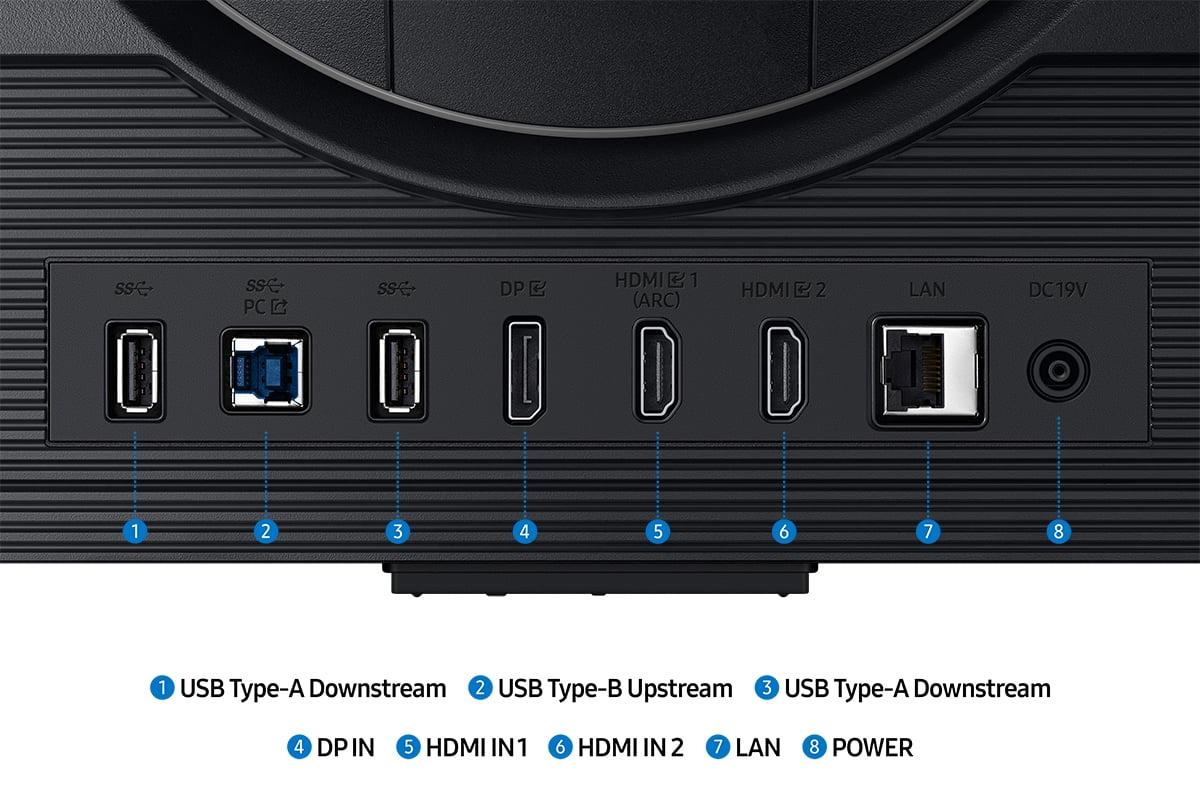
Both monitors offer excellent ergonomics with height, tilt, and swivel adjustments. The LG features a virtually bezel-less design that looks more premium, while the Samsung includes more connectivity options and USB hub functionality.
Both monitors represent significant technological advances from previous generations. The LG UltraGear OLED is among the first OLED gaming monitors to achieve 240Hz refresh rates, previously impossible due to OLED technology limitations. Earlier OLED monitors were limited to 120Hz or 144Hz, making this a genuine breakthrough for competitive gaming.
The Samsung incorporates the latest Fast IPS technology, which offers significantly better response times than traditional IPS panels. Previous IPS gaming monitors typically had 4-5ms response times; the G70D's 1ms response time puts it in the same league as TN panels while maintaining IPS color advantages.
Looking ahead, both monitors should remain relevant for years. The OLED's 240Hz capability exceeds what most games can currently achieve, providing headroom for future graphics card generations. The Samsung's 4K resolution matches current console outputs and will likely remain the standard for years to come.
Choosing between these monitors ultimately depends on your gaming priorities and usage patterns.
Choose the LG UltraGear 27" OLED if you're primarily a competitive PC gamer who values responsiveness above all else. The 240Hz refresh rate and 0.03ms response time provide a genuine competitive advantage in esports titles. The superior HDR and contrast also make single-player story-driven games more immersive. However, be prepared to manage burn-in risks if you use the monitor for productivity work.
Choose the Samsung 27" Odyssey G7 G70D if you want maximum versatility from a single display. The 4K resolution benefits both gaming and productivity work, while the smart TV features eliminate the need for additional streaming devices. Console gamers will particularly appreciate the native 4K resolution and smart capabilities.
For home theater use, the OLED wins decisively with its cinematic contrast and perfect blacks. For mixed gaming and productivity, the Samsung's higher resolution and burn-in resistance make it more practical.
Both monitors represent excellent examples of their respective technologies. The OLED pushes gaming performance to new heights, while the Samsung provides a more well-rounded package with broader appeal. Your choice should align with how you actually plan to use the monitor – and be honest about whether you'll really take advantage of 240Hz gaming or if 4K detail matters more to your experience.
| LG UltraGear 27" OLED QHD 240Hz Gaming Monitor | Samsung 27" Odyssey G7 G70D 4K UHD IPS Gaming Monitor |
|---|---|
| Display Technology - Determines contrast, color quality, and burn-in risk | |
| OLED with perfect blacks and infinite contrast | Fast IPS with consistent brightness and no burn-in concerns |
| Resolution - Higher resolution means sharper images but requires more GPU power | |
| 2560 x 1440 (QHD) - 3.7 million pixels | 3840 x 2160 (4K UHD) - 8.3 million pixels |
| Refresh Rate - Higher rates provide smoother motion in fast games | |
| 240Hz (exceptional for competitive gaming) | 144Hz (excellent for most gaming scenarios) |
| Response Time - Lower is better for reducing motion blur | |
| 0.03ms GtG (virtually instantaneous) | 1ms GtG (excellent performance) |
| Peak Brightness - Affects HDR impact and visibility in bright rooms | |
| 1,000 nits HDR / 350 nits SDR | 350 nits typical (limited HDR impact) |
| Contrast Ratio - Higher contrast creates more dramatic visuals | |
| 1,500,000:1 (infinite contrast from OLED) | 1,000:1 (typical IPS limitation) |
| Color Gamut - Wider coverage means more vibrant, accurate colors | |
| 98.5% DCI-P3 (cinema-grade color accuracy) | 99% sRGB (excellent for standard content) |
| Adaptive Sync - Eliminates screen tearing and stuttering | |
| AMD FreeSync Premium + G-SYNC Compatible (30-240Hz) | AMD FreeSync Premium (48-144Hz range) |
| Smart Features - Additional functionality beyond gaming | |
| Basic remote control and RGB lighting | Full Gaming Hub OS with streaming apps and cloud gaming |
| Burn-in Risk - Permanent image retention from static content | |
| Potential risk with OLED Care mitigation features | No risk with IPS technology |
| Console Gaming Compatibility - How well it matches PS5/Xbox output | |
| 1440p upscaled from console 4K output | Native 4K matches console resolution perfectly |
| Productivity Use - Suitability for work and creative tasks | |
| Limited due to burn-in risk despite superior image quality | Excellent with 4K resolution and sharp text |
| Warranty Coverage - Protection against panel issues | |
| 2-year OLED warranty (burn-in not covered) | Standard warranty with durable IPS panel |
The LG UltraGear 27" OLED QHD 240Hz Gaming Monitor is superior for competitive gaming due to its 240Hz refresh rate and 0.03ms response time. This combination provides incredibly smooth motion and virtually eliminates input lag, giving you a competitive edge in fast-paced games like Counter-Strike, Valorant, and Apex Legends.
OLED technology in the LG UltraGear uses self-emitting pixels that can turn completely off for perfect blacks and infinite contrast. IPS technology in the Samsung Odyssey G7 G70D uses a backlight with liquid crystals, providing consistent brightness and no burn-in risk but limited contrast. OLED offers better image quality, while IPS provides worry-free long-term use.
The Samsung Odyssey G7 G70D 4K UHD IPS Gaming Monitor has higher resolution at 3840x2160 (4K) compared to the LG's 2560x1440 (QHD). The 4K resolution provides 77% more pixels, resulting in sharper images and more detail in games, especially beneficial for single-player titles and console gaming.
The Samsung Odyssey G7 G70D is better for console gaming as its 4K resolution matches the native output of PS5 and Xbox Series X perfectly. The LG UltraGear OLED requires consoles to either downscale from 4K or upscale from 1440p, which can result in less optimal image quality.
The LG UltraGear 27" OLED excels for movie watching due to its perfect blacks and infinite contrast ratio, creating a cinematic experience similar to high-end OLED TVs. However, the Samsung Odyssey G7 G70D offers built-in smart TV features with streaming apps, making it more convenient for accessing Netflix, YouTube, and other services without additional devices.
The LG UltraGear OLED does have potential burn-in risk where static images can permanently mark the screen. LG includes OLED Care features to help prevent this, but it's still a consideration for productivity use. The Samsung IPS monitor has no burn-in risk, making it safer for displaying static content like desktop interfaces or work applications.
Value depends on your priorities. The Samsung Odyssey G7 G70D typically offers better overall value with 4K resolution, smart features, and no burn-in concerns at a lower price point. The LG UltraGear OLED provides premium performance and image quality that justifies its higher cost for serious gamers who prioritize the best possible gaming experience.
The Samsung Odyssey G7 G70D is significantly better for productivity due to its 4K resolution providing more screen real estate and sharper text, plus no burn-in risk from static work applications. The LG UltraGear OLED offers superior image quality but the burn-in risk makes it less suitable for extended productivity use with static UI elements.
The LG UltraGear 27" OLED delivers superior HDR performance with perfect blacks, infinite contrast, and 1,000 nits peak brightness. The Samsung Odyssey G7 G70D supports HDR10+ but is limited by its IPS panel's 1,000:1 contrast ratio and lower peak brightness, resulting in less impactful HDR visuals.
Both monitors feature HDMI 2.1 and DisplayPort connections. The Samsung Odyssey G7 G70D includes additional smart TV connectivity like built-in Wi-Fi, Bluetooth for wireless audio, and USB ports for peripherals. The LG UltraGear OLED focuses on gaming connectivity with USB hub functionality and includes a remote control for easy menu navigation.
The LG UltraGear OLED excels at competitive multiplayer games where high refresh rates and low latency matter most. The Samsung Odyssey G7 G70D is better for story-driven single-player games, RPGs, and strategy games where the extra 4K detail enhances the visual experience and immersion.
Both monitors offer good future-proofing but in different ways. The LG UltraGear 27" OLED provides headroom with its 240Hz capability that exceeds current game requirements. The Samsung Odyssey G7 G70D 4K UHD IPS Gaming Monitor matches current console output standards and offers versatility with smart features that will remain useful as streaming and cloud gaming evolve.
We've done our best to create useful and informative comparisons to help you decide what product to buy. Our research uses advanced automated methods to create this comparison and perfection is not possible - please contact us for corrections or questions. These are the sites we've researched in the creation of this article: bestbuy.com - bestbuy.com - youtube.com - rtings.com - youtube.com - youtube.com - lg.com - bhphotovideo.com - bestbuy.com - forum.beyond3d.com - youtube.com - lg.com - lg.com - lg.com - techpowerup.com - newegg.com - bestbuy.com - pcmonitors.info - lg.com - lg.com - bestbuy.com - typectechreviews.com - rtings.com - rtings.com - youtube.com - youtube.com - samsung.com - samsung.com - samsung.com - bhphotovideo.com - samsung.com - samsung.com - versus.com - abt.com - abt.com - bestbuy.com - bhphotovideo.com - youtube.com - abt.com

Privacy Policy
Terms and Conditions - Affiliate Policy
Home Security
© Copyright 2008-2026.
11816 Inwood Rd #1211, Dallas, TX 75244