

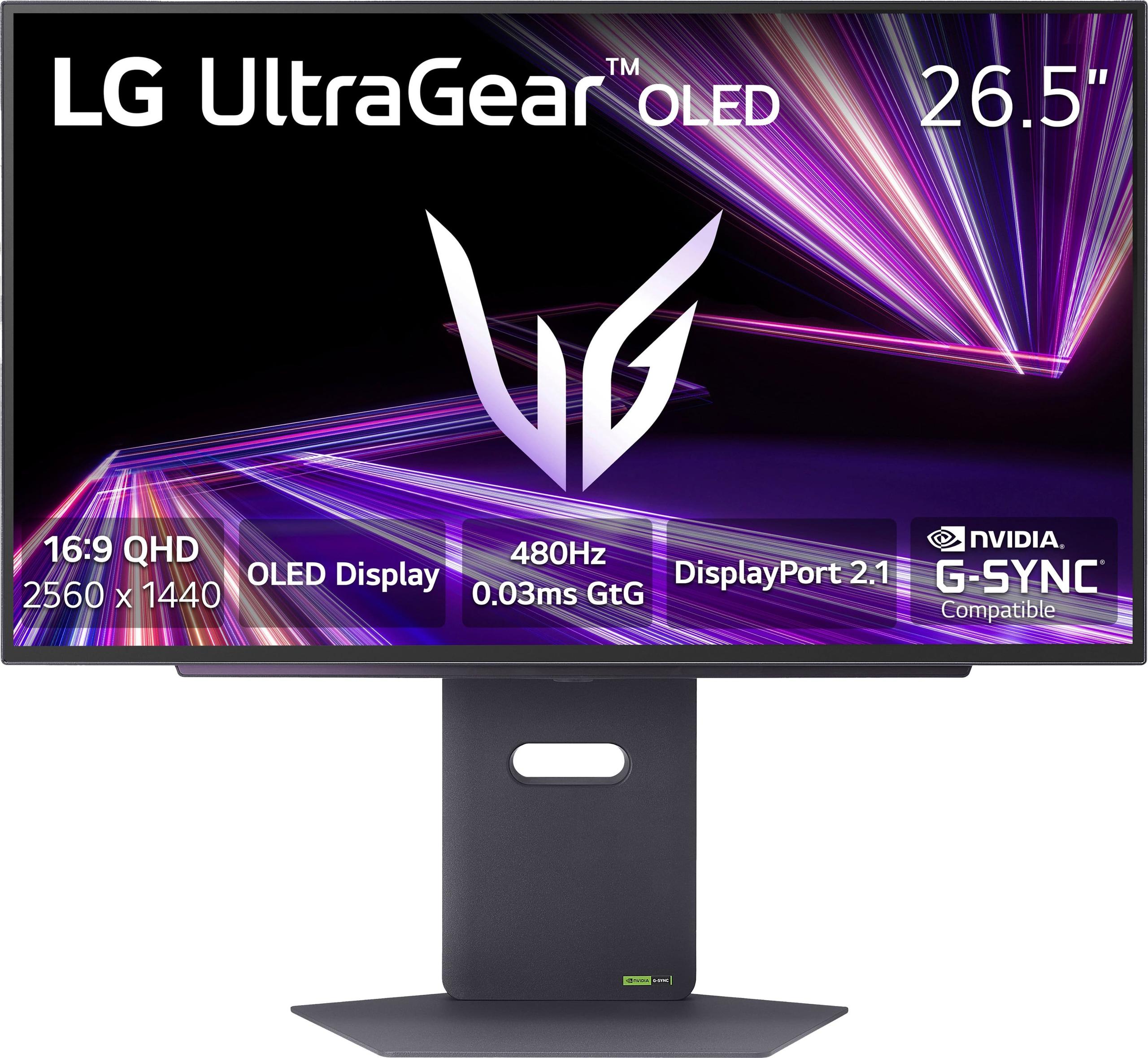
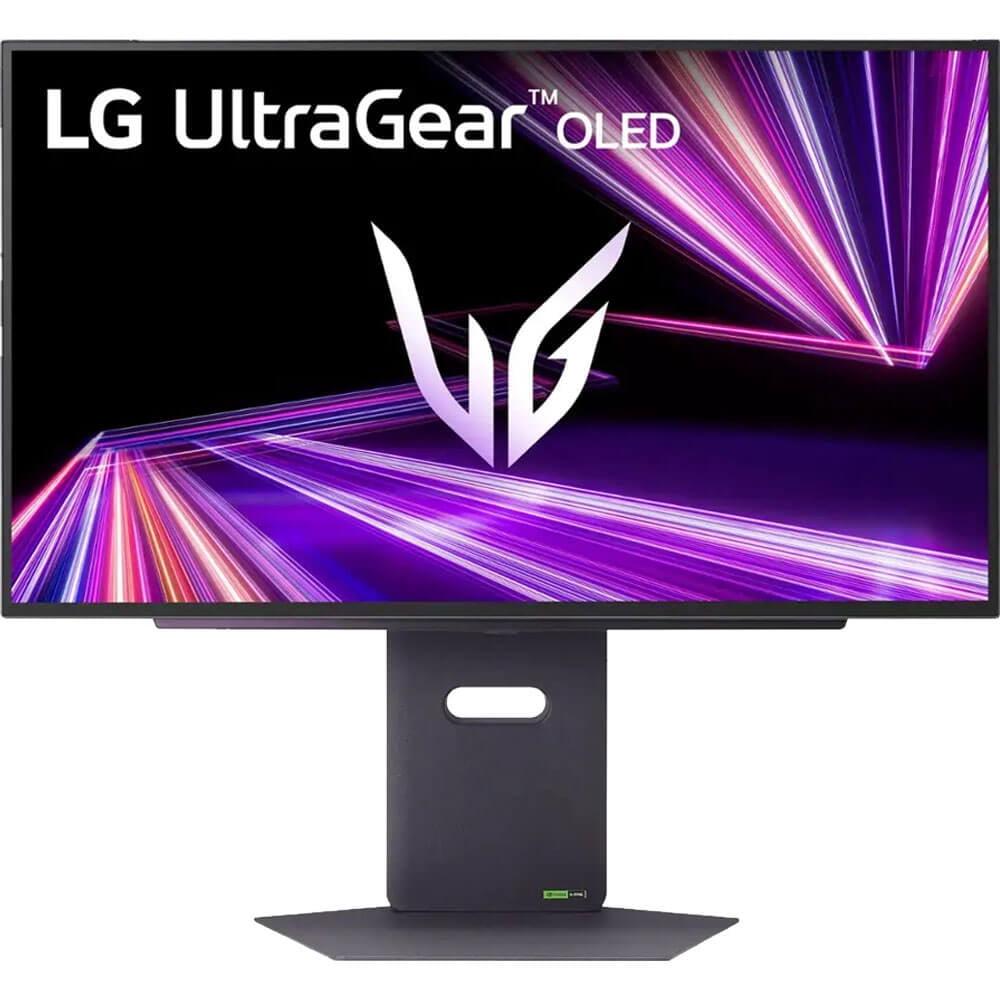
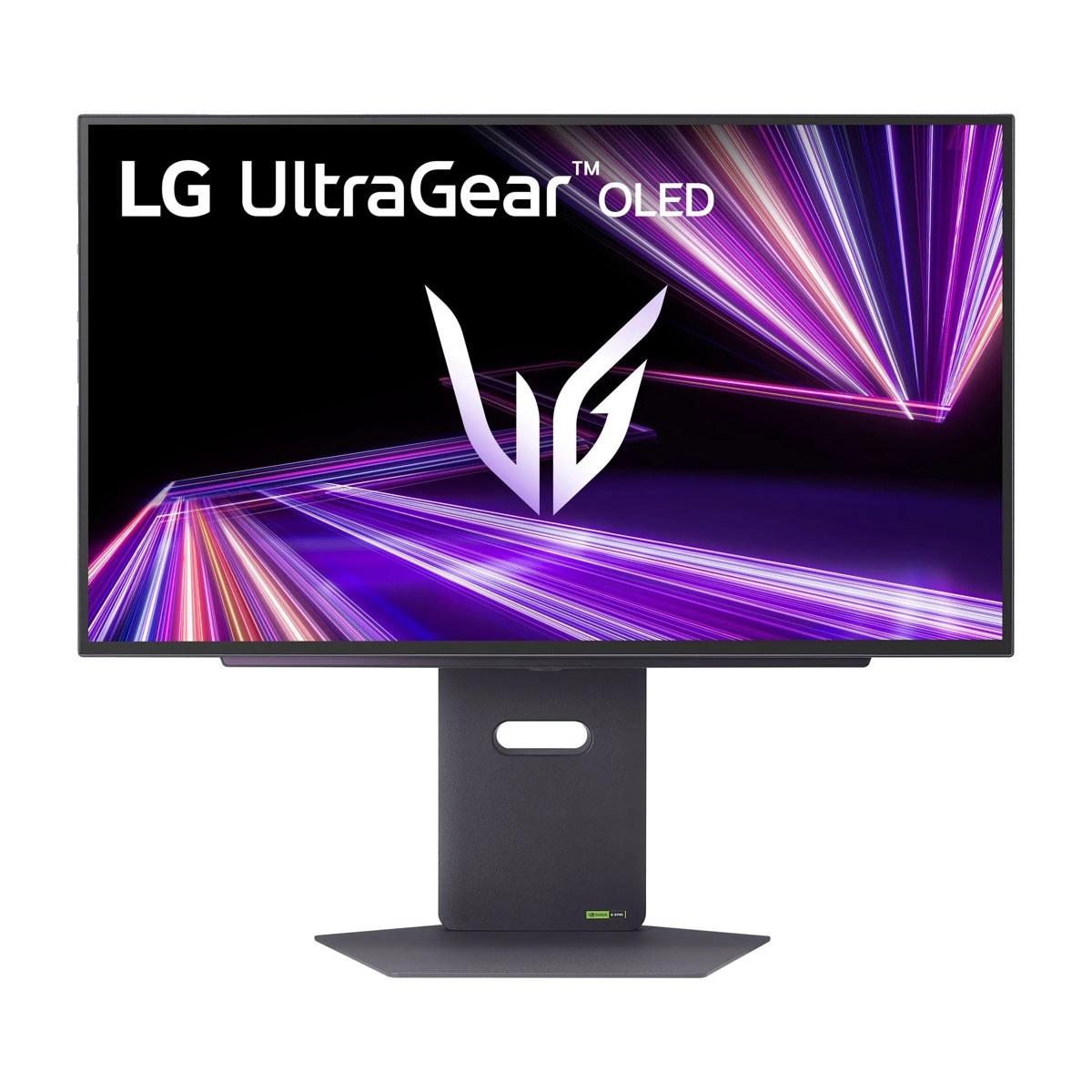
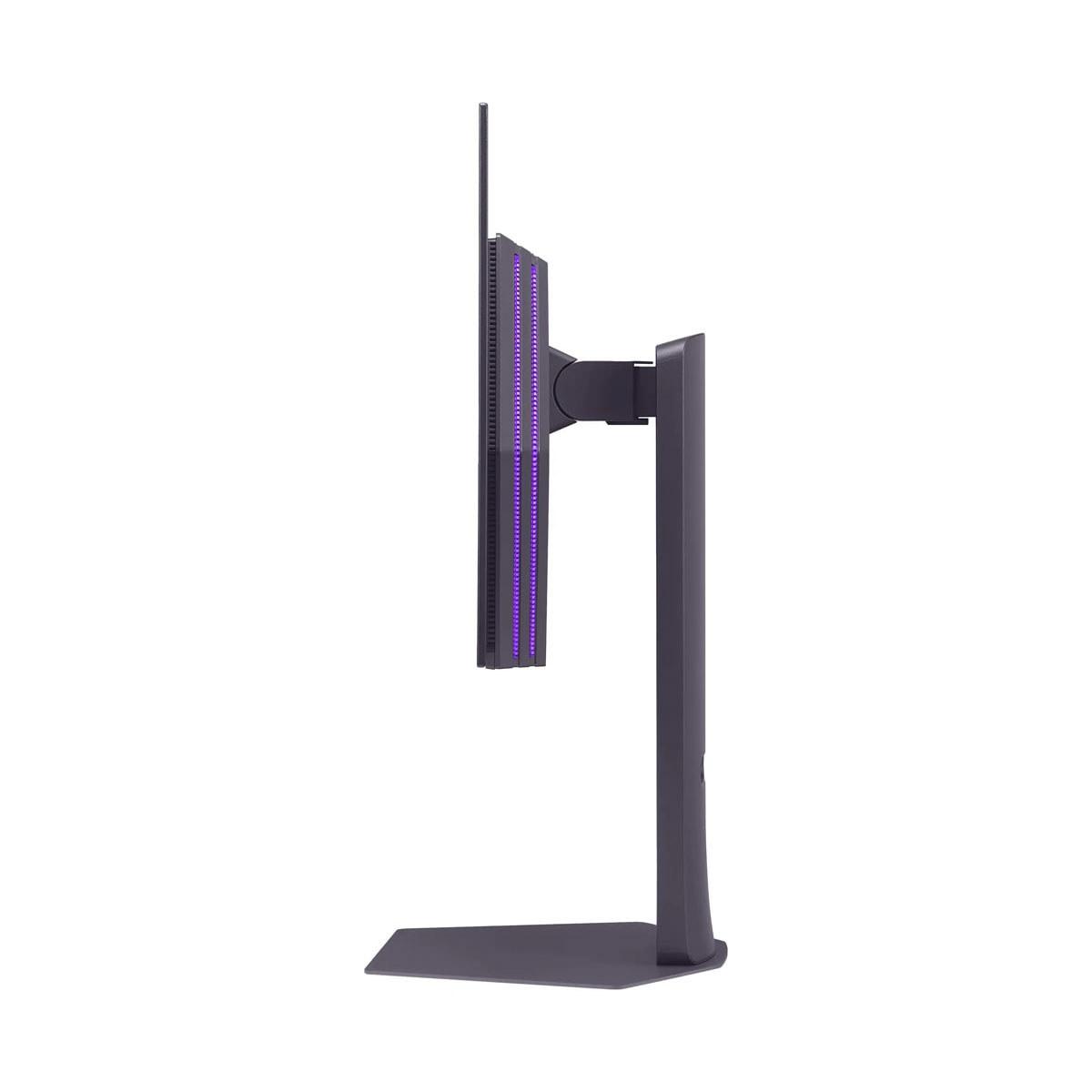
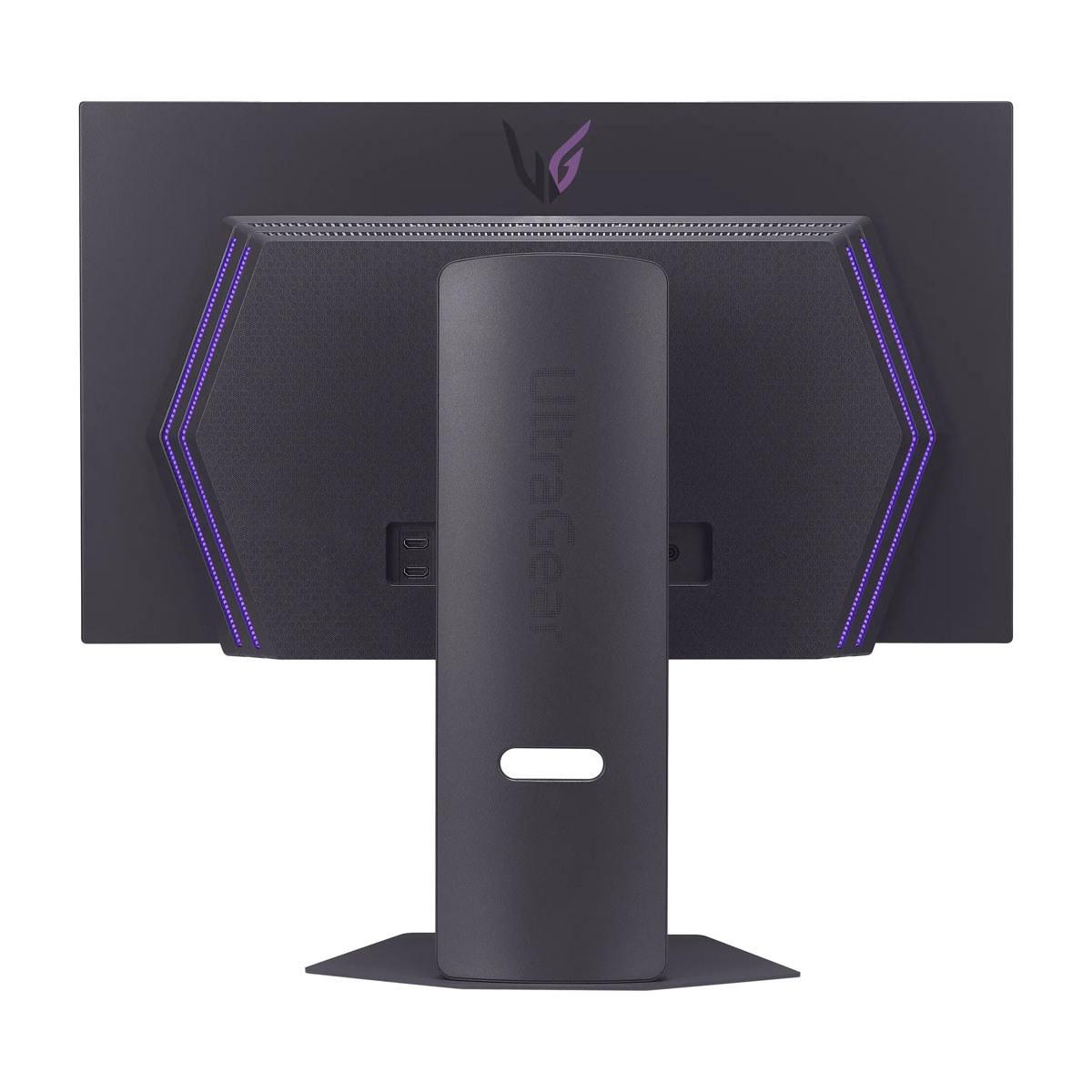
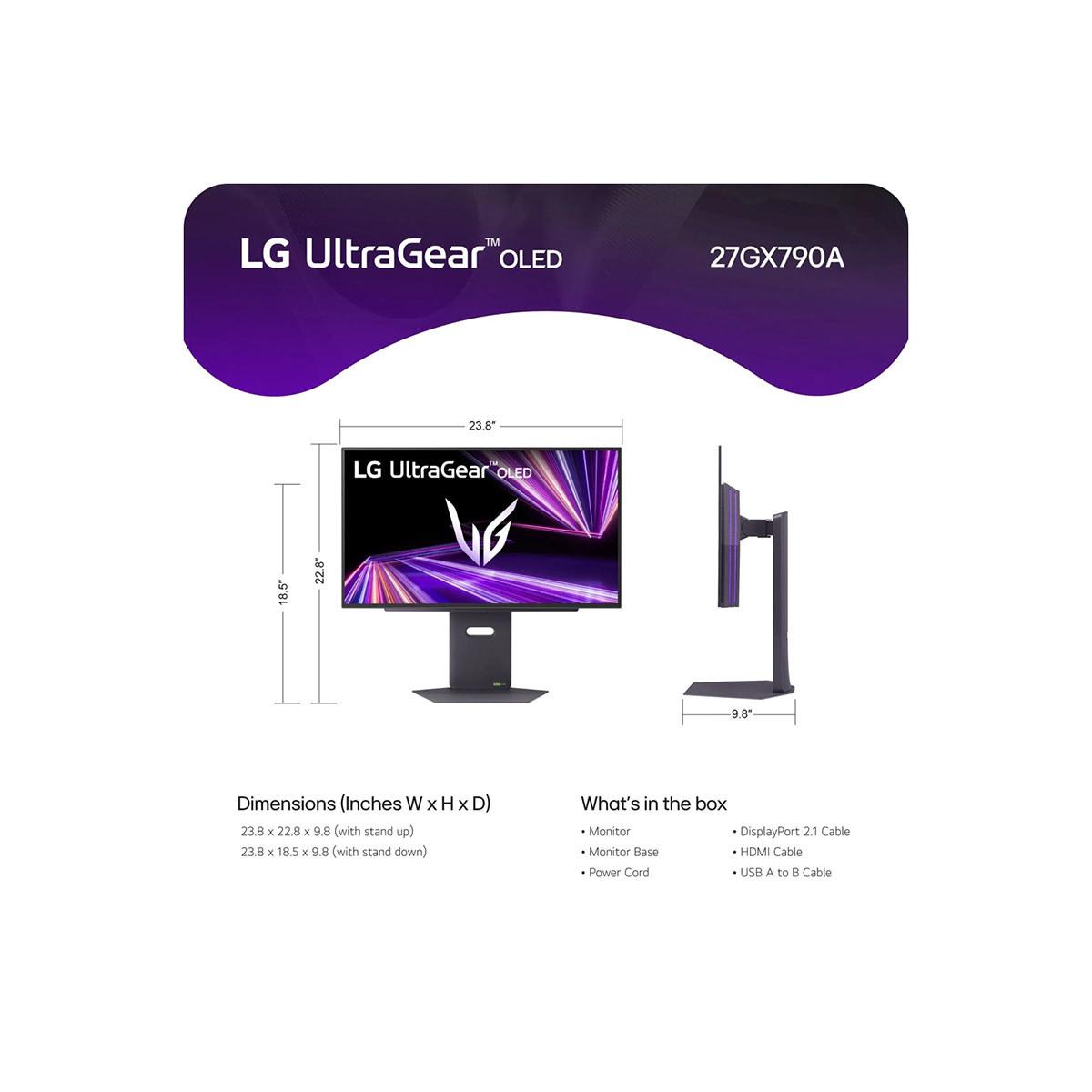
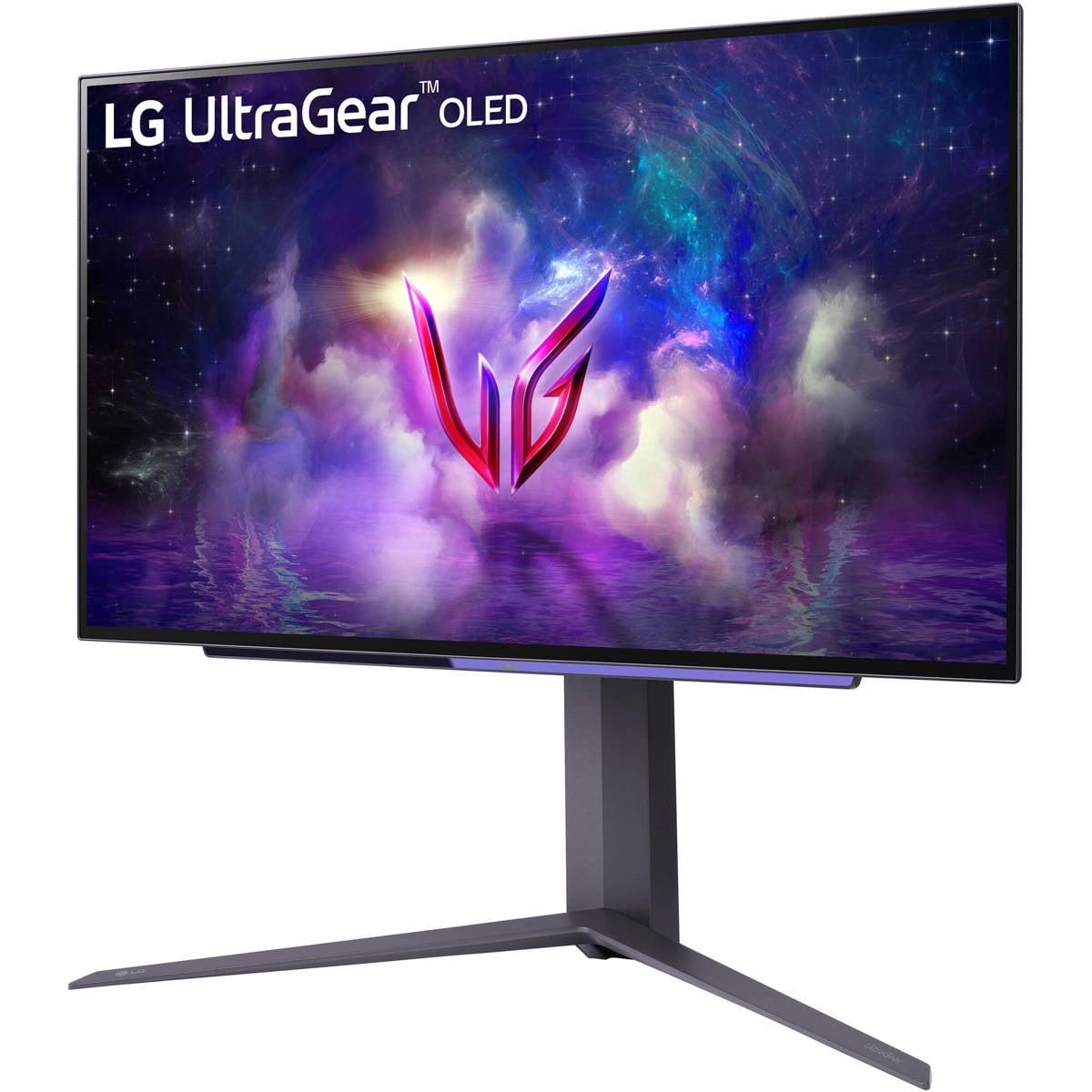
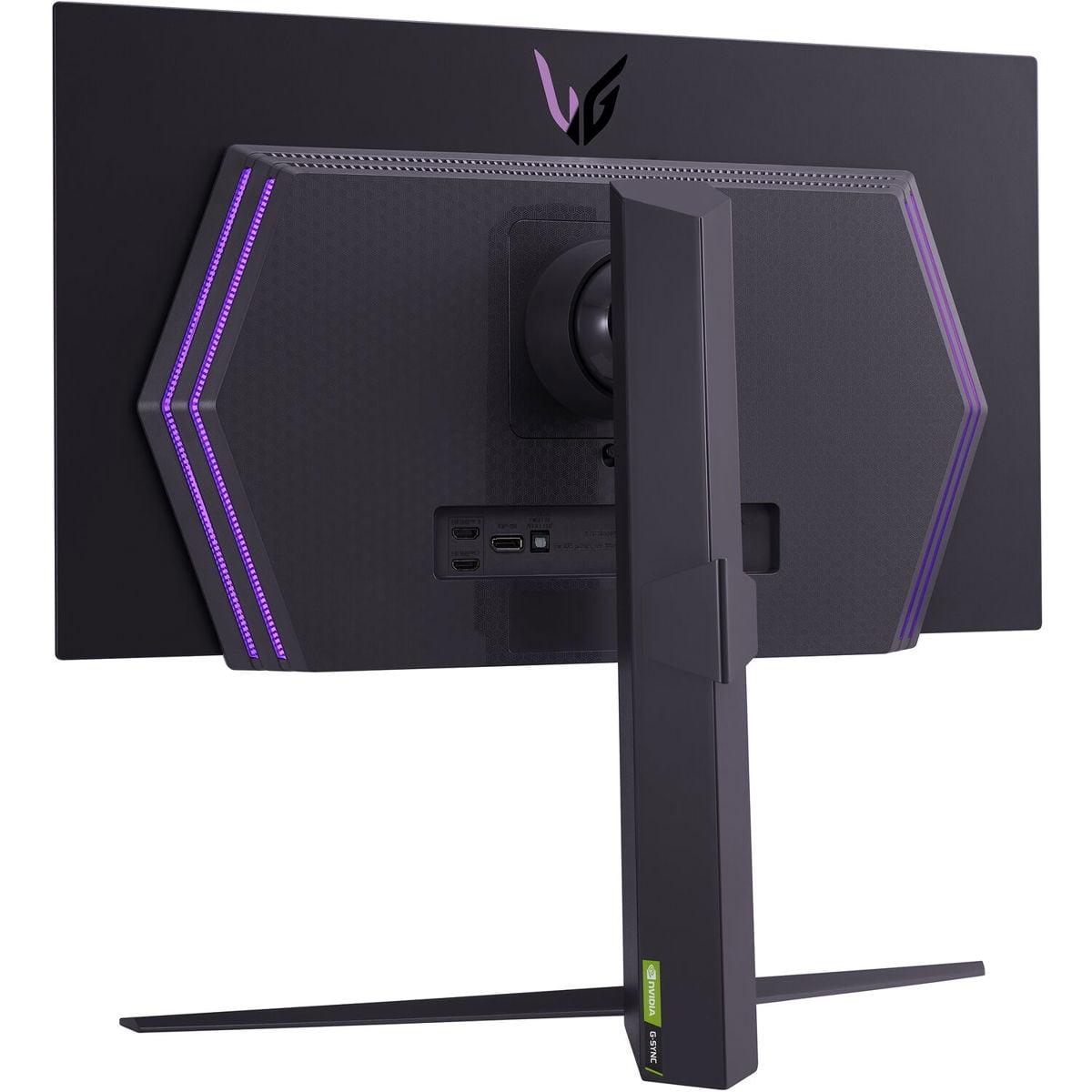
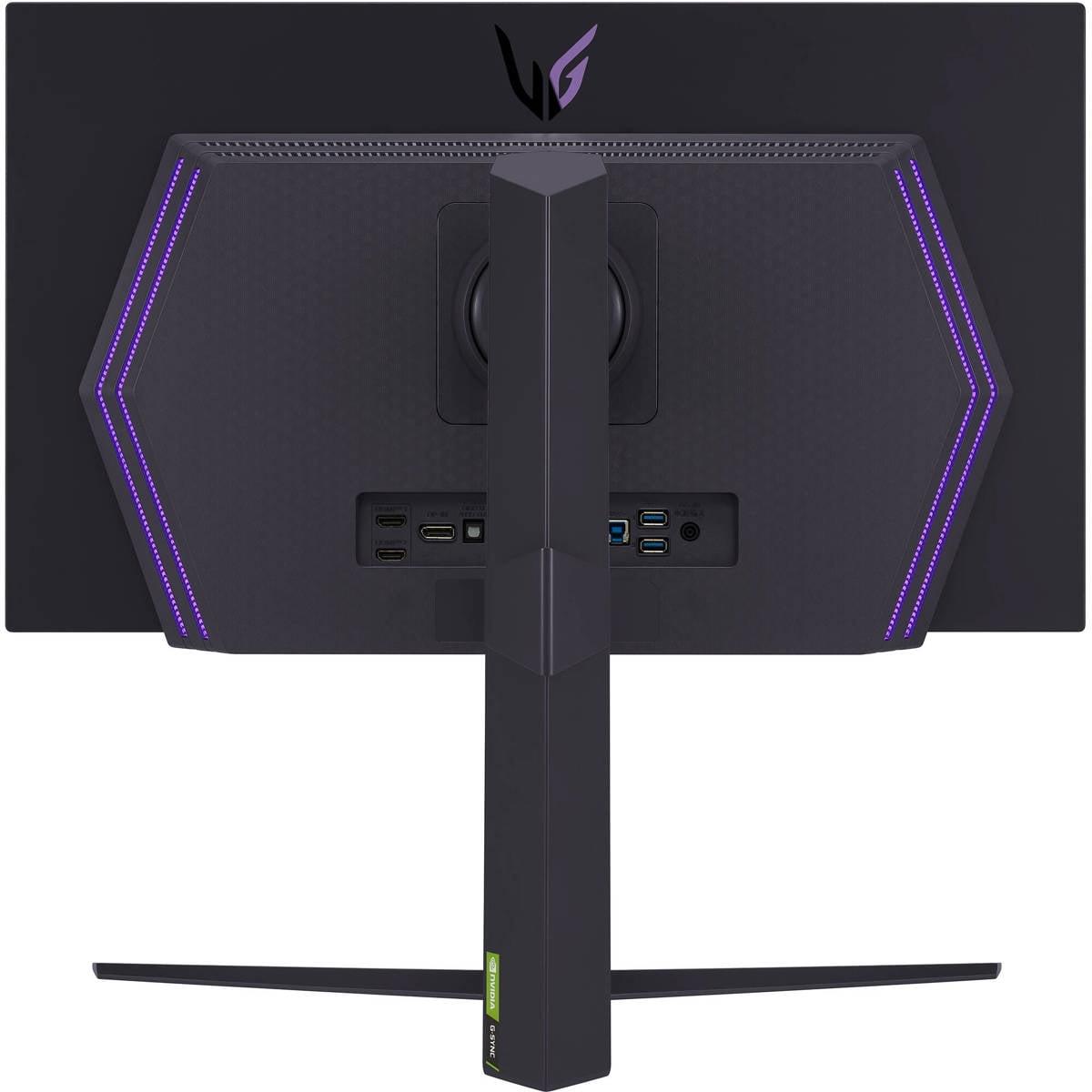
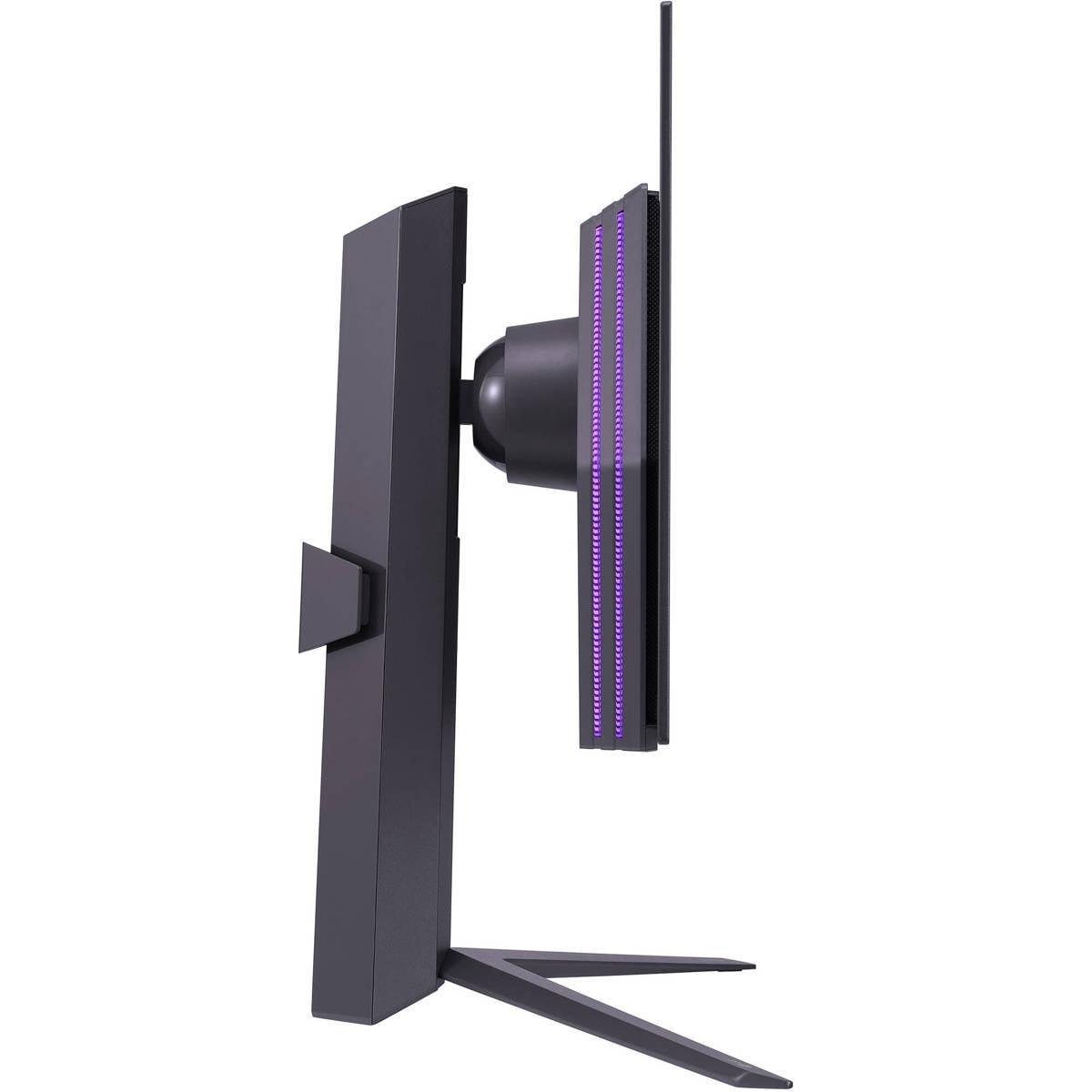

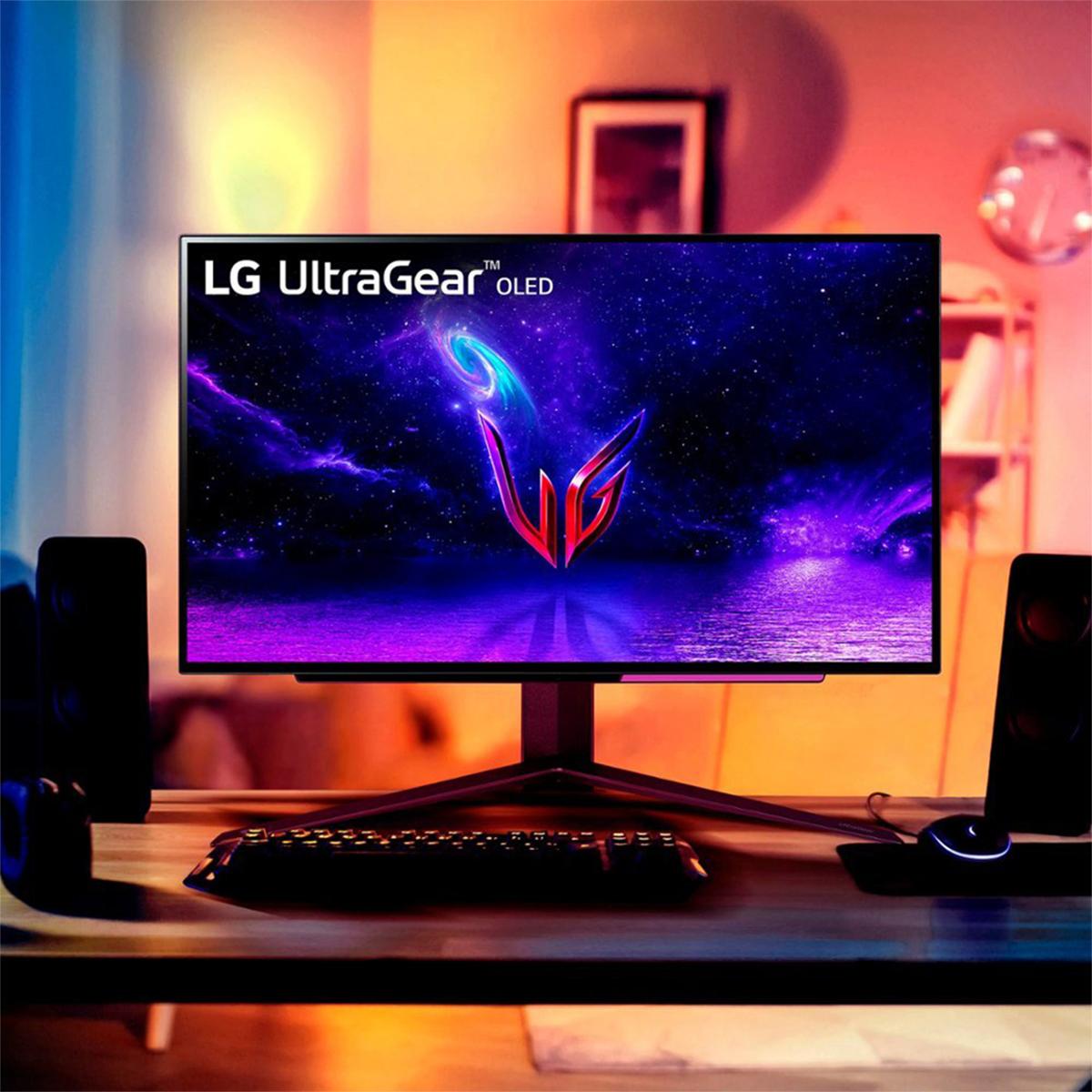

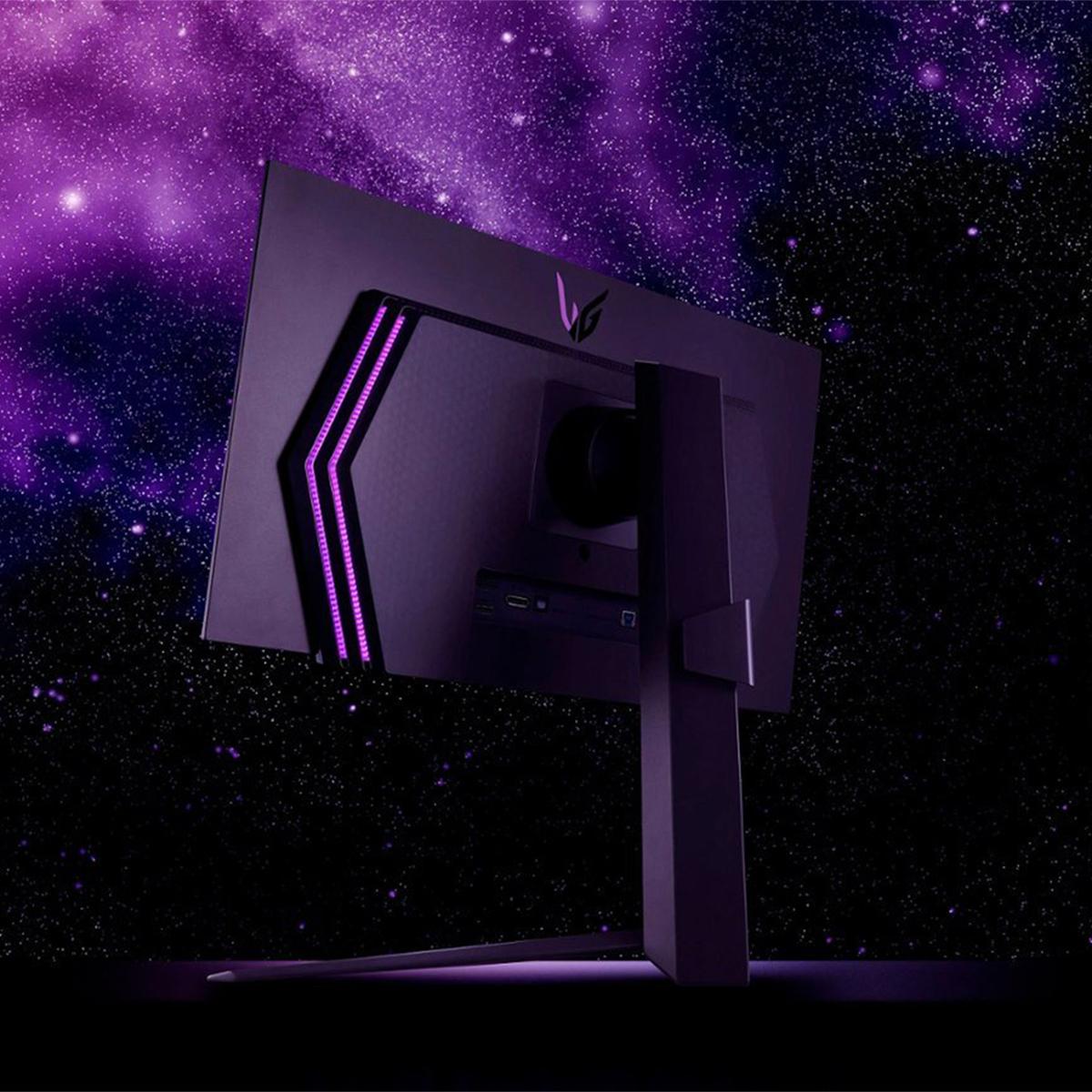
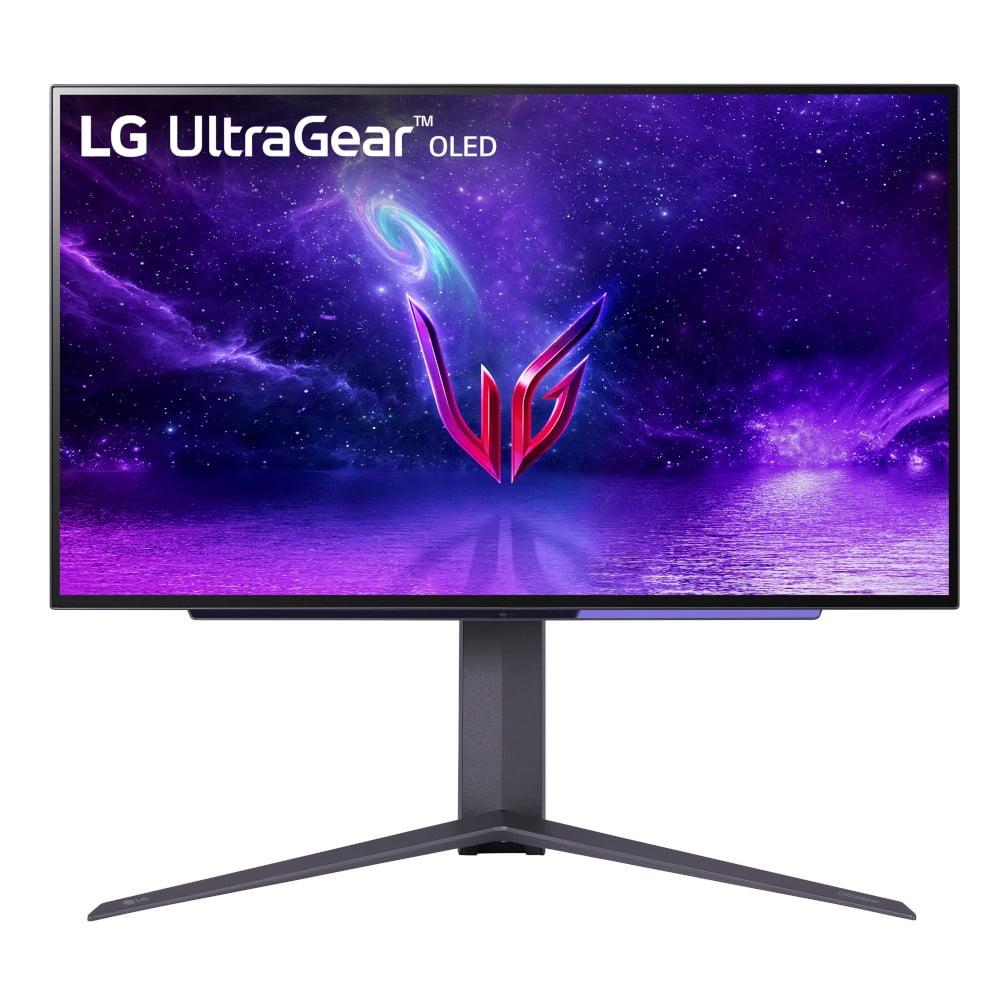
When LG released their first UltraGear 27" OLED QHD 240Hz Gaming Monitor in early 2024, it felt like gaming displays had finally hit their sweet spot. Then, in late 2024, they dropped the UltraGear 27" OLED QHD 480Hz Gaming Monitor and suddenly had us all questioning whether 240Hz was enough. Having spent considerable time with both displays, I can tell you the answer isn't as straightforward as "bigger number equals better."
Both monitors represent the cutting edge of gaming display technology, combining OLED's perfect blacks and vibrant colors with refresh rates that would have seemed impossible just a few years ago. But understanding which one makes sense for your setup requires diving into the details of what these numbers actually mean for your gaming experience.
Before we dive into the comparison, let's establish what makes these monitors special. OLED (Organic Light-Emitting Diode) technology uses pixels that generate their own light, unlike traditional LCD monitors that need a backlight. This means each pixel can turn completely off to create true black, resulting in infinite contrast ratios – the difference between the brightest whites and darkest blacks a display can show.
The refresh rate, measured in hertz (Hz), tells you how many times per second the monitor can display a new image. A 240Hz monitor refreshes 240 times per second, while a 480Hz monitor doubles that to 480 times. Higher refresh rates create smoother motion, reduce input lag (the delay between your action and seeing it on screen), and can provide competitive advantages in fast-paced games.
When choosing between high-refresh OLED monitors, you need to consider several factors: whether your graphics card can actually produce enough frames to take advantage of the higher refresh rate, how much you're willing to spend for potentially diminishing returns, and what types of games you primarily play.
The 240Hz model launched in February 2024 as part of LG's push to bring OLED technology to competitive gaming. At the time, 240Hz represented the practical limit for most gaming setups – even powerful graphics cards struggled to maintain 240 frames per second in demanding games at 1440p resolution.
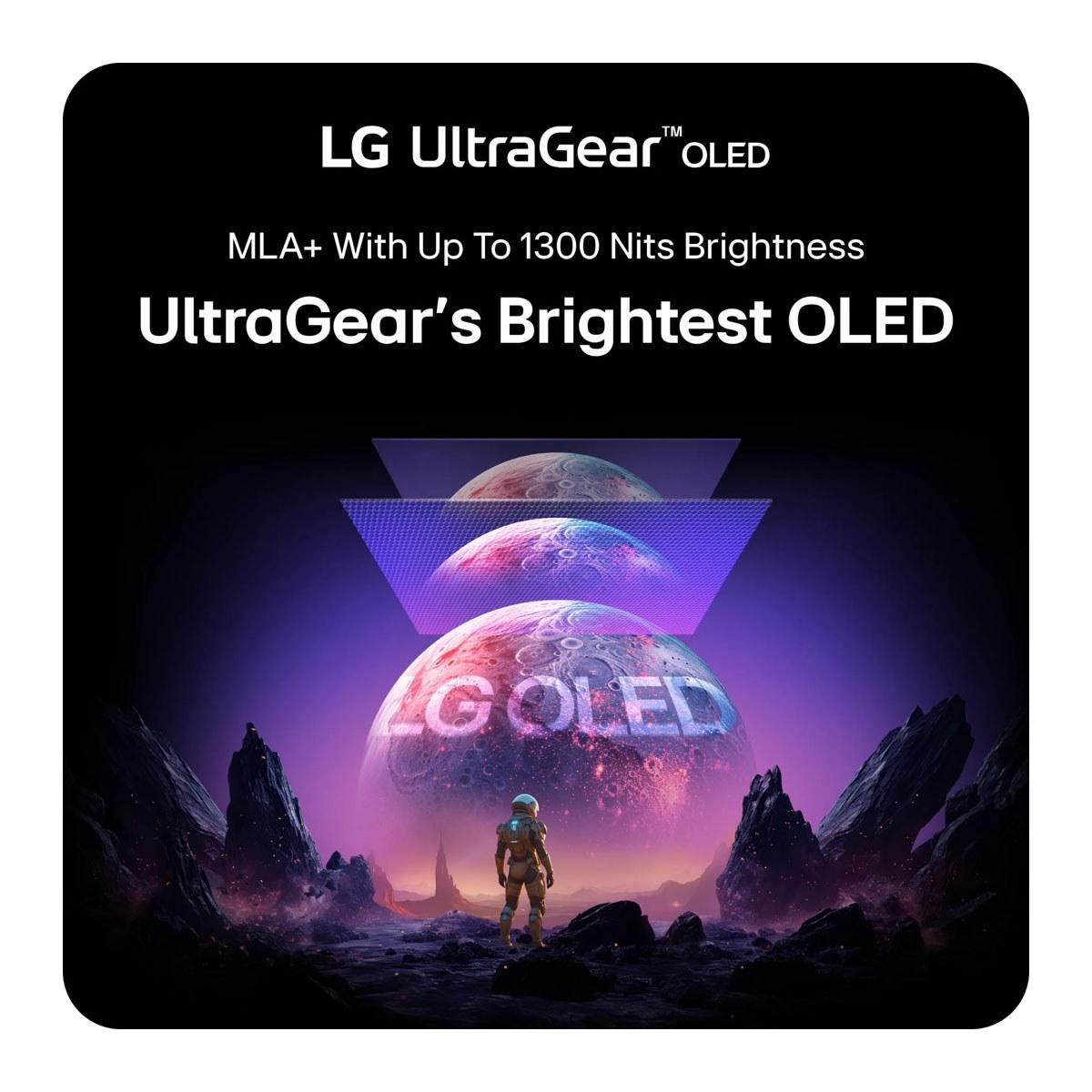
The 480Hz version arrived in November 2024, coinciding with the release of next-generation graphics cards that could theoretically push frame rates high enough to justify such extreme refresh rates. LG equipped this newer model with DisplayPort 2.1 connectivity and Micro Lens Array+ (MLA+) technology, which uses microscopic lenses to increase brightness without consuming more power.
Both monitors use the same basic 27-inch QHD (2560×1440) OLED panel technology, but the newer model incorporates several refinements that go beyond just the higher refresh rate. The evolution from 240Hz to 480Hz represents not just an incremental upgrade, but a fundamental shift toward displays that can keep pace with the most powerful gaming hardware available.
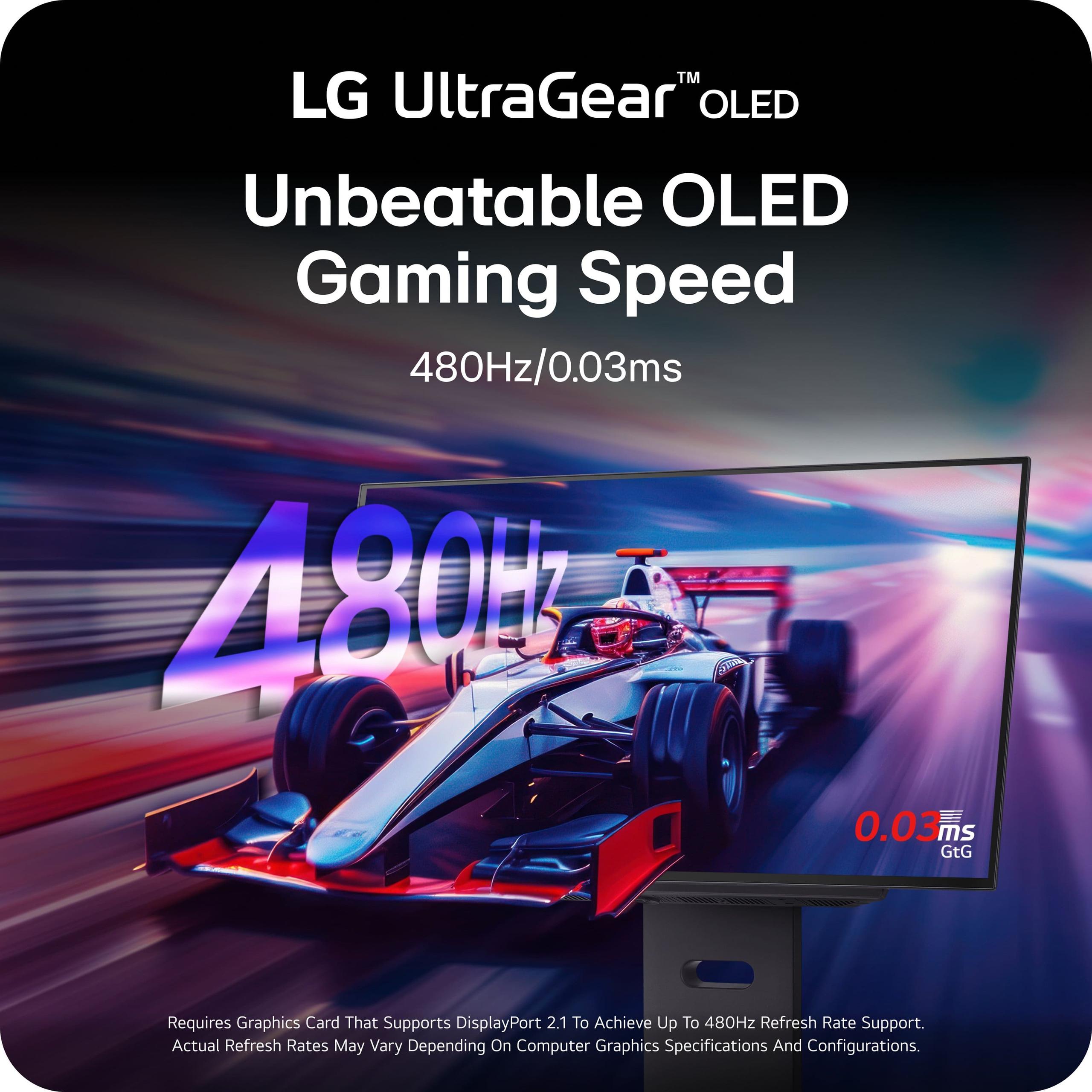
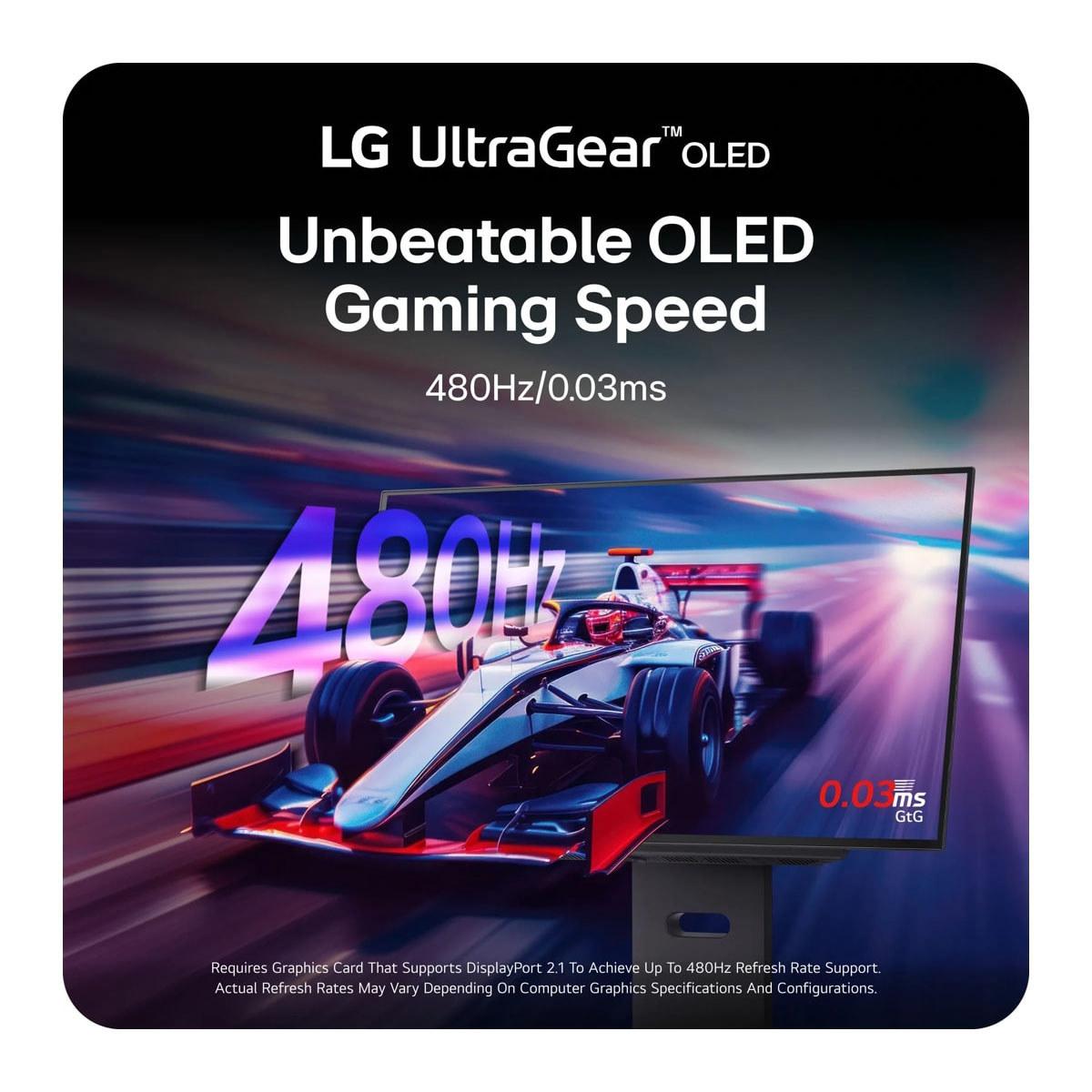
The most obvious difference between these monitors is refresh rate – 240Hz versus 480Hz. In practical terms, the 480Hz model can display twice as many unique images per second as the 240Hz version. This translates to smoother motion, especially in fast-paced competitive games where every millisecond counts.
However, the real-world impact isn't as dramatic as the numbers suggest. While the jump from 60Hz to 120Hz creates a night-and-day difference, and 120Hz to 240Hz still provides noticeable improvements, the leap from 240Hz to 480Hz offers much more subtle benefits. Most gamers, even competitive players, struggle to consistently identify the difference in blind tests.
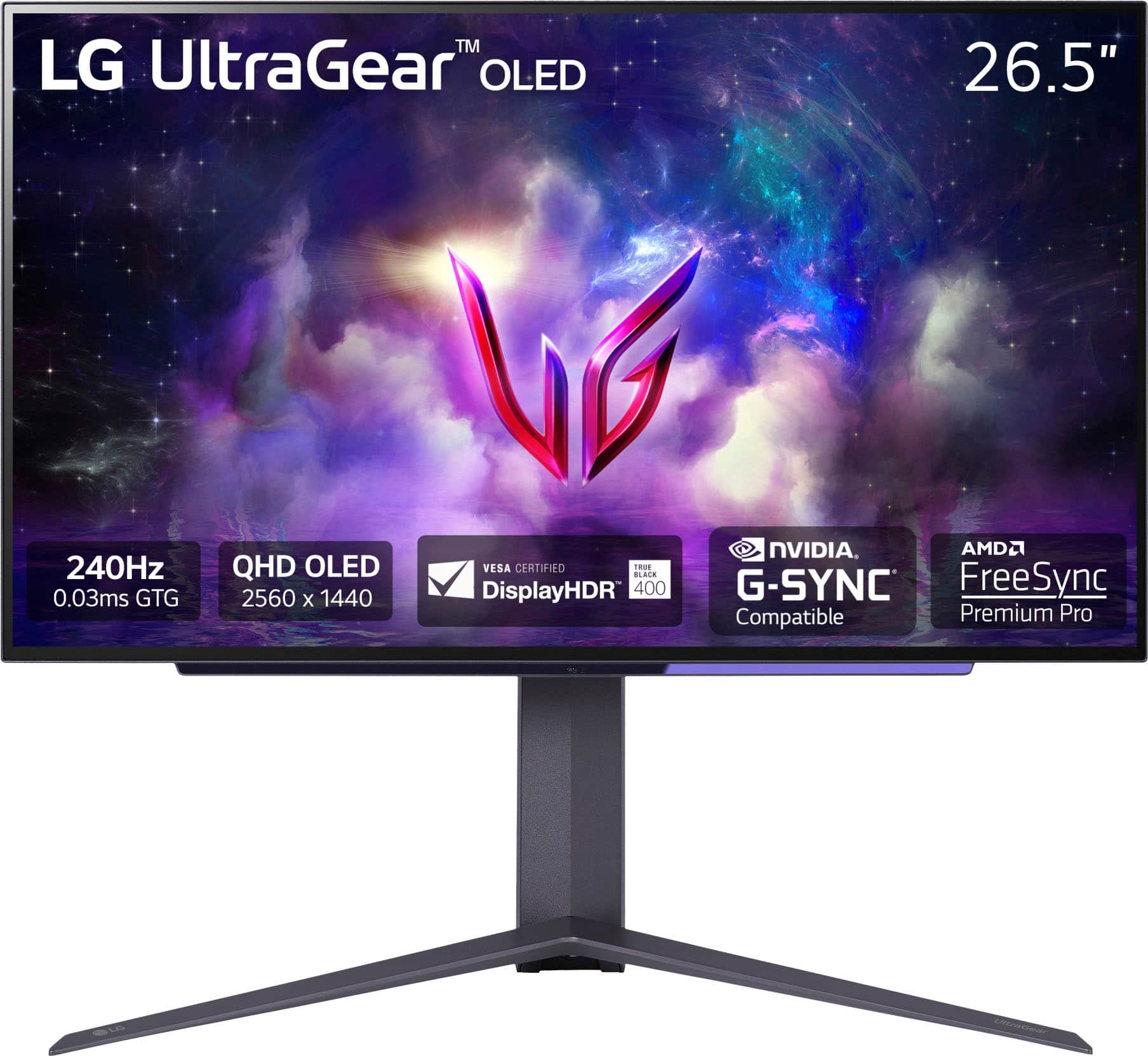
Both monitors achieve identical 0.03ms gray-to-gray response times, which measures how quickly pixels can change from one shade of gray to another. This ultra-low response time virtually eliminates ghosting (trailing images behind moving objects) and ensures crisp, clear motion regardless of refresh rate.
The 480Hz model really shines in competitive esports titles like Counter-Strike 2, Valorant, and Overwatch 2, where professional players might notice fractional improvements in target tracking and reaction time. For these users, every advantage matters, and the doubled refresh rate can provide a psychological edge even if the performance gains are minimal.
Here's where things get interesting – and expensive. The 480Hz monitor requires significantly more powerful hardware to reach its full potential. To actually see 480 frames per second, you need a graphics card capable of rendering games at that frame rate, which currently means flagship GPUs like the RTX 4090 or upcoming RTX 5090.
Even with top-tier hardware, sustained 480fps is only realistic in competitive esports titles with reduced graphics settings. Modern AAA games like Cyberpunk 2077 or Red Dead Redemption 2 will rarely, if ever, approach 480fps at 1440p resolution, even on the most powerful systems.
The 240Hz model, by contrast, becomes accessible with more mainstream high-end GPUs. An RTX 4070 Ti or RX 7800 XT can comfortably hit 240fps in competitive games and will hover around 120-180fps in more demanding titles, still providing excellent visual fluidity.
Both monitors support NVIDIA G-Sync compatibility and AMD FreeSync Premium Pro, which synchronize the display's refresh rate with your graphics card's output to eliminate screen tearing (horizontal lines that appear when the display and GPU fall out of sync). This adaptive sync technology works across the full refresh rate range, so even if you're not hitting maximum frame rates, you'll still get smooth, tear-free gaming.
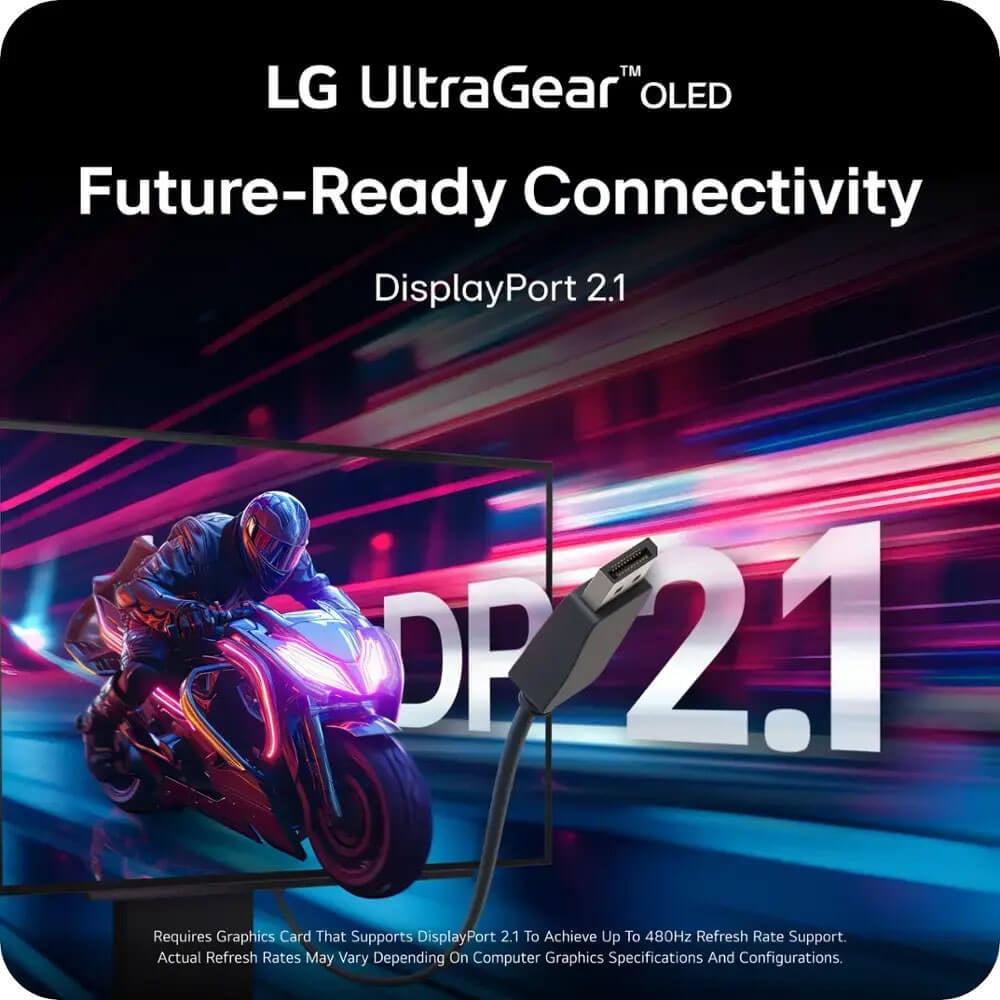
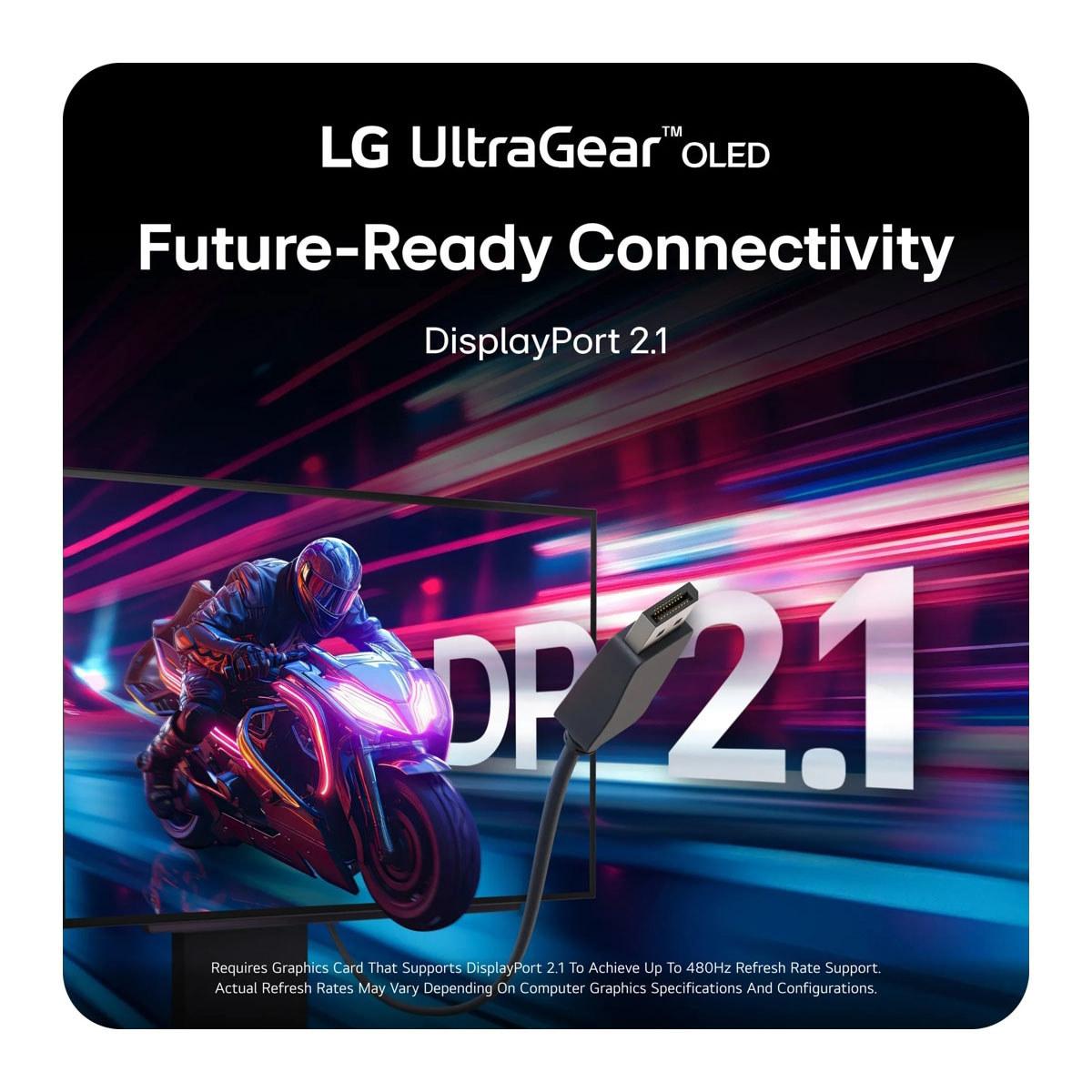
The 480Hz model includes DisplayPort 2.1, which provides nearly double the bandwidth of the DisplayPort 1.4 connection found in the 240Hz version. This additional bandwidth means the 480Hz monitor can display its maximum refresh rate without requiring Display Stream Compression (DSC), a technique that slightly reduces image quality to fit more data through limited connections.
DisplayPort 2.1 also future-proofs the 480Hz monitor for upcoming graphics cards and gaming scenarios. As GPU performance continues improving, that extra bandwidth will become increasingly valuable for maintaining uncompressed, high-quality visuals at extreme refresh rates.
Both monitors include dual HDMI 2.1 ports, making them compatible with PlayStation 5 and Xbox Series X consoles, though neither console can actually output 240Hz, let alone 480Hz. Console gaming is typically limited to 120Hz, making both monitors somewhat overpowered for living room gaming setups.
Despite their different refresh rates, both monitors deliver nearly identical visual quality. They share the same 98.5% DCI-P3 color coverage, which means they can display most of the colors used in modern movies and games with exceptional accuracy. The 1,500,000:1 contrast ratio – possible because OLED pixels can turn completely off – creates incredibly deep blacks and vibrant colors that LCD monitors simply cannot match.
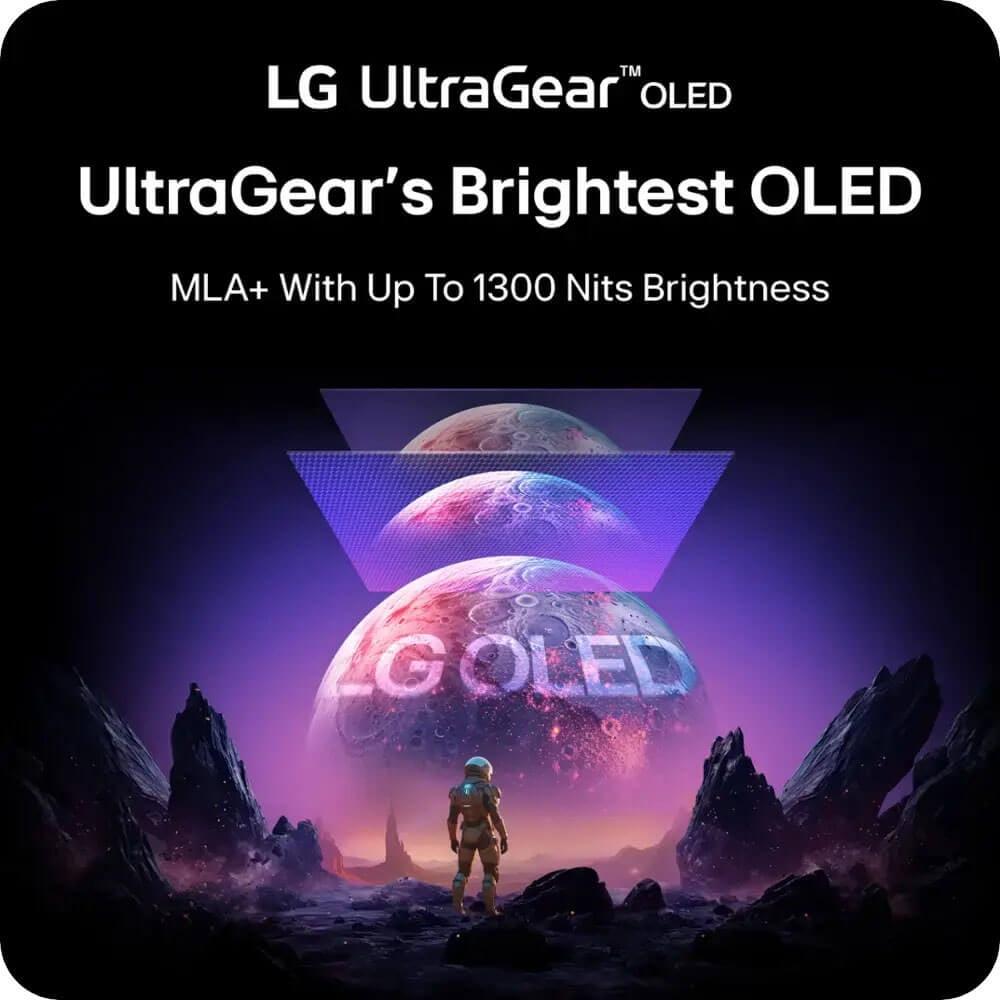
Both displays are certified for VESA DisplayHDR True Black 400, indicating they can display high dynamic range content with true black levels and peak brightness of at least 400 nits. The 480Hz model incorporates MLA+ technology that can push peak brightness slightly higher in small highlights, reaching up to 1,300 nits in HDR mode. This makes bright explosions, sunlight, and other intense light sources more realistic and impactful.
The anti-glare coating on both monitors helps reduce reflections without significantly impacting image quality, though it does give the screen a slightly matte appearance compared to glossy displays. This coating proves particularly valuable in rooms with windows or bright lighting, where reflections might otherwise interfere with gaming.
For home theater use, both monitors excel at displaying movies and TV shows, though their 27-inch size limits them to desktop or close-proximity viewing. The perfect blacks and vibrant colors make them excellent for HDR content, and the high refresh rates ensure smooth playback of high frame rate content when available.
Here's where the decision becomes clearer. The 240Hz model typically retails for around $699, while the 480Hz version commands $999 (though it's often discounted to around $800). That $200-300 premium represents a significant cost increase for what amounts to relatively modest performance gains for most users.
The 240Hz monitor delivers about 90% of the premium gaming experience at roughly 70% of the cost. For most gamers, that represents exceptional value. The remaining 10% performance difference only becomes relevant in very specific scenarios – primarily professional esports where every advantage matters and cost is less of a concern.
The 480Hz model makes more sense as a future investment. As graphics card performance continues improving over the next few years, that extra refresh rate headroom will become more valuable. The DisplayPort 2.1 connectivity also ensures compatibility with next-generation hardware that might not work optimally with DisplayPort 1.4.
The 480Hz model targets a very specific audience: professional esports players, content creators who can expense high-end equipment, and enthusiasts who want the absolute latest technology regardless of cost. If you're running or planning to build a system around a flagship GPU like the RTX 4090 or upcoming RTX 5090, and you primarily play competitive games where every frame matters, the extra refresh rate might justify the premium.
The 240Hz version suits virtually everyone else seeking premium OLED gaming performance. It provides exceptional motion clarity, perfect blacks, and vibrant colors at a more reasonable price point. Whether you're a competitive gamer with mainstream high-end hardware or someone who plays a mix of competitive and single-player games, this monitor delivers outstanding performance without breaking the bank.
For home theater use, both monitors face limitations due to their 27-inch size. They work well as desktop displays for gaming and media consumption, but they're too small for traditional living room setups. If you're looking for an OLED display for your home theater, you'd be better served by LG's larger TV offerings.
Choosing between these monitors comes down to honest self-assessment. Ask yourself: What graphics card do you have or plan to buy? What types of games do you play most often? How important is cutting-edge technology versus practical value?
If you're running anything less than an RTX 4080 or RX 7900 XTX, the 240Hz model makes more sense. You'll get incredible OLED gaming performance without paying for refresh rates your hardware can't fully utilize. The money saved could go toward graphics card upgrades or other components that would provide more noticeable performance improvements.
Choose the 480Hz version only if you have flagship hardware, play primarily competitive esports titles, and want the absolute bleeding edge of display technology. The performance difference exists, but it's subtle enough that most users won't notice it in typical gaming scenarios.
Both monitors represent the pinnacle of gaming display technology, combining OLED's perfect visual quality with refresh rates that were unimaginable just a few years ago. The 240Hz model offers the better balance of performance, features, and value for most gamers, while the 480Hz version pushes the boundaries for those who demand the absolute maximum performance regardless of cost.
Ultimately, either choice will deliver an exceptional gaming experience that surpasses anything available just a generation ago. The real question isn't whether these monitors are good – they're both excellent – but which one makes the most sense for your specific gaming setup and budget.
| LG UltraGear 27" OLED QHD 480Hz Gaming Monitor | LG UltraGear 27" OLED QHD 240Hz Gaming Monitor |
|---|---|
| Refresh Rate - Most critical difference for competitive gaming performance | |
| 480Hz (requires flagship GPU to utilize fully) | 240Hz (achievable with mainstream high-end GPUs) |
| Response Time - How quickly pixels change color | |
| 0.03ms GtG (identical performance) | 0.03ms GtG (identical performance) |
| Display Technology - Visual quality foundation | |
| 27" QHD OLED with MLA+ brightness enhancement | 27" QHD OLED with standard brightness |
| Connectivity - Future-proofing and bandwidth | |
| DisplayPort 2.1 + 2x HDMI 2.1 (no compression needed) | DisplayPort 1.4 + 2x HDMI 2.1 (may require DSC) |
| Peak Brightness - HDR performance in bright highlights | |
| Up to 1,300 nits with MLA+ technology | Up to 1,000 nits in HDR mode |
| Color Coverage - How vibrant and accurate colors appear | |
| 98.5% DCI-P3 (identical performance) | 98.5% DCI-P3 (identical performance) |
| Adaptive Sync - Eliminates screen tearing | |
| G-Sync Compatible + FreeSync Premium Pro | G-Sync Compatible + FreeSync Premium Pro |
| Target Hardware Requirements - GPU needed for full performance | |
| RTX 4090/5090 class for 480fps gaming | RTX 4070 Ti+ for 240fps gaming |
| Price - Value consideration | |
| $999 MSRP, often $800 (premium for cutting-edge tech) | $699 (better price-to-performance ratio) |
| Best Use Cases - Who should buy each model | |
| Professional esports, flagship GPU owners, future-proofing | Competitive gaming, mainstream high-end builds, mixed gaming |
| Release Date - Technology generation | |
| November 2024 (latest DisplayPort 2.1 tech) | February 2024 (proven OLED gaming platform) |
The LG UltraGear 27" OLED QHD 240Hz Gaming Monitor is better for most gamers due to its excellent price-to-performance ratio at $699. It delivers 90% of the premium gaming experience while being much more achievable with mainstream high-end GPUs like the RTX 4070 Ti or RX 7800 XT.
The primary difference is refresh rate: the 480Hz model can display 480 frames per second while the 240Hz version displays 240 frames per second. The 480Hz monitor also features DisplayPort 2.1 connectivity and MLA+ brightness technology, but requires flagship GPUs to utilize its full potential.
Yes, the LG UltraGear 27" OLED QHD 480Hz Gaming Monitor requires flagship GPUs like RTX 4090 or RTX 5090 to reach 480fps. With lesser hardware, you won't see the full benefits of the higher refresh rate, making the 240Hz model a more practical choice for most gaming setups.
For most gamers, no. The 480Hz model costs around $999 (often $800) compared to $699 for the 240Hz version. The performance difference is minimal for most users, and the extra cost is only justified for professional esports players or those with flagship hardware who demand cutting-edge technology.
Most people cannot reliably distinguish between 240Hz and 480Hz in blind tests. The 240Hz monitor already provides exceptional motion clarity, and the jump to 480Hz offers diminishing returns compared to previous refresh rate increases. Only professional competitive players might notice subtle improvements.
Both monitors deliver nearly identical picture quality with 98.5% DCI-P3 color coverage and perfect OLED blacks. The 480Hz model has slightly higher peak brightness (1,300 nits vs 1,000 nits) thanks to MLA+ technology, but both provide excellent HDR gaming experiences with VESA DisplayHDR True Black 400 certification.
Both the 480Hz and 240Hz models work with PS5 and Xbox Series X via HDMI 2.1, but consoles are limited to 120Hz maximum. This makes both monitors overpowered for console gaming, though they'll still provide excellent picture quality and future-proofing for potential console updates.
The LG UltraGear 27" OLED QHD 480Hz Gaming Monitor has a theoretical advantage for professional esports due to its higher refresh rate and lower input lag. However, the 240Hz model still provides exceptional competitive gaming performance at a much better value for most competitive players.
Yes, both the 480Hz and 240Hz models feature identical 0.03ms gray-to-gray response times and support for NVIDIA G-SYNC compatibility and AMD FreeSync Premium Pro. The input lag difference between them is negligible for practical gaming purposes.
While both monitors deliver excellent picture quality with perfect OLED blacks, their 27-inch size limits home theater applications to desktop or close-proximity viewing. For traditional living room setups, larger OLED TVs would be more appropriate than either the 480Hz or 240Hz gaming monitors.
The LG UltraGear 27" OLED QHD 480Hz Gaming Monitor offers superior future-proofing with DisplayPort 2.1 connectivity and higher refresh rate headroom for upcoming graphics cards. However, the 240Hz model still provides excellent longevity and will remain relevant for years at a much better current value.
Choose the 240Hz model if you want exceptional OLED gaming performance with great value, have mainstream high-end hardware, or play mixed game types. Choose the 480Hz version only if you have flagship hardware, play primarily competitive esports, and want cutting-edge technology regardless of cost.
We've done our best to create useful and informative comparisons to help you decide what product to buy. Our research uses advanced automated methods to create this comparison and perfection is not possible - please contact us for corrections or questions. These are the sites we've researched in the creation of this article: bestbuy.com - bhphotovideo.com - engadget.com - newegg.com - youtube.com - bestbuy.com - techpowerup.com - techpowerup.com - rtings.com - lg.com - lgnewsroom.com - rtings.com - bestbuy.com - jonesapplianceandtv.com - thefrogpadappliances.com - lg.com - lg.com - lg.com - techpowerup.com - lg.com - lg.com - bestbuy.com - bestbuy.com - youtube.com - youtube.com - lg.com - forum.beyond3d.com - youtube.com - lg.com - lg.com - newegg.com - pcmonitors.info - lg.com

Privacy Policy
Terms and Conditions - Affiliate Policy
Home Security
© Copyright 2008-2026.
11816 Inwood Rd #1211, Dallas, TX 75244