


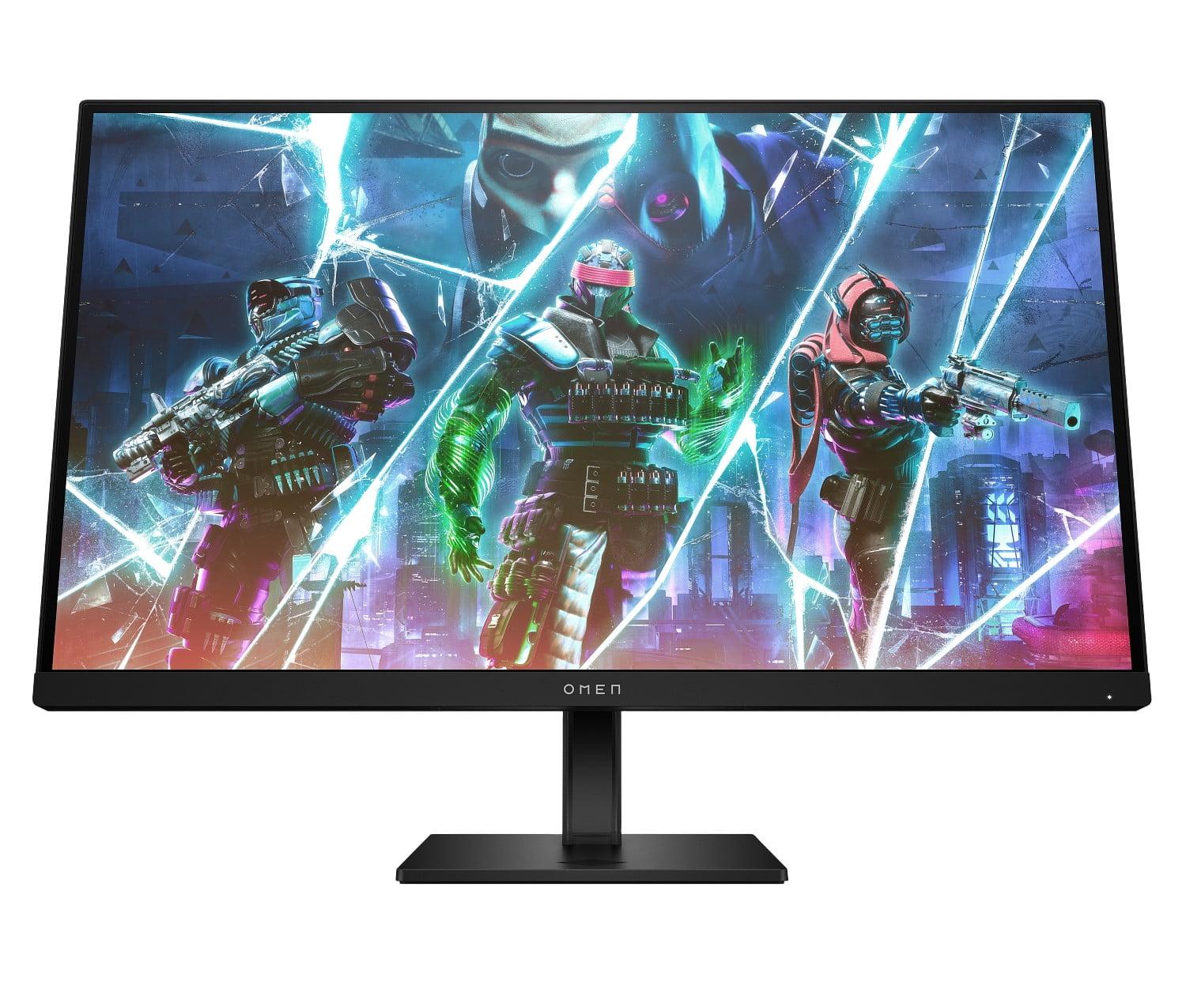


Gaming monitors have become the battleground where manufacturers push the boundaries of display technology. Whether you're climbing ranked ladders in competitive shooters or exploring vast open worlds in single-player adventures, your monitor choice significantly impacts both performance and enjoyment. Today we're comparing two monitors that represent entirely different philosophies: the HP OMEN 27s, a competitive gaming specialist released in 2023, and the ASUS ROG Strix OLED XG27ACDNG, a premium OLED powerhouse that hit shelves in 2024.
Before diving into specifics, let's establish what separates a great gaming monitor from a basic display. Gaming monitors prioritize several key characteristics that traditional monitors often overlook.
Refresh rate measures how many times per second your monitor can display a new image, expressed in Hertz (Hz). A 60Hz monitor refreshes 60 times per second, while a 240Hz display refreshes 240 times per second. Higher refresh rates create smoother motion, reduce perceived input lag, and provide competitive advantages in fast-paced games. Think of it like watching a flipbook – more pages per second create smoother animation.
Response time indicates how quickly pixels can change from one color to another, typically measured in milliseconds (ms). Faster response times reduce "ghosting" – those annoying trails that follow moving objects on screen. Modern gaming monitors achieve response times between 0.03ms and 5ms, with faster being better for competitive gaming.
Input lag represents the delay between when your graphics card sends a signal and when it appears on screen. Even a few milliseconds can mean the difference between landing a headshot or missing entirely in competitive scenarios.
The technology landscape has evolved dramatically since 2020. We've witnessed the mainstream adoption of high refresh rate displays, the emergence of consumer OLED gaming monitors, and significant improvements in adaptive sync technologies that eliminate screen tearing. These advances have created distinct market segments serving different types of gamers.
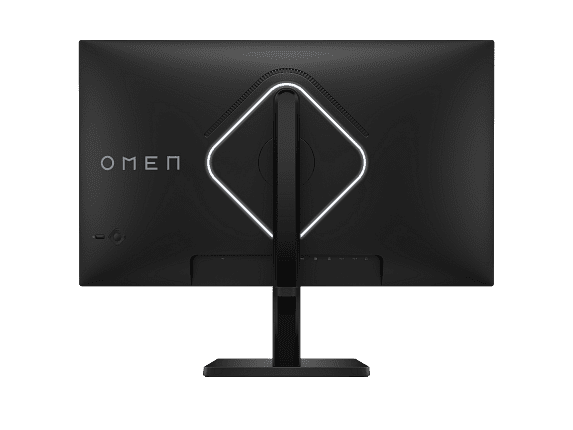
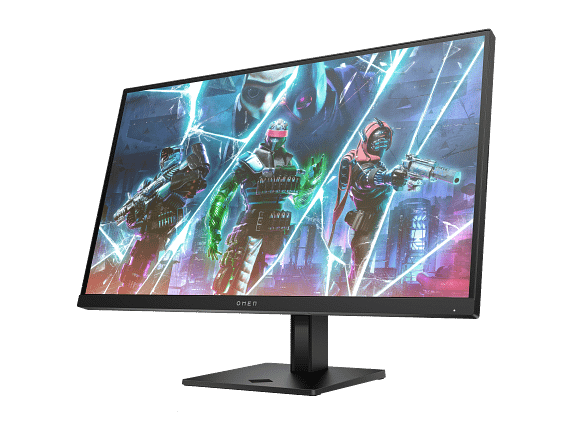
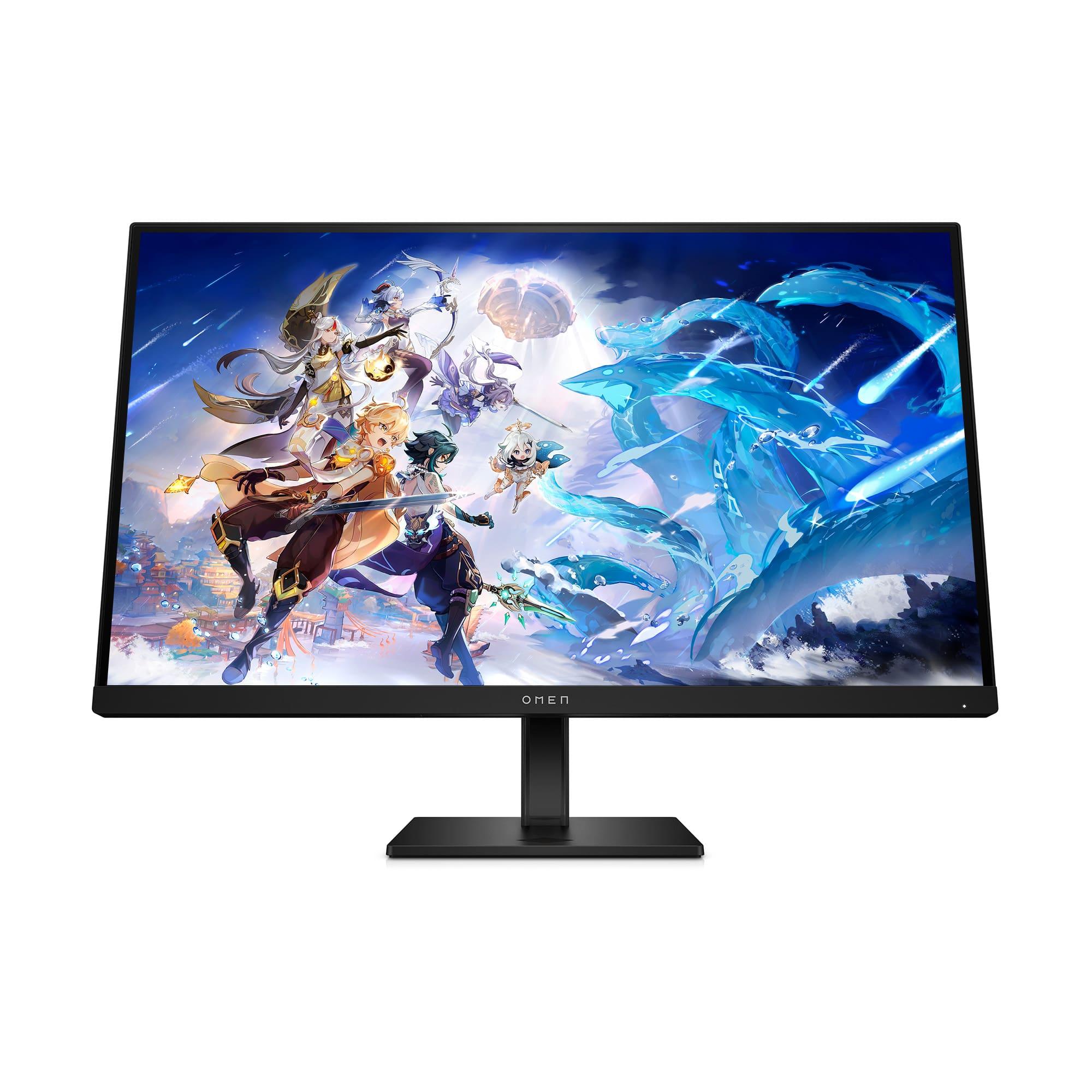
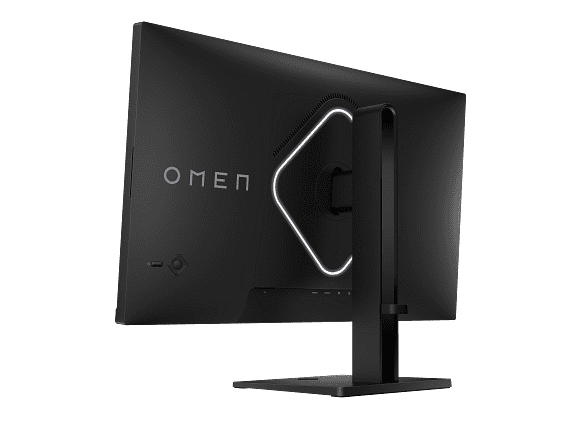
The HP OMEN 27s embodies the "performance first, price conscious" approach that dominated gaming monitor design through the early 2020s. Released in 2023, it targets competitive gamers who prioritize smooth, responsive gameplay over visual fidelity.
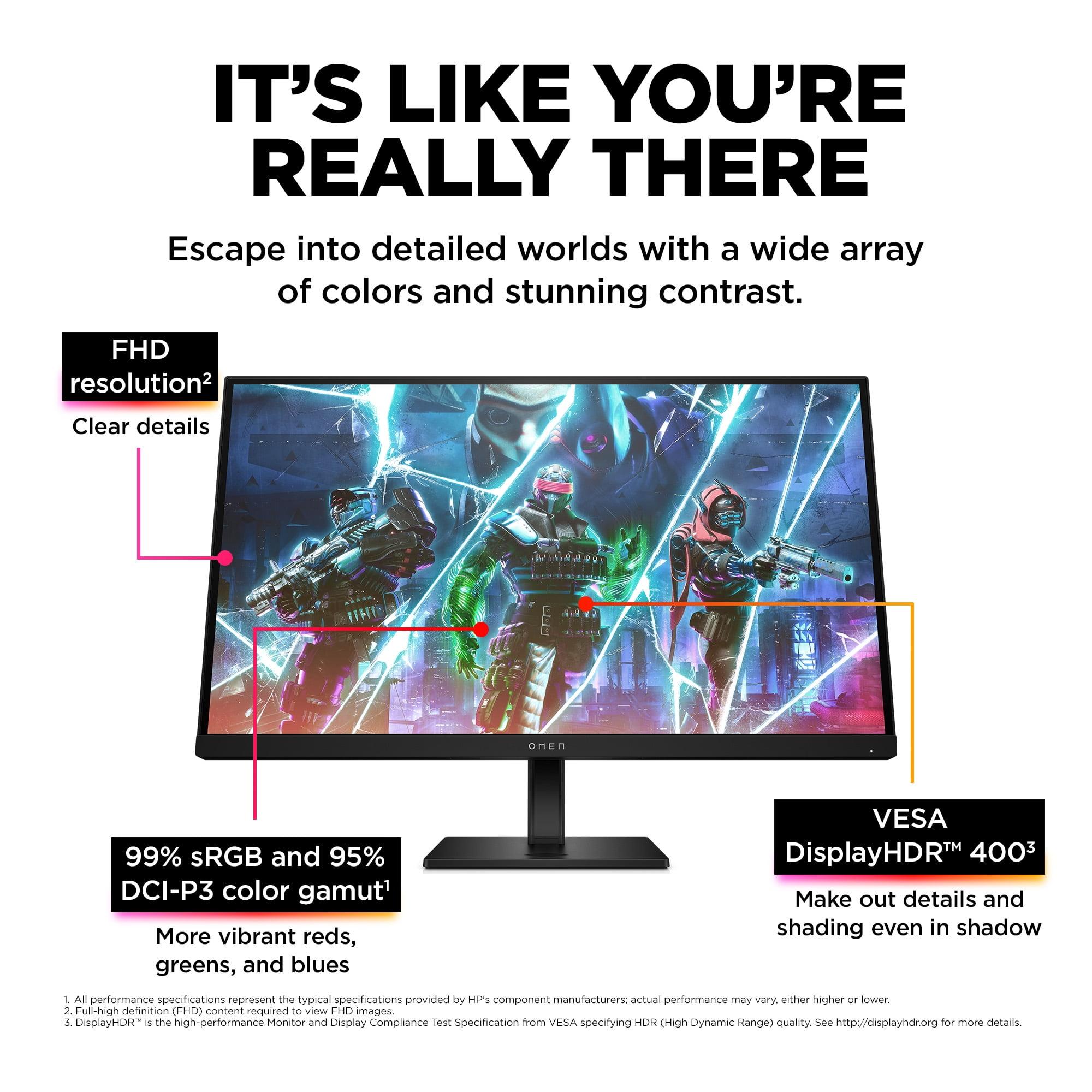
This monitor features a 27-inch IPS (In-Plane Switching) panel delivering Full HD resolution (1920x1080 pixels). While some might question using FHD on a 27-inch display in 2024, there's solid reasoning behind this choice. Lower resolution means your graphics card can push higher frame rates, which is crucial for competitive gaming where every frame matters. The HP OMEN 27s can display up to 240 frames per second, providing incredibly smooth motion that gives competitive players a genuine advantage.
The IPS panel technology deserves explanation. IPS displays excel at color accuracy and viewing angles – you can look at the screen from nearly any angle without color distortion. While IPS panels traditionally suffered from slower response times, modern implementations like the one in the HP OMEN 27s achieve 1ms gray-to-gray response times with overdrive technology enabled. This makes text and moving objects appear crisp without the ghosting that plagued older displays.
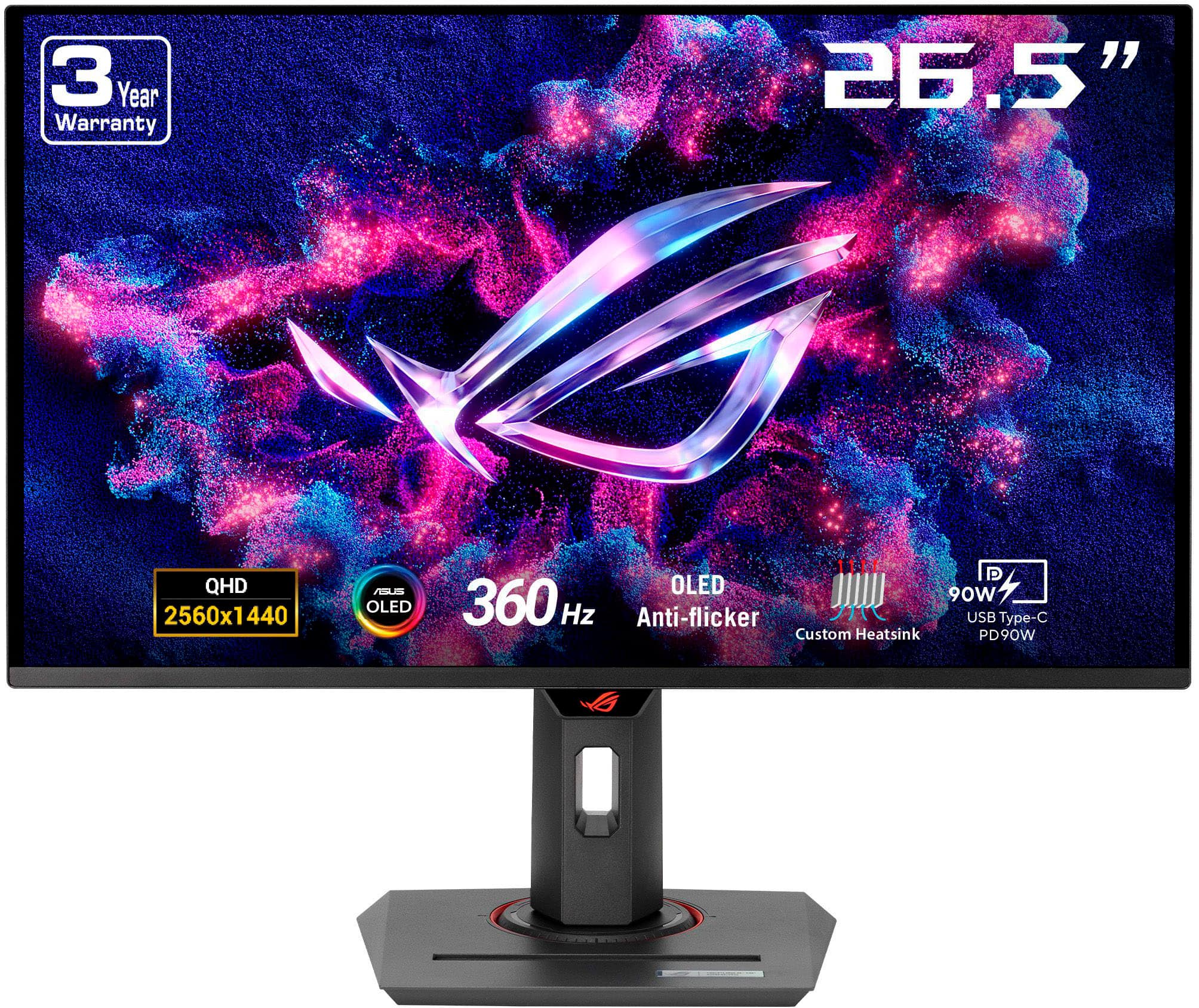
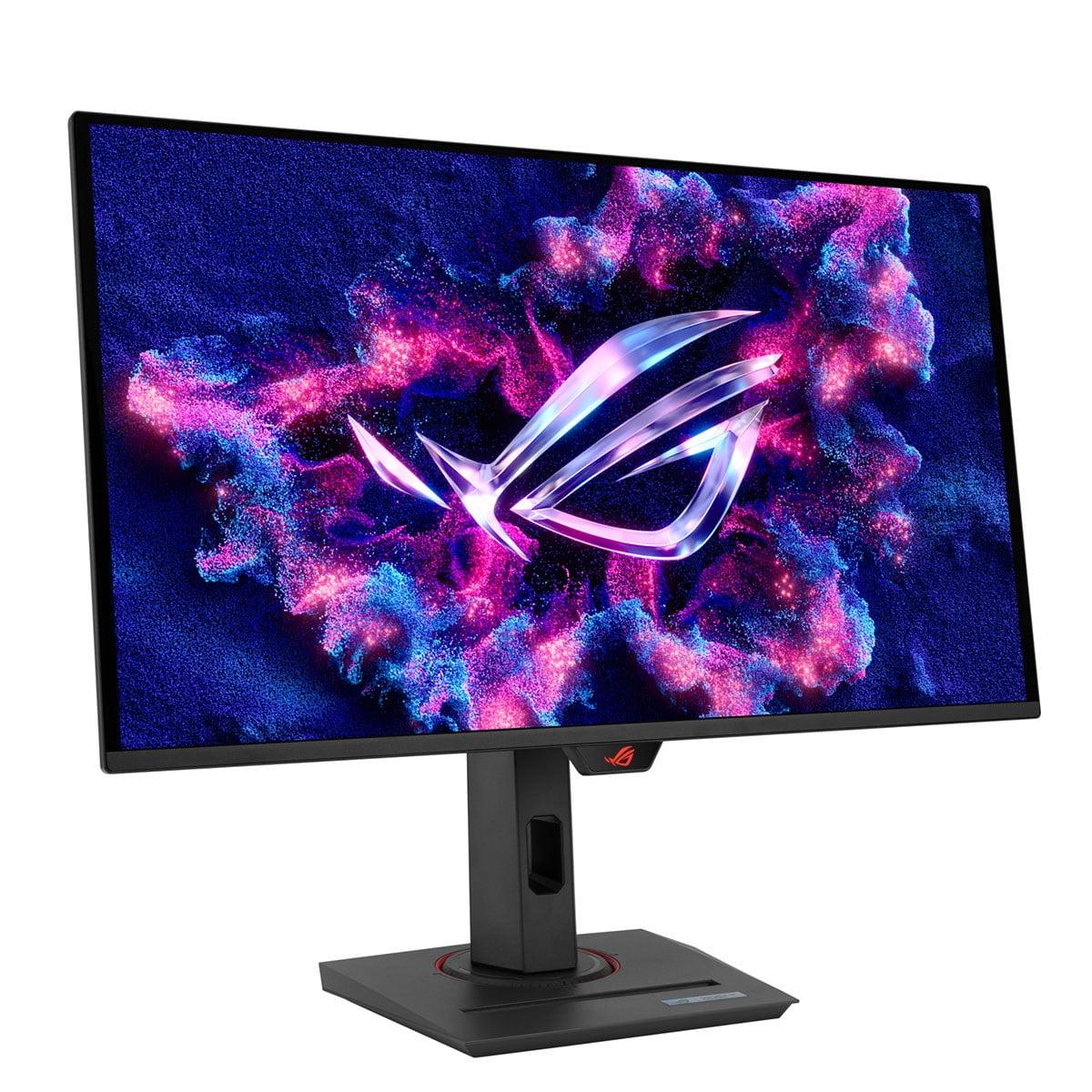
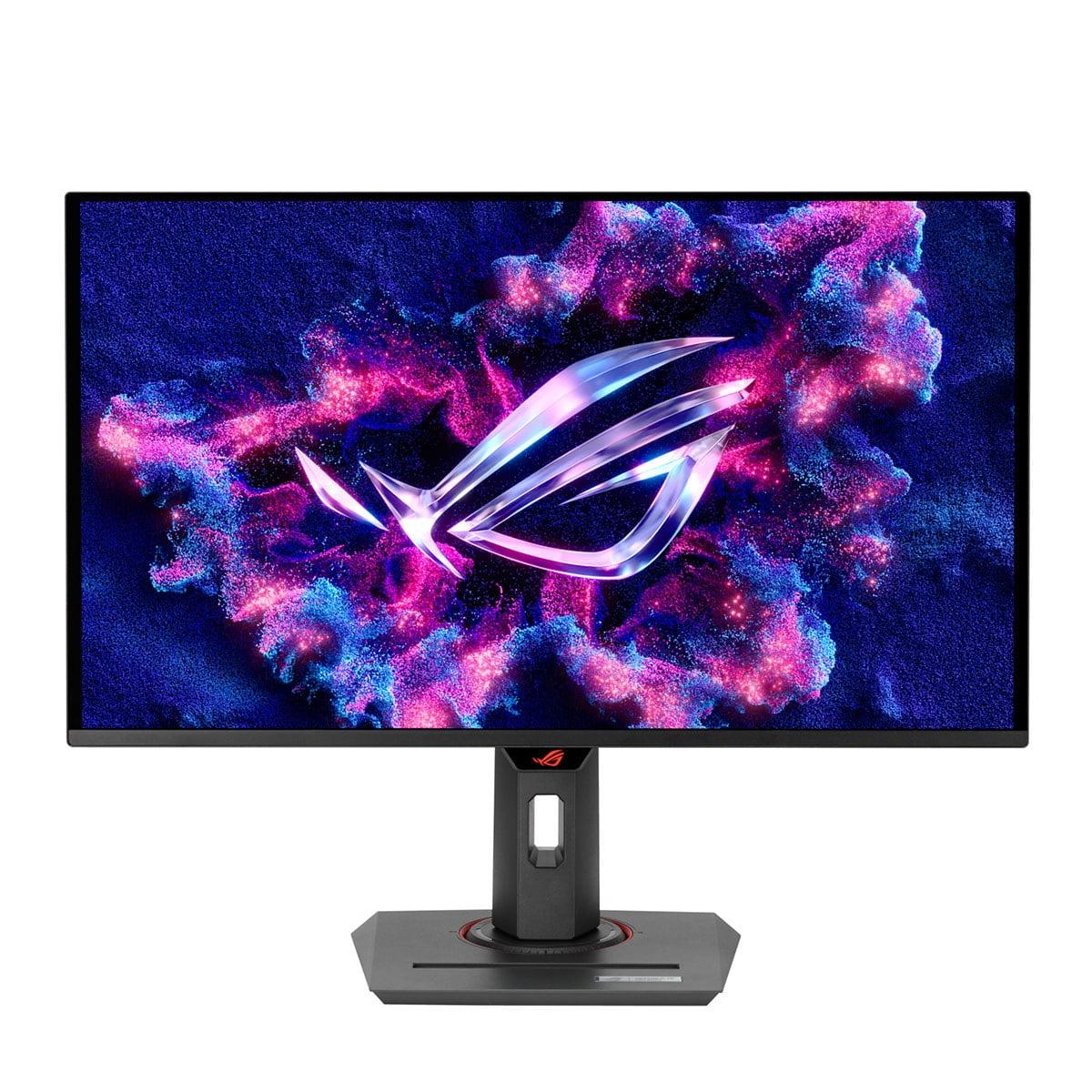
The ASUS ROG Strix OLED XG27ACDNG represents the cutting edge of display technology. Released in early 2024, it showcases what's possible when manufacturers push performance boundaries regardless of cost.
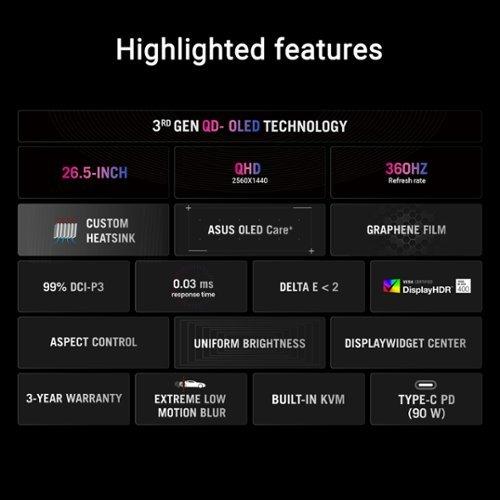
This monitor uses Quantum Dot OLED (QD-OLED) technology, which combines the perfect blacks and infinite contrast of traditional OLED with quantum dot enhancement for improved color volume and brightness. Unlike LCD panels that require backlighting, each pixel in an OLED display produces its own light. This means truly black pixels emit zero light, creating contrast ratios that LCD technology simply cannot match.
The ASUS monitor delivers QHD resolution (2560x1440 pixels), providing 77% more pixels than Full HD. This extra resolution creates sharper text, more detailed game textures, and additional screen real estate for productivity tasks. Combined with a blazing 360Hz refresh rate and near-instantaneous response times inherent to OLED technology, it represents the current pinnacle of gaming monitor performance.
In competitive gaming scenarios, the HP OMEN 27s proves that specifications don't always tell the full story. While it "only" offers 240Hz compared to the ASUS monitor's 360Hz, this difference is largely academic for most players. Our research into professional esports players and high-level streamers reveals that the performance gap between 240Hz and 360Hz is minimal in practical scenarios.
The HP OMEN 27s excels because it allows mid-range graphics cards to consistently hit 240+ frames per second in competitive titles like Counter-Strike 2, Valorant, and Overwatch 2. This consistency matters more than peak refresh rates that your hardware might not sustain. A stable 240fps experience beats an inconsistent 300fps that occasionally dips below your monitor's maximum refresh rate.
Both monitors support adaptive sync technologies – NVIDIA G-SYNC Compatible and AMD FreeSync – which synchronize your graphics card's output with the monitor's refresh rate. This eliminates screen tearing (when part of the screen shows one frame while another part shows the next frame) and reduces stuttering. The ASUS monitor takes this further with FreeSync Premium Pro certification, which includes additional requirements for low input lag and consistent performance.
Here's where the technology gap becomes immediately apparent. The ASUS ROG Strix OLED delivers image quality that LCD technology simply cannot match. OLED's infinite contrast ratio means black pixels appear truly black, not the dark gray of LCD displays. This creates more realistic shadows, better detail in dark scenes, and more vibrant colors overall.
The monitor covers 99% of the DCI-P3 color space and 135% of sRGB, displaying colors that simply don't exist on traditional LCD panels. Factory calibration achieves Delta E values under 2, meaning colors are accurate enough for professional color-critical work without additional calibration.
The HP OMEN 27s provides solid image quality for an IPS panel, covering 99% sRGB and 95% DCI-P3. While these numbers sound comparable, the practical experience differs significantly. The ASUS monitor's colors appear more saturated and lifelike, particularly in HDR content where OLED technology shines.
However, the HP monitor offers advantages in bright environments. OLED displays struggle with ambient light, where black pixels can appear purple or gray due to reflections. The HP OMEN 27s maintains consistent image quality regardless of room lighting, making it more versatile for varied setups.
The resolution difference creates the most significant practical impact between these monitors. QHD resolution on the ASUS monitor provides noticeably sharper text, more detailed game textures, and additional desktop space for multitasking. This benefit extends beyond gaming – productivity tasks, web browsing, and media consumption all benefit from the extra resolution.
However, this advantage comes with a significant performance cost. QHD requires approximately 77% more GPU horsepower than FHD. If you're running a mid-range graphics card like an RTX 4060 or RX 7600, you might struggle to maintain high frame rates in demanding games on the ASUS monitor. The HP OMEN 27s allows these graphics cards to shine, consistently delivering the high frame rates that make gaming monitors worthwhile.
The HP OMEN 27s focuses on gaming essentials without unnecessary complexity. Its connectivity includes two HDMI 2.0 ports, one DisplayPort 1.4, and a basic USB hub for connecting peripherals like gaming mice and keyboards. The integrated 3-watt speakers handle basic audio needs, though serious gamers will prefer dedicated headphones or speakers.
HP includes their OMEN Gaming Hub software, which provides monitor controls and gaming-specific features like custom crosshair overlays. This might seem gimmicky, but many competitive players find custom crosshairs helpful for precise aiming in games that lack adequate crosshair customization.
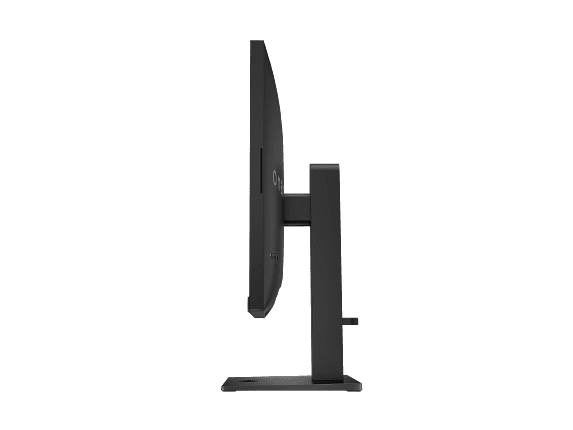
The monitor includes ergonomic adjustments for height, tilt, and pivot, plus VESA mount compatibility for arm mounting. Cable management features help maintain a clean setup, important for streaming or content creation scenarios.
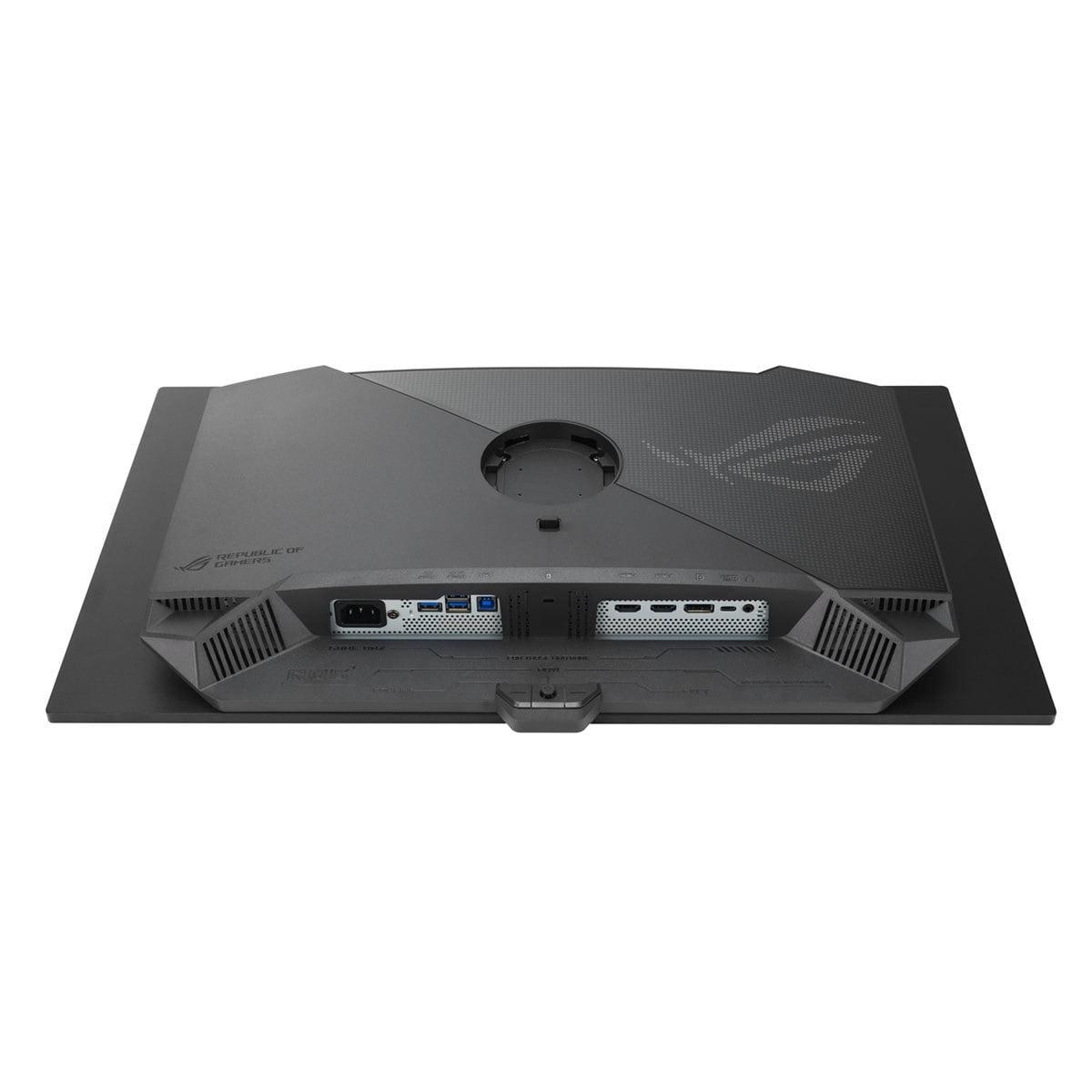
The ASUS ROG Strix OLED justifies its premium positioning through advanced connectivity and features that extend far beyond basic gaming. USB-C connectivity with 90W Power Delivery allows single-cable connection to laptops, providing both video signal and laptop charging through one cable. This feature transforms the monitor into a true docking solution for hybrid work-gaming setups.
The integrated KVM (Keyboard, Video, Mouse) switch allows control of multiple devices with a single keyboard and mouse setup. Streamers and content creators can seamlessly switch between gaming PC and streaming computer without constantly swapping peripherals. This feature alone can justify the premium for users managing multiple devices.
HDMI 2.1 support enables full 4K 120Hz gaming from PlayStation 5 and Xbox Series X consoles, though this monitor's 1440p resolution means console benefits focus on higher refresh rates rather than resolution improvements.
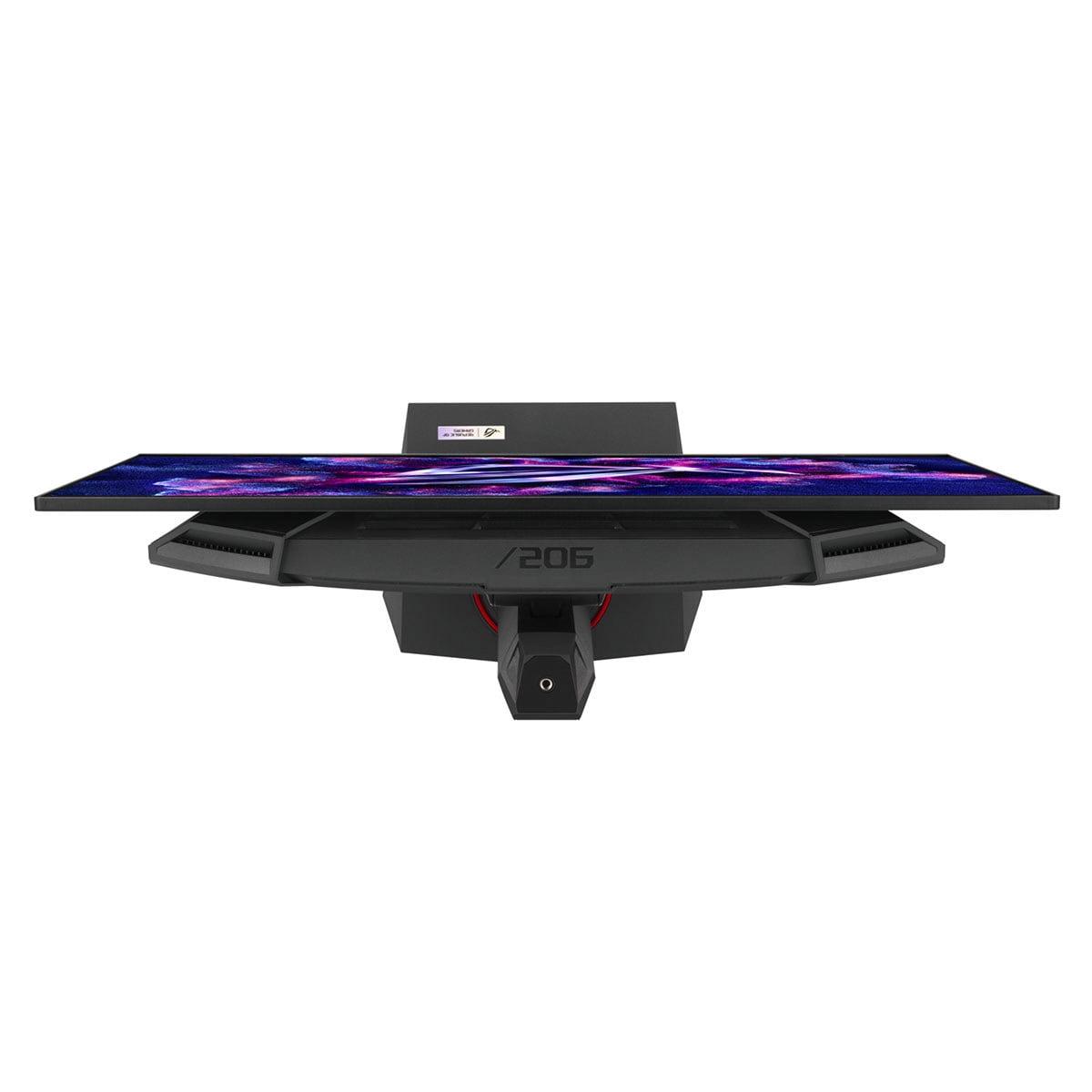
ASUS includes advanced OLED care features to prevent burn-in, including pixel refresh cycles, screen savers, and brightness management. The monitor also features a custom heatsink and improved airflow design to manage OLED panel temperatures, extending lifespan and maintaining performance during extended gaming sessions.
OLED technology represents a significant advancement in display quality, but it's not without considerations that buyers should understand.
The Good: OLED delivers image quality that's immediately noticeable, even to casual observers. Colors appear more vibrant, blacks look truly black, and contrast creates more realistic imagery. Response times are effectively instantaneous – no overdrive settings or response time compromises. HDR content particularly benefits from OLED's ability to display bright highlights alongside deep shadows simultaneously.
The Considerations: OLED panels can suffer from burn-in when static images remain on screen for extended periods. While modern OLED monitors include protection features, this remains a consideration for users who frequently display static interfaces, desktop applications, or pause games for extended periods. Additionally, OLED brightness limitations can make these displays less suitable for very bright rooms.
The ASUS monitor addresses many traditional OLED concerns through improved panel technology and protective features, but these limitations haven't been completely eliminated. ASUS provides a three-year warranty covering burn-in, demonstrating confidence in their protective measures.
For users considering these monitors for entertainment beyond gaming, the ASUS ROG Strix OLED provides a significantly superior experience. Its OLED panel excels with movie and TV content, particularly HDR material where the technology's contrast advantages create more realistic imagery. The QHD resolution provides adequate sharpness for media consumption, though it's not quite 4K.
The HP OMEN 27s handles media consumption adequately, but its FHD resolution shows limitations with high-quality video content. IPS color accuracy helps, but the limited contrast ratio makes dark movie scenes appear washed out compared to OLED alternatives.
Neither monitor includes high-quality built-in audio systems, requiring external speakers or headphones for serious media consumption. The ASUS monitor provides better connectivity for home theater integration through its diverse port selection.
At the time of writing, these monitors occupy different price segments, with the HP OMEN 27s positioned as a premium budget option while the ASUS ROG Strix OLED commands flagship pricing. This price difference – typically several hundred dollars – represents the largest decision factor for most buyers.
The HP OMEN 27s delivers approximately 85-90% of the competitive gaming performance at roughly 60% of the cost. For pure competitive gaming, this represents excellent value. The money saved could upgrade your graphics card, CPU, or other system components that provide more tangible gaming improvements than monitor premium features.
The ASUS monitor justifies its premium through superior image quality, advanced features, and cutting-edge technology. However, this premium is only worthwhile if you can utilize these advantages. Users with mid-range graphics cards might not fully benefit from the QHD resolution and premium features.
You're primarily focused on competitive gaming and want maximum performance per dollar. The HP OMEN 27s is ideal for esports enthusiasts, players using mid-range graphics cards (RTX 4060, RTX 4070, RX 7600, RX 7700 XT), or anyone who games in bright environments. If you're building your first high-refresh rate setup or upgrading from a basic 60Hz monitor, this provides an excellent introduction to smooth gaming without overwhelming complexity or cost.
The monitor also suits users who prefer reliability and longevity over cutting-edge features. IPS LCD technology is mature, reliable, and doesn't suffer from burn-in concerns that affect OLED displays.
You want the absolute best image quality available and have the hardware to support it. The ASUS ROG Strix OLED is perfect for enthusiasts with high-end graphics cards (RTX 4070 Super, RTX 4080, RTX 4090, RX 7800 XT, RX 7900 series) who play a mix of competitive and single-player games. Content creators, streamers, and users who need color-accurate displays for creative work will particularly benefit from OLED's superior image quality and advanced connectivity features.
This monitor also suits users managing multiple devices or those who want a premium display for both gaming and productivity. The advanced features and superior image quality justify the premium for users who spend significant time at their computers and value the best possible experience.
Both monitors excel in their intended roles, making this comparison less about which is "better" and more about which better serves your specific needs and budget. The HP OMEN 27s proves that you don't need flagship pricing to achieve excellent gaming performance, while the ASUS ROG Strix OLED demonstrates what's possible when manufacturers prioritize image quality and premium features above cost considerations.
For most competitive gamers, the HP OMEN 27s provides the performance they need at a price that allows budget for other system upgrades. For enthusiasts who demand the best image quality and have systems capable of utilizing premium features, the ASUS monitor delivers an experience that justifies its premium positioning.
The gaming monitor market continues evolving rapidly, with new technologies and improved manufacturing driving better performance at lower prices. Regardless of which monitor you choose, both represent significant upgrades over basic displays and will enhance your gaming experience for years to come.
| HP OMEN 27s FHD 240Hz Gaming Monitor | ASUS ROG Strix OLED XG27ACDNG 27" QHD 360Hz Gaming Monitor |
|---|---|
| Display Technology - Determines image quality, contrast, and longevity | |
| 27" IPS LCD panel with reliable performance and no burn-in risk | 27" QD-OLED panel with infinite contrast and superior colors |
| Resolution - Affects image sharpness and GPU performance requirements | |
| 1920 x 1080 (FHD) - easier to drive, better for mid-range GPUs | 2560 x 1440 (QHD) - 77% more pixels, requires high-end GPU |
| Refresh Rate - Higher rates provide smoother motion in fast games | |
| 240Hz - excellent for competitive gaming, fully utilized by most systems | 360Hz - bleeding edge performance, minimal real-world advantage over 240Hz |
| Response Time - Lower values reduce ghosting and motion blur | |
| 1ms GTG with Overdrive - fast enough for competitive gaming | 0.03ms (near-instantaneous OLED) - effectively eliminates all motion blur |
| Color Accuracy - Important for content creation and visual quality | |
| 99% sRGB, 95% DCI-P3 - good accuracy for gaming and basic creative work | 99% DCI-P3, 135% sRGB, Delta E < 2 - professional-grade color accuracy |
| Brightness - Affects visibility in different lighting conditions | |
| 400 nits - suitable for most lighting conditions | Peak 1,000 nits (limited), struggles in very bright rooms |
| Contrast Ratio - Determines how deep blacks appear and overall image depth | |
| 1000:1 typical LCD contrast - adequate but blacks appear gray | Infinite contrast (OLED) - true blacks create dramatically better image depth |
| Connectivity - Determines device compatibility and workflow flexibility | |
| 2x HDMI 2.0, 1x DisplayPort 1.4, USB hub - covers gaming essentials | 2x HDMI 2.1, 1x DP 1.4, USB-C with 90W PD, KVM switch - premium connectivity |
| HDR Support - Enhances contrast and color in supported content | |
| VESA DisplayHDR 400 - basic HDR with limited impact | VESA DisplayHDR 400 True Black - excellent HDR with OLED's infinite contrast |
| Adaptive Sync - Eliminates screen tearing and stuttering | |
| G-SYNC Compatible, FreeSync Premium - solid VRR performance | G-SYNC Compatible, FreeSync Premium Pro - enhanced VRR with stricter standards |
| Target Use Case - Who each monitor serves best | |
| Competitive gamers, mid-range systems, bright room gaming | Premium gaming, content creation, high-end systems, dark room usage |
| Durability Considerations - Long-term reliability factors | |
| No burn-in risk, mature LCD technology, standard warranty | Potential OLED burn-in, 3-year burn-in warranty, advanced care features |
The HP OMEN 27s FHD 240Hz Gaming Monitor is generally better for competitive gaming due to its FHD resolution allowing mid-range graphics cards to consistently hit high frame rates. While the ASUS ROG Strix OLED XG27ACDNG offers a higher 360Hz refresh rate, the performance difference between 240Hz and 360Hz is minimal for most players. The HP OMEN 27s also works better in bright gaming environments where OLED displays can struggle with ambient light.
The primary difference is display technology and target audience. The HP OMEN 27s FHD 240Hz Gaming Monitor uses traditional IPS LCD technology with FHD resolution, focusing on competitive gaming performance at an accessible price. The ASUS ROG Strix OLED XG27ACDNG uses premium QD-OLED technology with QHD resolution, delivering superior image quality with infinite contrast and more vibrant colors for enthusiast users.
The ASUS ROG Strix OLED XG27ACDNG provides significantly better image quality with its QD-OLED panel delivering true blacks, infinite contrast ratio, and superior color accuracy covering 99% DCI-P3. The HP OMEN 27s offers solid IPS image quality but cannot match OLED's contrast performance, though it maintains more consistent performance in bright lighting conditions.
The HP OMEN 27s FHD 240Hz Gaming Monitor works well with mid-range graphics cards like RTX 4060 or RX 7600, as FHD resolution is easier to drive at high frame rates. The ASUS ROG Strix OLED XG27ACDNG requires high-end graphics cards (RTX 4070 Super or better) to fully utilize its QHD resolution and 360Hz capabilities in demanding games.
The HP OMEN 27s offers better value for most users, delivering about 85-90% of competitive gaming performance at roughly 60% of the cost compared to premium OLED monitors. However, the ASUS ROG Strix OLED provides better value for enthusiasts who need superior image quality, color accuracy for content creation, and advanced connectivity features.
Both monitors work with consoles, but the ASUS ROG Strix OLED XG27ACDNG is better suited for console gaming with its HDMI 2.1 support enabling full 120Hz gaming from PlayStation 5 and Xbox Series X. The HP OMEN 27s supports console gaming but is limited to HDMI 2.0, which caps refresh rates at lower levels for 4K content.
The HP OMEN 27s FHD 240Hz Gaming Monitor offers better long-term reliability as IPS LCD technology doesn't suffer from burn-in issues that can affect OLED displays. The ASUS ROG Strix OLED includes advanced burn-in protection features and a 3-year warranty covering burn-in, but OLED panels can potentially degrade over time with heavy static content usage.
The ASUS ROG Strix OLED XG27ACDNG is significantly better for productivity work due to its higher QHD resolution providing more screen space and sharper text. It also offers superior color accuracy for creative work and advanced connectivity including USB-C with power delivery. The HP OMEN 27s is adequate for basic productivity but the FHD resolution limits desktop real estate on a 27-inch display.
The HP OMEN 27s performs better in bright environments as its IPS LCD panel maintains consistent image quality regardless of ambient lighting. The ASUS ROG Strix OLED can struggle in very bright rooms where black levels appear gray or purple due to light reflection, though it includes anti-reflection coating to minimize this issue.
Both monitors support HDR, but the ASUS ROG Strix OLED XG27ACDNG provides a dramatically better HDR experience with VESA DisplayHDR 400 True Black certification, utilizing OLED's infinite contrast for true HDR performance. The HP OMEN 27s offers basic VESA DisplayHDR 400 support, but LCD technology limitations prevent it from delivering the same HDR impact as the ASUS OLED monitor.
The ASUS ROG Strix OLED is superior for streaming and content creation due to its professional-grade color accuracy, higher resolution for detailed work, KVM switch for multi-device management, and USB-C connectivity with power delivery. The HP OMEN 27s can handle basic streaming but lacks the color accuracy and advanced features that serious content creators require.
The HP OMEN 27s FHD 240Hz Gaming Monitor provides essential gaming connectivity with HDMI 2.0, DisplayPort 1.4, and basic USB hub functionality. The ASUS ROG Strix OLED XG27ACDNG offers premium connectivity including HDMI 2.1 for next-gen consoles, USB-C with 90W power delivery for laptop docking, and an integrated KVM switch for managing multiple devices with one keyboard and mouse setup.
We've done our best to create useful and informative comparisons to help you decide what product to buy. Our research uses advanced automated methods to create this comparison and perfection is not possible - please contact us for corrections or questions. These are the sites we've researched in the creation of this article: bestbuy.com - hp.com - shi.com - hp.com - bestbuy.com - hp.com - tomshardware.com - hp.com - rtings.com - hp.com - displayspecifications.com - support.hp.com - publicsector.shidirect.com - objects.icecat.biz - files.bbystatic.com - hp.com - displayspecifications.com - tomshardware.com - versus.com - pcguide.com - rog.asus.com - rtings.com - youtube.com - youtube.com - versus.com - displayninja.com - youtube.com - rog.asus.com - cdw.com - shi.com - colamco.com - rog.asus.com - microcenter.com - bestbuy.com - rtings.com - displayspecifications.com - compsource.com - rog.asus.com

Privacy Policy
Terms and Conditions - Affiliate Policy
Home Security
© Copyright 2008-2026.
11816 Inwood Rd #1211, Dallas, TX 75244