

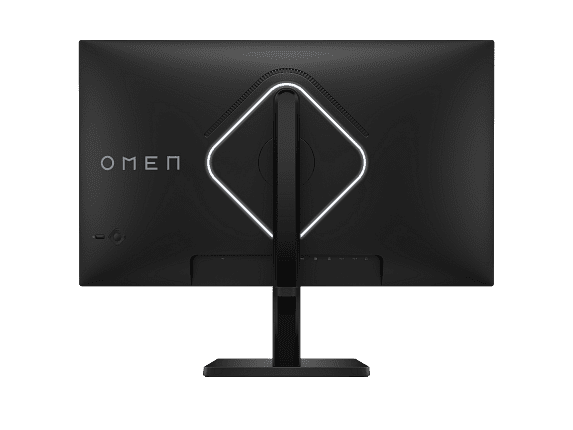
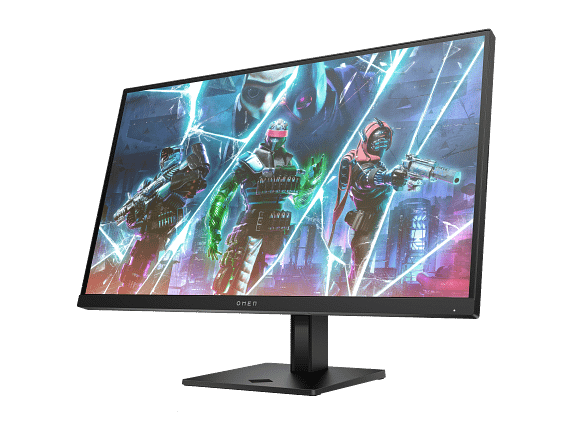
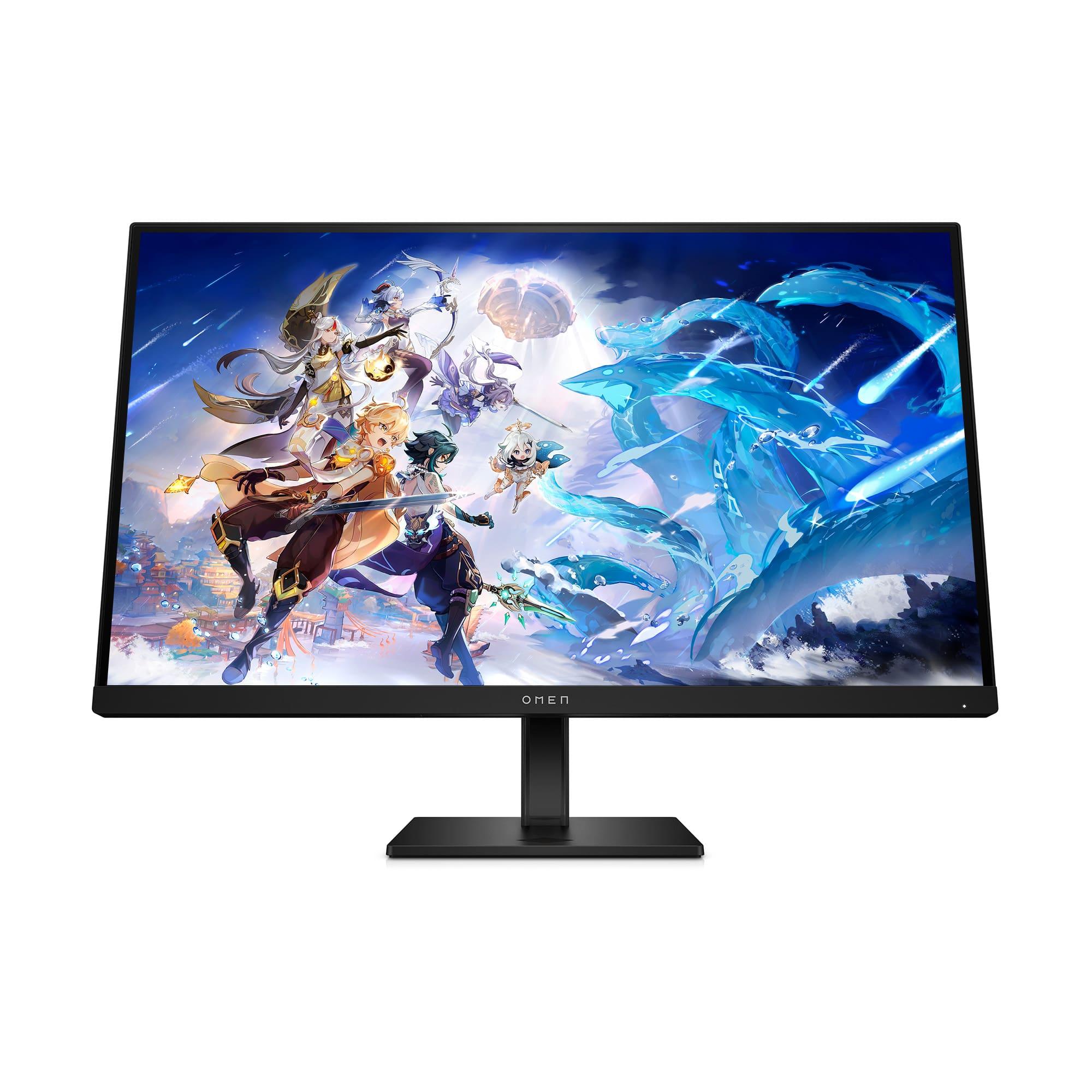
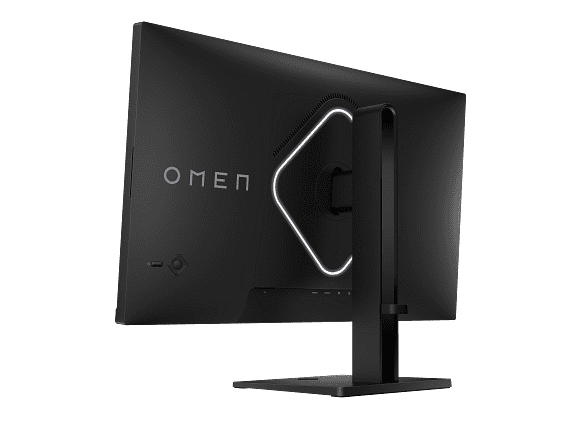
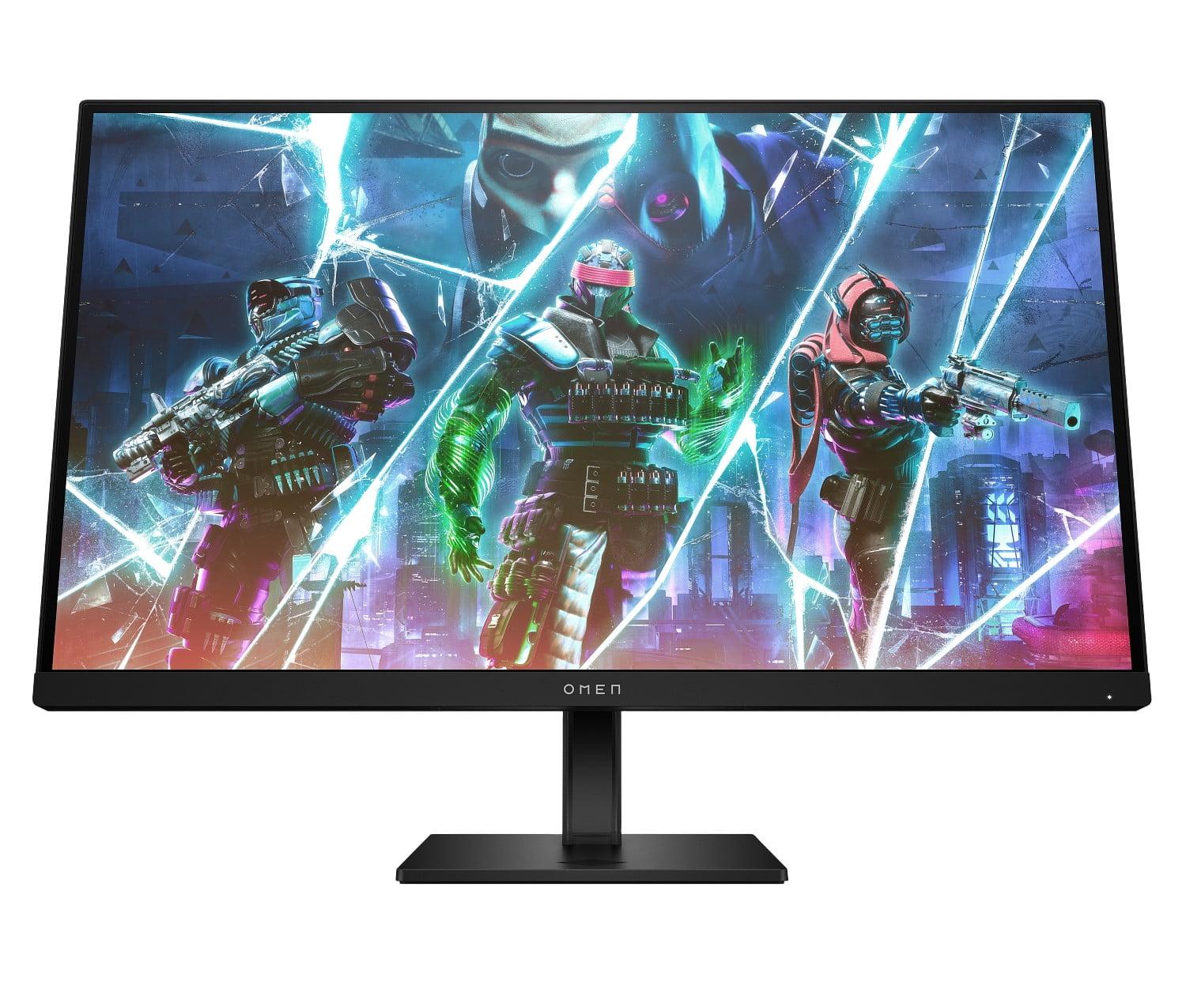
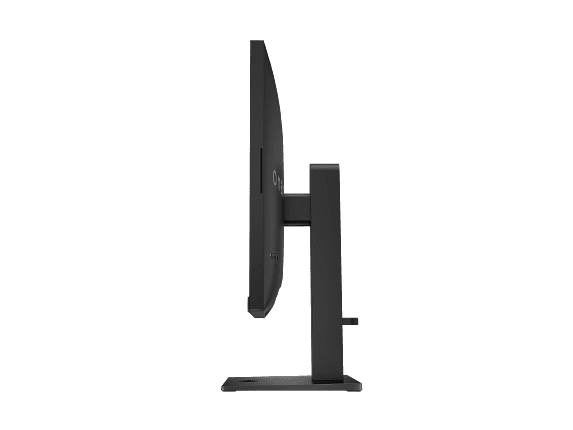

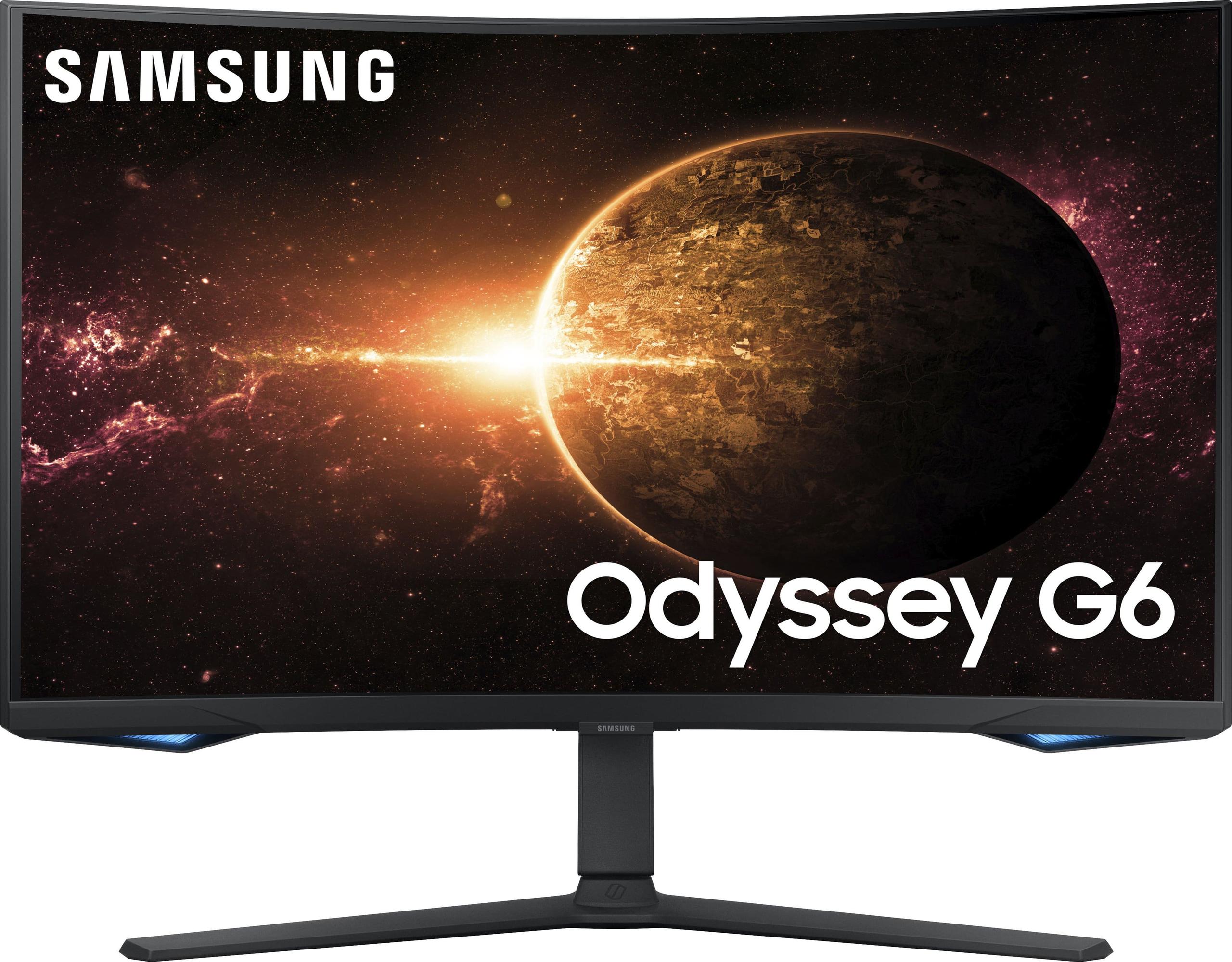
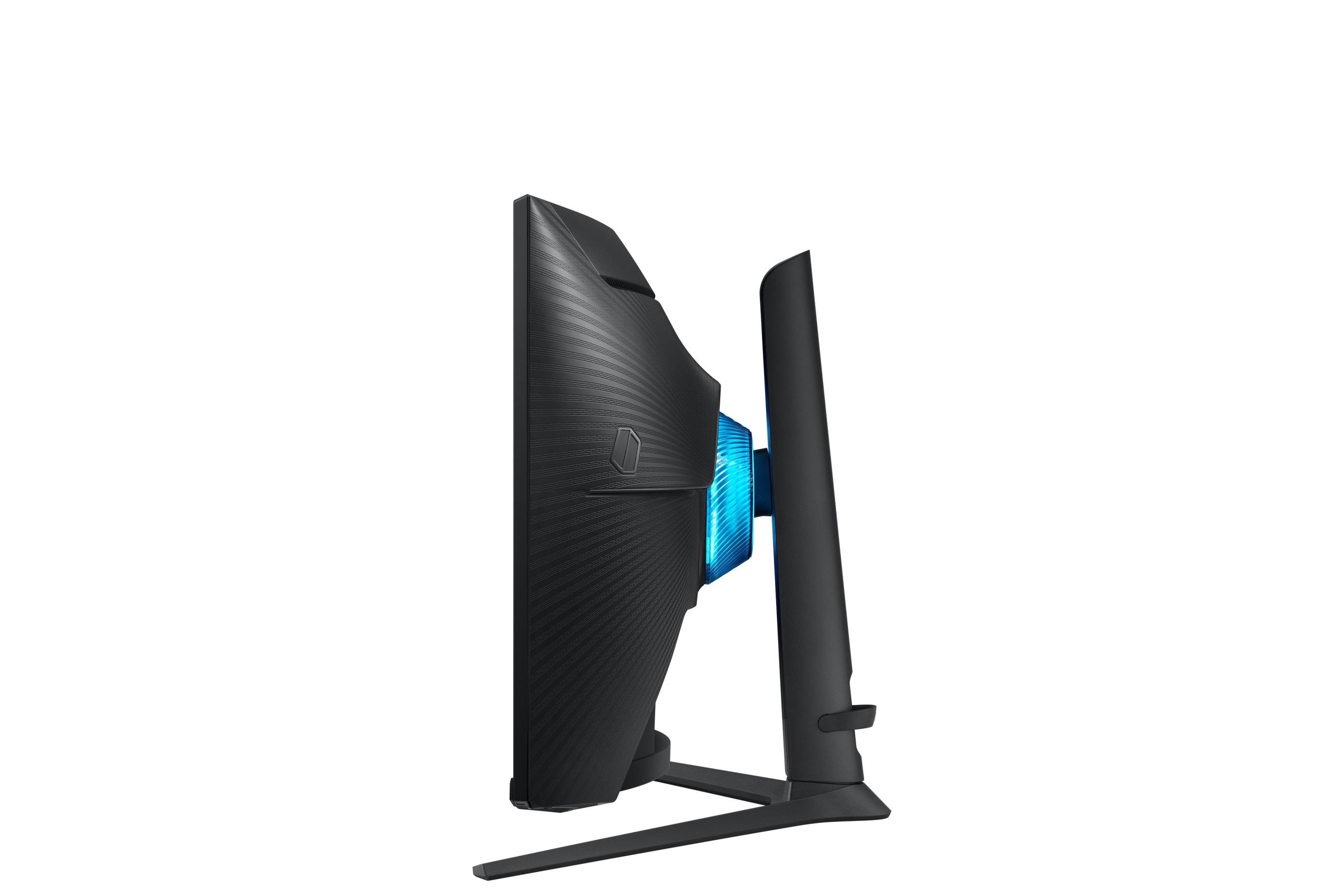
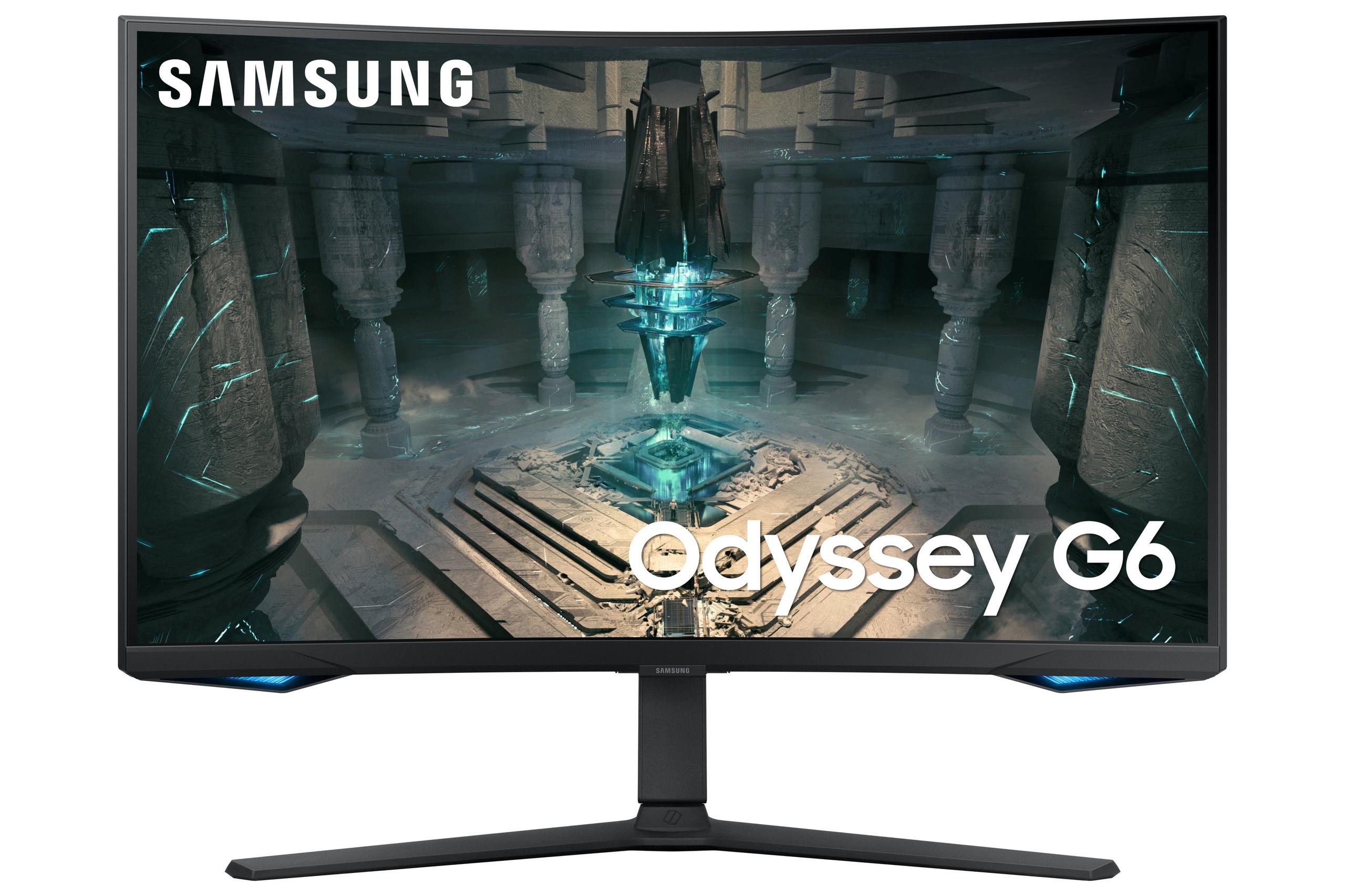
The gaming monitor market has exploded over the past few years, with manufacturers pushing refresh rates to extremes that would have seemed impossible just a decade ago. Today, we're diving deep into two compelling options that represent different philosophies in high-refresh gaming: the HP OMEN 27s FHD 240Hz Gaming Monitor and the Samsung Odyssey G65B 27" QHD 240Hz Curved Gaming Monitor.
Both monitors launched in the 2023-2024 timeframe, arriving during a period when 240Hz displays became mainstream rather than exotic. Since then, we've seen prices drop significantly across the high-refresh category, making these speeds accessible to more gamers than ever before.
Before we dive into specifics, let's establish what makes a gaming monitor truly competitive in today's market. The fundamental question isn't just "how fast can it go?" but rather "what compromises am I willing to make for that speed?"
Refresh rate – measured in Hz (hertz) – tells you how many times per second your monitor can display a new image. At 240Hz, we're talking about 240 individual frames every second, which creates incredibly smooth motion that's especially noticeable in fast-paced games like first-person shooters or racing simulators.
Response time measures how quickly individual pixels can change from one color to another, typically expressed in milliseconds (ms). Lower numbers mean less ghosting and motion blur during rapid movements.
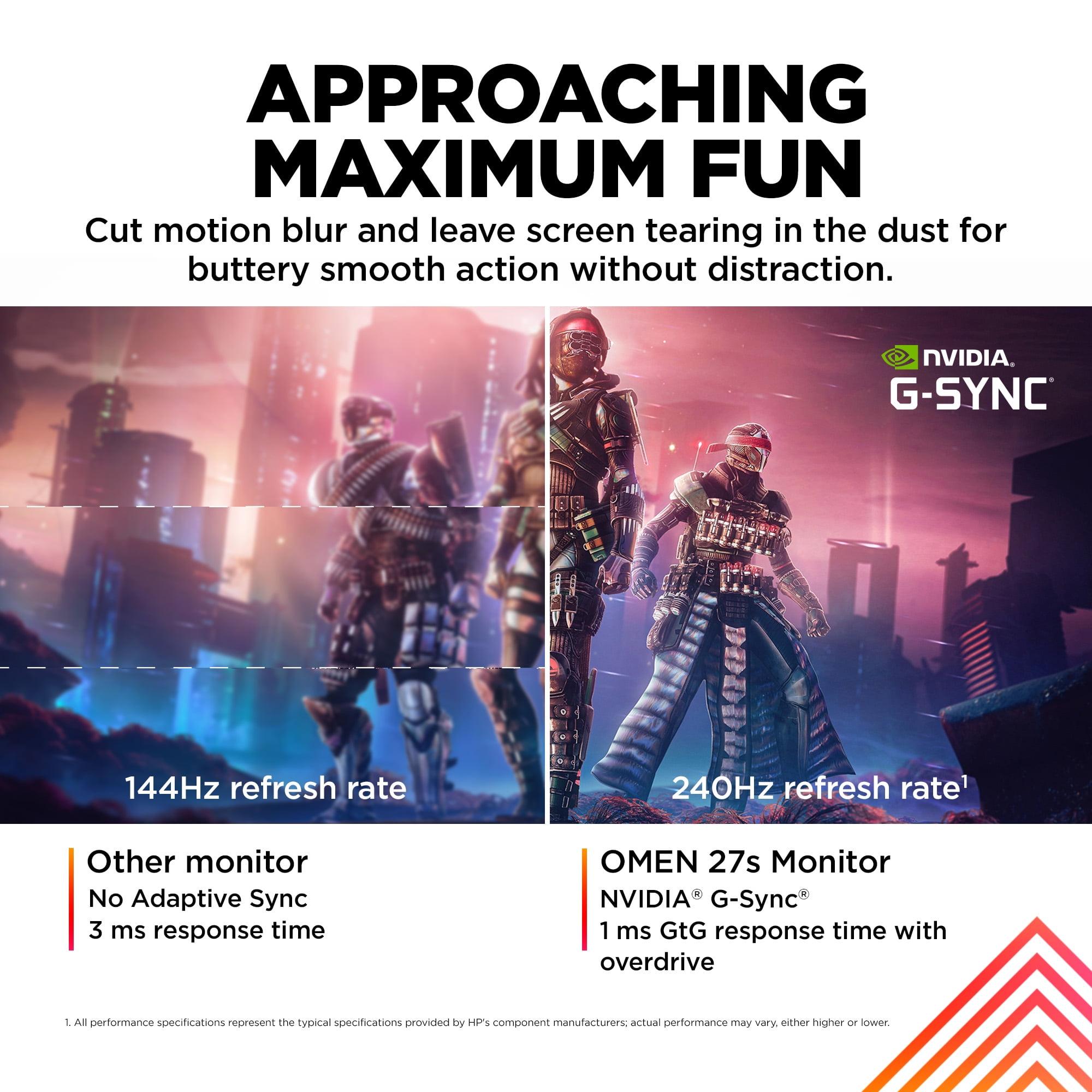
The real magic happens when these specs work together with adaptive sync technology – systems like AMD FreeSync and NVIDIA G-SYNC that synchronize your graphics card's output with your monitor's refresh rate. This prevents the annoying screen tearing that occurs when your GPU and monitor are out of sync.
Panel technology creates the biggest philosophical divide in monitor selection. IPS panels excel at color accuracy and viewing angles but traditionally struggle with contrast. VA panels deliver superior contrast ratios and deeper blacks but can have slower pixel response times and narrower viewing angles.
The HP OMEN 27s represents the "maximum compatibility, maximum performance" approach. It's built around a 27-inch IPS panel running at FHD (1920×1080) resolution, prioritizing lightning-fast response times and broad graphics card compatibility over pixel density.
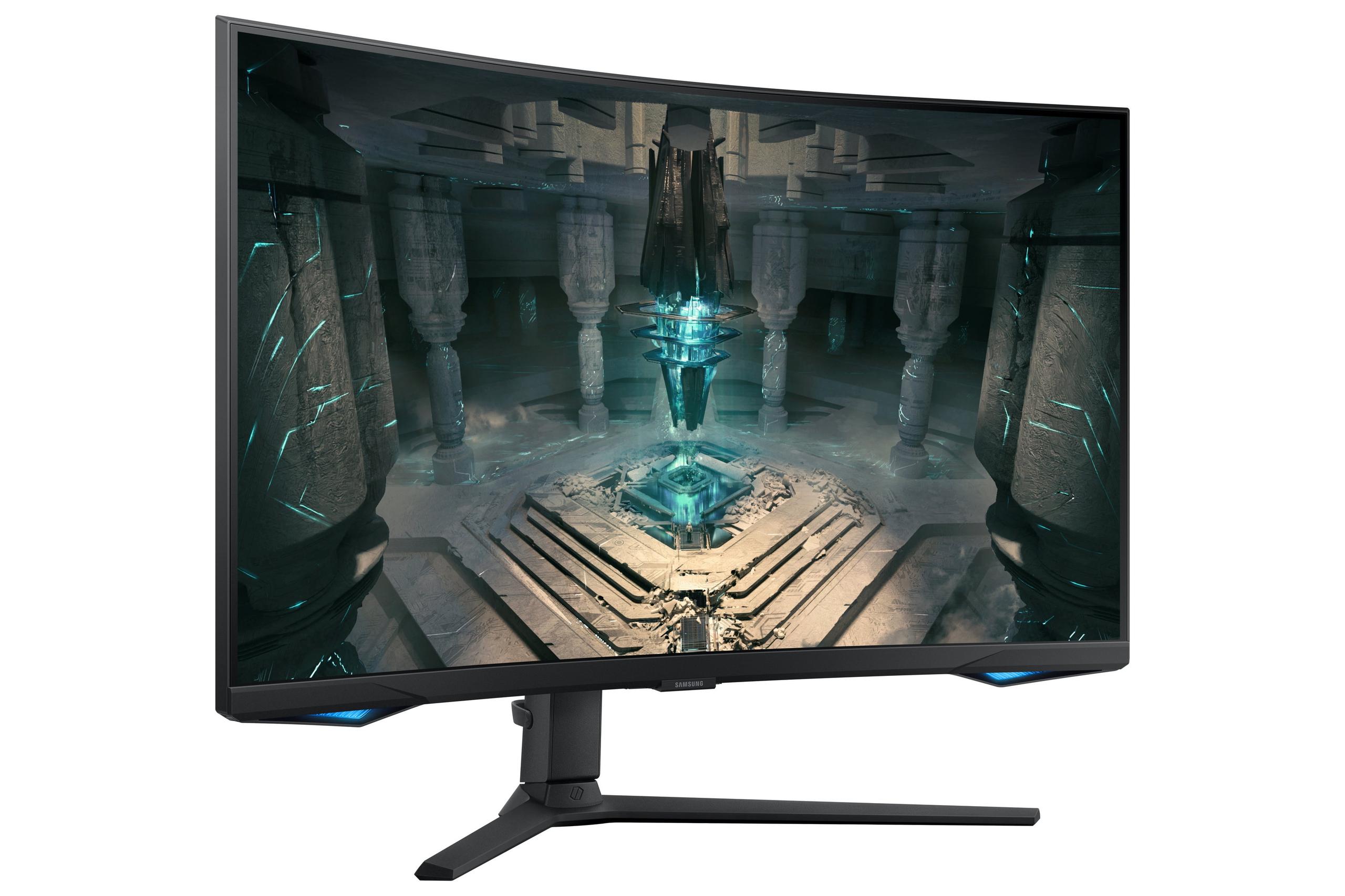
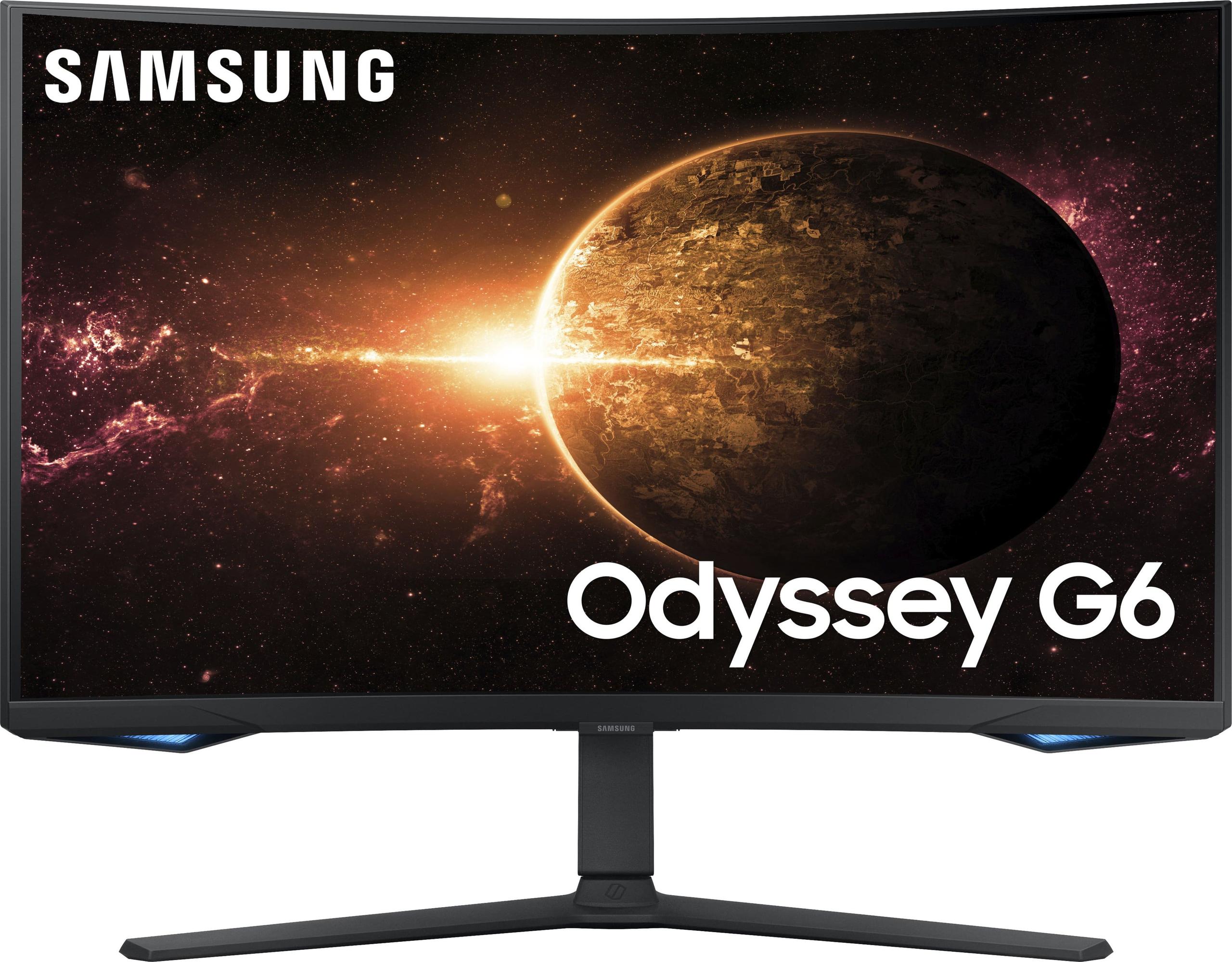
Meanwhile, the Samsung Odyssey G65B takes the "visual fidelity first" route with its QHD (2560×1440) curved VA panel. Samsung has packed this monitor with smart features and emphasized immersive gaming experiences over pure competitive performance.
At the time of writing, you'll typically find the HP OMEN 27s priced significantly lower than the Samsung Odyssey G65B, with a price gap that reflects their different target markets and feature sets.
Here's where these monitors diverge most dramatically. The Samsung Odyssey G65B's QHD resolution packs 78% more pixels into the same 27-inch space as the HP OMEN 27s. This translates to 108 pixels per inch (PPI) versus 81 PPI – a difference that's immediately noticeable when you're reading text or examining fine details in games.
Having used both resolution tiers extensively, I can tell you that 1440p on a 27-inch display hits a sweet spot for desktop use. Text looks crisp, game interfaces appear sharp, and you get more screen real estate for multitasking. The HP OMEN 27s, while perfectly serviceable, does show its pixel structure more readily, especially if you're coming from higher-resolution displays.
However, there's a performance trade-off that affects real-world gaming significantly. Driving 1440p at 240Hz requires substantially more GPU horsepower than 1080p at the same refresh rate. Based on performance benchmarks, you're looking at roughly 30-40% higher GPU requirements for the Samsung monitor to achieve the same frame rates as the HP.
This matters tremendously for your graphics card choice. With the HP OMEN 27s, even mid-range GPUs like an RTX 4060 or RX 7600 can achieve 240Hz in esports titles. The Samsung Odyssey G65B really demands high-end hardware – think RTX 4070 Super or better – to fully utilize that 240Hz capability in demanding games.
The panel technology difference between these monitors creates distinct visual personalities that appeal to different users.
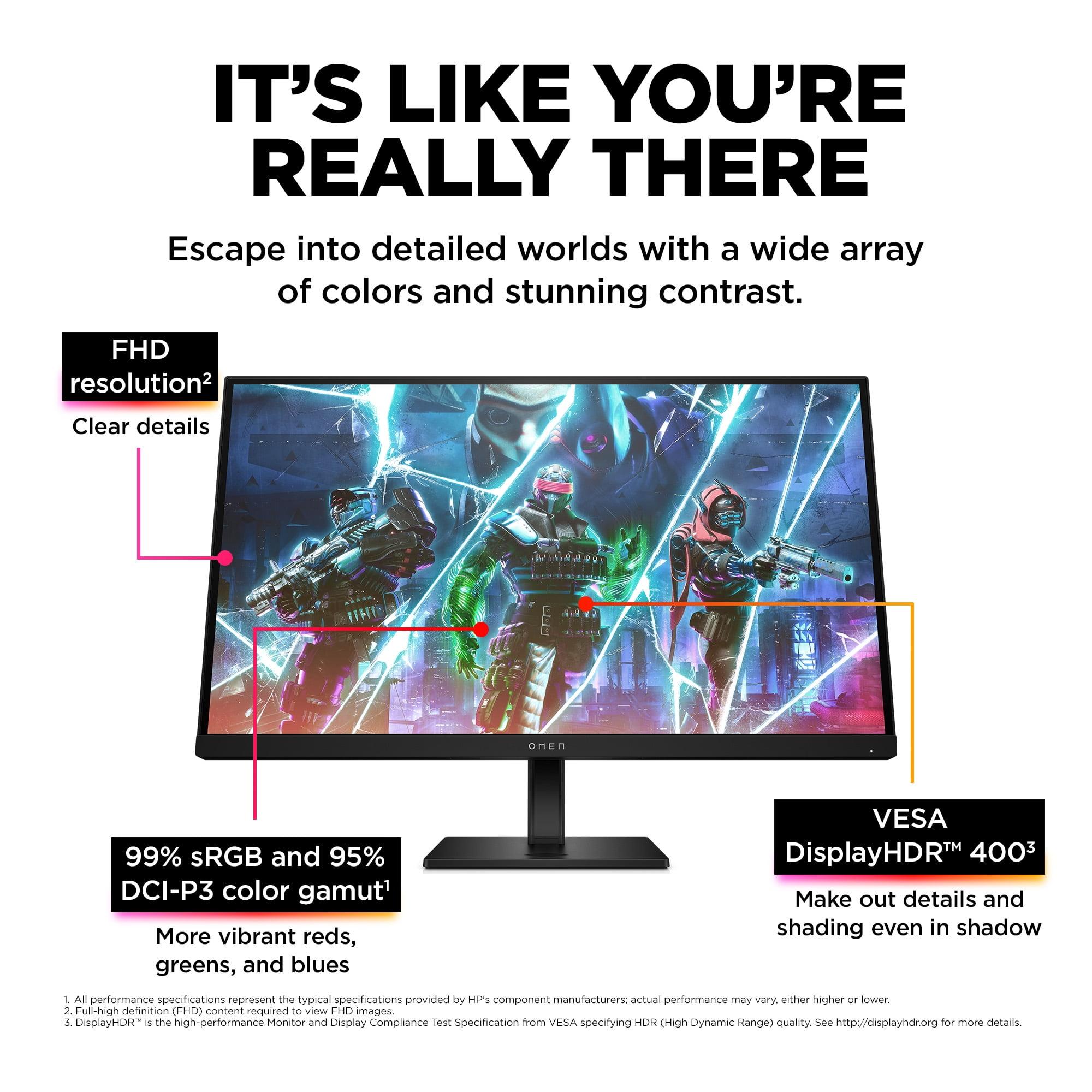
The HP OMEN 27s uses IPS technology, which excels in color reproduction. Its 99% sRGB and 95% DCI-P3 color gamut coverage means you're seeing colors as developers intended them. The 178-degree viewing angles ensure consistent image quality whether you're sitting directly in front or viewing from the side – crucial if you game with friends nearby or use your monitor for content creation.
IPS panels also maintain consistent brightness across the entire screen, avoiding the brightness variations that can plague other panel types. The HP monitor achieves 400 nits of peak brightness, which provides excellent visibility in bright rooms and better HDR performance.
The Samsung Odyssey G65B takes a different approach with its VA panel technology. The standout feature here is the contrast ratio – at 2500:1, it's more than double the HP's 1000:1 ratio. In practical terms, this means significantly deeper blacks and more dramatic lighting in games. Dark scenes that look washed out on IPS panels gain real depth and atmosphere on the Samsung monitor.
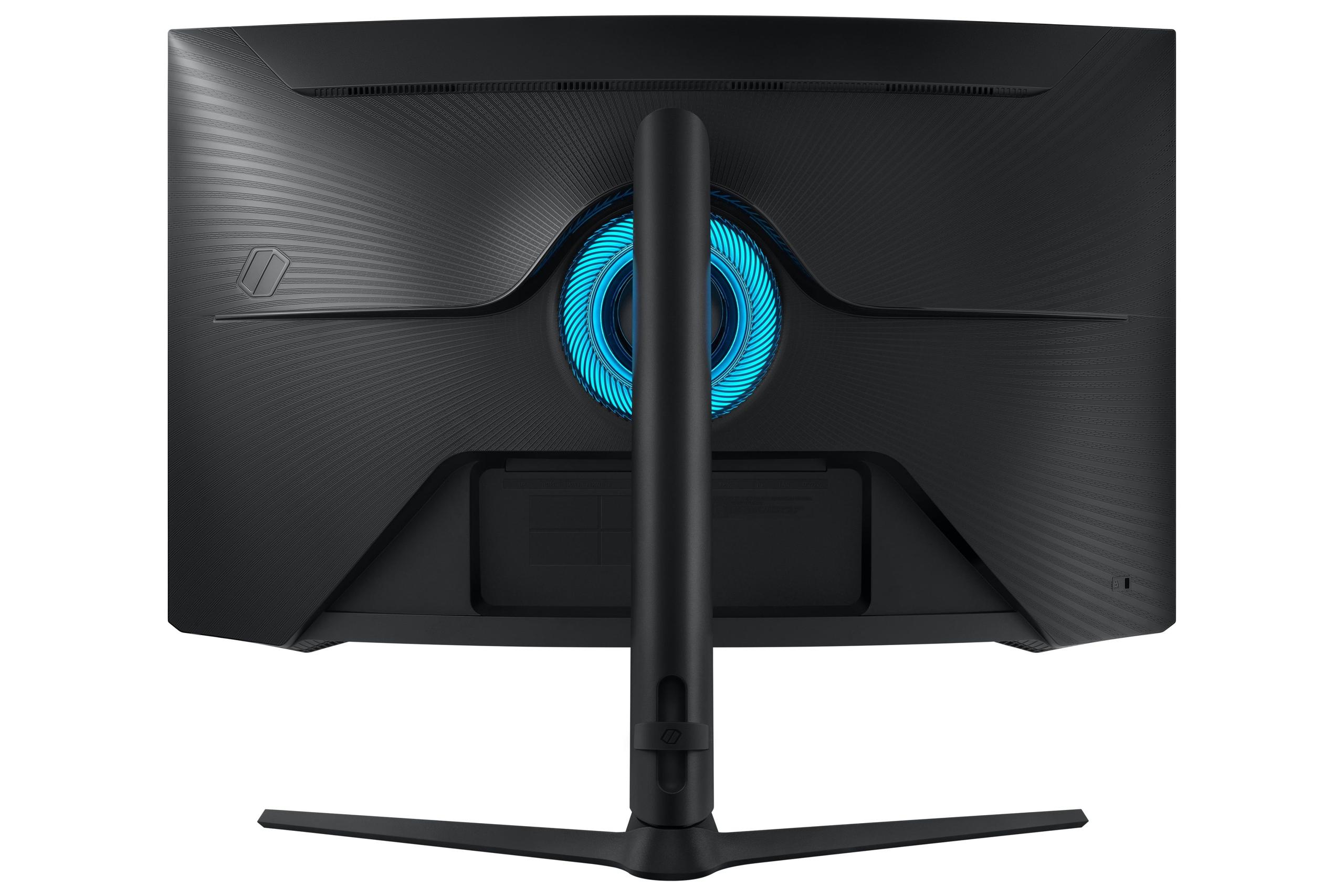
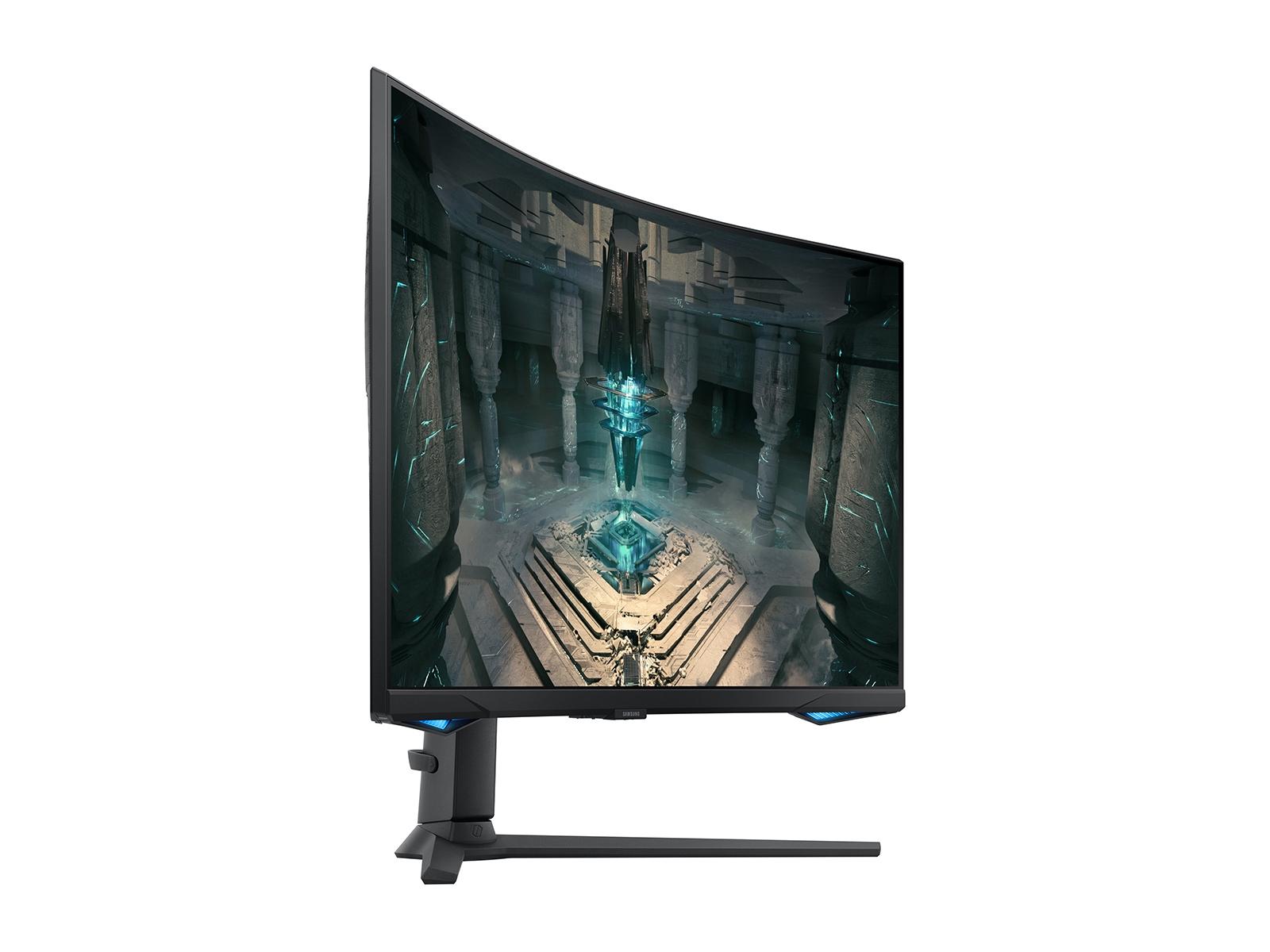
The curved design of the Samsung Odyssey G65B deserves special mention. The 1000R curvature (meaning the screen would form a complete circle if extended to a 1000mm radius) matches the natural curve of your eye's field of vision. This reduces the apparent distortion at screen edges and can make you feel more immersed in games, particularly first-person titles and racing simulators.
Both monitors deliver identical 240Hz refresh rates and claim 1ms response times, but the real-world performance tells a more nuanced story.
The HP OMEN 27s achieves its 1ms specification through overdrive technology, which accelerates pixel transitions by applying higher voltage. Our research into professional reviews suggests this works well without introducing significant overshoot artifacts – the ghostly trails that can appear when overdrive is poorly implemented.
Response time consistency matters more than peak specifications. VA panels like the one in the Samsung Odyssey G65B traditionally struggle with slower dark-to-dark pixel transitions, though modern implementations have largely addressed this issue. Samsung's 1ms claim appears to hold up well in practice, with minimal ghosting reported in user feedback.
Input lag – the delay between your mouse click and the corresponding action on screen – is critical for competitive gaming. Both monitors achieve sub-millisecond input lag when properly configured, putting them in the elite tier for responsiveness.
The adaptive sync situation creates a significant practical difference. The HP OMEN 27s supports both NVIDIA G-SYNC Compatible and AMD FreeSync Premium, making it graphics card agnostic. Whether you're team green or team red, you'll get smooth, tear-free gaming.
The Samsung Odyssey G65B limits you to AMD FreeSync Premium Pro. While this provides excellent performance with AMD cards, NVIDIA users miss out on adaptive sync benefits entirely. Given the current GPU market dynamics, this represents a meaningful limitation for many users.
HDR (High Dynamic Range) capability separates modern gaming monitors from their older siblings, expanding the range of brightness and color that can be displayed simultaneously.
The HP OMEN 27s carries VESA DisplayHDR 400 certification, indicating it can reach 400 nits peak brightness and meets specific color and contrast requirements. While entry-level by HDR standards, this still provides noticeable improvements in supported games, with brighter highlights and more detailed shadows than standard SDR content.
The Samsung Odyssey G65B steps up to DisplayHDR 600 certification, but the reality is more complex. While it can achieve higher peak brightness in specific zones, its overall peak brightness is actually lower at 350 nits. The superior contrast ratio helps HDR content look more dramatic, but the brightness limitation prevents highlights from really "popping" the way they do on premium HDR displays.
In practice, neither monitor delivers the transformative HDR experience you'd get from high-end displays with local dimming. They're both perfectly adequate for HDR gaming, but don't buy either expecting reference-quality HDR performance.
Monitor ergonomics matter more than many people realize, especially if you're gaming for extended periods. Both monitors offer comprehensive adjustment options, but with different implementations.
The HP OMEN 27s provides height, tilt, pivot, and swivel adjustments on a sturdy stand that weighs 8.68kg total. The build quality feels premium, with solid construction that doesn't wobble during intense gaming sessions. The VESA 100mm mounting compatibility gives you upgrade flexibility.
The Samsung Odyssey G65B includes similar adjustments but in a lighter 6.4kg package. The reduced weight might seem like an advantage, but the HP's heft actually translates to better stability – important when you're making rapid mouse movements.
Cable management varies between the two. The HP monitor includes comprehensive port selection with two USB-A 3.2 ports and a USB-B upstream connection, essentially functioning as a USB hub for your peripherals. This streamlines desktop organization and makes switching between gaming and productivity setups more convenient.
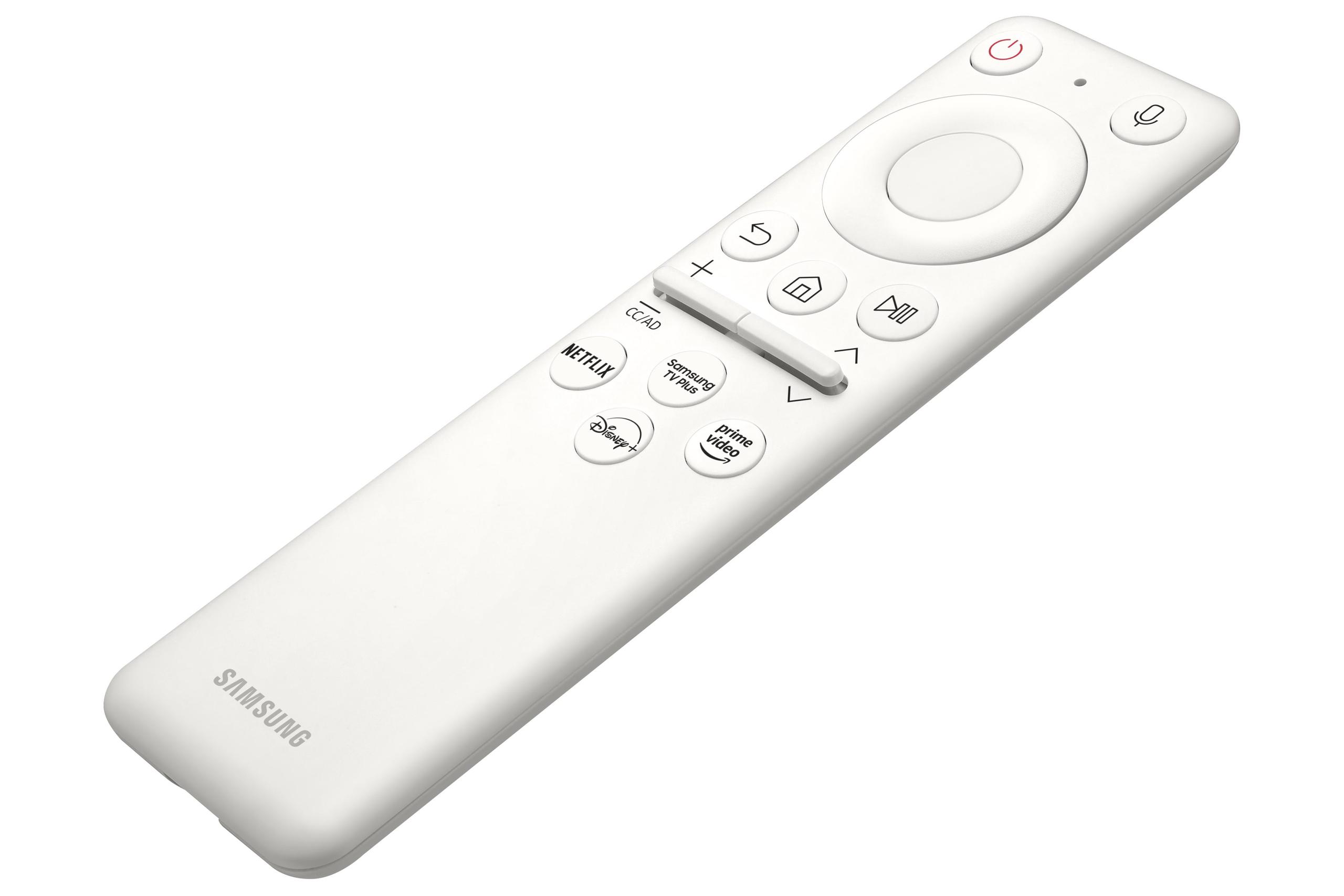
The Samsung Odyssey G65B takes a different approach with smart features integration. Built-in Wi-Fi, Bluetooth, and the Tizen operating system mean you can access streaming services, cloud gaming, and productivity apps directly from the monitor. This transforms it from a simple display into a entertainment hub that doesn't require a connected PC.
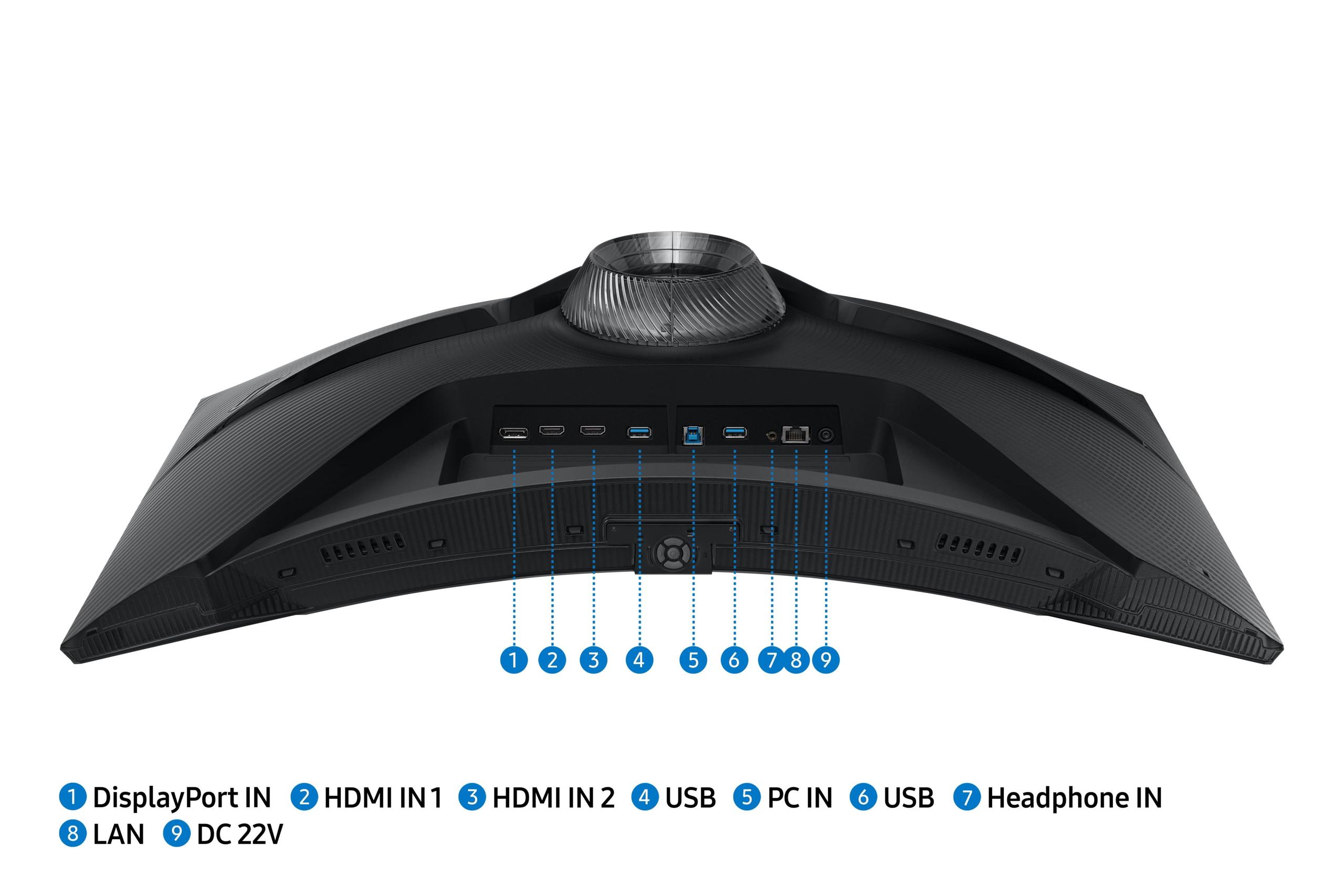
Both monitors offer solid connectivity, but with different philosophies. The HP OMEN 27s focuses on traditional gaming connectivity with two HDMI 2.0 ports, DisplayPort 1.4, and USB hub functionality. The integrated speakers are present but unremarkable – functional for basic audio but you'll want dedicated speakers or headphones for serious gaming.
The Samsung Odyssey G65B emphasizes modern connectivity with HDMI 2.1 support, Wi-Fi, Bluetooth, and smart platform integration. The Gaming Hub feature lets you access cloud gaming services like Xbox Game Pass without a local console or PC. For users interested in console gaming, the HDMI 2.1 support future-proofs the display for next-generation consoles.
The smart features of the Samsung monitor represent a genuine value-add if you're interested in streaming services or cloud gaming. Having Netflix, Amazon Prime, or Xbox Cloud Gaming available directly on your monitor reduces cable clutter and simplifies entertainment setups.
While both monitors are designed primarily for gaming, their 27-inch size makes them suitable for personal entertainment viewing in smaller spaces.
The Samsung Odyssey G65B's curved design and superior contrast ratio create a more cinematic experience for movie watching. The built-in smart platform eliminates the need for separate streaming devices, and the audio quality is surprisingly decent for built-in speakers – though still not replacement for a proper sound system.
The HP OMEN 27s offers better color accuracy for content consumption, which translates to more faithful reproduction of movies and TV shows. However, the flat panel design and lower contrast ratio make it feel less immersive for entertainment content.
Neither monitor truly excels as a home theater display due to their 27-inch size, but both are perfectly adequate for personal viewing in bedroom or office setups.
An often-overlooked consideration is power consumption, especially given rising energy costs and environmental concerns. The Samsung Odyssey G65B consumes significantly less power at 26W compared to the HP OMEN 27s's 46W draw.
Over a year of typical gaming use, this difference could translate to meaningful electricity bill savings, particularly in regions with high energy costs. The HP monitor's higher consumption stems partly from its brighter backlight and more power-hungry IPS panel technology.
Both manufacturers have made commitments to sustainability, with HP incorporating 85% post-consumer recycled plastics in the OMEN 27s construction.
The choice between these monitors ultimately depends on your priorities, budget, and hardware ecosystem.
Choose the HP OMEN 27s if you:
Choose the Samsung Odyssey G65B if you:
Budget and GPU considerations matter tremendously. The HP OMEN 27s delivers premium features at a more accessible price point, while the Samsung Odyssey G65B requires both a higher upfront investment and more powerful graphics hardware to reach its full potential.
For most gamers, especially those with mid-range to high-end GPUs, the HP OMEN 27s represents the better overall value proposition. It delivers the core high-refresh gaming experience without requiring top-tier hardware or a premium price.
However, if you have the budget and hardware to support it, the Samsung Odyssey G65B's superior image quality and modern features create a more future-proof and versatile setup that excels beyond pure gaming performance.
The reality is that both monitors excel in their intended roles. The HP maximizes competitive gaming value, while the Samsung prioritizes visual fidelity and modern connectivity. Your choice should align with how you actually use your gaming setup and what compromises you're willing to make in pursuit of either maximum performance or maximum image quality.
| HP OMEN 27s FHD 240Hz Gaming Monitor | Samsung Odyssey G65B 27" QHD 240Hz Curved Gaming Monitor |
|---|---|
| Resolution - Higher resolution means sharper text and game details | |
| 1920 x 1080 (FHD) - Easier to drive at 240Hz with mid-range GPUs | 2560 x 1440 (QHD) - 78% more pixels, noticeably sharper image |
| Panel Type - Affects color accuracy, contrast, and viewing angles | |
| IPS - Superior color accuracy and viewing angles | VA Curved - Higher contrast ratio and immersive curved design |
| Refresh Rate - How smooth motion appears in fast games | |
| 240Hz - Ultra-smooth competitive gaming performance | 240Hz - Ultra-smooth competitive gaming performance |
| Response Time - Lower numbers reduce motion blur | |
| 1ms GtG (with Overdrive) - Excellent for competitive gaming | 1ms - Excellent for competitive gaming |
| Adaptive Sync - Eliminates screen tearing with compatible GPUs | |
| G-SYNC Compatible + FreeSync Premium - Works with all GPU brands | FreeSync Premium Pro only - AMD GPUs only |
| Contrast Ratio - Higher numbers mean deeper blacks | |
| 1000:1 - Standard for IPS panels | 2500:1 - Dramatically better black levels and depth |
| Peak Brightness - Important for HDR and bright room viewing | |
| 400 nits - Better for HDR content and daylight use | 350 nits - Good but slightly dimmer overall |
| Color Gamut - Wider coverage means more vibrant, accurate colors | |
| 99% sRGB, 95% DCI-P3 - Excellent color accuracy for content creation | 99% sRGB - Good color reproduction |
| HDR Support - Enhanced contrast and brightness in compatible games | |
| DisplayHDR 400 - Entry-level but noticeable HDR improvement | DisplayHDR 600 - Better HDR certification but limited by brightness |
| Connectivity - Ports and smart features | |
| 2x HDMI 2.0, 1x DP 1.4, USB hub - Comprehensive gaming connectivity | 2x HDMI 2.1, 1x DP 1.4, Wi-Fi, Smart TV features - Modern connectivity |
| Weight and Power - Affects desk stability and energy costs | |
| 8.68kg, 46W - Heavier but more stable, higher power consumption | 6.4kg, 26W - Lighter design, much more energy efficient |
| Smart Features - Built-in apps and wireless capabilities | |
| Basic monitor with USB hub functionality | Gaming Hub, streaming apps, cloud gaming, wireless connectivity |
The Samsung Odyssey G65B delivers sharper image quality with its QHD (2560x1440) resolution, providing 78% more pixels than the HP OMEN 27s's FHD (1920x1080) display. However, the HP OMEN 27s offers superior color accuracy with its IPS panel technology, covering 99% sRGB and 95% DCI-P3 color spaces. The Samsung monitor excels in contrast with deeper blacks thanks to its VA panel, while the HP provides more consistent brightness and better viewing angles.
Both the HP OMEN 27s and Samsung Odyssey G65B offer identical 240Hz refresh rates and 1ms response times for competitive gaming. The HP OMEN 27s has an advantage for esports because its FHD resolution is easier to drive at maximum frame rates with mid-range graphics cards. The HP monitor also supports both NVIDIA G-SYNC and AMD FreeSync, while the Samsung Odyssey G65B only works with AMD FreeSync, limiting graphics card compatibility.
The HP OMEN 27s works well with mid-range graphics cards like RTX 4060 or RX 7600 for achieving 240Hz in esports titles. The Samsung Odyssey G65B requires more powerful hardware like RTX 4070 Super or better to fully utilize its QHD resolution at 240Hz. If you have a mid-range GPU, the HP OMEN 27s will provide more consistent high frame rate performance.
Both monitors offer decent but not exceptional HDR performance. The HP OMEN 27s features DisplayHDR 400 certification with 400 nits peak brightness, providing better highlight detail. The Samsung Odyssey G65B has DisplayHDR 600 certification but only 350 nits brightness, though its superior contrast ratio makes dark scenes more dramatic. Neither monitor delivers premium HDR experiences compared to high-end displays with local dimming.
The Samsung Odyssey G65B features a 1000R curved design that can enhance immersion in single-player games and reduce peripheral distortion. The curved screen wraps around your field of vision, making racing games and first-person shooters feel more engaging. The HP OMEN 27s uses a traditional flat panel that some users prefer for competitive gaming and general desktop use. Curved monitors work best when you sit directly centered in front of them.
The HP OMEN 27s provides traditional gaming connectivity with USB hub functionality, allowing you to connect peripherals directly to the monitor. The Samsung Odyssey G65B offers more modern features including Wi-Fi, Bluetooth, smart TV apps, and Gaming Hub for cloud gaming without a PC. The Samsung monitor also includes HDMI 2.1 support for next-generation consoles, while the HP uses HDMI 2.0.
The HP OMEN 27s is significantly better for content creation due to its IPS panel technology and superior color accuracy. It covers 99% sRGB and 95% DCI-P3 color spaces with consistent brightness across the screen. The Samsung Odyssey G65B has good color reproduction but VA panels traditionally offer less accurate colors and narrower viewing angles, making the HP OMEN 27s the clear choice for photo editing or graphic design work.
The Samsung Odyssey G65B is much more energy efficient, consuming only 26W compared to the HP OMEN 27s's 46W power draw. Over a year of typical use, the Samsung monitor could provide meaningful electricity bill savings. The HP OMEN 27s consumes more power due to its brighter IPS backlight technology, but this also contributes to its superior HDR brightness performance.
Both monitors can serve as personal entertainment displays in smaller spaces, though neither is ideal for traditional home theater setups due to their 27-inch size. The Samsung Odyssey G65B offers a more cinematic experience with its curved design, superior contrast, and built-in smart TV features for streaming services. The HP OMEN 27s provides better color accuracy for movies but lacks the immersive curve and smart features of the Samsung.
The HP OMEN 27s typically offers better value for most gamers, delivering premium IPS color quality and broad graphics card compatibility at a lower price point. The Samsung Odyssey G65B costs significantly more but justifies the premium with higher resolution, smart features, and superior contrast. The HP monitor represents better value unless you specifically need QHD resolution and can fully utilize the Samsung's additional features.
Both monitors feature solid build quality with comprehensive ergonomic adjustments including height, tilt, and pivot options. The HP OMEN 27s is heavier at 8.68kg, providing more stable performance during intense gaming sessions. The Samsung Odyssey G65B is lighter at 6.4kg but still well-constructed. Both monitors support VESA mounting and include cable management features for clean desk setups.
The HP OMEN 27s excels in competitive esports titles where high frame rates matter more than resolution, and its broad adaptive sync support works with any graphics card. The Samsung Odyssey G65B is better for immersive single-player games where visual fidelity and the curved design enhance the experience. Racing games, RPGs, and adventure titles particularly benefit from the Samsung's higher resolution and curved screen, while FPS and MOBA games favor the HP's consistent performance.
We've done our best to create useful and informative comparisons to help you decide what product to buy. Our research uses advanced automated methods to create this comparison and perfection is not possible - please contact us for corrections or questions. These are the sites we've researched in the creation of this article: bestbuy.com - hp.com - shi.com - hp.com - bestbuy.com - hp.com - tomshardware.com - hp.com - rtings.com - hp.com - displayspecifications.com - support.hp.com - publicsector.shidirect.com - objects.icecat.biz - files.bbystatic.com - hp.com - displayspecifications.com - bestbuy.com - versus.com - uk.shi.com - youtube.com - youtube.com - displayspecifications.com - rtings.com - versus.com - samsung.com - rtings.com - businessdirect.bt.com - productchart.com - samsung.com - displayspecifications.com - gradeatechnology.co.uk - samsung.com - bestbuy.com - samsung.com - samsung.com

Privacy Policy
Terms and Conditions - Affiliate Policy
Home Security
© Copyright 2008-2026.
11816 Inwood Rd #1211, Dallas, TX 75244