



Gaming monitors have evolved dramatically over the past few years, transforming from simple displays into sophisticated performance tools that can make or break your gaming experience. Today's market offers everything from ultra-fast competitive monitors to visually stunning premium displays, each designed for specific types of gamers and use cases.
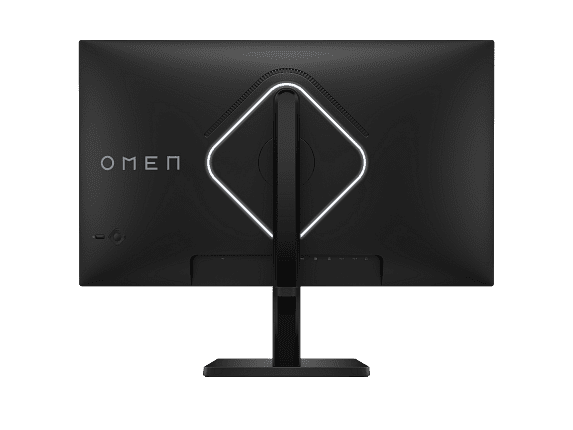
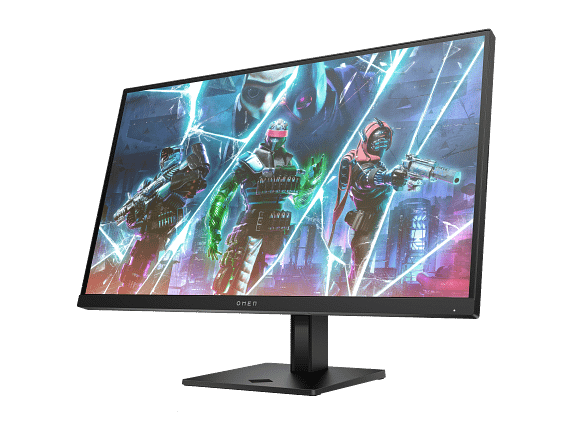
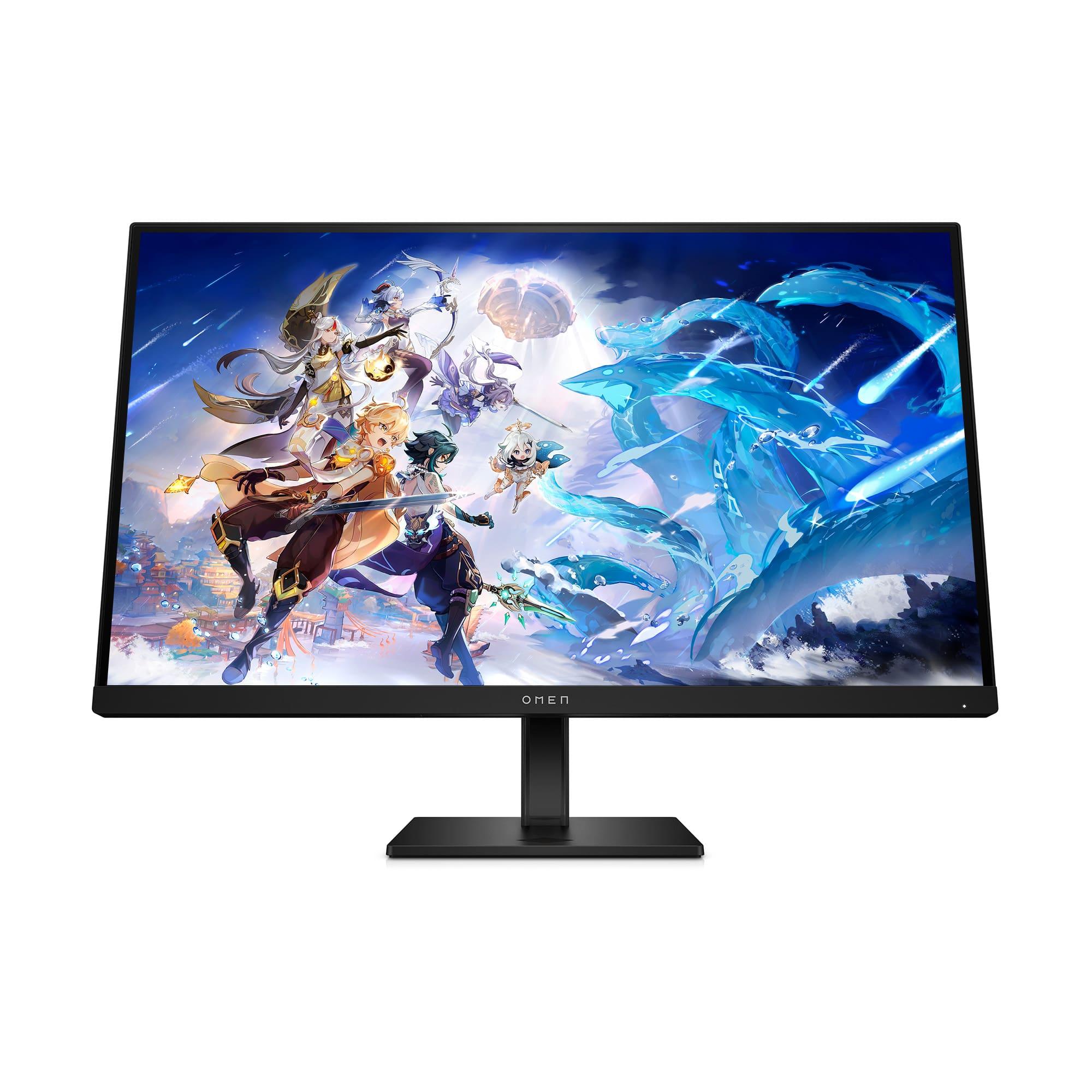
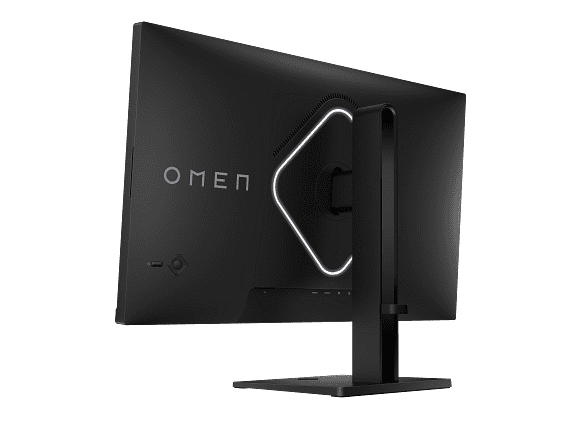
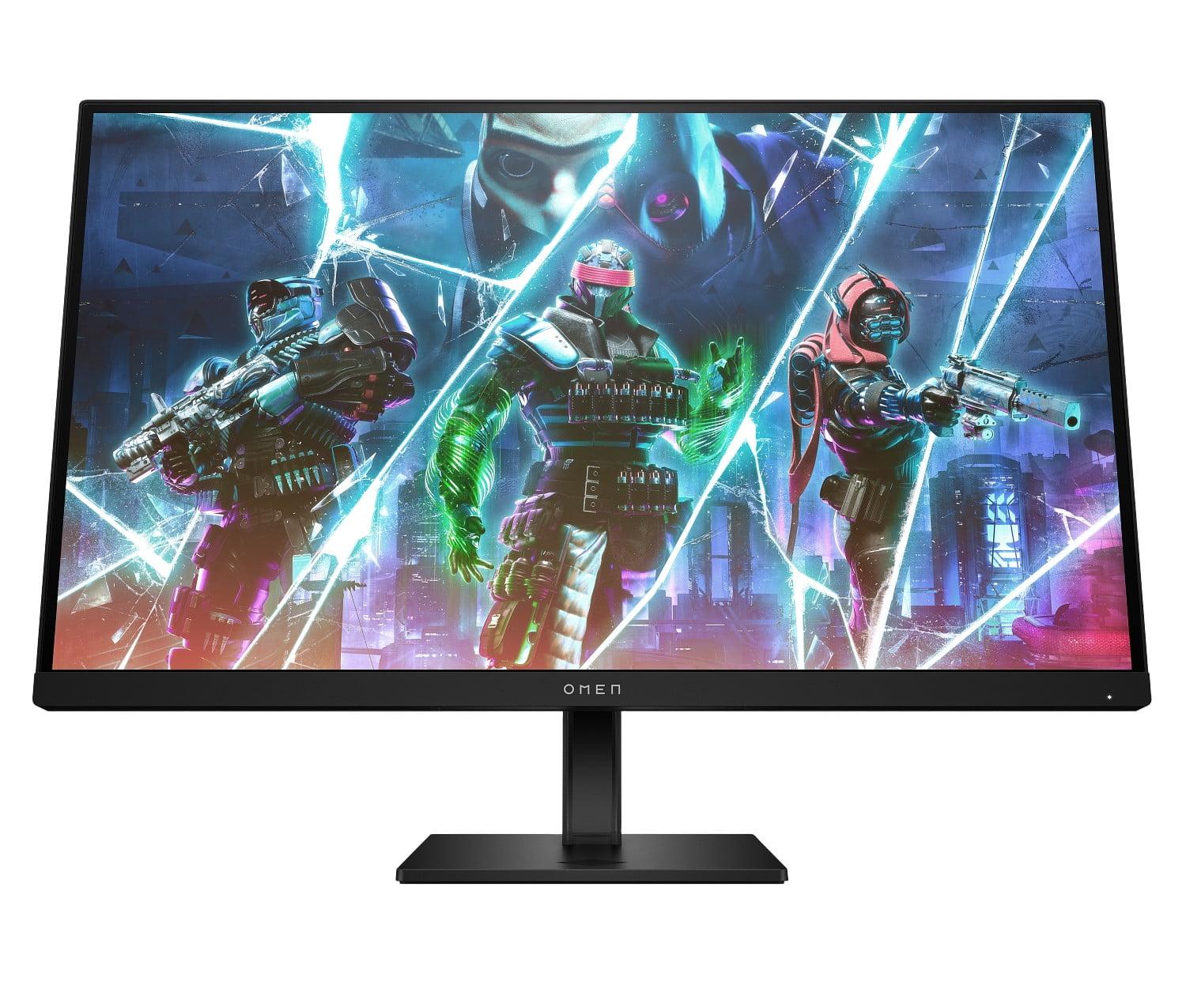
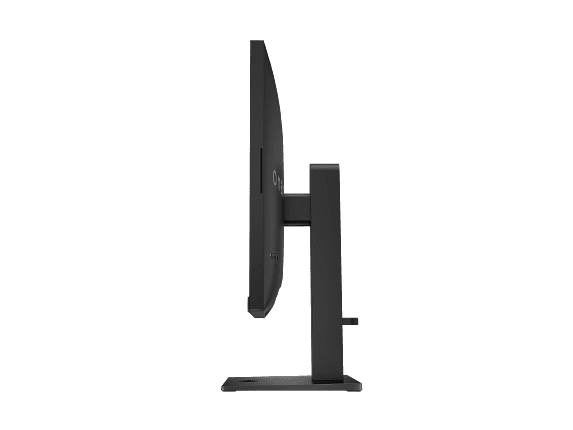
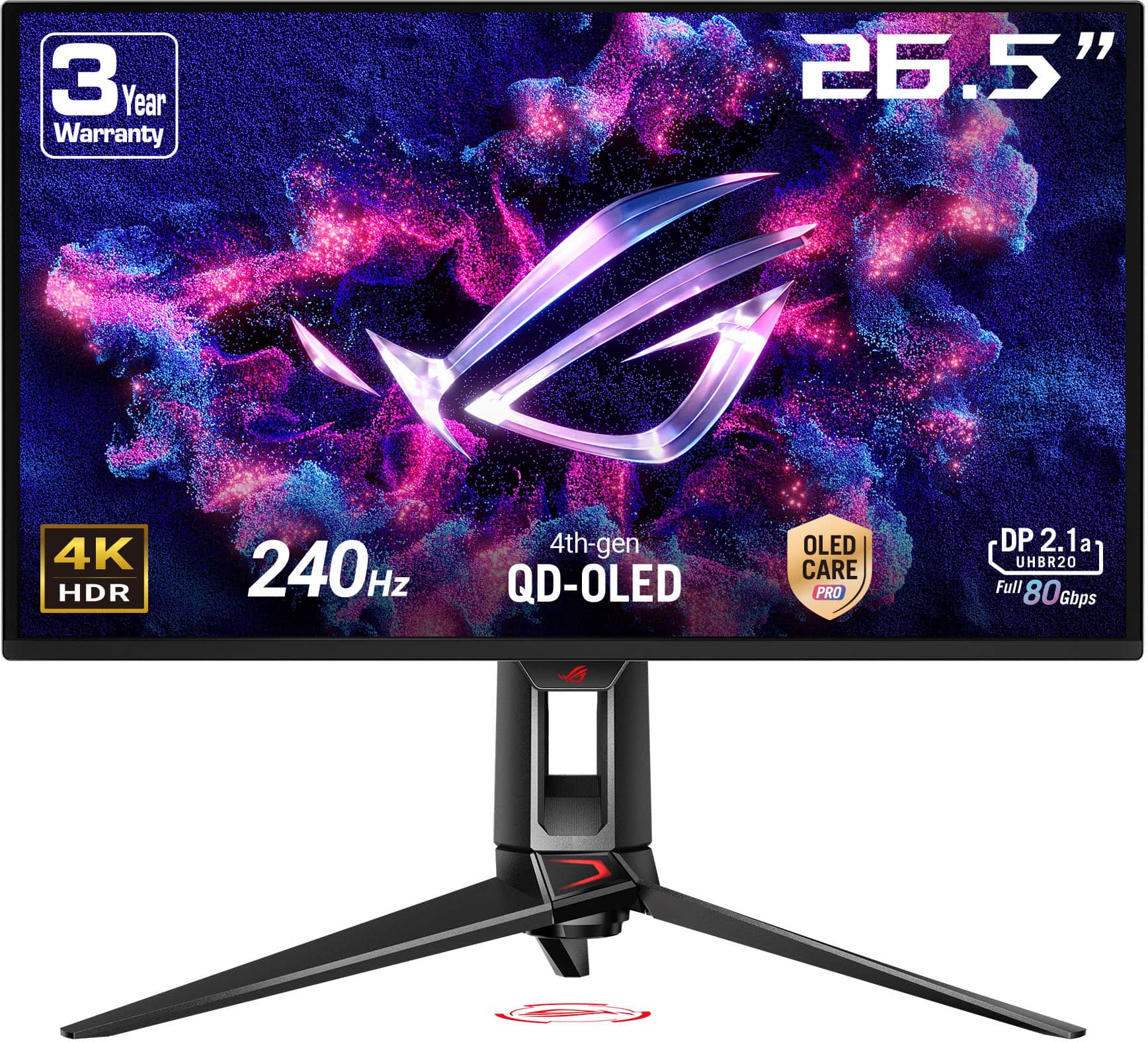
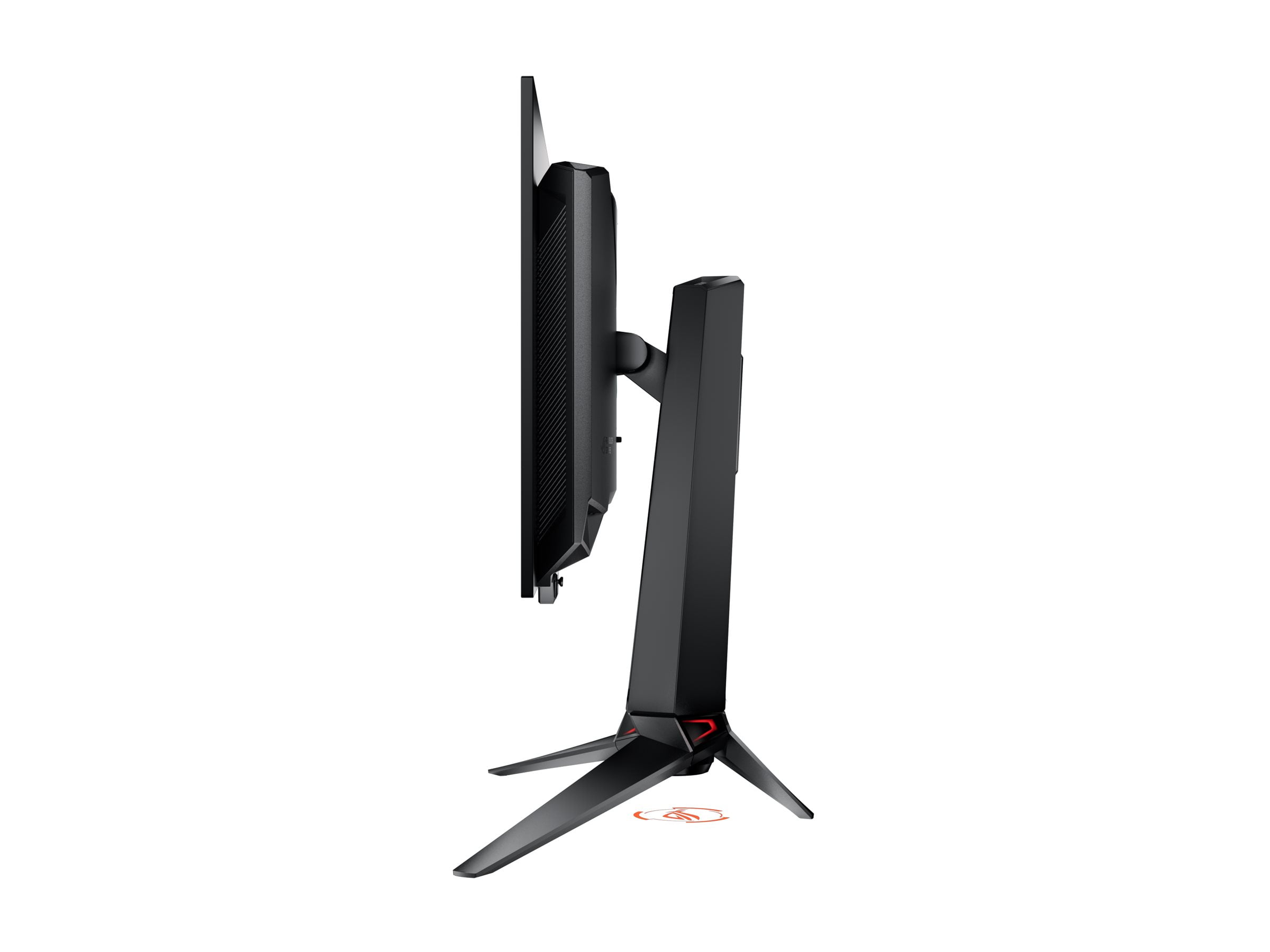
Understanding what makes a great gaming monitor involves more than just looking at refresh rates and resolution numbers. The best choice depends on your gaming preferences, GPU capabilities, and whether you prioritize raw performance or visual quality. Two monitors that perfectly illustrate this divide are the HP OMEN 27s FHD 240Hz Gaming Monitor and the ASUS ROG Swift OLED PG27UCDM 27" 4K 240Hz Gaming Monitor.
Released in 2023, the HP OMEN 27s represents the sweet spot for competitive gaming—delivering high refresh rate performance without breaking the bank. Meanwhile, the ASUS ROG Swift OLED PG27UCDM, launching in 2024, showcases cutting-edge OLED technology in a 4K gaming package that pushes the boundaries of what's possible in display quality.
Before diving into specifics, it's worth understanding what separates gaming monitors from regular displays. Gaming monitors prioritize three key areas: input lag (the delay between your action and what appears on screen), motion clarity (how sharp moving objects appear), and adaptive refresh rate technology (which synchronizes your GPU's output with the display to eliminate screen tearing).
Input lag is measured in milliseconds, and even small differences can impact competitive gaming. Most gaming monitors aim for under 5ms of total input lag, with the best achieving under 1ms.
Motion clarity depends on response times—how quickly pixels can change color. Slower response times create ghosting, where moving objects leave blurry trails behind them.
Adaptive sync technologies like G-SYNC and FreeSync dynamically adjust the monitor's refresh rate to match your GPU's frame output, eliminating the stuttering and tearing that occurs when these rates don't align.
The resolution versus refresh rate trade-off remains central to gaming monitor selection. Higher resolutions demand more GPU power, potentially reducing frame rates and limiting your ability to fully utilize high refresh rate displays.
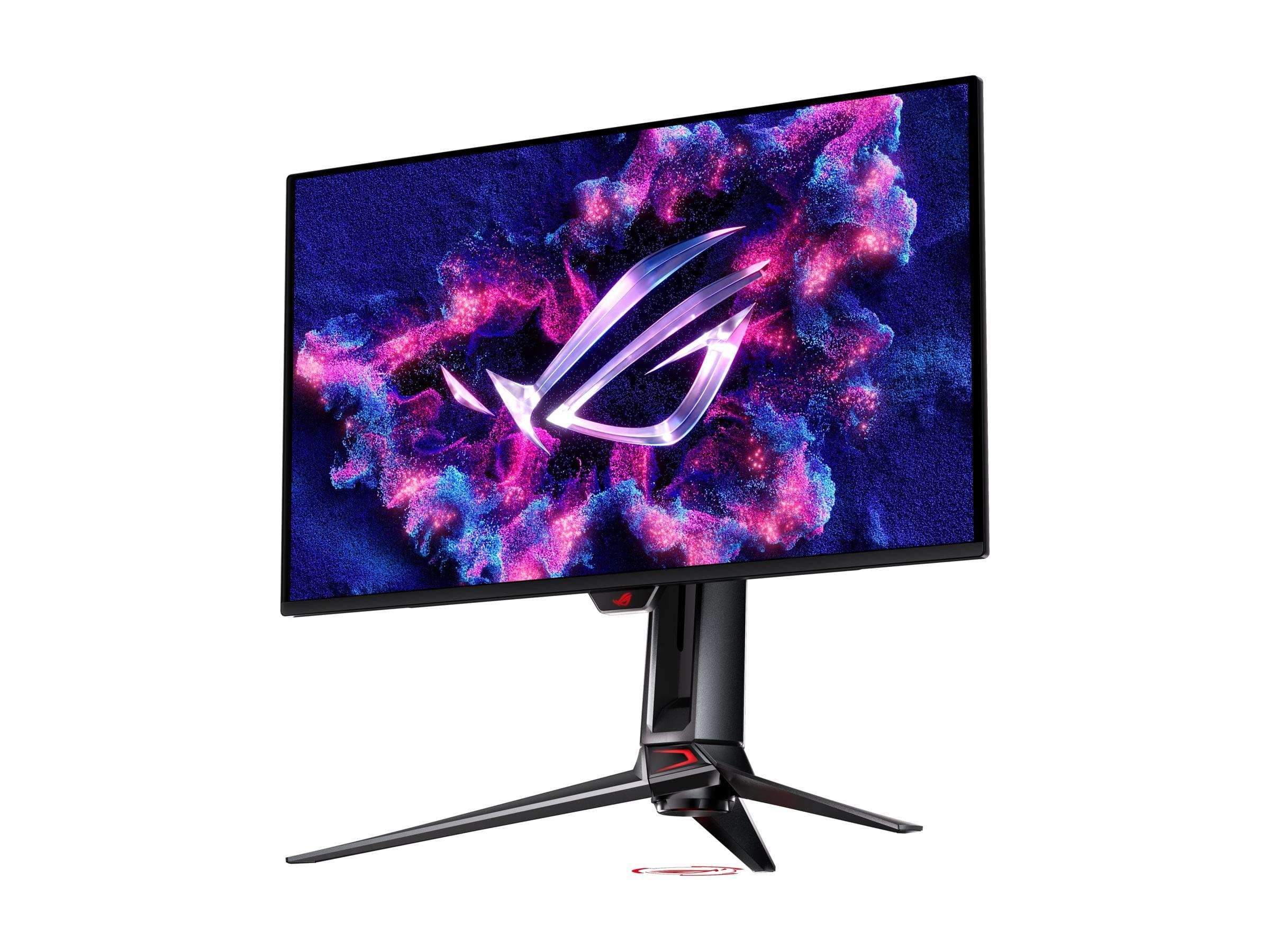
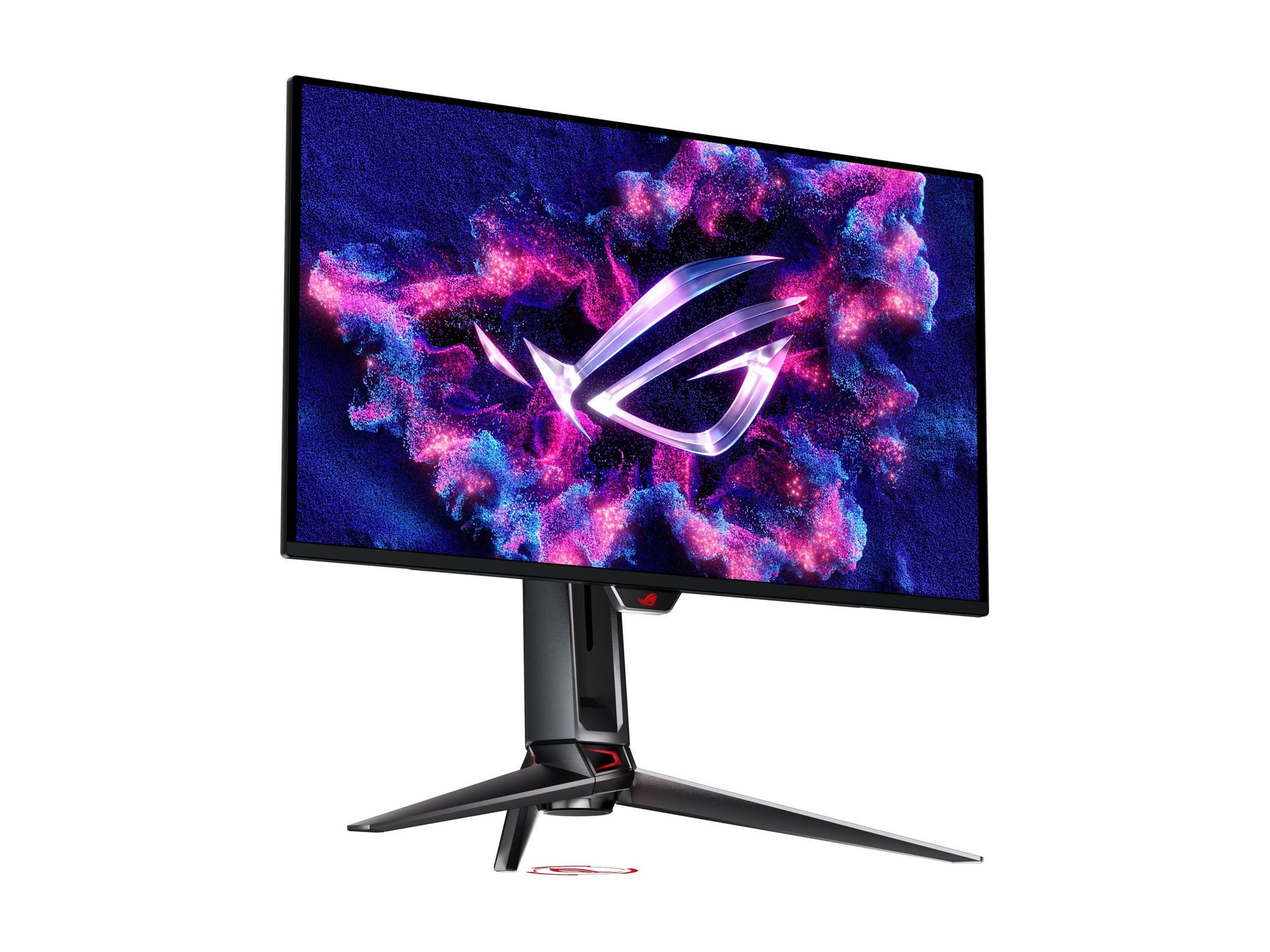
The fundamental difference between these monitors starts with their display technology. The HP OMEN 27s uses an IPS (In-Plane Switching) LCD panel, while the ASUS ROG Swift OLED features a QD-OLED (Quantum Dot Organic Light-Emitting Diode) panel.
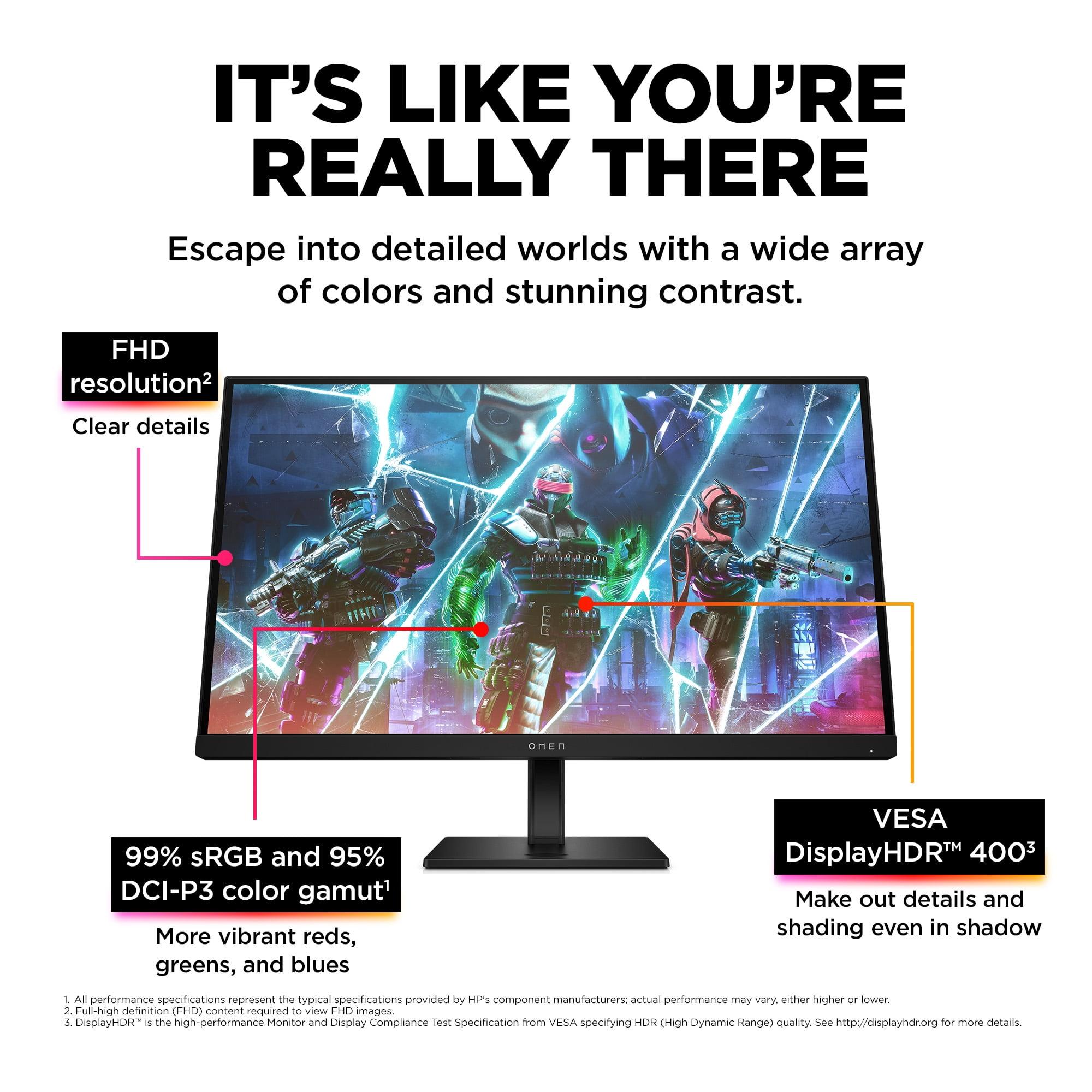
IPS panels have dominated gaming for their consistency and reliability. Each pixel is backlit by LEDs behind the panel, providing uniform brightness and excellent viewing angles. The HP OMEN 27s delivers typical IPS benefits: consistent colors whether you're viewing from the side or center, no burn-in concerns, and reliable performance across different content types. With 99% sRGB coverage and 400 nits brightness, it provides vibrant colors that remain accurate over time.
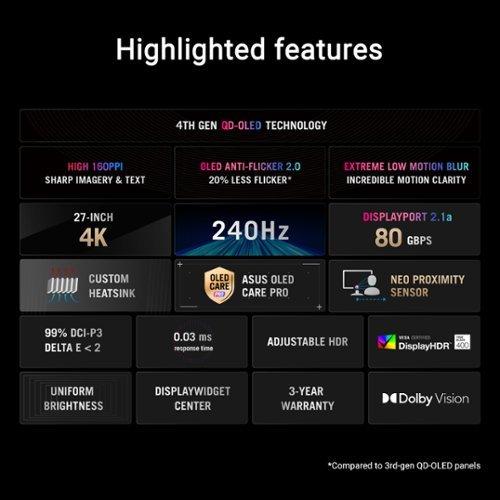
QD-OLED represents the newest display technology, where each pixel generates its own light. This allows the ASUS ROG Swift OLED to achieve perfect blacks by turning pixels completely off, creating an infinite contrast ratio compared to the HP's 1000:1 ratio. The quantum dot layer enhances color production, delivering 99% DCI-P3 coverage with exceptional color accuracy (Delta E < 2).
However, OLED panels face potential burn-in issues where static images can permanently damage pixels. ASUS addresses this with their OLED Care Pro suite, including a Neo Proximity Sensor that automatically dims the screen when you're away and algorithms that shift pixels slightly to prevent static image retention.
The resolution difference between these monitors creates distinct gaming experiences. The HP OMEN 27s operates at 1920x1080 (FHD), providing 81 pixels per inch across its 27-inch panel. The ASUS ROG Swift OLED delivers 3840x2160 (4K), cramming 163 pixels per inch into nearly the same screen size.
This pixel density difference is immediately apparent. Text appears noticeably sharper on the ASUS, and game details become more defined. In competitive shooters, you can spot enemies at greater distances and read smaller UI elements more easily. However, this sharpness comes with performance costs.
Running games at 4K requires approximately four times the GPU processing power compared to 1080p. While the ASUS monitor supports 240Hz refresh rates, achieving those frame rates at 4K demands flagship graphics cards like the RTX 4080 or 4090. The HP OMEN 27s, by contrast, allows mid-range GPUs like the RTX 4060 Ti or 4070 to consistently hit 240fps in competitive titles.
For competitive gaming, the lower resolution actually provides advantages. Larger pixel sizes make targets appear bigger on screen, potentially improving accuracy in fast-paced games. Many professional esports players prefer 1080p monitors for this reason, despite having access to higher-resolution displays.
Both monitors achieve 240Hz refresh rates, but their approaches to motion clarity differ significantly. The HP OMEN 27s delivers 1ms Gray-to-Gray (GTG) response times with overdrive—a feature that increases pixel voltage to speed up color transitions. This provides excellent motion clarity for an IPS panel, though some overshoot (temporary color overshooting) may occur at maximum overdrive settings.
The ASUS ROG Swift OLED achieves an extraordinary 0.03ms GTG response time naturally, without overdrive artifacts. OLED pixels switch states almost instantaneously, creating perfect motion clarity that surpasses even the fastest LCD panels. In practice, both monitors handle motion exceptionally well, but the OLED provides a slightly sharper image during fast movement.
Input lag performance is equally impressive on both displays. Modern gaming monitors have largely solved input lag issues, and both the HP OMEN 27s and ASUS ROG Swift deliver sub-1ms input lag that's imperceptible to human perception.
Variable refresh rate support ensures smooth gameplay across frame rate fluctuations. The HP OMEN 27s supports NVIDIA G-SYNC compatibility and AMD FreeSync Premium, covering most modern GPUs. The ASUS ROG Swift OLED adds FreeSync Premium Pro support and includes more advanced VRR algorithms, though OLED panels can experience VRR flicker in dark scenes when frame rates fluctuate significantly.
High Dynamic Range (HDR) support reveals another significant difference between these monitors. The HP OMEN 27s includes VESA DisplayHDR 400 certification, which provides modest HDR improvements over standard displays but lacks the brightness and contrast range for truly impactful HDR gaming.
The ASUS ROG Swift OLED delivers authentic HDR performance with VESA DisplayHDR 400 True Black certification and Dolby Vision support. Peak brightness reaches 1000 nits in HDR mode, while perfect blacks create the contrast range necessary for dramatic HDR effects. Bright explosions appear genuinely luminous against dark backgrounds, and color gradients show subtle details impossible on traditional displays.
This HDR capability extends beyond gaming. The ASUS monitor functions as an excellent display for HDR movies and streaming content, essentially replacing a dedicated entertainment display. The HP monitor, while capable of HDR playback, provides a more modest improvement over standard dynamic range content.
Port selection reflects each monitor's target market. The HP OMEN 27s provides practical connectivity with two HDMI 2.0 ports, DisplayPort 1.4, and a basic USB hub. This covers most gaming scenarios without unnecessary complexity or cost.
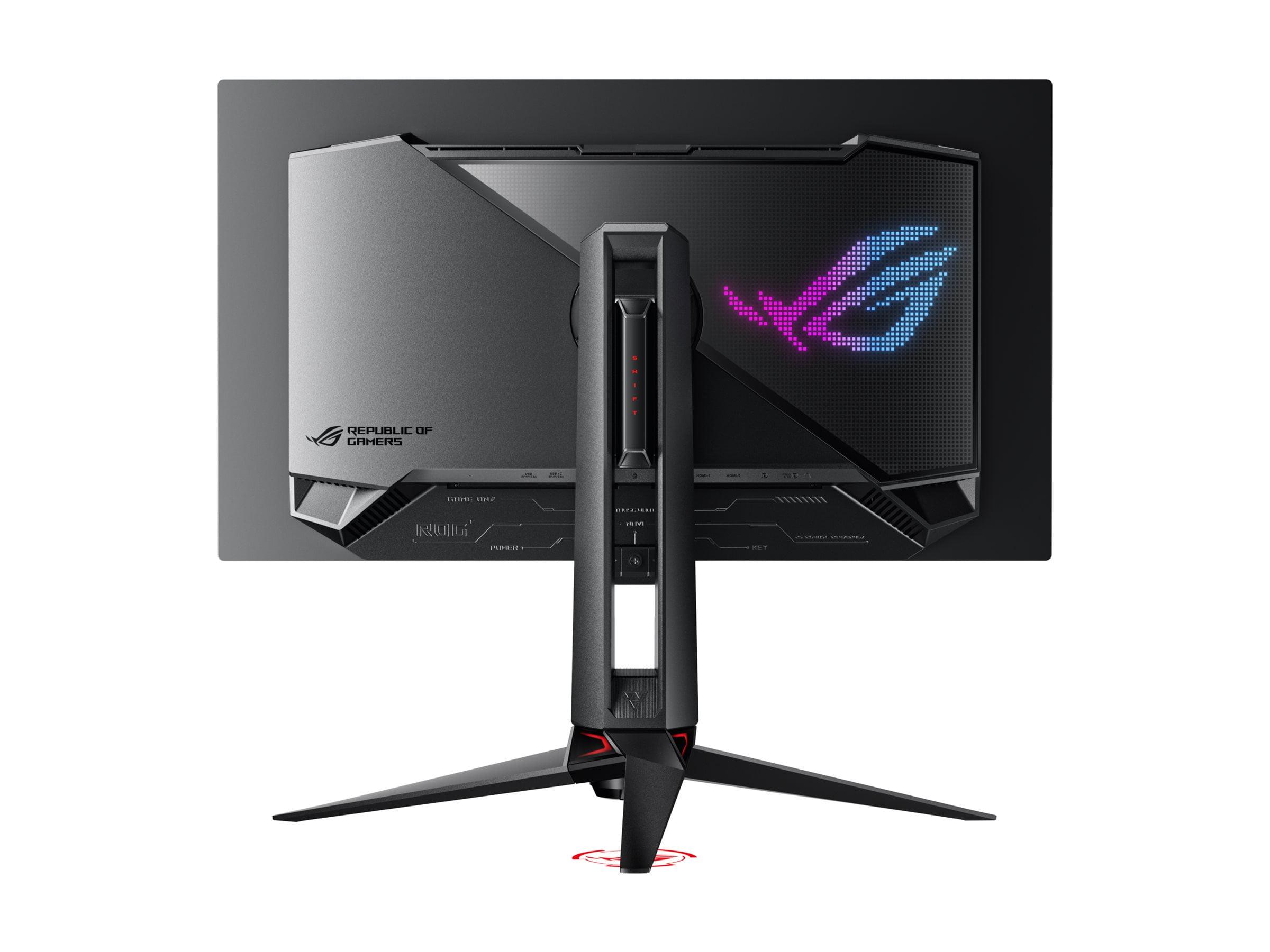
The ASUS ROG Swift OLED includes DisplayPort 2.1a with full 80Gbps bandwidth—currently the highest available standard that enables uncompressed 4K 240Hz signals. USB-C with 90W Power Delivery allows direct laptop connection, while the integrated KVM switch lets you control multiple computers with one keyboard and mouse setup.
Both monitors include gaming-specific features, but at different levels. The HP OMEN 27s offers custom crosshair overlays through OMEN Gaming Hub software and standard gaming presets. The ASUS ROG Swift provides more advanced features including Aura Sync RGB lighting, extensive GamePlus options, and the innovative Neo Proximity Sensor that automatically manages OLED care functions.
The proximity sensor deserves special mention—it detects when you step away from the monitor and automatically switches to a black screen, reducing OLED burn-in risk while saving power. This kind of intelligent automation represents the premium experience ASUS targets with this monitor.
At the time of writing, these monitors occupy very different price segments. The HP OMEN 27s delivers exceptional value for competitive gaming, providing 240Hz performance at a fraction of premium monitor costs. When you factor in the lower GPU requirements for 1080p gaming, the total system cost remains reasonable while maximizing frame rate performance.
The ASUS ROG Swift OLED commands premium pricing that reflects its cutting-edge technology and 4K capabilities. However, it essentially combines a high-end gaming monitor and professional content creation display into one device, potentially justifying the investment for users who need both capabilities.
Consider the total cost of ownership beyond the monitor price. The HP OMEN 27s pairs well with mid-range to high-end GPUs, keeping overall system costs manageable. The ASUS ROG Swift OLED demands flagship GPUs for optimal performance, significantly increasing the total investment required for a complete system.
Competitive Gaming Priority The HP OMEN 27s excels for esports enthusiasts and competitive gamers. Its 1080p resolution allows consistent 240fps performance in titles like Counter-Strike, Valorant, and Overwatch 2, where frame rate consistency matters more than visual fidelity. The lower pixel density actually benefits competitive play by making targets appear larger, and the reliable IPS performance ensures consistent colors across different lighting conditions.
Premium Gaming and Content Creation The ASUS ROG Swift OLED targets users wanting the ultimate gaming experience alongside content creation capabilities. The 4K resolution, exceptional color accuracy, and Dolby Vision support make it suitable for photo editing, video production, and premium media consumption. It functions as a true multimedia display that happens to excel at gaming.
Home Theater Integration For those considering monitor use in a home theater or entertainment setup, the ASUS ROG Swift OLED provides genuine value. Its HDR performance, color accuracy, and media-focused features rival dedicated home theater displays, while maintaining gaming excellence. The HP OMEN 27s, while capable of media playback, focuses primarily on gaming performance.
Since the HP OMEN 27s launched in 2023, IPS gaming monitors have refined their response time algorithms and improved color gamut coverage. The monitor represents mature IPS technology optimized for gaming performance and reliability.
The ASUS ROG Swift OLED, launching in 2024, showcases fourth-generation QD-OLED panels with improved longevity and reduced burn-in susceptibility compared to earlier OLED displays. The integration of advanced care algorithms and proximity sensing represents the current state-of-the-art in OLED gaming displays.
Looking forward, both technologies continue evolving. IPS panels are developing faster response times and wider color gamuts, while OLED technology improves brightness levels and longevity. The ASUS monitor's DisplayPort 2.1 connectivity provides future-proofing for next-generation GPUs and higher bandwidth requirements.
Your choice between these monitors should align with your gaming priorities and system capabilities. The HP OMEN 27s maximizes competitive gaming performance at its resolution tier, delivering 240Hz gaming excellence without requiring flagship hardware. It's ideal for dedicated gamers who prioritize frame rates and responsiveness over visual fidelity.
The ASUS ROG Swift OLED PG27UCDM represents the pinnacle of current gaming display technology, combining exceptional visual quality with high refresh rate performance. Choose it if you want the ultimate gaming experience, plan to use the display for content creation, or value premium features and future-proofing over cost efficiency.
For most competitive gamers using mid-range to high-end GPUs, the HP OMEN 27s provides better practical performance and value. For users with flagship GPUs who want the best possible visual experience across gaming, media, and productivity tasks, the ASUS ROG Swift OLED justifies its premium pricing through exceptional versatility and cutting-edge technology.
Consider your current GPU capabilities, gaming preferences, and whether you need the display for tasks beyond gaming. Both monitors excel in their intended roles—the decision comes down to whether you prioritize competitive performance or premium visual experience in your gaming setup.
| HP OMEN 27s FHD 240Hz Gaming Monitor | ASUS ROG Swift OLED PG27UCDM 27" 4K 240Hz Gaming Monitor |
|---|---|
| Panel Technology - Determines image quality, longevity, and burn-in risk | |
| 27" IPS LCD with LED backlight (no burn-in concerns, consistent brightness) | 26.5" QD-OLED with self-emitting pixels (perfect blacks, potential burn-in) |
| Resolution - Affects image sharpness and GPU requirements | |
| 1920 x 1080 (FHD) - 81 PPI (easier to drive, larger targets for competitive gaming) | 3840 x 2160 (4K) - 163 PPI (dramatically sharper text and details) |
| Refresh Rate - Determines motion smoothness | |
| 240Hz (excellent for competitive gaming with mid-range GPUs) | 240Hz (requires flagship GPUs to reach full potential at 4K) |
| Response Time - Affects motion blur and ghosting | |
| 1ms GTG with overdrive (very fast for IPS, minimal ghosting) | 0.03ms GTG natural (near-instantaneous, perfect motion clarity) |
| Contrast Ratio - Determines depth of blacks and overall image pop | |
| 1000:1 typical (standard for IPS, decent but not exceptional blacks) | 1,500,000:1 infinite (perfect blacks, dramatic contrast difference) |
| HDR Support - Enhances brightness range and color depth | |
| DisplayHDR 400 (basic HDR improvement, limited impact) | DisplayHDR 400 True Black + Dolby Vision (authentic HDR experience) |
| Color Gamut - Affects color vibrancy and accuracy | |
| 99% sRGB, 95% DCI-P3 (excellent for gaming, good for content creation) | 99% DCI-P3, 145% sRGB, Delta E < 2 (professional-grade color accuracy) |
| Peak Brightness - Important for HDR and bright room visibility | |
| 400 nits (adequate for most gaming scenarios) | 1000 nits HDR, 450 nits SDR (excellent HDR performance, bright room capable) |
| Connectivity - Future-proofing and device compatibility | |
| 2x HDMI 2.0, 1x DP 1.4, USB hub (covers current gaming needs) | 1x DP 2.1a (80Gbps), 2x HDMI 2.1, USB-C 90W PD (future-proof, laptop ready) |
| Special Features - Gaming enhancements and convenience | |
| Custom crosshairs, OMEN Gaming Hub software, basic cable management | Neo Proximity Sensor, KVM switch, OLED Care Pro, Aura Sync RGB |
| GPU Requirements - System cost implications | |
| RTX 4060 Ti / 4070 class for 240fps in competitive games (mid-range friendly) | RTX 4080 / 4090 required for 4K 240Hz gaming (flagship GPU mandatory) |
| Burn-in Protection - Long-term reliability considerations | |
| Not applicable (IPS technology immune to burn-in) | Advanced algorithms, pixel shift, proximity sensor (actively managed) |
| Ideal Use Case - Best-fit scenarios | |
| Competitive esports, budget-conscious high refresh gaming | Premium gaming, content creation, home theater replacement |
The HP OMEN 27s FHD 240Hz Gaming Monitor is better for competitive gaming. Its 1080p resolution allows mid-range GPUs to consistently hit 240fps in esports titles like Counter-Strike and Valorant. The lower pixel density also makes targets appear larger on screen, which many competitive players prefer. While the ASUS ROG Swift OLED PG27UCDM offers superior image quality, it requires flagship GPUs to reach its full 240Hz potential at 4K resolution.
The primary difference is resolution and display technology. The HP OMEN 27s uses a 1080p IPS LCD panel focused on high refresh rate gaming performance, while the ASUS ROG Swift OLED PG27UCDM features a 4K QD-OLED panel that prioritizes visual quality. This creates different GPU requirements, pricing tiers, and ideal use cases for each monitor.
The ASUS ROG Swift OLED PG27UCDM delivers significantly better image quality with its 4K resolution, perfect blacks, infinite contrast ratio, and superior HDR performance. The QD-OLED technology provides more vibrant colors and sharper details compared to the HP OMEN 27s. However, the HP monitor still offers excellent image quality for gaming, with accurate colors and smooth performance.
Yes, both the HP OMEN 27s FHD 240Hz Gaming Monitor and ASUS ROG Swift OLED PG27UCDM support 240Hz refresh rates. However, achieving this refresh rate differs significantly. The HP monitor can reach 240Hz with mid-range GPUs in most games, while the ASUS monitor requires flagship graphics cards to fully utilize 240Hz at 4K resolution.
The HP OMEN 27s offers better value for most gamers, providing excellent 240Hz performance at a much lower cost. It also works well with less expensive GPUs, reducing total system costs. The ASUS ROG Swift OLED commands premium pricing but justifies it through cutting-edge OLED technology and 4K resolution for users who prioritize visual quality over cost efficiency.
Both monitors work with modern consoles, but with different benefits. The HP OMEN 27s provides smooth 120Hz gaming on PS5 and Xbox Series X at 1080p. The ASUS ROG Swift OLED PG27UCDM offers superior 4K gaming experiences on consoles with excellent HDR performance, making it better suited for single-player console games and media consumption.
The ASUS ROG Swift OLED PG27UCDM excels for content creation with its 4K resolution, professional-grade color accuracy (Delta E < 2), and 99% DCI-P3 color coverage. It's suitable for photo editing, video production, and graphic design. The HP OMEN 27s can handle basic content creation tasks but lacks the resolution and color accuracy needed for professional work.
The HP OMEN 27s uses IPS LCD technology that's completely immune to burn-in, making it worry-free for any usage pattern. The ASUS ROG Swift OLED uses OLED technology that can potentially experience burn-in with static images, but includes advanced OLED Care Pro features like pixel shifting, proximity sensors, and automatic screen dimming to minimize this risk significantly.
For the HP OMEN 27s FHD 240Hz Gaming Monitor, an RTX 4060 Ti or RTX 4070 provides excellent performance for 240Hz gaming in most titles. The ASUS ROG Swift OLED PG27UCDM requires flagship cards like RTX 4080 or RTX 4090 to fully utilize its 4K 240Hz capabilities, especially in demanding AAA games.
The ASUS ROG Swift OLED PG27UCDM significantly outperforms the HP OMEN 27s for media consumption. Its 4K resolution, perfect blacks, Dolby Vision HDR support, and exceptional contrast make it excellent for movies and streaming content. The HP monitor handles media adequately but lacks the visual impact and HDR capabilities of the ASUS OLED display.
The HP OMEN 27s offers practical connectivity with HDMI 2.0 and DisplayPort 1.4 ports that cover most current gaming needs. The ASUS ROG Swift OLED PG27UCDM provides more advanced options including DisplayPort 2.1a for future-proofing, USB-C with power delivery for laptops, and a KVM switch for multi-device setups, making it more versatile for professional and mixed-use scenarios.
Choose the HP OMEN 27s FHD 240Hz Gaming Monitor if you prioritize competitive gaming performance, have a mid-range GPU, or want excellent value for high refresh rate gaming. Select the ASUS ROG Swift OLED PG27UCDM if you have a flagship GPU, want the best possible image quality, need the monitor for content creation, or value premium features and future-proofing over cost considerations.
We've done our best to create useful and informative comparisons to help you decide what product to buy. Our research uses advanced automated methods to create this comparison and perfection is not possible - please contact us for corrections or questions. These are the sites we've researched in the creation of this article: bestbuy.com - hp.com - shi.com - hp.com - bestbuy.com - hp.com - tomshardware.com - hp.com - rtings.com - hp.com - displayspecifications.com - support.hp.com - publicsector.shidirect.com - objects.icecat.biz - files.bbystatic.com - hp.com - displayspecifications.com - tomshardware.com - thepcenthusiast.com - rtings.com - youtube.com - rtings.com - rog.asus.com - tweaktown.com - youtube.com - youtube.com - versus.com - rog.asus.com - rog.asus.com - newegg.com - rog.asus.com - cdw.com - pcmonitors.info - displayspecifications.com - rog.asus.com - bhphotovideo.com - techpowerup.com - shi.com - bhphotovideo.com

Privacy Policy
Terms and Conditions - Affiliate Policy
Home Security
© Copyright 2008-2026.
11816 Inwood Rd #1211, Dallas, TX 75244