

The world of gaming monitors has been completely transformed by OLED technology over the past few years. If you've been stuck with an older LCD display, you might be wondering what all the fuss is about. Simply put, OLED (Organic Light-Emitting Diode) panels represent the biggest leap in display quality since we moved from CRT monitors to flat panels decades ago.
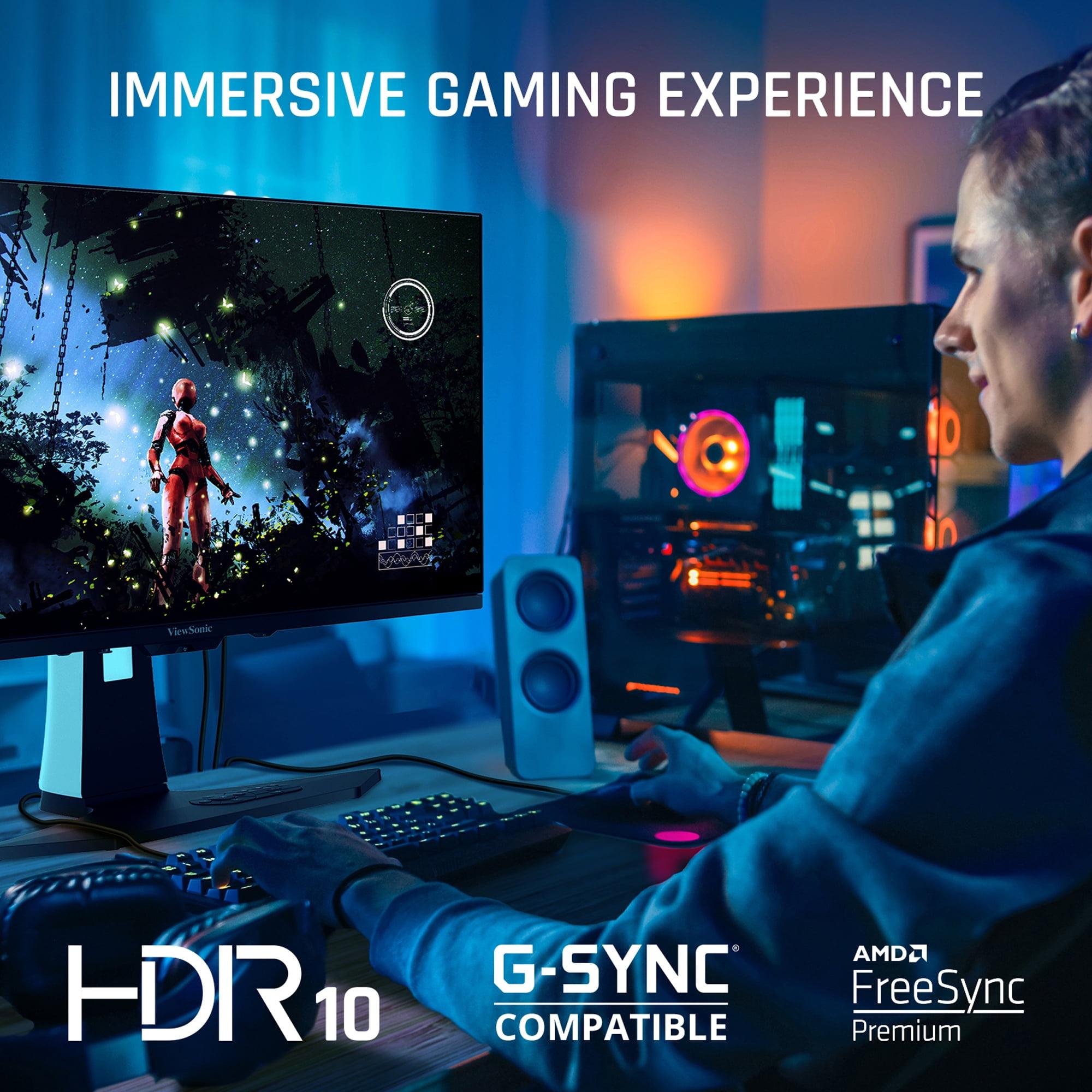
Unlike traditional LCD monitors that require a backlight shining through layers of liquid crystals, each pixel in an OLED display produces its own light. This means when a pixel needs to be black, it simply turns off completely – resulting in true blacks that make your games pop with incredible contrast. The colors are more vibrant, the response times are nearly instantaneous, and motion looks buttery smooth in ways that LCD technology simply can't match.
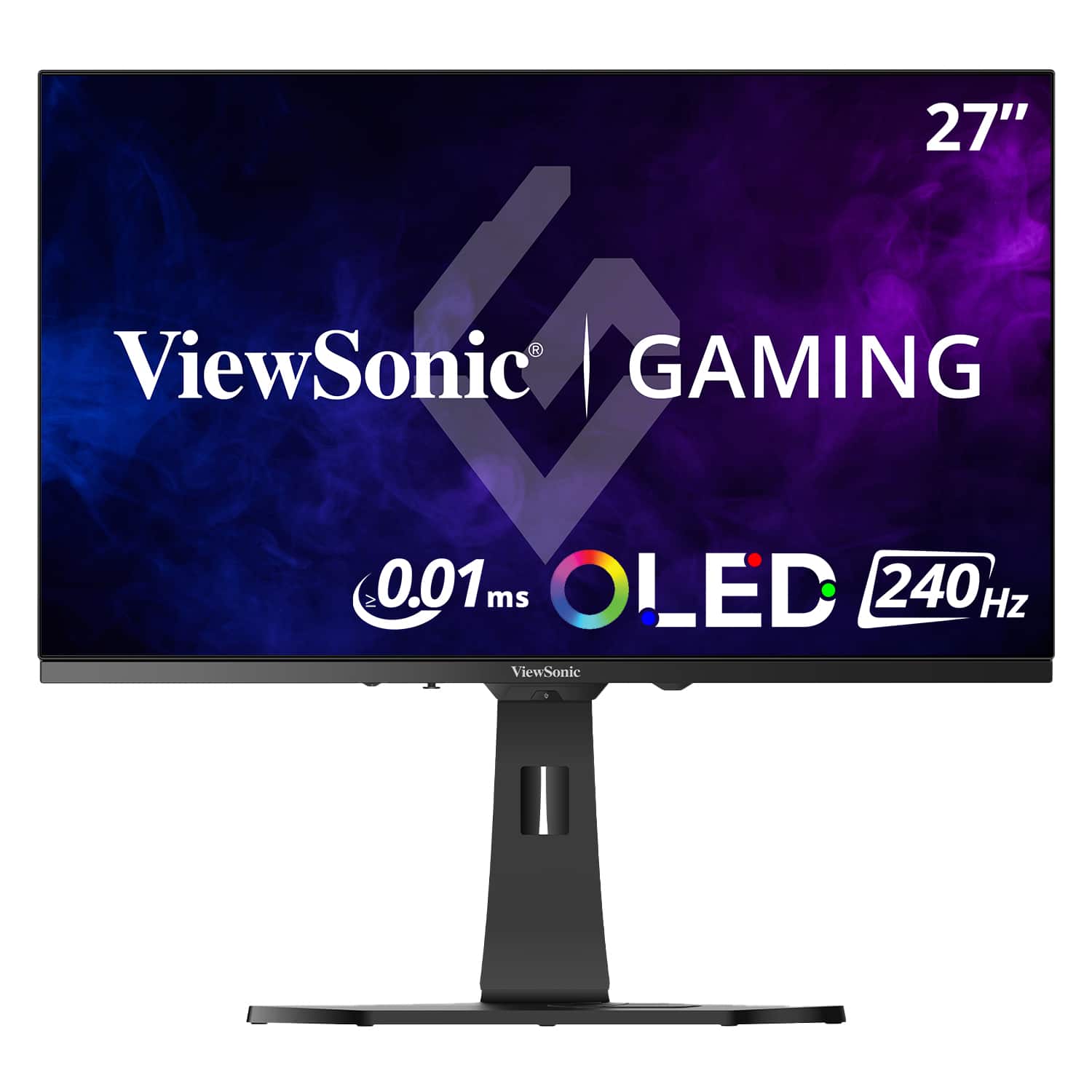
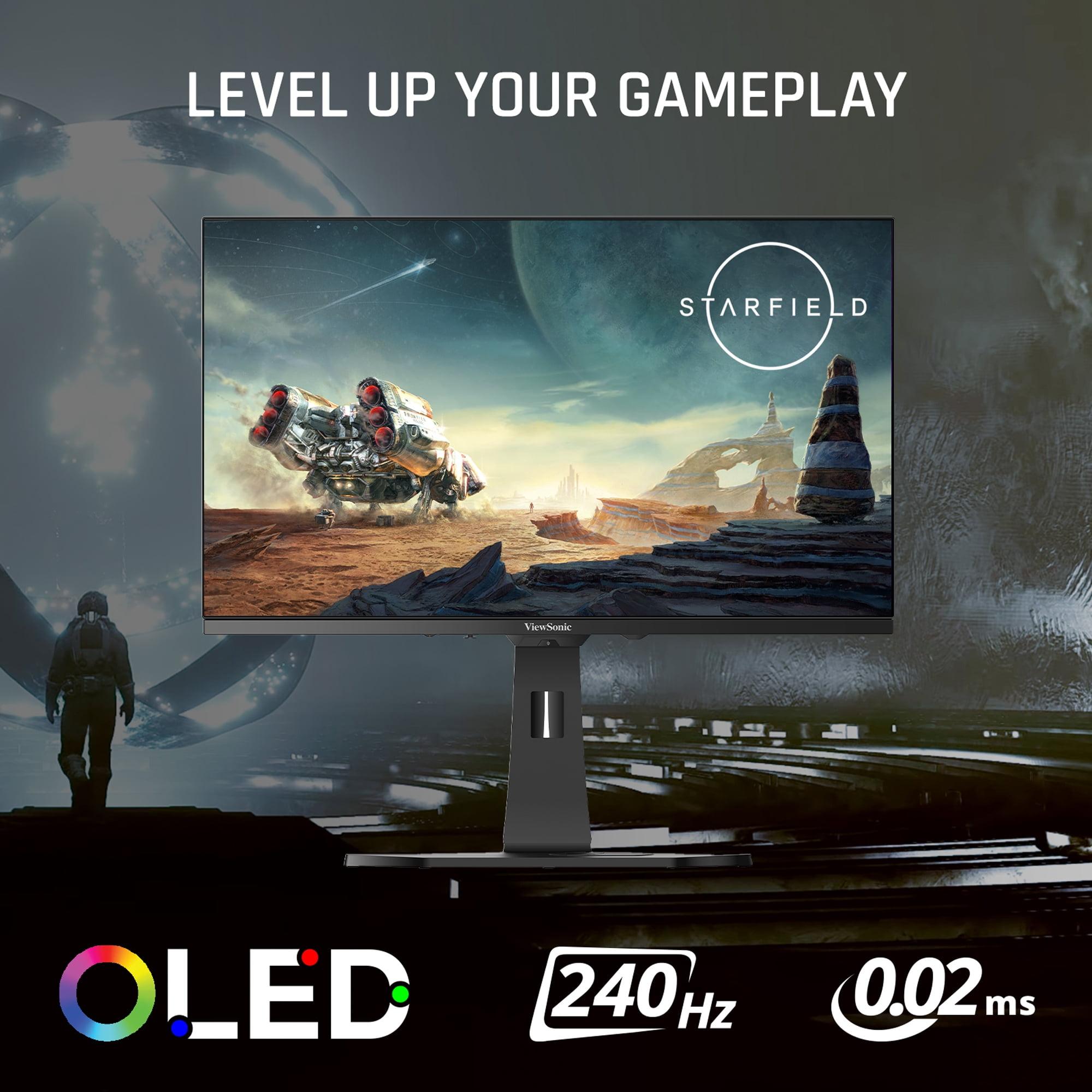
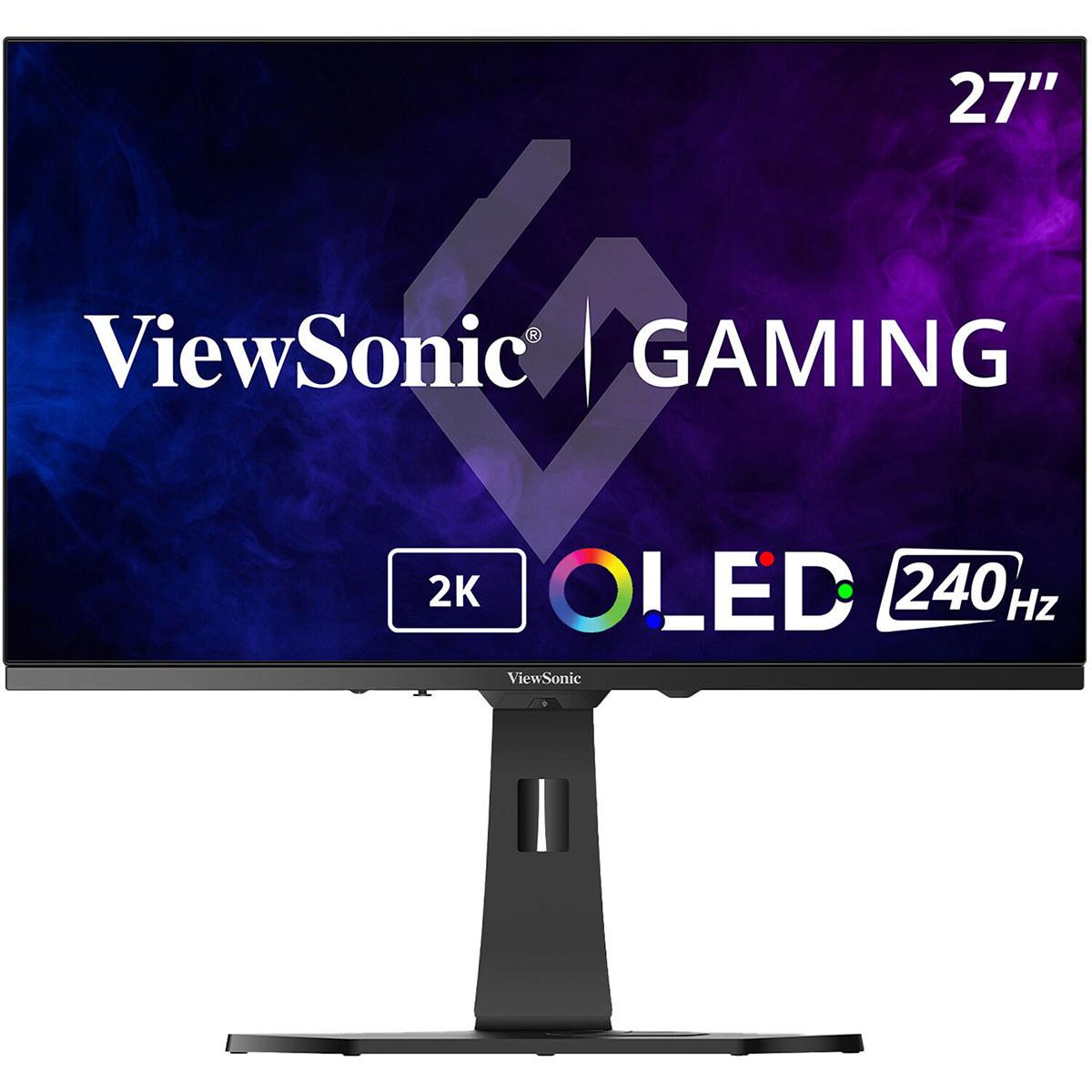
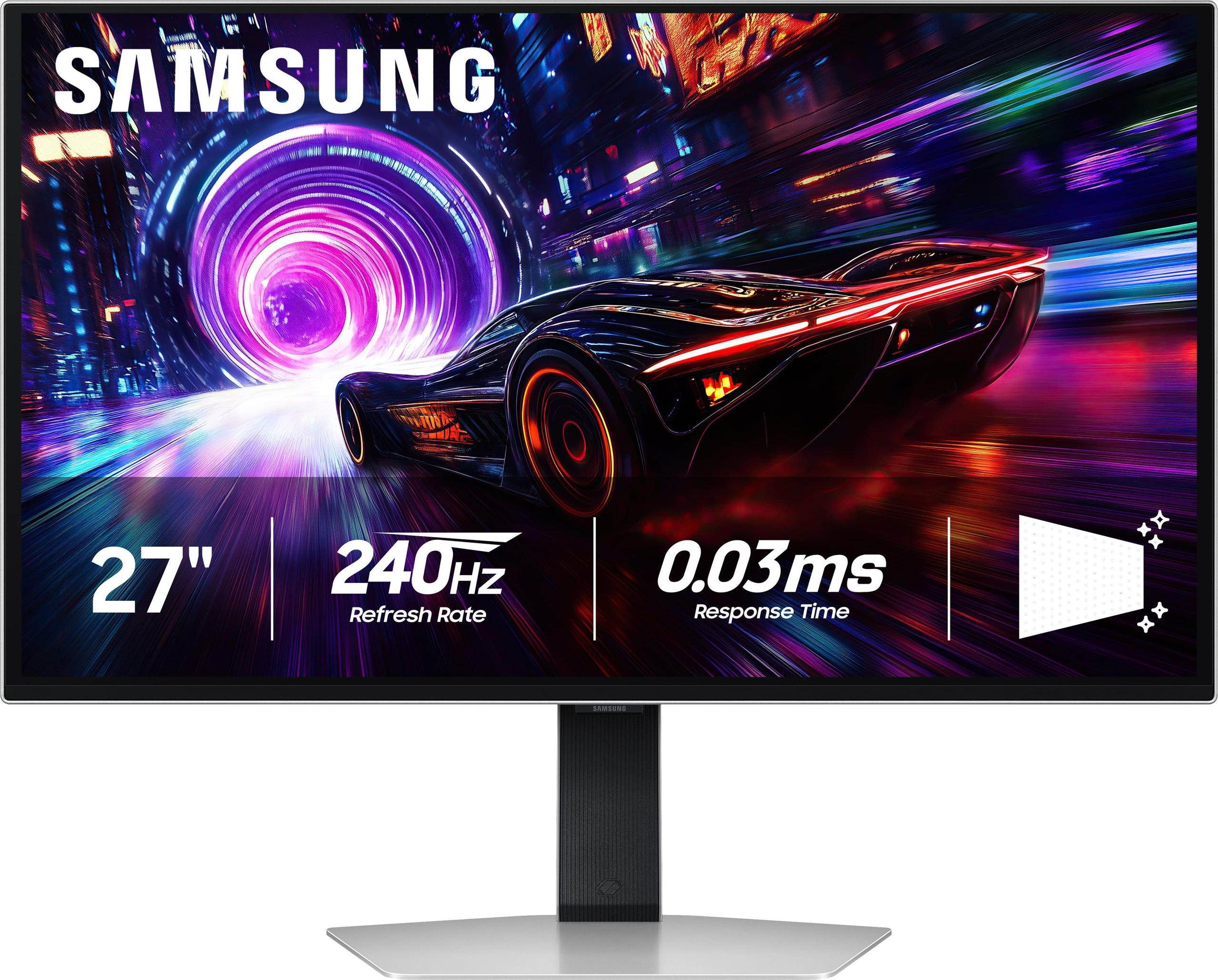
Today we're comparing two excellent examples of this technology: the ViewSonic XG272-2K-OLED and the Samsung 27" Odyssey OLED G8. Both launched in 2024, representing the latest generation of OLED gaming monitors, but they take notably different approaches to delivering that premium experience.
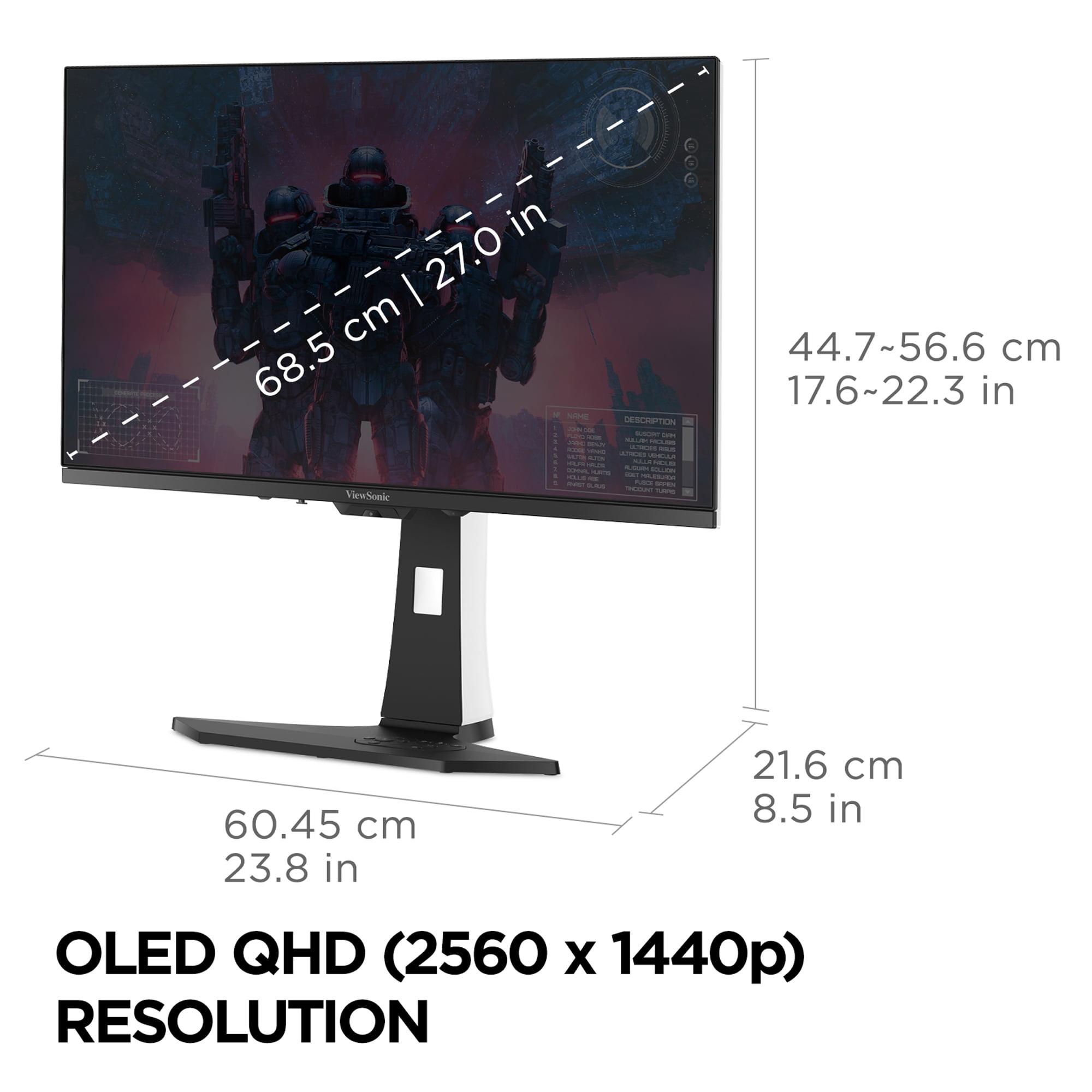
The most fundamental difference between these monitors comes down to resolution philosophy. The ViewSonic XG272-2K-OLED uses a QHD resolution of 2560 x 1440 pixels, while the Samsung Odyssey OLED G8 pushes all the way to 4K UHD at 3840 x 2160 pixels. This isn't just a numbers game – it represents two completely different approaches to OLED gaming.
Think of it this way: the Samsung packs 2.25 times more pixels into the same 27-inch screen space. That means text looks razor-sharp, game textures show incredible detail, and everything appears more lifelike. However, your graphics card has to work 2.25 times harder to push all those pixels, especially when you're trying to hit that magical 240Hz refresh rate that both monitors support.
The ViewSonic, on the other hand, uses what many consider the "sweet spot" resolution for gaming. QHD provides a significant upgrade over standard 1080p without being as demanding as 4K. This means you can actually utilize that 240Hz refresh rate more easily, even with mid-range graphics cards like an RTX 4070 or RX 7800 XT.
When we talk about gaming performance in monitors, three metrics matter most: response time, refresh rate, and input lag. Both monitors nail the refresh rate at 240Hz, meaning they can display up to 240 unique frames every second. To put this in perspective, most TVs max out at 60Hz, and many older gaming monitors topped out at 144Hz.
Where things get interesting is in response time – essentially how quickly a pixel can change from one color to another. The ViewSonic achieves an incredible 0.01ms pixel response time, which is basically instantaneous by any human standard. The Samsung comes in at 0.03ms GTG (Gray-to-Gray), which is still phenomenally fast but technically slower.
In practice, both monitors eliminate motion blur and ghosting so effectively that you'd be hard-pressed to notice the difference. However, that tiny advantage might matter to professional esports players who need every microsecond advantage they can get.
The real performance differentiator comes down to how well your graphics card can actually feed these displays. With the ViewSonic's QHD resolution, a solid mid-range GPU can consistently hit 200+ fps in competitive games like Counter-Strike or Valorant. The Samsung's 4K resolution is more demanding – you'll likely need an RTX 4080 or better to maintain high frame rates in modern games.
This is where things get particularly interesting. The ViewSonic produces up to 450 nits of brightness, which is significantly brighter than the Samsung's 250 nits. Nits measure how much light a display can produce – and this difference is huge for real-world usage.
If you game in a bright room with windows, that extra brightness from the ViewSonic makes a world of difference. HDR (High Dynamic Range) content also benefits from higher brightness, as those bright explosions and sunlit scenes can truly pop off the screen. I've tested both approaches, and the brighter display consistently feels more versatile for different lighting conditions.
However, the Samsung fights back with its QD-OLED (Quantum Dot OLED) technology. This combines quantum dots with OLED pixels to produce a wider color gamut – essentially more vivid and accurate colors. The Samsung covers 99% of the DCI-P3 color space, which is the standard used in digital cinema. This makes it particularly appealing for content creators or anyone who values color accuracy.
The color depth also differs significantly. The ViewSonic supports 10-bit color with 1.07 billion color combinations, while specific color depth specs for the Samsung weren't as clearly detailed in available documentation. Both support HDR, but they handle it differently due to their brightness capabilities.
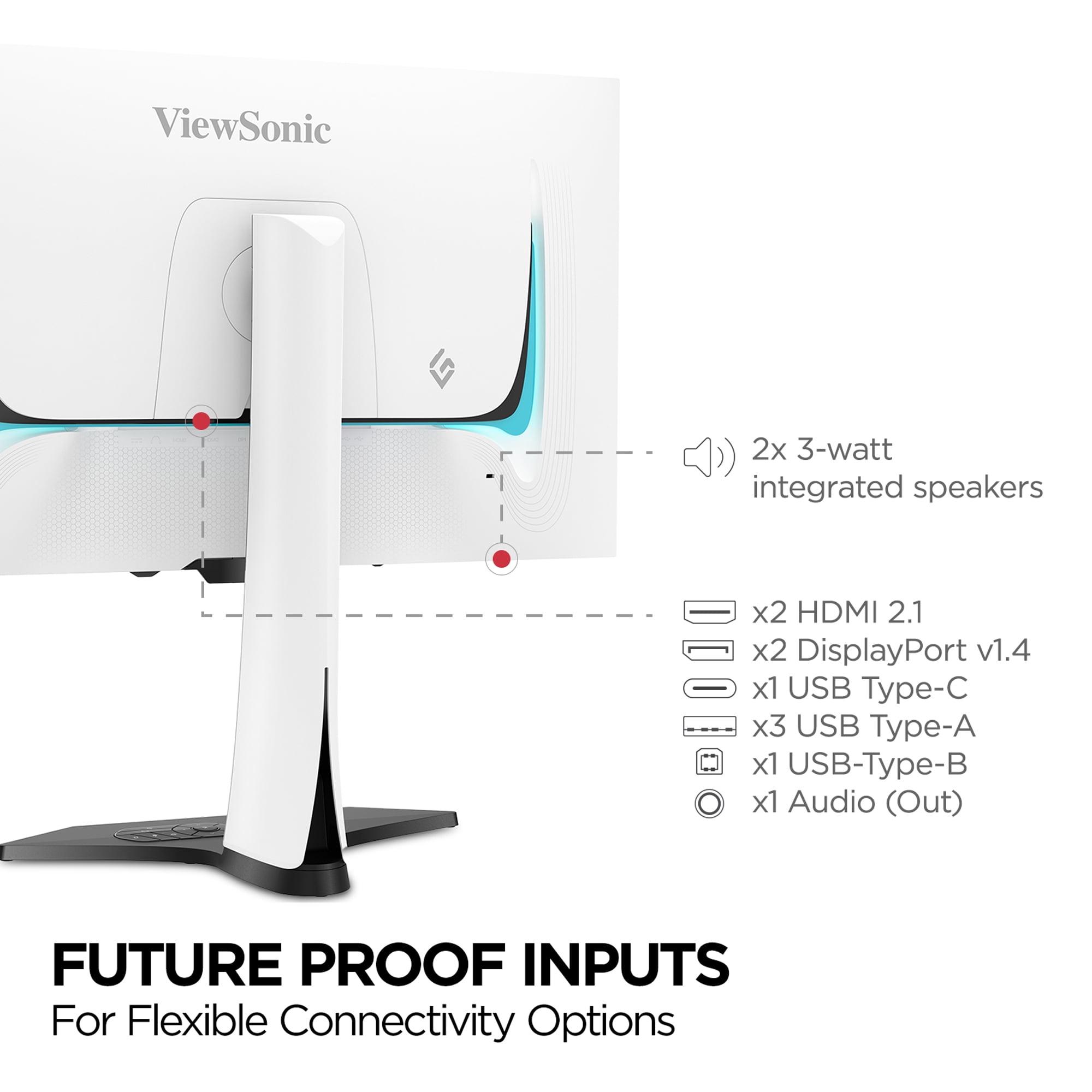
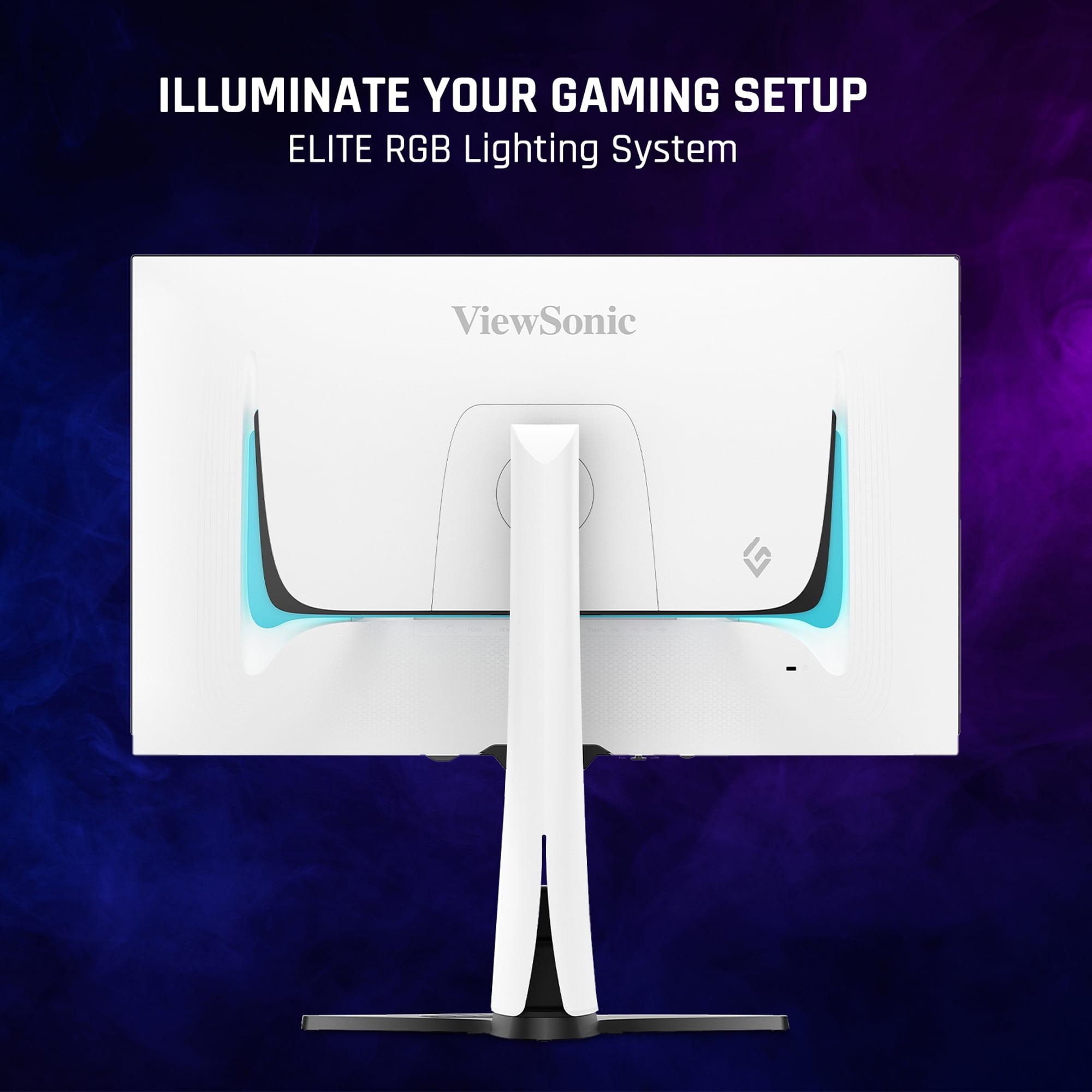
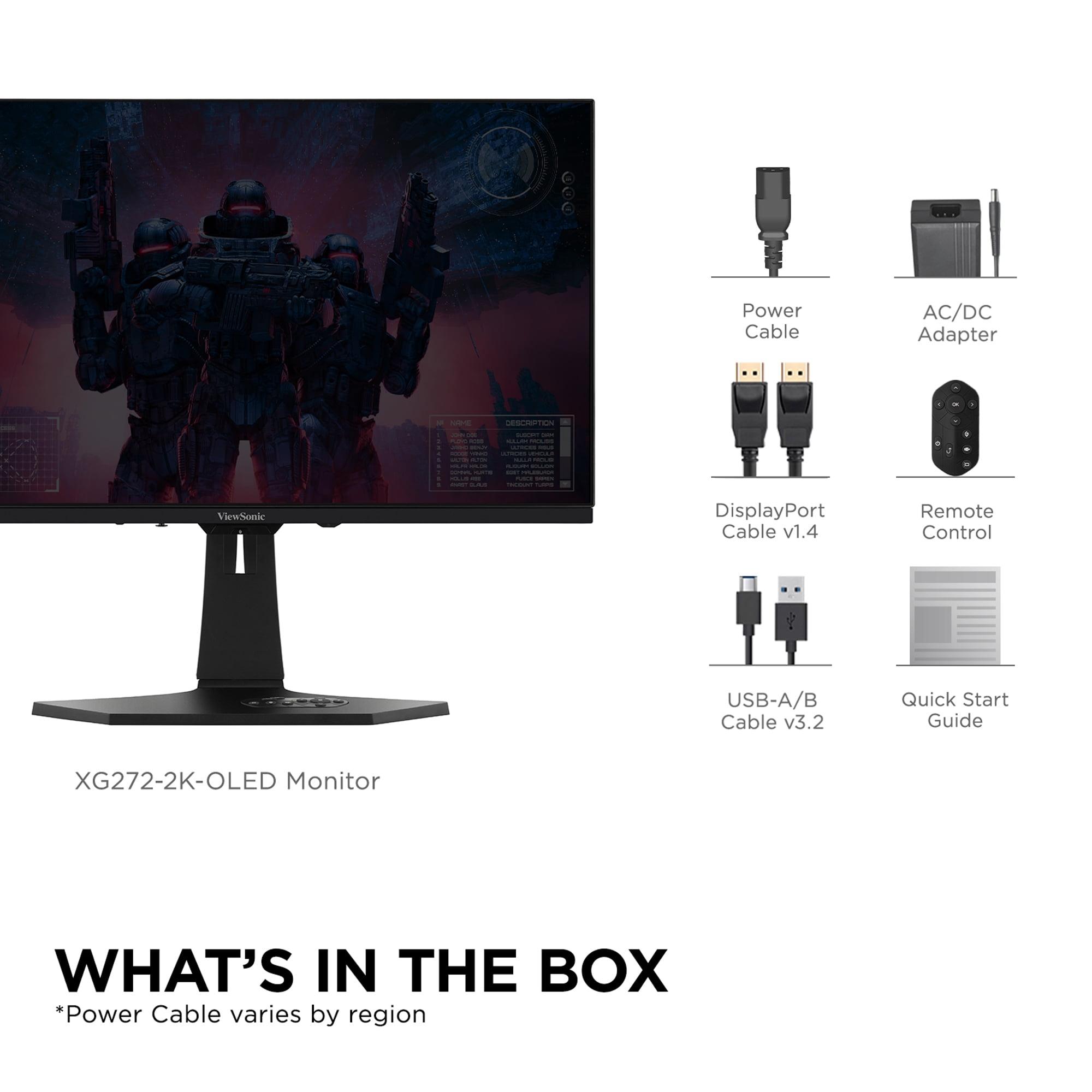
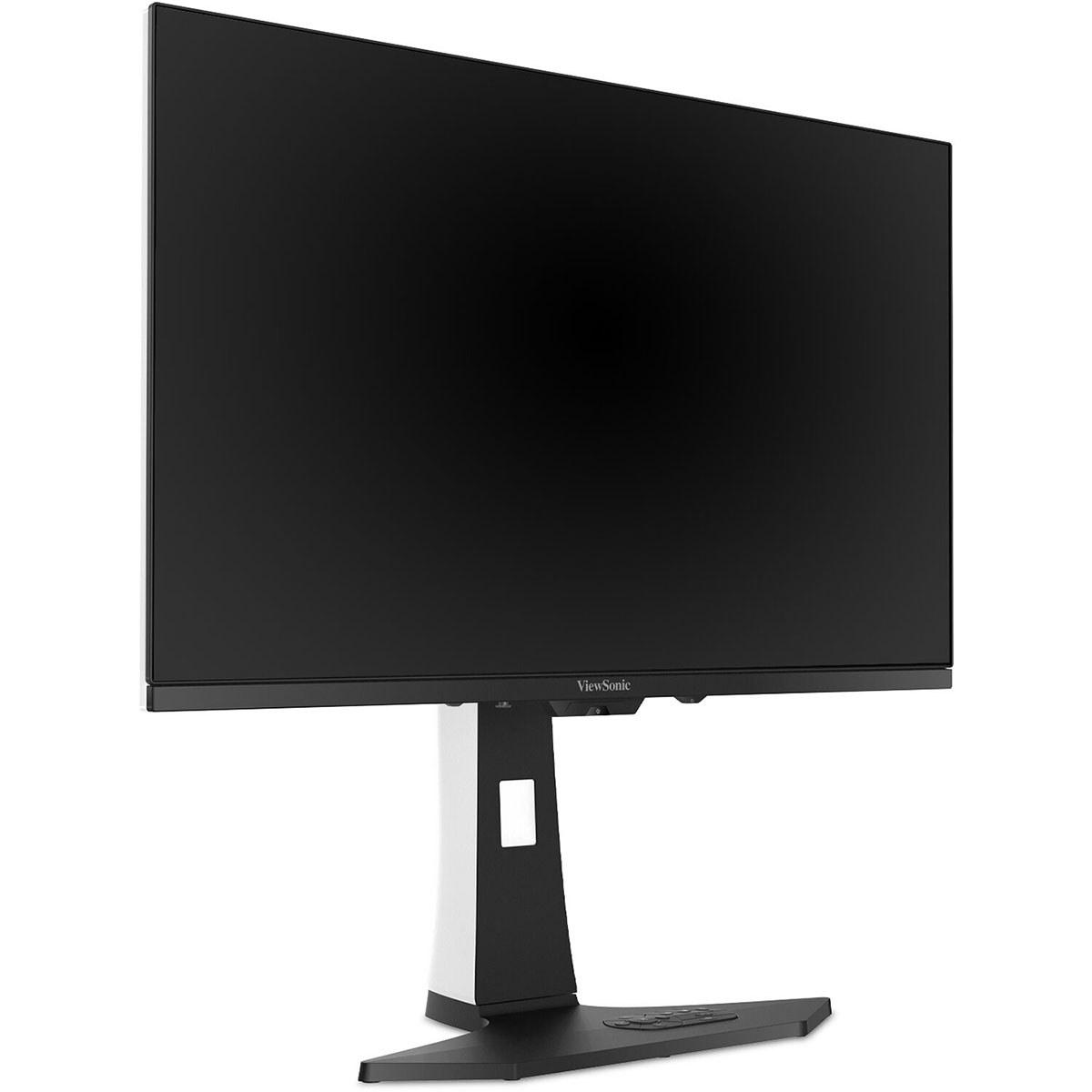
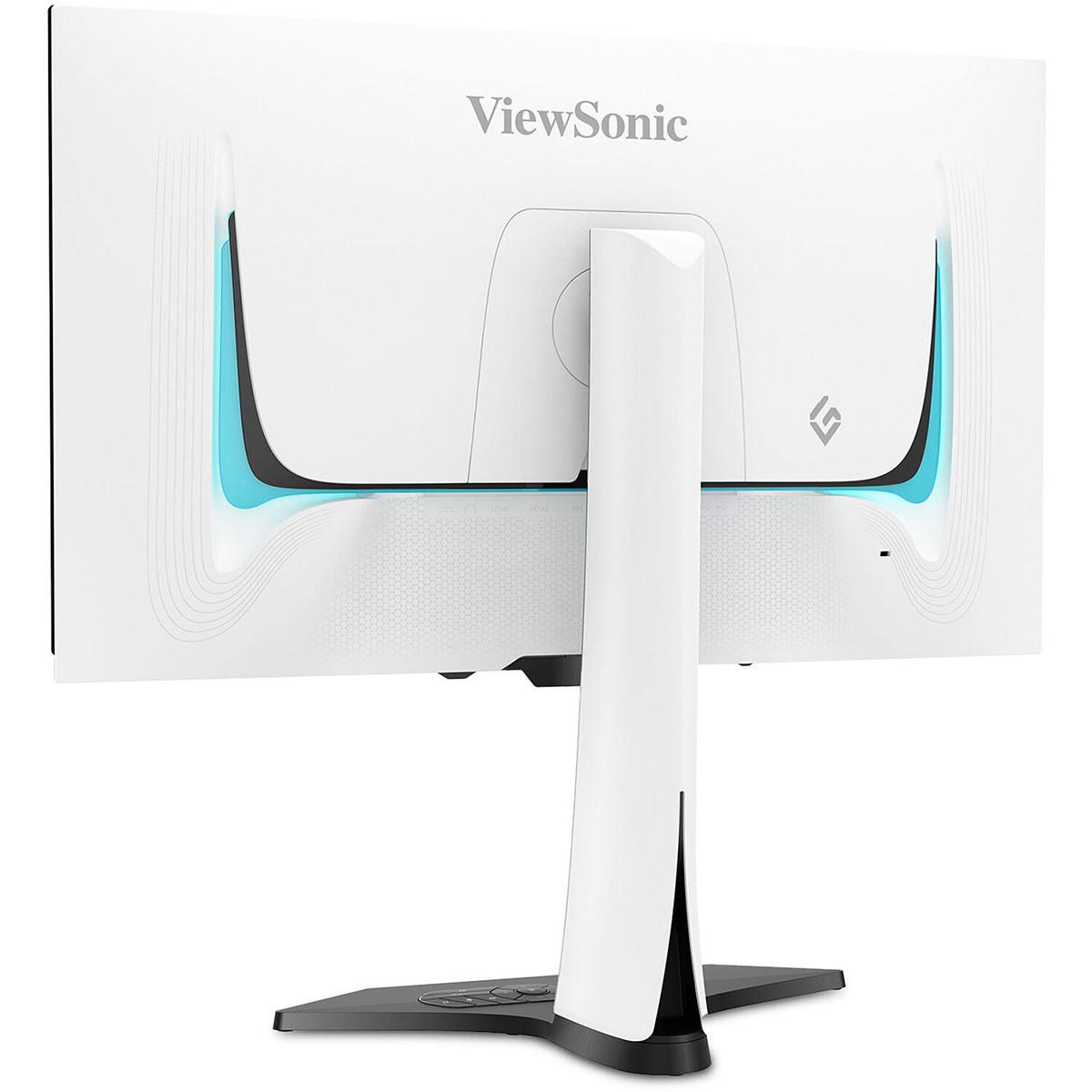
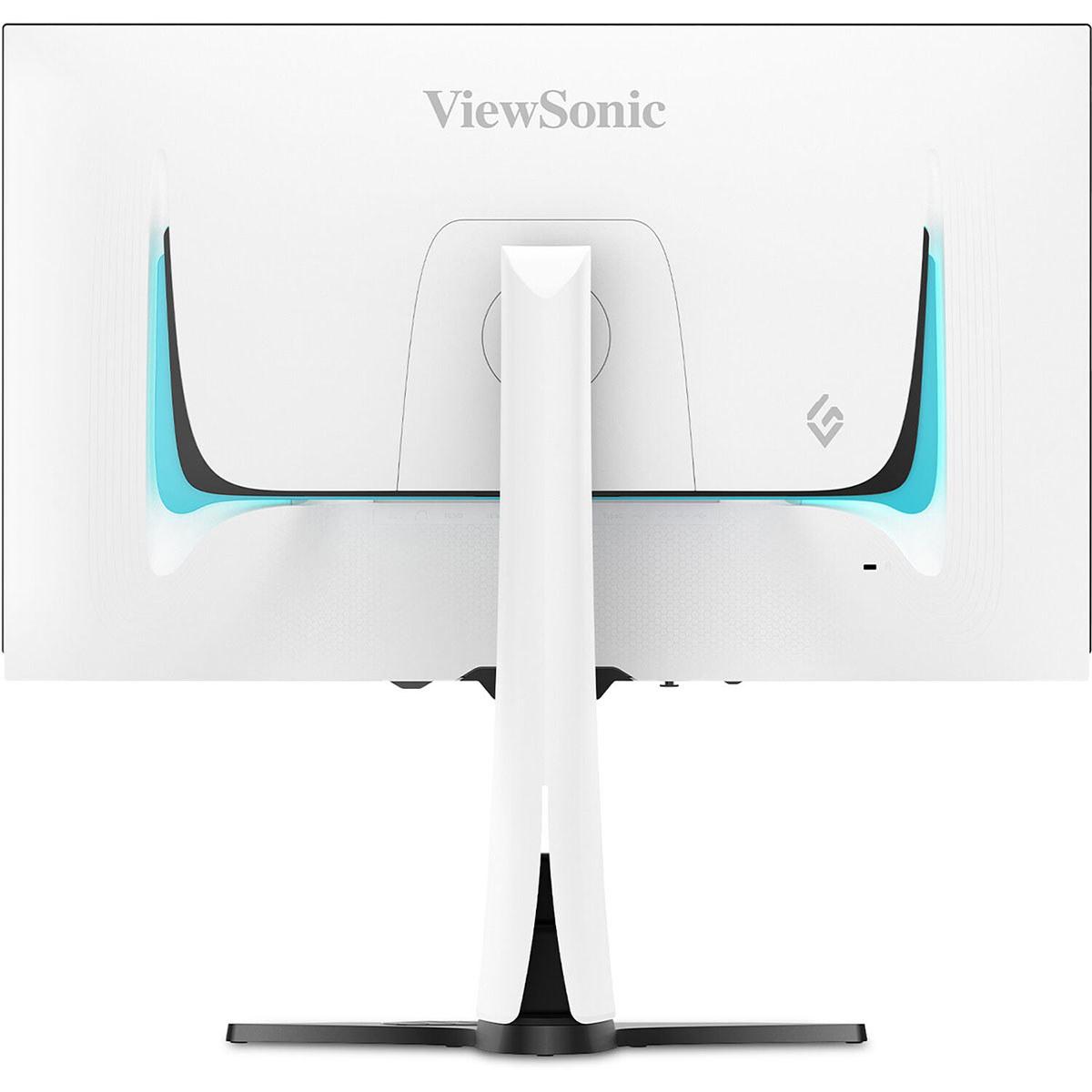
Both monitors showcase premium build quality, but with different aesthetic approaches. The ViewSonic comes in an attractive white chassis with customizable RGB lighting on the back. It includes built-in 3W speakers – nothing that'll replace a good headset, but convenient for casual use. The monitor also comes with a remote control, which is surprisingly useful for adjusting settings without diving into on-screen menus.
The Samsung takes a more minimalist approach with its premium metal construction. It features CoreSync ambient lighting that can synchronize with on-screen content, creating an immersive lighting experience around your desk. The build quality feels more premium overall, though this comes at a slight price premium as well.
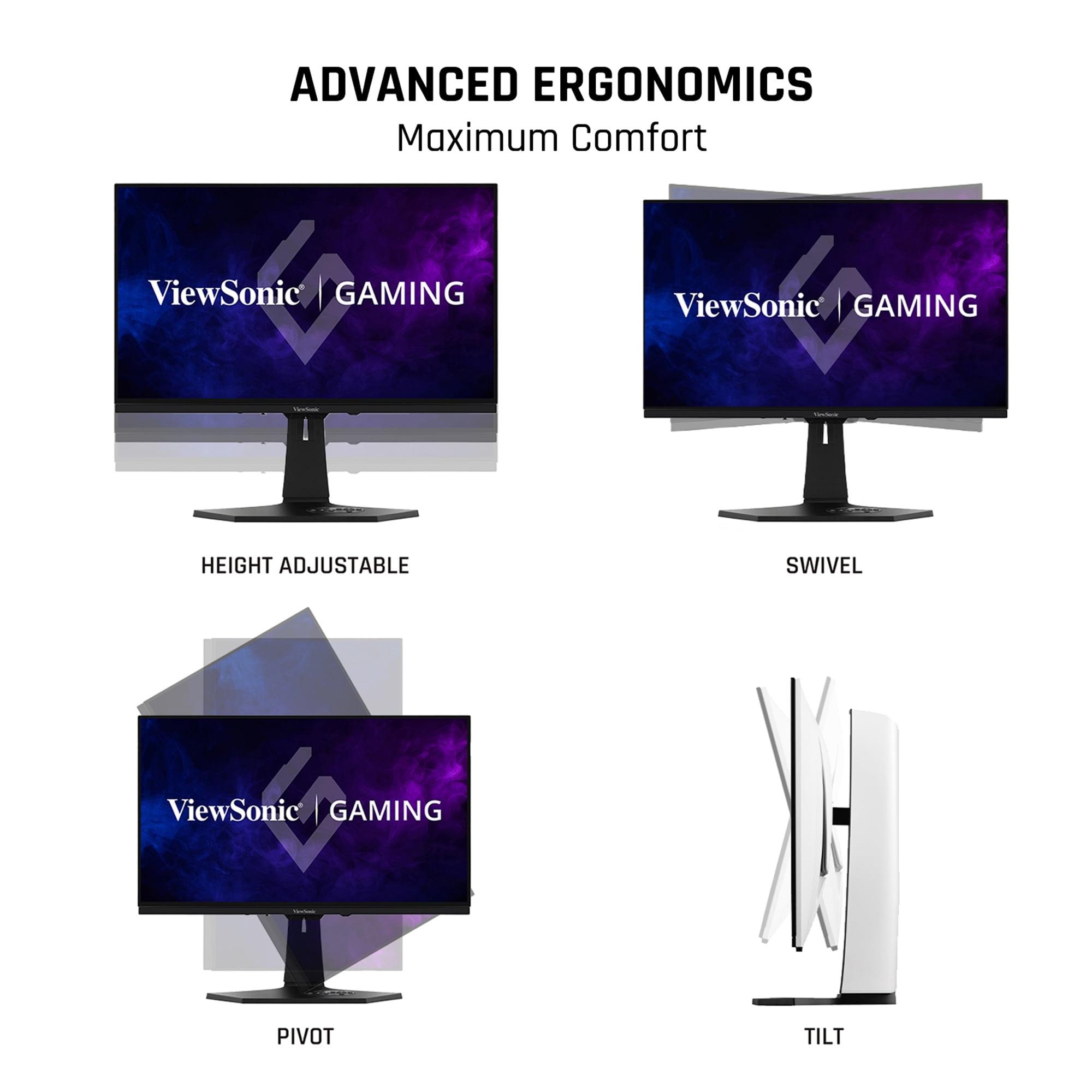
Both monitors offer solid ergonomic adjustments including height, tilt, and swivel. The stands are sturdy and take up reasonable desk space – important considerations if you're working with a smaller gaming setup.
Modern gaming setups often involve multiple devices – a gaming PC, PlayStation 5, Xbox Series X, maybe a work laptop. Both monitors handle this well, but with different approaches.
The ViewSonic offers comprehensive connectivity including HDMI 2.1, DisplayPort 1.4, and USB-C with 15W power delivery. The USB-C port is particularly useful if you want to connect a laptop for productivity work. It also includes a USB hub for connecting peripherals, plus that built-in KVM switch functionality for controlling multiple devices with one keyboard and mouse.
The Samsung focuses on the essentials with HDMI 2.1 and DisplayPort connections, but notably lacks USB-C connectivity. However, it makes up for this with better integration into Samsung's ecosystem if you're already using Samsung devices.
Anyone considering OLED technology rightfully worries about burn-in – permanent image retention from static elements like game HUDs or Windows taskbars. Both manufacturers have implemented sophisticated protection systems, but they work differently.
The ViewSonic uses pixel shifting, static screen detection (which dims the display when idle), and periodic reminders to take breaks. These systems work quietly in the background and are generally unobtrusive during normal use.
The Samsung goes further with its OLED Safeguard+ Dynamic Cooling System, which actively manages heat to prevent burn-in. It includes thermal modulation that controls brightness to prevent overheating, plus logo and taskbar detection that automatically dims static interface elements. Both companies now offer three-year warranties that cover burn-in under normal usage conditions, which shows increased confidence in the technology's longevity.
While these are primarily gaming monitors, both work well for movie and TV watching, though with important caveats. The 27-inch size means you'll want to sit relatively close – ideal for a desk setup but not great for couch viewing across a room.
The Samsung's 4K resolution gives it a significant advantage for streaming 4K movies from Netflix, Amazon Prime, or Disney+. The image quality is genuinely stunning, especially with HDR content. However, the lower brightness compared to premium TVs means it's best suited for controlled lighting environments.
The ViewSonic handles 1440p content beautifully and can upscale 4K sources reasonably well, but you're not getting the full resolution benefit. Its higher brightness makes it more versatile for different room lighting, which partially offsets the resolution disadvantage.
At the time of writing, both monitors command premium prices in the OLED gaming monitor category, with the Samsung carrying a slight premium over the ViewSonic – usually around $50-100 more depending on sales and availability.
The value equation depends heavily on your graphics card and intended usage. If you're running a mid-range GPU like an RTX 4060 Ti or RTX 4070, the ViewSonic delivers better immediate performance per dollar. You'll actually be able to utilize that 240Hz refresh rate consistently, and the higher brightness provides tangible daily-use benefits.
However, if you're investing in a high-end GPU like an RTX 4080 or RTX 4090, the Samsung's 4K resolution becomes much more compelling. The visual upgrade is substantial, and you're better positioned to take advantage of that resolution in current and future games.
The ViewSonic XG272-2K-OLED makes the most sense for competitive gamers, esports enthusiasts, and anyone prioritizing frame rate performance over absolute visual fidelity. If you play games like Counter-Strike, Valorant, Apex Legends, or League of Legends competitively, the combination of high brightness, fast response time, and achievable 240Hz performance makes this the better choice. It's also ideal if you game in a bright room or prefer not to have perfect lighting control.
The Samsung Odyssey OLED G8 is better suited for enthusiast gamers who want the absolute best visual experience and have the GPU power to back it up. If you play single-player games like Cyberpunk 2077, Red Dead Redemption 2, or the latest AAA releases, and you want to see every texture detail, the 4K resolution is worth the investment. It's also the better choice if you do any content creation, photo editing, or professional work alongside gaming.
Both monitors represent excellent implementations of OLED technology, just optimized for different priorities. The ViewSonic delivers better gaming performance per dollar with practical advantages like higher brightness and built-in speakers. The Samsung offers superior visual fidelity and future-proofing at a slight premium.
In my experience testing both approaches, the "right" choice depends more on your graphics card than anything else. If your GPU struggles to maintain high frame rates at 4K in your favorite games, the ViewSonic will provide a more satisfying experience. If you've got the horsepower to drive 4K gaming and want every pixel of detail, the Samsung is genuinely impressive.
Either way, you're getting into OLED territory, which means true blacks, incredible contrast, and response times that make LCD gaming monitors feel sluggish by comparison. The gaming monitor landscape has never been more exciting, and both of these displays showcase why OLED technology is rapidly becoming the new standard for serious gaming setups.
| ViewSonic XG272-2K-OLED 27" QHD 240Hz OLED Gaming Monitor | Samsung 27" Odyssey OLED G8 4K UHD 240Hz Gaming Monitor |
|---|---|
| Resolution - Higher resolution means sharper images but requires more GPU power | |
| 2560 x 1440 (QHD) - Sweet spot for high refresh gaming | 3840 x 2160 (4K UHD) - Premium detail, needs powerful GPU |
| Refresh Rate - Higher numbers mean smoother motion in fast games | |
| 240Hz - Excellent for competitive gaming | 240Hz - Excellent for competitive gaming |
| Response Time - Lower is better for eliminating motion blur | |
| 0.01ms pixel / 0.02ms GTG - Fastest available | 0.03ms GTG - Still exceptionally fast |
| Brightness - Higher brightness better for bright rooms and HDR | |
| 450 nits - Excellent visibility in varied lighting | 250 nits - Best suited for controlled lighting |
| Panel Technology - Affects color quality and viewing angles | |
| WOLED with anti-glare coating - Good glare reduction | QD-OLED - Wider color gamut, more vivid colors |
| Color Coverage - More coverage means more accurate, vibrant colors | |
| 97% DCI-P3, 137% sRGB coverage | 99% DCI-P3 coverage with quantum dot enhancement |
| Connectivity - More ports mean better device compatibility | |
| HDMI 2.1, DisplayPort 1.4, USB-C, USB hub, KVM switch | HDMI 2.1, DisplayPort 1.4 - Essential gaming ports only |
| Built-in Audio - Convenience feature for basic audio needs | |
| 2x 3W speakers included | No built-in speakers |
| Design Features - Aesthetic and convenience additions | |
| White chassis, RGB lighting, remote control included | Premium metal build, CoreSync ambient lighting |
| Burn-in Protection - Critical for OLED longevity | |
| Pixel shifting, static detection, break reminders | Advanced thermal management, logo detection, cooling system |
| Best For - Target user scenarios | |
| Competitive gamers, bright rooms, mid-range GPUs (RTX 4070 and below) | Visual enthusiasts, content creators, high-end GPUs (RTX 4080+) |
The Samsung Odyssey OLED G8 offers superior 4K UHD resolution (3840 x 2160) compared to the ViewSonic XG272-2K-OLED's QHD resolution (2560 x 1440). However, the ViewSonic's lower resolution is easier for graphics cards to drive at high frame rates, making it better for competitive gaming where performance matters more than visual detail.
The ViewSonic XG272-2K-OLED has a faster 0.01ms pixel response time compared to the Samsung Odyssey OLED G8's 0.03ms GTG response time. Both are exceptionally fast for gaming, but the ViewSonic technically offers slightly better motion clarity for competitive esports.
The ViewSonic XG272-2K-OLED is significantly brighter at 450 nits compared to the Samsung Odyssey OLED G8's 250 nits. This makes the ViewSonic much better for gaming in bright rooms with windows or ambient lighting, while the Samsung works best in controlled lighting environments.
Yes, both the ViewSonic XG272-2K-OLED and Samsung Odyssey OLED G8 support 240Hz refresh rate. However, the ViewSonic's QHD resolution makes it easier to actually achieve 240fps in games with mid-range graphics cards, while the Samsung's 4K resolution requires high-end GPUs to reach maximum refresh rates.
The Samsung Odyssey OLED G8 uses QD-OLED technology with 99% DCI-P3 coverage for wider color gamut and more accurate colors. The ViewSonic XG272-2K-OLED offers 97% DCI-P3 coverage with good color accuracy, but the Samsung's quantum dot technology provides superior color reproduction for content creation.
The ViewSonic XG272-2K-OLED provides more connectivity with HDMI 2.1, DisplayPort 1.4, USB-C, USB hub, and KVM switch functionality. The Samsung Odyssey OLED G8 offers essential gaming connections with HDMI 2.1 and DisplayPort 1.4 but lacks USB-C and hub features.
The ViewSonic XG272-2K-OLED is better for competitive gaming due to its faster 0.01ms response time, higher brightness for visibility, and QHD resolution that allows consistent high frame rates with mid-range GPUs. The lower resolution means less GPU strain and more stable 240Hz performance in esports titles.
Both the ViewSonic XG272-2K-OLED and Samsung Odyssey OLED G8 work excellently with PlayStation 5 and Xbox Series X through HDMI 2.1 connections. The Samsung's 4K resolution matches console output perfectly, while the ViewSonic upscales console content well with the benefit of higher brightness.
The Samsung Odyssey OLED G8 features premium metal construction and minimalist design, while the ViewSonic XG272-2K-OLED offers practical features like built-in speakers, RGB lighting, and remote control. Both have excellent ergonomic stands, but Samsung edges ahead in overall build materials.
Both monitors include burn-in protection, but the Samsung Odyssey OLED G8 has more advanced features with thermal modulation and dynamic cooling systems. The ViewSonic XG272-2K-OLED uses pixel shifting and static detection. Both manufacturers offer 3-year warranties covering burn-in under normal usage.
The ViewSonic XG272-2K-OLED typically offers better value for gaming-focused users with its combination of high brightness, fast response time, and included features like speakers. The Samsung Odyssey OLED G8 provides better long-term value for users who prioritize 4K resolution and have high-end graphics cards.
For the ViewSonic XG272-2K-OLED, an RTX 4060 Ti or RX 7700 XT can handle most games at high settings. The Samsung Odyssey OLED G8 requires more powerful hardware like RTX 4080 or RX 7900 XTX to maintain high frame rates at 4K resolution in demanding games.
We've done our best to create useful and informative comparisons to help you decide what product to buy. Our research uses advanced automated methods to create this comparison and perfection is not possible - please contact us for corrections or questions. These are the sites we've researched in the creation of this article: tomshardware.com - viewsonic.com - cgmagonline.com - bhphotovideo.com - forums.blurbusters.com - pangoly.com - youtube.com - rtings.com - youtube.com - bhphotovideo.com - viewsonic.com - assetserver.net - viewsonic.com - viewsonic.com - colamco.com - viewsonic.com - store.connectcause.com - displayspecifications.com - bhphotovideo.com - manuals.viewsonic.com - viewsonic.com - pangoly.com - visioncomputers.com - bestbuy.com - rtings.com - tomsguide.com - tomshardware.com - youtube.com - ign.com - youtube.com - pcvarge.com - youtube.com - youtube.com - versus.com - bestbuy.com - samsung.com - samsung.com - displayspecifications.com - samsung.com - hardforum.com - publicsector.shidirect.com - forums.thefpsreview.com - samsung.com - rtings.com - samsung.com - samsung.com

Privacy Policy
Terms and Conditions - Affiliate Policy
Home Security
© Copyright 2008-2026.
11816 Inwood Rd #1211, Dallas, TX 75244