



The world of premium gaming monitors has been completely transformed by OLED technology. Gone are the days when gamers had to choose between fast refresh rates and stunning image quality. Now we have displays that deliver both – but as with any technology, there are still meaningful trade-offs to consider.
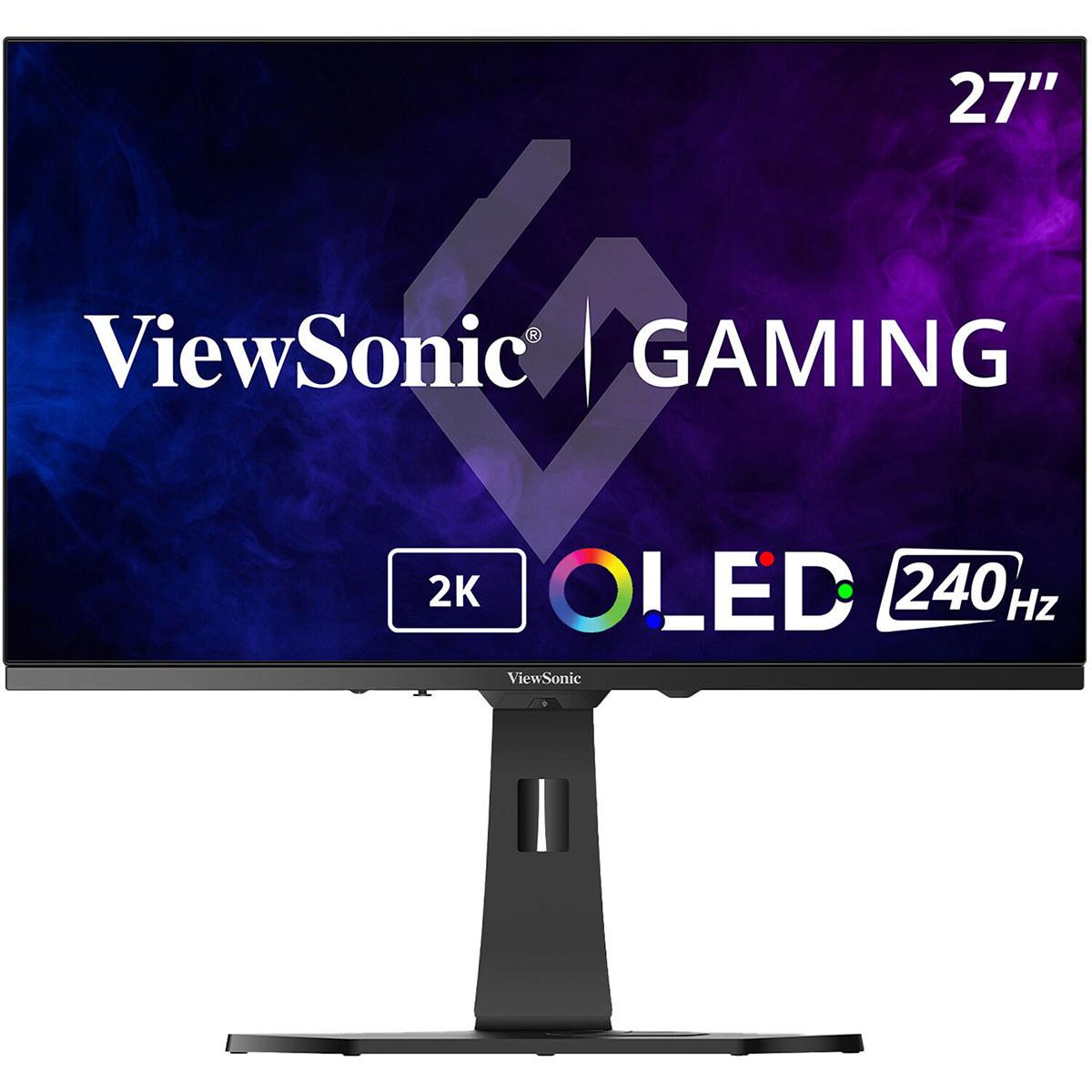
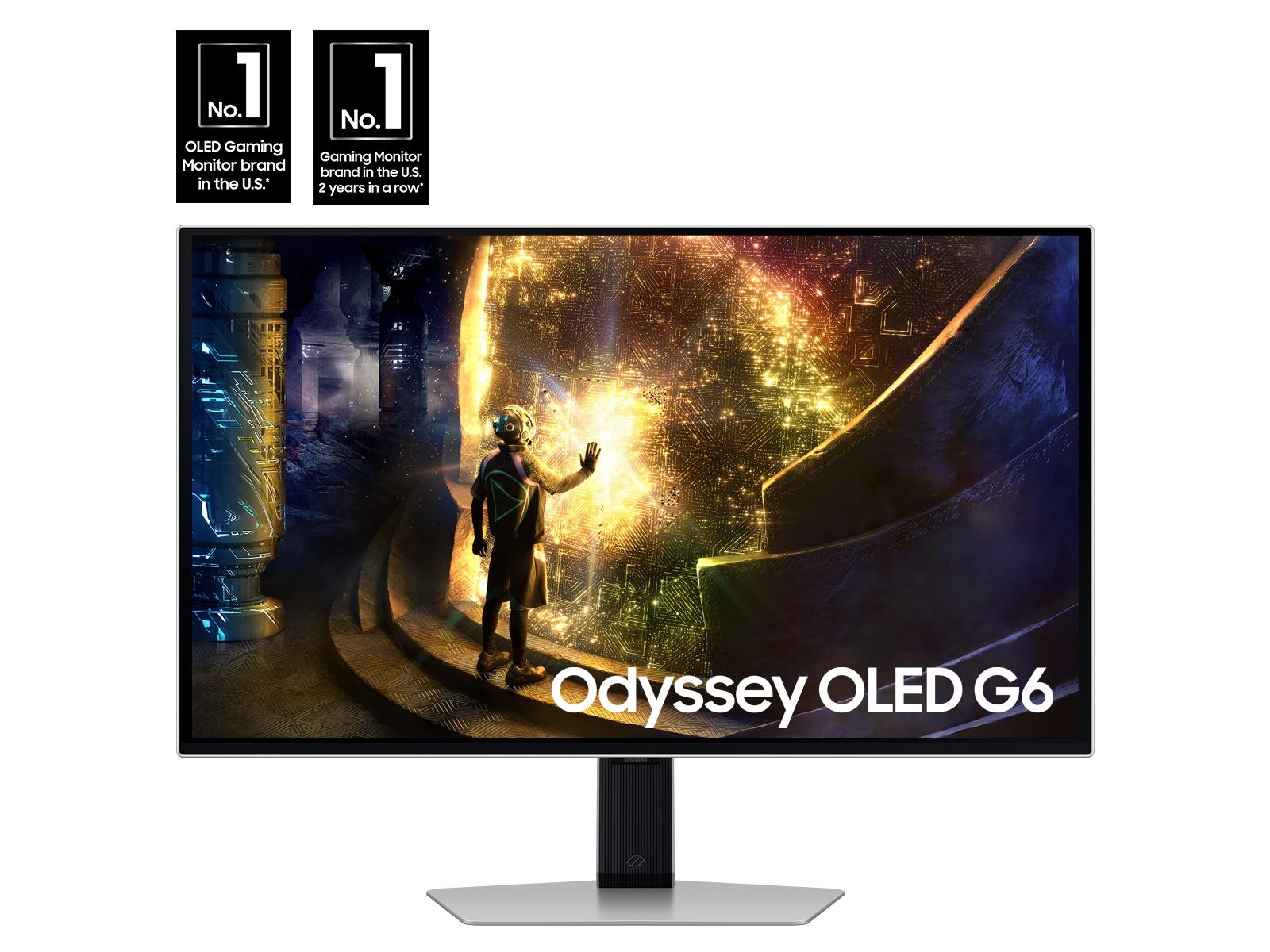
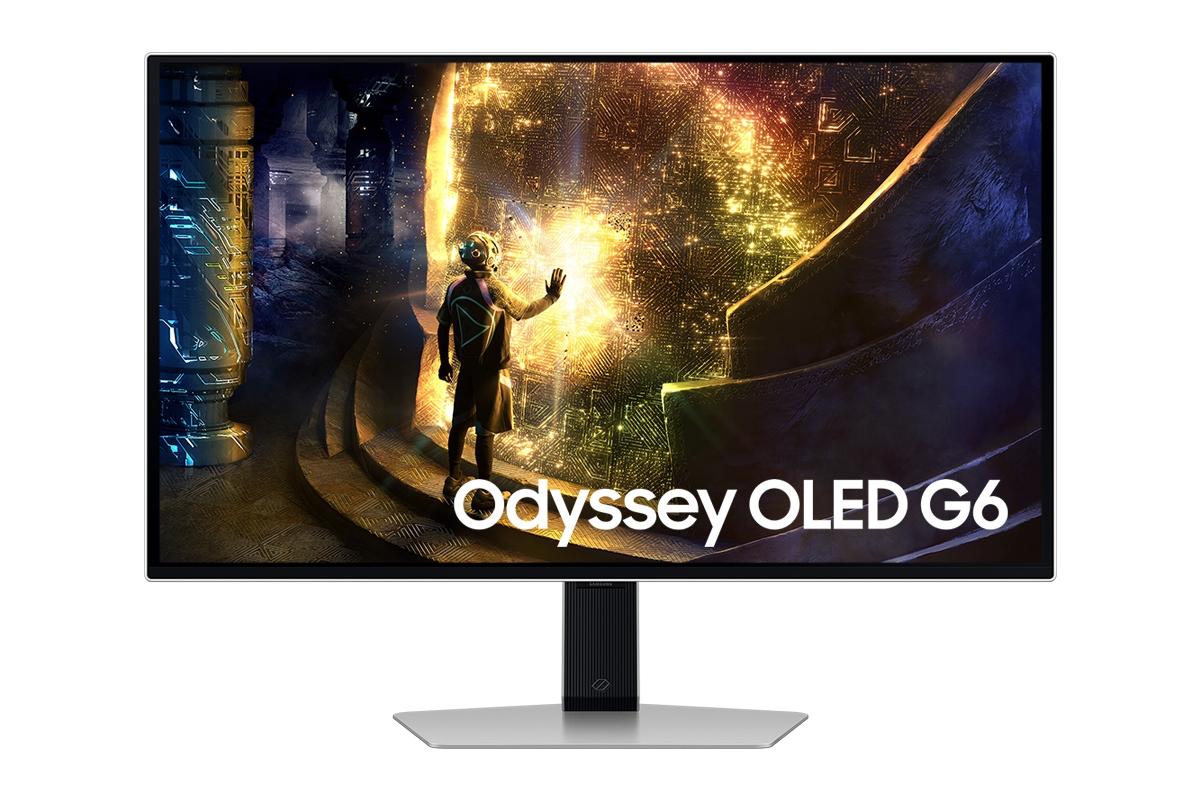
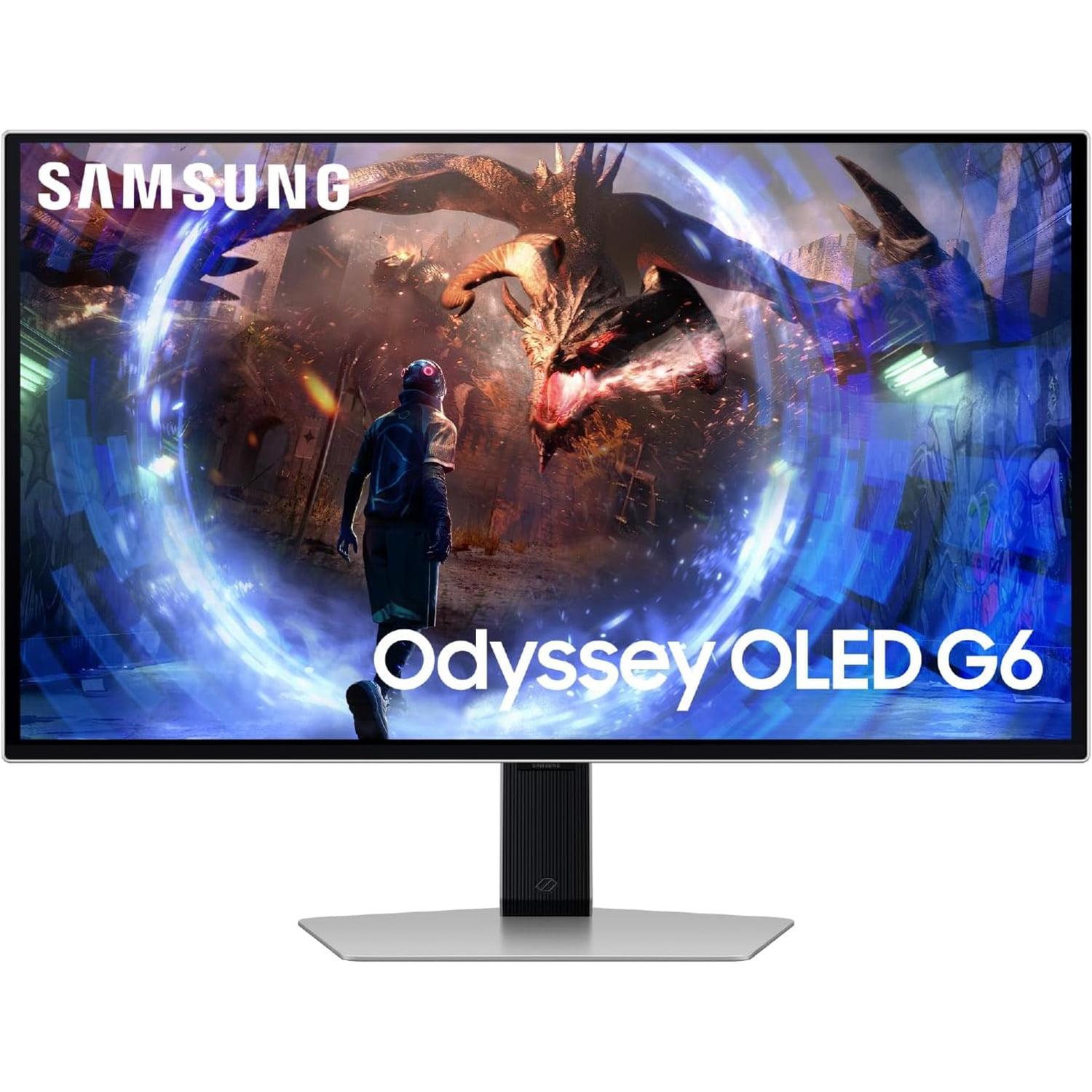
Today we're comparing two standout 27-inch QHD OLED gaming monitors that take distinctly different approaches to the same goal: the ViewSonic XG272-2K-OLED and the Samsung Odyssey OLED G6. These aren't just incremental upgrades over older LCD displays – they represent a fundamental shift in what's possible for desktop gaming.
Before diving into the specifics, it's worth understanding what makes OLED gaming monitors special. Unlike traditional LCD displays that use a backlight shining through liquid crystals, OLED (Organic Light-Emitting Diode) panels have pixels that generate their own light. This means when a pixel needs to display pure black, it simply turns off completely – no light bleed, no gray blacks, just perfect darkness.
This technology brings several key advantages to gaming. First, the contrast ratio becomes effectively infinite since you're dividing any bright value by zero (pure black). Second, color reproduction becomes incredibly vibrant because there's no backlight washing out the colors. Third, response times can be nearly instantaneous since individual pixels can change states without waiting for liquid crystals to twist and align.
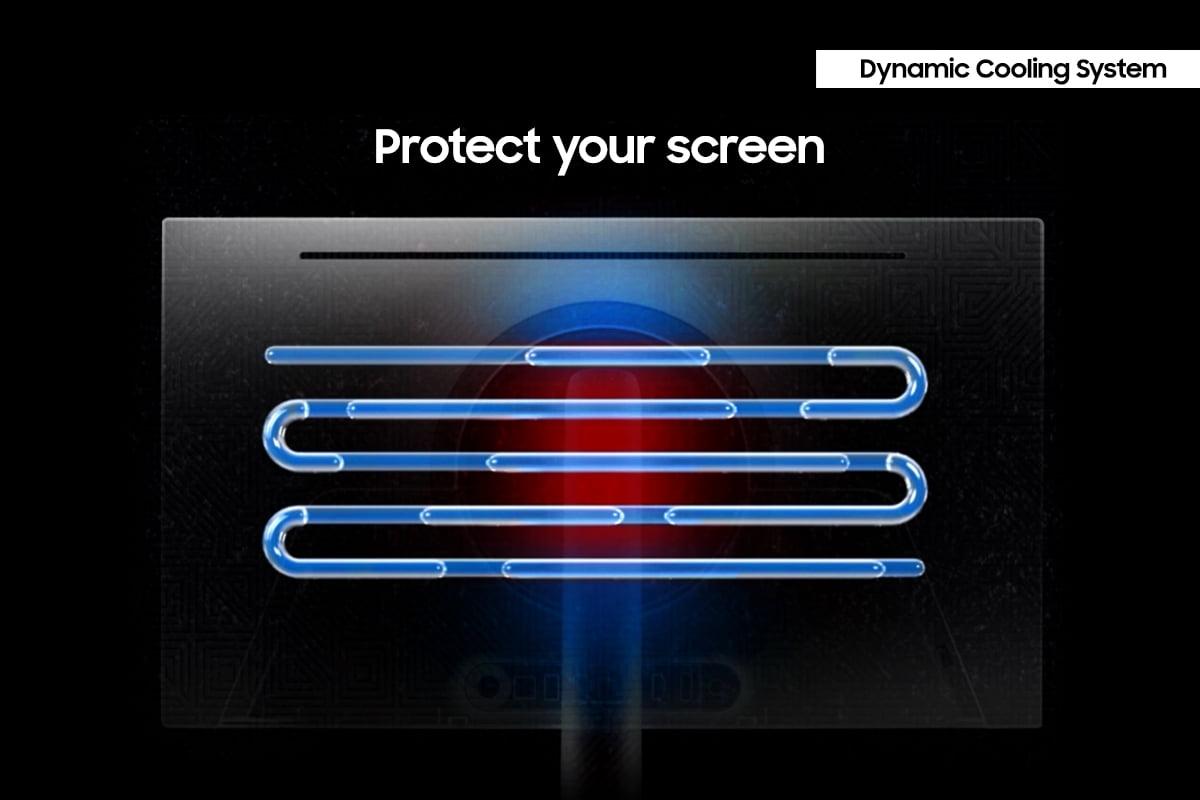
However, OLED technology isn't without its challenges. The organic compounds that create light can degrade over time, potentially leading to burn-in where static images leave permanent marks on the screen. Modern OLED monitors include sophisticated protection systems to minimize this risk, but it remains a consideration for potential buyers.
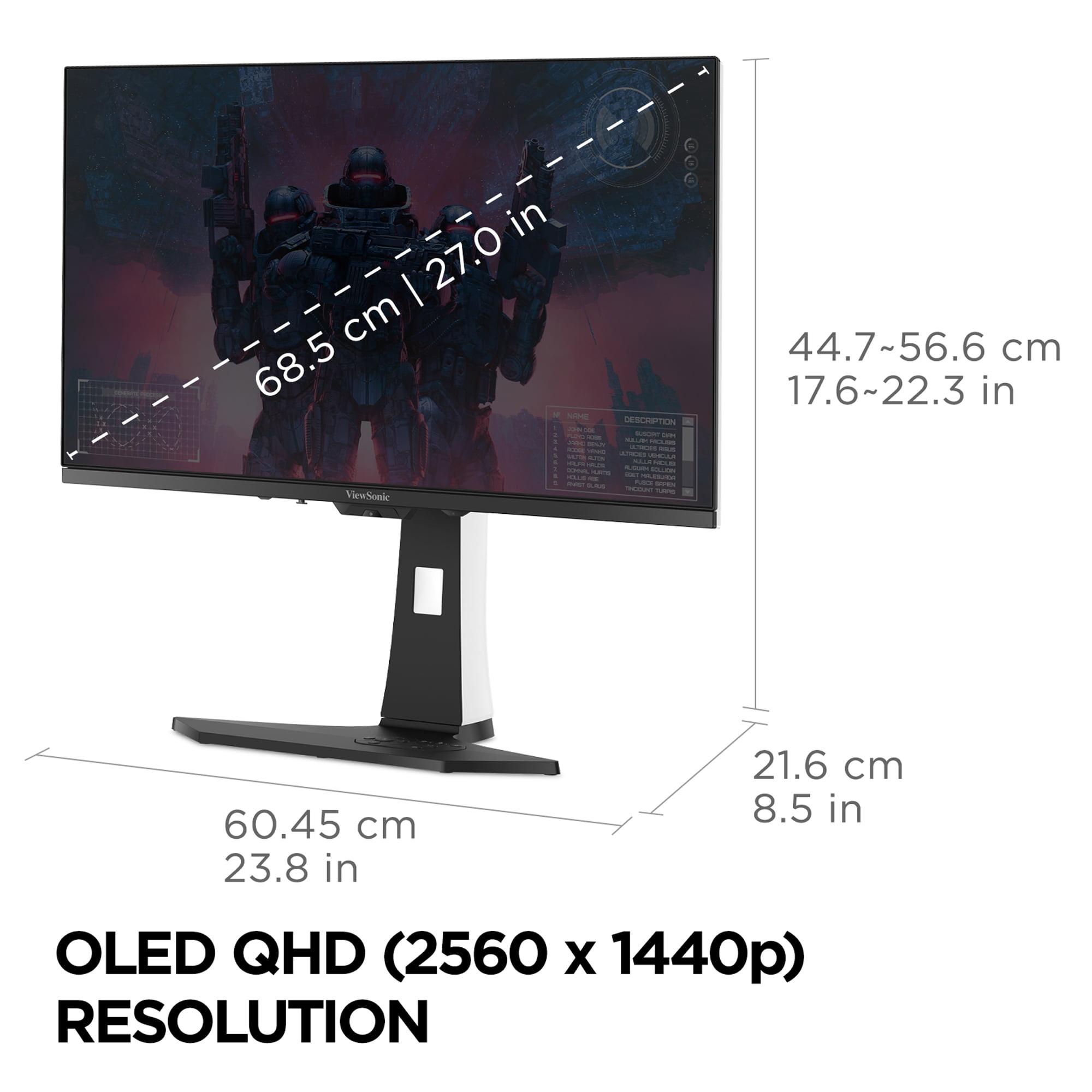
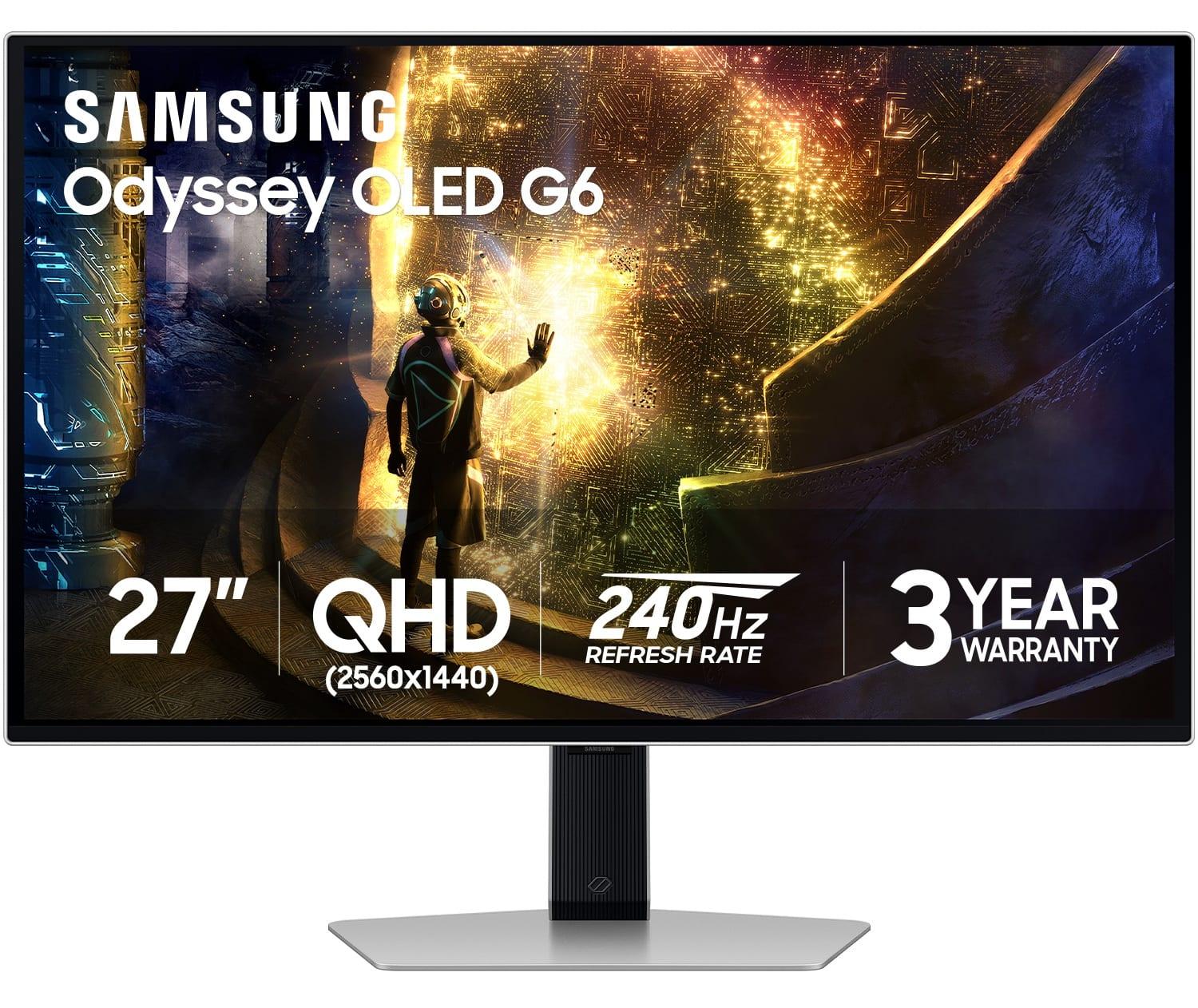
The 27-inch QHD (2560x1440) format has emerged as the sweet spot for gaming monitors. It provides significantly more detail than 1080p without the massive GPU performance requirements of 4K. For most gaming setups, this resolution paired with high refresh rates offers the best balance of visual fidelity and smooth performance.
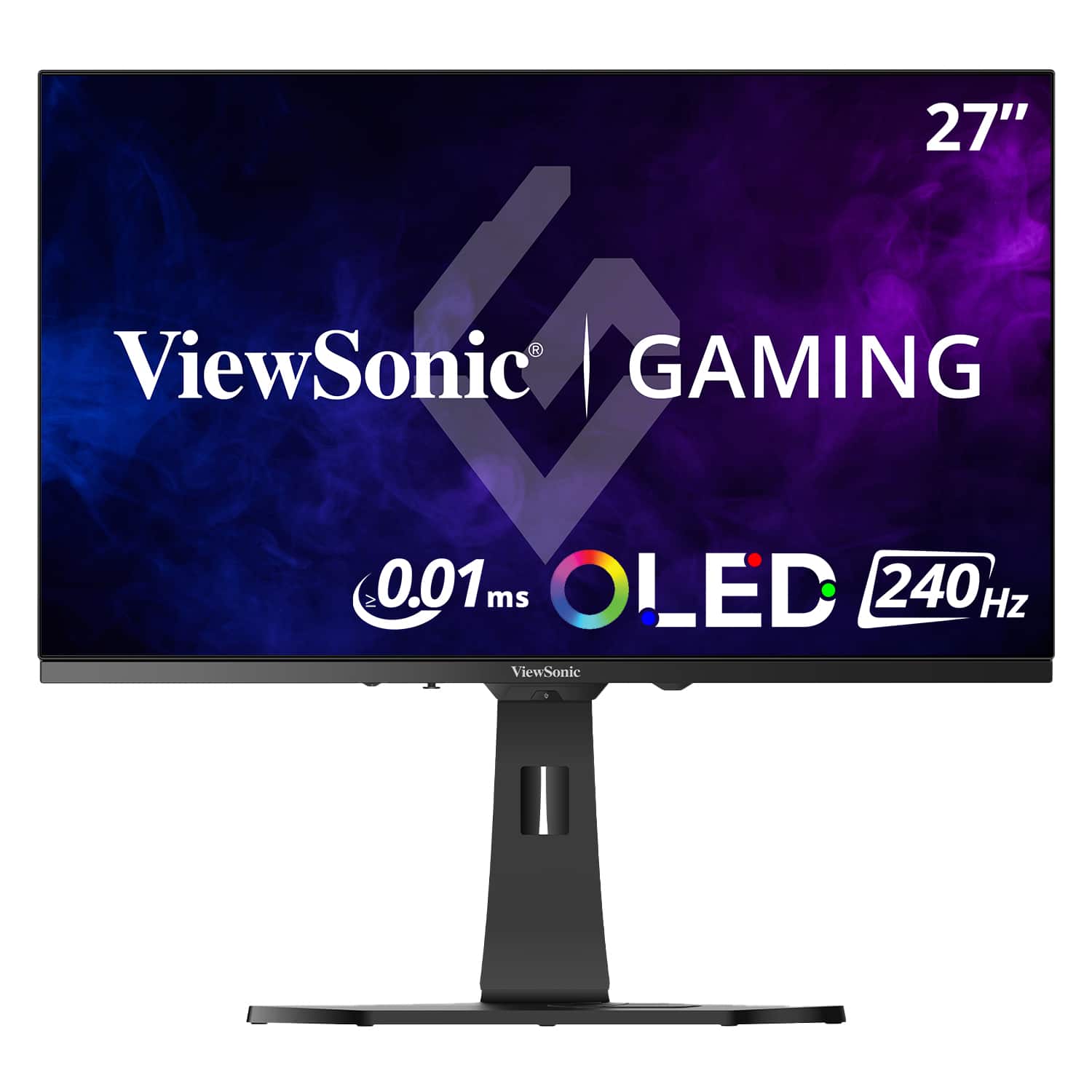
The ViewSonic XG272-2K-OLED launched in 2024 as part of ViewSonic's premium gaming lineup, focusing on image quality and professional-grade features. It represents what happens when a company traditionally known for professional displays enters the gaming OLED space with an emphasis on color accuracy and brightness.
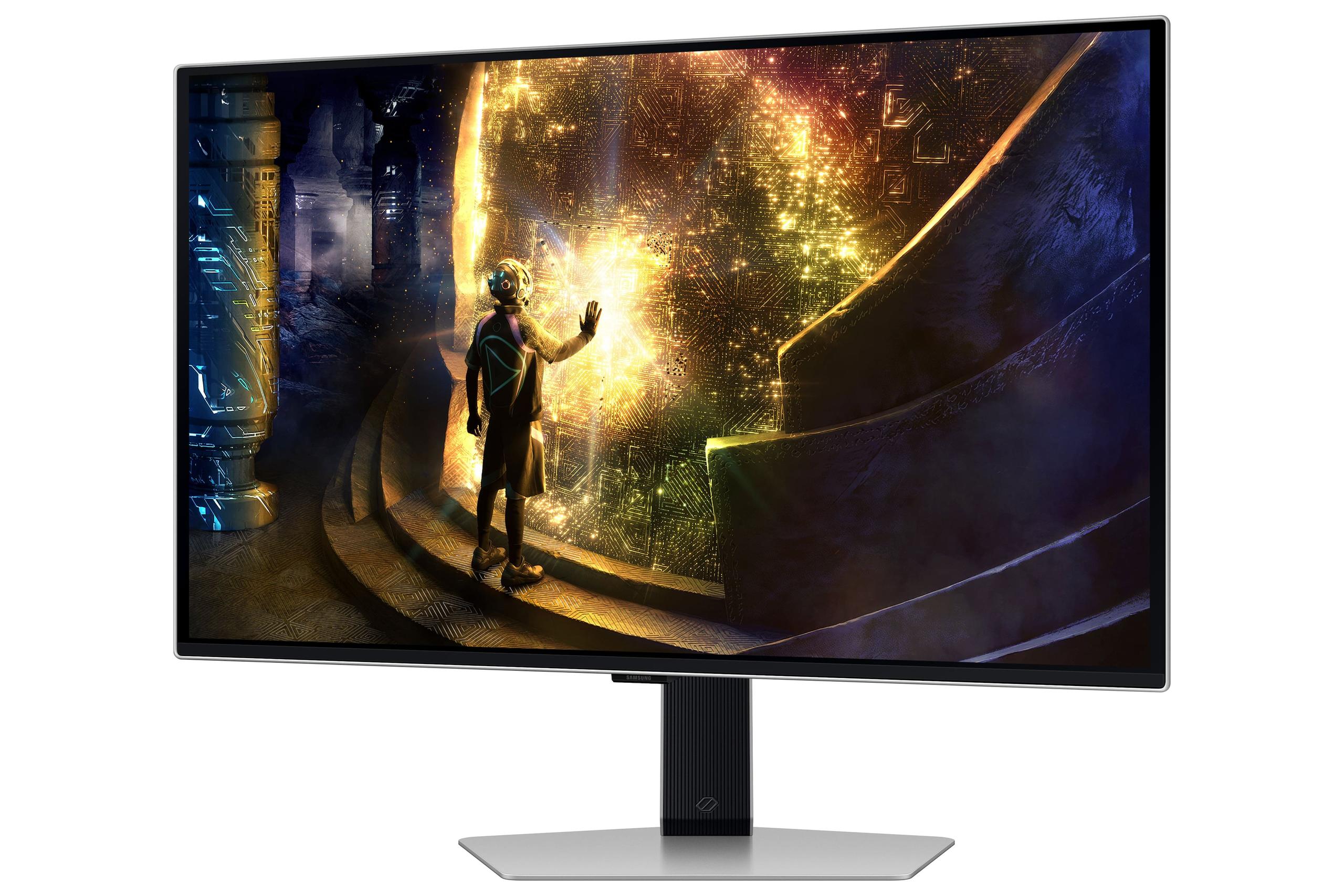
The Samsung Odyssey OLED G6 arrived later in 2024 with a different mission: bringing the highest refresh rates to OLED gaming while maintaining competitive pricing. Samsung leveraged their display manufacturing expertise to create what many consider the most responsive OLED gaming monitor available.
Both monitors share the core OLED advantages – perfect blacks, vibrant colors, and excellent viewing angles – but their implementation details tell very different stories about what each company prioritizes.
The most immediately apparent difference between these monitors lies in their refresh rate capabilities. The Samsung Odyssey OLED G6 pushes an impressive 360Hz, while the ViewSonic XG272-2K-OLED operates at 240Hz. To understand what this means in practical terms, let's break down refresh rates.
Refresh rate, measured in Hertz (Hz), indicates how many times per second the monitor can display a new image. A 240Hz monitor can show 240 unique frames every second, while a 360Hz display can show 360 frames. This translates to smoother motion, reduced input lag, and more responsive gameplay – but only if your graphics card can actually produce frames fast enough to take advantage.
In competitive esports titles like Counter-Strike or Valorant, where players often achieve frame rates well above 300 FPS on modern graphics cards, Samsung's 360Hz capability provides a genuine advantage. Each frame appears on screen approximately 2.78 milliseconds after being rendered, compared to 4.17 milliseconds at 240Hz. While this 1.39ms difference might seem tiny, it can be meaningful in competitive scenarios where split-second reactions determine victory.
However, for most gaming scenarios – including AAA titles, RPGs, and even fast-paced games like racing simulations – the difference between 240Hz and 360Hz becomes less noticeable. Many graphics cards struggle to maintain consistent 240+ FPS at QHD resolution in demanding games, making the ViewSonic's 240Hz capability more than sufficient for the vast majority of users.
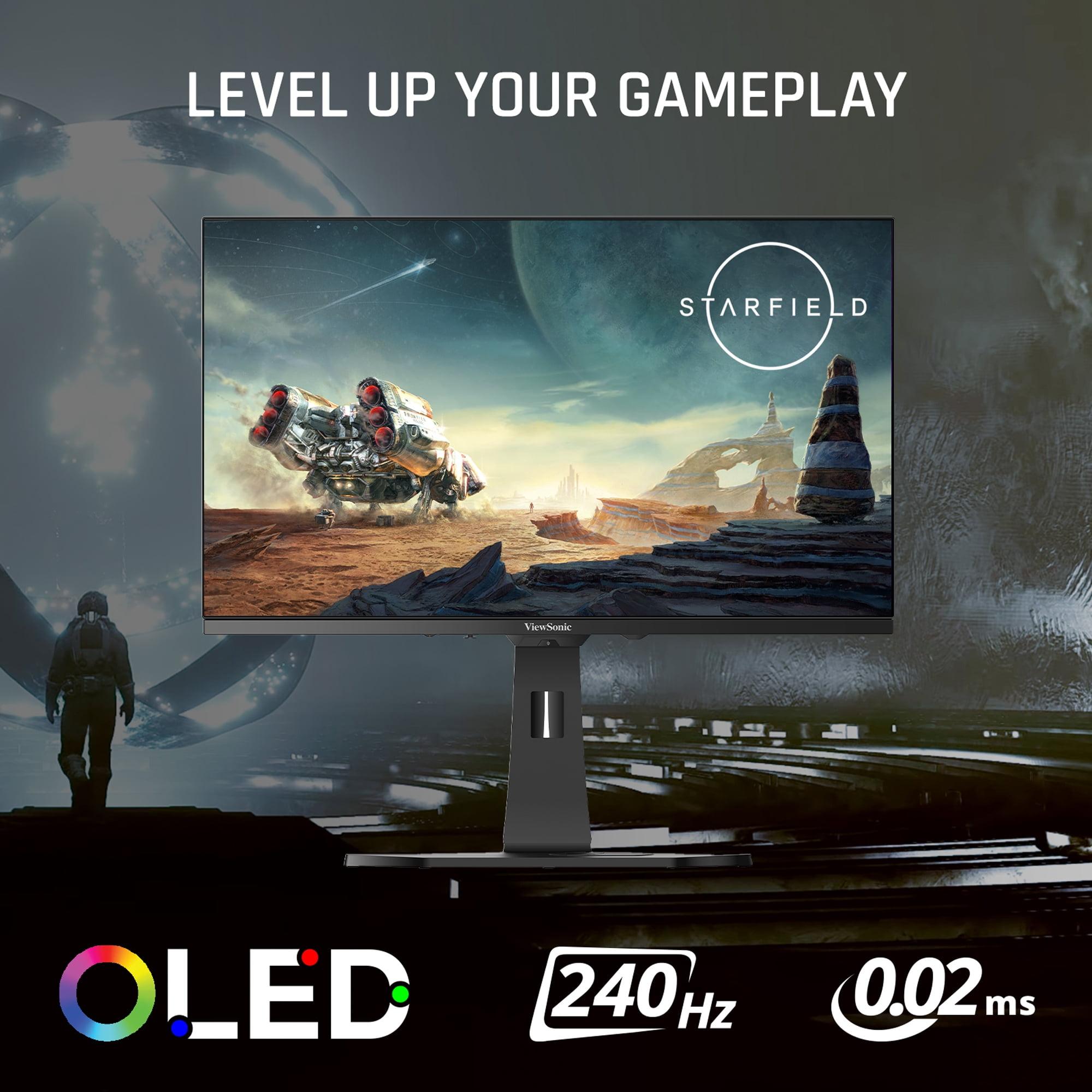
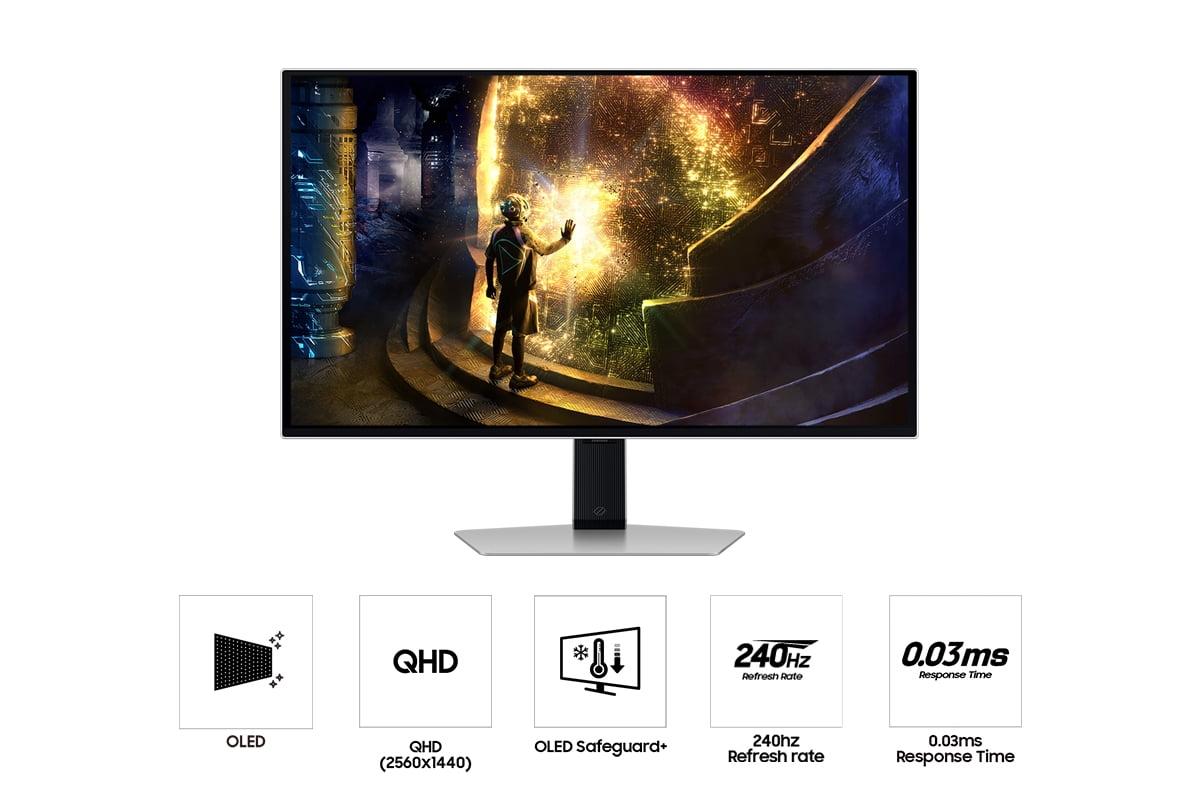
Both monitors achieve their low response times through OLED's inherent advantages. The ViewSonic claims 0.01ms pixel response time, while the Samsung rates at 0.03ms GTG (Gray-to-Gray). In practical terms, both are effectively instantaneous – you won't notice motion blur or ghosting on either display.
Here's where the ViewSonic XG272-2K-OLED establishes its most significant advantage. With 450 nits of peak brightness compared to Samsung's 250 nits, the ViewSonic delivers 80% more light output. This difference has profound implications for HDR gaming and general usability.
Nits measure luminance – essentially how bright a surface appears. For context, a typical sunny day outdoors measures around 10,000 nits, while indoor lighting ranges from 100-500 nits. Most LCD gaming monitors achieve 300-400 nits, so the ViewSonic actually exceeds many traditional displays while the Samsung falls below.
This brightness difference becomes crucial for HDR (High Dynamic Range) content. HDR works by expanding the range between the darkest and brightest parts of an image, creating more realistic lighting that better matches what our eyes see in real life. However, HDR requires sufficient brightness to display those bright highlights convincingly. The ViewSonic's 450 nits enables much more impactful HDR experiences in games like Cyberpunk 2077 or Horizon Zero Dawn, where lighting effects truly pop off the screen.
Room lighting also heavily influences monitor usability. In bright environments – near windows or with overhead lighting – the Samsung's dimmer panel can appear washed out and lose the dramatic contrast that makes OLED special. The ViewSonic maintains its visual impact across a wider range of lighting conditions.
Both monitors include anti-glare coatings to reduce reflections, but this technology can slightly reduce the perceived vibrancy of colors – a trade-off for improved usability in various lighting conditions.
Both monitors excel at color reproduction, but they approach it differently. The ViewSonic XG272-2K-OLED covers 97% of the DCI-P3 color space and 137% of sRGB, while the Samsung Odyssey OLED G6 achieves 99% DCI-P3 coverage. These numbers represent how much of the visible color spectrum each monitor can display.
DCI-P3 is a color standard developed for digital cinema, offering a wider range of colors than the older sRGB standard used for web content and older games. Modern games increasingly target DCI-P3 for more vibrant, lifelike visuals.
Where the ViewSonic distinguishes itself is in professional features. It includes hardware calibration support, allowing precise color adjustments for content creation work. If you edit photos, create videos, or do any color-critical work alongside gaming, this capability proves invaluable. The Samsung focuses primarily on gaming-optimized profiles without the same level of calibration flexibility.
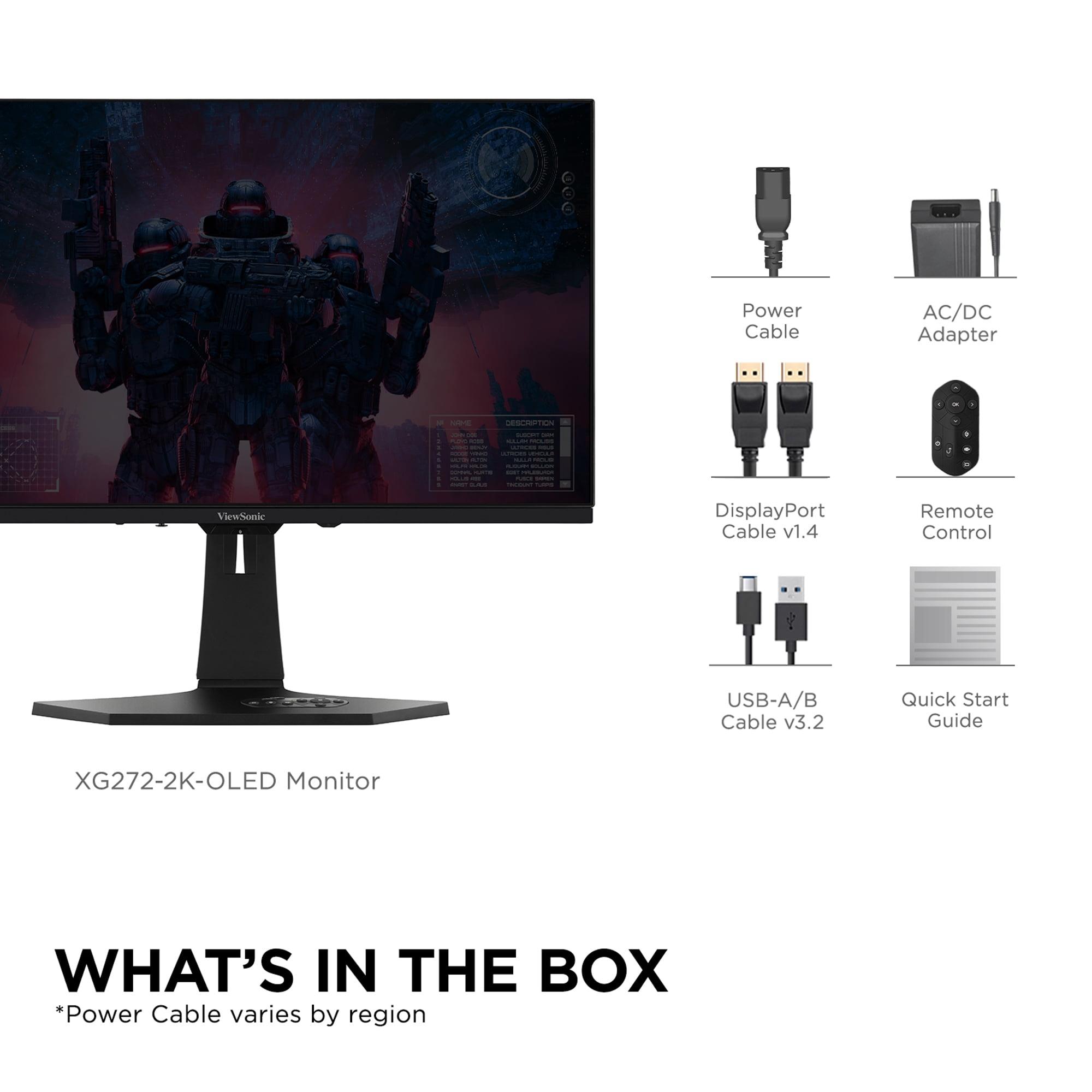
The ViewSonic also includes a dedicated remote control for navigating the on-screen display (OSD) – a thoughtful touch that makes adjusting settings much more convenient than using tiny buttons on the monitor itself.
Both monitors support adaptive sync technologies that eliminate screen tearing and stuttering. Screen tearing occurs when your graphics card produces frames faster or slower than the monitor's refresh rate, causing visible horizontal lines where two different frames appear simultaneously.
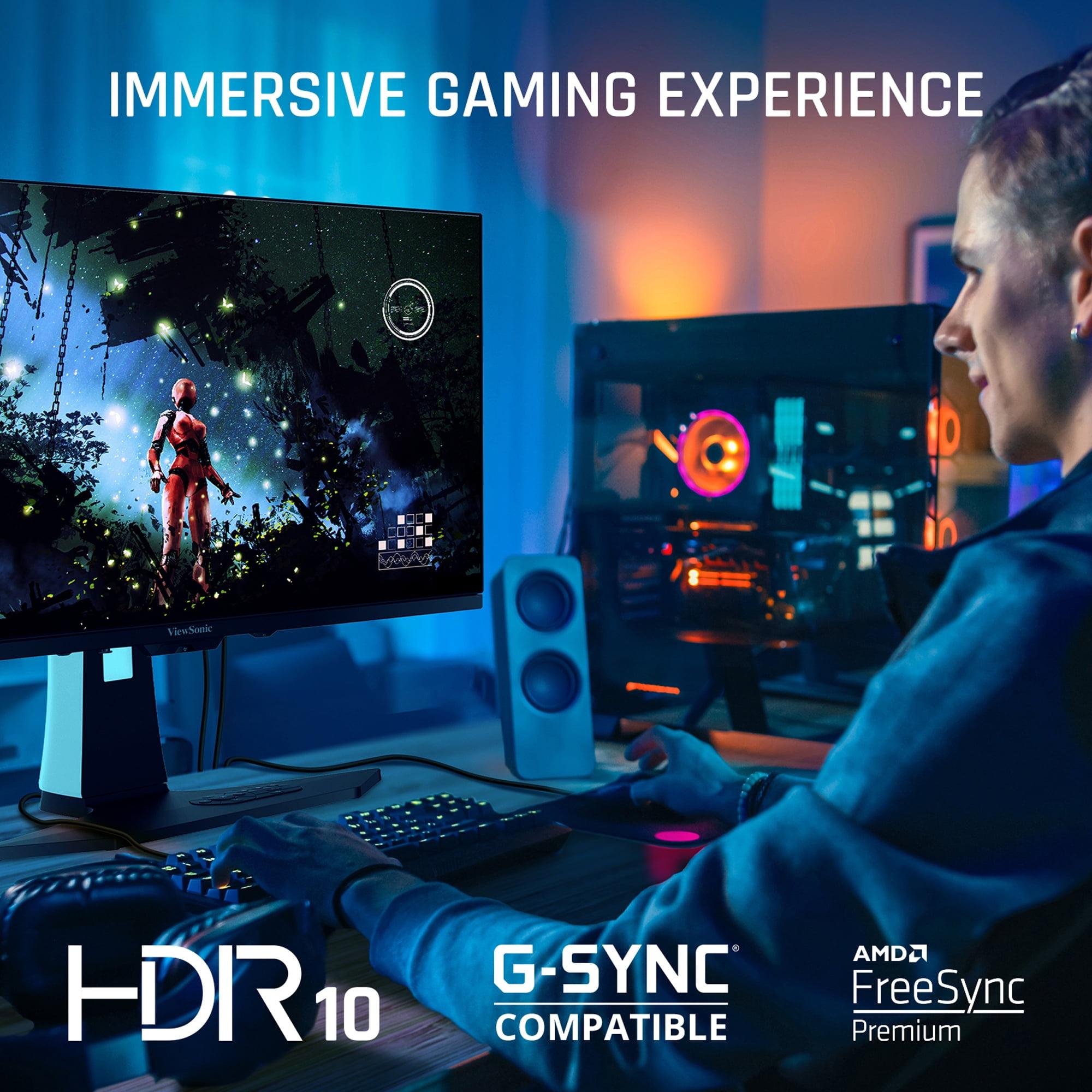
The Samsung Odyssey OLED G6 includes AMD FreeSync Premium Pro, while the ViewSonic XG272-2K-OLED offers AMD FreeSync Premium. Both work with NVIDIA graphics cards through G-Sync compatibility. The "Pro" designation on Samsung's implementation adds support for HDR gaming with adaptive sync – though given its brightness limitations, HDR benefits remain modest.
Unique to the ViewSonic is Black Frame Insertion (BFI) technology. This feature inserts black frames between regular frames to reduce motion blur perception – particularly useful when your graphics card can't maintain the monitor's maximum refresh rate. It's like having built-in motion clarity assistance.
The Samsung includes VRR Control to reduce flicker during variable refresh rate operation, plus gaming-specific features like Virtual Aim Point (an on-screen crosshair) and specialized accessibility modes for color-blind users.
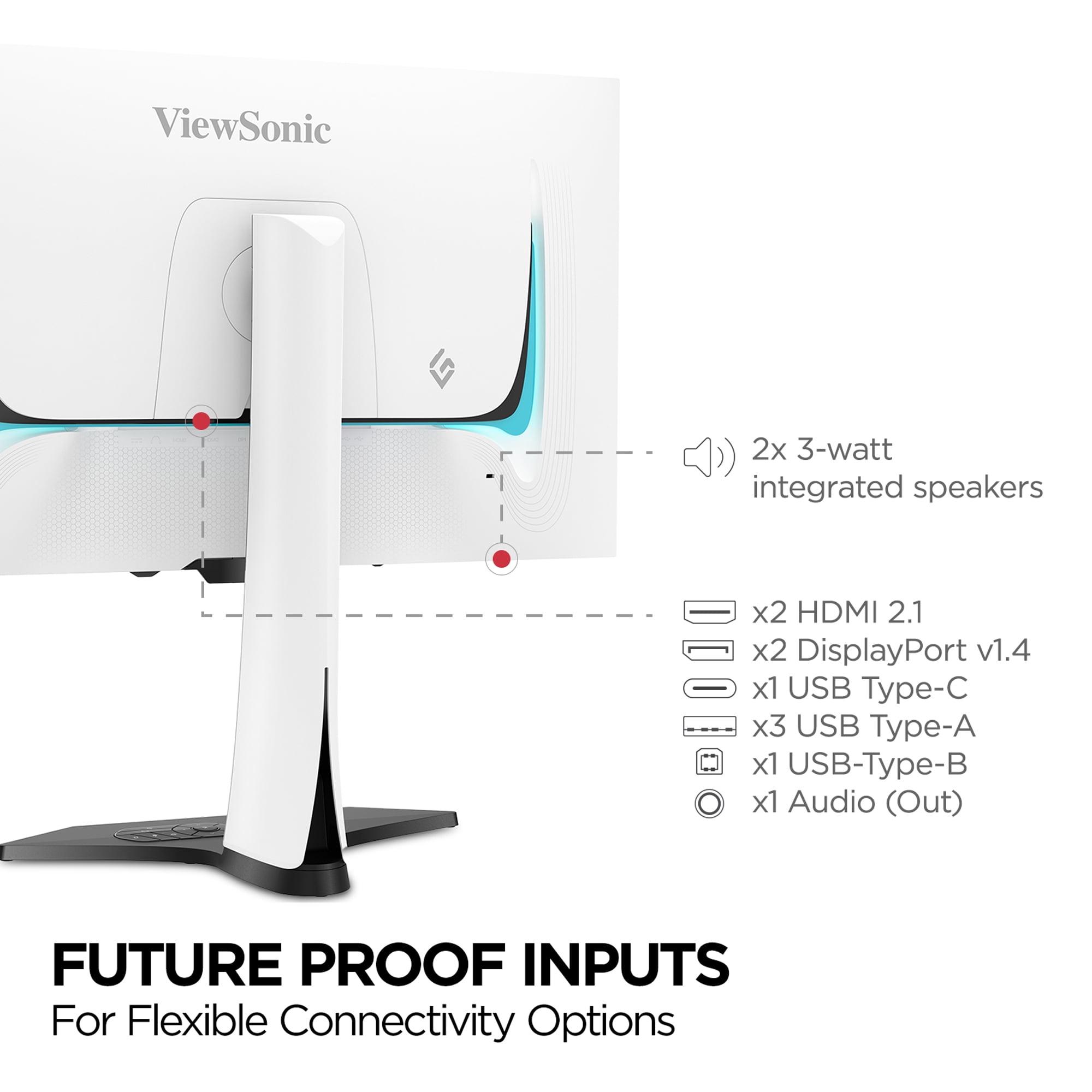
The ViewSonic XG272-2K-OLED offers significantly more connectivity options, reflecting its positioning as a versatile, multi-purpose display. It includes two HDMI 2.1 ports, two DisplayPort 1.4 connections, and USB-C with 15W power delivery. The built-in USB hub with KVM (Keyboard, Video, Mouse) switching lets you control multiple computers with a single set of peripherals – invaluable for users who switch between gaming PCs, work laptops, or other devices.
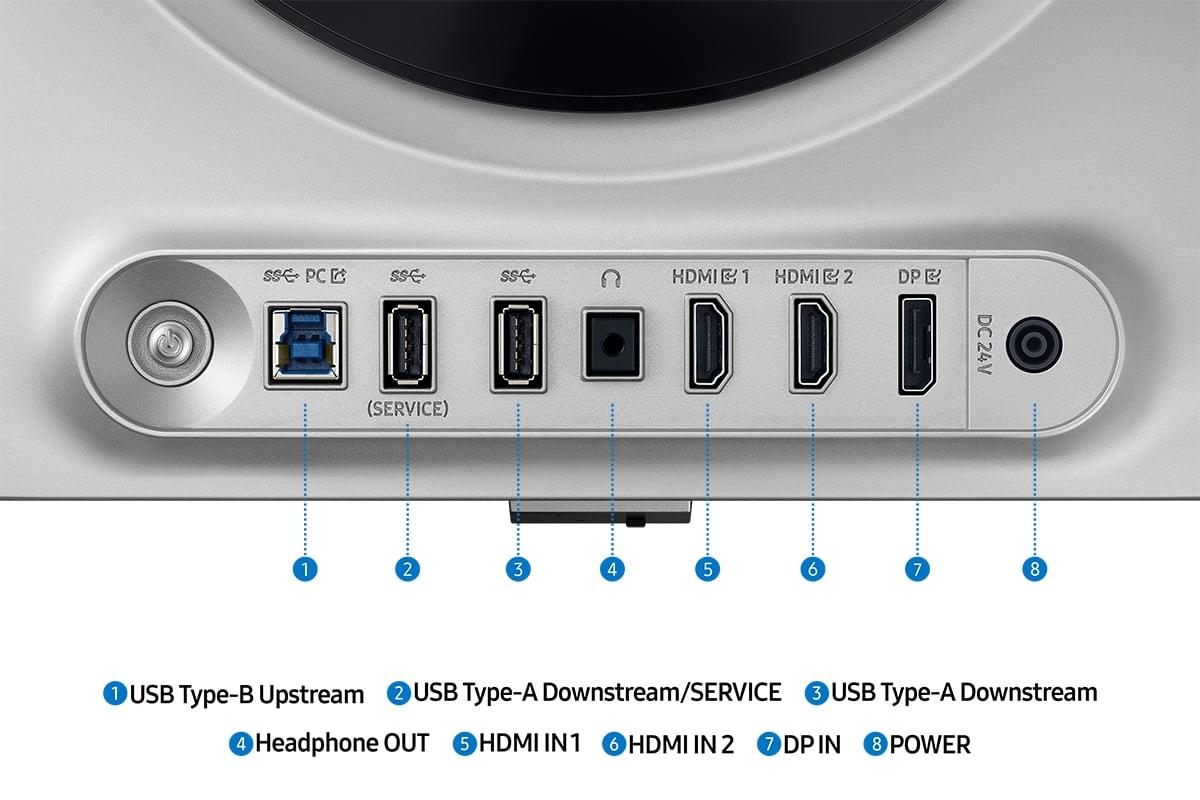
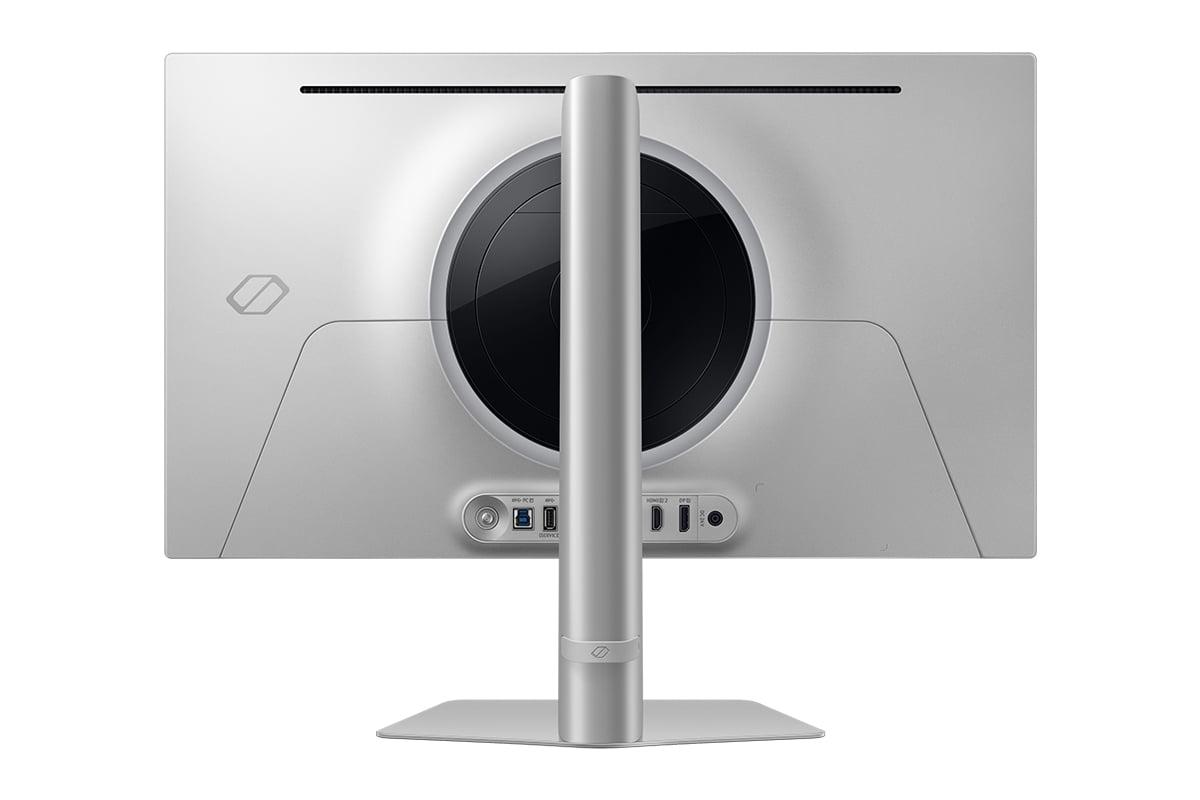
The Samsung provides a more basic but adequate selection: two HDMI 2.1 ports, one DisplayPort 1.4, and a couple USB 3.0 ports. For dedicated gaming setups, this proves sufficient, but it lacks the flexibility for complex multi-device workflows.
Both monitors support the latest HDMI 2.1 standard, enabling full 4K/120Hz performance from modern gaming consoles like PlayStation 5 and Xbox Series X, even though these particular monitors are QHD rather than 4K.
While primarily designed for desktop gaming, both monitors can serve home theater duty, though with important caveats. The 27-inch size works well for close-proximity viewing but feels small for traditional living room distances.
The ViewSonic's superior brightness makes it more suitable for varied lighting conditions common in living spaces. Its more comprehensive connectivity, including USB-C, also accommodates streaming devices and laptops more easily. However, neither monitor includes built-in smart TV features – they're displays that require external content sources.
For home theater use, the Samsung's 360Hz capability becomes irrelevant since movie and TV content rarely exceeds 60Hz, while the ViewSonic's brightness and color accuracy advantages remain meaningful.
An often-overlooked consideration is power consumption. The Samsung Odyssey OLED G6 consumes approximately 28W during typical operation, while the ViewSonic XG272-2K-OLED draws around 44W. This 36% difference reflects the ViewSonic's brighter panel requirements.
Over a year of heavy use, this translates to measurable differences in electricity costs, plus reduced heat generation in your gaming space. The Samsung's efficiency advantage becomes more significant for users concerned about energy consumption or room temperature management.
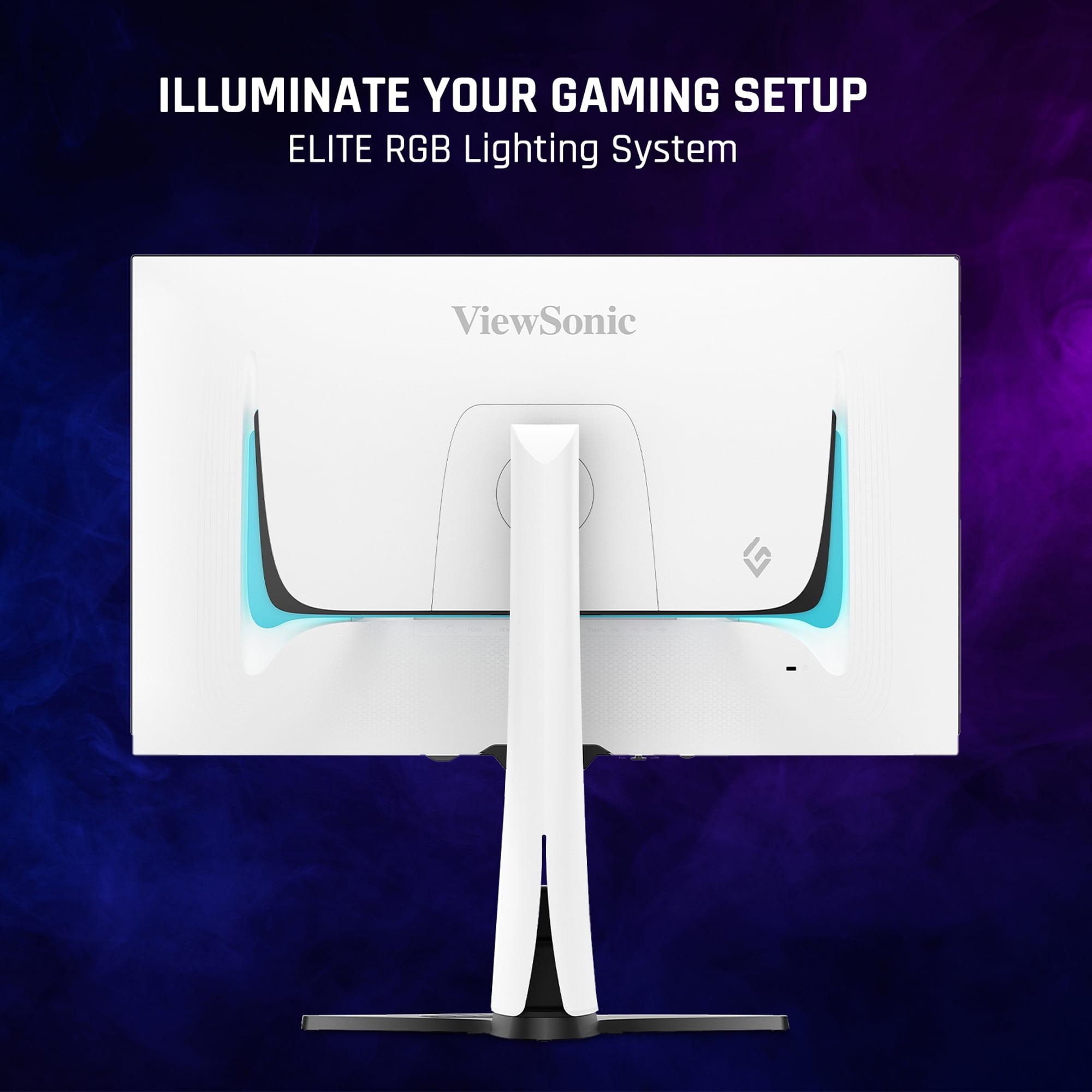
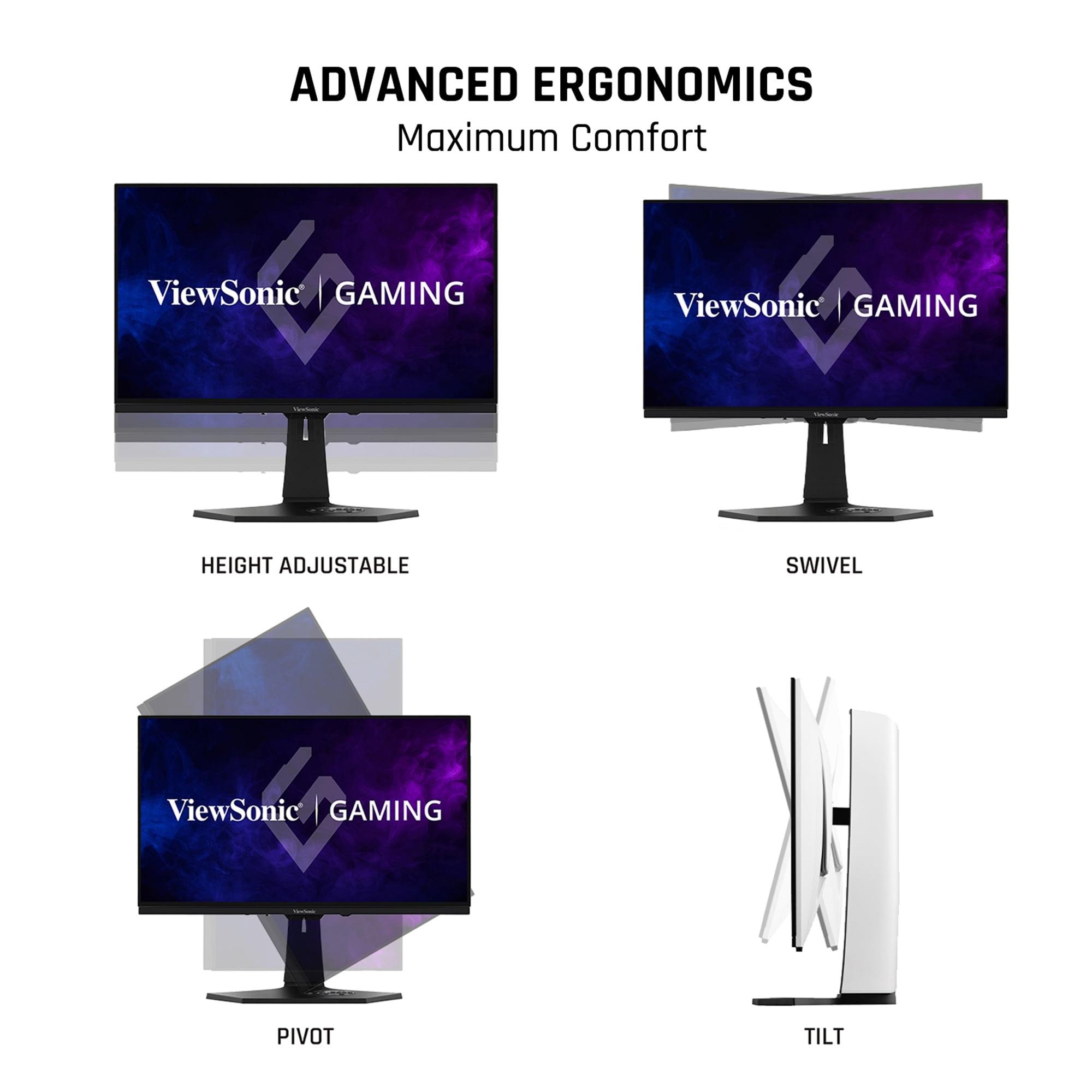
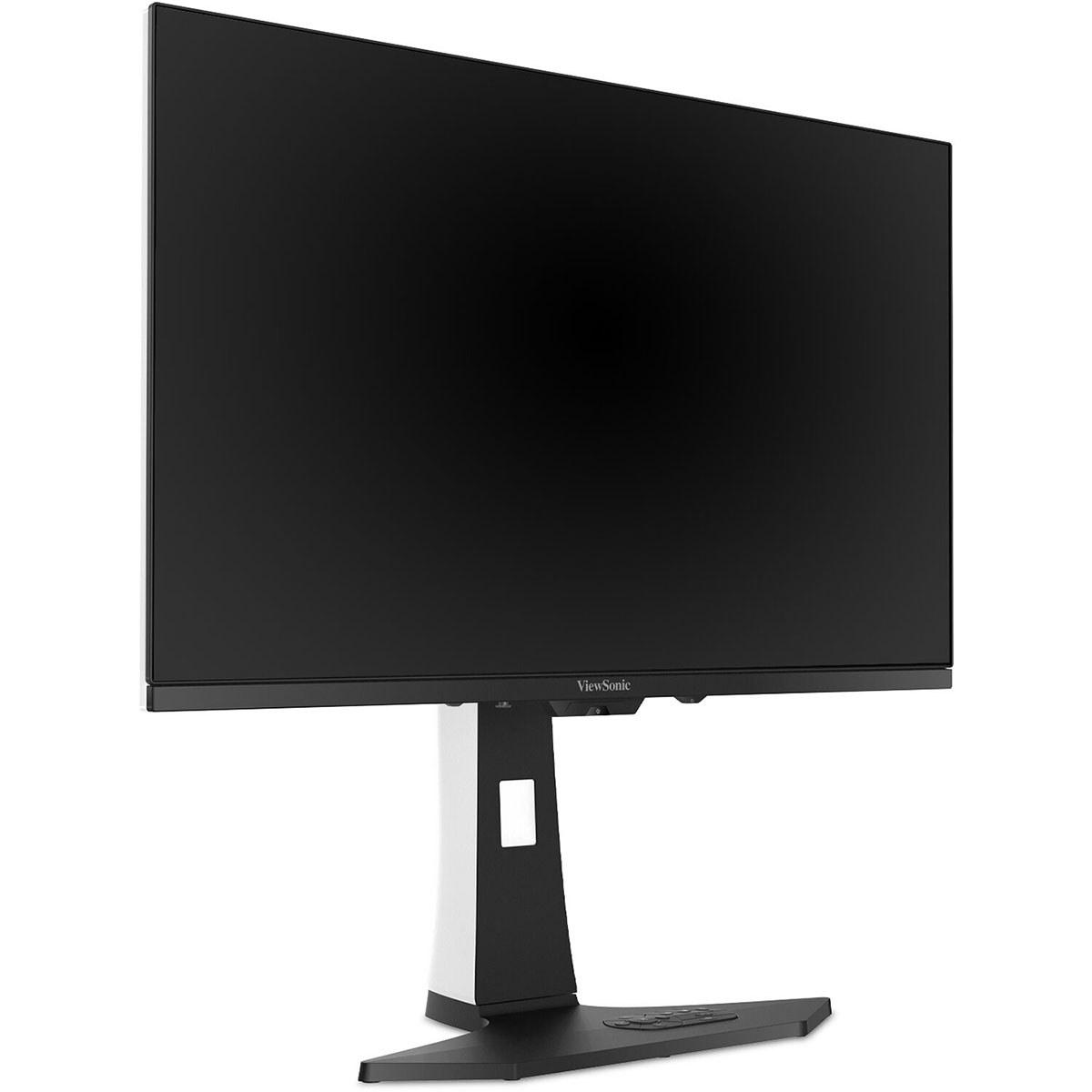
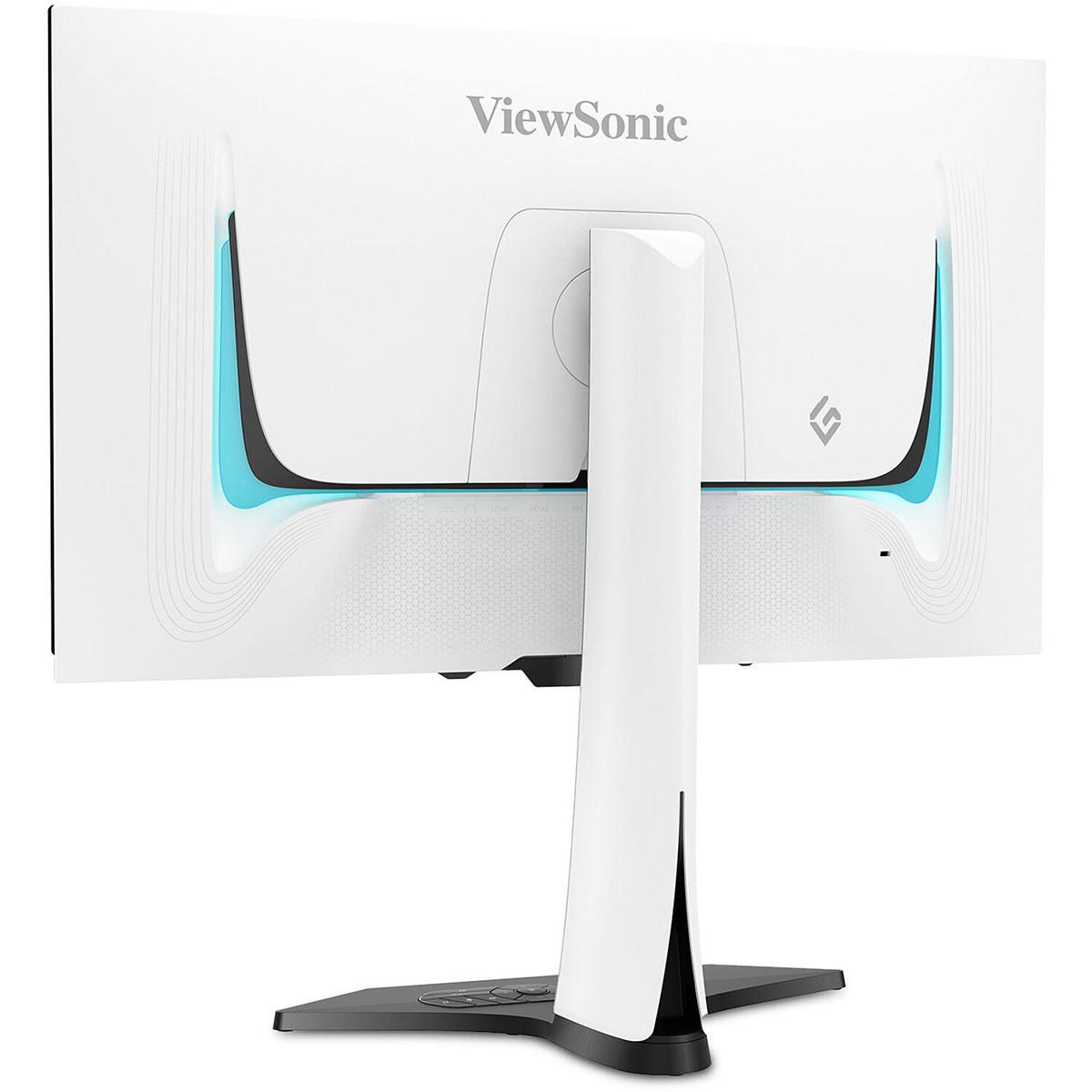
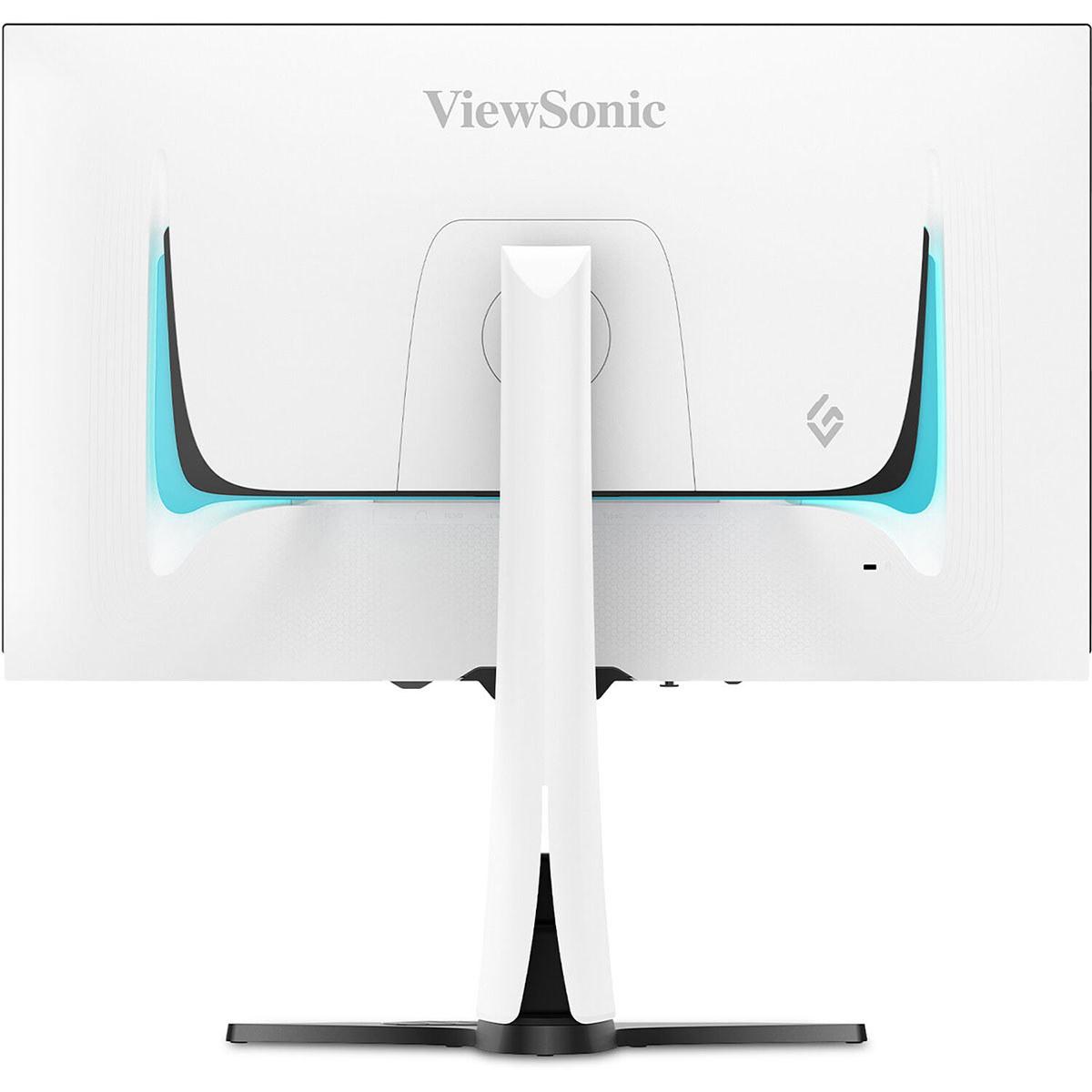
Both monitors showcase premium construction, but with different aesthetic philosophies. The ViewSonic XG272-2K-OLED features a distinctive white chassis with customizable RGB lighting, creating a statement piece for gaming setups. Its fully adjustable ergonomic stand supports height, tilt, swivel, and pivot adjustments.
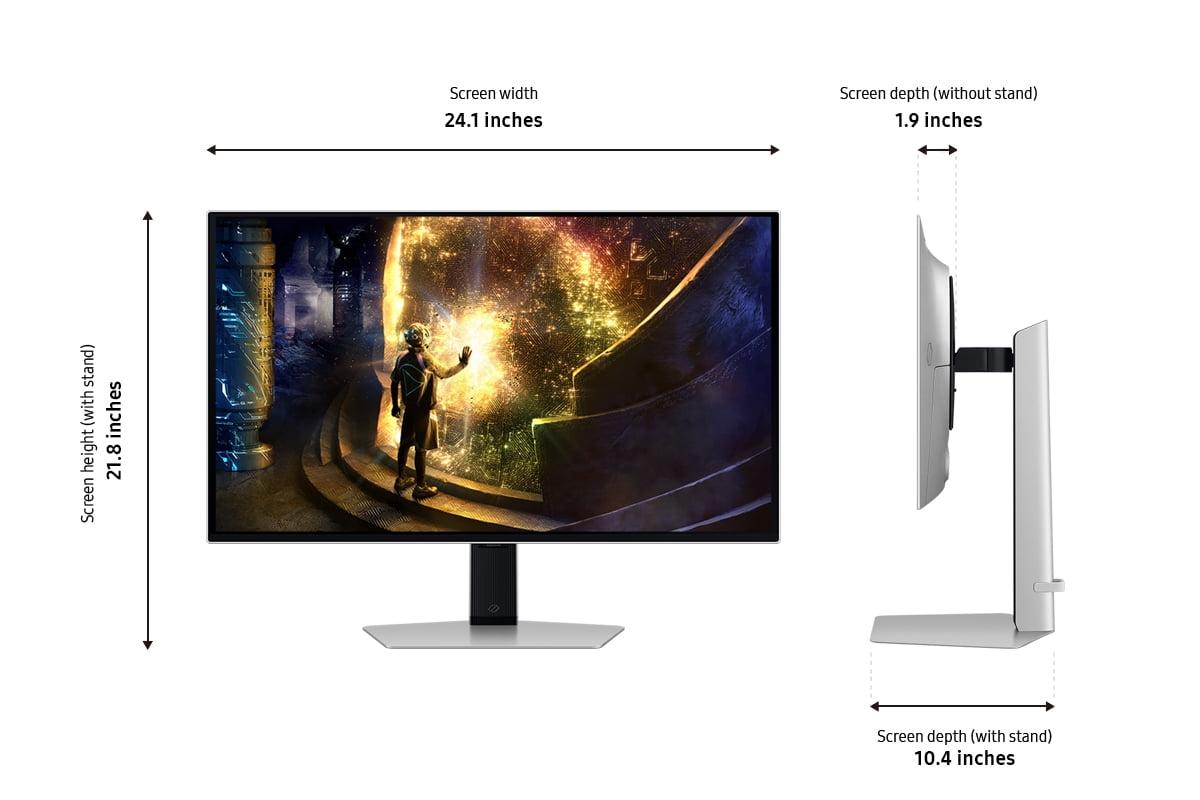
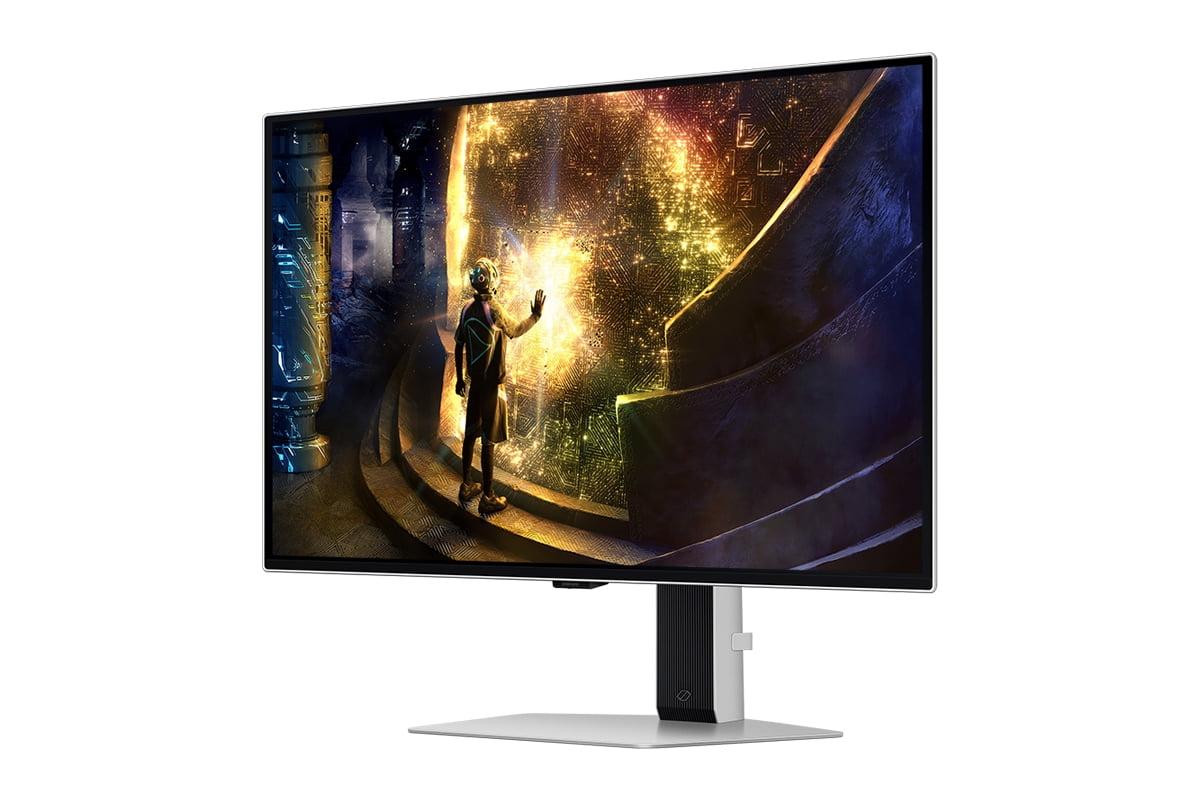
The Samsung Odyssey OLED G6 adopts a sleeker, more understated approach with its metal chassis and signature RGB light ring. It's lighter and more compact while maintaining excellent ergonomic adjustability. The design feels more universally appealing and less gaming-centric in appearance.
At the time of writing, these monitors occupy very different price positions. The Samsung Odyssey OLED G6 represents an aggressive value play, offering premium OLED gaming at a substantially lower price point than competitors. This makes OLED technology accessible to a broader audience who previously couldn't justify the premium.
The ViewSonic XG272-2K-OLED commands a significant price premium but justifies it with superior brightness, professional features, and more comprehensive connectivity. It targets enthusiast users who prioritize image quality and versatility over pure cost efficiency.
This pricing dynamic reflects different market strategies. Samsung leverages manufacturing scale and newer production techniques to democratize OLED gaming, while ViewSonic focuses on premium features for users willing to pay for maximum capability.
Choose the Samsung Odyssey OLED G6 if you're primarily focused on competitive gaming and want the fastest OLED response available. The 360Hz capability future-proofs your setup for next-generation graphics cards, while the attractive pricing makes premium OLED technology achievable. This monitor excels in controlled gaming environments where its brightness limitations won't impact usability.
The Samsung also makes sense for budget-conscious users who want to experience OLED's contrast and color advantages without paying premium pricing. If you're building a dedicated gaming setup and don't need extensive connectivity options, Samsung's focused approach delivers excellent value.
Select the ViewSonic XG272-2K-OLED if image quality trumps refresh rate in your priorities. The superior brightness enables better HDR experiences and more flexible room lighting options. Content creators who need color accuracy and calibration support will appreciate its professional features.
The ViewSonic suits users with complex setups involving multiple devices, thanks to its KVM functionality and comprehensive connectivity. If you're building a premium gaming and productivity workstation where versatility matters as much as performance, ViewSonic's approach proves more accommodating.
For home theater applications, the ViewSonic's brightness advantage and better connectivity make it the more versatile choice, despite both monitors being optimized primarily for desktop use.
Both monitors represent the current state of OLED gaming technology, each excelling in different areas while sharing the fundamental advantages that make OLED compelling. The Samsung Odyssey OLED G6 pushes refresh rate boundaries while democratizing pricing, making it an excellent choice for competitive gamers and value-conscious enthusiasts.
The ViewSonic XG272-2K-OLED prioritizes image quality and professional features, creating a more premium but versatile experience that extends beyond pure gaming applications. Your choice ultimately depends on whether you value maximum speed or maximum versatility – both approaches have merit in the rapidly evolving world of premium gaming displays.
As OLED technology continues maturing, we can expect future generations to close the gaps between speed and brightness, but for now, these monitors represent two excellent paths toward OLED gaming excellence.
| ViewSonic XG272-2K-OLED | Samsung Odyssey OLED G6 |
|---|---|
| Refresh Rate - Higher rates mean smoother competitive gaming | |
| 240Hz (excellent for most games and GPUs) | 360Hz (best-in-class for esports and future-proofing) |
| Brightness - Critical for HDR quality and room lighting flexibility | |
| 450 nits (superior HDR performance, works in bright rooms) | 250 nits (requires controlled lighting, limited HDR impact) |
| Response Time - Both eliminate motion blur effectively | |
| 0.01ms pixel response | 0.03ms GTG response |
| Color Gamut - Both deliver excellent color reproduction | |
| 97% DCI-P3, 137% sRGB coverage | 99% DCI-P3 coverage |
| HDR Support - Enhanced dynamic range for realistic lighting | |
| HDR10 (excellent implementation due to high brightness) | HDR10, HDR10+ Gaming (limited by low brightness) |
| Adaptive Sync - Eliminates screen tearing and stuttering | |
| AMD FreeSync Premium, NVIDIA G-Sync Compatible | AMD FreeSync Premium Pro, NVIDIA G-Sync Compatible |
| Professional Features - Important for content creation work | |
| Hardware calibration support, remote control included | Gaming-focused profiles only |
| Connectivity - More ports mean greater versatility | |
| 2x HDMI 2.1, 2x DP 1.4, USB-C, KVM switch, USB hub | 2x HDMI 2.1, 1x DP 1.4, basic USB ports |
| Power Consumption - Affects energy costs and heat generation | |
| 44W (higher due to brighter panel) | 28W (36% more efficient) |
| Design Approach - Different aesthetic philosophies | |
| White chassis with RGB lighting, premium materials | Sleek metal design with signature light ring |
| Gaming Features - Additional functionality for enhanced experience | |
| Black Frame Insertion for motion clarity | VRR Control, Virtual Aim Point, accessibility modes |
| Target Market - Different priorities and budgets | |
| Premium enthusiasts wanting versatility and image quality | Competitive gamers prioritizing speed and value |
The Samsung Odyssey OLED G6 offers a 360Hz refresh rate, significantly higher than the ViewSonic XG272-2K-OLED's 240Hz. This means the Samsung can display 120 more frames per second, providing smoother motion and reduced input lag for competitive esports gaming. However, both refresh rates are excellent for gaming, and the difference is most noticeable in fast-paced competitive titles.
The ViewSonic XG272-2K-OLED delivers 450 nits of brightness compared to the Samsung Odyssey OLED G6's 250 nits. This 80% brightness advantage makes the ViewSonic much better for HDR content and use in brighter rooms. The Samsung requires more controlled lighting conditions to look its best.
The ViewSonic XG272-2K-OLED provides a superior HDR gaming experience due to its much higher 450-nit brightness capability. HDR content requires sufficient brightness to display realistic highlights, and the Samsung Odyssey OLED G6's 250-nit limitation significantly reduces HDR impact in games.
Yes, both the ViewSonic XG272-2K-OLED and Samsung Odyssey OLED G6 support adaptive sync with both NVIDIA (G-Sync Compatible) and AMD (FreeSync) graphics cards. The Samsung includes FreeSync Premium Pro while the ViewSonic offers FreeSync Premium, but both eliminate screen tearing effectively.
The ViewSonic XG272-2K-OLED provides more comprehensive connectivity with 2x HDMI 2.1, 2x DisplayPort 1.4, USB-C with power delivery, and a built-in KVM switch. The Samsung Odyssey OLED G6 offers 2x HDMI 2.1, 1x DisplayPort 1.4, and basic USB ports. ViewSonic is better for multi-device setups.
Both the ViewSonic XG272-2K-OLED and Samsung Odyssey OLED G6 include advanced burn-in prevention technologies like pixel shifting, automatic dimming, and thermal management systems. Both manufacturers cover burn-in under warranty for normal usage, making burn-in less of a concern than with earlier OLED displays.
The Samsung Odyssey OLED G6 consumes approximately 28W during operation, while the ViewSonic XG272-2K-OLED uses around 44W. Samsung's 36% lower power consumption results from its dimmer panel requirements and translates to reduced electricity costs and heat generation.
Both monitors offer exceptionally fast response times with the ViewSonic XG272-2K-OLED at 0.01ms and the Samsung Odyssey OLED G6 at 0.03ms. These differences are imperceptible in real-world gaming, and both eliminate motion blur and ghosting effectively.
The ViewSonic XG272-2K-OLED is superior for professional work, offering hardware calibration support, a remote control for easy adjustments, and more accurate color reproduction out of the box. The Samsung Odyssey OLED G6 focuses primarily on gaming performance without professional-grade color management features.
Both the ViewSonic XG272-2K-OLED and Samsung Odyssey OLED G6 work excellently with PlayStation 5 and Xbox Series X through their HDMI 2.1 ports. However, consoles typically output at 60-120Hz, so the Samsung's 360Hz advantage doesn't apply. The ViewSonic's higher brightness provides better HDR gaming on consoles.
The Samsung Odyssey OLED G6 typically offers better value with its aggressive pricing strategy, delivering premium OLED technology and the highest refresh rate available. The ViewSonic XG272-2K-OLED commands a premium but justifies it with superior brightness, professional features, and more versatile connectivity.
The ViewSonic XG272-2K-OLED handles bright rooms much better due to its 450-nit brightness capability, maintaining good contrast and visibility even with ambient lighting. The Samsung Odyssey OLED G6 performs best in controlled lighting conditions where its 250-nit brightness won't appear washed out.
We've done our best to create useful and informative comparisons to help you decide what product to buy. Our research uses advanced automated methods to create this comparison and perfection is not possible - please contact us for corrections or questions. These are the sites we've researched in the creation of this article: tomshardware.com - viewsonic.com - cgmagonline.com - bhphotovideo.com - forums.blurbusters.com - pangoly.com - youtube.com - rtings.com - youtube.com - bhphotovideo.com - viewsonic.com - assetserver.net - viewsonic.com - viewsonic.com - colamco.com - viewsonic.com - store.connectcause.com - displayspecifications.com - bhphotovideo.com - manuals.viewsonic.com - viewsonic.com - pangoly.com - visioncomputers.com - bestbuy.com - bestbuy.com - gamesradar.com - gamesradar.com - versus.com - lowyat.net - youtube.com - player2.net.au - versus.com - rtings.com - youtube.com - samsung.com - files.bbystatic.com - bestbuy.com - samsung.com - samsung.com - bestbuy.com - de.shi.com - bhphotovideo.com - pangoly.com - youtube.com

Privacy Policy
Terms and Conditions - Affiliate Policy
Home Security
© Copyright 2008-2026.
11816 Inwood Rd #1211, Dallas, TX 75244