

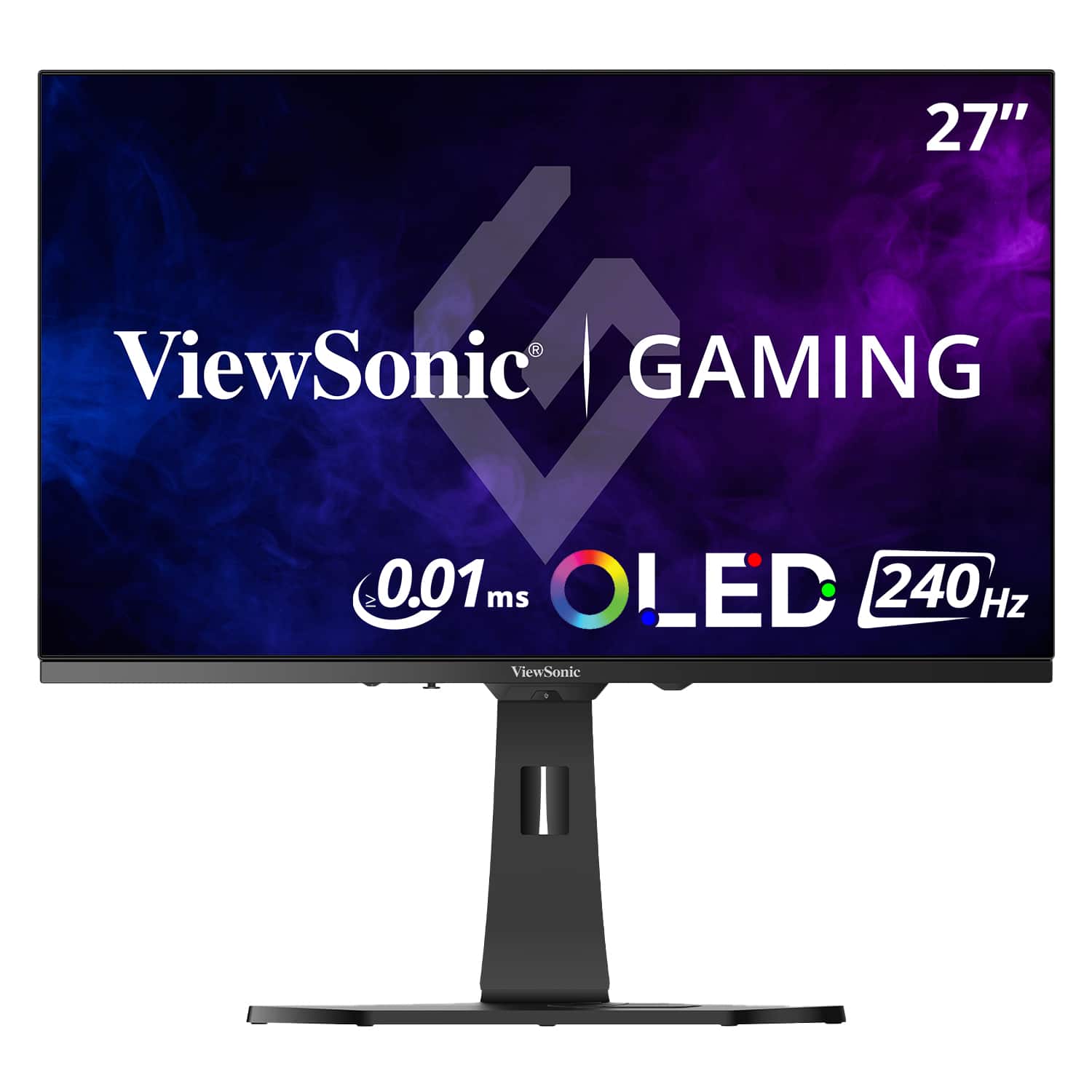



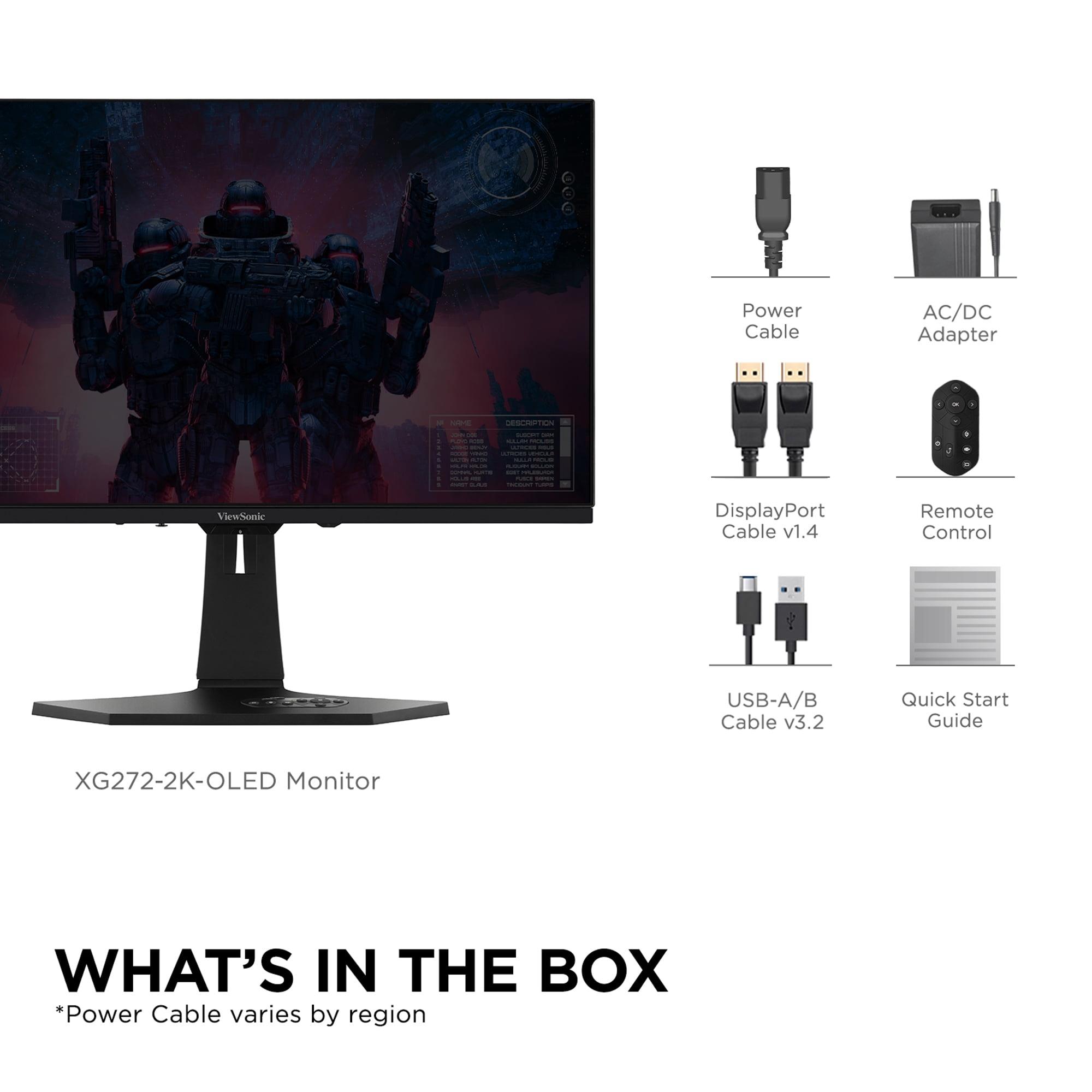
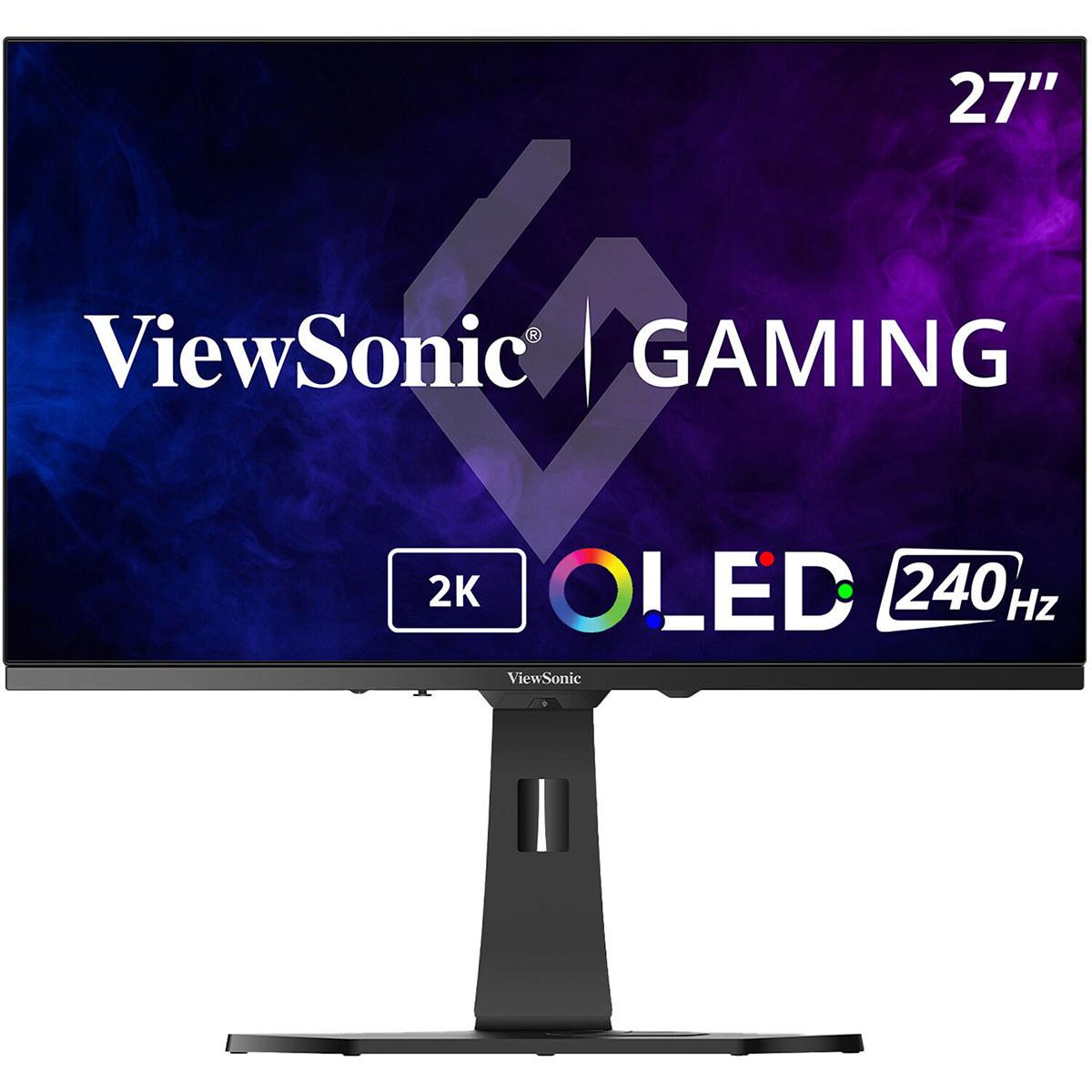
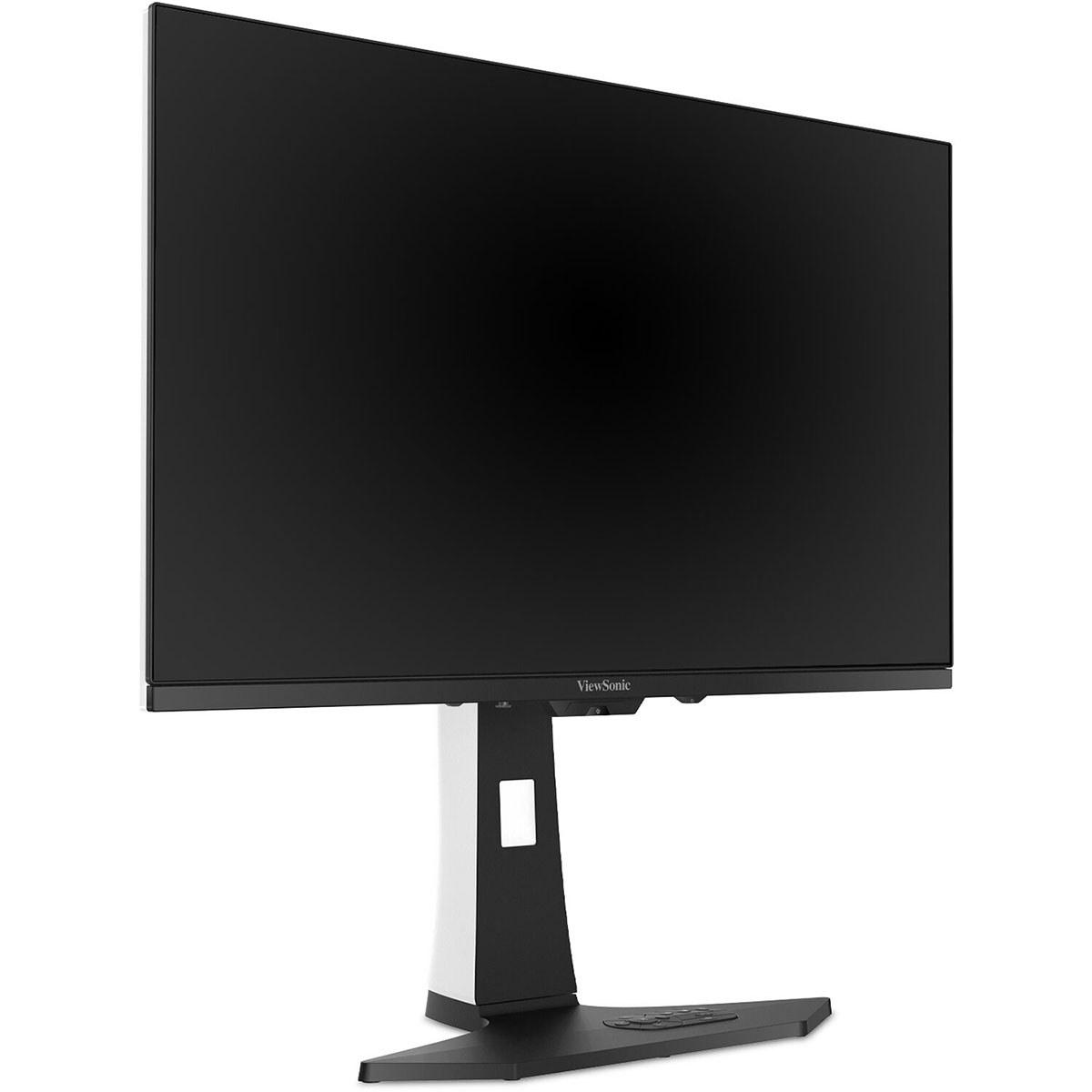
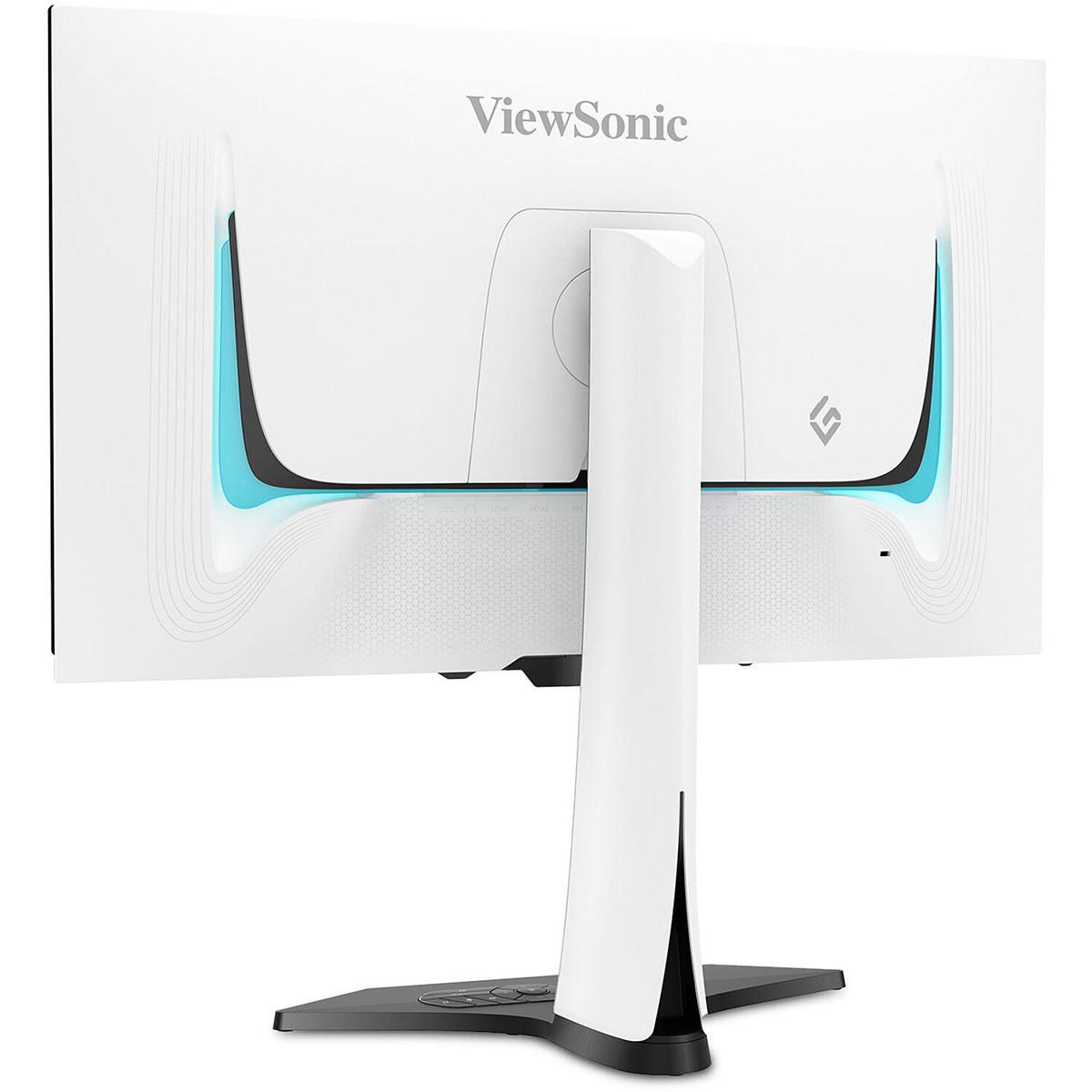
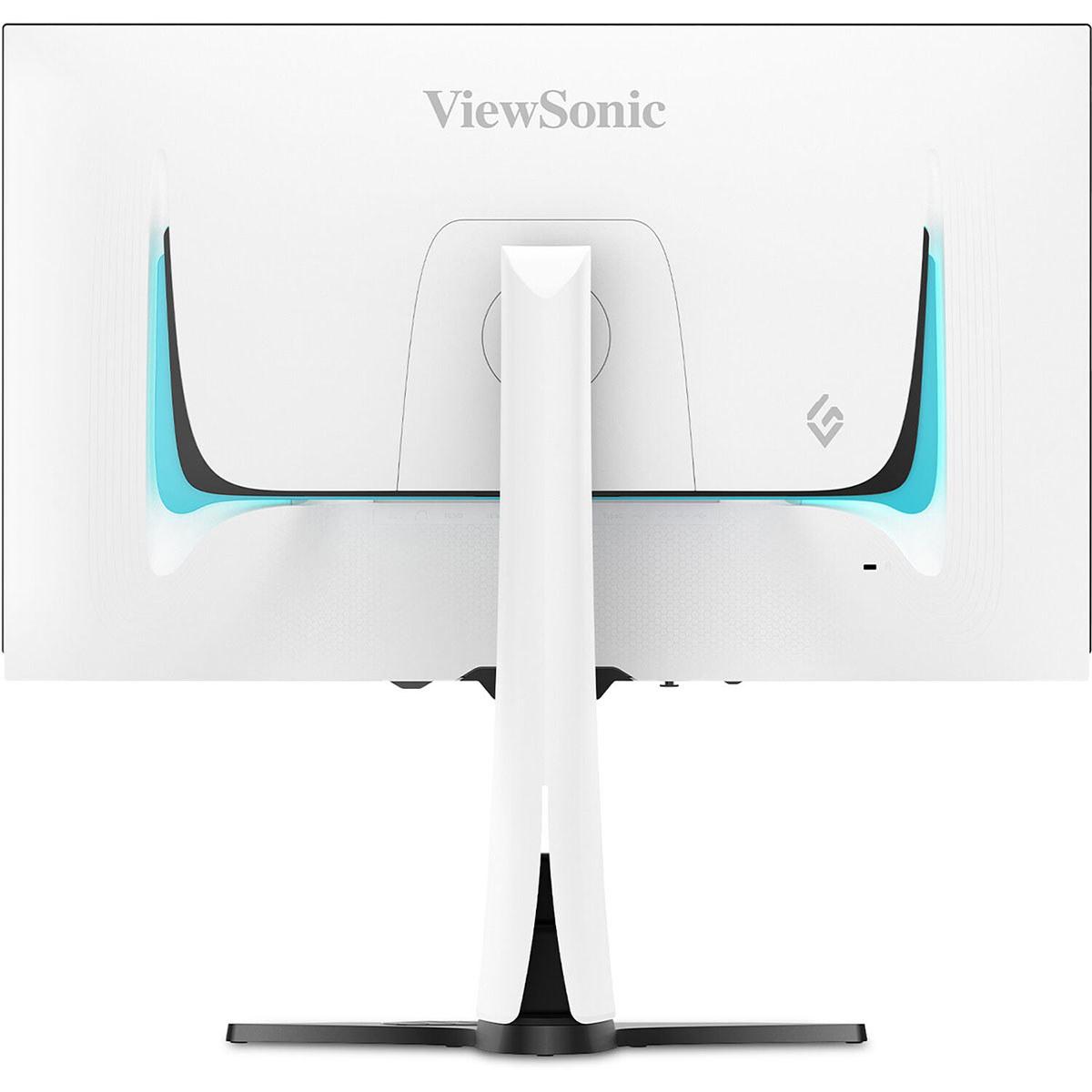
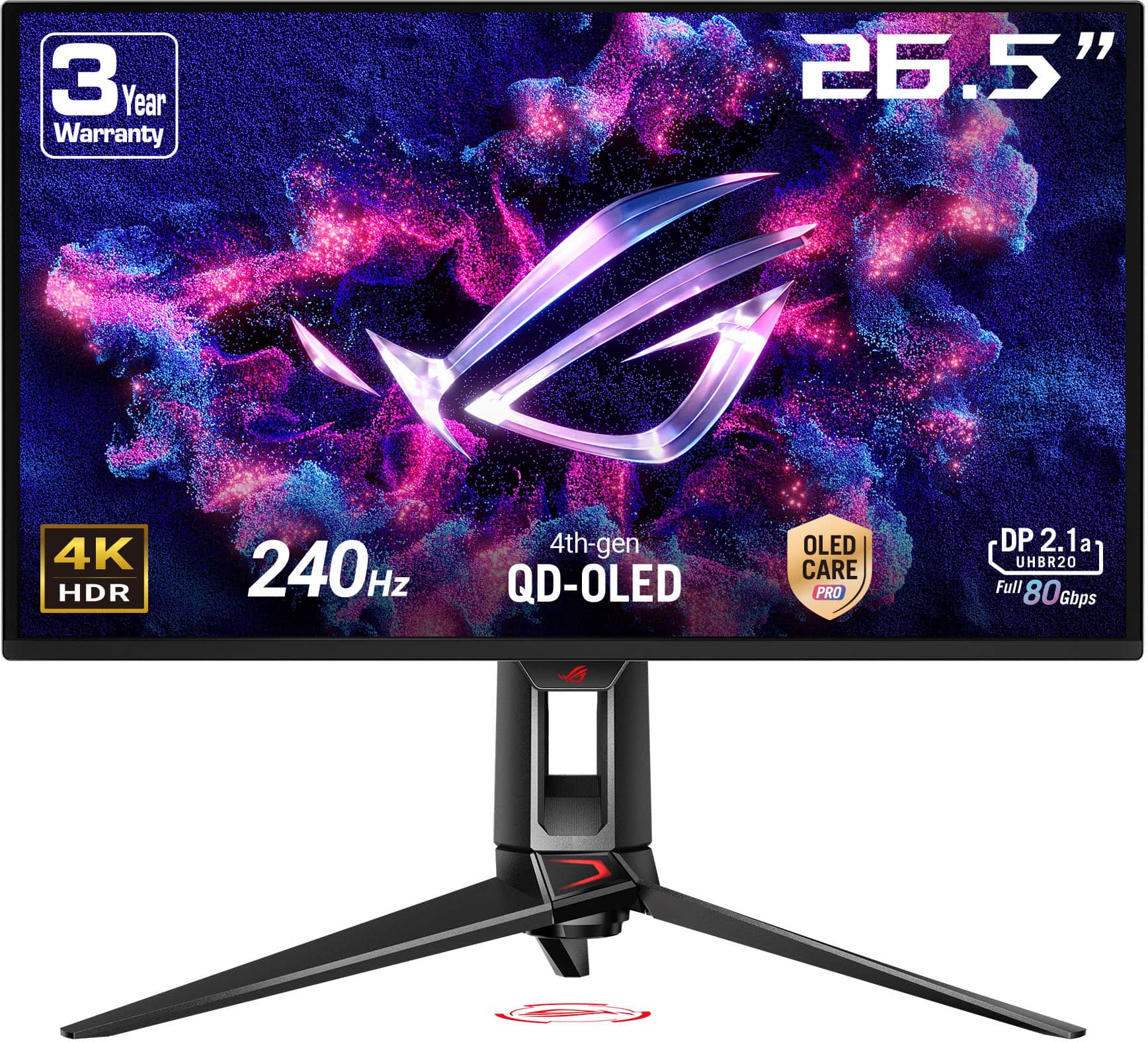
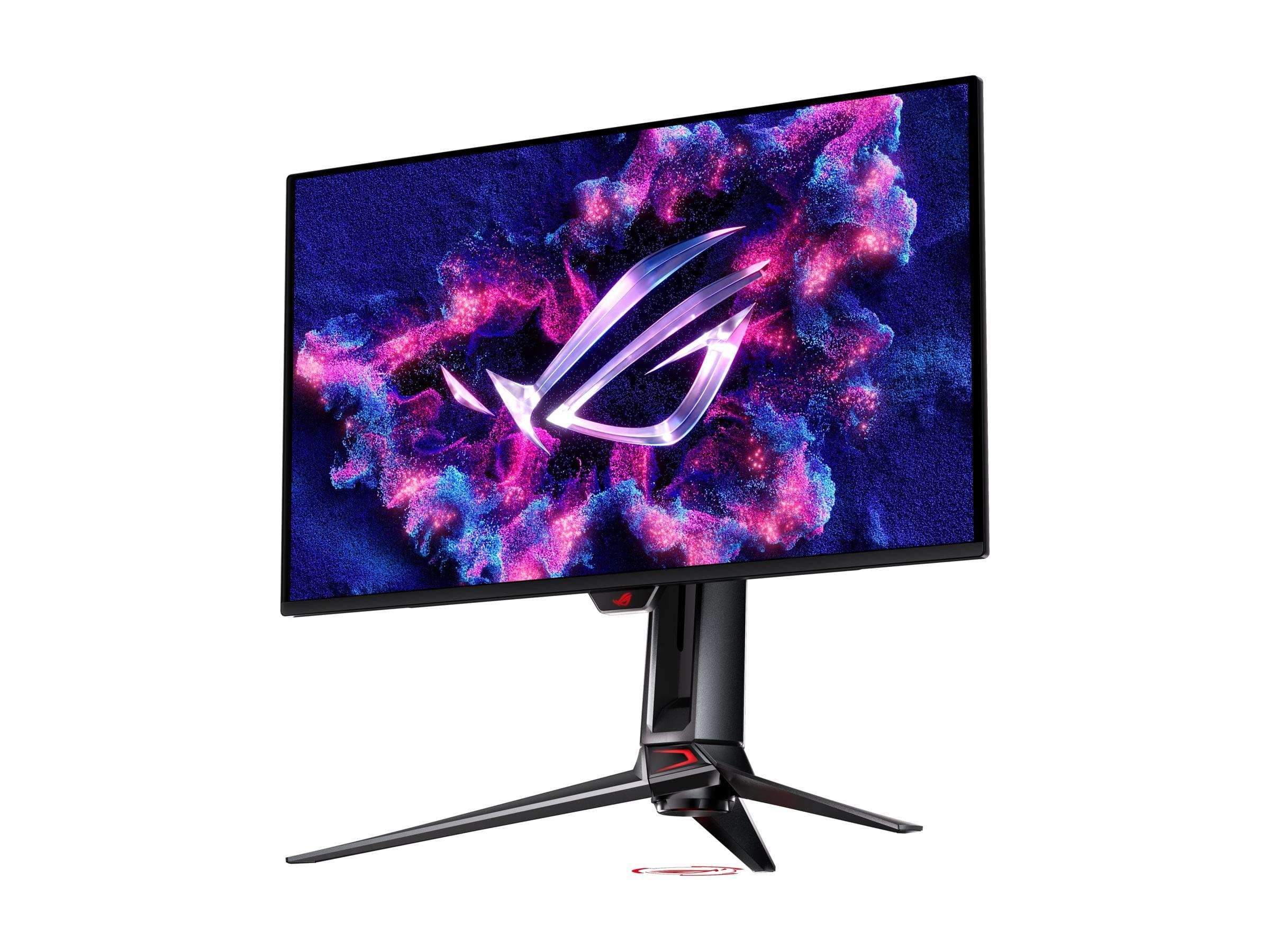
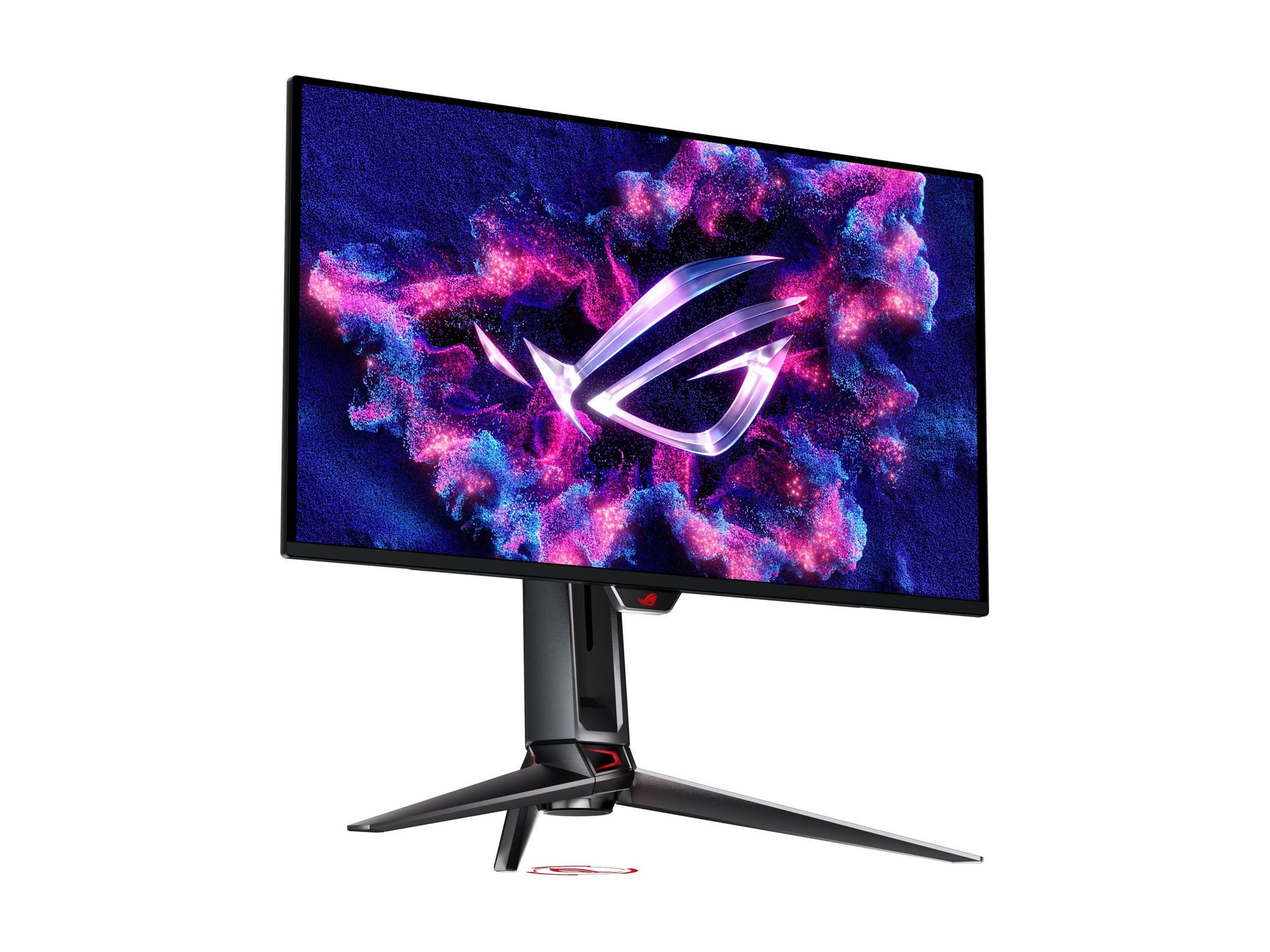
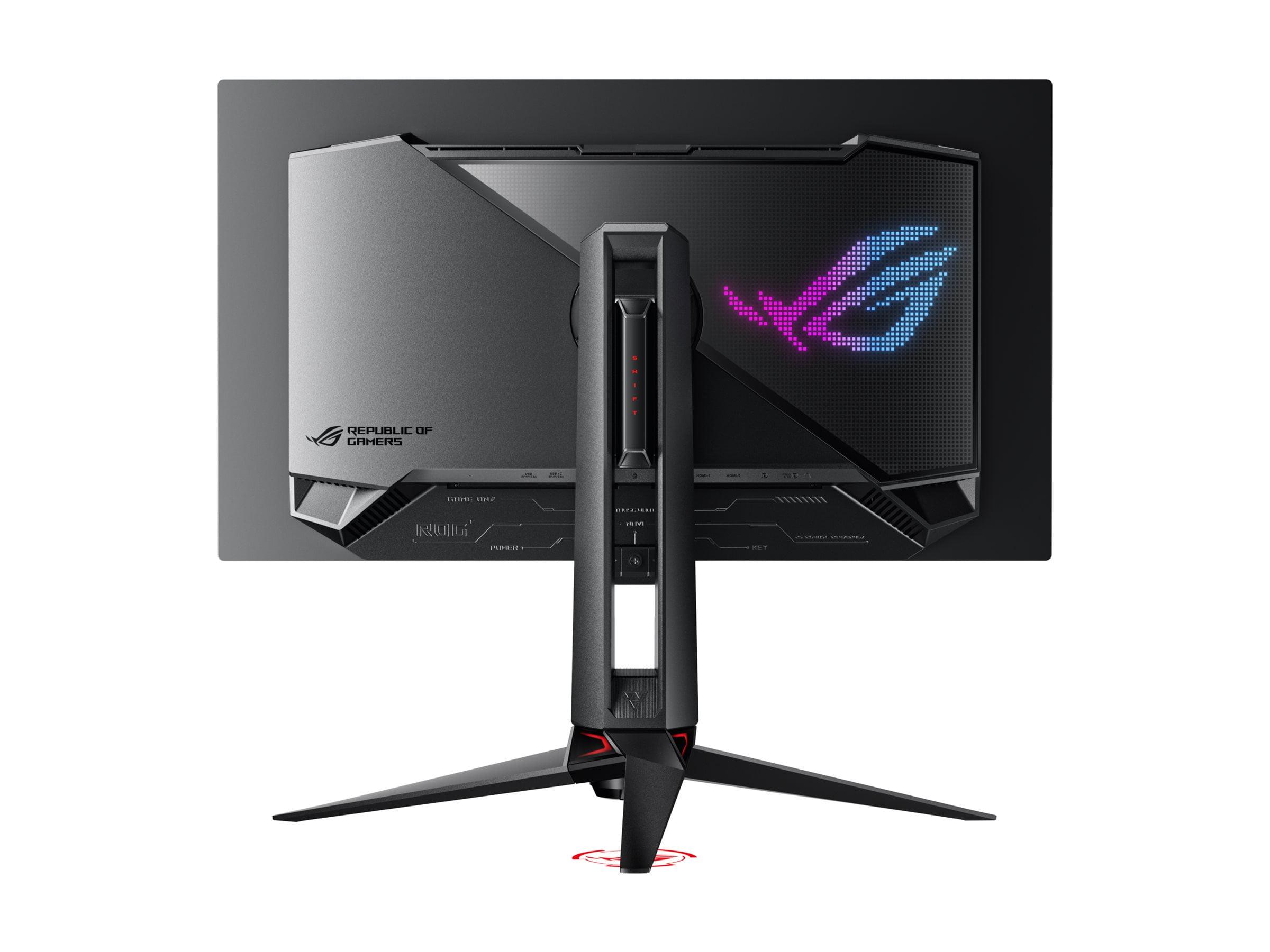
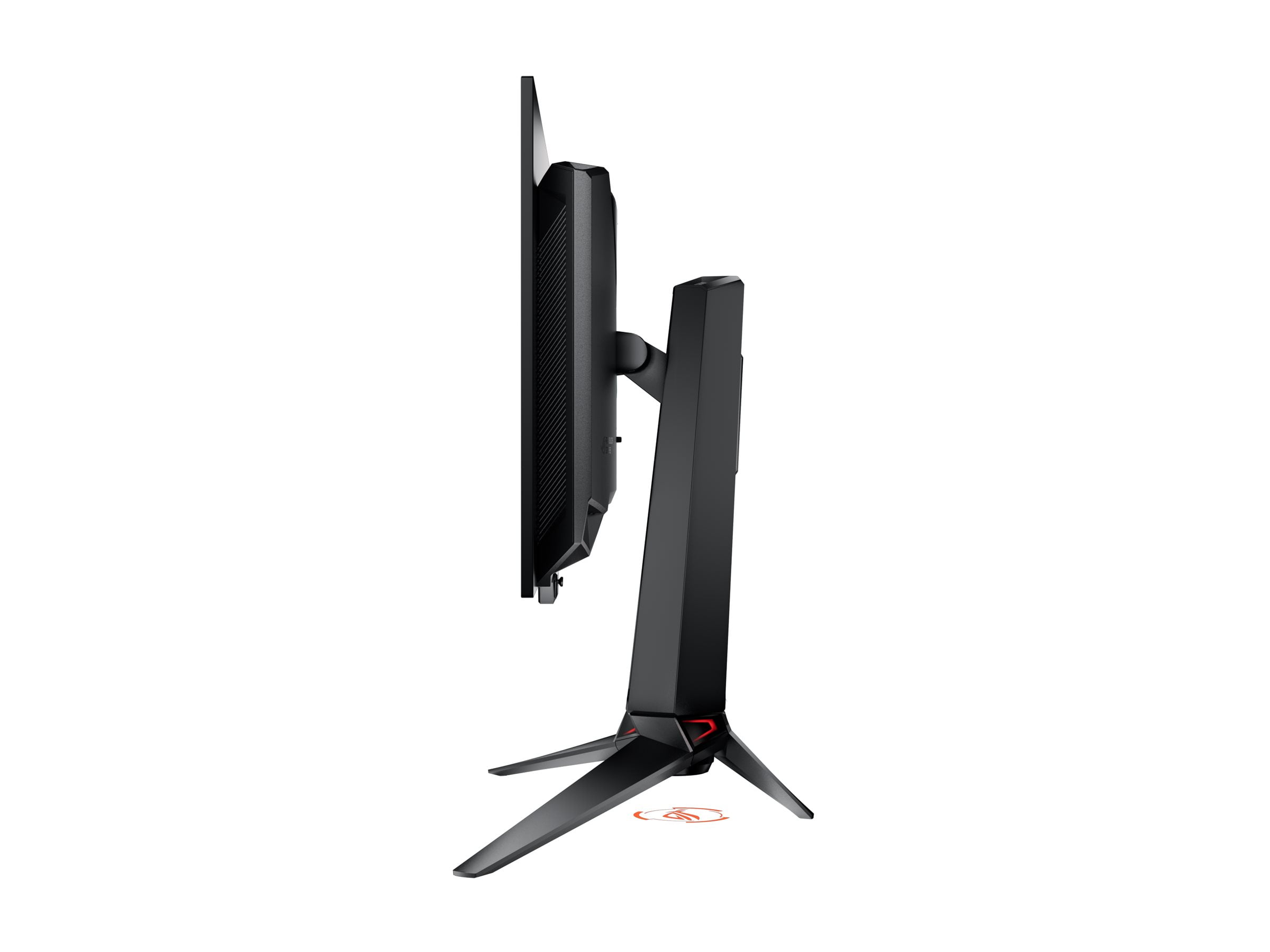
The gaming monitor landscape changed dramatically in 2024 when OLED technology finally became accessible for PC gaming. For years, we'd been stuck with compromise displays that either looked great or performed well, but rarely both. Now, monitors like the ViewSonic XG272-2K-OLED and ASUS ROG Swift OLED PG27UCDM represent the cutting edge of what's possible when you don't have to choose between visual quality and competitive performance.
But here's the thing about having great options – it makes choosing much harder. Both monitors use OLED panels that deliver perfect blacks and infinite contrast ratios, something LCD monitors simply can't match. The question isn't whether these displays look amazing (they do), but rather which approach better serves your specific gaming needs and budget.
Before diving into the specifics, let's talk about what makes these monitors special. OLED stands for Organic Light Emitting Diode, which means each pixel produces its own light instead of relying on a backlight like traditional LCD monitors. This fundamental difference is why OLED displays can show true blacks – when a pixel is supposed to be black, it simply turns off completely.
The magic happens in how this technology handles contrast. Where a good LCD monitor might achieve a 1,000:1 contrast ratio (the difference between the brightest white and darkest black), OLED monitors achieve effectively infinite contrast ratios. In practical terms, this means darker scenes in games maintain detail that would be lost in the muddy grays of LCD backlighting.
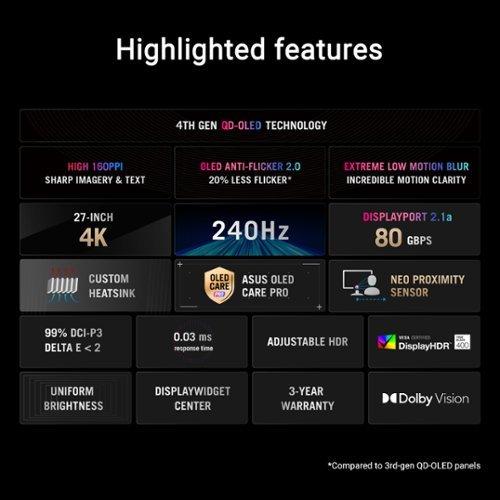
Response time, measured in milliseconds, represents how quickly a pixel can change from one color to another. Traditional gaming monitors achieved 1ms response times, which seemed fast until OLED came along. Both the ViewSonic XG272-2K-OLED and ASUS PG27UCDM achieve response times under 0.05ms – that's roughly 20-30 times faster than conventional gaming monitors.
Refresh rate, measured in Hertz (Hz), indicates how many times per second the monitor can display a new image. Both monitors hit 240Hz, meaning they can theoretically show 240 unique frames every second. To put this in perspective, standard TVs refresh at 60Hz, while most gaming monitors max out at 144Hz or 165Hz.
This is where these two monitors fundamentally differ, and it's probably the most important factor in your decision.
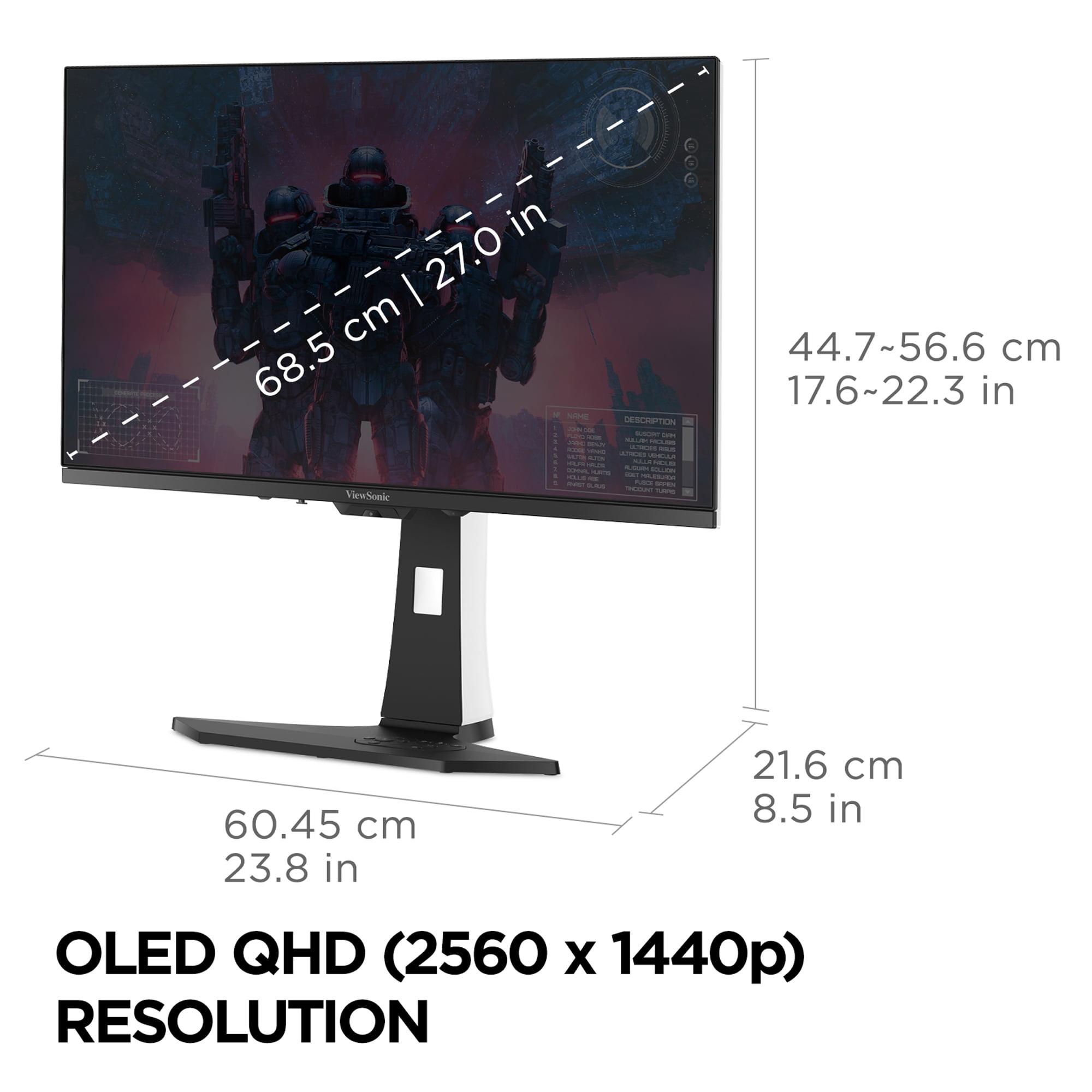
The ViewSonic XG272-2K-OLED uses QHD resolution (2560 x 1440 pixels), also called 1440p. At 27 inches, this delivers about 110 pixels per inch (PPI). The ASUS PG27UCDM pushes full 4K resolution (3840 x 2160 pixels) onto the same screen size, resulting in approximately 166 PPI – about 50% more pixel density.
In practical terms, this difference is immediately noticeable. Text appears noticeably sharper on the 4K display, and fine details in games become more apparent. When I'm playing something like Cyberpunk 2077 or The Witcher 3, the additional detail helps with immersion – you can make out individual bricks in distant buildings or read small text elements without squinting.
However, this sharpness comes with a significant performance cost. Rendering 4K requires your graphics card to process roughly 78% more pixels than QHD (8.3 million vs 3.7 million pixels). In demanding games, this often means choosing between maximum visual settings or high frame rates.
For competitive gaming, this creates an interesting dilemma. The sharper 4K image can help you spot enemies at longer distances, particularly in games like Valorant or Counter-Strike 2. But QHD's lower pixel count makes it easier to maintain the high frame rates that competitive players prioritize. Many professional esports players still prefer 1080p for this exact reason – every frame matters more than visual fidelity.
Here's where things get technically interesting. The ViewSonic monitor uses what we might call "traditional" OLED technology, while the ASUS display employs QD-OLED (Quantum Dot OLED), which represents a newer approach to OLED manufacturing.
Traditional OLED panels use colored filters over white OLED subpixels to create red, green, and blue colors. QD-OLED panels use blue OLED subpixels combined with quantum dot technology to convert some of that blue light into red and green. This might sound like a minor technical difference, but it has real-world implications.
QD-OLED typically achieves wider color coverage – the ASUS monitor covers 99% of the DCI-P3 color space compared to the ViewSonic's 97% coverage. DCI-P3 is the color standard used in digital cinema, so broader coverage means more vivid, lifelike colors in games and movies that support wide color gamuts.
However, the ViewSonic monitor achieves higher peak brightness at 450 nits compared to the ASUS display's 250 nits in full-screen content. Nits measure brightness – to put this in context, a typical indoor environment is around 100-200 nits, while direct sunlight measures about 100,000 nits. The ViewSonic's higher brightness makes it more suitable for well-lit rooms or daytime gaming sessions.
Both monitors achieve the holy grail of gaming performance: 240Hz refresh rates with sub-millisecond response times. But the subtle differences matter for specific use cases.
The ViewSonic XG272-2K-OLED achieves a 0.01ms pixel response time, while the ASUS PG27UCDM measures 0.03ms. In practical terms, both are imperceptibly fast – we're talking about differences measurable only with specialized equipment. However, the ViewSonic's slightly faster response time, combined with its lower pixel count, makes it theoretically superior for competitive gaming where every microsecond counts.
Motion clarity represents another crucial performance metric. Traditional LCD monitors often exhibit motion blur – fast-moving objects appear smeared or ghostly. OLED technology virtually eliminates this issue because pixels can change states so quickly. Both monitors include motion blur reduction features, but the ViewSonic's Black Frame Insertion (BFI) technology is particularly effective at eliminating perceived blur during rapid motion.
Input lag – the delay between your mouse click or keyboard press and the corresponding action appearing on screen – measures under 1ms for both displays. For context, most people can't perceive input lag under 20ms, so both monitors deliver essentially instantaneous response.
Variable Refresh Rate (VRR) support ensures smooth gameplay when frame rates fluctuate. Both monitors support AMD FreeSync and NVIDIA G-Sync compatibility, meaning they'll work seamlessly with both major GPU manufacturers. This technology synchronizes your monitor's refresh rate with your graphics card's output, eliminating screen tearing and stuttering.
High Dynamic Range (HDR) represents one of the most significant visual improvements in modern displays. HDR content contains more color and brightness information than standard content, resulting in more lifelike images with greater contrast between bright and dark areas.
The ASUS PG27UCDM clearly wins this category, supporting HDR10, Dolby Vision, and VESA DisplayHDR 400 True Black certification. Dolby Vision, in particular, represents the premium HDR standard used in high-end streaming content and some games. The monitor can hit peak brightness levels of 1,000 nits in small areas of the screen, creating convincing bright highlights like sunlight streaming through windows or explosive effects.
The ViewSonic monitor supports HDR10 but lacks Dolby Vision. However, its higher full-screen brightness of 450 nits means it can display bright HDR content more effectively across the entire display. This makes it better suited for HDR gaming in bright rooms.
Color accuracy matters for both gaming and content creation. The ASUS display comes factory-calibrated with Delta E values under 2, which means colors appear essentially identical to their intended values. The ViewSonic monitor also delivers excellent color accuracy out of the box, though it lacks the precision calibration of its more expensive competitor.
Modern gaming setups require versatile connectivity, and this is where the ASUS PG27UCDM significantly outpaces its competition. It includes DisplayPort 2.1 with full UHBR20 bandwidth (80 Gbps), which is crucial for uncompressed 4K 240Hz signals. Most current monitors still use DisplayPort 1.4, which requires compression for 4K high refresh rate content.
The ASUS also includes USB-C with 90W Power Delivery, meaning you can connect and charge a laptop with a single cable while getting full display functionality. The built-in KVM switch lets you control multiple devices with one keyboard and mouse – perfect for users who switch between a gaming PC and work laptop.
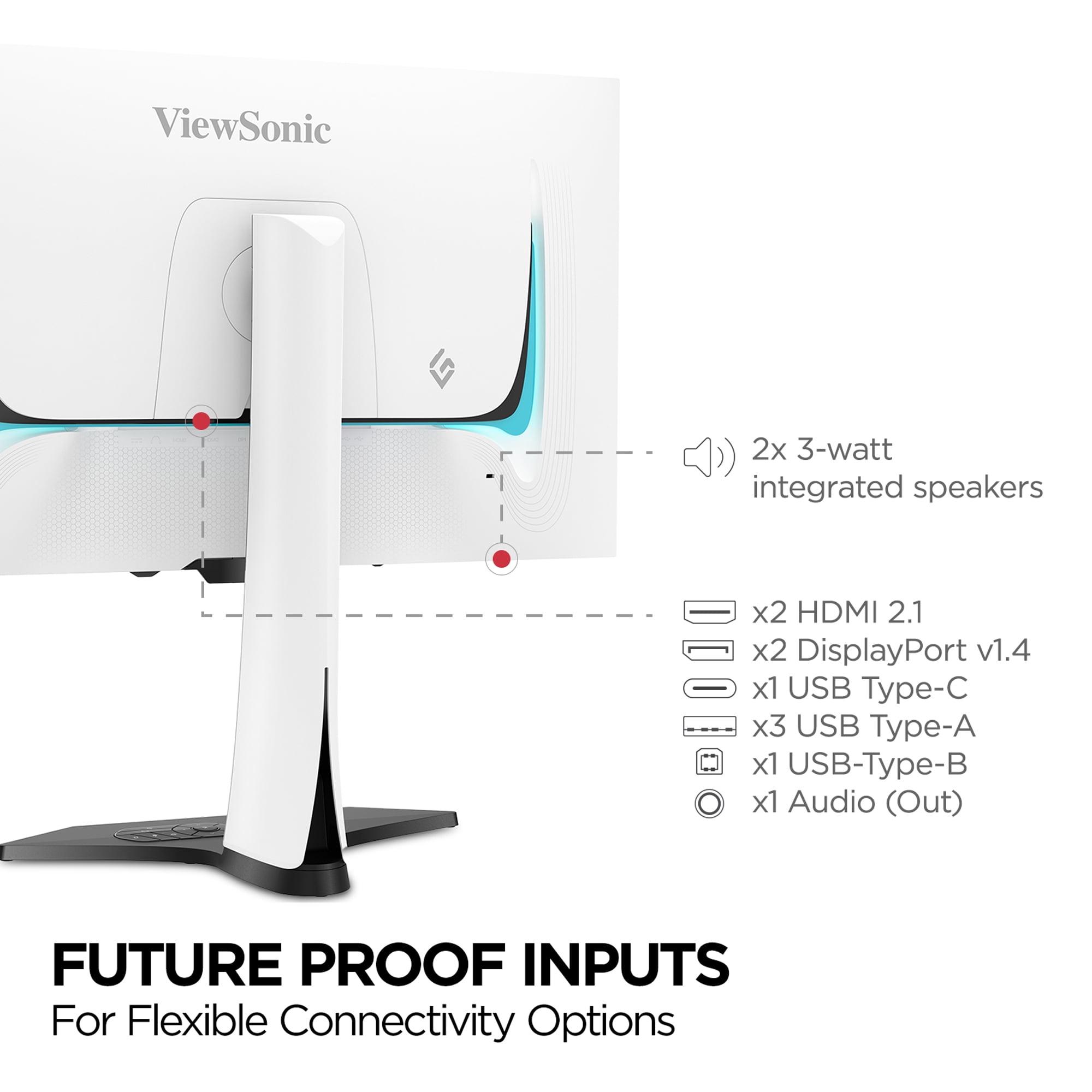
The ViewSonic monitor offers more traditional connectivity with DisplayPort and HDMI inputs, plus a basic USB hub. While less cutting-edge, these connections handle QHD 240Hz without issues and work with virtually any modern graphics card.
OLED displays can suffer from burn-in – permanent image retention when static elements (like game HUDs or taskbars) remain visible for extended periods. Both manufacturers address this concern, but with different approaches.
The ASUS PG27UCDM includes comprehensive OLED Care Pro technology. The Neo Proximity Sensor automatically dims or turns off the display when you walk away, reducing burn-in risk during idle periods. Additional features include pixel shifting, brightness compensation, and automated cleaning cycles.
The ViewSonic monitor employs more basic burn-in prevention with pixel orbit (subtle pixel shifting) and automatic brightness reduction during idle periods. While less sophisticated, these measures are generally sufficient for typical gaming use.
Your graphics card significantly influences which monitor makes more sense. For the ViewSonic QHD monitor, a mid-range GPU like an RTX 4060 Ti or RX 7700 XT can maintain high frame rates in most competitive games. For demanding single-player titles, you'll want at least an RTX 4070 or RX 7800 XT to approach that 240Hz ceiling.
The ASUS 4K display demands more horsepower. Even an RTX 4080 struggles to maintain 240 fps in demanding games at maximum settings. You'll likely need an RTX 4090 for the most demanding titles, though competitive games like Valorant or Counter-Strike 2 can achieve high frame rates with lesser hardware.
Consider this: at the time of writing, high-end graphics cards capable of driving 4K 240Hz cost more than many complete gaming systems. The ViewSonic monitor makes more financial sense if you're not planning a GPU upgrade soon.
Both monitors work well for movie and TV content, but with different strengths. The ASUS PG27UCDM's 4K resolution matches most streaming content perfectly, and its Dolby Vision support ensures you're seeing movies as directors intended. The higher pixel density also makes text and fine details crisp when streaming or browsing.
The ViewSonic monitor includes built-in speakers (2 x 3W), which the ASUS lacks entirely. While neither will replace a proper sound system, the ViewSonic's speakers handle basic audio needs without requiring external speakers or headphones.
For movie watching, the ASUS display's superior HDR performance creates more impactful cinema experiences. However, the ViewSonic's higher brightness might be preferable in rooms with ambient light.
After extensive consideration, here's my take on who should choose each monitor:
Choose the ViewSonic XG272-2K-OLED if you prioritize competitive gaming performance above all else. Its combination of blazing-fast response times, high brightness, and lower GPU requirements makes it ideal for esports enthusiasts. The lower price point (typically $150-200 less expensive at the time of writing) also makes it more accessible for budget-conscious gamers who still want OLED technology.
The ViewSonic excels in bright gaming environments and offers better value for users with mid-range to upper-mid-range graphics cards. If you primarily play competitive games like Valorant, Apex Legends, or Counter-Strike 2, the performance advantages outweigh the resolution difference.
Choose the ASUS ROG Swift OLED PG27UCDM if visual quality and future-proofing matter more than pure competitive performance. The 4K resolution creates noticeably sharper images that enhance immersion in single-player games. Superior HDR performance and color accuracy also make it excellent for content consumption and creation.
The ASUS makes sense for enthusiasts with high-end graphics cards who want maximum image quality. It's also the better choice for users who do any content creation work or frequently watch movies and streaming content.
For most gamers, I lean toward the ViewSonic monitor because it offers 90% of the visual experience at a significantly lower cost, both for the monitor itself and the GPU requirements. However, if budget isn't a primary concern and you value having the absolute best image quality available, the ASUS PG27UCDM represents the current pinnacle of gaming monitor technology.
Both monitors represent excellent choices that would have been impossible to imagine just a few years ago. The fact that we can debate the merits of sub-millisecond response times and whether we want 97% or 99% color coverage shows how far gaming monitor technology has advanced. Either choice will deliver a transformative gaming experience compared to traditional LCD displays.
| ViewSonic XG272-2K-OLED | ASUS ROG Swift OLED PG27UCDM |
|---|---|
| Resolution - Higher resolution means sharper text and game visuals but requires more GPU power | |
| 2560 x 1440 (QHD) at 110 PPI | 3840 x 2160 (4K) at 166 PPI |
| Panel Technology - QD-OLED offers wider colors while traditional OLED provides higher brightness | |
| Traditional OLED with matte anti-glare coating | 4th-generation QD-OLED with anti-reflection coating |
| Response Time - Critical for competitive gaming, both are exceptionally fast | |
| 0.01ms pixel response (slightly faster) | 0.03ms GTG response (still excellent) |
| Peak Brightness - Higher brightness better for bright rooms and HDR content | |
| 450 nits full-screen SDR brightness | 250 nits SDR / 1,000 nits HDR peak |
| HDR Support - Dolby Vision provides superior HDR gaming and movie experience | |
| HDR10 support only | HDR10, Dolby Vision, DisplayHDR 400 True Black |
| Color Coverage - Wider gamut means more vivid colors in supported content | |
| 97% DCI-P3, 137% sRGB coverage | 99% DCI-P3, 145% sRGB coverage |
| Connectivity - DisplayPort 2.1 future-proofs for next-gen GPUs and higher bandwidth | |
| DisplayPort 1.4, HDMI 2.1, USB-C (15W) | DisplayPort 2.1 (80Gbps), HDMI 2.1, USB-C (90W) |
| Smart Features - Advanced burn-in protection extends OLED panel lifespan | |
| Basic pixel shifting and brightness reduction | Neo Proximity Sensor, OLED Care Pro suite, Anti-Flicker 2.0 |
| Audio - Built-in speakers convenient for casual use | |
| 2 x 3W integrated speakers | No built-in speakers |
| Power Consumption - Lower power usage reduces electricity costs and heat | |
| 44W typical power draw | 80W typical power draw |
| GPU Requirements - QHD easier to drive with mid-range cards, 4K needs high-end hardware | |
| RTX 4060 Ti minimum for high refresh gaming | RTX 4080 minimum for demanding 4K gaming |
| Value Positioning - ViewSonic offers better price-to-performance ratio | |
| Premium OLED at accessible price point | Flagship OLED with cutting-edge features |
The primary difference is resolution: the ViewSonic XG272-2K-OLED displays QHD (1440p) while the ASUS ROG Swift OLED PG27UCDM offers 4K (2160p). This means the ASUS monitor provides 50% sharper image quality but requires significantly more GPU power to maintain high frame rates.
The ViewSonic XG272-2K-OLED is better for competitive gaming due to its slightly faster 0.01ms response time and lower GPU requirements. The QHD resolution makes it easier to maintain consistent 240Hz frame rates in esports titles, while the ASUS PG27UCDM may require turning down settings to achieve maximum performance.
No, only the ASUS ROG Swift OLED PG27UCDM supports native 4K gaming at 3840 x 2160 resolution. The ViewSonic monitor maxes out at QHD (2560 x 1440), though it can upscale 4K content with reduced sharpness.
The ASUS ROG Swift OLED PG27UCDM offers superior HDR with Dolby Vision support and 1,000 nits peak brightness, compared to the ViewSonic XG272-2K-OLED's HDR10-only support. However, the ViewSonic provides higher full-screen brightness at 450 nits versus 250 nits on the ASUS.
For the ViewSonic XG272-2K-OLED, an RTX 4060 Ti or RX 7700 XT handles most games well at QHD 240Hz. The ASUS PG27UCDM requires more powerful hardware like an RTX 4080 or better to fully utilize its 4K 240Hz capabilities in demanding games.
The ASUS ROG Swift OLED PG27UCDM excels for movie watching with its 4K resolution matching streaming content and Dolby Vision support for premium HDR. The ViewSonic monitor includes built-in speakers for convenience, while the ASUS requires external audio solutions.
The ViewSonic XG272-2K-OLED performs better in bright environments with its 450 nits brightness and anti-glare matte coating. The ASUS PG27UCDM has lower SDR brightness at 250 nits, making it better suited for darker gaming setups or controlled lighting conditions.
The ASUS ROG Swift OLED PG27UCDM provides superior connectivity with DisplayPort 2.1 (80Gbps), USB-C with 90W power delivery, and a KVM switch. The ViewSonic XG272-2K-OLED offers standard DisplayPort 1.4 and HDMI connections with basic USB hub functionality.
Both monitors include burn-in protection, but the ASUS PG27UCDM offers more advanced features through its OLED Care Pro suite, including a proximity sensor that automatically dims the screen when you're away. The ViewSonic monitor provides basic pixel shifting and brightness reduction during idle periods.
The ViewSonic XG272-2K-OLED offers better value for most users, providing excellent OLED performance at a lower cost with reduced GPU requirements. The ASUS ROG Swift OLED PG27UCDM costs more but delivers premium features like 4K resolution and Dolby Vision for enthusiasts willing to pay extra.
Yes, both the ViewSonic XG272-2K-OLED and ASUS PG27UCDM work excellently with PlayStation 5 and Xbox Series X through HDMI 2.1 connections. The ASUS monitor's 4K resolution better matches console capabilities, while the ViewSonic still delivers outstanding performance at QHD resolution.
The ASUS ROG Swift OLED PG27UCDM is superior for content creation with its factory-calibrated color accuracy (Delta E < 2), wider 99% DCI-P3 color coverage, and 4K resolution for detailed editing work. The ViewSonic monitor still offers excellent color accuracy but lacks the precision calibration of the ASUS display.
We've done our best to create useful and informative comparisons to help you decide what product to buy. Our research uses advanced automated methods to create this comparison and perfection is not possible - please contact us for corrections or questions. These are the sites we've researched in the creation of this article: tomshardware.com - viewsonic.com - cgmagonline.com - bhphotovideo.com - forums.blurbusters.com - pangoly.com - youtube.com - rtings.com - youtube.com - bhphotovideo.com - viewsonic.com - assetserver.net - viewsonic.com - viewsonic.com - colamco.com - viewsonic.com - store.connectcause.com - displayspecifications.com - bhphotovideo.com - manuals.viewsonic.com - viewsonic.com - pangoly.com - visioncomputers.com - bestbuy.com - tomshardware.com - thepcenthusiast.com - rtings.com - youtube.com - rtings.com - rog.asus.com - tweaktown.com - youtube.com - youtube.com - versus.com - rog.asus.com - rog.asus.com - newegg.com - rog.asus.com - cdw.com - pcmonitors.info - displayspecifications.com - rog.asus.com - bhphotovideo.com - techpowerup.com - shi.com - bhphotovideo.com

Privacy Policy
Terms and Conditions - Affiliate Policy
Home Security
© Copyright 2008-2026.
11816 Inwood Rd #1211, Dallas, TX 75244