


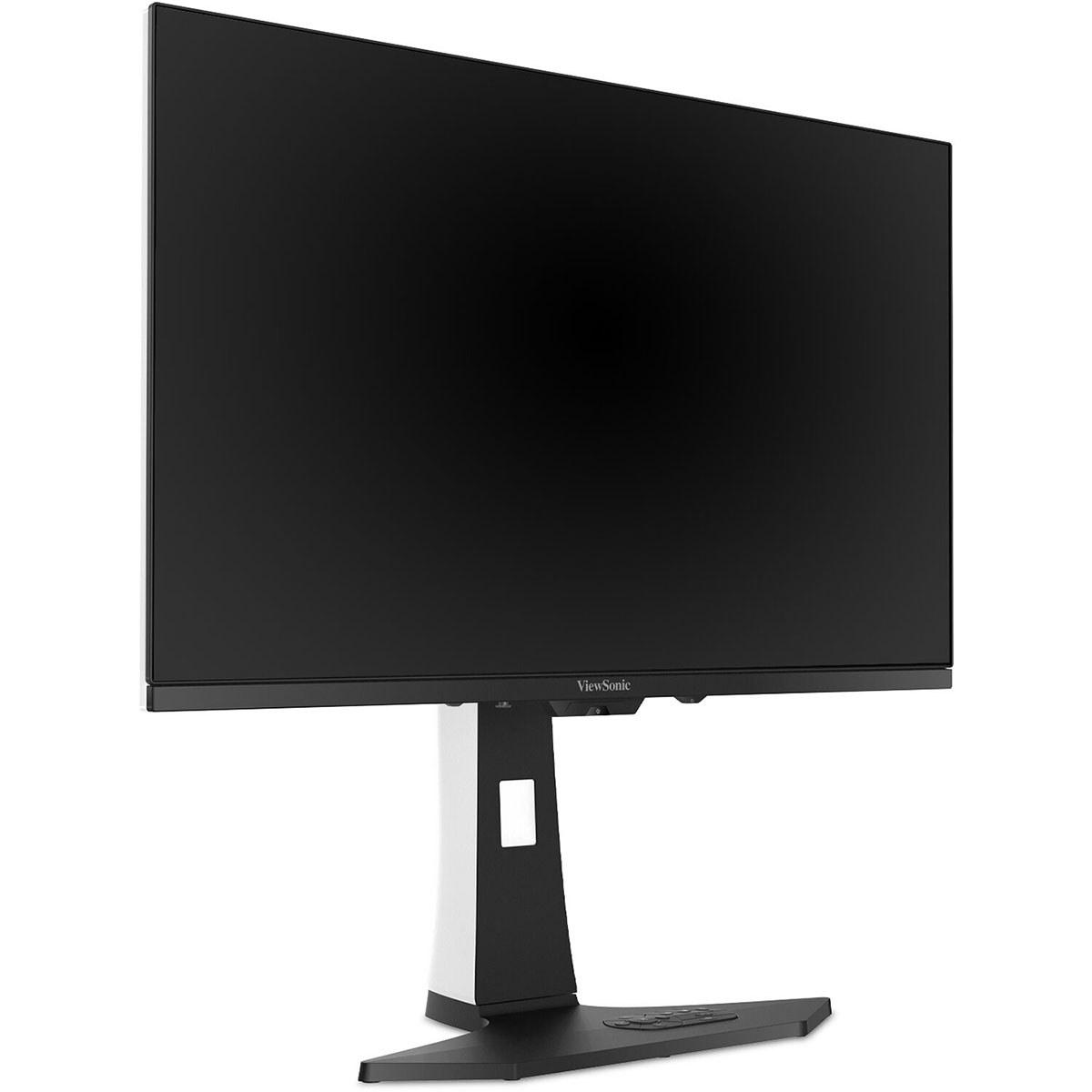
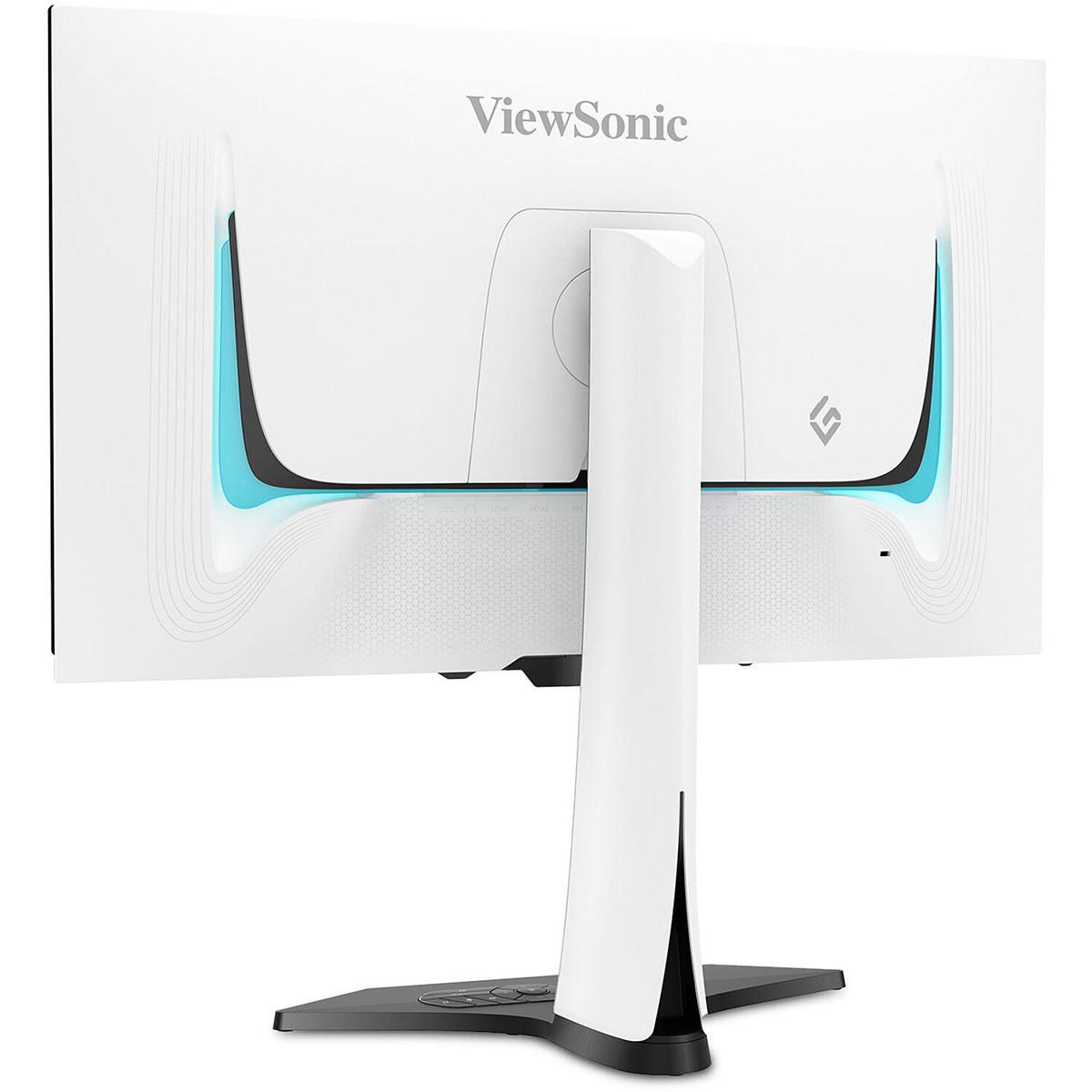
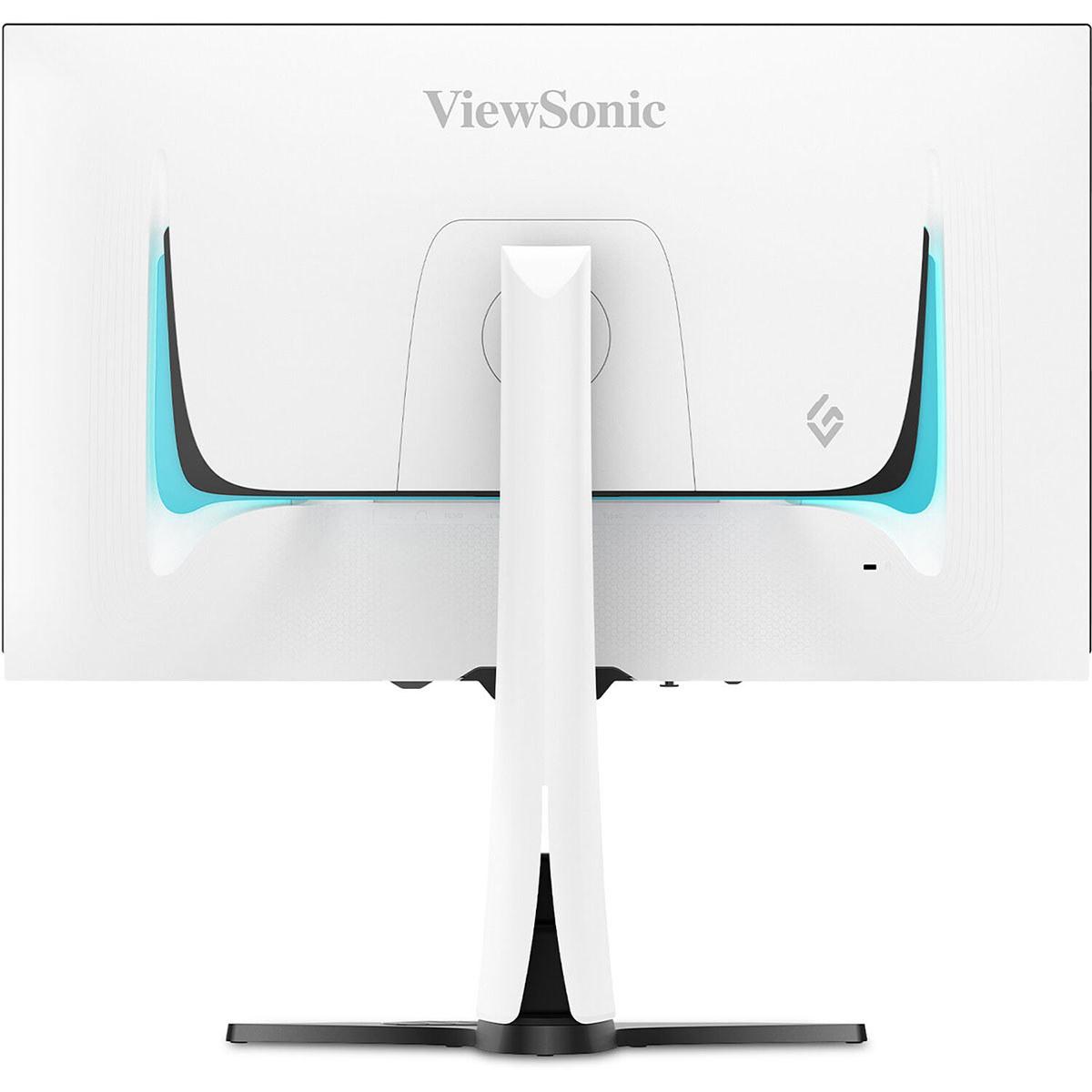
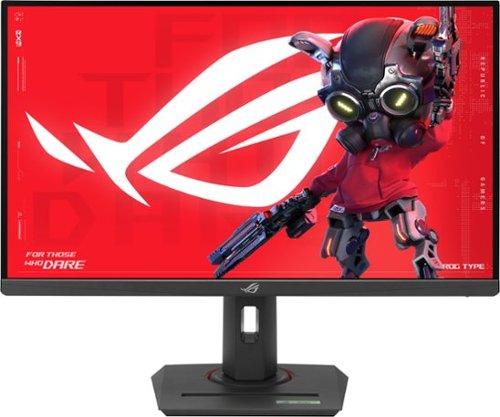
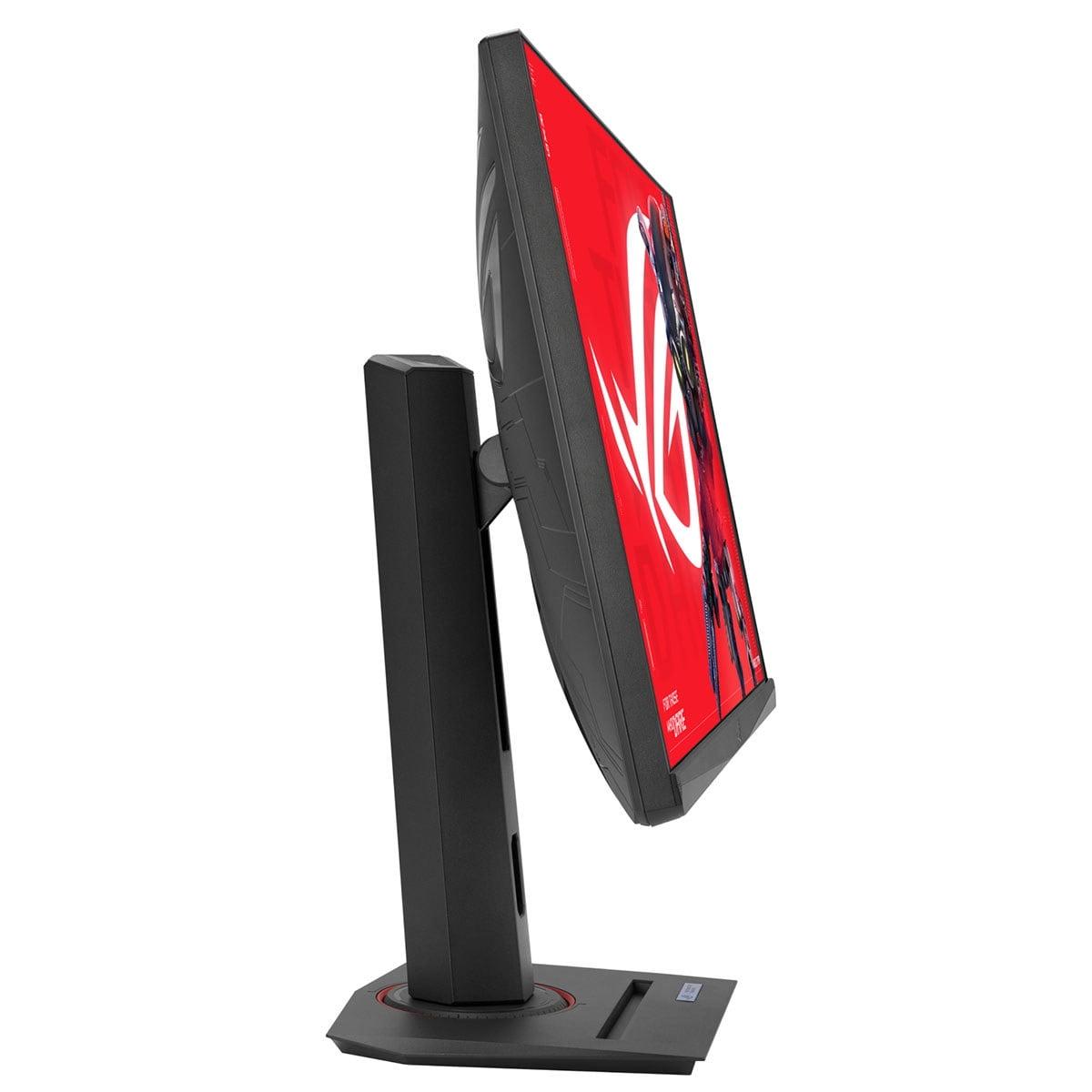
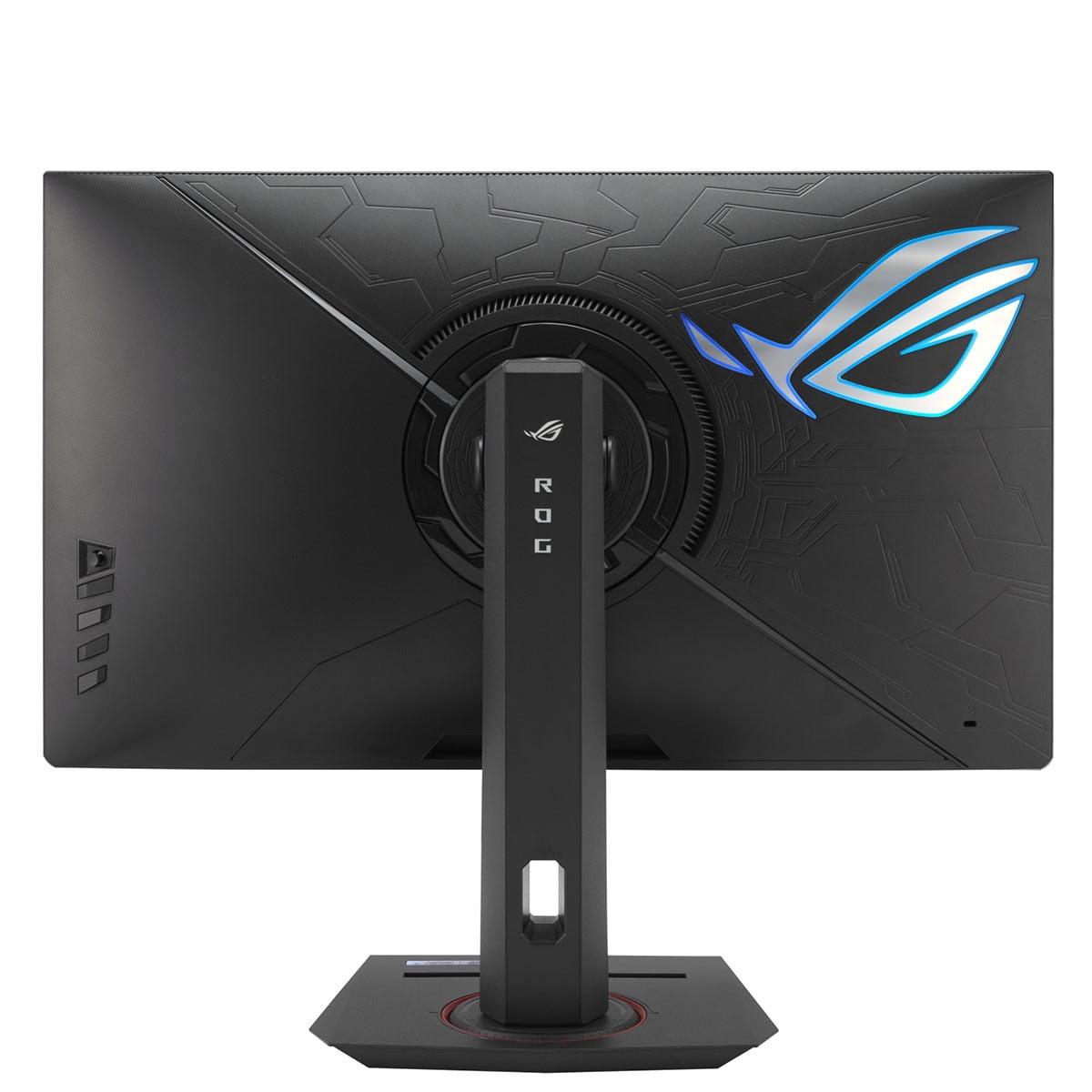
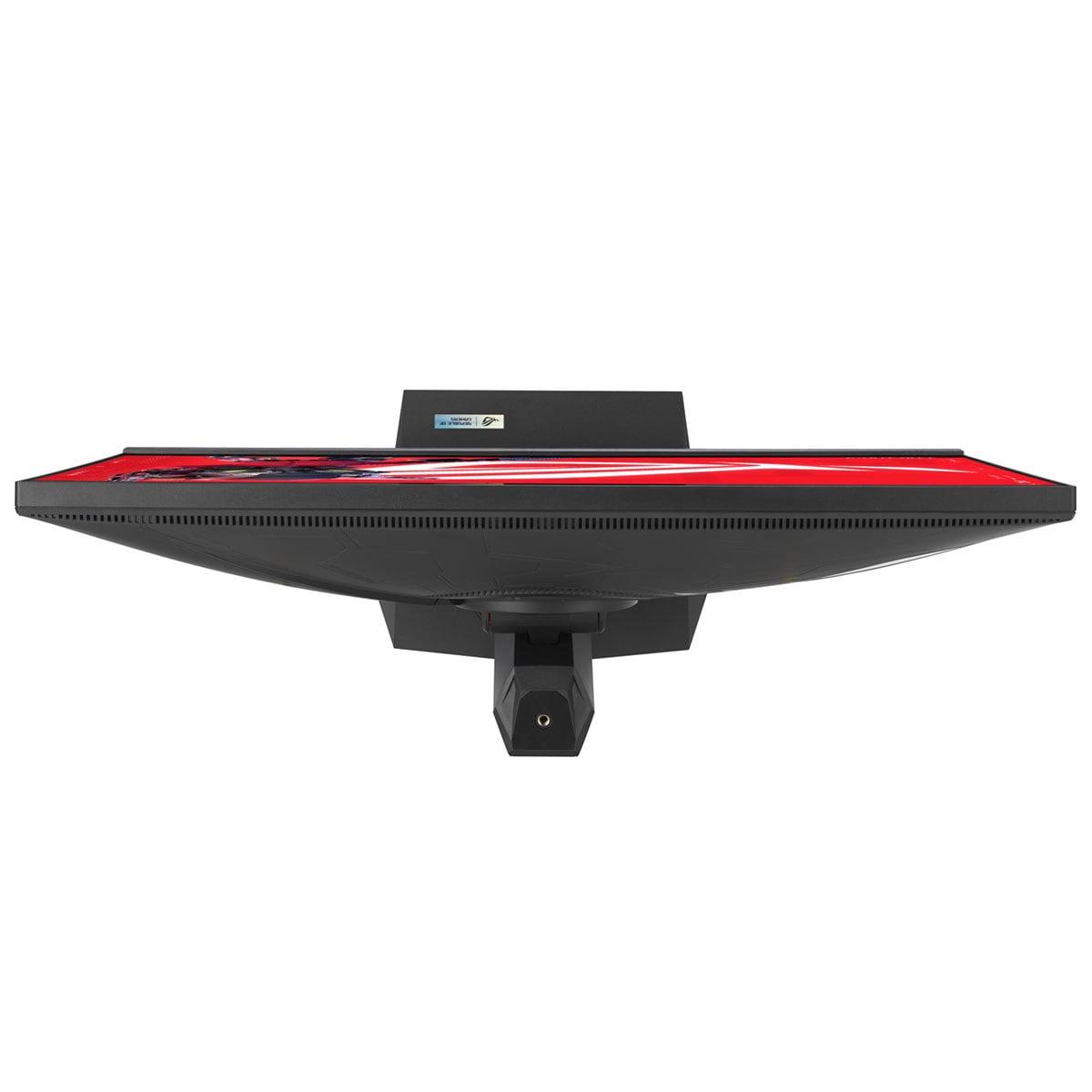
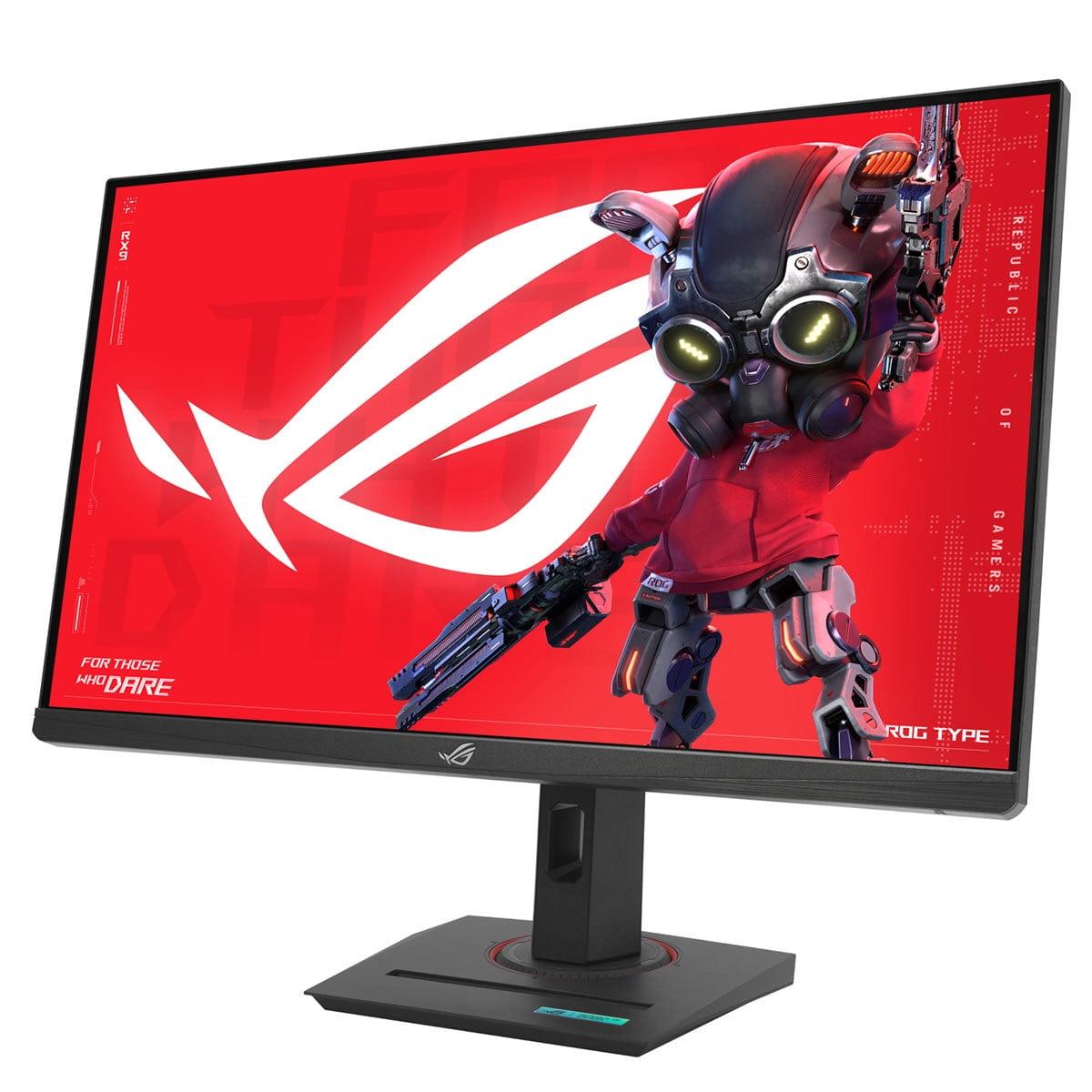
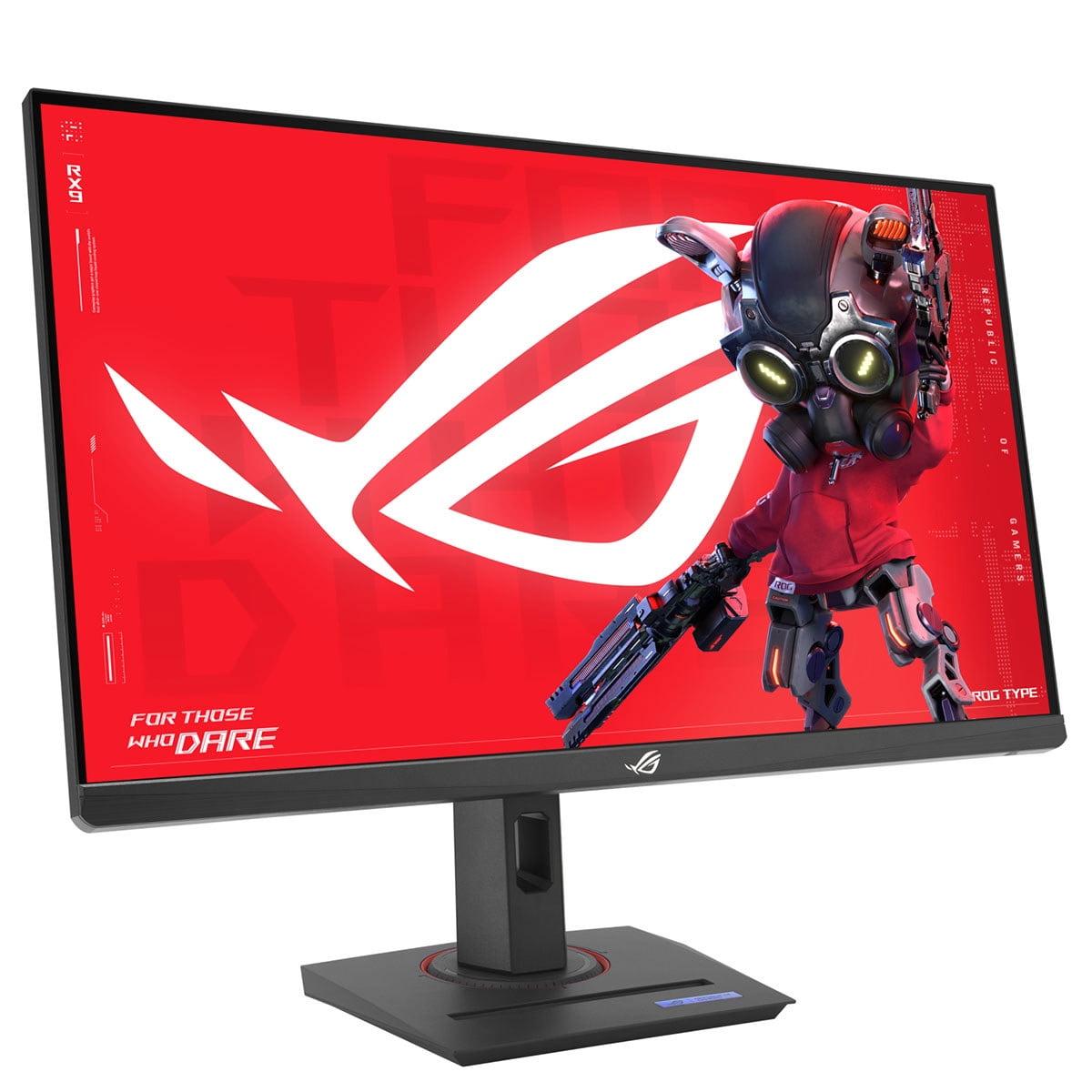
When I first started diving deep into gaming monitors, the choice used to be pretty straightforward – you picked the highest refresh rate you could afford and called it a day. But the monitor landscape in 2024 has become far more interesting, especially in the 27-inch QHD space where two very different philosophies now compete for your attention.
Today, we're comparing the ViewSonic XG272-2K-OLED against the ASUS ROG Strix XG27ACMG – two monitors that couldn't be more different in their approach to gaming excellence, despite sharing the same screen size and resolution.
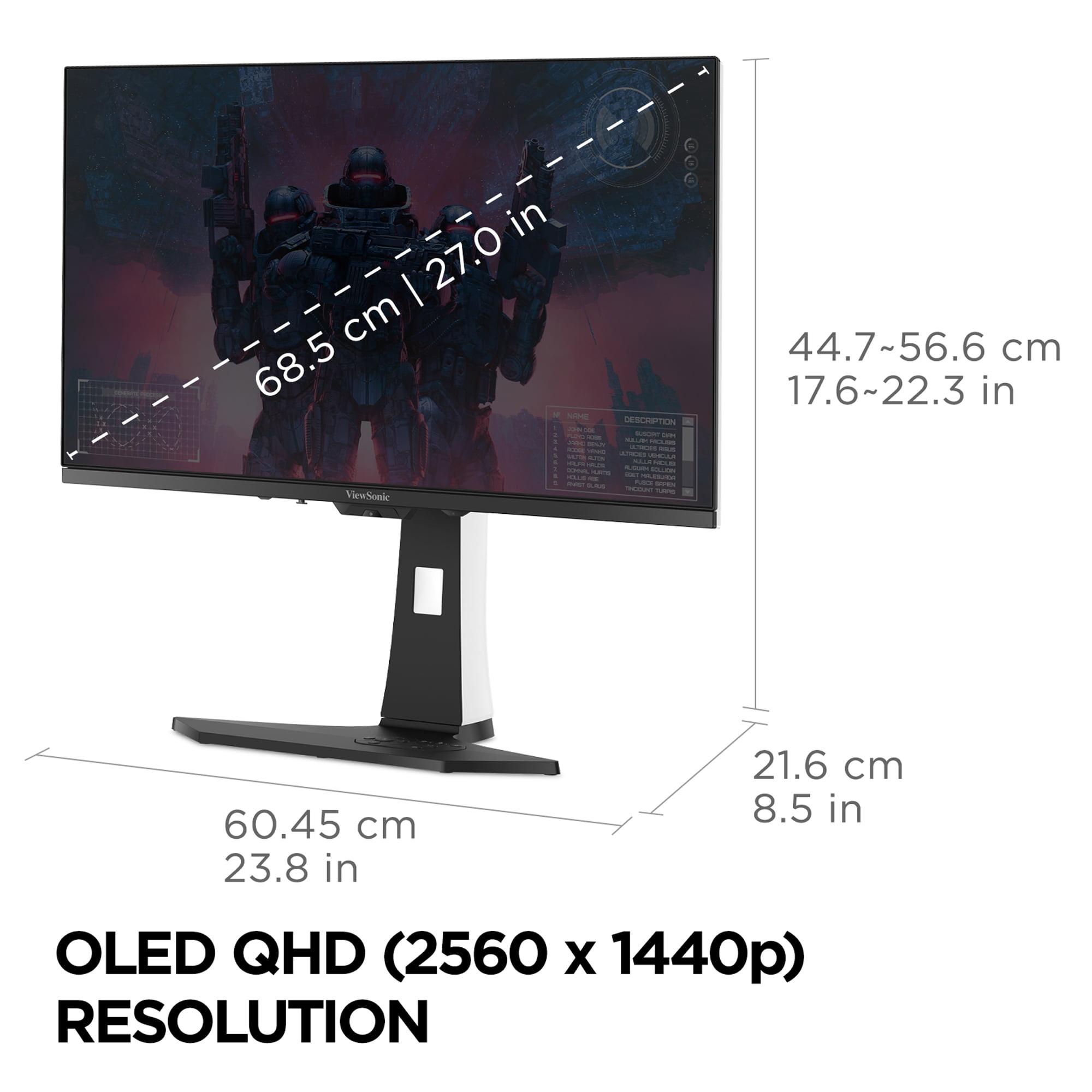
Before we dive into the specifics, let's talk about what really matters when you're shopping for a gaming monitor. The 27-inch QHD category sits in a sweet spot that I've come to appreciate over the years – it's large enough to feel immersive without overwhelming your desk, and the 2560x1440 resolution provides crisp detail without requiring a mortgage payment for a graphics card that can drive it properly.
The key factors that separate good gaming monitors from great ones include panel technology (which affects everything from color quality to response times), refresh rate (how many times per second the image updates), response time (how quickly pixels can change colors), and HDR performance (the monitor's ability to display a wider range of brightness and color). Each of these elements works together to create your overall gaming experience.
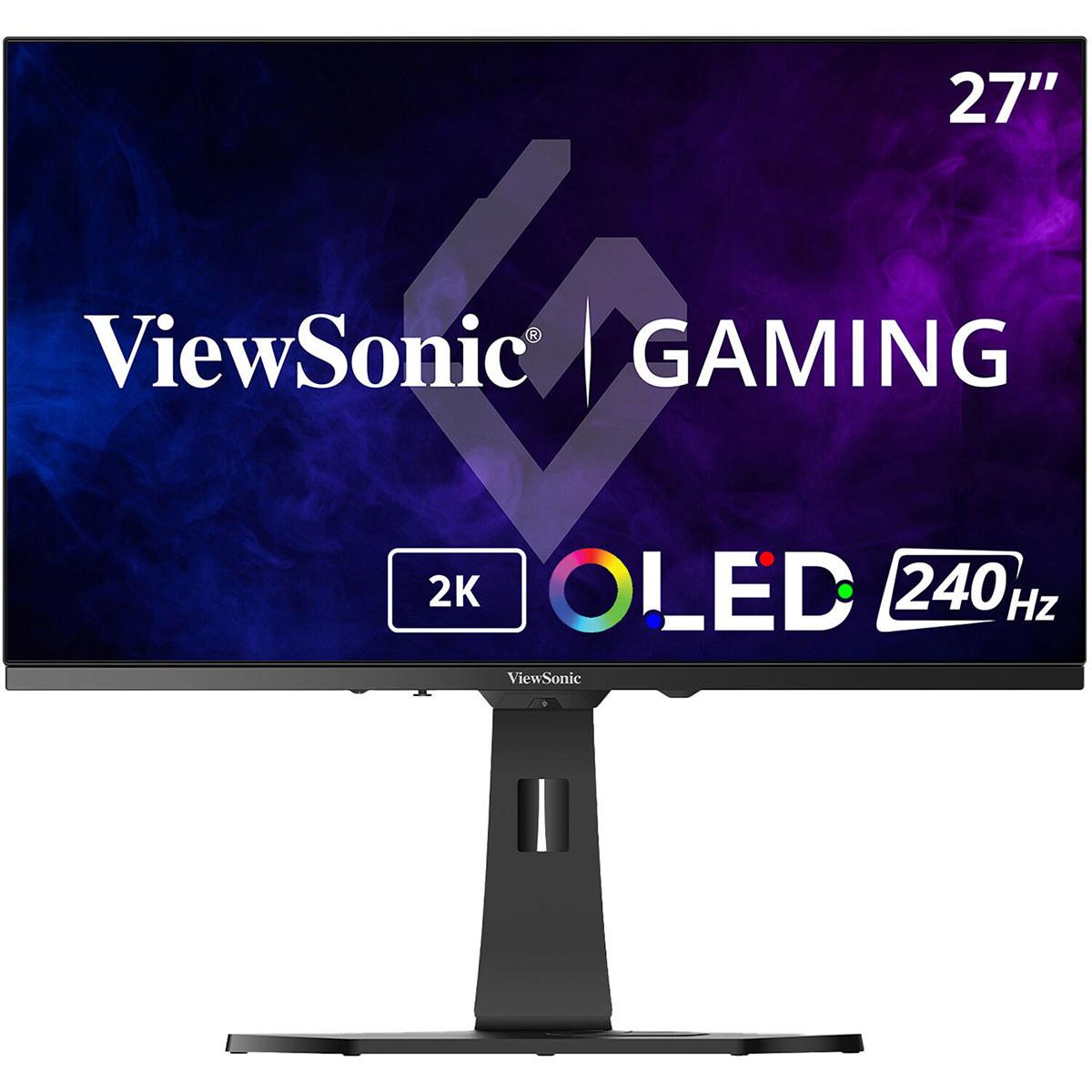
What's particularly interesting about our two contenders is that they represent completely different philosophies. The ViewSonic XG272-2K-OLED, released in 2024, embraces cutting-edge OLED technology that was previously reserved for premium TVs. Meanwhile, the ASUS XG27ACMG, also from 2024, pushes traditional LCD technology to its limits with an impressive 270Hz refresh rate.
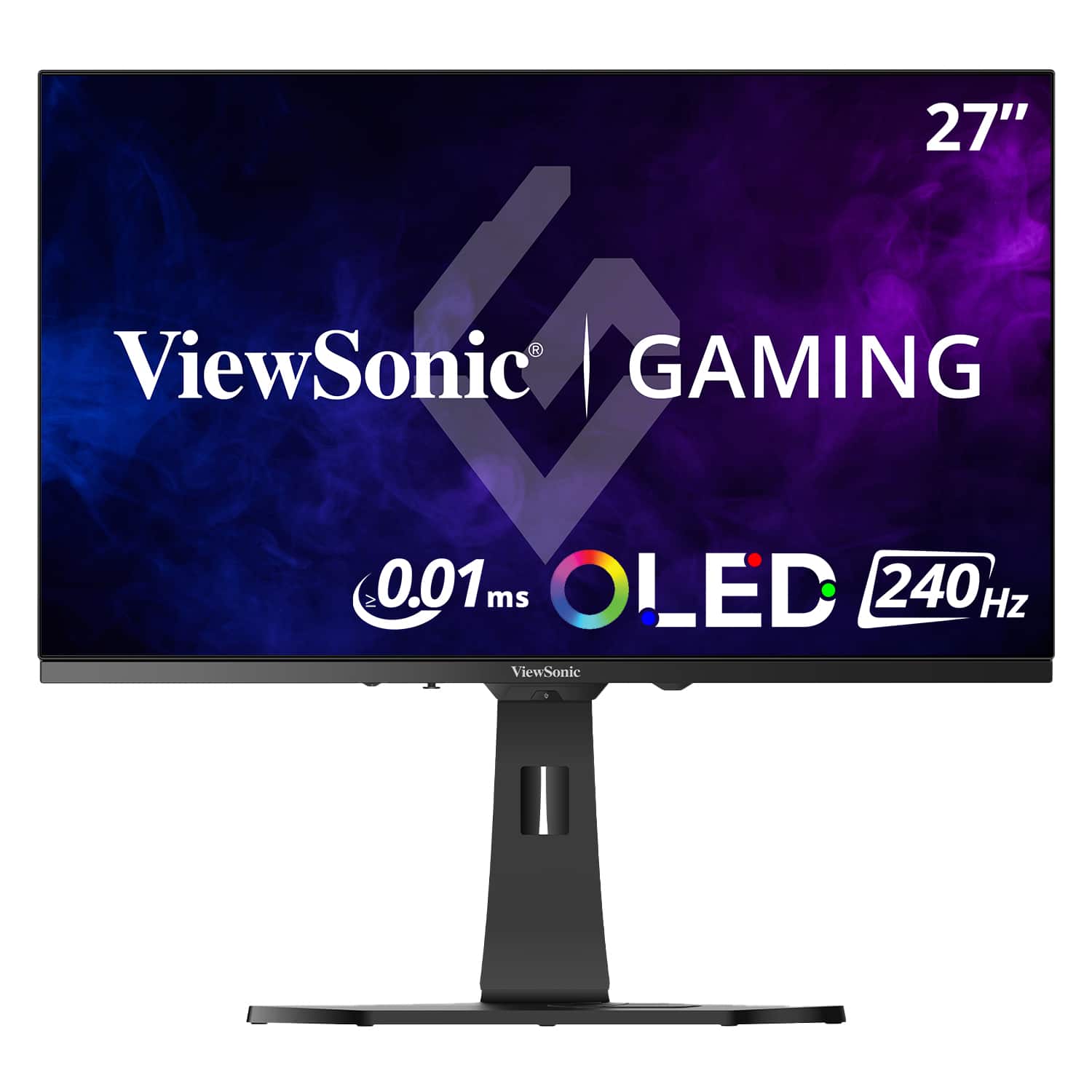
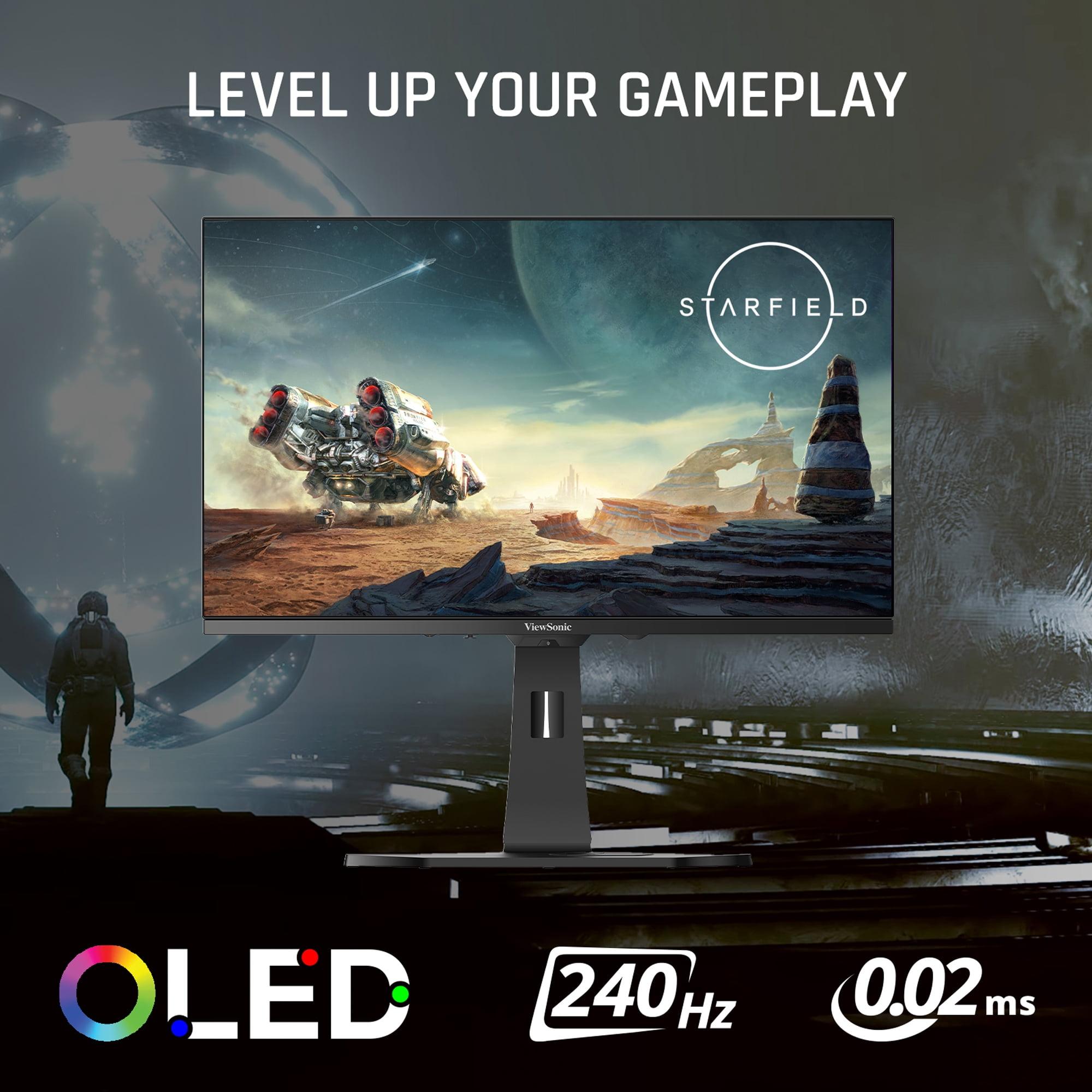
Let me start with what makes the ViewSonic XG272-2K-OLED special, because OLED technology in gaming monitors represents one of the biggest advances I've seen in years. OLED stands for Organic Light-Emitting Diode, which is a fancy way of saying that each individual pixel produces its own light. This is fundamentally different from traditional LCD monitors, which rely on a backlight that illuminates the entire screen.
The practical result is stunning. When the ViewSonic monitor displays a black pixel, it literally turns that pixel off completely. This creates what's called "perfect blacks" – something LCD monitors simply cannot achieve because their backlight always produces some amount of light bleeding through. The contrast ratio of 150,000:1 versus the 1000:1 you'll find on most LCD panels isn't just a number on a spec sheet – it translates to images that have genuine depth and realism.
I've spent considerable time gaming on OLED displays, and the difference is immediately apparent in games with dark scenes. Whether you're exploring caves in Skyrim or navigating the darker corners of Cyberpunk 2077, details that would be lost in the gray haze of an LCD's imperfect blacks become clearly visible on OLED. It's not just about seeing enemies hiding in shadows (though that's certainly useful) – it's about experiencing games as their developers intended.
The ViewSonic OLED also supports 10-bit color depth, meaning it can display over a billion different colors compared to the 16.7 million colors of traditional 8-bit panels. This creates smoother gradients and more natural-looking colors, particularly in HDR content where the extended color gamut really shines.
However, OLED technology comes with considerations. These panels are more expensive to manufacture, consume more power (the ViewSonic monitor uses up to 60 watts compared to under 30 watts for most LCD monitors), and there's the ongoing concern about burn-in – permanent image retention that can occur when static elements remain on screen for extended periods.
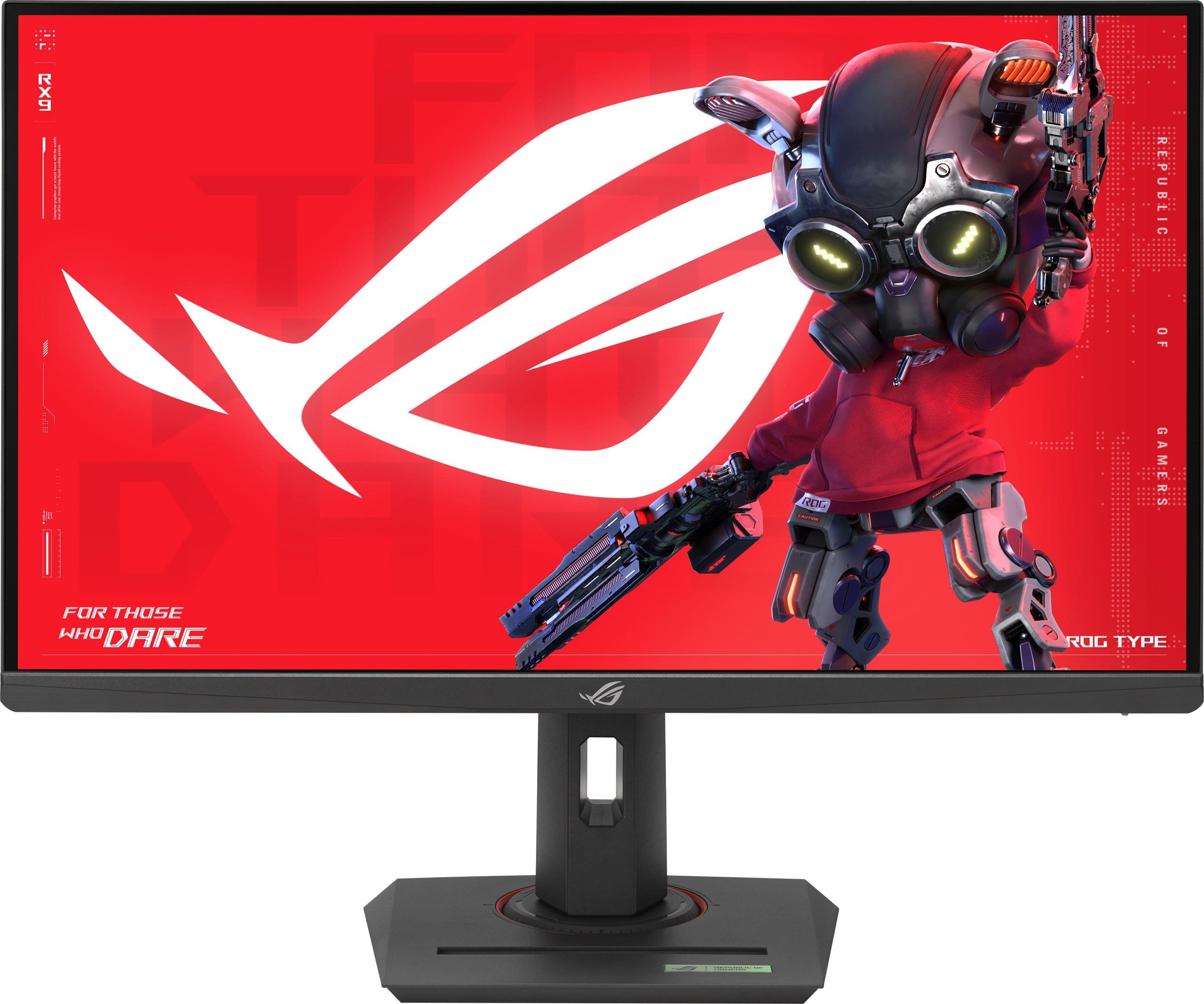
The ASUS XG27ACMG takes a completely different approach, and it's one that shouldn't be underestimated. This monitor uses what's called Fast IPS technology – an evolution of traditional IPS (In-Plane Switching) panels that dramatically improves response times while maintaining the color accuracy and viewing angles that IPS is known for.
The standout specification here is the 270Hz refresh rate, which means the image updates 270 times per second. To put this in perspective, standard computer monitors refresh at 60Hz, and even many gaming monitors top out at 144Hz. The difference between 240Hz (like the ViewSonic OLED) and 270Hz might seem small on paper, but in competitive gaming scenarios, every frame matters.
What's particularly impressive about the ASUS monitor is how it achieves a 1ms gray-to-gray response time – the time it takes for a pixel to change from one shade of gray to another. While this isn't as fast as the 0.01ms pixel response time of the ViewSonic OLED, it's still extremely quick for an LCD panel and more than fast enough for virtually any gaming scenario.
The Fast IPS panel also brings practical advantages that shouldn't be overlooked. The anti-glare matte coating makes it suitable for bright rooms where an OLED's glossy surface might reflect too much light. There's also no risk of burn-in, which means you can leave Discord or other static elements on screen without worry.
This is where things get really interesting from a technical standpoint. The ViewSonic OLED achieves its incredible 0.01ms pixel response time because OLED pixels can switch from fully off to fully on almost instantaneously – there's no liquid crystal matrix that needs to twist and align like in LCD technology.
In practical terms, this means virtually zero motion blur. I've tested this extensively with fast-paced shooters like Valorant and Apex Legends, and the difference is noticeable. Moving your crosshair across the screen reveals crisp details that would be smeared on lesser monitors. It's particularly evident when tracking fast-moving opponents – you can maintain clear sight of your target even during rapid camera movements.
The ASUS monitor, while not quite reaching OLED levels, still performs excellently with its 1ms response time and 270Hz refresh rate combination. The higher refresh rate actually provides an advantage in certain scenarios – more frequent screen updates can make subtle movements appear smoother, which is why many competitive esports players swear by high refresh rates.
Both monitors support variable refresh rate technology (AMD FreeSync Premium for the ViewSonic and both FreeSync and G-Sync compatibility for most ASUS ROG monitors), which synchronizes the monitor's refresh rate with your graphics card's frame output to eliminate screen tearing and stuttering.
Here's where the ViewSonic OLED really pulls ahead. HDR, or High Dynamic Range, is supposed to make games look more realistic by displaying brighter highlights and deeper shadows simultaneously. However, most gaming monitors struggle with HDR because they lack the contrast ratio to make it effective.
The ViewSonic monitor's OLED technology changes this equation completely. With perfect blacks and 450 nits of peak brightness, HDR content actually looks like it's supposed to. Games like The Witcher 3 or Red Dead Redemption 2 showcase dramatic differences between sunlit areas and shadowed regions that simply aren't possible on LCD panels.
The color gamut coverage is equally impressive – 97% DCI-P3 means the monitor can display nearly all the colors used in modern movies and games. This isn't just about making things look "more colorful" – it's about accuracy. When developers create art assets with specific color intentions, the ViewSonic OLED can reproduce them faithfully.
The ASUS monitor, while featuring DisplayHDR 400 certification and decent color coverage (95% DCI-P3), simply cannot compete in this area. Its 400 nits peak brightness and 1000:1 contrast ratio provide a serviceable HDR experience, but it's more of a subtle enhancement than the dramatic improvement you'll see on OLED.
Both monitors excel in input lag performance – the delay between your controller input and the corresponding change on screen. The ViewSonic OLED's near-instantaneous pixel response combines with its 240Hz refresh rate to create an incredibly responsive gaming experience.
However, the ASUS monitor's 270Hz refresh rate provides a slight theoretical advantage for competitive gaming. In fast-paced esports titles where every millisecond matters, that extra 30Hz can translate to seeing opponents' movements fractionally sooner. It's a small advantage, but at the highest levels of competitive play, small advantages matter.
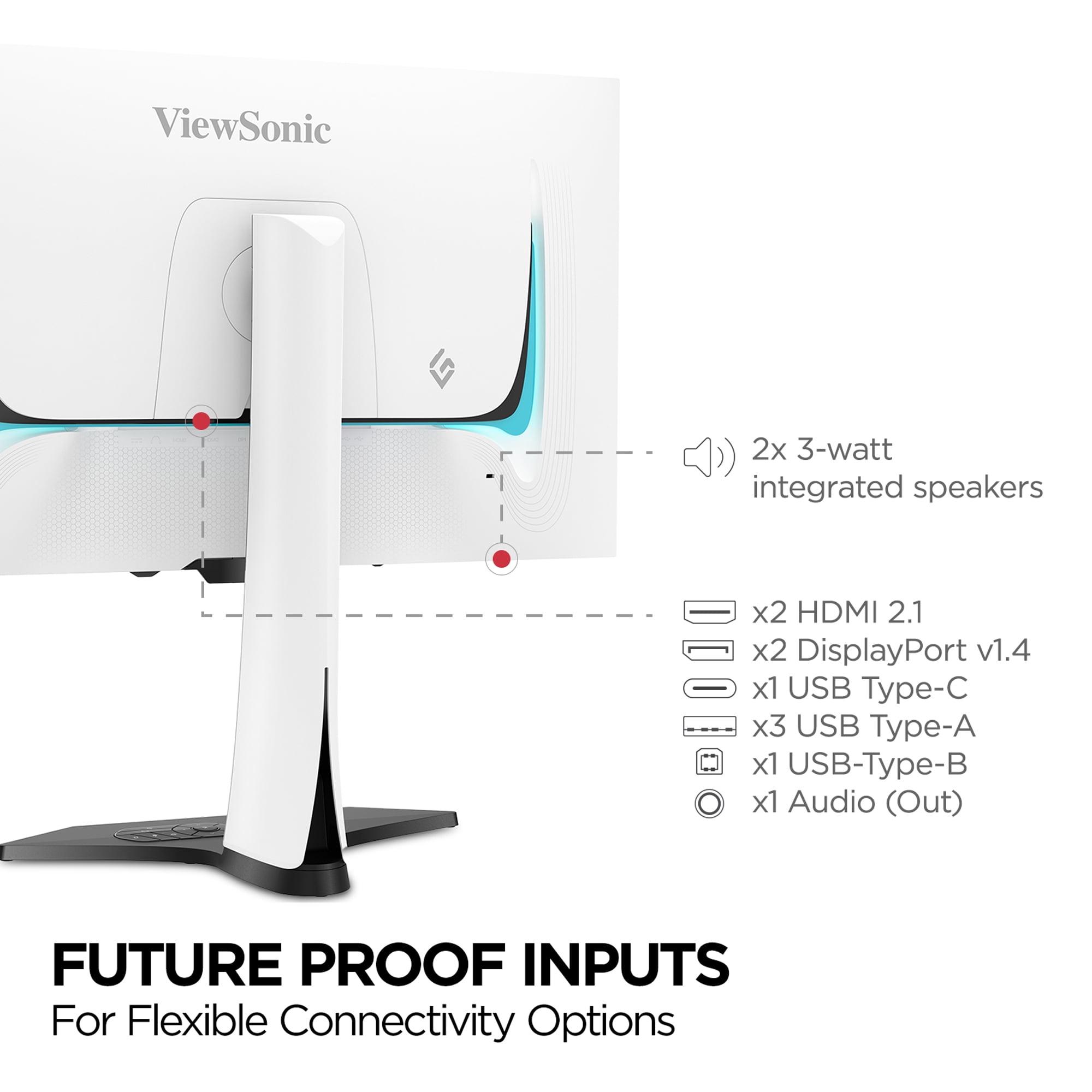
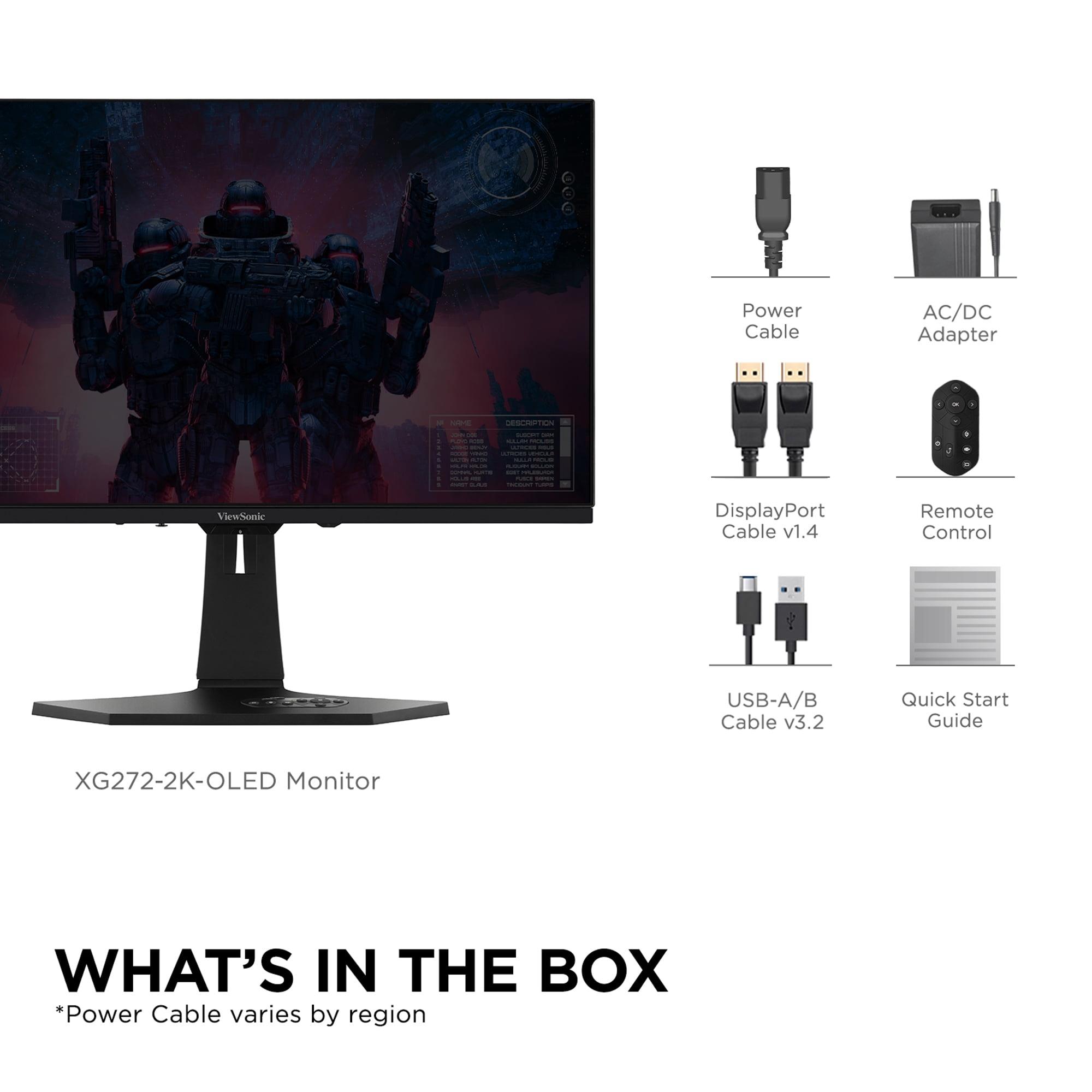
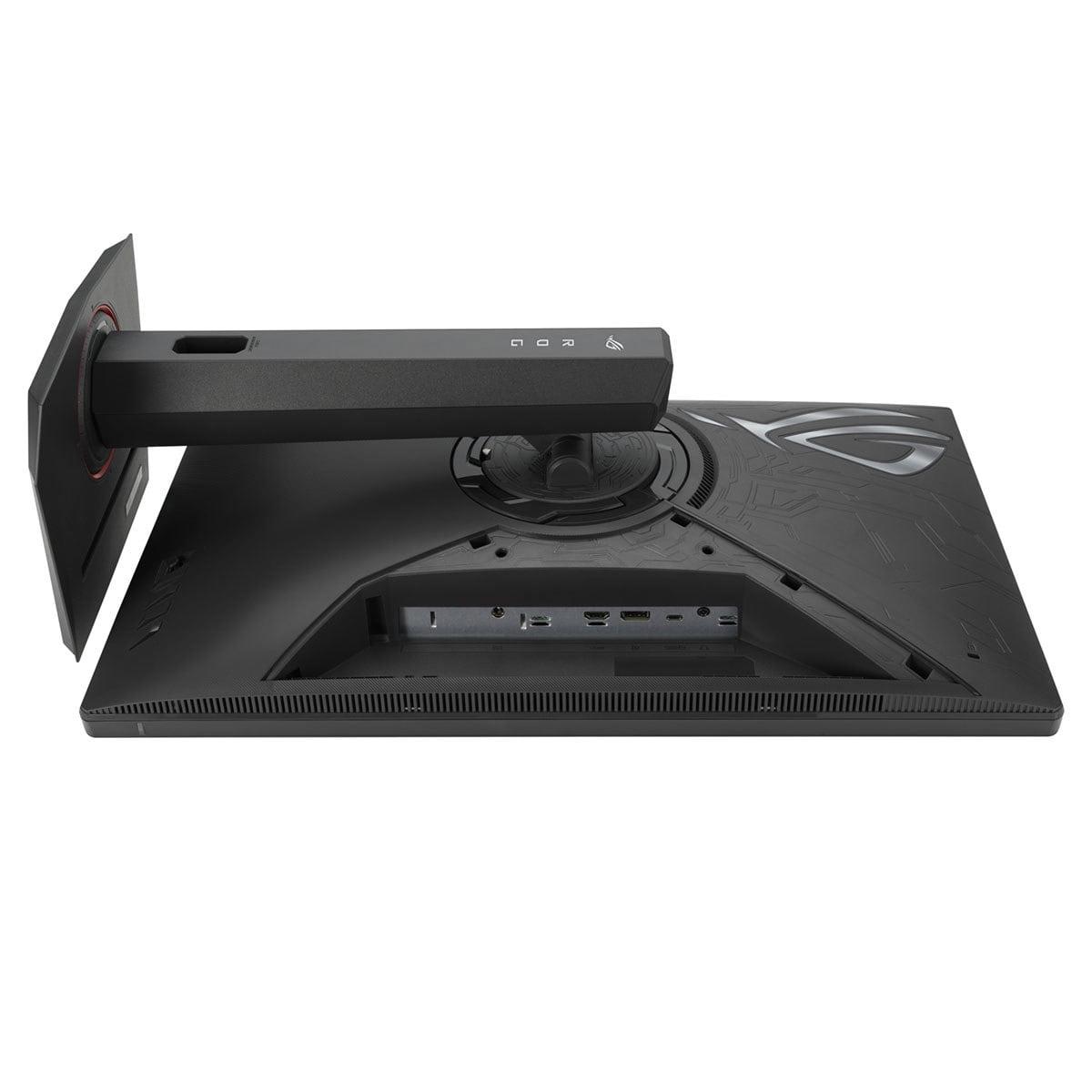
Both monitors offer comprehensive connectivity, though with different focuses. The ViewSonic OLED includes dual HDMI 2.1 ports, dual DisplayPort connections, and USB-C with power delivery – making it excellent for multi-device setups. The built-in KVM switch lets you control multiple computers with a single keyboard and mouse, which is incredibly useful for streamers or content creators.
The ASUS monitor focuses more on gaming-specific features. DisplayWidget Center allows easy adjustment of monitor settings via software, while GamePlus features provide crosshairs, timers, and other competitive gaming aids built right into the monitor.
For console gaming, both monitors support the latest standards, but the ViewSonic's dual HDMI 2.1 ports make it particularly well-suited for setups with multiple next-gen consoles.
This is an area where the ViewSonic OLED really shines, and it's something I've come to appreciate more as monitor sizes have grown. The OLED's perfect blacks and superior HDR performance make it genuinely suitable for movie watching and media consumption in addition to gaming.
The 27-inch size might seem small for home theater use, but positioned at a typical desk distance, it provides an engaging cinematic experience. The wide color gamut ensures movies look as directors intended, while the infinite contrast ratio makes dark scenes actually viewable rather than washed out gray messes.
The ASUS monitor, while capable of media playback, doesn't offer the same cinematic experience. Its matte coating, while great for reducing glare during gaming, can make movies look slightly less vibrant.
At the time of writing, these monitors occupy very different price segments, with the ViewSonic OLED commanding a significant premium over the ASUS Fast IPS model. This price difference reflects the fundamental cost difference between OLED and LCD manufacturing, but it also means they target different audiences.
The ASUS XG27ACMG represents exceptional value for competitive gamers who prioritize refresh rate and response time above all else. If you're primarily playing fast-paced multiplayer games like Counter-Strike, Valorant, or Rocket League, the 270Hz refresh rate provides tangible benefits, and the lower price point makes high-performance gaming more accessible.
The ViewSonic OLED targets enthusiasts who want the best possible visual experience and are willing to pay for it. This includes single-player gamers who want to experience their favorite titles in stunning quality, content creators who need accurate colors, and anyone who values cutting-edge display technology.
Something I've learned from years of monitor ownership is that longevity matters as much as initial performance. The ASUS monitor has the advantage of mature LCD technology with well-understood longevity characteristics. You don't need to worry about burn-in, power consumption is reasonable, and replacement costs are manageable if something goes wrong.
The ViewSonic OLED represents newer technology with some unknowns. While modern OLEDs include extensive burn-in prevention features (pixel shifting, automatic dimming, break reminders), there's still more risk than with LCD technology. The higher power consumption also means higher electricity bills over time.
However, OLED technology has improved dramatically since its early gaming monitor implementations. The burn-in prevention features are sophisticated and largely transparent to users, and most people using these monitors for their intended purpose (varied gaming content rather than static productivity work) are unlikely to experience issues.
After extensive experience with both technologies, here's how I'd break down the decision:
Choose the ASUS XG27ACMG if:
Choose the ViewSonic XG272-2K-OLED if:
The reality is that both monitors excel at what they're designed for. The ASUS monitor delivers exceptional competitive gaming performance at an accessible price point, while the ViewSonic OLED provides a visual experience that's genuinely transformative for the right content.
For most people, the decision comes down to priorities and budget. If you're a competitive gamer who values every frame and wants excellent performance without breaking the bank, the ASUS Fast IPS monitor is hard to beat. If you're an enthusiast who wants to experience games at their visual best and doesn't mind paying premium pricing for cutting-edge technology, the ViewSonic OLED offers an experience that's genuinely different from traditional monitors.
Either choice will serve you well, but understanding these differences ensures you'll pick the monitor that best matches your gaming style and preferences.
| ViewSonic XG272-2K-OLED | ASUS ROG Strix XG27ACMG |
|---|---|
| Panel Technology - The foundation that determines visual quality and longevity | |
| OLED (perfect blacks, infinite contrast, potential burn-in) | Fast IPS (no burn-in risk, matte coating, lower contrast) |
| Refresh Rate - Higher numbers provide smoother motion in fast games | |
| 240Hz (excellent for competitive gaming) | 270Hz (slight edge for esports, 30Hz advantage) |
| Response Time - Lower is better for eliminating motion blur | |
| 0.01ms pixel response (virtually zero blur) | 1ms GTG (excellent for LCD, 100x slower than OLED) |
| Contrast Ratio - Determines depth and realism in dark scenes | |
| 150,000:1 (dramatic depth, true blacks) | 1,000:1 (typical LCD limitation, grayish blacks) |
| HDR Performance - Enhanced brightness range for more realistic visuals | |
| HDR10 with 450 nits peak, infinite contrast | DisplayHDR 400 with 400 nits, limited by LCD contrast |
| Color Accuracy - Important for content creation and vibrant gaming | |
| 97% DCI-P3, 10-bit color depth (1.07 billion colors) | 95% DCI-P3, 8-bit color depth (16.7 million colors) |
| Connectivity Options - Determines device compatibility and setup flexibility | |
| 2x HDMI 2.1, 2x DisplayPort 1.4, USB-C hub | 1x HDMI 2.1, 1x DisplayPort 1.4, USB-C |
| Power Consumption - Affects electricity costs over time | |
| Up to 60W (OLED technology requires more power) | Under 30W (efficient LCD backlight system) |
| Screen Coating - Affects glare resistance and color vibrancy | |
| Anti-glare coating (good for bright rooms, slight color reduction) | Anti-glare matte (excellent glare resistance, less vibrant) |
| Burn-in Risk - Long-term reliability consideration | |
| Potential risk with prevention features included | No burn-in risk (LCD technology advantage) |
| Best Use Cases - Who should consider each monitor | |
| Premium gaming, content creation, cinematic experience | Competitive esports, budget-conscious enthusiasts, bright rooms |
The ASUS ROG Strix XG27ACMG has a slight edge for competitive gaming with its 270Hz refresh rate compared to the ViewSonic XG272-2K-OLED's 240Hz. However, the ViewSonic monitor counters with an incredibly fast 0.01ms response time versus 1ms on the ASUS model. For most competitive gamers, both will perform excellently, but the higher refresh rate on the ASUS XG27ACMG provides a marginal advantage in fast-paced esports titles.
The ViewSonic XG272-2K-OLED uses OLED technology where each pixel produces its own light, creating perfect blacks and infinite contrast. The ASUS ROG Strix XG27ACMG uses Fast IPS LCD technology with a backlight, offering no burn-in risk and better performance in bright rooms. OLED provides superior visual quality while Fast IPS offers worry-free long-term use.
The ViewSonic XG272-2K-OLED delivers significantly better HDR with its infinite contrast ratio and 450 nits brightness, making HDR content look genuinely impactful. The ASUS XG27ACMG offers basic DisplayHDR 400 certification, but its limited contrast ratio means HDR is more of a subtle enhancement rather than the dramatic improvement you'll see on the ViewSonic OLED.
Only the ViewSonic XG272-2K-OLED has potential burn-in risk due to its OLED technology, though it includes comprehensive prevention features like pixel shifting and break reminders. The ASUS ROG Strix XG27ACMG has no burn-in risk whatsoever since it uses LCD technology, making it ideal for users who display static content frequently.
The ViewSonic XG272-2K-OLED excels for single-player games with its perfect blacks, superior contrast, and excellent HDR performance that makes games look more cinematic and immersive. While the ASUS XG27ACMG still provides good visuals, it cannot match the depth and realism that OLED technology brings to story-driven gaming experiences.
The ViewSonic XG272-2K-OLED consumes up to 60W due to OLED technology requiring more power to illuminate individual pixels. The ASUS ROG Strix XG27ACMG uses under 30W thanks to its efficient LCD backlight system. Over time, the ASUS monitor will result in lower electricity bills.
The ViewSonic XG272-2K-OLED provides more comprehensive connectivity with dual HDMI 2.1 ports, dual DisplayPort connections, and a built-in USB hub with KVM functionality. The ASUS XG27ACMG offers standard gaming connectivity with one HDMI 2.1, one DisplayPort, and USB-C, which is sufficient for most setups but less flexible than the ViewSonic model.
The ViewSonic XG272-2K-OLED is excellent for content creation with its 97% DCI-P3 color coverage, 10-bit color depth, and superior color accuracy. The ASUS ROG Strix XG27ACMG offers good color performance with 95% DCI-P3 coverage but lacks the color depth and accuracy that creative professionals typically need from the ViewSonic OLED.
The ASUS ROG Strix XG27ACMG is better suited for bright rooms thanks to its anti-glare matte coating that effectively reduces reflections. The ViewSonic XG272-2K-OLED can struggle with reflections in very bright environments, though it includes anti-glare treatment. For well-lit gaming spaces, the ASUS monitor provides more consistent visibility.
The ViewSonic XG272-2K-OLED achieves an exceptional 0.01ms pixel response time, while the ASUS XG27ACMG offers 1ms GTG response time. This 100x difference means virtually zero motion blur on the ViewSonic OLED, though both are fast enough for competitive gaming. The difference is most noticeable when tracking fast-moving objects across the screen.
Long-term value depends on your priorities. The ASUS ROG Strix XG27ACMG offers excellent gaming performance with no technology-related risks and lower operating costs. The ViewSonic XG272-2K-OLED provides superior visual quality that may justify its premium positioning for enthusiasts, though it comes with higher power consumption and potential OLED-related considerations over time.
Both monitors work excellently with modern consoles. The ViewSonic XG272-2K-OLED is particularly well-suited with dual HDMI 2.1 ports for connecting multiple consoles, plus its superior HDR performance enhances console gaming visuals. The ASUS XG27ACMG also supports console gaming well with HDMI 2.1, though you'll miss some of the visual enhancements that make the ViewSonic OLED special for cinematic console titles.
We've done our best to create useful and informative comparisons to help you decide what product to buy. Our research uses advanced automated methods to create this comparison and perfection is not possible - please contact us for corrections or questions. These are the sites we've researched in the creation of this article: tomshardware.com - viewsonic.com - cgmagonline.com - bhphotovideo.com - forums.blurbusters.com - pangoly.com - youtube.com - rtings.com - youtube.com - bhphotovideo.com - viewsonic.com - assetserver.net - viewsonic.com - viewsonic.com - colamco.com - viewsonic.com - store.connectcause.com - displayspecifications.com - bhphotovideo.com - manuals.viewsonic.com - viewsonic.com - pangoly.com - visioncomputers.com - bestbuy.com - rtings.com - e-catalog.com - bestbuy.com - rog.asus.com - rog.asus.com - youtube.com - youtube.com - versus.com - forum.pcmonitors.info - versus.com - cdw.com - rog.asus.com - rog.asus.com - rog.asus.com - avadirect.com - bhphotovideo.com - rog.asus.com - shi.com - shop.asus.com - publicsector.shidirect.com - bestbuy.com

Privacy Policy
Terms and Conditions - Affiliate Policy
Home Security
© Copyright 2008-2026.
11816 Inwood Rd #1211, Dallas, TX 75244