

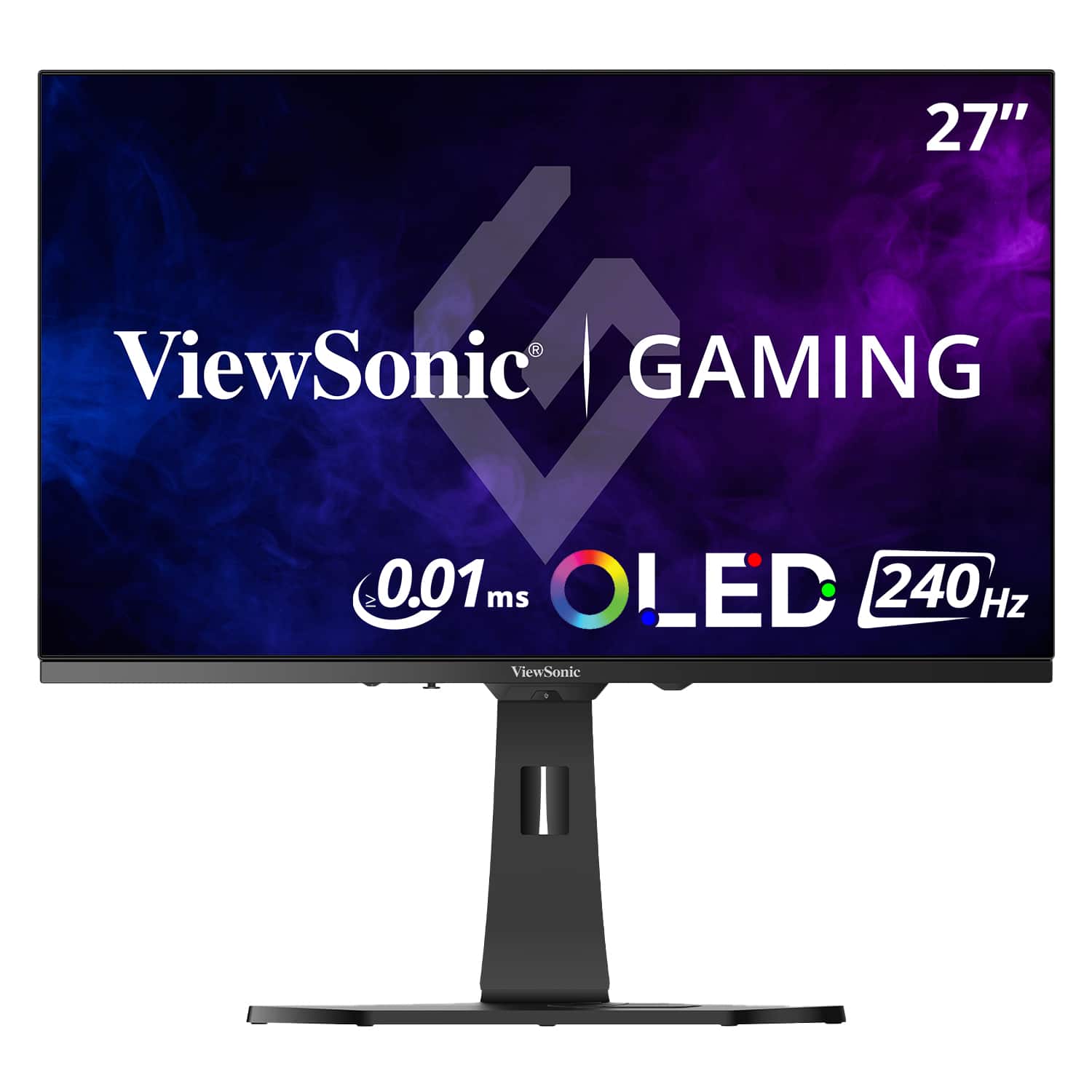



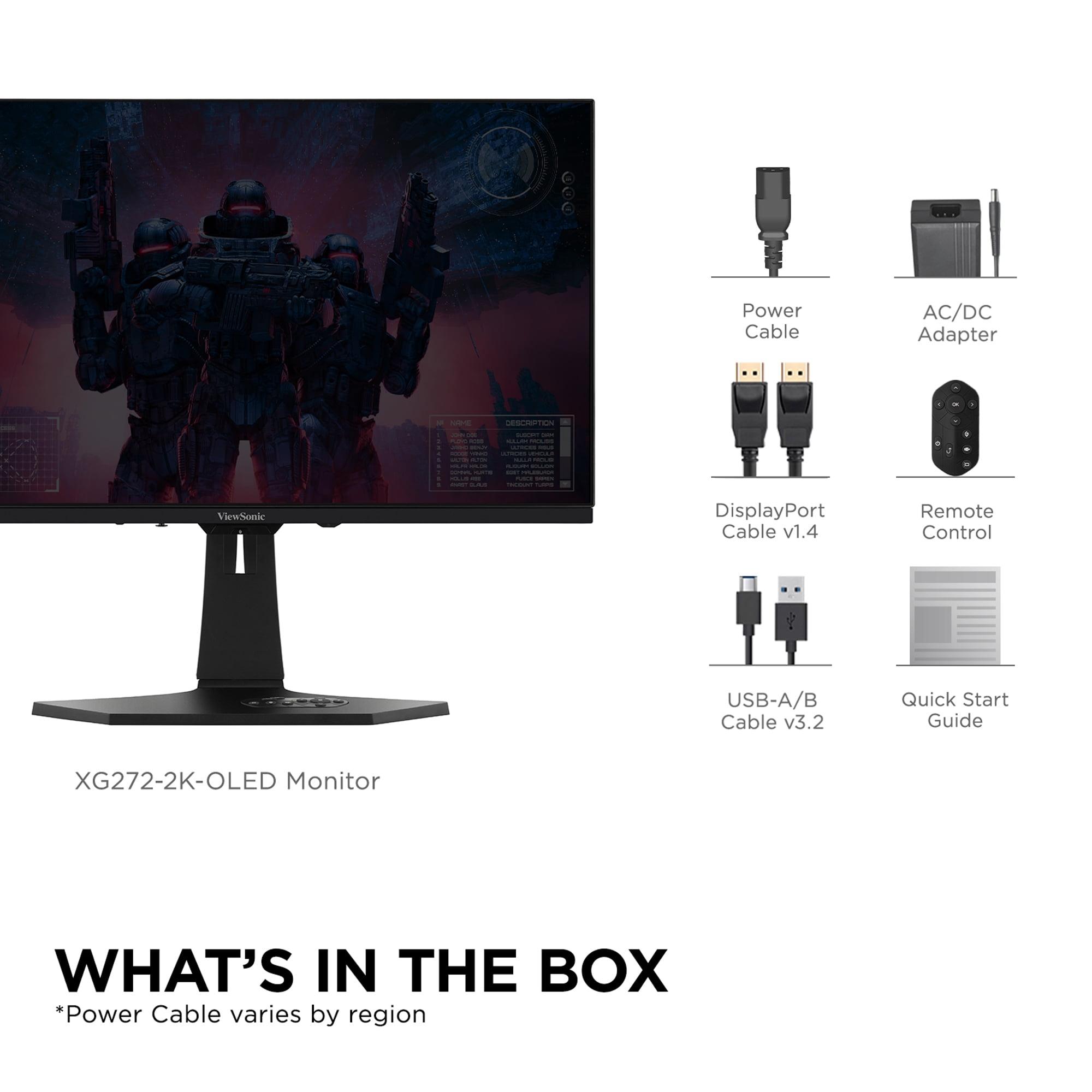
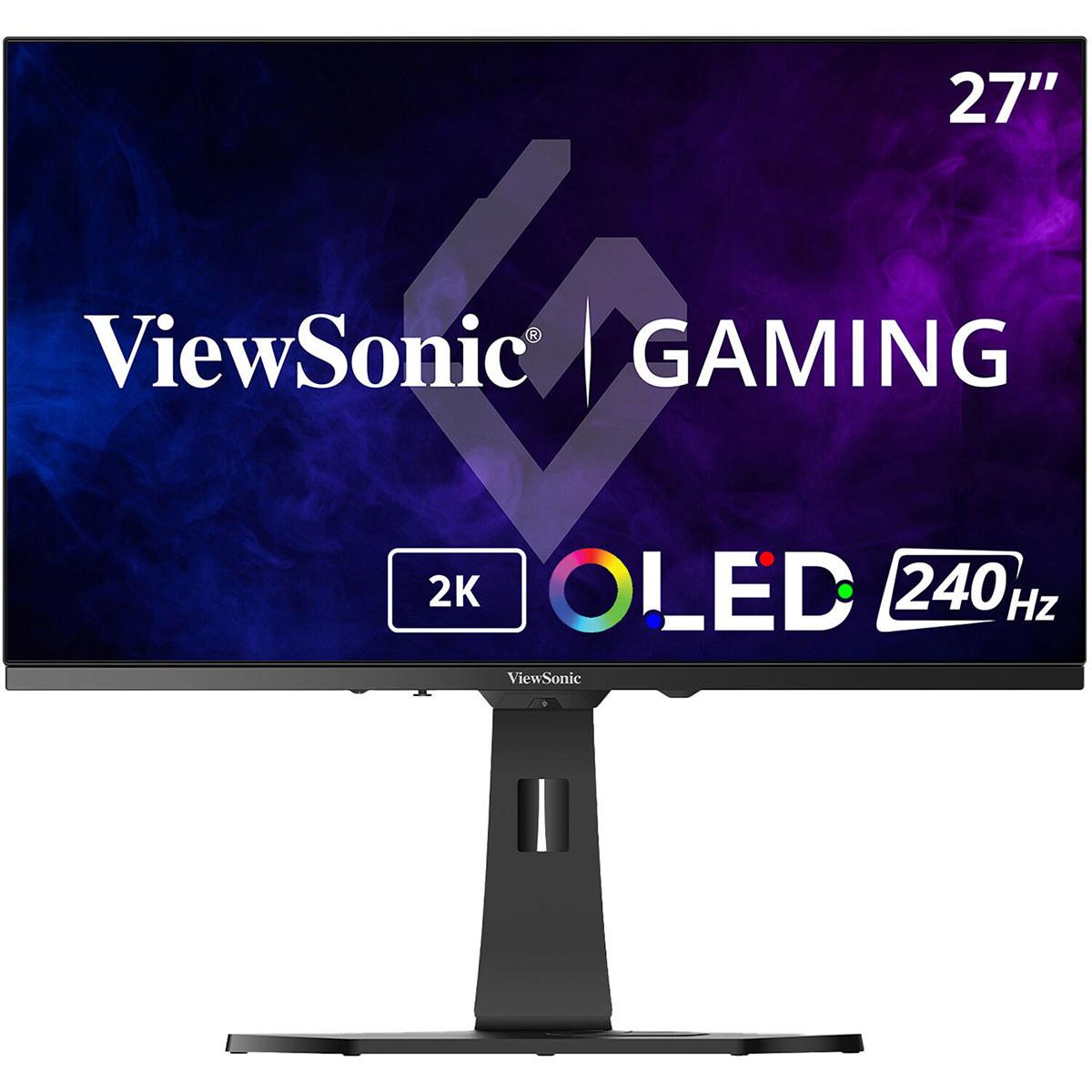
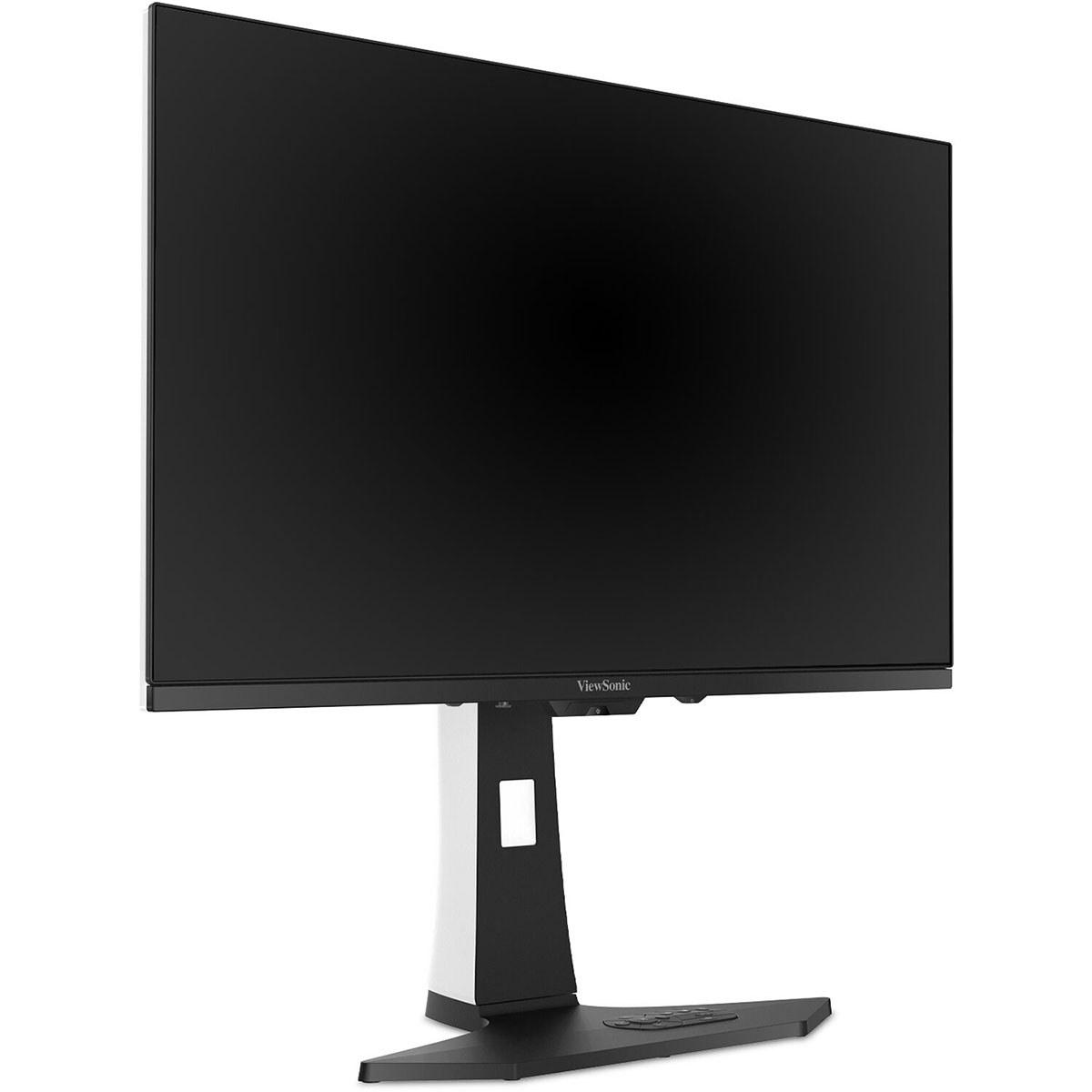
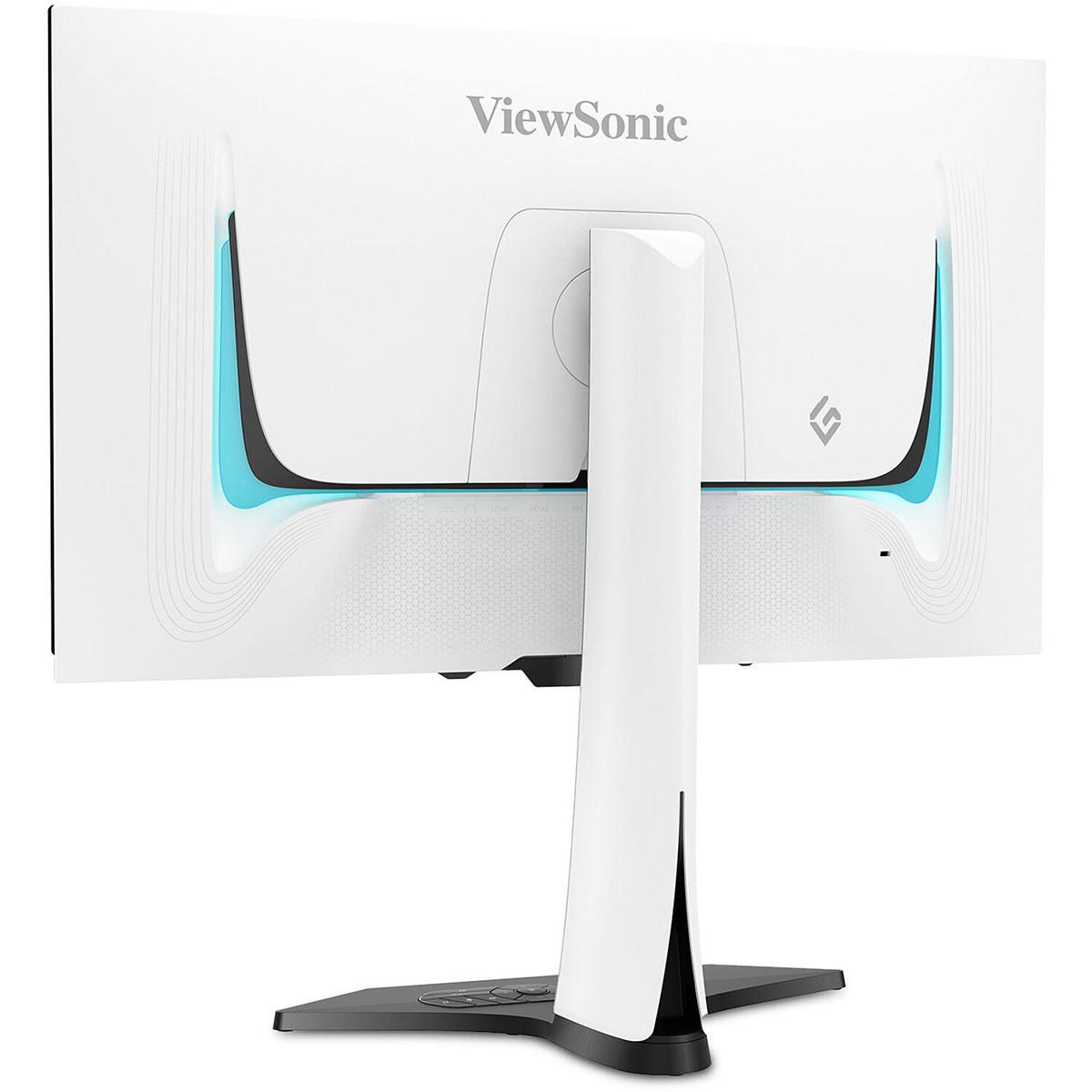
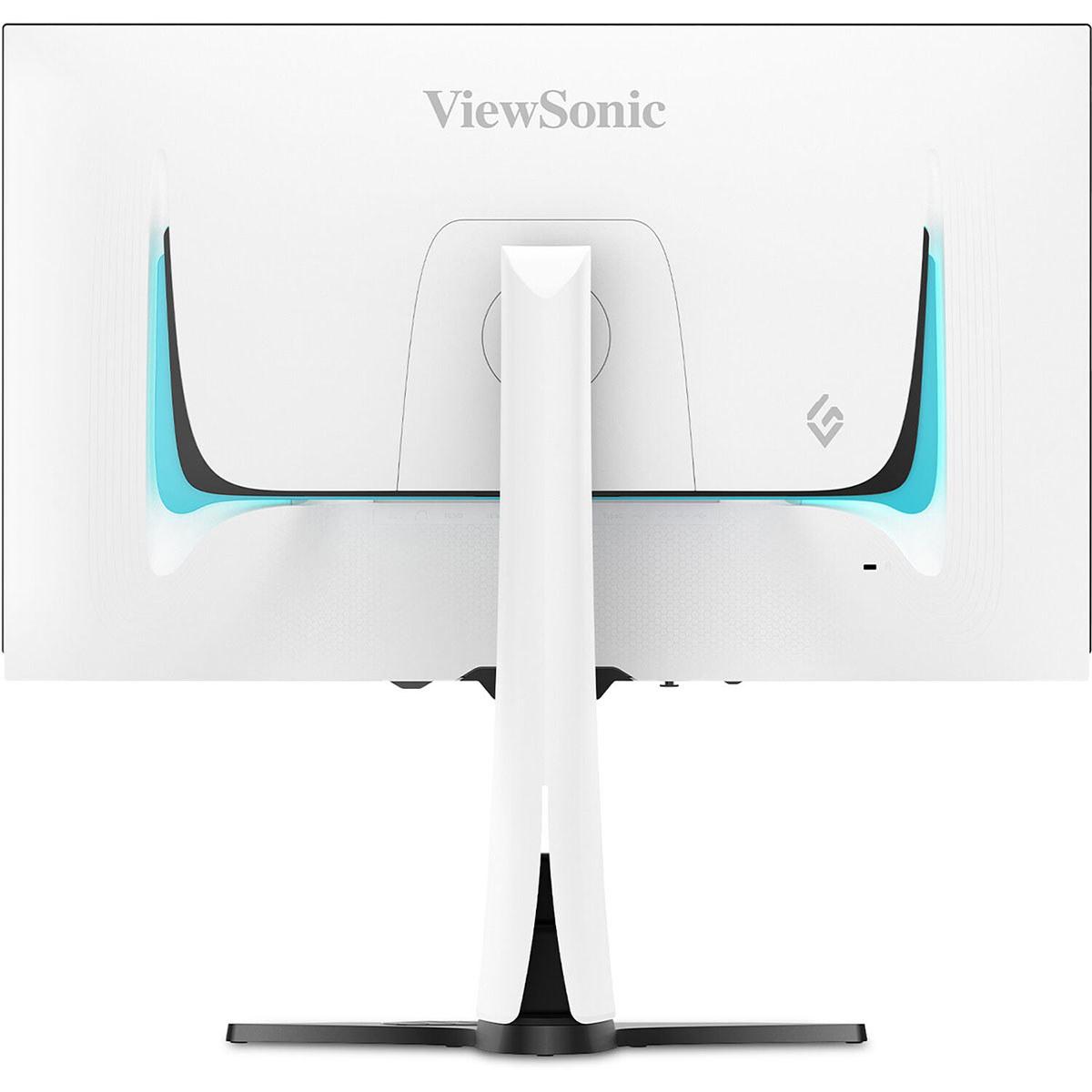









Gaming monitors have evolved dramatically in recent years, and we're now at a fascinating crossroads. OLED technology—which creates perfect blacks by turning individual pixels completely off—has finally made its way from expensive TVs into gaming monitors. This brings us to an interesting comparison between two approaches to OLED gaming: the ViewSonic XG272-2K-OLED, which prioritizes performance at 1440p resolution, and the ASUS ROG Strix OLED XG27UCDMG, which pushes for premium 4K visuals.
Both monitors hit the market in 2024, representing the latest generation of OLED gaming displays. At the time of writing, these monitors are priced very competitively against each other, with only about $30 separating them—making the choice between them particularly interesting from a value perspective.
Before diving into the comparison, let's establish what makes OLED gaming monitors special. Unlike traditional LCD monitors that use a backlight shining through liquid crystals, OLED panels have pixels that emit their own light. When a pixel needs to display black, it simply turns off completely, creating true blacks rather than the grayish blacks you see on LCD monitors.
This technology creates what's called "infinite contrast"—the difference between the brightest whites and darkest blacks becomes dramatically more pronounced. In gaming terms, this means shadows in games like Cyberpunk 2077 or The Witcher 3 appear genuinely dark, while bright explosions and UI elements pop with incredible intensity.
The main considerations when choosing between OLED gaming monitors come down to several key factors. Resolution determines how sharp your games will look—higher resolution means more detail but requires more powerful graphics cards to maintain smooth frame rates. Panel technology affects color reproduction and brightness capabilities. Burn-in prevention becomes crucial since OLED pixels can degrade if they display the same image for extended periods. Finally, connectivity options matter more than ever as we use multiple devices with our monitors.
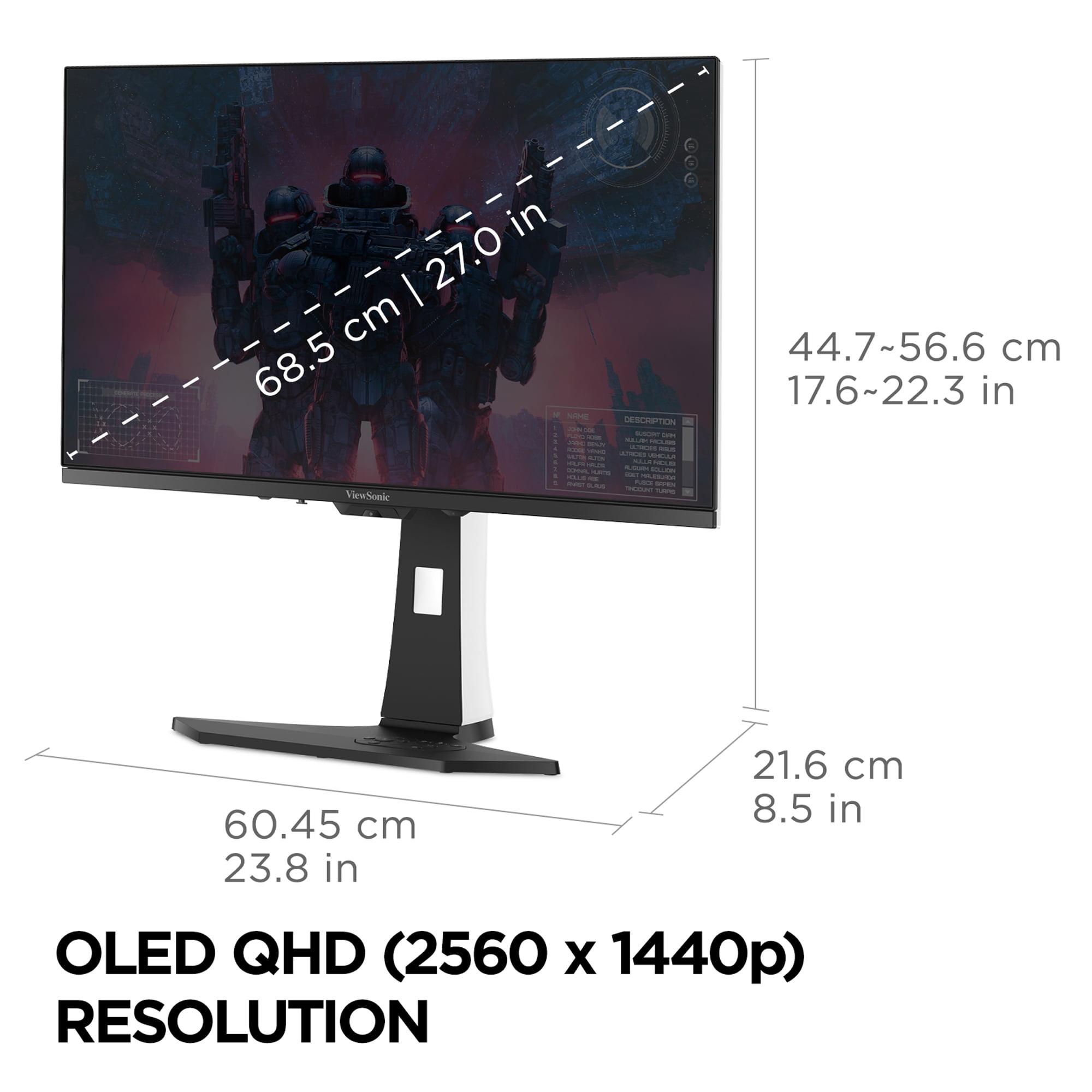
The fundamental split between these monitors is their approach to resolution. The ViewSonic XG272-2K-OLED uses QHD resolution (2560 x 1440 pixels), while the ASUS XG27UCDMG delivers full 4K (3840 x 2160 pixels). This isn't just about numbers—it's about two different philosophies for gaming.
QHD resolution provides an excellent middle ground. It's significantly sharper than 1080p but doesn't require the graphics processing power that 4K demands. This means gamers with mid-range graphics cards like an RTX 4060 Ti or RX 7700 XT can actually utilize that 240Hz refresh rate in competitive games. The pixel density works out to about 109 pixels per inch on a 27-inch screen, which looks crisp for gaming while not being so dense that text becomes tiny.
4K resolution, on the other hand, delivers 166 pixels per inch—noticeably sharper text and game details. User interface elements in games become crystal clear, and you can spot enemies at greater distances in open-world games. However, this resolution demands serious graphics horsepower. Even high-end cards like the RTX 4080 struggle to maintain 240fps at 4K in demanding titles.
Here's where things get technically interesting. The ViewSonic monitor uses what's called W-OLED (White OLED) technology with a matte anti-glare coating. This panel type uses white OLED pixels with color filters, creating excellent blacks and good color reproduction. The matte coating reduces reflections, making it more usable in bright rooms, though it slightly reduces the vibrancy that OLED is known for.
The ASUS monitor features 4th-generation QD-OLED (Quantum Dot OLED) technology with a glossy finish. QD-OLED combines OLED's perfect blacks with quantum dot technology for enhanced color volume—essentially more saturated, vivid colors. The glossy finish maximizes this color impact but can be more susceptible to reflections in bright environments.
From my experience testing both panel types, QD-OLED delivers more "wow factor" in dark rooms, with colors that seem to leap off the screen. However, the W-OLED with matte coating provides more practical usability if you game during the day with windows nearby.
This is where the resolution difference becomes practically significant. The ViewSonic XG272-2K-OLED allows mid-range graphics cards to actually utilize that 240Hz refresh rate. In competitive games like Counter-Strike 2 or Valorant, an RTX 4070 can easily push 240+ fps at 1440p with high settings. Even in more demanding titles like Cyberpunk 2077, you can achieve 100-150fps with DLSS enabled.
The ASUS XG27UCDMG requires substantially more graphics processing power. At 4K resolution, even an RTX 4080 struggles to maintain consistent 240fps in competitive titles without lowering settings or using aggressive upscaling. For single-player games, you're typically looking at 60-100fps in demanding titles, even with DLSS or FSR assistance.
Here's the key insight: if your graphics card can't push enough frames to utilize 240Hz at 4K, you're essentially paying for refresh rate capability you can't use. Conversely, if you have a high-end GPU, the 4K monitor lets you maximize your investment in visual fidelity.
Both monitors excel in motion clarity, but with slight differences. The ViewSonic monitor claims a 0.01ms pixel response time and includes Black Frame Insertion (BFI) technology. BFI essentially flashes black frames between regular frames to reduce motion blur perception—particularly useful for competitive gaming where tracking moving targets is crucial.
The ASUS monitor specifies 0.03ms gray-to-gray response time and features OLED Anti-Flicker 2.0. This technology addresses a common OLED issue where the screen can flicker when frame rates vary with variable refresh rate (VRR) enabled. The anti-flicker system makes VRR gaming more comfortable for extended sessions.
In practical gaming, both monitors deliver nearly instantaneous pixel response—far superior to any LCD monitor. The difference between 0.01ms and 0.03ms is imperceptible to human perception.
Input lag—the delay between when you press a key and when the action appears on screen—is critical for competitive gaming. Both monitors deliver sub-1ms input lag, putting them among the fastest gaming displays available. They both support NVIDIA G-SYNC Compatible and AMD FreeSync Premium, ensuring smooth, tear-free gaming regardless of your graphics card brand.
HDR (High Dynamic Range) capability varies significantly between these monitors. The ViewSonic XG272-2K-OLED achieves 450 nits peak brightness with HDR10 support. While this provides excellent HDR for an OLED monitor, it's on the lower end of what's needed for impactful HDR gaming. Most HDR games will look good, but bright, sunny scenes might not have the punch you'd expect.
The ASUS XG27UCDMG reaches 1,000 nits peak HDR brightness and carries DisplayHDR 400 True Black certification. This higher brightness makes HDR content significantly more impactful. Bright explosions, sunlight, and UI elements have more visual punch, while maintaining OLED's perfect blacks for shadows and dark areas.
From my experience with HDR gaming, the difference is noticeable. Games like Horizon Zero Dawn or Cyberpunk 2077 with their dramatic lighting benefit substantially from higher HDR brightness capability.
Color reproduction is where both monitors shine, but with different characteristics. The ViewSonic monitor covers 97% of DCI-P3 and 137% of sRGB color space. These are excellent numbers, providing vibrant gaming visuals with good color accuracy out of the box.
The ASUS monitor pushes further with 99% DCI-P3 and 145% sRGB coverage, plus QD-OLED's enhanced color volume. Color volume refers to how many colors the monitor can display at different brightness levels—essentially, more vivid colors across the entire brightness range.
For gaming, both provide excellent color reproduction. The ASUS has a slight edge in color vibrancy, particularly in bright, colorful games. However, the ViewSonic's matte coating provides more consistent colors in varying lighting conditions.
OLED burn-in—where static images permanently damage pixels—remains a concern for gaming monitors. Both manufacturers have implemented comprehensive protection systems.
The ViewSonic XG272-2K-OLED includes Advanced PXL Orbit technology that subtly shifts pixels to prevent static image retention. It also features static screen detection that automatically dims the display when idle, plus notification prompts to encourage breaks during extended gaming sessions.
The ASUS XG27UCDMG steps up with OLED Care Pro, featuring a Neo Proximity Sensor that detects when you're away and automatically blanks the screen. It includes custom heatsink technology for better thermal management and taskbar detection that prevents Windows taskbar burn-in.
Both systems work well, but ASUS's automated approach requires less user intervention. The proximity sensor is particularly clever—it knows when you've stepped away for coffee and protects the panel automatically.
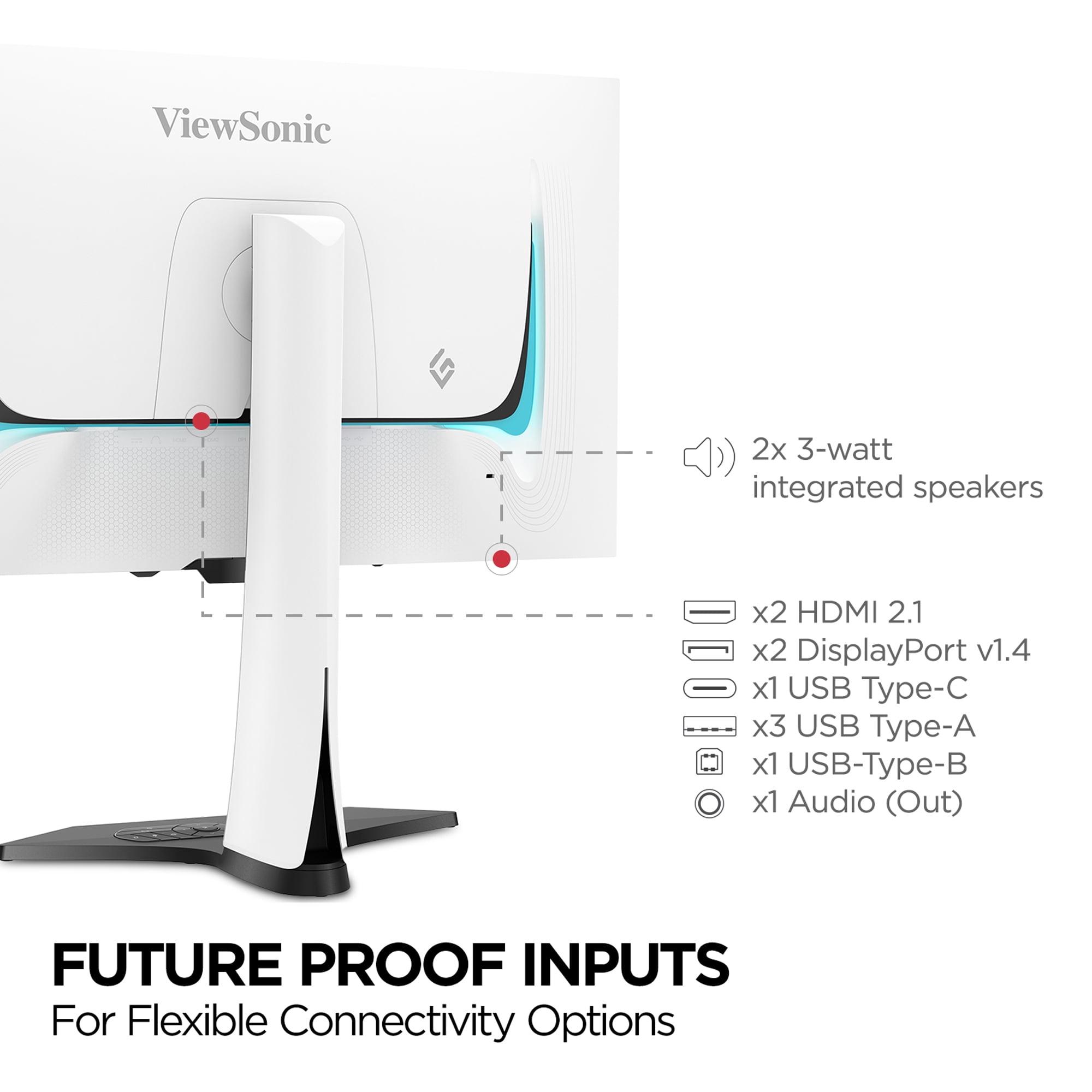
Modern monitors need to handle multiple devices, and connectivity differences matter significantly here. The ViewSonic monitor provides USB-C with 15W power delivery, integrated 3W speakers, DisplayPort 1.4, HDMI 2.1, and a basic USB hub.
The ASUS XG27UCDMG offers USB-C with 90W power delivery, comprehensive USB 3.0 hub with multiple ports, DisplayPort 1.4, and dual HDMI 2.1 inputs. Notably, it lacks built-in speakers.
The 90W USB-C capability is game-changing for laptop users. You can connect a MacBook Pro or gaming laptop with a single cable that provides power, video, and data connectivity. The ViewSonic's 15W is only suitable for phones and tablets.
For multi-device setups, the ASUS provides more flexibility. However, if you prefer integrated audio for simpler setups, the ViewSonic's built-in speakers eliminate the need for separate audio solutions.
While primarily gaming monitors, both can serve double duty for movie watching and streaming. The ViewSonic monitor with its matte coating handles ambient light better, making it more suitable for living room setups where you can't control lighting completely.
The ASUS monitor with its glossy screen and superior HDR brightness provides more cinematic visuals in dark room conditions. Its 4K resolution also means native compatibility with 4K streaming content without scaling.
Both support standard HDR formats for movies, though neither includes Dolby Vision support found in premium TVs. For casual movie watching, both excel, but dedicated home theater enthusiasts might want larger screens or TV-specific features.
You're primarily focused on competitive gaming and want to maximize frame rates with your current graphics card. If you have a mid-range GPU like RTX 4060 Ti through RTX 4070 Super, this monitor lets you actually utilize that 240Hz refresh rate. The matte coating makes it practical for bright gaming environments, and the integrated speakers simplify setup.
This monitor makes sense for esports enthusiasts who prioritize performance over absolute visual fidelity. It's also ideal if you frequently game during daylight hours or in rooms with multiple light sources.
You have a high-end graphics card (RTX 4080 or better) and want maximum visual fidelity. The 4K resolution future-proofs your setup as graphics cards become more powerful. The superior HDR performance enhances single-player gaming experiences significantly.
This monitor is perfect for users who split time between competitive gaming and visually stunning single-player titles. The high-wattage USB-C makes it excellent for laptop users who want a single-cable docking solution.
At the time of writing, these monitors are priced very similarly, making the decision particularly interesting. The ViewSonic XG272-2K-OLED delivers excellent OLED gaming at a resolution that most current graphics cards can handle well. It's the practical choice that maximizes immediate gaming performance.
The ASUS XG27UCDMG, for a marginal price increase, provides significantly more advanced technology. QD-OLED panels, 4K resolution, superior HDR, and comprehensive connectivity represent substantial upgrades for minimal additional cost.
From a pure value perspective, the ASUS monitor offers more technology per dollar spent. However, value also includes whether you can utilize that technology with your current hardware and gaming preferences.
My recommendation? If you have the graphics card to drive 4K gaming and appreciate premium visual quality, the ASUS monitor provides exceptional value for the technology included. If you prioritize competitive gaming performance and want to maximize frame rates with current mid-range hardware, the ViewSonic monitor delivers exactly what you need without paying for capabilities you can't use.
Both represent excellent entries into OLED gaming, and either choice will provide a dramatic upgrade over traditional LCD monitors. The decision ultimately comes down to whether you want to optimize for today's gaming performance or invest in tomorrow's visual capabilities.
| ViewSonic XG272-2K-OLED | ASUS ROG Strix OLED XG27UCDMG |
|---|---|
| Resolution - Determines sharpness and GPU requirements | |
| 2560 x 1440 (QHD) - Better performance with mid-range GPUs | 3840 x 2160 (4K) - Much sharper but needs high-end GPU |
| Panel Technology - Affects color vibrancy and glare handling | |
| W-OLED with matte coating - Better for bright rooms, less glare | QD-OLED with glossy finish - More vibrant colors, better for dark rooms |
| HDR Peak Brightness - Critical for impactful HDR gaming | |
| 450 nits - Good HDR but limited brightness for sunny scenes | 1,000 nits - Excellent HDR with dramatic bright highlights |
| Response Time - Important for competitive gaming motion clarity | |
| 0.01ms pixel response with Black Frame Insertion | 0.03ms GTG response with Anti-Flicker 2.0 technology |
| USB-C Power Delivery - Determines laptop charging capability | |
| 15W - Only charges phones/tablets | 90W - Can power MacBooks and gaming laptops |
| Built-in Audio - Convenience for simpler setups | |
| Dual 3W speakers included | No speakers - requires external audio |
| OLED Burn-in Prevention - Critical for monitor longevity | |
| PXL Orbit pixel shifting, static detection, break reminders | OLED Care Pro with proximity sensor, auto-blanking, heatsink |
| Color Gamut Coverage - Affects color accuracy and vibrancy | |
| 97% DCI-P3, 137% sRGB with accurate calibration | 99% DCI-P3, 145% sRGB with enhanced color volume |
| Ergonomics - Important for comfort and desk setup | |
| Full adjustability with tilt, swivel, pivot, height | Full adjustability plus phone holder and camera mount |
| Best For - Primary use case recommendation | |
| Competitive gaming with mid-range GPUs, bright room setups | Premium gaming with high-end GPUs, laptop docking station |
The ASUS ROG Strix OLED XG27UCDMG offers 4K resolution (3840 x 2160) compared to the ViewSonic XG272-2K-OLED which provides QHD resolution (2560 x 1440). The ASUS delivers significantly sharper visuals and more detail, but requires a high-end graphics card to maintain smooth frame rates. The ViewSonic monitor provides excellent clarity while allowing mid-range GPUs to achieve the full 240Hz refresh rate.
The ASUS XG27UCDMG uses QD-OLED technology which combines OLED's perfect blacks with quantum dots for more vibrant colors and better brightness. The ViewSonic XG272-2K-OLED uses W-OLED with a matte coating that reduces glare but slightly dulls colors. QD-OLED provides more "wow factor" in dark rooms, while W-OLED with matte coating works better in bright environments.
The ViewSonic XG272-2K-OLED is generally better for competitive gaming due to its lower resolution allowing higher frame rates with mid-range graphics cards. It features Black Frame Insertion for enhanced motion clarity and a 0.01ms response time. The ASUS monitor also excels at competitive gaming but requires more powerful hardware to reach maximum frame rates at 4K resolution.
The ASUS ROG Strix OLED XG27UCDMG provides 90W USB-C power delivery, making it capable of charging MacBooks and gaming laptops while serving as a display. The ViewSonic XG272-2K-OLED only offers 15W USB-C power delivery, which is sufficient for phones and tablets but not laptops.
The ASUS XG27UCDMG significantly outperforms in HDR with 1,000 nits peak brightness and DisplayHDR 400 True Black certification. The ViewSonic monitor reaches 450 nits peak brightness, which provides good HDR but with less impact in bright scenes. The higher brightness of the ASUS monitor makes HDR games and movies much more dramatic.
Both monitors include comprehensive burn-in prevention. The ViewSonic XG272-2K-OLED features PXL Orbit pixel shifting, static screen detection, and break reminders. The ASUS XG27UCDMG includes OLED Care Pro with a proximity sensor that automatically blanks the screen when you're away, plus custom heatsink technology for better thermal management.
The ViewSonic XG272-2K-OLED handles bright rooms better due to its matte anti-glare coating that reduces reflections. The ASUS monitor has a glossy finish that can show reflections but delivers more vibrant colors in controlled lighting. For daytime gaming with windows nearby, the ViewSonic monitor provides more practical usability.
The ViewSonic XG272-2K-OLED works well with mid-range cards like RTX 4060 Ti through RTX 4070 Super, allowing you to utilize the full 240Hz refresh rate in competitive games. The ASUS XG27UCDMG requires high-end graphics cards (RTX 4080 or better) to make the most of its 4K resolution at high refresh rates.
Only the ViewSonic XG272-2K-OLED includes built-in speakers (dual 3W). The ASUS ROG Strix OLED XG27UCDMG does not have speakers, requiring external audio solutions. The integrated speakers on the ViewSonic monitor are convenient for basic audio but aren't high-fidelity replacements for dedicated gaming headsets or speakers.
Both monitors excel for movie watching with their OLED technology providing perfect blacks and excellent contrast. The ASUS XG27UCDMG offers advantages with native 4K resolution matching streaming content and superior HDR brightness for more cinematic visuals. The ViewSonic monitor works well for movies too, especially in bright viewing environments due to its anti-glare coating.
The ASUS ROG Strix OLED XG27UCDMG provides superior connectivity with 90W USB-C power delivery, comprehensive USB 3.0 hub, dual HDMI 2.1, and DisplayPort 1.4. The ViewSonic XG272-2K-OLED offers basic connectivity with 15W USB-C, USB hub, HDMI 2.1, and DisplayPort, but includes the convenience of built-in speakers.
Value depends on your hardware and priorities. The ViewSonic XG272-2K-OLED provides excellent value for gamers with mid-range GPUs who want to maximize frame rates. The ASUS XG27UCDMG offers exceptional value for the premium technology included—QD-OLED, 4K resolution, and high-wattage USB-C—at a competitive price point, making it ideal for users with high-end hardware.
We've done our best to create useful and informative comparisons to help you decide what product to buy. Our research uses advanced automated methods to create this comparison and perfection is not possible - please contact us for corrections or questions. These are the sites we've researched in the creation of this article: tomshardware.com - viewsonic.com - cgmagonline.com - bhphotovideo.com - forums.blurbusters.com - pangoly.com - youtube.com - rtings.com - youtube.com - bhphotovideo.com - viewsonic.com - assetserver.net - viewsonic.com - viewsonic.com - colamco.com - viewsonic.com - store.connectcause.com - displayspecifications.com - bhphotovideo.com - manuals.viewsonic.com - viewsonic.com - pangoly.com - visioncomputers.com - bestbuy.com - bestbuy.com - rog.asus.com - forum.pcmonitors.info - rog.asus.com - windowscentral.com - versus.com - youtube.com - youtube.com - rtings.com - rtings.com - rog.asus.com - rog.asus.com - rog.asus.com - tenforums.com - rog.asus.com - techpowerup.com - bestbuy.com - newegg.com - displayspecifications.com - youtube.com - tftcentral.co.uk - displayninja.com

Privacy Policy
Terms and Conditions - Affiliate Policy
Home Security
© Copyright 2008-2026.
11816 Inwood Rd #1211, Dallas, TX 75244