






Gaming monitors have come a long way in the past few years. What used to be a simple choice between different sizes and resolutions has evolved into a complex decision involving cutting-edge display technologies, refresh rates that seemed impossible just a decade ago, and smart features that blur the line between monitors and TVs.
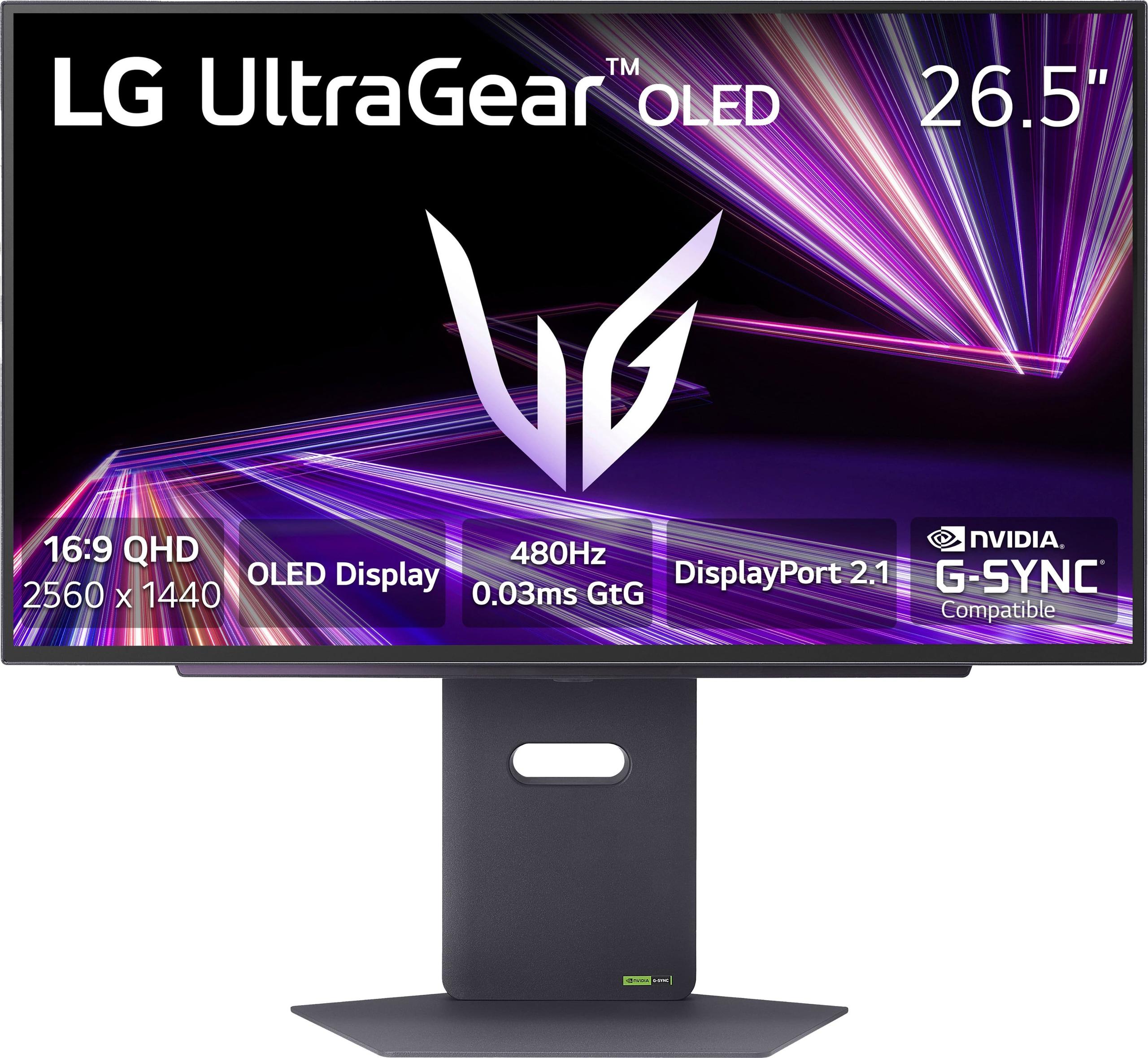
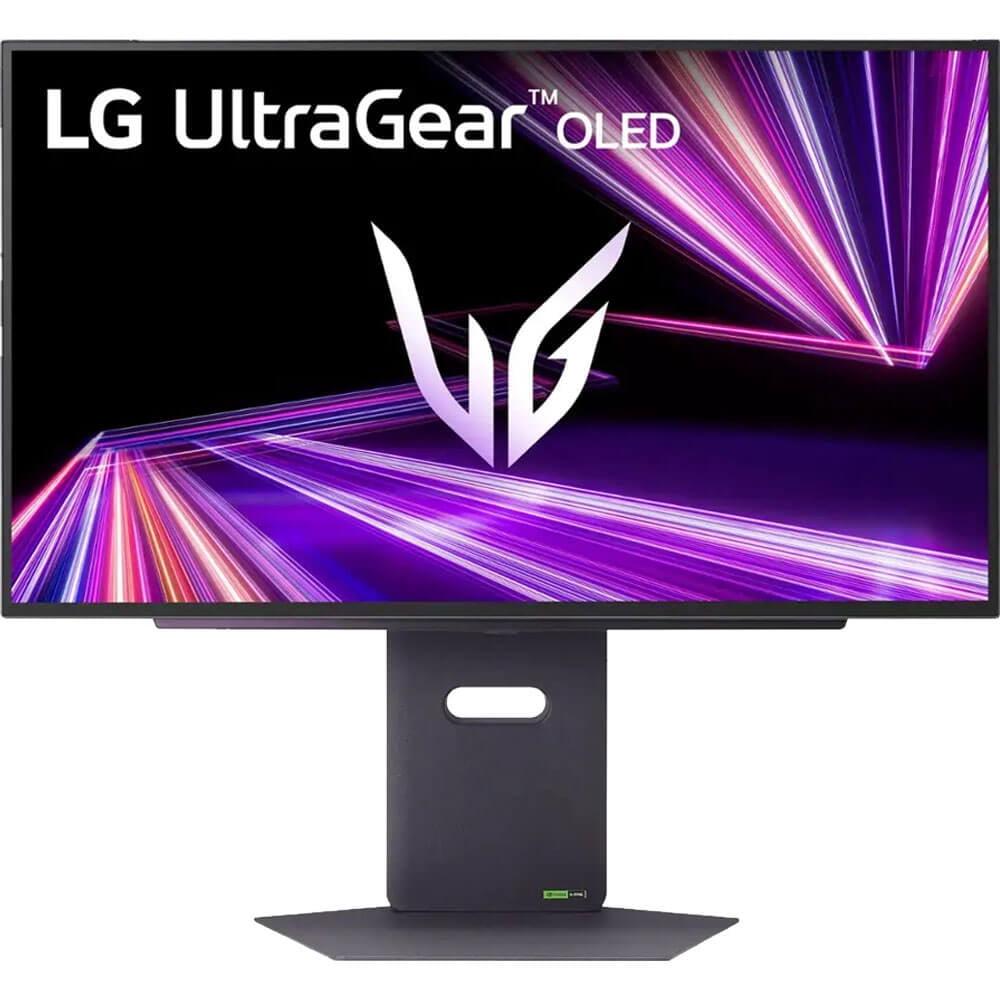
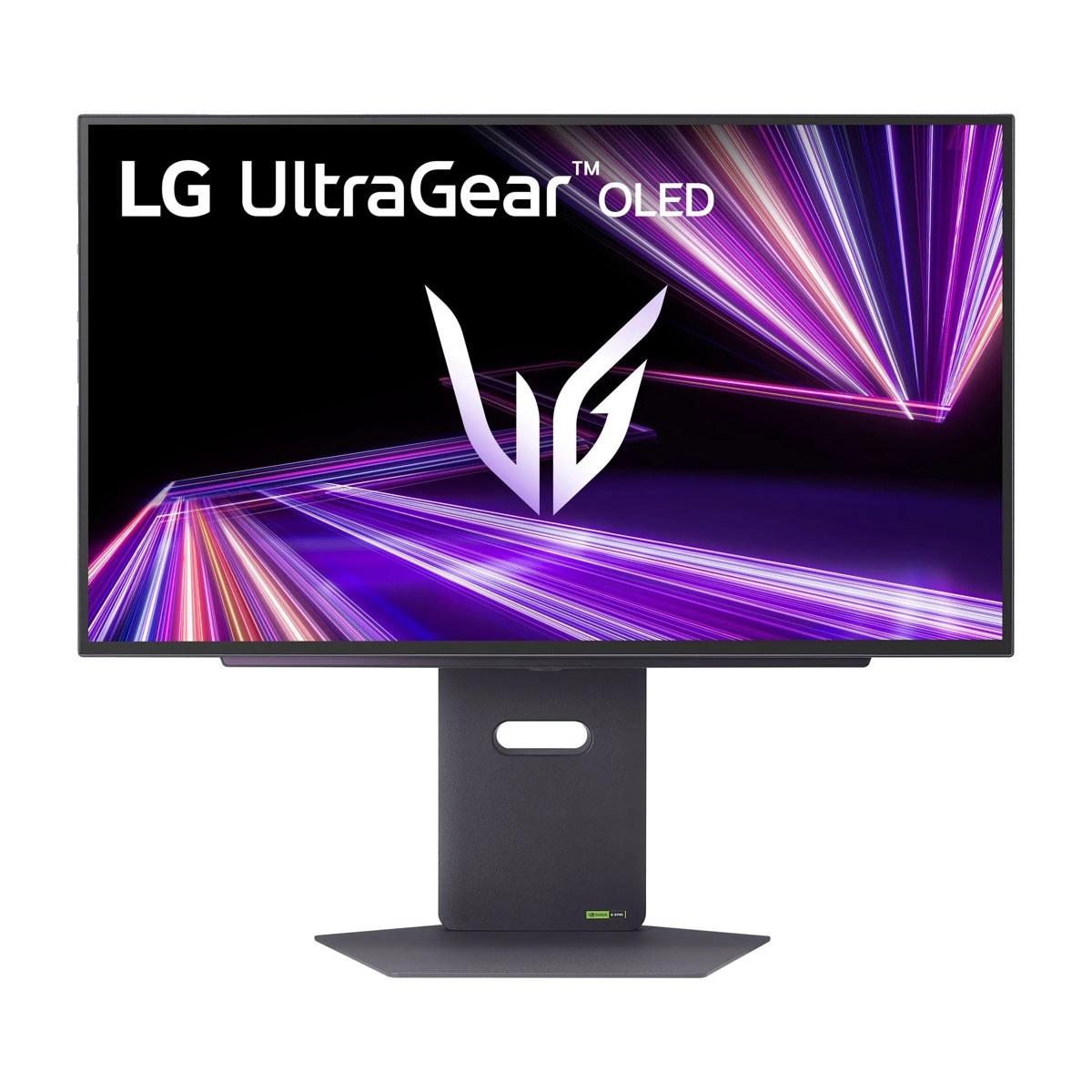
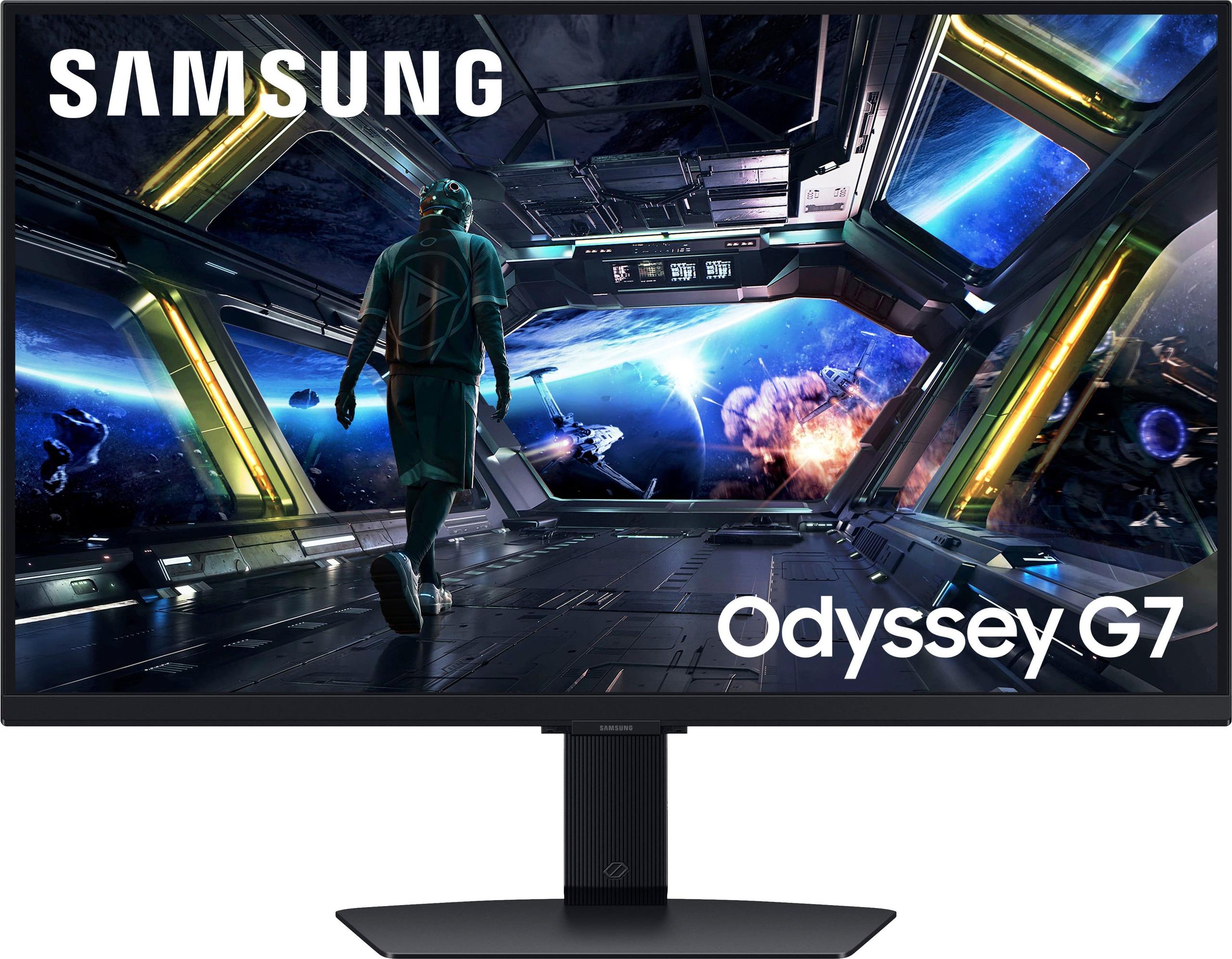
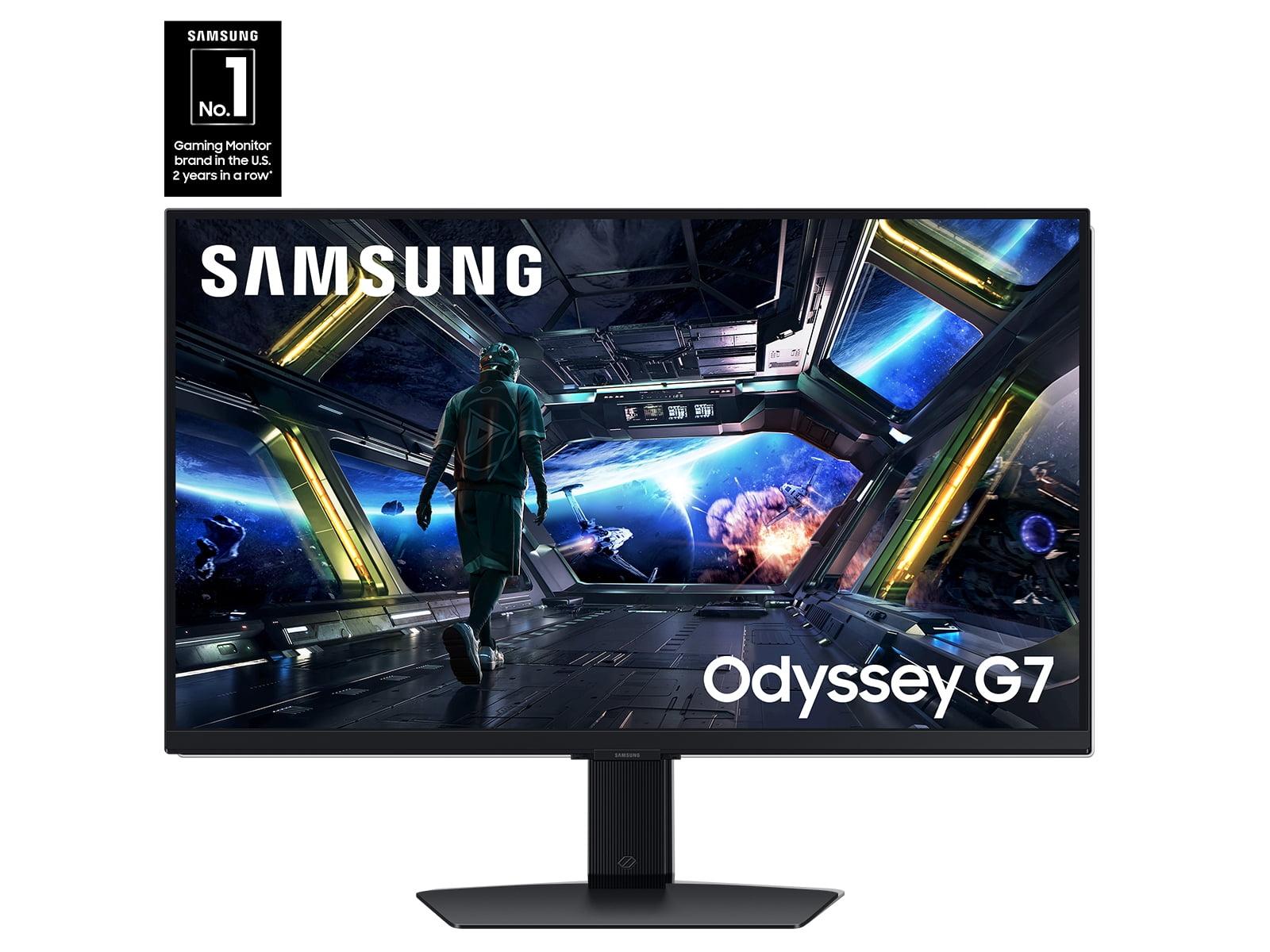
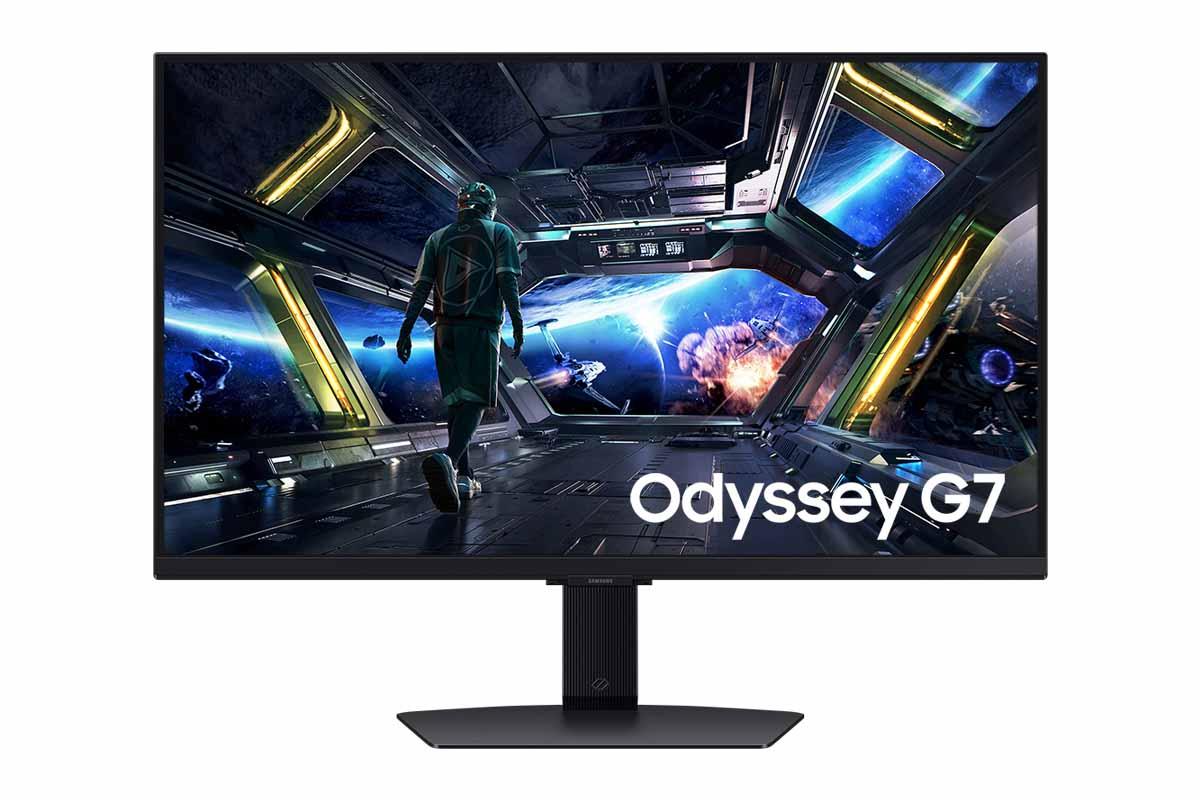
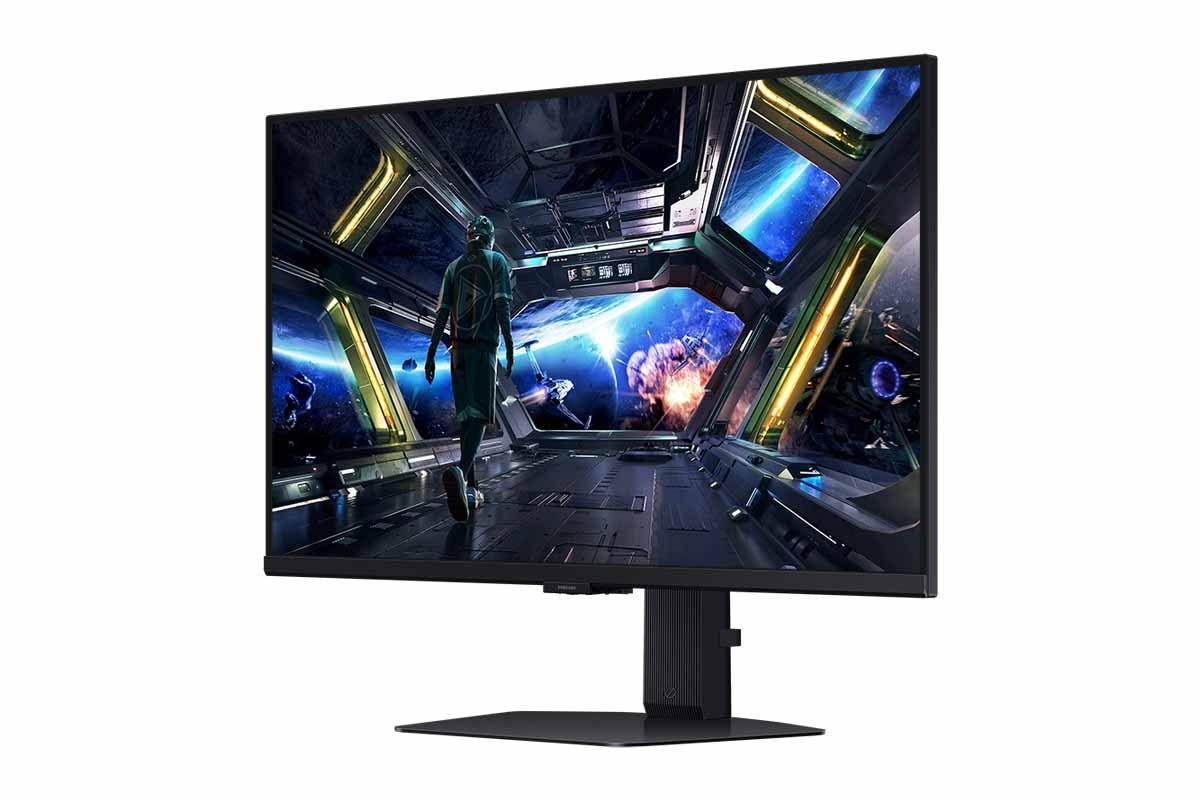
Today, we're comparing two fundamentally different approaches to premium gaming displays: the LG UltraGear 27" OLED QHD 480Hz Gaming Monitor at $999.99 and the Samsung 27" Odyssey G7 G70D 4K UHD IPS Gaming Monitor. These represent two distinct philosophies in monitor design, and understanding their differences will help you make the right choice for your setup.
When shopping for a high-end gaming monitor, you're essentially making trade-offs between several key factors. Display technology forms the foundation—whether you choose OLED (Organic Light-Emitting Diode) panels that create their own light, or IPS (In-Plane Switching) panels that use backlights. Resolution versus refresh rate becomes crucial since higher pixel counts demand more from your graphics card, potentially limiting how fast your monitor can refresh. Response time measures how quickly pixels can change colors, which directly affects motion clarity. And increasingly, versatility matters as monitors gain smart features that extend their usefulness beyond pure gaming.
The LG UltraGear prioritizes absolute gaming performance with its groundbreaking 480Hz OLED panel, while the Samsung Odyssey G7 G70D takes a more balanced approach with 4K resolution and integrated smart features. Both launched in 2024, representing the latest thinking in their respective categories.
The most fundamental difference between these monitors lies in their display technology, and this choice affects everything else about their performance.
The LG UltraGear's OLED panel uses millions of individual pixels that create their own light. When a pixel needs to display black, it simply turns off completely, creating what's called "true black." This results in an essentially infinite contrast ratio—officially rated at 1,500,000:1—meaning the difference between the darkest and brightest parts of an image is dramatic. In practical terms, this makes dark scenes in games like horror titles or space games incredibly immersive. You'll see details in shadows that would be washed out on other displays.
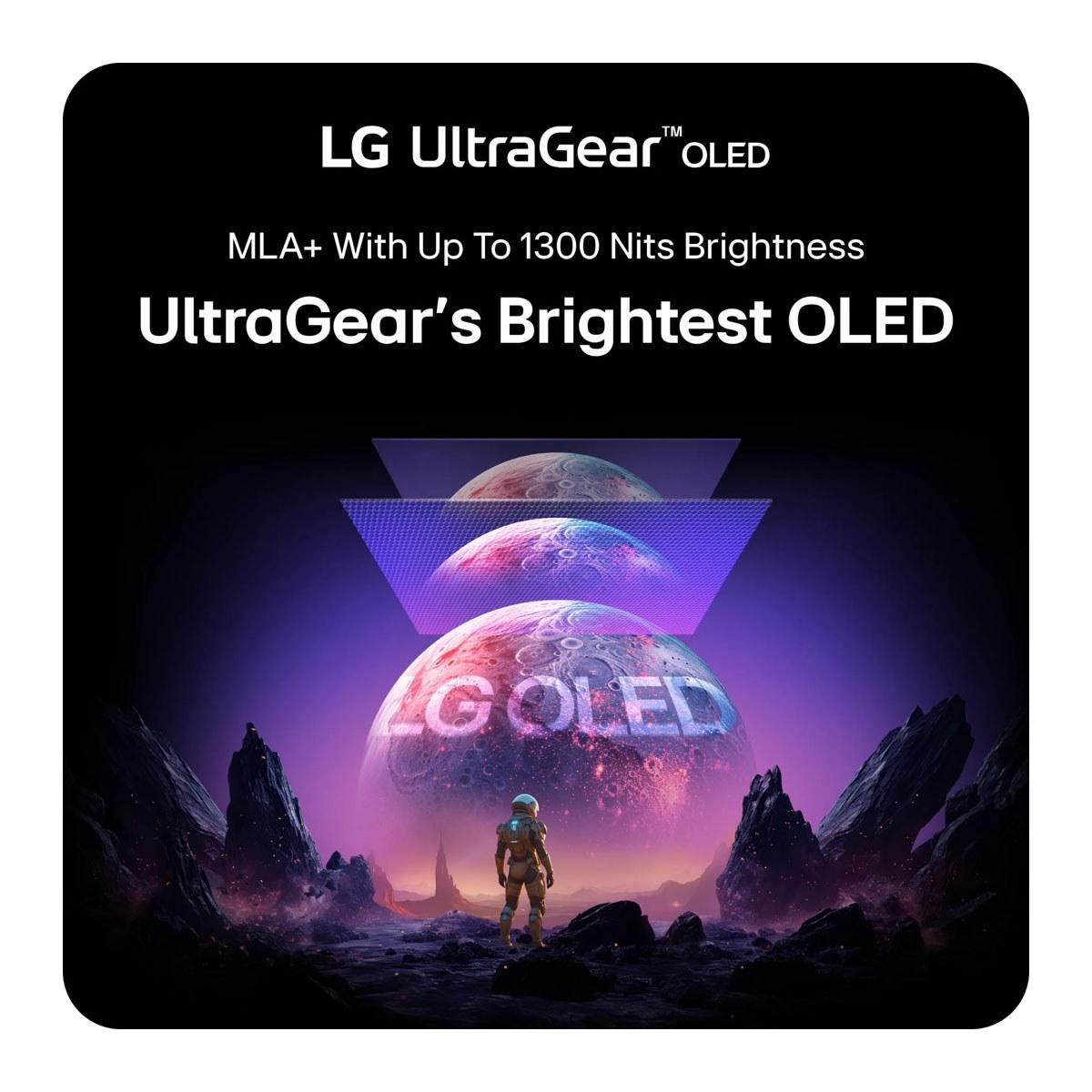
OLED technology also excels at color reproduction. The LG monitor covers 98.5% of the DCI-P3 color space, which is the standard used for digital cinema. This means colors appear more vibrant and accurate than on most displays. However, OLED panels have historically been dimmer than their LCD counterparts. LG addresses this with their Micro Lens Array+ (MLA+) technology—essentially tiny lenses that focus light more efficiently, allowing the display to reach up to 1,300 nits of peak brightness in small areas.
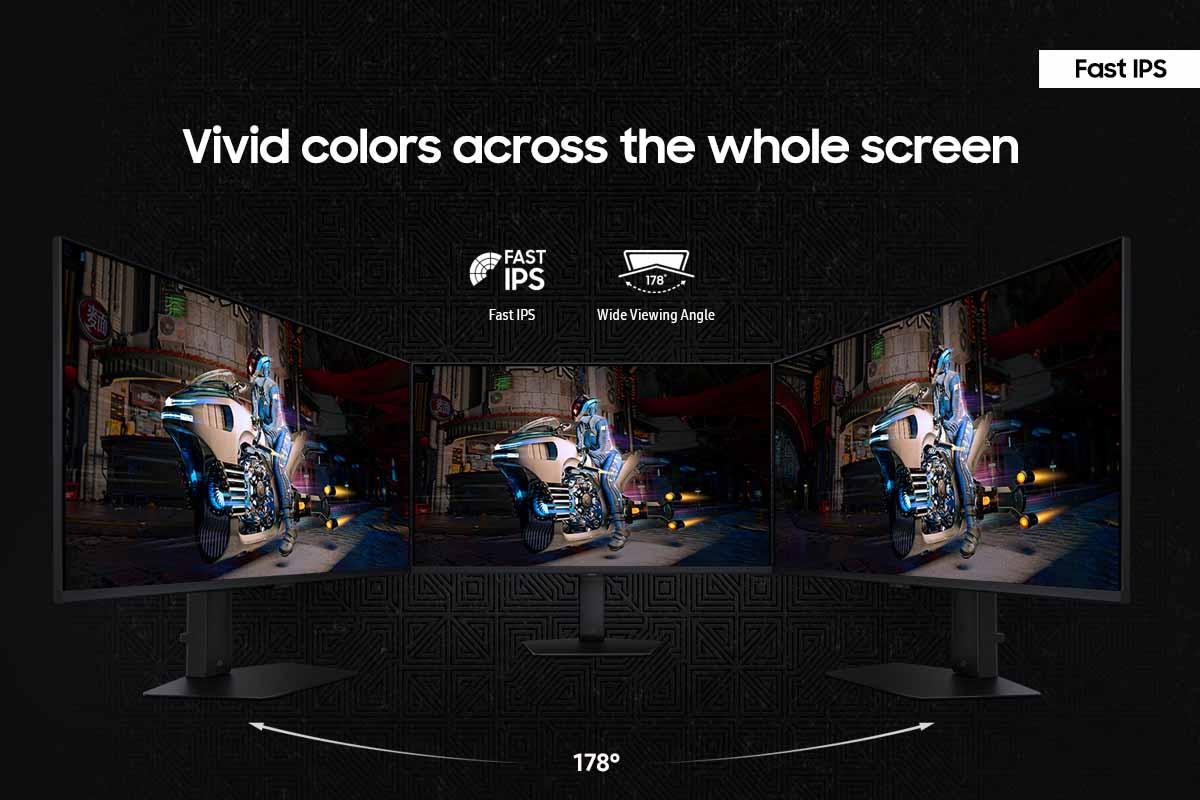
The Samsung Odyssey's IPS panel takes a different approach. IPS technology uses a backlight that shines through liquid crystal layers to create images. While this means blacks appear more gray than true black (with a 1,000:1 contrast ratio), IPS panels offer several advantages. They're immune to burn-in, a phenomenon where static images can permanently mark OLED screens. They also provide consistent brightness across the entire screen and typically cost less to manufacture.
For gaming specifically, OLED's perfect blacks create more immersive experiences in atmospheric games, while IPS panels work better if you frequently display static elements like web browsers, Discord overlays, or productivity applications alongside your games.
Here's where these monitors take dramatically different approaches to the age-old trade-off between image sharpness and smooth motion.
The LG UltraGear uses QHD resolution (2560 x 1440 pixels), which provides 109 pixels per inch on its 27-inch screen. This resolution hits a sweet spot for competitive gaming—it's sharp enough that text remains crisp and game details are clear, but it doesn't demand as much from your graphics card as 4K gaming. This lower pixel count is crucial for achieving the monitor's headline 480Hz refresh rate, which means the screen can display up to 480 different images per second.
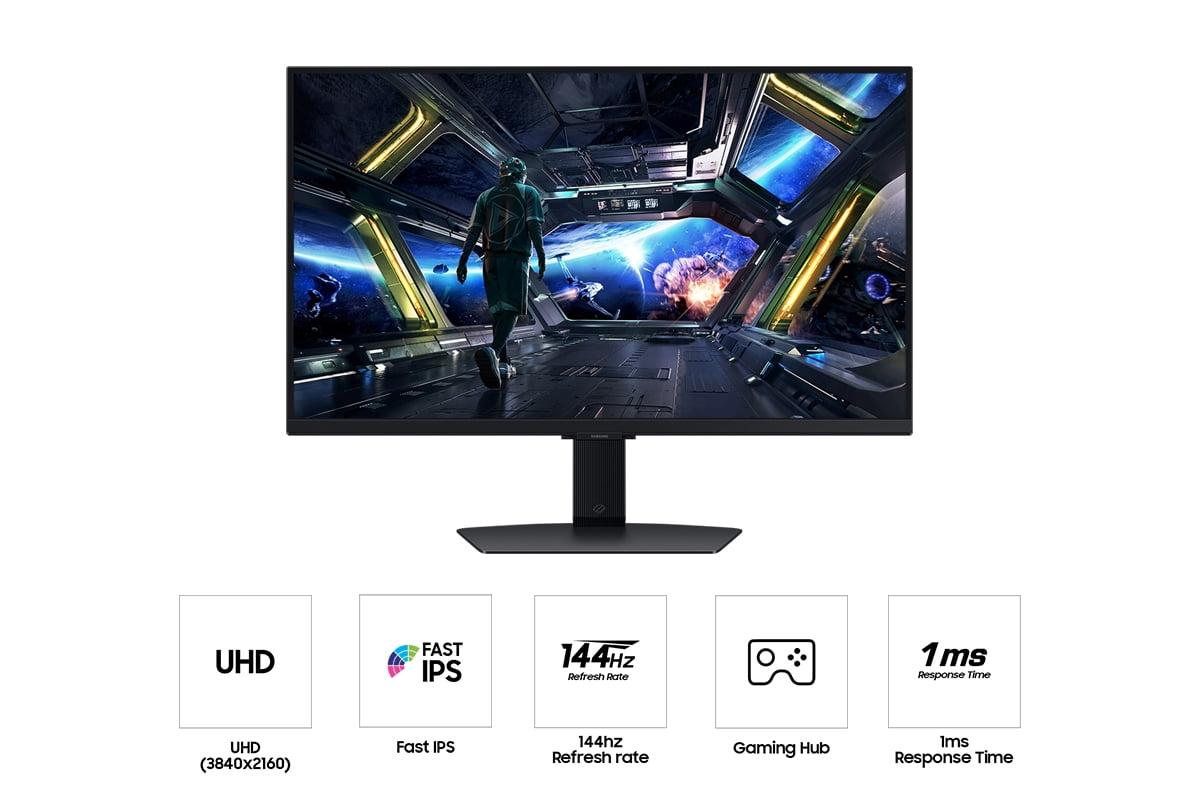
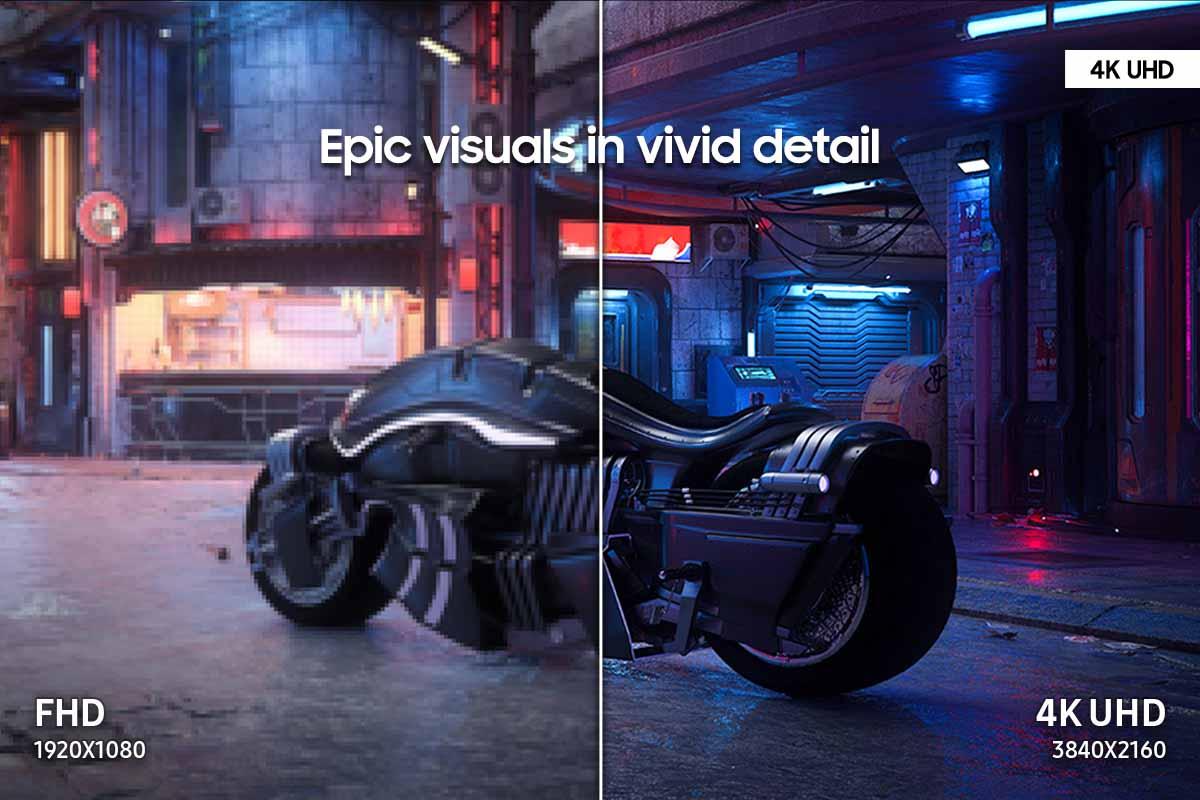
The Samsung Odyssey prioritizes pixel density with its 4K UHD resolution (3840 x 2160 pixels), delivering 163 pixels per inch. This higher pixel density makes text incredibly sharp and brings out fine details in games that support 4K. The difference is immediately noticeable when reading text or viewing detailed textures in games. However, driving 4K at high refresh rates requires significantly more graphics processing power.
To put this in perspective: rendering 4K requires pushing about 8.3 million pixels per frame, while QHD only needs about 3.7 million pixels. This means you need a much more powerful graphics card to achieve the same frame rates at 4K. Currently, only the most expensive GPUs like the RTX 4090 can consistently drive modern games at 4K and high refresh rates.
The Samsung monitor includes an interesting feature called AI upscaling through its NQM processor. This technology analyzes lower-resolution content and intelligently adds detail to make it appear sharper on the 4K screen. While not as good as native 4K content, it helps bridge the gap when your graphics card can't quite handle full 4K gaming.
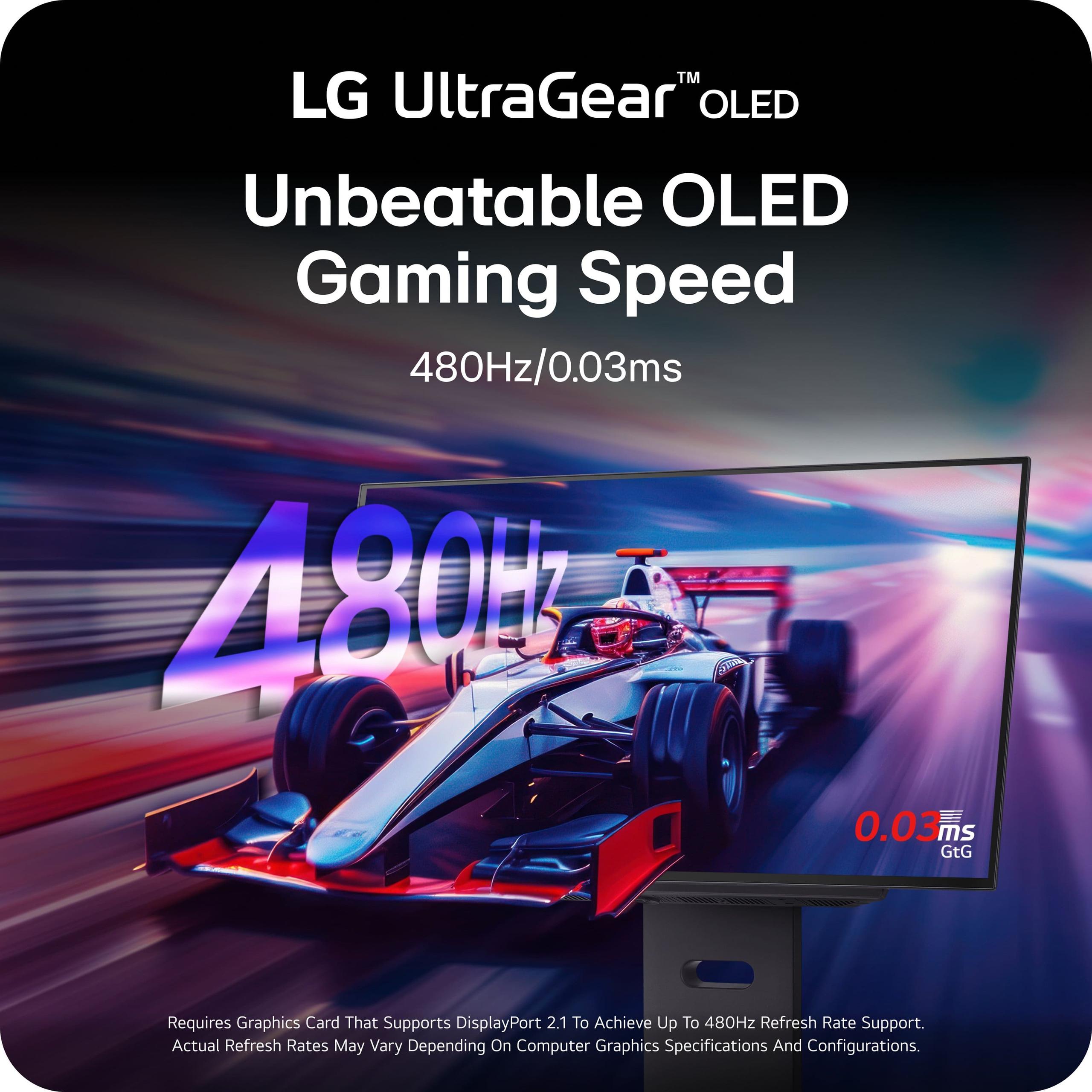
This is where the LG UltraGear truly shines and justifies its premium pricing. Its 480Hz refresh rate represents a massive leap from the 144Hz that was considered high-end just a few years ago. To understand why this matters, consider that competitive gamers often talk about "frame time"—the amount of time between when something happens in a game and when you see it on screen.
At 144Hz, each frame is displayed for about 6.9 milliseconds. At 480Hz, that drops to just 2.1 milliseconds. Combined with the monitor's 0.03ms response time (how quickly pixels can change color), this creates an incredibly responsive gaming experience where motion appears glass-smooth and input lag is virtually eliminated.
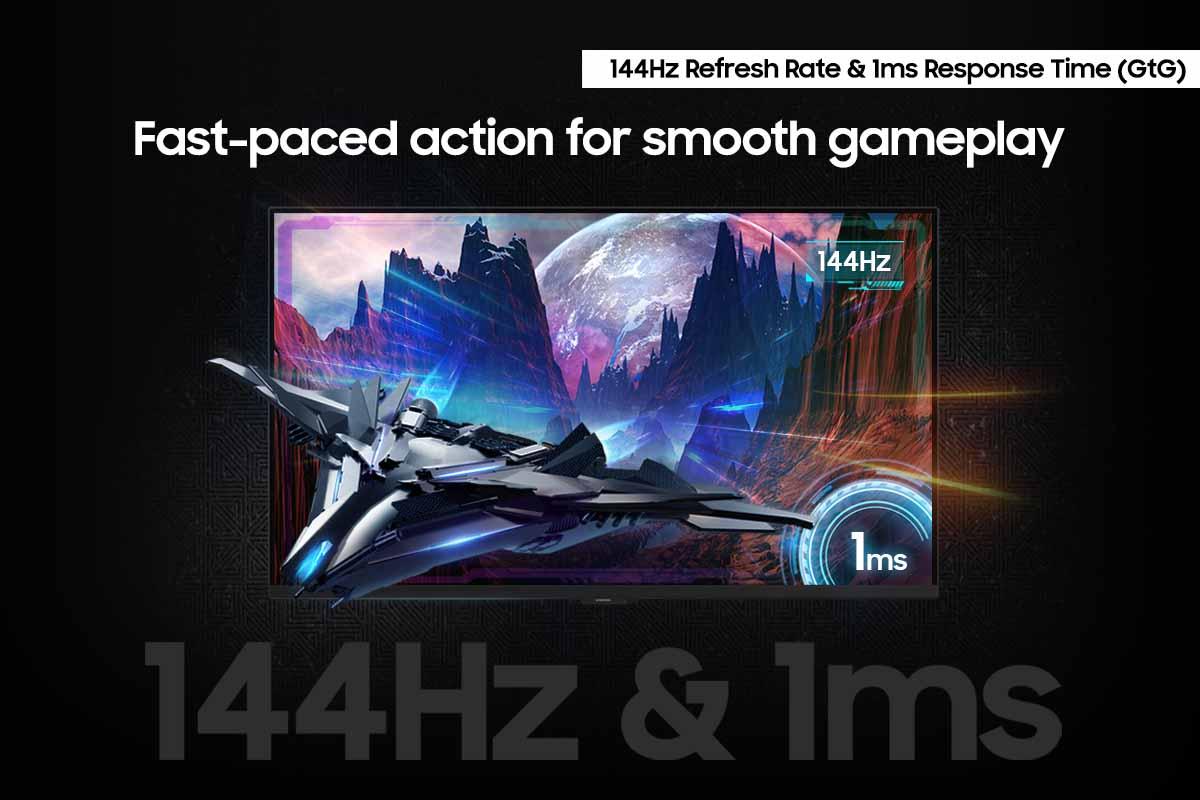
The Samsung Odyssey offers a more conventional but still excellent 144Hz refresh rate with a 1ms response time. While this might sound inferior, it's worth noting that the difference between 144Hz and 480Hz becomes less noticeable to most users above certain refresh rates. The jump from 60Hz to 144Hz is dramatic and immediately obvious, but the improvement from 144Hz to 480Hz, while real, requires specific scenarios and trained eyes to fully appreciate.
For competitive esports games like Counter-Strike 2, Valorant, or Rocket League, where professional players can distinguish tiny advantages, the LG monitor's 480Hz capability provides a measurable competitive edge. For most other gaming scenarios, including single-player games or casual multiplayer, the Samsung's 144Hz is more than sufficient and allows you to enjoy 4K detail instead.
Both monitors support adaptive sync technologies, but with important differences. The LG UltraGear supports both AMD FreeSync Premium Pro and NVIDIA G-SYNC compatibility. These technologies synchronize your monitor's refresh rate with your graphics card's frame output, eliminating screen tearing (when parts of different frames appear simultaneously) and reducing stuttering.
However, some users have reported VRR (Variable Refresh Rate) flicker with the LG monitor—a phenomenon where the screen brightness fluctuates slightly when frame rates change rapidly. This is more noticeable in darker scenes and represents one of the few weaknesses of this otherwise exceptional display.
The Samsung Odyssey supports AMD FreeSync Premium and generally handles VRR more smoothly, though it lacks NVIDIA G-SYNC compatibility. For AMD graphics card users, either monitor works well, but NVIDIA users might prefer the LG's G-SYNC support despite the potential flicker issues.
High Dynamic Range (HDR) enhances games by displaying a wider range of brightness levels and colors than standard displays can show. This technology makes bright explosions more dazzling while keeping details visible in dark shadows.
The LG UltraGear supports VESA DisplayHDR True Black 400, which specifically certifies OLED displays that can produce true blacks alongside bright highlights. Because OLED pixels can turn completely off, dark scenes in HDR games maintain perfect black levels while bright elements like sunlight or explosions can reach up to 1,300 nits of brightness. This creates a more realistic and immersive visual experience.
The Samsung Odyssey supports VESA DisplayHDR 400 but faces the inherent limitations of IPS technology. Its local dimming system uses only 32 zones across the entire screen, which means large areas brighten together rather than individual pixels controlling their own brightness. This can cause "blooming" where dark areas near bright objects appear washed out, reducing the HDR effect's impact.
The LG UltraGear includes DisplayPort 2.1, the latest connectivity standard that provides much higher bandwidth than previous versions. This connection can handle 4K at 240Hz or 1440p at 480Hz without compression, ensuring you get the full benefit of the monitor's capabilities both now and with future graphics cards.
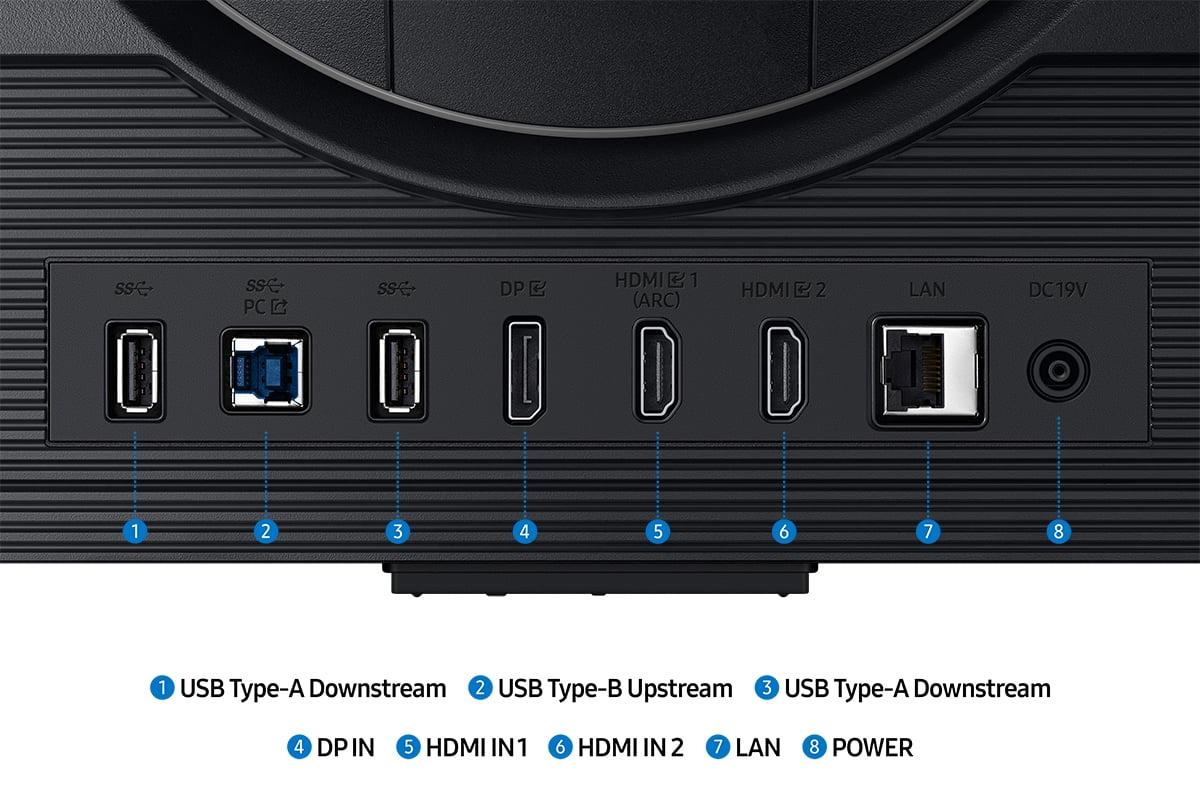
The Samsung Odyssey focuses on current-generation connectivity with HDMI 2.1 ports that work perfectly with PlayStation 5 and Xbox Series X consoles. Both monitors include multiple ports and USB hubs for connecting peripherals.
This is where the Samsung Odyssey really differentiates itself. It includes Samsung's Gaming Hub, essentially turning the monitor into a smart TV that can run streaming apps and cloud gaming services without needing a computer or console connected. You can launch Netflix, play Xbox Game Pass games through the cloud, or access other streaming services using the included remote control.
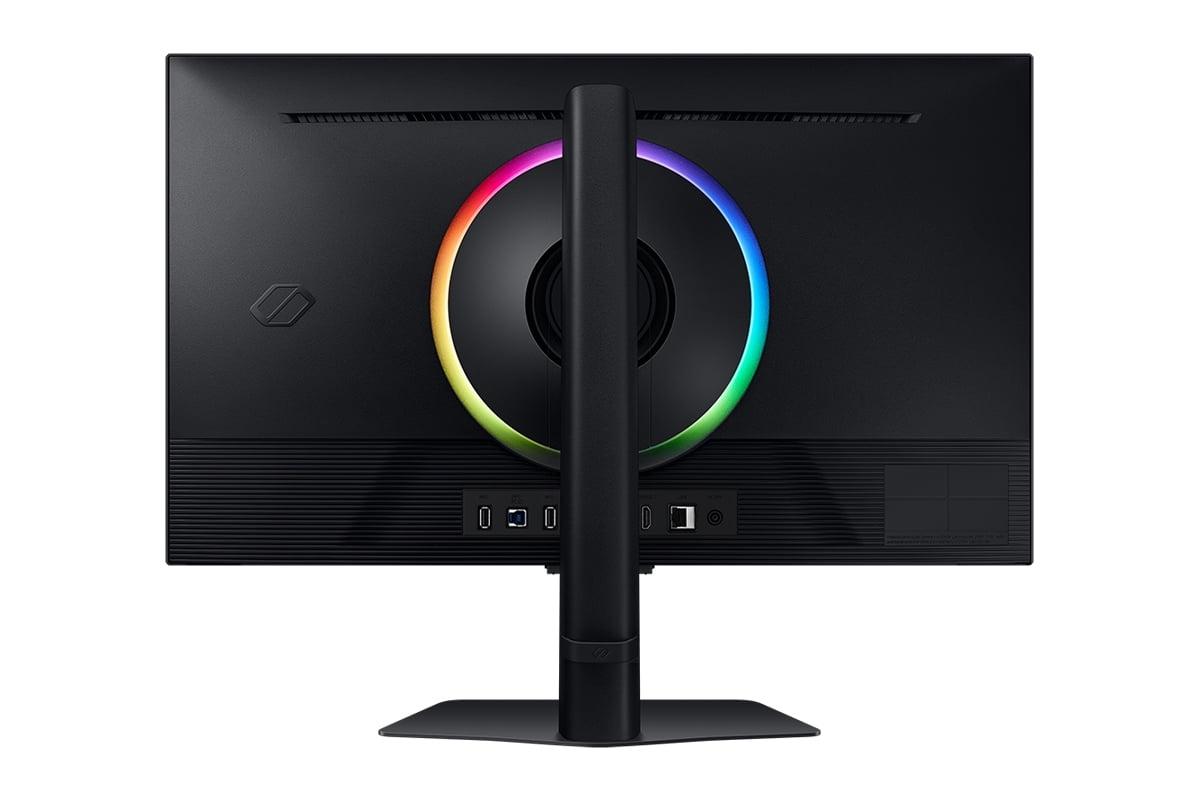
The monitor also features CoreSync lighting that projects colors from the screen onto your wall, creating an immersive ambient lighting effect. Combined with the AI upscaling and various gaming-specific overlays (crosshairs, FPS counters, minimap zoom), these features make the Samsung monitor feel more like an entertainment hub than just a display.
The LG UltraGear takes a purist approach, focusing entirely on display performance without smart features that might introduce latency or complications. This appeals to competitive gamers who want the most direct, responsive experience possible.
If you're considering either monitor for a home theater setup, the choice becomes more clear-cut. The Samsung Odyssey's 4K resolution and smart features make it excellent for streaming movies and TV shows. Its larger color gamut and AI upscaling help improve content quality, while the smart OS means you don't need additional streaming devices.
The LG UltraGear, while offering superior contrast for dark movie scenes thanks to its OLED technology, is held back by its QHD resolution for home theater use. Most streaming content is available in 4K, and you'd be missing out on that detail. Additionally, OLED panels can suffer from burn-in if you frequently display static elements like channel logos or streaming service interfaces.
OLED burn-in remains a consideration for the LG UltraGear. While LG includes OLED Care features like pixel shifting and logo luminance adjustment, plus a 2-year OLED warranty, static elements displayed for long periods can potentially leave permanent marks. This mainly affects users who keep static HUDs, taskbars, or applications visible for hours.
The Samsung Odyssey faces no such concerns with its IPS panel, making it more suitable for mixed use between gaming and productivity tasks.
Choose the LG UltraGear 27" OLED QHD 480Hz Gaming Monitor if you're a serious competitive gamer with a high-end graphics card (RTX 4080 or better) who prioritizes maximum performance above all else. The 480Hz refresh rate and OLED image quality create an unmatched gaming experience, especially in fast-paced esports titles. You should also have a controlled lighting environment and primarily use the monitor for gaming rather than productivity work.
Choose the Samsung 27" Odyssey G7 G70D 4K UHD IPS Gaming Monitor if you want a versatile display that excels at both gaming and other tasks. The 4K resolution provides stunning detail for both games and media consumption, while the smart features eliminate the need for additional streaming devices. This monitor works better for mixed use, console gaming, and anyone concerned about OLED burn-in.
Both represent excellent examples of their respective approaches to premium gaming displays. The LG monitor pushes the absolute boundaries of gaming performance, while the Samsung offers a more complete package for users who want exceptional gaming capabilities alongside broader functionality. Your choice ultimately depends on whether you prioritize peak gaming performance or well-rounded versatility in your setup.
| LG UltraGear 27" OLED QHD 480Hz Gaming Monitor | Samsung 27" Odyssey G7 G70D 4K UHD IPS Gaming Monitor |
|---|---|
| Price - Investment level for premium gaming performance | |
| $999.99 (premium pricing for cutting-edge OLED tech) | Lower price point (better value for mixed-use scenarios) |
| Display Technology - Fundamental difference in image quality approach | |
| WOLED with Micro Lens Array+ (true blacks, infinite contrast) | Fast IPS (no burn-in risk, consistent brightness) |
| Resolution - Detail vs performance trade-off | |
| 2560 x 1440 QHD (optimized for high refresh rates) | 3840 x 2160 4K UHD (sharper text and game details) |
| Refresh Rate - Motion smoothness for competitive gaming | |
| 480Hz (industry-leading for esports competition) | 144Hz (excellent for most gaming scenarios) |
| Response Time - Critical for eliminating motion blur | |
| 0.03ms GtG (virtually instantaneous pixel changes) | 1ms GtG (very fast, suitable for competitive play) |
| Contrast Ratio - Depth and realism in dark scenes | |
| 1,500,000:1 (perfect blacks enhance immersion) | 1,000:1 (typical IPS limitation, grayer blacks) |
| Peak Brightness - HDR impact and ambient light handling | |
| 1,300 nits peak (excellent HDR with MLA+ technology) | 350 nits typical (adequate for most lighting conditions) |
| Color Coverage - Accuracy for gaming and content creation | |
| 98.5% DCI-P3 (cinema-grade color reproduction) | 99% sRGB (good color accuracy for general use) |
| Adaptive Sync - Eliminating screen tearing | |
| FreeSync Premium Pro + G-SYNC Compatible (some VRR flicker) | FreeSync Premium only (smoother VRR implementation) |
| HDR Support - Enhanced visual range in supported games | |
| VESA DisplayHDR True Black 400 (superior OLED HDR) | VESA DisplayHDR 400 (limited by IPS contrast) |
| Connectivity - Future-proofing and device compatibility | |
| DisplayPort 2.1 + HDMI 2.1 (next-gen GPU ready) | HDMI 2.1 + DisplayPort (current console optimized) |
| Smart Features - Beyond pure gaming functionality | |
| None (pure gaming focus, no latency concerns) | Gaming Hub, AI upscaling, smart TV apps, remote control |
| Burn-in Risk - Long-term durability consideration | |
| Potential OLED burn-in (2-year warranty, OLED Care features) | No burn-in risk (suitable for static content display) |
| Best For - Primary use case recommendation | |
| Competitive esports gaming with high-end GPUs | Versatile gaming, productivity, and entertainment hub |
The LG UltraGear 27" OLED QHD 480Hz Gaming Monitor is significantly better for competitive esports. Its 480Hz refresh rate and 0.03ms response time provide the fastest possible motion clarity and input responsiveness. Professional gamers will benefit from the reduced motion blur and ultra-low latency that can provide a competitive edge in fast-paced games like Counter-Strike, Valorant, and Rocket League.
OLED displays like the LG UltraGear create light from individual pixels, allowing for perfect blacks and infinite contrast ratios. IPS displays like the Samsung Odyssey G7 G70D use backlights, which means blacks appear more gray but eliminate burn-in risks. OLED offers superior image quality for gaming, while IPS provides better durability for mixed use with static content.
The Samsung Odyssey G7 G70D 4K UHD IPS Gaming Monitor typically offers better value. It provides 4K resolution, smart TV features, and solid gaming performance at a lower price point than the LG UltraGear. However, if you're a competitive gamer who needs maximum refresh rates, the LG's premium pricing may be justified for its unique 480Hz OLED technology.
Both monitors work with next-gen consoles, but the Samsung Odyssey G7 G70D is better optimized for console gaming. Its 4K resolution matches what PS5 and Xbox Series X output, and its HDMI 2.1 connectivity ensures full compatibility. The LG UltraGear will work with consoles but its QHD resolution won't take full advantage of 4K console capabilities.
The Samsung Odyssey G7 G70D 4K UHD IPS Gaming Monitor is much better for productivity. Its 4K resolution provides sharper text, the IPS panel has no burn-in risk when displaying static elements like taskbars, and it includes smart features for streaming during breaks. The LG UltraGear focuses purely on gaming performance and isn't ideal for mixed productivity use.
Yes, both require powerful GPUs, but to different degrees. The LG UltraGear needs an RTX 4080 or better to fully utilize its 480Hz at QHD resolution. The Samsung Odyssey requires even more GPU power for 4K gaming but includes AI upscaling to help with lower resolutions. For maximum performance, both benefit from high-end graphics cards.
The LG UltraGear 27" OLED QHD 480Hz Gaming Monitor has significantly better HDR performance. Its OLED technology provides true blacks and can reach 1,300 nits peak brightness with VESA DisplayHDR True Black 400 certification. The Samsung Odyssey is limited by IPS contrast ratios and only achieves basic HDR 400 certification with less dramatic visual impact.
Only the LG UltraGear has potential burn-in concerns due to its OLED technology. Static images displayed for long periods can potentially leave permanent marks. LG includes OLED Care features and a 2-year warranty to address this. The Samsung Odyssey G7 G70D uses IPS technology and has no burn-in risk, making it safer for displaying static content.
The Samsung Odyssey G7 G70D 4K UHD IPS Gaming Monitor is much better for streaming content. It has 4K resolution that matches most streaming platforms, built-in smart TV apps, and a remote control for easy navigation. The LG UltraGear offers superior contrast for dark movie scenes but lacks 4K resolution and smart streaming features.
The LG UltraGear supports up to 480Hz at its native QHD resolution, which is currently the fastest available for OLED gaming monitors. The Samsung Odyssey supports up to 144Hz at 4K resolution. Both offer multiple refresh rate options, but the LG's 480Hz capability is unique in the market for serious competitive gamers.
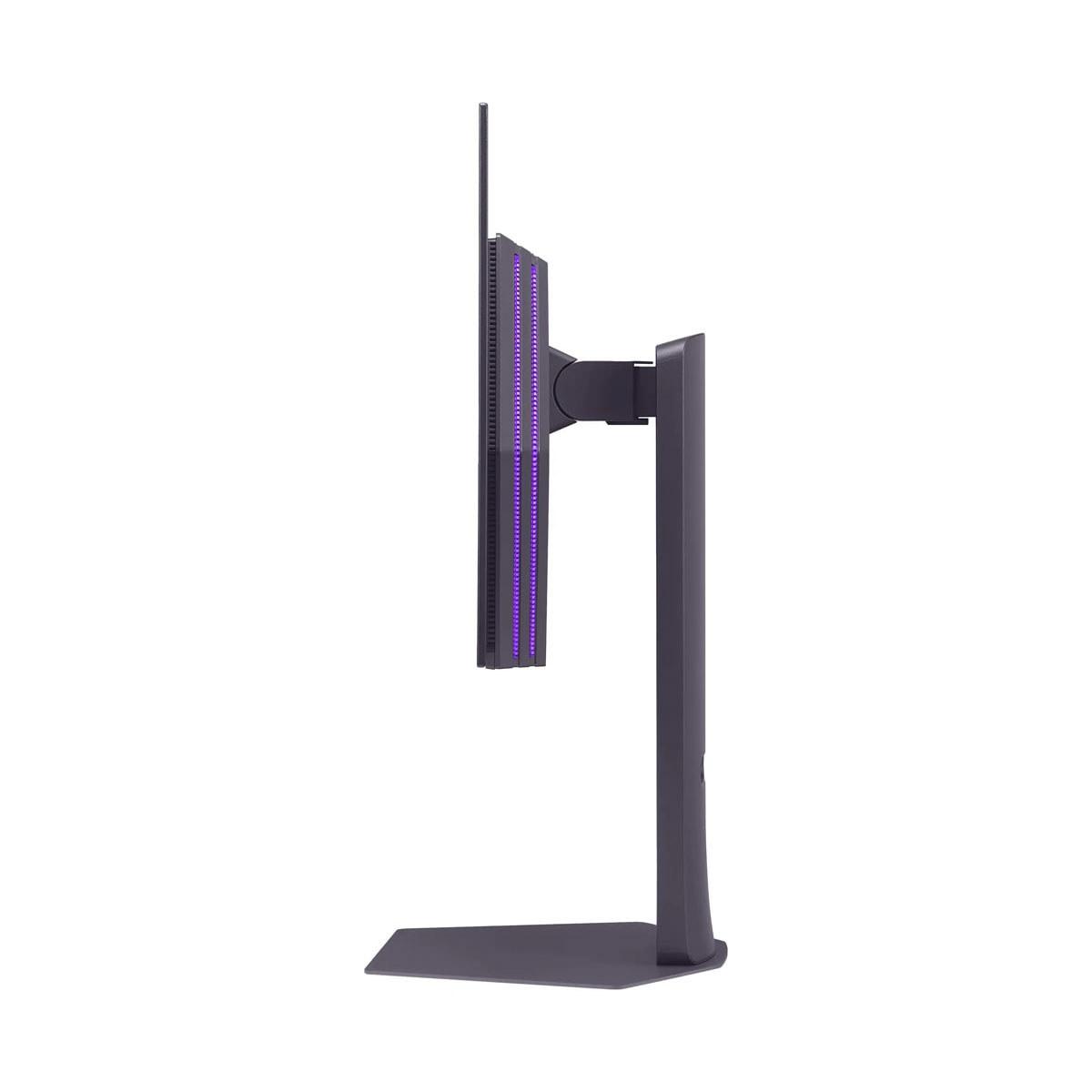
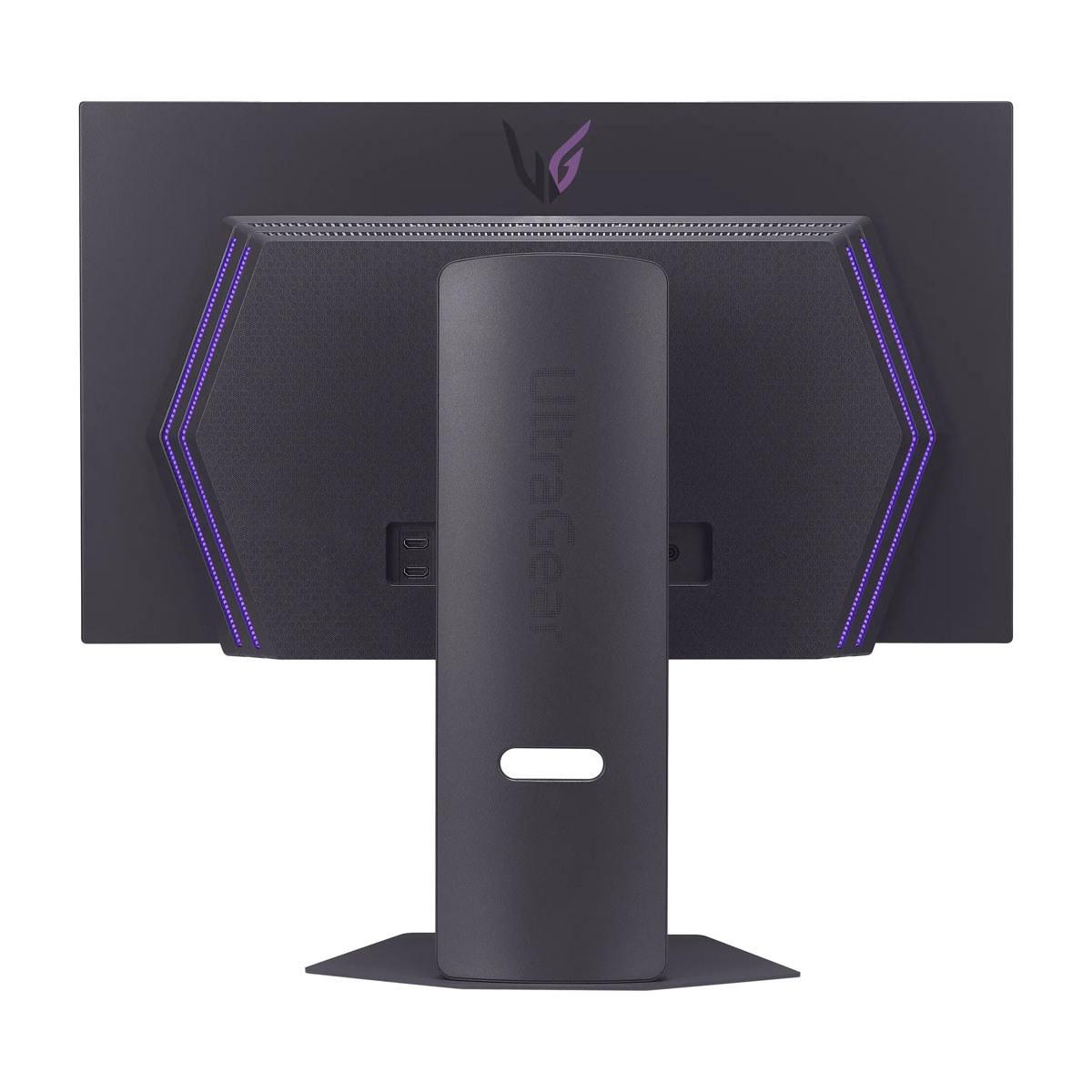
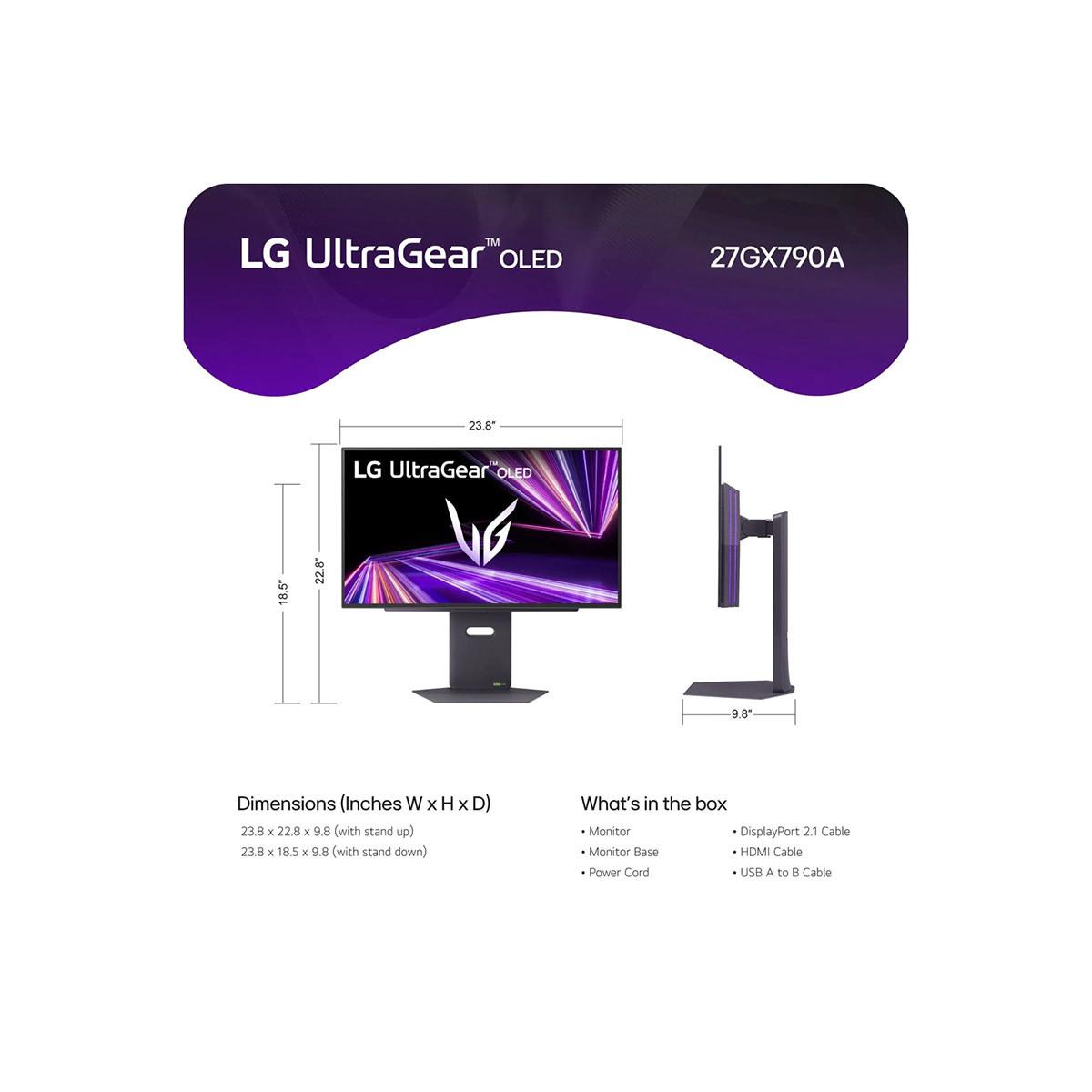
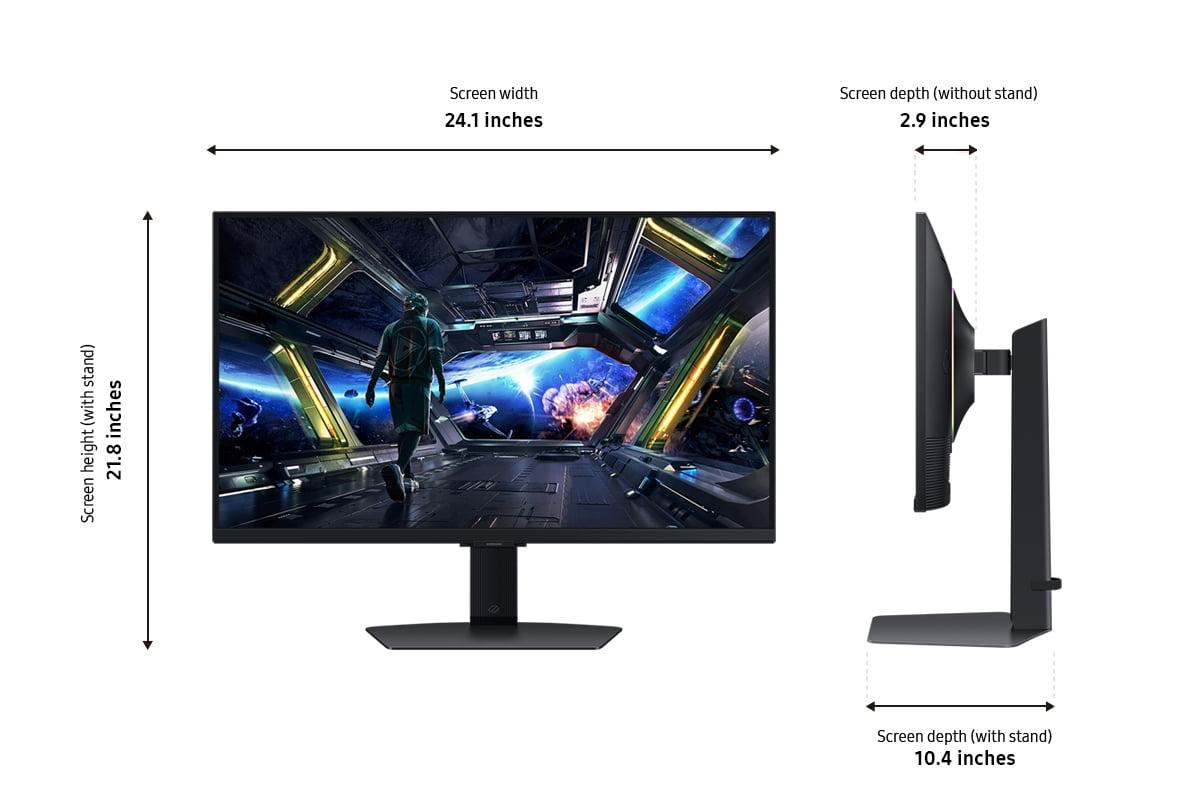
Both monitors offer excellent build quality, but with different approaches. The LG UltraGear 27" OLED QHD 480Hz Gaming Monitor features a sleek, ultra-thin OLED panel with premium materials and RGB lighting. The Samsung Odyssey G7 G70D has a sturdy design with comprehensive ergonomic adjustments and ambient CoreSync lighting. Both include height, tilt, and swivel adjustments with VESA mounting compatibility.
The Samsung Odyssey G7 G70D 4K UHD IPS Gaming Monitor is better suited for content creation due to its 4K resolution, IPS color consistency, and lack of burn-in risk when displaying editing timelines. While the LG UltraGear offers superior color accuracy and contrast, its burn-in potential and QHD resolution make it less ideal for professional content creation workflows that require static interface elements.
We've done our best to create useful and informative comparisons to help you decide what product to buy. Our research uses advanced automated methods to create this comparison and perfection is not possible - please contact us for corrections or questions. These are the sites we've researched in the creation of this article: bestbuy.com - bhphotovideo.com - engadget.com - newegg.com - youtube.com - bestbuy.com - techpowerup.com - techpowerup.com - rtings.com - lg.com - lgnewsroom.com - rtings.com - bestbuy.com - jonesapplianceandtv.com - thefrogpadappliances.com - lg.com - lg.com - lg.com - techpowerup.com - lg.com - lg.com - bestbuy.com - typectechreviews.com - rtings.com - rtings.com - youtube.com - youtube.com - samsung.com - samsung.com - samsung.com - bhphotovideo.com - samsung.com - samsung.com - versus.com - abt.com - abt.com - bestbuy.com - bhphotovideo.com - youtube.com - abt.com

Privacy Policy
Terms and Conditions - Affiliate Policy
Home Security
© Copyright 2008-2026.
11816 Inwood Rd #1211, Dallas, TX 75244