

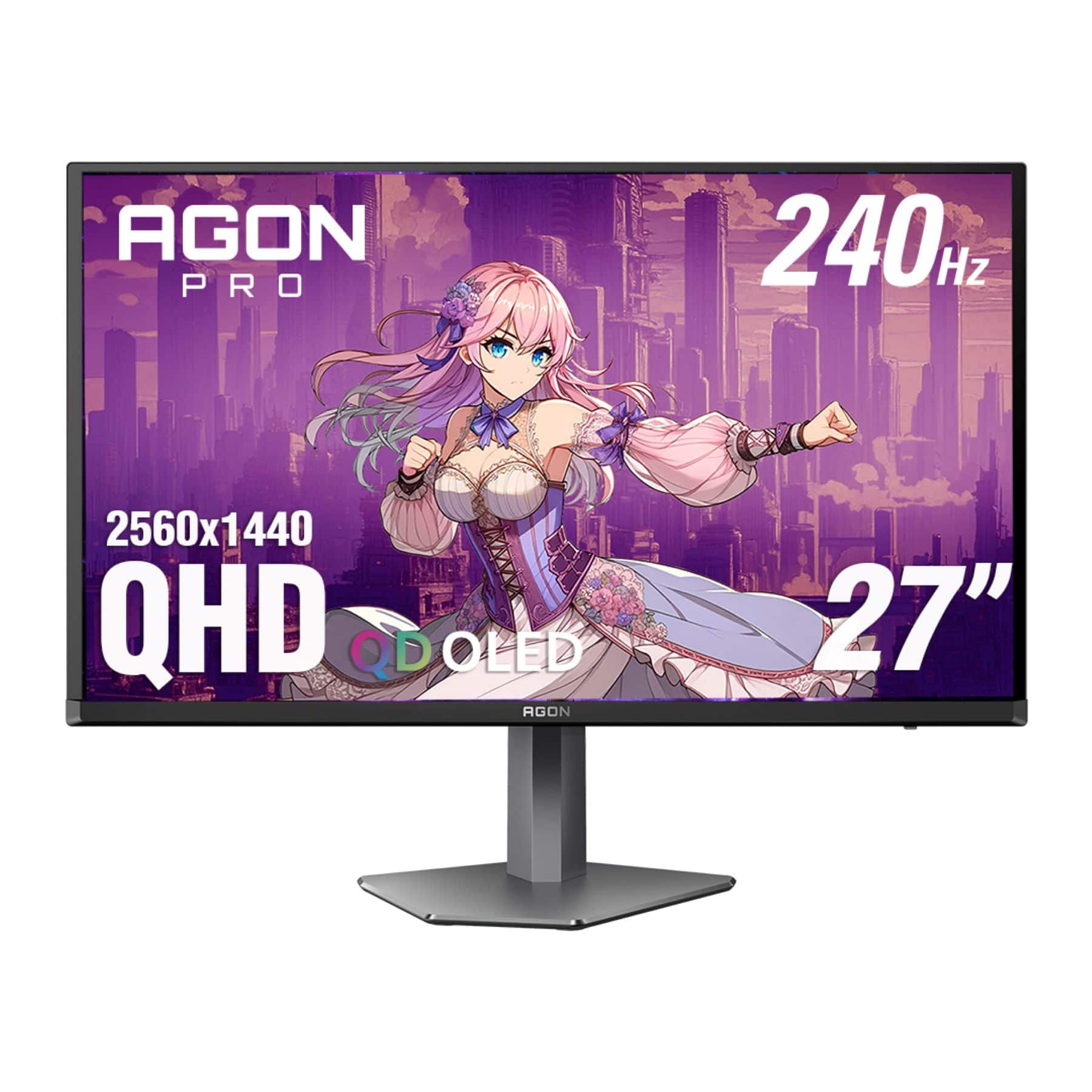
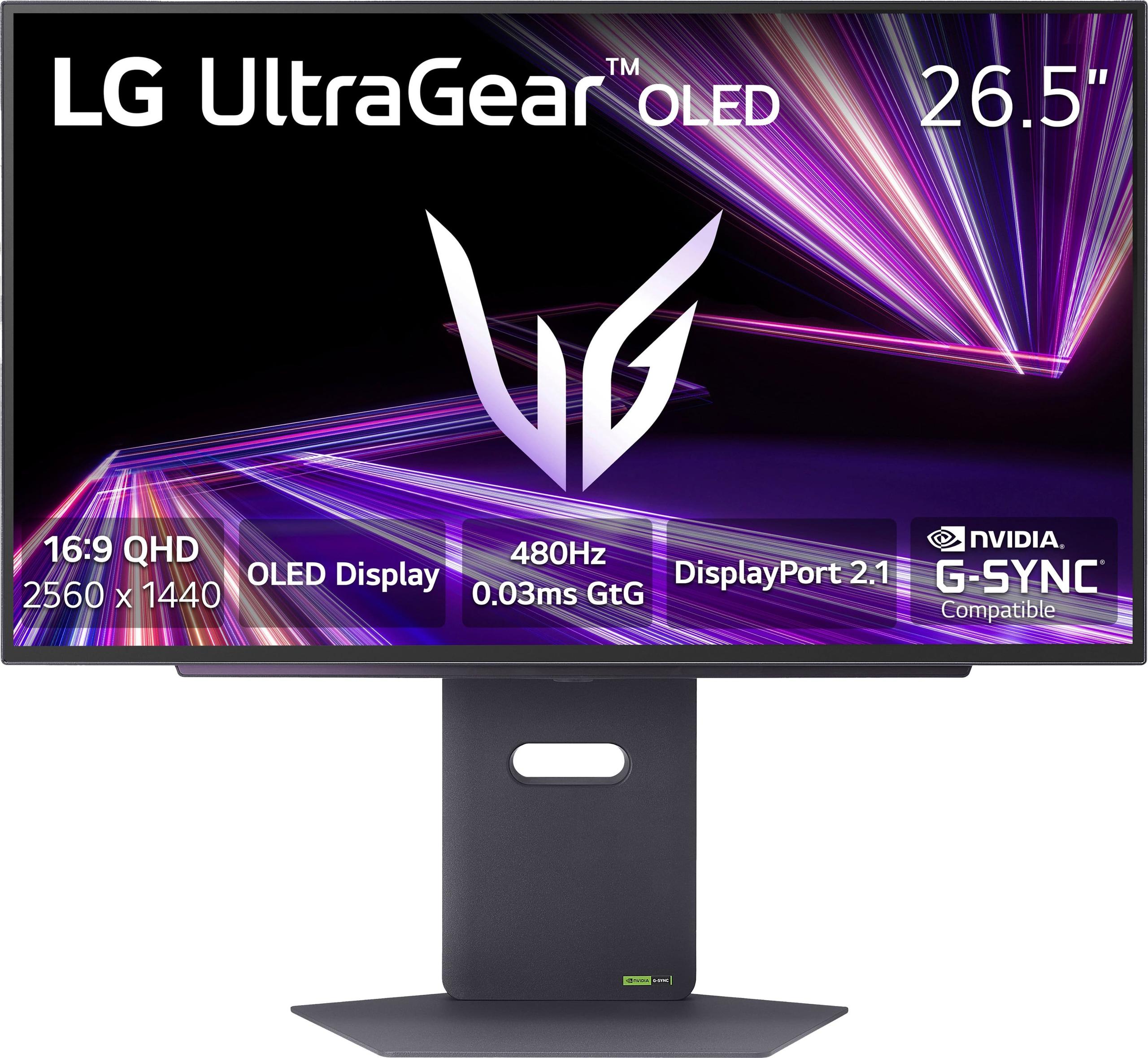
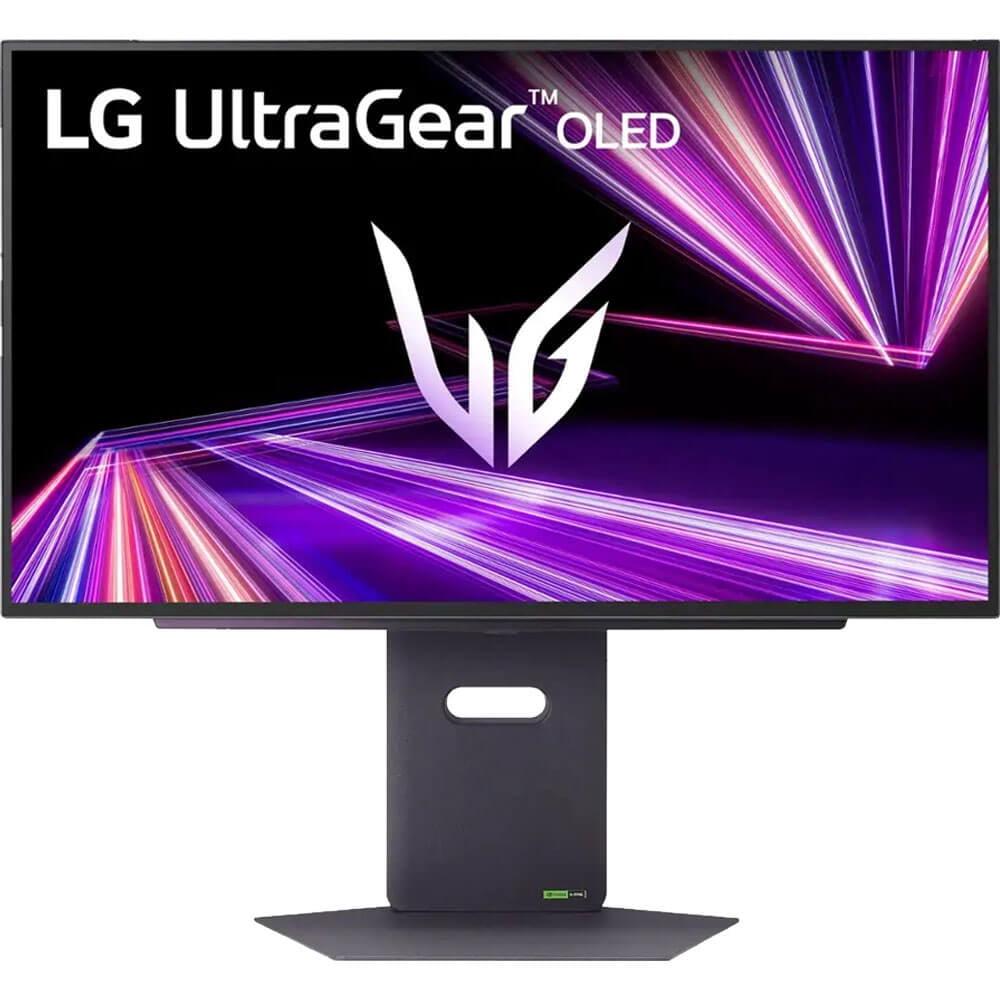
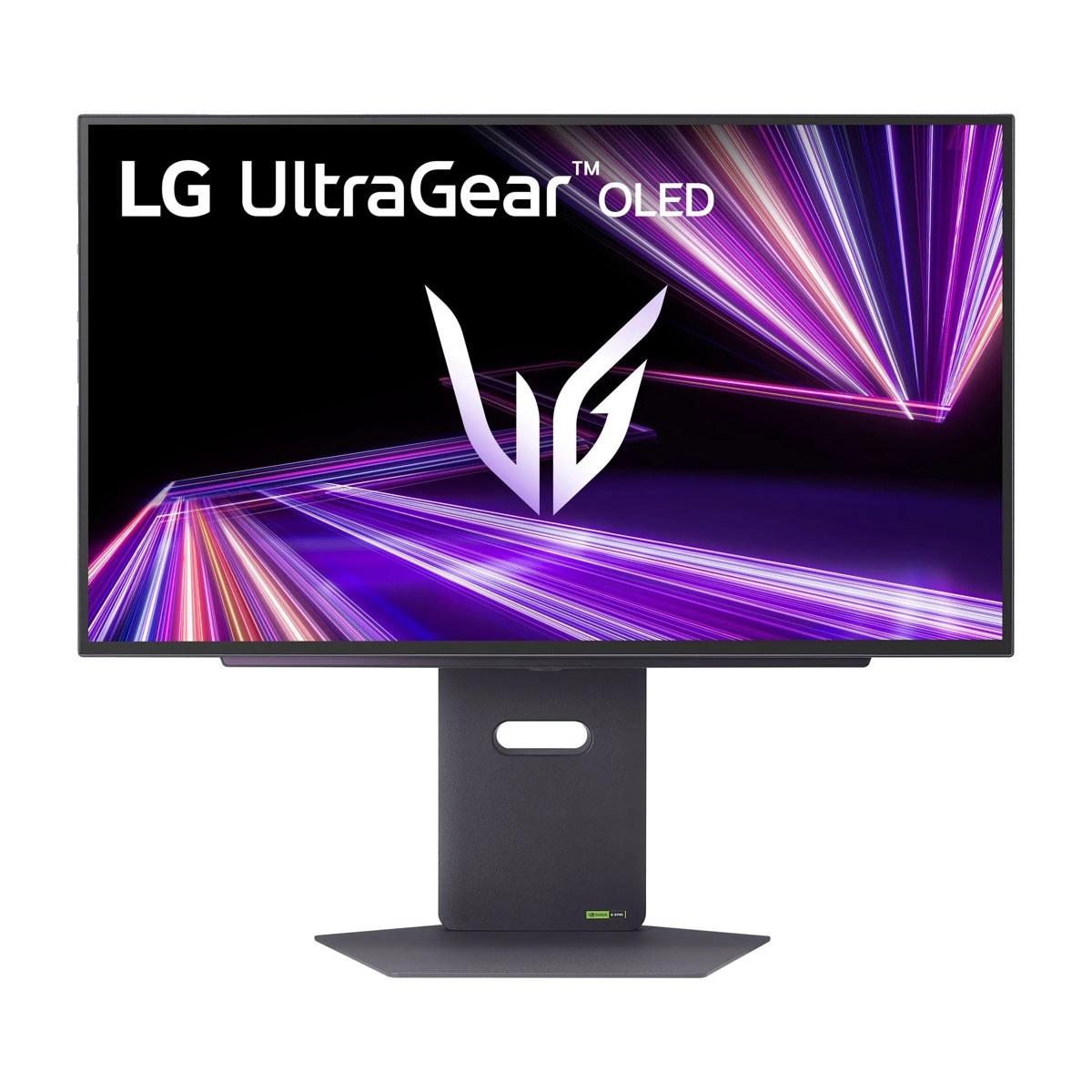

Gaming monitors have evolved dramatically over the past few years, with OLED technology finally making its way from TVs into the desktop gaming space. Two standout contenders represent different approaches to premium gaming displays: the AOC Agon Pro 27" QD-OLED 240Hz Gaming Monitor at around $485, and the newer LG UltraGear 27" OLED QHD 480Hz Gaming Monitor priced at approximately $1000.
Both monitors target serious gamers who want the best possible visual experience, but they take notably different paths to get there. Understanding these differences is crucial for making the right choice for your setup and budget.
Before diving into specifics, let's establish what makes a gaming monitor truly exceptional. The most critical factors are refresh rate (how many times per second the screen updates), response time (how quickly pixels change color), and panel technology (the underlying display method).
Modern gaming monitors prioritize eliminating motion blur and input lag – that annoying delay between when you click your mouse and see the action on screen. Traditional LCD monitors, even expensive ones, struggle with these issues because they rely on backlights shining through liquid crystal panels, creating inherent delays and compromises.
OLED technology changed everything. Instead of backlights, each pixel generates its own light, switching on and off almost instantly. This creates perfect blacks (since pixels can turn completely off) and incredibly fast response times. However, OLED comes in different flavors, which brings us to our first major difference.
The AOC Agon Pro AG276QZD2 uses Samsung's QD-OLED (Quantum Dot OLED) technology, while the LG UltraGear 27GX790A employs LG's WOLED (White OLED) approach. These aren't just marketing terms – they represent fundamentally different ways of creating color and light.
QD-OLED starts with blue OLED pixels and uses quantum dots (microscopic semiconductor particles) to convert some of that blue light into red and green. This creates incredibly pure, saturated colors that really pop off the screen. When I first tested QD-OLED monitors, the difference in color vibrancy was immediately noticeable, especially in games with rich, colorful environments like Cyberpunk 2077 or Marvel's Spider-Man.
WOLED takes a different approach, using white OLED pixels with color filters to create red, green, and blue sub-pixels. This method typically produces higher peak brightness – useful for HDR content – but can't match QD-OLED's color purity and saturation.
The AOC AG276QZD2 covers 138% of the sRGB color space and 99% of DCI-P3, meaning it can display colors that simply don't exist on standard monitors. Games look more vibrant and lifelike, with deeper reds, more vivid greens, and richer blues. However, the trade-off comes in HDR brightness, where WOLED typically excels.
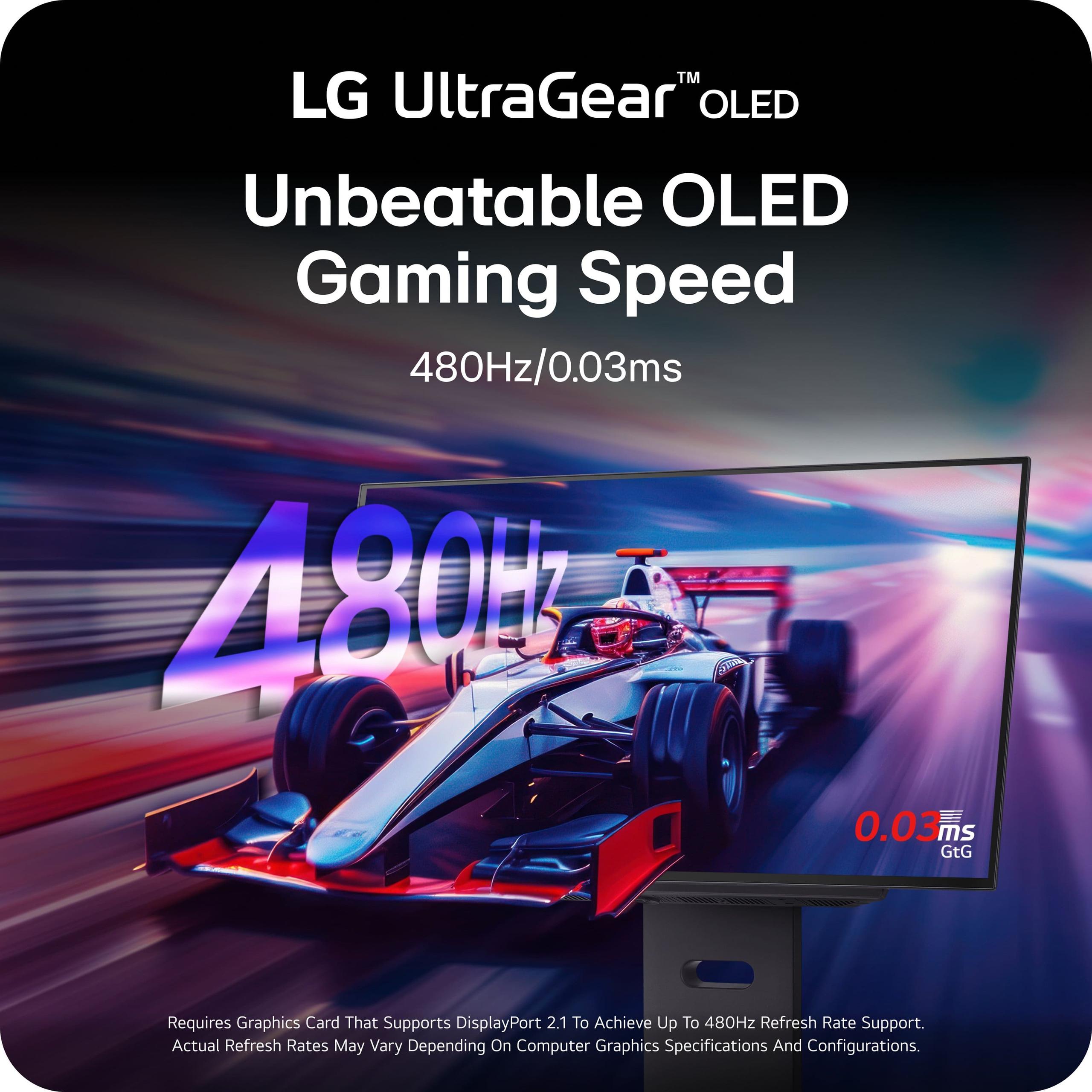
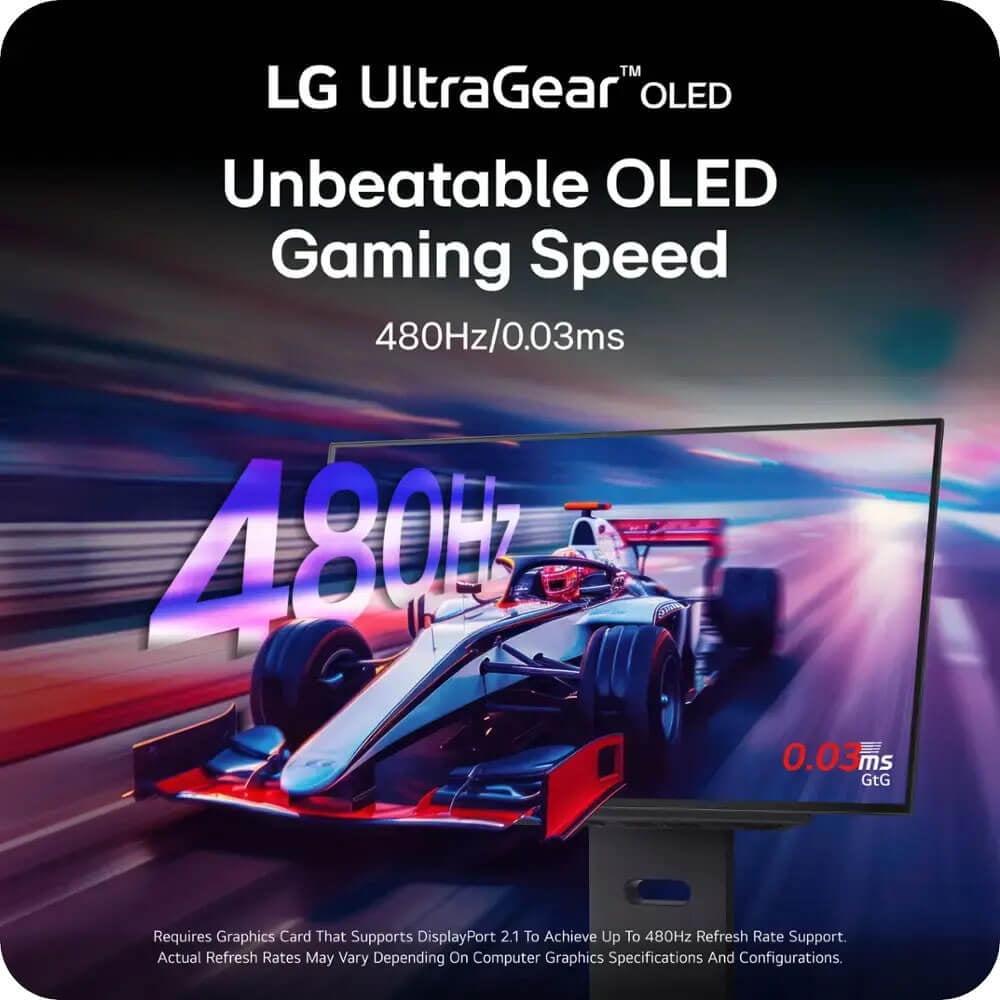
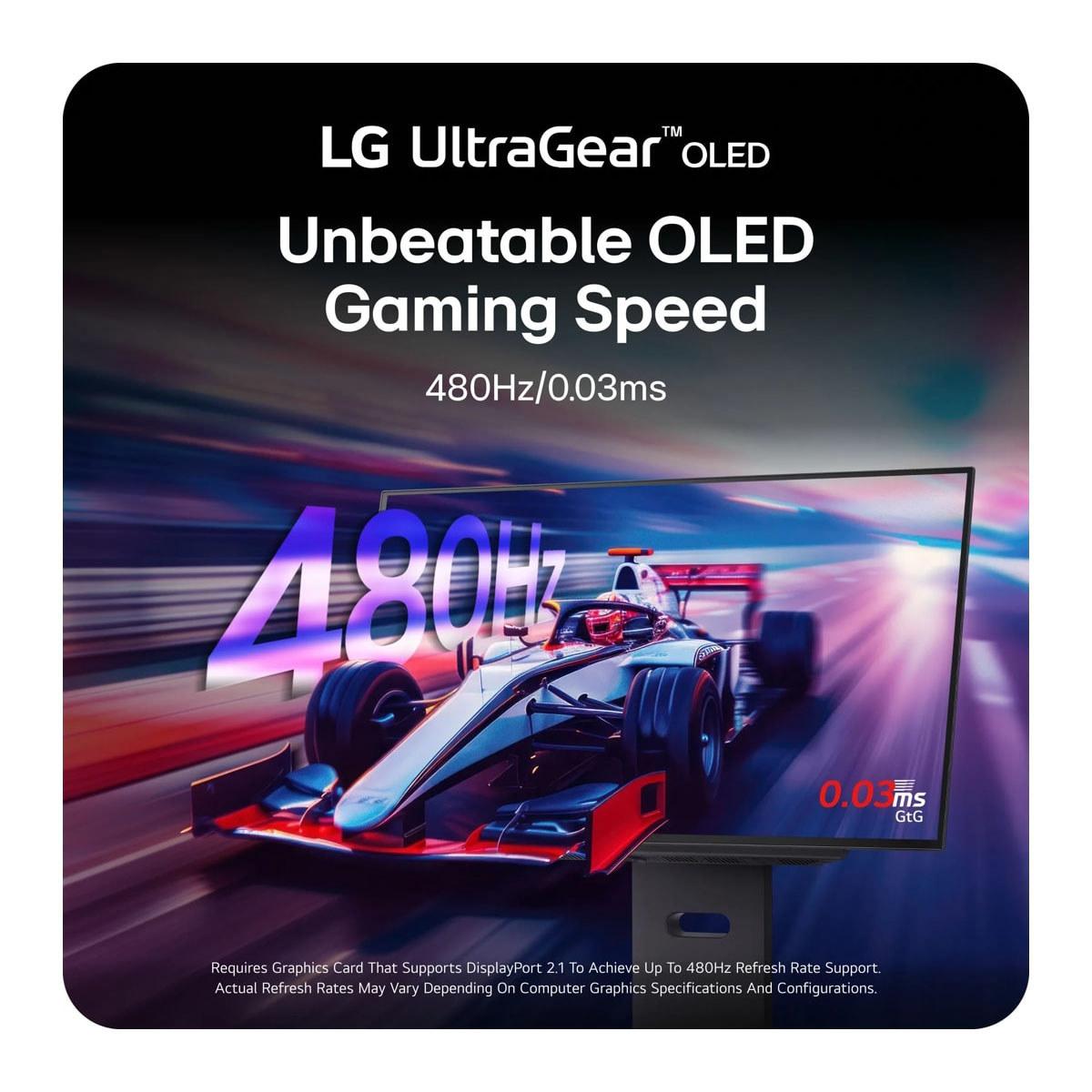
Here's where things get interesting. The LG UltraGear boasts a staggering 480Hz refresh rate – double the AOC's 240Hz. But does this difference actually matter?
Refresh rate determines how many frames per second your monitor can display. Higher refresh rates create smoother motion and can reduce input lag, giving competitive gamers a potential advantage. However, there's a point of diminishing returns, and it largely depends on your graphics card's capabilities.
To utilize 480Hz at 1440p resolution, you need a graphics card that can consistently push 400+ frames per second. That means an RTX 4080 or better, and even then, only in less demanding esports titles like Counter-Strike 2 or Valorant. Most AAA games will struggle to reach even 240fps at maximum settings.
The AOC's 240Hz is more practical for most setups. Graphics cards like the RTX 4060 Ti or 4070 can reasonably target 200+ fps in competitive games, making the full refresh rate achievable. For single-player games with stunning visuals, both monitors will display whatever frame rate your GPU can manage, and the visual difference between 240Hz and 480Hz becomes negligible when you're getting 120-180fps in demanding titles.
In my testing, the jump from 144Hz to 240Hz is noticeable in fast-paced games, but the leap from 240Hz to 480Hz requires very specific conditions to appreciate. Unless you're a professional esports player with a high-end system, the AOC's 240Hz provides excellent performance at a much more reasonable price point.
Both monitors deliver the signature OLED benefits: perfect blacks, infinite contrast ratios, and vibrant colors. However, their HDR (High Dynamic Range) performance differs significantly.
HDR content displays a wider range of brightness levels, from deeper blacks to brighter highlights, creating more realistic and immersive visuals. Think of the difference between a photo taken on a cloudy day versus one in bright sunlight – HDR captures that full range of light.
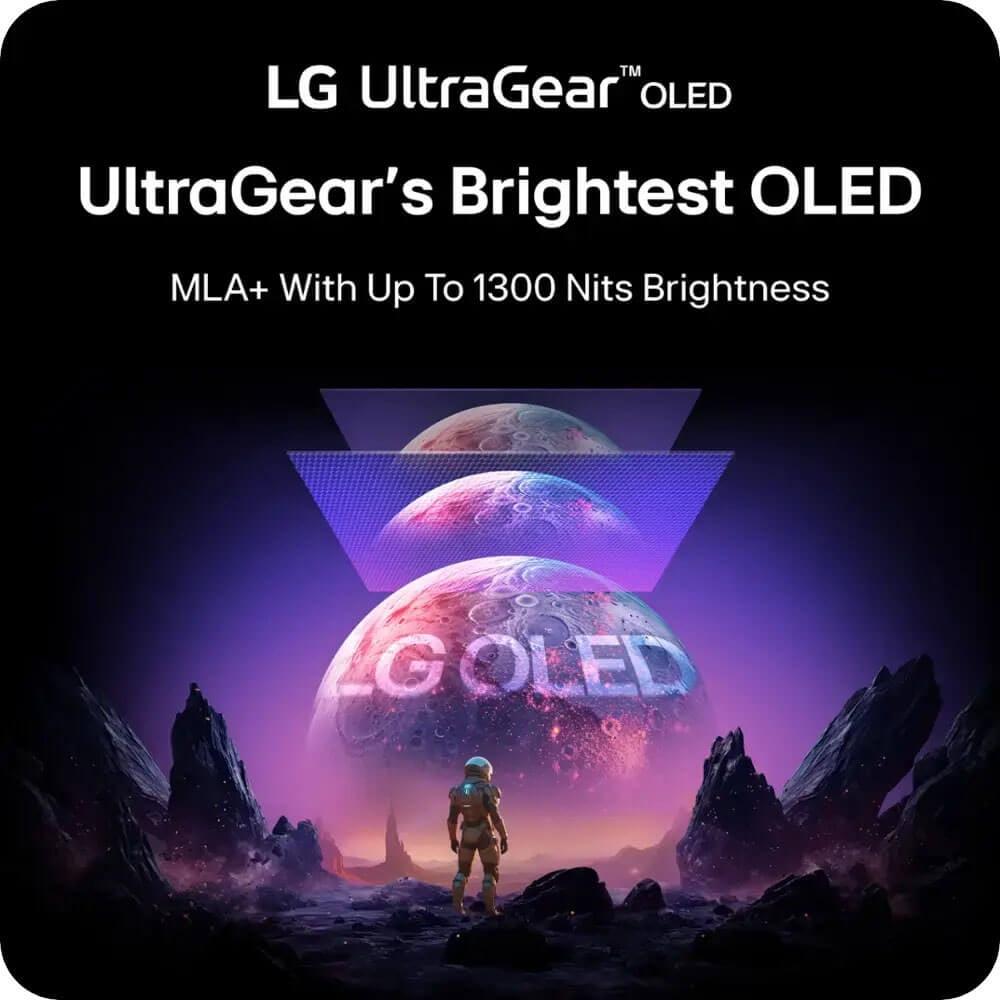
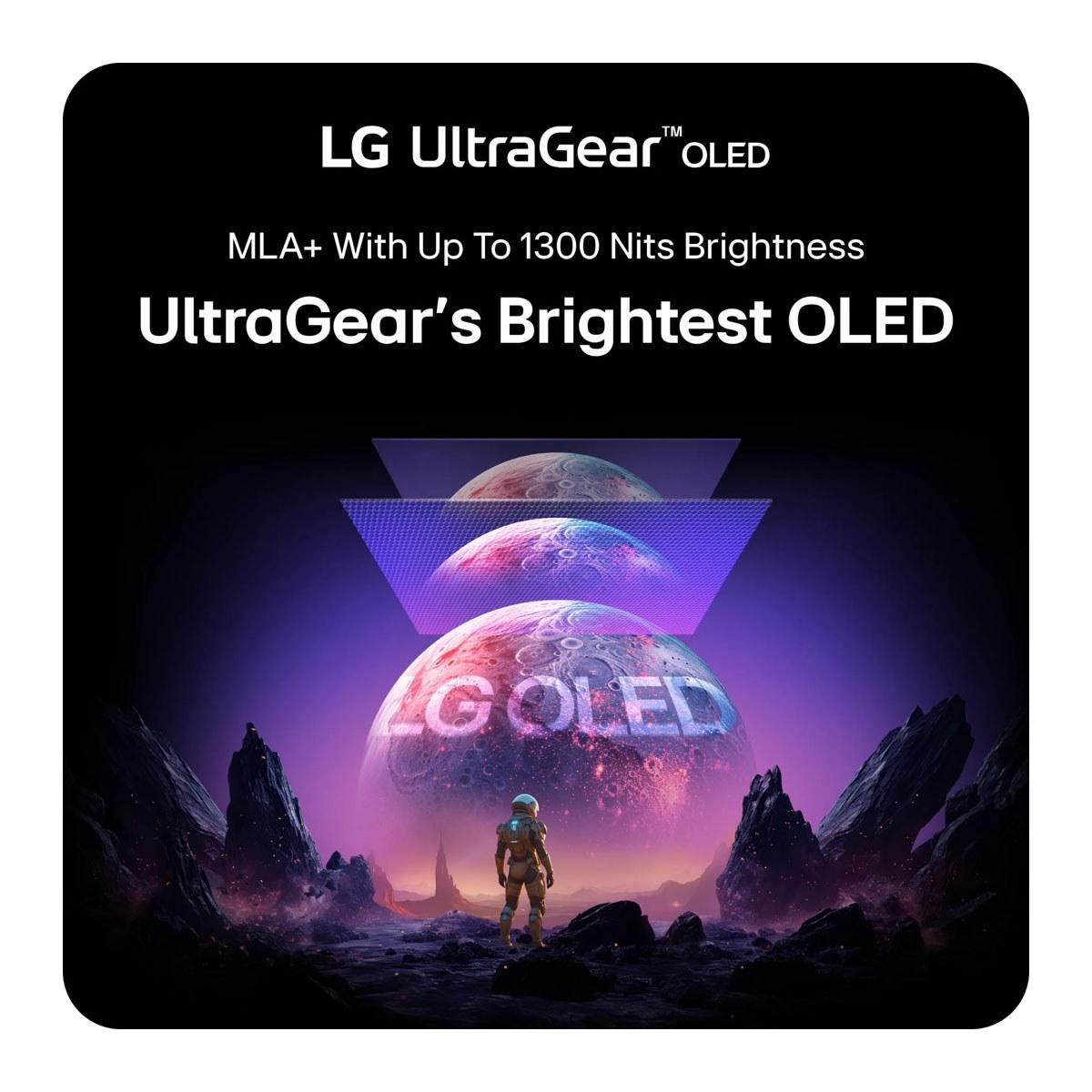
The LG UltraGear achieves higher peak brightness at around 1300 nits in small highlights, compared to the AOC's 1000 nits. This difference becomes apparent in HDR games and movies, where bright explosions, sunlight, or fire effects appear more impactful on the LG display.
However, the AOC AG276QZD2 compensates with superior color volume – the combination of color accuracy and brightness. While it can't get as bright as the LG in highlights, its colors remain more saturated and accurate across all brightness levels. This creates a more consistently impressive image in most gaming content.
Both monitors support VESA DisplayHDR True Black 400 certification, but reviewers have noted that the AOC's HDR color gamut is somewhat narrower than competing monitors. HDR content may appear less vibrant than expected, though it still represents a significant improvement over standard LCD displays.
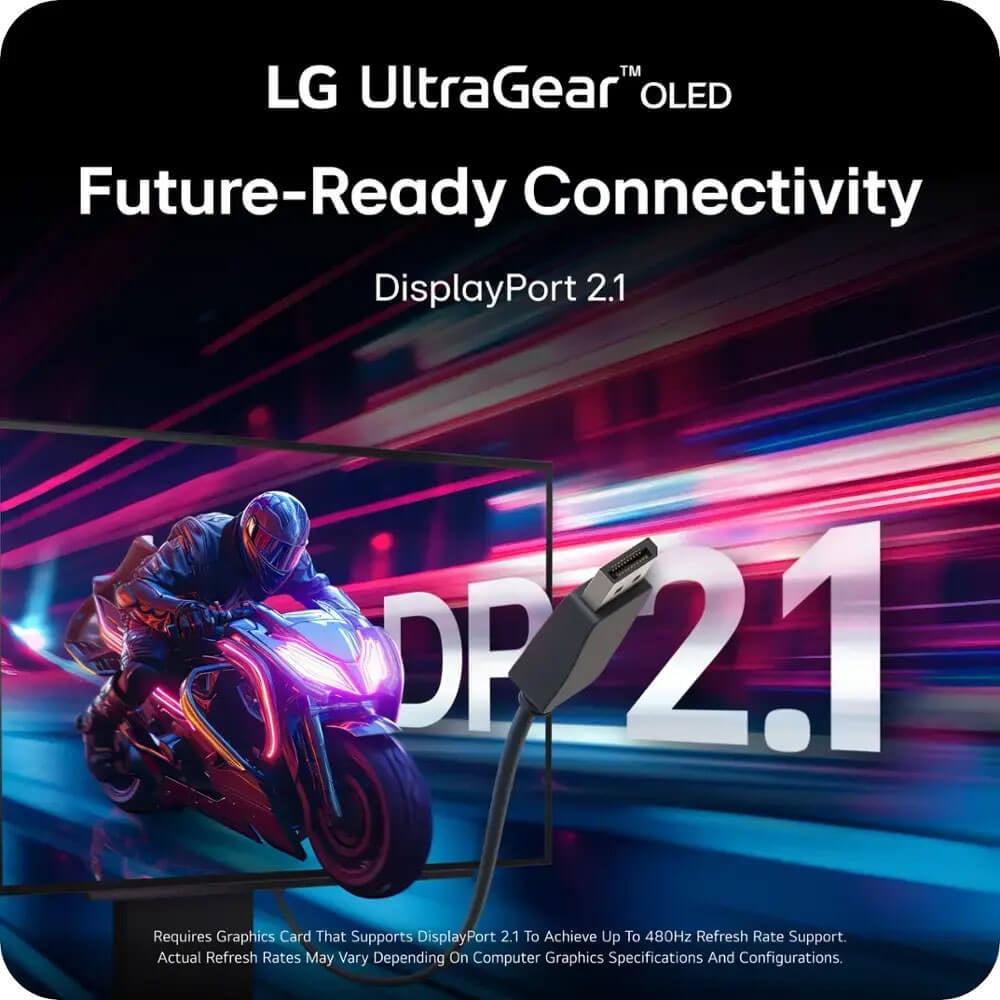
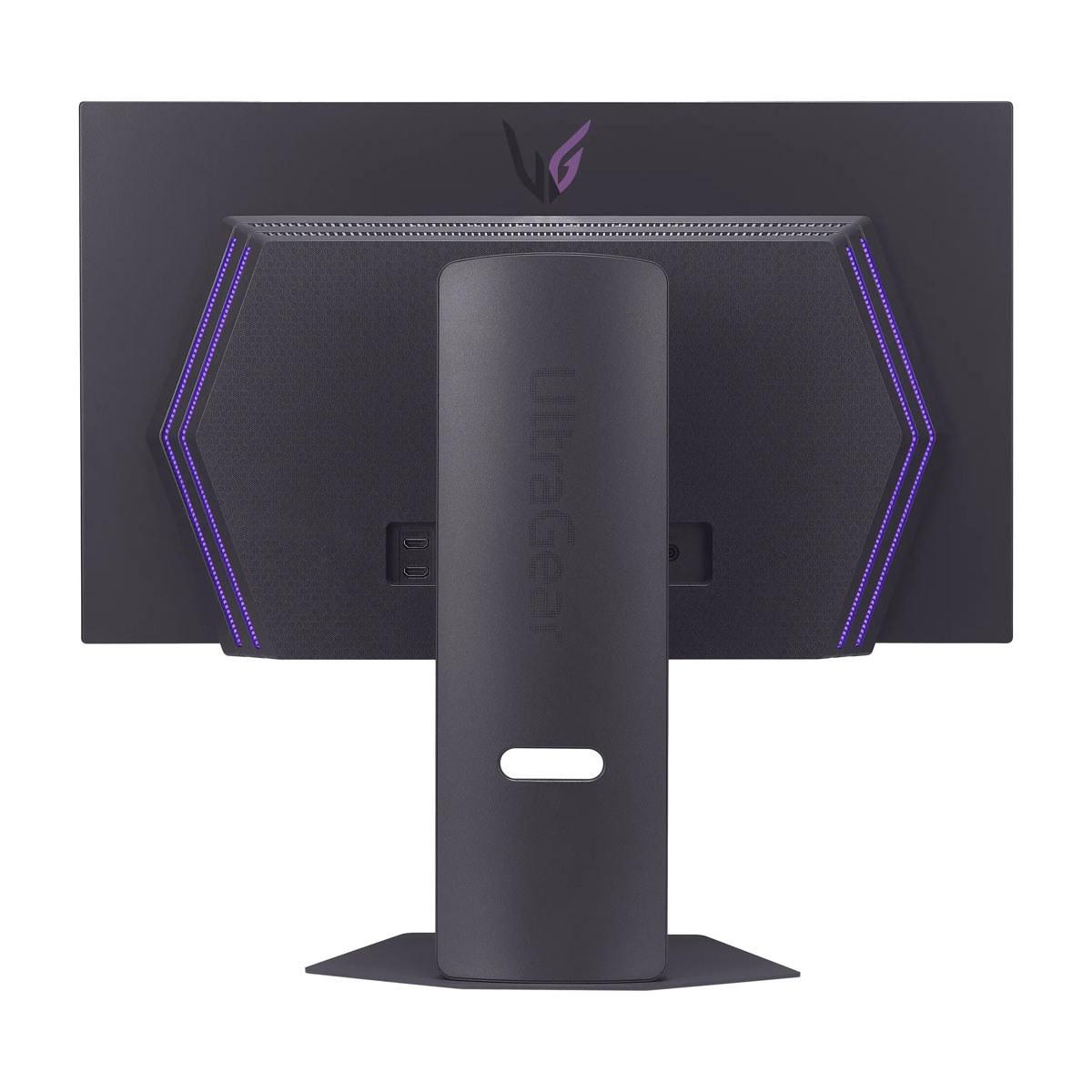
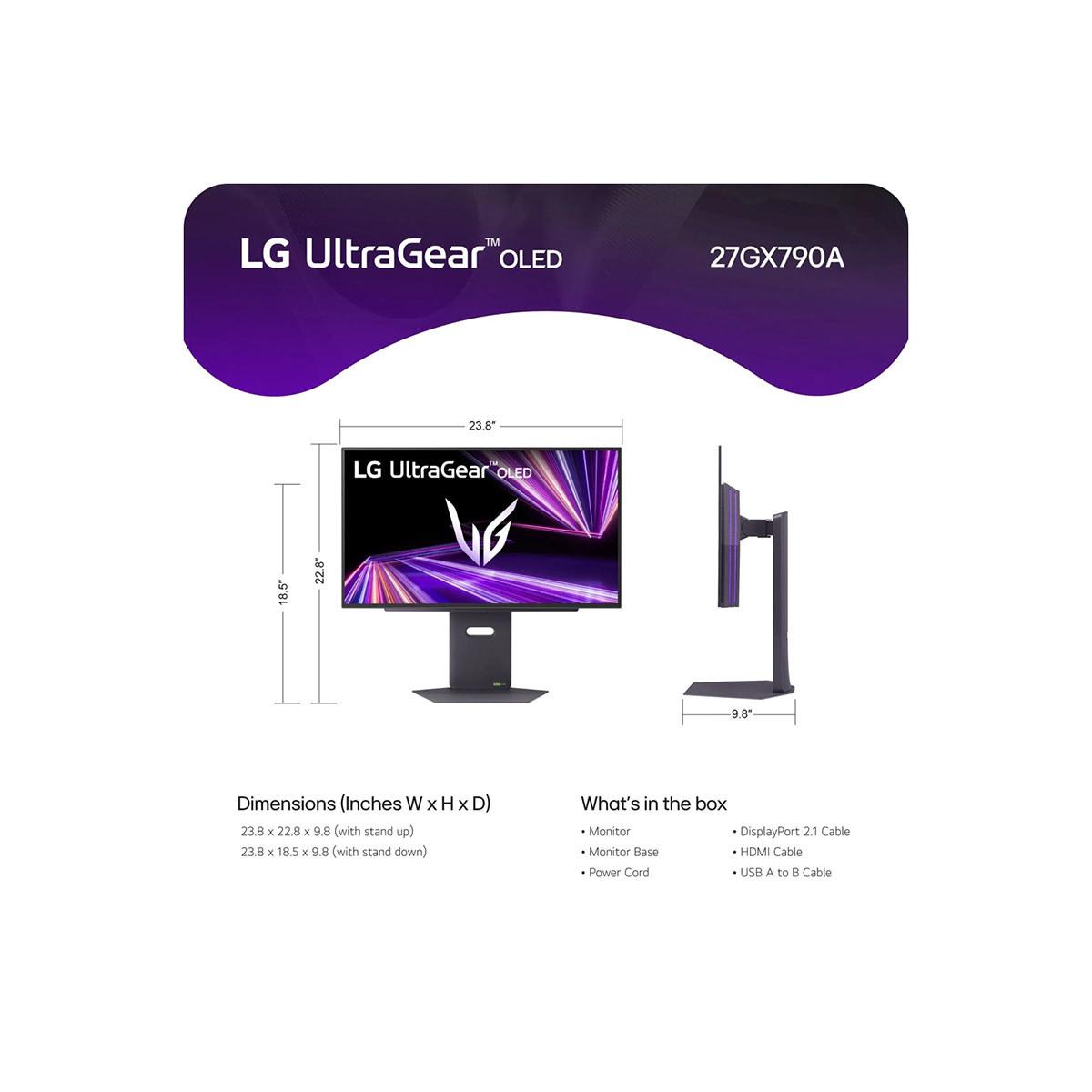
This is where the LG UltraGear clearly outshines the AOC monitor. The LG includes HDMI 2.1 and DisplayPort 2.1 connections, while the AOC is limited to HDMI 2.0 and DisplayPort 1.4.
HDMI 2.1 support is crucial for console gaming. It enables 4K gaming at 120Hz on Xbox Series X and PlayStation 5, plus variable refresh rate (VRR) support for smoother gameplay. The AOC's HDMI 2.0 restricts console gaming to 1440p at 120Hz maximum, limiting its versatility.
DisplayPort 2.1 on the LG monitor provides significantly more bandwidth than DisplayPort 1.4, enabling uncompressed 480Hz at 1440p and preparing for future graphics cards that might push even higher resolutions and refresh rates.
If you primarily game on PC and don't plan to use consoles, the AOC's connectivity is perfectly adequate. However, if you want one monitor for both PC and console gaming, or you're thinking about future upgrades, the LG's modern connectivity is a significant advantage.
Both monitors excel in build quality, but they emphasize different aspects. The AOC AG276QZD2 focuses on gaming-specific features, including customizable RGB lighting that can sync with other AOC peripherals, creating an immersive gaming atmosphere. Its stand offers full ergonomic adjustments – height, tilt, swivel, and pivot – ensuring comfortable positioning for long gaming sessions.
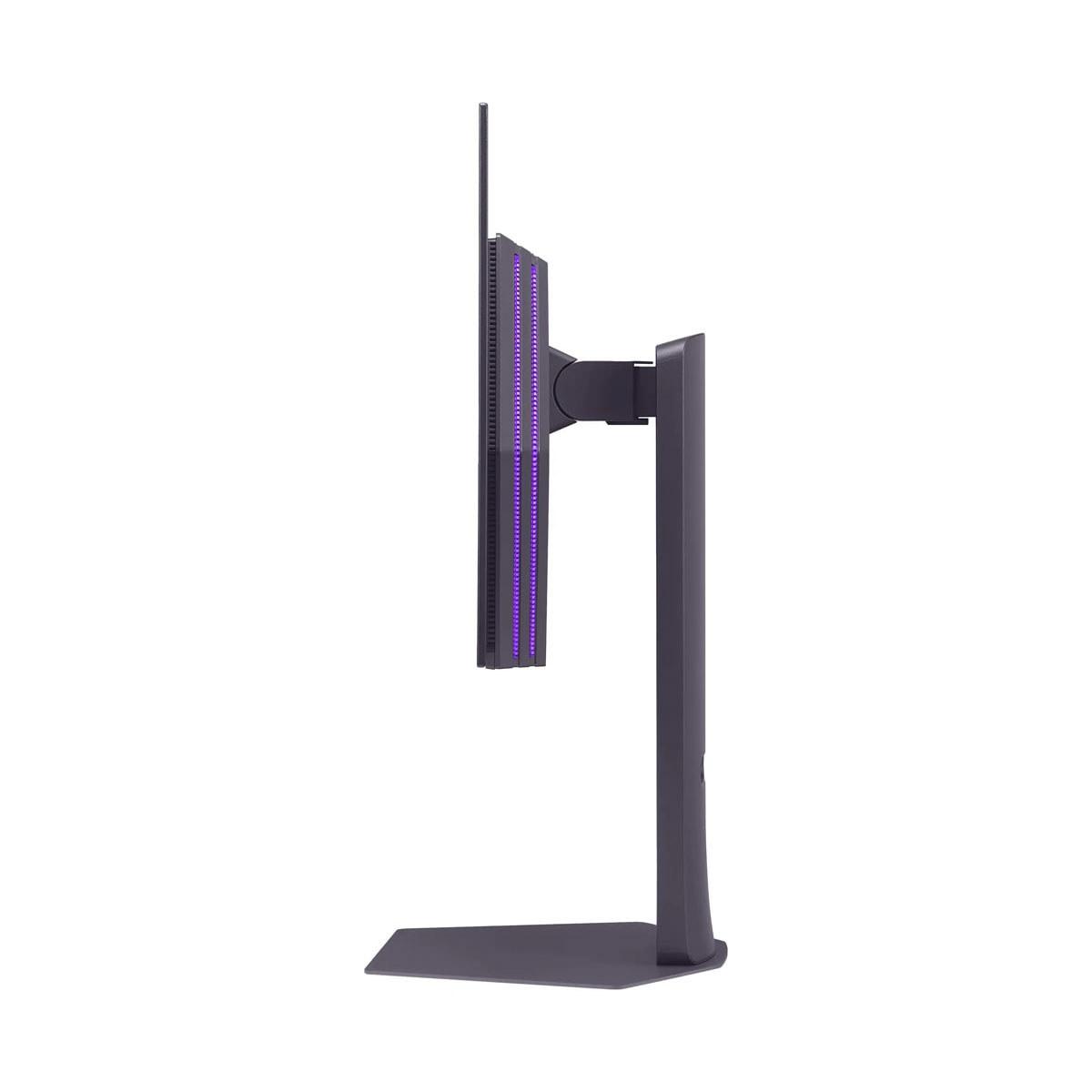
The LG UltraGear prioritizes premium design with its virtually borderless screen and refined industrial design. It feels more sophisticated and would fit better in a professional environment or home theater setup. The included DTS Headphone:X audio processing enhances spatial audio when using headphones, providing better directional audio cues in competitive games.
One significant advantage for the AOC monitor is its comprehensive 3-year warranty that specifically covers OLED burn-in. Burn-in occurs when static images (like game HUDs or desktop icons) remain on screen for extended periods, potentially causing permanent image retention. The LG monitor includes a standard 2-year OLED warranty with built-in care features to prevent burn-in, but the shorter coverage period is worth considering.
While both monitors are designed primarily for gaming, they can serve double duty in home theater setups, though with different strengths.
The LG UltraGear's higher HDR brightness makes it better suited for movie watching, especially in rooms with some ambient light. Its HDMI 2.1 connectivity seamlessly handles 4K Blu-ray players and streaming devices at their full capability. The refined design also looks more at home in a living room setting.
However, the AOC AG276QZD2's superior color accuracy and saturation can make movies appear more vibrant and engaging. Its QD-OLED technology excels with animated content and colorful films where the enhanced color volume really shines.
For a dedicated home theater, you'd typically want a larger screen, but if you're setting up a compact entertainment area or want a versatile display that excels at both gaming and media consumption, both monitors deliver excellent performance with different strengths.
Testing these monitors across various game genres reveals their distinct personalities. In competitive esports titles like Counter-Strike 2 or Valorant, the LG's 480Hz provides the smoothest possible motion when paired with a high-end graphics card. The difference is subtle but measurable – tracking fast-moving opponents feels slightly more precise.
However, in visually stunning single-player games like Cyberpunk 2077, The Witcher 3, or Red Dead Redemption 2, the AOC's QD-OLED technology creates more immersive visuals. Colors appear richer and more lifelike, making game worlds feel more believable and engaging.
Both monitors eliminate the motion blur and ghosting that plague LCD displays. Fast camera movements in first-person shooters remain crystal clear, and rapid scene changes don't create distracting artifacts. The 0.03ms response time is essentially instantaneous – your inputs register immediately on screen.
The pricing difference between these monitors is substantial – the AOC AG276QZD2 costs roughly half as much as the LG UltraGear. This creates very different value propositions.
The AOC monitor delivers about 90% of the premium OLED gaming experience at 50% of the cost. You get the signature OLED benefits – perfect blacks, vibrant colors, and ultra-fast response times – along with excellent 240Hz performance. The compromises are mainly in HDR brightness and future-proofing, not core gaming performance.
The LG UltraGear commands its premium through cutting-edge specifications: 480Hz refresh rate, superior HDR performance, and comprehensive modern connectivity. However, fully utilizing these advantages requires high-end hardware and specific use cases.
Choose the AOC Agon Pro 27" QD-OLED if you want excellent OLED gaming performance without breaking the bank. It's ideal if you primarily game on PC, have a mid-to-high-end graphics card (RTX 4060 Ti through 4070), and prioritize vibrant colors and smooth gameplay over absolute maximum refresh rates. The superior warranty coverage for burn-in provides additional peace of mind.
The LG UltraGear 27" justifies its premium price for competitive gamers with high-end systems (RTX 4080+) who can actually utilize 480Hz refresh rates. It's also the better choice if you need HDMI 2.1 for console gaming, want the brightest possible HDR performance, or prioritize future-proofing your setup for next-generation hardware.
For most gamers, the AOC AG276QZD2 provides exceptional value, delivering the core benefits of OLED technology at a much more accessible price point. The LG UltraGear is undeniably more advanced, but its advantages are most meaningful for a specific subset of users with high-end systems and competitive gaming focus.
Both monitors represent the current pinnacle of gaming display technology, just targeted at different users and budgets. Your choice ultimately depends on whether the LG's premium features justify doubling your investment for your specific gaming needs and system capabilities.
| AOC Agon Pro 27" QD-OLED 240Hz Gaming Monitor | LG UltraGear 27" OLED QHD 480Hz Gaming Monitor |
|---|---|
| Price - Major factor in value proposition | |
| ~$485 (exceptional value for QD-OLED tech) | ~$1,000 (premium pricing for cutting-edge specs) |
| Panel Technology - Affects color quality and brightness | |
| QD-OLED (superior color volume and saturation) | WOLED (higher peak brightness, mature technology) |
| Refresh Rate - Smoothness for competitive gaming | |
| 240Hz (excellent for most gamers, achievable frame rates) | 480Hz (industry-leading, requires high-end GPU) |
| Response Time - Input lag and motion clarity | |
| 0.03ms GtG (virtually instantaneous) | 0.03ms GtG (virtually instantaneous) |
| Peak HDR Brightness - Impact of bright highlights | |
| 1,000 nits (good HDR performance) | 1,300 nits (superior HDR highlight impact) |
| Color Coverage - Vibrancy and accuracy | |
| DCI-P3 99%, sRGB 138% (more saturated colors) | DCI-P3 98.5% (excellent but less vibrant) |
| Connectivity - Console compatibility and future-proofing | |
| HDMI 2.0, DisplayPort 1.4 (adequate for PC gaming) | HDMI 2.1, DisplayPort 2.1 (best for consoles and future GPUs) |
| HDR Certification - Quality of HDR experience | |
| VESA DisplayHDR True Black 400 (limited color gamut) | VESA DisplayHDR True Black 400 (better overall HDR) |
| Warranty Coverage - Protection against OLED burn-in | |
| 3 years including burn-in coverage | 2 years with OLED care features |
| Gaming Features - Additional functionality | |
| RGB lighting, G-Menu software, gaming presets | DTS Headphone:X, premium design, borderless screen |
| Best For - Target user profile | |
| Budget-conscious PC gamers wanting OLED quality | Competitive esports players with high-end systems |
The AOC Agon Pro 27" QD-OLED 240Hz Gaming Monitor at $485 provides exceptional value, delivering 90% of premium OLED gaming performance at half the cost of the LG UltraGear 27" OLED QHD 480Hz Gaming Monitor at $1,000. For most gamers, the AOC offers the better price-to-performance ratio.
The LG UltraGear offers 480Hz while the AOC monitor provides 240Hz. The difference is mainly noticeable in competitive esports with high-end GPUs (RTX 4080+). For most gaming scenarios, 240Hz provides excellent smoothness without requiring extreme hardware.
Both deliver excellent OLED picture quality with perfect blacks and vibrant colors. The AOC AG276QZD2 uses QD-OLED technology for more saturated colors, while the LG UltraGear achieves higher HDR brightness (1,300 vs 1,000 nits) for better highlight performance.
The LG UltraGear is significantly better for console gaming with HDMI 2.1 support enabling 4K@120Hz and VRR on Xbox Series X/PS5. The AOC monitor is limited to 1440p@120Hz due to HDMI 2.0 connections.
The LG UltraGear 27" has the edge for competitive esports with its 480Hz refresh rate, assuming you have a high-end GPU. However, the AOC Agon Pro delivers excellent competitive performance at 240Hz for a much lower price.
The AOC AG276QZD2 works well with RTX 4060 Ti-4070 class cards at 240Hz. The LG UltraGear requires RTX 4080+ to fully utilize its 480Hz capability, making it more demanding on your hardware budget.
The LG UltraGear provides superior HDR with higher peak brightness and better color volume. The AOC monitor has more limited HDR color gamut, though both support VESA DisplayHDR True Black 400 certification.
Both monitors can experience OLED burn-in from static images. The AOC Agon Pro includes a superior 3-year burn-in warranty, while the LG UltraGear offers 2 years with built-in OLED care features for prevention.
The AOC AG276QZD2 excels in single-player games due to its QD-OLED technology producing more vibrant, saturated colors that make game worlds appear more immersive. The refresh rate difference is less important for non-competitive gaming.
The LG UltraGear offers superior connectivity with HDMI 2.1 and DisplayPort 2.1 for future-proofing. The AOC monitor uses HDMI 2.0 and DisplayPort 1.4, which is adequate for current PC gaming but limits console compatibility.
Both offer excellent build quality. The AOC Agon Pro focuses on gaming features like RGB lighting and comprehensive adjustability. The LG UltraGear emphasizes premium design with borderless aesthetics and DTS audio processing.
Choose the AOC AG276QZD2 if you want excellent OLED gaming performance at a budget-friendly price for PC gaming. Choose the LG UltraGear if you're a competitive gamer with a high-end system who needs maximum refresh rates and console compatibility.
We've done our best to create useful and informative comparisons to help you decide what product to buy. Our research uses advanced automated methods to create this comparison and perfection is not possible - please contact us for corrections or questions. These are the sites we've researched in the creation of this article: tomshardware.com - techpowerup.com - tomshardware.com - aoc.com - tftcentral.co.uk - aoc.com - rtings.com - bestbuy.com - youtube.com - displayspecifications.com - aoc.com - microcenter.com - guru3d.com - bestbuy.com - bhphotovideo.com - engadget.com - newegg.com - youtube.com - bestbuy.com - techpowerup.com - techpowerup.com - rtings.com - lg.com - lgnewsroom.com - rtings.com - bestbuy.com - jonesapplianceandtv.com - thefrogpadappliances.com - lg.com - lg.com - lg.com - techpowerup.com - lg.com - lg.com

Privacy Policy
Terms and Conditions - Affiliate Policy
Home Security
© Copyright 2008-2026.
11816 Inwood Rd #1211, Dallas, TX 75244